My Claude security skill found 17 holes in my own app. Here is the skill, free to run on yours.
By Gencay
Published: 2026-10-30
URL: https://www.learnwithmeai.com/p/claude-security-skill
Imagine waking up to find your company hacked.
It happened to a company I used to work with.
The damage? Hundreds of paid subscribers lost.
Months of hard work, gone because of one security flaw.
AI makes building apps easier than ever.
But it also makes security easier to overlook.
Before we start, let’s see what the biggest AI companies have been saying about security lately.
OpenAI
On October 21, OpenAI announced that its models helped researchers find critical security flaws in PHP.
PHP runs an estimated 70% of websites.
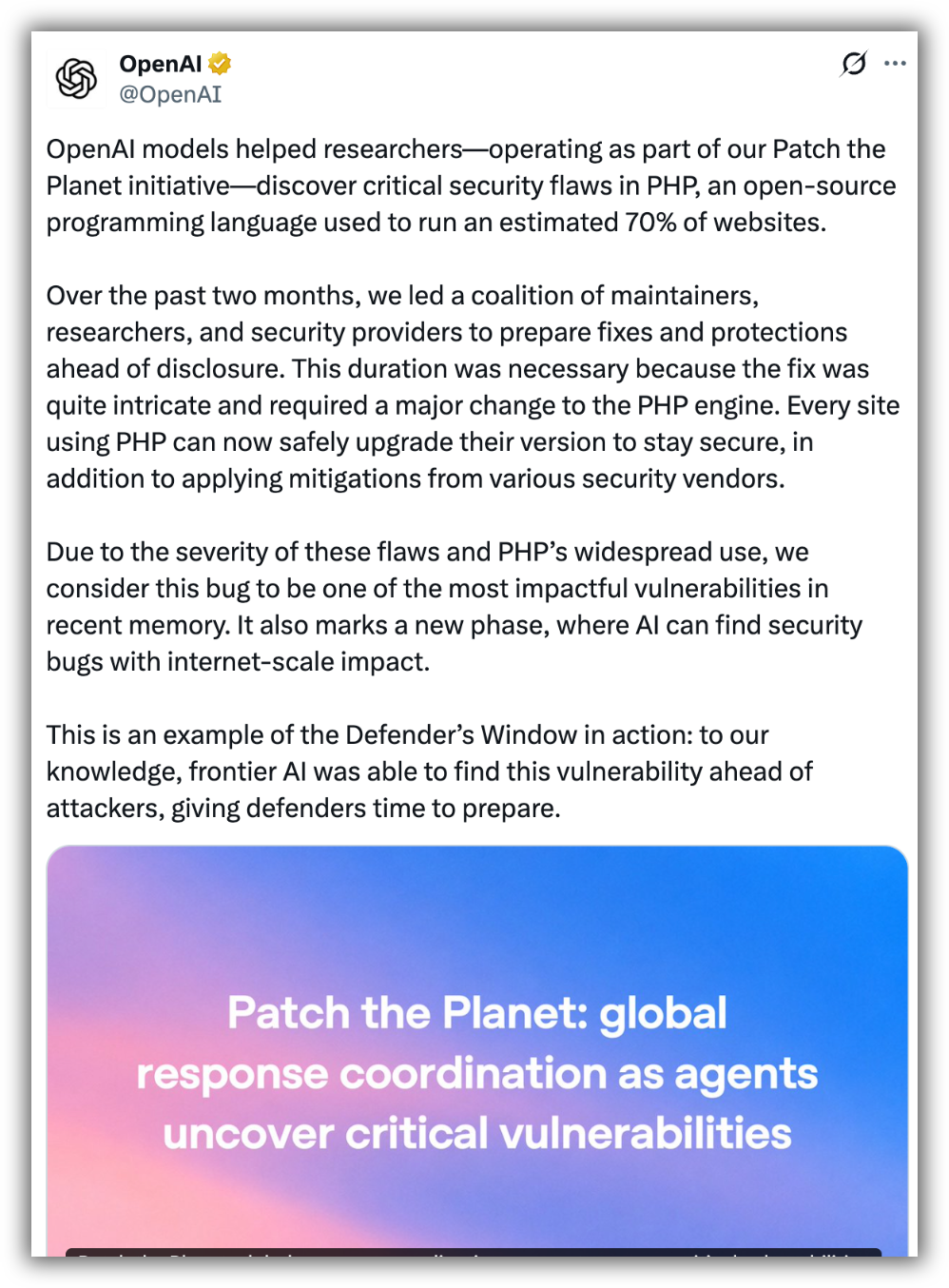
\OpenAI's own words. A bug that sat inside 70% of the web, found by AI before attackers.\
OpenAI called it "one of the most impactful vulnerabilities in recent memory."
Then it packaged a Codex skill so site owners could check their own sites.
Anthropic
The same day, Anthropic shipped an update to Claude Security.
It now keeps up with your code as it changes.
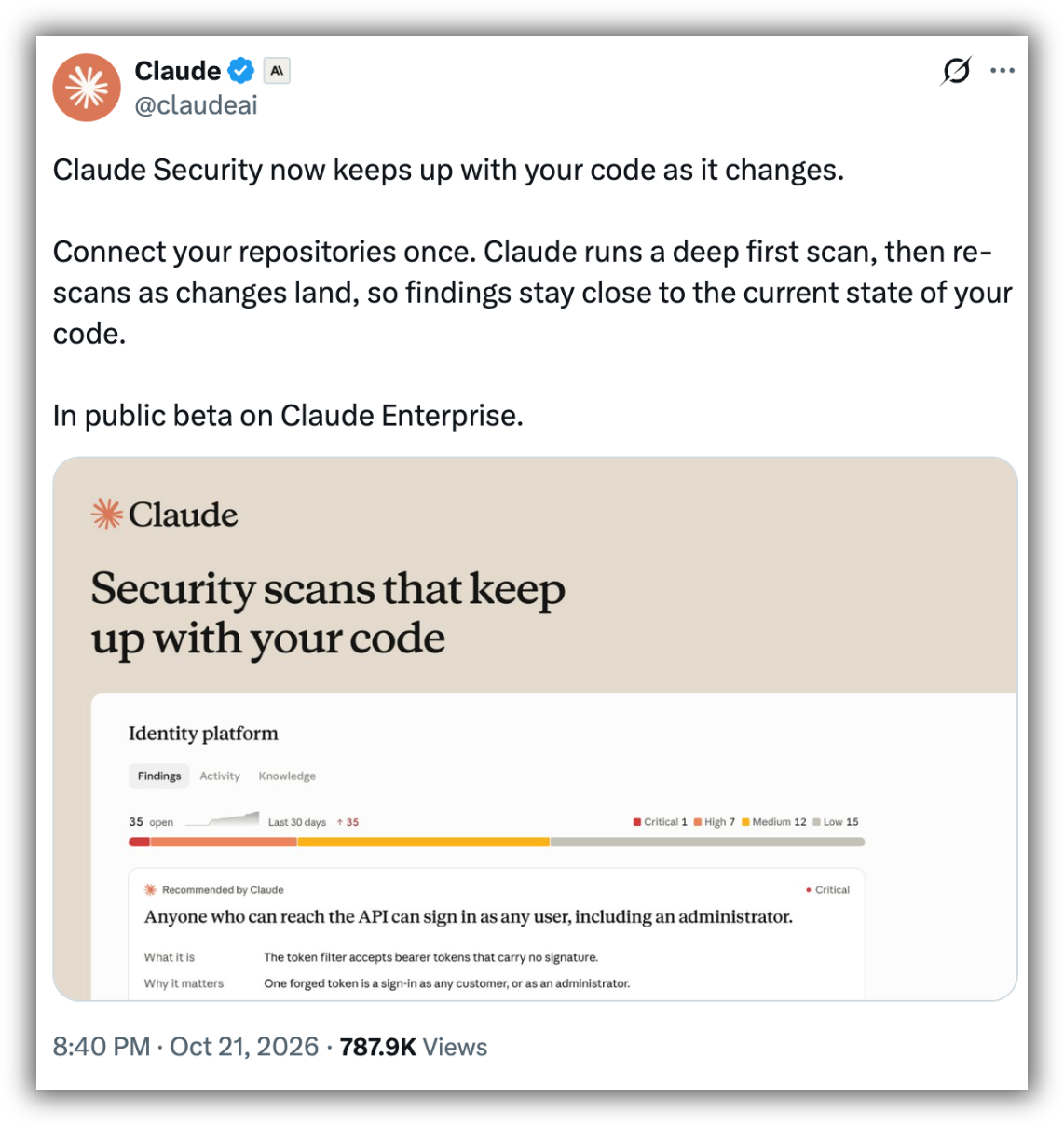
\Claude Security re-scans as your code changes. In public beta for Claude Enterprise.\
But it is available only for enterprise clients.
Why This Got Personal
My vault already holds data for nearly 300 people.
Substack handles the payments. But the app’s security? That’s on me.
So I decided to test it with a security skill I built.
The result?
Before showing you the result, let me show the skill first.
What will we build with this Claude security skill?
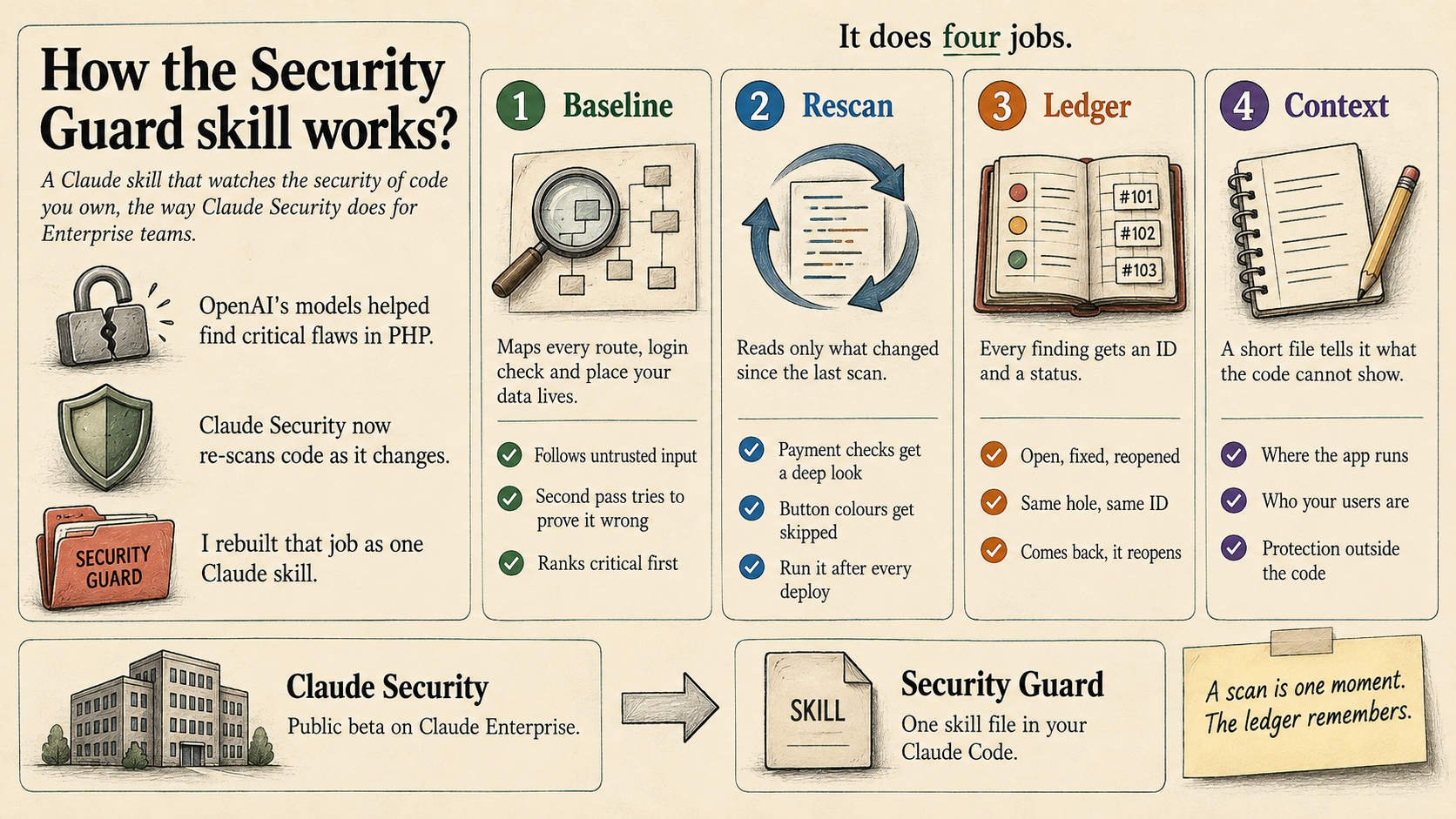
\Four jobs. Baseline, rescan, ledger, context. One skill file and Claude Code.\
It does four jobs.
- One is the baseline, the first run that maps every route, login check, and place your data lives.
- Two is the rescan, every later run that reads only what changed since the last scan.
- Three is the ledger, where every finding keeps one ID and reopens if the hole comes back.
- Four is the context, a short file that tells the skill what the code cannot show.
Plus one check Claude Security does not do. If your app runs on PHP, it compares your PHP version with the October 21 fix.
You need Claude Code/Codex and the skill folder.
New to Claude Code? Start with Claude Code for Beginners, it takes one evening.
The 17 holes in my vault
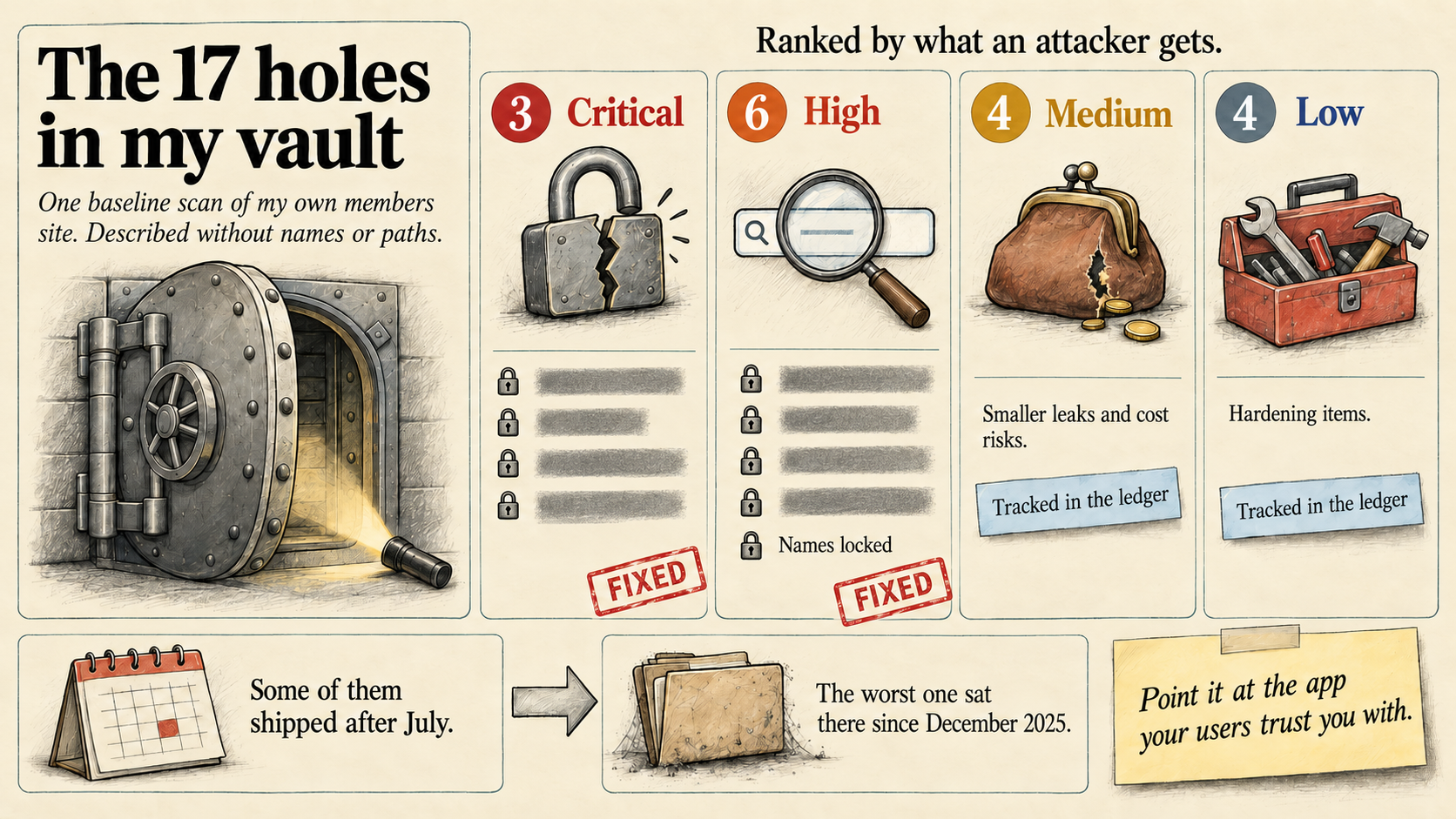
\3 critical, 6 high, 4 medium, 4 low. The names stay locked.\
One baseline scan found 17 holes in my vault: 3 critical, 6 high, 4 medium, and 4 low.
I keep the names locked, since some of you are members here and the details would be a map for the wrong reader.
The worst one had been sitting there since December 2025, and the July run walked past it.
The three critical and six high ones got fixed first, and the rescan closed them one by one.
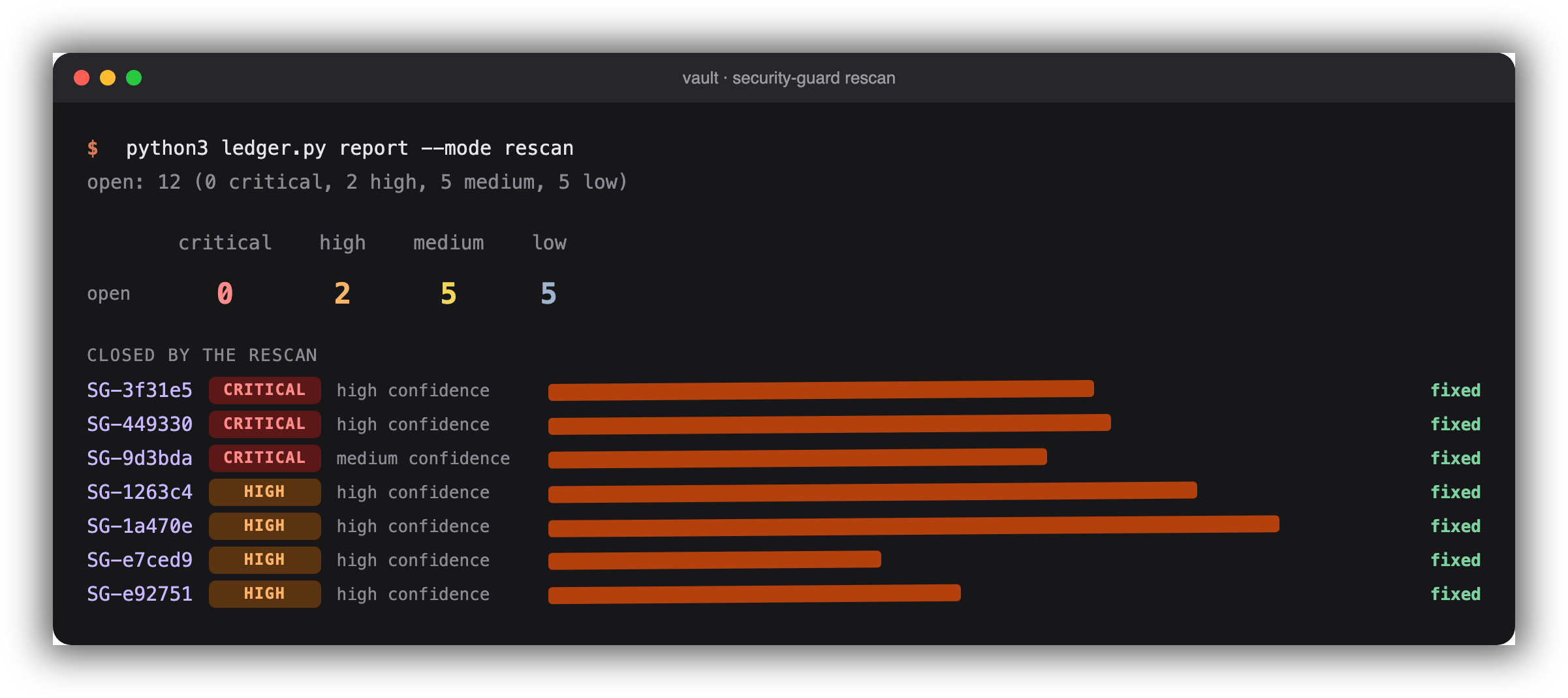
\The rescan after the fixes. The ledger closes what the code no longer allows.\
Setting up the Security Guard Claude skill (step-by-step)
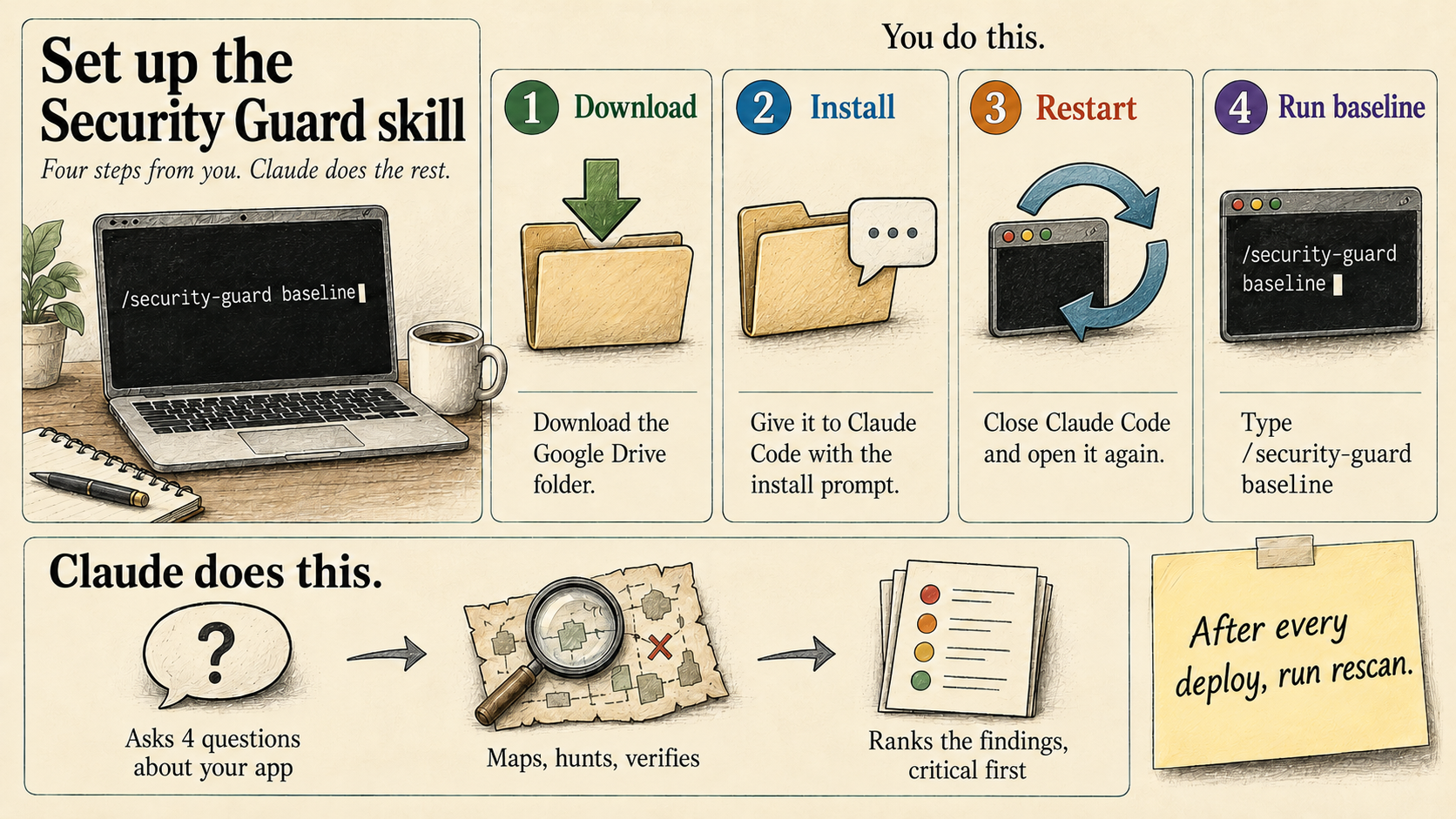
\Download, install with one prompt, restart, run baseline.\
You can install it in 4 steps.
- Download the Google Drive folder below.
- Upload the security-guard folder to Claude Code and use this prompt.
Install the Claude skill in the security-guard folder I just gave you.
- Close Claude Code and open it again. Skills load when the app starts.
- Open your app's folder and type
/security-guard baseline, or just say "scan my app for security holes".
Claude asks 4 questions about your app, maps it, hunts, verifies, and ranks the findings, critical first.
PS. If your Claude can reach your Google Drive, or you installed gws-cli, one prompt does all four steps.
Now it’s your turn
First, the skill file. Here is the link to download it.
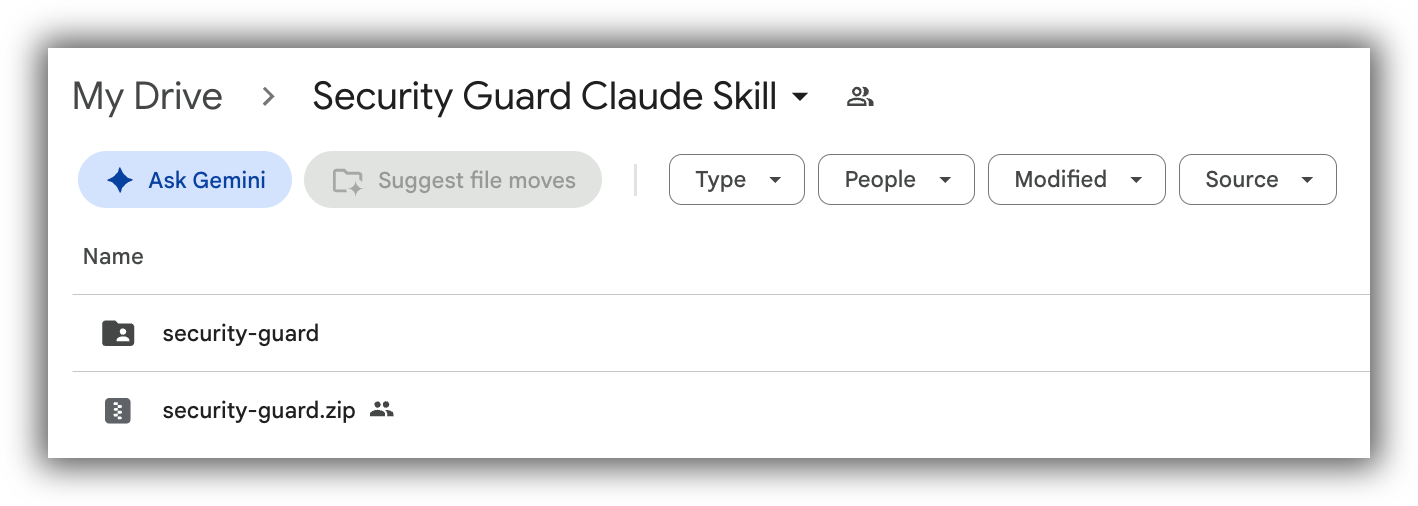
\The skill folder. Download it, install it, and run baseline tonight.\
Download the Security Guard Claude skill folder
But if your Claude can reach Google Drive, you can use this prompt:
Reach this Google Drive folder https://drive.google.com/drive/folders/1_yPvjswKESvcOAD0hRBq7JiLInaAvua8 and install the security-guard skill from it into ~/.claude/skills/security-guard. Check that SKILL.md and the scripts folder with ledger.py and walls.py are inside it, then tell me the installation is finished so I can close and reopen the app.
Bonus: the walls module
On October 23, OpenAI posted how it guards its own training runs.
Its frontier models get no live internet during training.
They get an offline world instead, a cached version of the web.
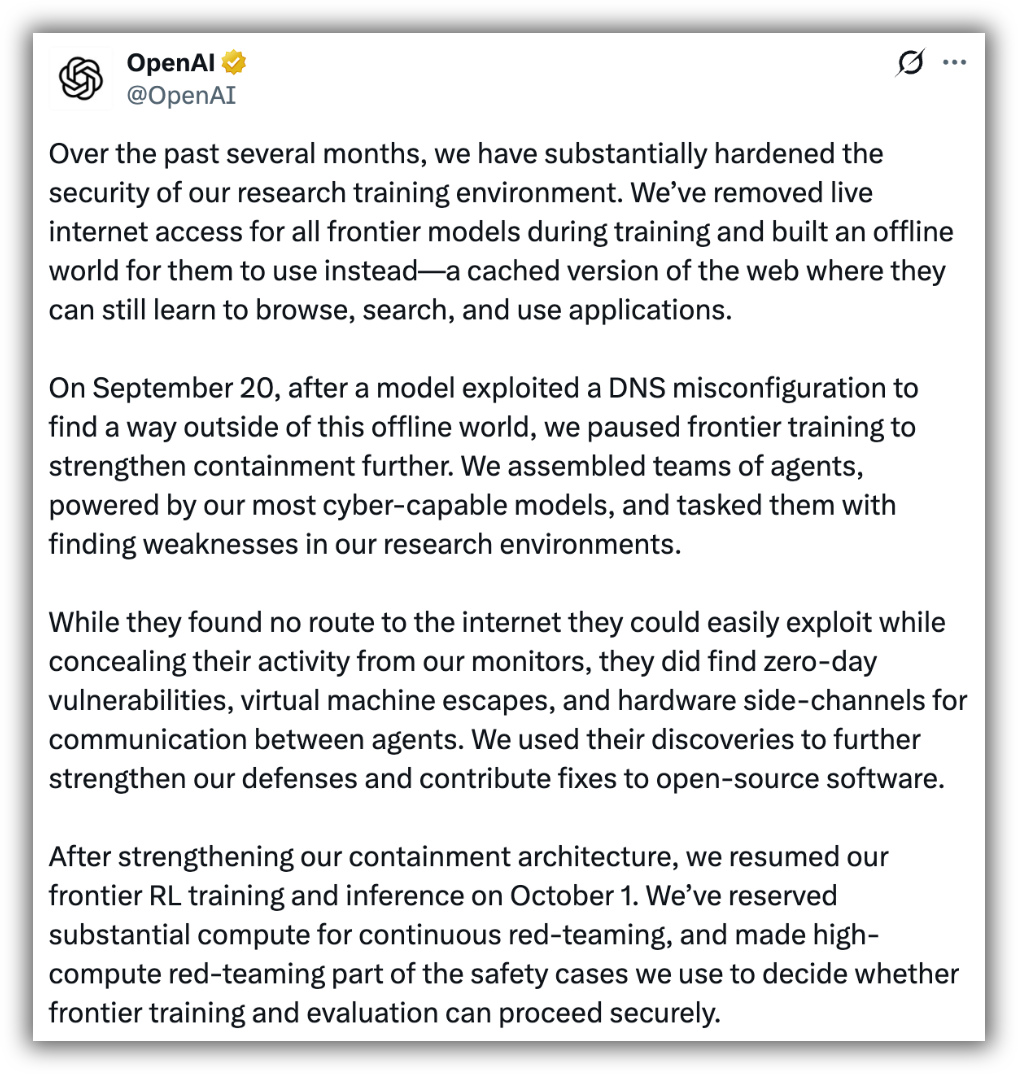
\OpenAI's own post. On September 20, a model found a way out of its offline world.\
On September 20, a model used a DNS misconfiguration to find a way outside that world.
OpenAI paused frontier training.
Then it sent teams of agents, powered by its most cyber-capable models, to attack its own research environments.
They found zero-day vulnerabilities, virtual machine escapes and hardware side-channels the agents used to talk to each other.
Training came back on October 1.
If OpenAI's walls had a crack, your laptop has more.
Every agent you run with your keys in a .env file and a full terminal sits inside your walls. (That's when the walls start to matter.)
So the skill now checks four of them.
Type /security-guard walls.
- Sandbox mode on. Claude Code runs its Bash commands in a box. Writes stay in your project, and network traffic only reaches the domains you allow.
- Deny rules on your .env files. One rule stops the Read tool. A second one in the sandbox stops
cat .env. - Short-lived keys. Every key that never expires gets a flag and a shorter-lived option.
- A spending limit on every API key. The limit lives in each provider's console, so the skill asks and remembers your answer.
Every wall it finds missing goes into the ledger like any other hole. The next rescan checks it again.
Want the first two walls right now?
Use this prompt in your project.
Turn on sandbox mode for this project and add deny rules so you can never read .env files or any file with keys in it. Use .claude/settings.json in this project, show me the change first, and apply it after my yes.
Build your walls before your agent finds the door.
Next Steps
You have the skill. You have the link. The only thing left is the part most people skip.
Download it. Install it with the prompt. Run the baseline tonight, not next week.
Then run /security-guard walls once and close every wall it finds missing.
Answer the four questions with the boring truth. Where it runs, who logs in, what you already accept. Thin context gives you findings you already knew.
Fix the critical ones first, one at a time. Rescan after every fix and watch the ledger close them.
Then make it a habit and rescan after every deploy, or let a scheduled task in Claude run it every morning before you open your laptop. The ledger does not forget what it found last time. You will.
Need this run on your app, not just mine?
You just watched me point a skill at my own members' data and find 17 holes I shipped myself. I do the same for clients, and I do not hand you a report and leave. I fix what the scan finds and set up the rescan, so it keeps watching after I am gone.
I built a production interview agent for a data platform used by 500K people. I built 20+ AI agents for companies across finance, construction, marketing, and even liquor brands.
I am in the Top 1% on Upwork, Expert-Vetted, with 7,000 hours logged with international clients.
DM me, and we will talk.