I put Reverse Engineer Anything (REA) inside my Claude pipeline and built Glide, a Screen Studio alternative. Get the skill and prompt to clone any app you use.
By Gencay
Published: 2026-10-14
URL: https://www.learnwithmeai.com/p/reverse-engineer-anything-claude
Last week, a developer rebuilt seven of Adobe’s apps, like Photoshop and Premiere.
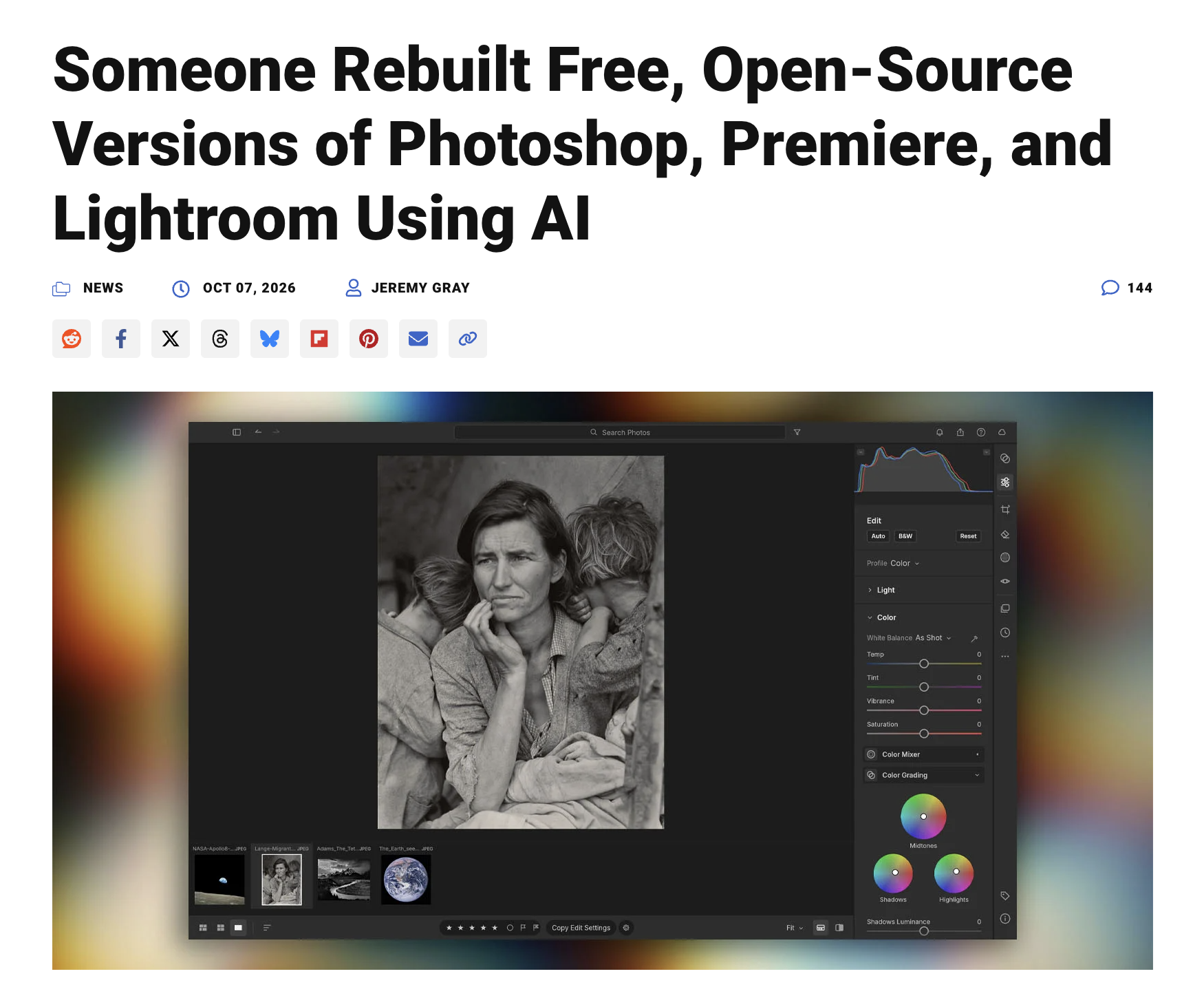
\Free, open-source Photoshop, Premiere, and Lightroom, rebuilt with AI.\
Then he open-sourced them and gave them away for free.
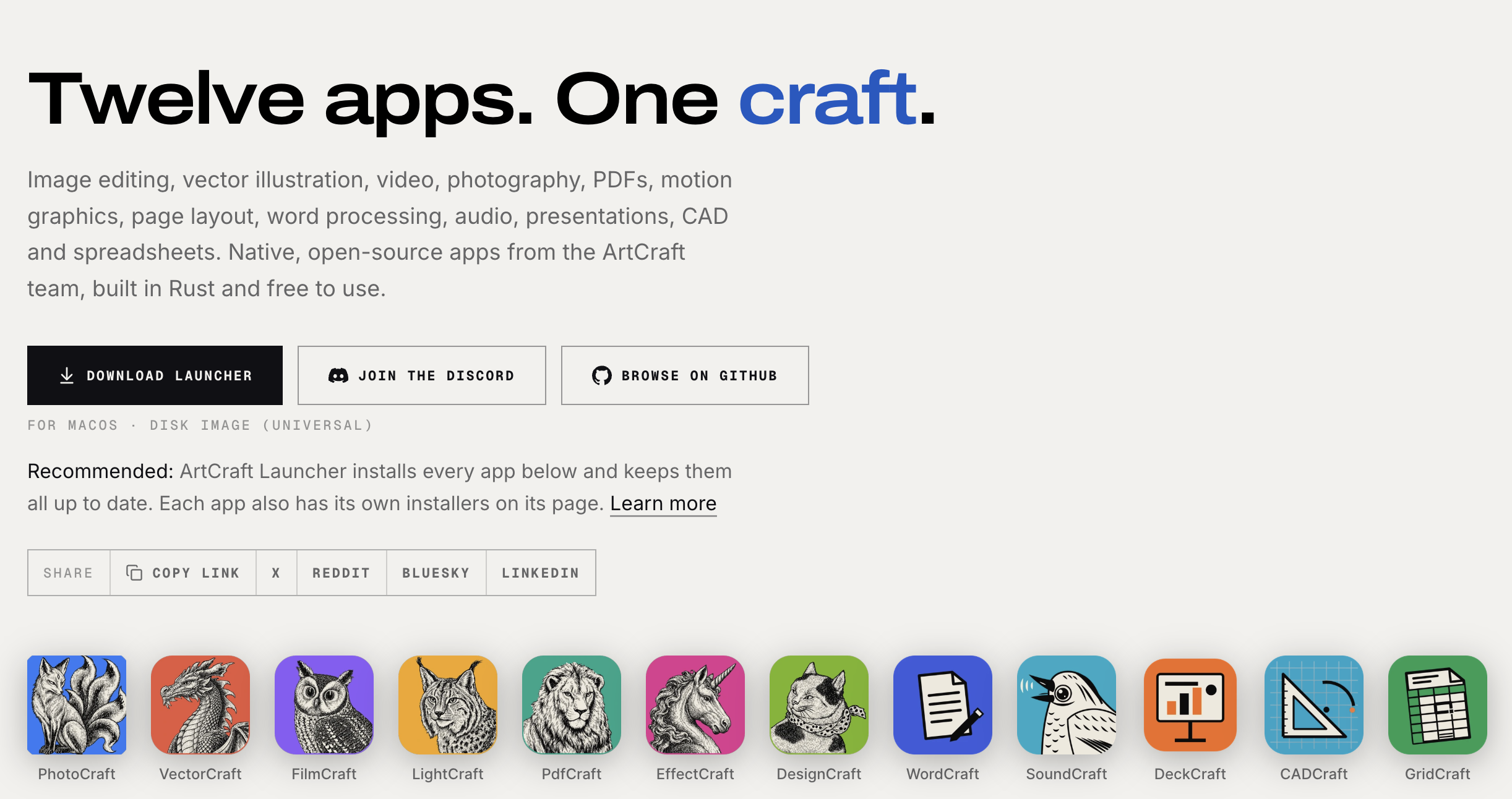
\ArtCraft now lists twelve apps, all built in Rust and free to use.\
The project is ArtCraft, and the developer is Brandon Thomas. He reverse-engineered Adobe’s apps from scratch with Claude Opus 5.5 and Rust, without a single line of Adobe’s code, and open-sourced the whole suite. His reason?
Adobe charged him a cancellation fee more than once.
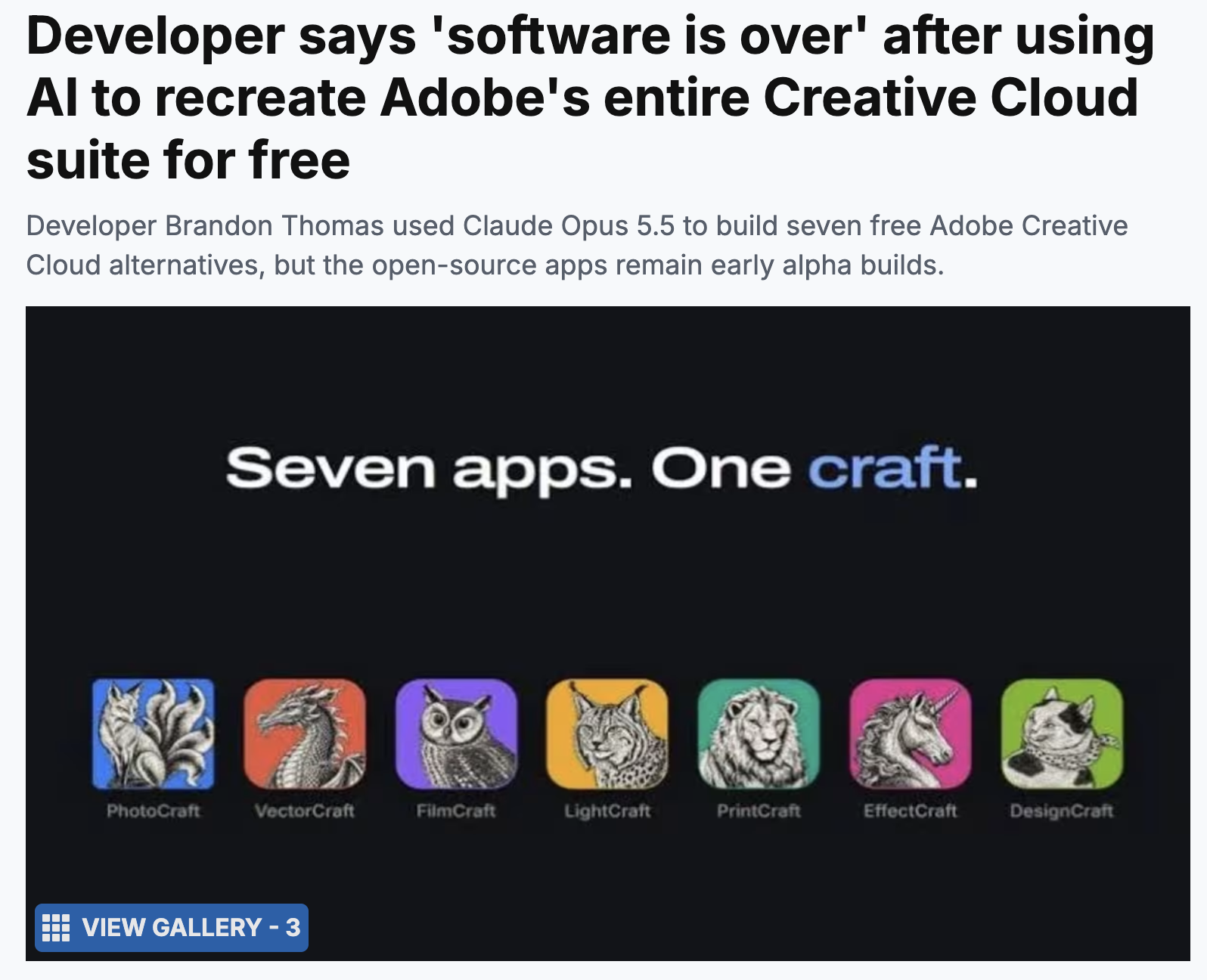
\Brandon Thomas built them with Claude Opus 5.5.\
It went viral. PhotoCraft, the Photoshop clone, has 54K GitHub stars on its own.
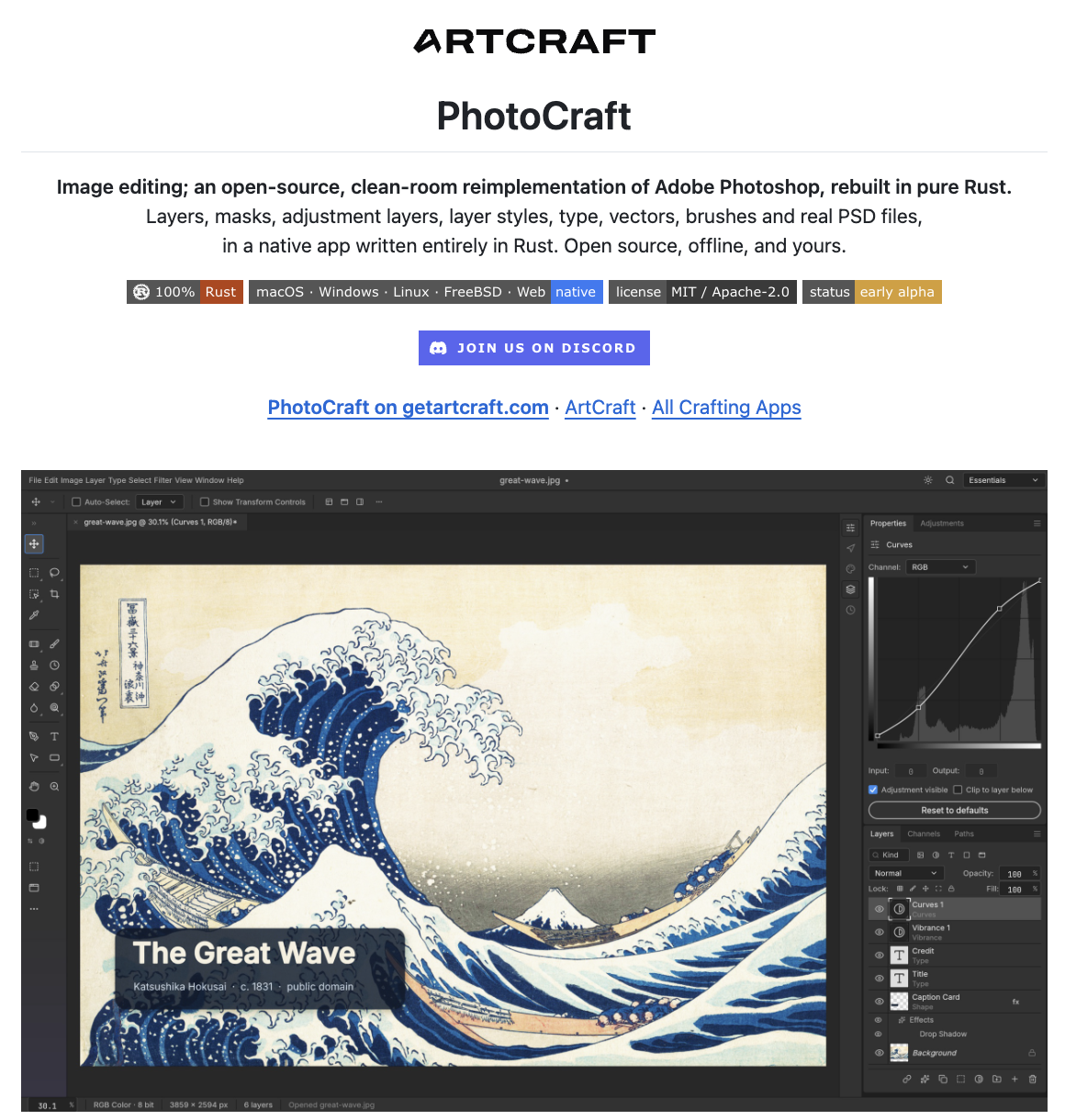
\PhotoCraft: a clean-room Photoshop rebuild in pure Rust.\
With Claude, you can reverse engineer anything now.
For 6 months, I’ve been cloning apps using my reverse engineering pipeline. I did three six-figure AI startups: SEOBot at $60K MRR, Cal AI, a $30M app, twice, and Umax, a $6M app.
So I wanted to do what Brandon did, with the app I use every day: Screen Studio.
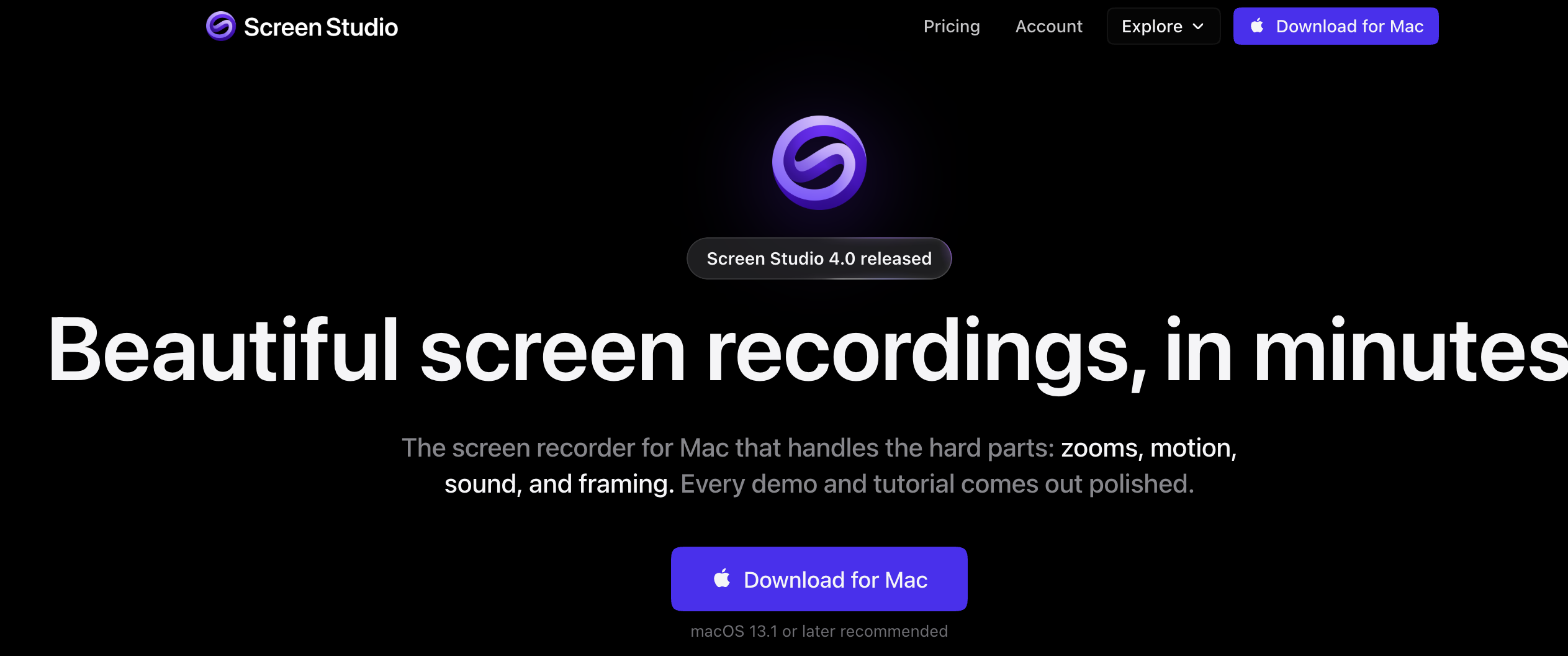
\Screen Studio, the screen recorder I use every day.\
Reverse Engineer Anything
REA (Reverse Engineer Anything) is the other repo going viral right now, with 155K GitHub stars.
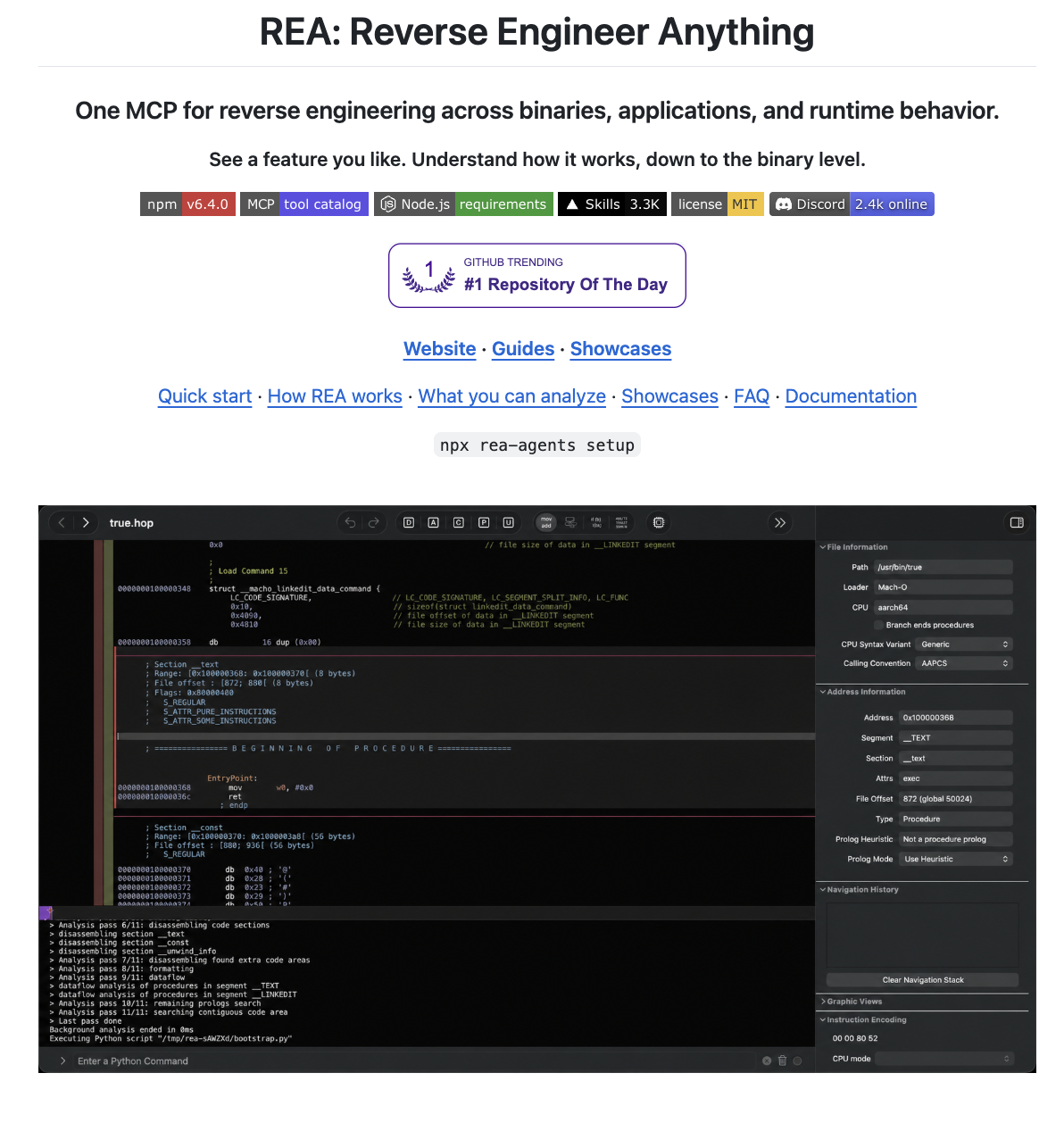
\Reverse Engineer Anything (REA): one MCP for binaries, apps and runtime behavior.\
That means you can reverse engineer anything now.
I tested it; it is great, but it successfully copied only 30% of the app.
For most use cases, this works, but I want a full copy.
So I combined it with my reverse engineering pipeline.
Mine works from the outside. It walks every screen, pulls the docs, pricing and founder posts, then NotebookLM figures out how the product is built.
In the end, it copied almost every feature of the app. So I decided to add REA inside my pipeline to make mine better.
Reverse Engineering Pipeline
My pipeline already had a great way to analyze features.
Normally, it works in five steps to copy an app: Discovery, Research, NotebookLM, one big prompt, Build.
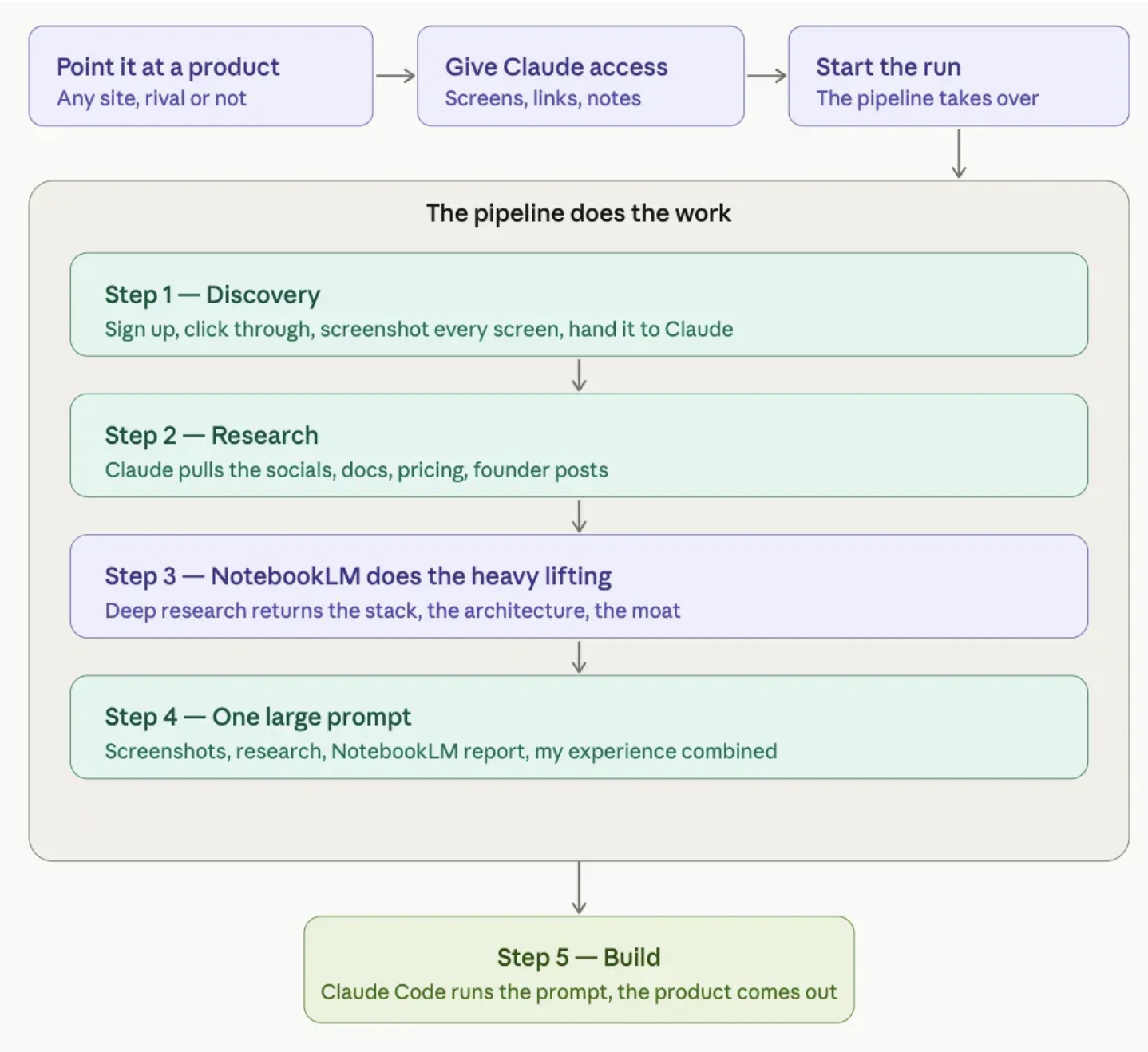
\My reverse engineering pipeline before REA: five steps, one build.\
Now it has REA inside.
The outside view and the inside view go into the same build prompt.
How does this work?
I’ve built 10+ apps. If I want to build a full app, I can have it ready in a couple of hours. Yet I still don’t have a working product.
But if you’re willing to dedicate yourself to one product, this framework works like magic.
And you don’t need to be unique to make money. Just look at this guy.
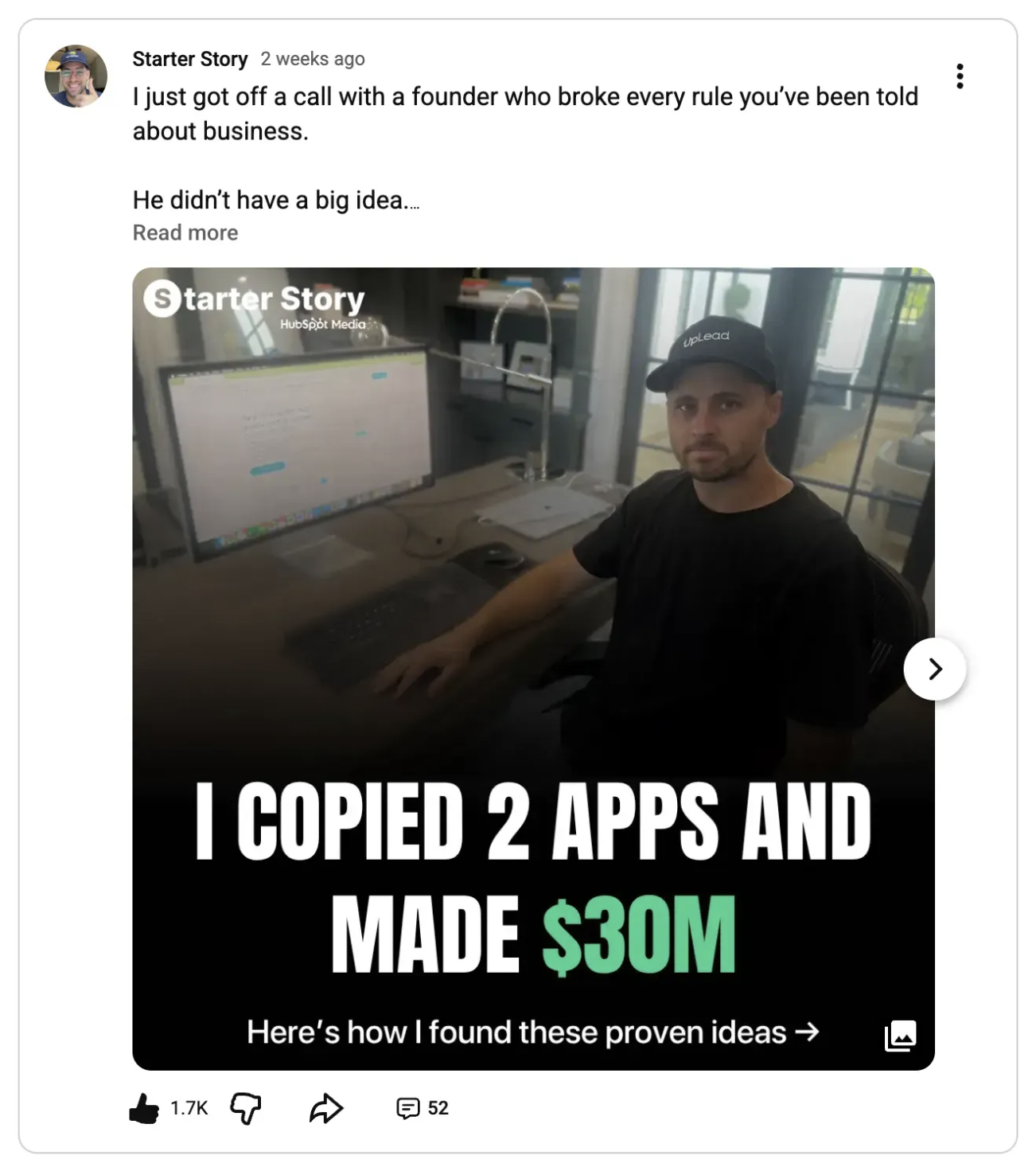
\He copied 2 apps and made $30M.\
He copied 2 apps and made $30M, so can you.
Glide: My ScreenStudio Copy
So I copied the ScreenStudio app.
By the way, I am paying $29/month for this app for months; don’t get me wrong.
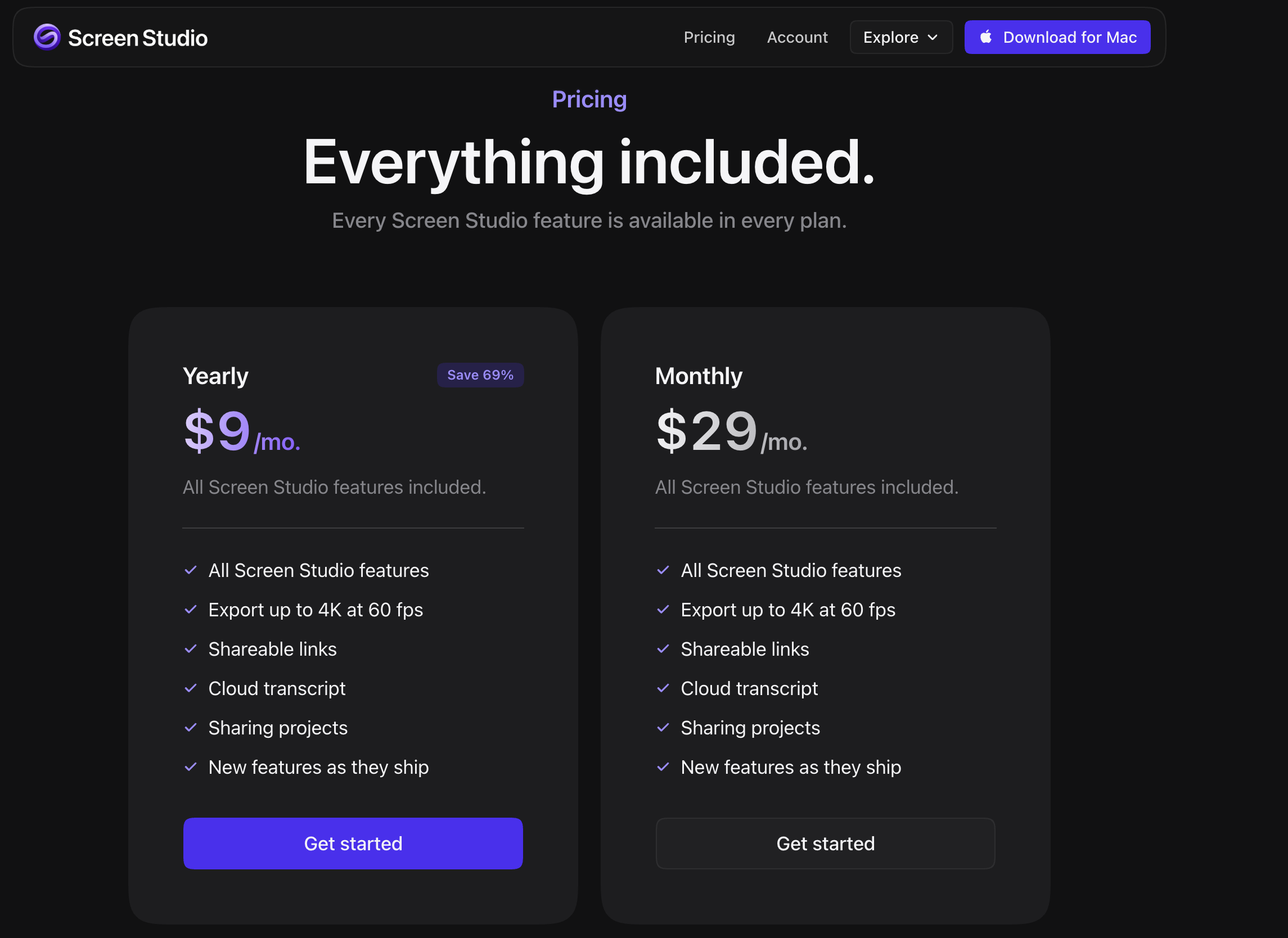
\$29/month, or $9/month billed yearly.\
But I also wanted to replace it with a local version if possible, so I started with REA, and it successfully captured 30% of the app.
Then I launched the reverse engineering pipeline. It generated a massive prompt to recreate the app and actually built it!
The app is called Glide. Let me show you.
Glide runs locally at localhost:4800, and it successfully integrates with all my previous screen recordings made using Screen Studio.
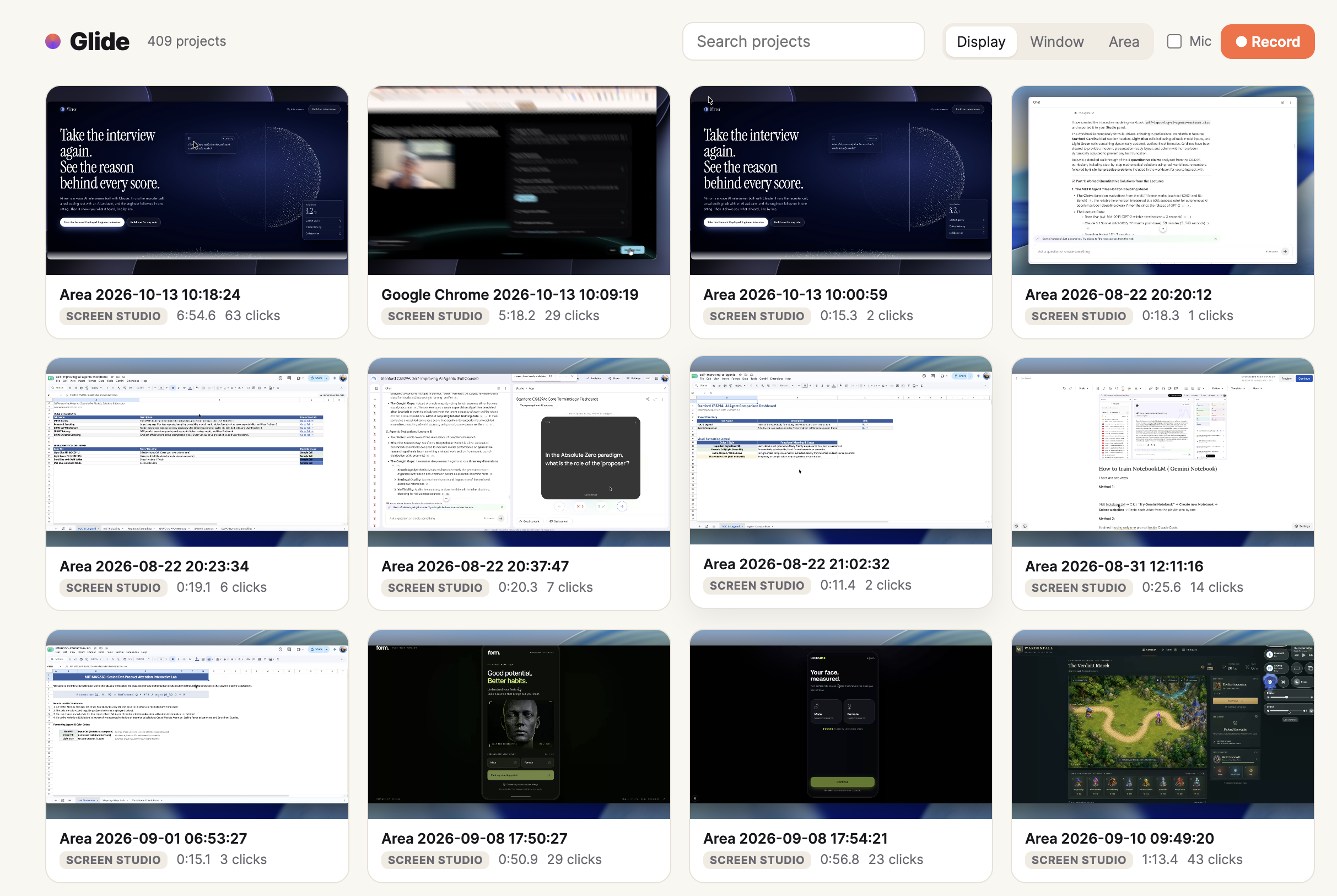
\Glide on localhost, with all 409 of my Screen Studio recordings inside.\
Next, I asked it to build a desktop version, and here it is.
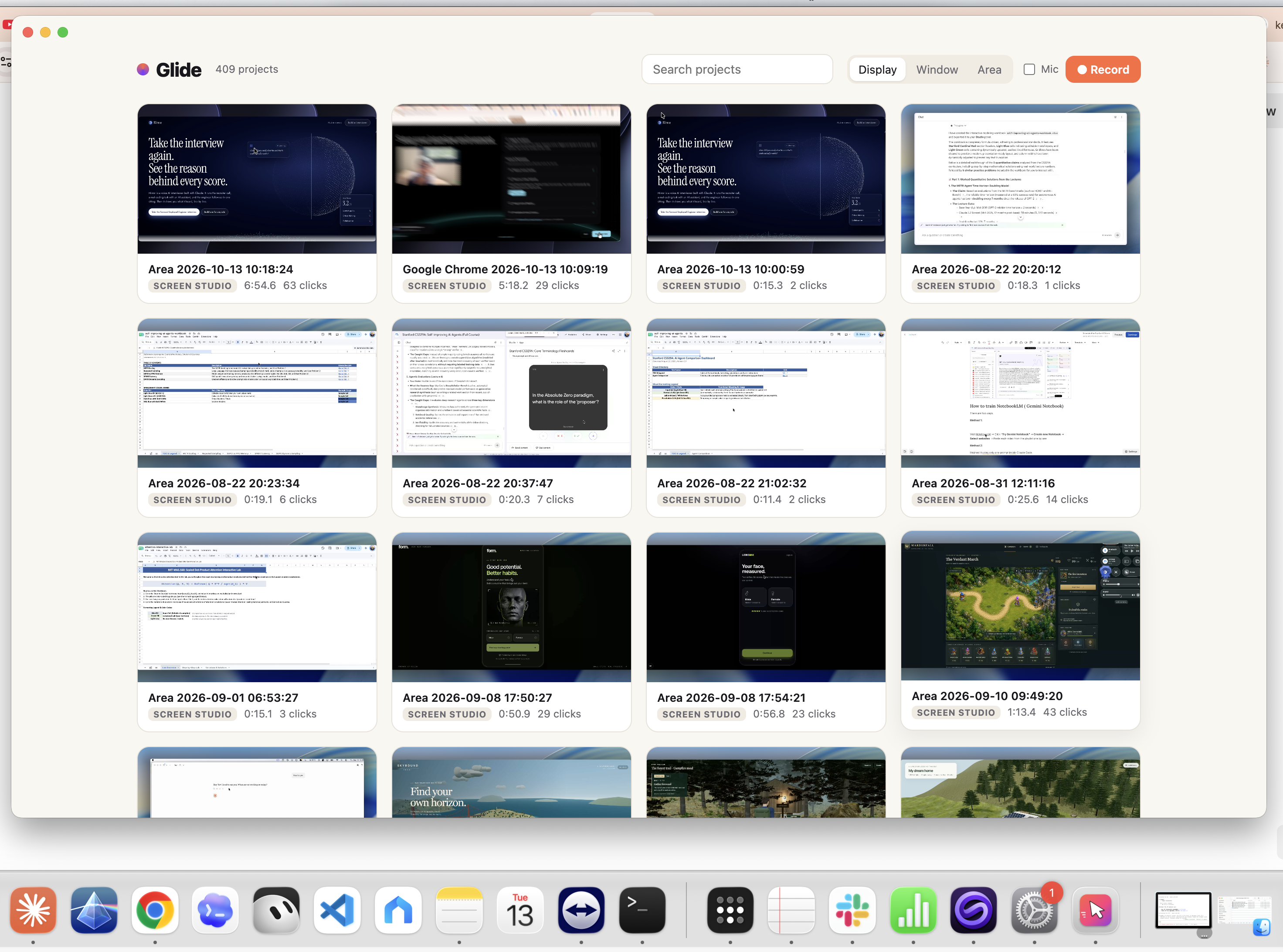
\Same app, now on my desktop.\
Once I clicked on “Record”, this popped up, which is very similar to Screen Studio.

\Display, Window, Area. Very close to Screen Studio.\
I clicked on “Area” and started recording.
After it finishes, I clicked on “Export”, like this.
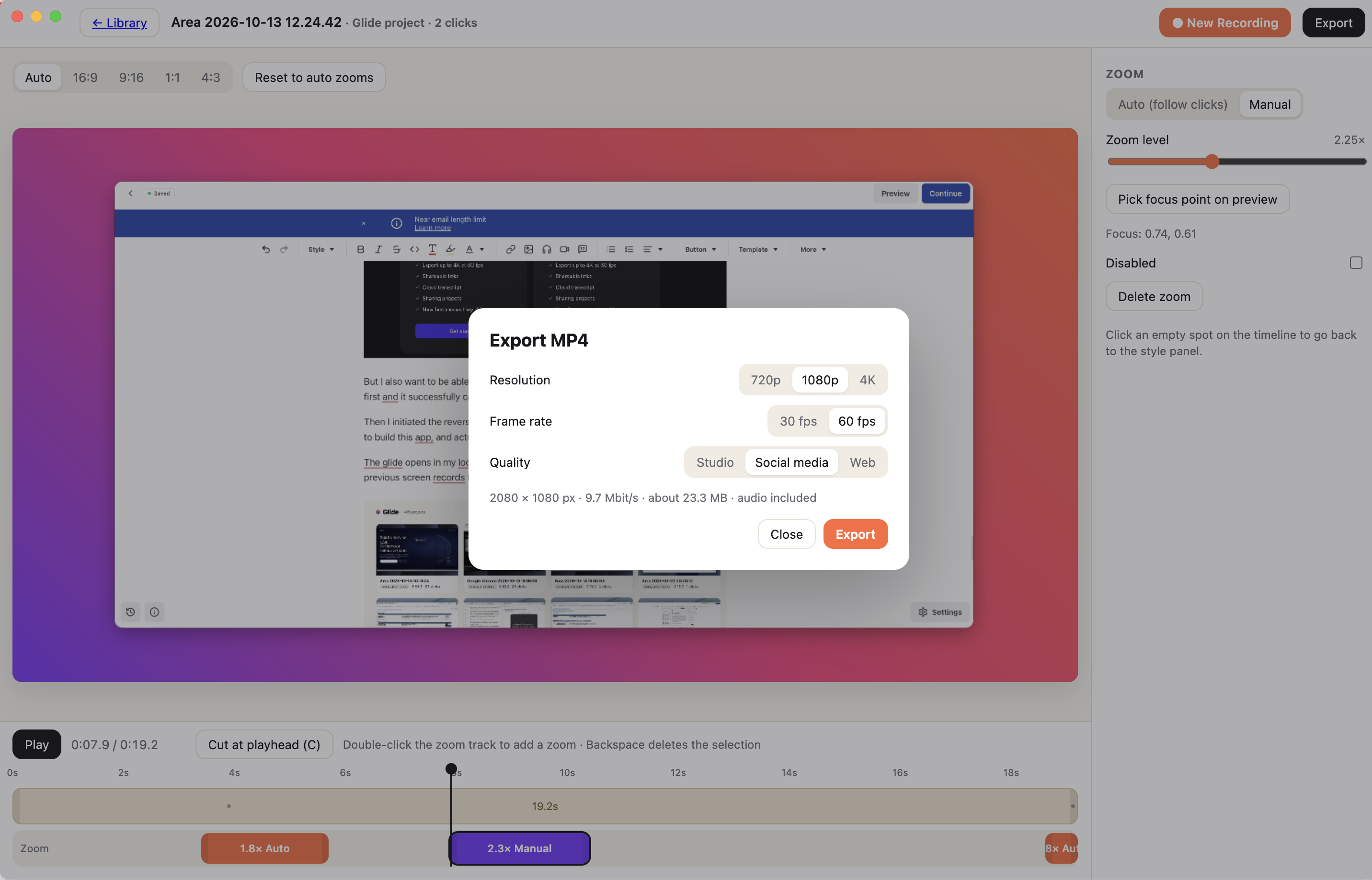
\Export to MP4, up to 4K at 60 fps.\
Here is the video.
So, am I canceling my subscription right now?
No. But would I cancel it in the future? Absolutely.
Once I’ve recreated all the features of Screen Studio, I won’t need the subscription anymore.
That’s $360 a year saved, thanks to an app I built in a single morning while working on two other projects.
For me, it’s a no-brainer.
After the paywall, I’ll show you how to install the new reverse engineering pipeline, with REA inside, and use it to clone any app you want.
I’ll also give you the updated skill and the build prompt that copied Screen Studio, so you can run the same pipeline on the app you want to copy today.
Install the Pipeline
Here is the folder: Reverse-Engineer Pipeline
Open it and click Download. Drive turns it into a zip; just leave it in your Downloads folder.
Then open Claude Code and paste this.
Install the Reverse-Engineer Pipeline skill from my Downloads folder.
Follow the one-prompt.md file inside it, step by step.
It installs the skill, REA, and NotebookLM, then tests everything on an app you already have.
Clone the App You Want
Open a new Claude Code session and paste this.
Reverse engineer /Applications/[App].app and build my version.
Stop after the build prompt and show it to me.
For a website, paste the link instead.
It goes through six steps. Discovery, Research, REA, NotebookLM, one big prompt, Build.
At Discovery, it asks for screenshots of a few screens. Send them.
At the build prompt, it stops. You read it, pick what to build first, and say go.
That’s it.
The Skill and the Screen Studio Prompt
Everything is in the same folder.
The skill is the new pipeline, with REA inside.
The prompt that built Glide is in examples/screen-studio/04-build-prompt.md. Paste it into Claude Code and you get your own Glide.
Pick the app you pay for every month and start today.