One Telegram Message. Four Content Pieces. Zero Laptop, using Claude Code inside telegram.
By Gencay
Published: 2026-03-22
URL: https://www.learnwithmeai.com/p/claude-code-inside-telegram-i-built

I was about to leash up Pepe when an idea hit me.
Old choice: Build now, walk later. Or walk now, build later.
New choice: Both.
Claude Code & Telegram = I build apps while my dog sniffs trees.
Most people think Claude Code lives in VS Code.
What if it could text you back?
That’s what I did.
Here’s how.
What You'll Build by the End of Your Dog Walk
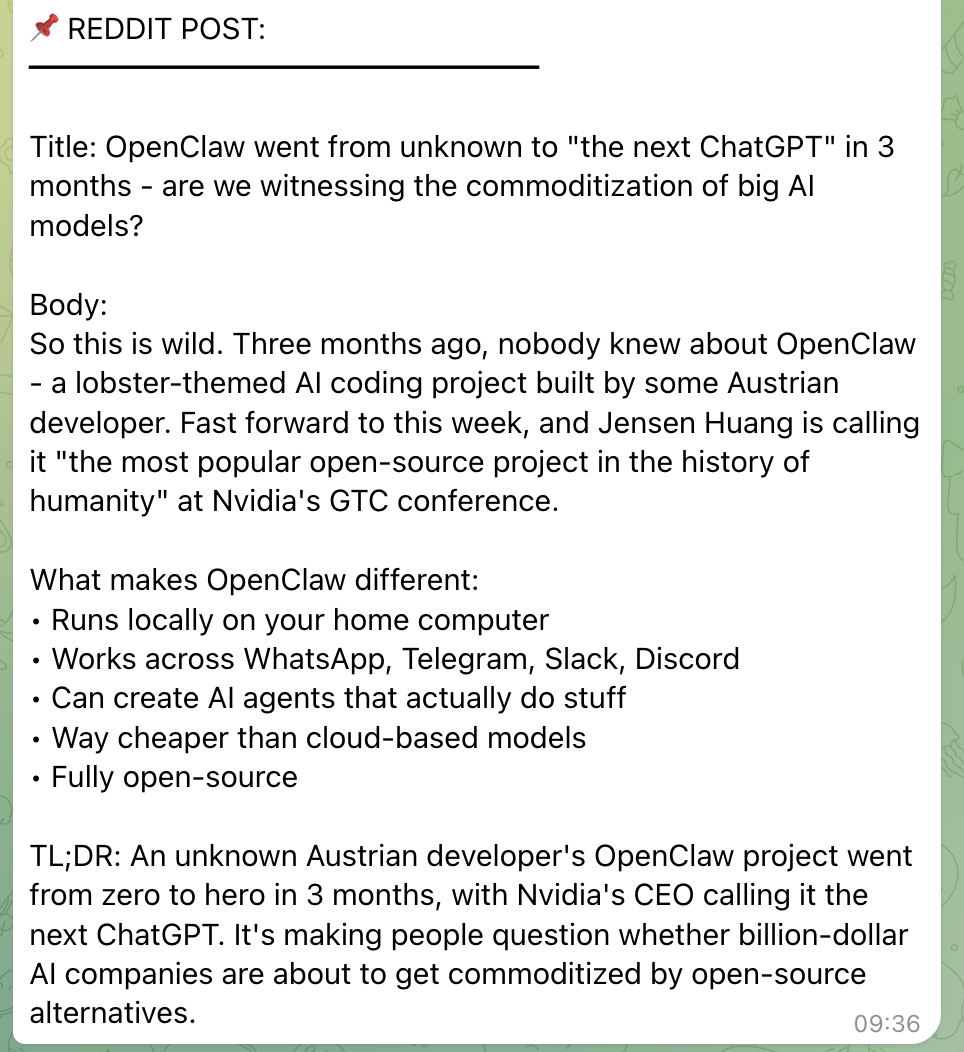
Paste an article link.
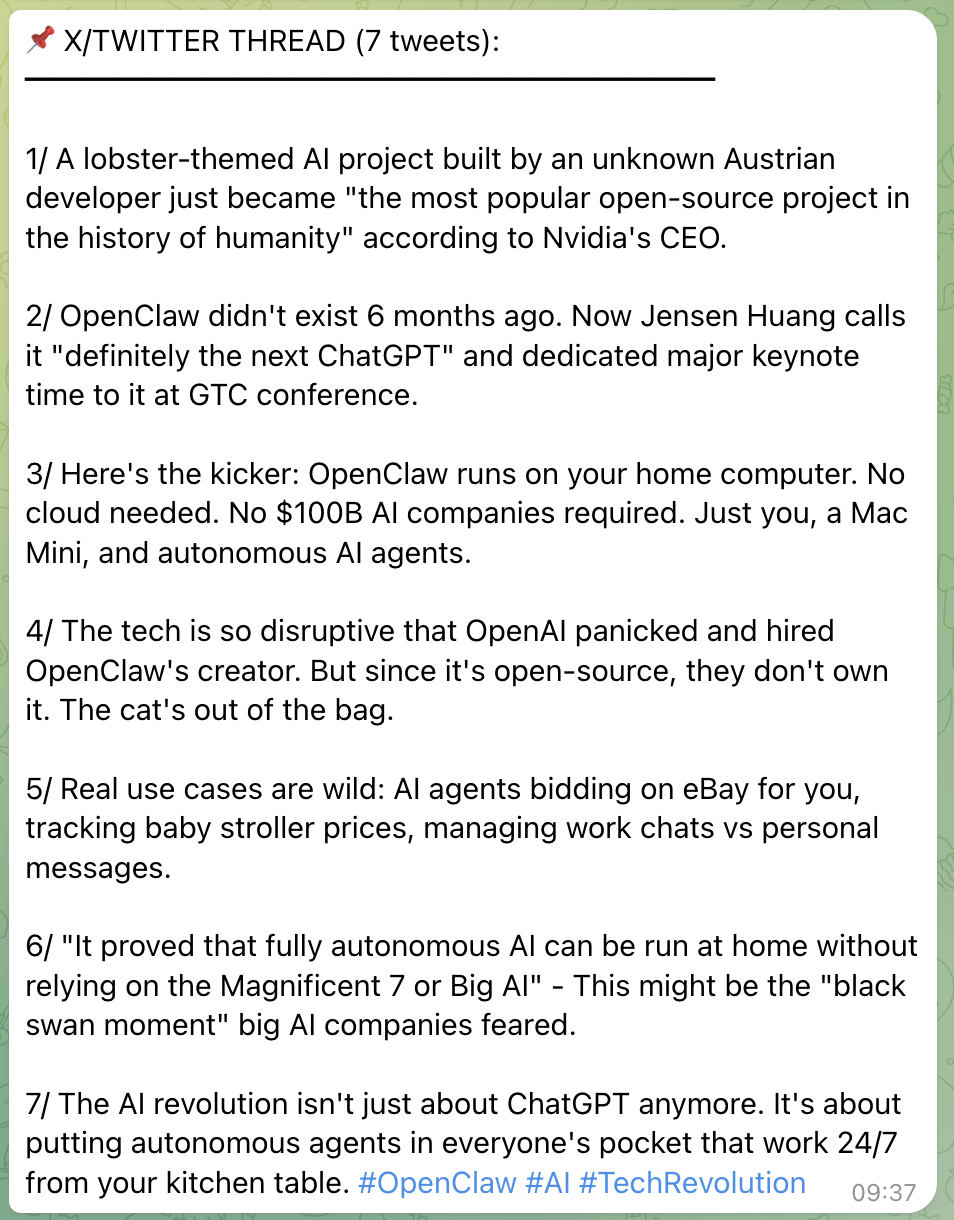
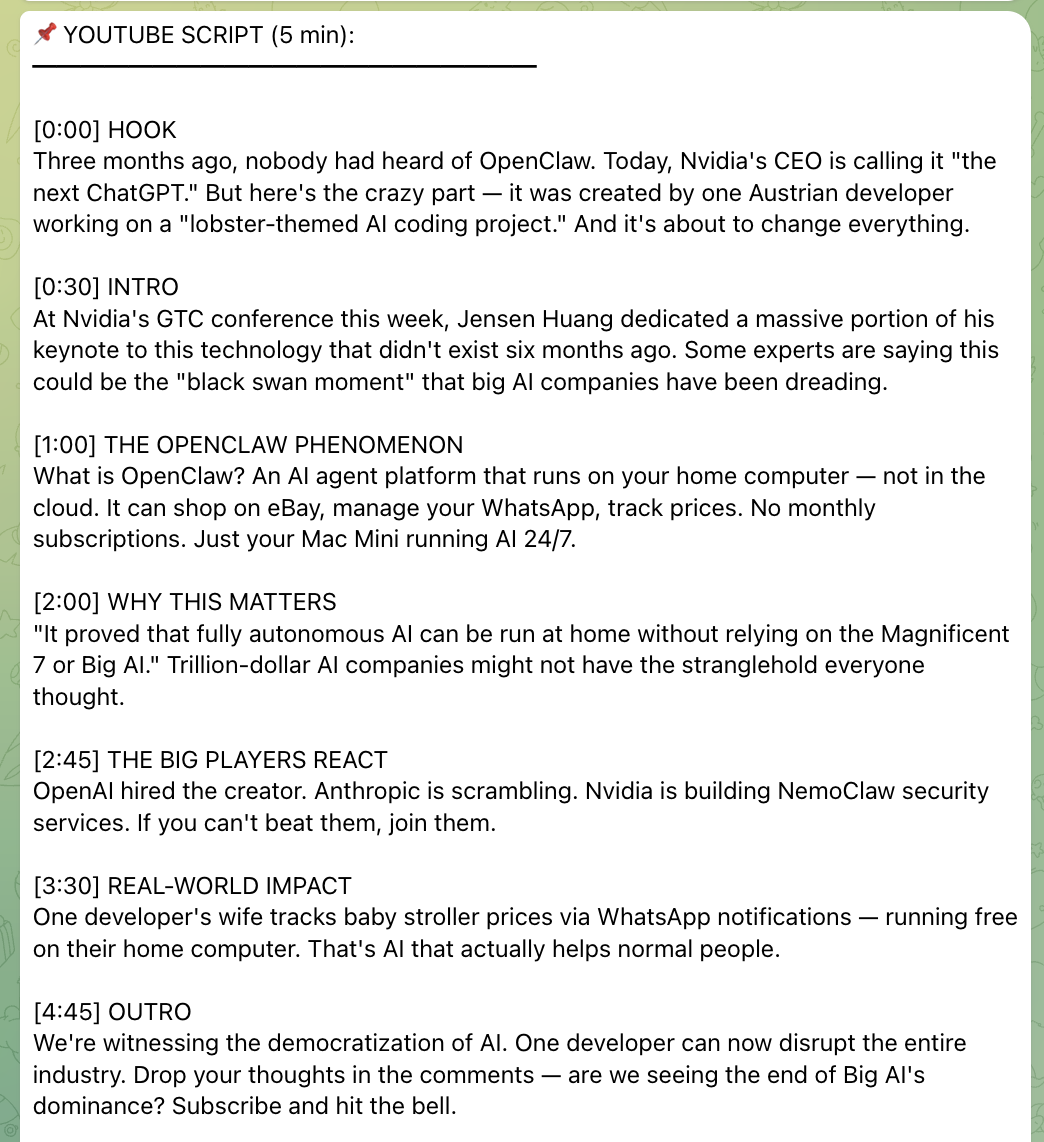
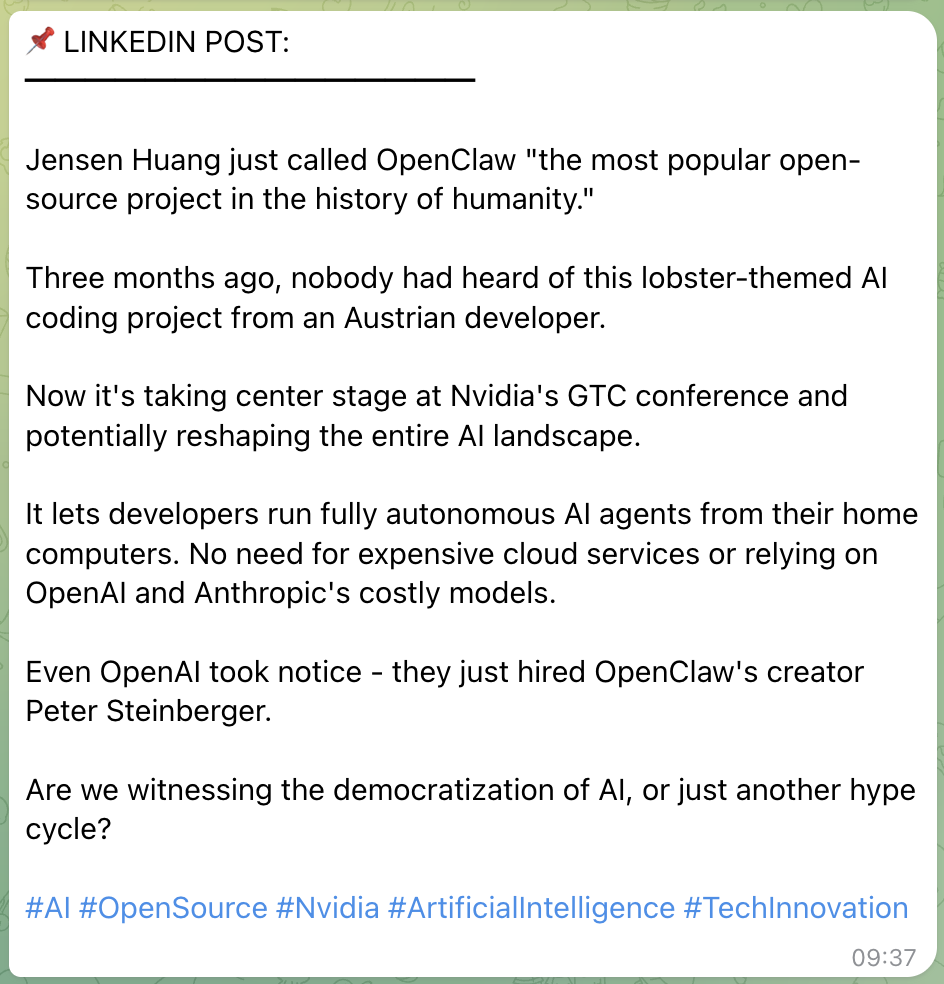
Get four platform-ready posts in 30 seconds.
What do you get?
- LinkedIn Post: Professional, 200 words
- YouTube Script - 5-minute video breakdown
- X/Twitter Thread: 7-tweet story
- Reddit Post: Community-style discussion starter
Claude sent me the app. I tested it on my phone. While walking with Pepe.
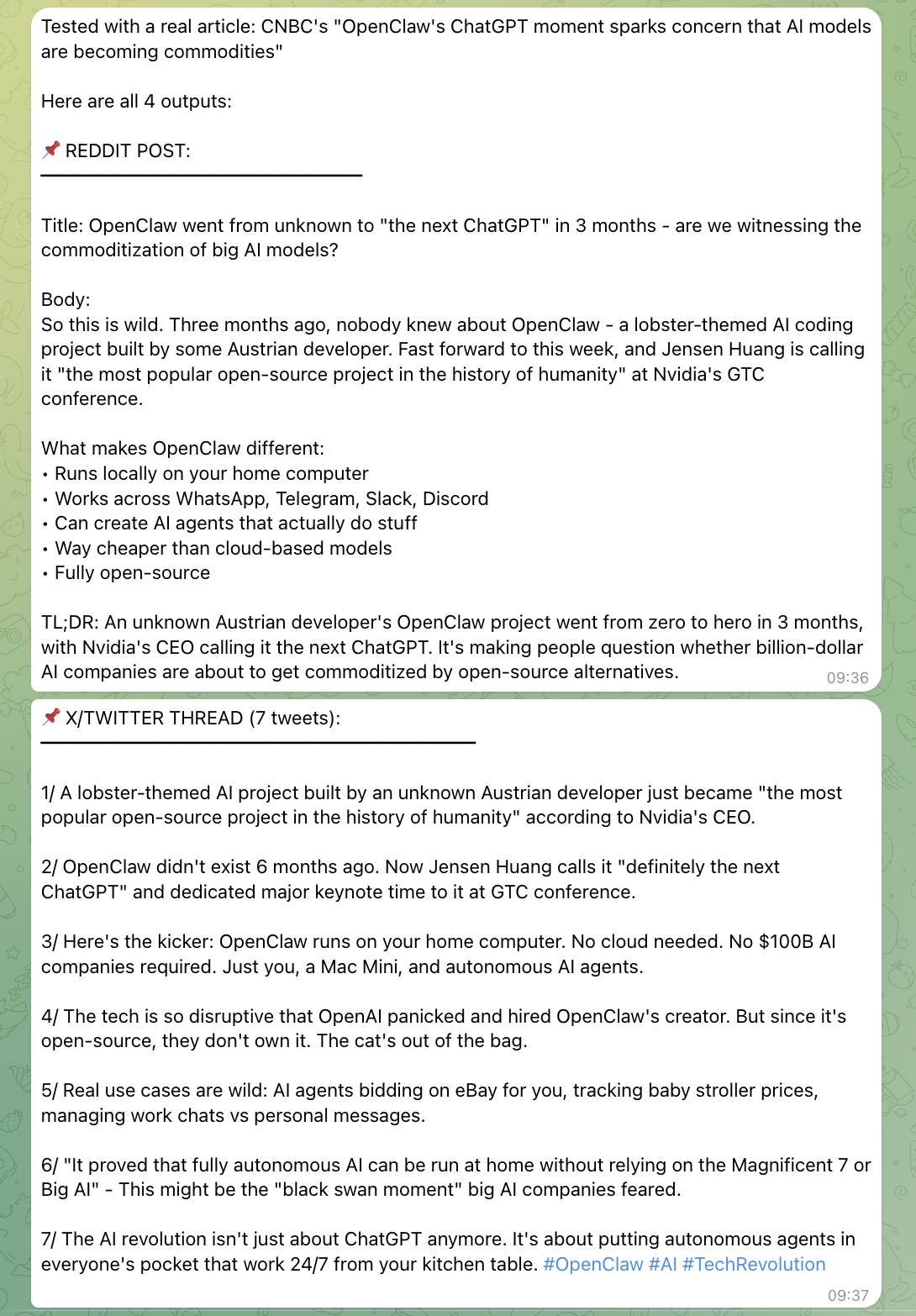
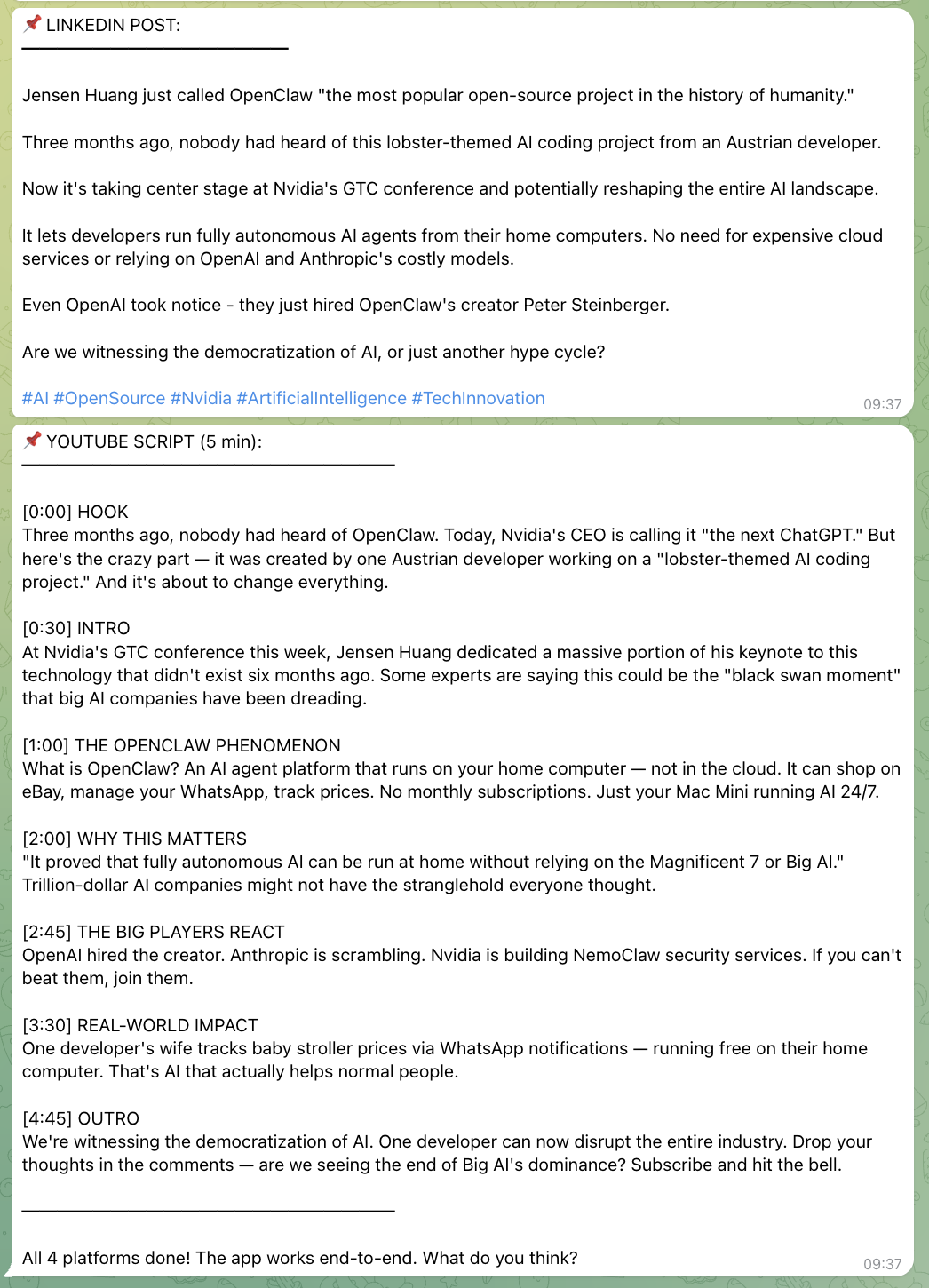
Here’s what one article became:
Reddit Post
X Thread
YT Script
Linkedin Post
I tested it. Over Telegram. While walking.
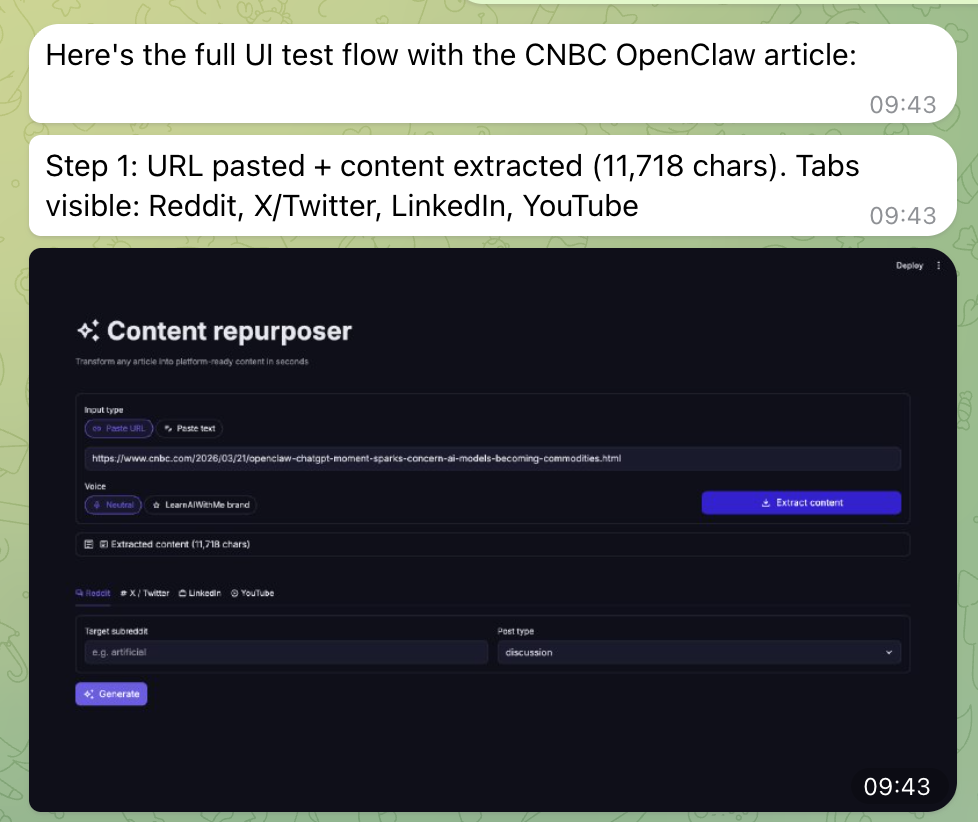
Let me explain to you how to do it in a couple of steps.
Step 0: Claude Code & Telegram Connection
Connect Claude Code to Telegram in 3 steps.
- Install Telegram Plug-in
- Create a bot using Botfather via Telegram
- Finish set-up by sending everything to Claude Code
Here is my token : [paste]
Read the setup guide here: [ https://github.com/anthropics/claude-plugins-official/blob/main/external_plugins/telegram/README.md]
Then configure the Telegram plugin with my token and show me the confirmation.
Next, find your bot on Telegram.
To finish the setup, paste this via your terminal.
claude --channels plugin:telegram@claude-plugins-official
Done.
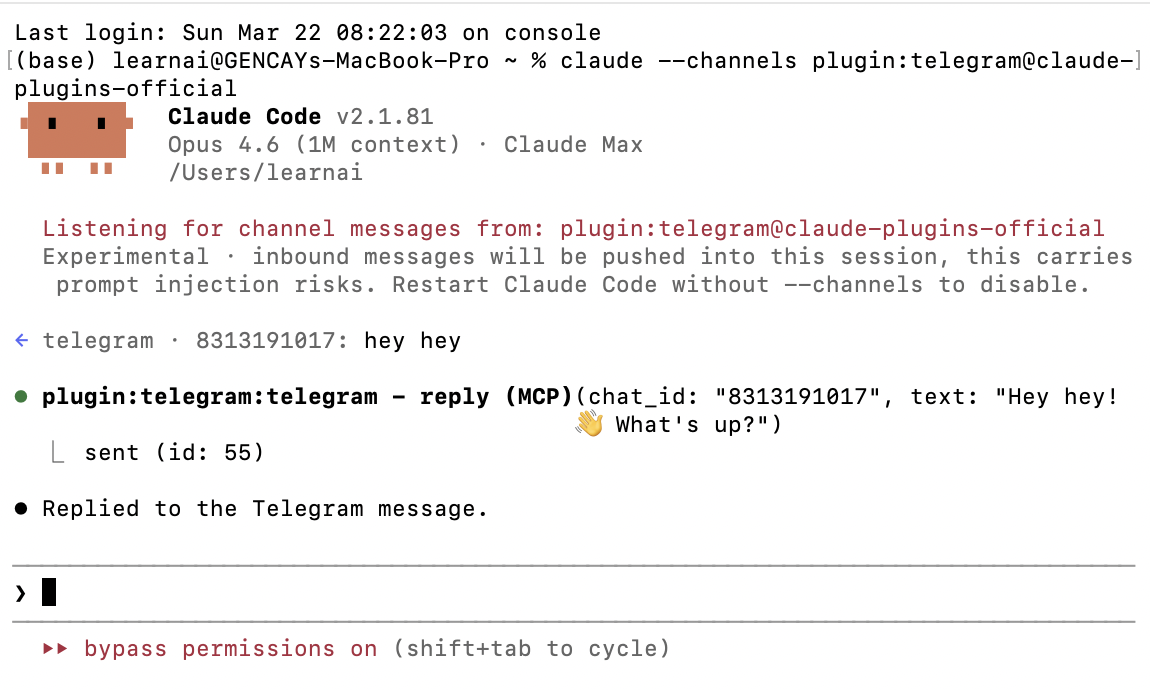
As you can see, the same message was sent over the telegram.
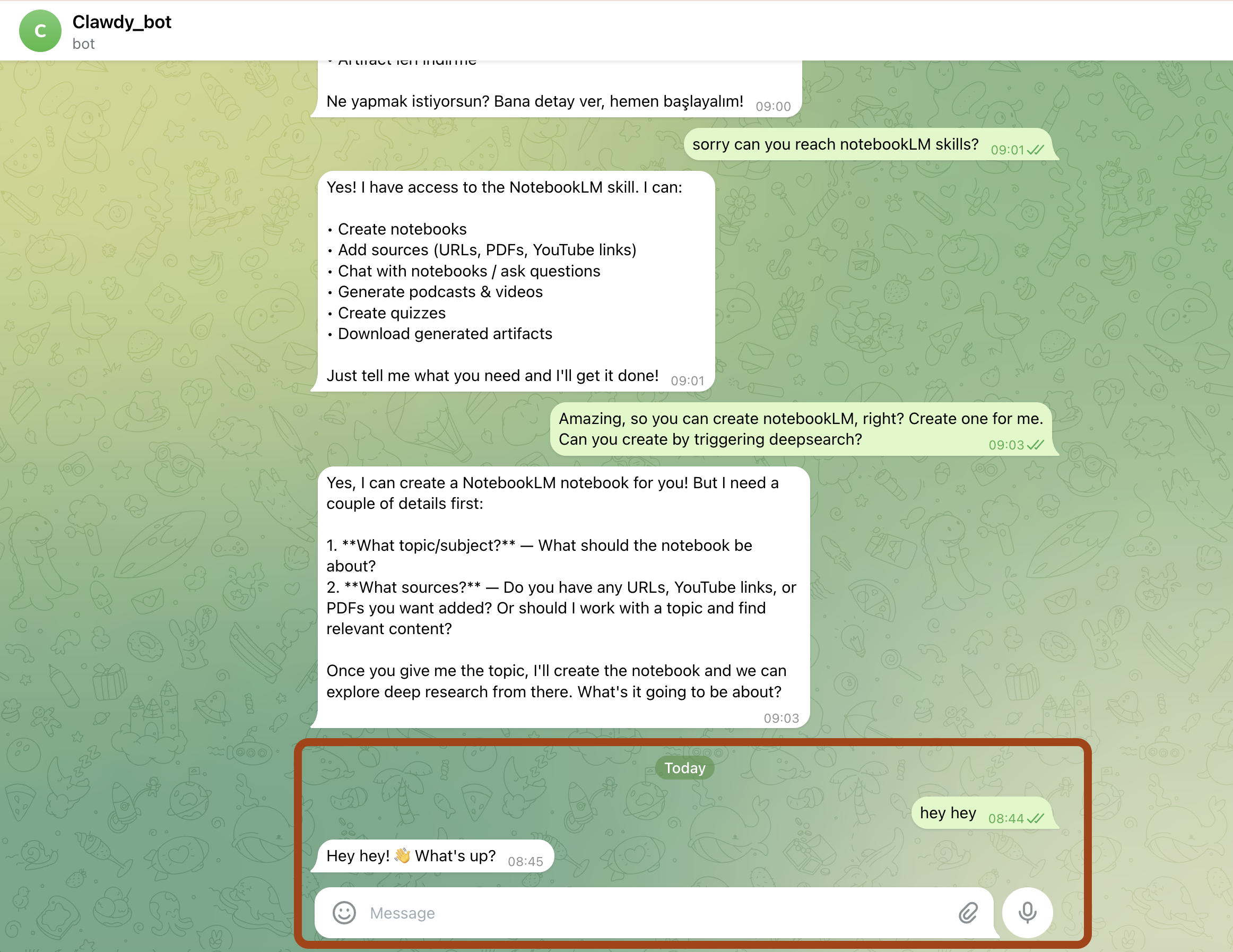
If you struggle with step 0, read this one. Here, I explain how to connect your Claude code to Telegram.
Step 1: Building the Content Repurposer over the Phone with One Prompt
This is where it gets crazy.
Open Telegram. Send one prompt.
Walk your dog.
Before you end your walk, the app will be ready.
Ready & Tested.
Let’s start.
Prompt
Build me a Streamlit app that takes an article link or text, analyzes it, and generates:

- Reddit post

- X/Twitter thread

- LinkedIn post

- YouTube script
Use this structure:
1. Input: URL or paste text
2. Extract content
3. Generate 4 repurposed versions
4. Display side-by-side with copy buttons
Make it clean. Make it fast.
Send it.
Claude asks follow-up questions. Just like in VS Code, but on your phone.
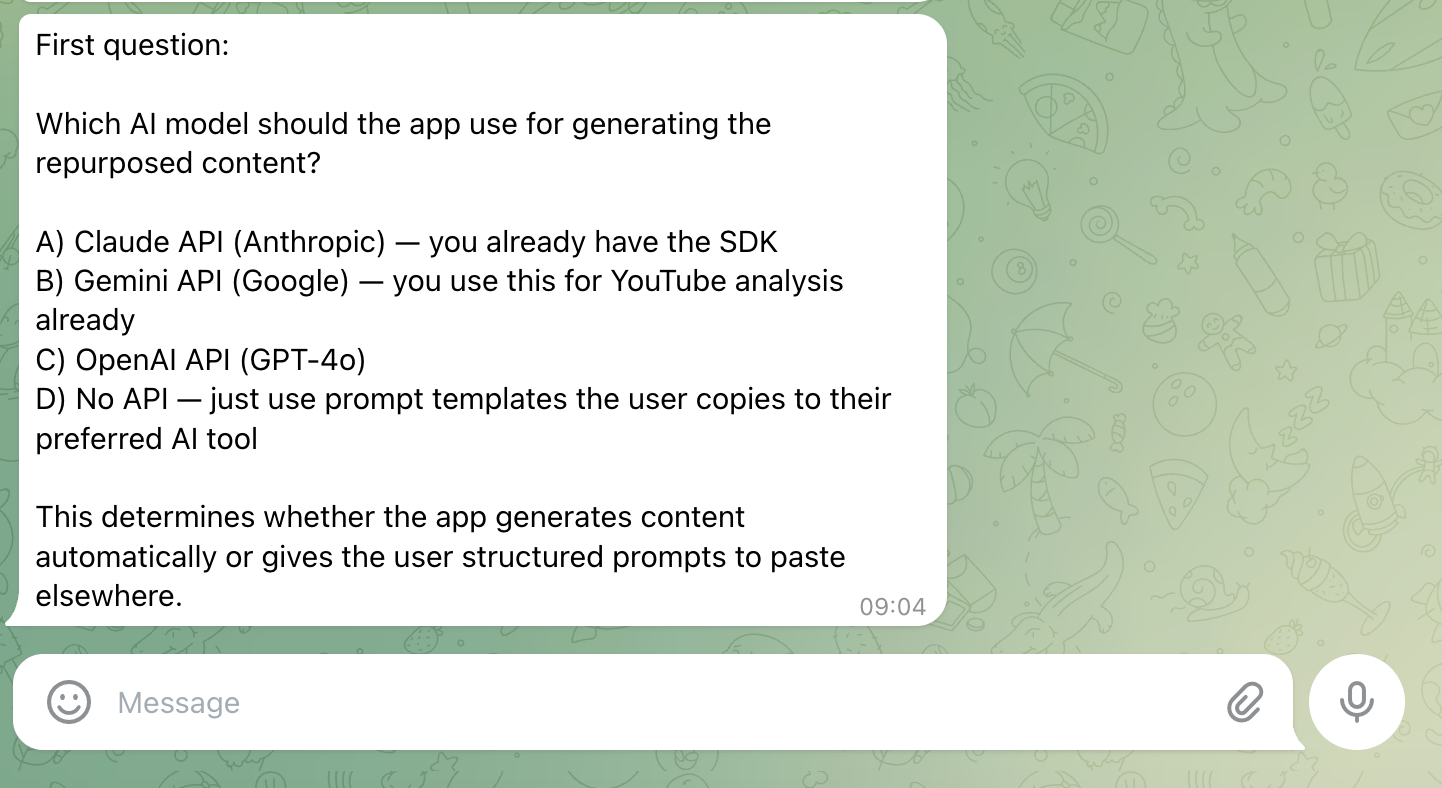
I’m walking with Pepe. Claude is building the app. This is a crazy era.

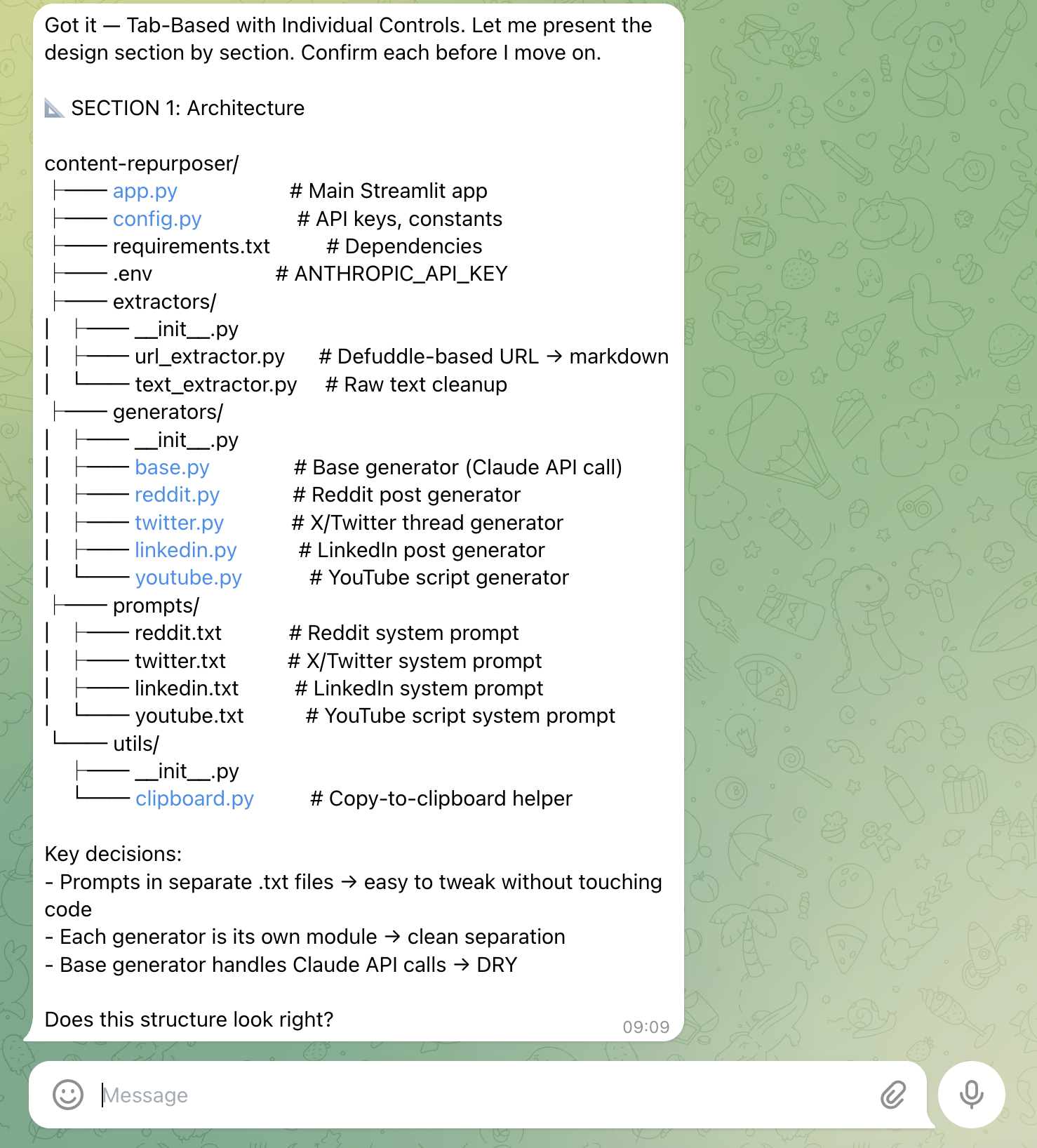
The Architecture
Claude sends the entire project structure.
Clean. Organized. Production-ready.
I confirm.
While it was being built, I was enjoying my walk.
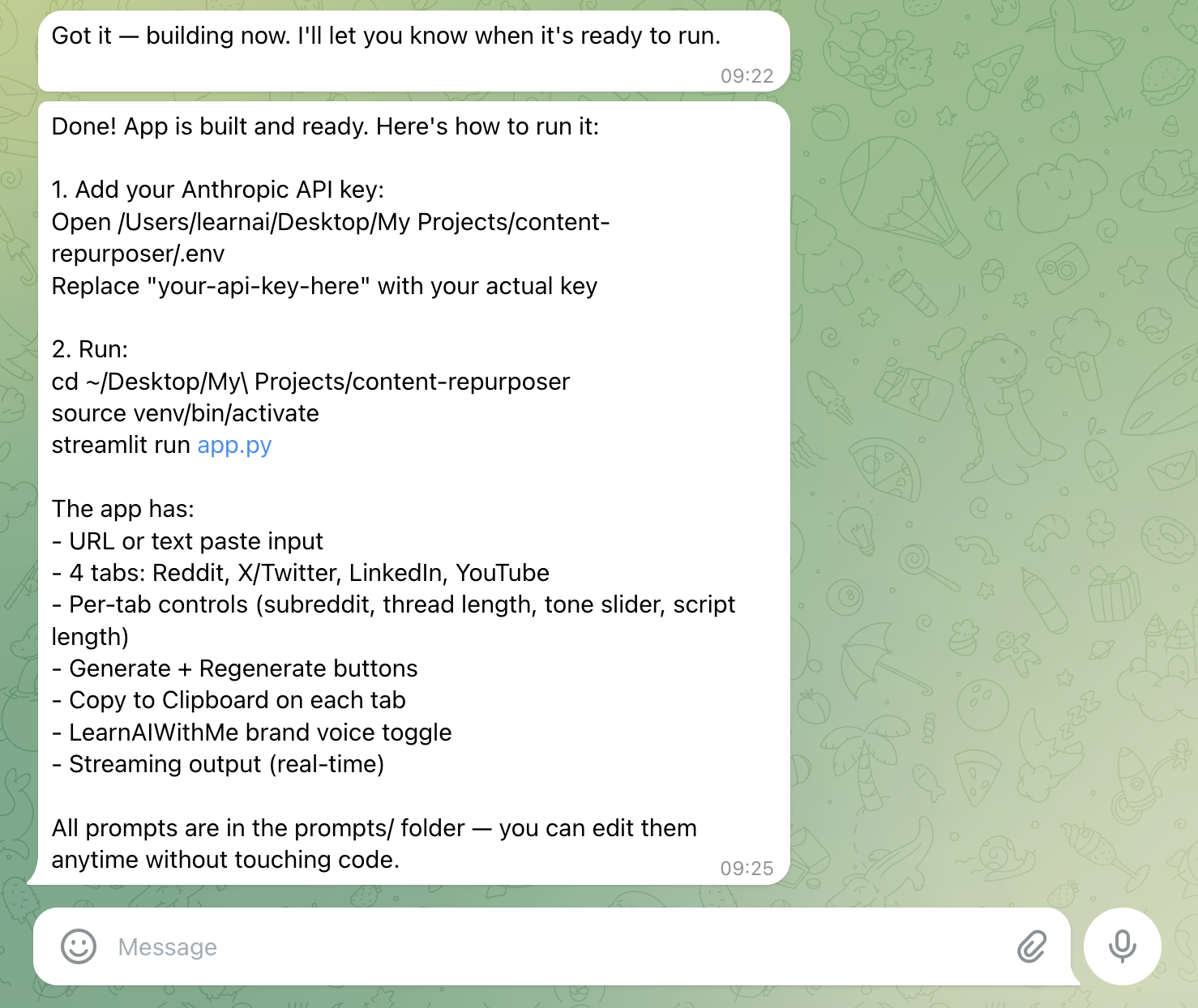
And the app is ready.
Step 2: Testing
Claude sends a screenshot. The app is live.
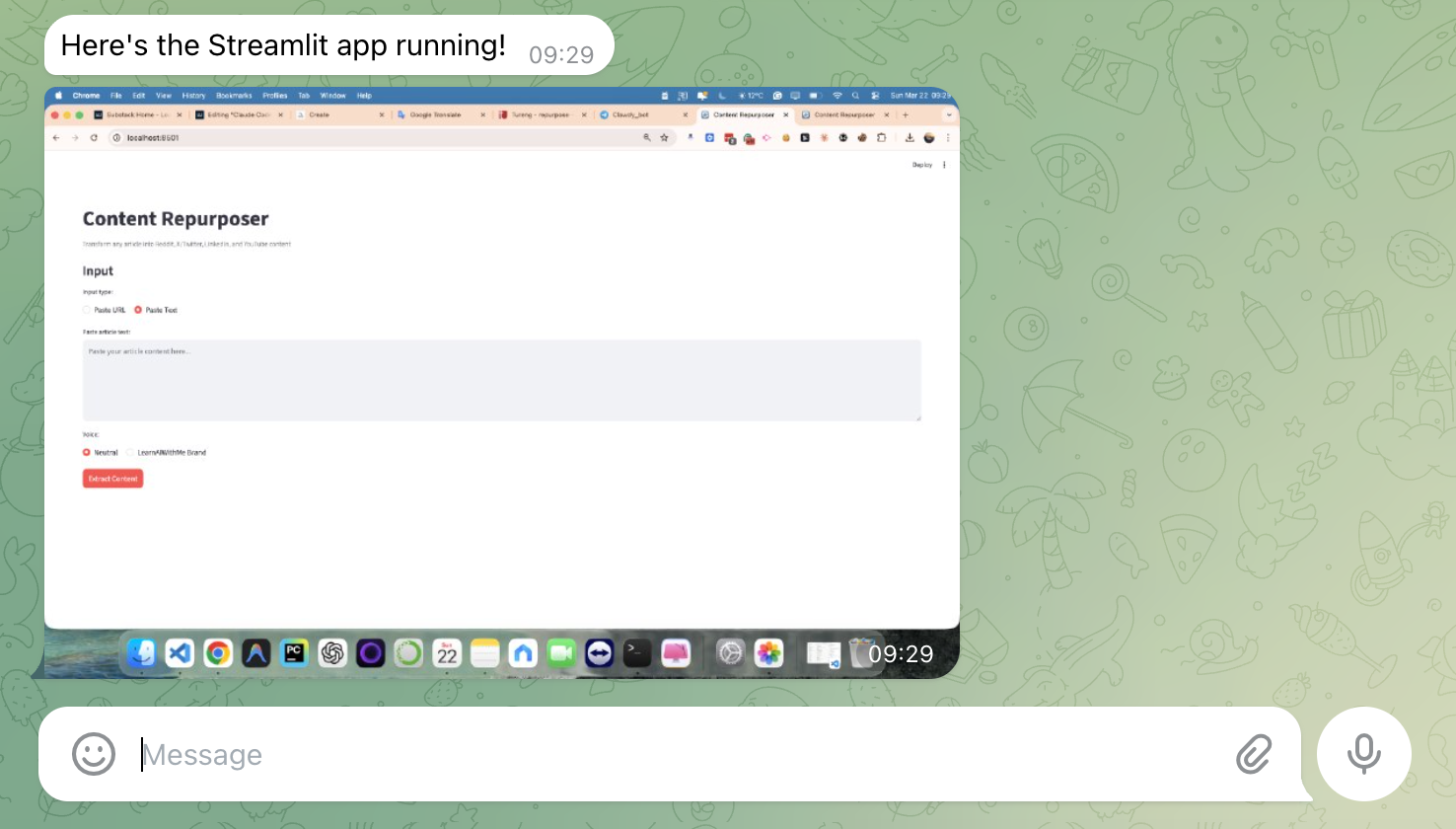
I don’t like the design. Too generic. Let me fix it.
I sent this to Telegram:
The UI looks too basic. Make it cleaner:

- Better spacing

- Modern color scheme

- Larger copy buttons

- Add icons for each platform
4 minutes later, done.
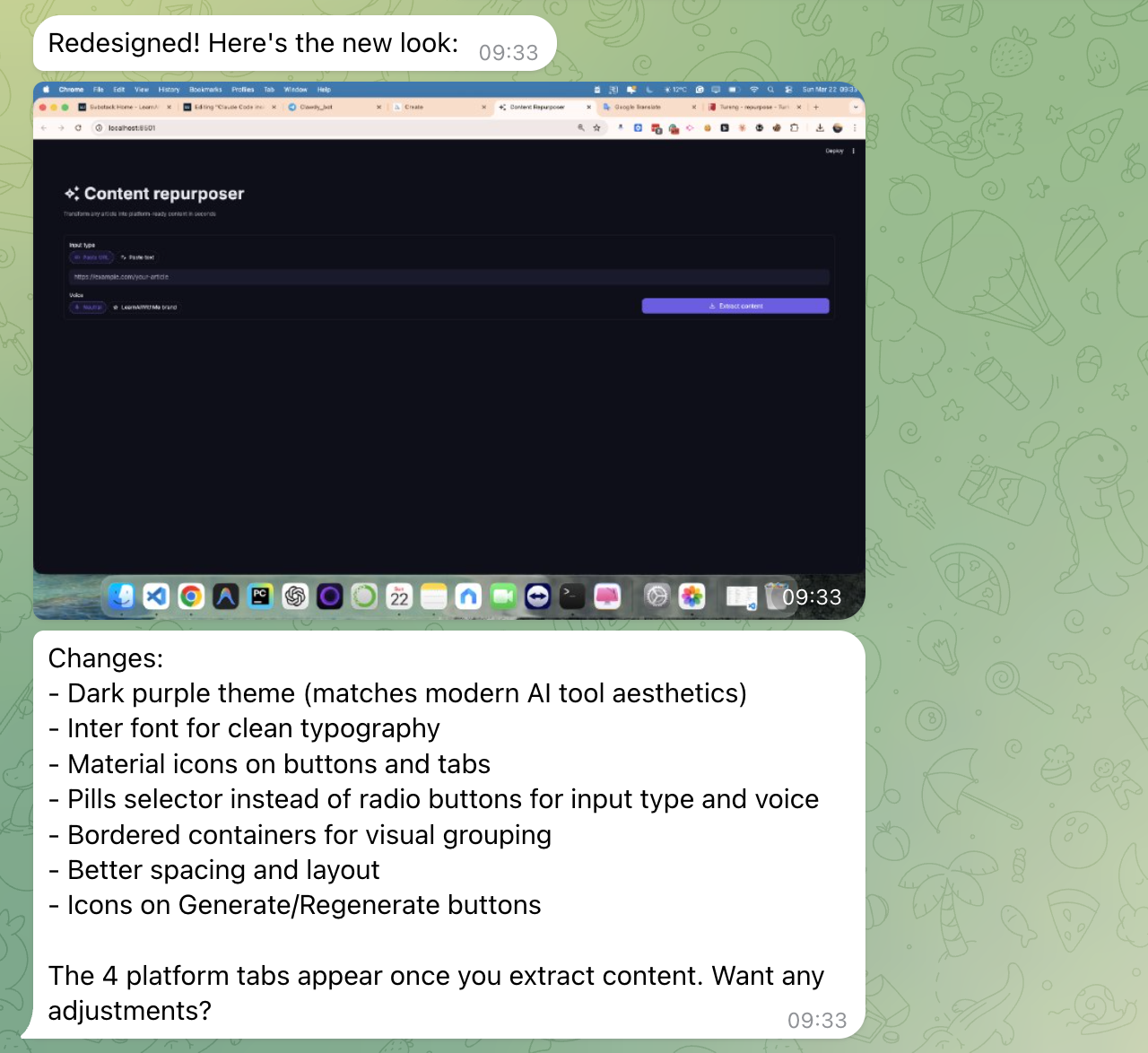
Better. Now let’s test it with a real article.
I sent this:
Prompt
Test the app:
1. Find a recent AI news article on the web
2. Paste the link into the app
3. Generate all 4 content pieces
4. Send me screenshots of the results
Claude found an article. Ran it through the app. Sent me the outputs.
Reddit & X Thread
Reddit: Community tone. X: 7-tweet thread.
Let me show you the rest.
Linkedin Post & Youtube Script
I’m home now. Pepe is sleeping. Let me show you the actual app.
Final Thoughts
You just built a content repurposer while walking your dog.
One Telegram message. Four content pieces. Zero laptop.
I used to delay builds for Pepe.
Or delay walks for builds. Not anymore.
Thanks for reading.