Set up Claude Code on Telegram in 10 minutes. Text your AI coding assistant from your phone, debug code, get snippets, and fix bugs from anywhere.
By Gencay
Published: 2026-03-20
URL: https://www.learnwithmeai.com/p/how-to-connect-claude-code-with-telegram

\How to connect Claude Code with Telegram? - Image was generated with Midjourney\
Claude’s team keeps updating Claude Code, and now you can connect your Claude to Telegram.
With the recent features, Claude Code becomes similar to OpenClaw, and this new Telegram update is proof.
Now, you can talk to your Claude Code from your phone.
Via Telegram or Discord.
In this one, let’s discover Telegram.
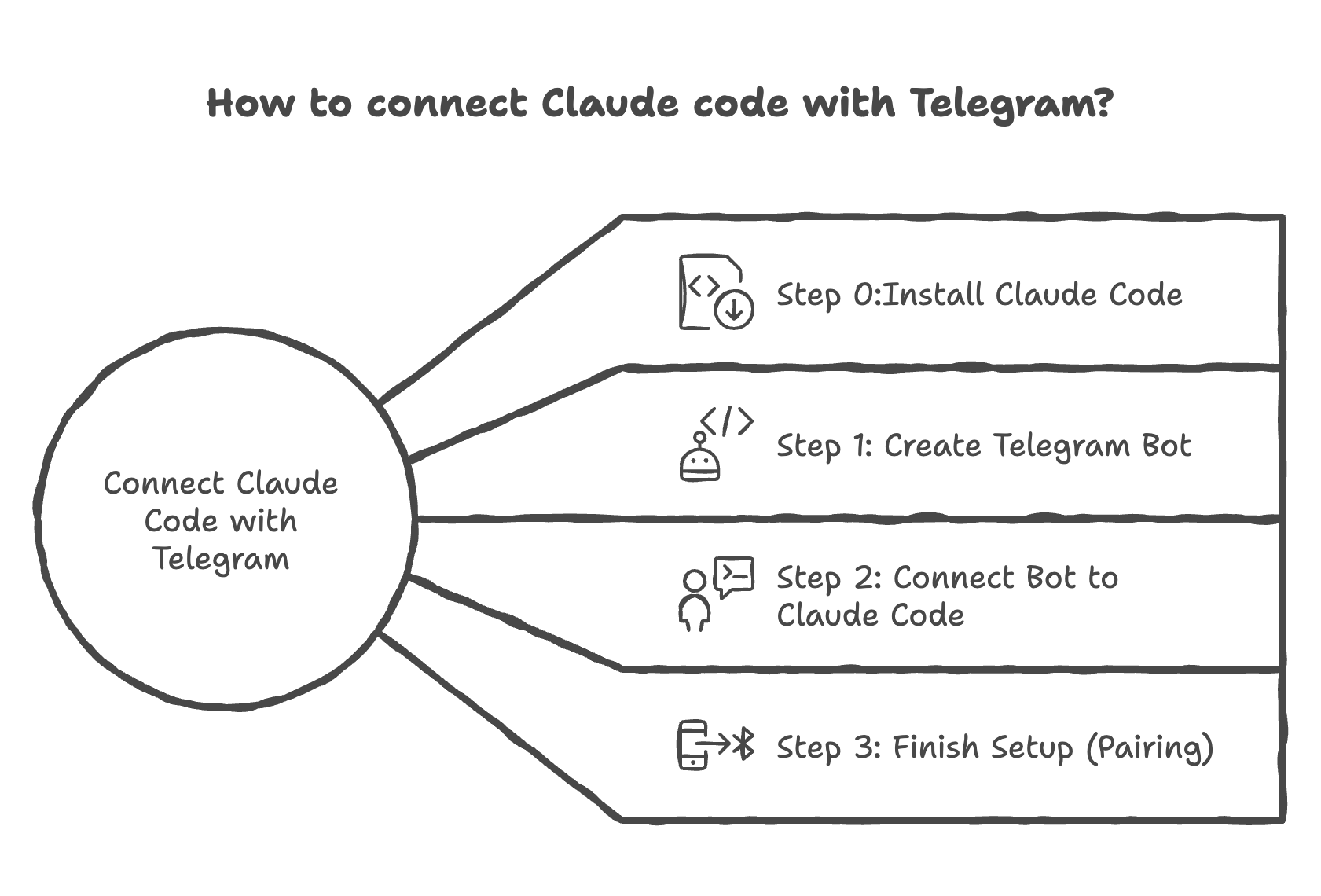
\How to connect Claude Code with Telegram?\
Tips: Claude has a new feature. For more details, read how Claude can control your computer
Step 0: How Do I Install Claude Code on My Computer?
Open your terminal.
And Install the Claude Code.
Windows
irm https://claude.ai/install.ps1 | iex
Mac
curl -fsSL https://claude.ai/install.sh | bash
Tips: If you don’t know how to use it, check out my masterclass.
After installing, here is the code to initiate Claude.
claude
And here you go.
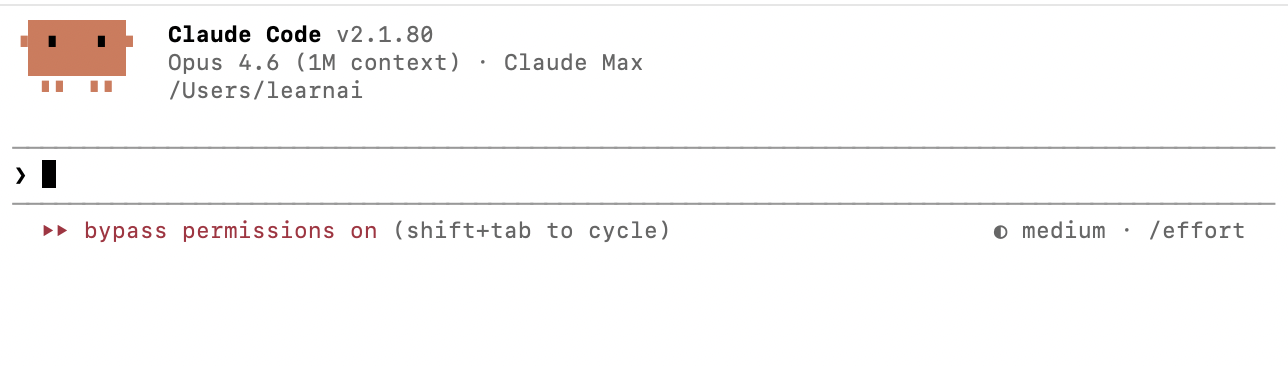
\Claude Code\
If you want to use Claude Code without paying a dime, with an adjustment, read this guide on running Claude Code for free.
Step 1: How Do I Create a Telegram Bot for Claude Code?
- Open Telegram and search for Botfather.
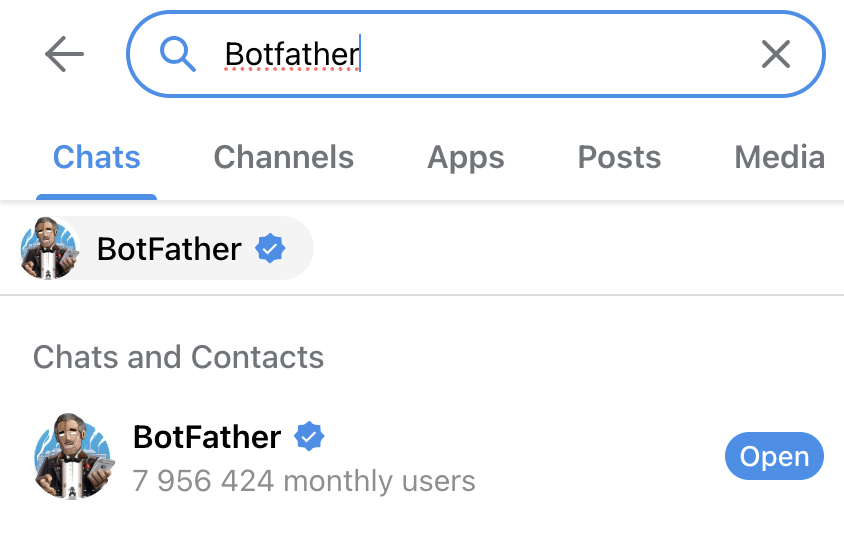
- Create a new bot with this command: /newbot
- Next, choose a name for your bot.
- Copy given token.
Step 2: How Do I Connect My Telegram Bot to Claude Code?
- Open Claude Code with this command:
claude- Install telegram plugin:
/plugin install telegram@claude-plugins-official- Close your Claude and re-open.
- Use this prompt
Here is my token : [paste]
Read the setup guide here: [ https://github.com/anthropics/claude-plugins-official/blob/main/external_plugins/telegram/README.md]
Then configure the Telegram plugin with my token and show me the confirmation.
Step 3: How Do I Start Chatting with Claude Code on Telegram?
Next, paste this.
claude --channels plugin:telegram@claude-plugins-official
And start talking to your bot. Now your Claude Code Telegram setup is complete.
Tip: Your computer must stay on for Claude Code to receive Telegram messages.
Testing
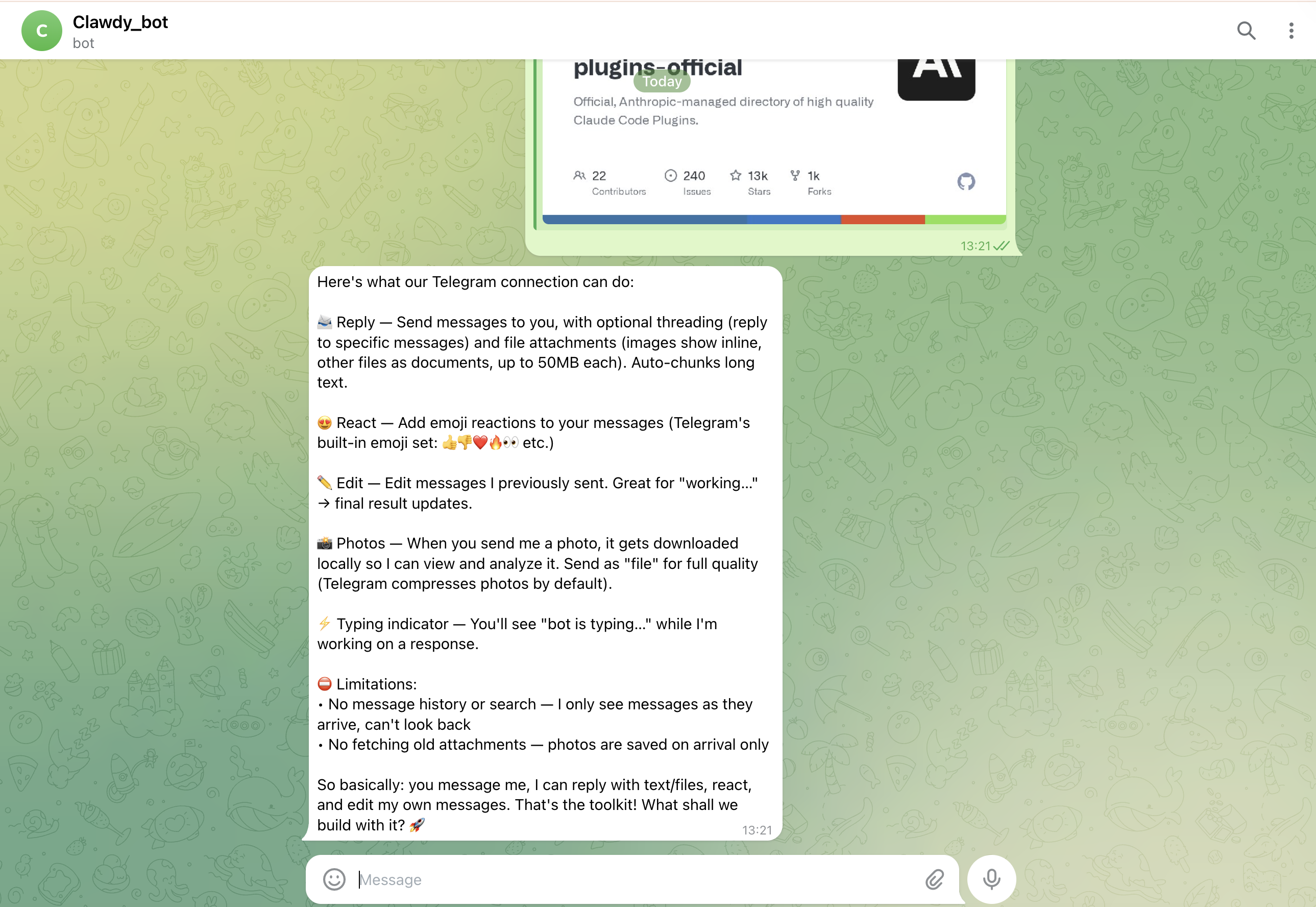
\My Claude bot turns to Clawdy\_bot\
After sending a message over the telegram, as you can see it answers.
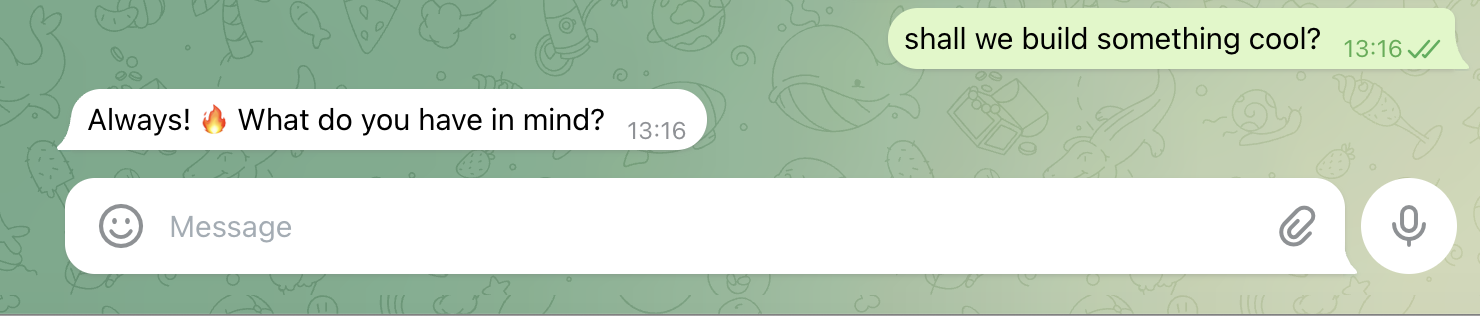
\Claude Code on Telegram\
And you can see the same message over the terminal like this.
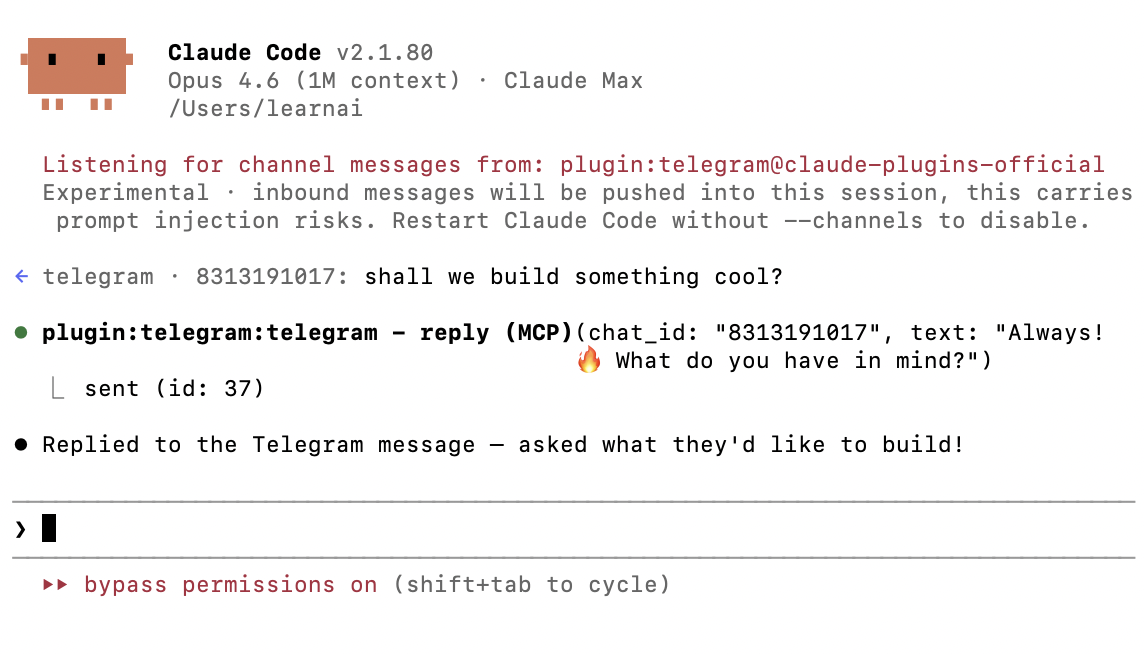
\Same message on Telegram\
Every message you send on Telegram shows up in your terminal too, so you can track the full conversation from both sides.
You can ask Claude Code to debug code, generate snippets, refactor functions, explain errors, and anything you’d normally type in the terminal.
For more Claude Code projects, see how I ran my business with 3 Claude Files.
Final Thoughts
You just put Claude Code in your pocket.
Stuck on a bug at the coffee shop?
Text your bot. Get the fix.
Need a code snippet while commuting? Voice message. Done. (That’s when you realize your AI doesn’t live in a browser tab anymore, it lives in your pocket.)
Thanks for reading.