3 client decks from web URLs in under 20 minutes. Shark Tank pitch, GitHub README, blog post. Zero manual formatting.
By Gencay
Published: 2026-02-20
URL: https://www.learnwithmeai.com/p/claude-is-now-on-powerpoint-i-built

Spending hours on PowerPoint will be in our memories for good now.
Why? Because Claude is now on PowerPoint.
Type your prompt and watch your slides being generated.
Like in our Claude Master Class Part 1, I watched Netflix (Noah) while Claude did the work.
Before, we generated slides using NotebookLM + Canvas, and next, using NotebookLM only).
But this time, let’s use Claude.
And I have to say, this is pretty wild.
What Is Claude in PowerPoint?

\Reference\
Back then, Claude announced an Excel plug-in.
People loved it.
For many data analysts who don’t like AI, this news wasn’t good.
Because now everyone can perform data analysis simply by typing prompts.
But the Claude team didn’t stop
Now it’s on PowerPoint.
And it can create slides without your intervention.
How to connect Claude with PowerPoint?
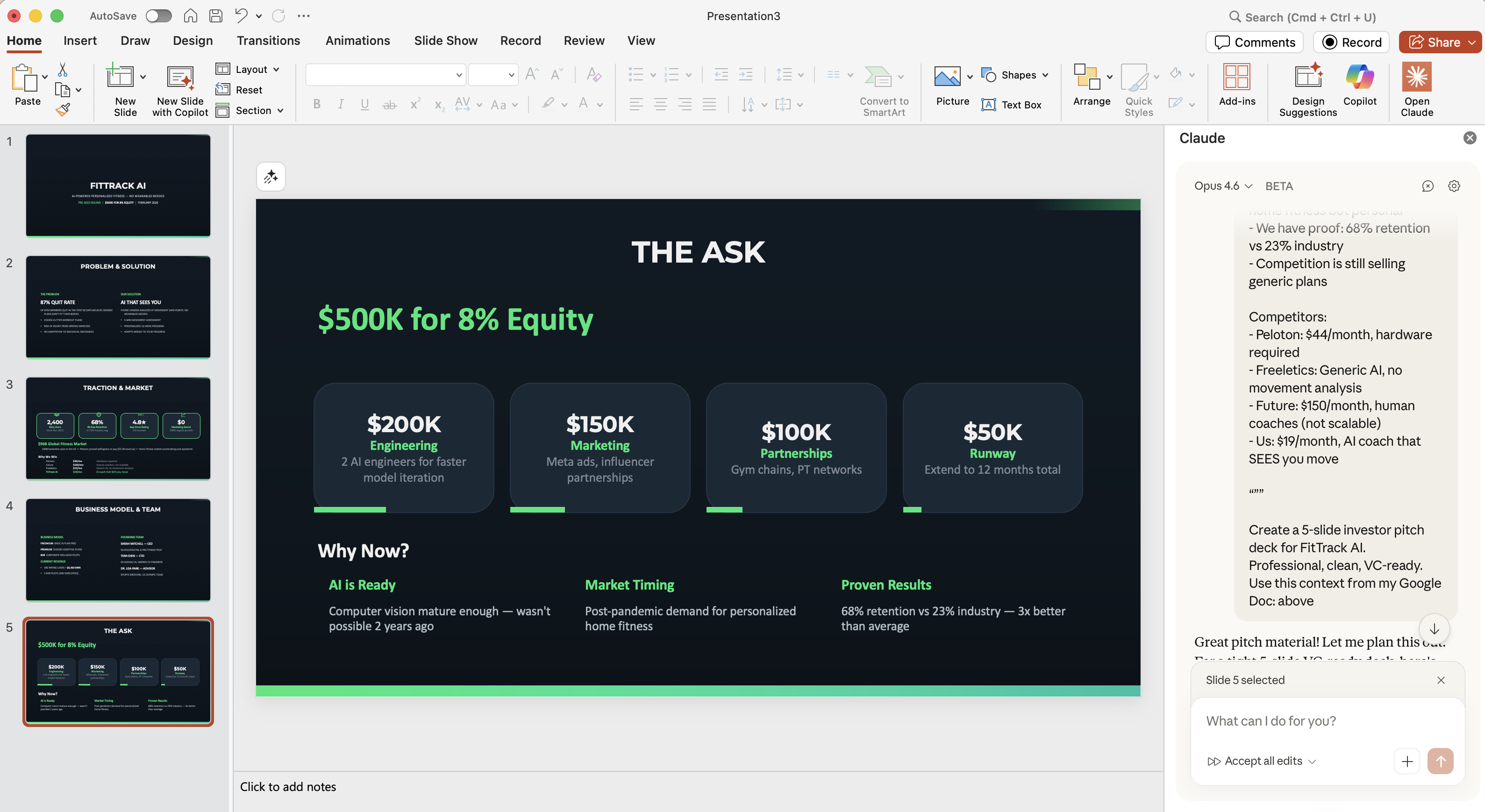
\Claude inside PowerPoint\
- Install Microsoft PowerPoint (desktop) on your Mac and Windows.
- Open PowerPoint.
- Go to Home.
- Click Add-ins (or Get Add-ins).
- Search for Claude.
- Select Claude (Anthropic) and click Add / Install.
- When it opens, sign in to your Anthropic account.
- You will now see Claude in the toolbar.
And let’s create a Client Deck!
What Are We Going to Build?
We’ll build 3 client decks:
- Shark Tank Pitch → Investor Deck (Ring Doorbell story - rejected by Sharks, sold for $1B)
- GitHub README → Product Deck (OpenClaw - turn technical docs into VC-ready slides with playful lobster branding 🦞)
- Blog Post → Sales Deck (Digital Mentor app - transform product journey article into investor presentation)
I’m feeding Claude PowerPoint direct URLs and watching it build decks from scratch.
Let’s start with the wildest one.
Deck #1: Ring Doorbell Shark Tank Pitch (Rejected → $1B Exit)
Jamie Siminoff pitched Ring on Shark Tank in 2013.
Asked for $700K. Every Shark said no.
7 years later, Amazon bought Ring for $1 billion.
What did I do?
I opened Claude in the PowerPoint toolbar. Clicked the Claude icon. Pasted the URL.
Here is the entire prompt:
Create a 5-slide investor pitch deck from this Shark Tank article:
https://finance.yahoo.com/news/not-hero-liability-shark-tank-165503702.html
Structure:
Slide 1: Company & Problem (home security pain point)
Slide 2: Solution (Ring Doorbell product)
Slide 3: Traction (sales, users, revenue)
Slide 4: The Ask (what Jamie wanted from Sharks)
Slide 5: The Outcome (rejected → $1B exit)
Style: VC-ready, data-driven, visual charts where possible
In just one prompt, it started working like this.
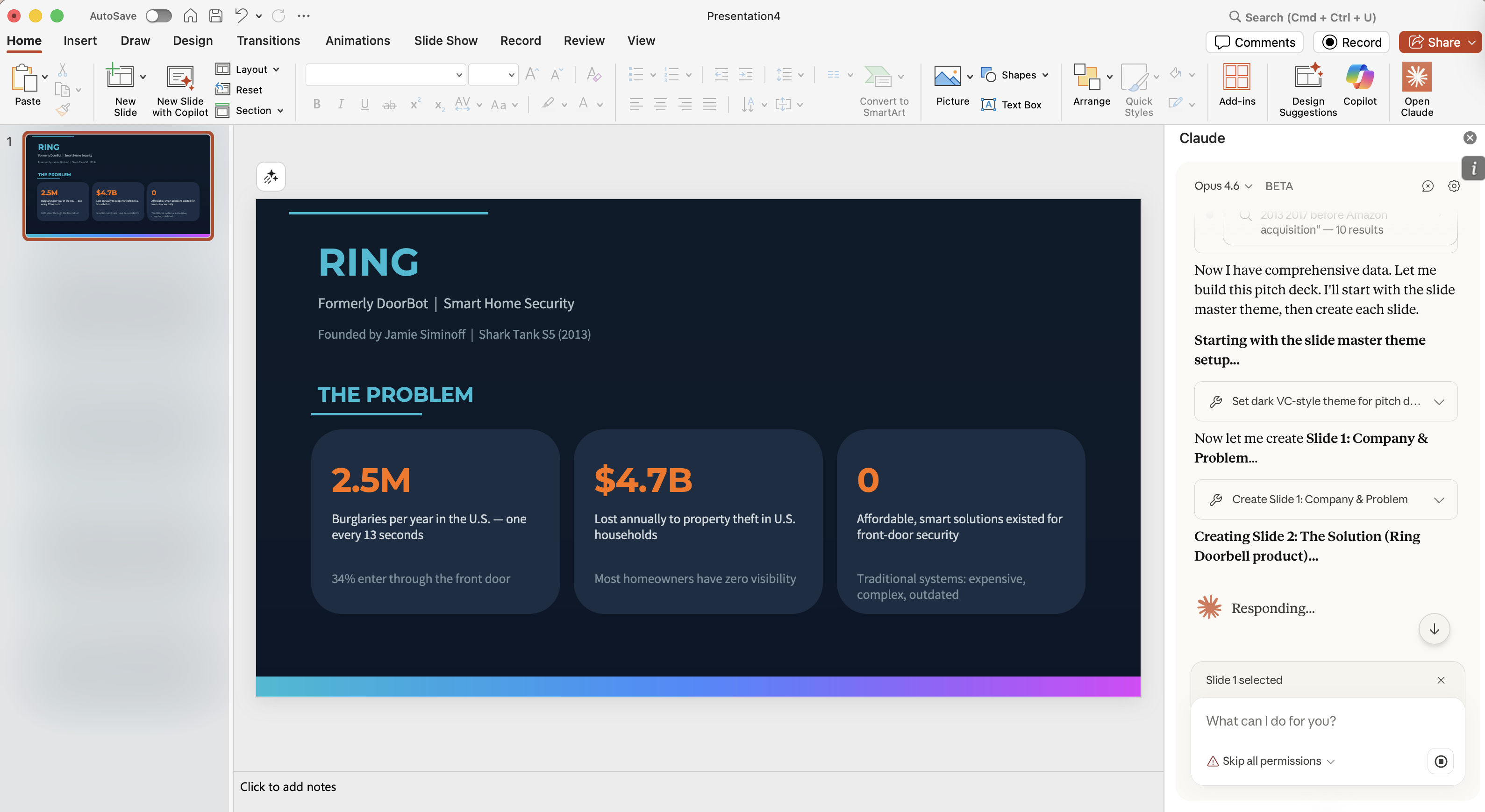
\Claude started working\
The wildest part is this: I didn’t even have to intervene, except to give my approval once.
After finishing, it started adding icons.
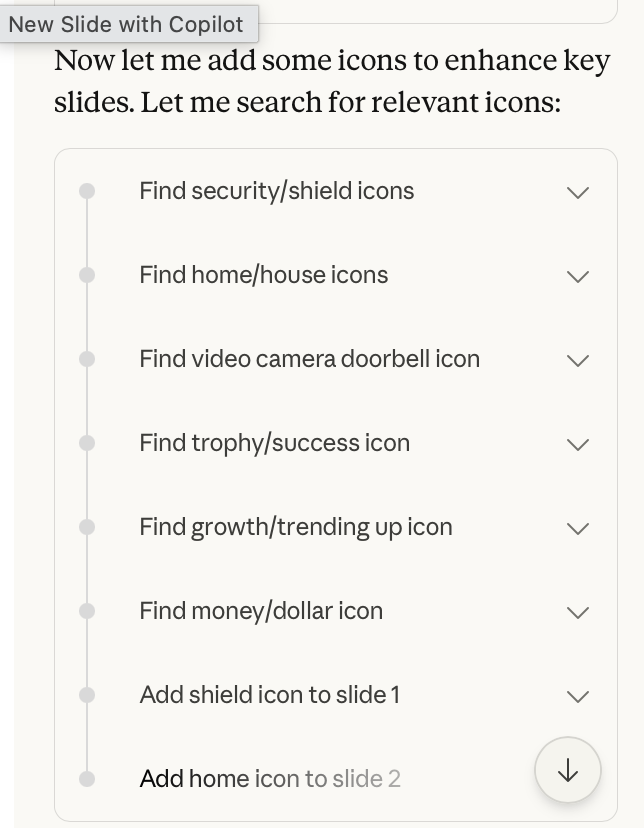
Again, I have not created ppt slides before in my life.
Here is the result in just 5 minutes.
Deck #2: GitHub README → Product Deck
This time, let’s turn OpenCaw’s GitHub Readme into a slide deck.
It can perfectly explain what OpenClaw is to your friend or family member, or even to your boss.
Let’s turn its readme, to a slide, using the same method, Claude + PowerPoint.
Prompt:
Create a 5-slide product deck from this OpenClaw website.
Extract:
Slide 1: What is OpenClaw? (personal AI assistant, open-source)
Slide 2: The Problem (corporate AI = walled gardens, no privacy, no customization)
Slide 3: The Solution (local AI agent, your machine, your data, extensible)
Slide 4: Features & Capabilities (inbox automation, calendar, workflows, multi-platform messaging)
Slide 5: Why it matters (user ownership, privacy, community-driven innovation)
Style: VC-ready, privacy-focused, developer-friendly
Design (OpenClaw Brand Style):

- Color palette: Dark mode (#0D0D0D background) + high-contrast white/light text

- Mascot: Molty the space lobster 🦞 (crab/lobster character) in slide corners or as visual accents

- Typography: Clean sans-serif headings, monospace code-style for technical elements

- Tone: Playful + technical (anti-corporate, approachable, nerdy)

- Visuals: Minimalist layouts, generous whitespace, crab/lobster emoji as icons

- Platform icons: WhatsApp, Telegram, Discord logos (clean, functional)

- Illustrations: Simple line art, "lobster takeover" theme (playful technical rebellion)

- Layout: Readable hierarchy, no ornate decorations, community-driven vibe
Now let’s see what it looks like.
Deck #3: Blog Post → Sales Deck
You built an app (Digital Mentor).
You wrote a blog post about the journey.
Now you need a sales deck to pitch it to investors or clients.
Prompt
Create a 5-slide sales deck from this blog post.
Extract:
Slide 1: The Problem (pain point from article)
Slide 2: The Solution (product/service overview)
Slide 3: How it Works (technical pipeline or workflow)
Slide 4: Use Cases & Features (who it's for, what it does)
Slide 5: Traction & Next Steps (results, call to action)
Style: Investor-ready, product-focused, transformation narrative
Design:

- Use brand colors if mentioned in article, otherwise clean modern palette

- Typography: Bold headlines for key messages, clean sans-serif for body

- Visuals: Product screenshots, user journey diagrams, before/after comparisons

- Icons: Relevant to your product category

- Layout: Journey-based flow (Problem → Solution → How → Impact → Action)

- Data callouts: Highlight key metrics from the article
Let’s see what it looks like.
Final Thoughts
I just built 3 decks in 15 minutes.
Ring pitch deck. OpenClaw product slides. Digital Mentor sales presentation.
Just URLs → Prompts → Done.
The deck is just the vehicle. Your message is what drives it. Claude just built the car. You’re still the driver.
Let me know in your comments what you plan to build!
Also if you like, show it and please let me know if the frequency of my posts is too much or enough.
Normally, I plan to write once every other day, but I couldn’t resist myself when I saw this news.
Let me know in the comments, thanks!