Anthropic's new AI agent works directly on your computer. No coding required. Here's a practical guide to getting started.
By Gencay
Published: 2026-01-16
URL: https://www.learnwithmeai.com/p/use-claude-cowork-to-10x-your-workflow

Anthropic just dropped Claude Cowork. It’s Claude Code, but for your entire computer.
Point it at any folder.
Tell it what you want. It does the work.
Here’s how I use it.
LearnAIWithMe Paid Perks
The standard subscription ($12/mo or $100/year) gives you full access to all my articles and posts on Substack
The Founding Member tier ($200/year) includes everything above PLUS access to The Vault, 700+ prompts, projects, AI tools, and AI labs.
1. What is Claude Cowork?
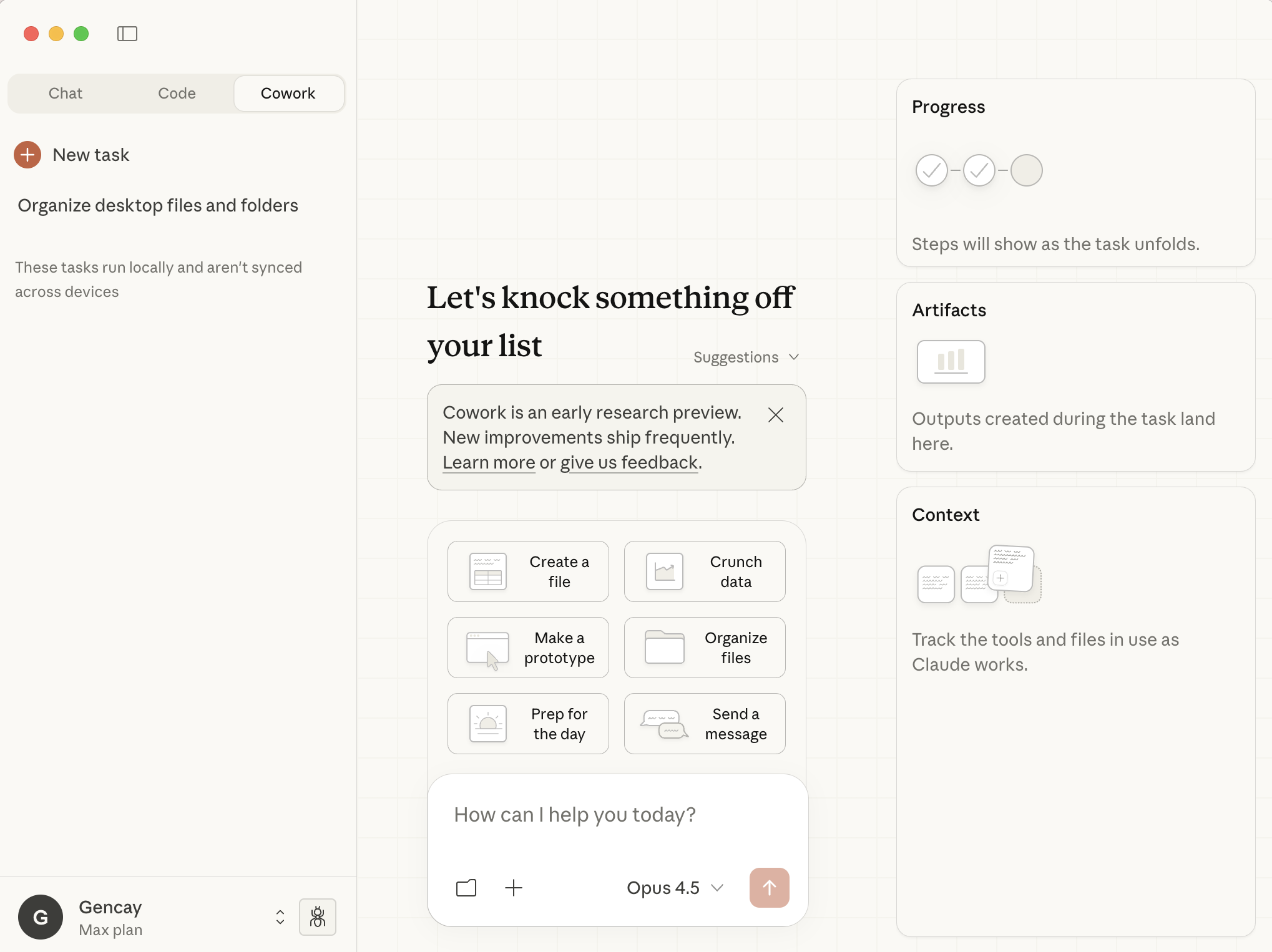
Claude Cowork is Anthropic’s new AI agent. It lives inside the Claude Desktop app. You give it access to a folder. It reads, edits, creates, and organizes files for you.
No terminal. No commands. No technical setup. Just chat.
You tell Claude what you want. It makes a plan. Executes the steps. Checks its own work. Asks you if it gets stuck.
That’s it.
The magic? It runs locally on your computer. Your files stay on your machine. Claude works in a sandboxed environment, isolated from your system.
Who can use it?
Max subscribers only ($100-$200/month). macOS for now.
2. Claude Cowork Use Cases
Here’s what makes Cowork different from regular Claude:
It doesn’t just answer questions. It does the work.
Regular Claude: “Here’s how you could write an article...”
Cowork: Creates the file. Writes the article. Saves it.
Let’s see how.
a) Create A File and Write Article
Let’s create a file.
Next, it will ask the kind of the file.
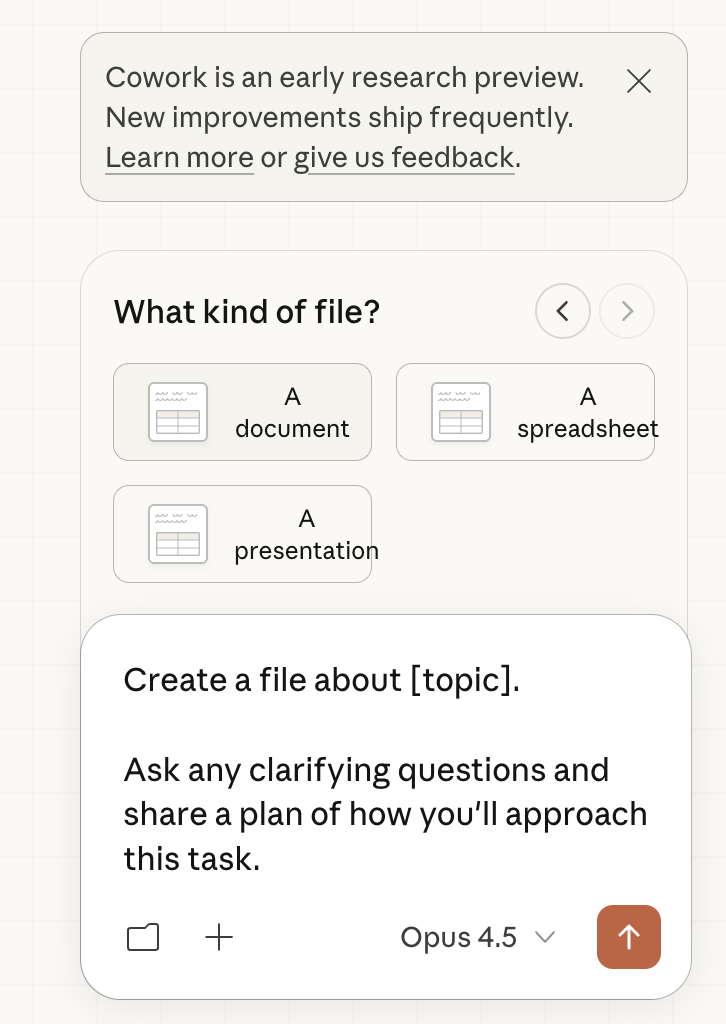
I selected the document and it updated the prompt and continue to the second question.
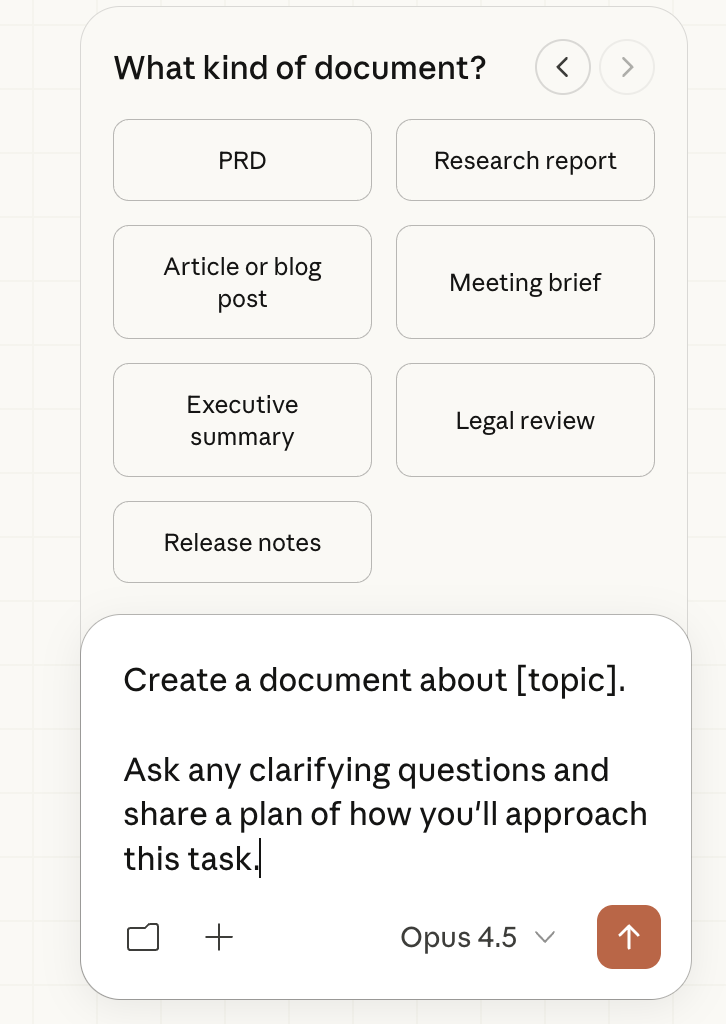
I selected Article and here is the latest version of this prompt.
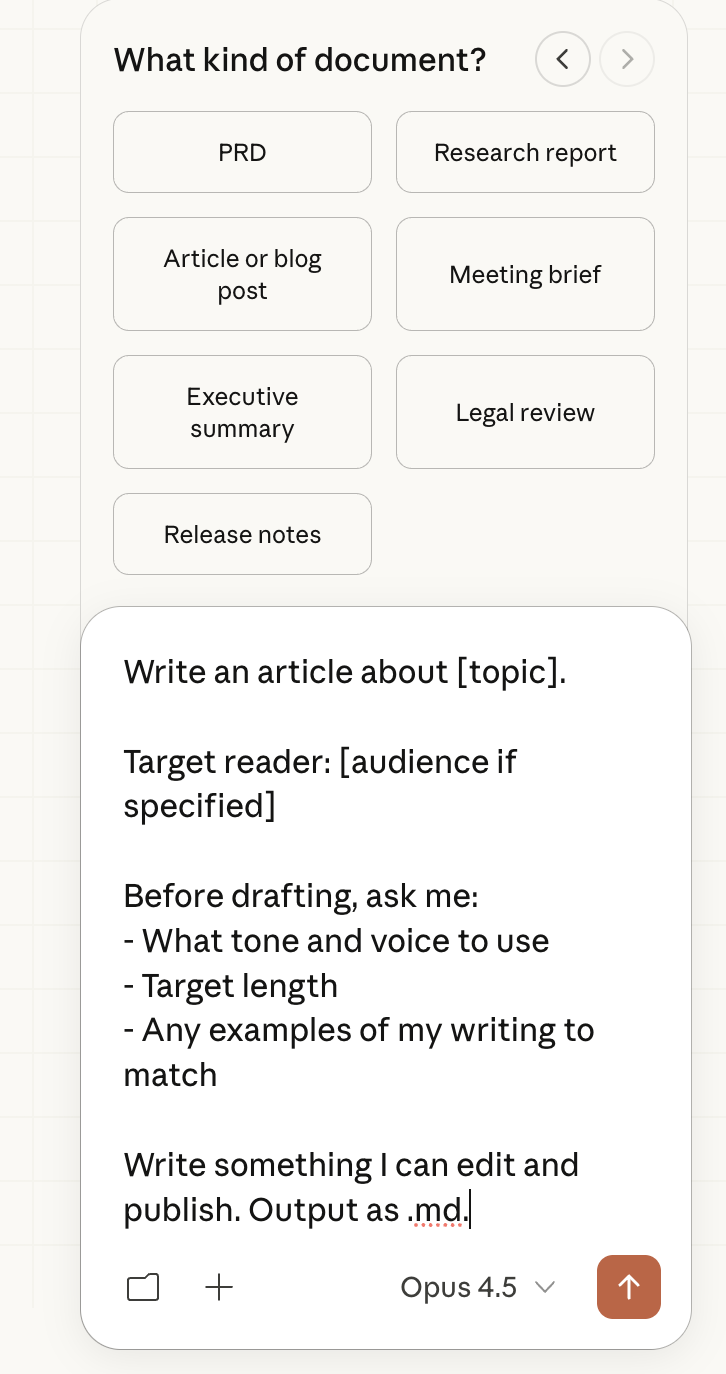
I updated the prompt and sent it, but it still continue asking me questions.
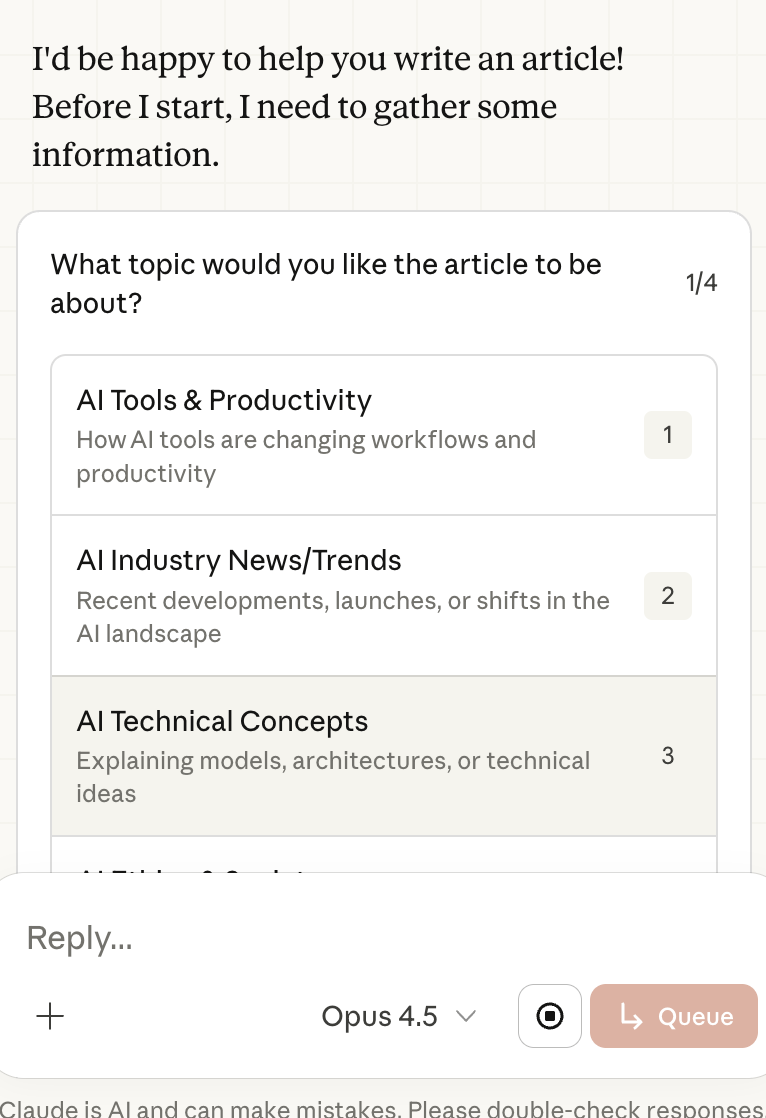
These questions are great, because my answers will make the output more like I want. Here are my answers;
- I want to write about Antigravity, new AI IDE of Google, search web if you need more info.
- Educational & Clear
- Short
- Concise, Ernest Hemingway style
Next, it searches over the web about antigravity.
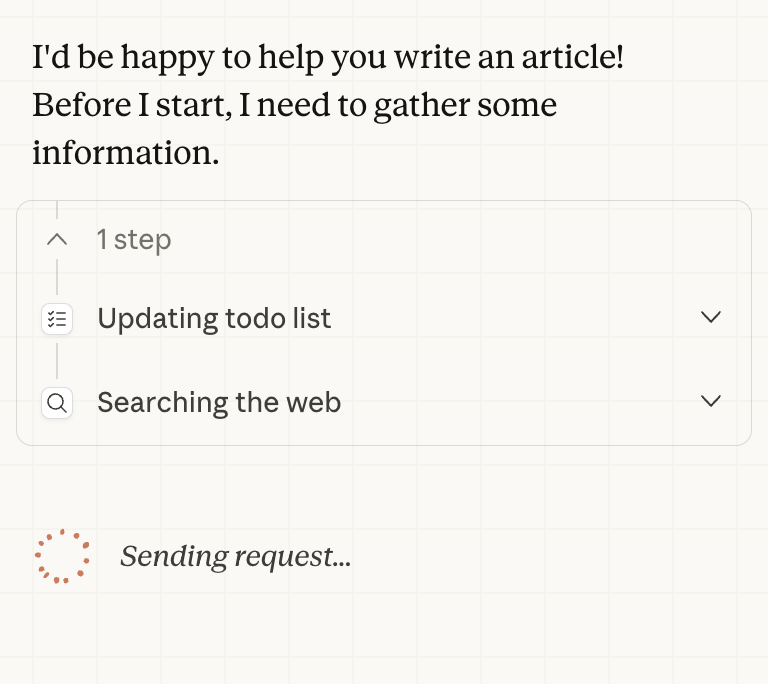
And it’s finished.
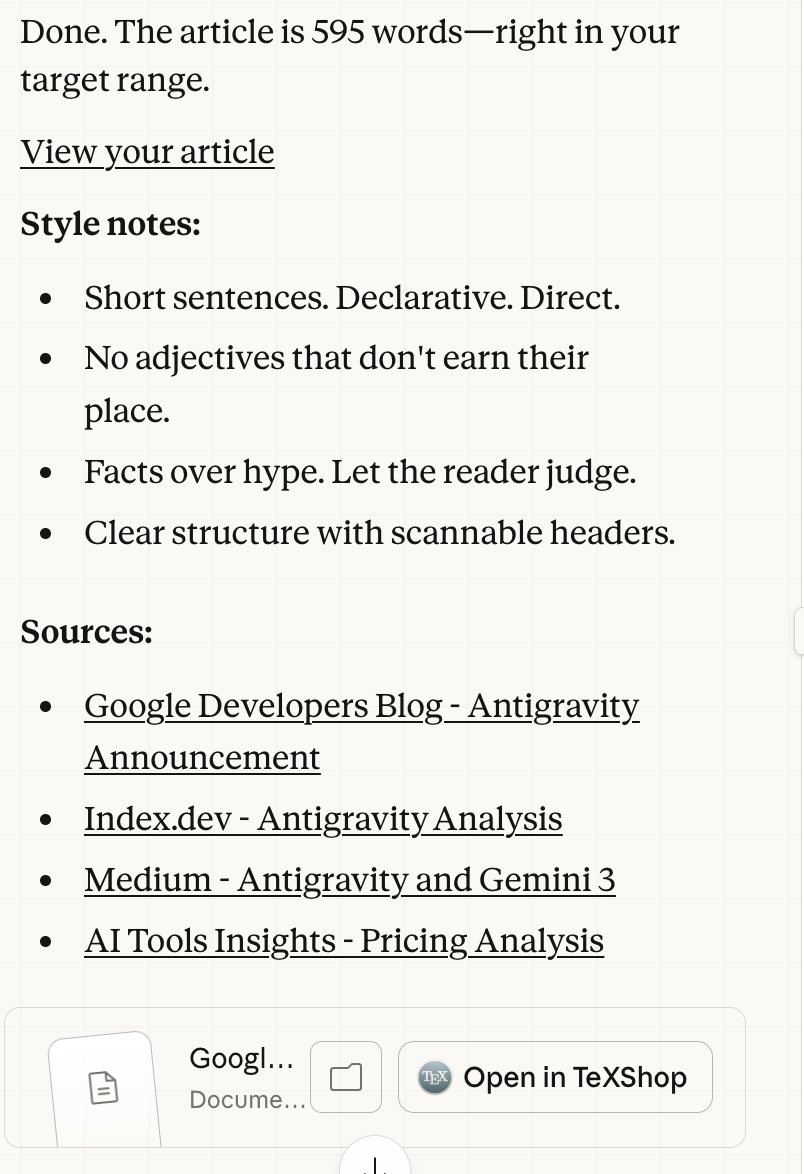
Let’s see the article.
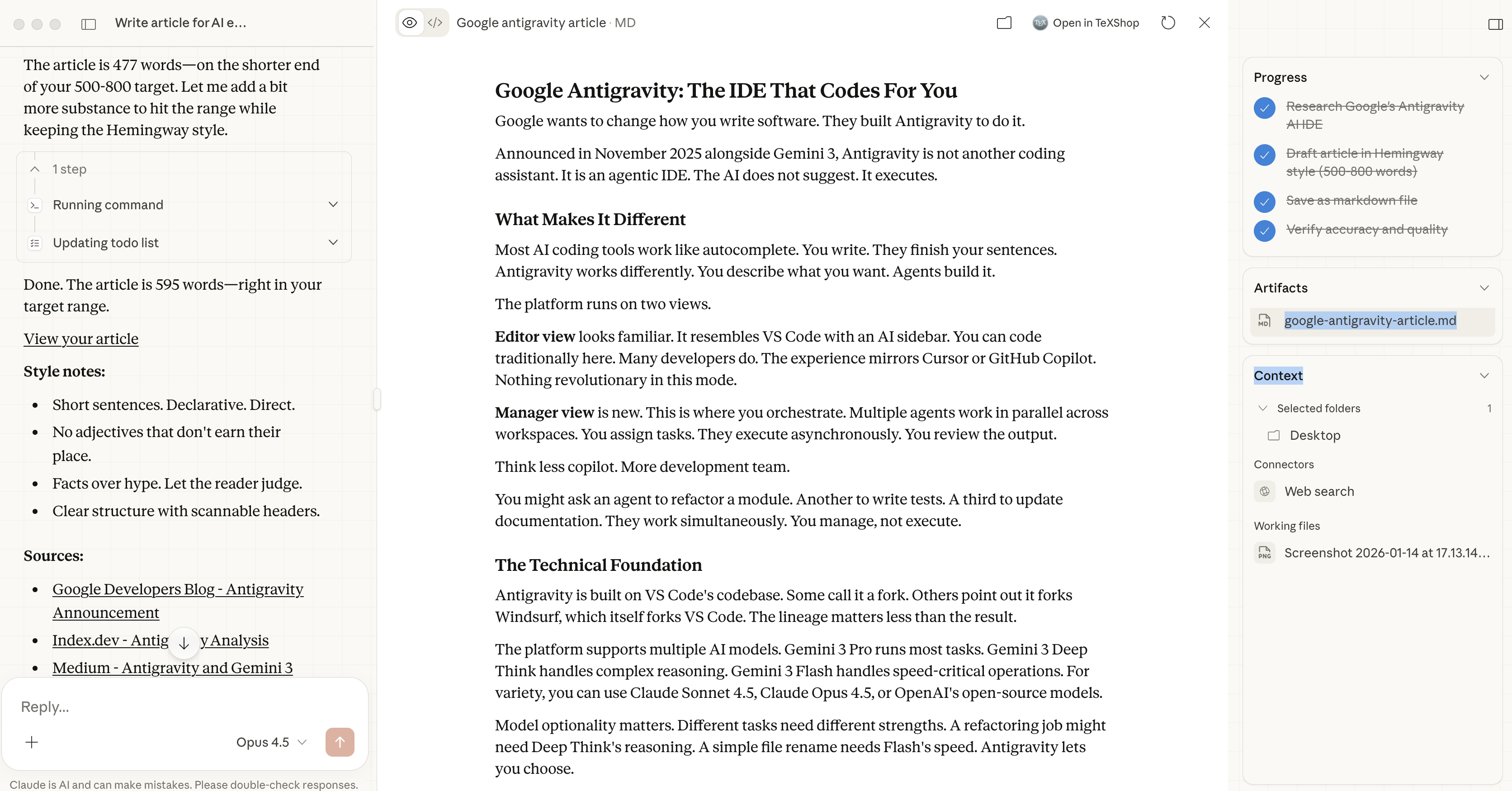
Next step, I uploaded this file to gDoc and left comments.
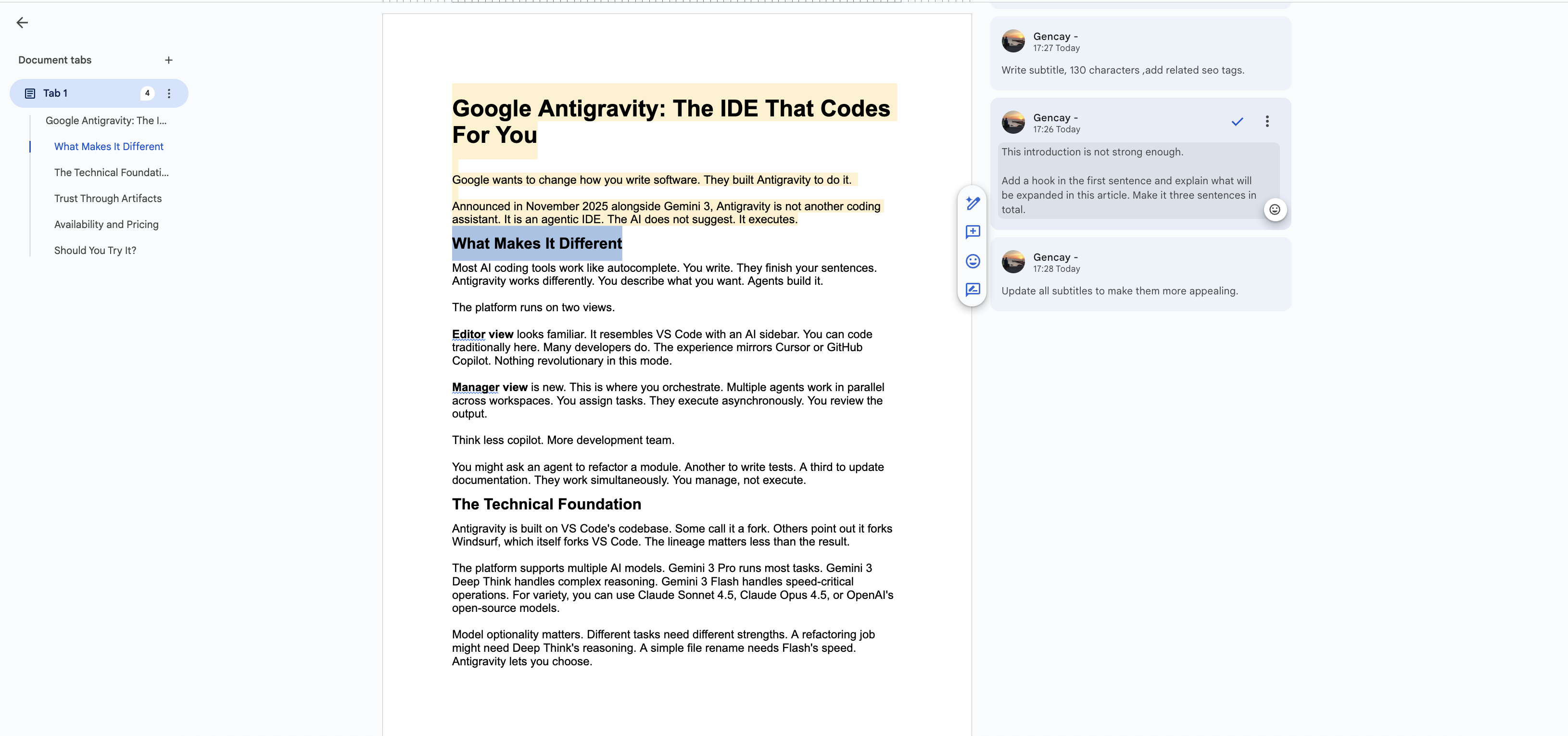
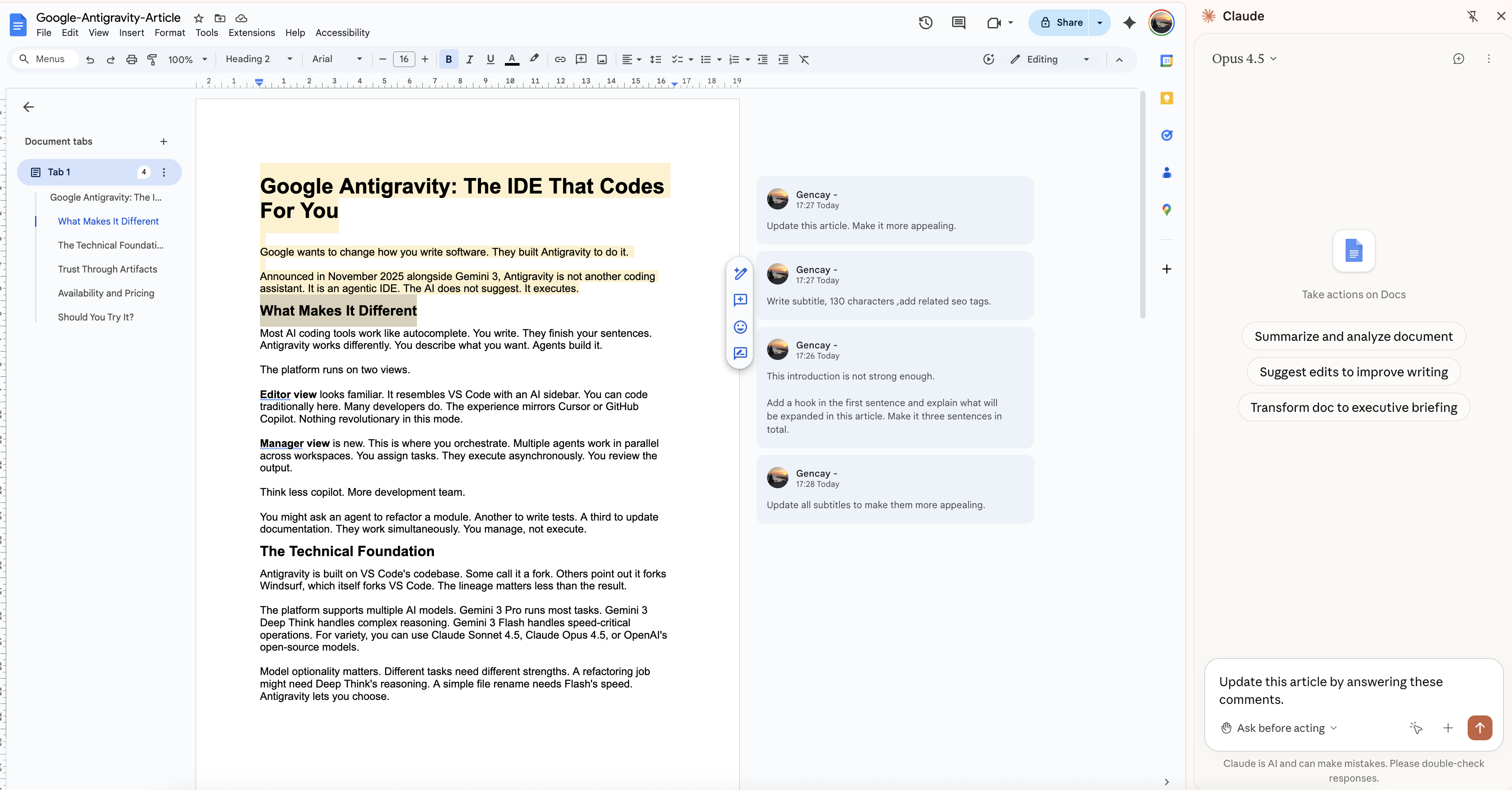
Next, let’s ask Claude extension to address your comments with this set-up.
Next, it asks you couple questions.
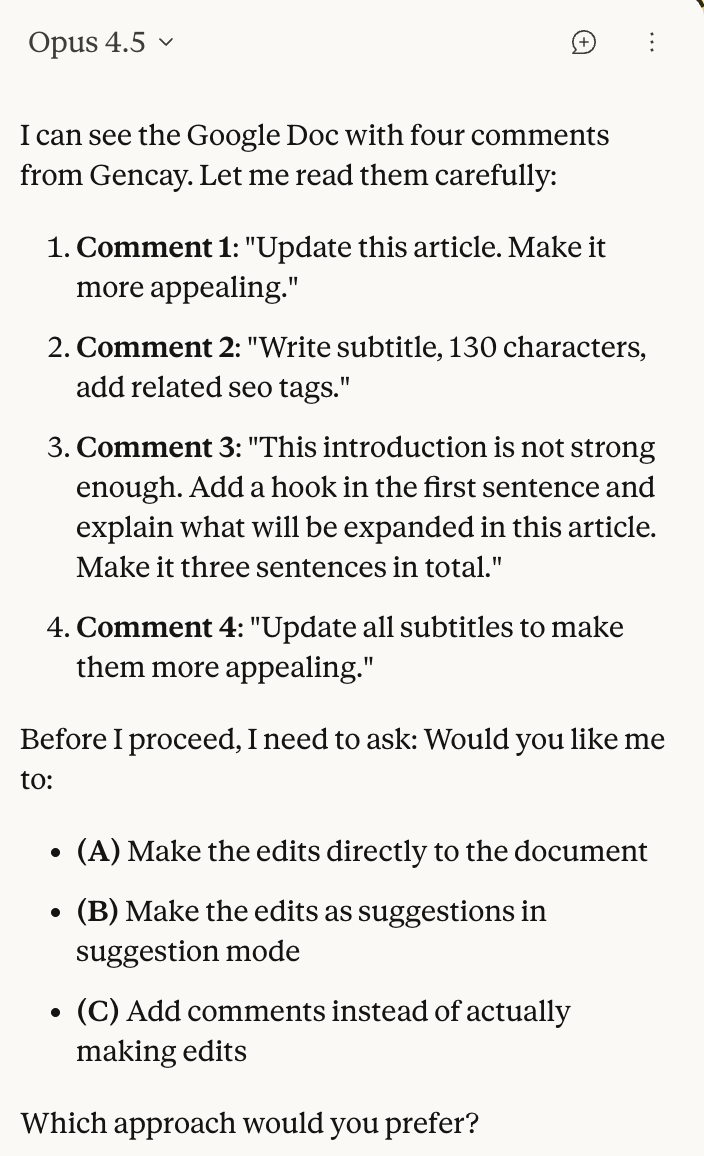
I selected “A”. and let it update entire article.
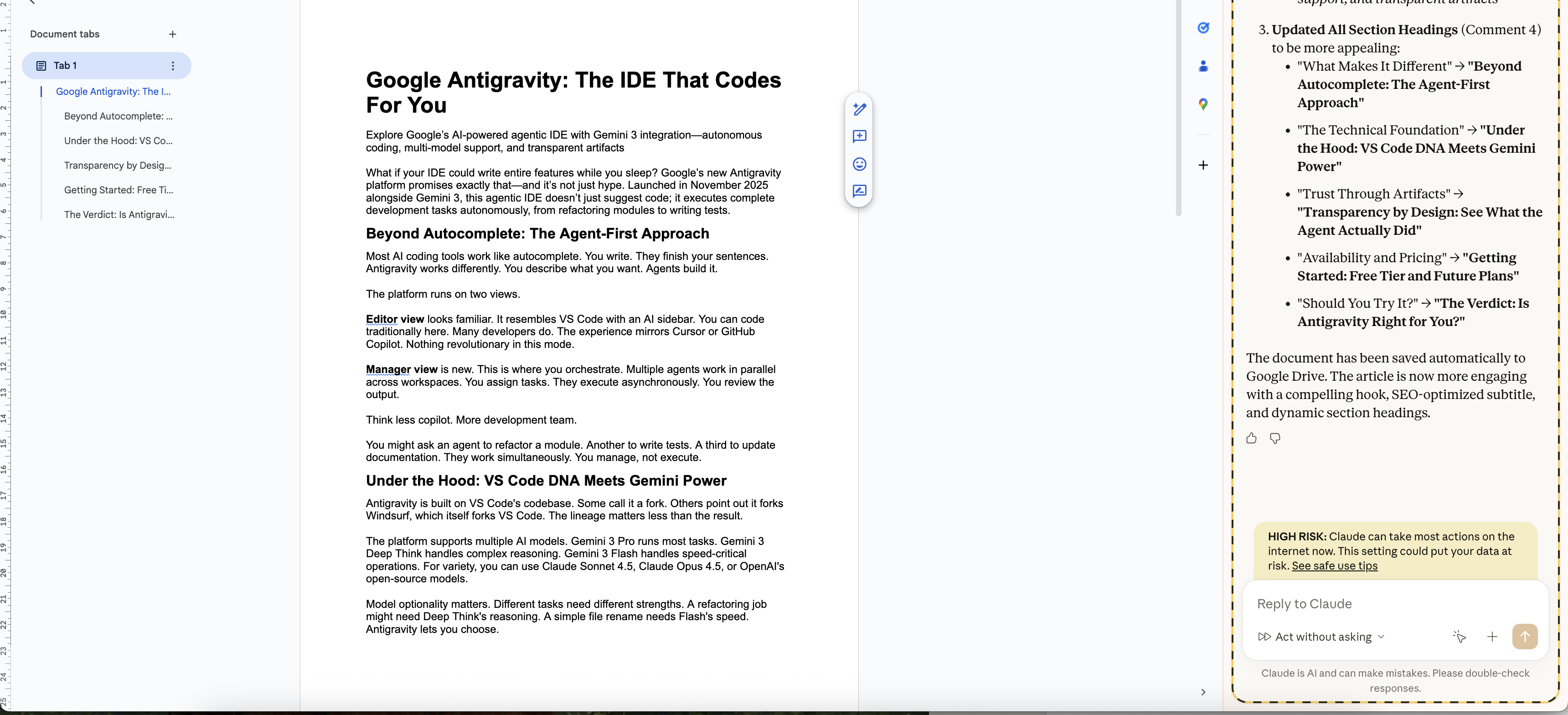
Next step can be humanizing all the content.
b) Desktop Organization
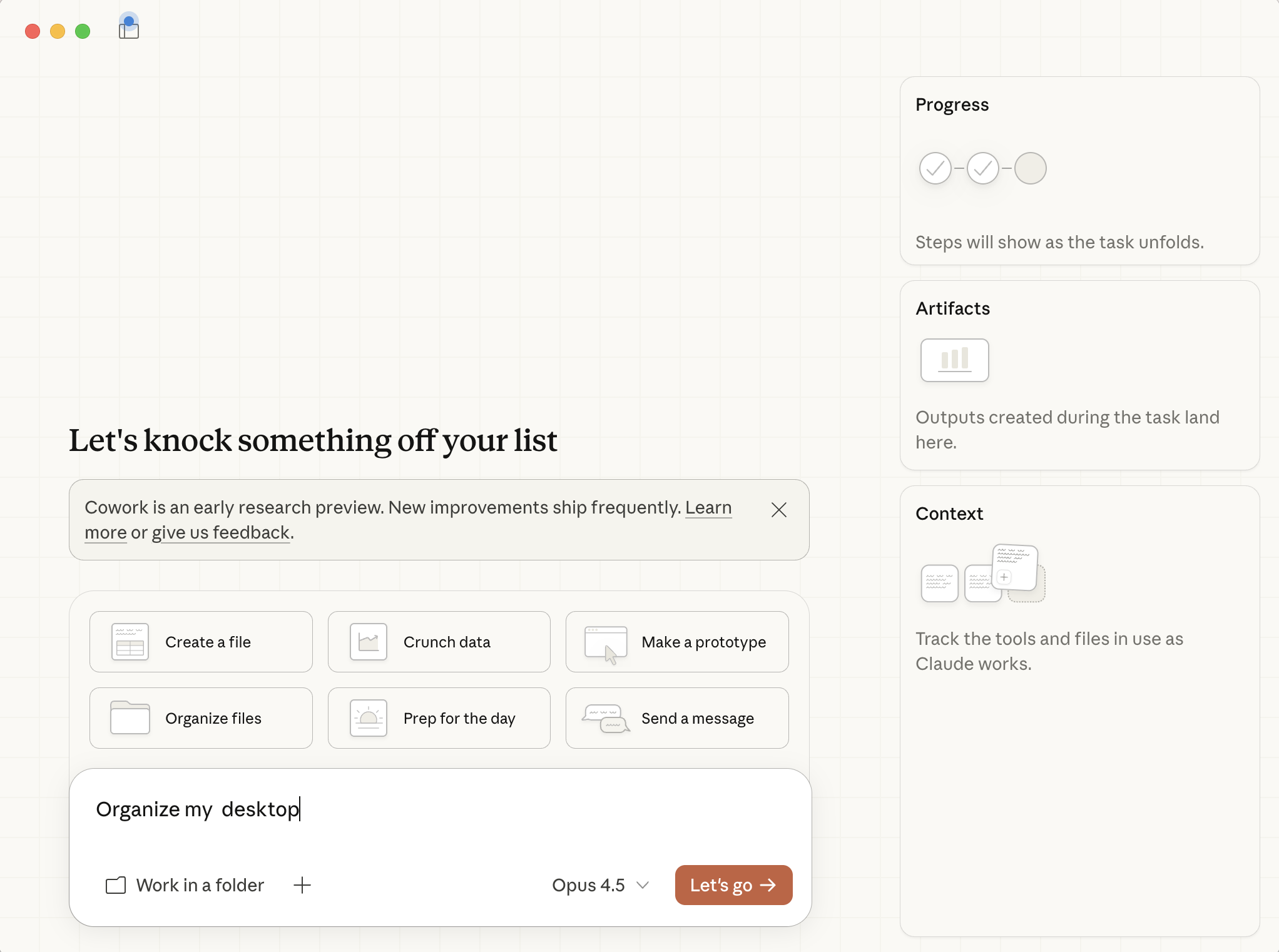
Next, it asks you couple of questions about the organization.
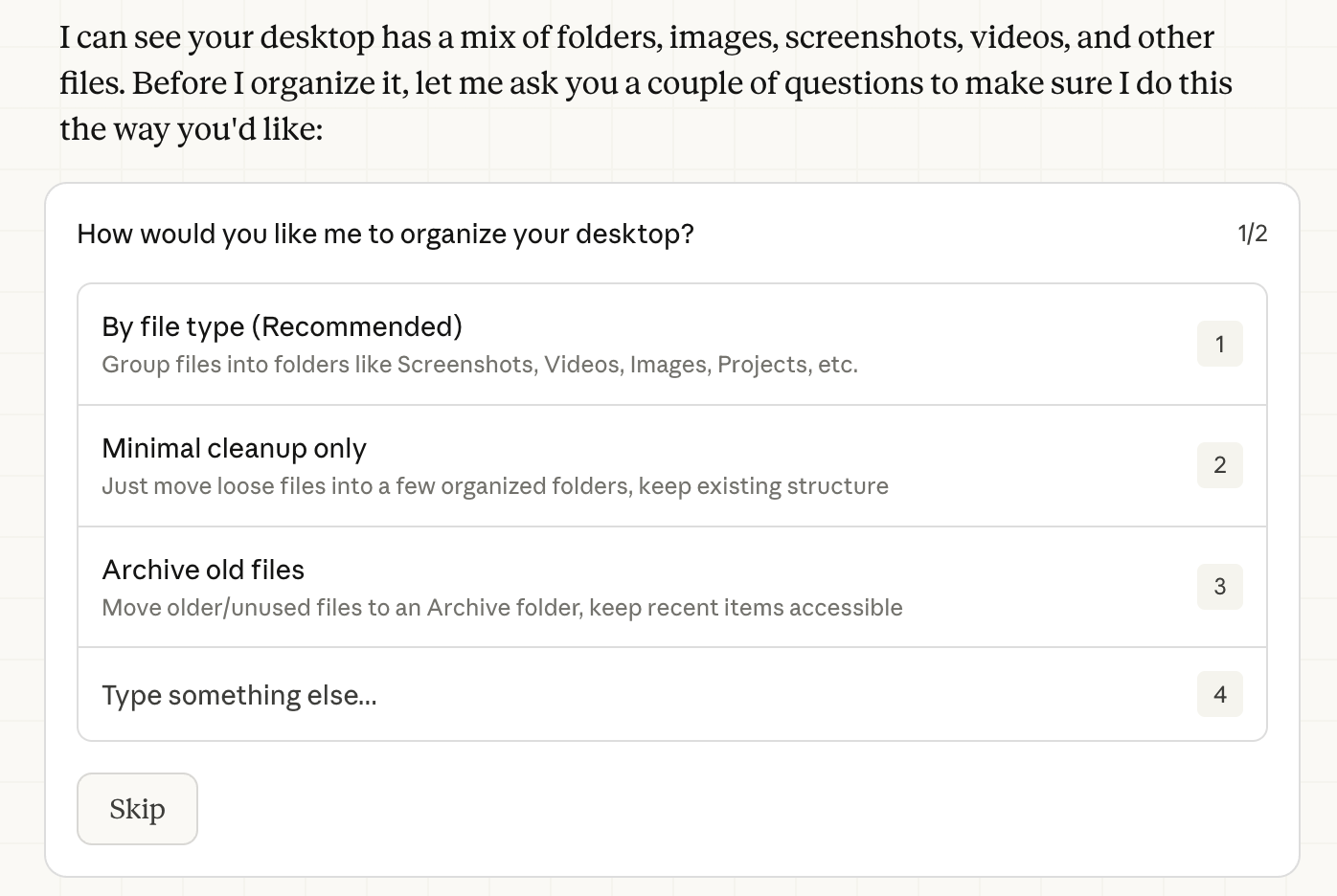
Let’s see. I need my files organized by type.
In five minutes, it has finished this task. Here is my desktop.

Final Thoughts
Claude Cowork isn’t perfect. It’s slow sometimes. It gets confused on complex tasks.
But it actually does the work.
Not suggestions. Not outlines. Not “here’s how you could...”
It creates the file. Moves the folder. Writes the draft.
Is it worth $100-$200/month?
If you value your time at more than $20/hour, the math is simple. Save 5 hours a month on file organization, writing drafts, and tedious edits. That’s your subscription paid for. The rest is profit.