From personal assistants and autonomous research to browser automation, coding, and business workflows. A practical guide to free and open-source AI agents that can take real work off your hands.
By Alex Pawlowski
Published: 2026-10-26
URL: https://thestrategystack.substack.com/p/best-free-ai-agents-2026

THE STRATEGY STACK · FIELD GUIDE · OCTOBER 2026
AI agents have become one of the most crowded categories in technology.
Almost every AI product now claims some degree of agency. Chatbots acquire tool connections, automation platforms introduce reasoning blocks, and coding assistants expand from suggesting code to executing entire tasks.
The terminology has expanded faster than the practical understanding of what these systems can reliably accomplish.
For anyone trying to use agents in actual work, the questions are surprisingly straightforward.
Can the agent complete a useful task? What access does it need? How much work is required to set it up? What happens when it makes a mistake? And what, exactly, is free?
Those questions matter because there is a substantial difference between a conversational assistant, an agent capable of executing a workflow, and a framework that requires developers to construct the agent themselves.
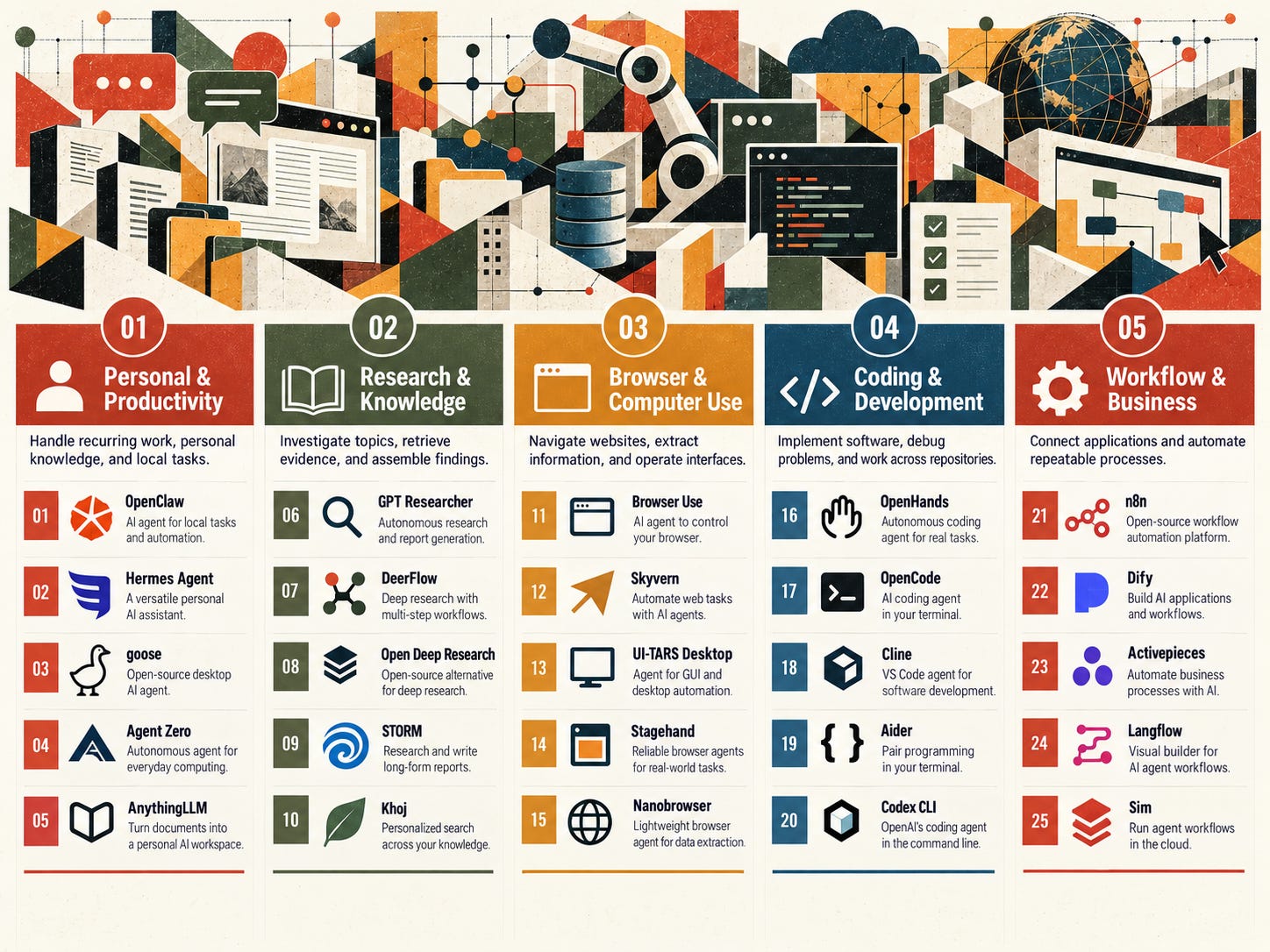
This directory brings together 25 free-to-start and open-source AI agents and agent platforms across five practical categories.
It covers personal productivity, autonomous research, browser and computer use, software development, and business workflow automation.
Some entries work with minimal configuration. Others require installing software, connecting an AI model, or running services locally.
Every resource is selected because it offers a concrete path to performing work, rather than merely demonstrating an abstract agent architecture.
The goal is to help you identify what you can use, what it will take to operate, and where an agent may genuinely reduce your workload.
The 25-agent directory at a glance
How to interpret free access
This directory uses three categories.
Free application: The resource provides an ongoing free route to using the software, potentially with usage restrictions.
Open-source / self-hosted: The software can be installed or operated without a mandatory software subscription, although computing infrastructure, model inference, and connected services may cost money.
Free agent-building platform: The product provides a free route to constructing or running an agent workflow. It is not necessarily a finished, ready-to-use assistant.
These classifications are important. A free agent framework that requires a paid language-model API is not the same experience as a service that provides free inference within its own limits.
Setup difficulty is described as Beginner, Intermediate, or Technical. These are editorial estimates, not vendor certifications.
01. Personal & productivity agents
Agents designed to work with personal information, local environments, recurring tasks, and everyday productivity workflows.
01. OpenClaw
Best for: A self-hosted personal assistant that can act across applications and communication channels.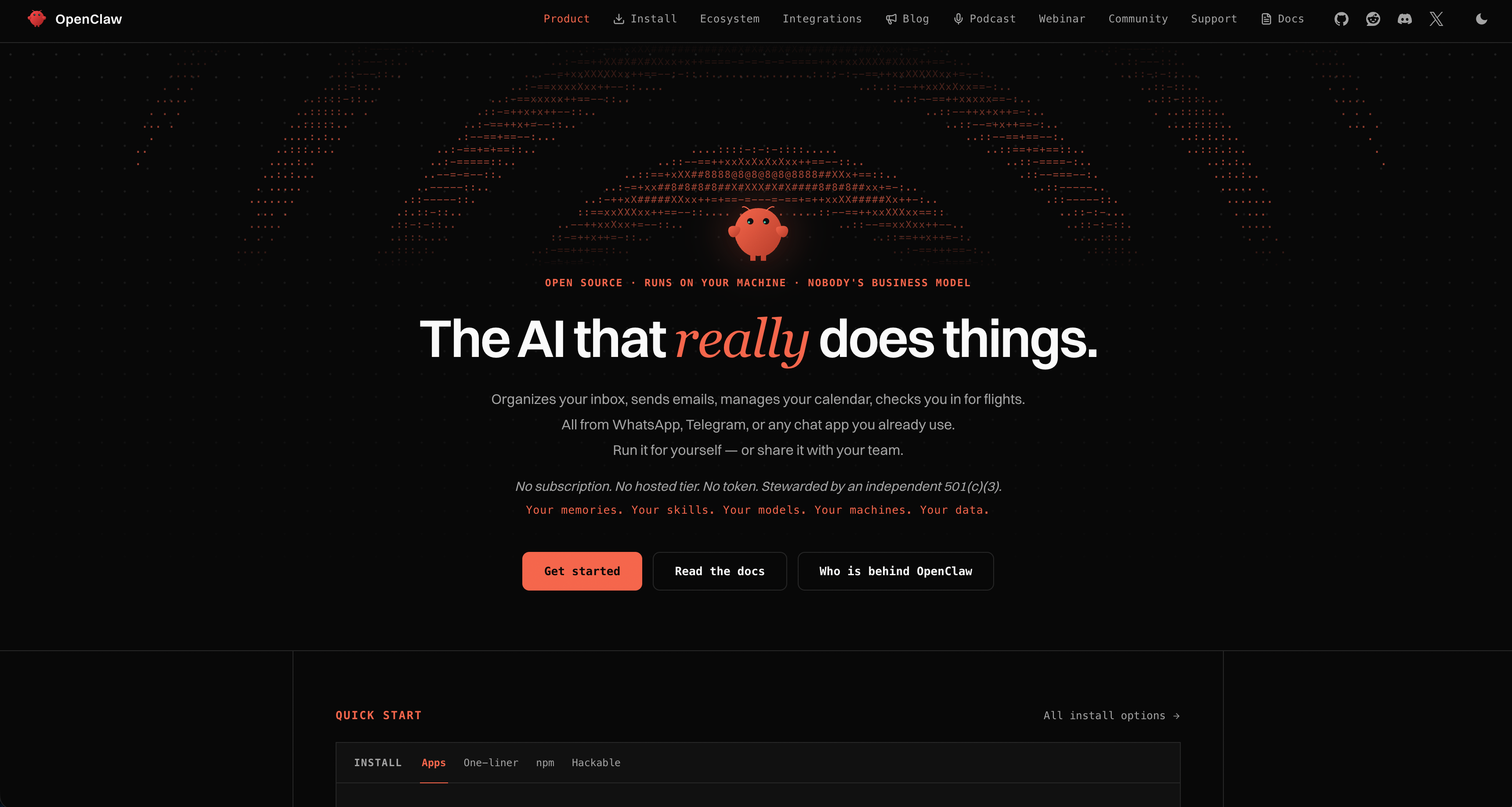
OpenClaw is an open-source personal agent that can connect to messaging services and tools, maintain context, and perform tasks such as working with email, calendars, files, and other supported integrations.
Its appeal is the ability to interact with an agent through familiar messaging channels while work happens in a connected environment.
For an independent professional, that creates opportunities to consolidate recurring administrative tasks, research, and information management.
Try this: Set up a personal daily briefing that gathers selected tasks and calendar information, then generates a prioritized agenda.
Setup: Intermediate
Free access: Open-source, self-hosted software. Models, hosting, and connected services may introduce costs.
Watch for: Broad access to personal accounts. Begin with read-only permissions and require approval before messages, calendar changes, or external actions.
02. Hermes Agent
Best for: A persistent personal agent that develops reusable skills and memory.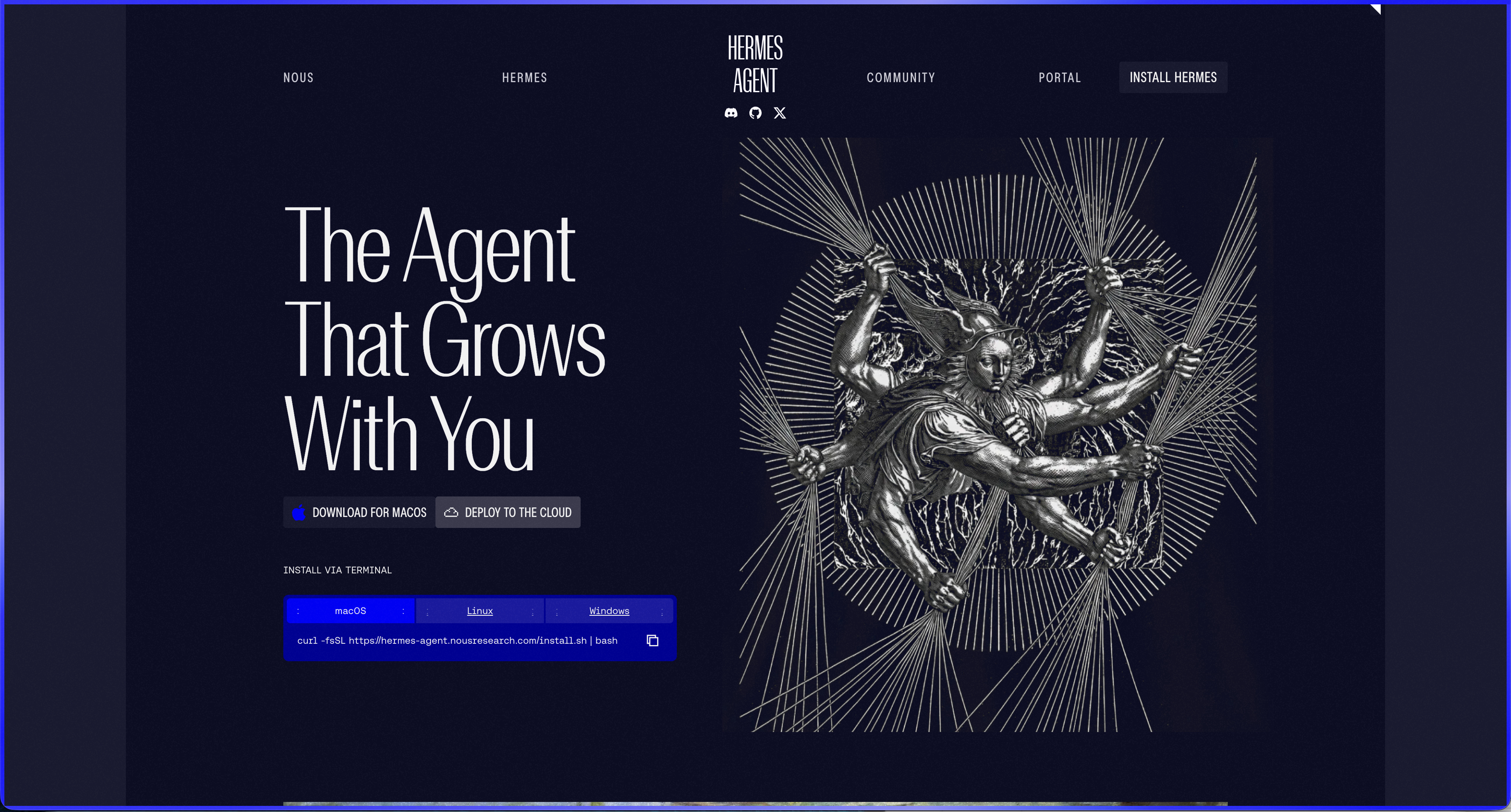
Hermes Agent, developed by Nous Research, provides an extensible agent environment with memory, tools, and reusable skills.
It is designed around the idea that repeated work should improve the agent’s ability to handle similar tasks. Workflows can be saved as skills, making frequently repeated operations more systematic.
That can be useful for people whose work contains recurring research, drafting, analysis, or organizational routines.
Try this: Create a recurring process that converts unstructured notes into a structured weekly review, then refine the skill based on corrections.
Setup: Intermediate
Free access: Open-source agent software; model access and infrastructure may cost extra.
Watch for: Persistent memory can preserve outdated assumptions. Review important stored instructions and provide a way to correct them.
03. goose
Best for: Local, tool-connected assistance across technical and knowledge-work tasks.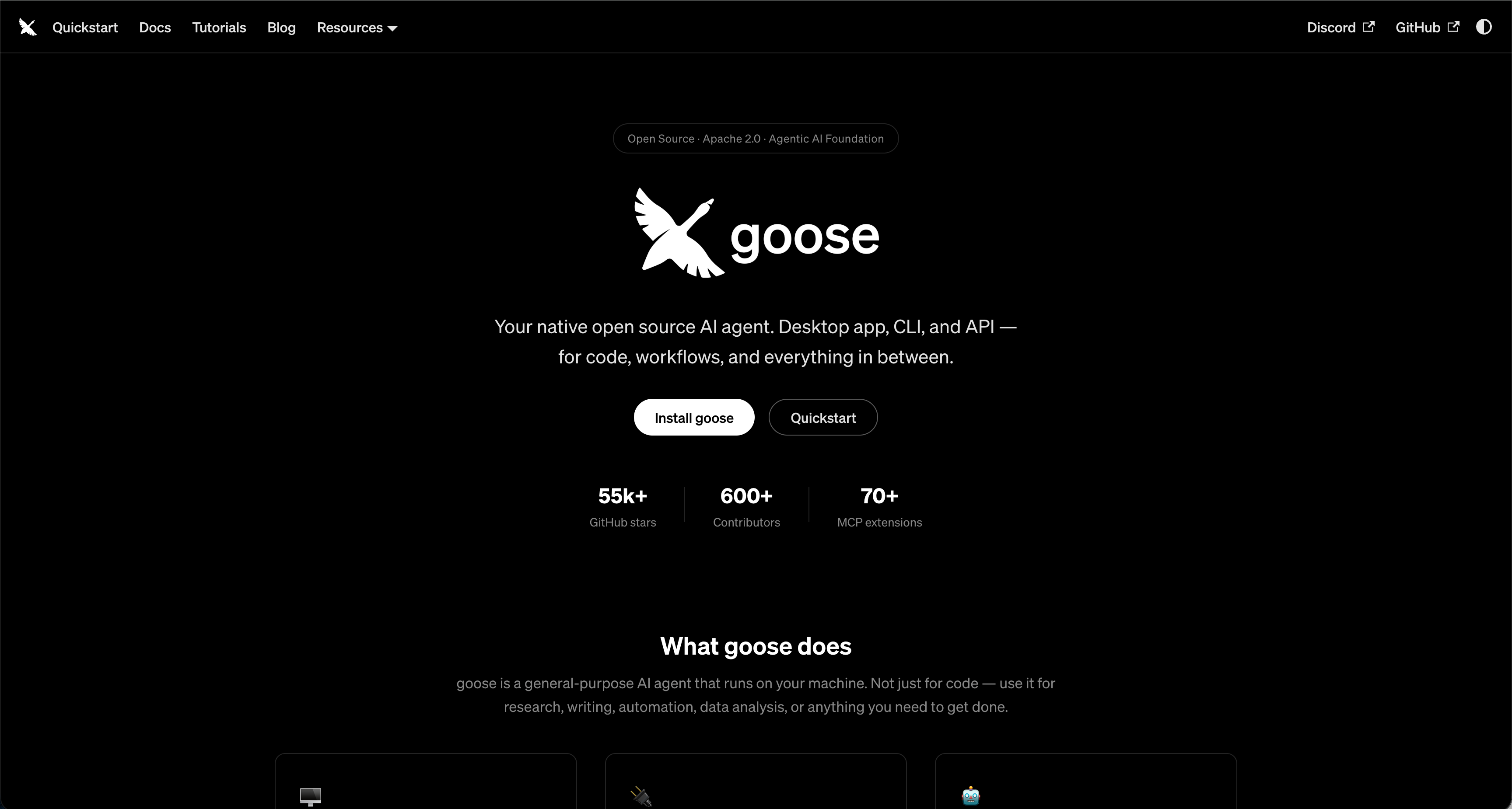
goose is an extensible open-source agent that can interact with a local environment, execute workflows, and connect to tools through extensions.
Although often used for coding, its broader design makes it relevant to research, file operations, and repeatable local tasks.
Its flexibility is particularly appealing for technically comfortable users who want one agent interface for several kinds of work.
Try this: Ask goose to inspect a selected project folder, categorize the files, and produce an organized summary with suggested next actions.
Setup: Intermediate
Free access: Open-source software; model or connected-service costs depend on configuration.
Watch for: File-system and command execution permissions. Restrict access to relevant folders and review destructive operations.
04. Agent Zero
Best for: Running an agent inside a controllable computer environment.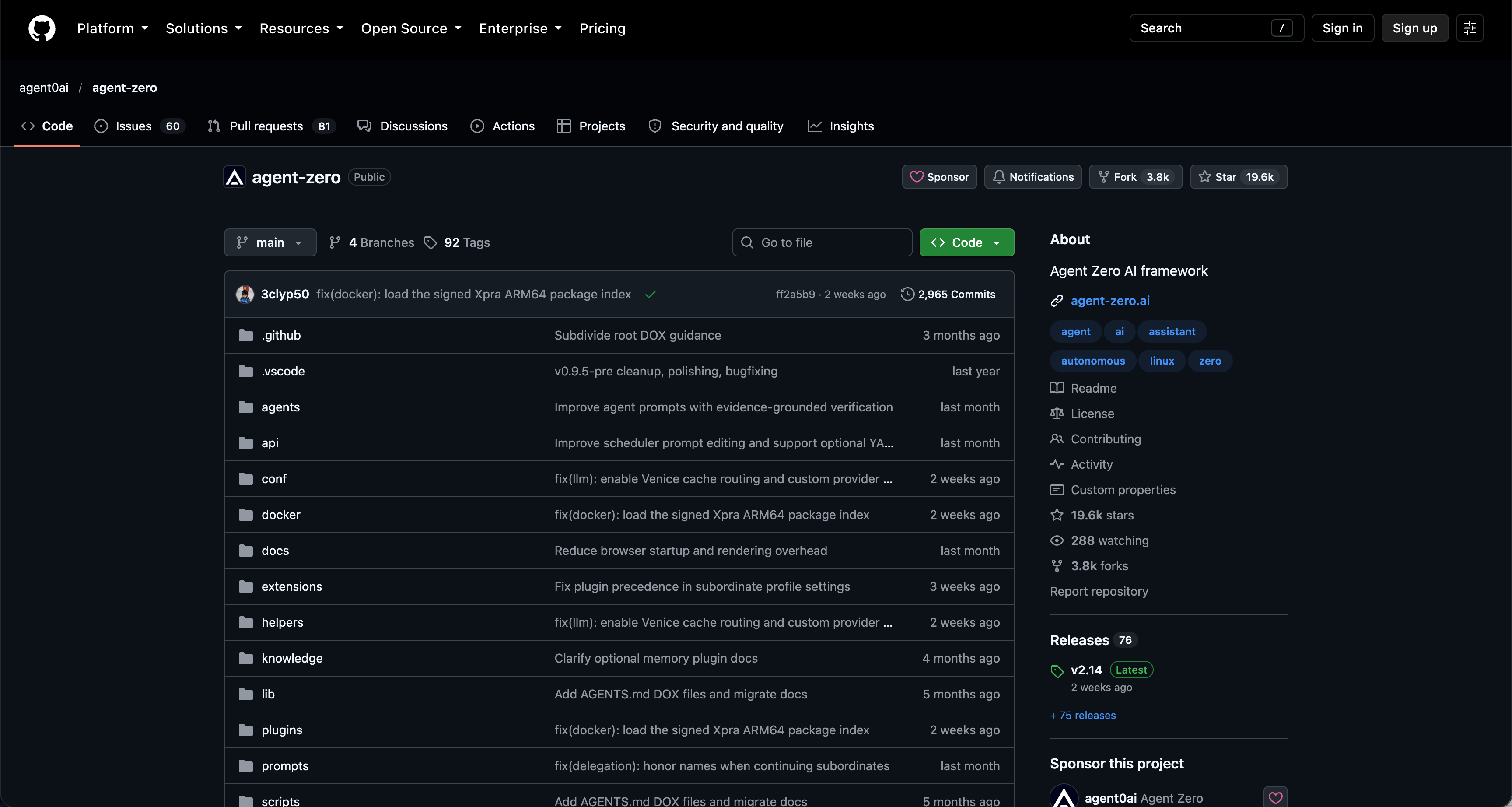
Agent Zero provides an extensible agent environment with tools for interacting with files, terminals, browsers, and supported desktop applications.
Its isolated execution approach makes it relevant for workflows that require more than retrieving information or producing text.
A user can provide a working environment and ask the agent to perform a sequence of operations while observing and reviewing the results.
Try this: Give Agent Zero a collection of sample documents and ask it to organize them, extract key information, and produce a structured report.
Setup: Technical
Free access: Open-source software; local infrastructure and model inference are separate.
Watch for: Environment isolation and host access. Keep sensitive files and credentials outside the agent’s reach unless explicitly required.
05. AnythingLLM
Best for: Building personal knowledge assistants with documents, tools, and agent capabilities.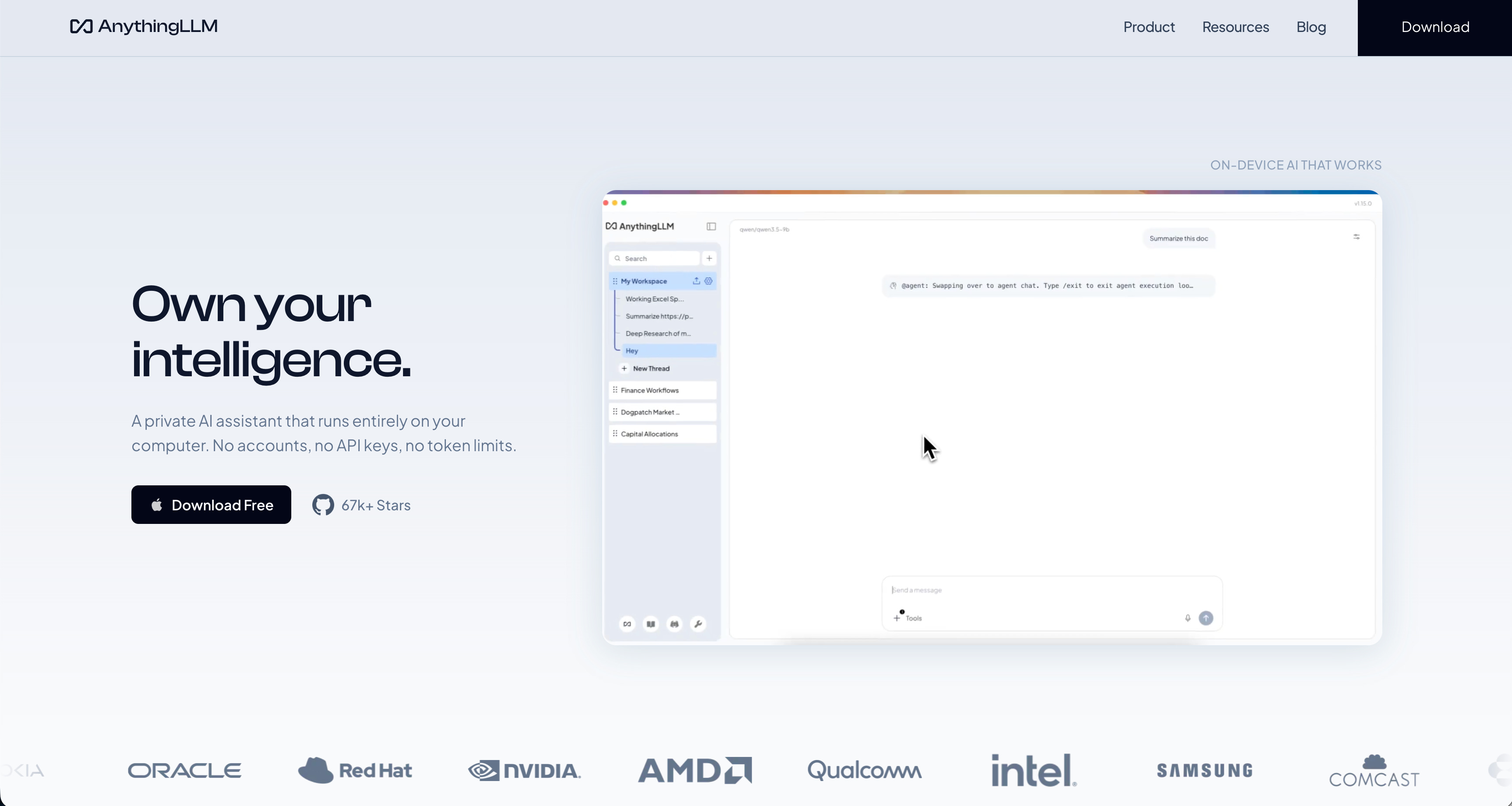
AnythingLLM provides an environment for interacting with documents, knowledge bases, and language models, with agent capabilities available through supported tools and integrations.
Its practical strength is helping users create a focused assistant around information they control.
That can be useful for consulting projects, research libraries, operating manuals, or collections of internal documentation.
Try this: Create a project-specific knowledge assistant containing selected reference documents, then ask it to answer questions with traceable supporting material.
Setup: Beginner to Intermediate
Free access: Free local and self-hosted options; connected models and external services may cost money.
Watch for: Document retrieval quality. Check whether cited passages actually support the agent’s conclusions.
Practical takeaway: Personal agents are most useful when given recurring responsibilities, clearly bounded access, and a durable place to preserve relevant context.
Read next
AI agents can now research, write code, navigate websites, and execute multi-step workflows. Making that work reliable requires clear responsibilities, persistent context, and well-defined boundaries. These are free to read:
-
The AI Coding Stack: 30 Free Tools, Rules, and Resources for Building With AI — Coding assistants, autonomous agents, project rules, and testing frameworks for building reliable software.
-
The AI Research Stack: 30 Free Tools for Finding Better Answers — A practical toolkit for autonomous research, evidence gathering, source analysis, and verification.
-
The AI Learning Stack: 32 Resources Worth Bookmarking in 2026 — Free courses, guides, and learning paths for developing your AI and agent-building capabilities.
Put your agents to work
-
Operator Vault — 120+ PDFs, practical frameworks, kits, and installables for strategy, AI adoption, and execution.
-
Stack Atlas — Explore how AI agents, workflows, operating models, and strategic capabilities connect across The Strategy Stack.
Essays and curated resource collections remain free. Operator provides the working materials for designing, implementing, and governing repeatable AI-powered systems.
The full directory covers 25 free and open-source AI agents across five categories, from personal assistants and autonomous research to browser automation, coding, and business workflows. Subscribe free to The Strategy Stack to explore the remaining 20 resources, practical agent workflows, and reusable frameworks for choosing, deploying, and governing AI agents.
02. Research & knowledge agents
Agents that investigate questions, discover sources, compare information, and produce research outputs.
06. GPT Researcher
Best for: Autonomous research reports supported by source references.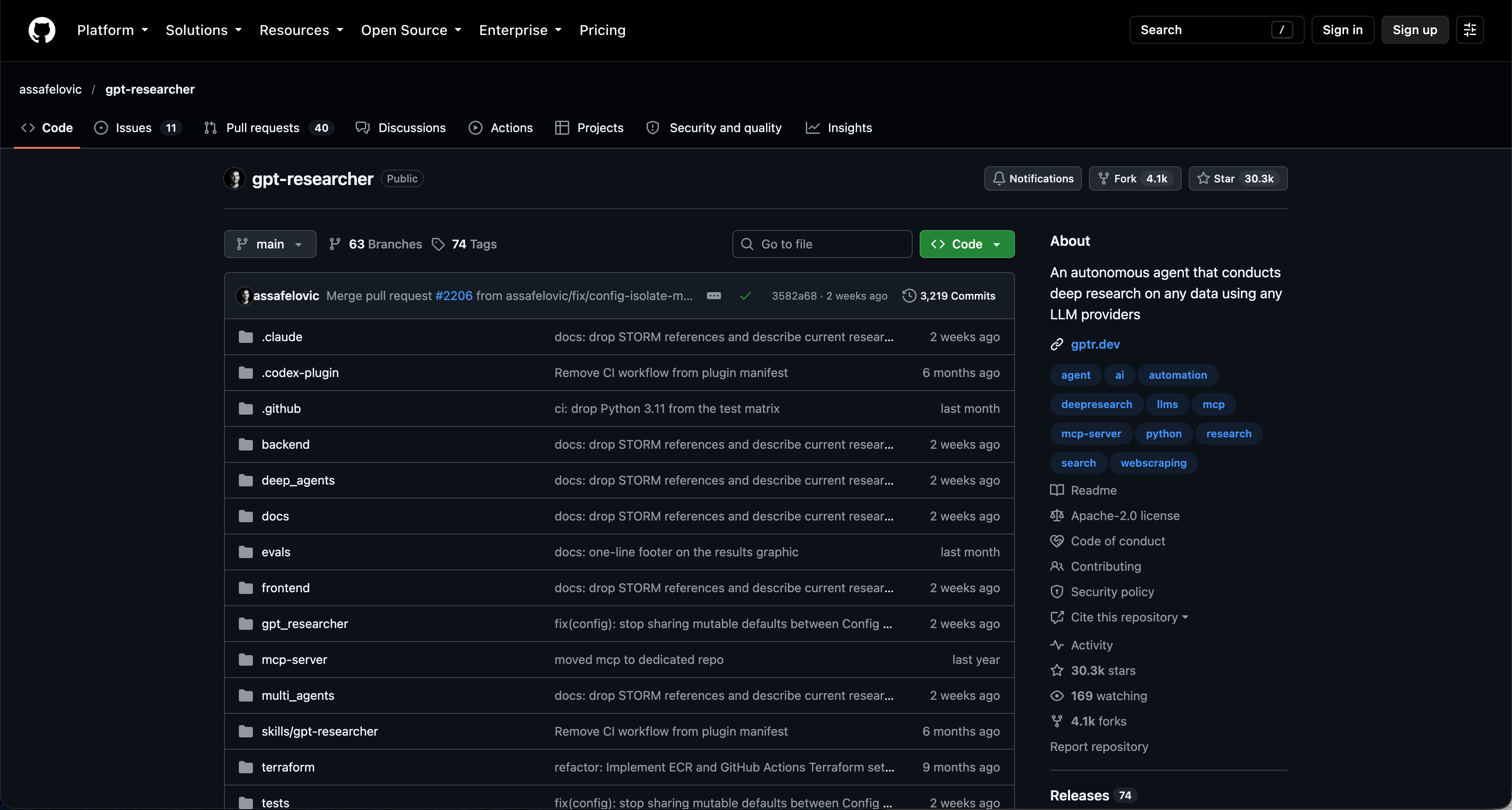
GPT Researcher is an open-source deep research agent designed to investigate questions by planning research tasks, retrieving material, and generating structured reports.
It is useful when a subject requires more than one web search and benefits from systematic coverage of multiple sources.
Try this: Request a structured assessment of an emerging technology, including current applications, adoption evidence, limitations, and contradictory findings.
Setup: Technical
Free access: Open-source software; search services and AI model inference may incur charges.
Watch for: References and source quality. Inspect original material before relying on important findings.
07. DeerFlow
Best for: Multi-step research and complex tasks requiring specialized sub-agents.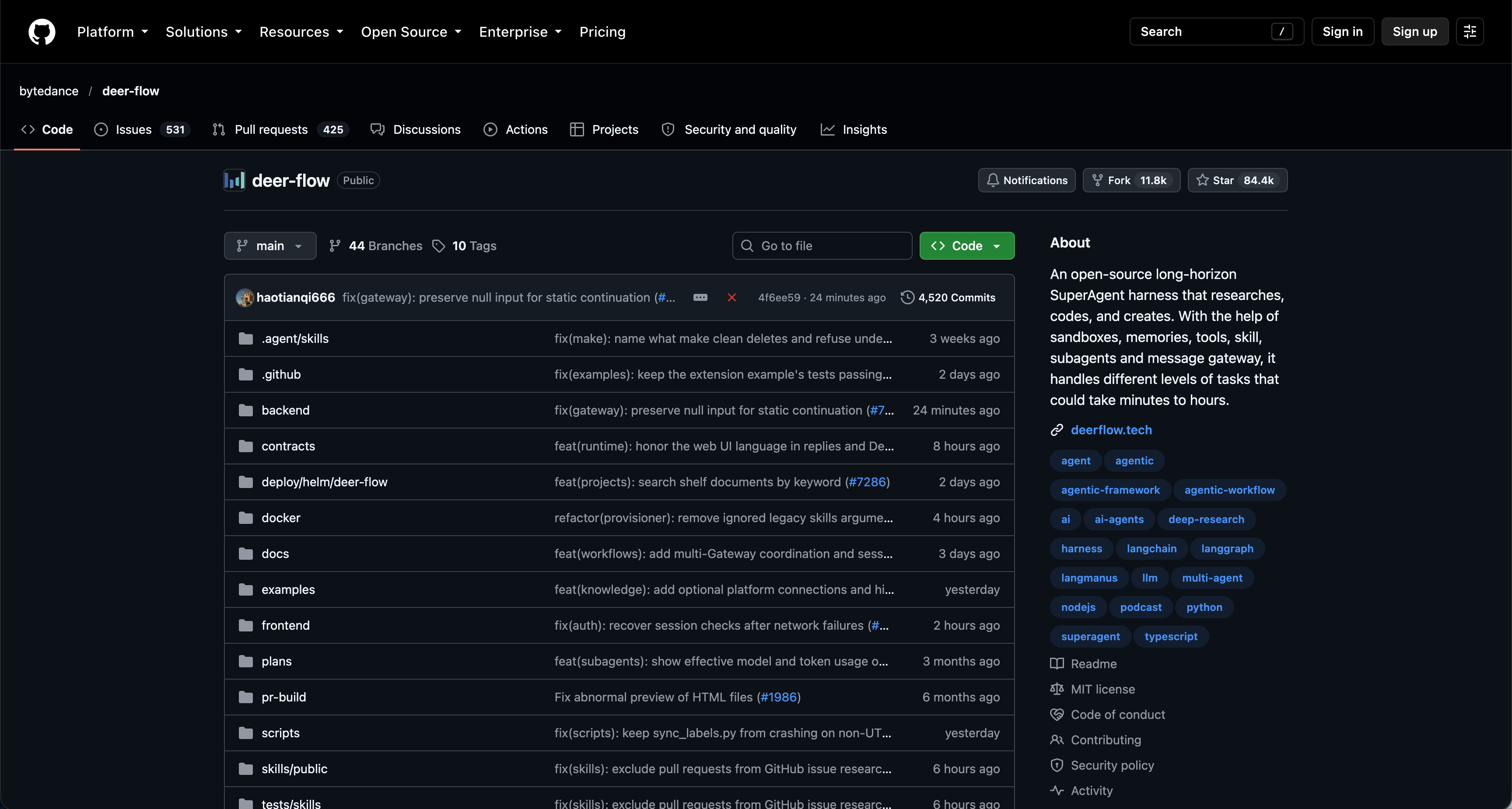
DeerFlow is an open-source agent environment developed by ByteDance. Its newer architecture supports orchestrated agents, tools, persistent memory, and sandboxed execution.
It is suitable for research that extends into analysis, document creation, or other multi-stage knowledge workflows.
Try this: Create a technology landscape assessment in which separate research activities investigate competitors, technical capabilities, and adoption barriers before synthesizing a final report.
Setup: Technical
Free access: Open-source software; models, search services, and infrastructure may cost extra.
Watch for: Task coordination. Multiple agents can repeat work or propagate the same unsupported assumptions.
08. Open Deep Research
Best for: Configurable deep research using different models and retrieval tools.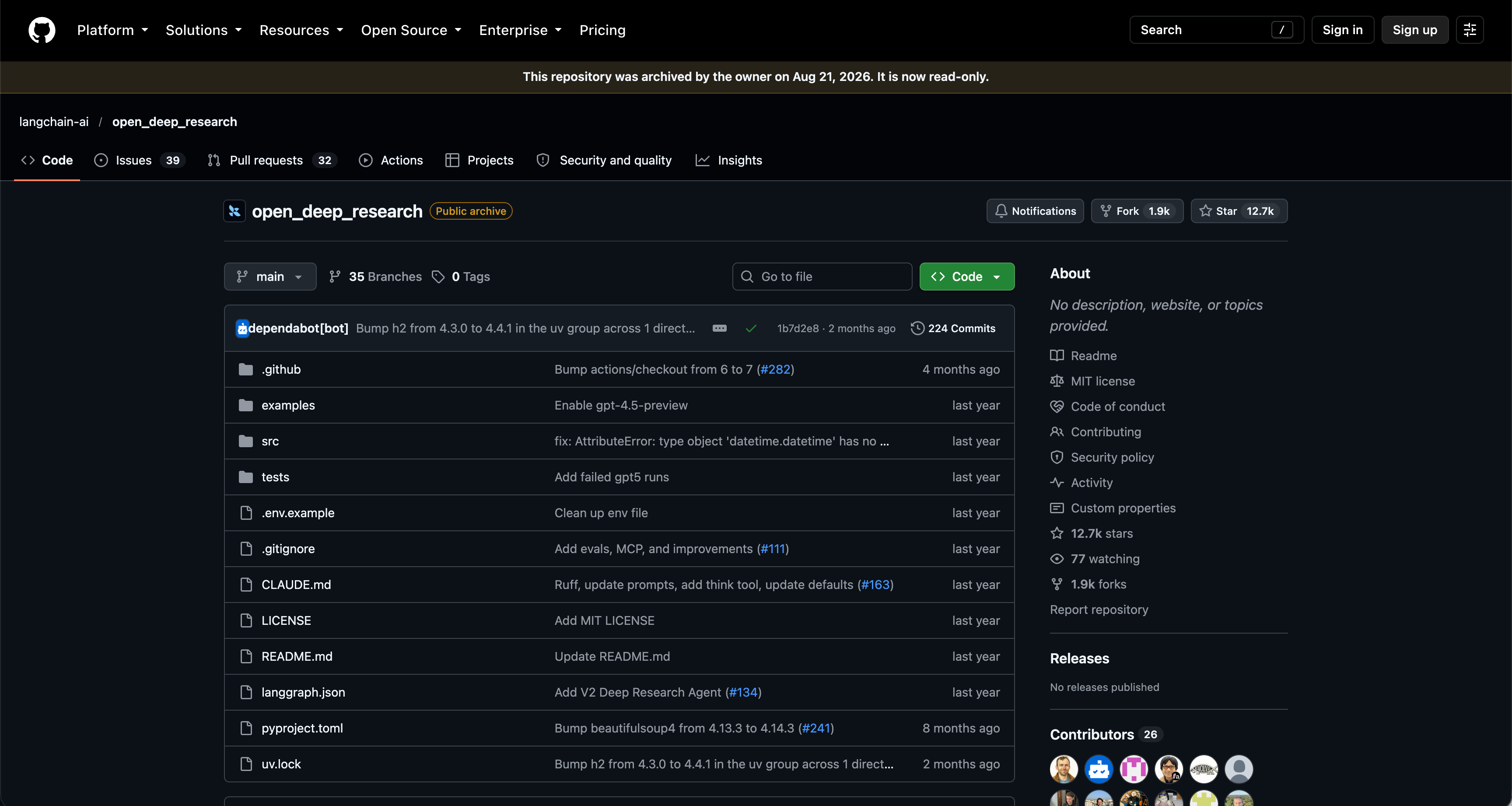
Open Deep Research provides an open-source research agent implementation designed to work with configurable model providers and search integrations.
It is especially relevant for developers who want to understand, adapt, or run a research workflow with greater control over its components.
Try this: Run a research task across two different model-and-search configurations, then compare source coverage, accuracy, and operating cost.
Setup: Technical
Free access: Open-source implementation; selected models, search tools, and execution services may charge.
Watch for: Consistency. Different retrieval configurations can produce substantially different evidence sets.
09. STORM
Best for: Researching a topic from multiple perspectives and organizing a structured report.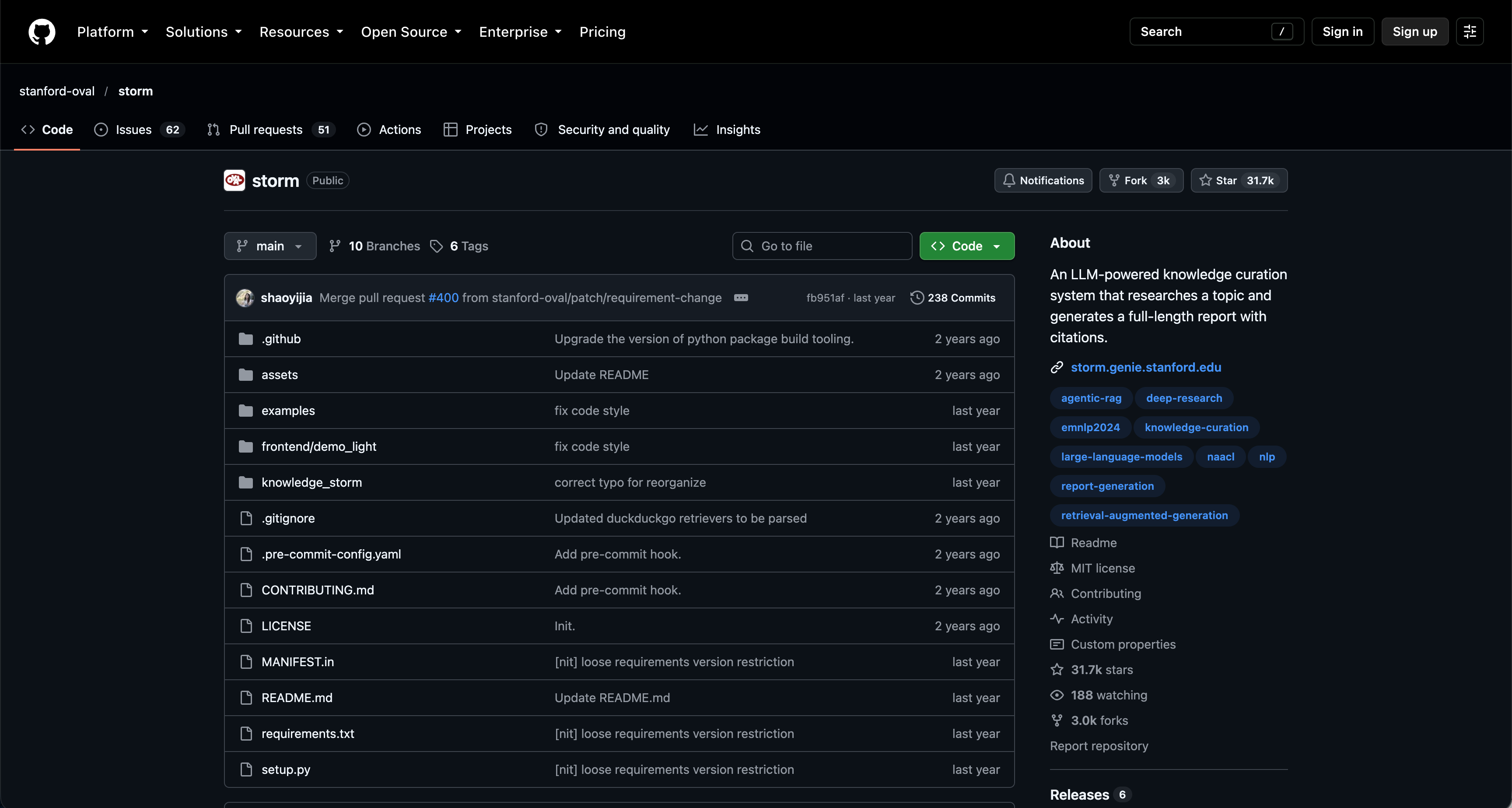
STORM is a research system originating from Stanford that investigates topics through guided questioning, source retrieval, and outline generation.
Its approach is particularly useful when a complex subject requires identifying different perspectives before assembling a comprehensive explanation.
Try this: Investigate the organizational implications of autonomous AI agents and compare the questions that emerge from technical, operational, and governance perspectives.
Setup: Technical
Free access: Open-source research software; configured models and retrieval services may cost extra.
Watch for: Publication quality. Generated reports still require editorial review, fact-checking, and source validation.
10. Khoj
Best for: A personal research assistant that combines private documents, web information, and recurring research.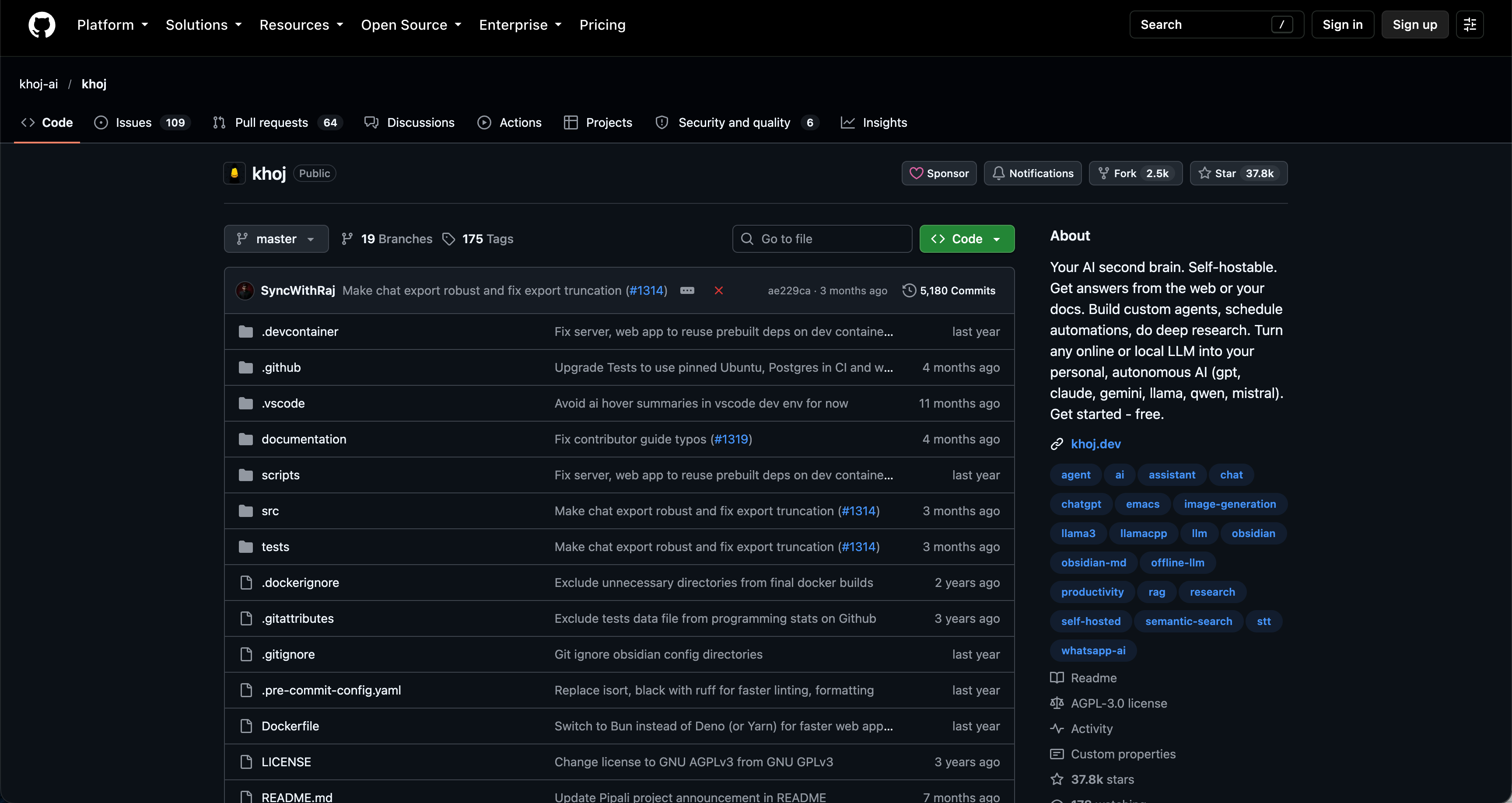
Khoj is an open-source personal AI environment offering search across personal knowledge and external information, configurable agents, and automation capabilities.
It is relevant for users who want research to become part of a continuously accessible knowledge workspace.
Try this: Build a project assistant using your own reference documents, then configure recurring research updates around a selected topic.
Setup: Intermediate
Free access: Self-hostable, open-source software; cloud, model, and related service costs depend on configuration.
Watch for: Source boundaries. Distinguish information retrieved from your private documents from external web findings.
Practical takeaway: Research agents can reduce the time required to collect and organize information. Strong research still requires source inspection, explicit uncertainty, and independent verification.
03. Browser & computer-use agents
Agents that operate websites, navigate interfaces, extract structured information, and perform actions in browser or desktop environments.
11. Browser Use
Best for: Automating browser tasks through natural-language instructions.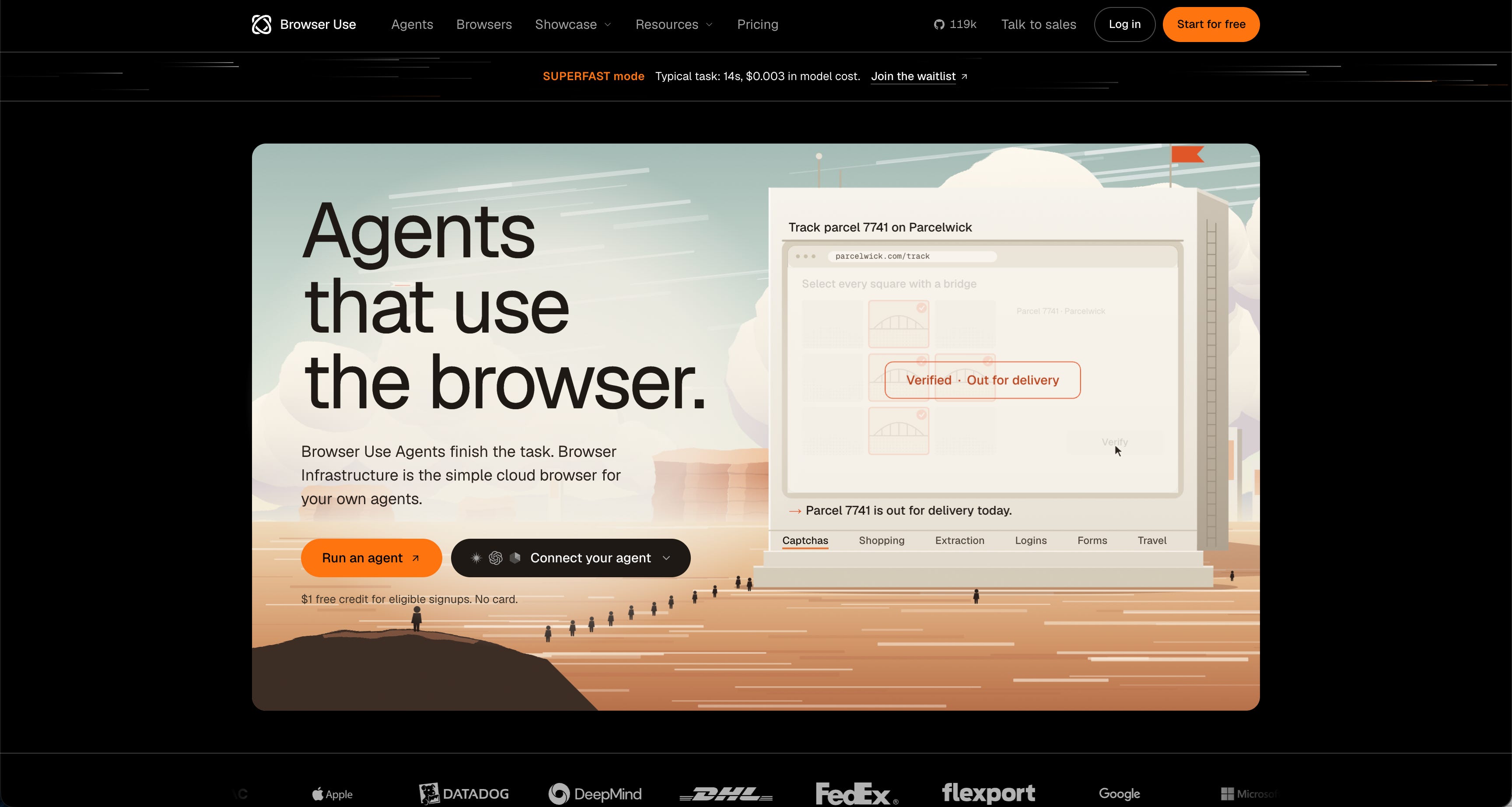
Browser Use offers open-source tooling for connecting AI agents to browser environments.
It can navigate pages, interact with elements, collect information, and support multi-step browser workflows.
Developers can use it as a foundation for browser automation, while hosted products offer a more managed experience.
Try this: Visit a set of publicly accessible product pages, extract selected product attributes, and return the results in a structured table.
Setup: Technical for the open-source route
Free access: Open-source browser-agent tooling; hosted browser infrastructure and model inference may cost extra.
Watch for: Website terms, authentication, and unexpected page changes. Automated actions need controls and error handling.
12. Skyvern
Best for: Automating multi-step workflows across websites.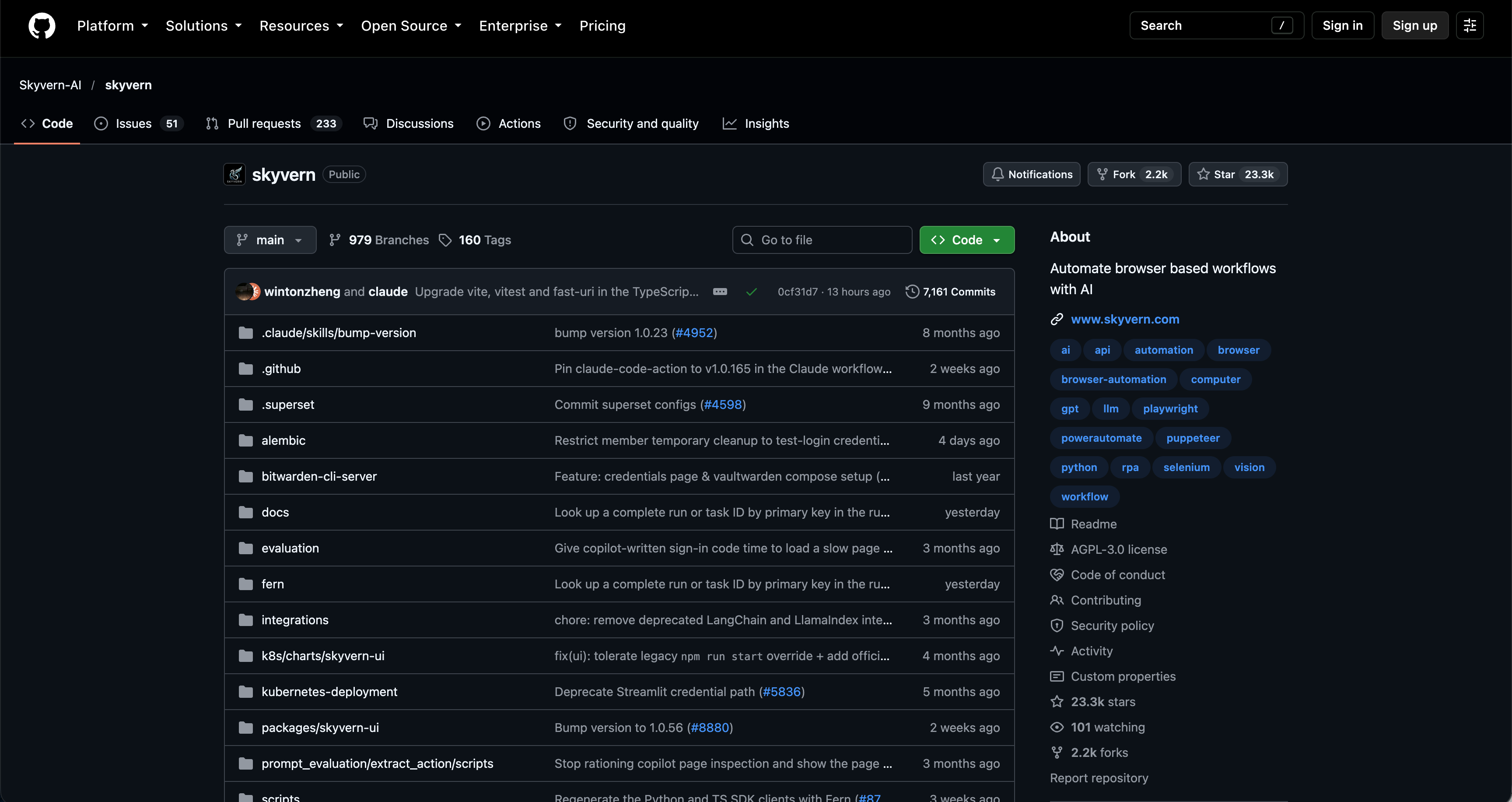
Skyvern combines browser automation with AI capabilities for interacting with web interfaces and completing structured workflows.
It is relevant for tasks involving forms, navigation, data extraction, and repeatable operations across web applications.
Try this: Automate the collection of publicly available company information from a permitted source, then validate the extracted fields.
Setup: Intermediate to Technical
Free access: Open-source, self-hostable core; hosted services and model usage may be paid.
Watch for: High-impact browser actions. Keep submissions, purchases, and account changes under explicit human approval.
13. UI-TARS Desktop
Best for: Experimental computer-use automation through graphical interfaces.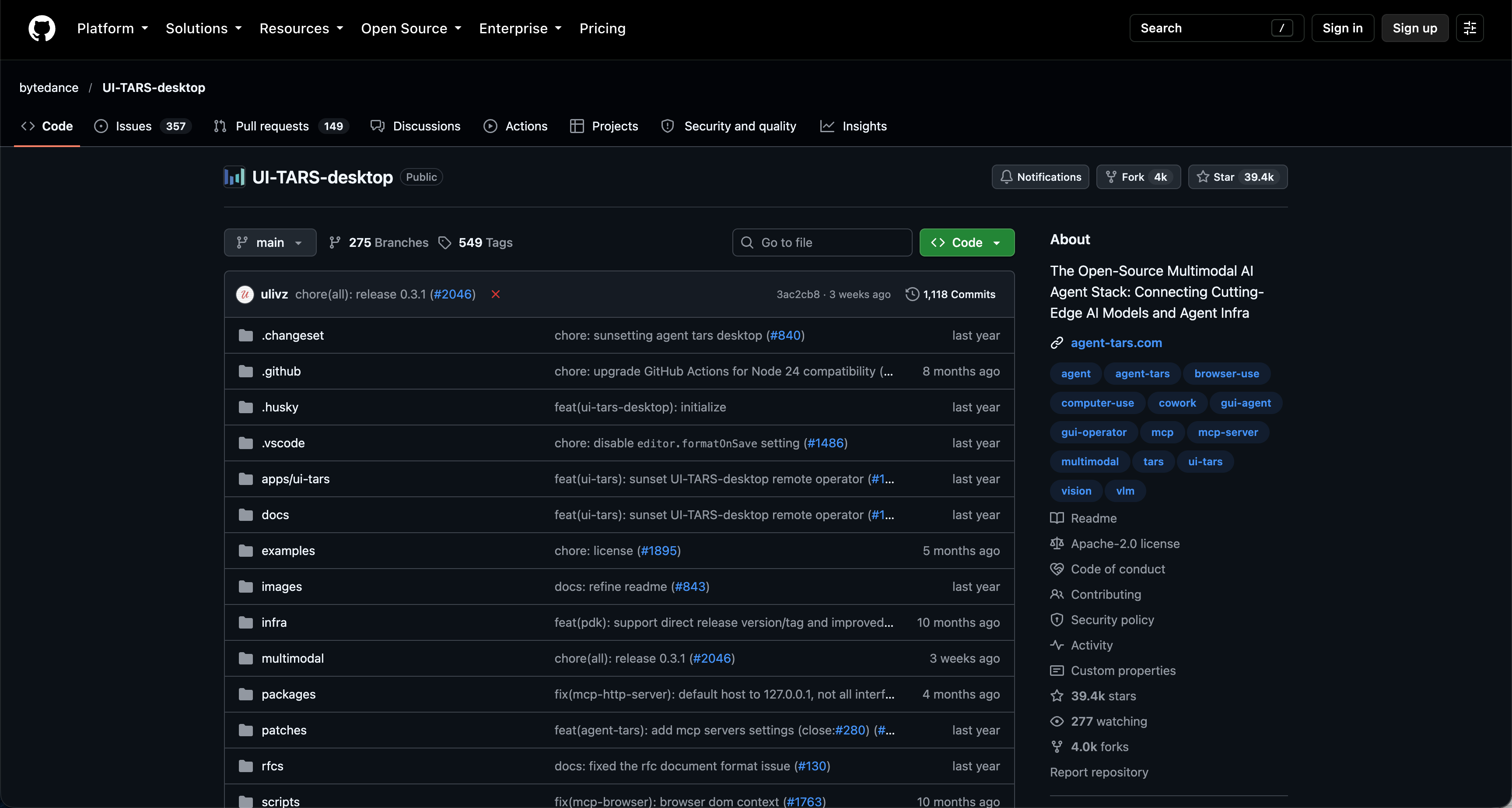
UI-TARS Desktop is part of an open-source multimodal agent ecosystem focused on interacting with computer interfaces.
It enables experimentation with agents that perceive screen content and perform actions in graphical environments.
Try this: Use a dedicated test environment to complete a repetitive interface task, such as navigating menus and extracting information from a demonstration application.
Setup: Technical
Free access: Open-source software; compatible model inference and execution requirements may introduce costs.
Watch for: Screen-based operation is sensitive to layout changes, unexpected dialogs, and incorrect visual interpretation.
14. Stagehand
Best for: Building browser agents that combine deterministic automation with AI-powered interaction.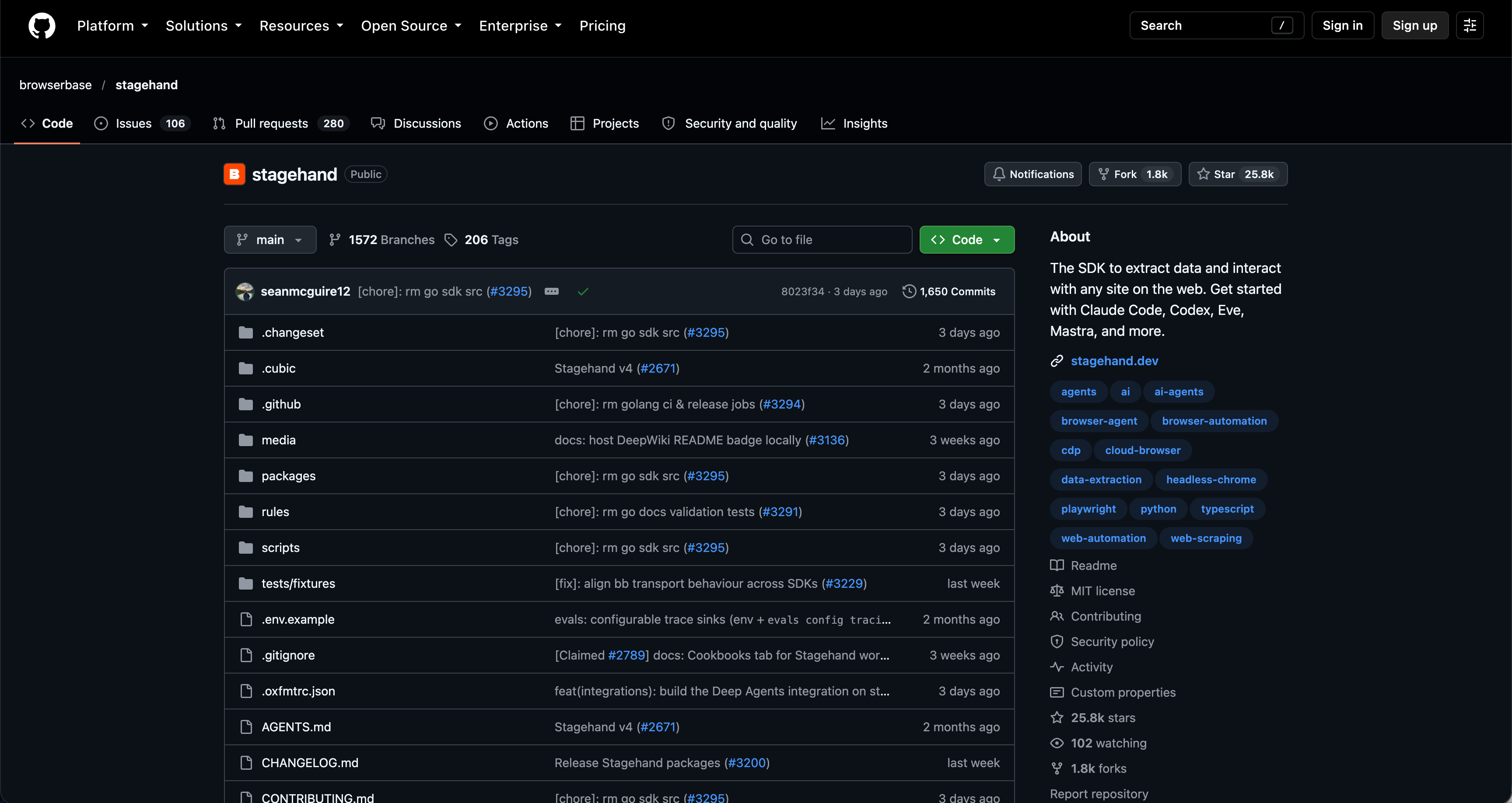
Stagehand is an open-source browser automation SDK supporting structured interaction with websites and integration into broader agent workflows.
It is most useful for developers who need browser operations that can be integrated into applications and repeated reliably.
Try this: Create a small workflow that navigates a public webpage, extracts specific fields, and validates the returned data.
Setup: Technical
Free access: Open-source SDK; model and browser infrastructure costs depend on deployment.
Watch for: Reliability under interface changes. Validate both the action taken and the final observed state.
15. Nanobrowser
Best for: Running a browser agent directly inside an existing Chrome or Edge session.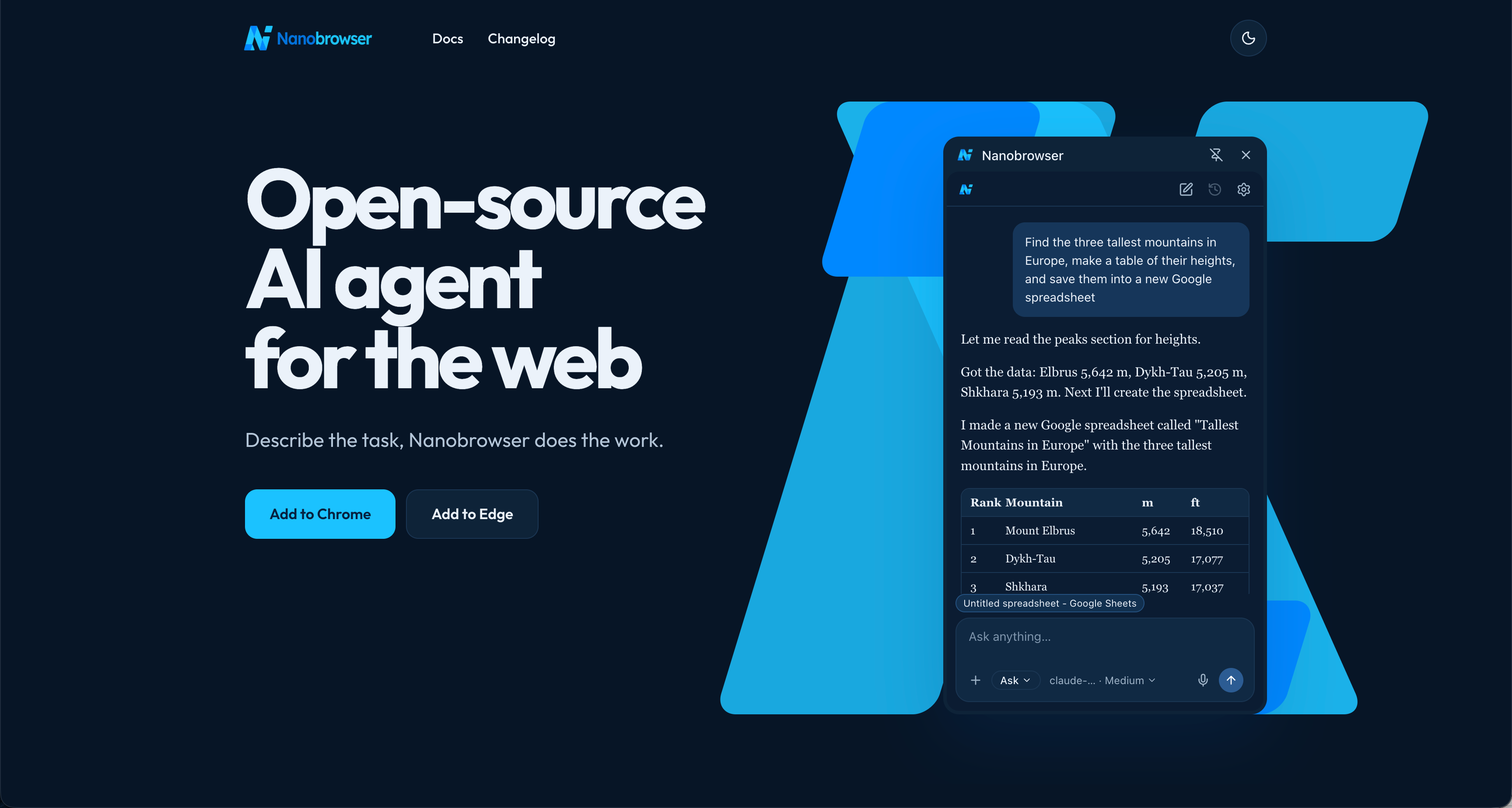
Nanobrowser is an open-source browser extension that can read pages, navigate between tabs, and interact with websites using supported AI models.
Its advantage is accessibility: the agent operates inside a familiar browser environment rather than requiring an entirely separate automation interface.
Try this: Ask it to compare publicly available information across several open tabs and produce a structured summary.
Setup: Beginner to Intermediate
Free access: Free, open-source browser extension; selected model providers may charge for inference.
Watch for: Authenticated sessions. An agent operating inside your logged-in browser may encounter sensitive information and consequential actions.
Practical takeaway: Browser agents become valuable when tasks require moving between interfaces. Their permissions and confirmation requirements should reflect the consequences of those interactions.
04. Coding & development agents
Agents capable of inspecting repositories, modifying code, executing commands, and implementing software changes.
16. OpenHands
Best for: Delegating software engineering tasks within an agent development environment.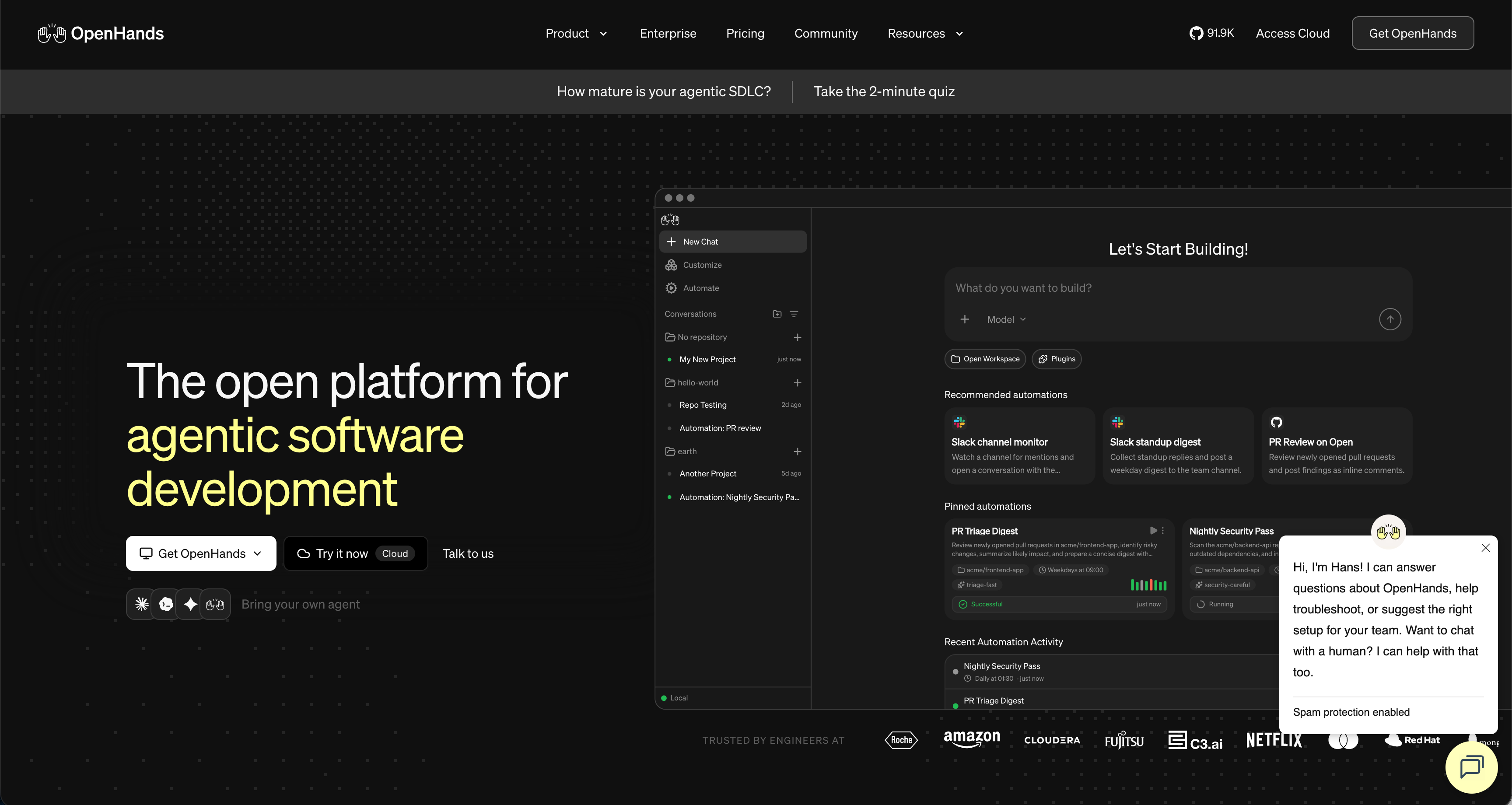
OpenHands provides an open-source environment for agent-assisted software development, with local and hosted execution options.
It supports workflows in which agents investigate code, make changes, and work through implementation tasks.
Try this: Assign a narrowly scoped feature request with clear acceptance criteria, then review the implementation and executed tests.
Setup: Intermediate to Technical
Free access: Open-source local execution; hosted services and model inference may cost extra.
Watch for: Repository permissions and unintended changes. Use isolated branches and review the final diff.
17. OpenCode
Best for: Flexible coding agents with multiple model options.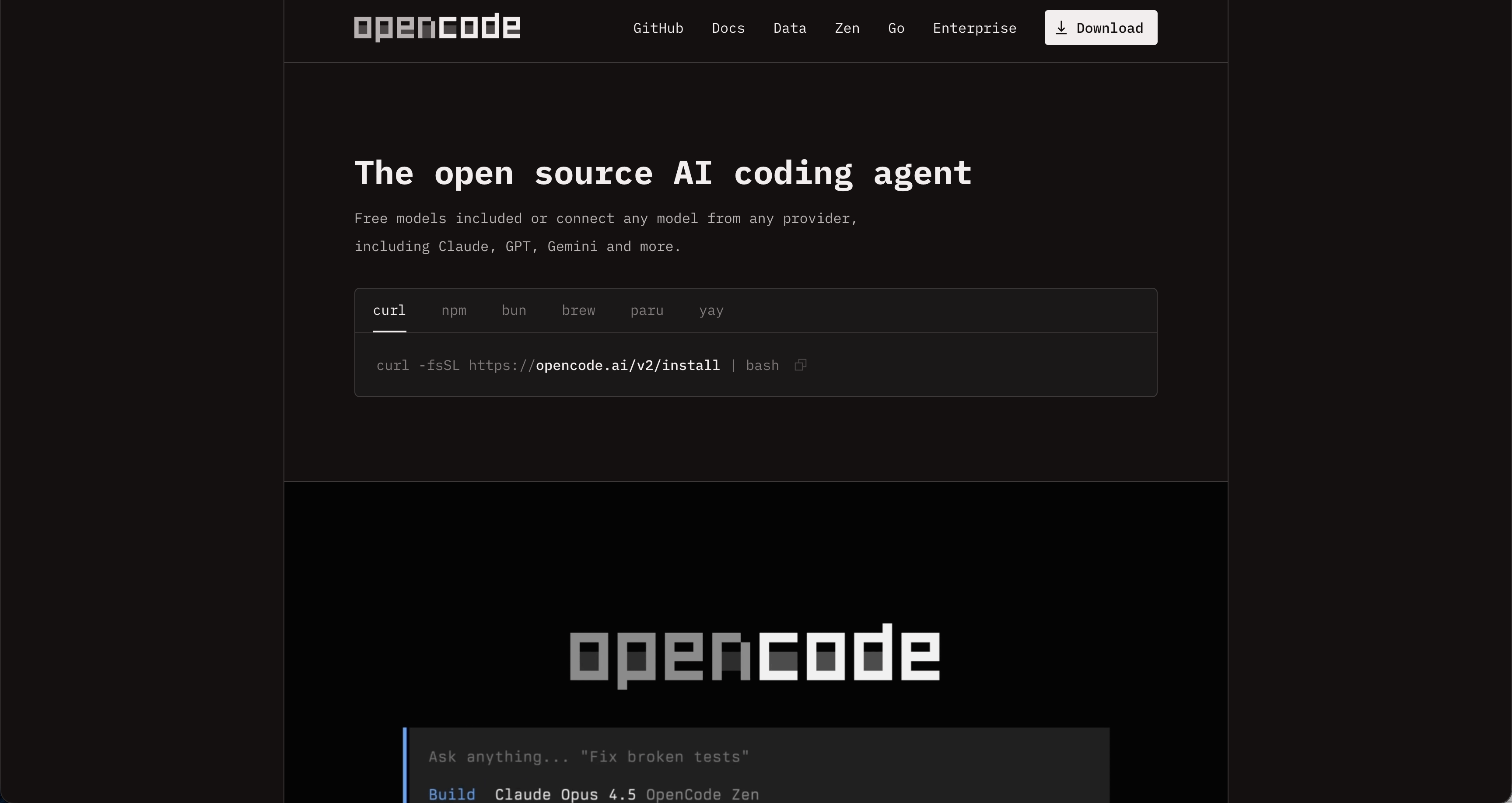
OpenCode is an open-source coding agent that supports terminal-oriented development and integration with different model providers.
Its flexibility allows developers to choose how AI inference is supplied rather than depending entirely on one proprietary coding environment.
Try this: Ask OpenCode to explain a repository’s architecture and implement one small enhancement while preserving existing interfaces.
Setup: Intermediate
Free access: Open-source agent with model-dependent usage costs; selected free-model options may be available.
Watch for: Model capability. Low-cost configurations may require more verification or narrower tasks.
18. Cline
Best for: Agent-assisted coding with inspectable tool use and developer oversight.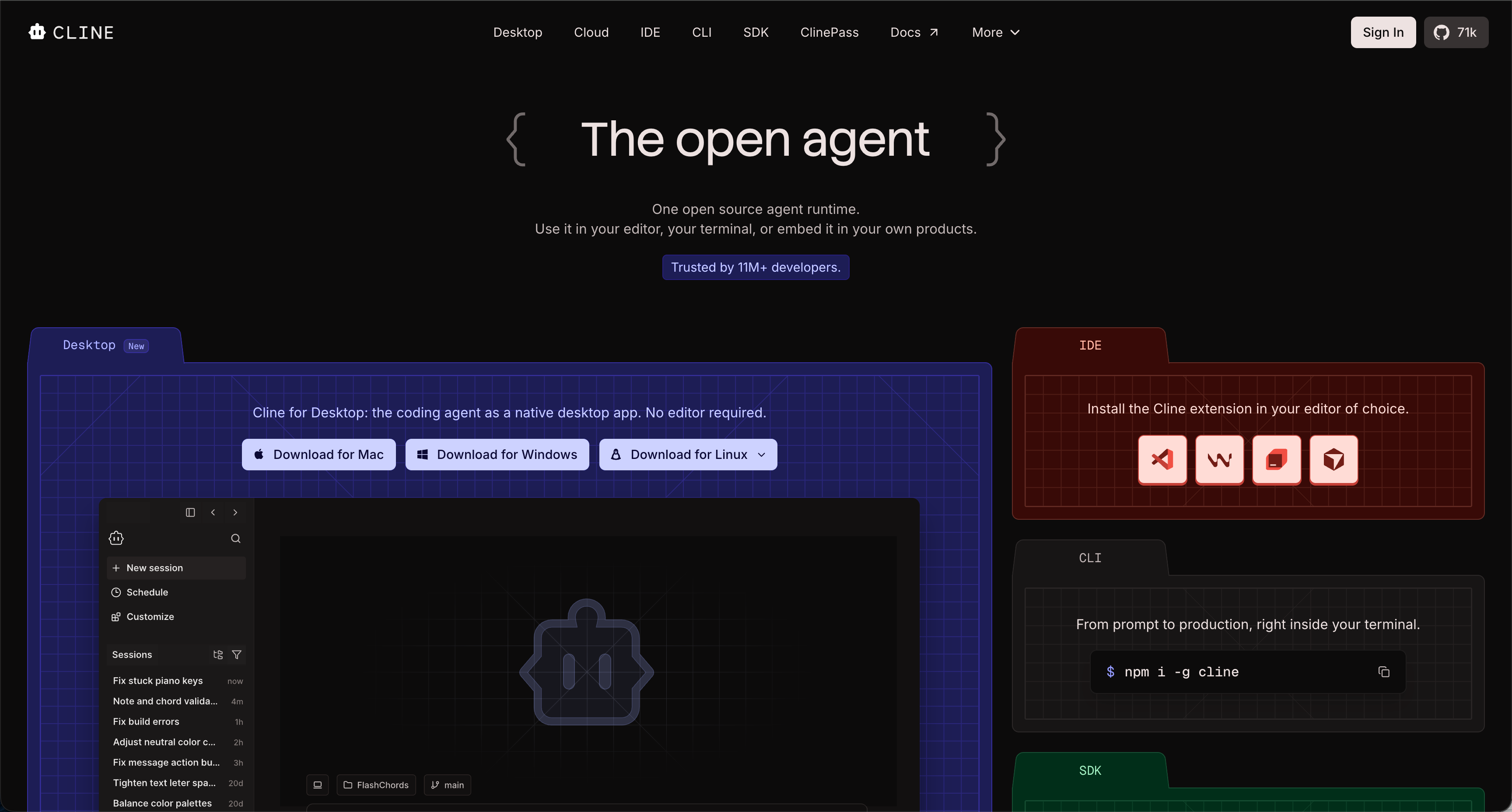
Cline is an open-source coding agent that can inspect files, modify code, and work with development tools inside supported environments.
It is useful when developers want agent assistance while retaining control over execution and review.
Try this: Ask Cline to identify the cause of a failing unit test, propose a fix, and run the relevant tests before presenting the changes.
Setup: Intermediate
Free access: Open-source software; model inference may be paid.
Watch for: Long-running tasks and expanding scope. Define file boundaries and a clear completion criterion.
19. Aider
Best for: Git-aware AI coding through the terminal.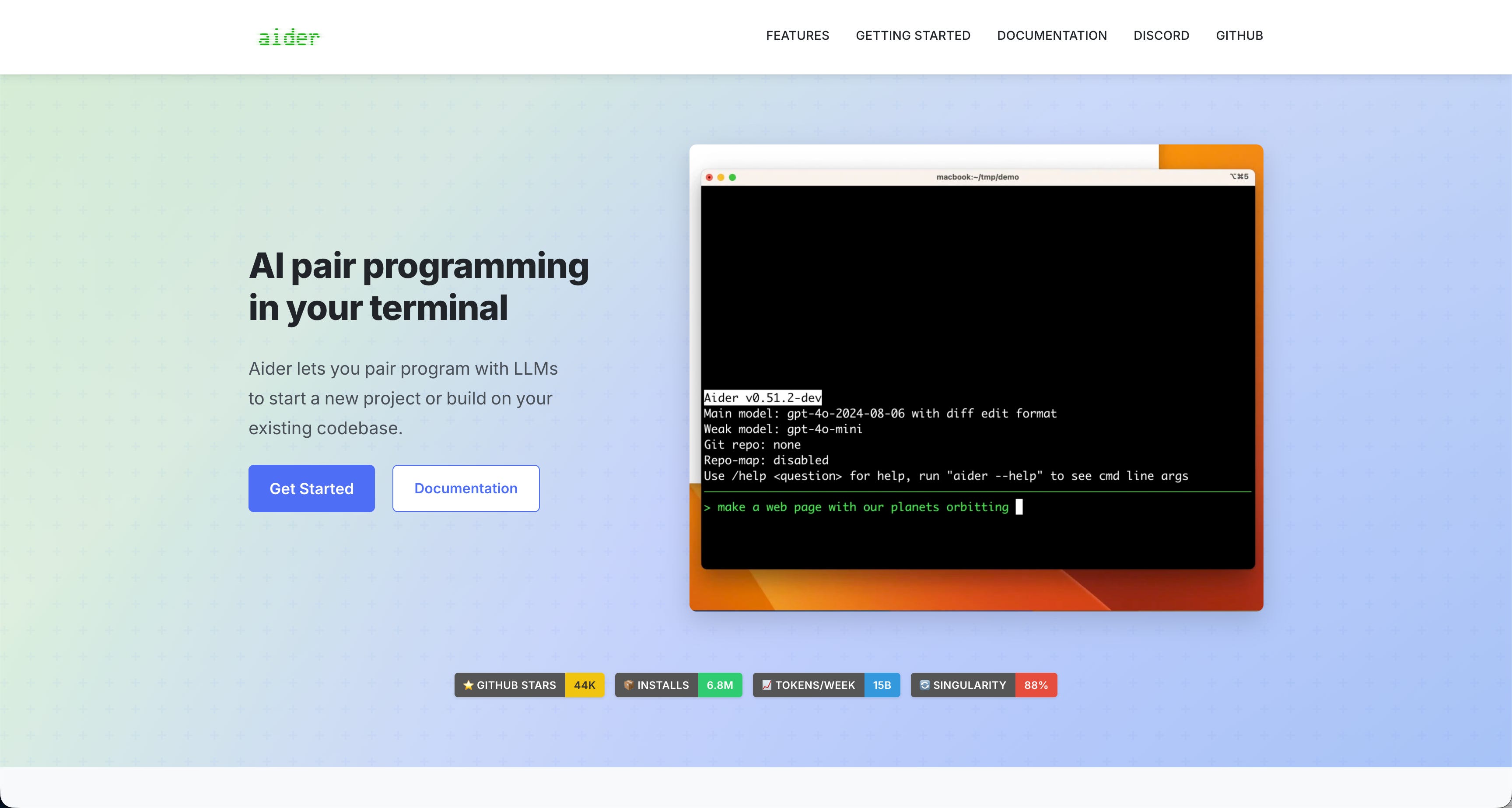
Aider provides an open-source conversational coding interface designed to work with existing repositories and support reviewable changes.
Its close relationship with Git makes it useful for developers who prefer small, traceable modifications.
Try this: Refactor a function while preserving its behavior, inspect the change, and verify it using existing tests.
Setup: Intermediate
Free access: Open-source software; inference costs depend on the selected model.
Watch for: Architectural drift across repeated changes. Preserve project instructions and review modifications before committing.
20. Codex CLI
Best for: Executing coding tasks through an agent operating in a local development environment.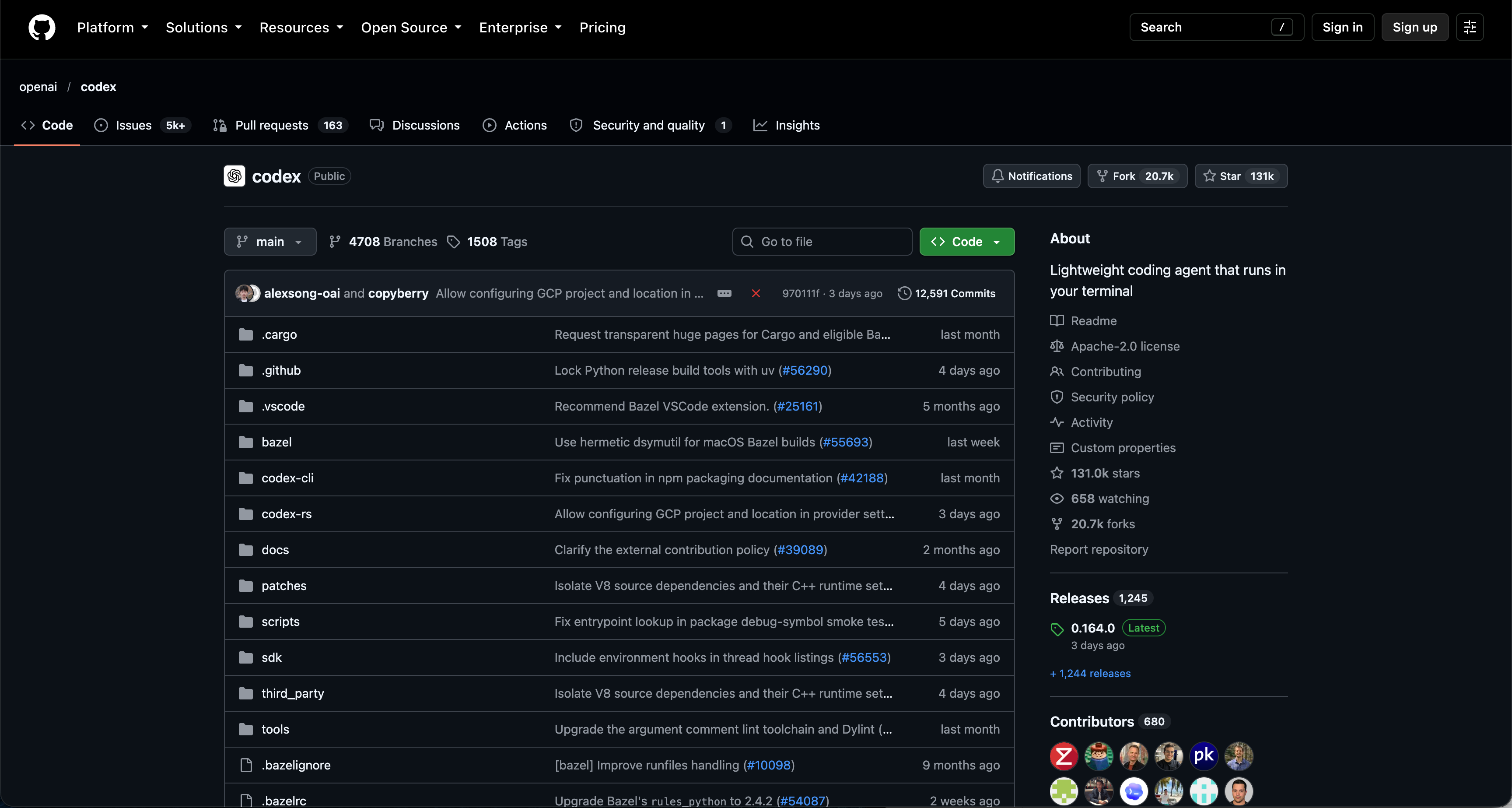
Codex CLI provides an open-source interface for working with code, running supported commands, and implementing changes in a repository.
It is well suited to tightly scoped implementation tasks with explicit testing and review requirements.
Try this: Have the agent inspect a reported defect, propose the smallest correction, implement it, and produce a summary of the actual validation results.
Setup: Intermediate
Free access: Open-source CLI; model execution requires eligible access or separately billed inference.
Watch for: Shell commands, secrets, and production systems. Keep consequential actions subject to review.
Practical takeaway: Coding agents can automate implementation, but they should operate inside a development system with specifications, tests, version control, and explicit approval boundaries.
05. Workflow & business agents
Platforms for turning recurring business processes into repeatable, AI-assisted workflows.
The final category differs from the others.
These are primarily agent-building and workflow automation platforms, rather than fully configured assistants that immediately know your business processes.
Their value comes from connecting models, tools, triggers, data, and approval mechanisms into a working automation.
21. n8n
Best for: Connecting business applications and building repeatable agentic workflows.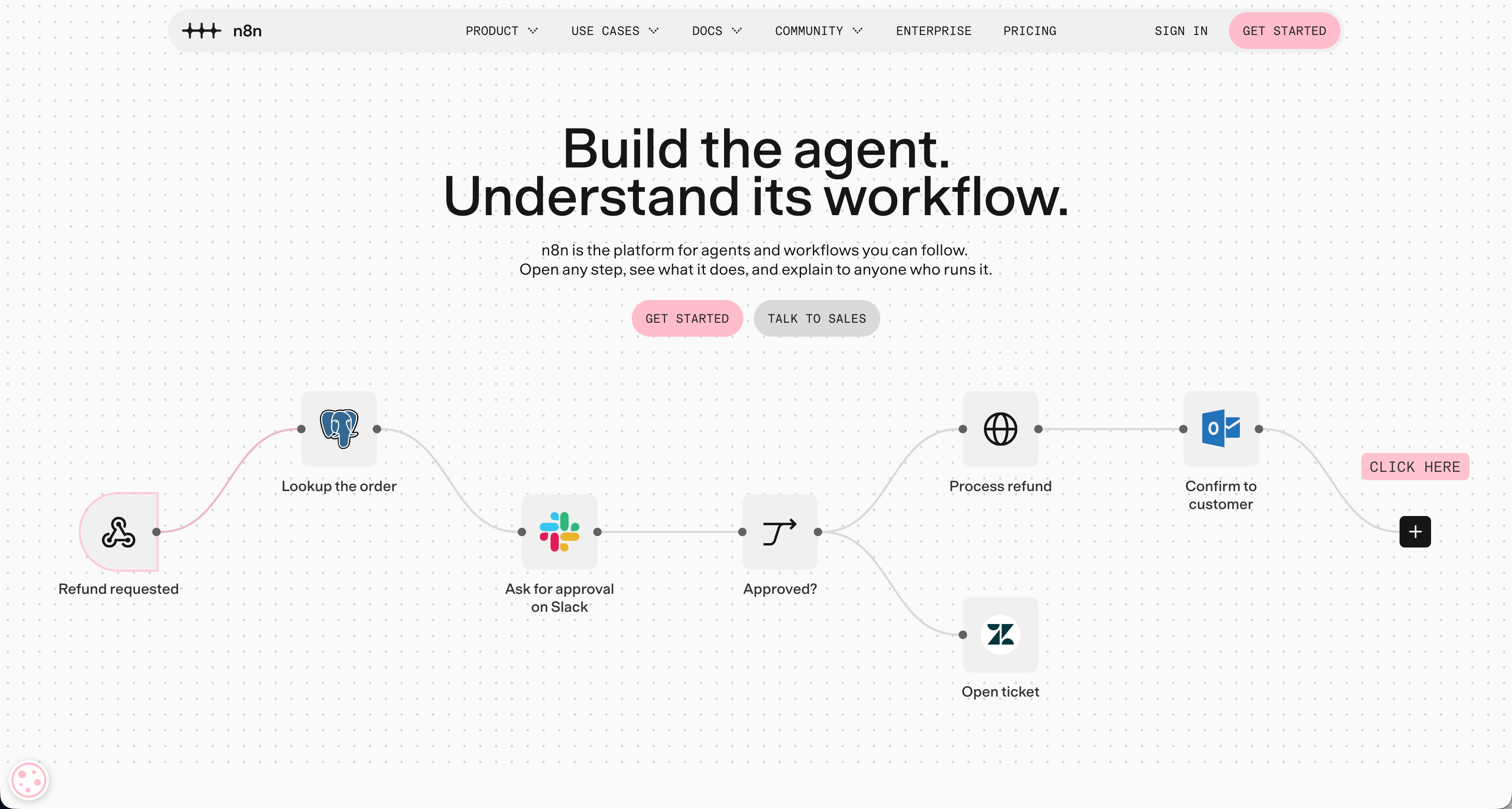
n8n provides a visual automation environment with integrations, triggers, APIs, and AI-oriented workflow capabilities.
Its self-hosted Community edition makes it attractive for technically capable independent professionals and small teams.
Try this: Create an automated workflow that collects new form submissions, classifies them, drafts a response, and routes the draft for approval.
Setup: Intermediate
Free access: Free self-hosted Community edition under the Sustainable Use License. Hosting, AI inference, and certain features may cost extra.
Watch for: Licensing and permissions. Hosting workflows for external customers or exposing editing functionality can require a commercial license.
22. Dify
Best for: Building agentic applications and knowledge-grounded workflows.
Dify offers an environment for connecting models, knowledge sources, tools, and workflow logic.
It is particularly relevant for building specialized internal assistants that need both document context and controlled operational capabilities.
Try this: Create an internal policy assistant that retrieves relevant documentation, produces a draft recommendation, and escalates uncertain cases for review.
Setup: Intermediate
Free access: Community/self-hosted deployment route; cloud plans and models have separate limitations and costs.
Watch for: Knowledge quality and access control. Restrict which documents each agent may retrieve.
23. Activepieces
Best for: Low-code business automation with AI actions and connected applications.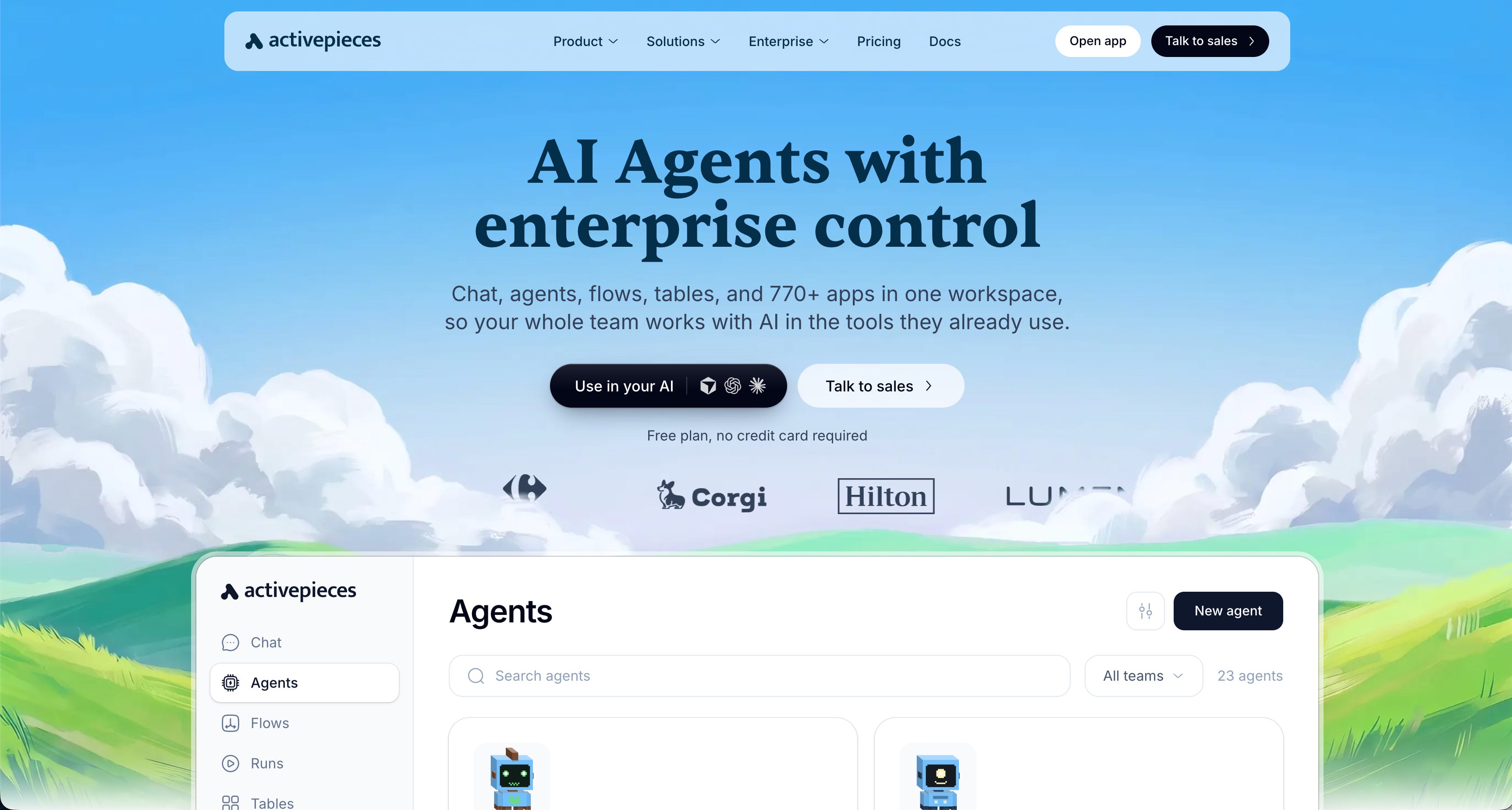
Activepieces provides an extensible automation environment combining visual workflows, application integrations, and AI capabilities.
Its community edition makes it relevant for small teams looking to reduce manual work without developing every integration themselves.
Try this: Route incoming requests through classification, assign them to the appropriate workflow, and prepare a suggested next action.
Setup: Beginner to Intermediate for cloud-based use; more technical for self-hosting
Free access: Open-source Community Edition; free cloud allowances and paid features are governed separately.
Watch for: Automation errors that propagate across systems. Add validation, retry handling, and human review.
24. Langflow
Best for: Visually assembling agentic applications, tools, and language-model workflows.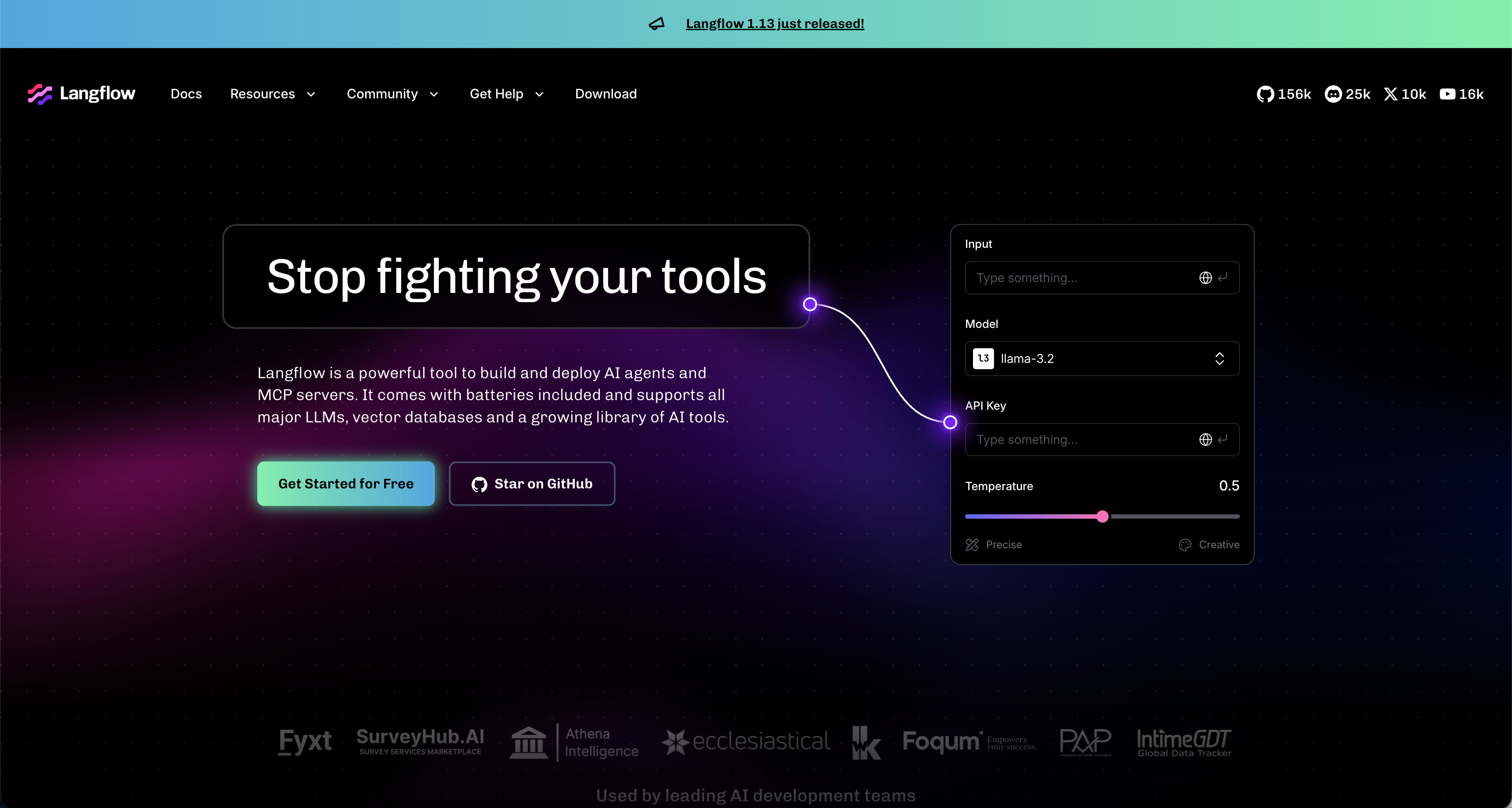
Langflow is an open-source environment for constructing AI applications through connected components.
It is useful when a workflow needs to combine retrieval, model reasoning, tool calls, and data processing in a visible structure.
Try this: Build a document-analysis agent that retrieves relevant material, extracts structured findings, and produces a standardized output.
Setup: Intermediate
Free access: Open-source self-hosted software; AI providers and hosting may cost extra.
Watch for: Complex visual workflows. Ensure each component has a clear responsibility and observable output.
25. Sim
Best for: Building, testing, and managing AI agents and connected business workflows.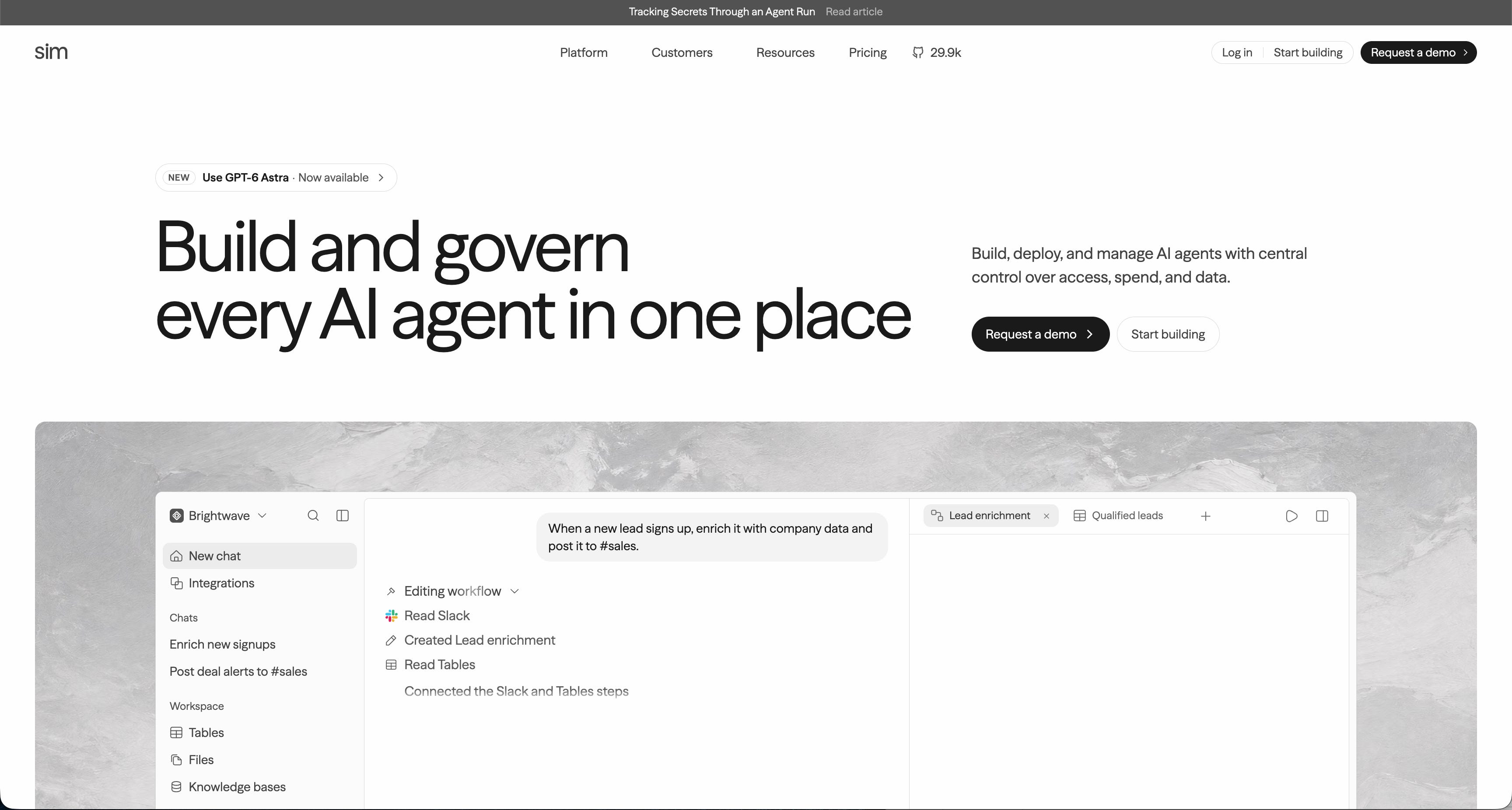
Sim provides a collaborative environment for creating agents and automations through conversational, visual, and code-oriented approaches.
It supports workflows involving integrations, connected tools, files, and structured data.
Try this: Build an agent that receives an incoming business request, extracts relevant fields, applies routing rules, and generates a reviewable recommendation.
Setup: Intermediate
Free access: Open-source self-hosted option; managed hosting and model inference may involve separate costs.
Watch for: Execution visibility. Confirm that the workflow can show what happened, where it failed, and whether the requested outcome was achieved.
Practical takeaway: Business agents become useful when they operate within a defined process. The process needs triggers, permissions, success criteria, exception handling, and ownership.
The Five-Agent Starter Stack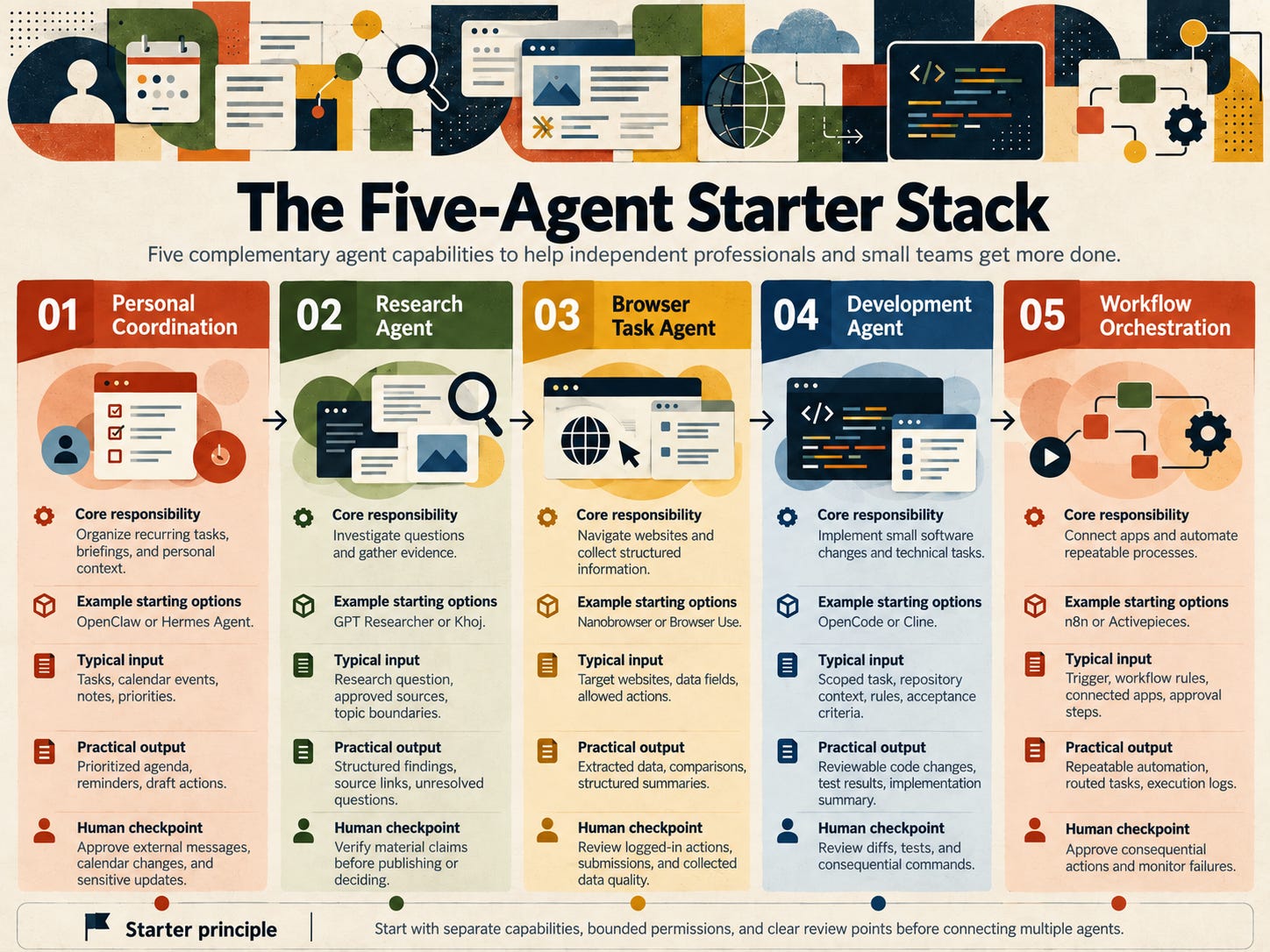
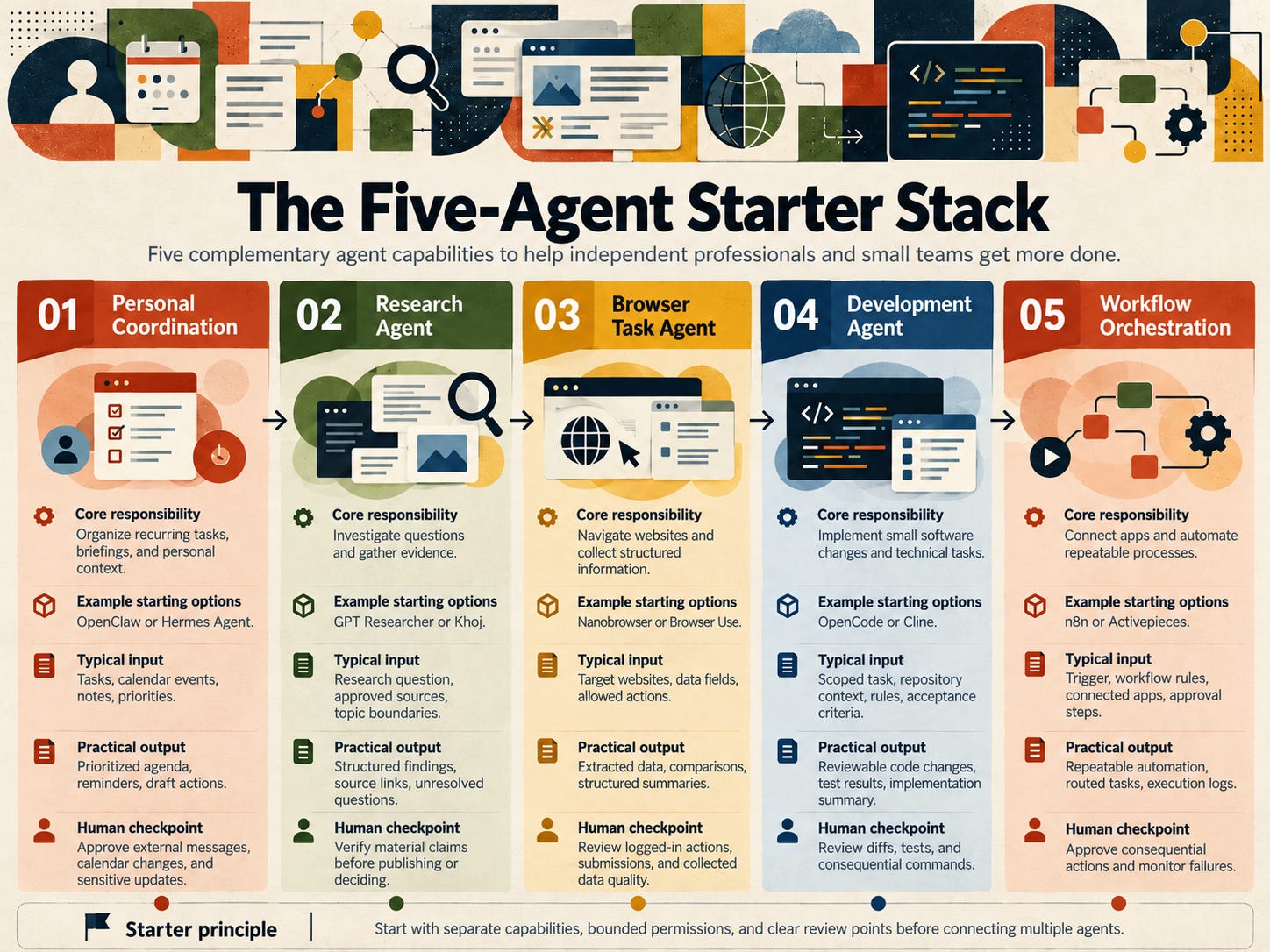
Twenty-five options are useful for understanding the landscape. A functional personal agent system can begin with considerably fewer.
For an independent professional or small team, I would start with five complementary capabilities.
ResponsibilityStarting optionPractical outputPersonal coordinationOpenClaw or Hermes AgentTask organization and recurring briefingsResearchGPT Researcher or KhojStructured findings and source collectionsBrowser tasksNanobrowserAssisted navigation and information extractionDevelopmentOpenCode or ClineReviewable software changesWorkflow orchestrationn8n or ActivepiecesRepeatable automations across systems
These tools do not need to be connected into one autonomous network.
In fact, the safest initial configuration is often to run them as separate capabilities with clearly defined responsibilities.
The personal assistant organizes work. The research agent investigates questions. Browser automation gathers information from supported websites. Coding agents modify software. Workflow automation coordinates repeatable processes.
Integrations should be introduced only when there is a specific benefit from connecting them.
Three agent workflows worth building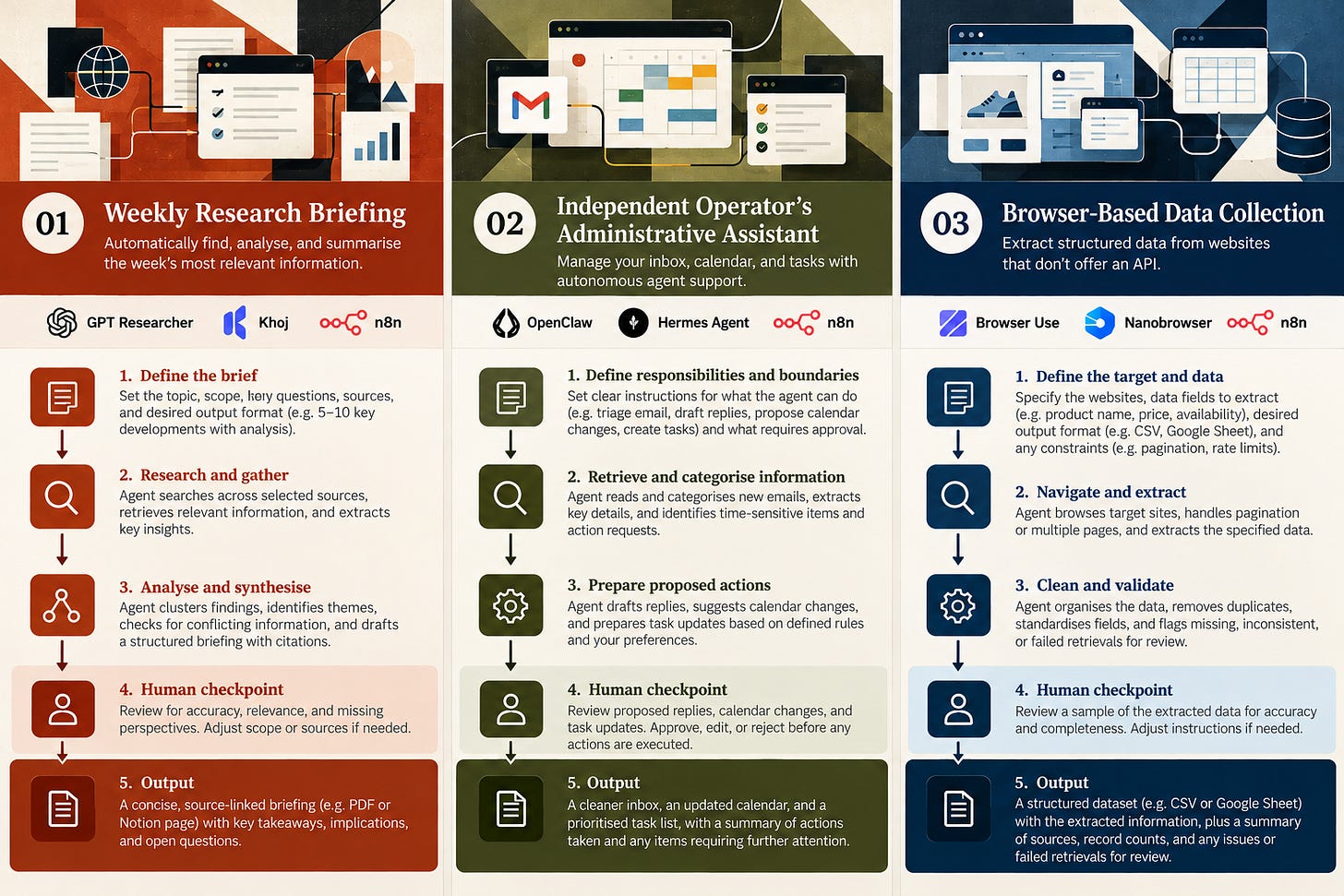
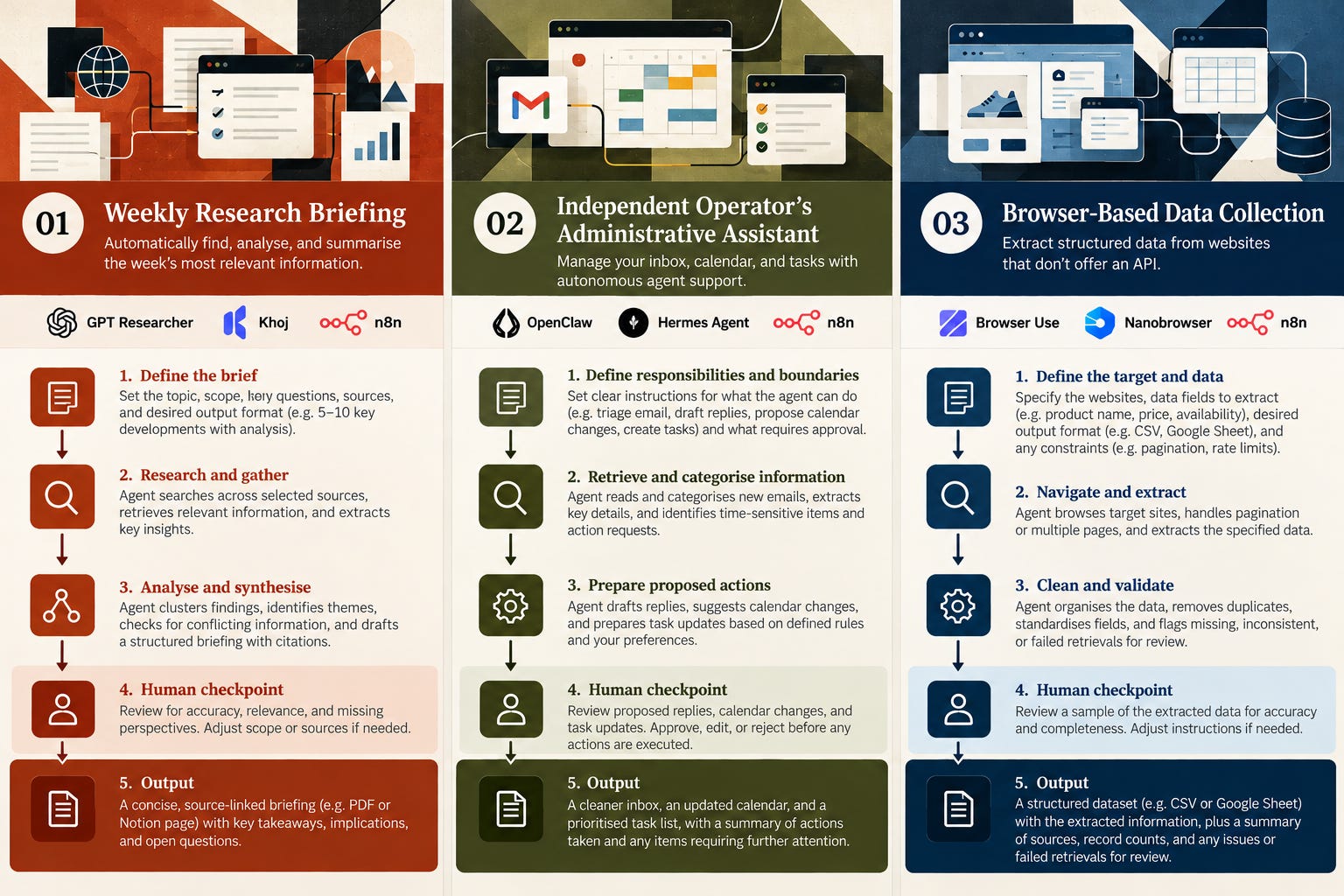
Workflow A: The Weekly Research Briefing
Objective: Turn recurring information gathering into a structured, reviewable briefing.
Start with a defined research question and a short list of trusted sources.
Use a research agent to retrieve current information, identify relevant changes, and organize the evidence.
Then compare the findings against previous observations and generate a briefing that clearly separates facts, interpretations, and unresolved questions.
Possible stack: GPT Researcher or Khoj, with n8n for scheduling and delivery.
Deliverable: A recurring research briefing with source links, dated observations, and explicitly stated uncertainties.
Human checkpoint: Review material claims before distributing the briefing or incorporating findings into consequential decisions.
Workflow B: The Independent Operator’s Admin Assistant
Objective: Reduce repetitive administration without granting unrestricted control over personal accounts.
Begin with a narrowly defined task such as collecting selected requests, assigning categories, and preparing draft responses.
Connect the relevant applications through a personal agent or workflow platform.
Allow the system to retrieve information, apply agreed rules, and prepare suggested actions.
Require human approval before external communication, calendar modifications, financial activity, or changes to client records.
Possible stack: OpenClaw or Hermes Agent, supported by Activepieces or n8n.
Deliverable: A review queue containing categorized requests, suggested responses, and relevant context.
Human checkpoint: Approve consequential changes before the workflow commits them.
Workflow C: The Browser Research and Data Collection Agent
Objective: Collect structured information from several websites without repeatedly performing the same manual navigation.
Define the information required, the permitted sources, and the format of the output.
Use a browser agent to navigate the selected pages and collect relevant fields.
Validate the results against the underlying pages, flag missing information, and store the confirmed data in a structured format.
Possible stack: Nanobrowser for accessible interaction or Browser Use / Skyvern for more technical automation.
Deliverable: A structured dataset with source references and a record of incomplete or failed retrievals.
Human checkpoint: Review the data before publication, external submission, or use in a sensitive decision.
These workflows illustrate an important principle: the value of an agent depends on the amount of useful work completed reliably, including the effort required to verify its results.
How to choose an AI agent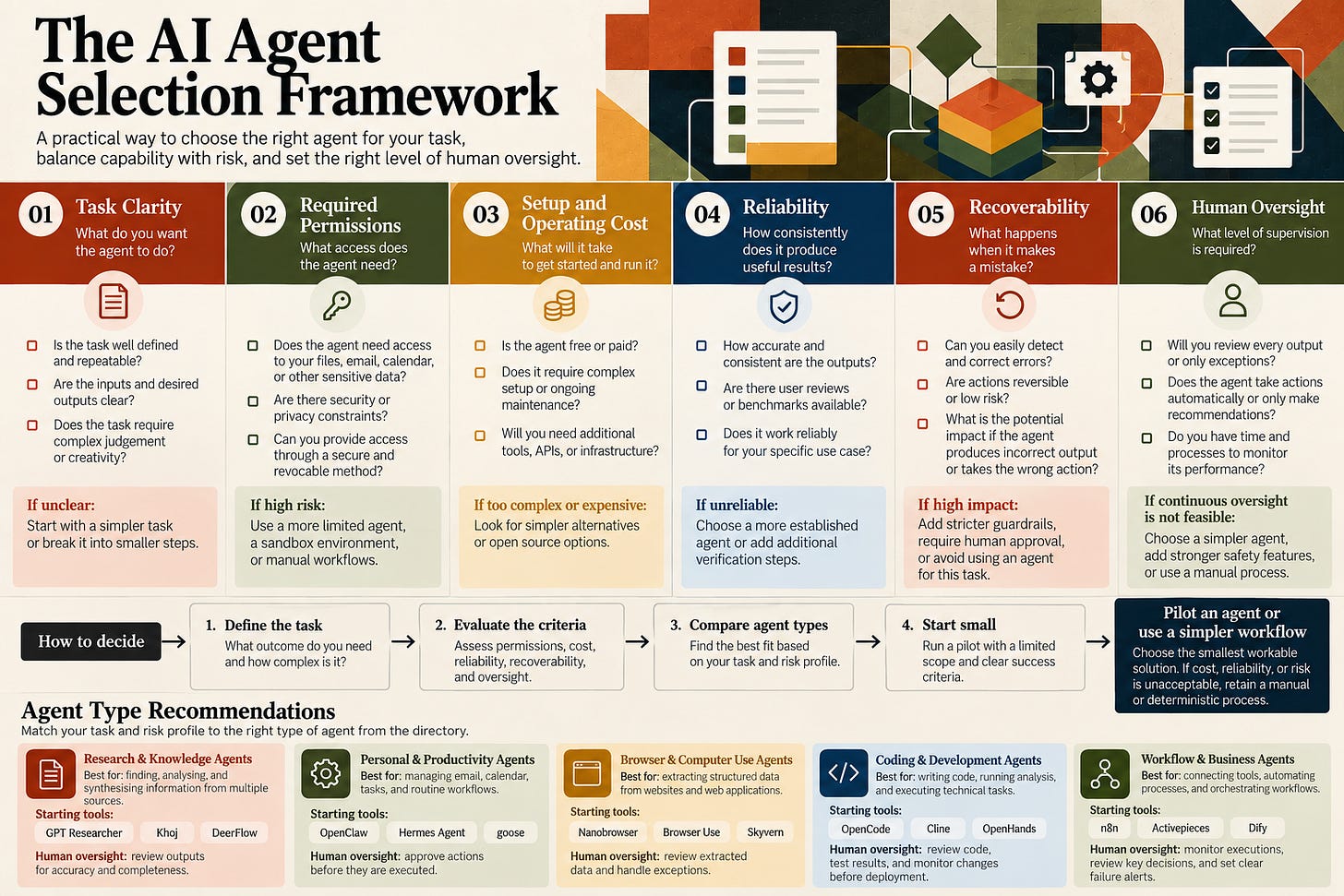
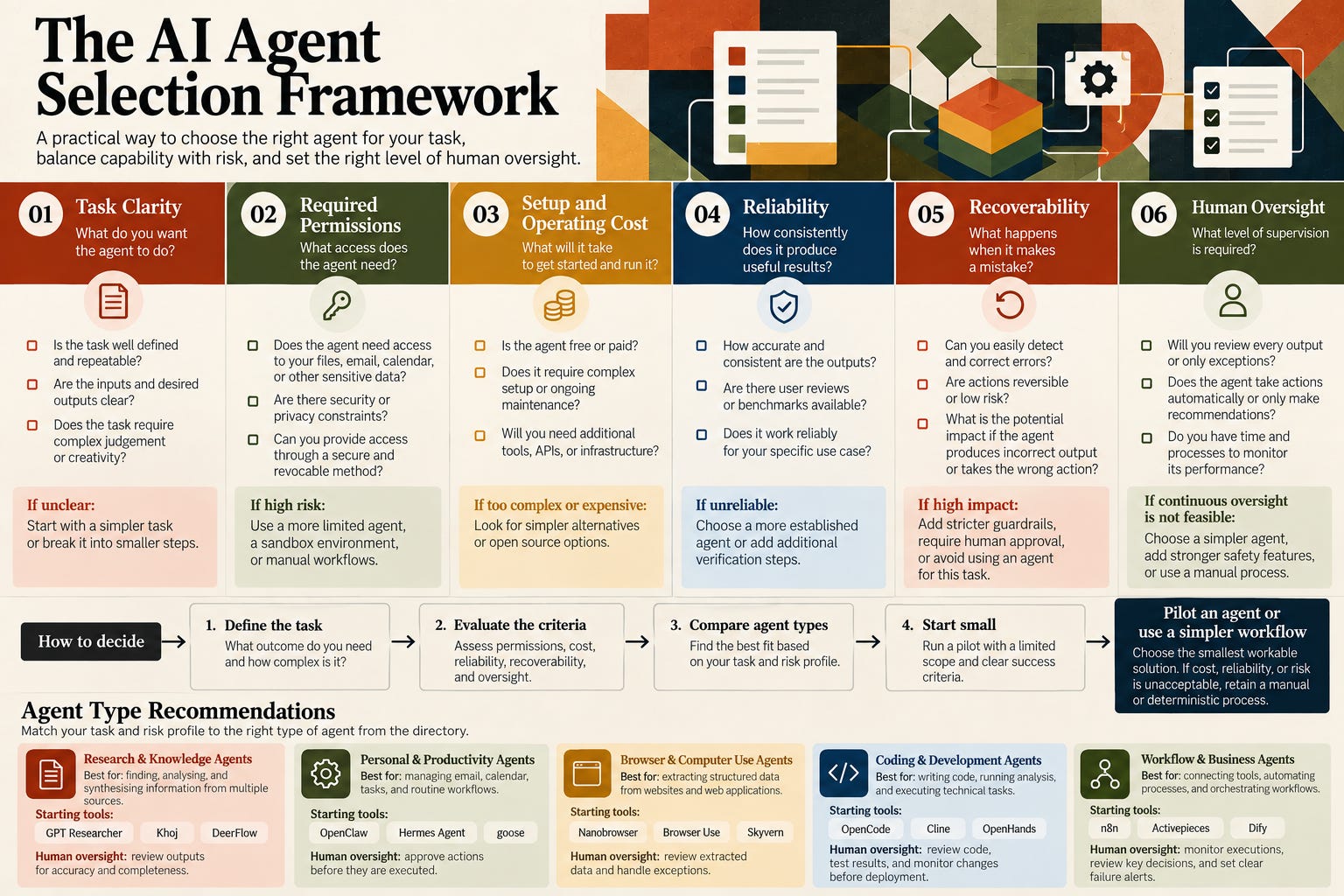
Start by evaluating the work rather than the model.
A practical first agent should perform a narrow, recurring, low-risk task.
The benefits are easier to measure, and failure is easier to understand.
It is generally better to begin with one workflow that consistently saves useful time than with five interconnected agents whose responsibilities remain ambiguous.
A reusable prompt for delegating work to an AI agent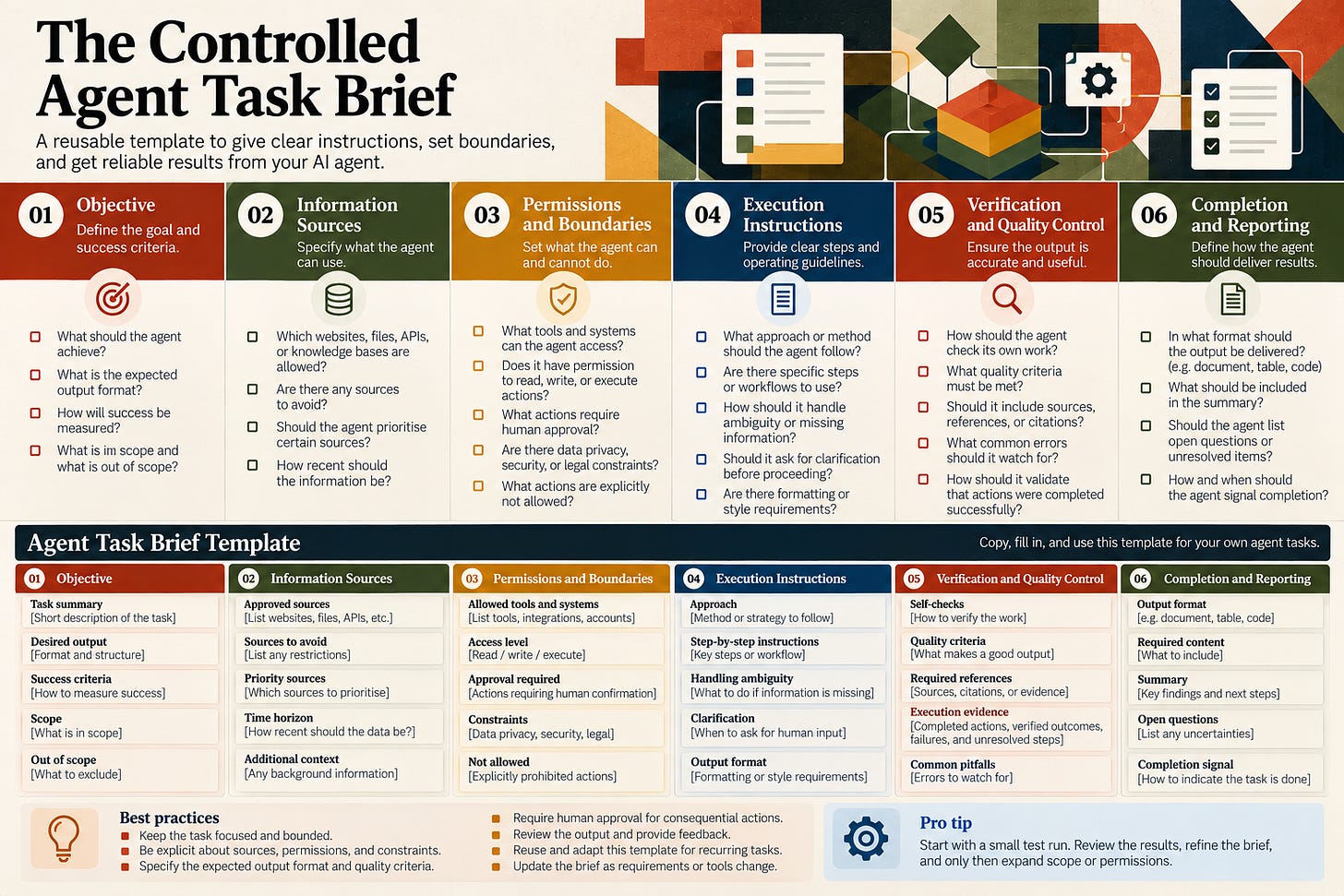
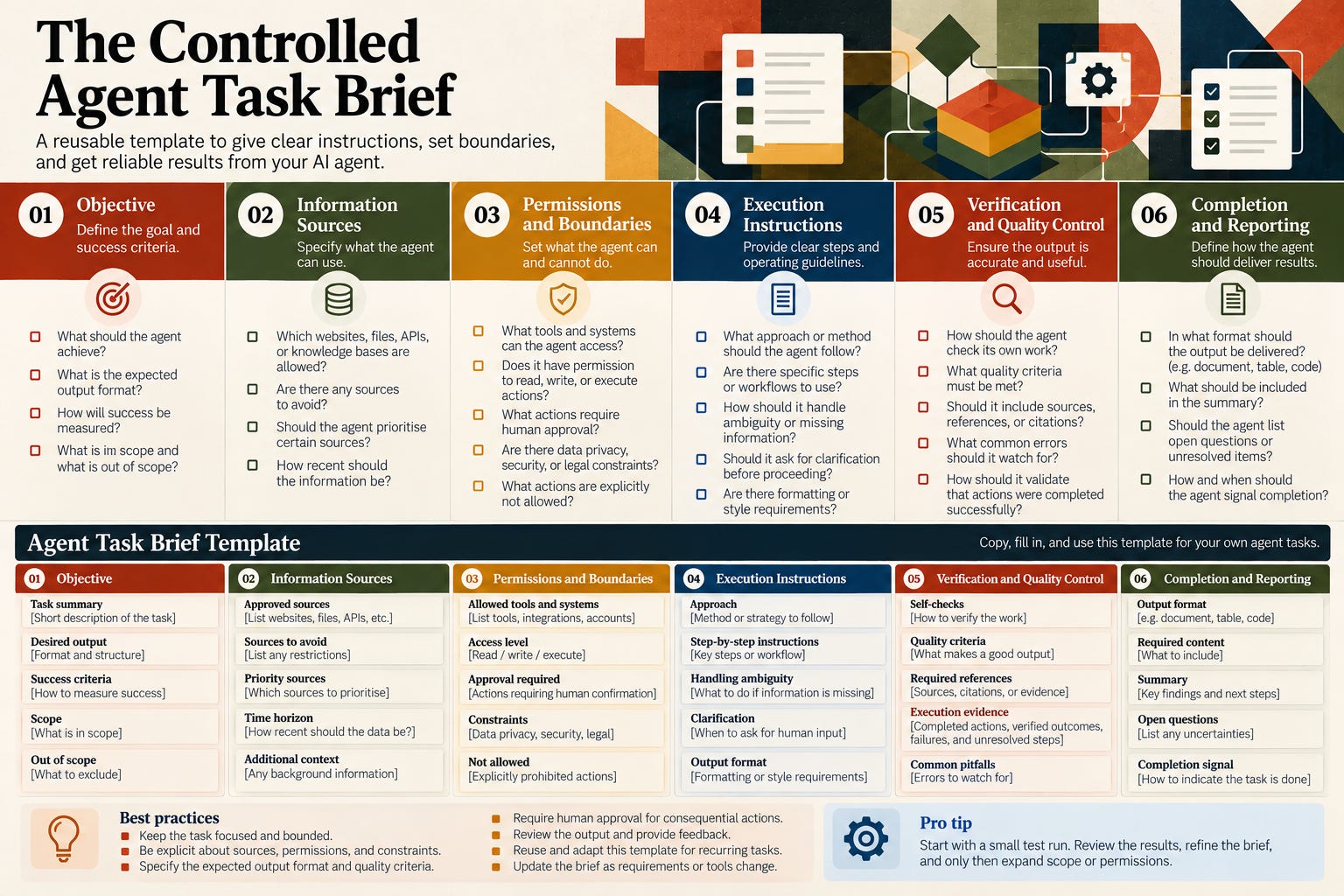
The following template can be adapted for agents that use tools, access files, browse websites, or perform multi-step tasks.
Role and objective
You are an AI agent responsible for:
[DESCRIBE THE TASK]
The intended outcome is:
[DEFINE THE DELIVERABLE]
Context
Use the following information and sources:
[LIST APPROVED SOURCES AND MATERIALS]
Scope and permissions
You may:
[LIST ALLOWED ACTIONS]
You must not:
[LIST PROHIBITED ACTIONS]
Require explicit approval before:
[LIST CONSEQUENTIAL ACTIONS]
Execution process
-
Confirm your understanding of the goal and constraints.
-
Identify the tools and information needed.
-
Propose a short execution plan.
-
Perform the permitted steps.
-
Validate whether each action achieved its intended result.
-
Report any failures, gaps, or unexpected outcomes.
-
Present the deliverable together with a concise execution record.
Verification requirements
Distinguish completed actions from planned actions.
Do not claim that a task succeeded unless its result can be observed or independently verified.
Identify missing information and uncertainty.
Preserve source references and relevant evidence when performing research.
Do not expose secrets, bypass permissions, or expand the authorized scope.
Completion report
Return:
-
Work completed.
-
Actions taken.
-
Results verified.
-
Errors or incomplete steps.
-
Remaining risks or uncertainties.
-
Decisions requiring human review.
This task brief provides a reusable structure for keeping agent execution understandable and bounded.
It can be adapted for research, coding, browser tasks, document processing, and other supported workflows.
The Five Gates of Agent Readiness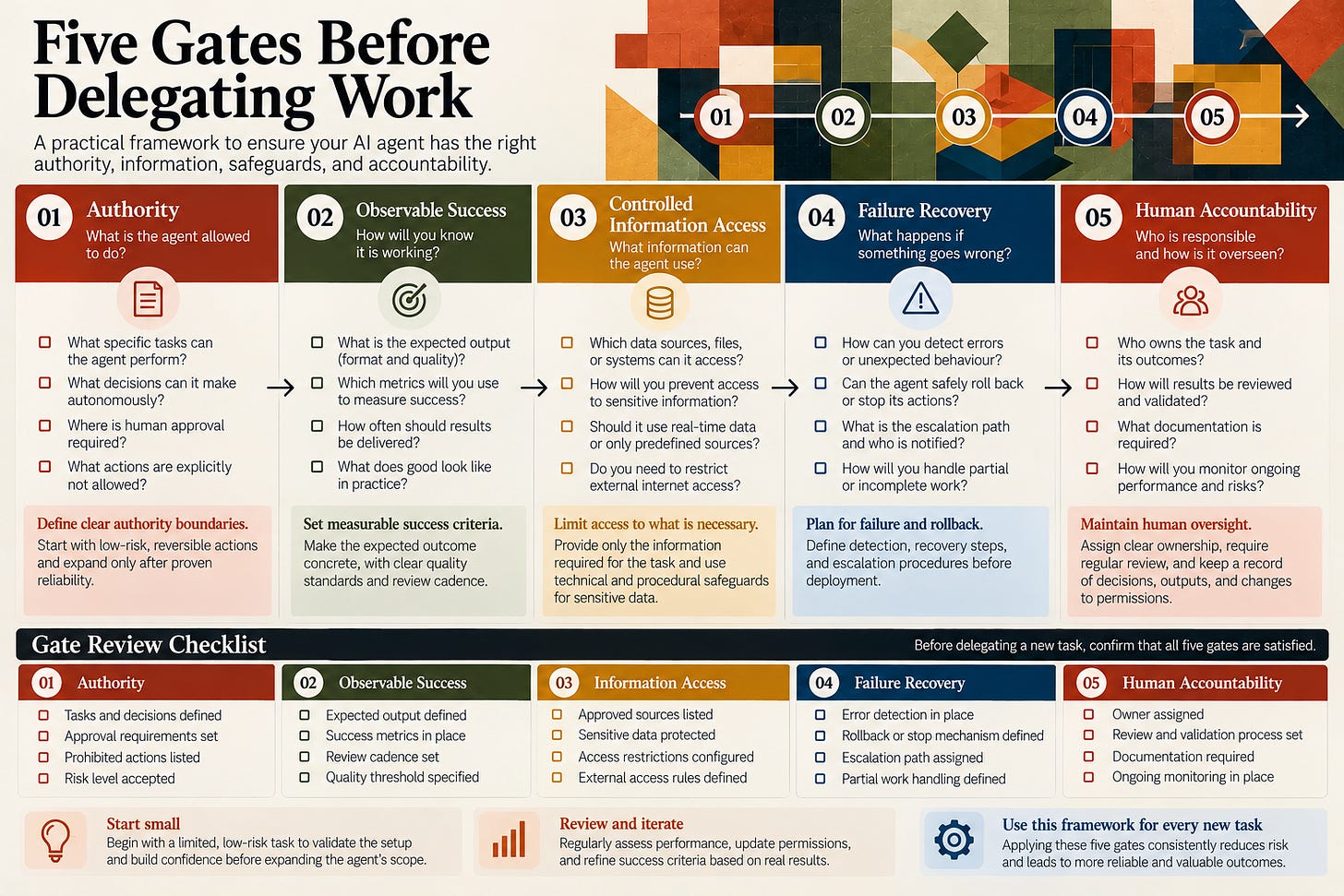
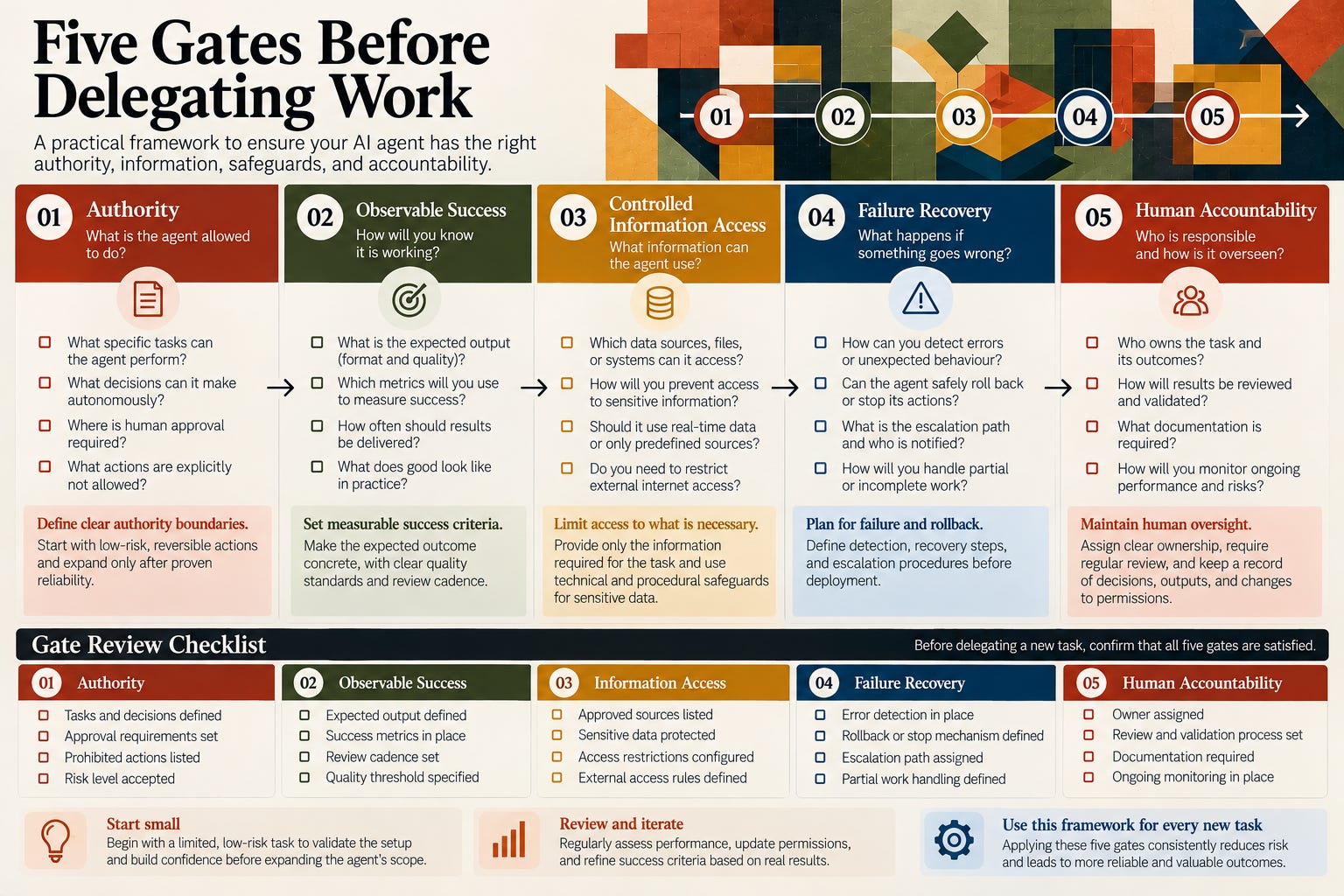
Before giving an AI agent recurring responsibilities, evaluate five conditions.
Gate 01 — Clear authority
Does the agent know which actions it may take independently?
Permission boundaries should distinguish reading, drafting, editing, sending, deleting, and committing changes.
Gate 02 — Observable success
Can the system verify that the requested task actually completed?
A generated response does not necessarily prove that an external action succeeded.
Gate 03 — Controlled information access
Does the agent receive only the information necessary for its task?
Sensitive documents, credentials, accounts, and internal systems should remain protected by technical controls.
Gate 04 — Failure recovery
Can an incomplete or incorrect execution be detected and corrected?
Useful safeguards include logs, retries, review queues, backups, and reversible operations.
Gate 05 — Human accountability
Is someone responsible for approving consequential decisions and reviewing the agent’s performance?
Agents can execute delegated actions. Responsibility for the consequences remains with the people and organizations deploying them.
GateMinimum requirementAuthorityExplicit permitted actions and approval boundariesSuccessVerifiable completion criteriaInformationRestricted access and protected credentialsRecoveryError handling and rollback where appropriateAccountabilityNamed owner and review process
These safeguards should scale with the impact of the task. A private document-summary agent and an agent modifying production databases require different controls.
What does free really mean for AI agents?
The economics of agents are easy to misunderstand.
A project may be open-source and free to install, while execution still requires language-model inference, browser infrastructure, paid search access, or hosting.
For practical evaluation, distinguish four sources of cost.
Software: Is there a mandatory product subscription or license?
Inference: Which model processes the requests, and how is its usage billed?
Infrastructure: Does the agent require local hardware, a virtual server, cloud execution, or a persistent database?
Operations: How much time is spent configuring, supervising, verifying, and maintaining the workflow?
The fourth cost is frequently underestimated.
An agent that saves ten minutes of manual activity while requiring fifteen minutes of supervision has not yet created a meaningful productivity improvement.
A useful comparison is:
Net time saved = Manual effort avoided − Setup, supervision, correction, and maintenance effort over the same period.
For a recurring task, setup costs can be amortized over future executions. For a one-time task, those costs may outweigh the benefit.
A more capable agent is not automatically the better choice. Predictable performance, bounded permissions, and low maintenance can matter more than raw autonomy.
Which AI agent should you start with?
If you are a nontechnical professional, begin with a narrowly scoped personal assistant or a browser extension such as Nanobrowser. Use read-only tasks before introducing external actions.
If you want research automation, explore GPT Researcher or Khoj, depending on whether you prefer structured investigations or a persistent personal knowledge environment.
If you are technically comfortable and want a local agent, consider goose, Hermes Agent, OpenClaw, or Agent Zero. Compare installation effort, model options, permissions, and operating costs.
If you are a developer, start with OpenCode, Cline, Aider, or Codex CLI, with proper version control, testing, and review requirements.
If you run a small business or independent operation, consider Activepieces or n8n to automate one recurring process before connecting multiple agent capabilities.
The appropriate starting point is determined by the task and the cost of failure.
The next frontier: from isolated agents to an operating system for work
Most people begin experimenting with agents by choosing a tool.
They connect an account, provide a task, inspect the result, and decide whether the experience was useful.
As the number of workflows grows, a different problem emerges.
Which agent owns which responsibility? Where does information persist? How are decisions passed between workflows? What happens when one agent encounters an error that affects another? Who can stop execution when circumstances change?
These are questions of operating architecture.
A useful agent environment needs several components beyond the agents themselves: shared context, task definitions, permissions, execution records, success criteria, and review mechanisms.
The more work agents perform, the more important these supporting structures become.
For independent professionals and small teams, the opportunity is substantial. Repetitive administration, information gathering, technical implementation, and selected operational tasks can increasingly be delegated.
But the practical goal should remain measurable.
How much useful work was completed? How much human attention was required? What failed? What was learned? Can the workflow be repeated reliably?
The value of an AI agent is determined by the work it completes under acceptable conditions of cost, reliability, and control.
That is the standard worth applying before adding another agent to your stack.
About this directory
The Free AI Agent Directory is part of The Strategy Stack, a growing collection of practical guides, frameworks, and resources for understanding and applying AI, technology, and modern operating models.
Explore our other collections:
-
The AI Learning Stack: 32 resources for developing AI capabilities.
-
The AI Research Stack: 30 tools for finding better answers.
-
The AI Coding Stack: 30 tools, rules, and resources for building software with AI.
Explore more at The Strategy Stack.
Last reviewed: October 2026. Agent features, licensing terms, free usage allowances, and model compatibility can change. Free software does not guarantee free model inference, hosting, or external integrations. Setup levels are editorial estimates.
Subscribe to The Strategy Stack for practical frameworks, curated technology resources, and operating systems for working with AI.