Practical AI workflows for sales, marketing, customer support, operations, HR, and strategy. What to automate, how it works, and where human judgment belongs.
By Alex Pawlowski
Published: 2026-10-26
URL: https://thestrategystack.substack.com/p/ai-workflow-examples-business-2026

THE STRATEGY STACK · FIELD GUIDE · OCTOBER 2026
Most organizations have accumulated more AI tools than they have useful AI workflows.
Employees use assistants to summarize documents, rewrite messages, and answer questions. Departments experiment with agents, integrations, and automation platforms. Individual tasks become faster, but much of the surrounding work remains unchanged.
Information still needs to be transferred between systems. Results require verification. Decisions await approval. Someone has to remember what happened, initiate the next step, and handle exceptions.
The productivity opportunity increasingly sits in these connections.
A useful AI workflow has a recognizable beginning, a series of defined operations, and an outcome that someone can observe. It combines AI where interpretation or synthesis is valuable with deterministic automation where the rules are already known.
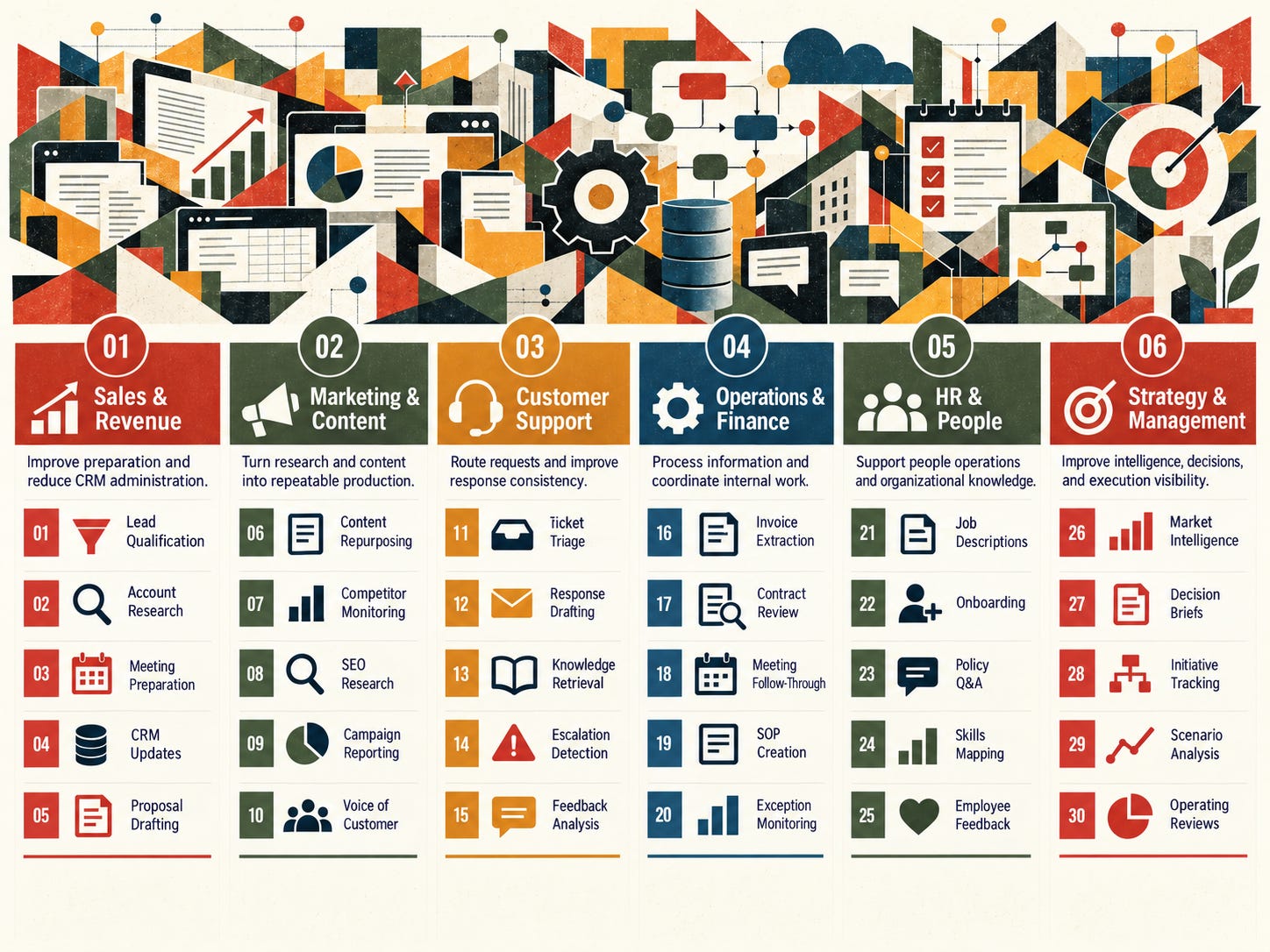
The AI Workflow Library brings together 30 practical workflow designs across six business functions.
Each example identifies the problem, trigger, execution sequence, expected output, and point at which human oversight is required.
These are implementation blueprints, not claims of proven deployments or guaranteed productivity improvements. Actual performance will depend on your data, tools, permissions, and operating environment.
Some can be implemented with ordinary automation software and an AI model. Others require integrations, additional controls, or more technical configuration.
The objective is to help you recognize work that can be delegated, design a reliable process around it, and measure whether the result is worth maintaining.
The AI Workflow Library at a glance
How to read these workflows
Each example uses five practical elements:
Trigger: What starts the process.
Workflow: The activities performed by AI, automation software, or connected applications.
Output: The deliverable or updated information produced.
Human checkpoint: Where review, judgment, or approval remains necessary.
Measure: The metric that helps determine whether the workflow is performing usefully.
Not every workflow needs an autonomous agent. In many cases, a standard automation with a single AI step is simpler, cheaper, and easier to maintain.
01. Sales & Revenue
Reduce preparation time, improve information quality, and keep the commercial process moving.
01 — Inbound Lead Qualification
Problem: New leads arrive through forms, email, and events, but assessing their relevance requires manual research and inconsistent judgment.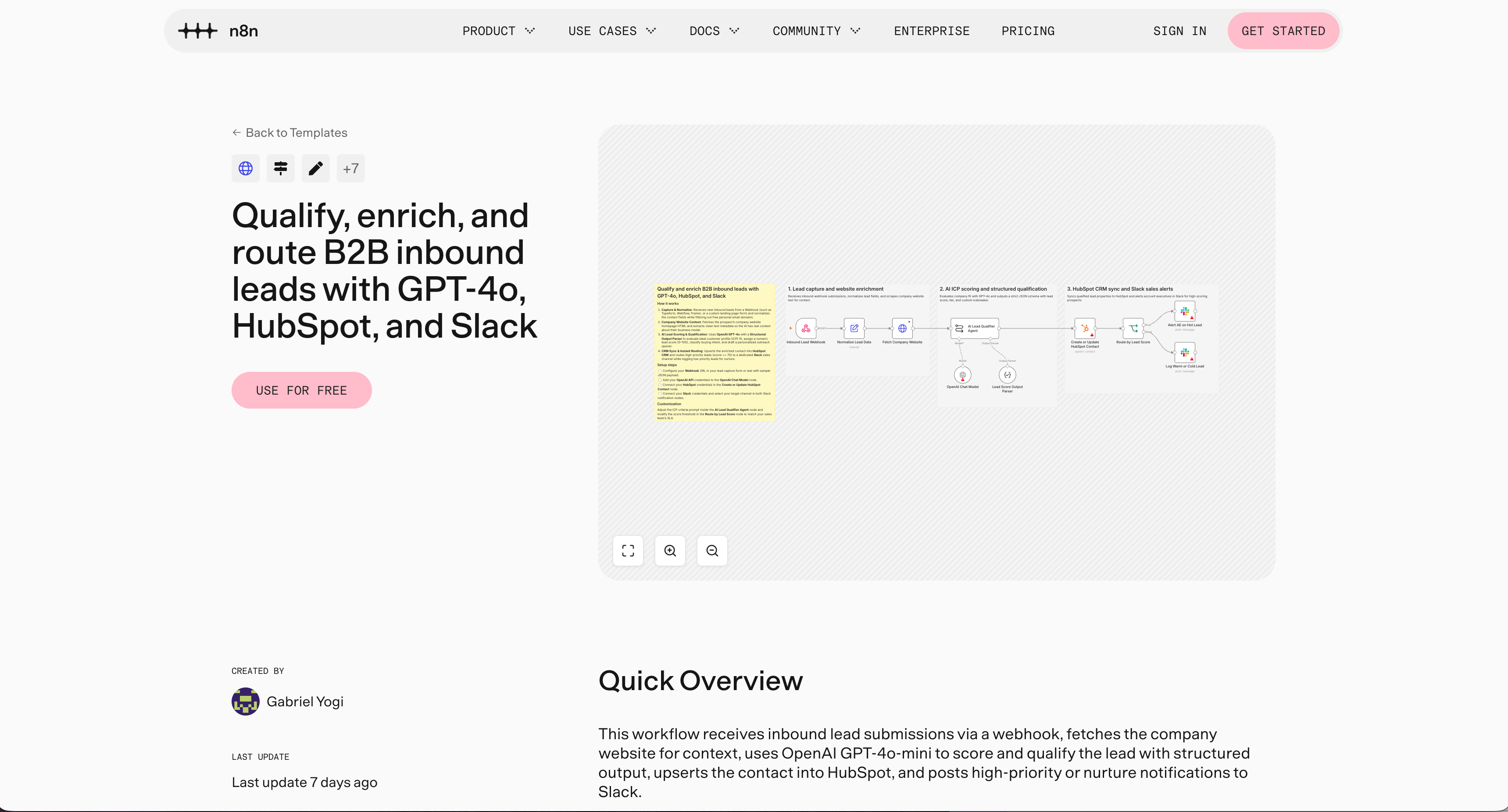
Trigger: A new inbound lead enters the CRM.
Workflow: The system validates the submitted information, checks for duplicate records, retrieves approved public company data, and summarizes the lead against predetermined qualification criteria. It flags missing information and assigns a preliminary category.
Output: A structured qualification brief with evidence, missing fields, and a suggested follow-up.
Human checkpoint: A sales representative confirms qualification and approves outreach.
Possible stack: HubSpot or Salesforce + n8n, Make, or Power Automate + an AI model.
Measure: Time spent qualifying each lead, record completeness, and percentage of suggested classifications accepted.
Implementation resource: n8n: AI Lead Qualification and Routing — Reusable workflow for qualifying inbound leads, retrieving company information, updating HubSpot, and routing leads through Slack.
02 — Account Research Briefing
Problem: Sales teams repeatedly gather the same company information before meetings.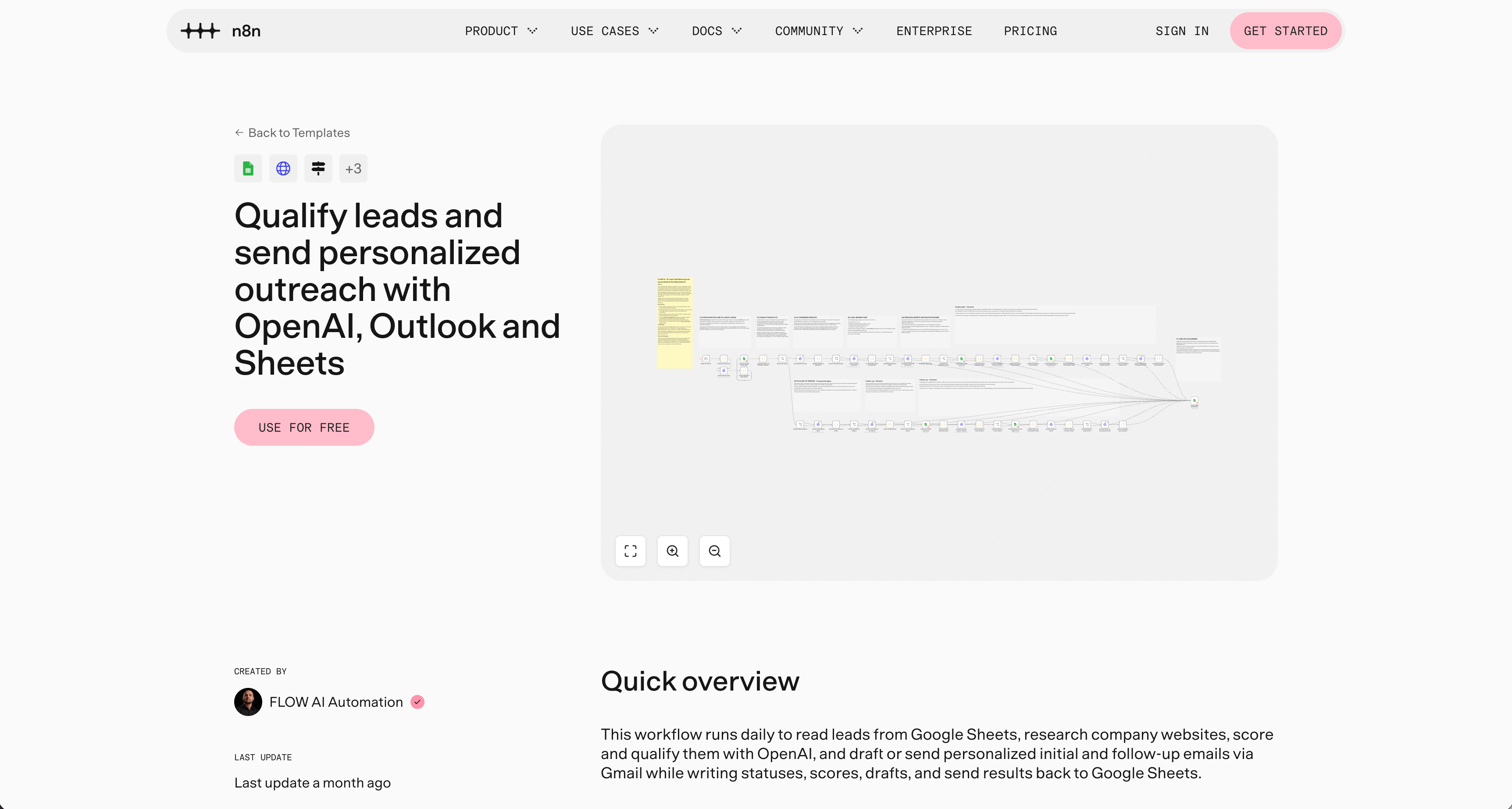
Trigger: A target account is added to the pipeline or a meeting is scheduled.
Workflow: Retrieve approved company information, relevant public announcements, industry context, and existing CRM notes. Generate a concise account briefing with source links and potential discussion topics.
Output: A one-page account intelligence brief.
Human checkpoint: The account owner checks current facts and chooses which insights are appropriate to use.
Possible stack: CRM + web research assistant + document workspace.
Measure: Preparation time, factual correction rate, and proportion of meetings supported by a briefing.
Implementation resource: n8n: AI Lead Research and Company Analysis — Example of researching company websites, extracting relevant information, and generating structured account assessments. Adapt the research stage for meeting briefings.
03 — Sales Meeting Preparation
Problem: Meeting context is scattered across CRM records, previous correspondence, documents, and calendars.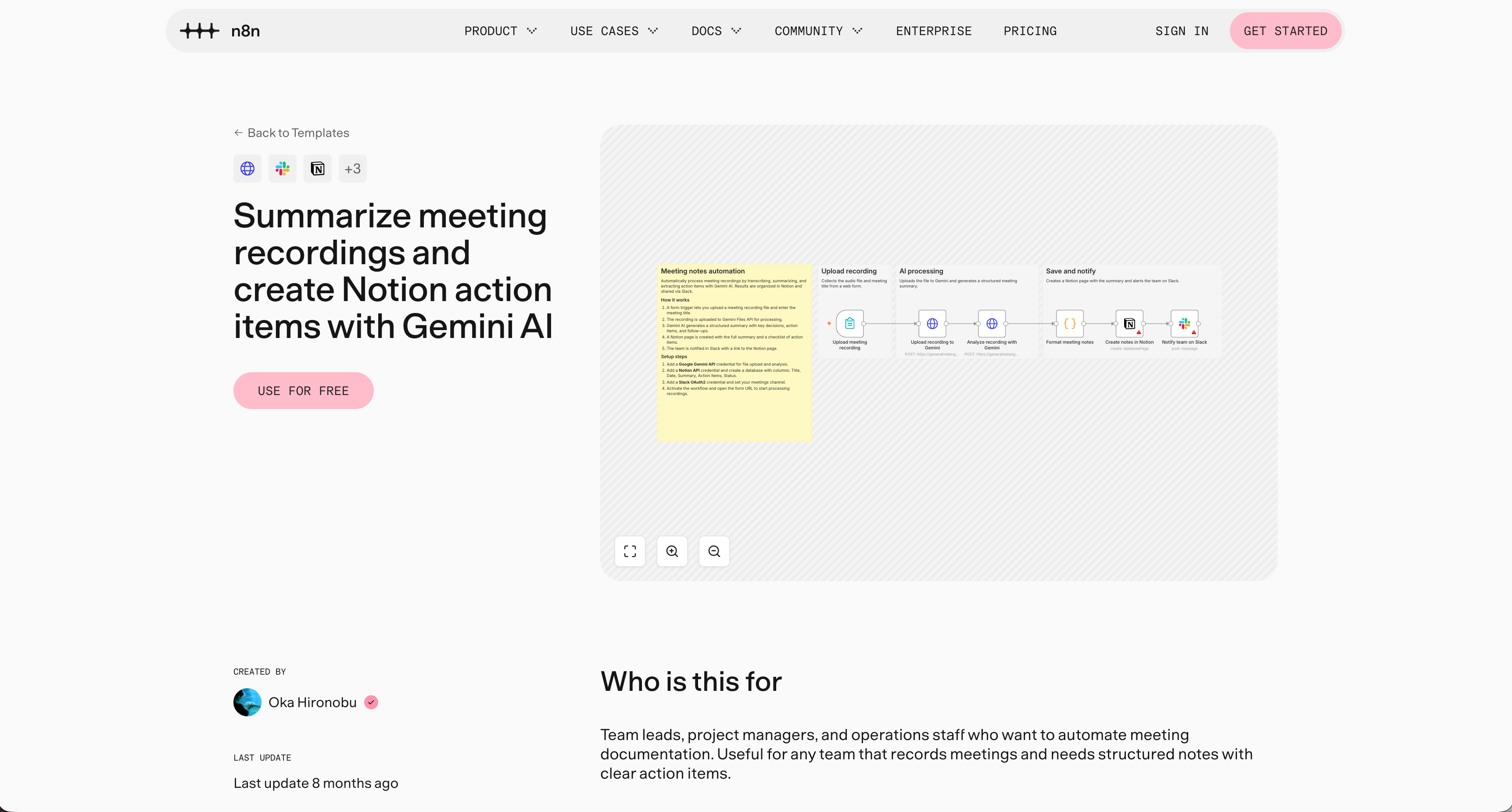
Trigger: An upcoming customer meeting appears on the calendar.
Workflow: Collect permitted account records, summarize previous interactions, identify unresolved commitments, and assemble a suggested agenda with relevant questions.
Output: A meeting preparation sheet containing context, objectives, open issues, and next-step opportunities.
Human checkpoint: The meeting owner validates the context and selects the agenda.
Possible stack: Calendar + CRM + email or notes integration + AI summarization.
Measure: Preparation time and the percentage of relevant prior commitments correctly surfaced.
Implementation resource: n8n: Meeting Summaries and Action Items — Related template for organizing meeting context, decisions, and commitments. Adapt the stored meeting information to prepare briefings for subsequent conversations.
04 — CRM Hygiene and Follow-Up Drafting
Problem: Sales records are frequently incomplete because updating them competes with customer-facing work.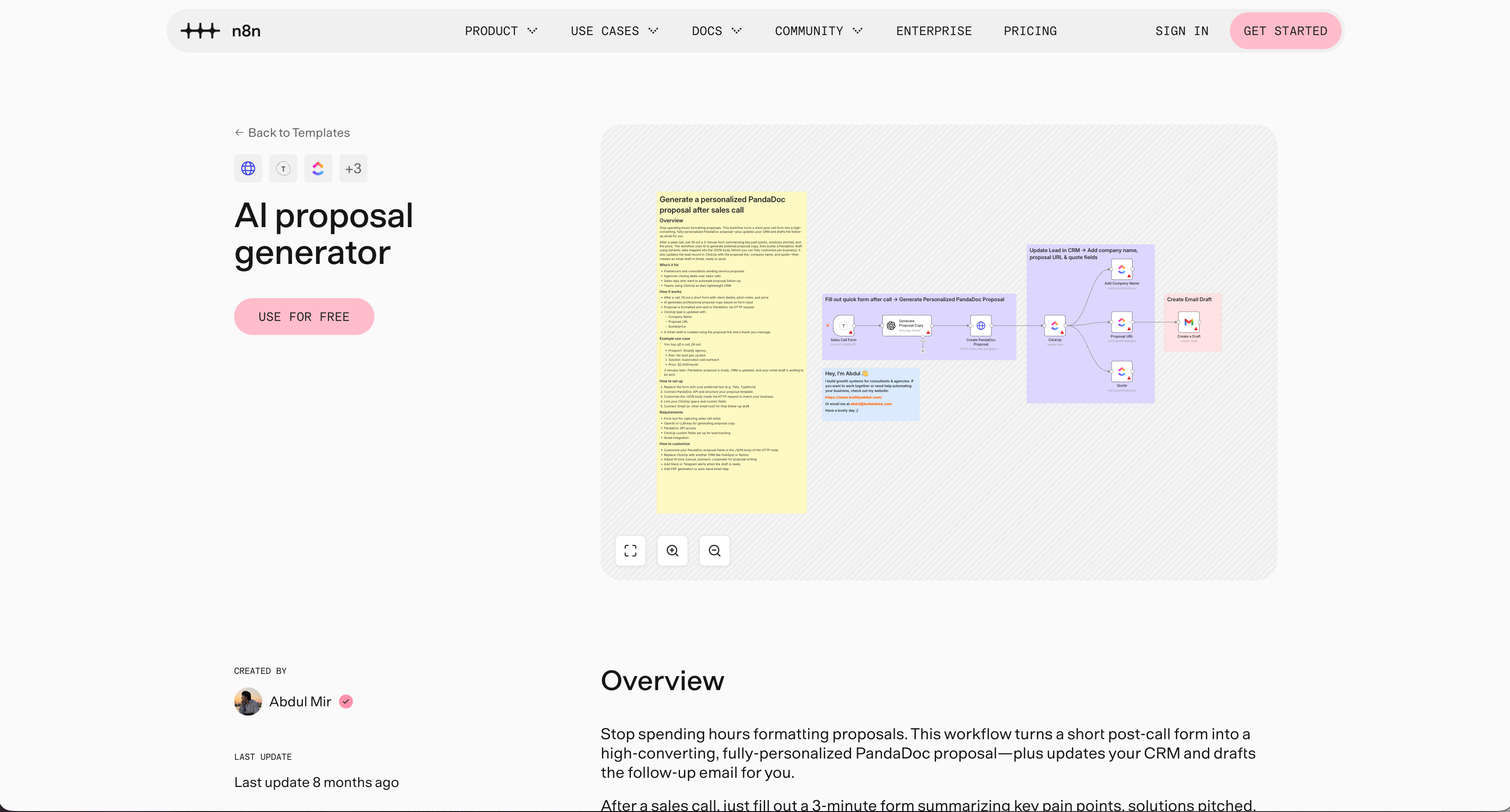
Trigger: A sales meeting concludes or an approved meeting transcript becomes available.
Workflow: Extract decisions, objections, participants, and next steps. Compare them with existing CRM fields and prepare proposed updates and follow-up messages.
Output: A structured CRM update proposal and a follow-up draft.
Human checkpoint: The sales representative approves changes and external messages before execution.
Possible stack: CRM + meeting notes + workflow automation + AI extraction.
Measure: CRM field completeness, correction rate, and time spent on post-meeting administration.
Implementation resource: n8n: AI Sales Proposal and CRM Follow-Up — Workflow demonstrating structured sales information extraction, CRM updates, and follow-up email drafting. Adapt it for post-meeting administration.
05 — Proposal First-Draft Assembly
Problem: Proposal creation involves repeatedly assembling company credentials, scope language, delivery approaches, and commercial templates.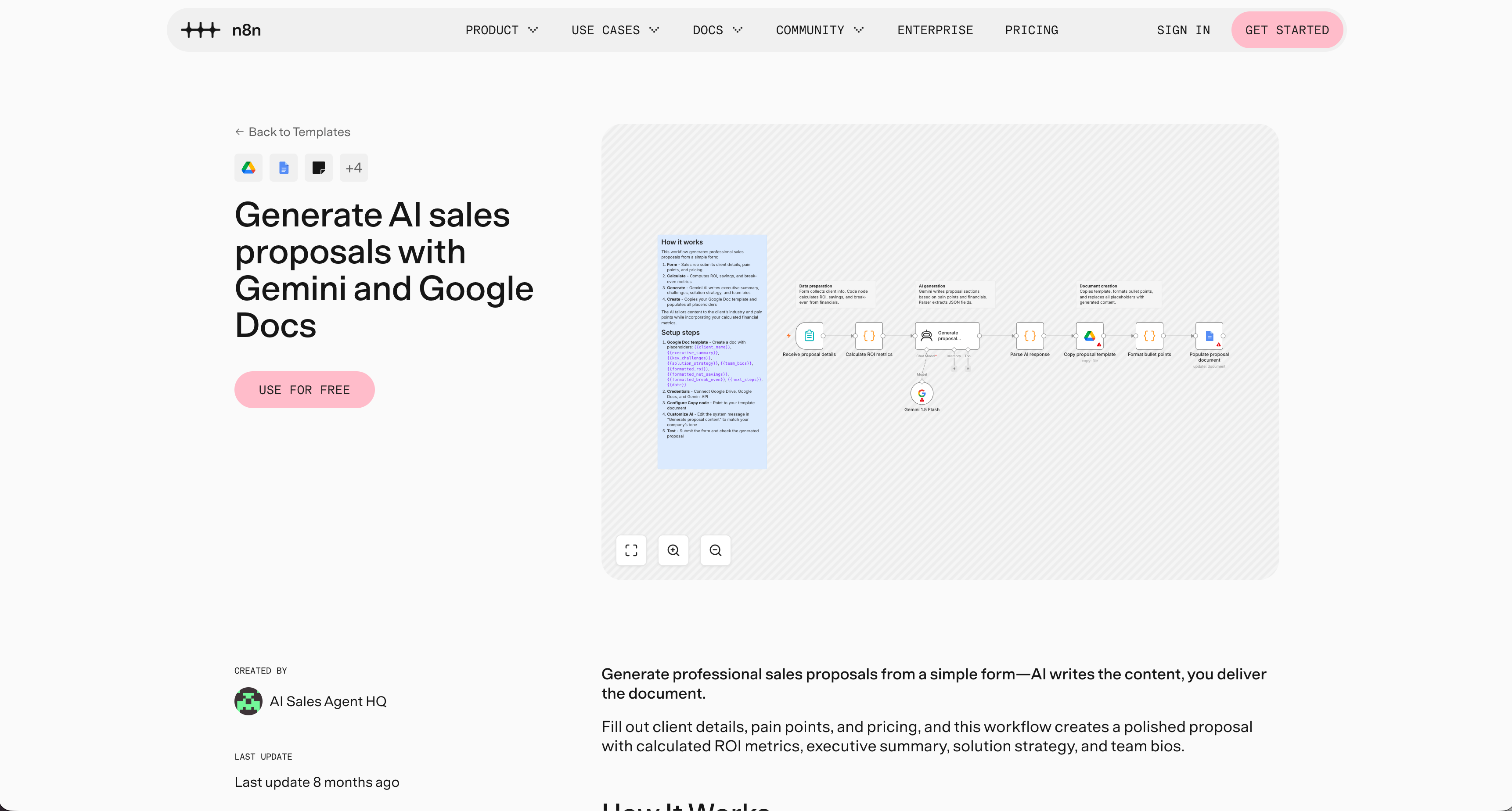
Trigger: A qualified opportunity reaches the proposal stage.
Workflow: Retrieve approved proposal templates and relevant customer requirements. Draft a scope, delivery structure, assumptions, dependencies, and open clarification questions.
Output: An editable proposal draft with explicit placeholders for commercial terms and unresolved requirements.
Human checkpoint: The account owner and relevant commercial approvers review scope, pricing, commitments, and legal language.
Possible stack: CRM + document templates + knowledge base + AI assistant.
Measure: First-draft preparation time, revision cycles, and omitted-requirement rate.
Implementation resource: n8n: Generate AI Sales Proposals with Gemini and Google Docs — Reusable template that turns client requirements into structured proposal documents using Gemini and Google Docs.
Sales principle: Automate preparation and administrative continuity. Retain human responsibility for customer commitments, commercial judgments, and external communication.
Read next
AI is becoming part of everyday business operations. The challenge is designing workflows that connect information, tools, and decisions without creating more complexity or losing human control. These are free to read:
-
The Free AI Agent Directory: 25 Agents You Can Actually Use — Discover practical AI agents for research, browser automation, coding, productivity, and business workflows.
-
The AI Coding Stack: 30 Free Tools, Rules, and Resources for Building With AI — Coding assistants, autonomous agents, project rules, and testing frameworks for building reliable AI-powered applications.
-
The AI Research Stack: 30 Free Tools for Finding Better Answers — A practical toolkit for finding evidence, evaluating sources, and producing more rigorous AI-assisted research.
Turn workflows into working systems
-
Operator Vault — 120+ PDFs, practical frameworks, kits, and installables for strategy, AI adoption, and execution.
-
Stack Atlas — Explore how AI workflows, technology architectures, decision systems, and operating models connect across The Strategy Stack.
Essays and curated resource collections remain free. Operator provides the working materials for turning promising ideas into repeatable systems.
The full library covers 30 practical AI workflows across six business functions, from sales and marketing to customer support, operations, HR, and strategy. Subscribe free to The Strategy Stack to explore the remaining 25 workflows, reusable implementation templates, and practical frameworks for prioritizing, designing, and deploying AI-powered business processes.
02. Marketing & Content
Connect audience information, research, content production, and performance learning.
06 — Long-Form Content Repurposing
Problem: A valuable article, webinar, or research report produces limited value beyond its original publication.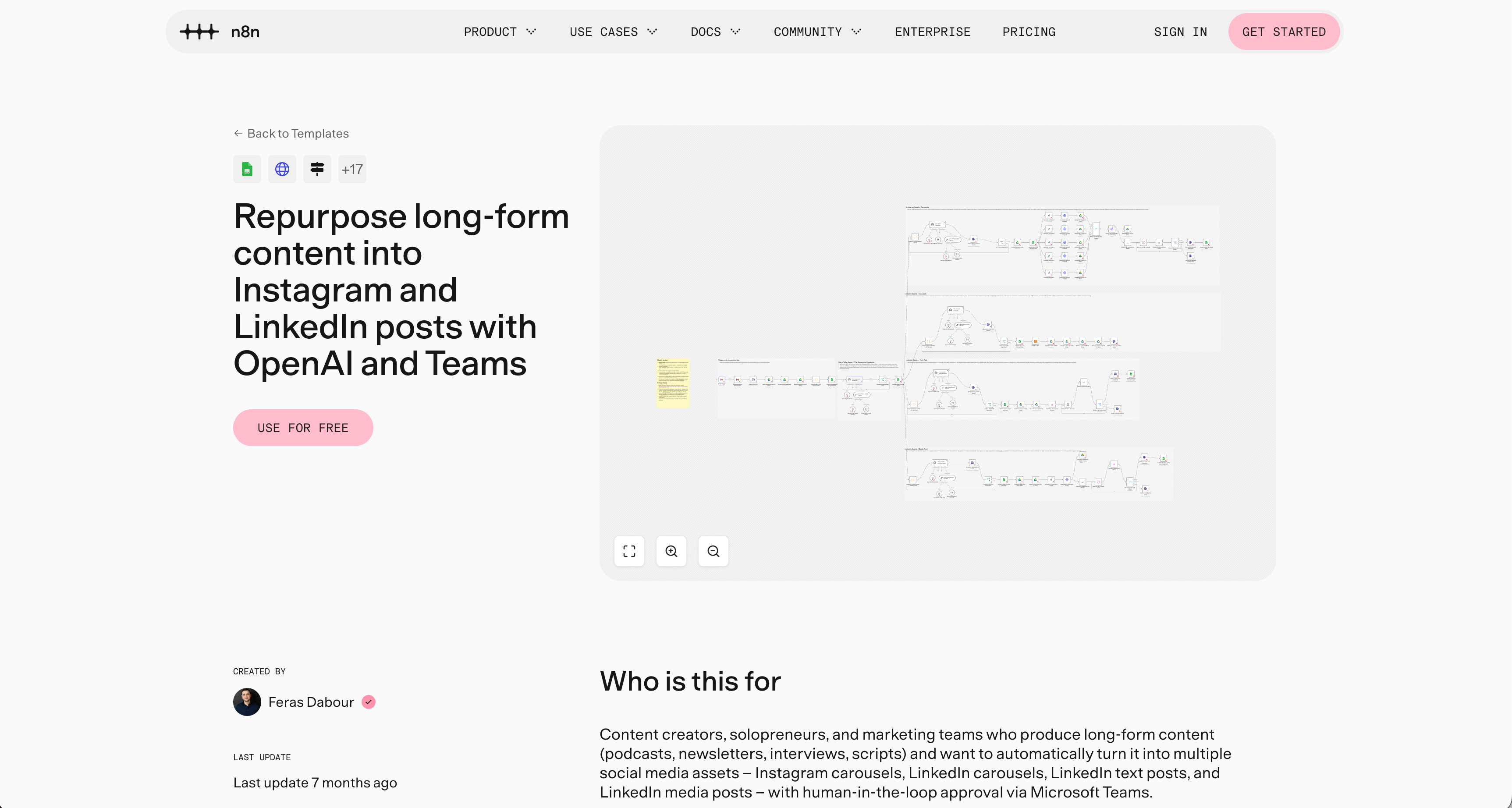
Trigger: A new long-form content asset receives editorial approval.
Workflow: Extract the central arguments, supporting evidence, audience relevance, and reusable ideas. Generate channel-specific drafts for social posts, newsletters, short video scripts, or presentation outlines.
Output: A structured content package with multiple draft formats.
Human checkpoint: An editor validates claims, originality, voice, and channel suitability before publication.
Possible stack: CMS or document system + AI model + content calendar.
Measure: Production time per derivative asset, editing effort, and engagement relative to comparable content.
Implementation resource: n8n: Repurpose Long-Form Content with AI — Reusable workflow for turning articles, newsletters, and transcripts into social content with an approval stage before publication.
07 — Competitor and Market Signal Monitoring
Problem: Competitor announcements and market developments are discovered inconsistently.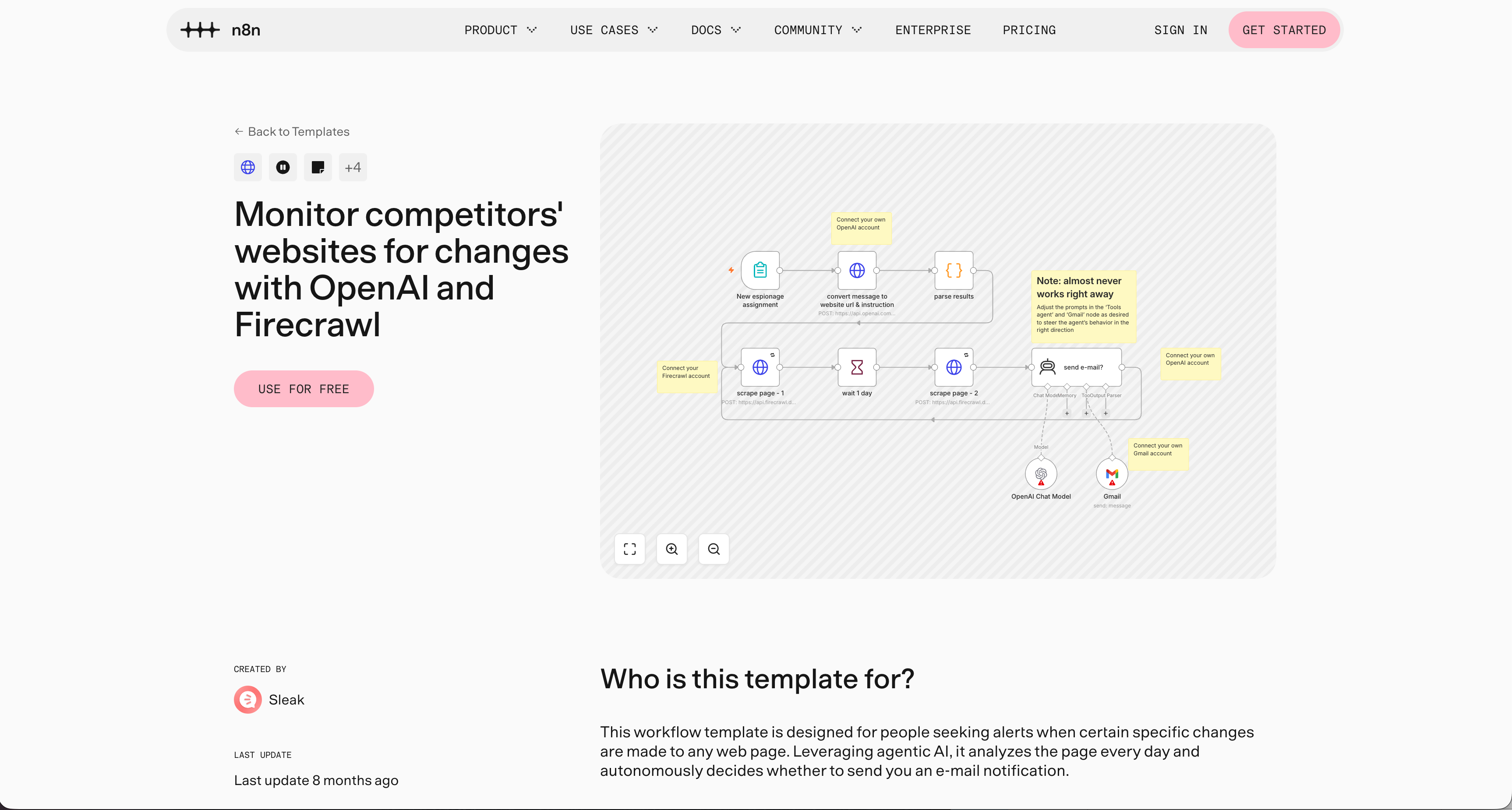
Trigger: A scheduled monitoring interval or an approved source update.
Workflow: Retrieve changes from selected websites, announcements, product documentation, or news sources. Deduplicate recurring information, identify materially new developments, and summarize potential implications.
Output: A concise market signal brief with source links and changes from the previous reporting period.
Human checkpoint: A market or product owner verifies significance before escalating a finding.
Possible stack: RSS or approved web feeds + automation platform + AI analysis.
Measure: Relevant signals identified, false-positive rate, and time spent reviewing updates.
Implementation resource: n8n: Monitor Competitor Websites for Changes — Template for monitoring selected websites, detecting updates, and producing AI-generated alerts about relevant developments.
08 — SEO Research and Content Briefing
Problem: Content teams spend substantial time translating search data into actionable article plans.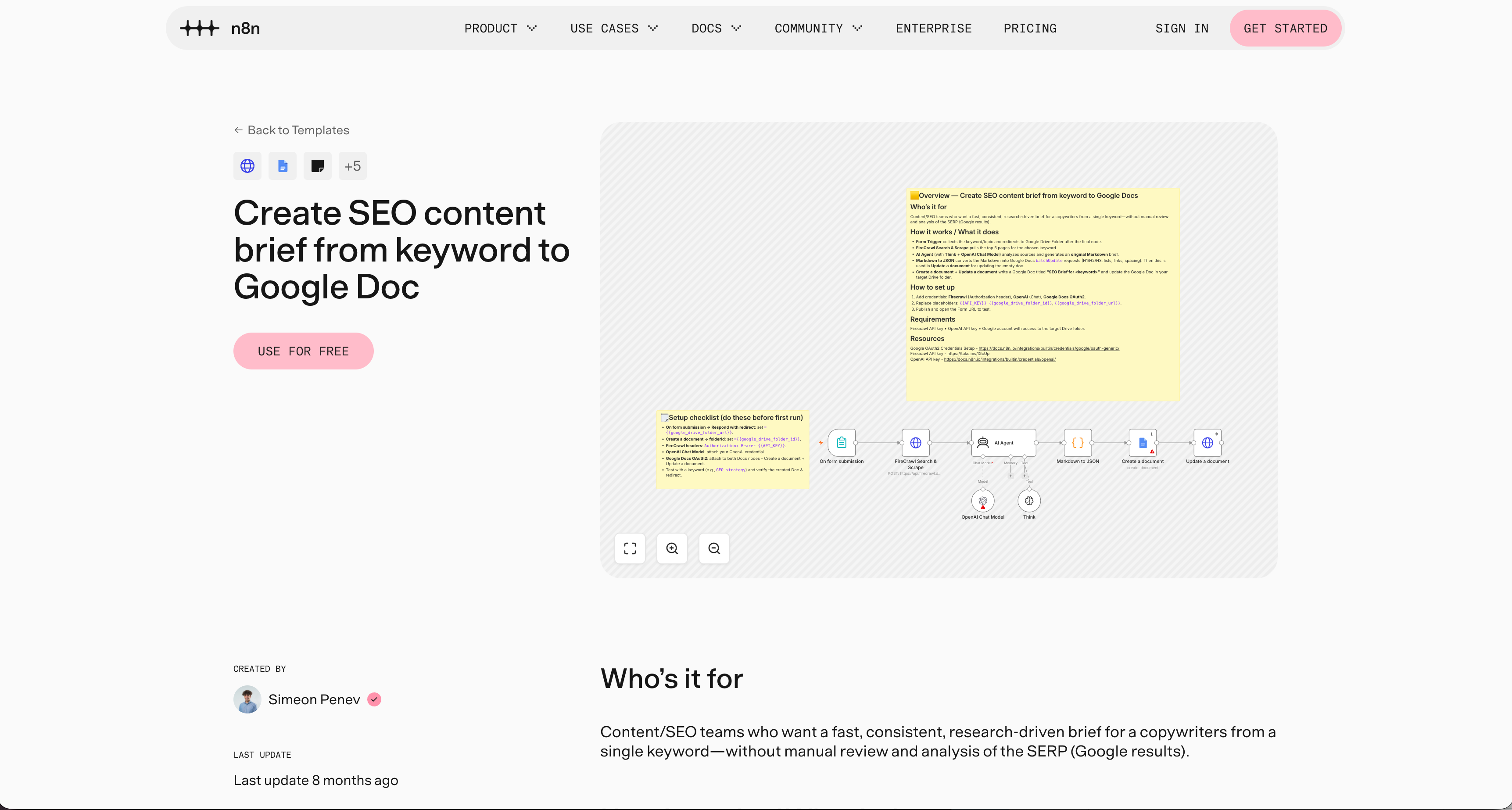
Trigger: A new target topic enters the editorial backlog.
Workflow: Gather Search Console data, available keyword information, relevant search results, and existing internal content. Group search intents, identify useful coverage gaps, and prepare an article brief.
Output: A content brief containing audience intent, suggested structure, internal links, and source requirements.
Human checkpoint: An editor validates search intent, topic relevance, and factual claims.
Possible stack: Google Search Console + approved search data + spreadsheet + AI research assistant.
Measure: Research time, brief adoption rate, and subsequent organic search performance.
Implementation resource: n8n: Generate an SEO Content Brief from a Keyword — Reusable template combining search research, AI analysis, and Google Docs to generate structured SEO content briefs.
09 — Campaign Performance Briefing
Problem: Campaign data lives in several dashboards, while explaining the results requires additional manual analysis.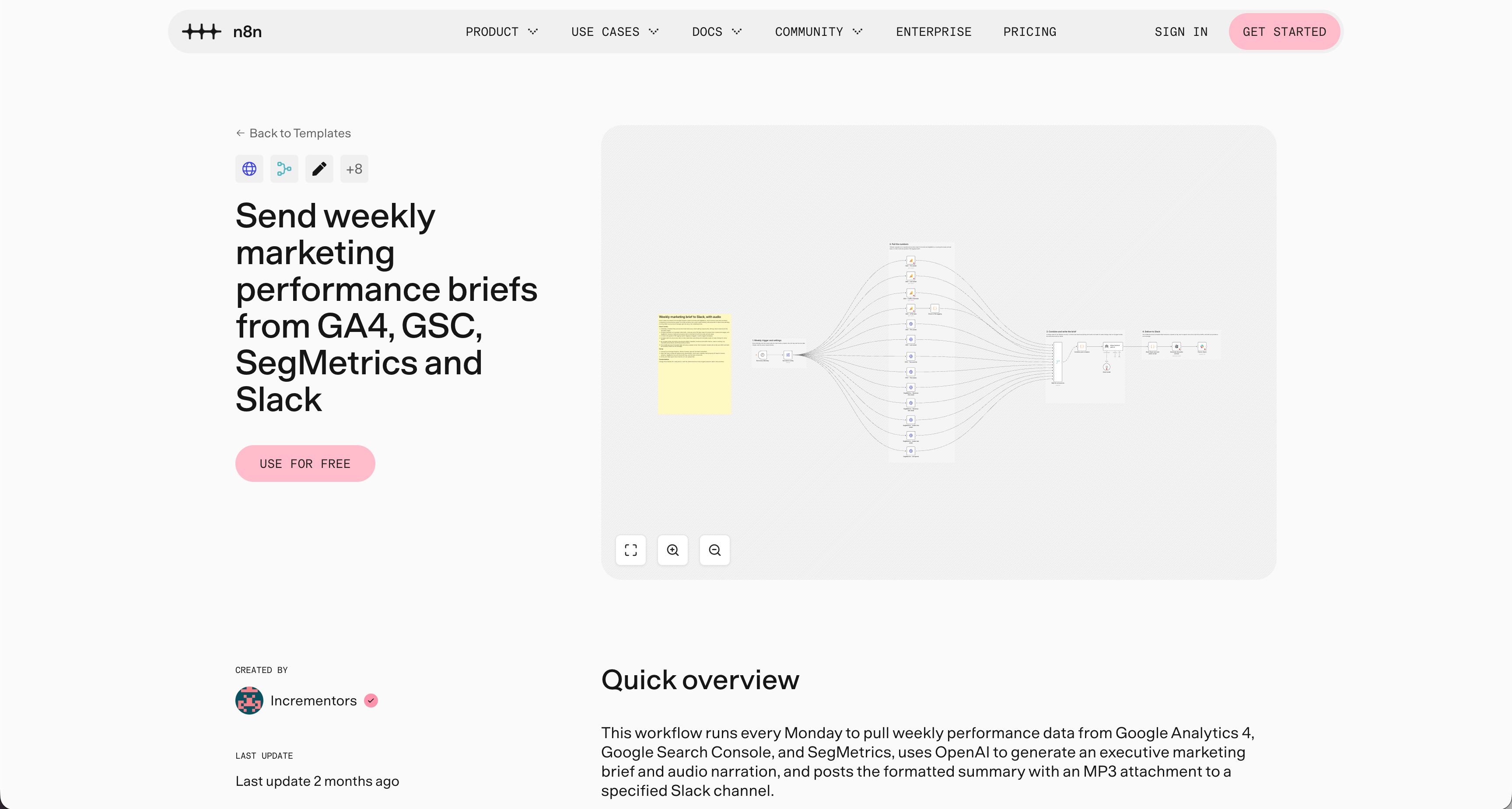
Trigger: A weekly campaign reporting cycle ends.
Workflow: Retrieve campaign metrics, validate reporting periods and definitions, calculate agreed changes, and produce a narrative identifying deviations from targets.
Output: A weekly campaign briefing with metrics, potential explanations, and follow-up questions.
Human checkpoint: The campaign owner checks numerical accuracy and the evidence behind causal interpretations.
Possible stack: Analytics platforms + spreadsheet or warehouse + workflow automation + AI narrative generation.
Measure: Reporting preparation time, numerical error rate, and actionable issues identified.
Implementation resource: n8n: Weekly Marketing Performance Briefing — Workflow combining Google Analytics, Search Console, and campaign data into an AI-generated performance briefing.
10 — Voice-of-Customer Analysis
Problem: Customer insights remain fragmented across surveys, interviews, reviews, and support messages.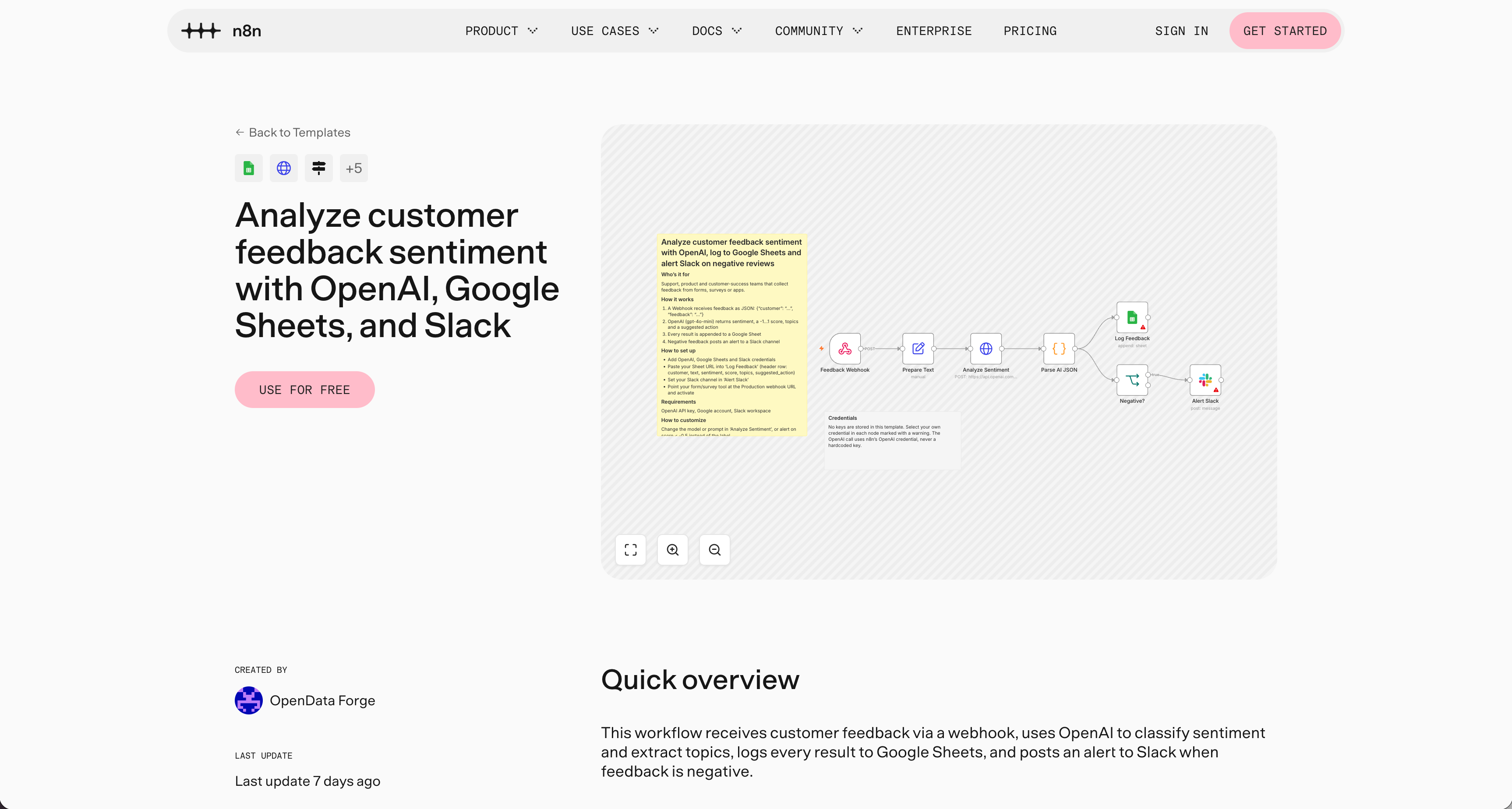
Trigger: A new batch of approved customer feedback becomes available.
Workflow: Remove unnecessary identifiers, normalize the feedback, classify recurring themes, identify representative quotations, and compare patterns with prior periods.
Output: A voice-of-customer report containing themes, frequency counts, supporting examples, and unresolved hypotheses.
Human checkpoint: A researcher reviews ambiguous classifications and checks whether the sample represents the relevant customer population.
Possible stack: Survey or feedback platform + spreadsheet/database + AI classification.
Measure: Analysis time, classification consistency, and the proportion of insights that lead to documented actions.
Marketing principle: AI can accelerate analysis and draft production, but insight quality depends on trustworthy inputs, editorial judgment, and disciplined measurement.
Implementation resource: n8n: Analyze Customer Feedback with AI — Reusable template for classifying customer feedback, extracting topics, logging results in Google Sheets, and flagging negative responses.
03. Customer Support
Improve routing, access to knowledge, and consistency without losing control over customer outcomes.
11 — Automated Support Ticket Triage
Problem: Incoming support requests require manual categorization before anyone can begin resolving them.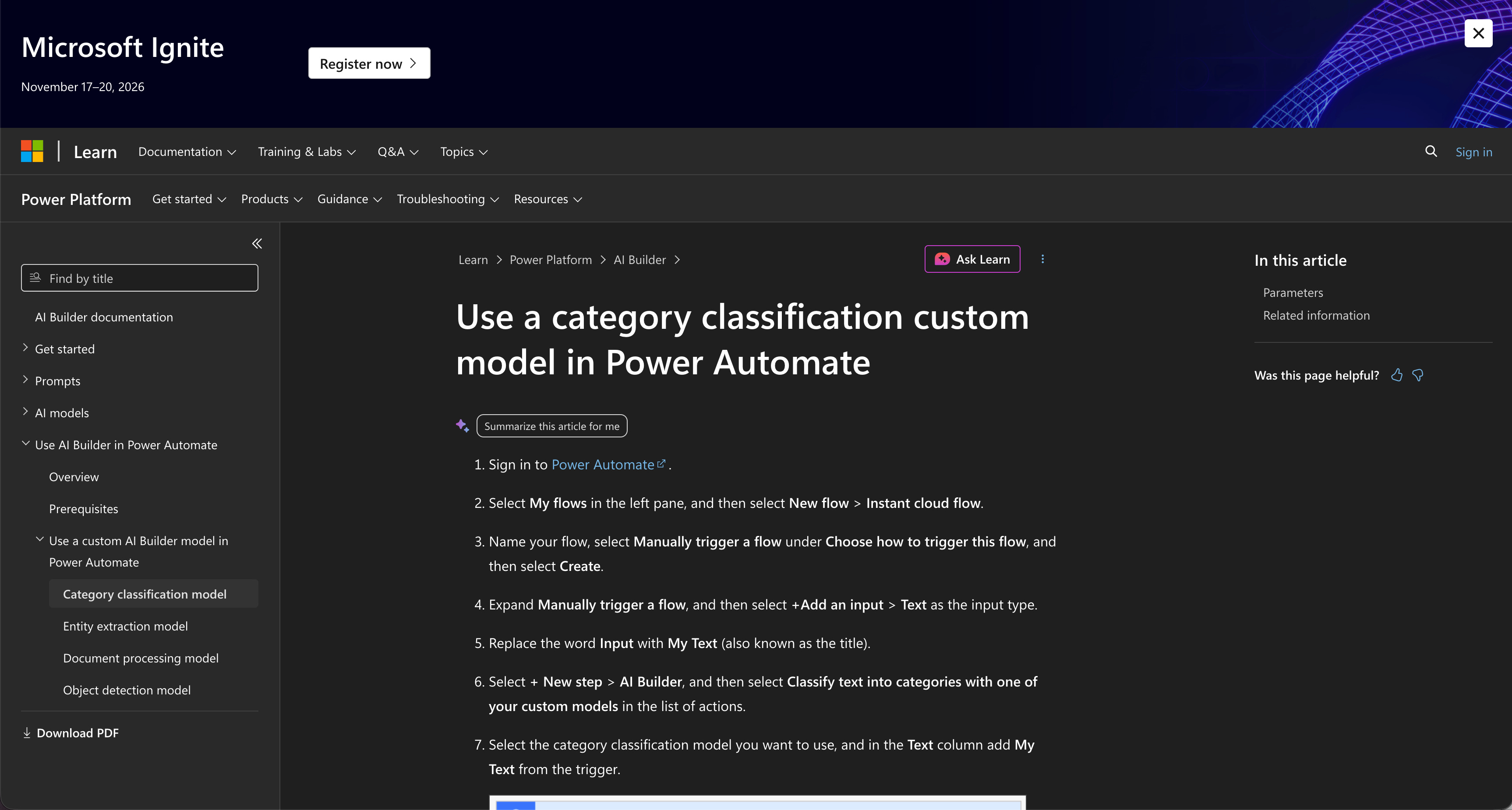
Trigger: A new support ticket is submitted.
Workflow: Analyze the request, identify the topic, extract relevant entities, detect missing information, and suggest priority and routing based on defined rules.
Output: A categorized support ticket with a proposed owner and priority.
Human checkpoint: Review high-impact, ambiguous, or sensitive cases before final routing decisions.
Possible stack: Zendesk, Freshdesk, or another ticketing platform + automation + AI classification.
Measure: Triage time, routing accuracy, reassignment rate, and missed urgent cases.
Implementation resource: Microsoft: AI-Powered Text Classification in Power Automate — Step-by-step guide to classifying incoming text into predefined categories, providing a foundation for automated support routing.
12 — Source-Grounded Response Drafting
Problem: Support agents repeatedly write responses to common questions while searching for the same product information.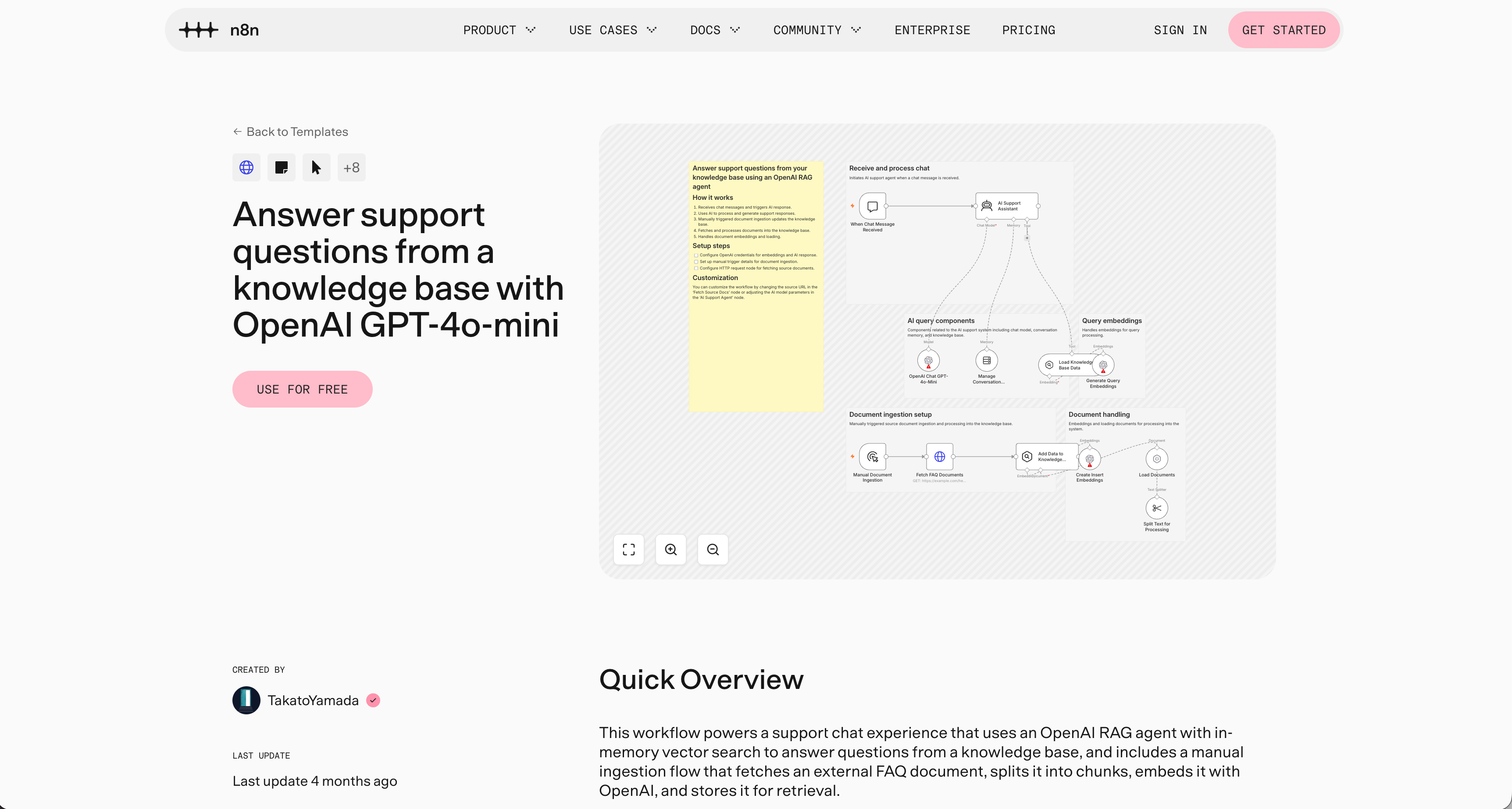
Trigger: A ticket has been categorized and assigned.
Workflow: Retrieve relevant approved knowledge-base passages, identify the applicable resolution instructions, and generate a proposed customer response.
Output: A response draft with links to the source material used.
Human checkpoint: A support representative validates the response before sending it, especially for commitments, refunds, account changes, or sensitive situations.
Possible stack: Help desk + knowledge base + retrieval-enabled AI assistant.
Measure: Draft acceptance rate, edit time, factual correction rate, and customer resolution outcomes.
Implementation resource: n8n: Answer Support Questions from a Knowledge Base — Reusable retrieval-augmented generation workflow for producing answers grounded in approved support documentation.
13 — Internal Knowledge Answer Assistant
Problem: Support staff cannot reliably find the right procedure within a large documentation library.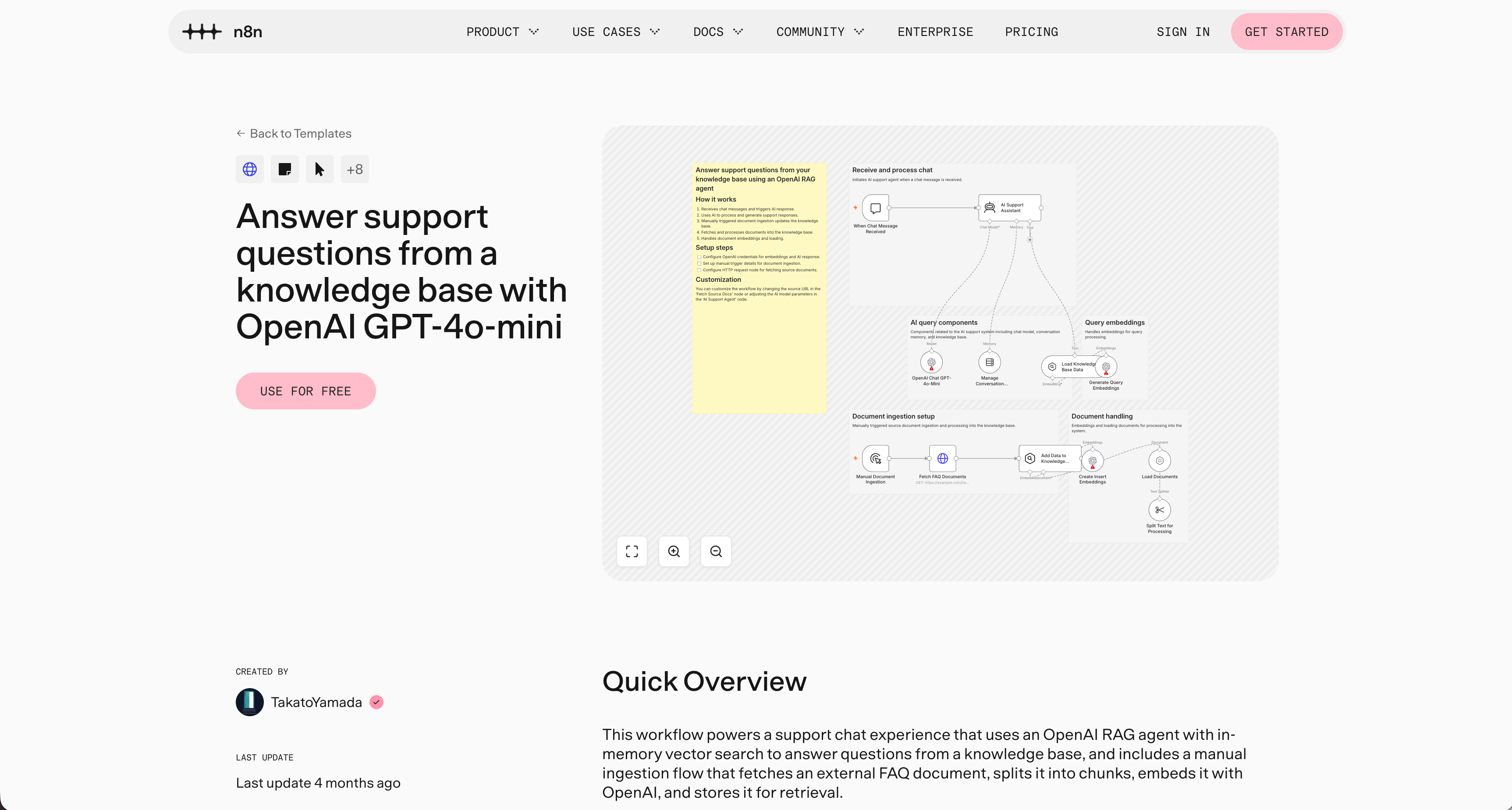
Trigger: An agent asks an internal operational or product question.
Workflow: Search authorized documentation, retrieve relevant passages, compare versions, and generate a grounded answer with references.
Output: A concise answer containing source links and limitations.
Human checkpoint: Escalate missing, contradictory, or outdated information to a knowledge owner.
Possible stack: Knowledge base + retrieval system + AI model.
Measure: Answer retrieval time, citation accuracy, and unresolved-question rate.
Implementation resource: n8n: Knowledge-Base AI Assistant — Example of building a document-grounded assistant using retrieval, embeddings, and a language model. Adapt it for internal knowledge retrieval.
14 — Escalation and Urgency Detection
Problem: Serious incidents, repeated failures, and sensitive complaints can remain buried in ordinary support queues.
Trigger: A new ticket arrives or an existing conversation receives an update.
Workflow: Evaluate the message against predefined urgency criteria, identify signals of potential operational impact, and flag cases requiring faster review.
Output: A proposed escalation with a short justification and relevant evidence.
Human checkpoint: A designated support lead confirms high-impact escalation decisions.
Possible stack: Ticketing platform + business rules + AI classification + alerting.
Measure: Missed escalation rate, false alarms, and time to human review.
Implementation resource: Zapier: Real-World AI Support Triage Examples — Practical examples of AI-assisted support classification, urgency detection, and routing. Use these patterns to design escalation rules and human review checkpoints.
15 — Support Issue Trend Analysis
Problem: Individual support tickets are resolved, but recurring product problems remain difficult to identify.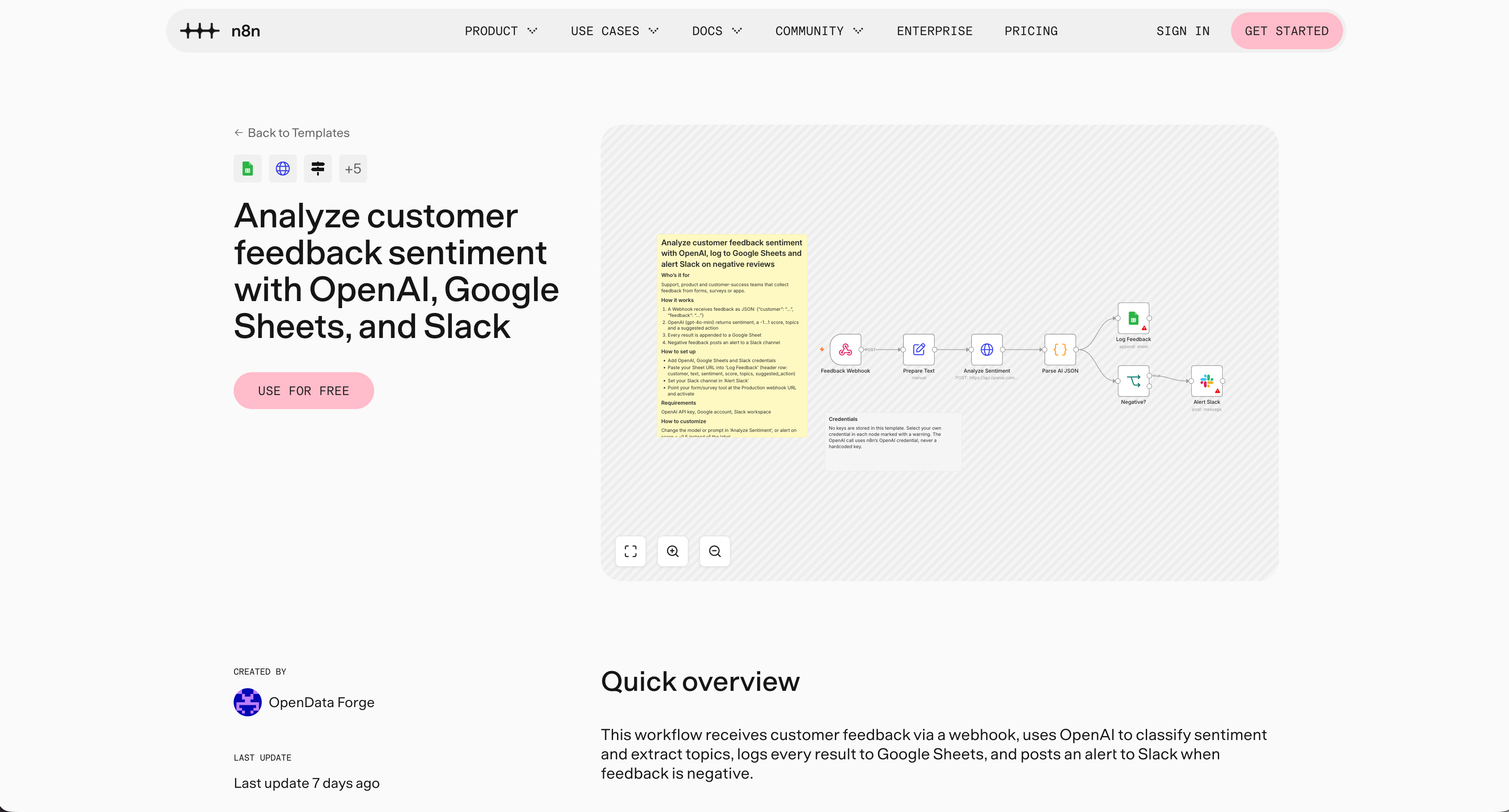
Trigger: A weekly or monthly reporting cycle ends.
Workflow: Aggregate tickets, remove unnecessary personal details, group recurring issues, identify changes in frequency, and compare patterns across products or releases.
Output: A problem-trend briefing with evidence and candidate areas for investigation.
Human checkpoint: Product and support owners validate patterns before assigning causes or priorities.
Possible stack: Help desk export + analytics tool + AI clustering and summarization.
Measure: Time to identify recurring issues, analysis accuracy, and proportion of findings investigated.
Support principle: Automate information retrieval and routine classification. Escalate uncertainty and consequential customer decisions to appropriately authorized people.
Implementation resource: n8n: Customer Feedback Classification and Analysis — Related template for collecting and categorizing feedback. Extend the stored classifications with aggregation and trend reporting across reporting periods.
04. Operations & Finance
Reduce manual document processing, coordination work, and information loss.
16 — Invoice Information Extraction
Problem: Finance teams manually transfer invoice details into accounting or approval systems.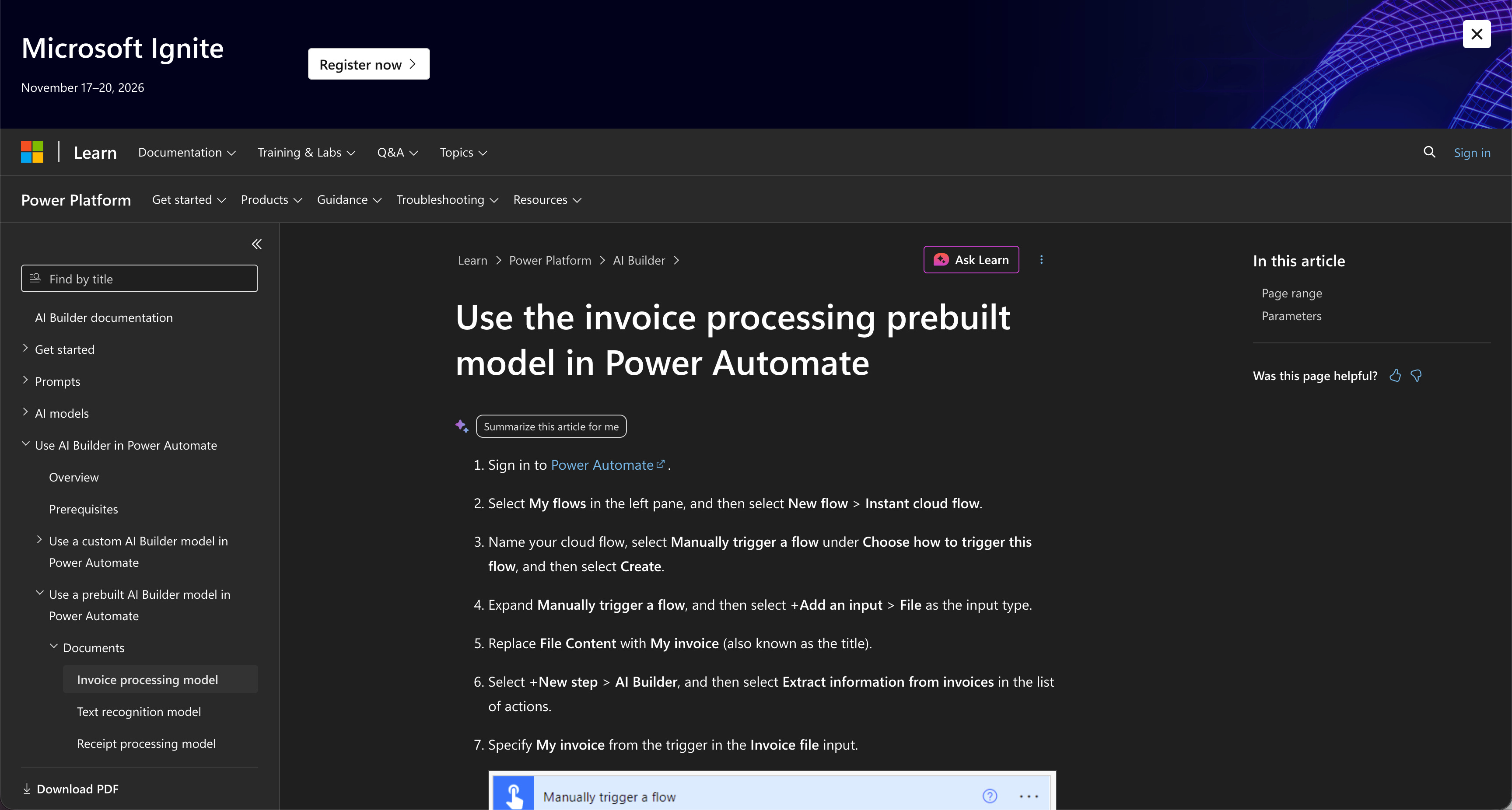
Trigger: A new invoice arrives through an approved intake channel.
Workflow: Extract supplier, invoice number, date, tax details, totals, and line items. Validate field formats, detect potential duplicates, and compare information against available records.
Output: A structured invoice record with confidence indicators and flagged exceptions.
Human checkpoint: Finance staff confirm questionable fields, resolve mismatches, and approve payments through established controls.
Possible stack: Email or document storage + document extraction + accounting system + automation platform.
Measure: Extraction accuracy, processing time, exception rate, and duplicate detection.
Implementation resource: Microsoft: Automate Invoice Processing with AI Builder — Step-by-step implementation guide for extracting invoice data through Power Automate and AI Builder.
17 — Contract Obligation Extraction
Problem: Important contractual dates, obligations, and renewal provisions are difficult to track across documents.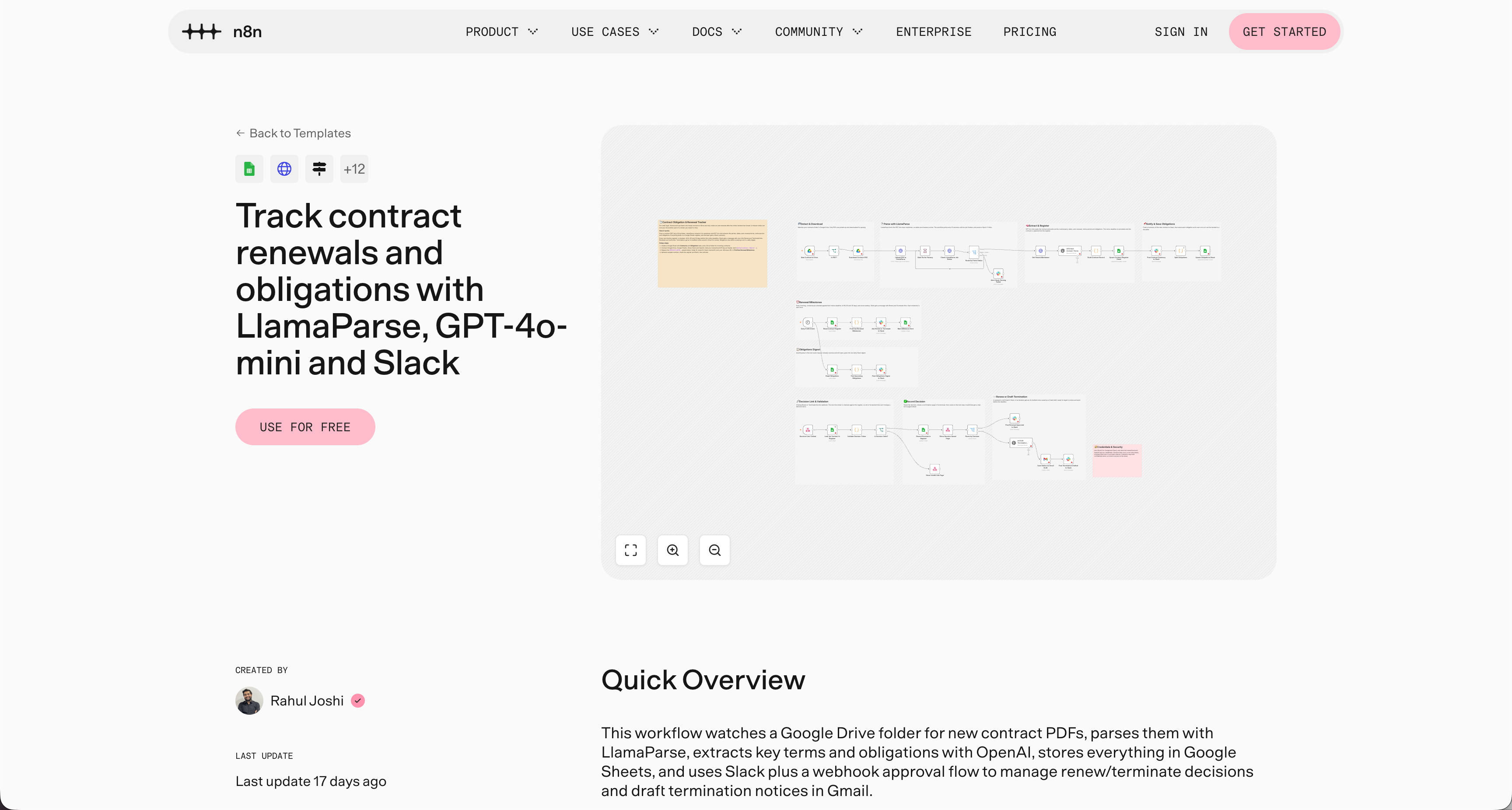
Trigger: An approved contract is uploaded to the contract repository.
Workflow: Identify specified clauses, extract dates and responsible parties, locate relevant passages, and prepare a structured obligation register.
Output: A reviewable table of obligations, deadlines, supporting clauses, and uncertainties.
Human checkpoint: A qualified contract owner or legal reviewer validates interpretations and confirms obligations before operational use.
Possible stack: Document storage + AI extraction + contract register.
Measure: Extraction completeness, correction rate, and verified obligations successfully tracked.
Implementation resource: n8n: Track Contract Renewals and Obligations — Reusable workflow for extracting contractual terms, recording obligations, tracking renewal dates, and introducing review and approval steps.
18 — Meeting Follow-Through
Problem: Meeting decisions and commitments are often lost between notes and project-management systems.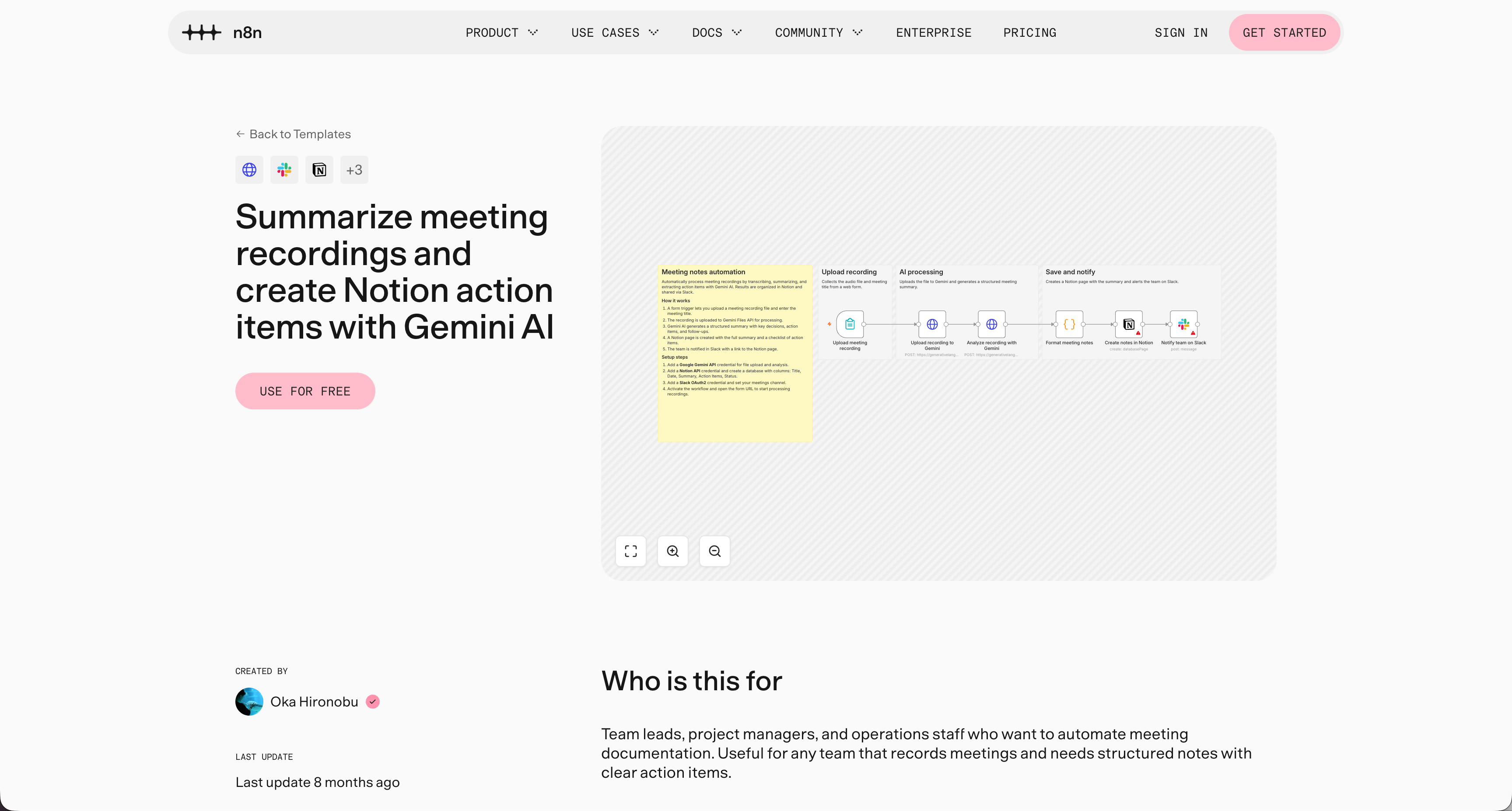
Trigger: A meeting ends and approved notes or a transcript become available.
Workflow: Extract decisions, proposed actions, responsible parties, deadlines, and unresolved issues. Compare suggested tasks with existing project records.
Output: A decision and action log, with proposed updates to the relevant task system.
Human checkpoint: The meeting owner confirms assignments and deadlines before notifications or record changes.
Possible stack: Meeting notes + AI extraction + Asana, Jira, ClickUp, or similar.
Measure: Time spent documenting follow-up, action accuracy, and completion of assigned commitments.
Implementation resource: n8n: Turn Meeting Recordings into Notion Action Items — Template for analyzing meeting recordings, extracting decisions and action items, and creating structured records in Notion.
19 — Standard Operating Procedure Creation
Problem: Operational know-how remains in personal notes, undocumented routines, and repeated explanations.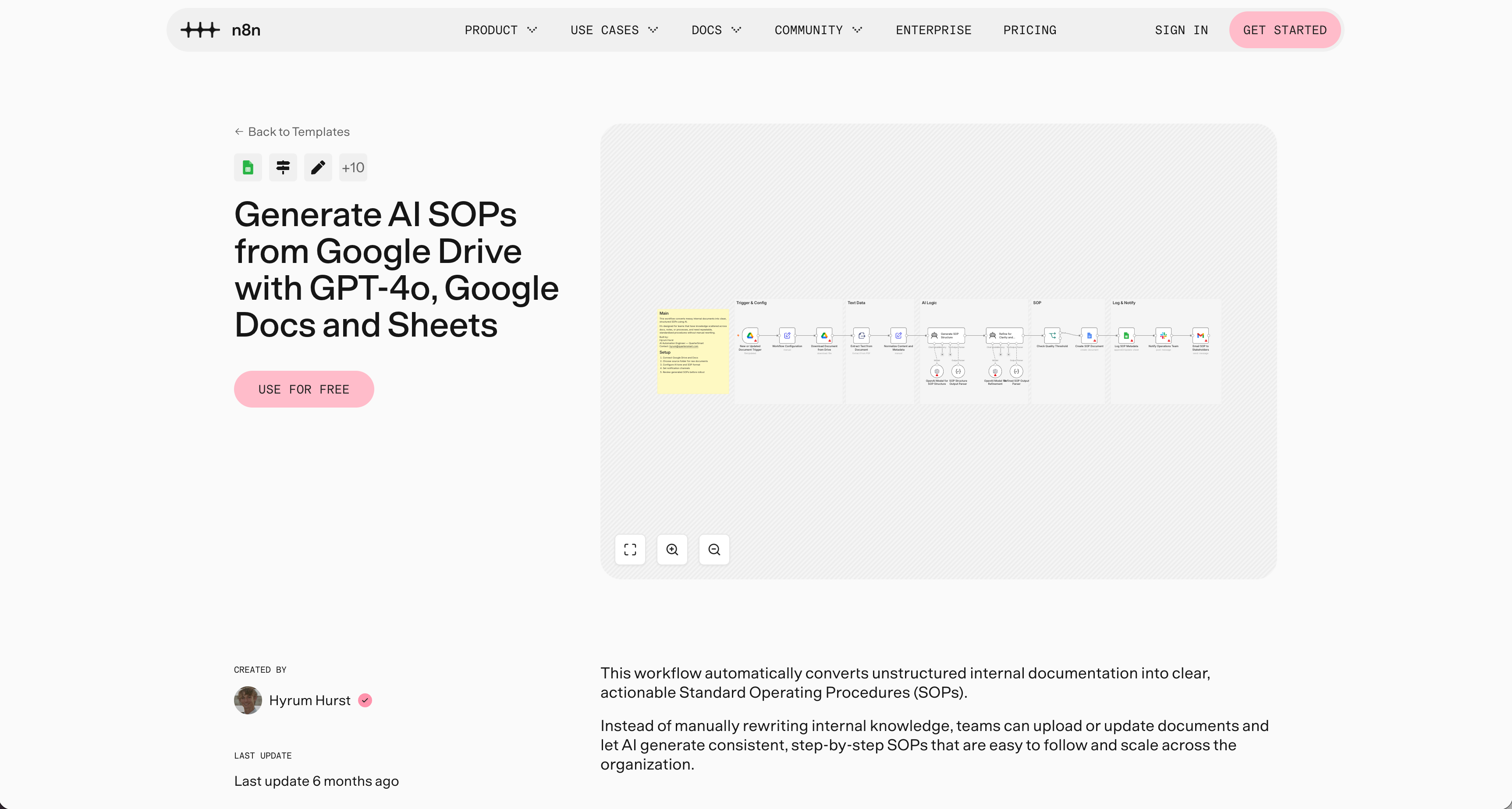
Trigger: A process owner requests documentation of an existing workflow.
Workflow: Collect approved process notes, identify triggers, decision points, dependencies, exceptions, and responsible roles. Generate a standard operating procedure with a checklist.
Output: An editable SOP with required inputs, steps, exception paths, and ownership.
Human checkpoint: The process owner verifies that the instructions reflect actual practice and meet relevant requirements.
Possible stack: Document repository + AI assistant + knowledge-management platform.
Measure: Documentation creation time, validation defects, and the proportion of procedures successfully followed in testing.
Implementation resource: n8n: Generate SOPs from Internal Documents — Workflow for converting internal documents into standardized operating procedures using AI and Google Docs.
20 — Operational Exception Monitoring
Problem: Teams manually inspect reports and dashboards to identify unusual or incomplete processes.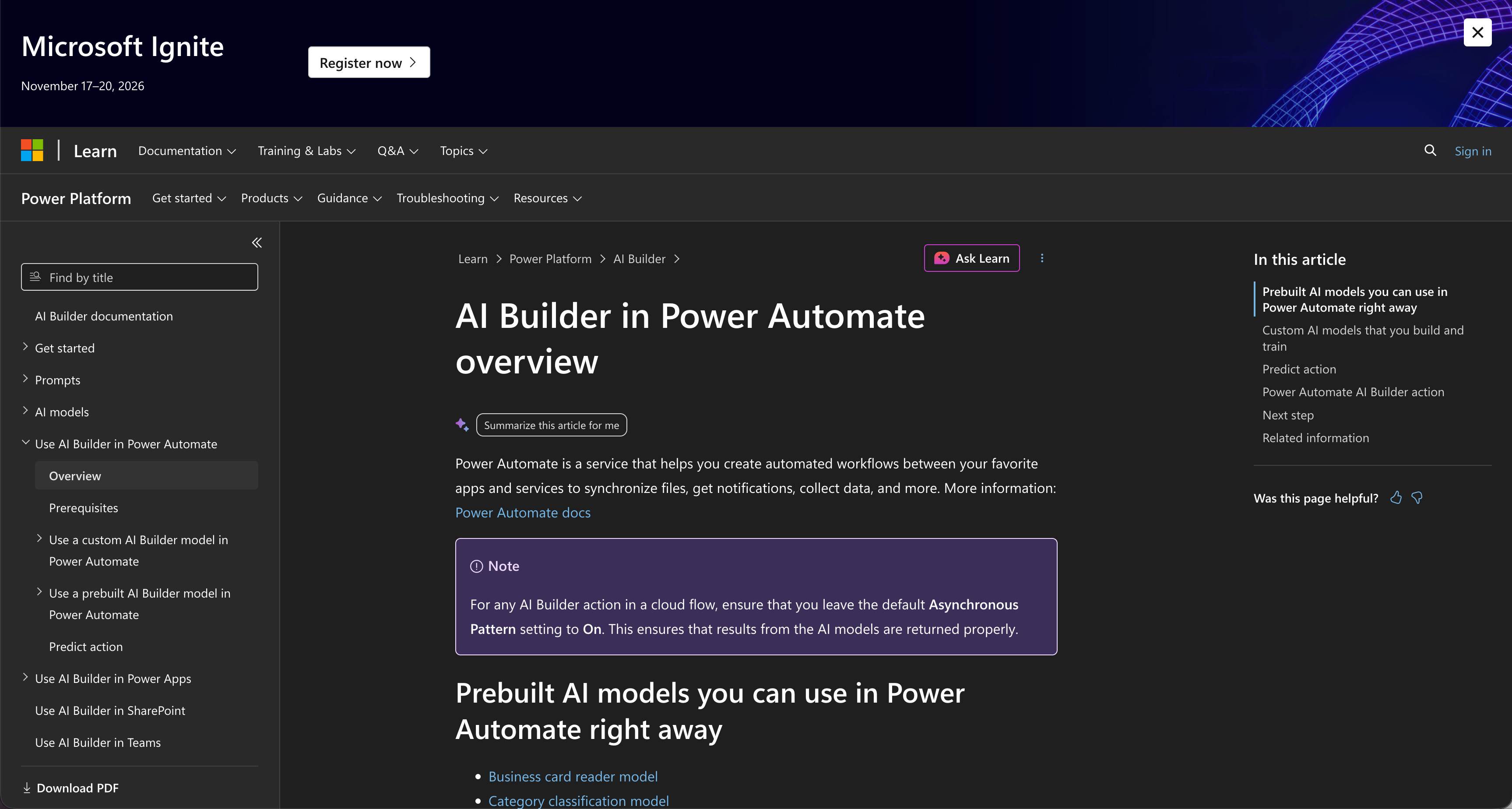
Trigger: A new operational dataset or scheduled reporting interval becomes available.
Workflow: Apply deterministic threshold checks, identify missing records or unusual changes, and use AI to summarize the cases requiring investigation.
Output: An exception queue showing affected records, detected conditions, and suggested diagnostic questions.
Human checkpoint: An authorized operator investigates exceptions and approves corrective actions.
Possible stack: Database or spreadsheet + rule-based monitoring + AI summarization + alerts.
Measure: Time to detect exceptions, false-positive rate, and resolution time.
Operations principle: Keep calculations, financial approvals, and critical thresholds deterministic wherever possible. Use AI for interpretation, extraction, and summarization where those capabilities add value.
Implementation resource: Microsoft: AI Builder in Power Automate — Technical guide covering AI classification, prediction, and document-processing capabilities. Combine these with deterministic thresholds, alerts, and error-handling rules to build an exception-monitoring workflow.
05. HR & People
Improve the consistency of people processes while protecting sensitive information and consequential decisions.
21 — Job Description Drafting
Problem: Job descriptions are recreated inconsistently across teams.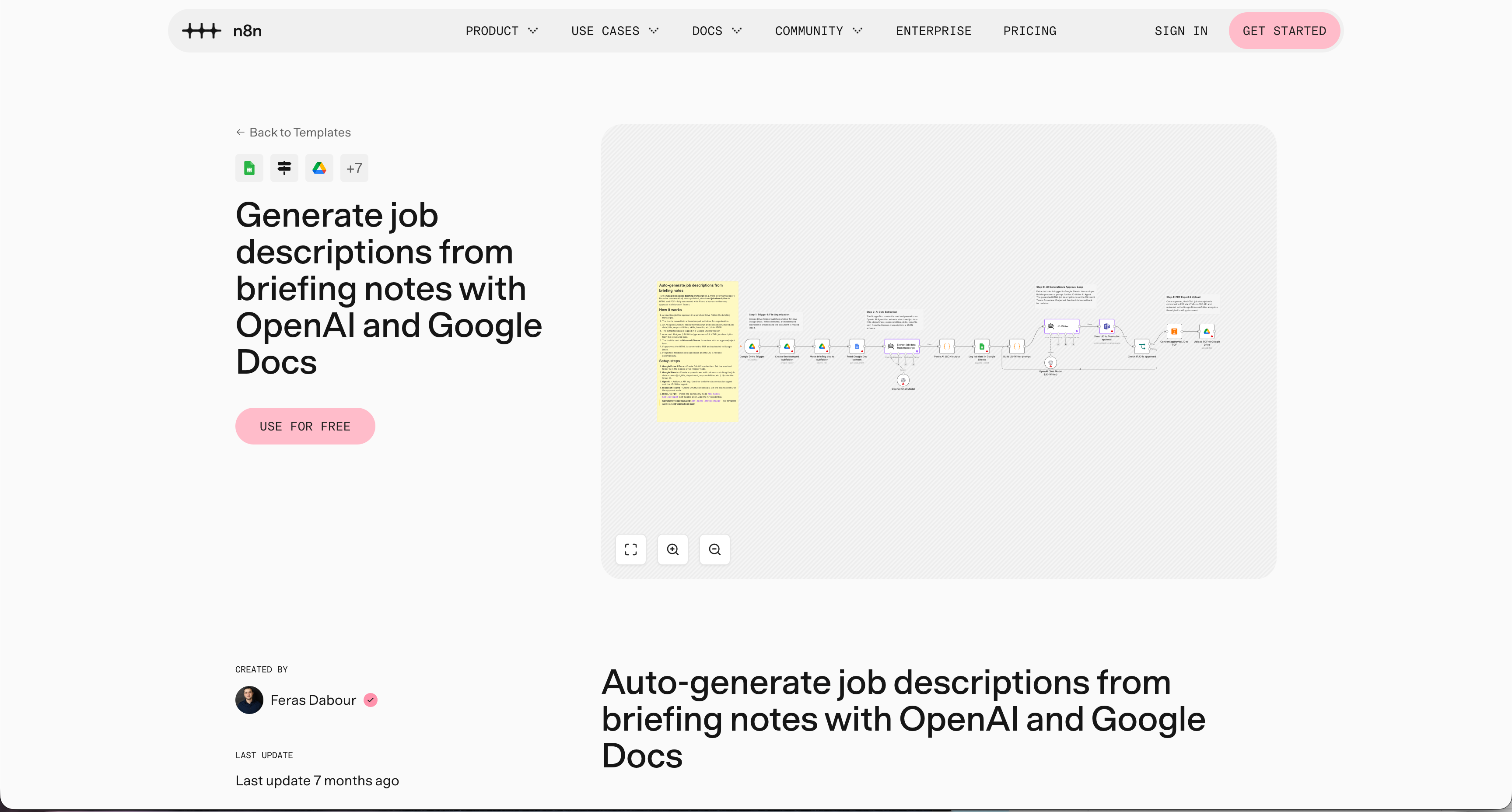
Trigger: An approved role requirement is submitted.
Workflow: Retrieve the organization’s job-description template and approved competency framework. Draft responsibilities, required capabilities, working arrangements, and clarification questions.
Output: A structured job-description draft.
Human checkpoint: A hiring manager and HR representative validate requirements, inclusive language, and applicable employment obligations.
Possible stack: HR templates + document workspace + AI drafting assistant.
Measure: Draft preparation time, revision effort, and completeness of required role information.
Implementation resource: n8n: Generate Job Descriptions from Briefing Notes — Reusable workflow for converting hiring requirements into structured job descriptions, with human approval before finalizing documents.
22 — Employee Onboarding Coordination
Problem: New hires depend on numerous small administrative tasks across departments.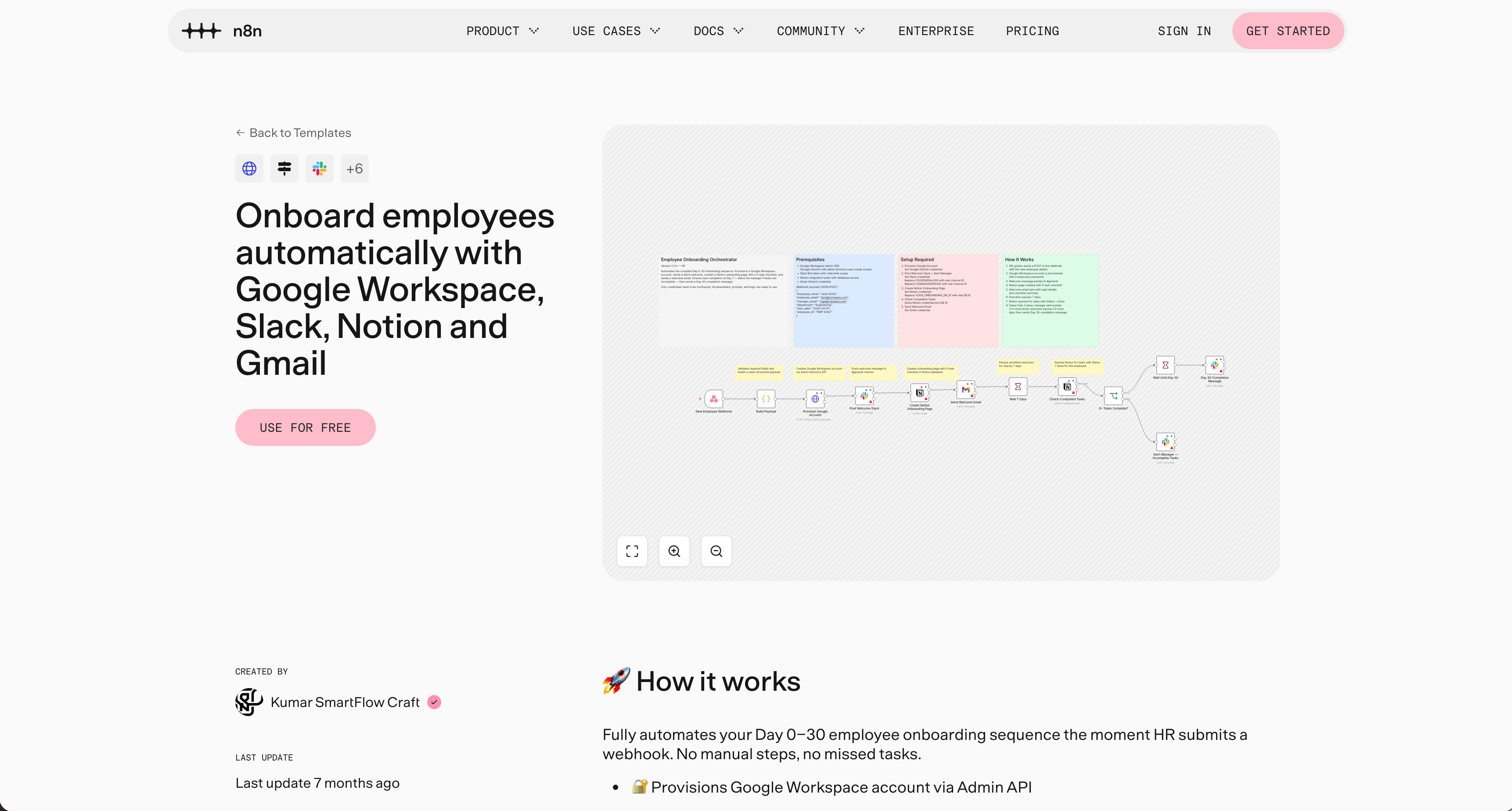
Trigger: An authorized HR system records a confirmed start date.
Workflow: Generate an onboarding checklist, identify responsible teams, prepare relevant orientation material, and track the status of standard preparation tasks.
Output: A personalized onboarding checklist and administrative progress record.
Human checkpoint: HR and IT approve account permissions, access requests, and sensitive record updates.
Possible stack: HRIS + task-management platform + automation software + AI content assembly.
Measure: Onboarding task completion, administrative time, and unresolved setup issues.
Implementation resource: n8n: Automated Employee Onboarding — Template connecting Google Workspace, Slack, Notion, and Gmail to coordinate onboarding tasks, welcome communications, and progress tracking.
23 — Internal Policy Question Assistant
Problem: Employees repeatedly ask questions answered in internal policy documentation.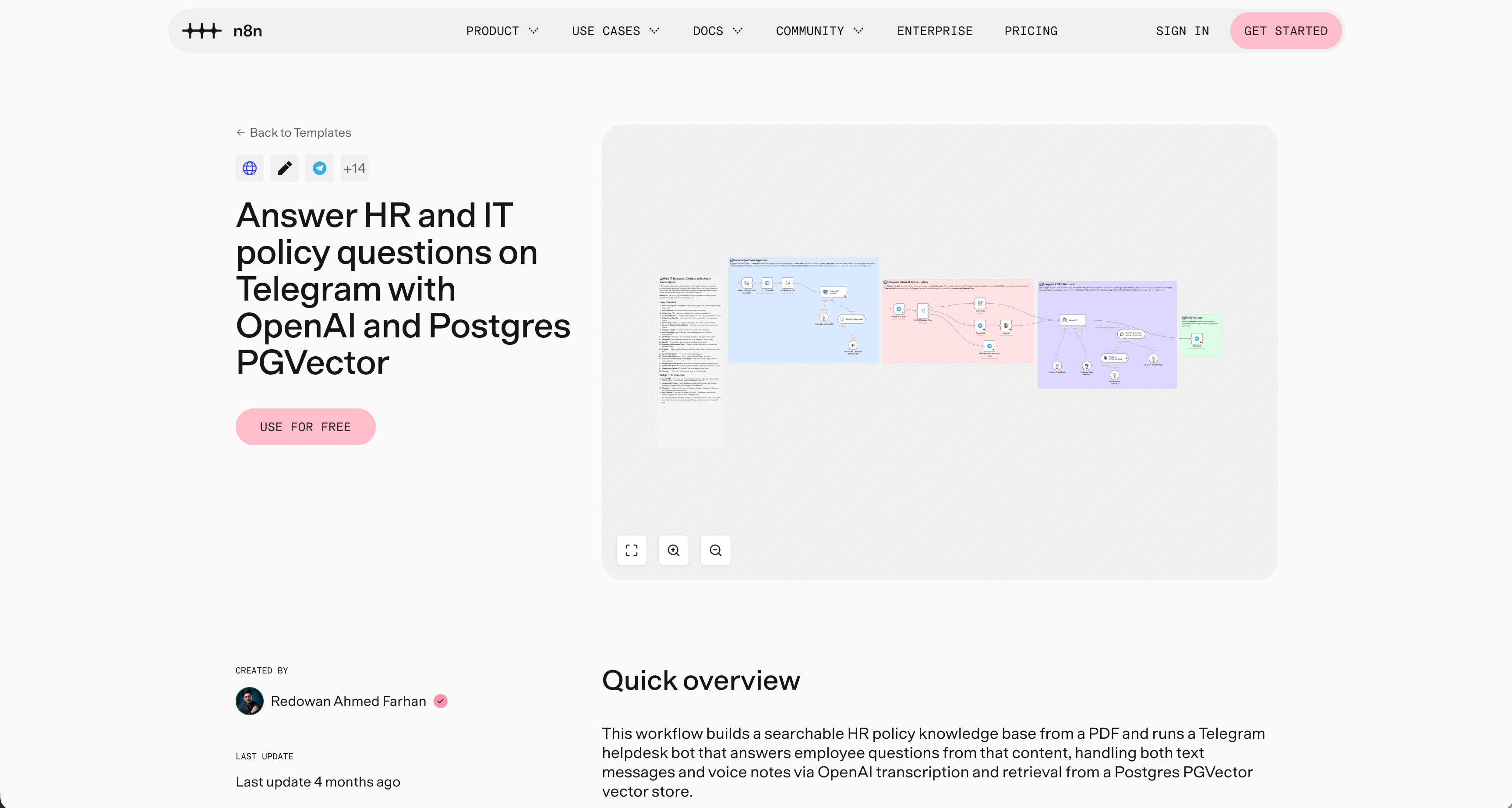
Trigger: An employee submits a question through an approved internal channel.
Workflow: Retrieve accessible policy passages, identify relevant versions, generate a grounded explanation, and highlight uncertainty or exceptions.
Output: A source-linked policy answer or a referral to the responsible policy owner.
Human checkpoint: HR or legal specialists handle ambiguous, sensitive, or consequential interpretations.
Possible stack: Document repository + permission-aware retrieval + AI assistant.
Measure: Response time, source accuracy, escalation rate, and employee satisfaction.
Implementation resource: n8n: HR Policy Q&A with Document Retrieval — Reusable implementation of a knowledge-grounded HR assistant that retrieves policy information and answers employee questions.
24 — Team Skills Inventory
Problem: Organizations struggle to maintain an accurate view of available capabilities and development needs.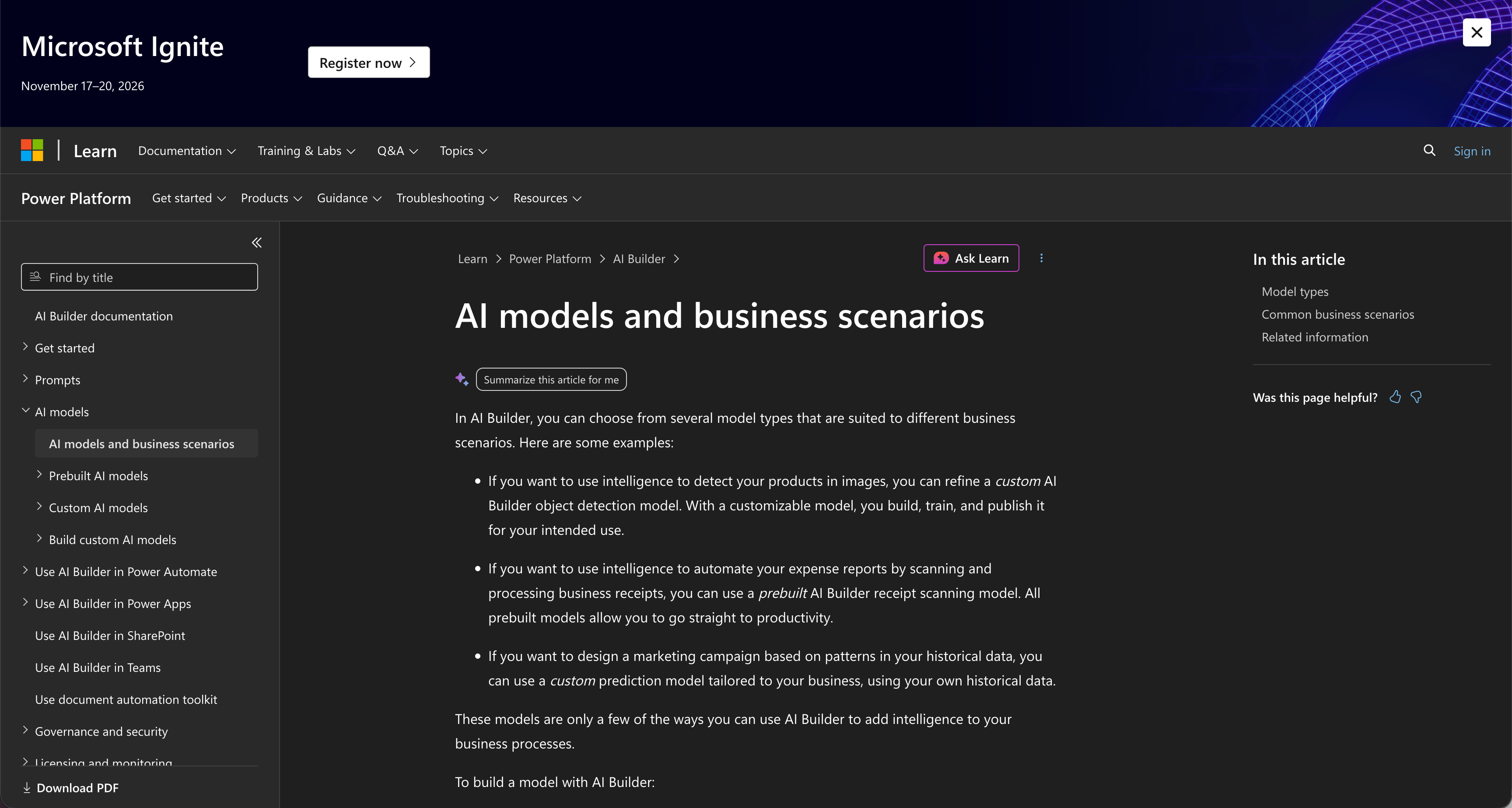
Trigger: Employees submit or update approved skills and development information.
Workflow: Normalize skills terminology, identify duplicates, map information to an approved competency taxonomy, and generate aggregate views of potential capability gaps.
Output: A reviewable team skills inventory and development-planning summary.
Human checkpoint: Employees and managers verify their records. The workflow does not independently score suitability for promotions, hiring, or termination.
Possible stack: HR-approved data source + taxonomy + AI classification + analytics.
Measure: Classification accuracy, record currency, and manual administration time.
Implementation resource: Microsoft: AI Builder Classification Models — Technical reference for using classification and information extraction in business workflows. Apply these capabilities to normalize employee-reported skills against an approved competency taxonomy. This is a building-block guide rather than a ready-made skills inventory.
25 — Employee Feedback Theme Analysis
Problem: Qualitative employee feedback is difficult to synthesize consistently without losing nuance.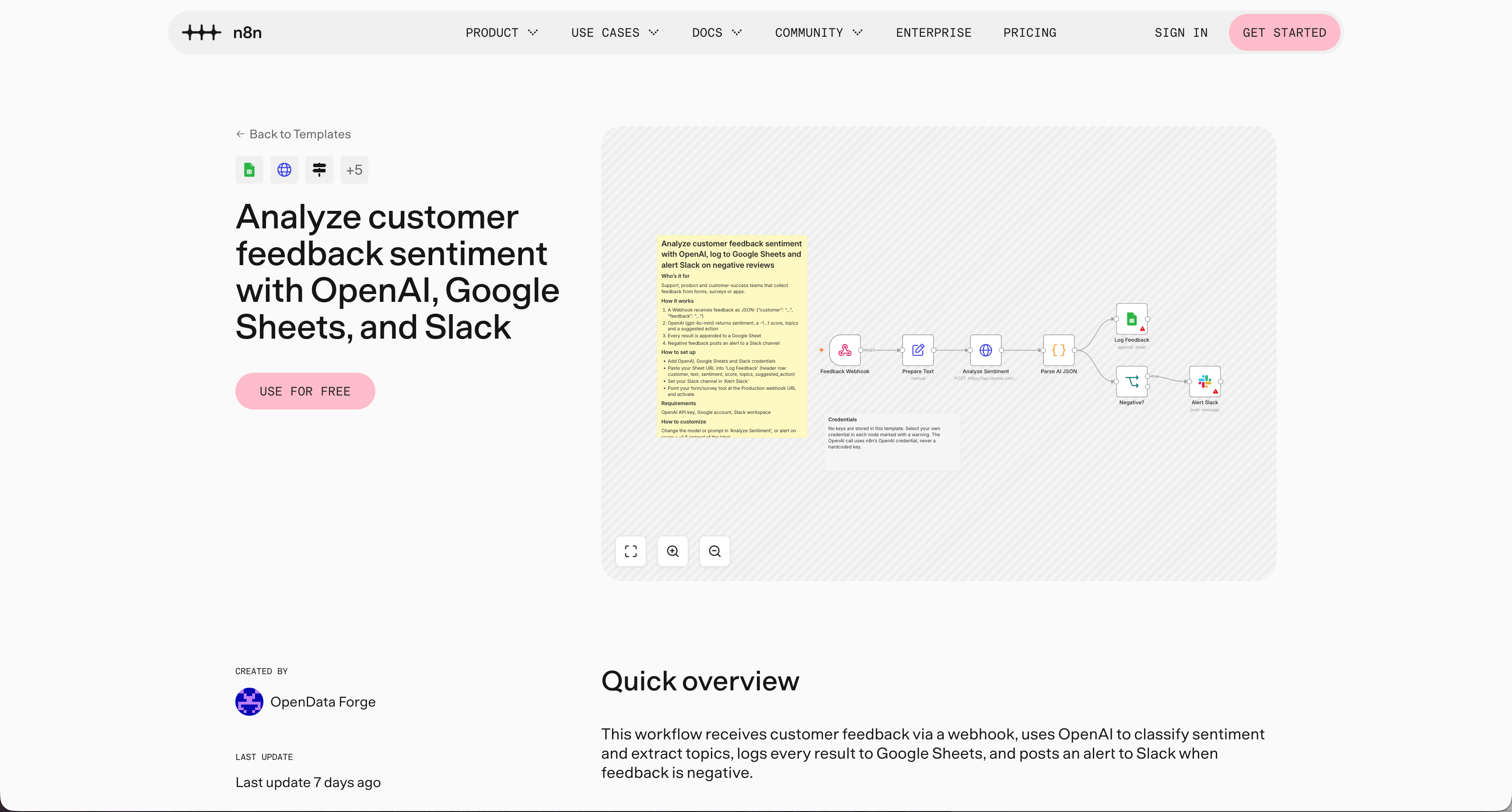
Trigger: An approved survey or feedback cycle closes.
Workflow: Apply privacy safeguards, exclude groups too small for safe aggregation, cluster recurring themes, identify conflicting perspectives, and draft an aggregate summary.
Output: A thematic feedback report with limitations and suggested areas for further inquiry.
Human checkpoint: Authorized HR analysts verify the interpretation, privacy protections, and suitability of the findings for wider distribution.
Possible stack: Survey platform + approved analytics environment + AI thematic analysis.
Measure: Analysis time, theme consistency, privacy incidents, and follow-through on validated findings.
People principle: AI can support documentation, retrieval, and aggregate analysis. Decisions affecting employment, access, compensation, or individual treatment require appropriate human judgment and established organizational controls.
Implementation resource: n8n: AI Feedback Classification and Sentiment Analysis — Adaptable feedback-analysis template for identifying sentiment and recurring topics. Employee feedback requires additional privacy, aggregation, and access safeguards.
06. Strategy & Management
Turn fragmented intelligence, decisions, and execution records into a more coherent management process.
26 — Weekly Market Intelligence Briefing
Problem: Decision-makers receive fragmented market information without a reliable mechanism for distinguishing meaningful changes from background noise.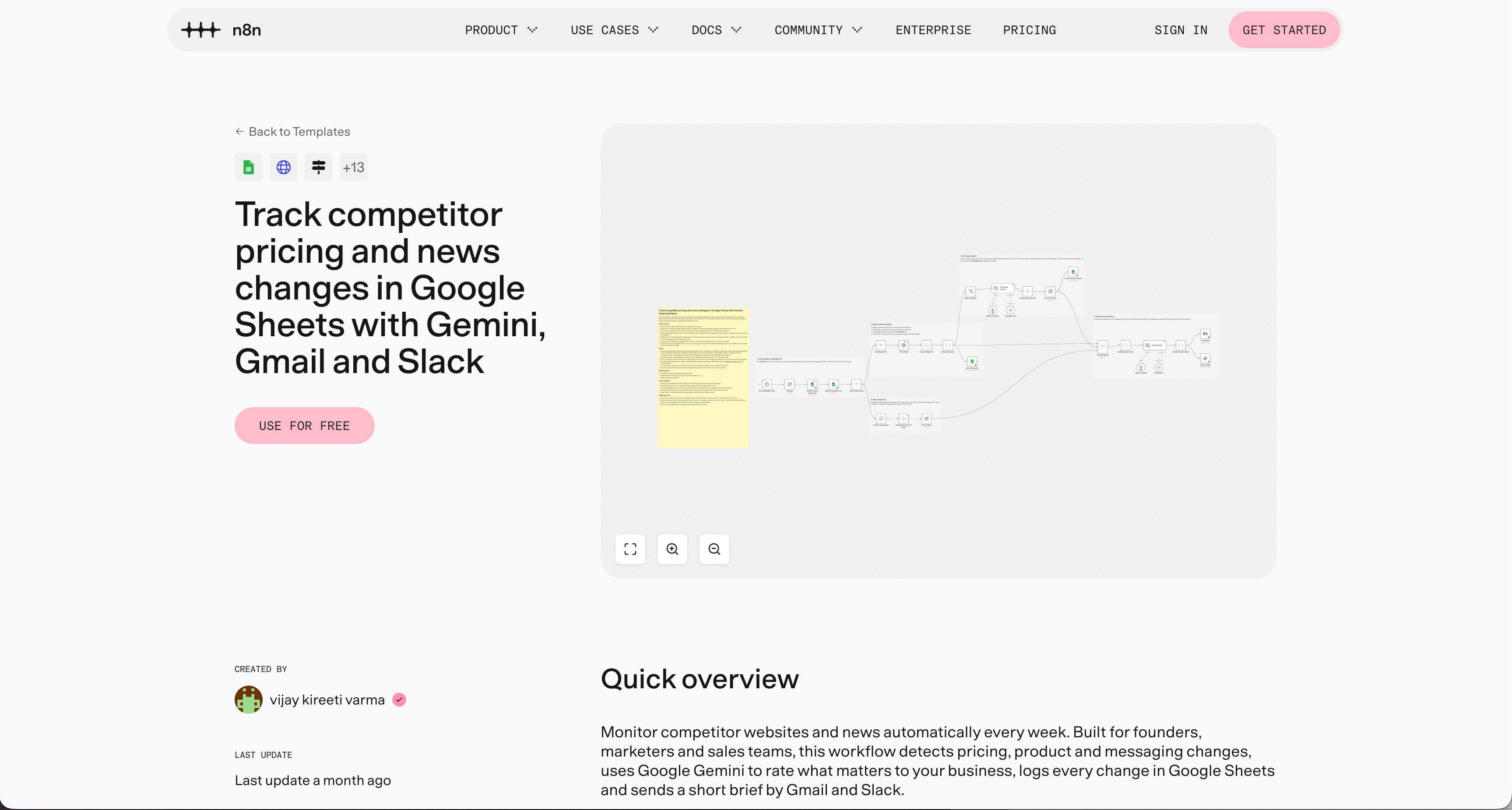
Trigger: A scheduled weekly intelligence cycle.
Workflow: Gather updates from approved sources, compare them with the previous briefing, eliminate duplication, and group findings by potential strategic relevance.
Output: A concise market intelligence briefing with source links, dates, uncertainties, and possible implications.
Human checkpoint: A strategist verifies important findings and decides which developments warrant action.
Possible stack: Approved feeds + research assistant + document repository + workflow automation.
Measure: Research preparation time, relevant signals identified, and factual correction rate.
Implementation resource: n8n: Automated Competitor and Market Monitoring — Reusable workflow for monitoring market developments, comparing website changes, and delivering a structured weekly intelligence briefing.
27 — Evidence-Based Decision Brief
Problem: Strategic decisions often draw on documents, opinions, and assumptions that aren’t brought into a consistent structure.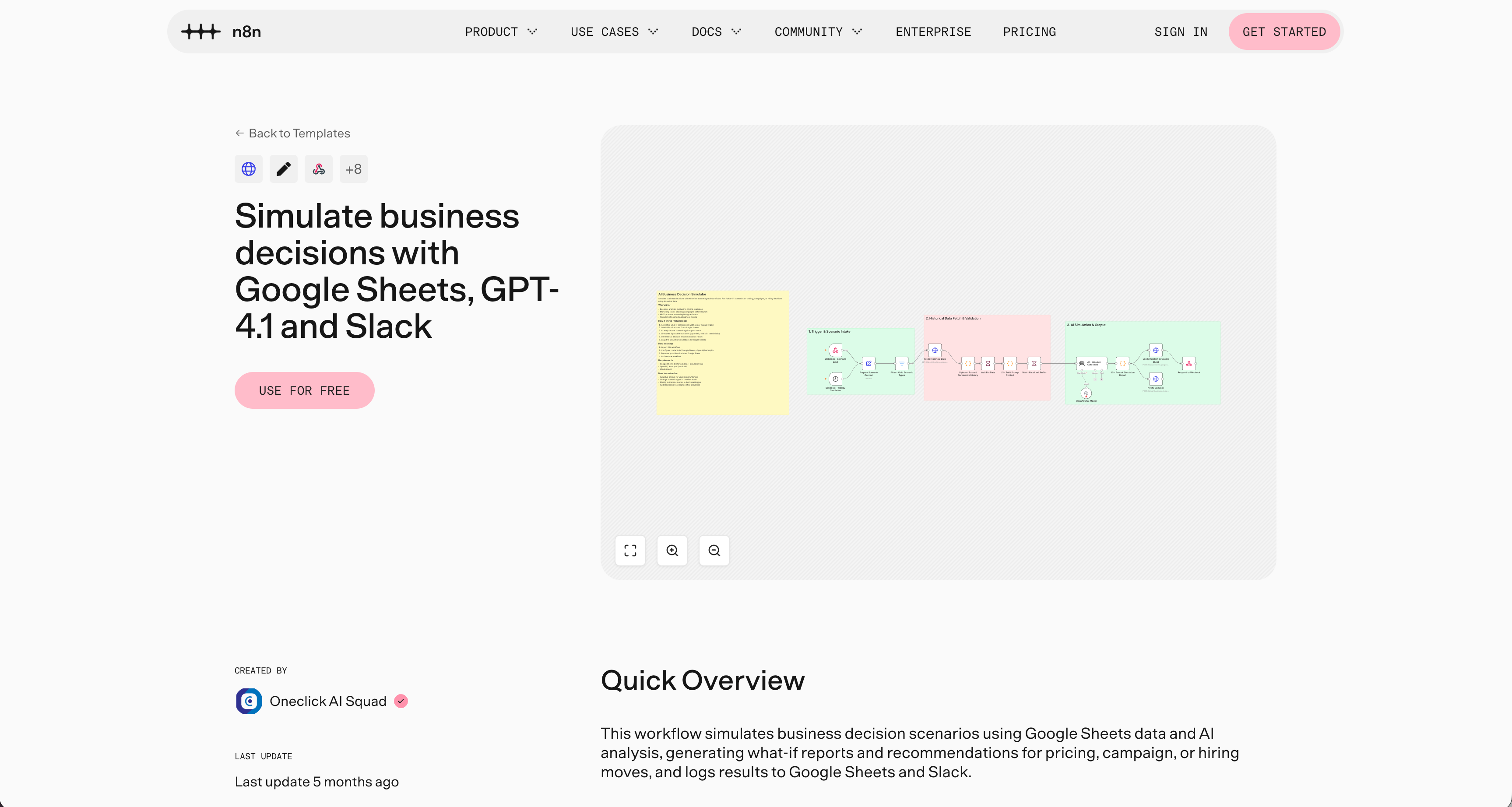
Trigger: A strategic decision is formally submitted for evaluation.
Workflow: Collect approved context, summarize available evidence, identify options, separate assumptions from verified findings, and generate a decision brief outlining trade-offs and unresolved questions.
Output: A decision document with alternatives, evidence references, uncertainty, and proposed review conditions.
Human checkpoint: The accountable decision-maker evaluates the options and records the decision.
Possible stack: Knowledge base + structured decision template + AI research and synthesis.
Measure: Preparation time, evidence traceability, and completeness of decision records.
Implementation resource: n8n: Business Scenario and Decision Analysis — Related template combining structured business data, scenario inputs, and AI-generated analysis. Adapt it to distinguish verified evidence, assumptions, alternatives, and unresolved questions in a decision brief.
28 — Strategic Initiative Tracking
Problem: Project updates are dispersed across meetings, task systems, and individual reports.
Trigger: A scheduled initiative review or material status change.
Workflow: Retrieve approved status information, compare milestones against plans, identify missing updates and dependencies, and prepare an exception-focused summary.
Output: An initiative status brief with milestones, risks, dependencies, and owner-confirmation requests.
Human checkpoint: Workstream owners confirm status. Leadership evaluates trade-offs and approves changes.
Possible stack: Project-management platform + status data + AI summarization.
Measure: Reporting time, status accuracy, and time taken to identify unresolved dependencies.
Implementation resource: Zapier: Business Automation Examples — Collection of implementation patterns for connecting project-management systems, status updates, and notifications. Use these as building blocks for a recurring strategic-initiative reporting workflow.
29 — Scenario Assumption Analysis
Problem: Strategic scenarios often combine numerical assumptions, interpretations, and narratives without keeping the underlying relationships visible.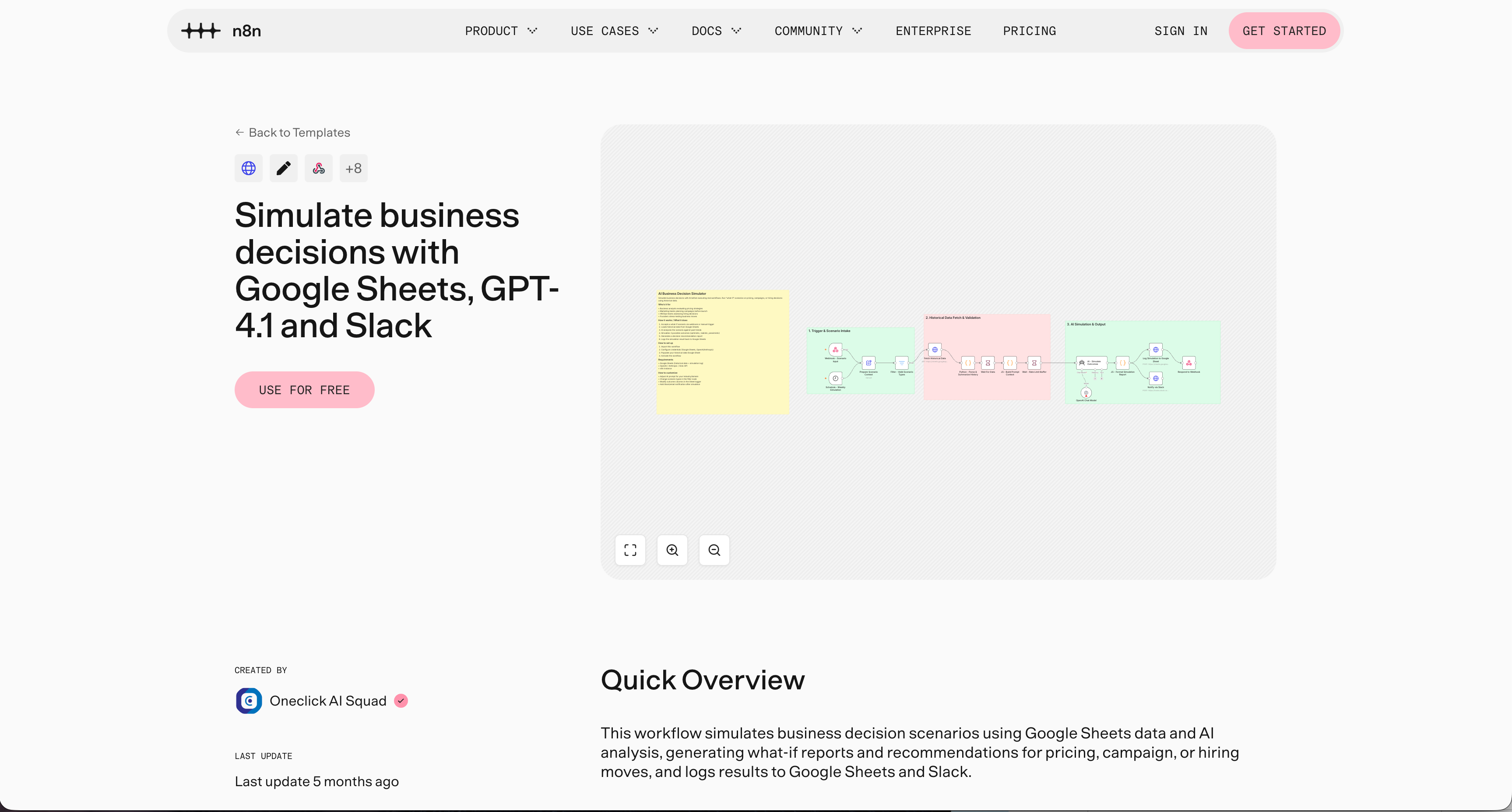
Trigger: A scenario-planning cycle begins or a monitored assumption changes.
Workflow: Collect the agreed baseline, identify scenario variables, run deterministic calculations where appropriate, and generate comparative interpretations of the results.
Output: A scenario comparison showing assumptions, calculated outcomes, sensitivities, and unresolved uncertainties.
Human checkpoint: Analysts validate models and assumptions. Leaders decide how the scenarios should inform resource allocation.
Possible stack: Spreadsheet or financial model + controlled data inputs + AI synthesis.
Measure: Analysis preparation time, assumption traceability, and scenario revision effort.
Implementation resource: n8n: Simulate Business Decisions with Google Sheets and AI — Reusable scenario-analysis workflow combining spreadsheet data with AI-generated what-if reports. Validate numerical assumptions and calculate material financial outcomes using deterministic models.
30 — Weekly Operating Review Preparation
Problem: Leadership meetings spend too much time gathering status updates and too little time resolving problems.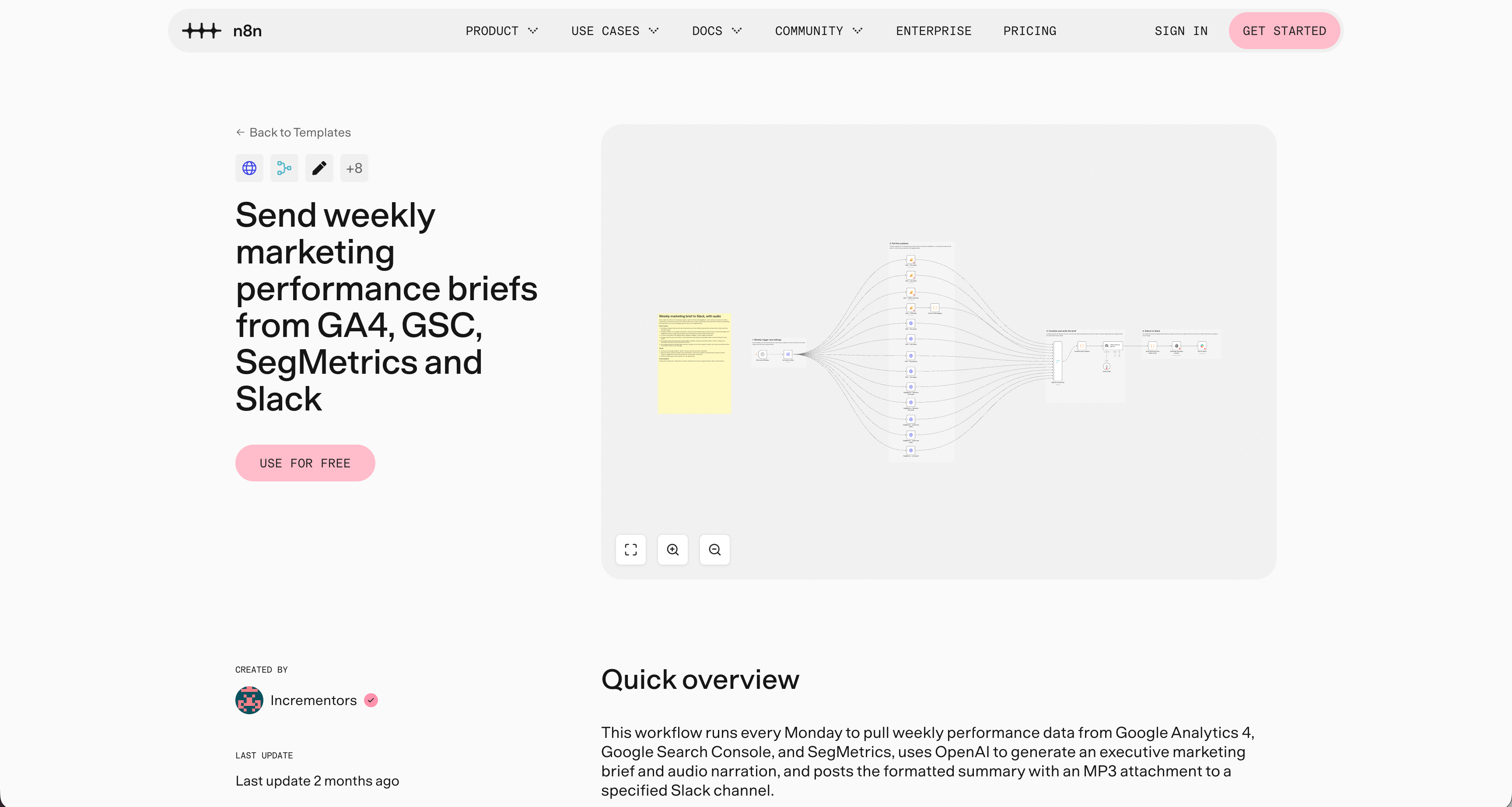
Trigger: The weekly operating-review deadline.
Workflow: Collect KPI results, approved departmental updates, previous decisions, action owners, and emerging risks. Compare changes against targets and prepare an agenda centered on deviations and required decisions.
Output: An operating-review briefing with performance changes, unresolved commitments, key risks, and decisions requiring attention.
Human checkpoint: Functional owners validate their information. The meeting chair approves the agenda and records decisions.
Possible stack: Business intelligence dashboards + project-management tools + decision log + AI synthesis.
Measure: Meeting preparation time, accuracy of issues identified, decision follow-through, and proportion of meeting time devoted to actionable topics.
Strategy principle: A useful strategic workflow must preserve the relationship between evidence, assumptions, decisions, owners, and review triggers. Otherwise, faster analysis creates more information without improving organizational continuity.
Implementation resource: n8n: Automated Weekly Performance Briefing — Adaptable weekly reporting workflow that consolidates performance indicators and produces management summaries. Extend the pattern with departmental KPIs, initiative status, unresolved decisions, and action owners.
The minimum viable AI workflow system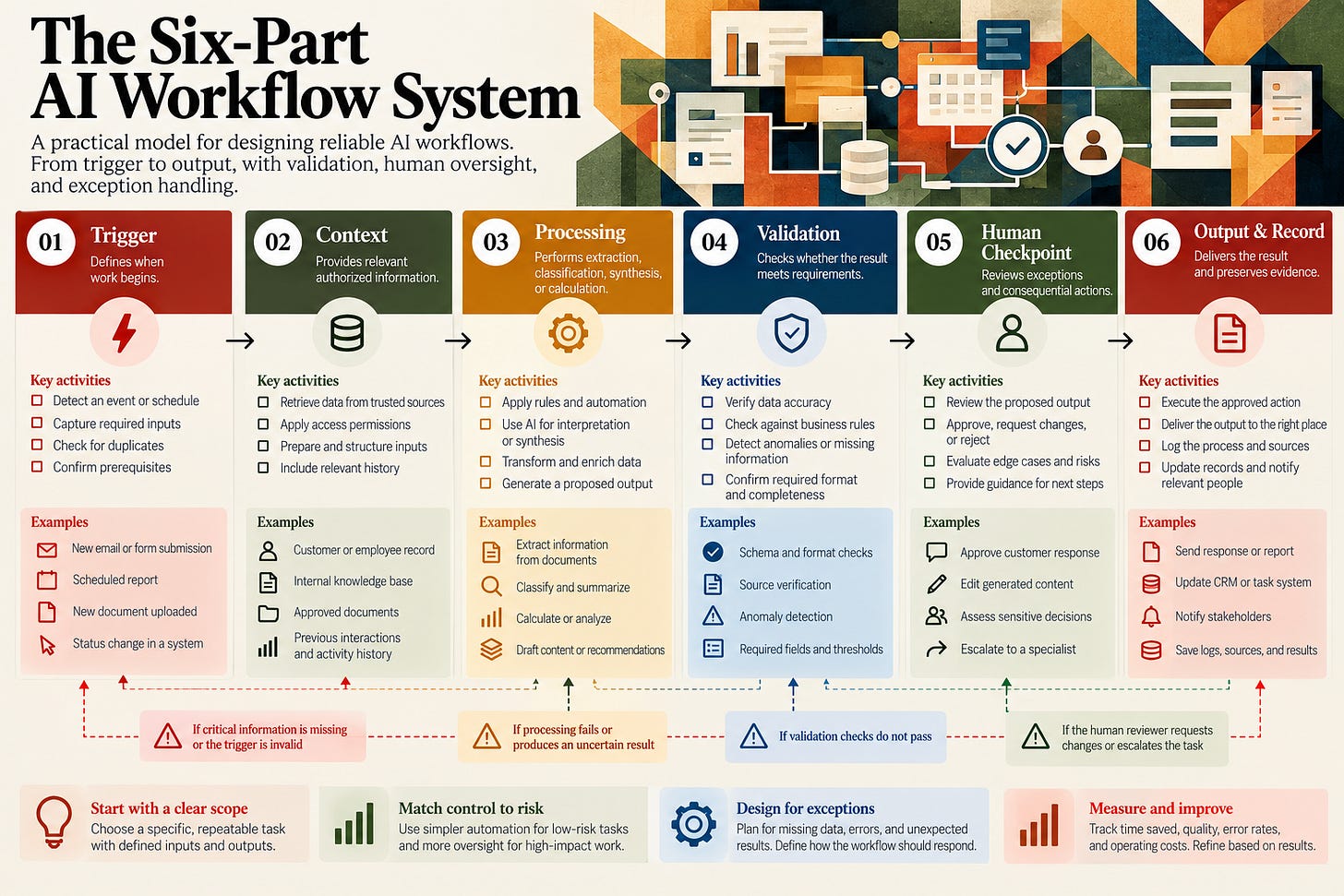
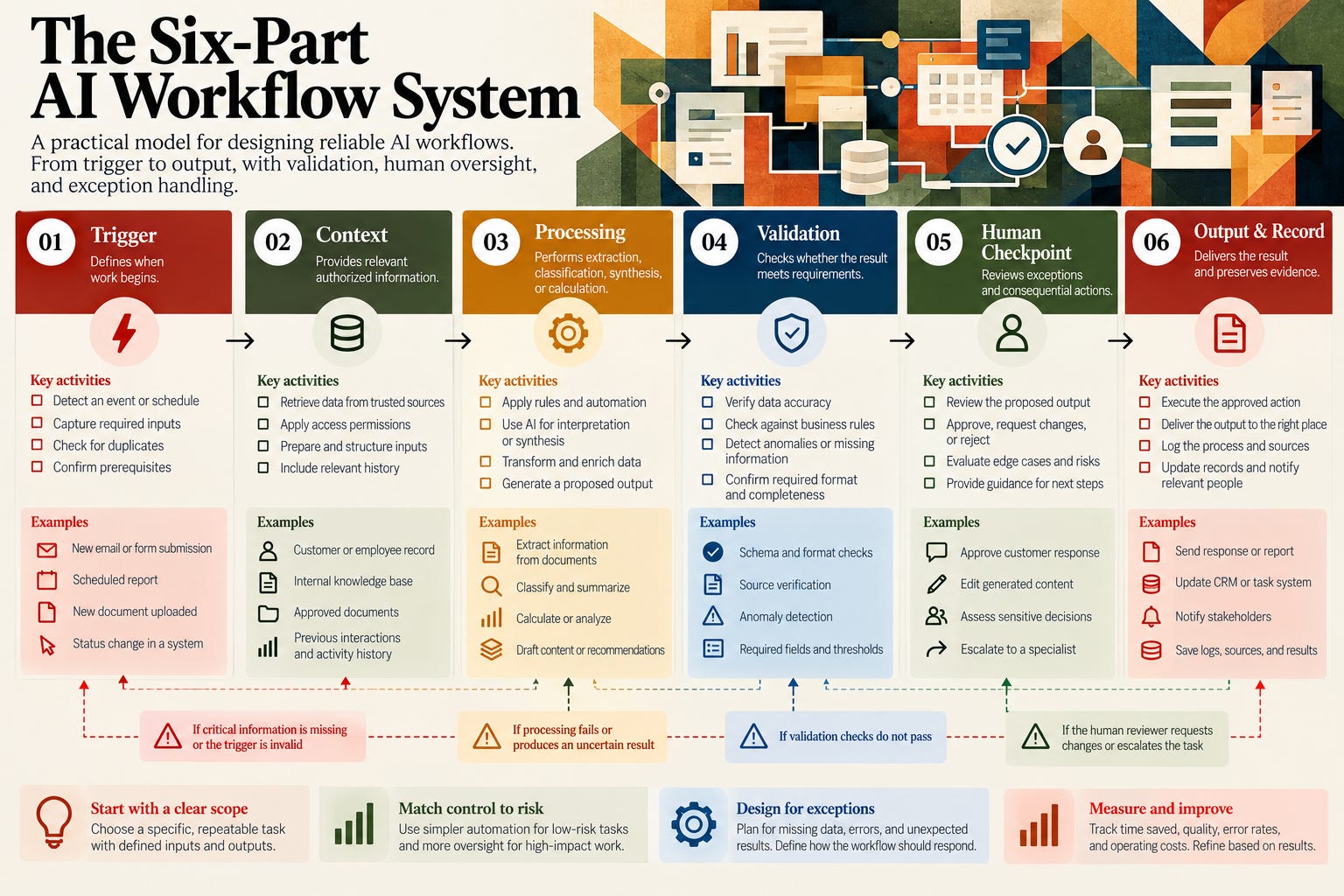
A functioning AI workflow requires more than a prompt and an automation trigger.
It needs six components.
The sequence can include conditional branches, retries, and separate exception paths.
Not every successful workflow uses all six components in the same way. Low-risk deterministic automations may not require an individual approval for every run. High-impact workflows may require several checkpoints.
The design objective is to match the degree of control to the consequences of failure.
Which workflows should you automate first?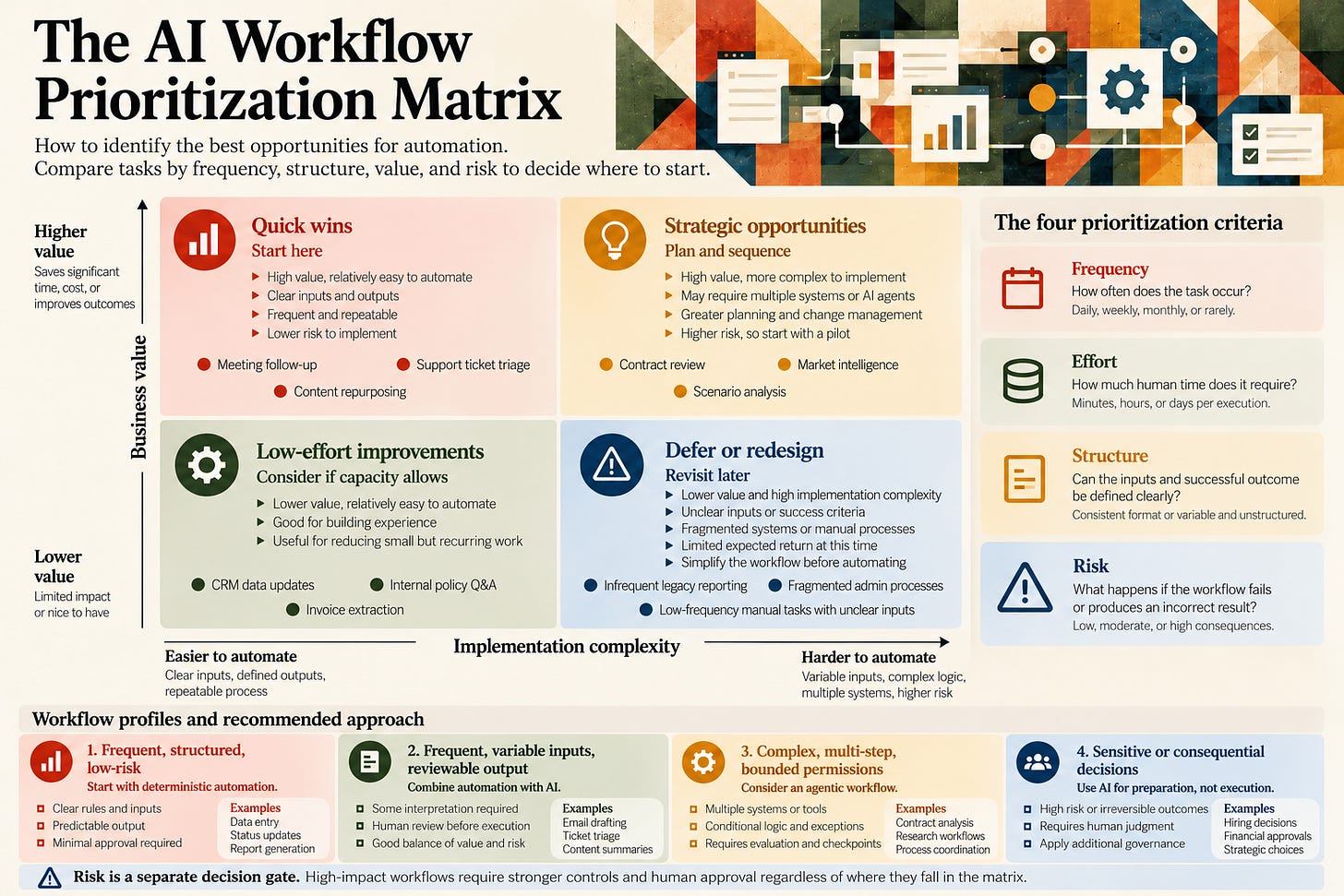
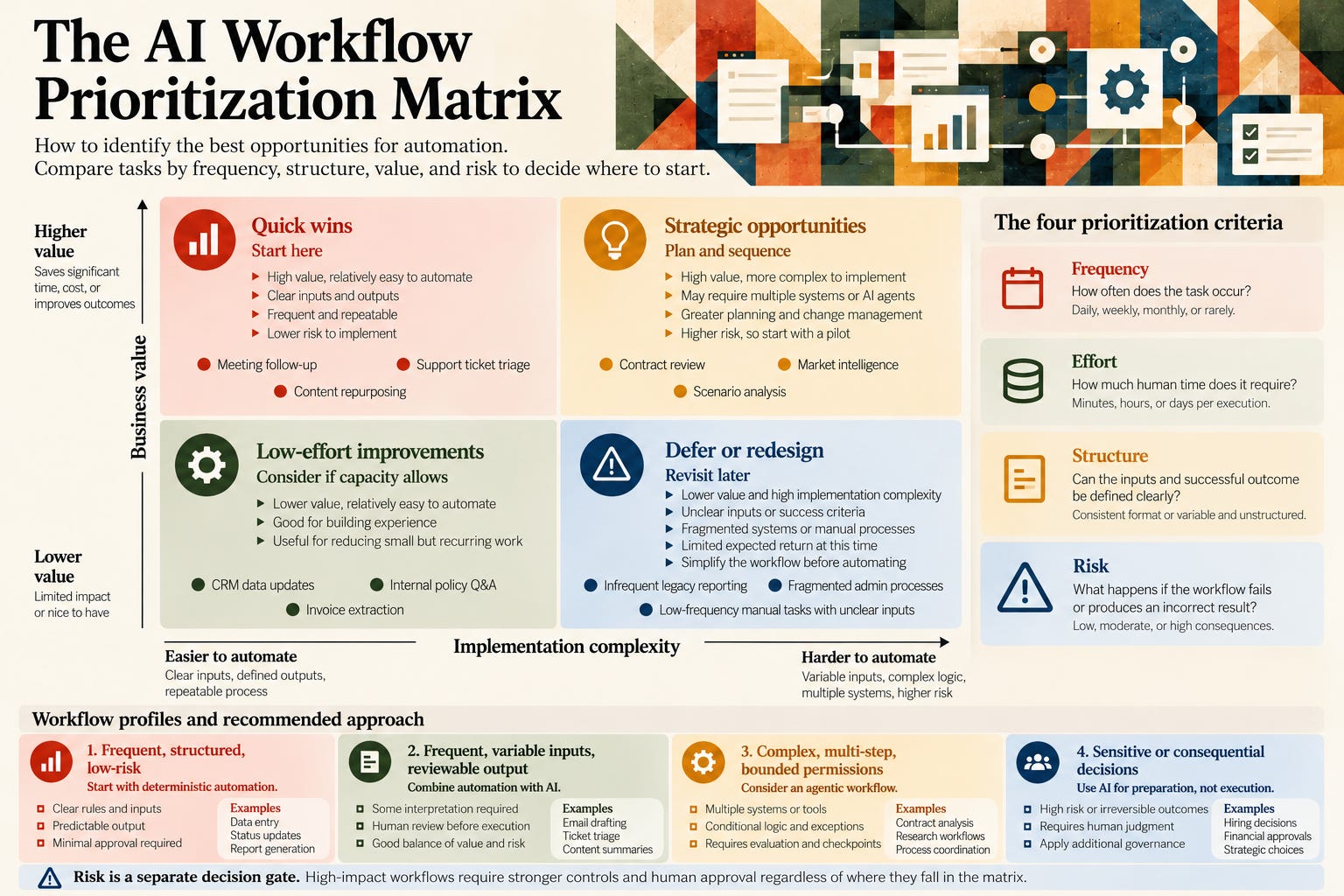
The first workflow should be chosen for its repeatability, measurable value, and manageable risk.
Use four criteria to prioritize opportunities.
Frequency: How often does the task occur?
Effort: How much human time does it currently require?
Structure: Can the required inputs and successful outcome be described clearly?
Risk: What happens if the workflow fails, acts on incorrect information, or executes the wrong action?
A high-frequency, well-defined task with low error consequences is often a suitable starting point.
A rare task requiring significant judgment and carrying irreversible consequences deserves a different approach.
Workflow profileRecommended approachFrequent, structured, low-riskStart with deterministic automationFrequent, variable inputs, reviewable outputCombine automation with AI extraction or classificationComplex, multi-step, bounded permissionsConsider an agentic workflow with evaluation and checkpointsSensitive or consequential decisionsUse AI for preparation and preserve human decision authorityPoorly understood or rarely repeatedClarify the process before investing in automation
The presence of an AI capability should not determine the architecture.
Choose the simplest implementation that reliably produces the required outcome.
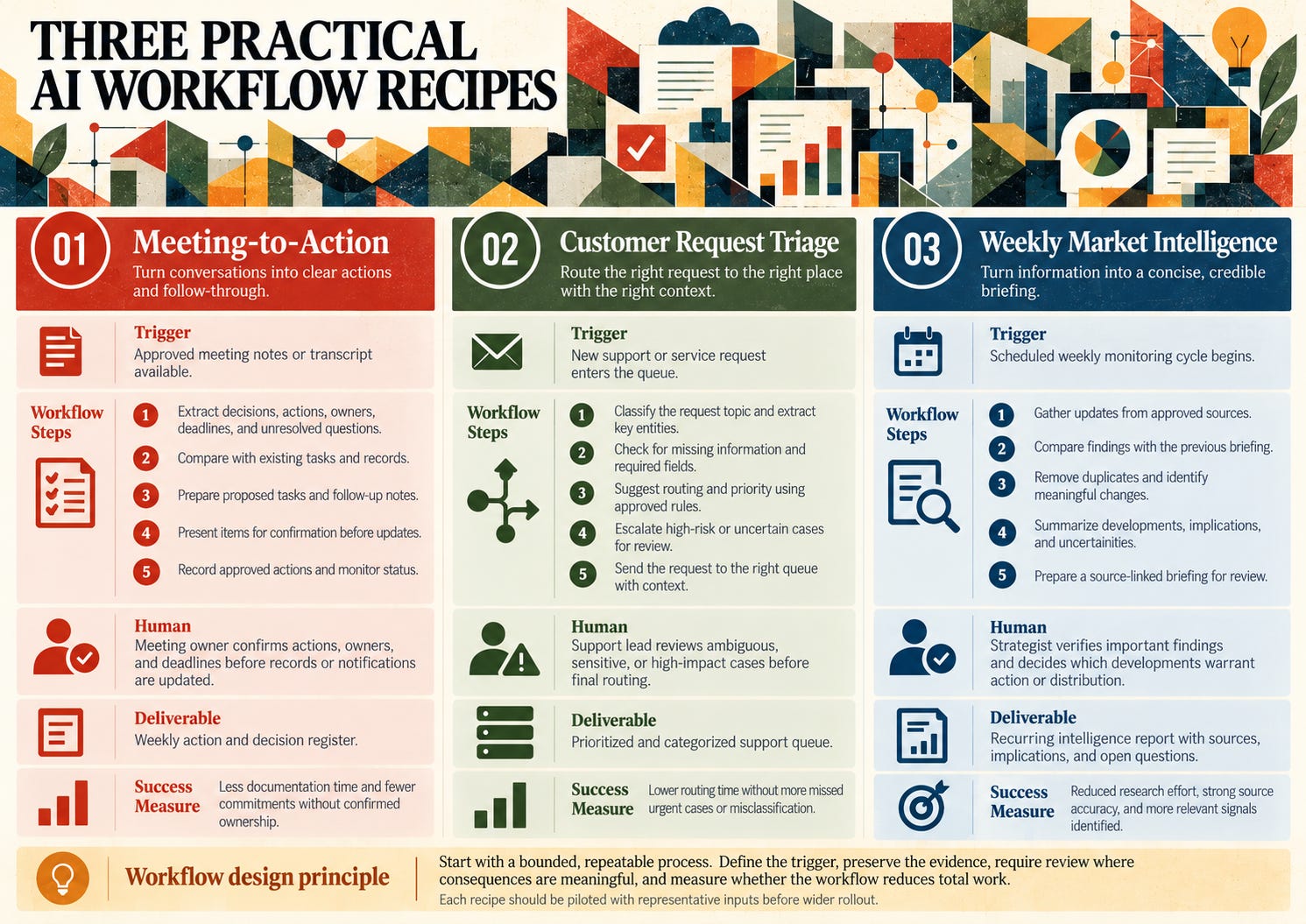
Three workflows worth implementing first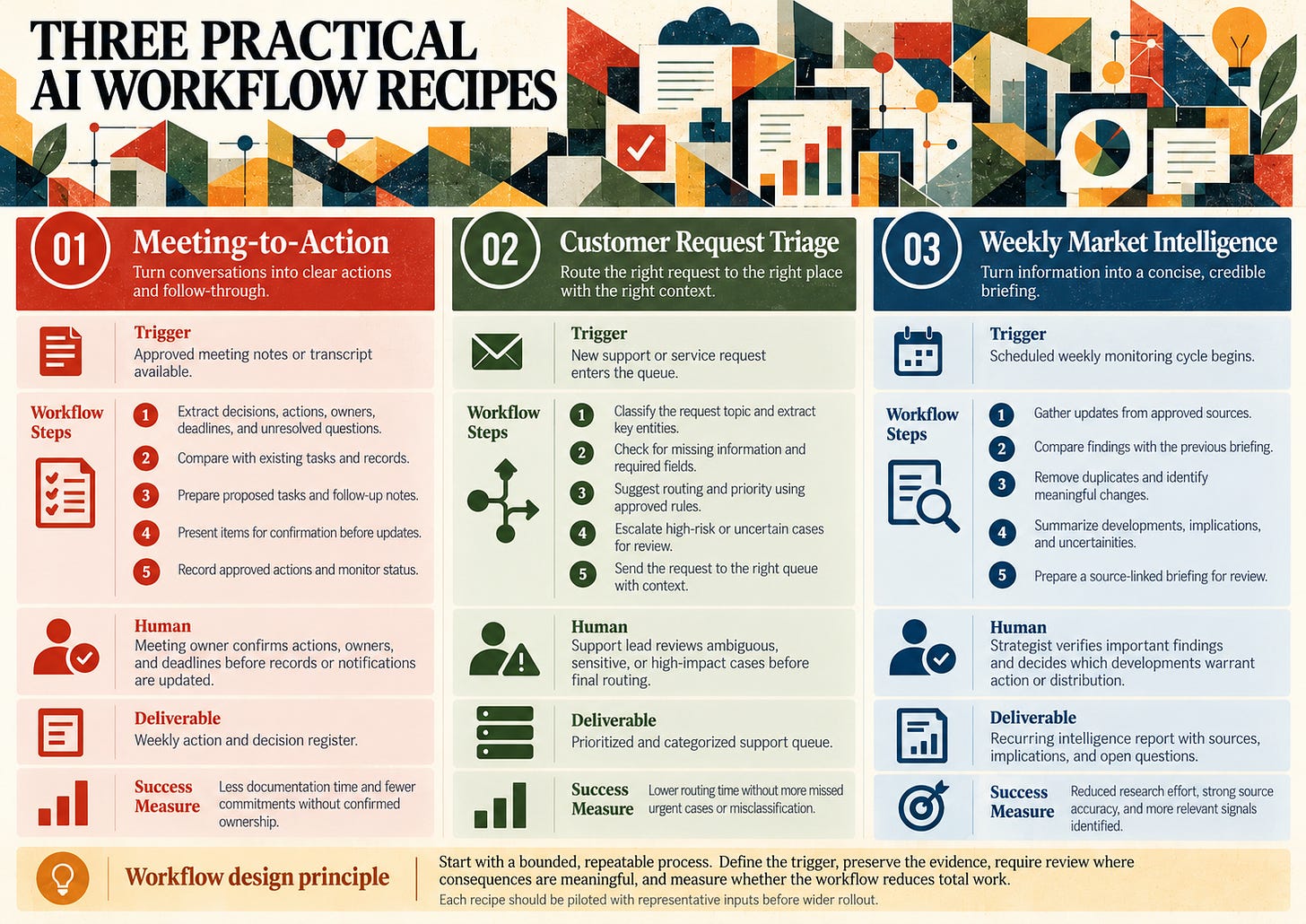
Workflow A — The Meeting-to-Action System
Best for: Teams with recurring meetings and weak follow-through.
Start with approved meeting notes. Extract decisions, proposed tasks, owners, deadlines, and unanswered questions.
Present these items for confirmation before creating tasks or notifying participants.
Once approved, record the decisions and track their status in the existing project-management system.
Initial deliverable: A weekly action and decision register.
Success measure: Reduced documentation time and fewer commitments without confirmed ownership.
Workflow B — The Customer Request Triage System
Best for: Support and service teams receiving recurring inbound requests.
Start with a new support request.
Classify its topic, identify relevant entities, check whether information is missing, and suggest routing based on approved rules.
Route high-risk or uncertain cases for human review.
Initial deliverable: A prioritized and categorized support queue.
Success measure: Reduced routing time without increasing missed urgent cases or misclassification.
Workflow C — The Weekly Intelligence System
Best for: Strategy, product, marketing, and business development teams.
Choose a narrow subject and an approved set of sources.
At a scheduled interval, retrieve updates, compare them with previous findings, identify substantive changes, and create a source-linked briefing.
Require verification before distributing material conclusions.
Initial deliverable: A recurring intelligence report containing developments, implications, and unresolved questions.
Success measure: Reduced research effort, strong source accuracy, and a higher proportion of relevant signals identified.
A reusable AI workflow design brief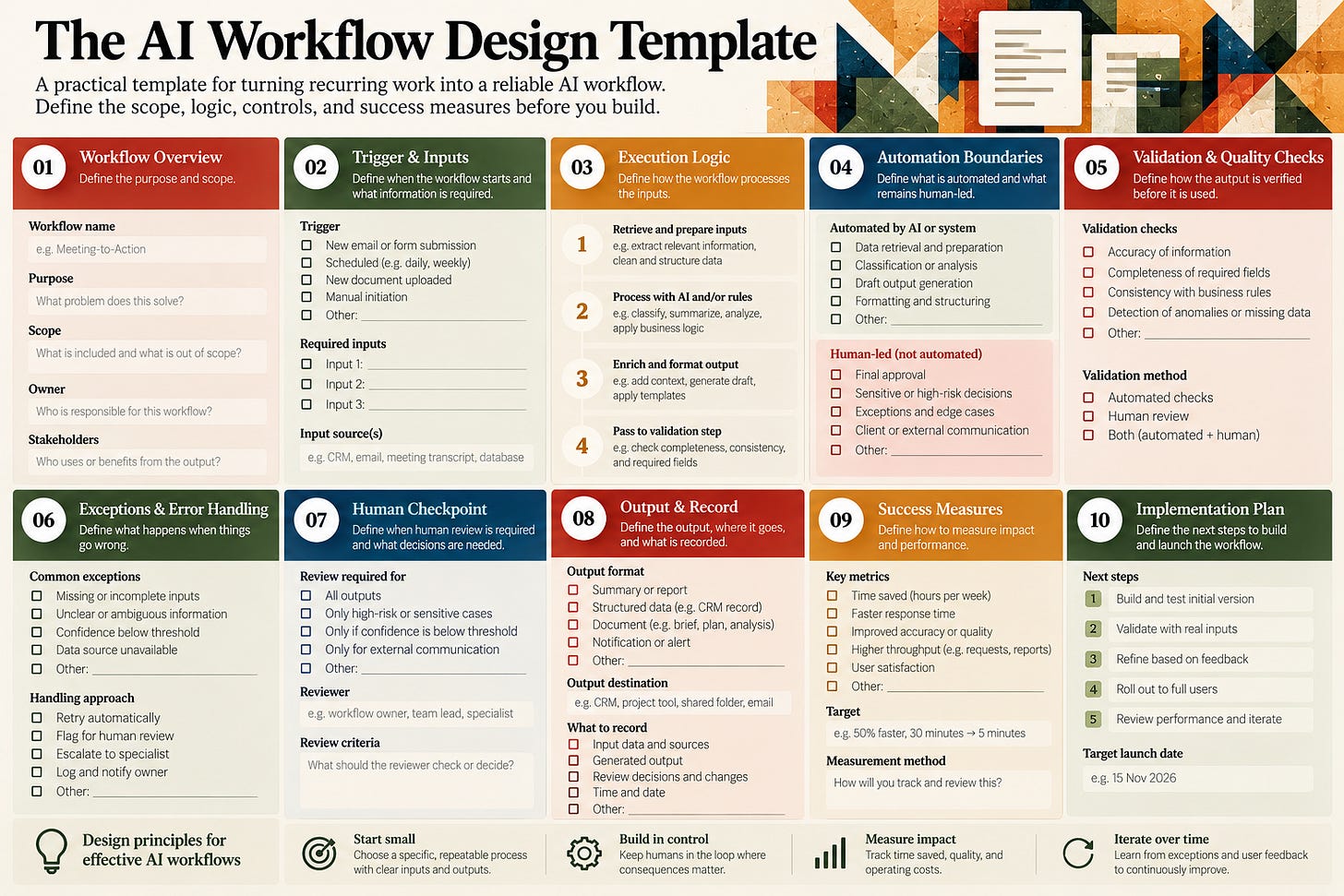
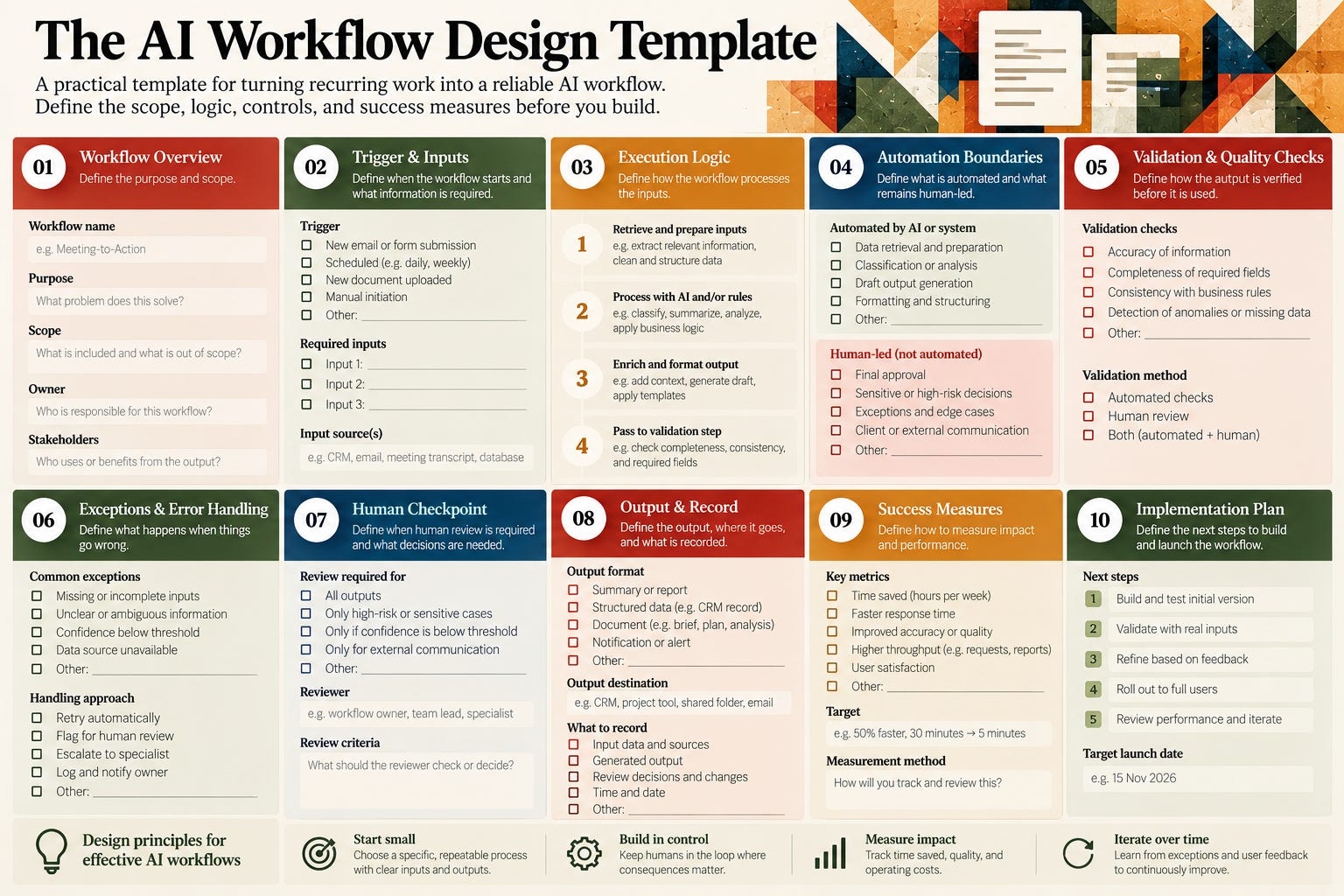
Before building an automation, document its operating logic.
The following template can be copied into an AI assistant, an automation platform, or an internal project brief.
Workflow design prompt
Act as a business workflow architect.
Design a reliable automation for the following process:
Process: [DESCRIBE THE TASK]
Business objective: [DESIRED OUTCOME]
Trigger: [WHEN THE WORKFLOW STARTS]
Available systems and information: [APPROVED TOOLS AND DATA SOURCES]
Expected output: [DELIVERABLE OR SYSTEM CHANGE]
Constraints: [SECURITY, PRIVACY, COST, TIMING, AND PERMISSIONS]
Develop a workflow specification containing:
-
Process map: Identify the trigger, inputs, processing stages, decisions, and outputs.
-
Automation boundaries: Distinguish deterministic operations, AI-assisted interpretation, and steps requiring human judgment.
-
Data requirements: Specify the information needed, its origin, and permitted access.
-
Execution logic: Describe each processing step and the conditions required to proceed.
-
Validation: Define how the workflow checks factual accuracy, data integrity, and successful completion.
-
Exception handling: Specify responses to missing information, errors, contradictory results, and failed integrations.
-
Approval controls: Identify which actions require human confirmation before execution.
-
Observability: Define the execution logs, status records, and evidence that must be preserved.
-
Measurement: Identify baseline effort, operating costs, time saved, and quality indicators.
-
Pilot plan: Propose a limited-scope implementation with clear success and failure criteria.
Do not assume that AI is required for every stage.
Prefer deterministic automation when the required behavior is fully specified.
Do not introduce irreversible actions without explicit approval requirements.
Do not claim that a workflow succeeded unless its intended output or system state was verified.
End with a concise workflow diagram, suggested technology components, implementation dependencies, and the minimum viable pilot.
The Five Gates of Workflow Readiness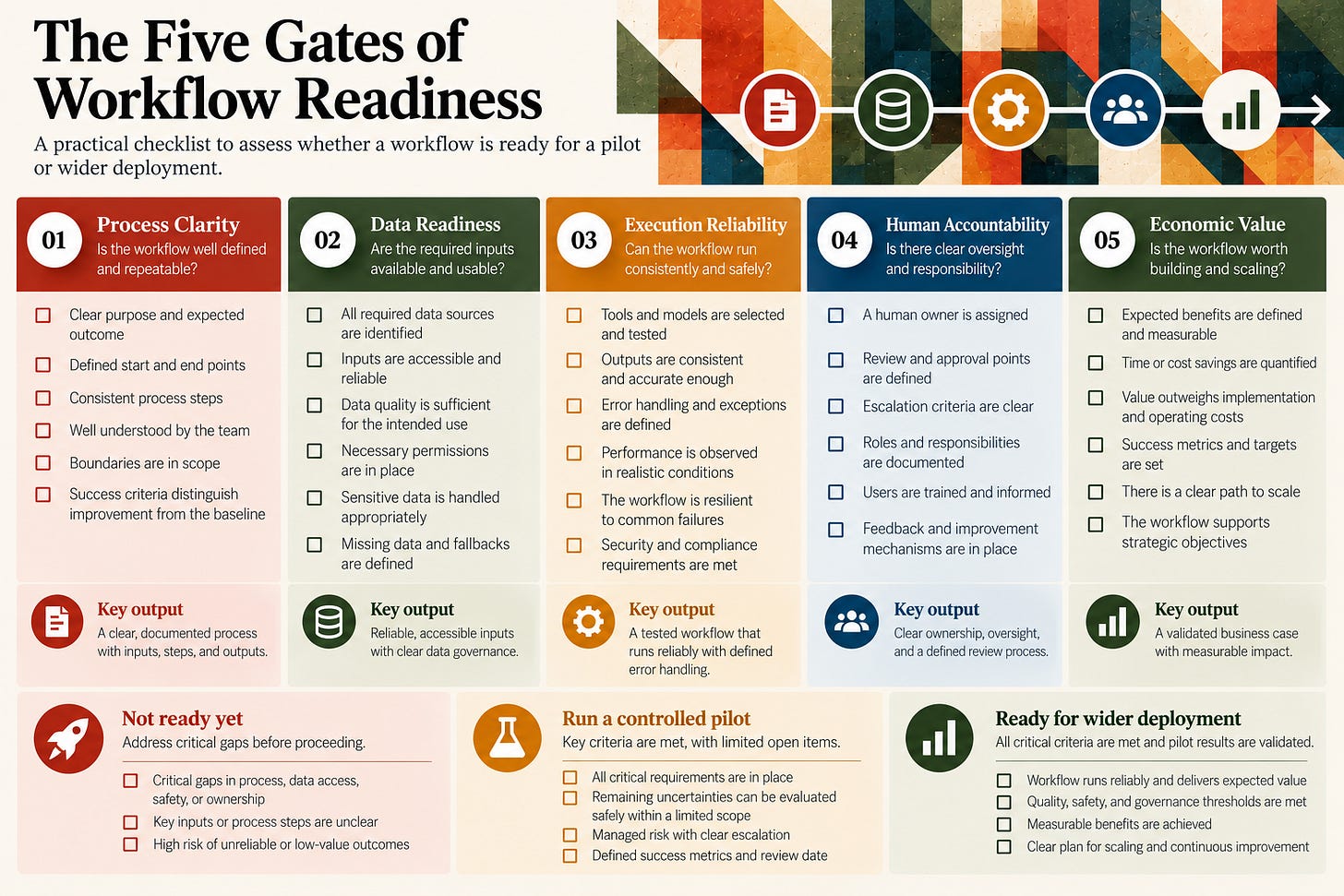
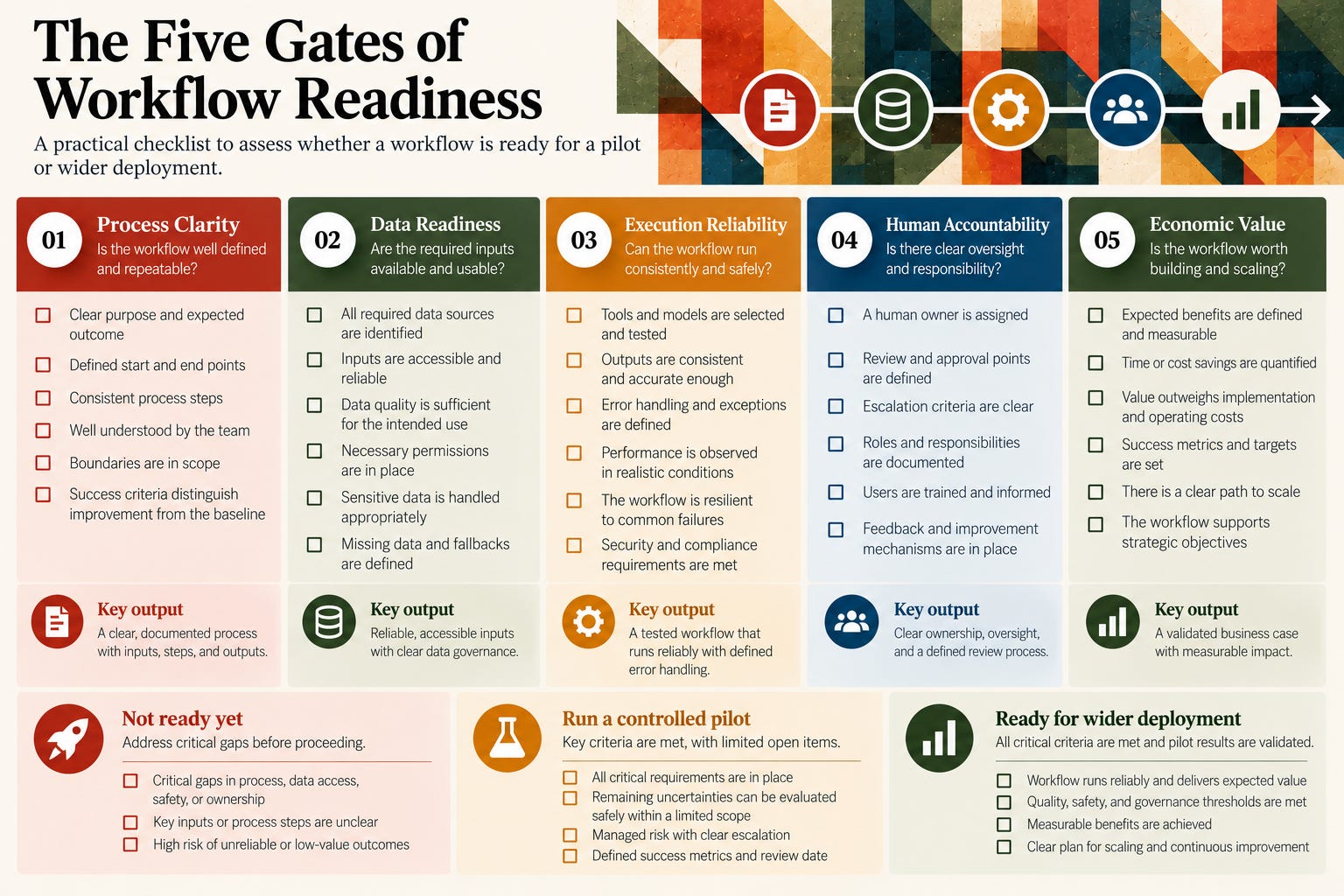
A workflow should be evaluated before it receives ongoing responsibility.
A workflow should not progress to production solely because a demonstration succeeded.
A reliable pilot should include representative inputs, unexpected conditions, incomplete records, integration failures, and the circumstances most likely to produce incorrect outputs.
High-impact workflows also need appropriate security, privacy, and compliance review.
How to measure whether AI workflows actually save time
One of the most common mistakes in workflow automation is measuring only the visible portion of the task that AI performs.
Consider a recurring report that previously took an analyst forty minutes to prepare.
An AI workflow generates a first draft in five minutes. That appears to represent a substantial productivity improvement.
But the analyst may still spend time checking sources, correcting classifications, updating missing information, and coordinating approval.
The relevant unit of measurement is the complete workflow.
Net time saved per run = Original manual effort − (Human review + corrections + workflow maintenance allocated per run).
Implementation time must also be considered when evaluating cumulative returns.
Track at least four metrics:
Completion quality: What proportion of executions produces an acceptable result?
Human effort: How much time is spent reviewing, correcting, and intervening?
Execution reliability: How often does the process fail, stop, or produce an incomplete outcome?
Economic efficiency: What do model usage, integrations, infrastructure, and ongoing maintenance cost?
For a recurring workflow, these measures should be reviewed over multiple executions rather than inferred from a single successful demonstration.
The objective is to identify whether automation reduces the total work required to deliver a reliable outcome.
The next frontier: workflows as organizational infrastructure
The first generation of workplace AI adoption focused heavily on individual productivity.
Employees gained tools that could summarize, draft, translate, and analyze information. These capabilities made many tasks faster, but their outputs often remained isolated inside conversations.
A more consequential opportunity emerges when those capabilities become part of repeatable organizational processes.
Customer information flows into a support workflow. Meeting decisions become owned actions. Market developments update a maintained evidence base. Operational exceptions reach the responsible person before they become larger problems.
As workflows become connected, organizations face a broader architectural challenge.
They need shared definitions of tasks, access permissions, data ownership, execution records, escalation rules, and success criteria.
Without these elements, automation can accelerate information movement while making the underlying process more difficult to understand.
A durable AI workflow should preserve the state of the work: what triggered it, which information was used, what actions were taken, what was verified, which exceptions occurred, and who approved the outcome.
That record allows teams to improve a process without reconstructing every decision from scattered messages and system logs.
The strategic value of AI workflows comes from making useful work repeatable, observable, and easier to improve.
The technology is only one part of that architecture.
About this collection
The AI Workflow Library is part of The Strategy Stack, a growing collection of practical tools, frameworks, and resources for applying AI, designing operating systems, and improving how organizations work.
Explore the related collections:
-
The AI Learning Stack: 32 resources for developing AI capabilities.
-
The AI Research Stack: 30 tools for finding better answers.
-
The AI Coding Stack: 30 tools and resources for building software with AI.
-
The Free AI Agent Directory: 25 agents and agent platforms for performing real work.
Find more resources at The Strategy Stack.
Last reviewed: October 2026. These 30 examples are illustrative workflow blueprints, not verified case studies. Implementation requirements, integration availability, AI usage charges, and automation platform features vary by provider and organization.
Subscribe to The Strategy Stack for practical frameworks, operating models, and curated resources for strategy, technology, and AI.