Build a free MBA with NotebookLM. 197 free lectures from Harvard, MIT, Yale, Stanford and NYU in 10 notebooks, plus the skill to build your own university.
By Gencay
Published: 2026-10-11
URL: https://www.learnwithmeai.com/p/free-mba-notebooklm
Harvard Business School lists the cost of one MBA year at $130K.
It runs for two years, so the total passes $260K before you even start the job you found thanks to it.
Then I realized you can find most of these courses on YouTube.
MIT, Harvard, Yale, and Stanford put full semesters online, playlists with 20 to 34 lectures each.
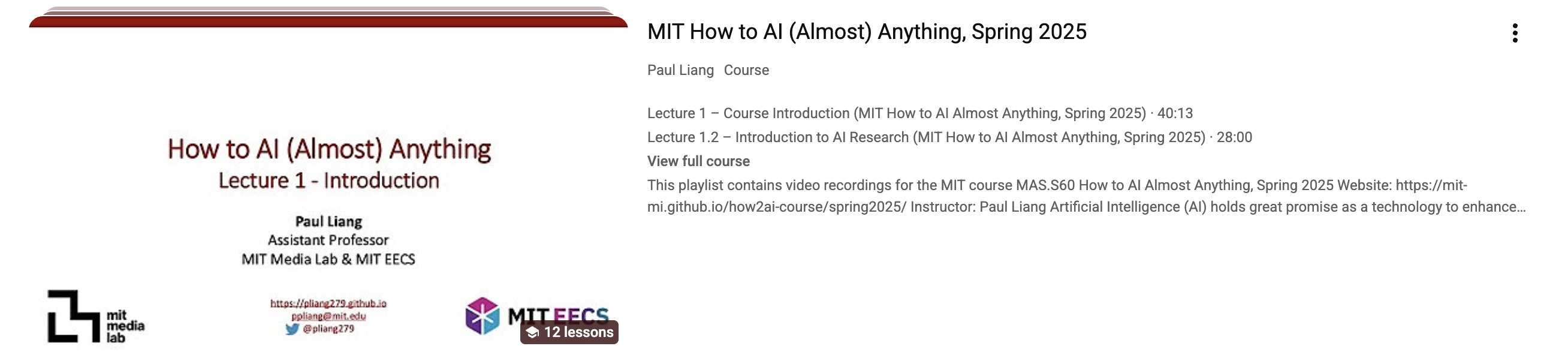
\MIT puts full courses on YouTube for free. This one has 12 lessons, and nobody tells you where to start\
What’s missing is a curriculum, a quiz, and a place to ask questions.
So I turned 197 YouTube videos into a free MBA curriculum, an interactive university where you can learn, take exams, and earn a certificate for yourself.
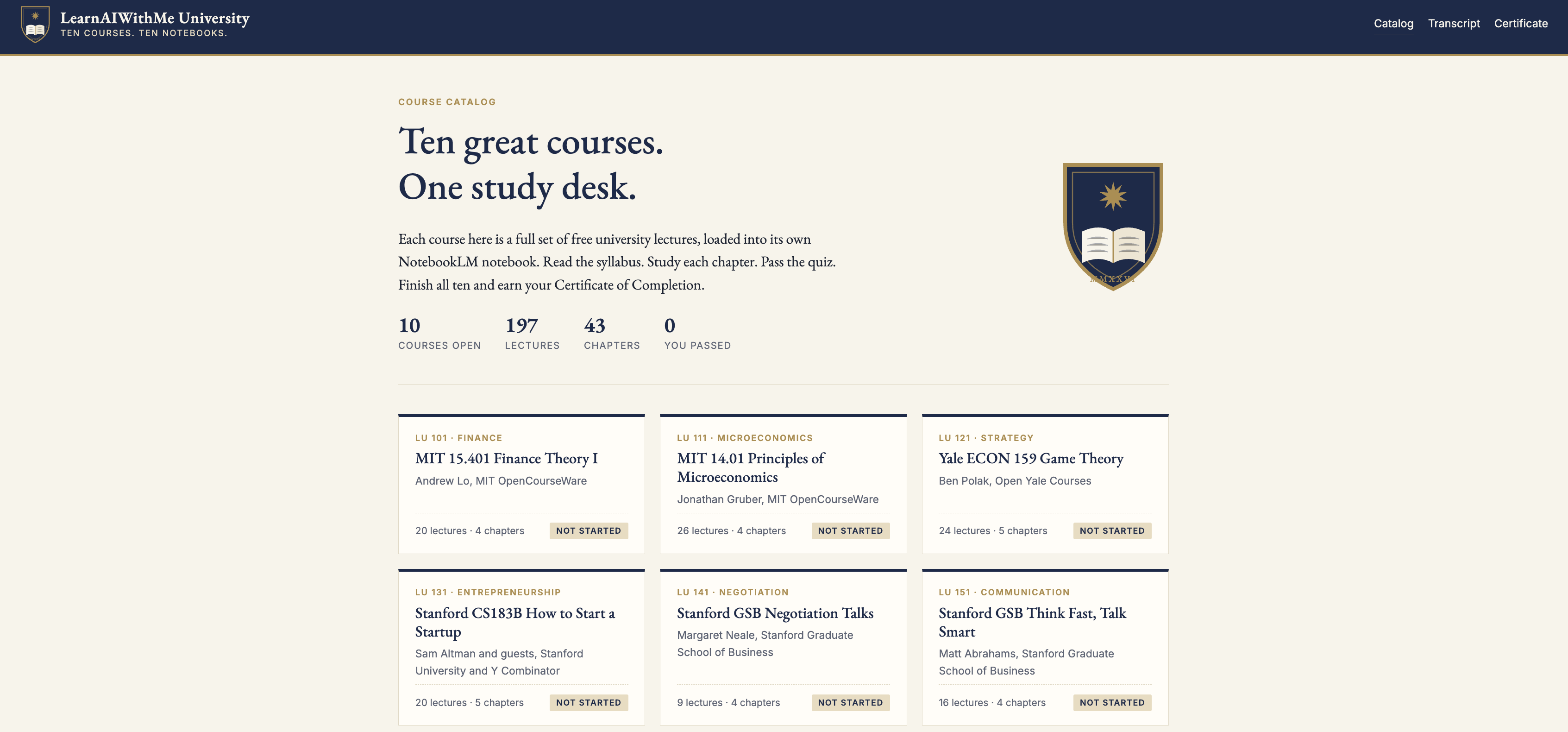
\LearnAIWithMe University. 10 courses, 197 lectures, 43 chapters.\
If you want to watch how I did it in 180 seconds, watch this:
LearnAIWithMe University: A Free MBA Built With NotebookLM
Each class has its own Book.
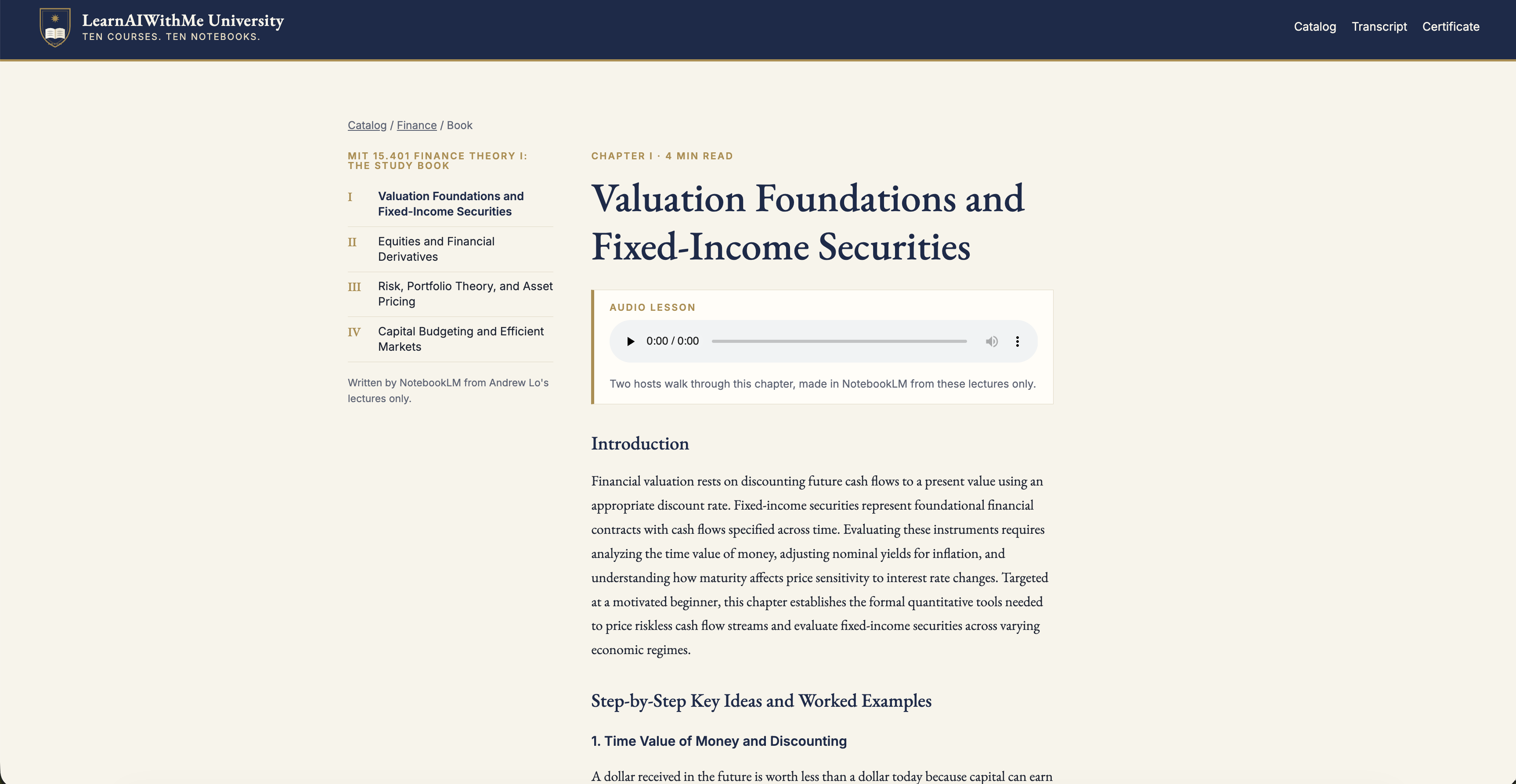
\Every course has its own study book, written by NotebookLM from that course's lectures only.\
It has Audio lessons.
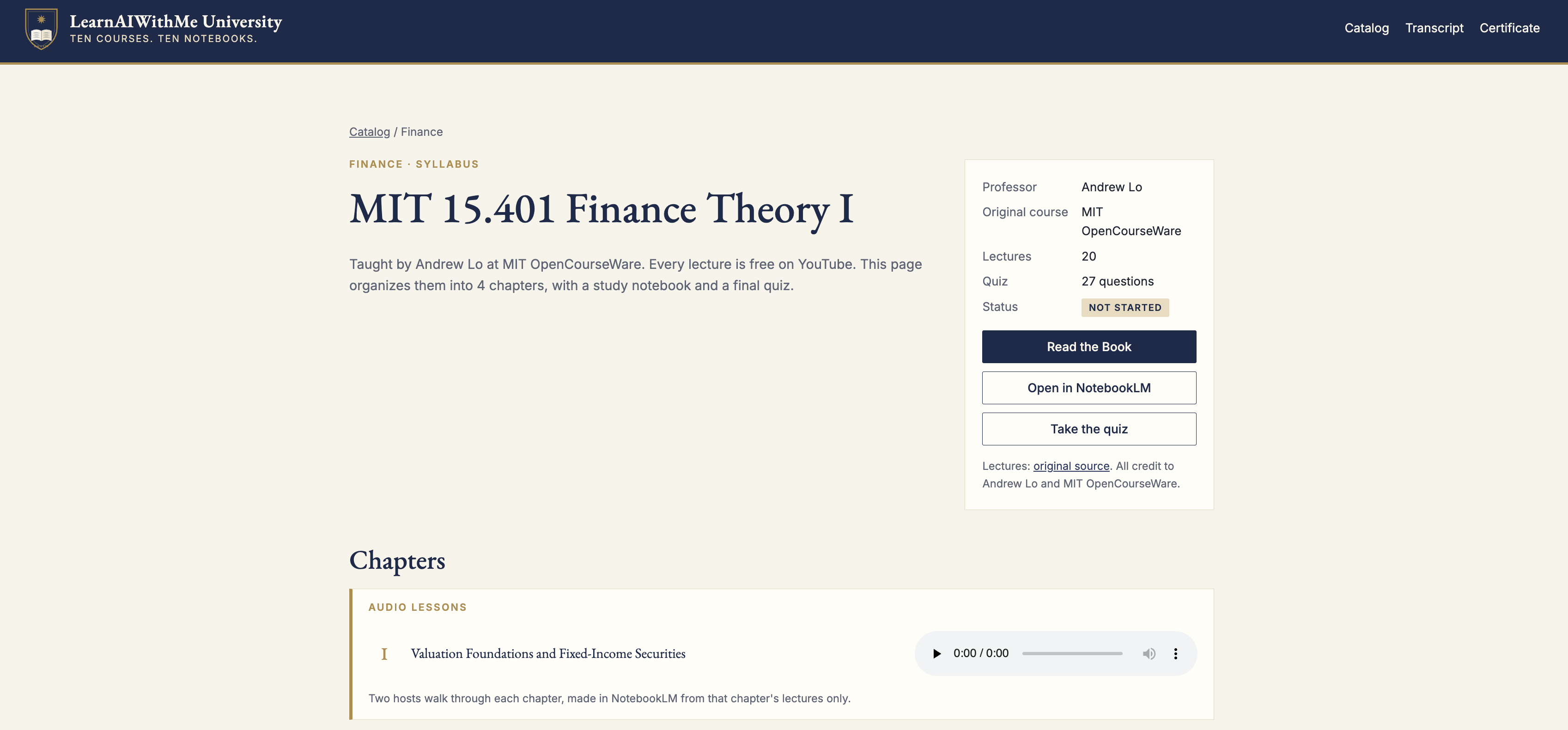
\Audio lessons sit right under the chapters. Two hosts walk you through each one.\
Every chapter has its own infographic.
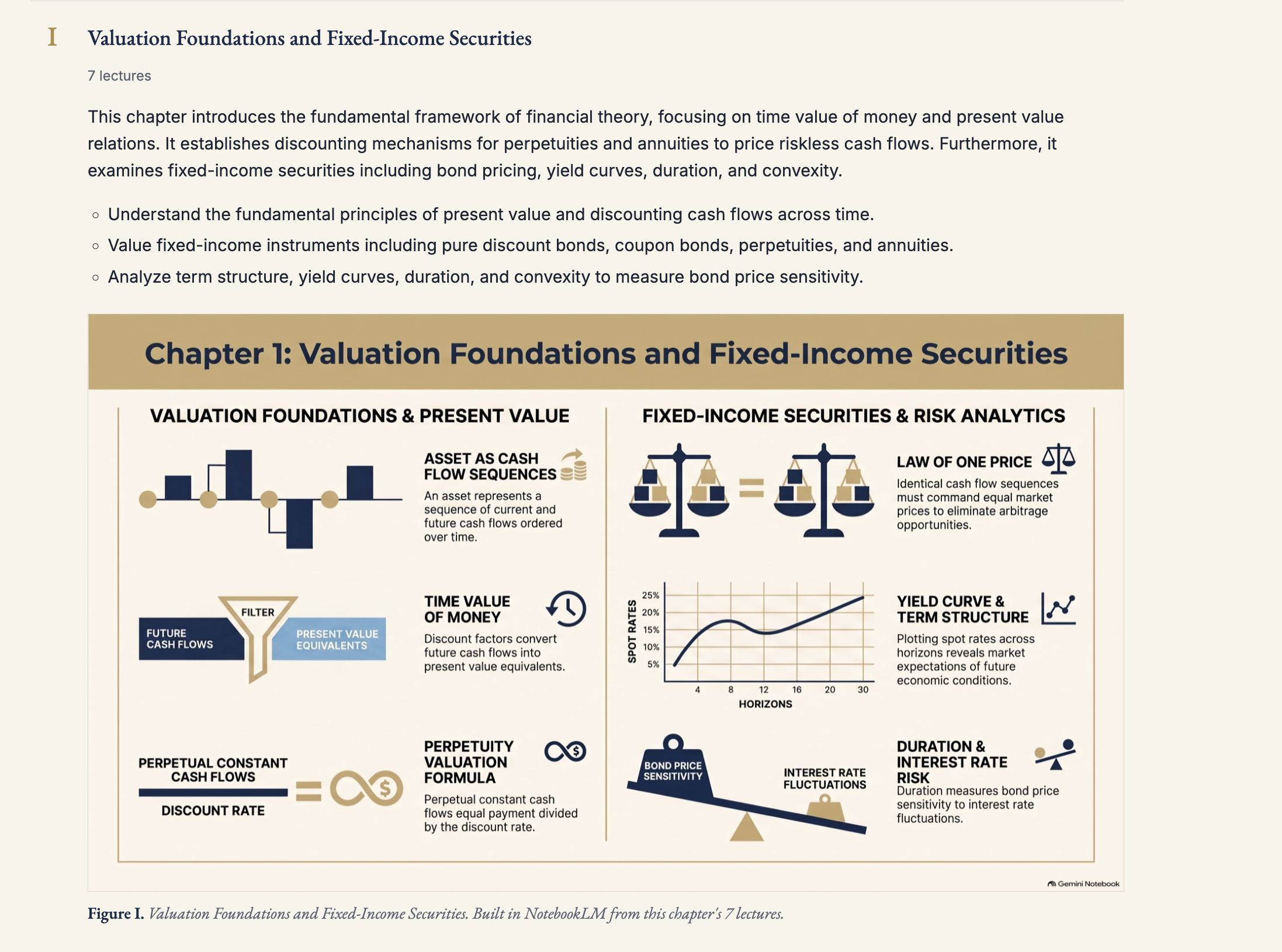
\Every chapter has its summary, 3 learning objectives and its own infographic.\
You can also access the trained notebook by clicking on “Open in NotebookLM”.
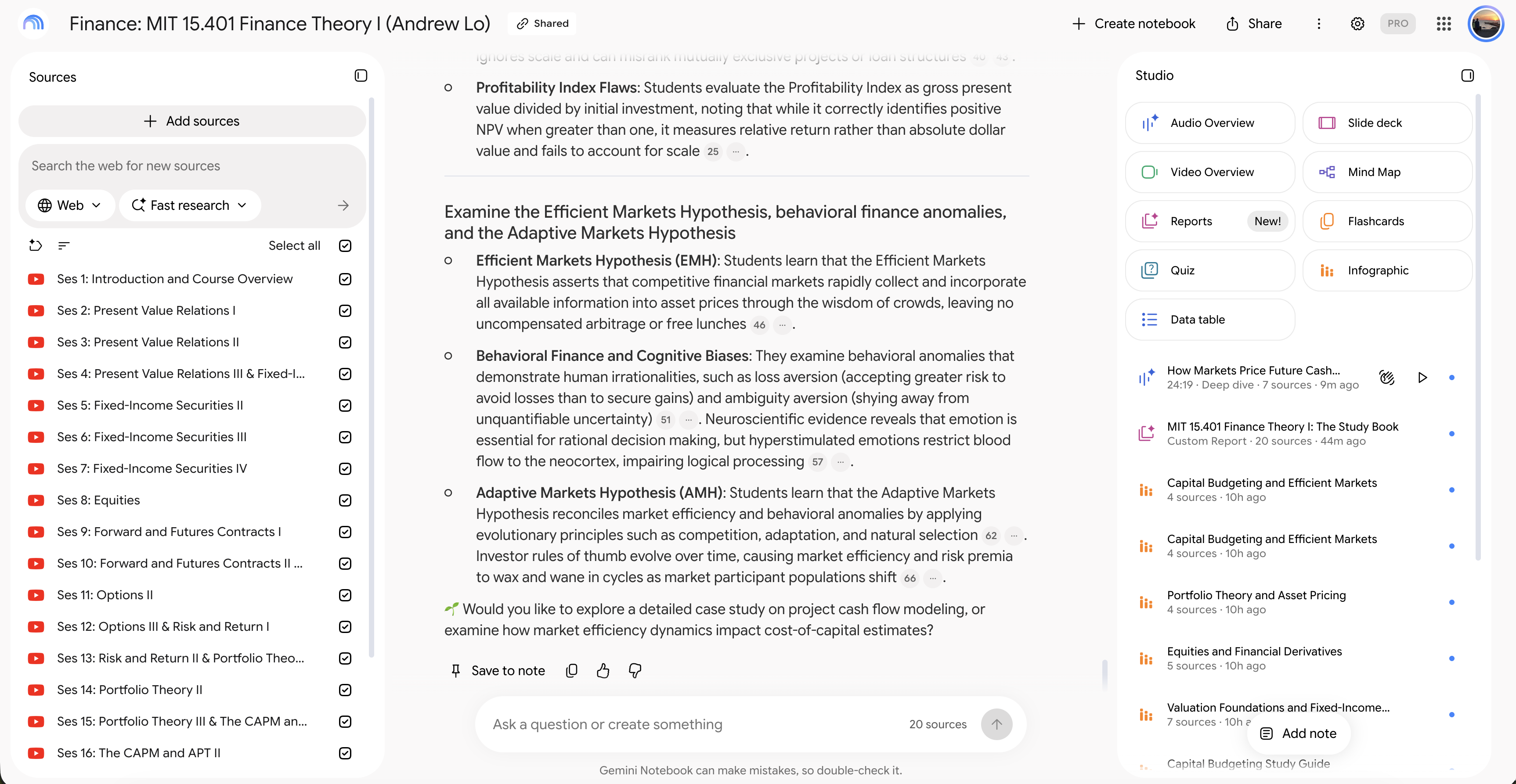
\The notebook behind the course. 20 lectures as sources, and the book, quiz and infographics in Studio.\
But how did I build the whole course in one prompt?
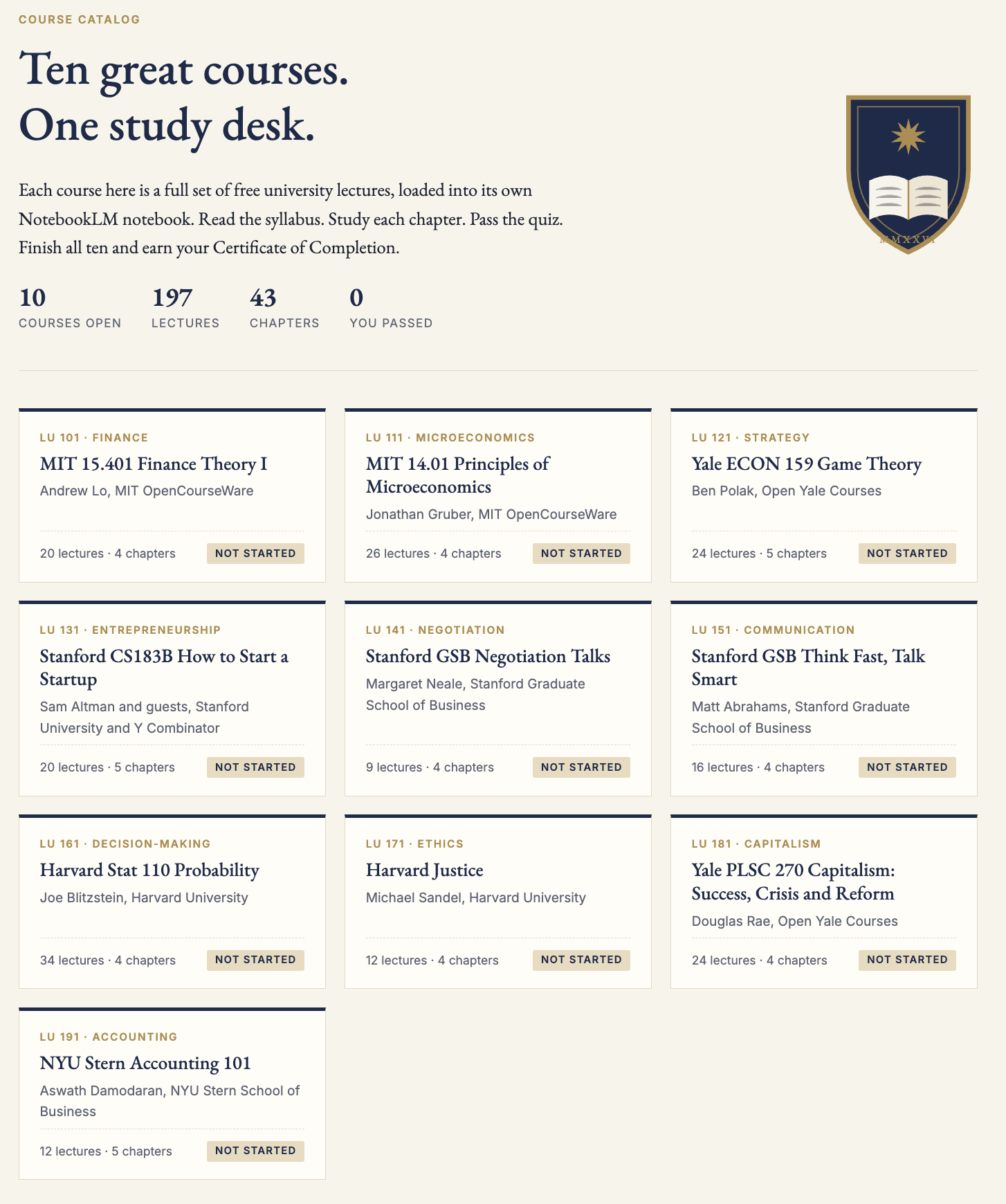
\Harvard, MIT, Yale, Stanford, and NYU. 10 courses from one prompt.\
How Did I Build My Free MBA Curriculum?
Believe it or not, I built all 10 notebooks with a single prompt.
To do that, you first need to control NotebookLM from Claude Code or Codex.
I’m using this NotebookLM CLI. <https://github.com/teng-lin/notebooklm-py>
It is an open-source, unofficial CLI.
It lets you connect NotebookLM through the CLI via your Claude code so it can create a notebook, add sources, ask questions, generate infographics, and download them all to your computer.
How to install NotebookLM CLI?
If you don’t have it installed already, follow these steps.
- Open Claude Code or Codex. (New to Claude Code? Part 1 of the MasterClass covers the installation.)
- Paste this prompt.
Install the NotebookLM CLI from https://github.com/teng-lin/notebooklm-py on my computer, install if any library missing and run notebooklm login at the end and let me know when you open the browser for me to authenticate.
After authenticating, you are ready.
How did I build my university?
I first searched for the curriculum of an MBA and turned it into a plan with Claude. NotebookLM already works like a private university tutor. This time I gave it a whole curriculum.
Then I asked it to find the best free lectures for each subject from Harvard, MIT, Yale, Stanford, and NYU.
To do that, you can use this prompt.
Use the Personal University skill.
I want to build my own free version of a [MBA / computer science program / medical school first year].
First, list the [10] core subjects of that program's first year.
Then, for each subject, find one full lecture series that a top university published for free on YouTube.
Prefer complete semesters over single talks.
Show me the table with the subject, the course, the professor, the school, the number of lectures and the playlist link, and open every link to confirm it works.
After I approve the table, build one NotebookLM notebook per course with 3 to 5 chapters, one infographic per chapter and one quiz, then build the university site.
Do not make any notebook public until I confirm.
The skill is free. You will find the download link and the installation prompt at the end of this post.
You can customize this prompt to serve your needs.
Change the program, the number of subjects, or the list of schools.
A couple of minutes after I pasted this prompt, my first NotebookLM trained
The images, quizzes, and books took a few more hours
10 Free MBA Notebooks in NotebookLM. Steal Them All
Here are all 10 notebooks I trained to build my university.
Every one of them is public and free.
Last month I did the same with 10 NotebookLMs from MIT, Hormozi and Buffett.
- Finance. MIT 15.401, Andrew Lo, 20 lectures. <https://notebooklm.google.com/notebook/ff3173ed-e8de-45b9-ac14-d2aff134f5f4>
- Microeconomics. MIT 14.01, Jonathan Gruber, 26 lectures. <https://notebooklm.google.com/notebook/eb53a1a8-2a5b-460c-8484-fc6fc719bed3>
- Strategy. Yale ECON 159 Game Theory, Ben Polak, 24 lectures. <https://notebooklm.google.com/notebook/89476325-8f9d-4aa1-983c-126f7cd0db3d>
- Entrepreneurship. Stanford CS183B How to Start a Startup, Sam Altman and guests, 20 lectures. <https://notebooklm.google.com/notebook/97a9e6d1-ceed-4e8a-9f80-14fa42067957>
- Negotiation. Margaret Neale, Stanford GSB, 9 talks. <https://notebooklm.google.com/notebook/97ae0653-5739-4a85-96ae-be316cd53f43>
- Communication. Matt Abrahams, Stanford GSB Think Fast, Talk Smart, 16 episodes. <https://notebooklm.google.com/notebook/5b269e23-7e23-457c-bcbf-77c6d392bb19>
- Decision-making. Harvard Stat 110 Probability, Joe Blitzstein, 34 lectures. <https://notebooklm.google.com/notebook/1dbebbaa-836b-42d2-85b1-fa898c9dc432>
- Ethics. Harvard Justice, Michael Sandel, 12 episodes. <https://notebooklm.google.com/notebook/13af1382-f859-4902-87d3-9bb1c456a09d>
- Capitalism. Yale PLSC 270, Douglas Rae, 24 lectures. <https://notebooklm.google.com/notebook/186ea00b-0f22-44ab-8961-206b60013c1a>
- Accounting. NYU Stern Accounting 101, Aswath Damodaran, 12 webcasts. <https://notebooklm.google.com/notebook/92d1c18a-74c8-4d41-81f9-f6a835f814ed>
LearnAIWithMe is a reader-supported publication. To receive new posts and support my work, consider becoming a free or paid subscriber.
Personal University
Download this skill to load the NotebookLM CLI and answer a couple of questions about the university you want to build.
It asks which program you want, how many courses it should have, whether you bring your own NotebookLM links or want it to find the lectures for you, what your university is called, and how strict the quizzes should be.
In the end, it trains every notebook, writes the study plans, generates the infographics and quizzes, and builds the entire website based on your answers. Cool, right?
Here is the link that includes this skill :
https://drive.google.com/drive/folders/1qmINaSyOdoNS0TGxESPXxv\_X3M5HcHtG
How to install this skill?
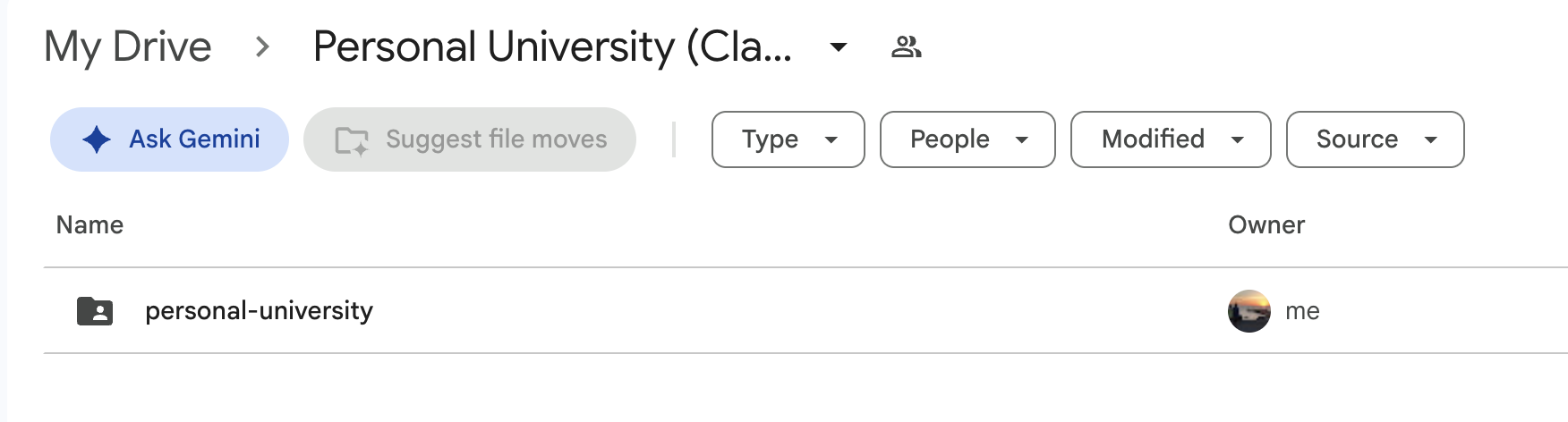
\The Personal University skill. One folder, free to download.\
If you haven’t done it before, download the Google Drive folder: https://drive.google.com/drive/folders/1qmINaSyOdoNS0TGxESPXxv\_X3M5HcHtG
Next, upload it to Claude Code, Codex, or the agent you use, and paste this prompt.
Install the skill in the personal-university folder I just gave you.
Put it in my skills directory so you can load it in every session.
Then check that the NotebookLM CLI is installed and that I am logged in.
If anything is missing, walk me through it step by step.
New to skills? This one explains what they are.
Next Steps
Thanks for reading.
We are a group of people dedicated to earning with AI. Some of us use it to change the business we are in. Some of us use it to build a new one. We build together inside the AI Academy.
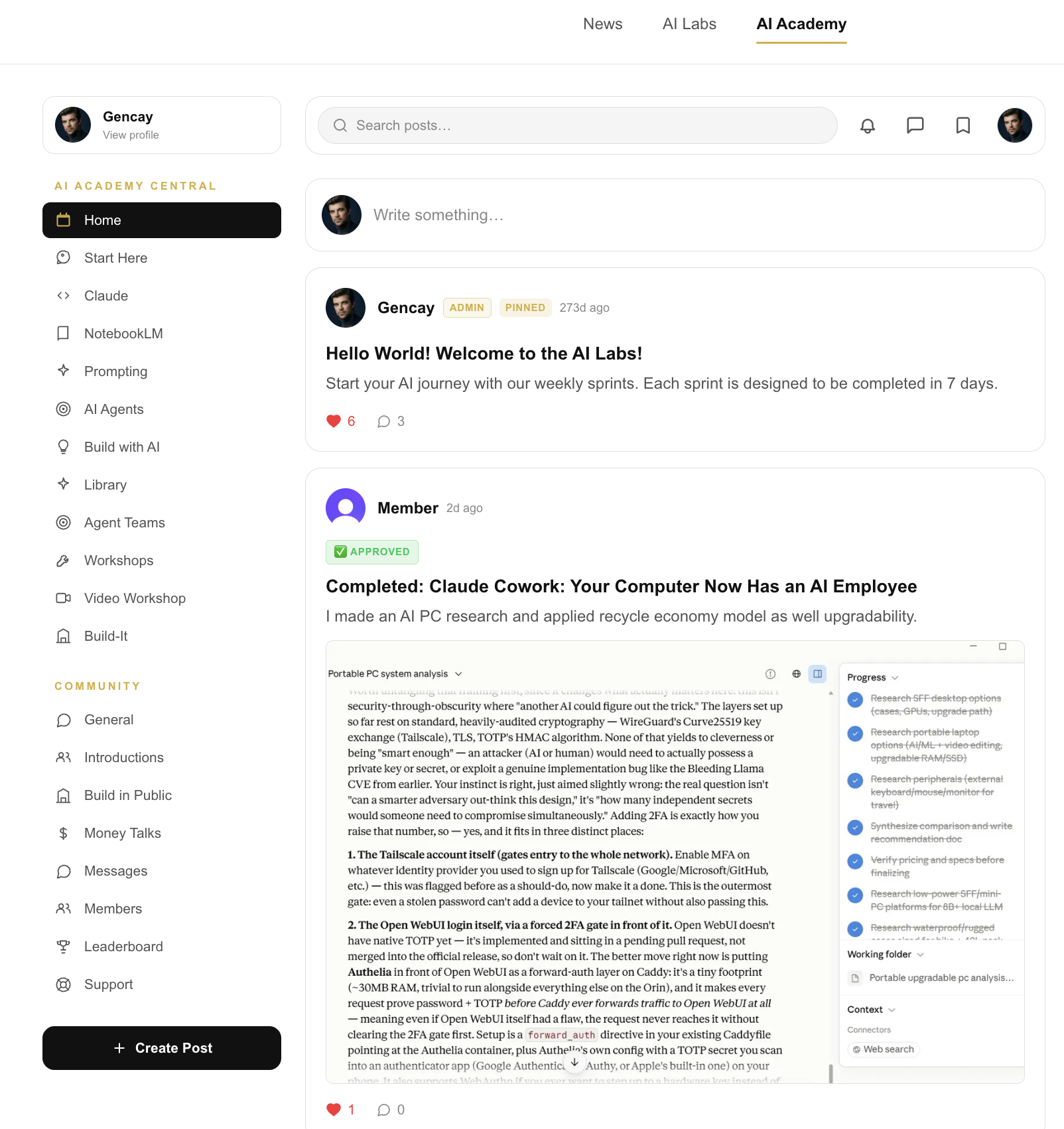
\AI Academy. Members post what they build, and I comment on every build.\
There are video workflows that explain the concepts, installing a skill, for instance.
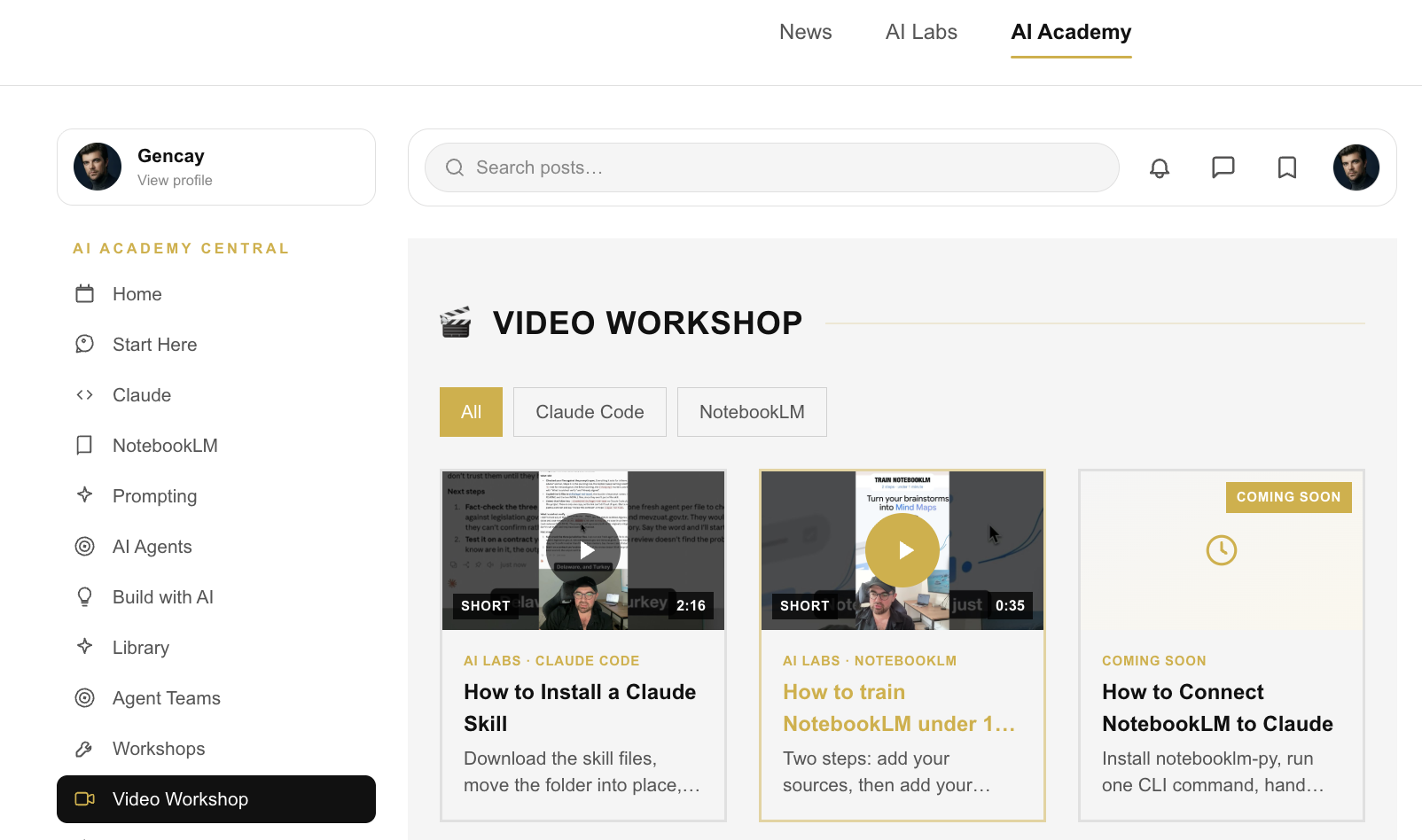
\Video Workshop. Short videos like “How to Install a Claude Skill” and “How to train NotebookLM”.\
That’s how you can go from reading this post to running your own university in one evening.
Inner Circle members can access it.
Thanks for reading!