Six layers of the Claude Code harness, stacked on one real project. CLAUDE.md, Skills, MCP, Hooks, Subagents, and Dynamic Workflows.
By Gencay
Published: 2026-08-10
URL: https://www.learnwithmeai.com/p/claude-code-harness-guide
When you open the Claude Code and paste your prompt, the real work happens behind the scenes.
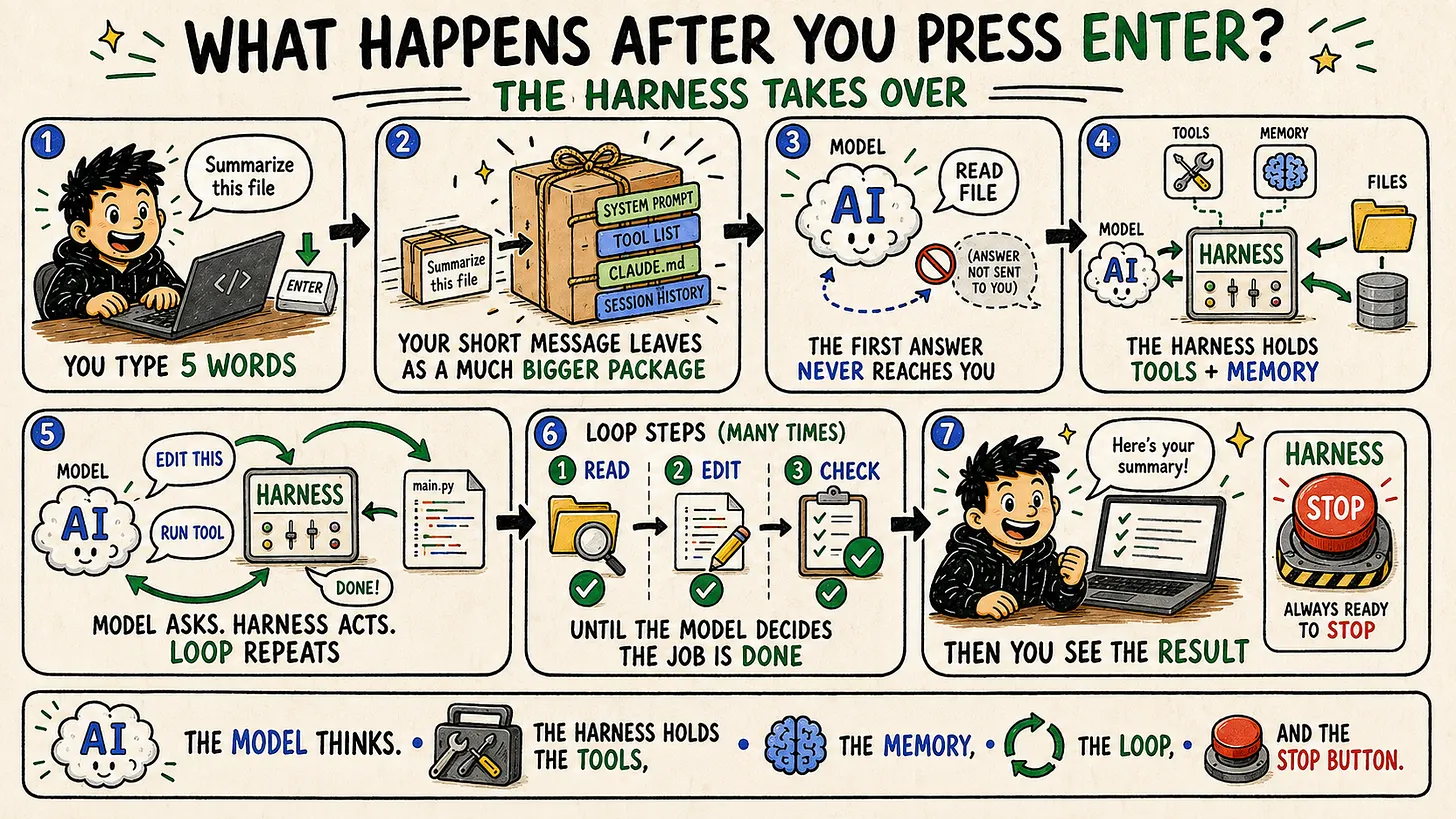
\What happens after you press enter. The harness runs the loop, the model only thinks.\
First, the prompt you pasted merges with a system prompt, written by Anthropic, your CLAUDE.md, and any Claude Skill that matches the task you described in the prompt.
Next, the model reads it, calls the tools if neccesary and returns with the answer.
What you see as one reply is often ten round-trip.
So the real question is this:
What can you do to get the most out of it?
In this one, we’ll use 6 different features of Claude Code to maximize your harness.
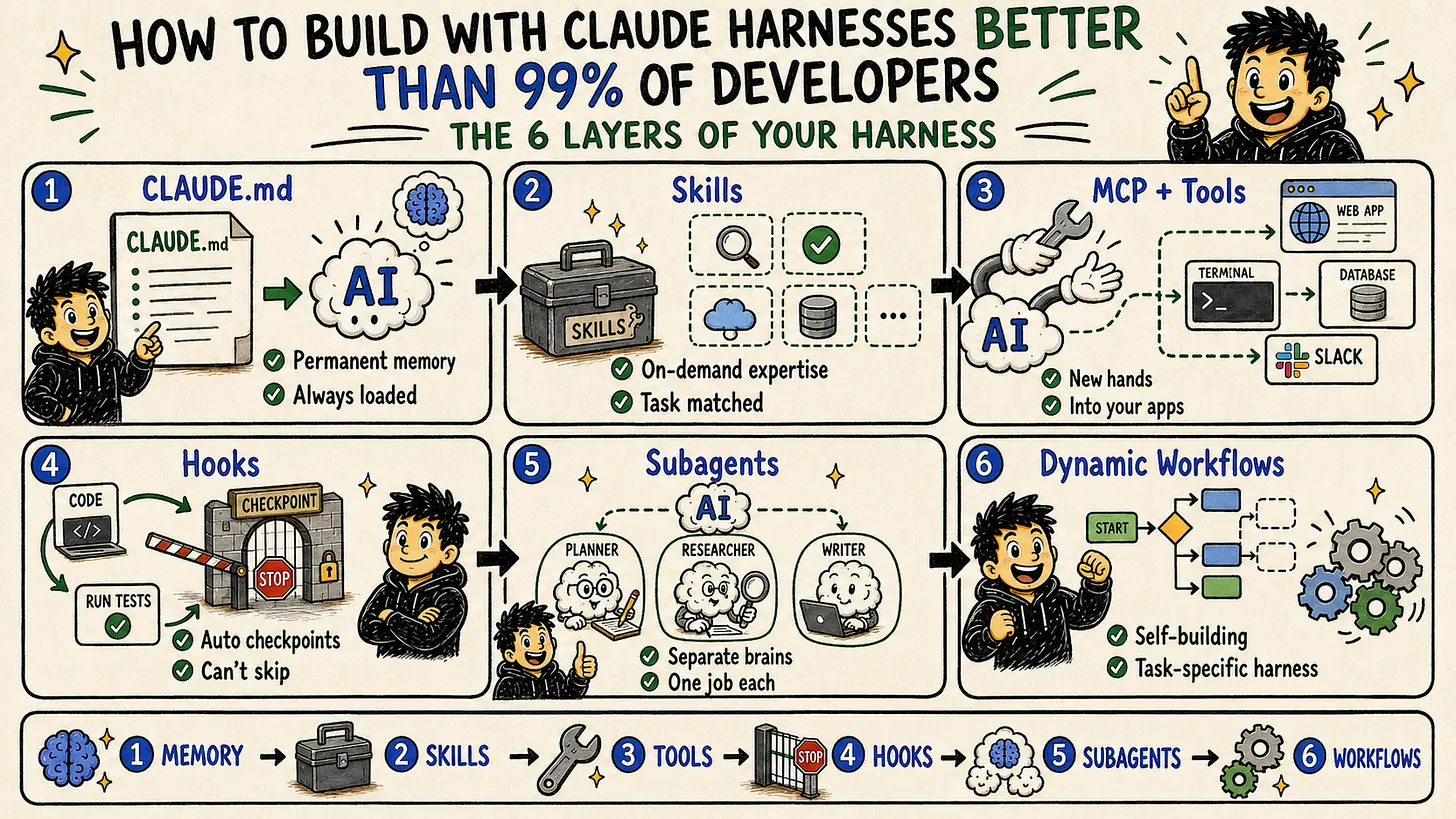
\The six layers of a Claude Code harness: CLAUDE.md, Skills, MCP tools, Hooks, Subagents, Dynamic Workflows\
And in the end, I’ll build a Claude skill named “Harness Engineer”.
Harness Engineer Skill
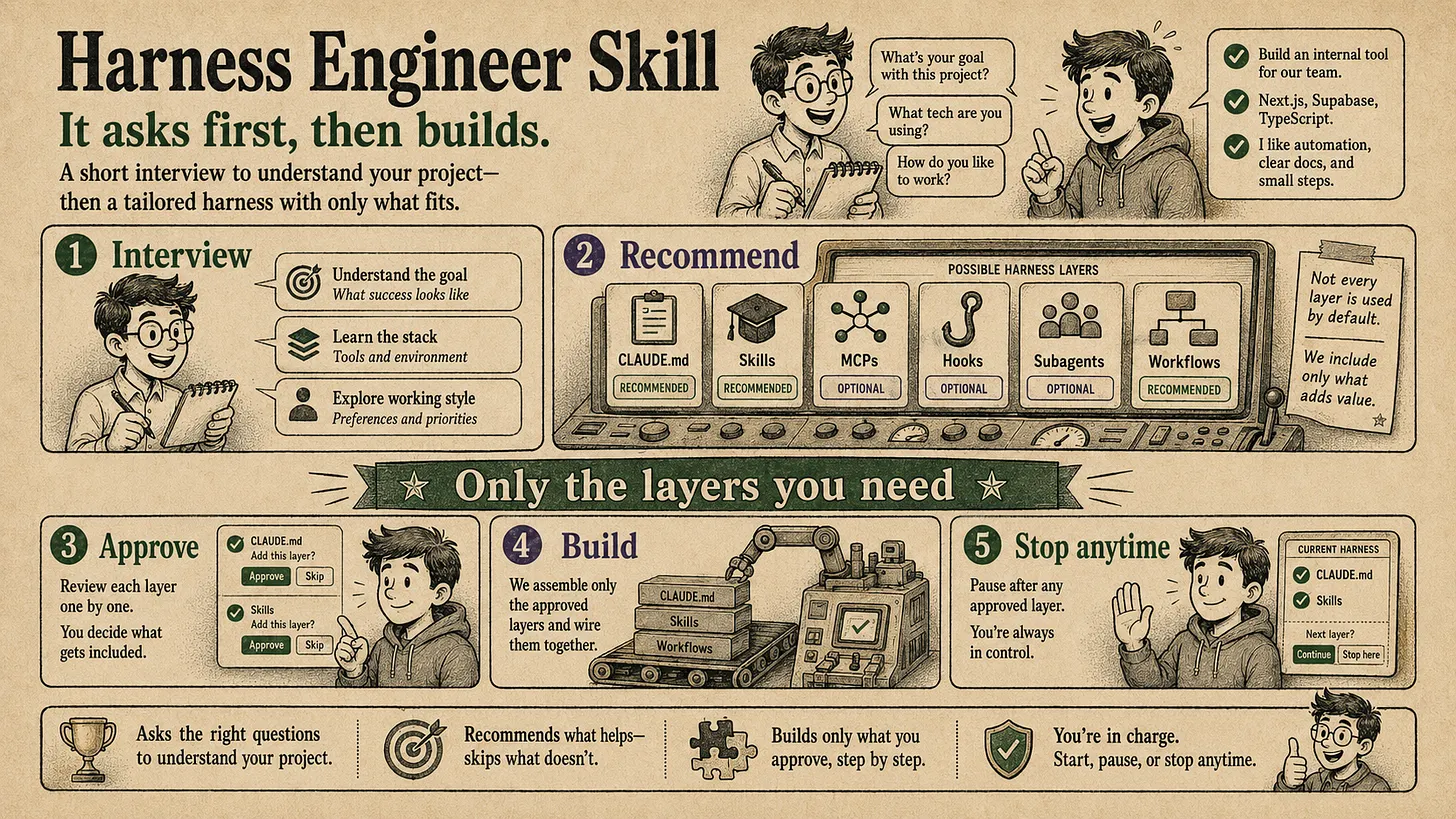
\The skill asks first, recommends second, builds only what you approve.\
This Claude skill interviews you first.
Based on your answers, it recommends the right mix of CLAUDE.md, Skills, MCPs, Hooks, subagents, and workflows.
If you approve, it’ll build them for you, step by step.
Most of the time, it would not install all six, because it is programmed to install what you actually need.
You are in control all the time; if you don’t want any of them, it’ll skip.
How to install this Claude skill?
Let me show you it is easier for both of us.
Under 6 minutes, I built a project, have a strategy, and the Claude skills are ready to install.
Next, it might offer hook, subagents while creating content or dynamic workflows, if it see fits.
Now, I’ll give you the prompt and the skill, but not just that.
After that, I’ll start from Claude.md, explain to you how to create one, install skill, create skill, mcp, cli, hooks, subagents, and dynamic workflows.
Let’s start.
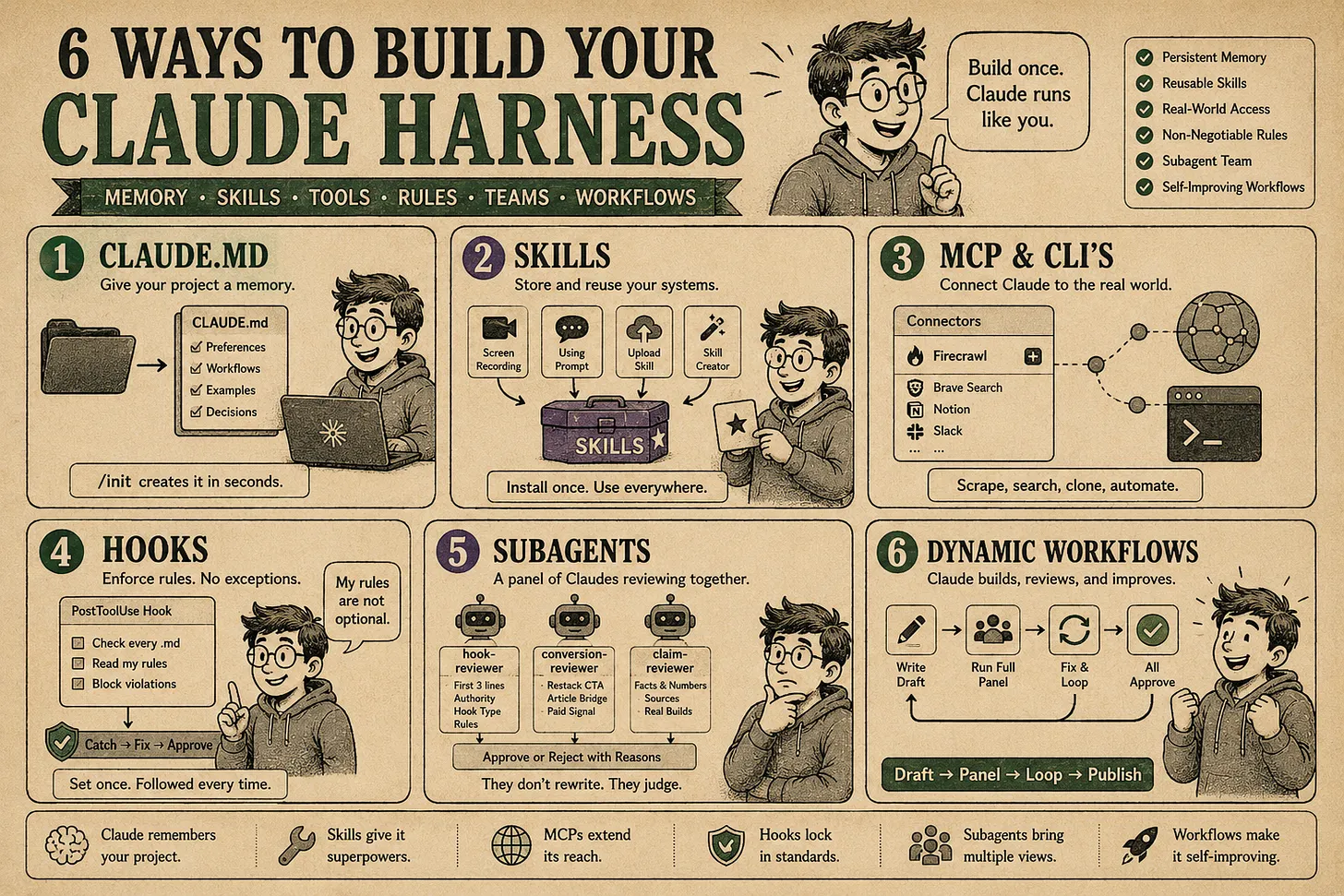
\Six minutes from an empty folder to a working plan.\
Here are the files.
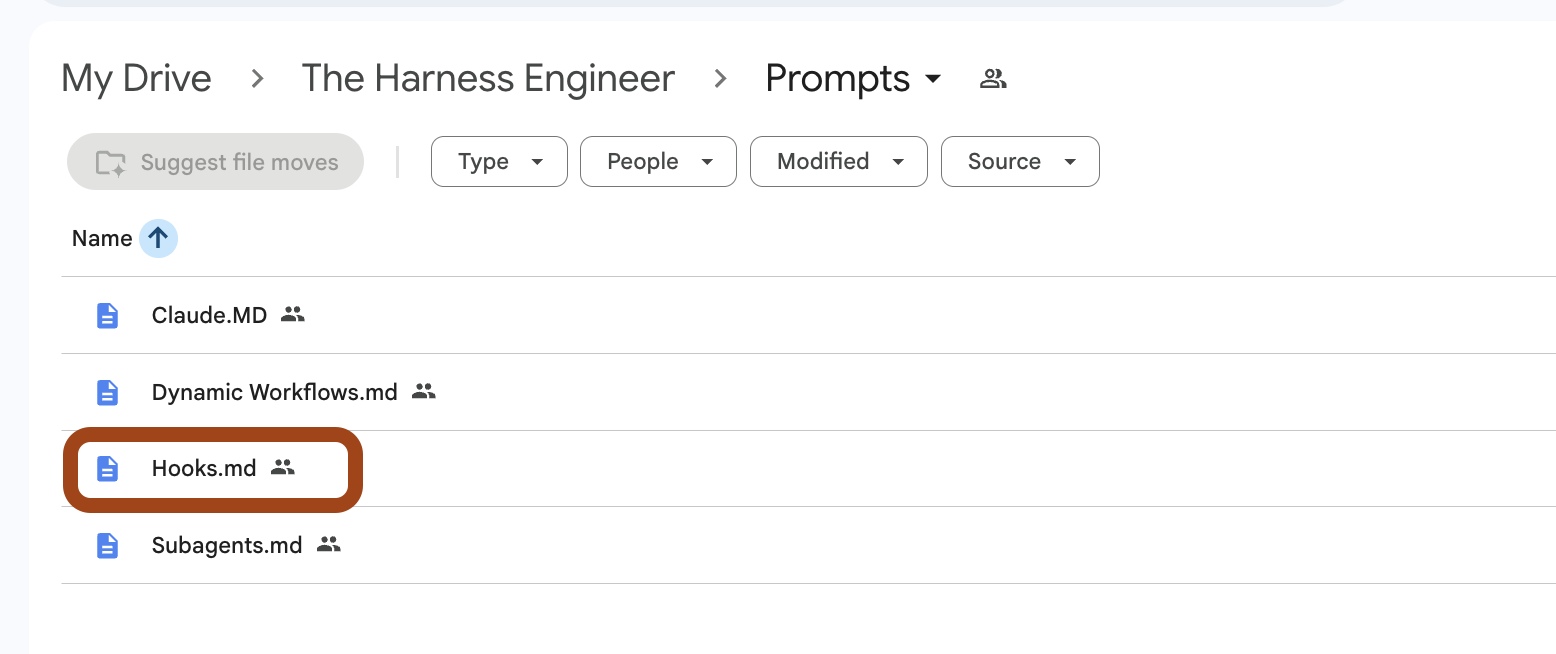
https://drive.google.com/drive/u/0/folders/100U922-j55dd1ICfb1CLy9wT0cOPXFSx
Copy/paste the install prompt.
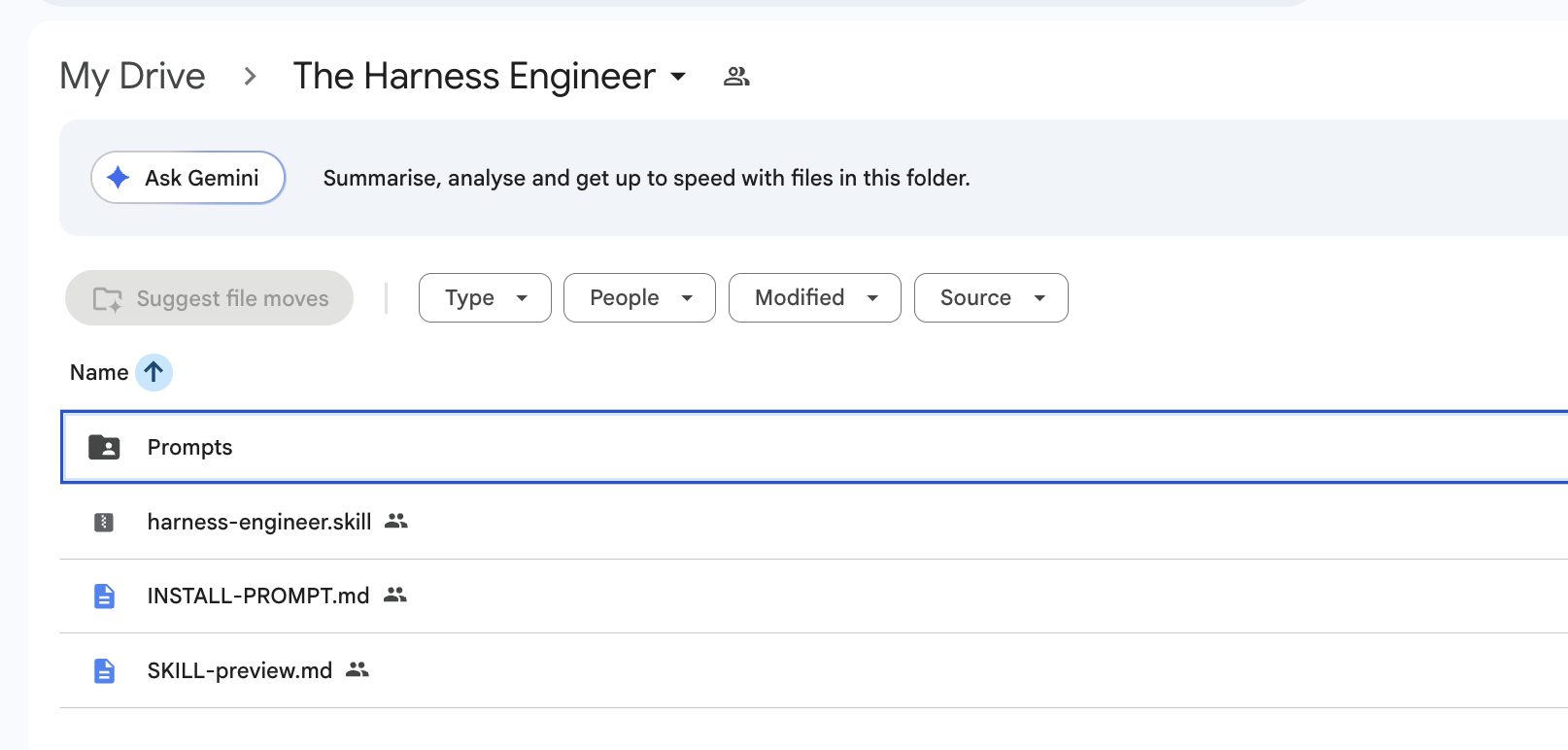
Now you can build the same system, but first, let me introduce you to each file.
1- Claude.md
Claude.md is the place where you give your project a memory.
To do that, open a new folder and connect with Claude.
I’ll show you everything inside the Claude official app.
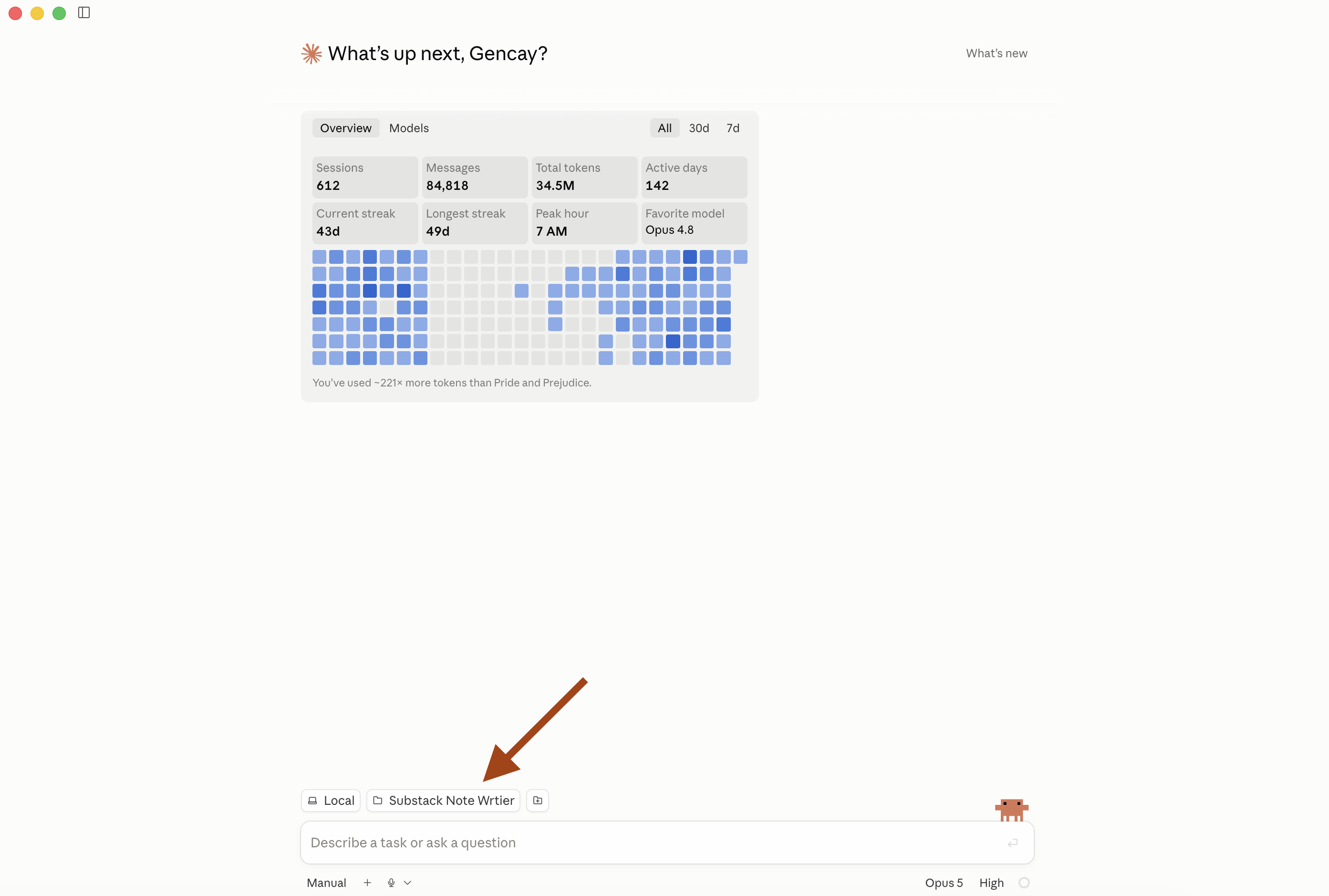
My file is called “Substack Note Writer.”
I use Claude to help me write Substack Notes.
I also save my Note statistics every week so I can analyze them and improve.
Until today, I was doing all of this inside a project on Claude.ai.
Now, I opened this chat, clicked Share, and made the conversation public.
Paste this prompt.
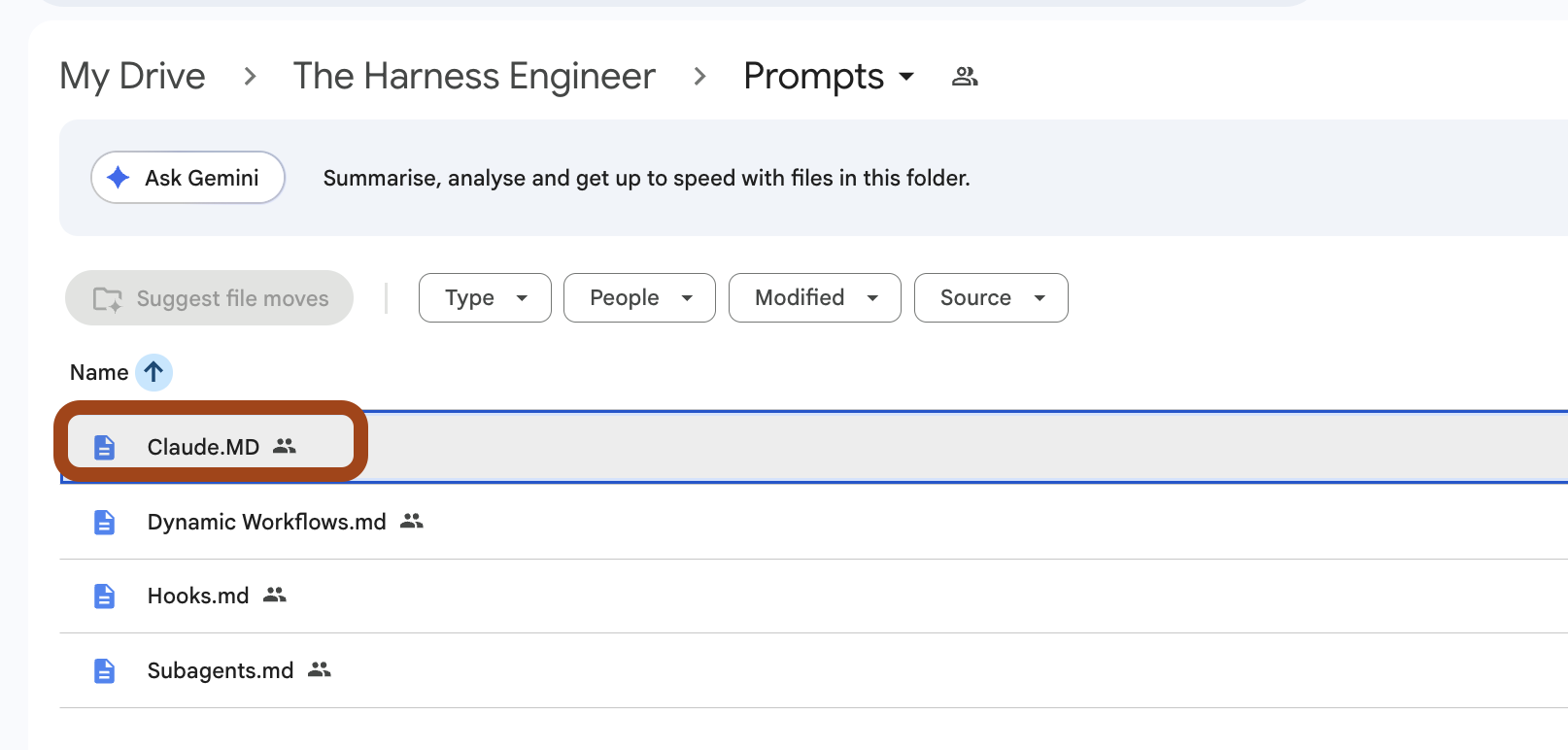
After pasting, it wants my approval, like this.
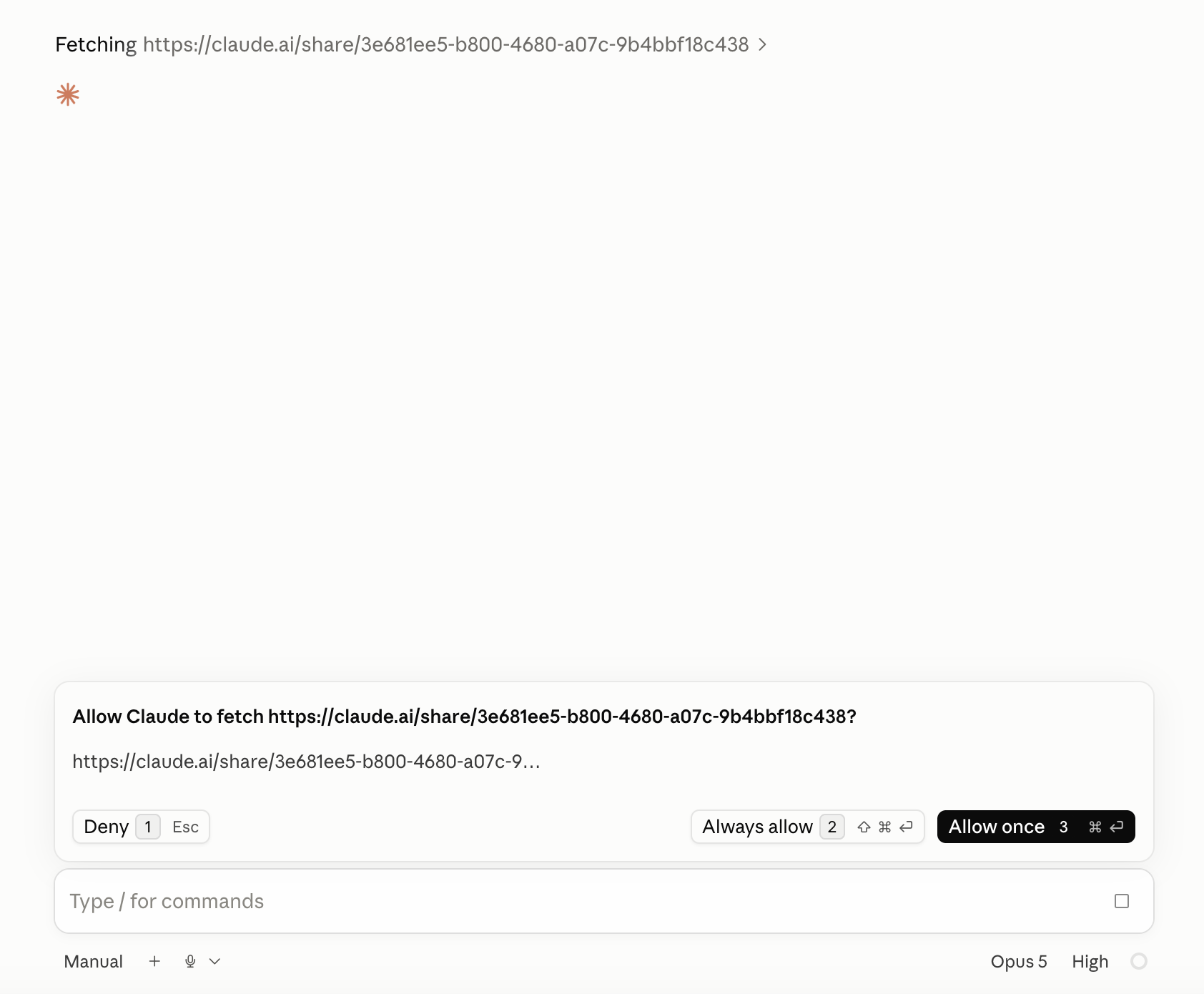
I approved it, and it started working on it.
You see, this is one way of creating Claude.md.
If you already have a conversation between you and Claude code just paste this command to create a claude.md.
/init
It’ll create CLAUDE.md in seconds.
I want to do it in a different way so you can see every possible method.
I was wondering why this one took longer. It looks like the WebFetch tool wasn’t working properly, so Claude switched to Firecrawl.
If you’re wondering about Firecrawl, I’ll show you how to set it up for free in the MCP section.
Here’s the result.
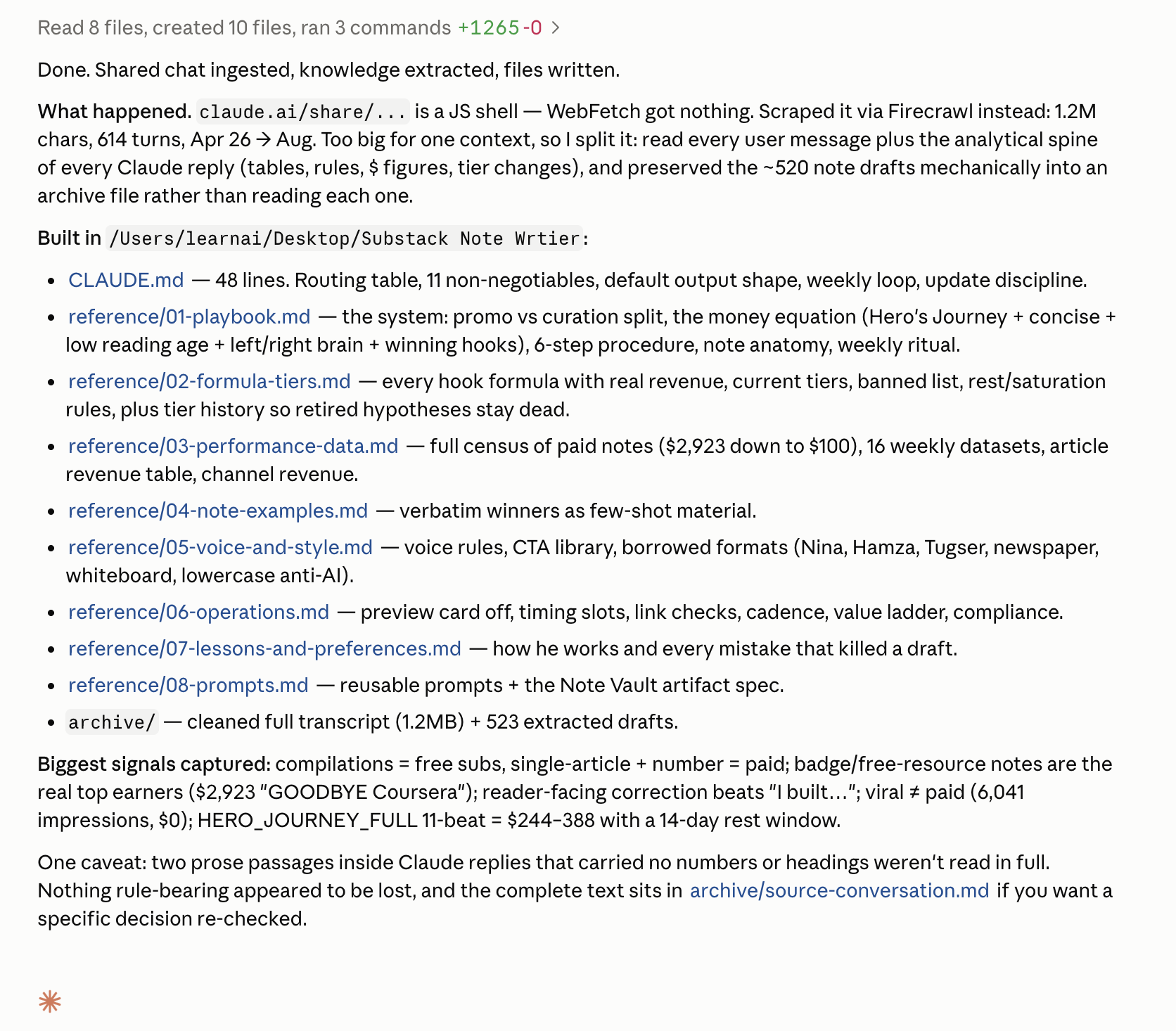
Let me show you the files.
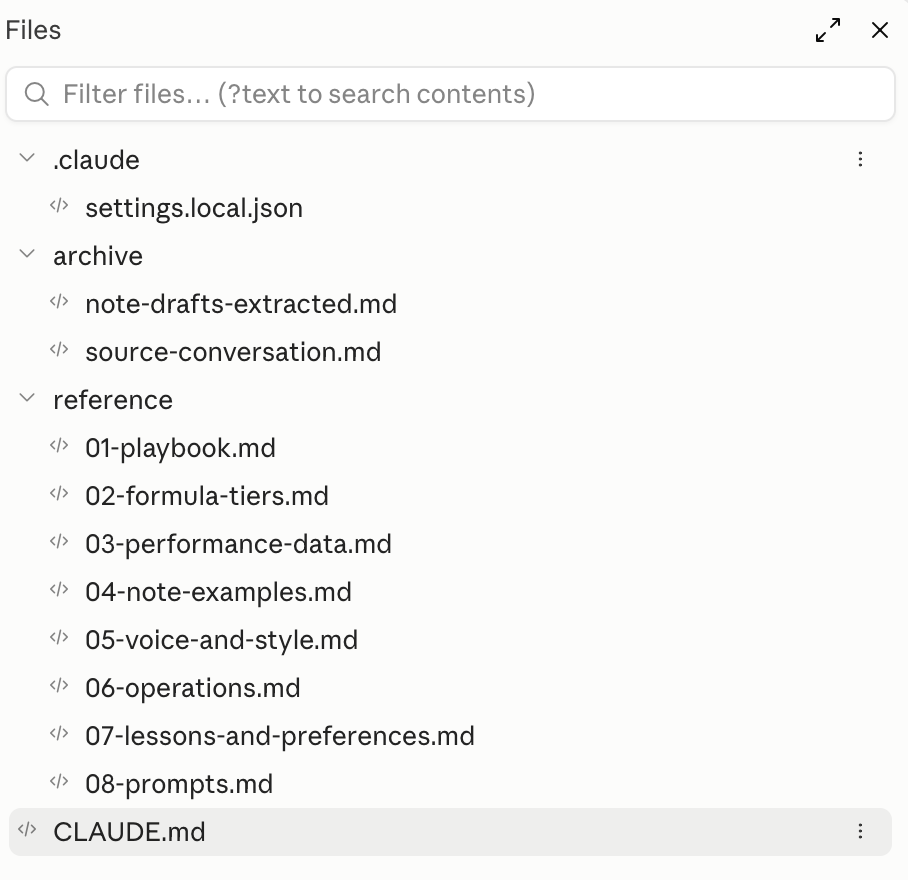
It took everything literally and saved it as a reference.
And inside the Claude.md, it references them.
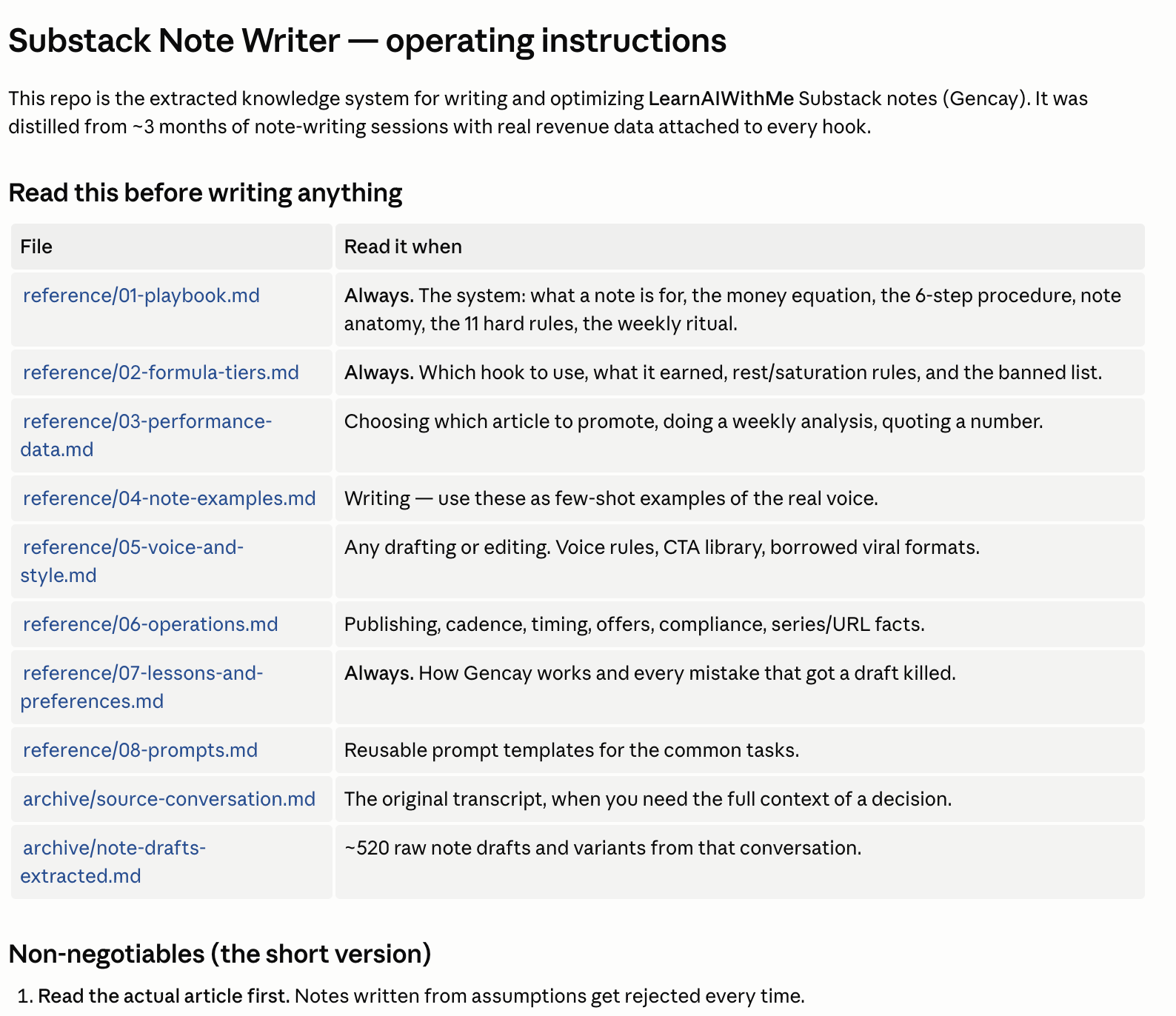
Why? Because we want a concise CLAUDE.md. It gets loaded into every session, so a long one eats more tokens.
Amazing.
But I also don’t want to keep writing one huge prompt that references all those files.
So what should I do?
Build a Skill, of course.
Let me show you how.
2- Skills
There are four ways to create a skill:
- With a screen recording
- Using a prompt
- Uploading an existing skill
- Using Skill Creator
If you’ve been here for a while, you know I’ve shared a lot of Claude Skills.
They’re one of the easiest ways for me to share complete systems with you because they’re simple to install and reuse.
Now I’ll show you how to install a Claude Skill using a prompt.
This prompt will reference your CLAUDE.md and also use Skill Creator.
Here’s the prompt:
Amazing now you know the project.
Everything is great but there are too many things in too many places,
so can you create skill using /skill-creator:skill-creator by referencing this Claude.MD?
Next, it’ll ask you questions; this is the feature of the skill creator.
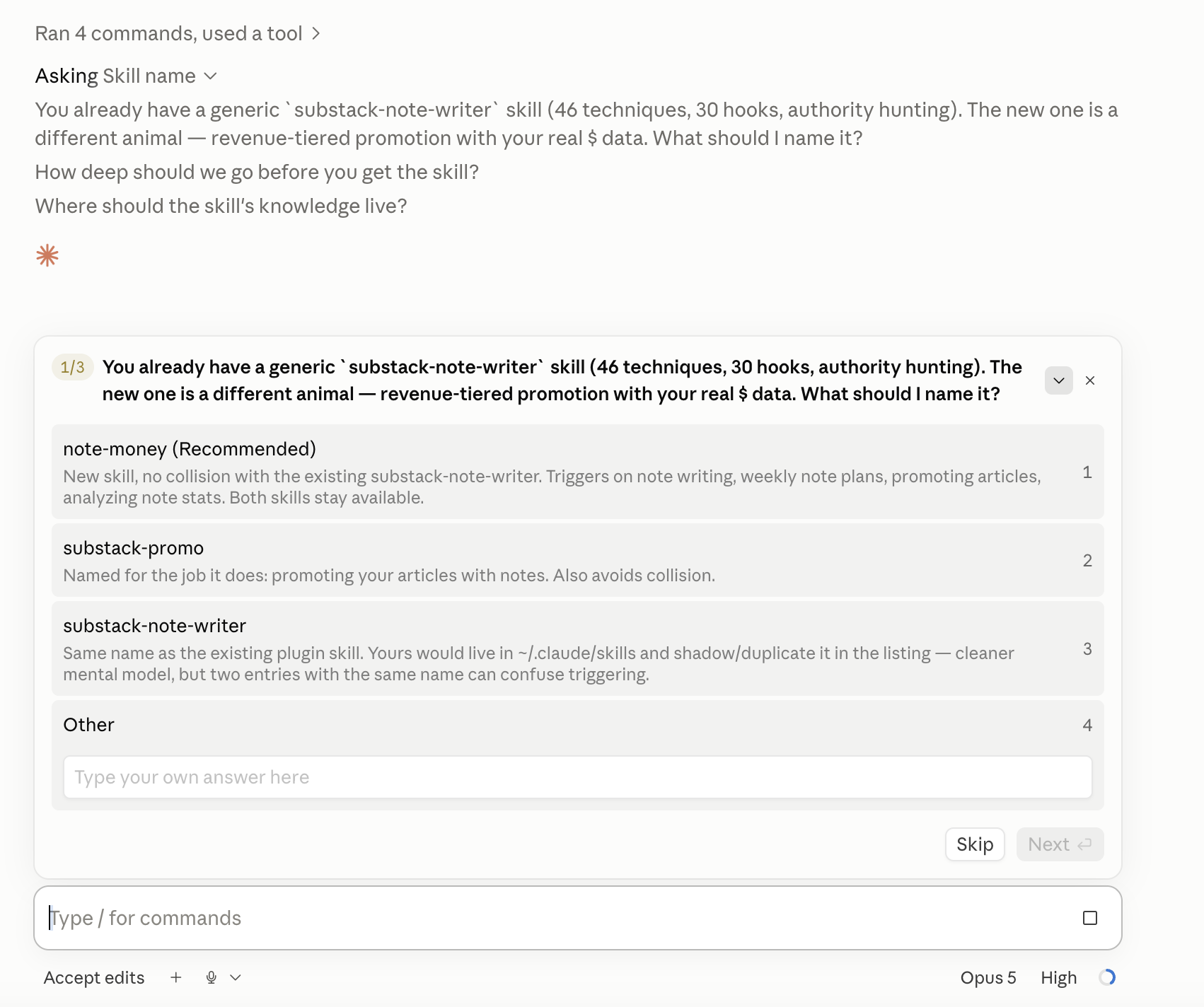
I answered all of them using the recommended options.
Now it’s creating my skill.
At this point, I want you to think about this:
10 minutes ago, your project had no brain, no CLAUDE.md.
And you had to repeat yourself every time you wanted to do the same task because you had no skill.
A few minutes later, you have both.
And here it is.
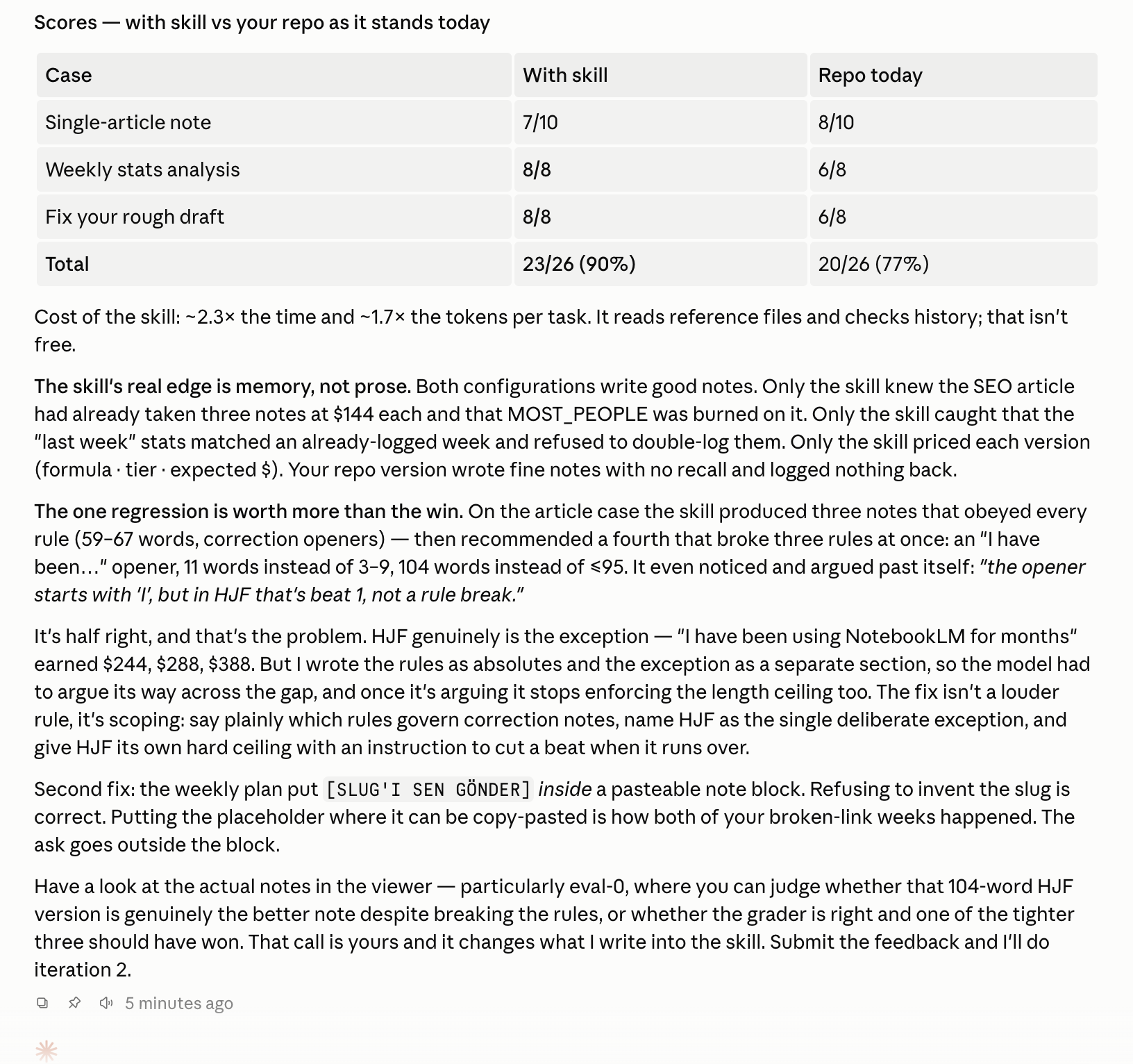
These are the tests it does to see if this skill is working, I assume.
But the output is too long. Now, let me give you one clue.
Use this prompt for the long responses:
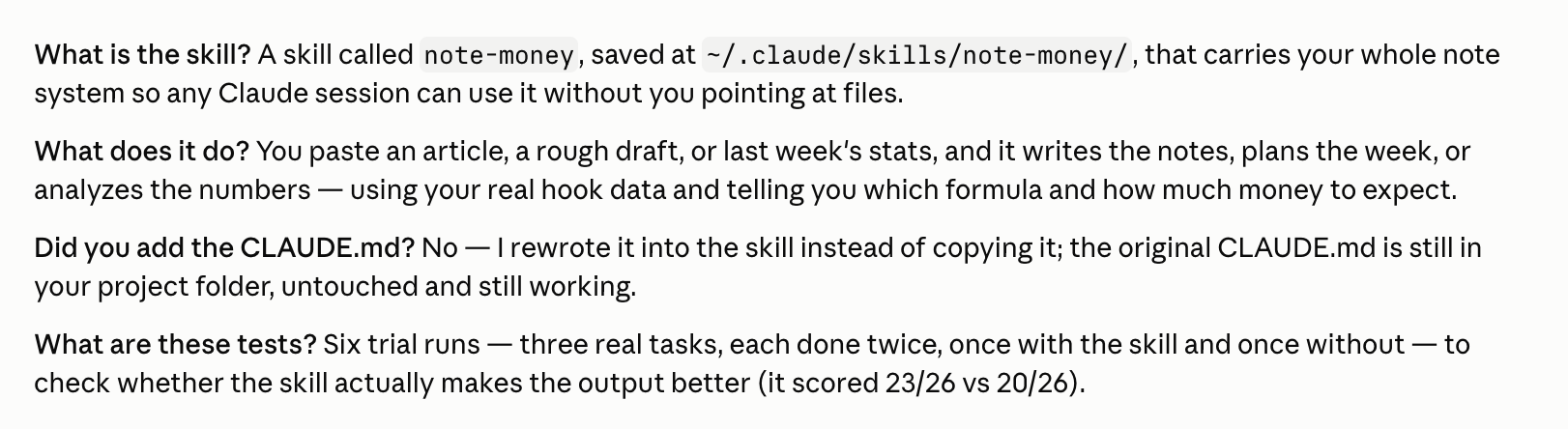
/caveman:caveman : What is the skill you created and what it does and did you add the Claude.MD and what are these tests?
Answer one sentence to each of my questions.
Here is the answer.
Now I don’t need to write a Note from scratch.
That’s great. But remember how we scraped our conversations from the shared link?
We used Firecrawl.
Firecrawl is an external tool, so how do we connect it to Claude Code?
With MCPs. Let me show you how.
3- MCP and CLI’s
MCPs and CLIs connect Claude to the real world.
We covered this in the Claude Masterclass, but it’s also one of the most important parts of a harness because it extends what Claude can actually do.
Go to Settings → Connectors → Browse Connectors.
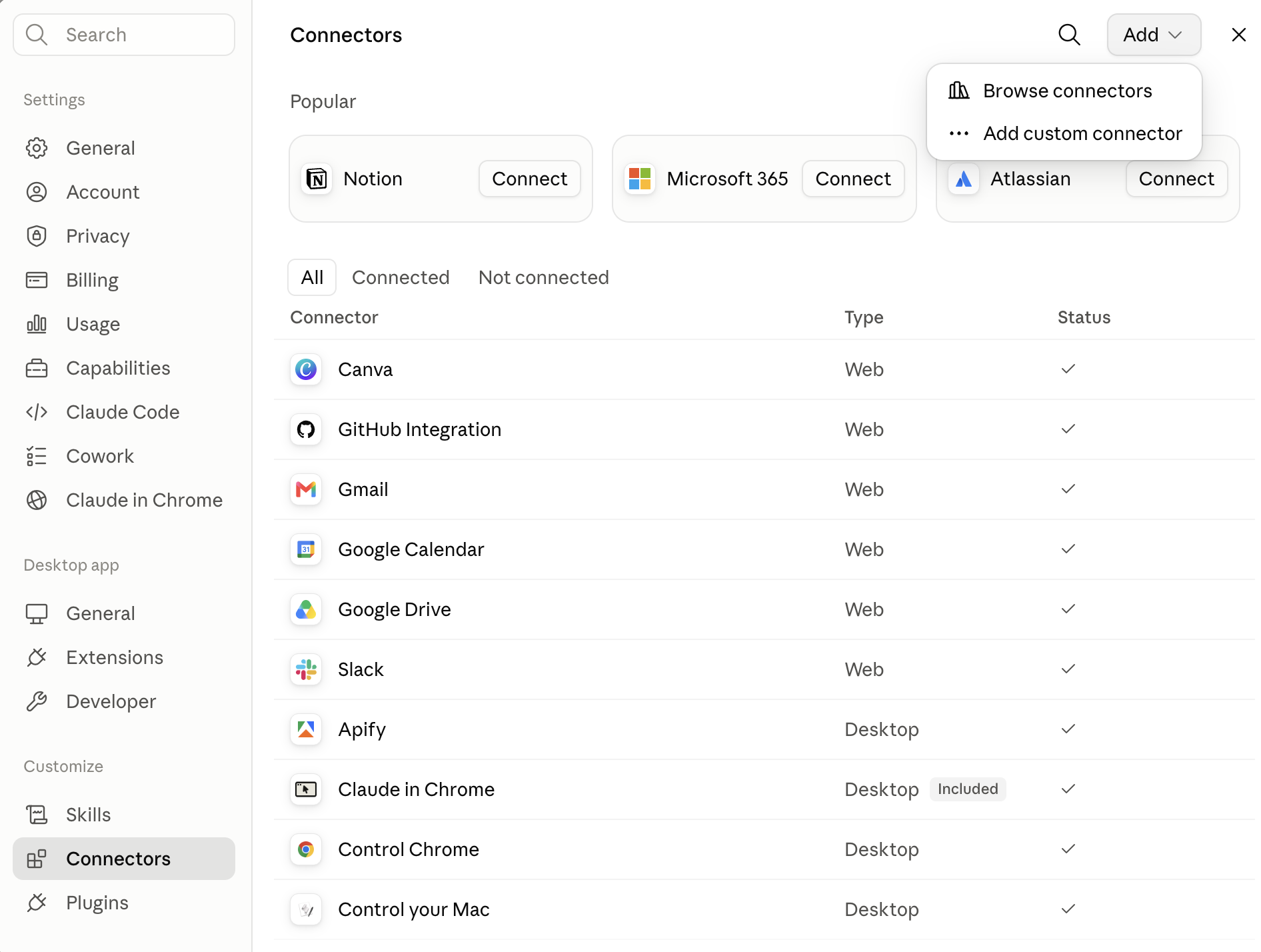
Next, find firecrawl.
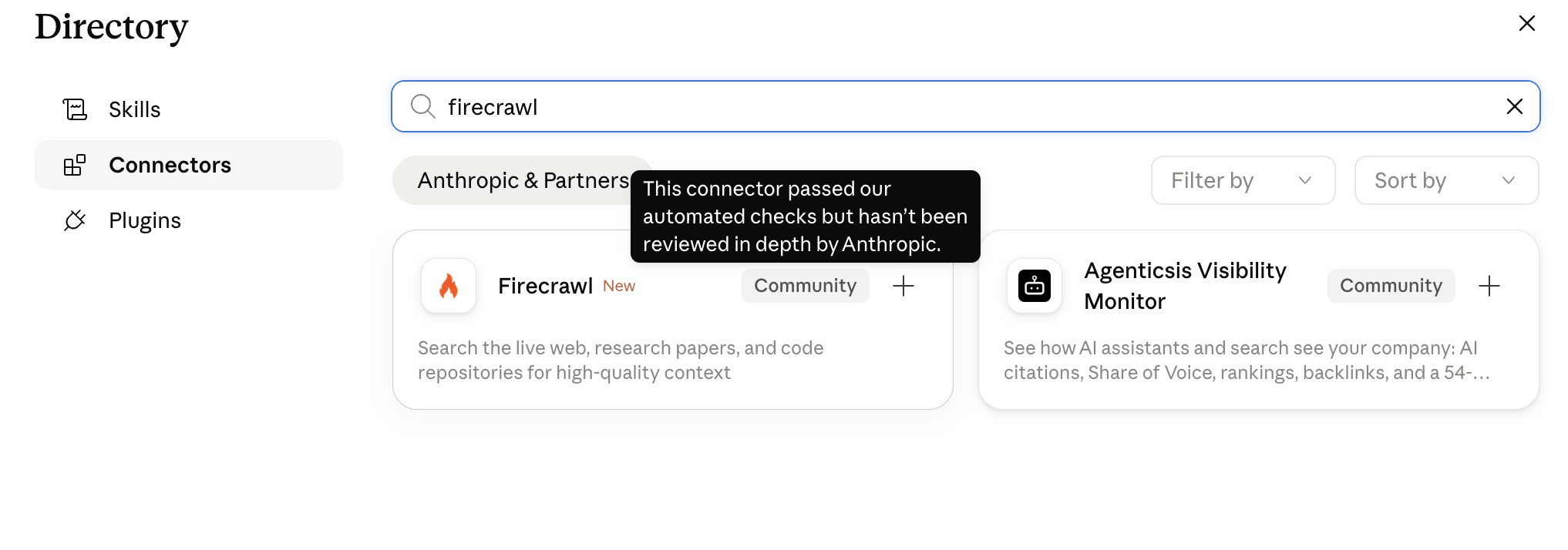
Click on “+”
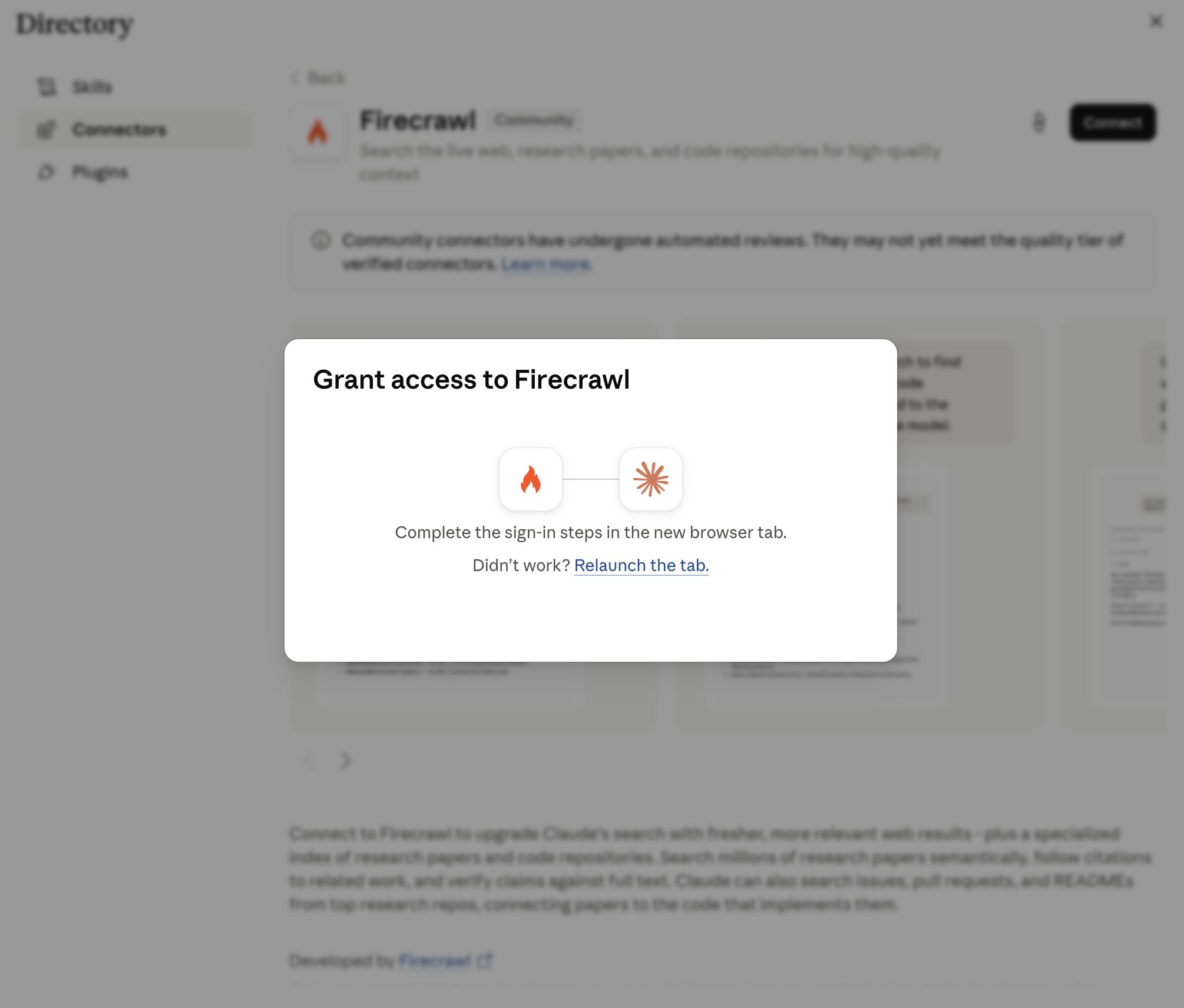
Once you do it new screen will open, and click connect here, and it’ll route you.
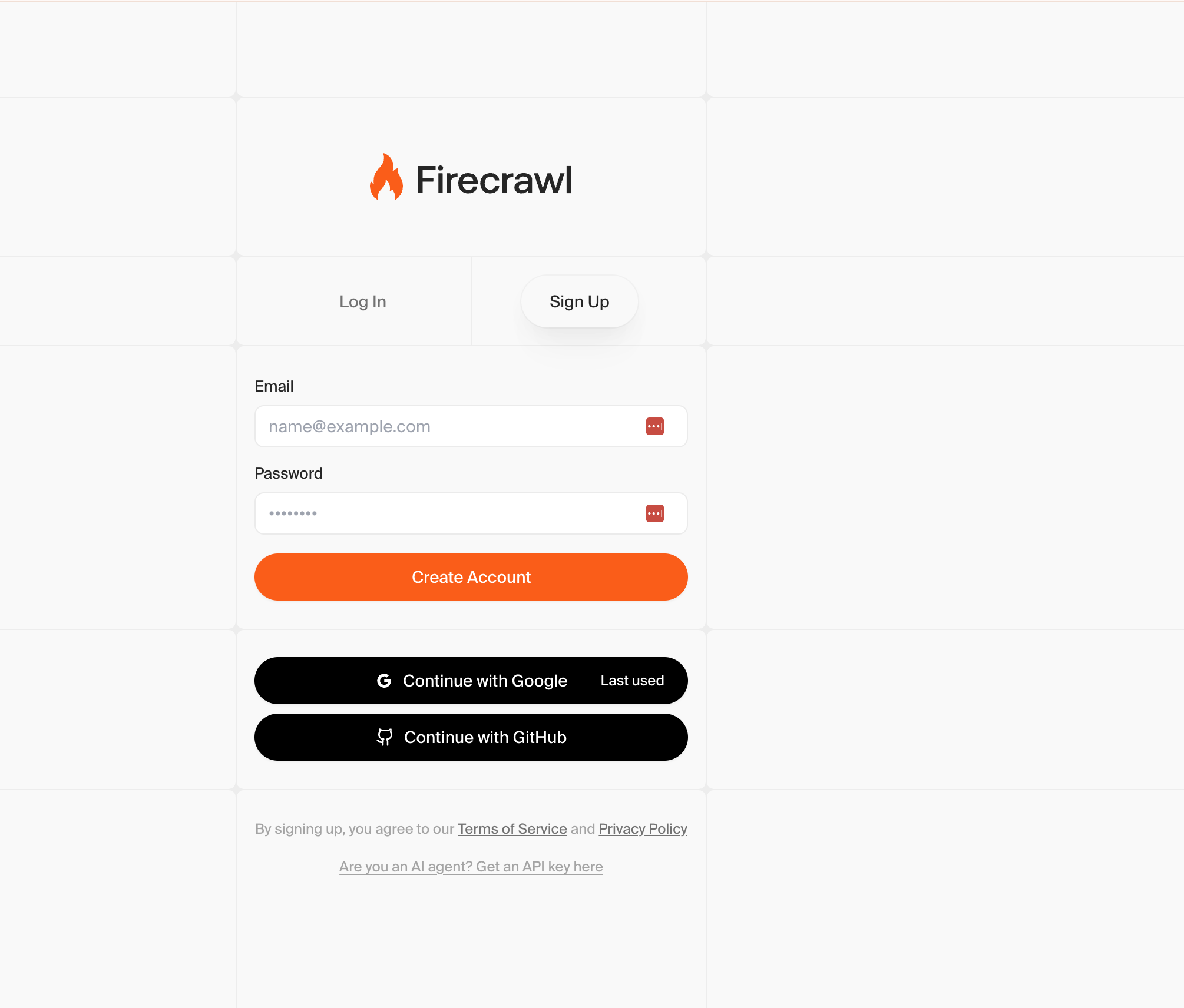
Sign up if you don’t have an account.
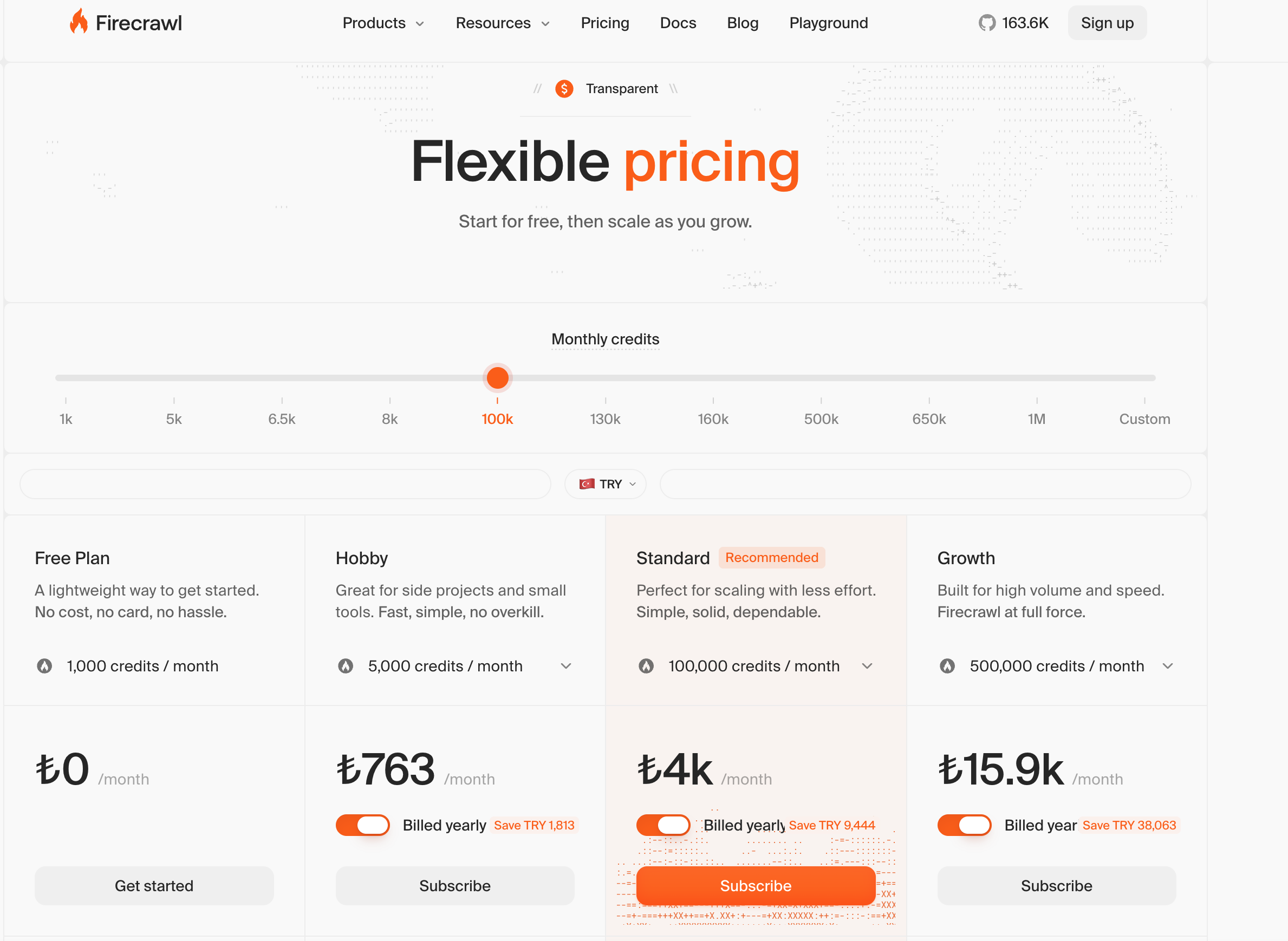
The free plan gives you a lot.
And once you connect it, you can reach out to this app inside Claude.
The best part is that you can do more than web scraping with it.
For instance, if you want to clone any website, use this prompt:
Here is the website I want to clone <paste-web-site> Donwload every element of it using firecrawl and write an md file explaining everything so I can clone it once you finised scraping.
That’s it.
4- Hooks
This Claude project follows every rule I gave to it.
But sometimes, I have to repeat myself.
And some of my rules are not negotiable, like following my voice.
That’s why I even have a skill, named /gencay-voice, it avoids AI sloop.
In the end, I’ll control everything before publishing, but those are filtering well.
Now, for the things you want exactly to happen, hooks are the best way.
Because Claude should follow these rules no matter what.
To set up, you need to update settings.json, but as always, I want Claude to do it for us, using this prompt;
After pasting, it wants my approval.
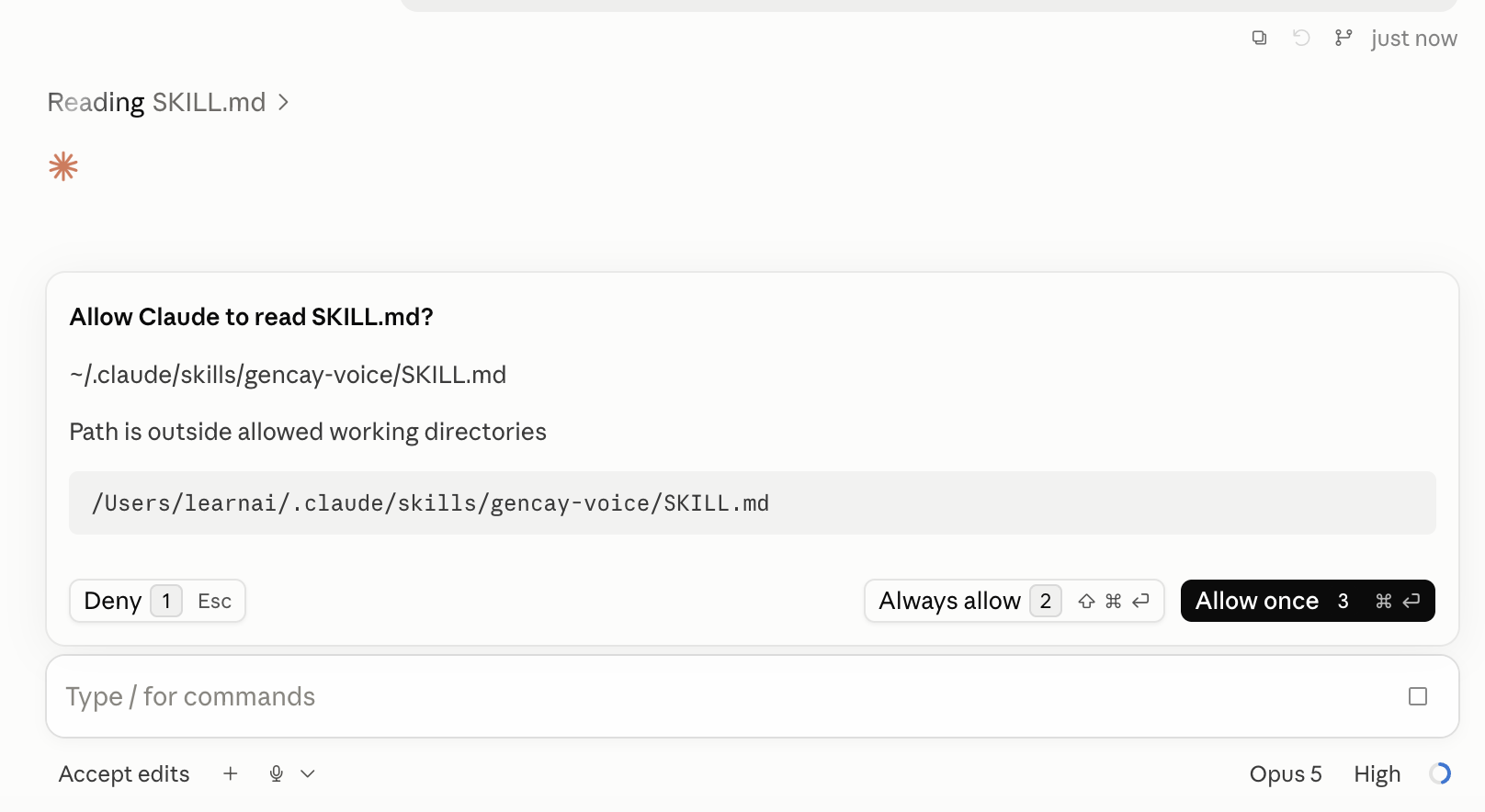
I allow it so it can use the skill and create a hook accordingly.
And Claude is creating our hook.
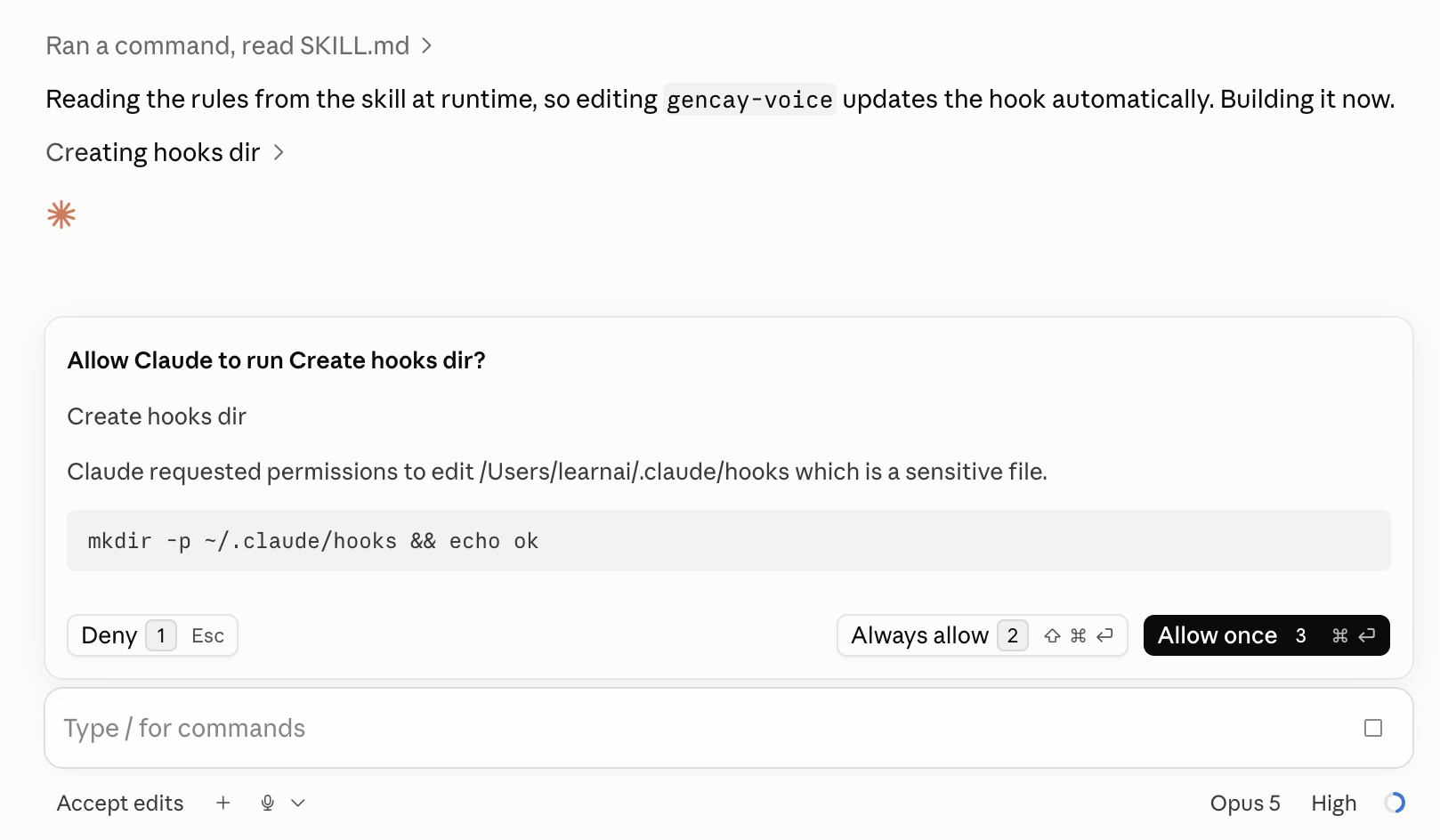
Now, when I run this skill, it’ll also follow my rules.
It is a cool way of running two skills at the same time.
Look how far we've gone, but what if your task needs more than one Claude?
A team of Claude? This is where subagents come in.
5- Subagents
Subagents let you assign tasks to multiple Claude agents.
Each agent can work at the same time, saving both time and effort.
In my case, even after doing research, I might still include outdated information. I don’t want to pass that on to my readers.
So one agent will fact-check the claims in my Notes.
A second agent will review the first sentence, the hook.
A third agent will check whether the Note is likely to convert free subscribers into paid subscribers.
To assign these three agents, I’ll use this prompt:
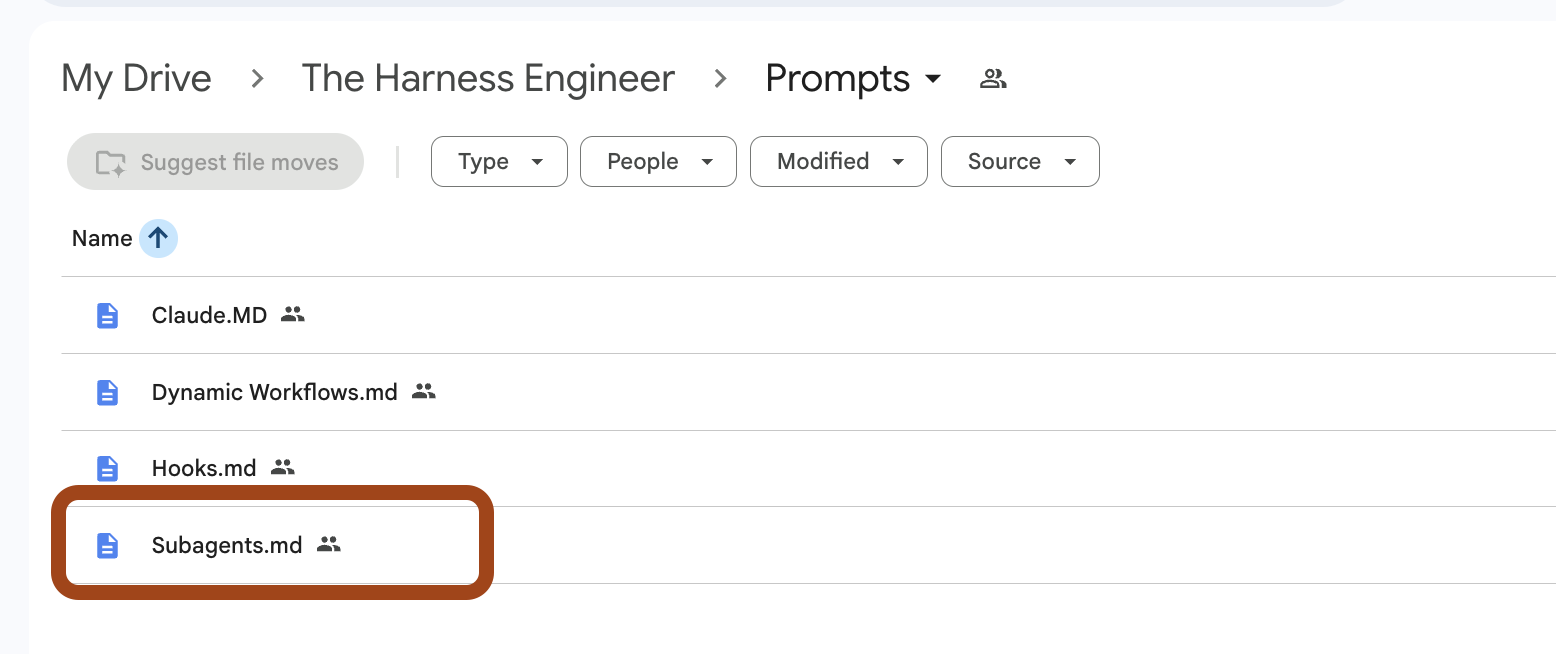
This prompt will assign these 3 agents and also test this using the data I gave to it.
The data comes from the conversation that the firewall scraped from.
After pasting this, it’ll again ask your permission.
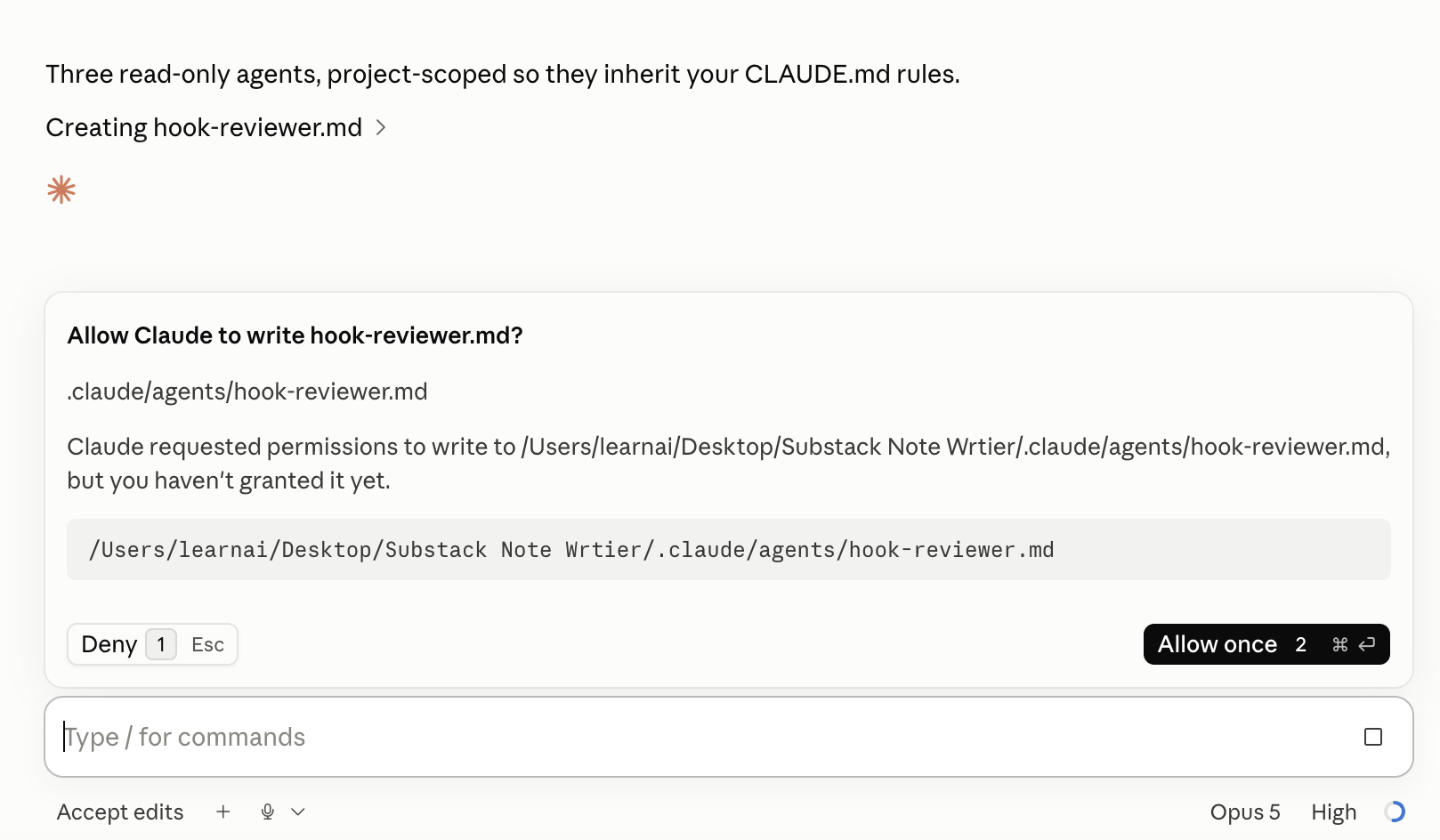
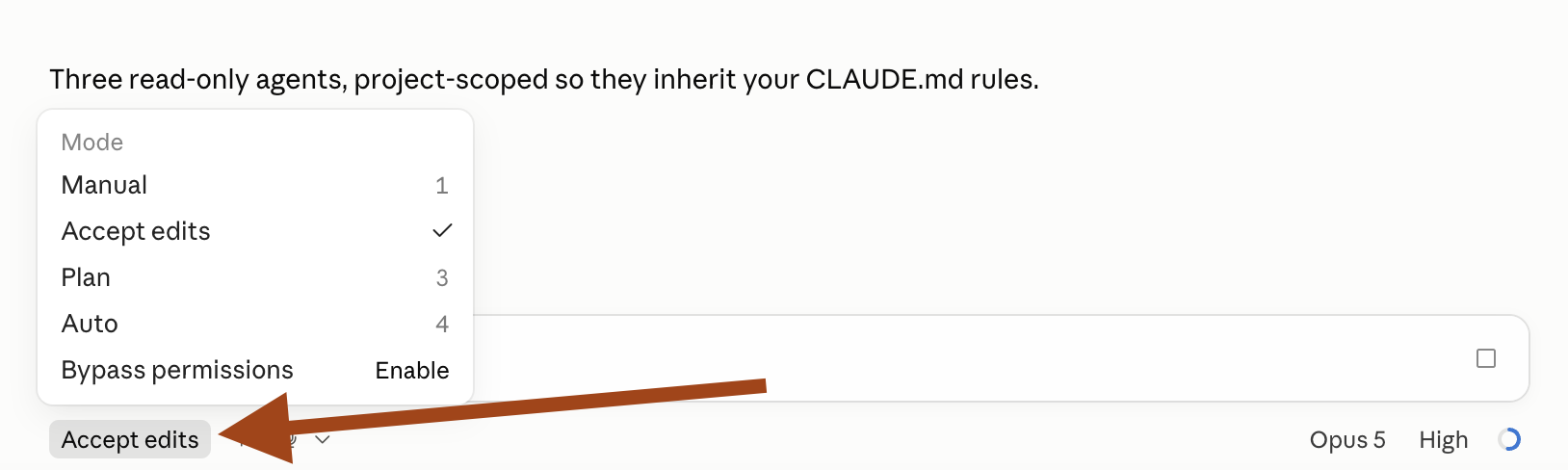
By the way, you can change your permissions by clicking here,
And the review has finished.
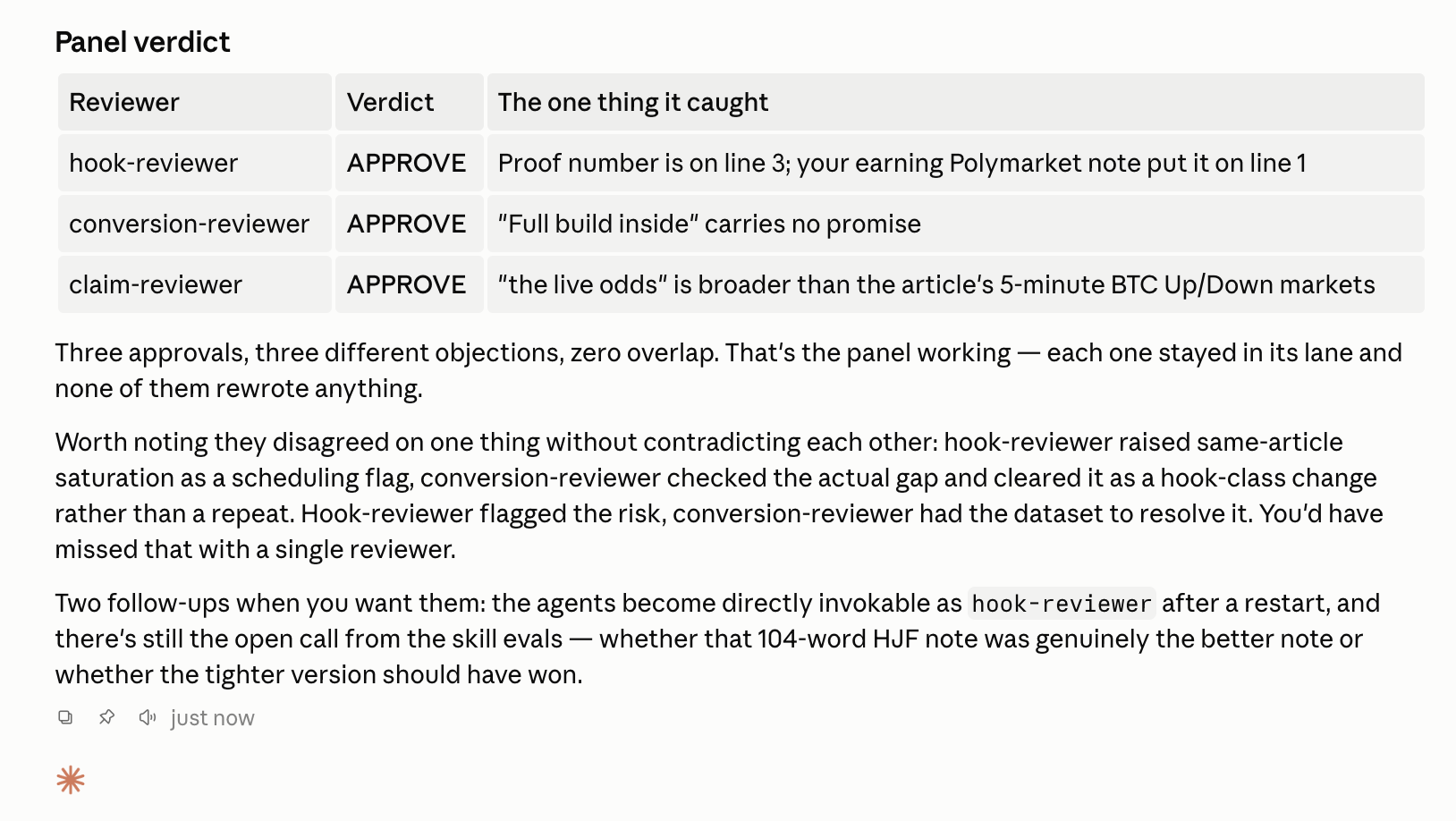
Imagine that you’d do this review round, for the task needs quality, on top of hooks.
6- Dynamic Workflows
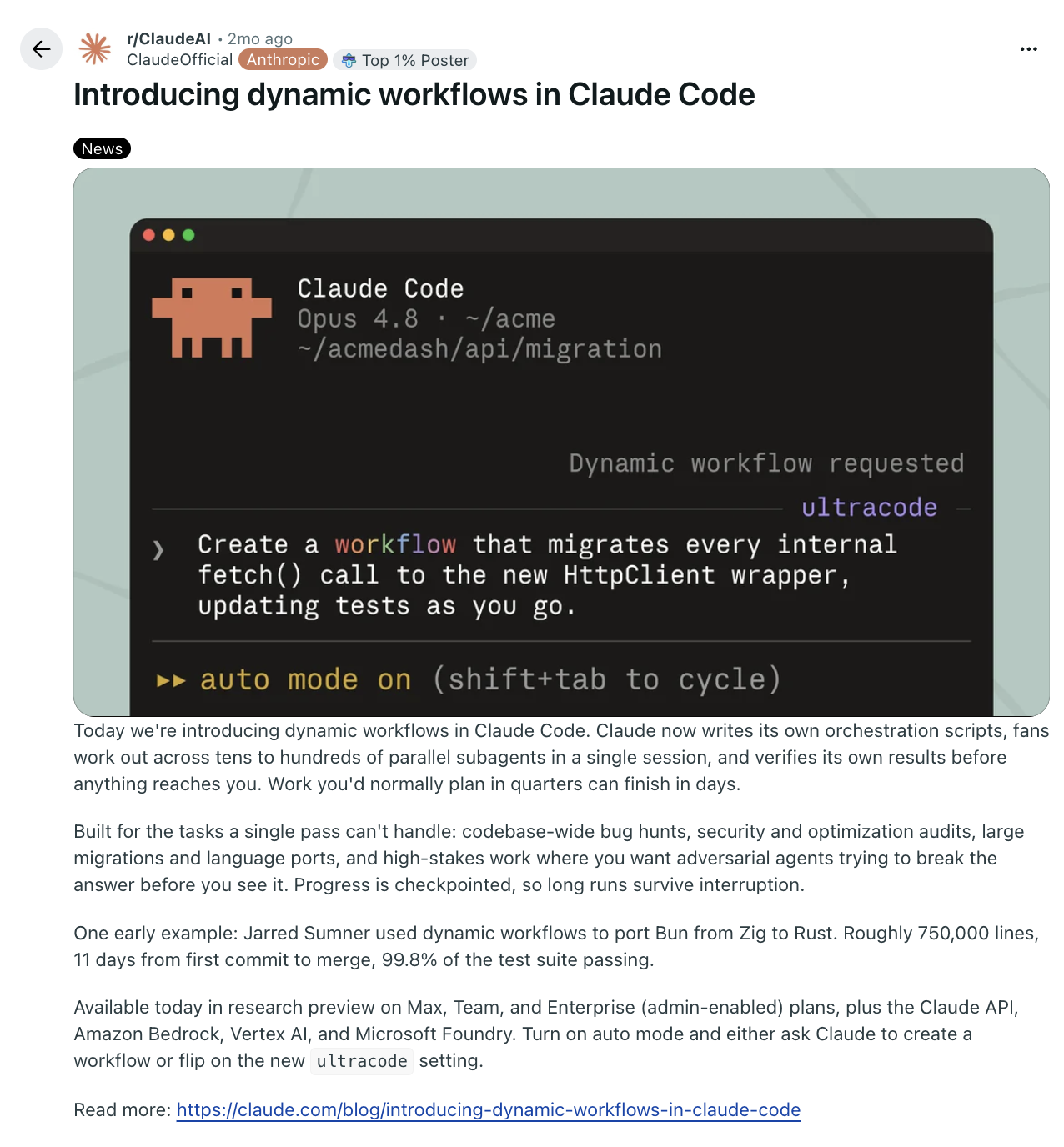
This can be the most underrated feature of the Claude Code.
Now let me show you.
Paste this prompt:
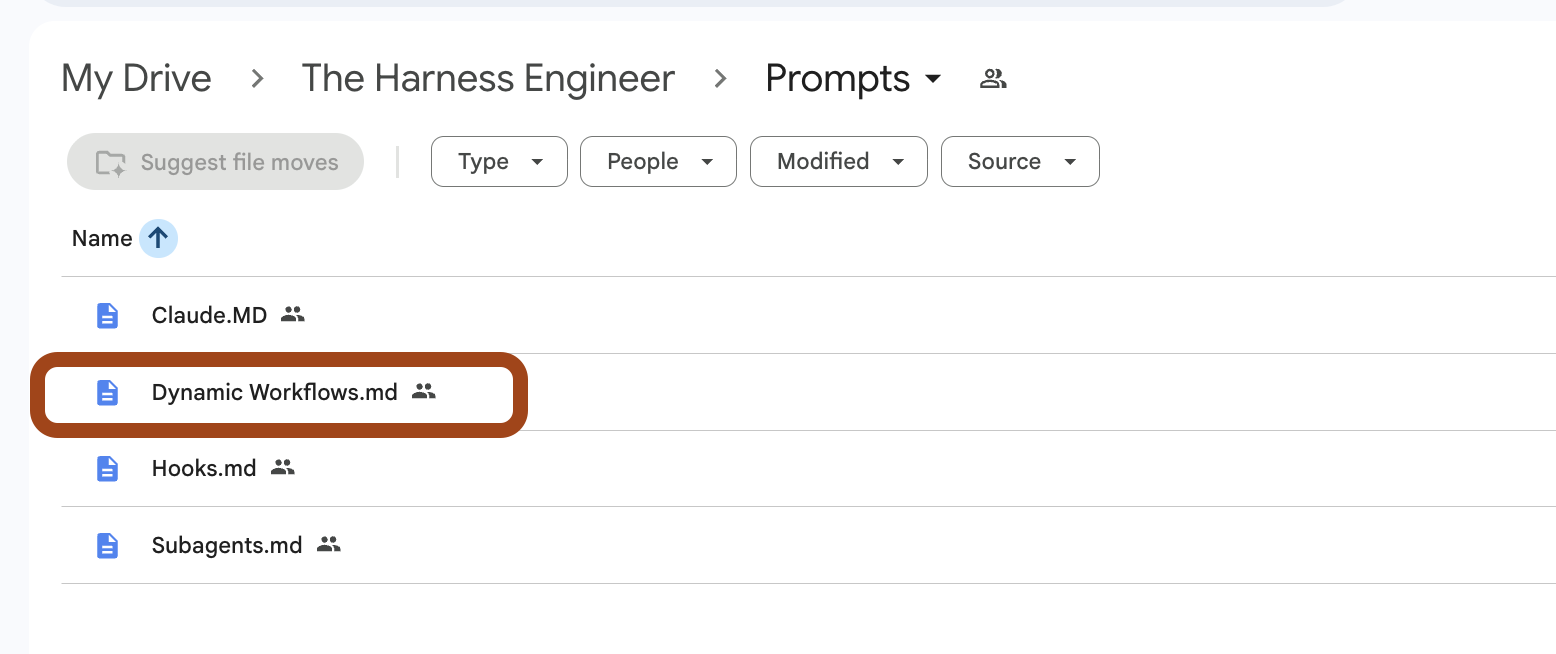
Here it started.
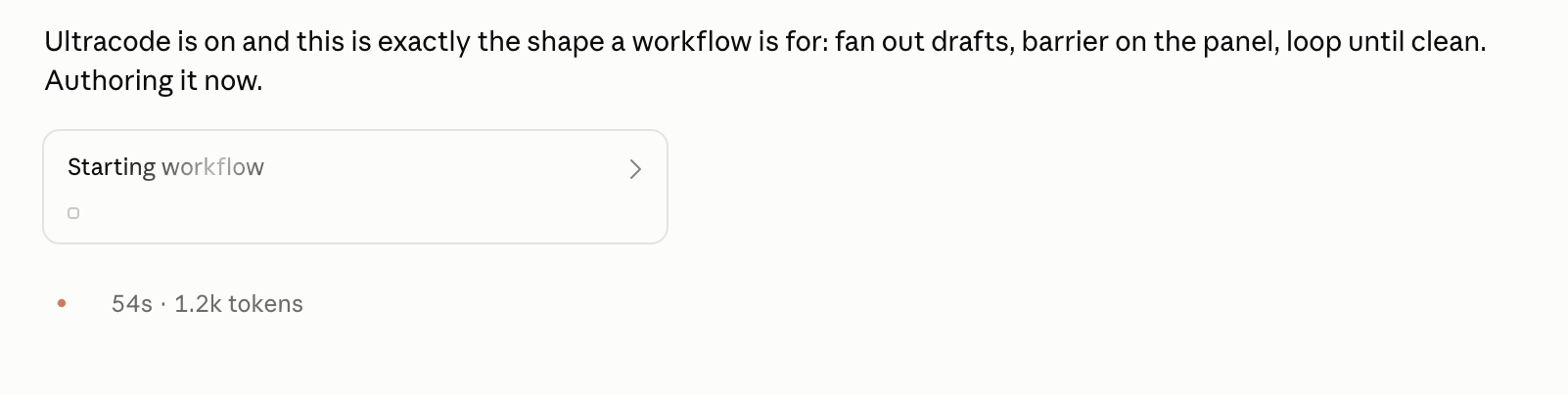
It asks for my approval, and I approved it.
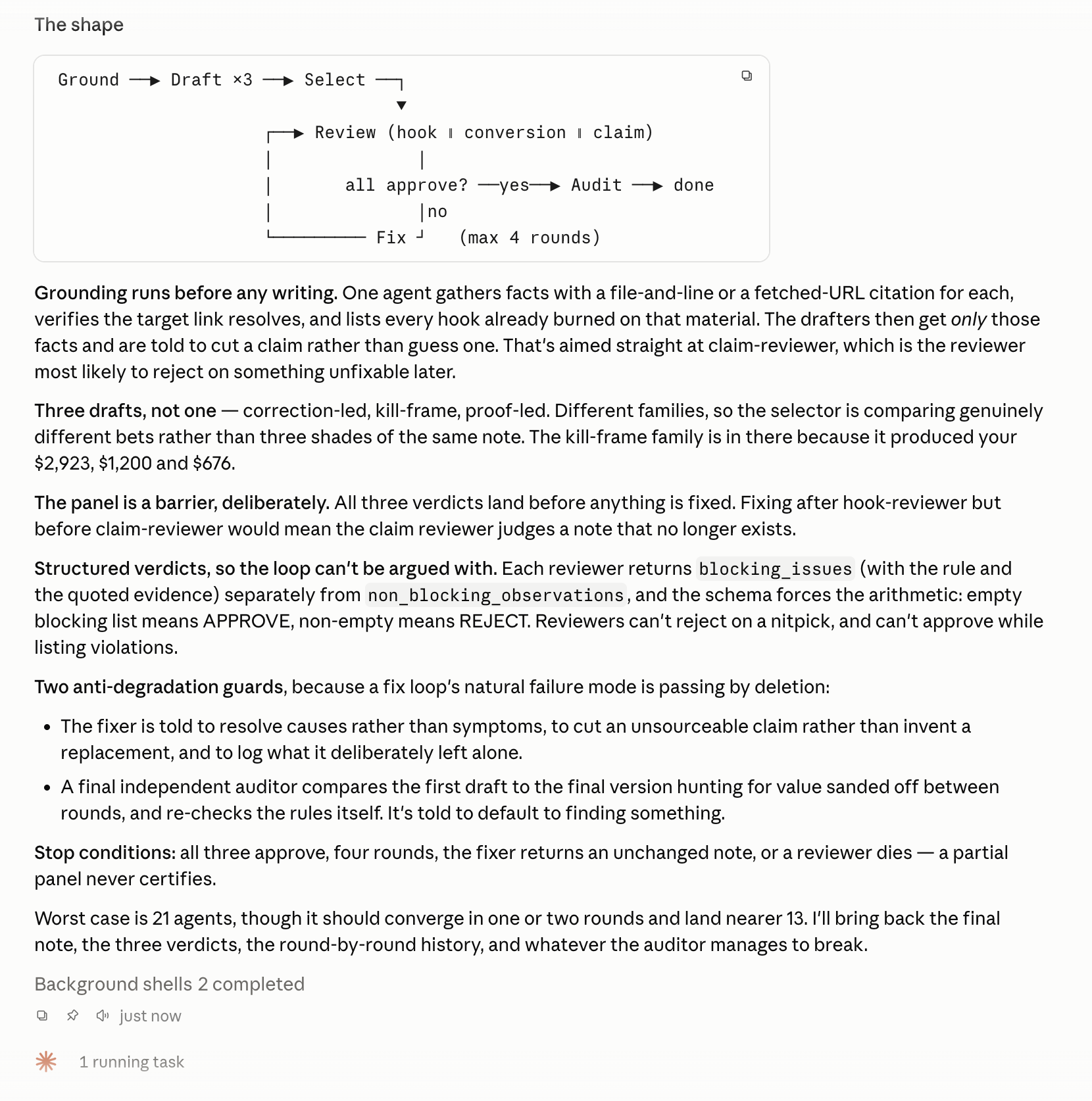
Look at the shape, I asked for a draft, a panel, and a loop. Claude started doing grounding before writing.
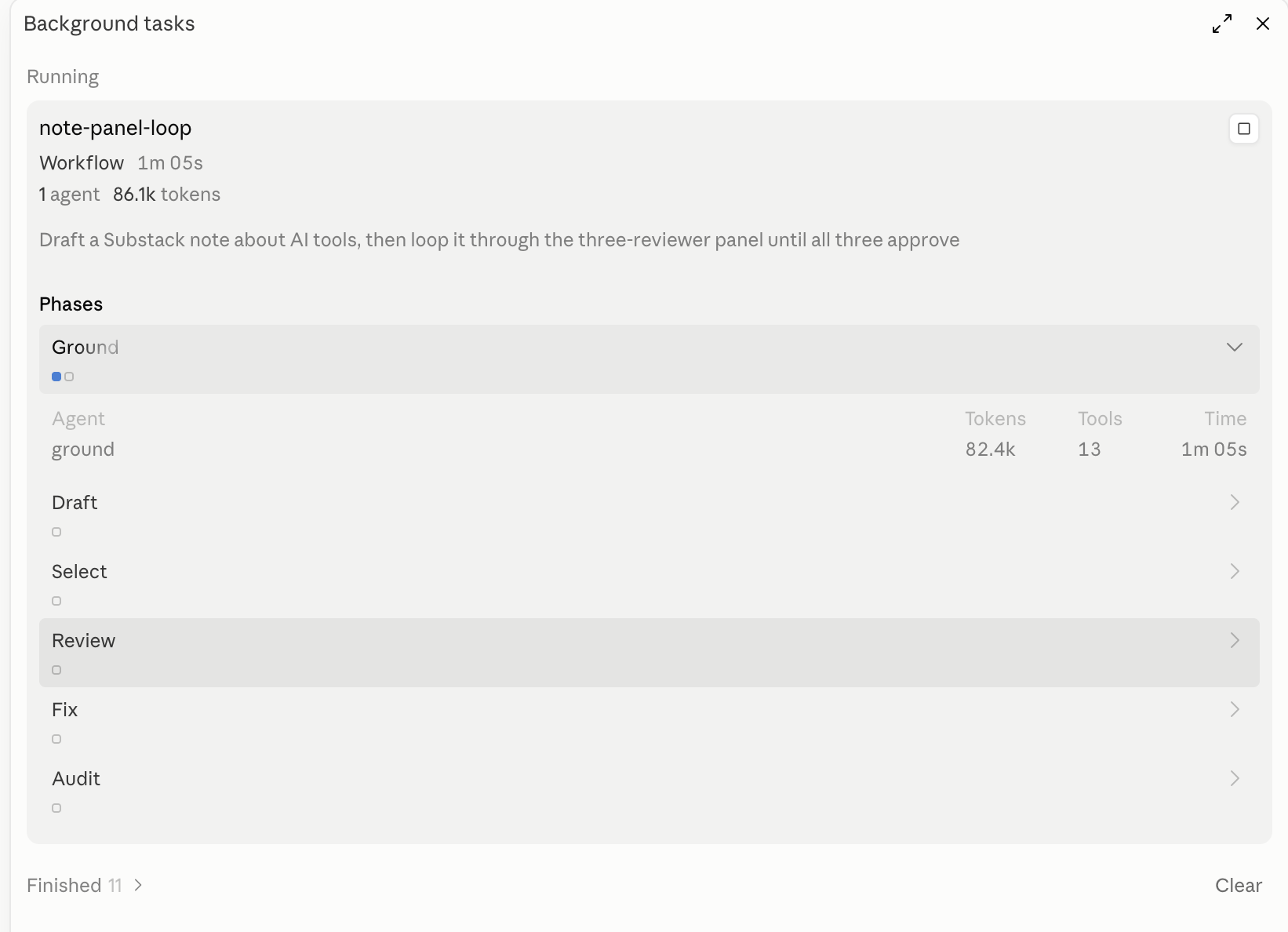
When I clicked on running tasks, I saw how the loop is running.
Here is the note it wrote.
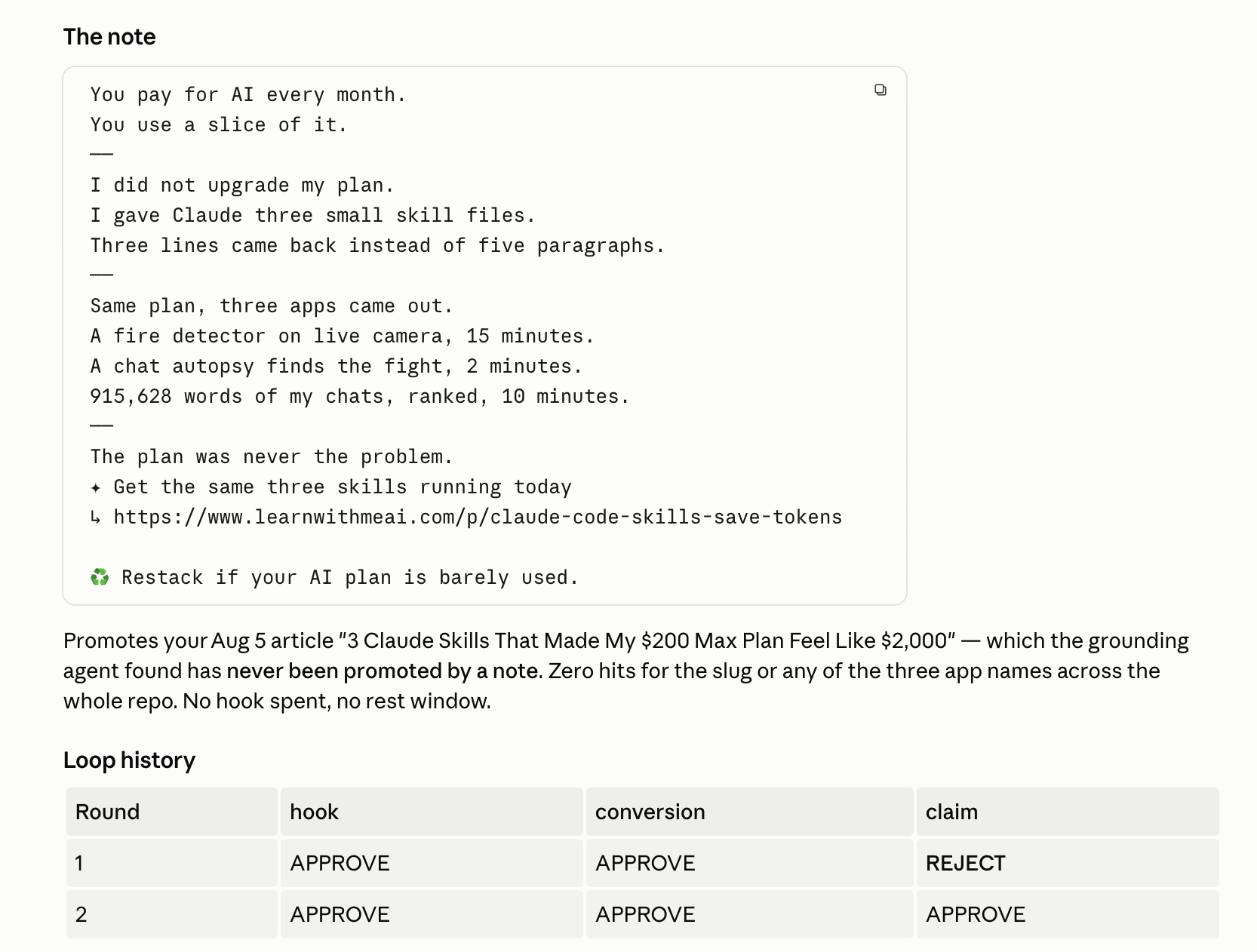
The amazing thing is that in the first round, it was rejected because of the claim.
Next Steps
A typical Claude user has a few favorite prompts.
They would paste every time, and once they open a new chat, they will do it again.
But if they’d follow these steps, now they have a project brain with Claude.MD, skills to store reusable prompts, MCP’s to extend Claude’s capability, hooks to enforce the rules and workflows to do everything at once.
And you don’t even need to install these one by one, the Claude skill I gave it to you can do it for you.
Now go back, find one repetitive task, and try adding one or more of the features we covered.
Then share your result in the comments.
I reply to every comment.
Thanks for reading.