3 Claude Skills that stop Claude writing five paragraphs for a one-line question. Install steps, the exact prompts, and the 3 apps I built with them inside.
By Gencay
Published: 2026-08-05
URL: https://www.learnwithmeai.com/p/claude-code-skills-save-tokens
I ask Claude a simple question.
It outputs 5 paragraphs.
I don’t need the entire story.
I need a short answer.
So I often add this line to my prompts.
Explain in one sentence.
It works every time.
Which shows me one thing.
The model can be short.
Like the sentences in this article.
I feel lost in longer paragraphs.
Maybe that’s because English is my second language.
That’s why I tested 3 Claude skills.
And I built apps using these three.
Let me show you what I built first.
What Did I Build With These Claude Code Skills?
First, I built an app using Osiris.
I use one prompt.
The App is ready in 15 minutes.
Osiris lets you watch the live CCTV.
Check the news, all over the world.
The app name is Fire Detection System.
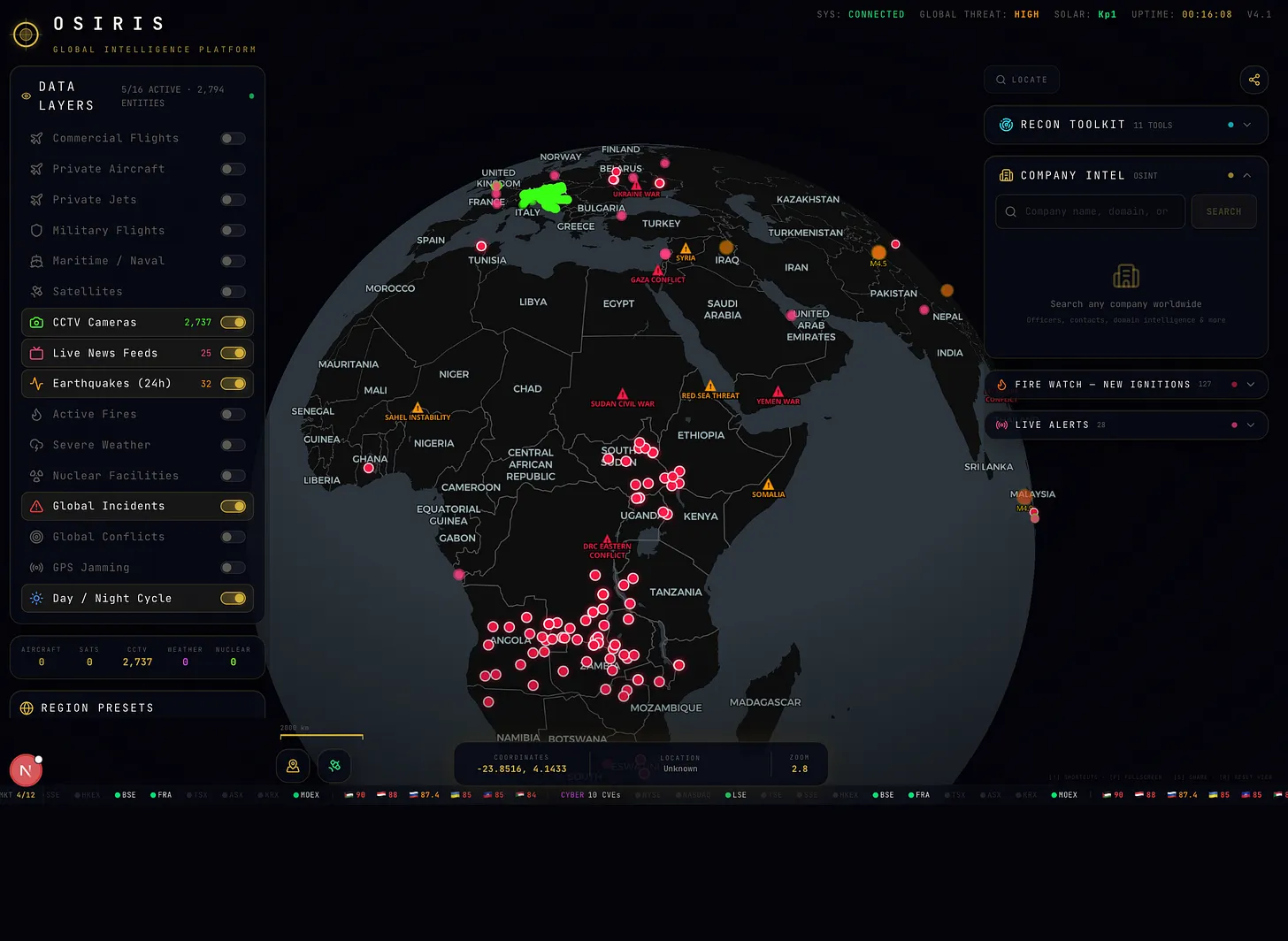
\Fire Detection System. One prompt, ready in 15 minutes.\
Next, I built a Conversation Autopsy in 2 minutes.
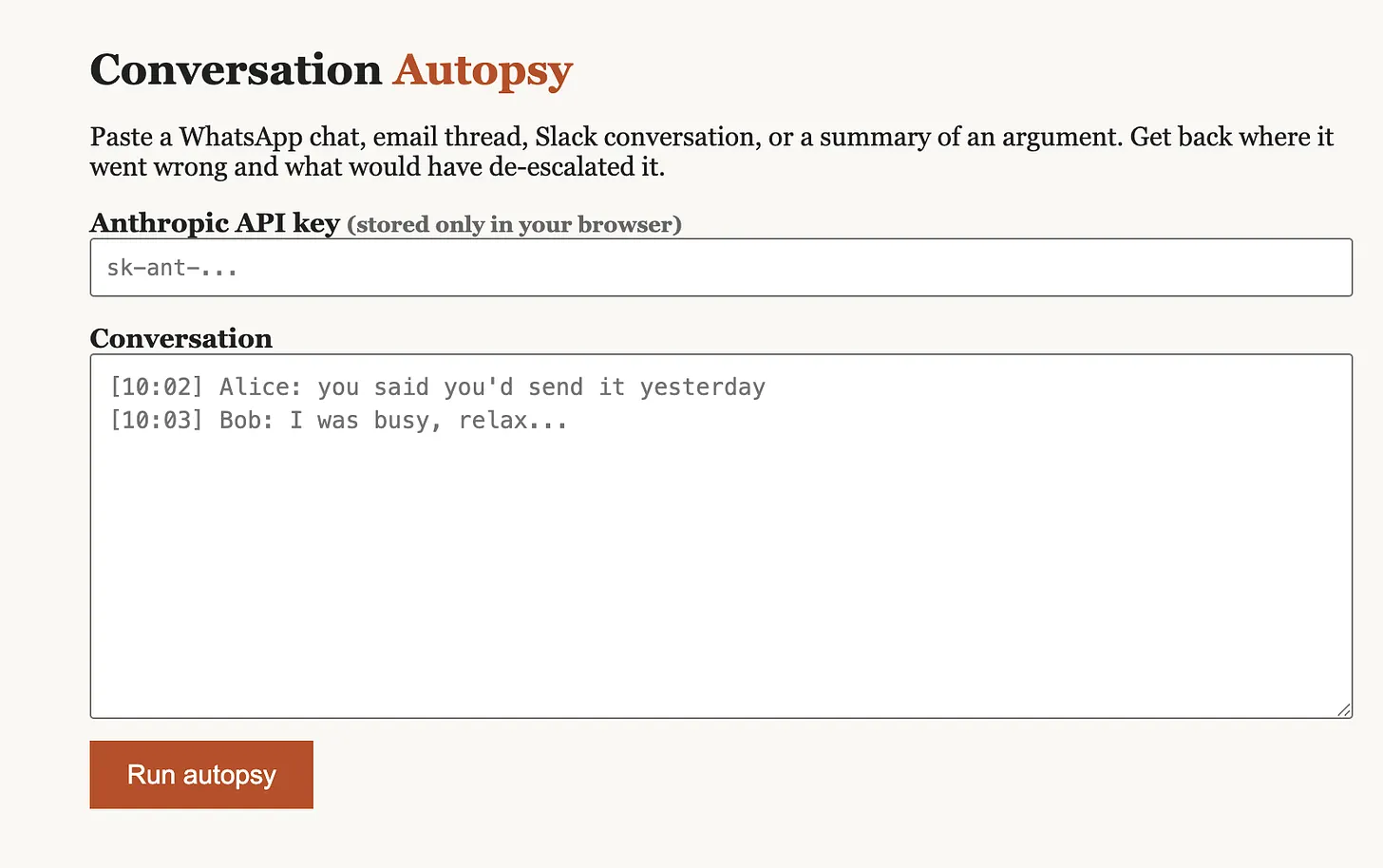
\Paste a WhatsApp chat, a Slack thread, or an email. Then hit Run autopsy.\
It analyzes your conversation.
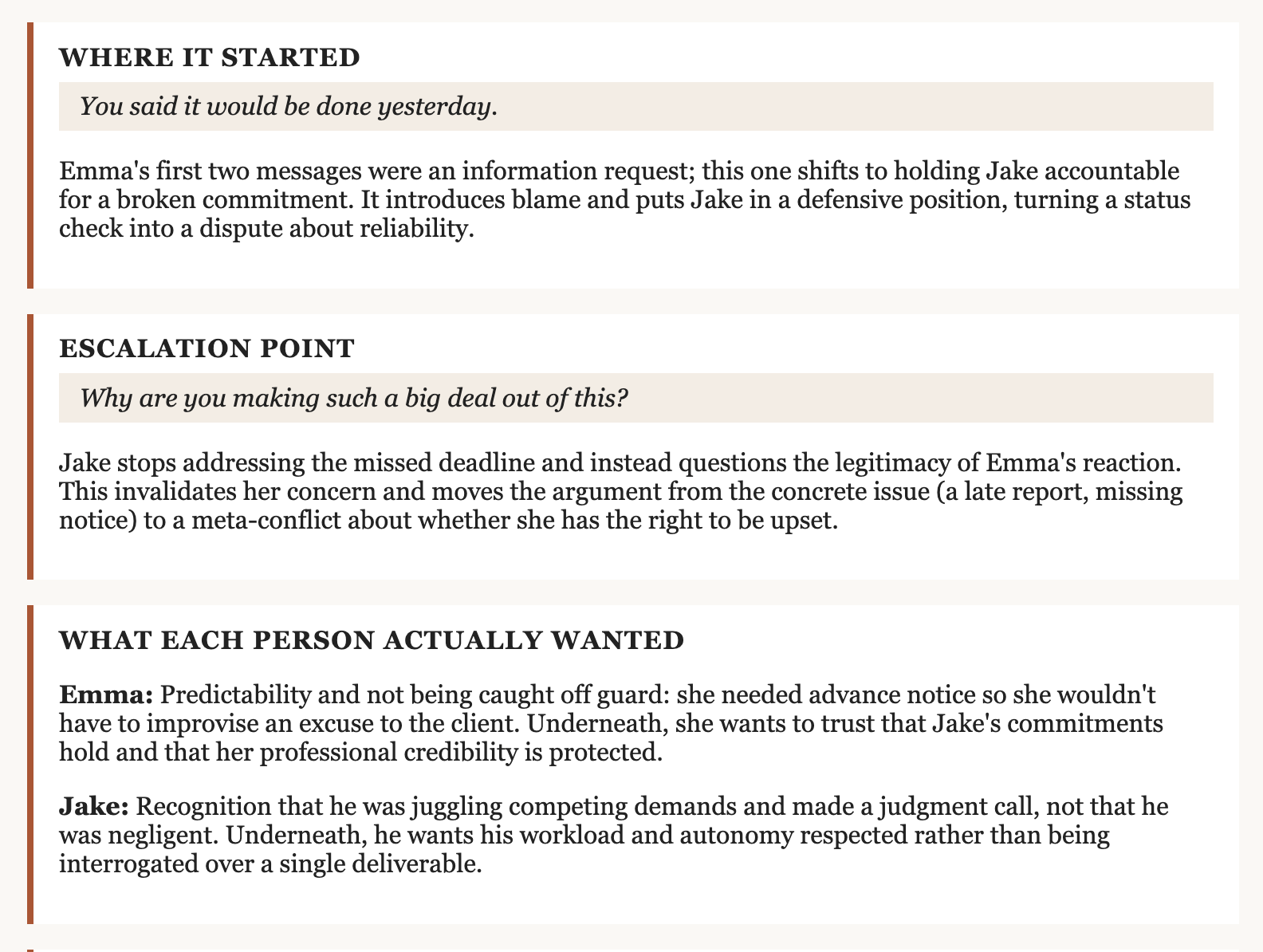
Pinpoint where the issue started.
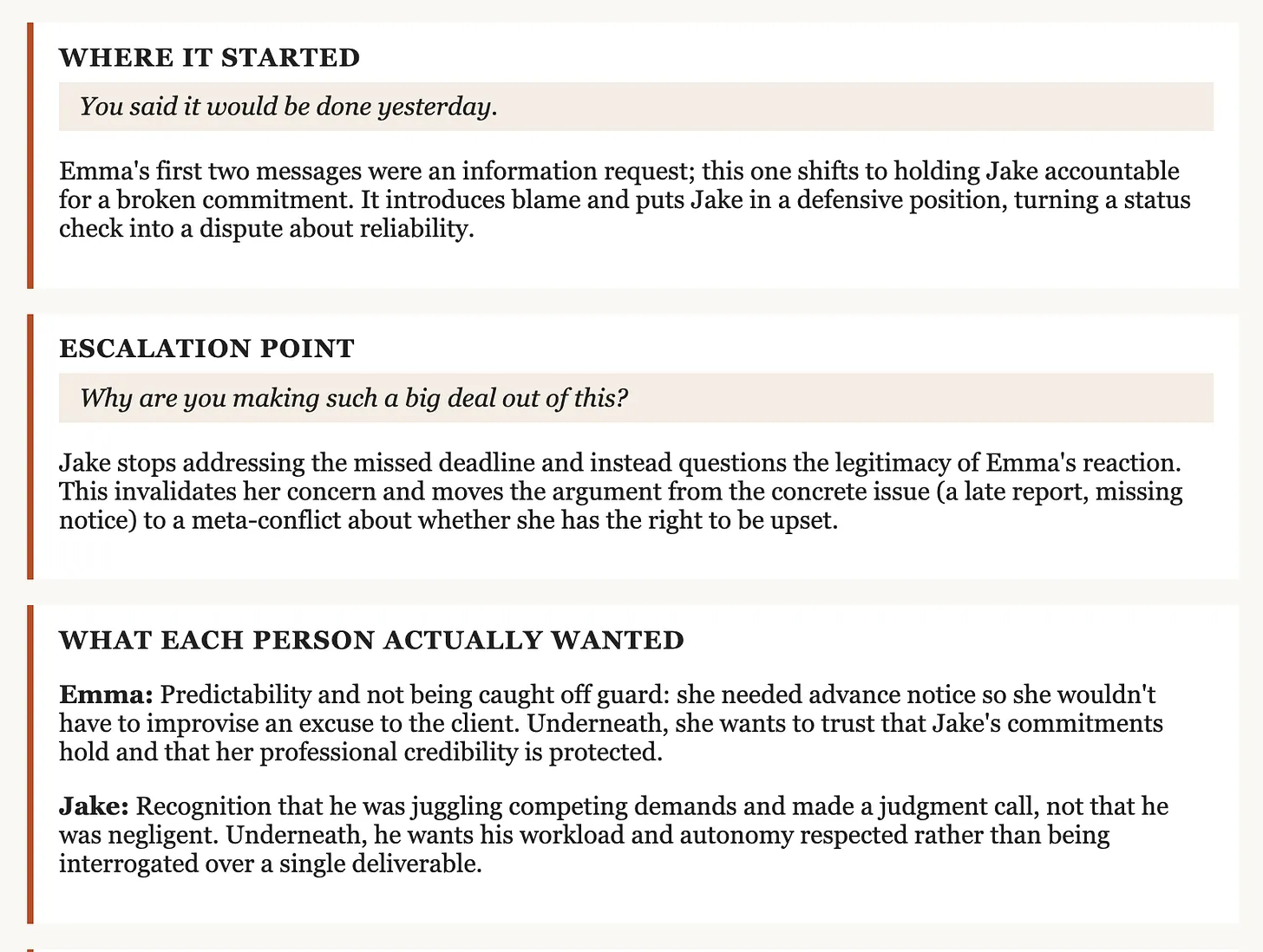
\It finds the exact line where a status check turned into a fight.\
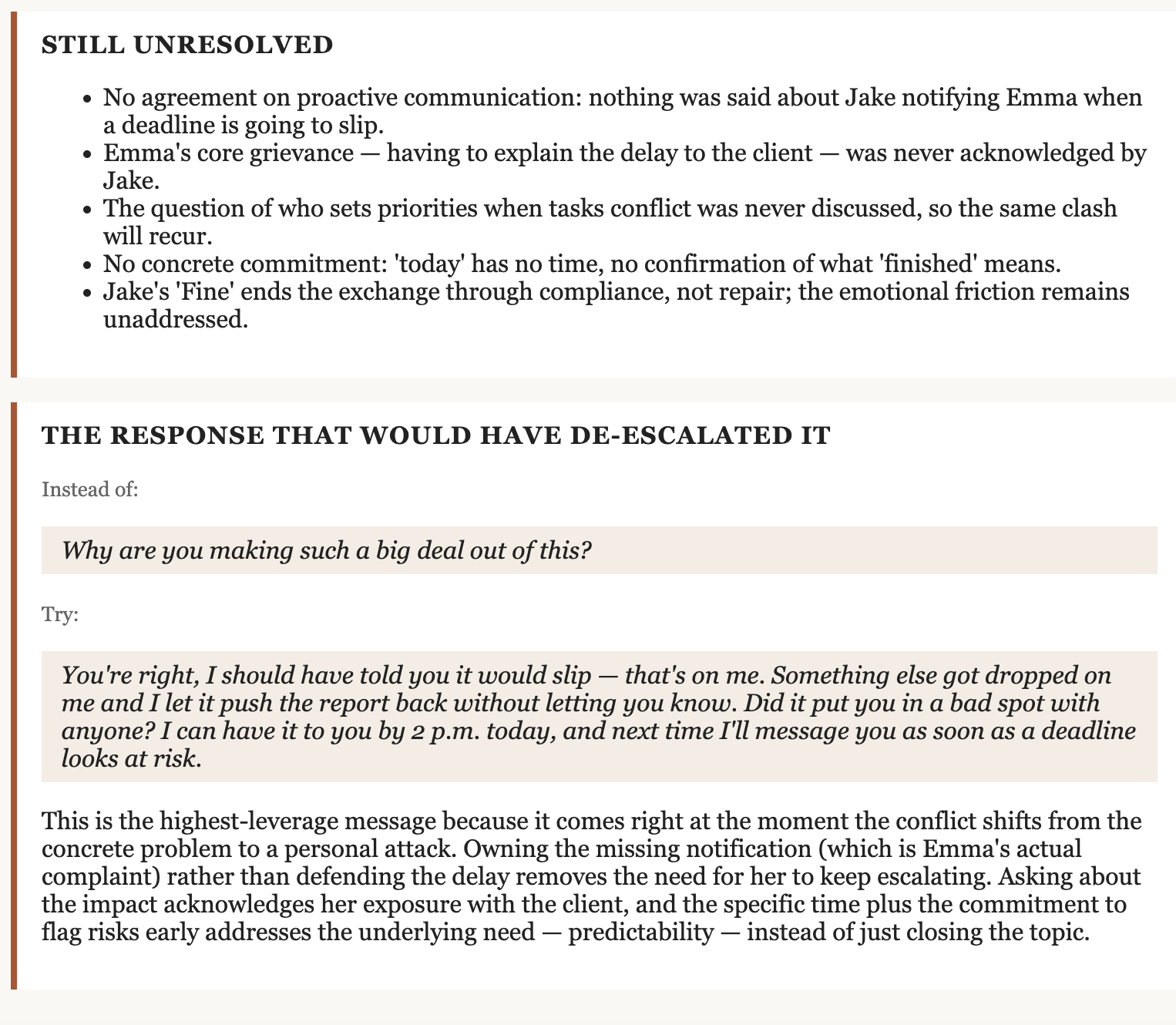
And the response that would have de-escalated it.
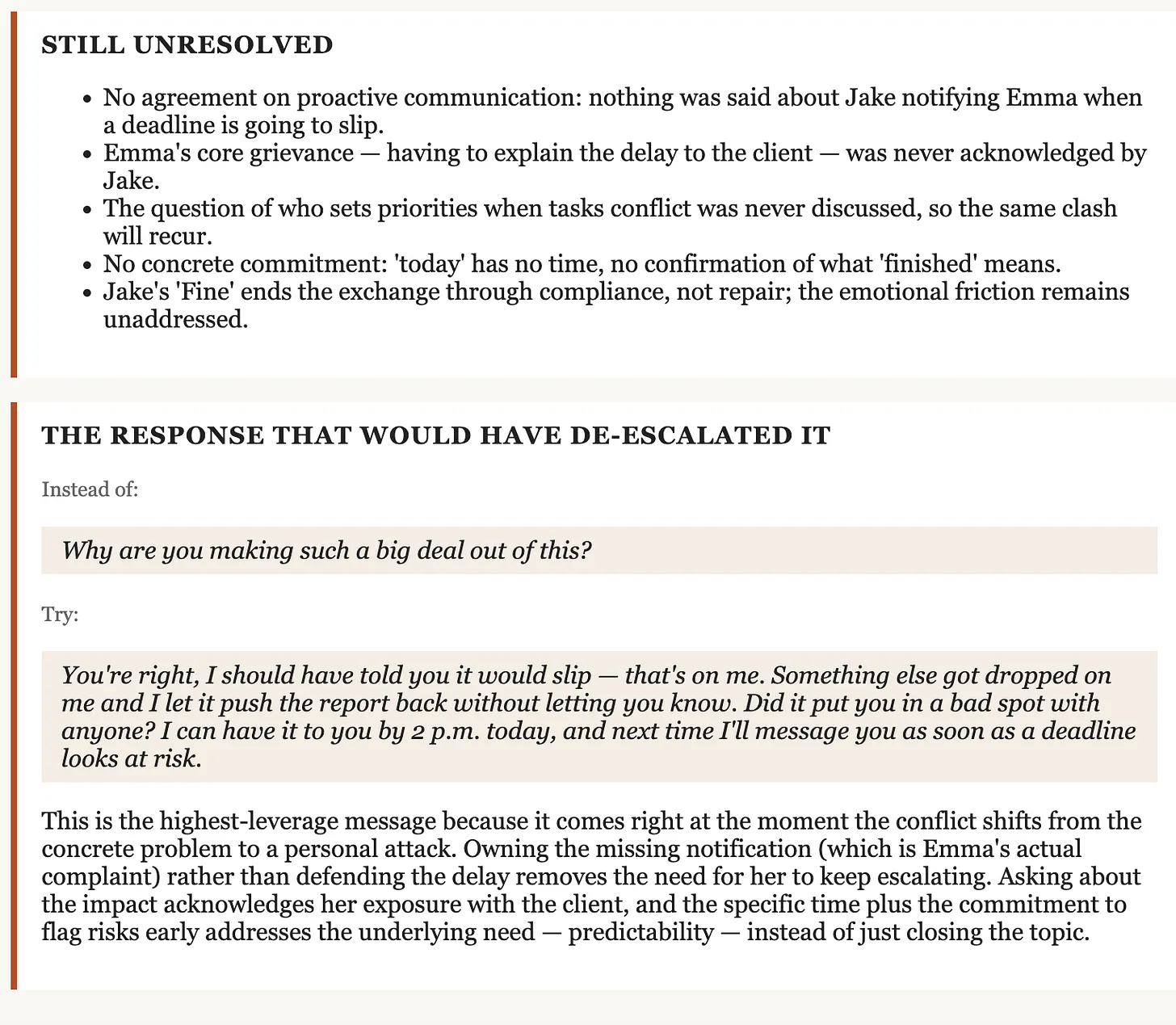
\Then it writes the message that would have ended it.\
The third app is The Things You Keep Saying.
It’ll analyze all previous conversations.
And create a report, showing you.
It all started with one prompt.
10 minutes later, the app is ready.
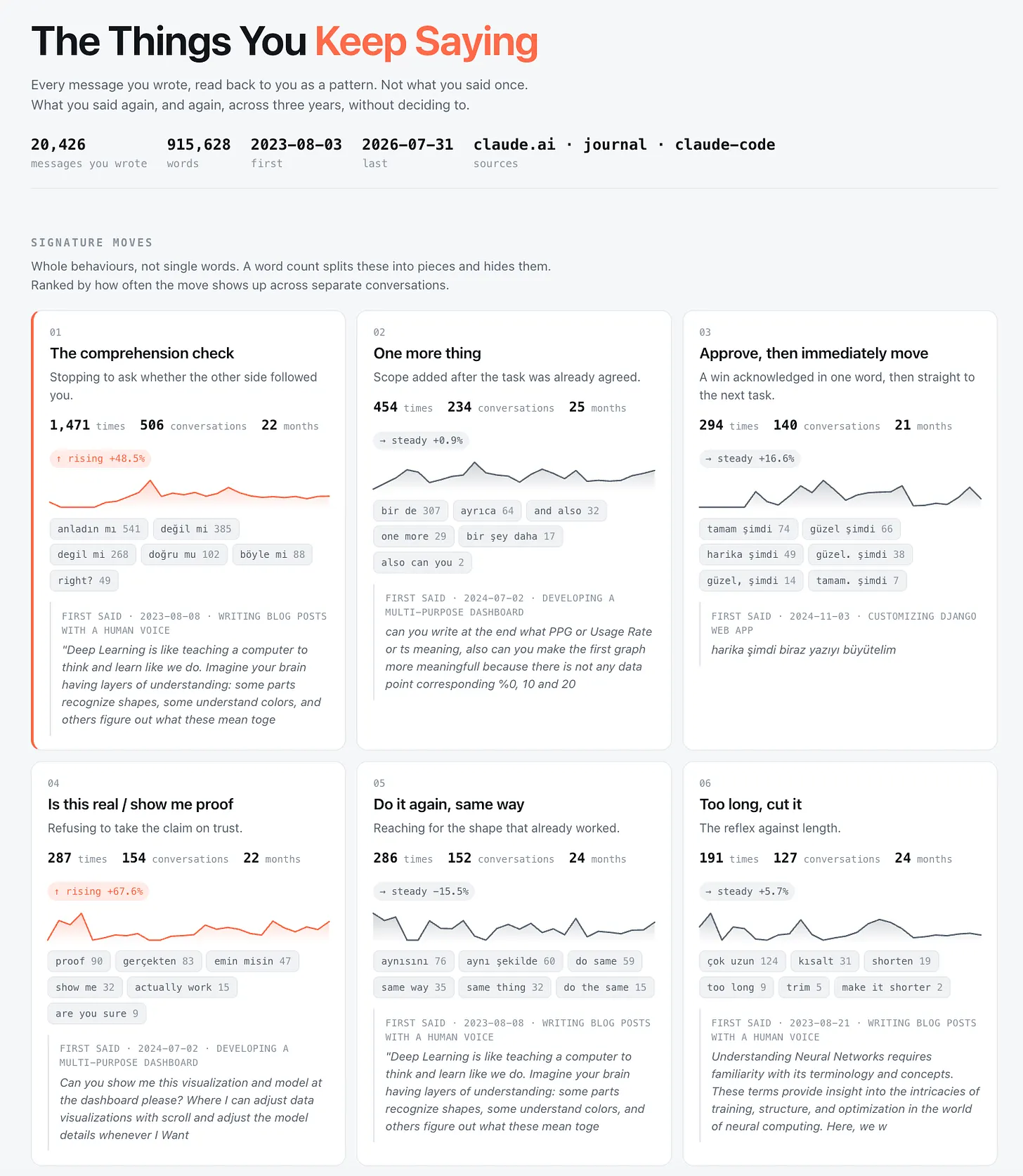
\0,426 messages, 915,628 words, three years. Ranked.\
What do these Claude Code Skills Actually Change?
The real thing is not the apps.
The way we build apps.
Without overwhelming.
Without hitting limits.
Without reading paragraph-long responses.
Even if you don’t have a limit problem, you’ll like them.
Because they are also practical.
Look at that response.
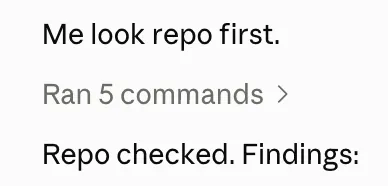
\Three lines instead of five paragraphs. Same information.\
Concise, short, but enough.
In the next sections, we’ll discover these 3 skills.
And build apps using them.
You know what I built.
I’ll also give you the prompts to build them.
And the app files, so you can install them.
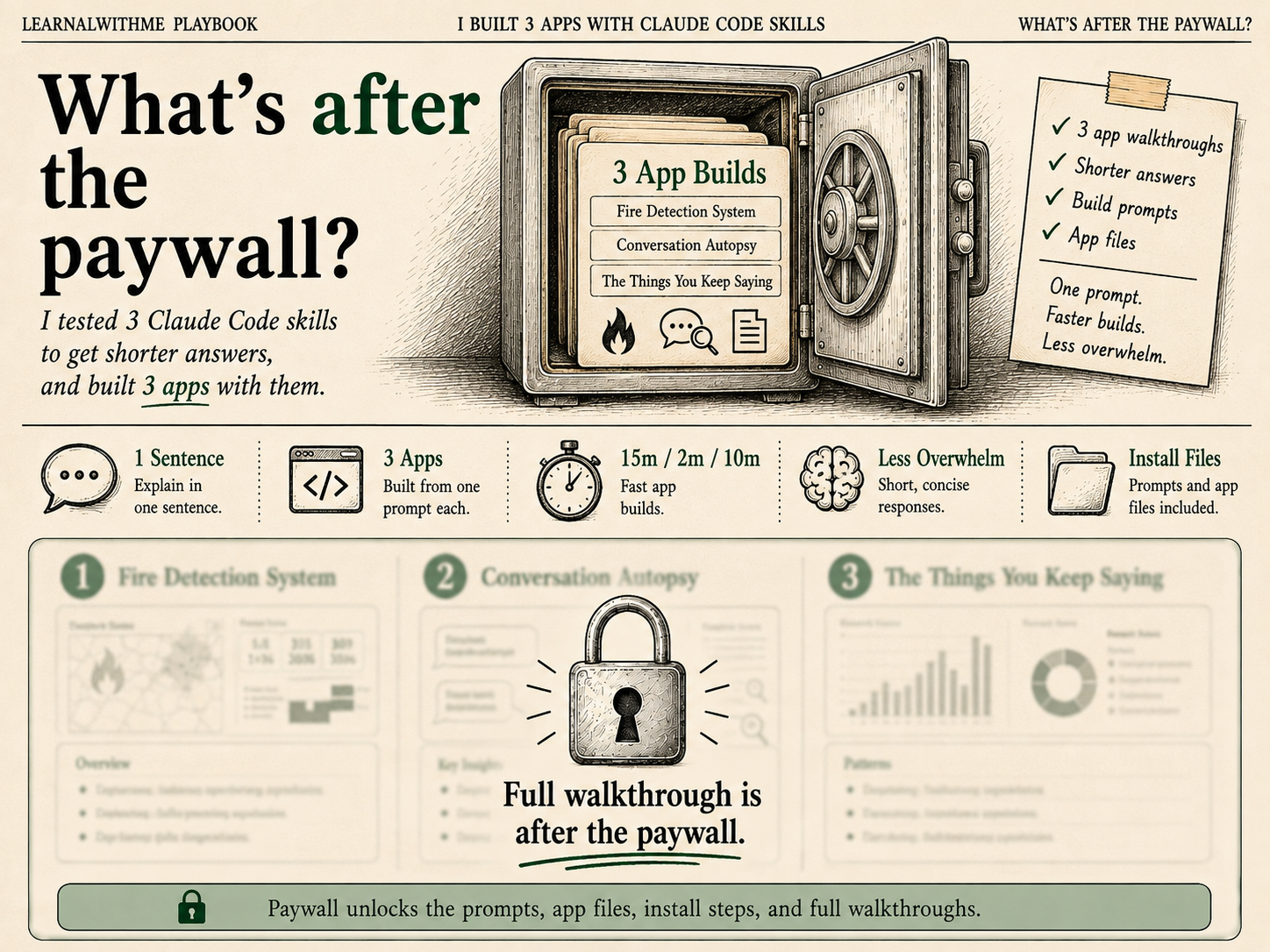
\What is after the paywall?\
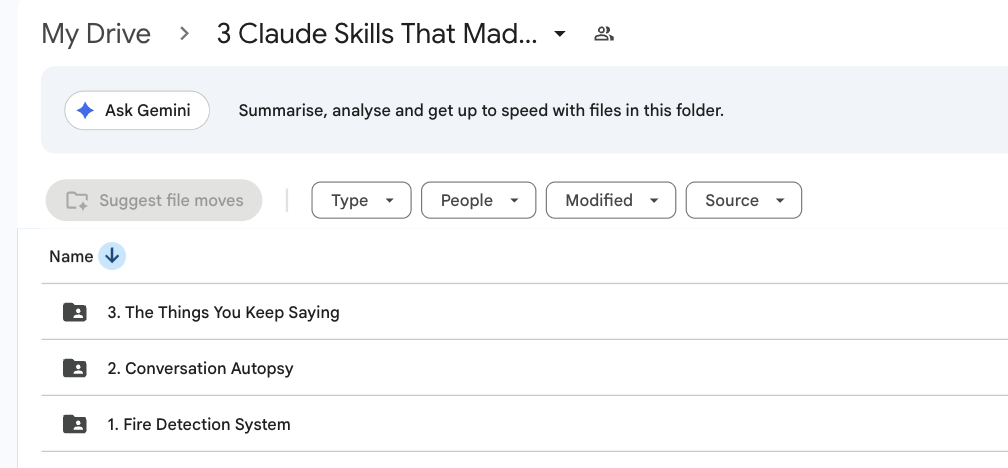
https://drive.google.com/drive/folders/1h\_OhP5t9dSKQFPvLkUJ95rbqUTa0qUyF?usp=sharing
Each folder has an install MD file.
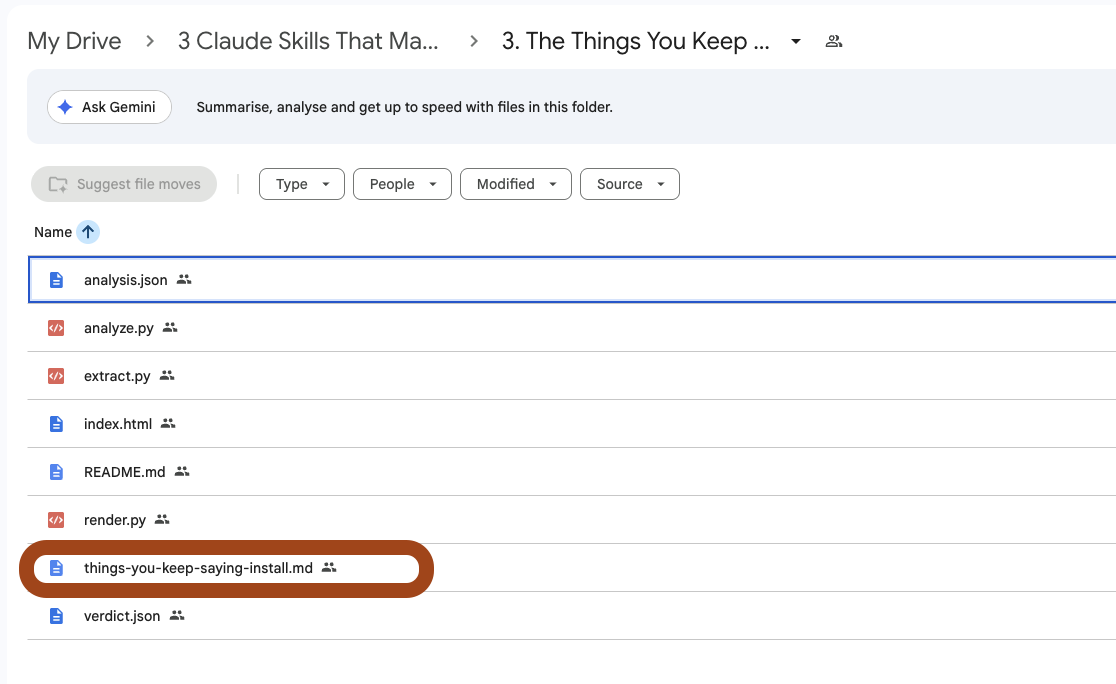
These files contain a setup prompt.
So you can set these apps using one prompt.
1. Caveman
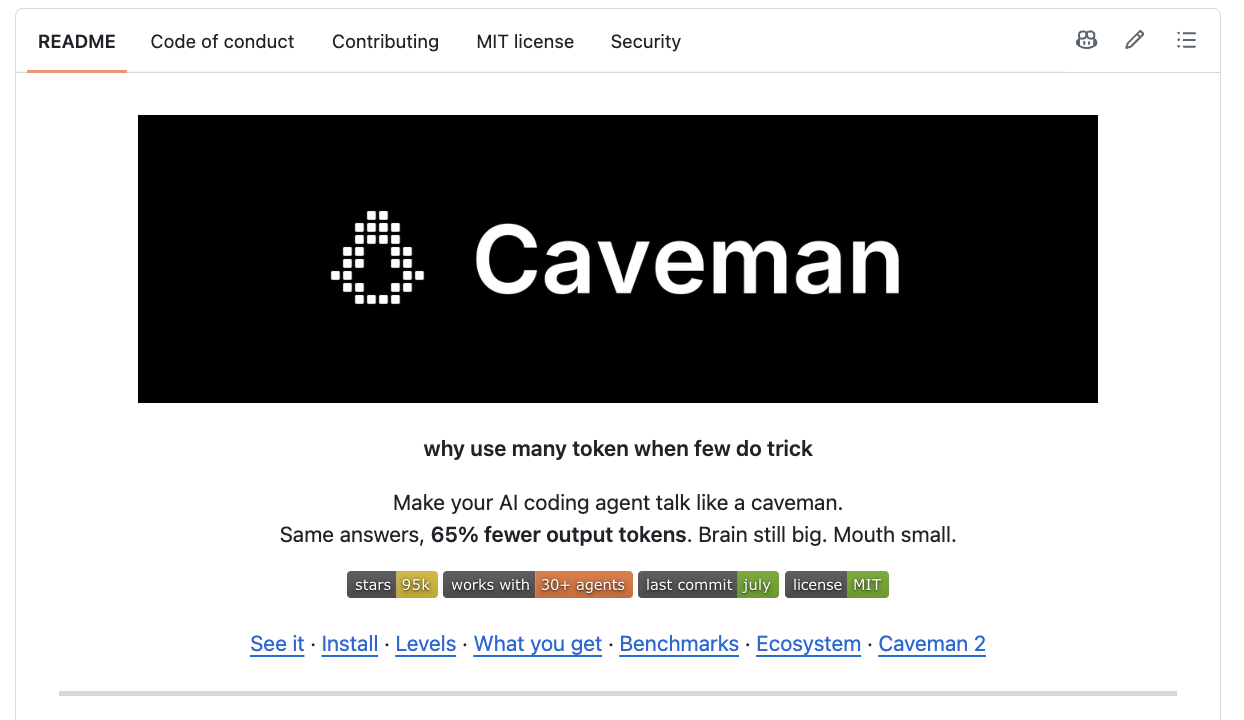
Link: https://github.com/juliusbrussee/caveman
Cavemen built to save tokens.
It answers shortly and concisely.
Very good after a busy day.
Let me show you.
Install Caveman in 5 Steps
Step 1: Open your Claude app.
Step 2: Paste this prompt.
Install this skill from this Github: https://github.com/juliusbrussee/caveman
Step 3: Close your App
Step 4: Re-open your app
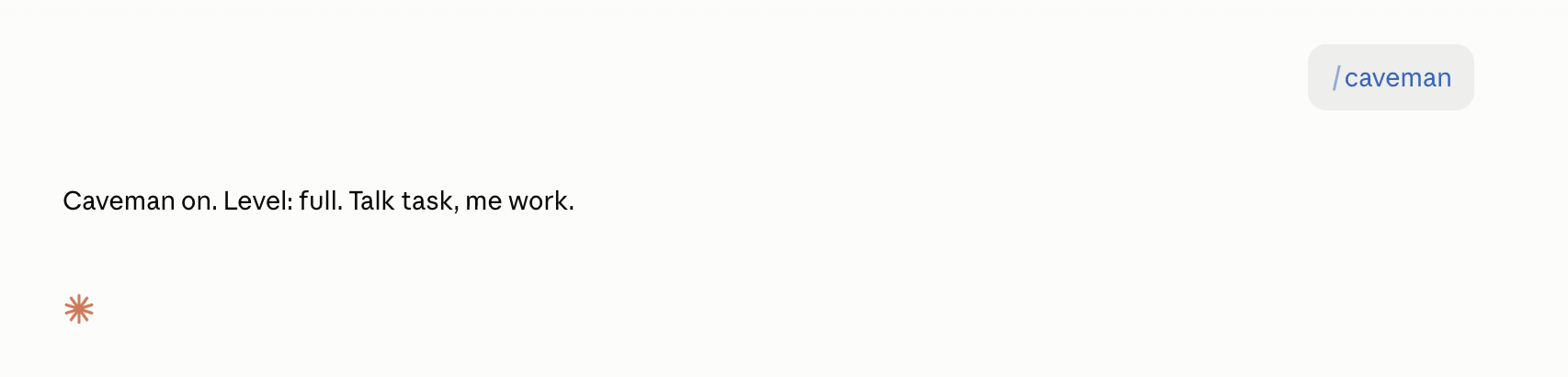
Step 5: Use this slash command.
/caveman
Here is the result.
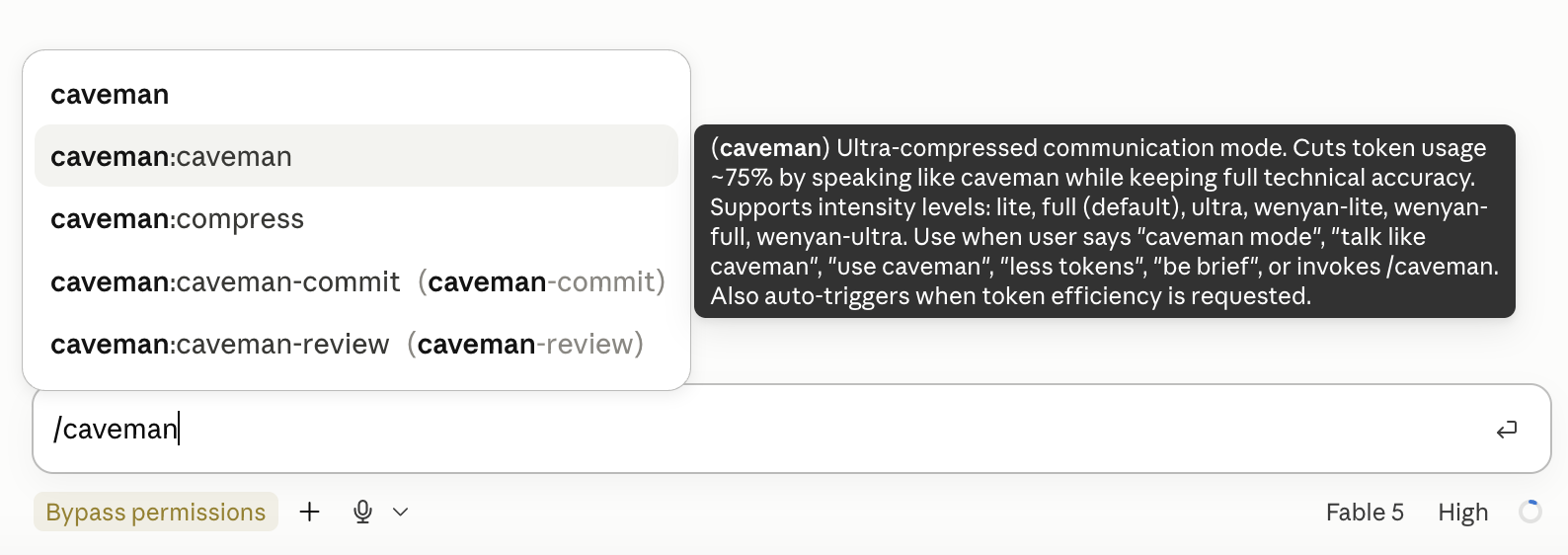
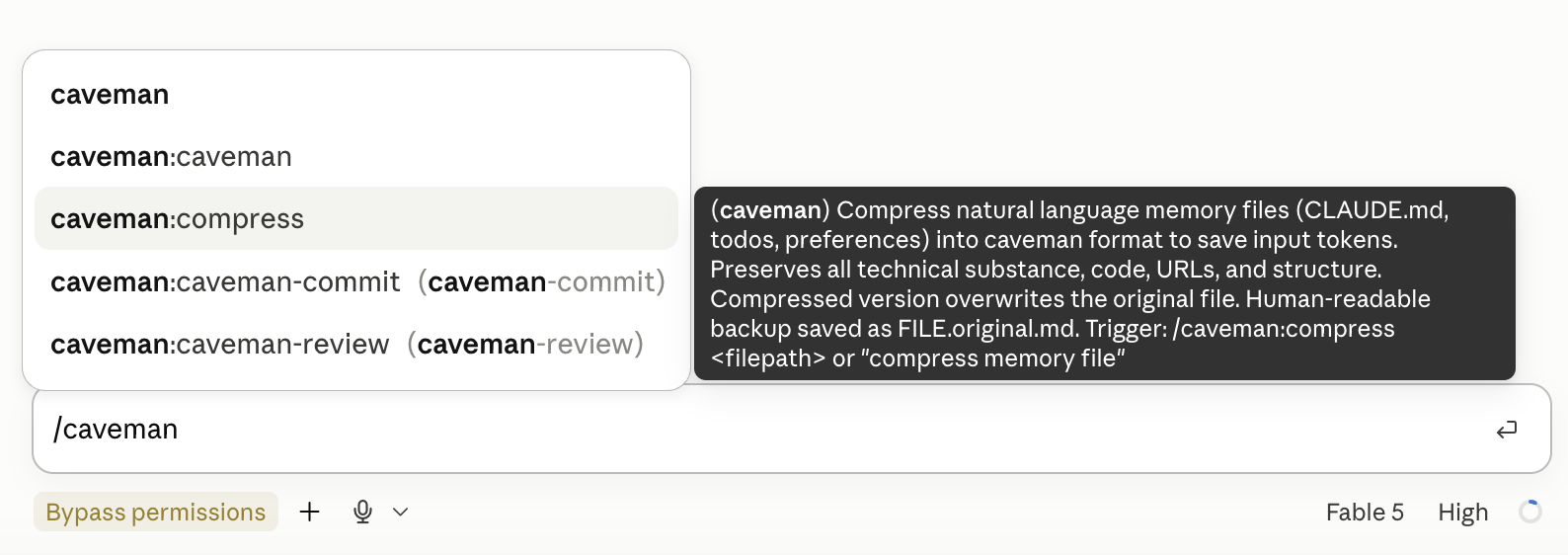
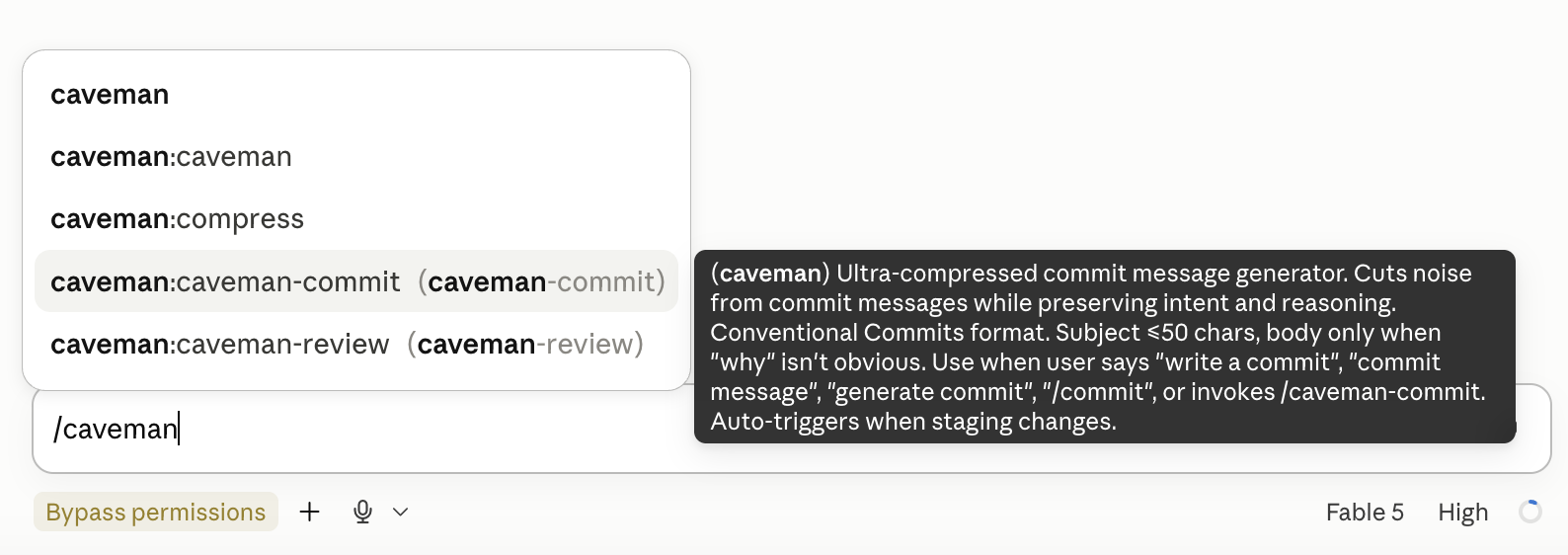
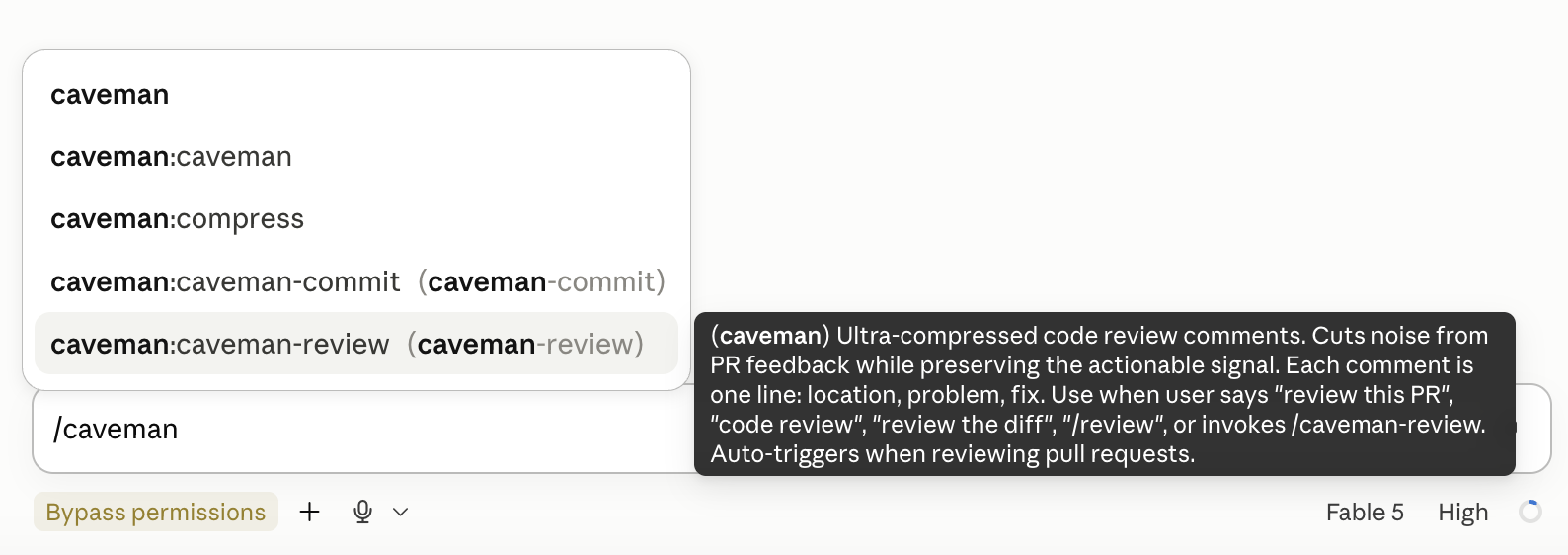
It has 5 different modes.
/caveman: Cuts token usage -75%
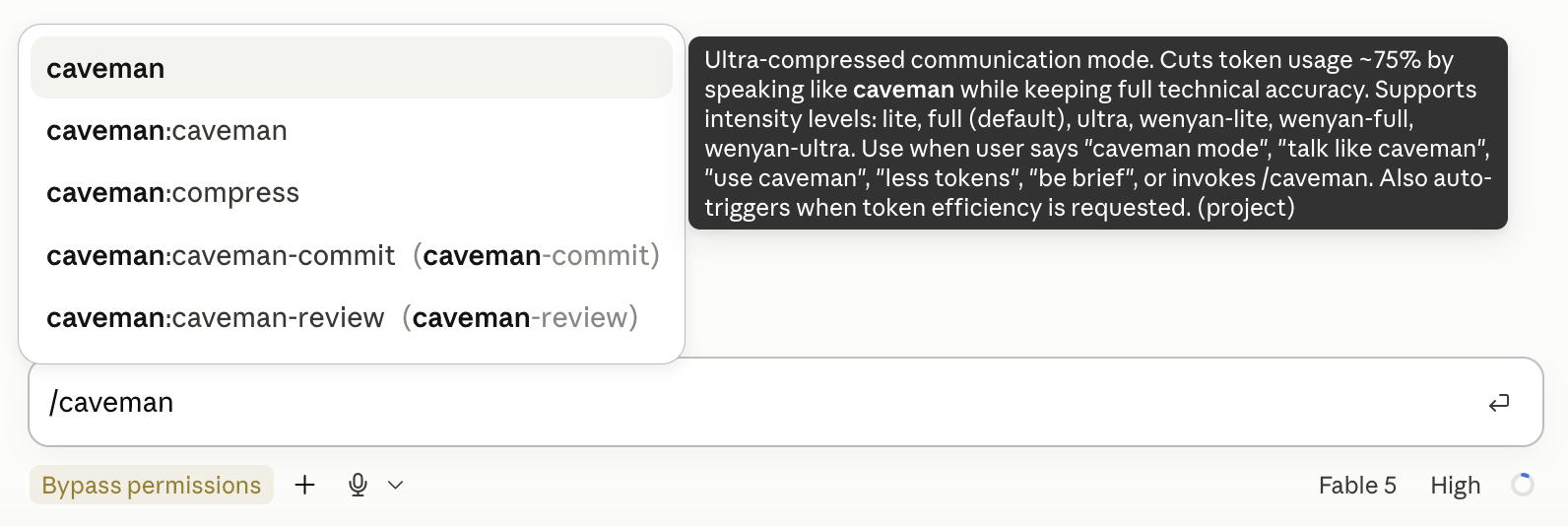
/caveman: caveman is ultra-compressed.
/caveman: compress is less-compressed.
/caveman:caveman-commit: A commit message will be short.
(Commit means changes.)
/caveman:caveman-review: This checks your code’s comment.
Let’s build an app using it.
Name of the app: Fire Detection System
Here is the prompt.
The project: Fire Detection System.
The data, check this: https://github.com/WilliamTaack/osiris-Palintir
I want to detect fires across the globe as early as possible and alert the relevant authorities.
Paste it into the Claude Code.
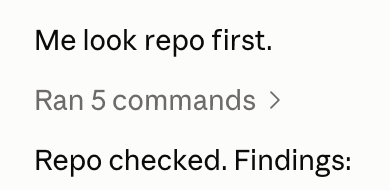
Short & Concise and enough.
Also, the repo is Osiris.

It can reach real-time CCTVs.
The live map link is this: osirisai.live
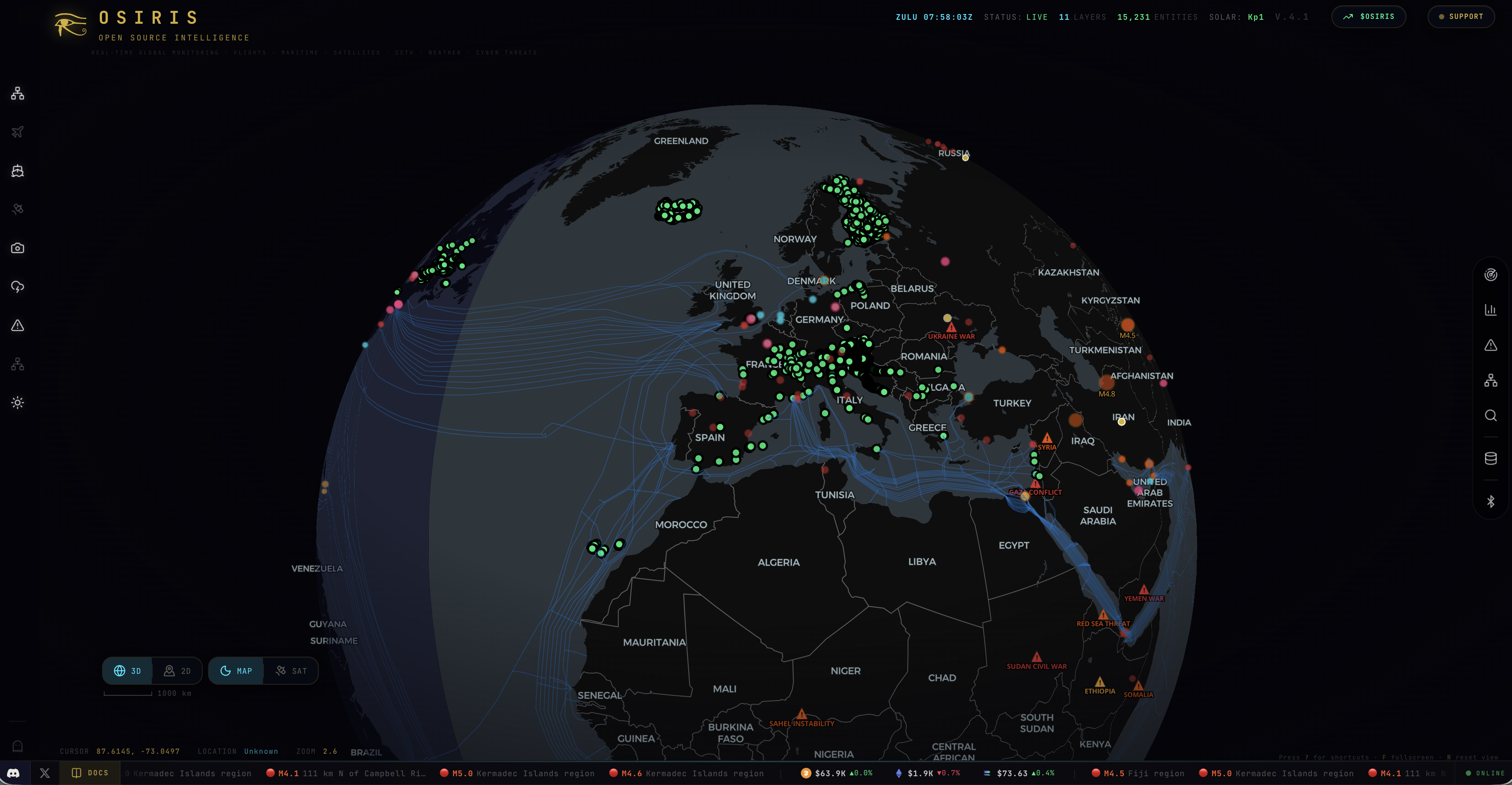
Let’s get back to the app.
Claude Code asks questions;
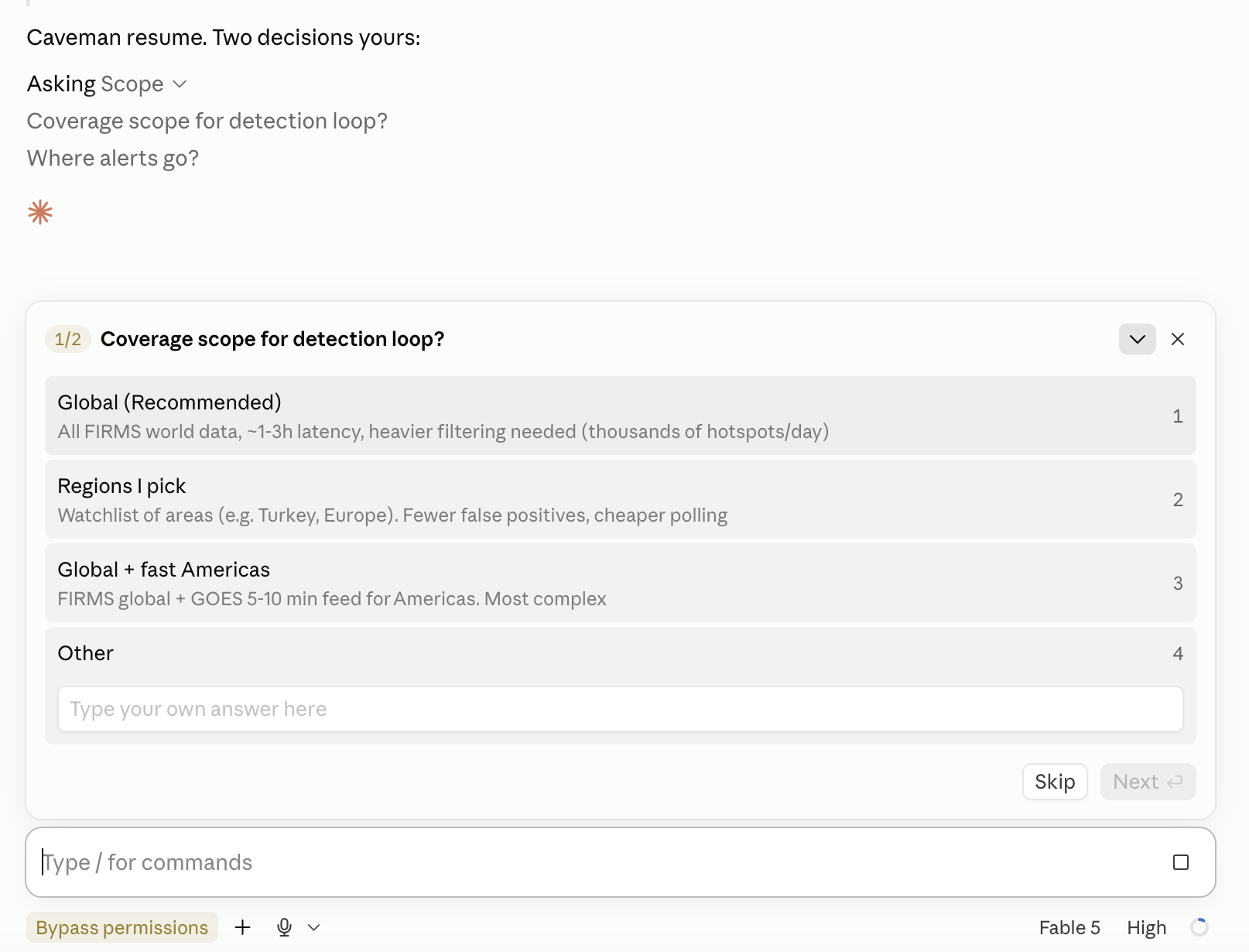
My choices are;
1- Recommended
2- Dashboard
And the app is ready after 15 mins.
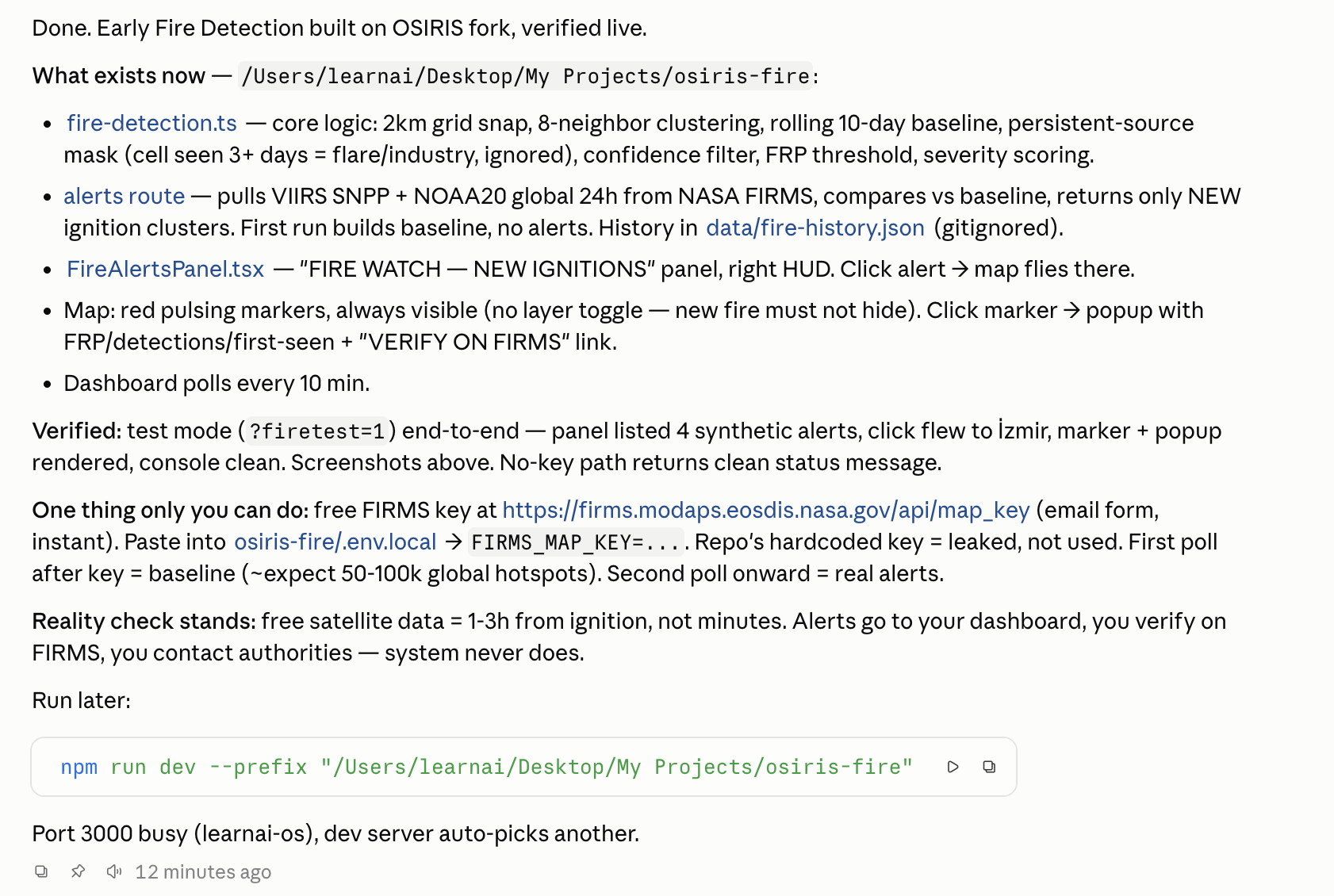
Here is the app.
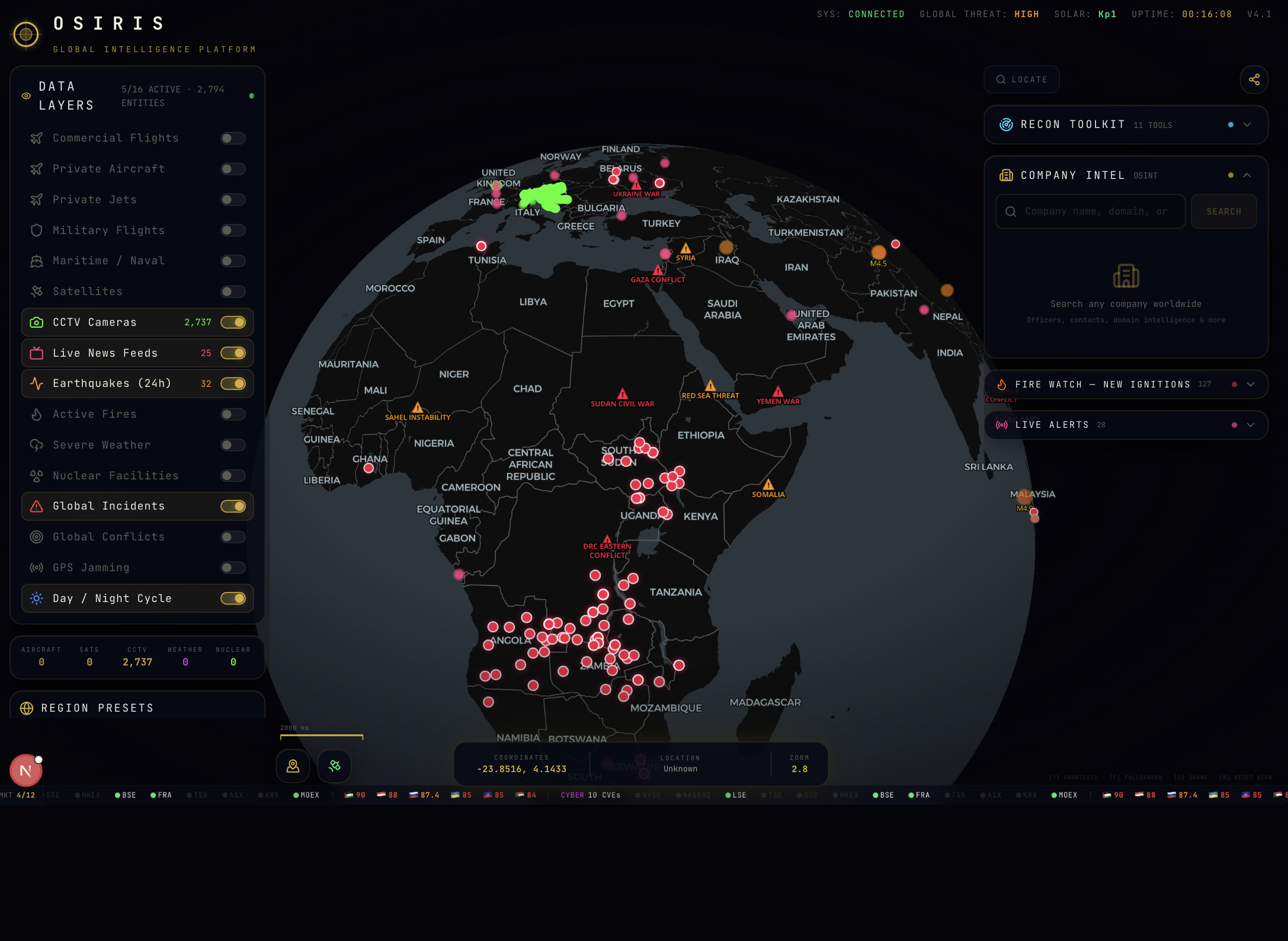
It show wild-fires.
Plus, you can connect CCTV’s.
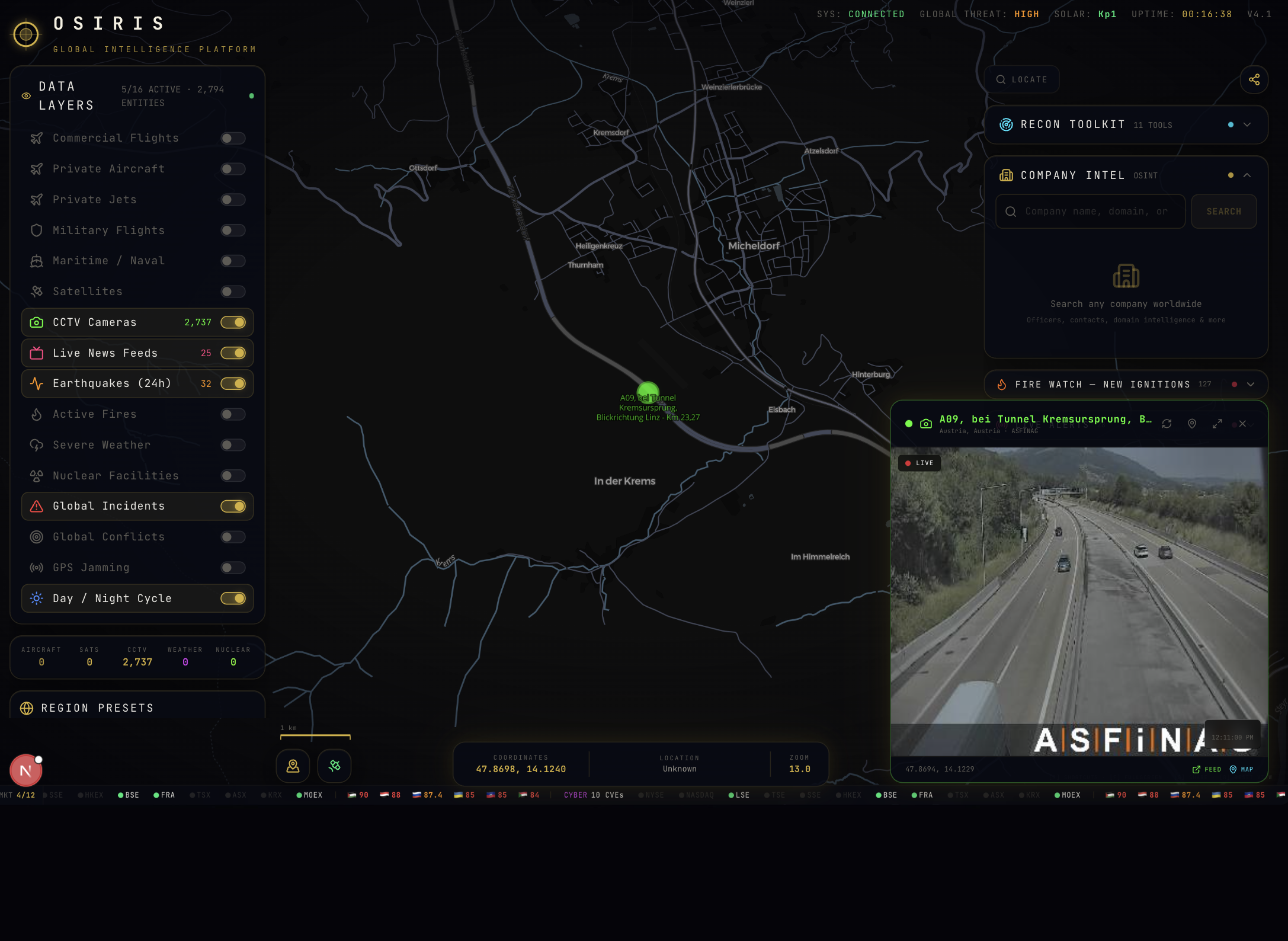
During the installation, I got 2 API keys.
Both of them are free.
1- https://www.n2yo.com/ (For CCTV’s)
2- https://firms.modaps.eosdis.nasa.gov/api/map\_key (NASA for fires.)
2. Ponytail
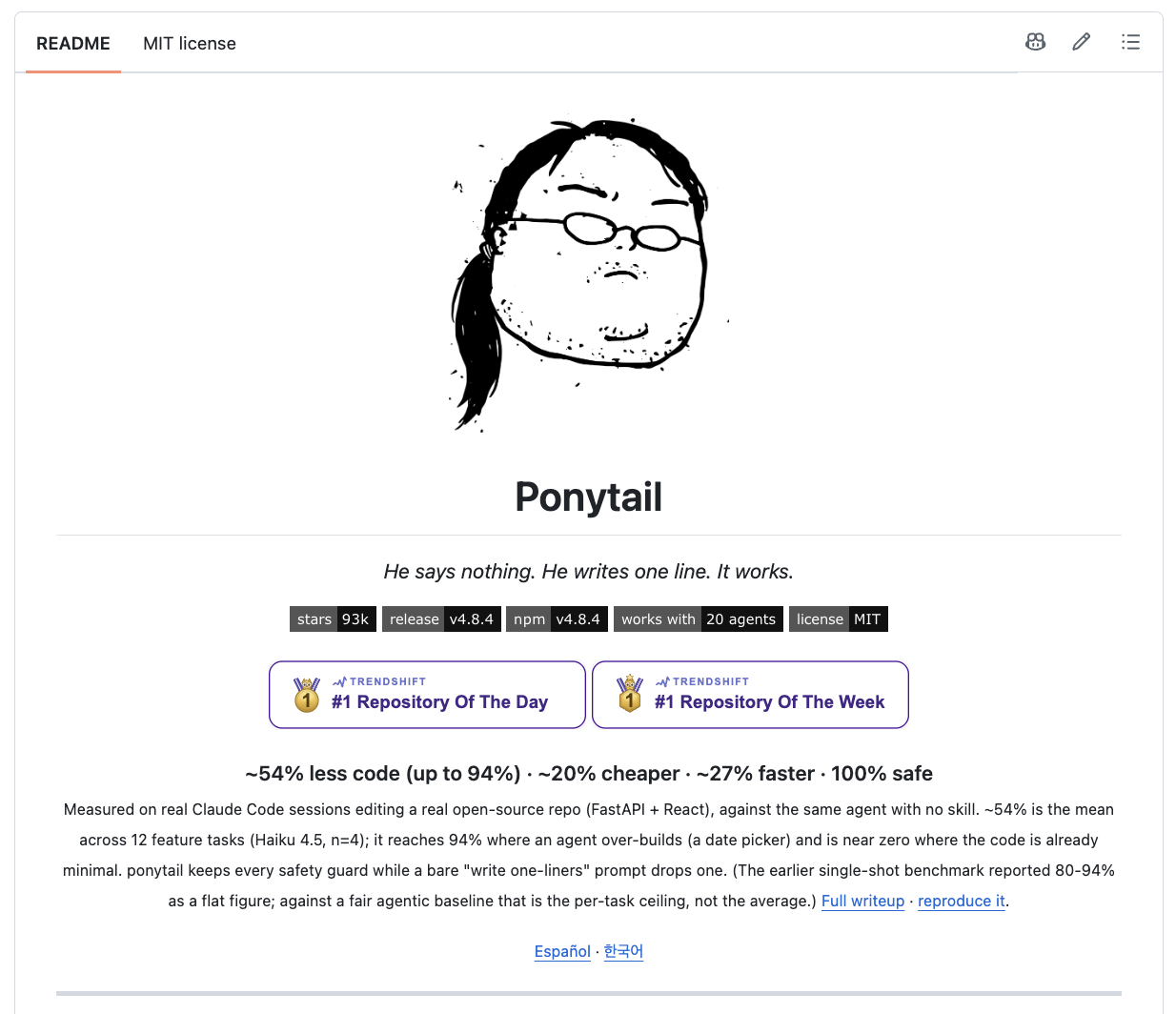
Link: https://github.com/dietrichgebert/ponytail
Ponytail’s aim is also to save tokens.
To install it, follow these steps.
Step 1: Open the Claude app.
Step 2: Install
Paste this prompt.
Install this skill :https://github.com/dietrichgebert/ponytail
Step 3: Close the Calude App
Step 4: Reopen the Claude App
Step 5: Use this slash command.
/ponytail: It forces Claude Code to the laziest solution.
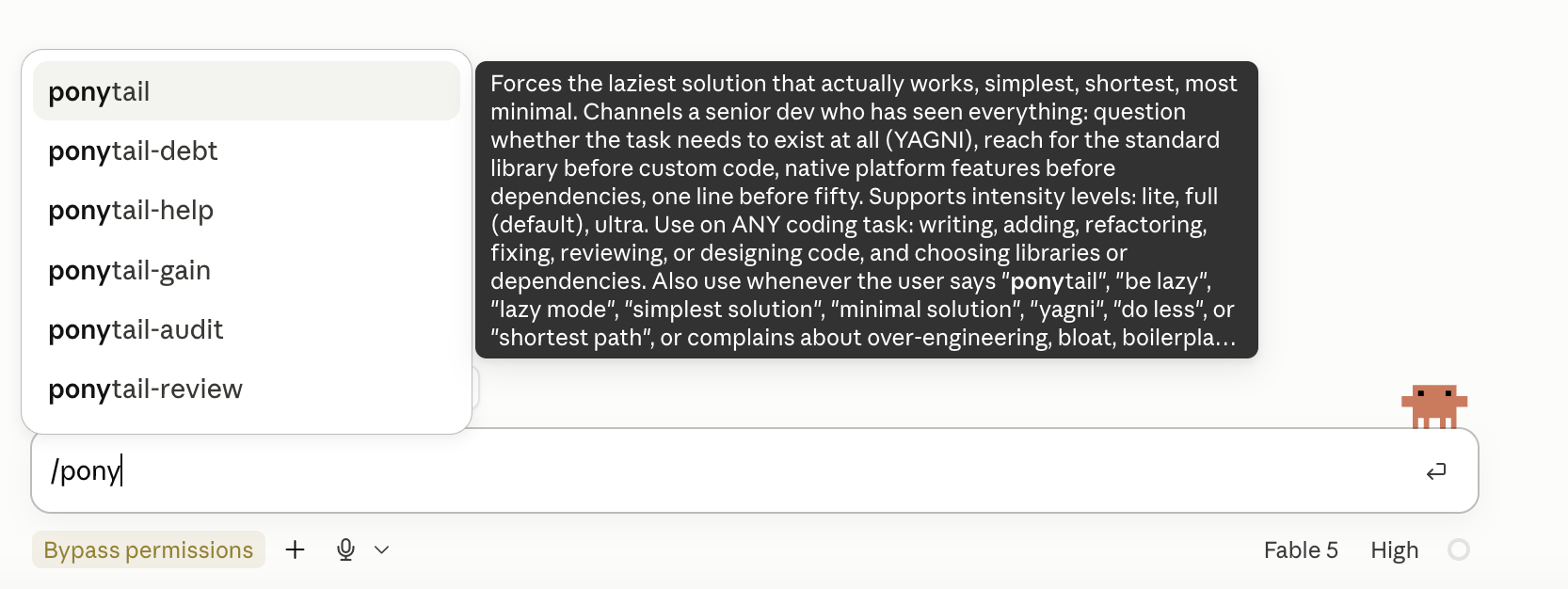
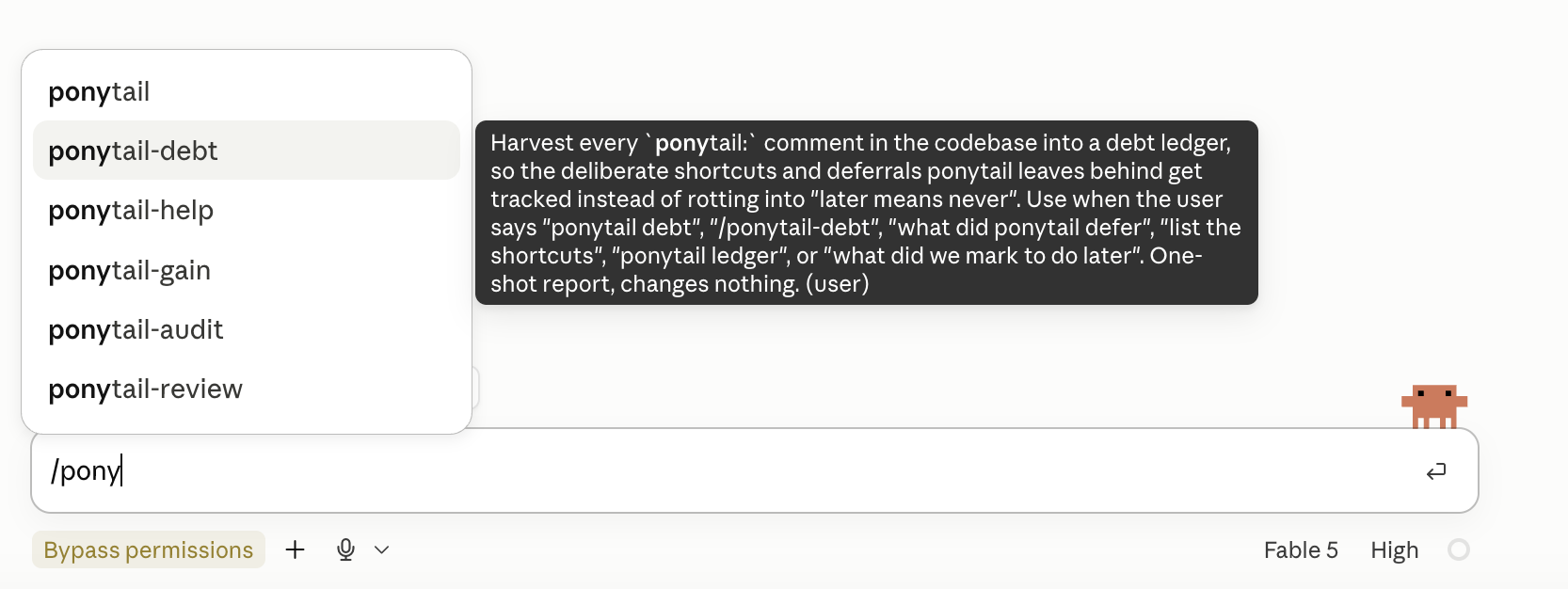
/ponytail-debt: It tracks every shortcut Claude Code leaves behind.
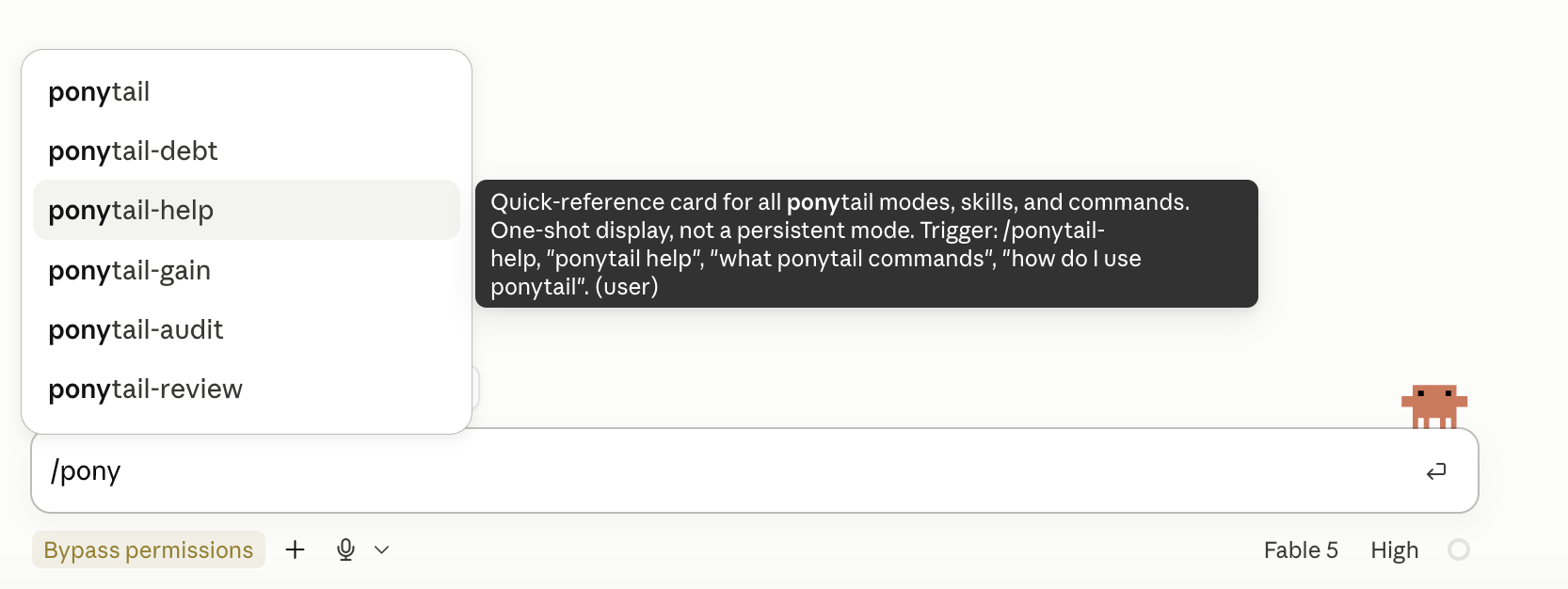
/ponytail-help: It shows how to use Ponytail.
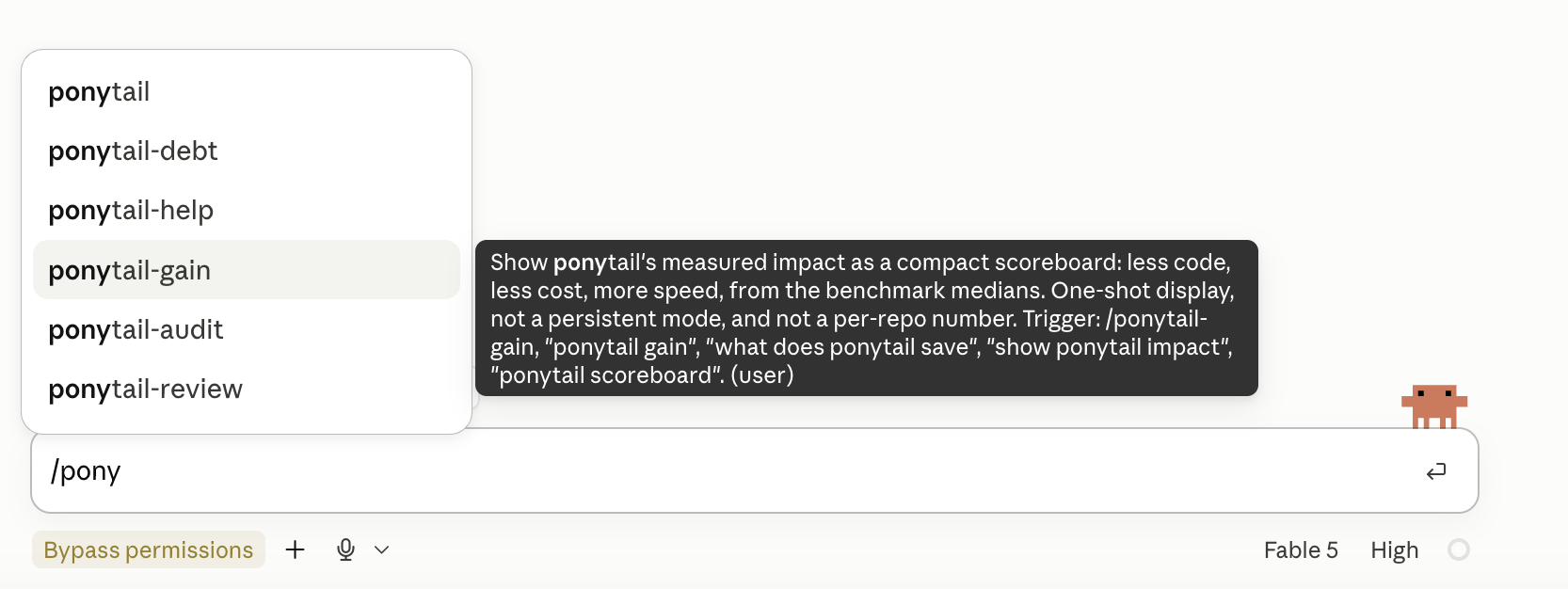
/ponytail-gain: It shows what Ponytail saved.
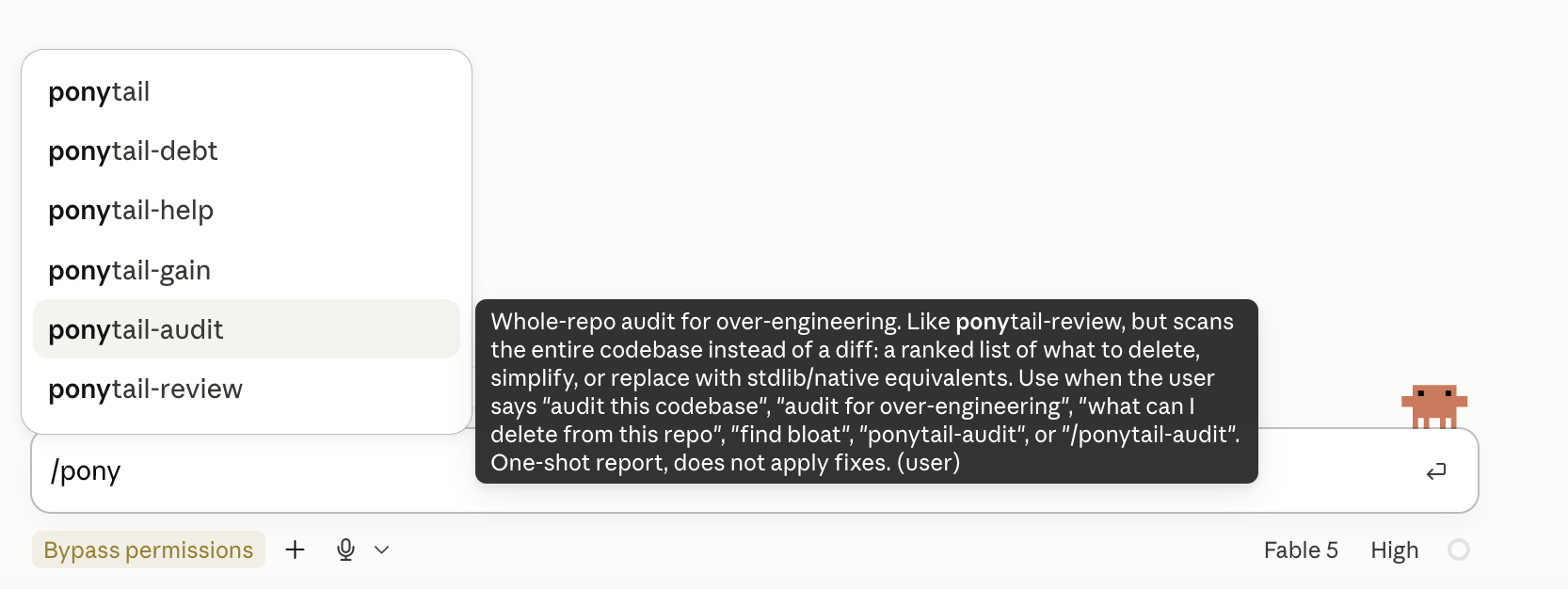
/ponytail-audit: It finds unnecessary code across the entire project.
/ponytail-review: It finds unnecessary code in your changes.
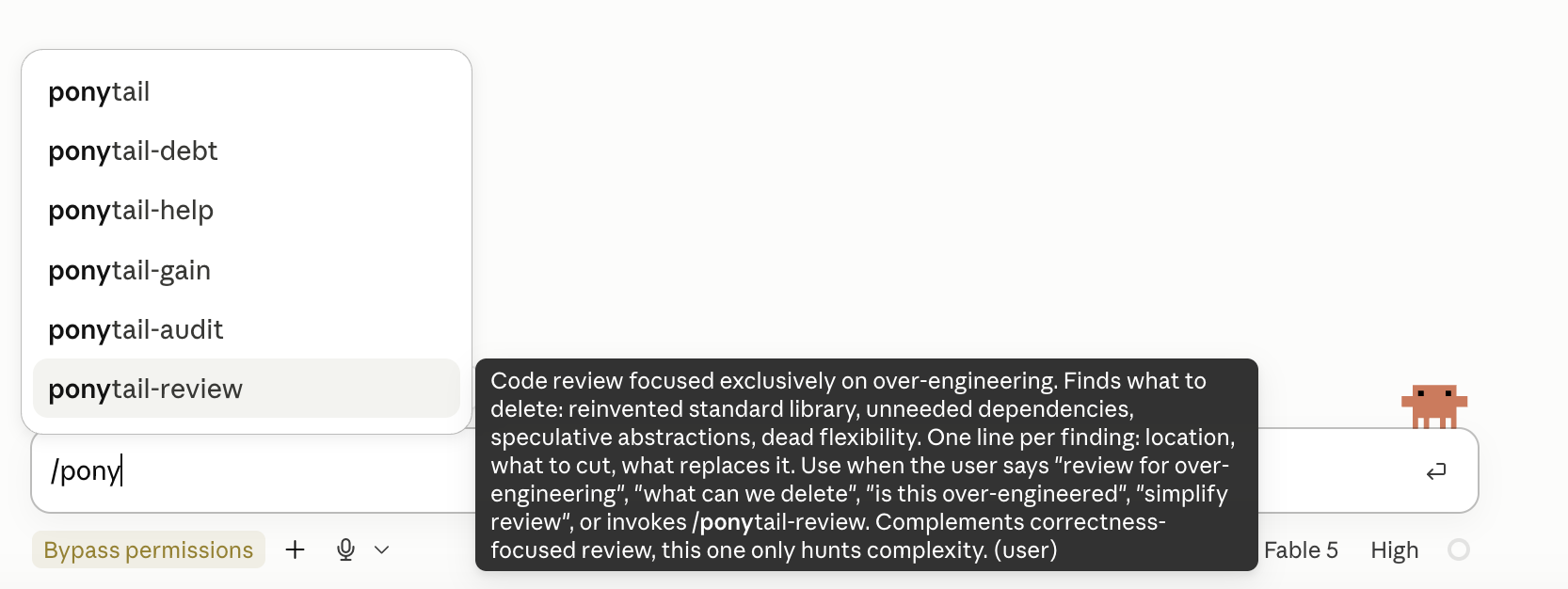
Let’s build an app.
Name of the app: Conversation Autopsy
First, active ponytail.
/ponytail
It shows you these text’s

Use full.

Paste this prompt:
Build an app called Conversation Autopsy.
Users paste a WhatsApp chat, email thread, Slack conversation, or a summary of an argument, and the app identifies where the conflict started, which message escalated it, what each person actually wanted, and what remained unresolved.
Finally, it suggests a better response that could have de-escalated the conversation.
The plain is ready.

In 2 minutes, the app is ready.(super fast)
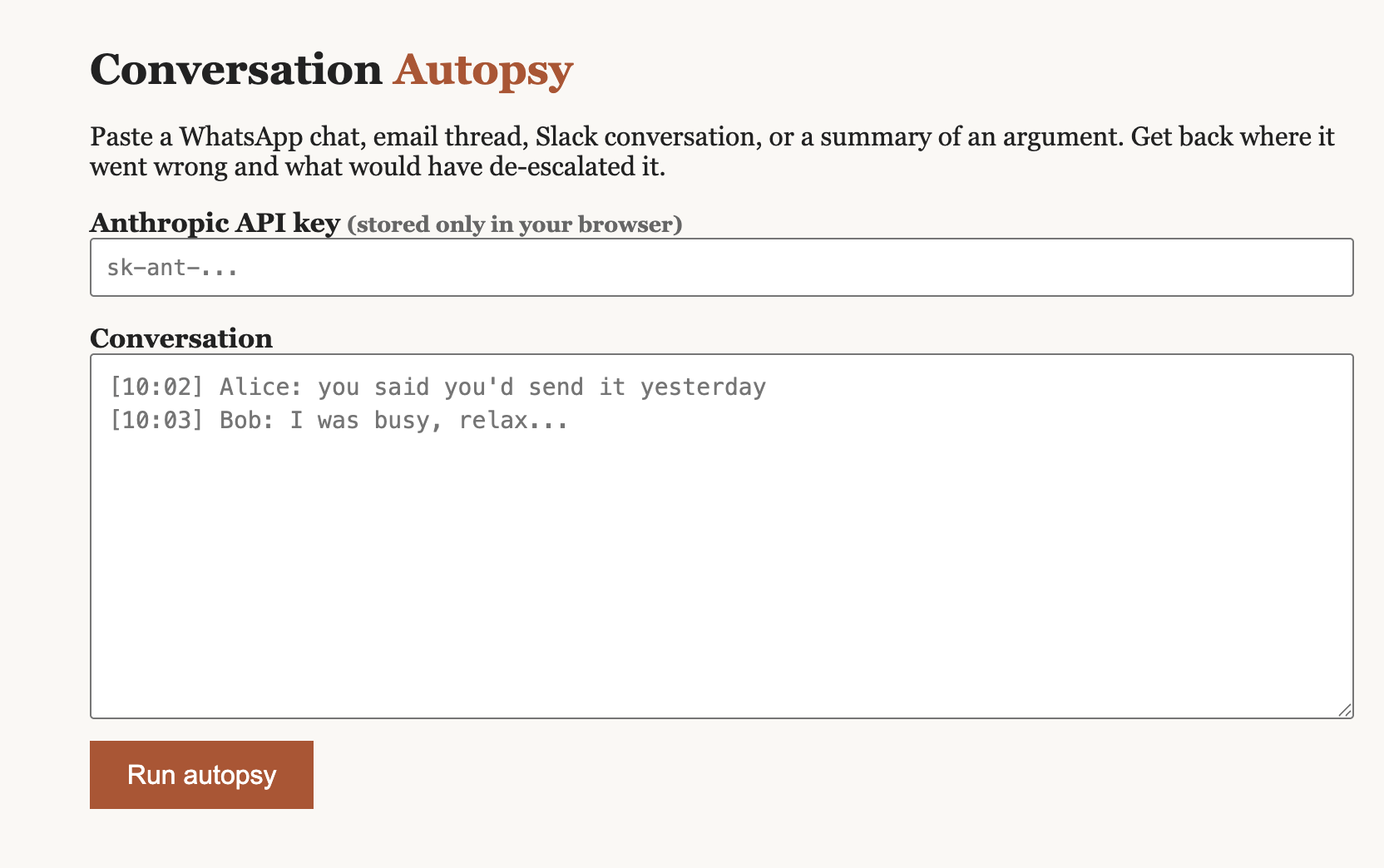
I pasted fake conversation.
[09:12] Emma: Did you finish the report?
[09:14] Jake: Not yet.
[09:15] Emma: You said it would be done yesterday.
[09:16] Jake: I had other priorities.
[09:17] Emma: A quick message would have been enough.
[09:18] Jake: Why are you making such a big deal out of this?
[09:19] Emma: Because I had to explain the delay to the client.
[09:20] Jake: Fine. I'll finish it today.
Here is the first part of the analysis.
Here is the remaining part.
Normally, this app should finis in 10-12 minutes.
Now in 4 minutes, I finished even testing.
3. i-have-adhd
Here is the link: https://github.com/ayghri/i-have-adhd
Step 1: Open the Claude app.
Step 2: Install
Paste this prompt.
Install this skill :https://github.com/ayghri/i-have-adhd
Step 3: Close the Calude App
Step 4: Reopen the Claude App
Step 5: Use this slash command.
/i-have-adhd
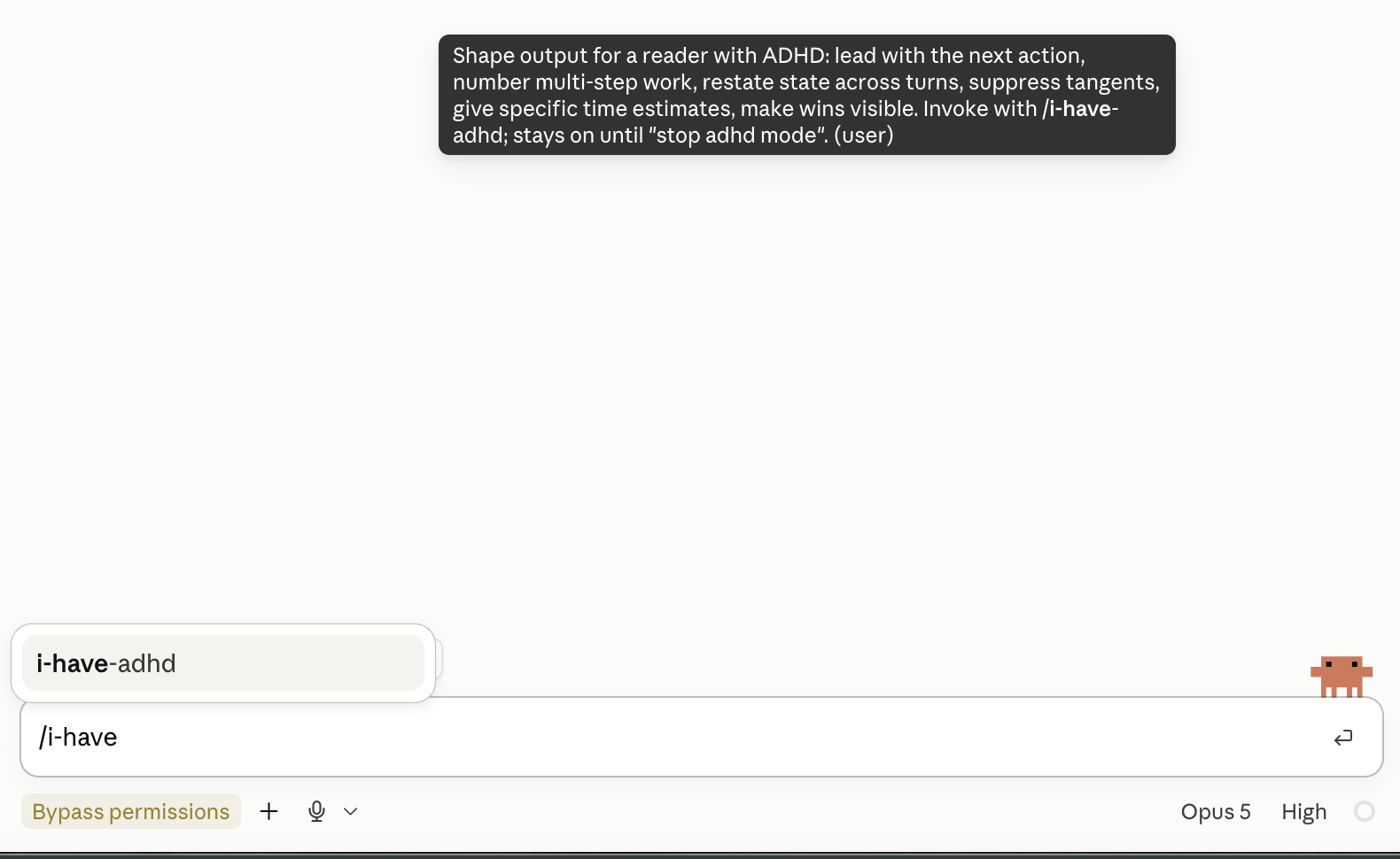
Here is the answer.
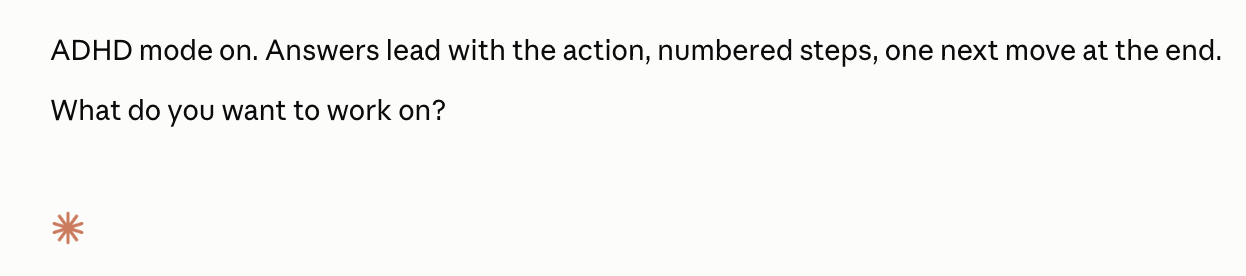
Let’s build an app.
Name of the app: The Things You Keep Saying
Paste this prompt.
Build an app called The Things You Keep Saying.
Analyze the user's available conversation history, notes, journals, or uploaded text to
find recurring phrases, excuses, fears, goals, and language patterns.
Show what the user repeats most often, what those patterns may reveal,
where they first appeared, how they changed over time, and
what the user may not realize they keep saying.
Finally, highlight one blind spot and one actionable suggestion based on
those recurring patterns.
It started.
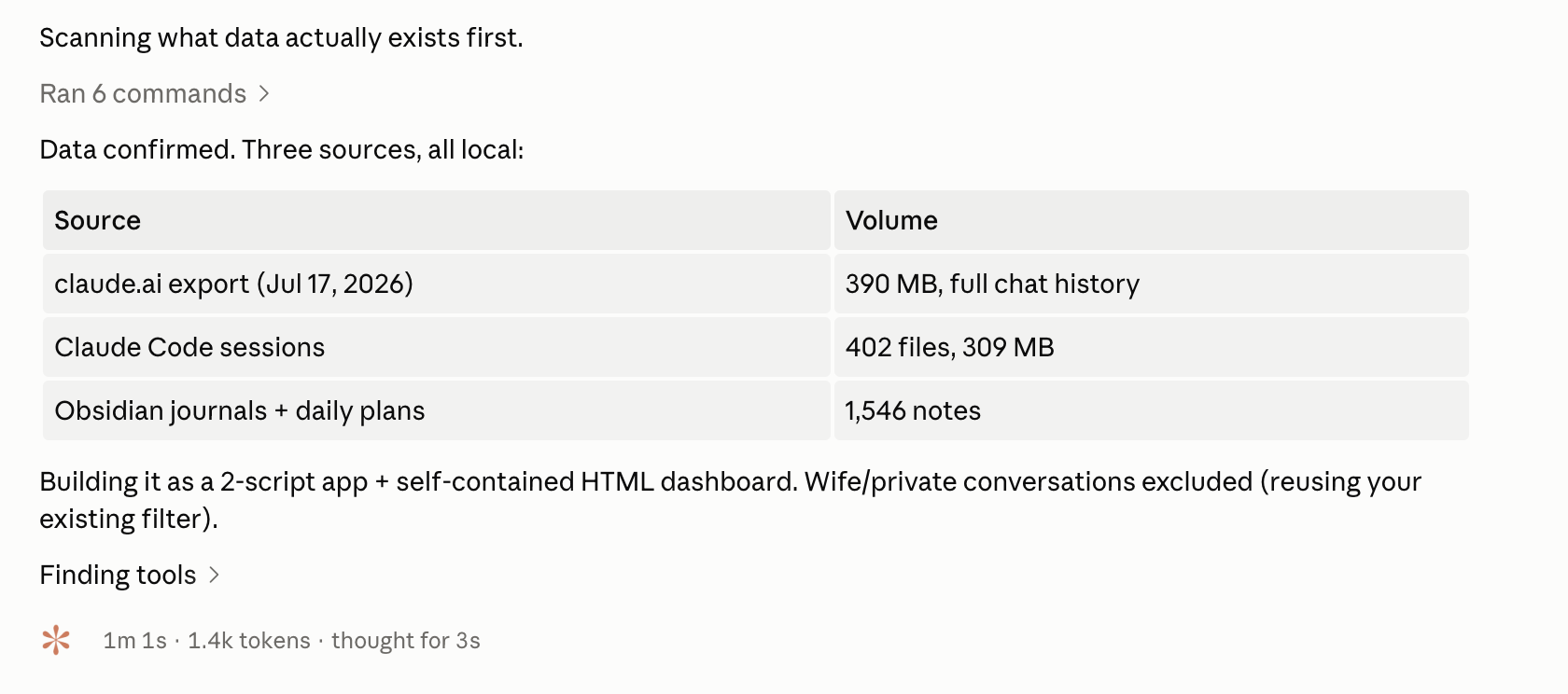
10 minutes later, the app is ready.
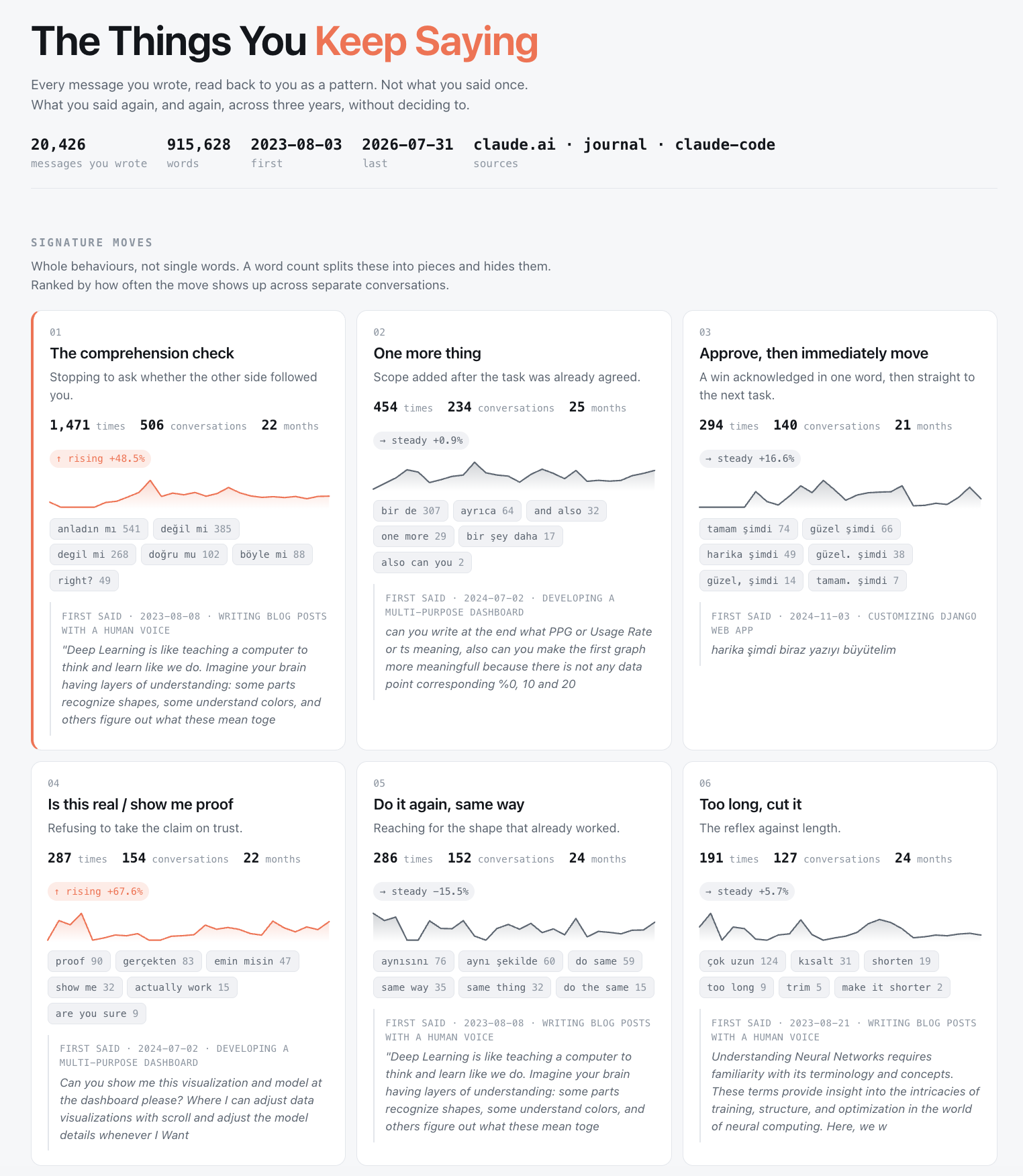
I like it.
Thanks for reading.