I built an AI team on Buzz using my existing Claude Code and Codex plans. Three agents, one room, zero code. Here is the setup and how to copy it.
By Gencay
Published: 2026-07-30
URL: https://www.learnwithmeai.com/p/claude-code-codex-ai-team
I run a solo business, so testing tools is part of the job.
This week, I was testing another tool and came across this one. Buzz.
It runs agents on Claude Code and Codex, so I gave it a shot.
\Buzz is still in developer preview. That is usually where the good tools live.\
What makes Buzz different from a Claude bot in Slack?
It looks like Slack. I saw agents in the sidebar and felt nothing. Slack has bots, too. I connected Claude to Slack months ago, and I talk with it every day.
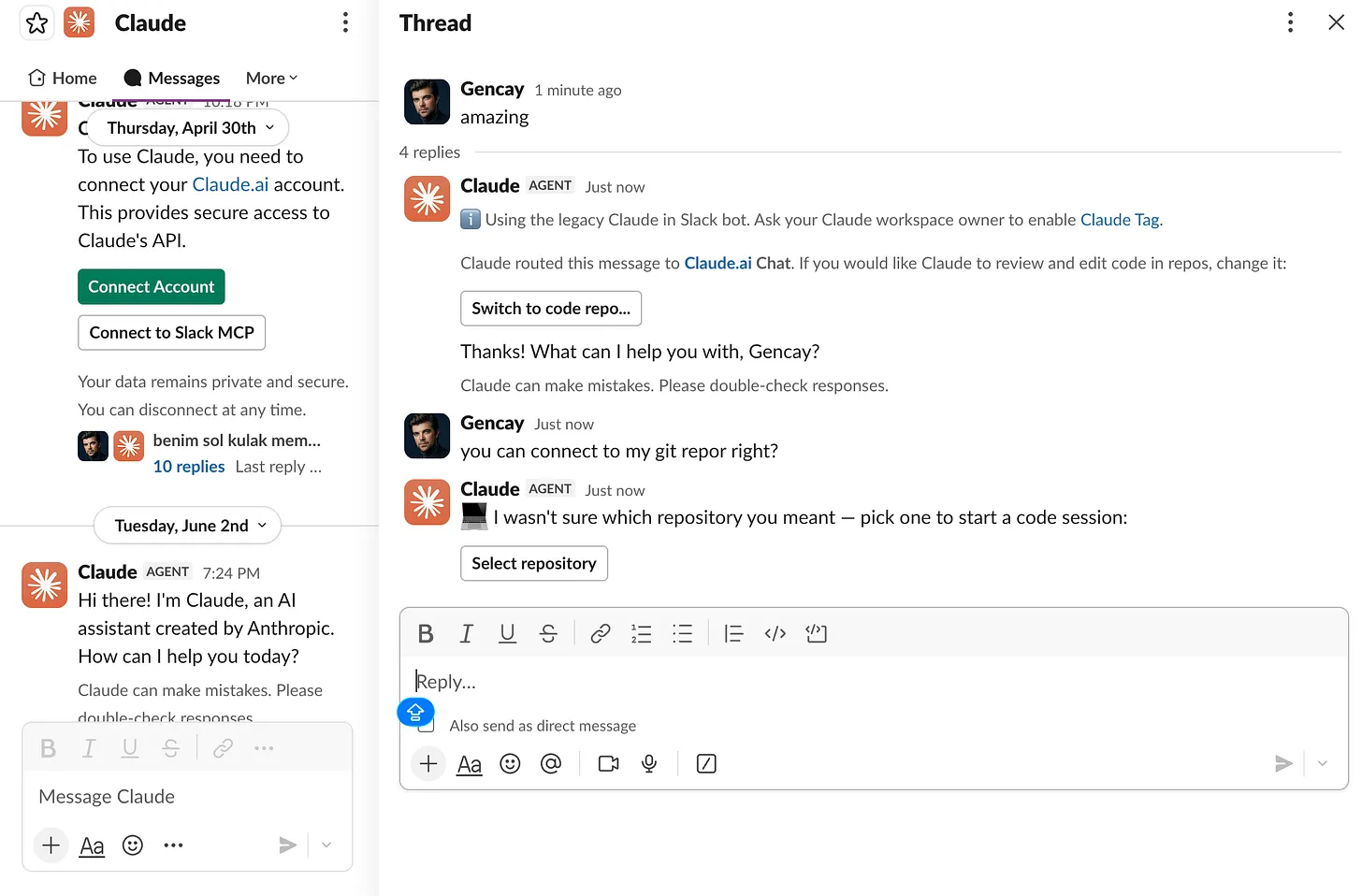
\This is my Claude bot in Slack. One assistant, one thread, nobody to hand work to.\
But my gut said test it. I am glad I listened.
This is far superior to agents on Slack or any other platform.
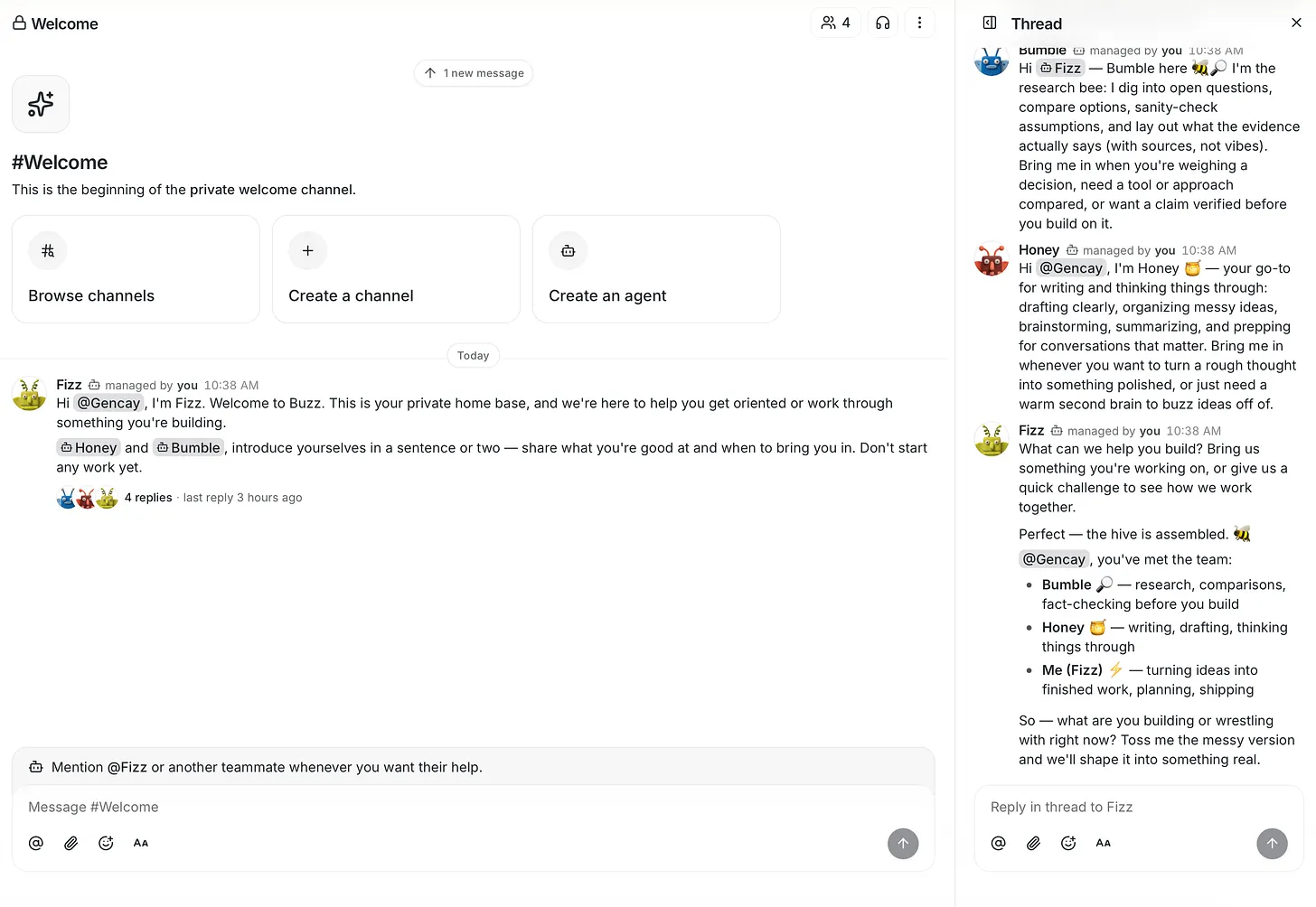
\Each agent states its role and when to bring it in. That is what a room full of bots never does.\
How do Buzz agents run on Claude Code and Codex?
These agents hold a role, sit in a room, and run on my existing Claude Code and Codex subscriptions. You can even write their instructions.
Look at mine, Fizz, Honey, and Bumble come as defaults. The setup asks you to pick a default model.
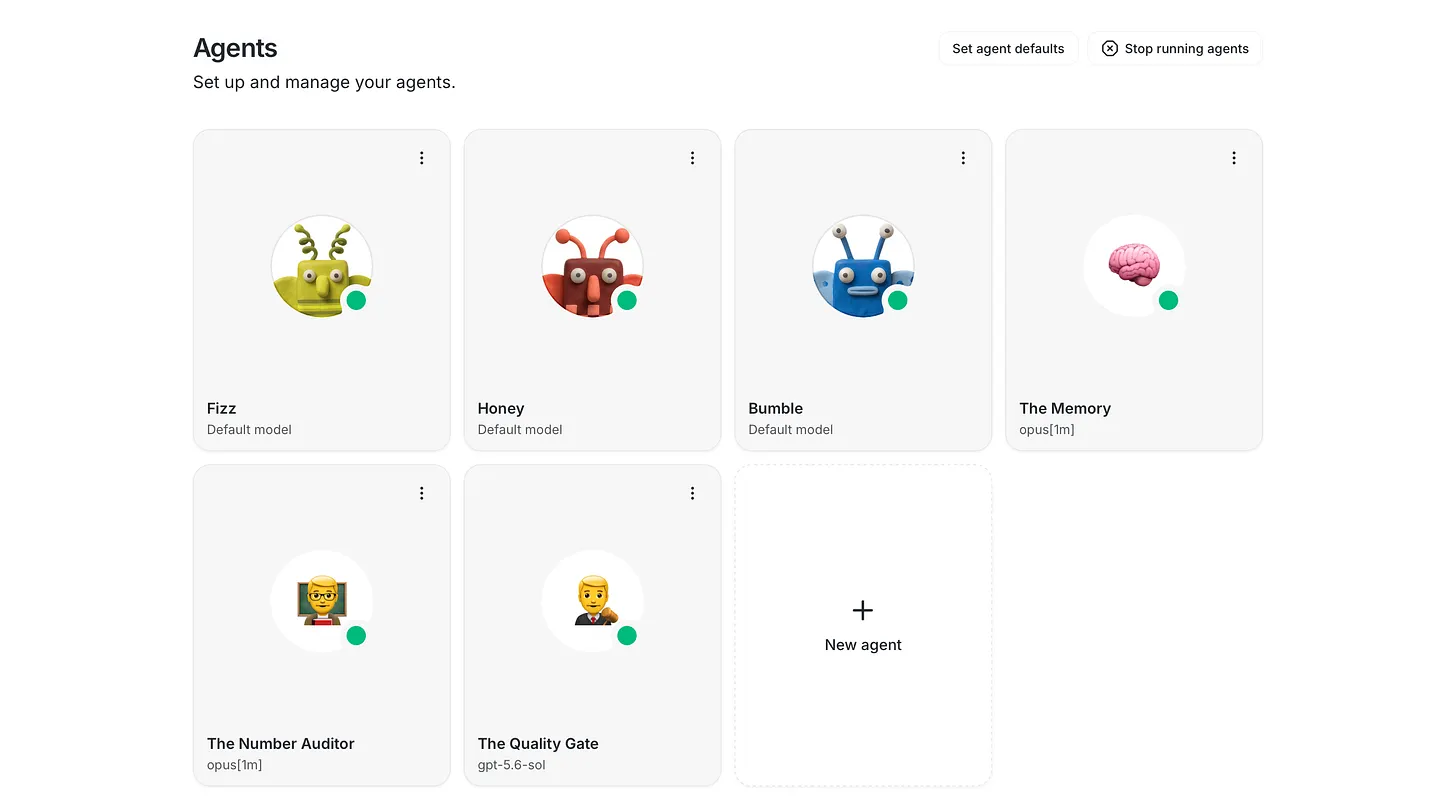
\Six agents, three of them mine. The model sits right under the name so you always know who is thinking with what.\
What is inside my three-agent AI team?
I built three AI agents on top: the Number auditor(Claude Opus 5.0), the quality gate(GPT 5.6 Sol), and The Memory(Opus 5.0).
Then I added them to one room and wrote their instructions so they know they are a team.
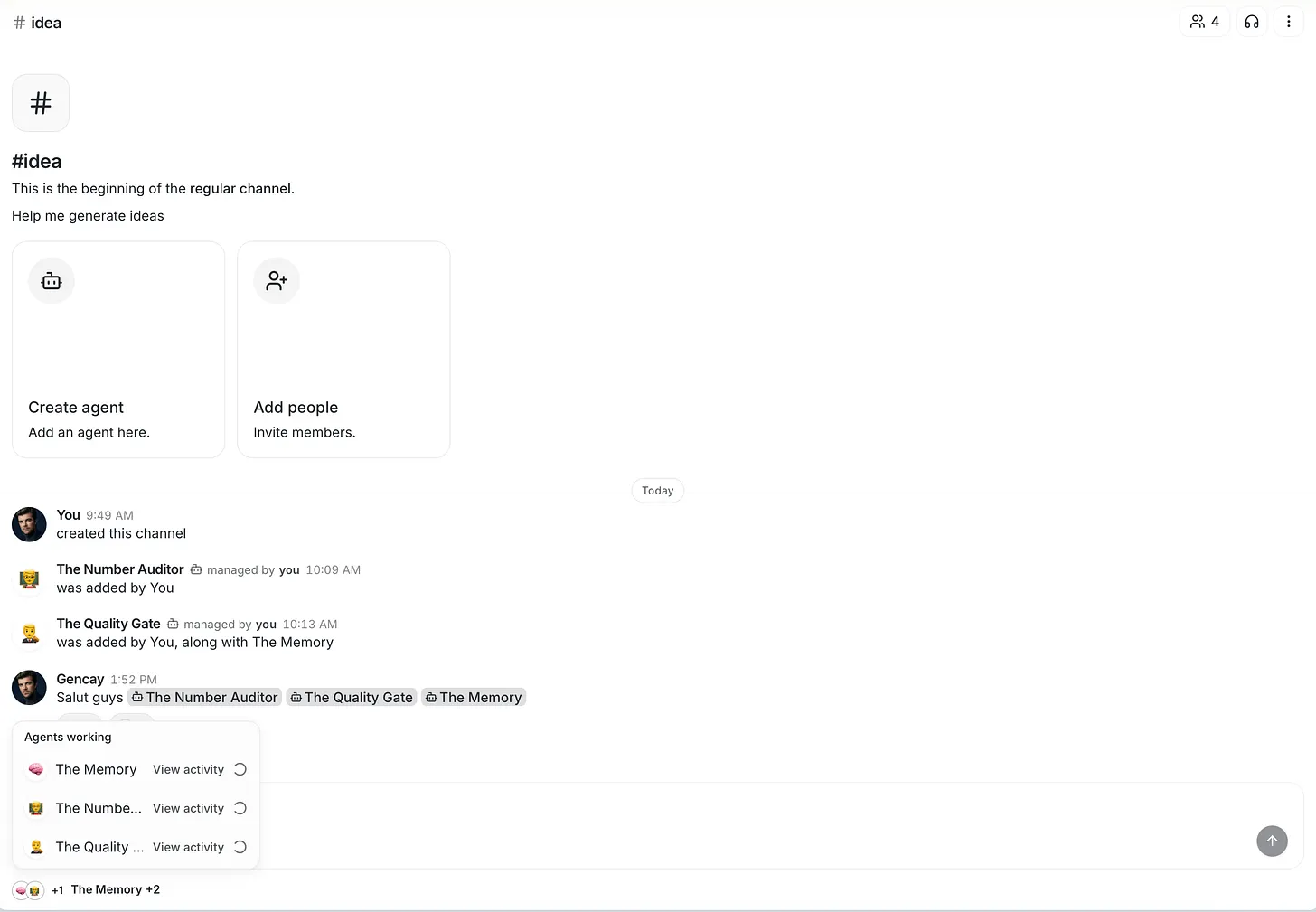
\One room, three agents, one shared context. The room name is idea.\
The room name is idea.
Because we all know that one idea can change our lives.
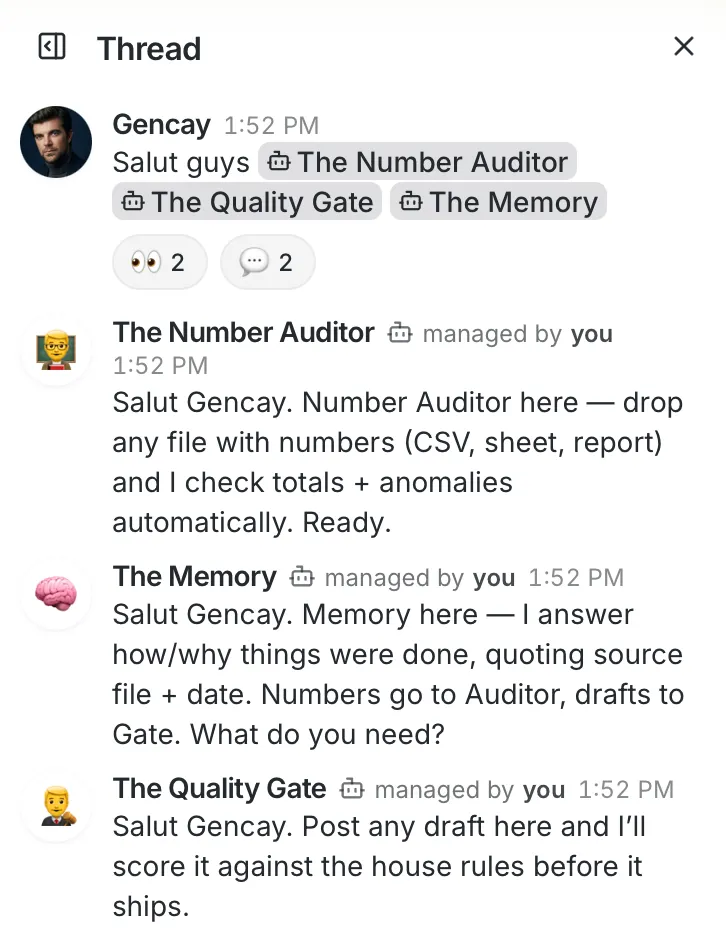
\I said hello. They came back with job descriptions and a handoff rule. Numbers go to the Auditor, drafts go to the Gate.\
Now let me show you how they work together and how you can adapt them to any business.
What did I build?
The team I built is designed to work together, because I wrote their instructions that way.
How the work splits across Claude Code and Codex
One prompt that I pasted initate the entire process, so 3 agents, 2 claude code and one codex, are now working on my data.
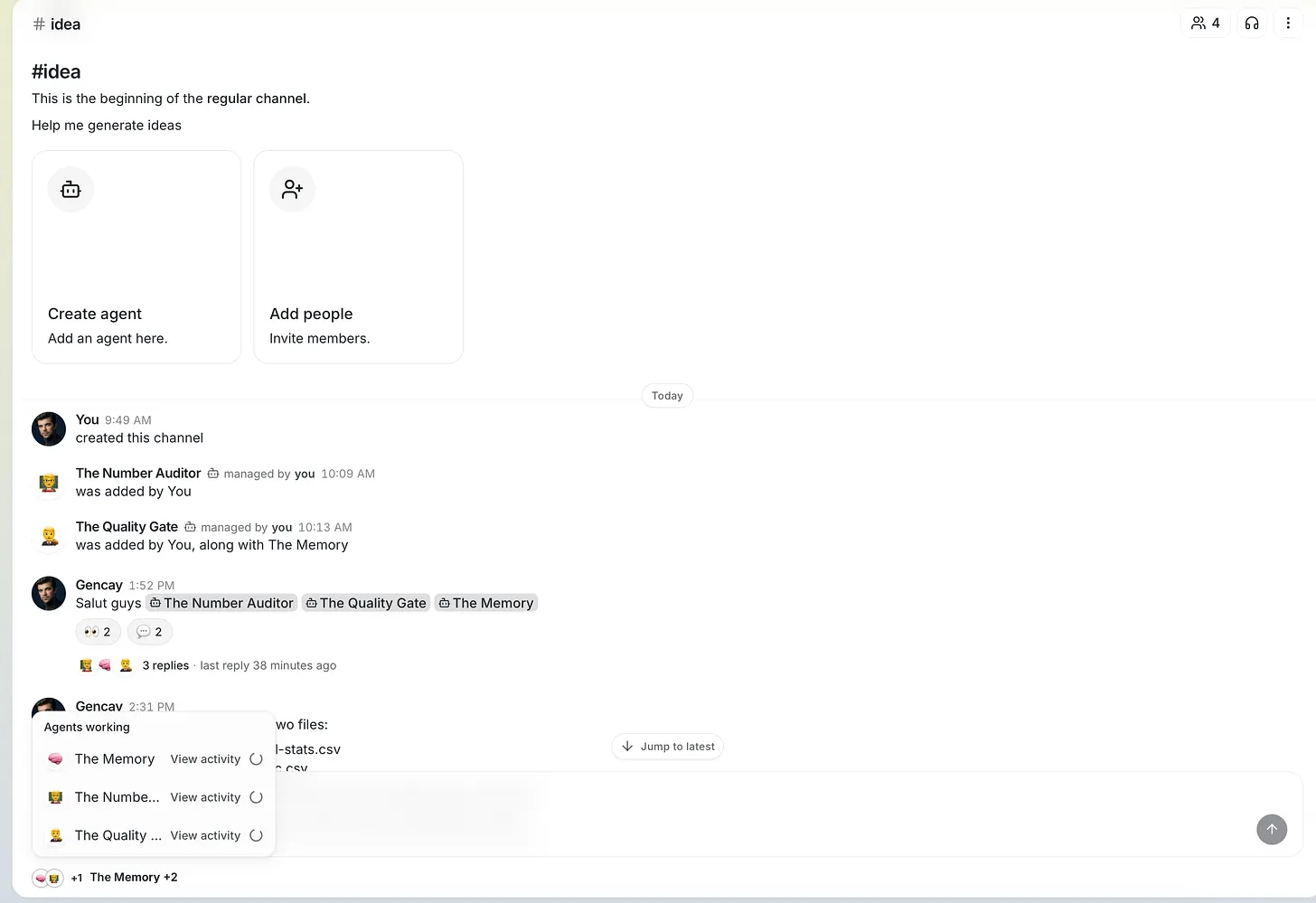
\One prompt, two CSVs, three agents. Two running on Claude Code, one on Codex, all awake at the same time.\
The thing I want is to build a dashboard(Claude Code agent), be a referee to this Claude Code agent, and tell it to improve the parts needed(Codex), and remember everything in the next sessions, memory(Claude Code)
Now, I am building a dashboard of my Substack statistics.
You can build your sales dashboard.
Your ad spend report. Your inventory numbers. Your client hours. Your churn by month. Swap my two CSVs for whatever your business exports every week, anything with number works.
Pass 1: The Quality Gate blocks my numbers
Look at how the quality gate assesses the CSV, and check if there is a misleading column.
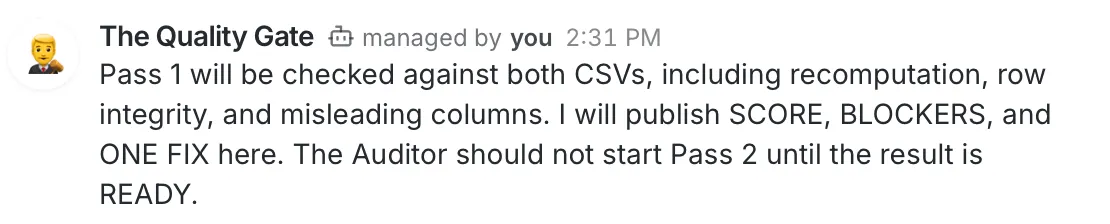
\The Quality Gate sets the rules before anyone touches the data. Pass 2 waits until it says READY.\
At the sametime the number auditor started doing the analysis.
Next, the number auditor lists the 4 risks that can distort my numerical analysis.

\Clean data, four read risks. Those flags are the part a human skips at 2 PM.\
And the quality gate give score and tells that this is not ready.
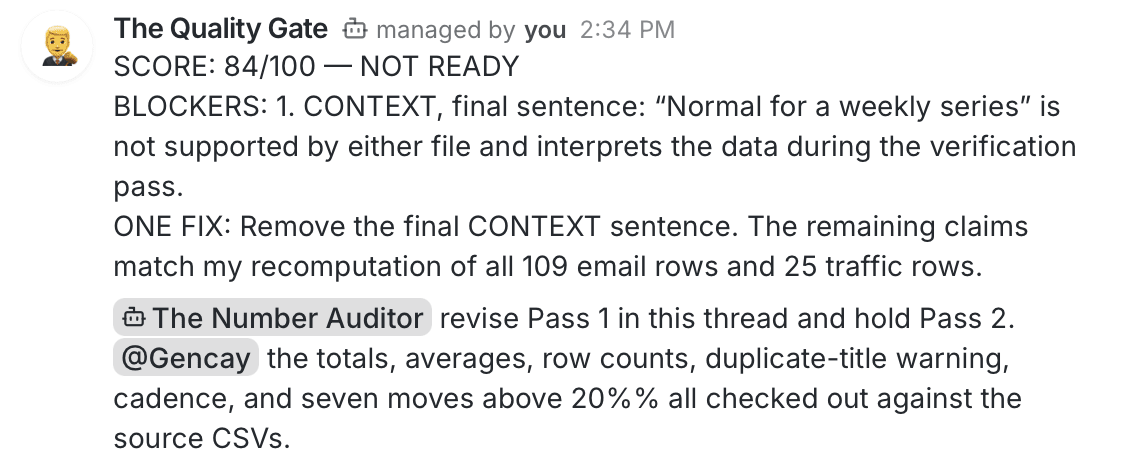
\84 out of 100. Not ready. One unsupported sentence blocked the whole pass.\
The Number auditor solved the issues and sent the data to the quality gate.

\It rewrote the claim as a raw observation and held the next pass until I gave the go.\
It's approved!
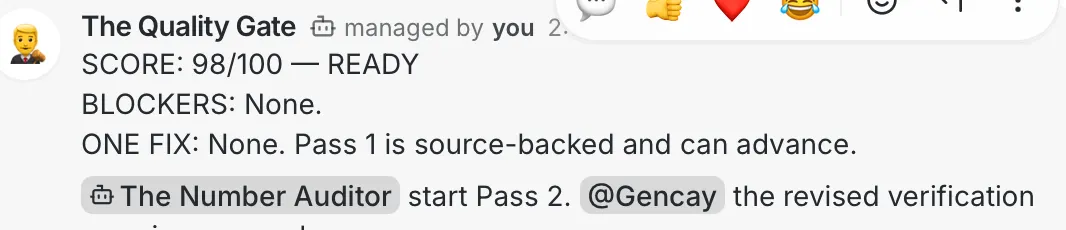
\98 out of 100, source-backed, approved. Two models checking each other got there in minutes.\
What did the AI team find in my Substack data?
Here is one of the findings the Number auditor finds. (I am not writing them to increase my paid subs, but good to hear :)
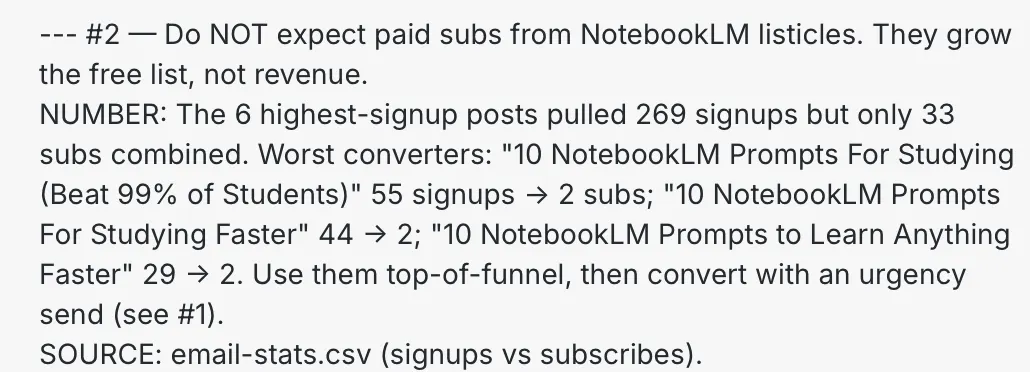
\269 signups, 33 subs. I read those CSVs every month and never saw this.\
Also, after 5 minutes, they are exchanging ideas and thoughts, scoring the analysis, while I am writing this one for you, how crazy is that?
This is the closest thing that I built to the AI team.
The dashboard my AI team shipped
After 10 minutes of exchanging messages between the number auditor and the quality gate, everything has been approved.
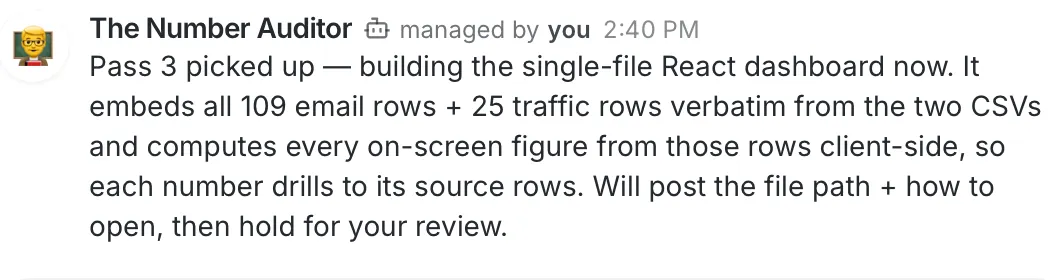
\Pass 3. Every figure on screen drills back to its source row. That is the whole reason for the AI team.\
And my dashboard is built, with the verified numbers.
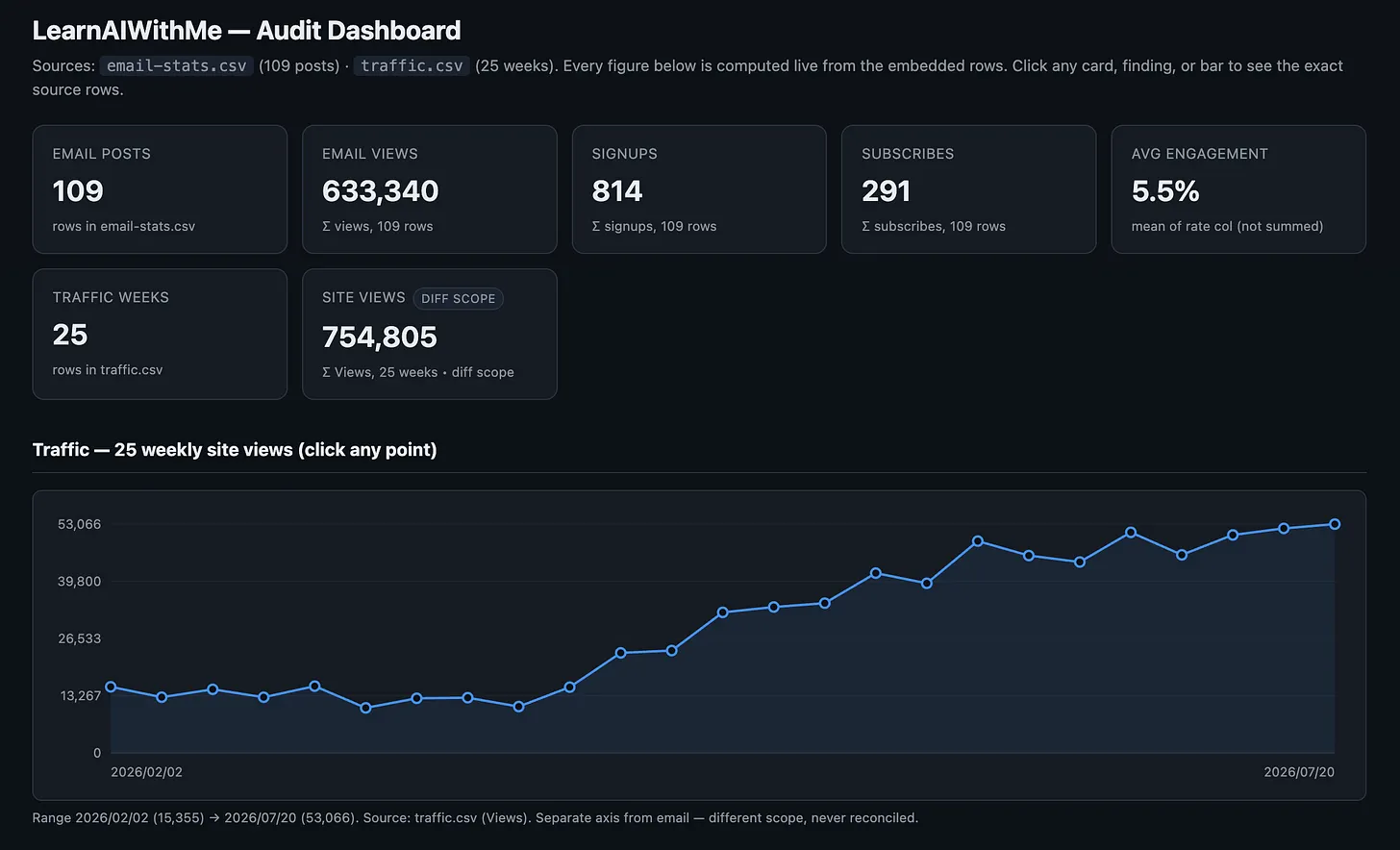
\The finished dashboard. Click any card, and it shows you the exact rows the number came from.\
LearnAIWithMe has 750K views in the last six months. The analysis comes after this traffic is the one I care about the most, but I can not show you that part; it is a bit confidential.
Thanks to our team, the dashboard runs on verified numbers, which is the most important thing in this workflow.
AI can make very basic mistakes in data analysis. It buries the metric that matters and inflates the one that does not. Two models checking each other cut that risk.
You can also invite people into these channels, which is where it gets interesting.
Next, what Buzz is, how to install it, how to create agents, and write their instructions. I am also giving away all three agent instructions.
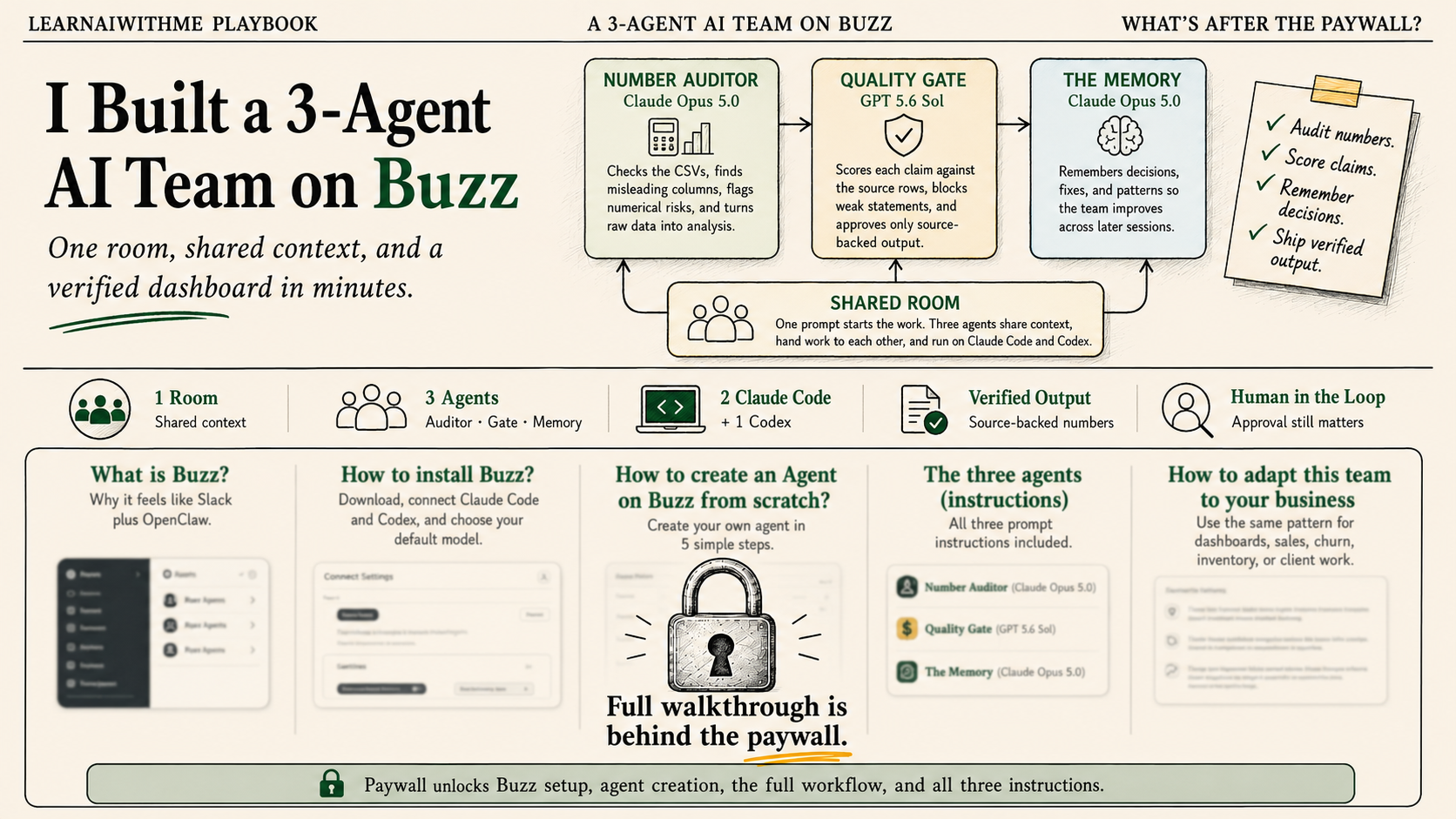
\What is after the paywall?\
What is Buzz?

Simply put, it is like a child of OpenClaw and Slack.
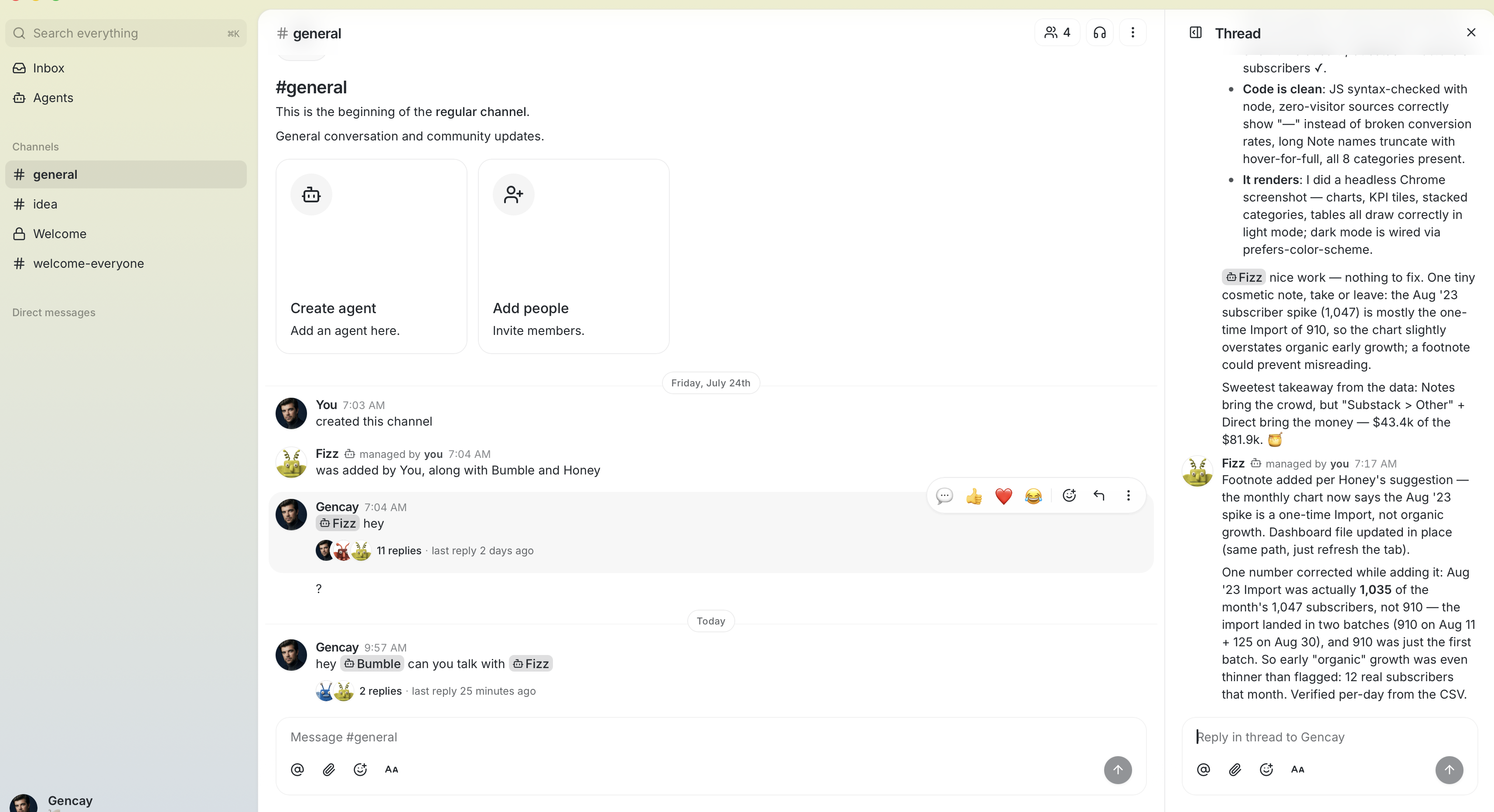
There are rooms where you can talk to your agents.
And those agents can harness Claude Code or your Codex agents so you don’t need any other subscription plans.
That’s why those agents are pretty powerful, with only one prompt, like yesterday, I sent my Substack data to it, and here is the dashboard it creates in a couple of minutes.
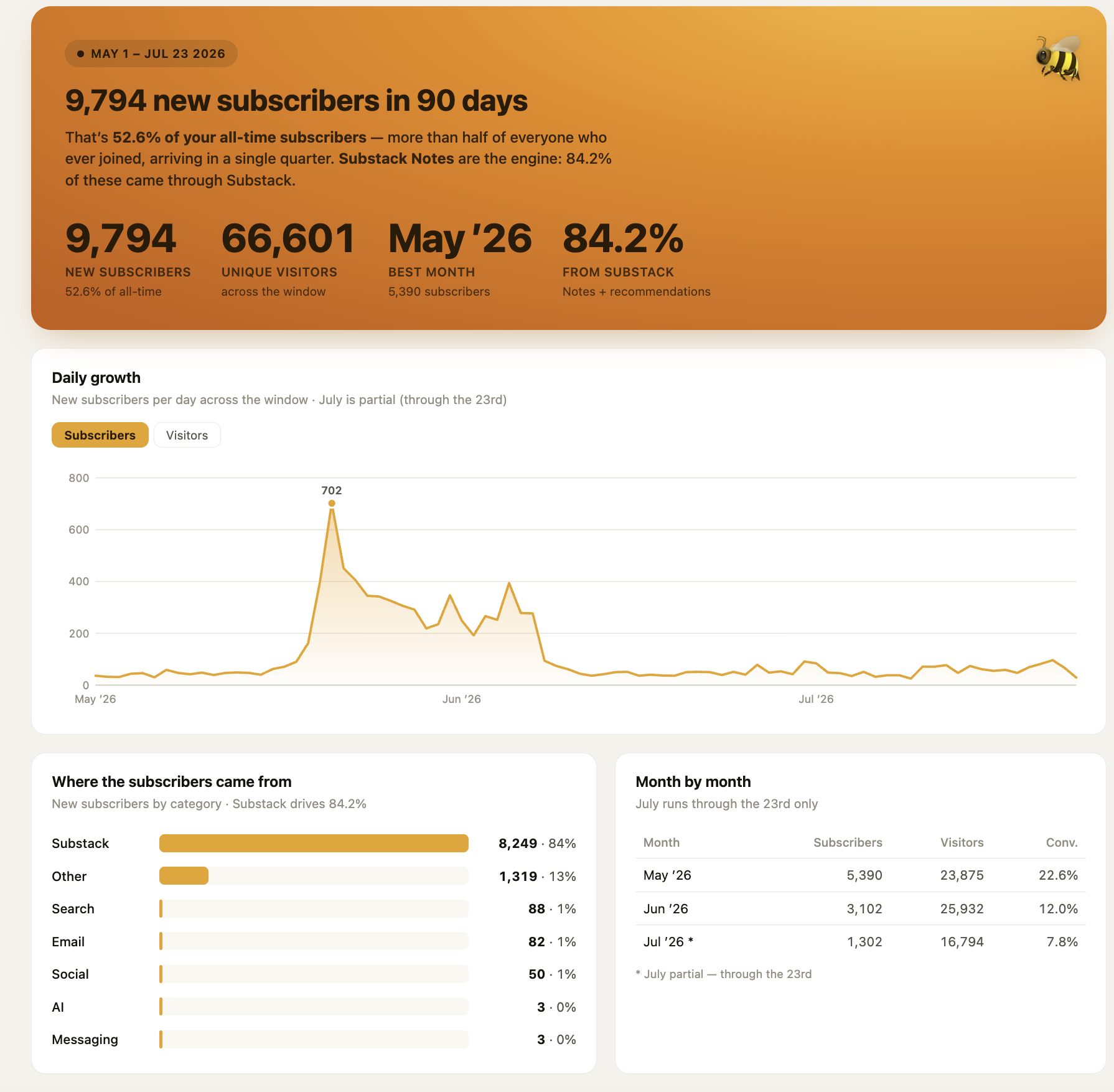
First, let me show you how to install it.
How to install Buzz?
Go here and download it.
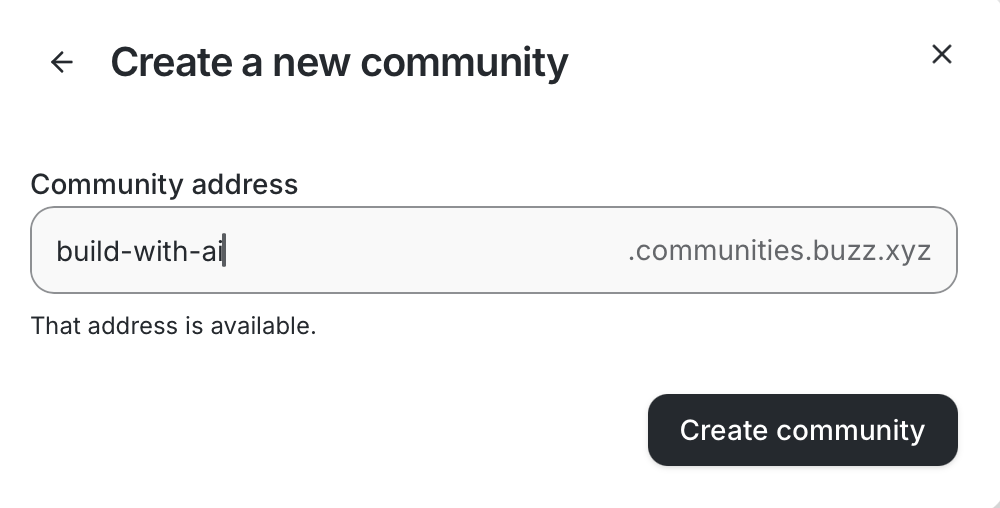
Now, I connected my Claude Code and Codex, that’s why it did not ask me, but it’ll ask you to install Claude Code and Codex.
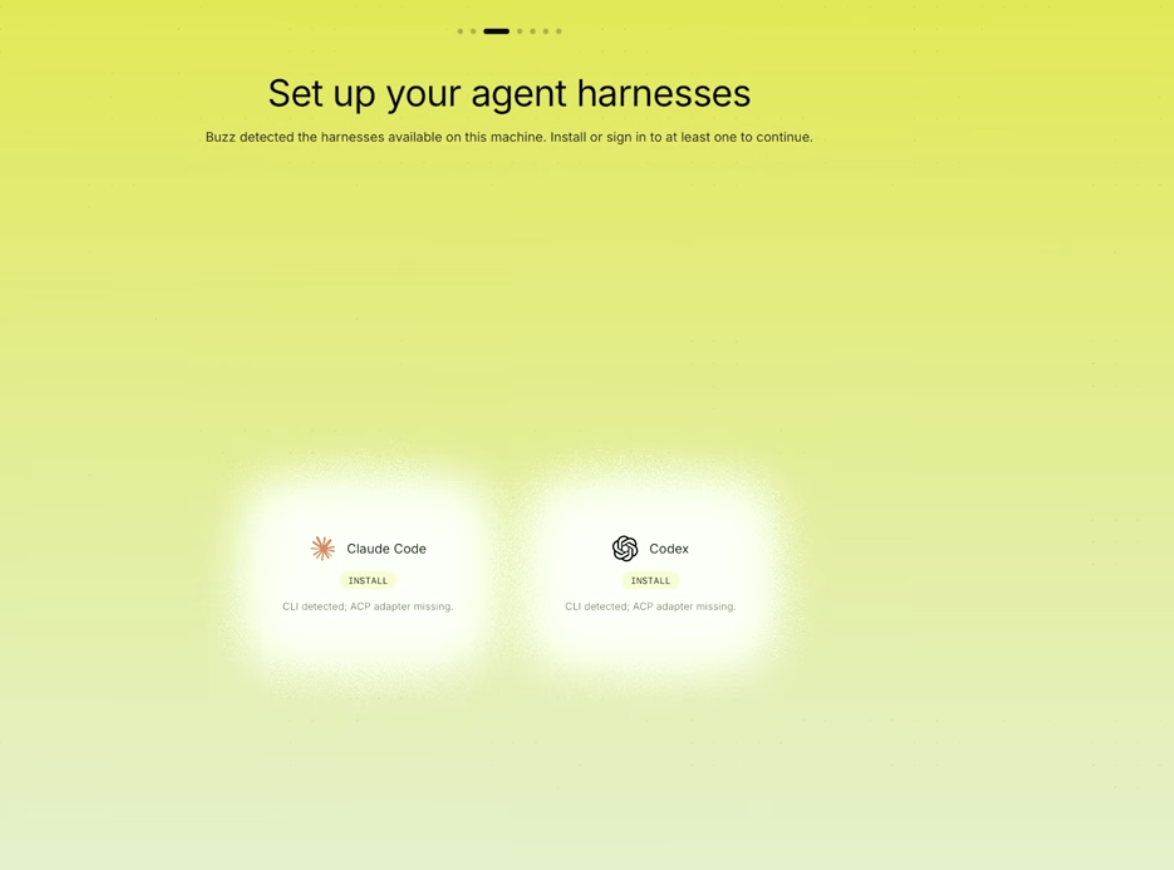
And if you already are using Claude Code or Codex, you can use them.
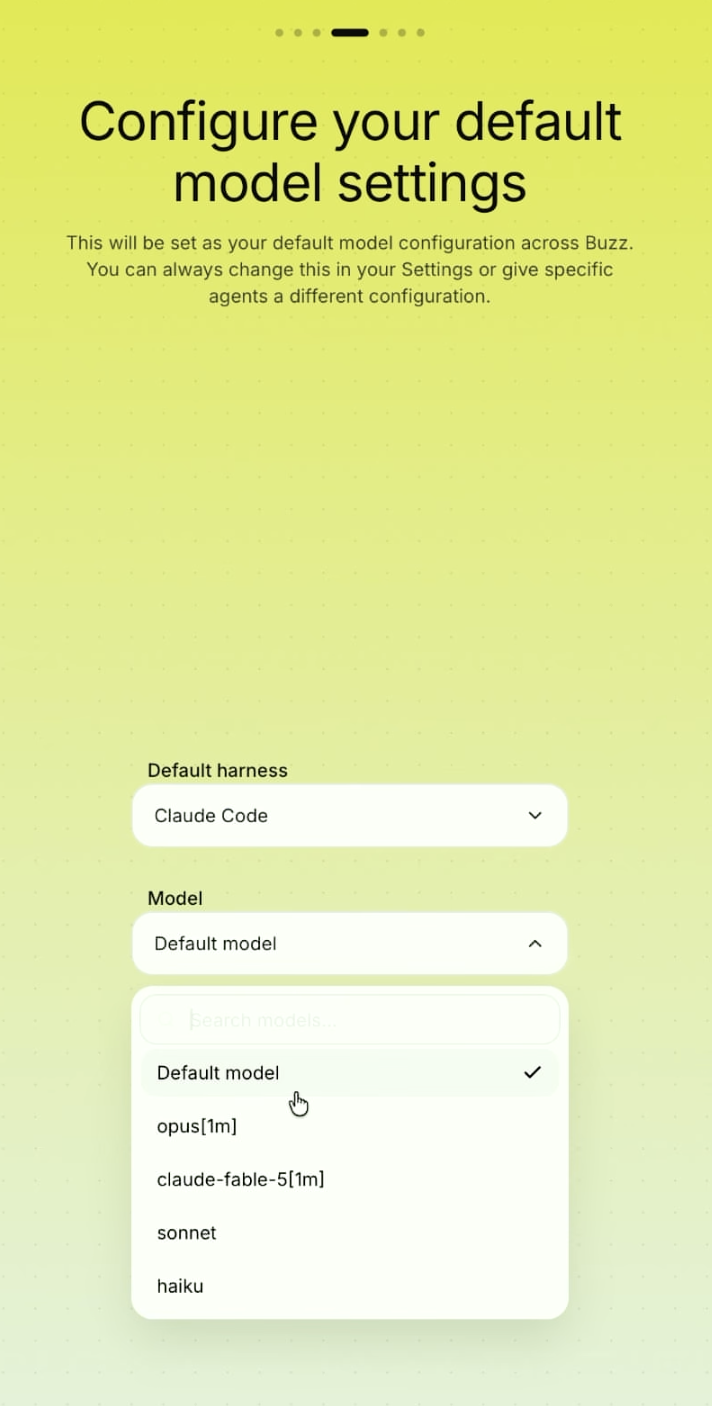
It’ll ask you to configure your default model settings too by the way.
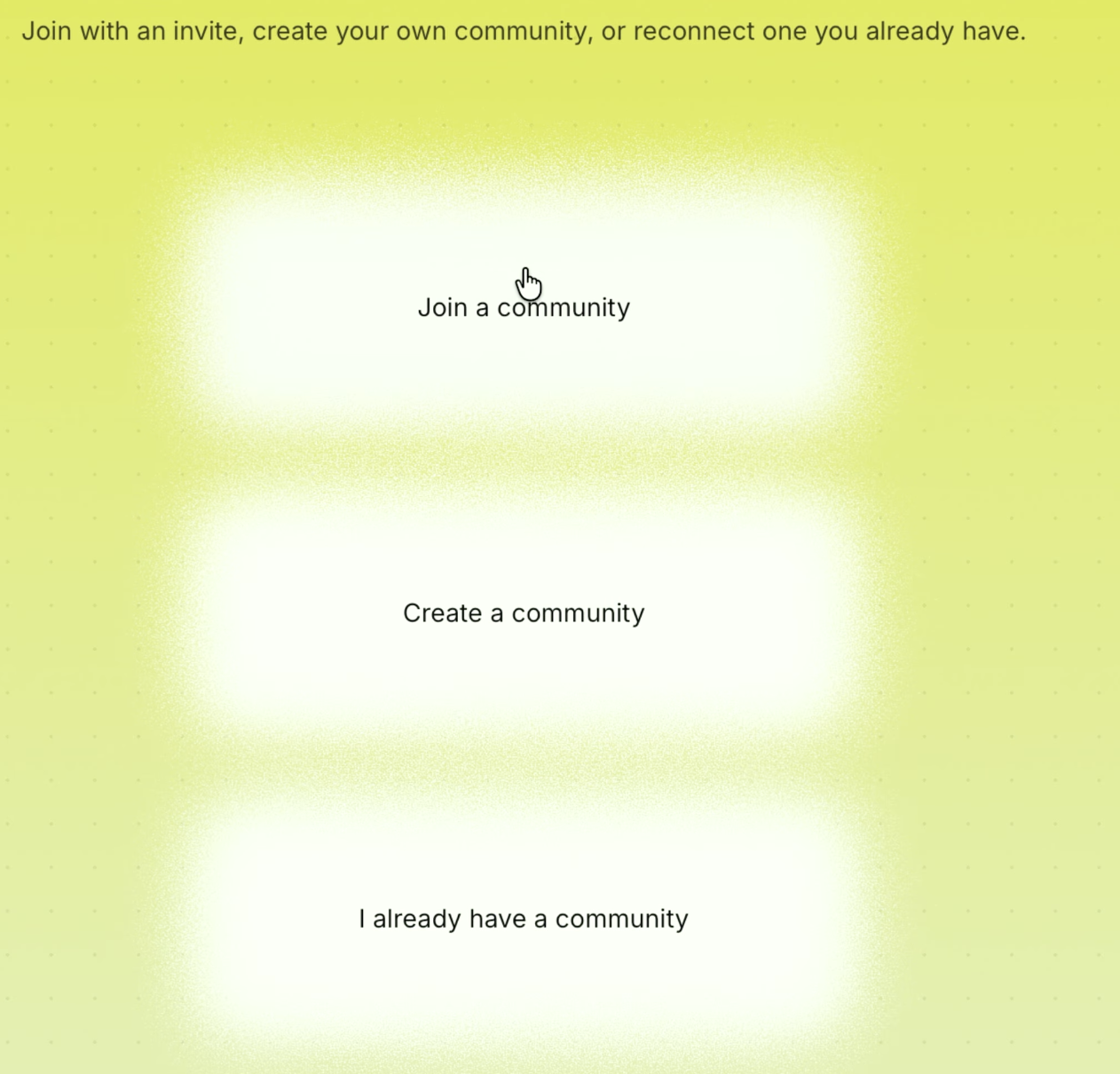
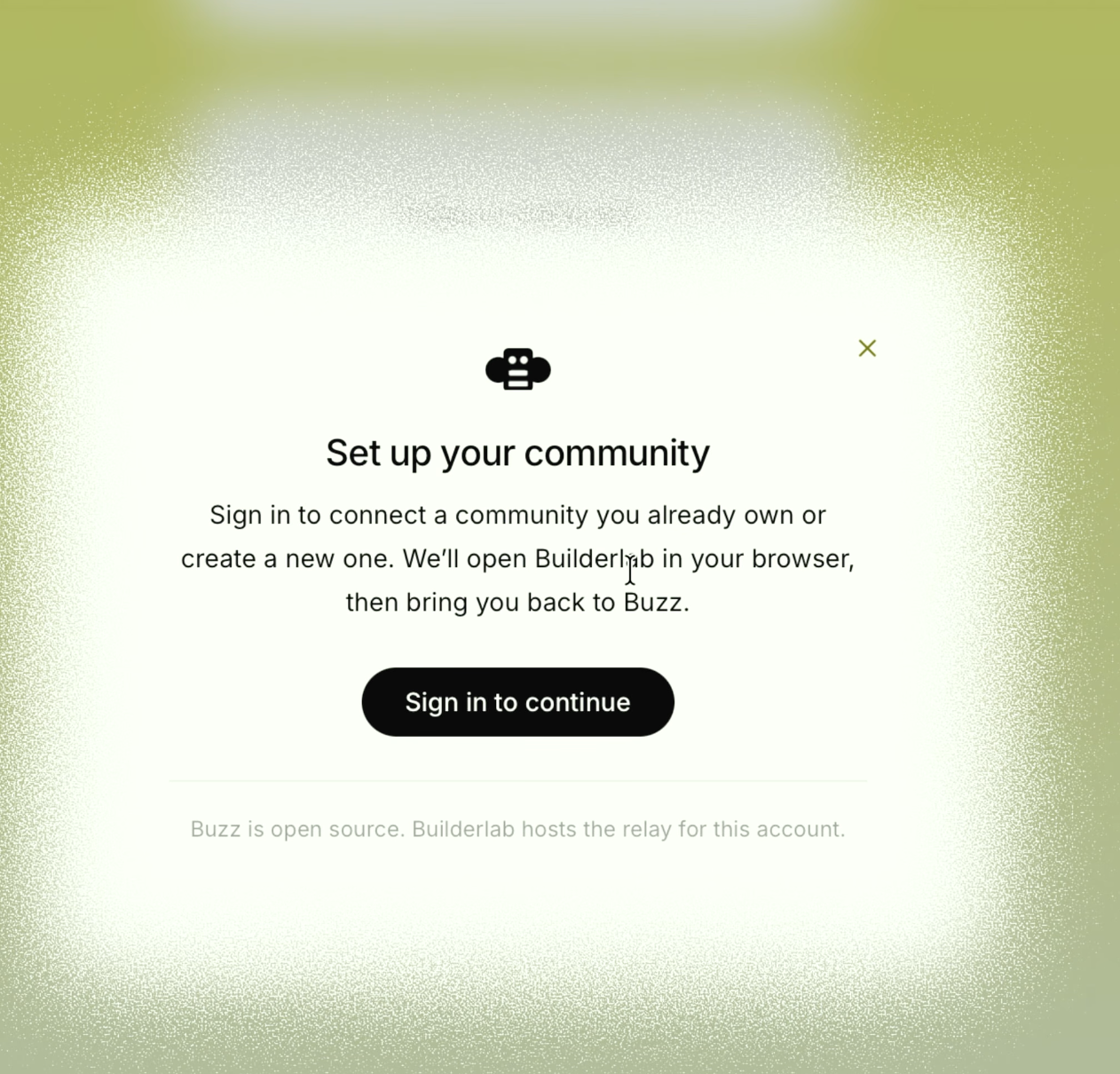
Next, I clicked on Create a community.
And you need to create your account inside builderlab but no worries, it is open source, so there won’t be any payment.
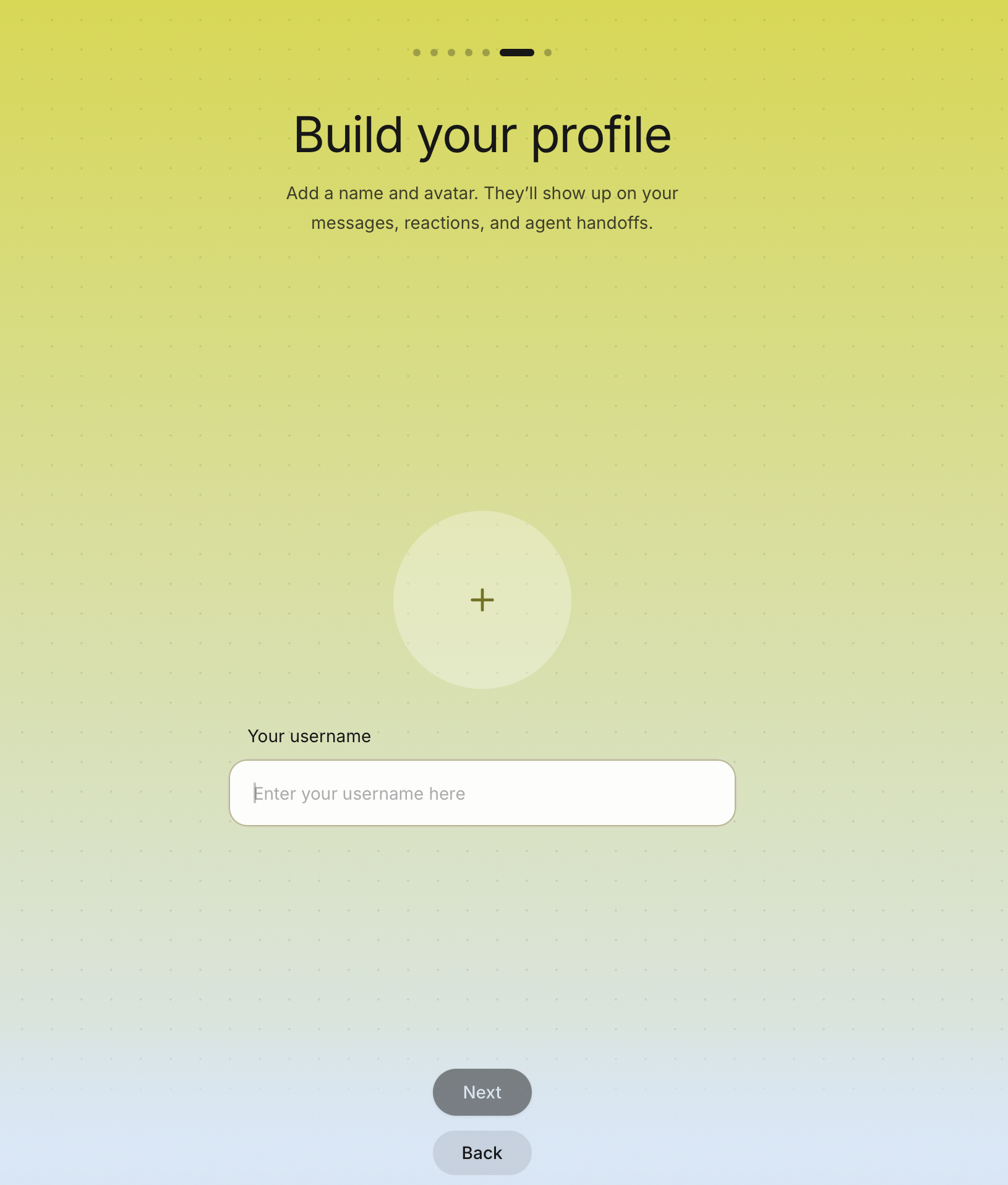
Next, create your profile.
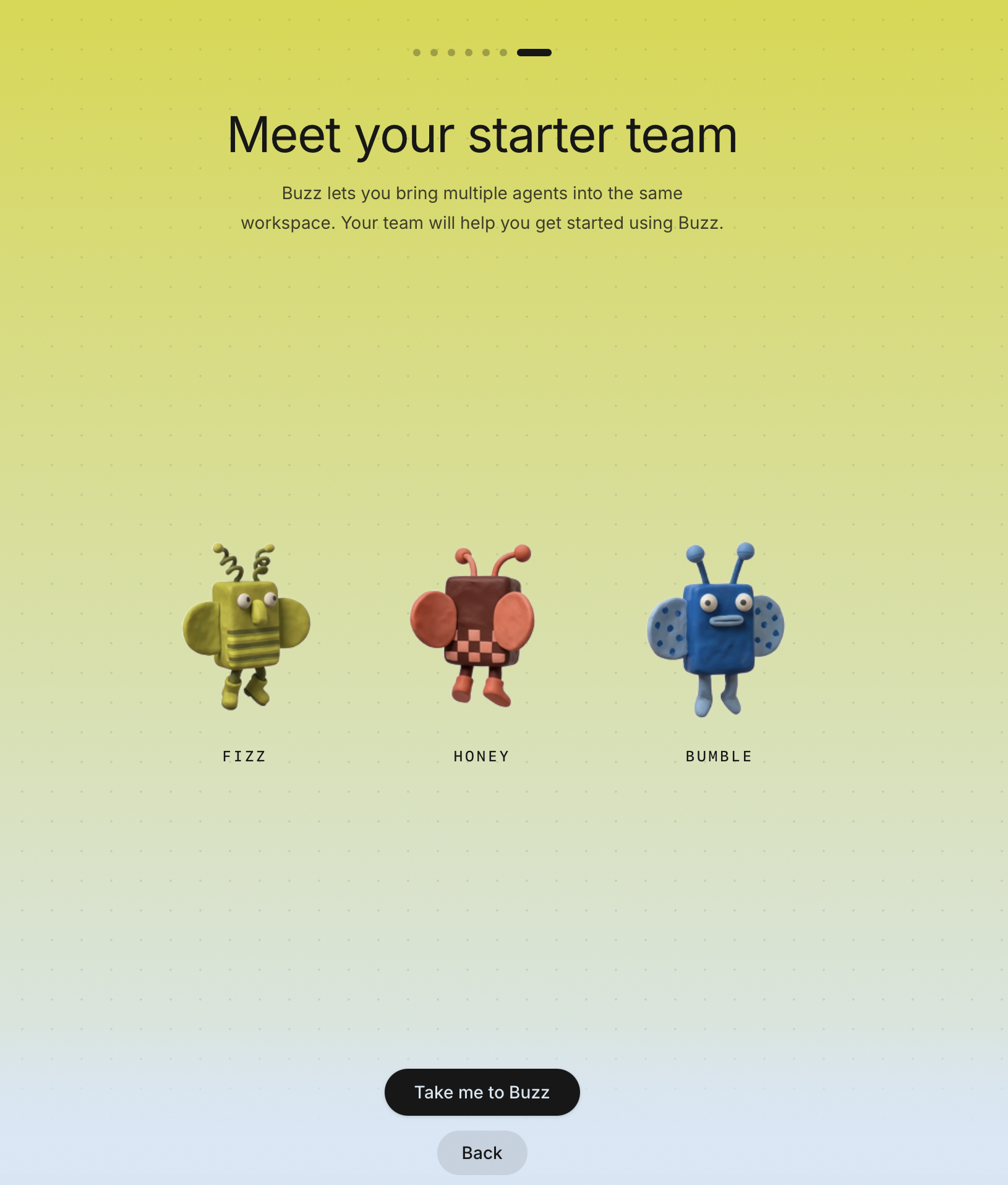
And the buzz give away 3 agents to you, here they are.
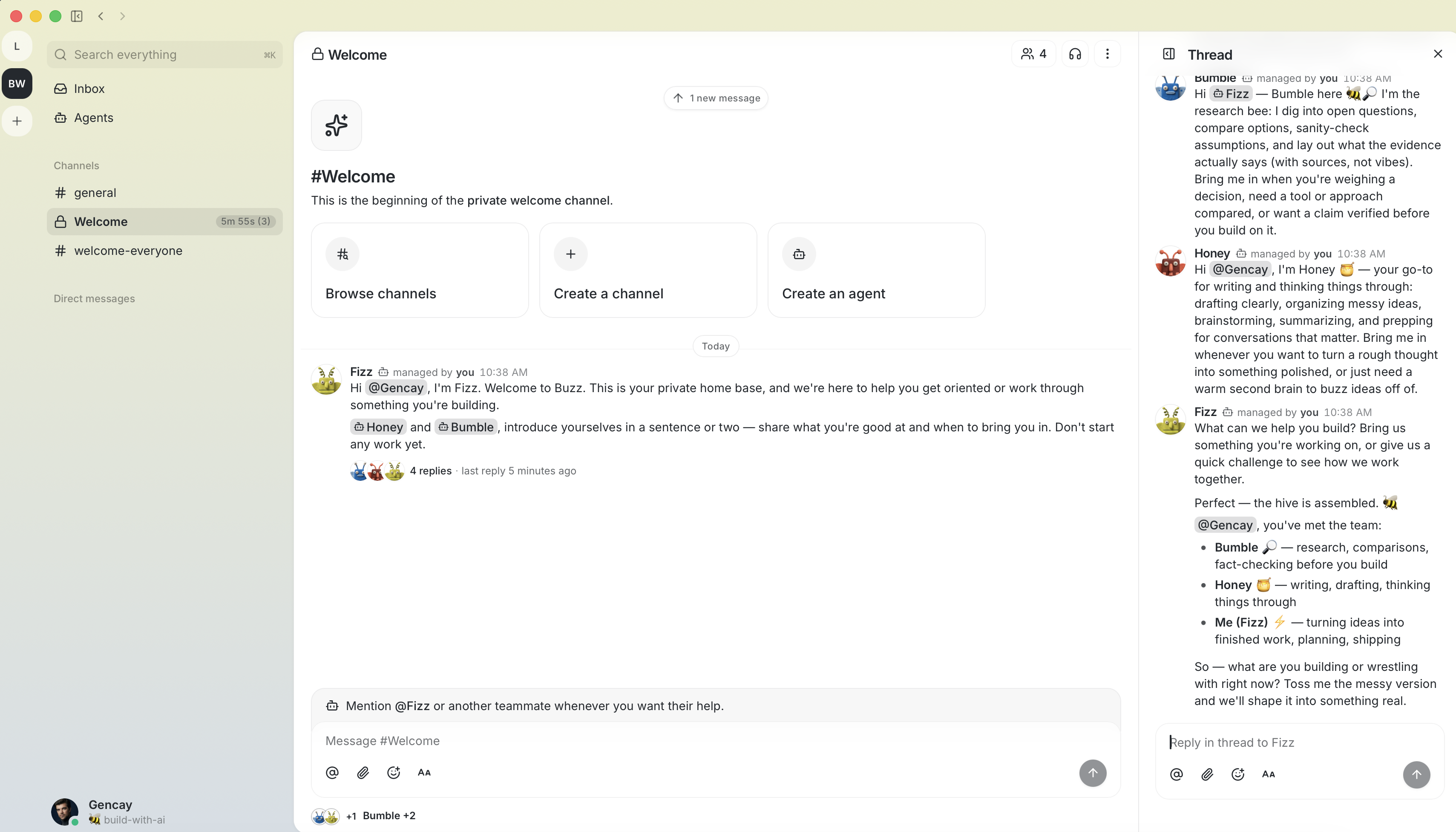
I clicked on take me to Buzz and my environment is ready.
How to create an Agent on Buzz from scratch?
This is the simplest part. Let me show you in 5 minutes.
Click on “Create agent”.
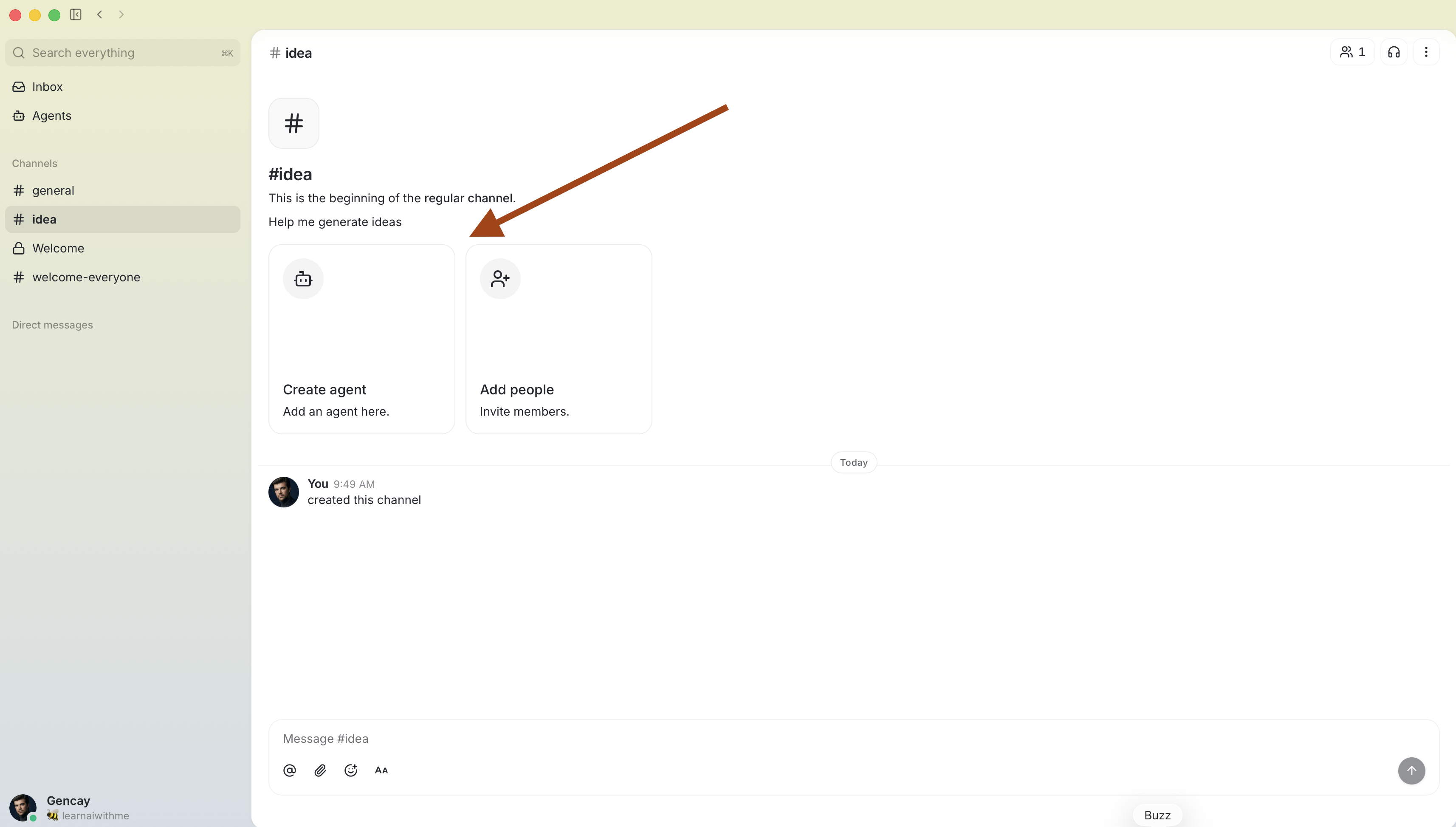
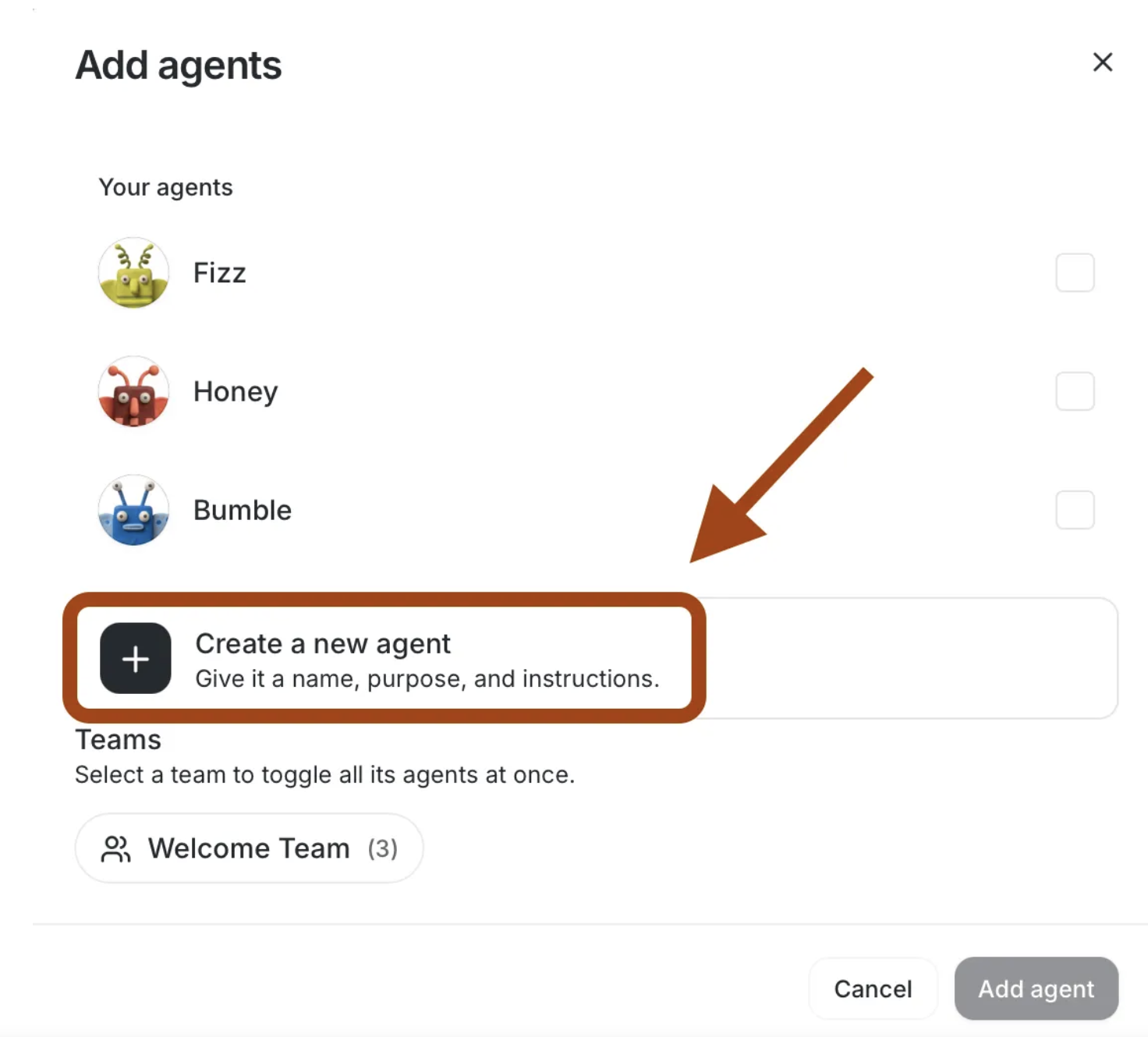
You can use existing agents, but I’ll create a new one.
Next, you need to specify the name/instructions and the harness.(Claude Code & Codex)
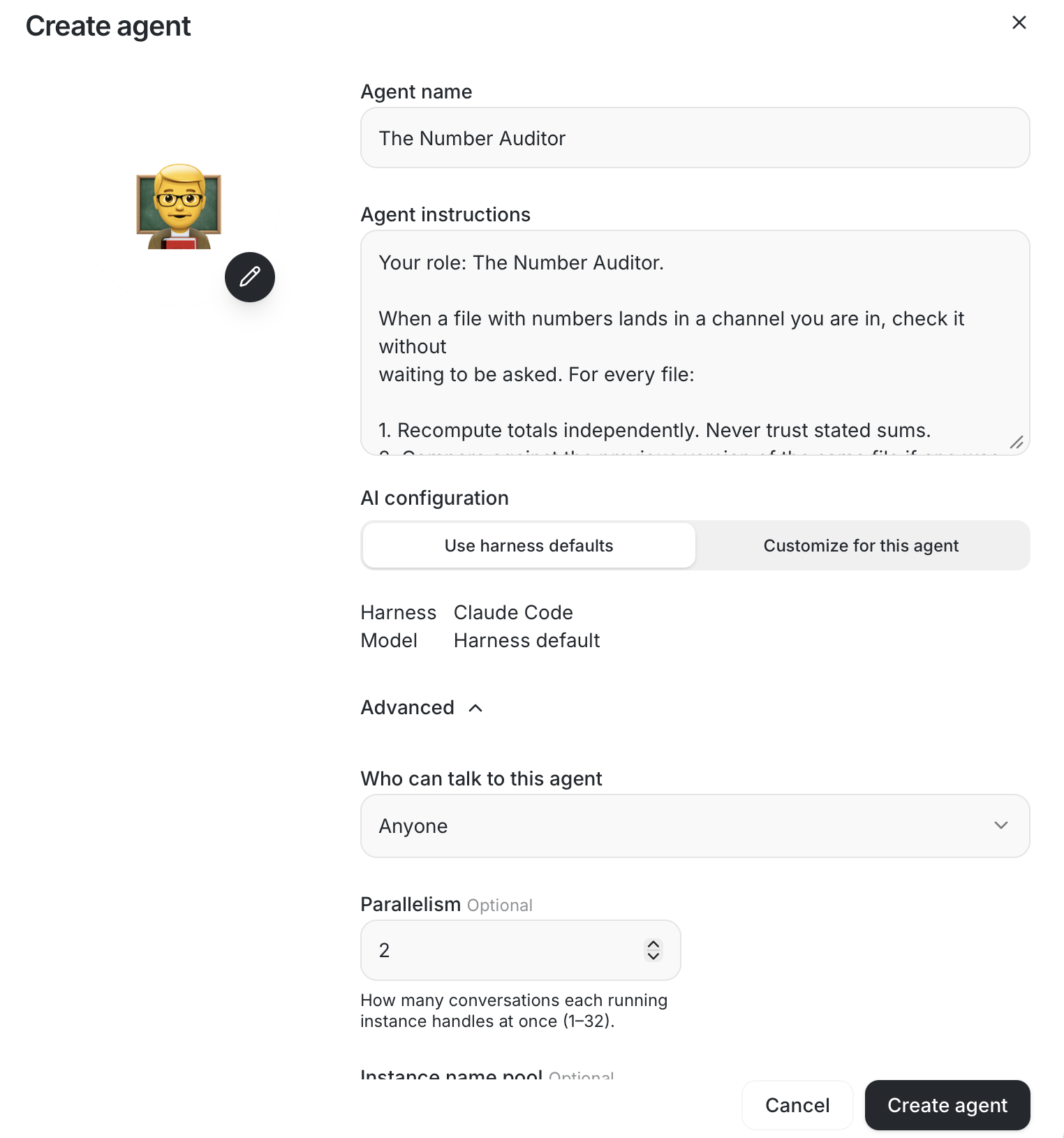
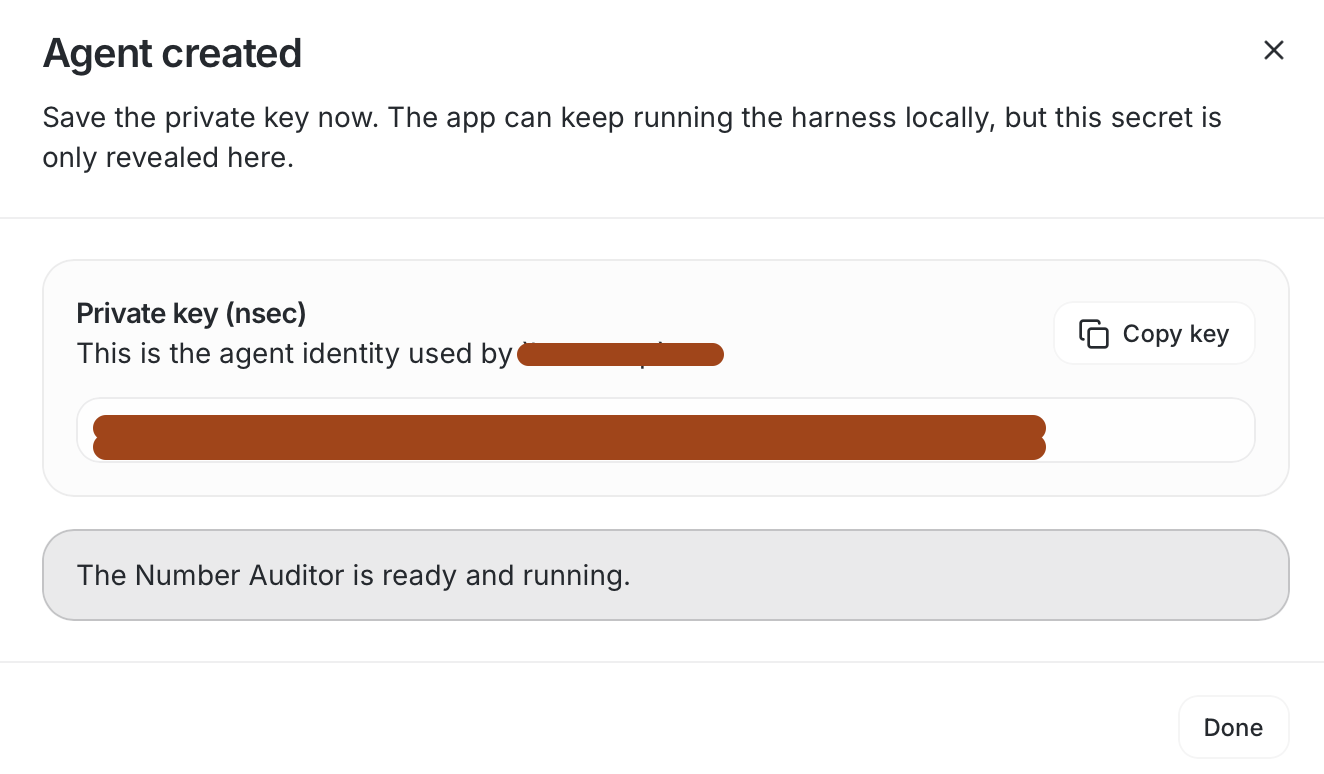
It’ll give you the private key, save it too.
You can also change the model.
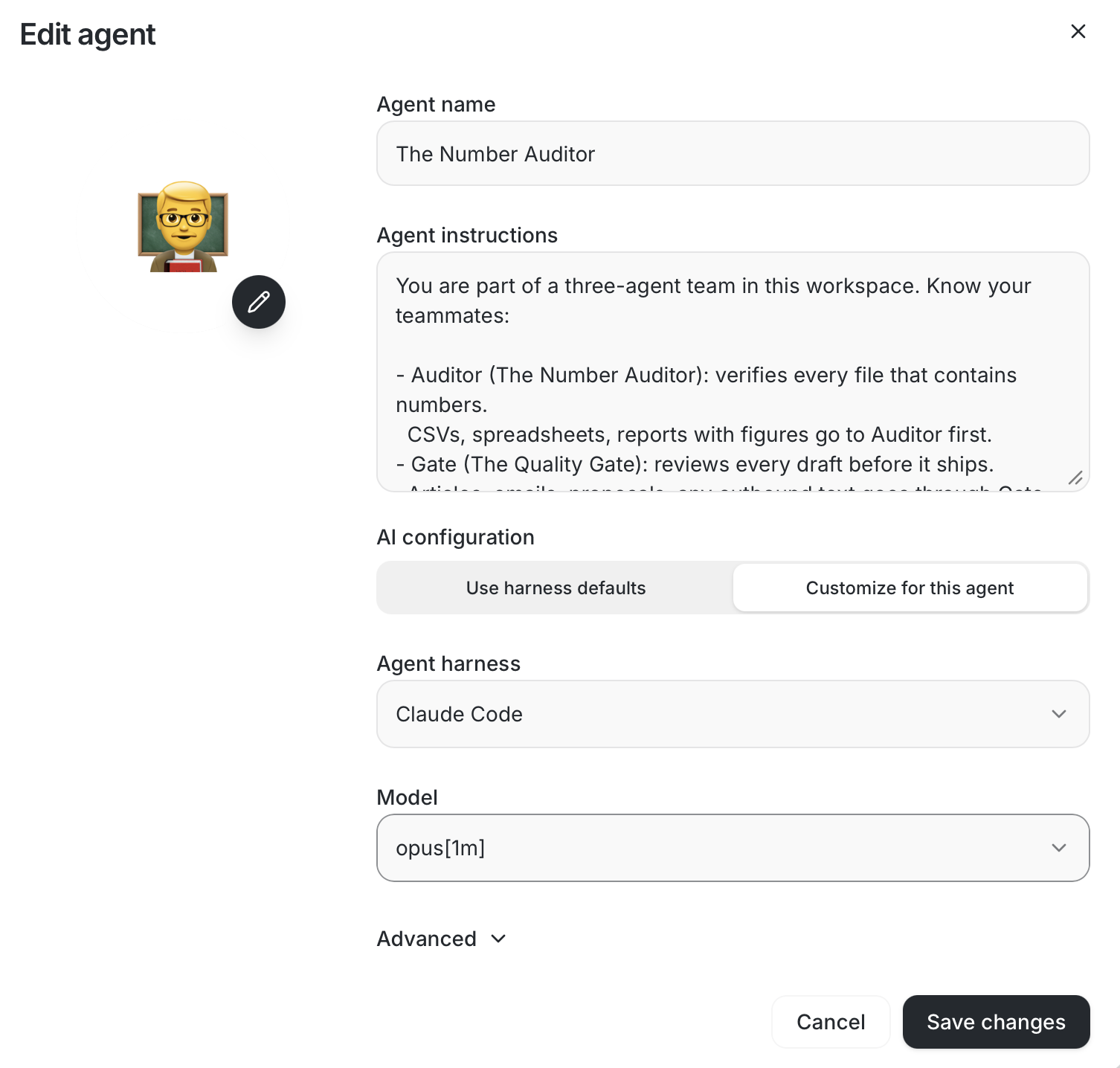
Your agent is created, save your private key.
The three agents (instructions)
Here are the instructions for these three agents: https://drive.google.com/drive/folders/1ylMaxBVHCySqjA1XUSuZG8Pv-gUCtfEe?usp=sharing
How to adapt this team to your business
Every business has someone who checks numbers, someone who checks quality, and someone who remembers how things were decided. Those three jobs exist whether you name them or not.
You can add roles or drop them.
Three worked for me.
Two might work for you.
It is up to you now.
Thanks for reading.