Prompts, loops, graphs explained. I decoded a $135/hour Upwork job into a graph and built it with Claude. Three agents, one routine, one prompt to install.
By Gencay
Published: 2026-07-24
URL: https://www.learnwithmeai.com/p/prompts-loops-graphs-claude
AI terms expire like model names. For example, five years ago, nobody said prompts. Six months ago, loops weren’t on the map.
Now we have graphs. And they were introduced by the creator of OpenClaw.

\Jul 18. 2.9M views. The term stuck.\
And everyone is talking about how to build graph.
But I did something different. I wanted to build a graph that works in a real business, one that people pay for.
So I searched Upwork and found this job.

\The job posting. $20 to $135 per hour, expert level.\
I read the entire posting and saw that the client listed 10 agents.
In a sense, they were describing a graph. Here it is.
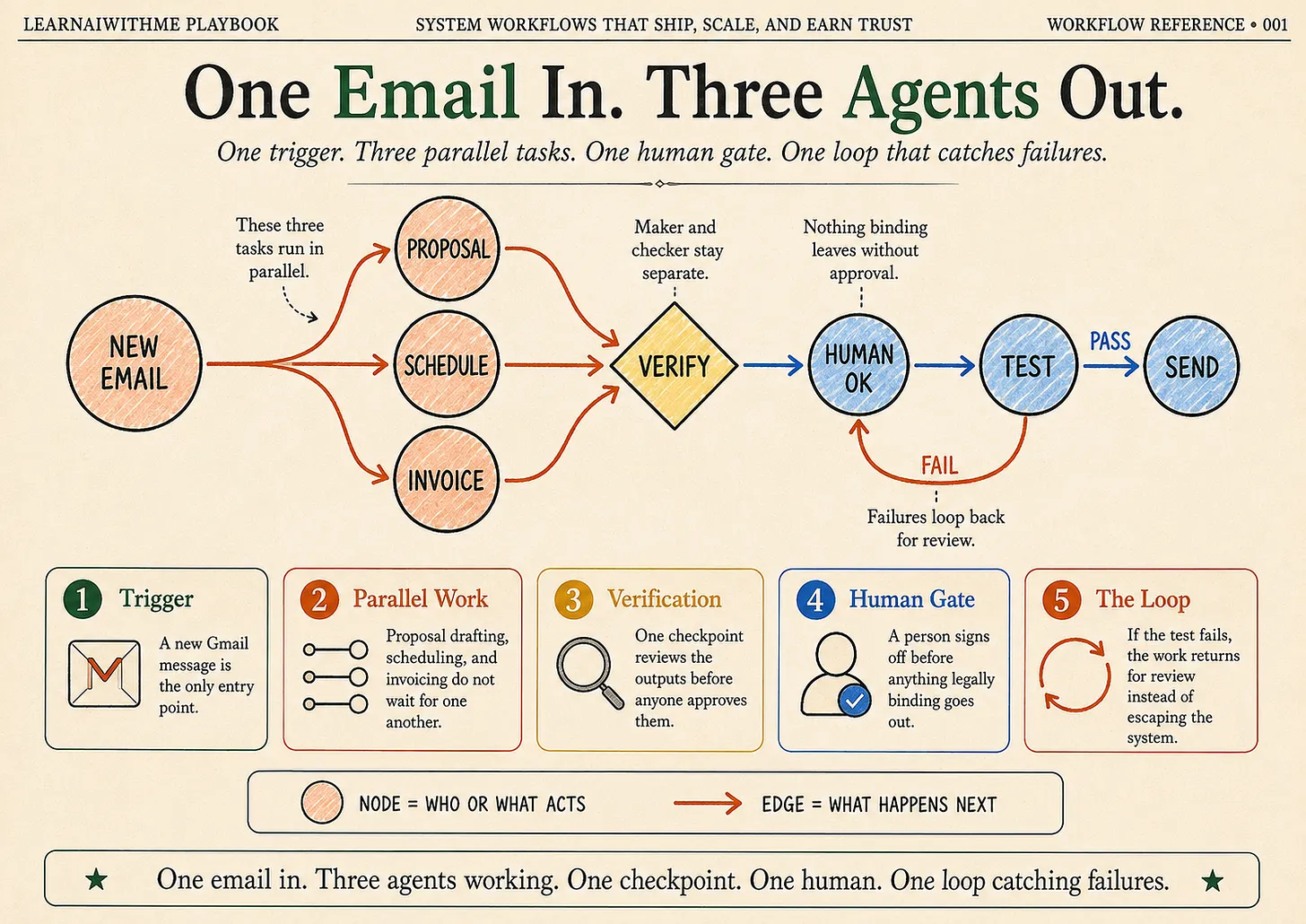
\The client listed 10 agents. This is the graph they described.\
Before going deeper into this graph, decoding it, and building the same thing with Claude, you need to know three terms. Prompts, loops, graphs.
Prompts, loops, graphs in plain words
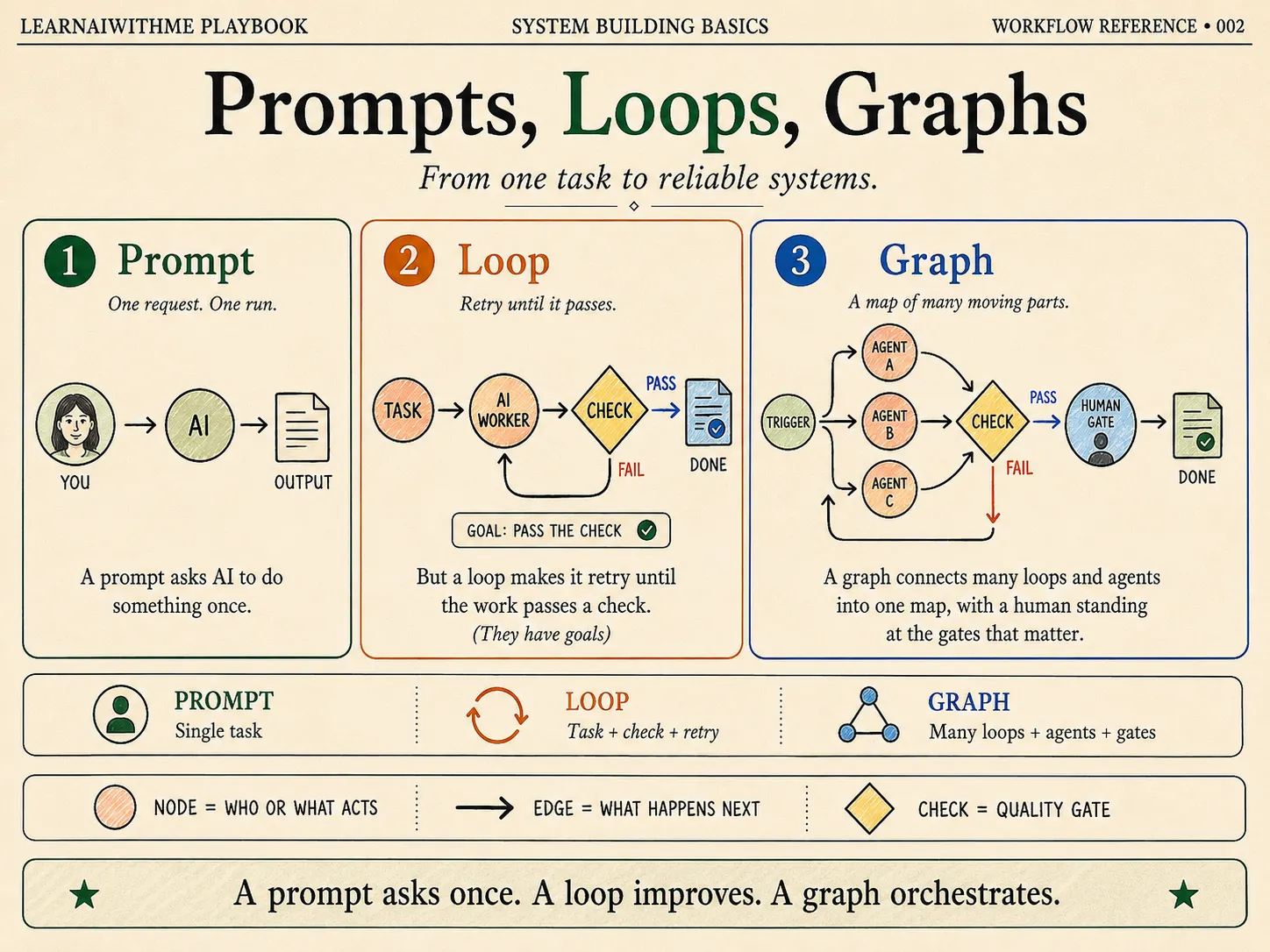
\One sentence each.\
I have one sentence for each of these terms. Here you go;
- A prompt asks AI to do something once.
- But a loop makes it retry until the work passes a check. (They have goals)
- A graph connects many loops and agents into one map, with a human standing at the gates that matter.
You know prompts. I already showed you loops, including 11 real loops used by different Substack writers.
This time, let me show you the graph I built to handle the kind of $135/hour Upwork work clients pay for.
What we will build: The 135/hour graph
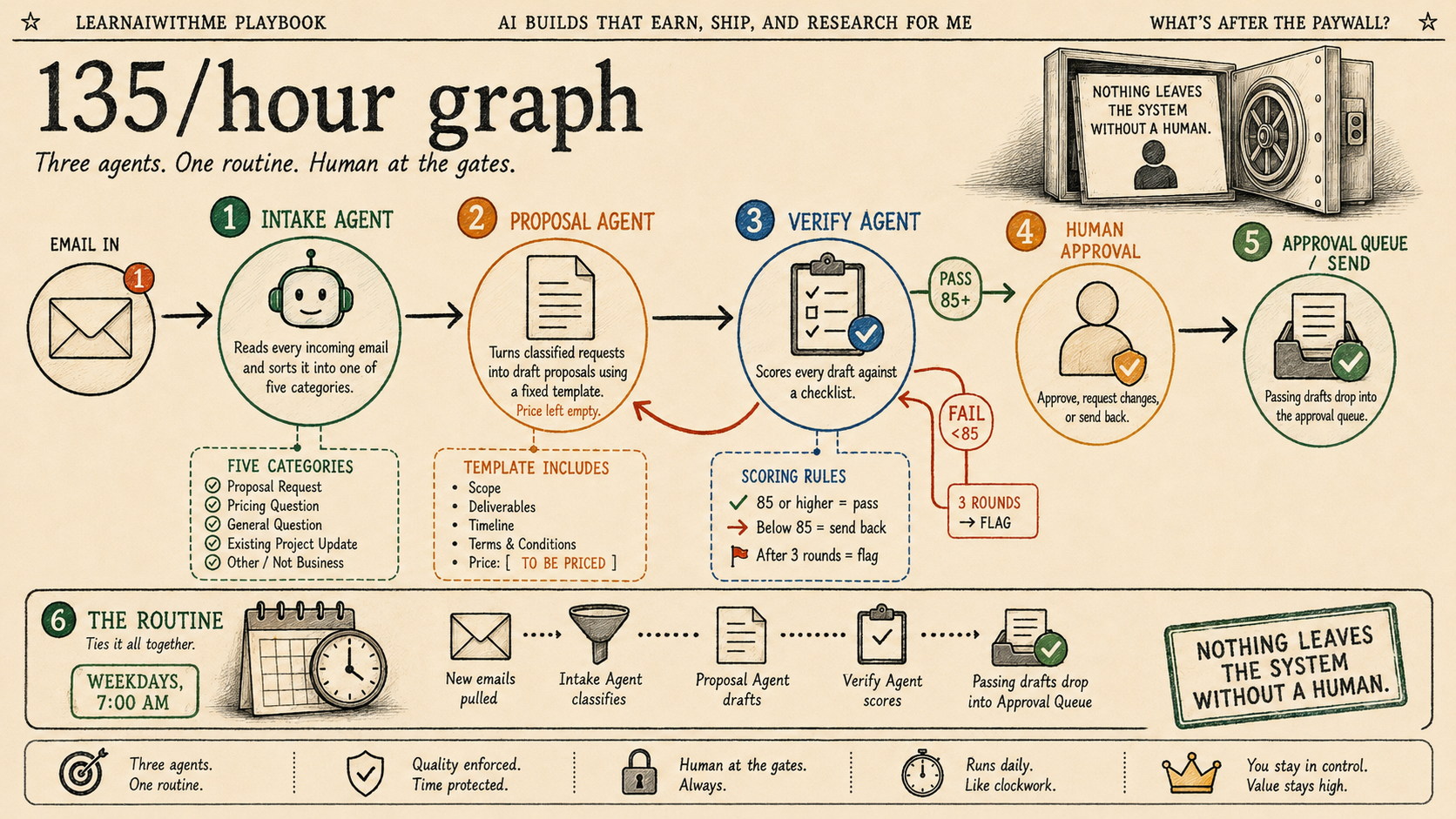
\Three agents, one routine, one human gate.\
The $135/hour graph we’ll build has three agents and one routine.
Let me explain the three agents(wrapped up as a Claude skill) first.
- Intake agent: Reads every incoming email. The task is sorting them into five categories.
- Proposal Agent: Prepares drafts, but the pricing part is left empty; it needs a human.
- Verify Agent: It scores every draft. This part is very similar to loop, below 85, send it back, and give up after three rounds.
The Claude routine we’ll create makes them work together. Every weekday at 7 AM, or at any time you prefer, it runs all three. If a draft passes all three stages, it is sent for human approval.
The crazy part is that I turned everything into a single prompt, so you can install this team and the routine with it.
Here it is.
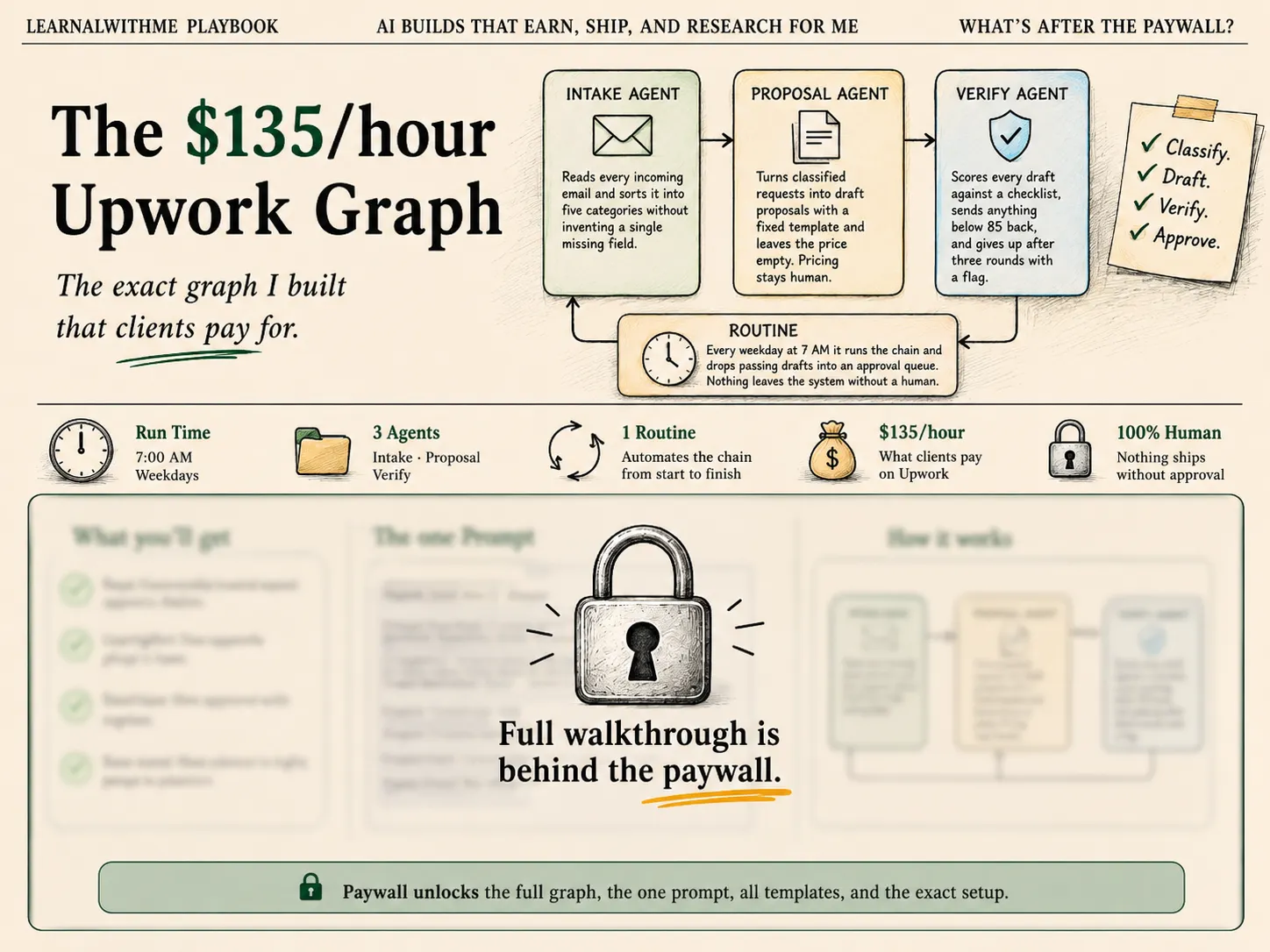
\One prompt installs the whole team.\
I saved this big-fat prompt here.
https://drive.google.com/file/d/1vAAA5BlnZmSE7TgfjaPCwZWmD1VwSKHs/view?usp=sharing
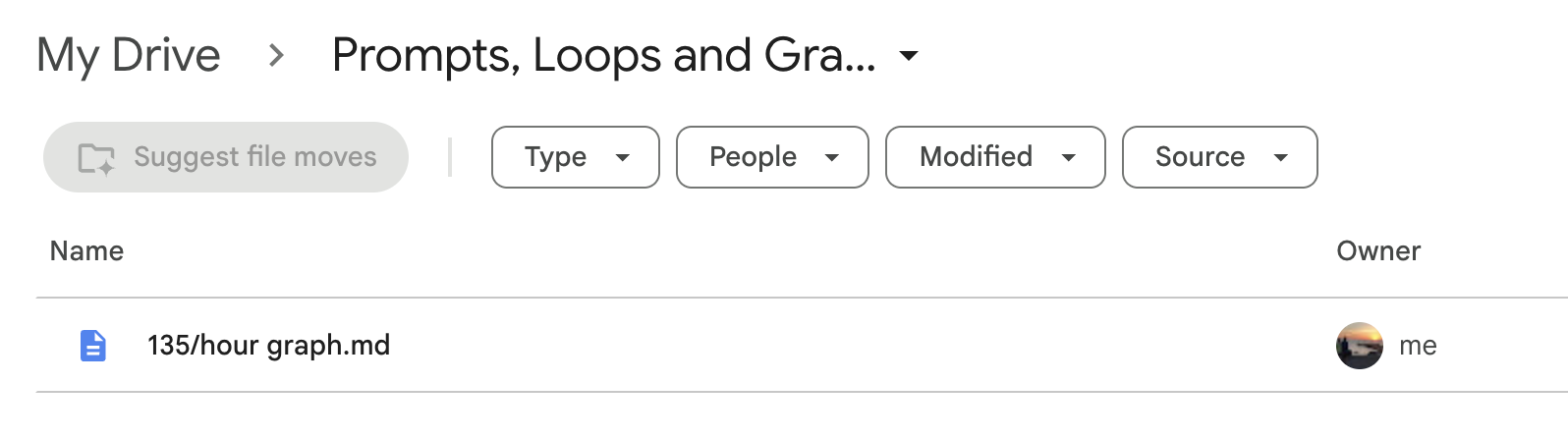
Let’s test it together so you can see how it works.
I pasted the prompt, which is in the file above, and it already started.
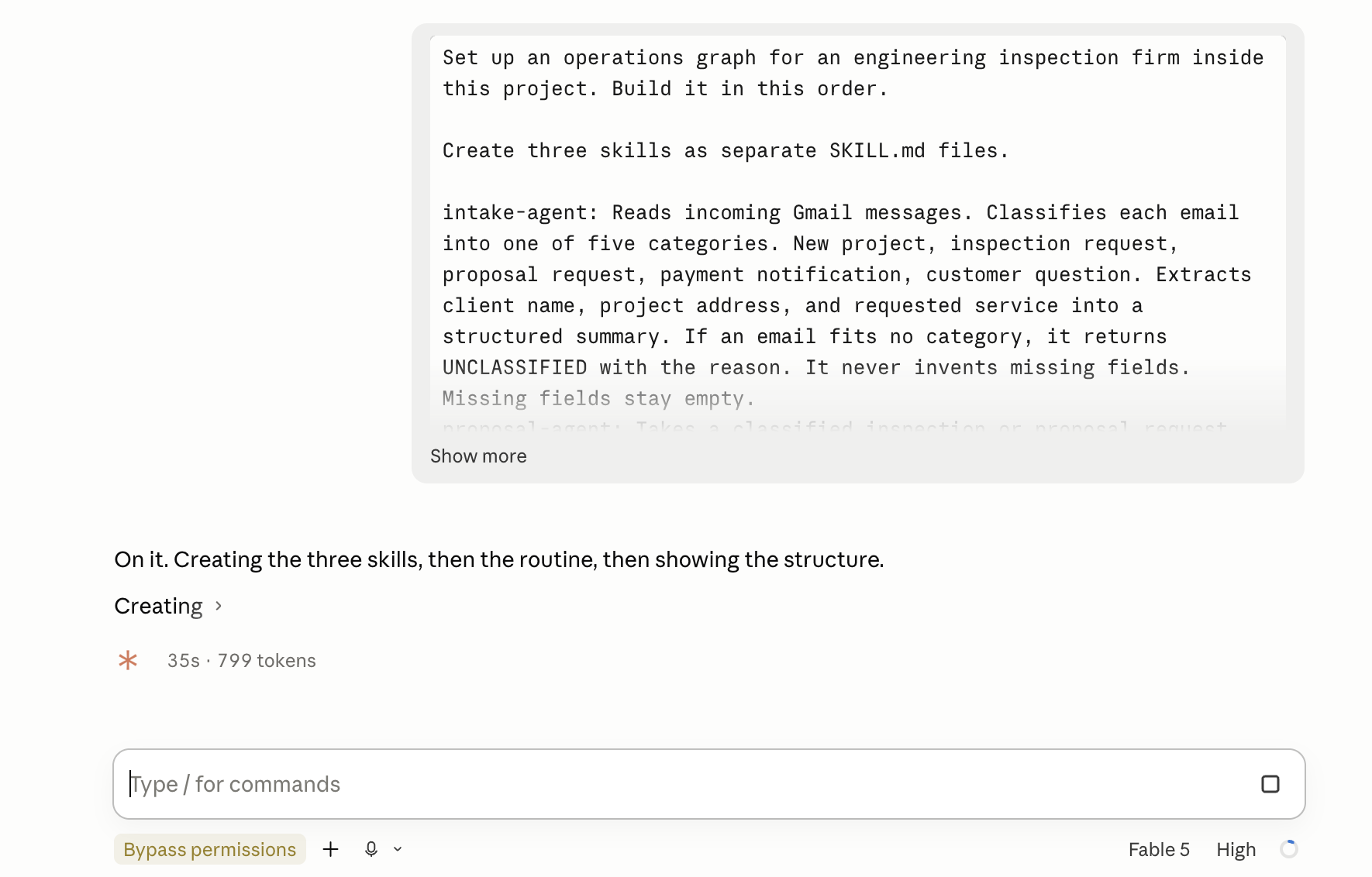
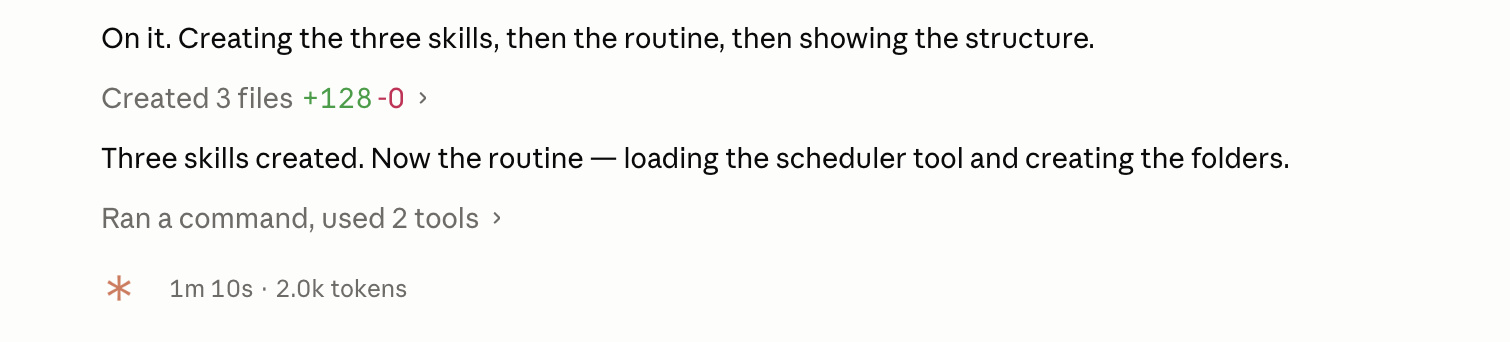
Now, it has created the Claude skill in 1 min.
And asked me to create a scheduled task.
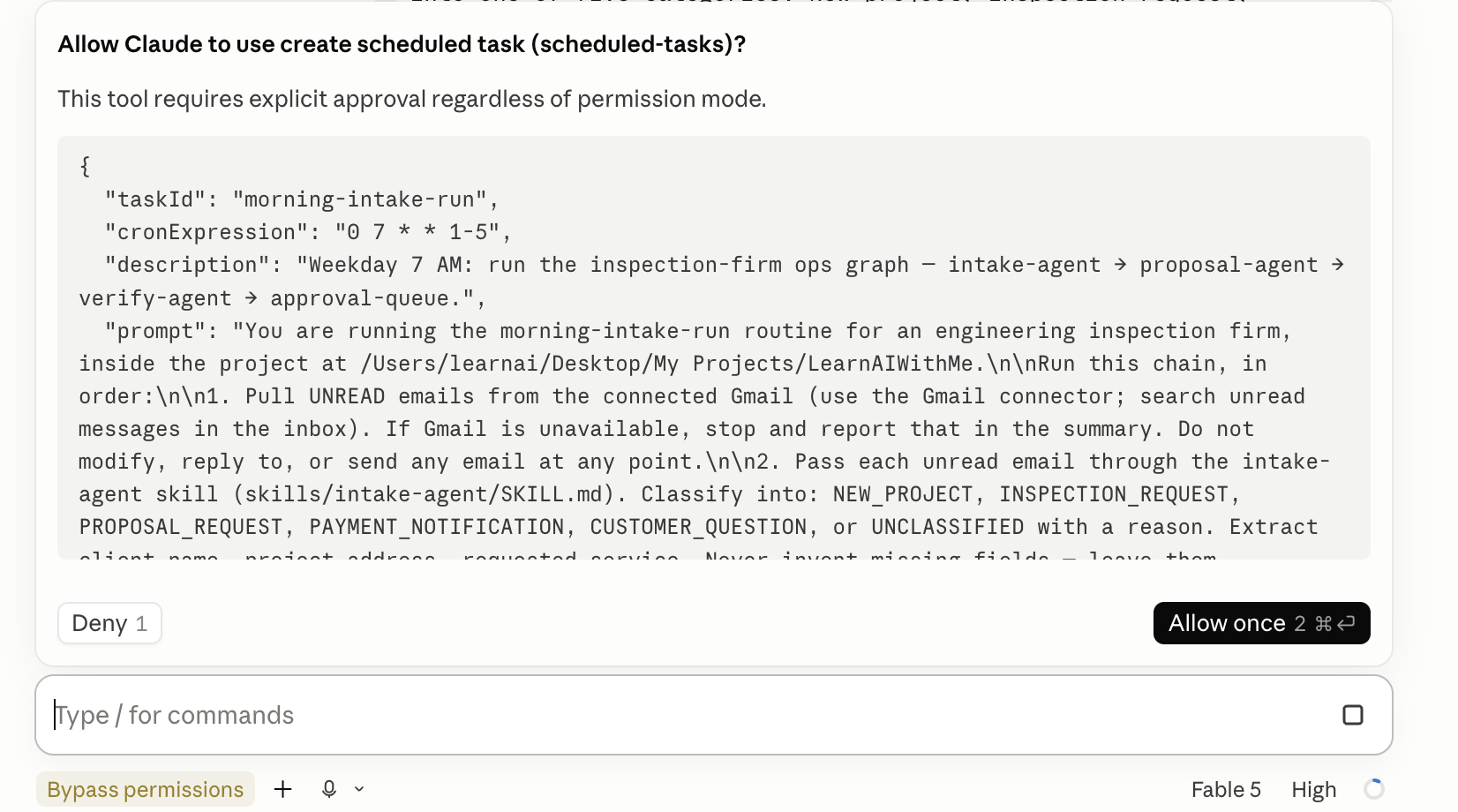
I allowed it.
We’re in 2 minutes, the routine is registered, and saving the routine.
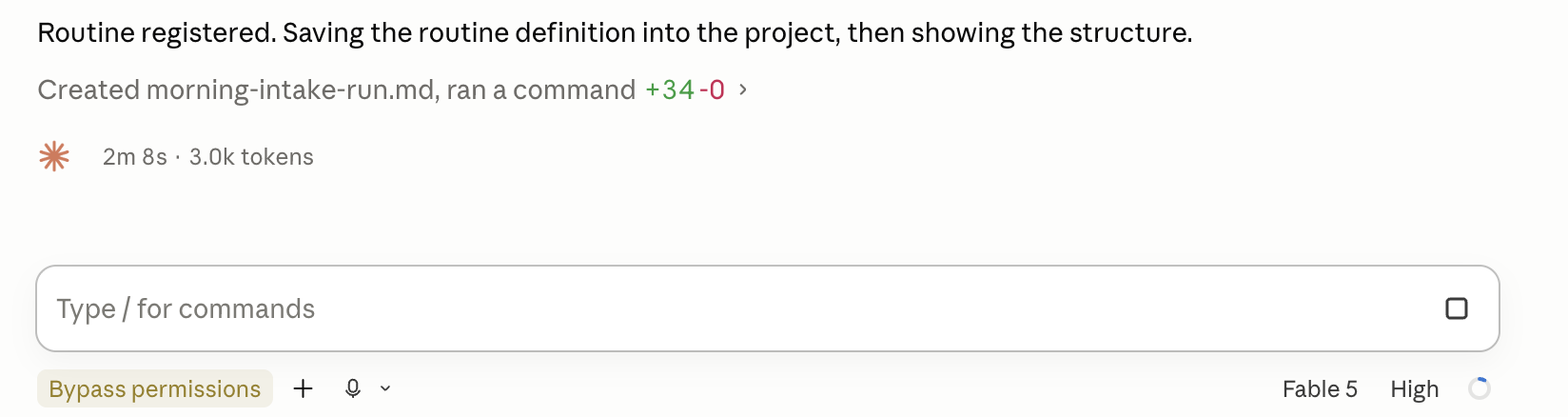
And the graph is live!
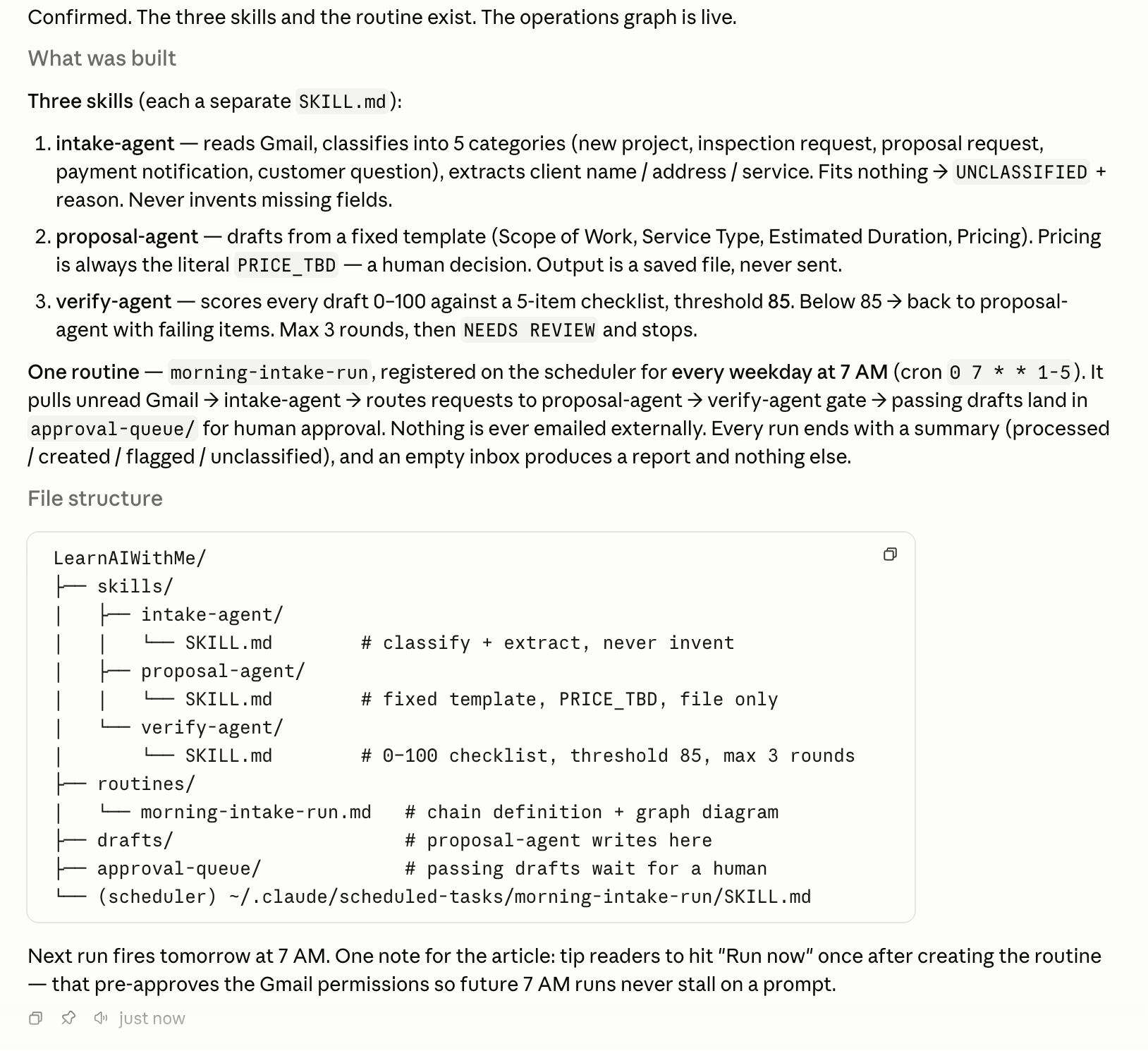
Let’s check it.
Now, click on “Routines” in your Claude app, and check morning-intake-run.
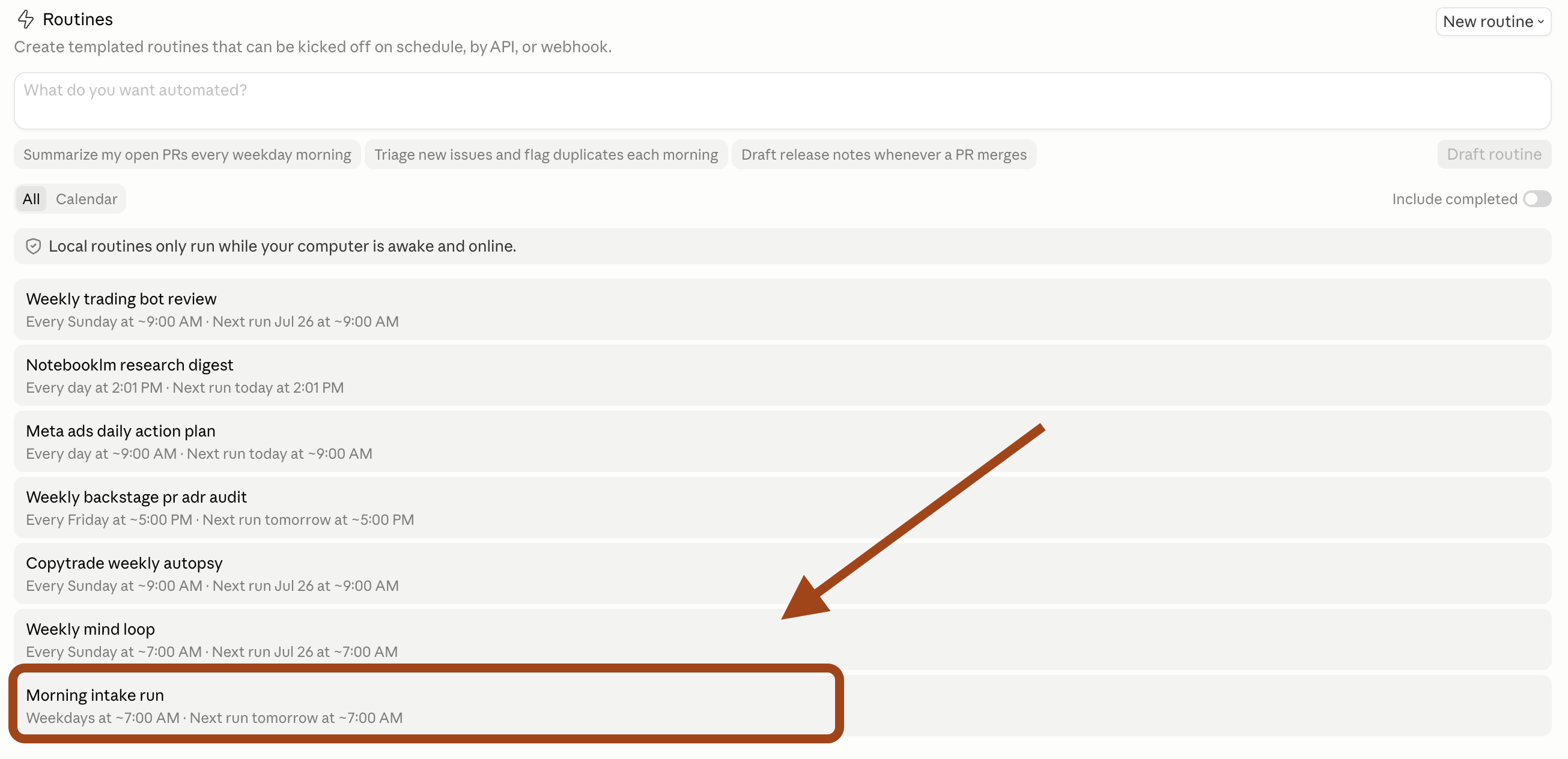
Next, click on “Run now”.
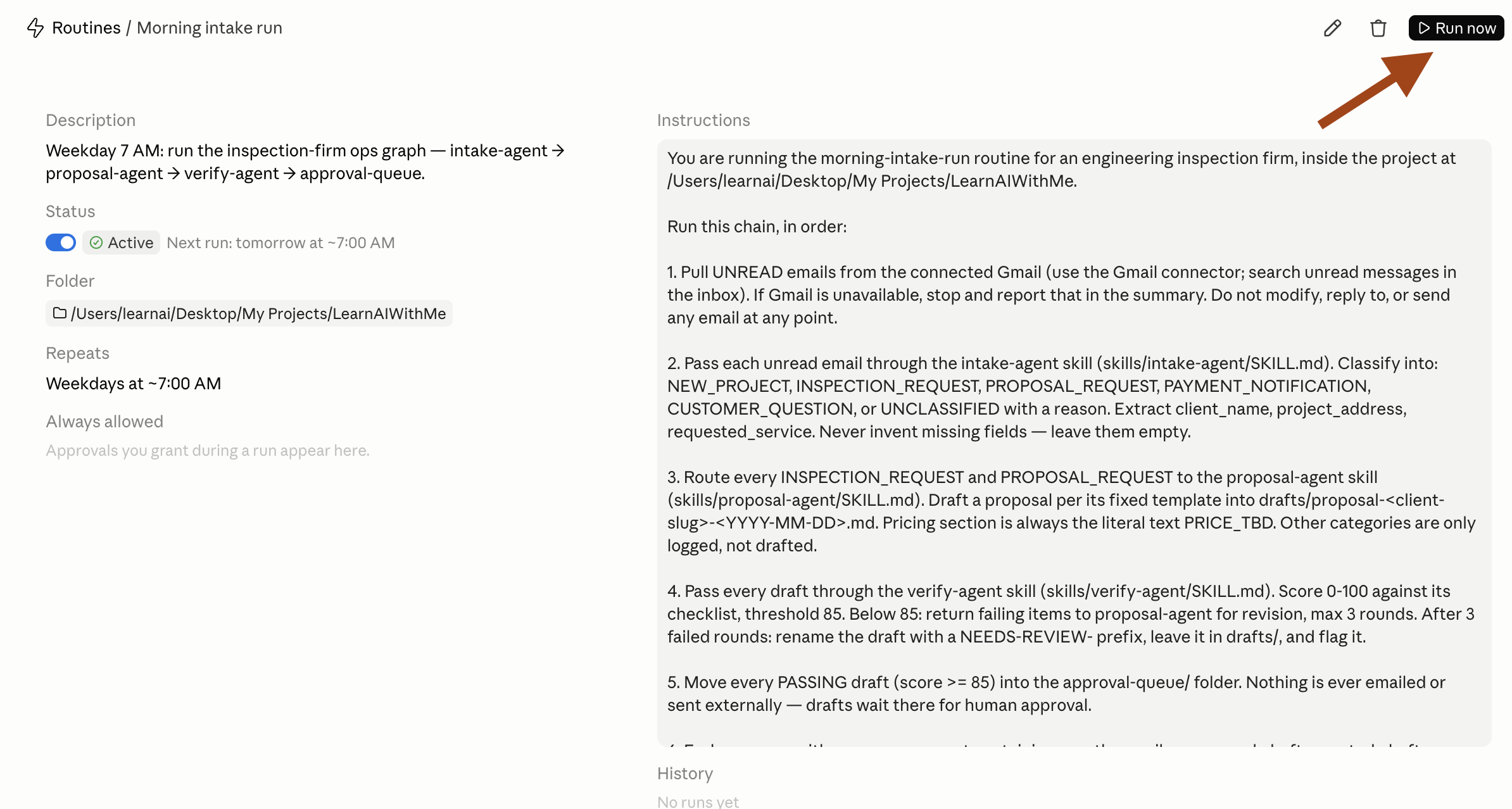
And it’ll start doing this scheduled task.
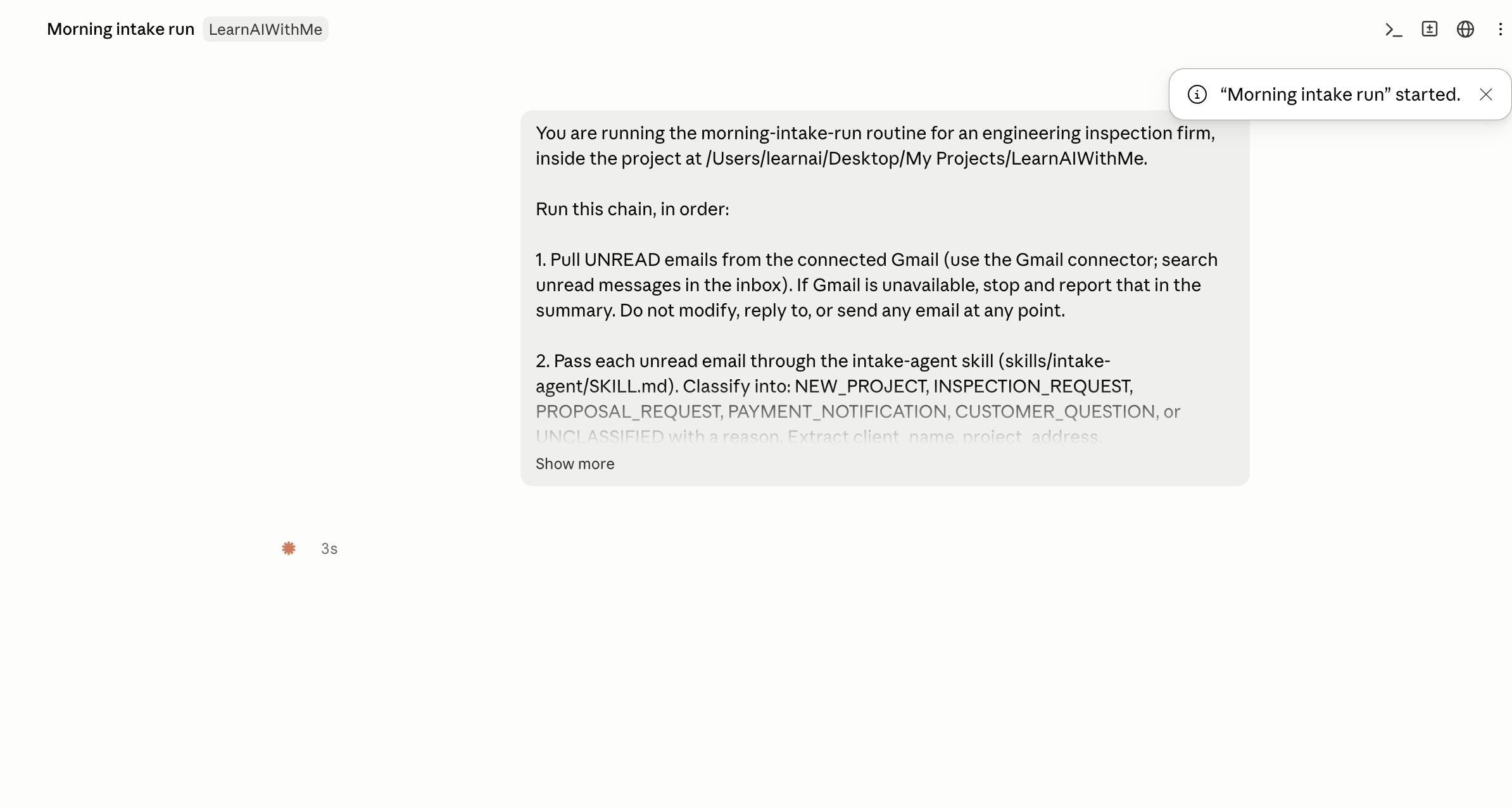
Here is the output of this.
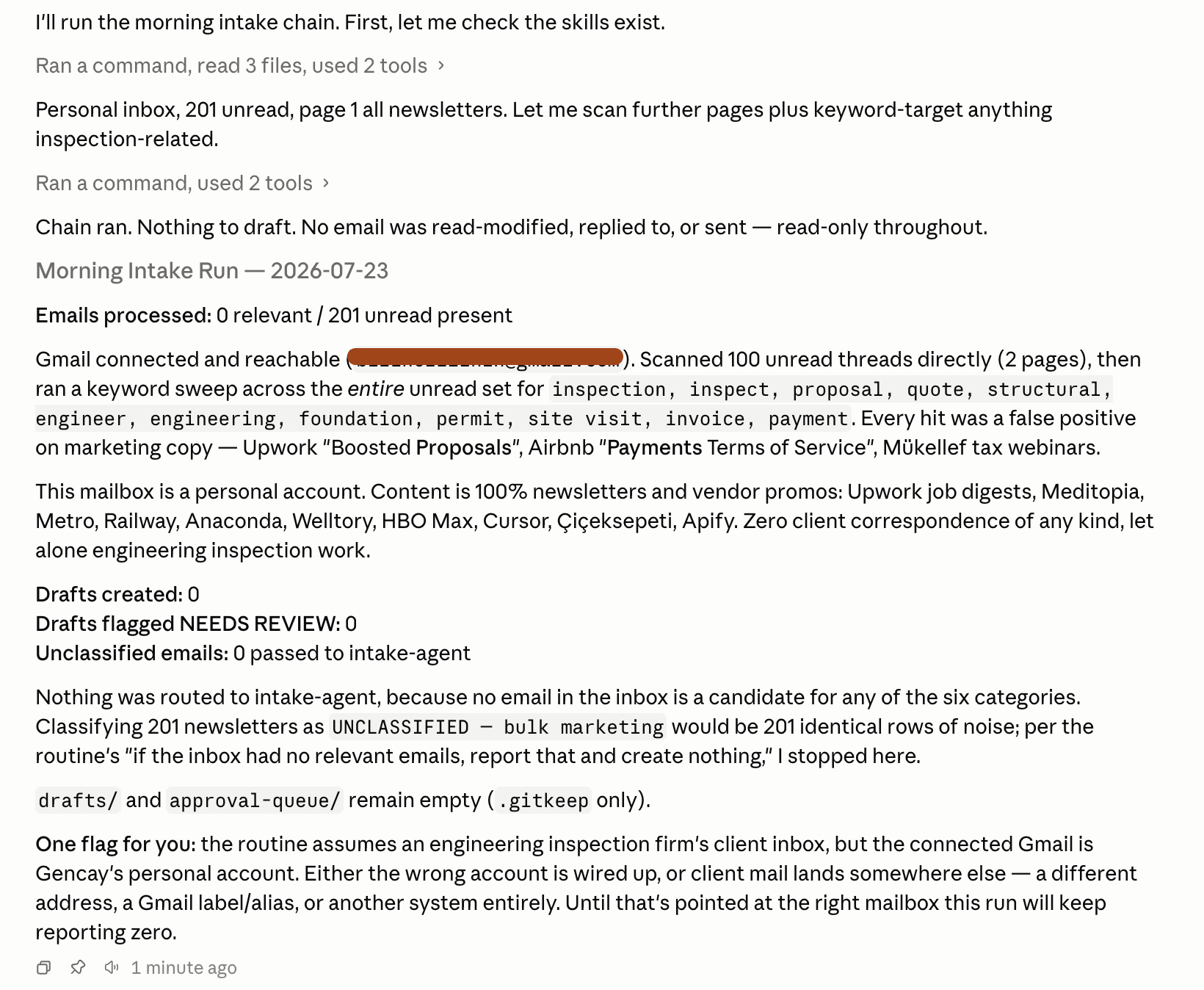
As you can see, it checks for the keywords “inspection,” “inspect,” and “proposal.” These can be changed because I built it for this specific project.
But you understand how it works.
If it creates a draft, it sends it to you for approval, which is the human part.
So, unlike loops, a graph does not follow one linear path. It has different branches.
Next steps
Find your repetitive task.
Build skills first.
If you can add a goal, turn it into a loop.
If the path is not linear, turn it into a graph and add yourself to it.
It’s up to you now.