NotebookLM & Gemini & Claude Code = Production Pipeline (Most Developers Miss This)
By Gencay
Published: 2026-03-30
URL: https://www.learnwithmeai.com/p/how-to-build-apps-with-notebooklm

\NotebookLM & Claude Code & Gemini Connection - Created with Midjourney\
Google quietly gave NotebookLM 3 superpowers.
Most users have no idea they exist and are still using it for podcasts and summaries.
It’s the first step in a production pipeline.
NotebookLM distills → Gemini prototypes → Claude Code builds.
Everyone has access to these tools. Nobody connects them.
We’ll.
This workflow built a $10M CRM dashboard in 8 minutes.
But let’s start with the basics.
What is NotebookLM?
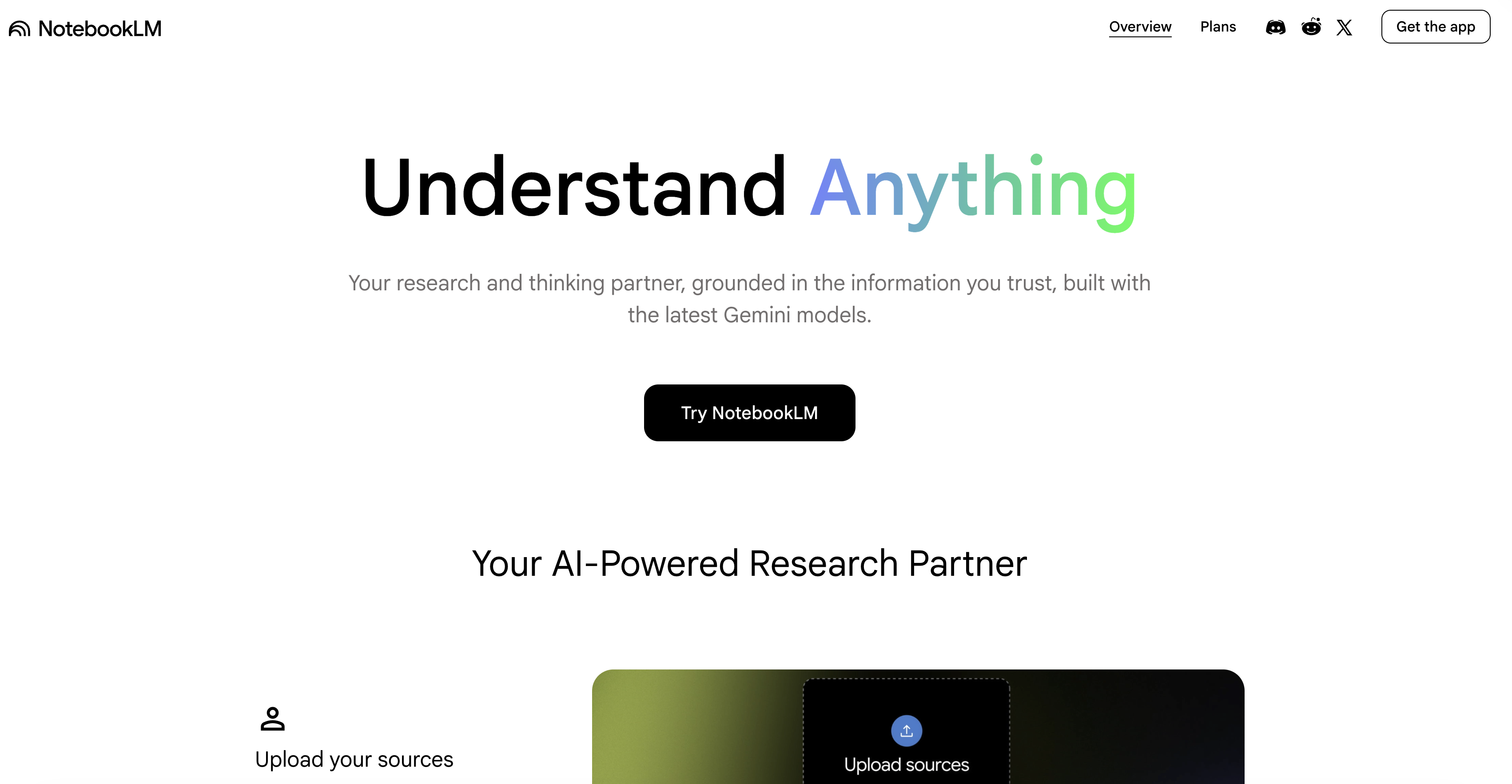
\Reference\
NotebookLM is Google’s AI-powered research partner.
But why is NotebookLM now more popular than Gemini in 2026?
Because it has superpowers. And you can build apps using these superpowers.
Let’s see how to train it.
How to Train NotebookLM
Let me show you in 4 steps.
Visit here → Click on “Try NotebookLM” → Click on “Create new” → Add any source
That’s it!
If you like NotebookLM, read this one to master NotebookLM in 10 minutes.
How to connect NotebookLM with Gemini?
Visit here → Click on “+” → Select “NotebookLM” → Click on “Tools” → Select Canvas
And paste this prompt.
Develop app from attached NotebookLM
Done!
If you want to build apps using this connection, I developed 2 of them using NotebookLM and the Gemini connection.
What is Claude Code?
Claude is the most powerful AI tool yet discovered.
And using Claude Code, you’ll bring your computer’s power back into it. Meaning: You can write app codes, build apps, use API’s, WITHOUT CODING.
If you are reading this with a doubt, I wrote Claude Code MasterClass for you.
Most of the MasterClass is free.
I only paywall my personal workflows, prompts, and my takes.
How to connect NotebookLM with Claude Code?
First, let me say this: there is no official CLI or MCP published doing this.
But, using this GitHub, you can turn it into the Claude Code Skill or CLI, which we did in the Claude MasterClass.
CLI’s are like MCP’s, let’s your Claude Code connect to real world, check this.
After connecting, make sure try Claude Code Agent Orchestration with NotebookLM and thank me later.
What We’re Building Today
We all have been a customer or have a customer.
That’s why, we’ll build CRM assistant for insights and prototype app and production app that visualize customer data.
All of these three apps, rooted NotebookLM:
- Assistant: NotebookLM + Gems Connection
- Prototype: NotebookLM + Gemini Connection
- Production: NotebookLM + Claude Code
All will be done by copy/pasting Master prompts.
All zero code.
We’ll start with the assistant, prototype it in Gemini, then ship production code with Claude.
0. NotebookLM
Steps: Visit here → Click on “Try NotebookLM” → Click on “Create new” → Upload your CRM Data
Data Source: I took from here as a mock-up source.
1. Assistant
Steps: Visit here → Fill the name & description(prompt)→ Add NotebookLM as source → Save
Master Prompt
You are a CRM Intelligence Assistant trained on sales pipeline data (8,800 deals, 85 companies, 7 products).
CAPABILITIES:

- Identify at-risk deals (Engaging stage >60 days)

- Analyze win/loss patterns by product, agent, sector

- Recommend specific next actions with deal IDs and values

- Compare agent performance and product trends
RESPONSE STYLE:

- Data-driven: Always cite specific deal_ids, account names, values

- Actionable: Give concrete recommendations (e.g., "Contact Acme today", "Focus on GTX series")

- Brief: 3-5 sentences max unless detailed analysis requested
EXAMPLES:
Q: "Which deals are at risk this week?"
A: "3 deals in Engaging >60 days: Acme Corp (GTX Plus Pro, $5,482), Tesla Inc (MG Advanced, $3,393), Apple Inc (GTK 500, $26,768). Prioritize Apple - highest value and 78 days in pipeline."
Q: "Why are we losing MG deals?"
A: "MG Special ($55) has 68% loss rate. Pattern: Low-value deals with long sales cycles. MG Advanced ($3,393) performs better at 54% win rate. Recommend: Qualify MG Special leads harder upfront."
IMPORTANT:

- Reference NotebookLM source for all deal details

- Never invent deal_ids or numbers

- If asked about deals not in data, say "Not found in pipeline data (2016-2017)
2. Prototype
Steps: Visit here → Click on “+” → Select NotebookLM→ Click on “Tools”→ Select Canvas → Paste Master Prompt
Master Prompt
Develop a CRM analytics dashboard prototype from the attached NotebookLM source.
REQUIREMENTS:
1. METRICS TO DISPLAY:

- Deal stage funnel (Prospecting → Engaging → Won/Lost with counts)

- Top 5 agents by win rate (agent name, win%, total deals)

- At-risk deals table (account, product, value, days in Engaging stage)

- Product performance chart (GTX vs MG vs GTK - win rate comparison)
2. FILTERS:

- Date range selector

- Product dropdown (All, GTX, MG, GTK)

- Agent dropdown
3. VISUAL STYLE:

- Clean, modern dashboard layout

- Use charts (bar, pie, table)

- Color code: Green (Won), Red (Lost), Yellow (At-risk)

- Responsive grid layout
4. INTERACTIVE FEATURES:

- Click on metric to drill down

- Hover to see details

- Export data button (CSV)
Ask NotebookLM for the data, then build the visual prototype in Canvas.
3. Production
Steps: Create Folder on Your Desktop → Open Vs Code → Select this folder → Paste Master prompt
Master Prompt
Build a production-ready CRM analytics dashboard using NotebookLM data.
## DATA SOURCE:

- NotebookLM notebook: https://notebooklm.google.com/notebook/ecc5a0ae-a691-4ed6-a889-6a8bbcbd9b40

- Use notebooklm skill to query this notebook for insights

- Notebook ID: ecc5a0ae-a691-4ed6-a889-6a8bbcbd9b40

- Fallback: Load CSVs from local
## DASHBOARD FEATURES:
1. METRICS:

- Deal stage funnel (Prospecting → Engaging → Won/Lost)

- Top 5 agents by win rate

- At-risk deals table (Engaging >60 days, sorted by value)

- Product performance comparison (GTX, MG, GTK series)

- Revenue by month chart
2. FILTERS:

- Date range picker

- Product filter (All/GTX/MG/GTK)

- Agent dropdown

- Deal stage selector
3. TECH STACK:

- Python backend (Flask or FastAPI)

- Plotly for interactive charts

- Tailwind CSS for styling

- Export to PDF/CSV functionality
4. FILE STRUCTURE:

- dashboard.html (single-page app)

- app.py (backend)

- requirements.txt
## IMPORTANT FIXES:
### Port Configuration
⚠️ \*\*CRITICAL:\*\* Port 5000 is blocked by macOS AirPlay Receiver

- Use port 5001 instead: `app.run(debug=True, host='0.0.0.0', port=5001)`

- Always check if port is available: `lsof -ti:5000`
### Server Startup

- Kill any existing processes first: `lsof -ti:5001 | xargs kill -9 2>/dev/null`

- Start with background logging: `python app.py > server.log 2>&1 &`

- Wait 3-4 seconds before testing endpoints

- Verify with: `curl -s http://localhost:5001/api/filters`
### Pandas Version

- Use pandas 2.1.4 (compatible with existing environment)

- Ignore pandasai compatibility warnings (not critical)
### Data Loading

- Use absolute paths for CSV files

- Handle missing values with `.fillna(0)` for numeric columns

- Convert dates with `pd.to_datetime(..., errors='coerce')`
### Flask Configuration
if \\name\\ == '\\main\\':
app.run(debug=True, host='0.0.0.0', port=5001)
## TESTING CHECKLIST:
1. ✅ Query NotebookLM for data insights first
2. ✅ Kill existing processes on port 5001
3. ✅ Start server with logging
4. ✅ Test API endpoint: `/api/filters`
5. ✅ Open browser: `http://localhost:5001`
6. ✅ Verify all charts load
7. ✅ Test filters and CSV export
## EXPECTED OUTPUT:

- Total Revenue: ~$10M

- Win Rate: ~63%

- Total Deals: 8,800+

- Sales Agents: 31

- Products: 7 (GTX/MG/GTK series)
## DELIVERABLES:

- [ ] app.py (Flask backend with 9 REST API endpoints)

- [ ] templates/dashboard.html (responsive single-page app)

- [ ] requirements.txt (Flask, pandas, plotly)

- [ ] README.md (complete documentation)

- [ ] Server running on http://localhost:5001
Final Thoughts
You just saw something most developers miss.
NotebookLM isn’t a podcast tool. It’s your data intelligence layer.
Gemini isn’t just a chatbot. It’s your prototyping engine.
Claude Code isn’t ChatGPT. It’s your production deployment system.
The pipeline was always there:
NotebookLM distills → Gemini prototypes → Claude Code ships.
Everyone has access. Nobody connects them.
You just did.