CLAUDE.md, Skills, and Real-World Connections. That's the whole system you need.
By Gencay
Published: 2026-03-27
URL: https://www.learnwithmeai.com/p/i-run-my-business-with-3-claude-files

\3 Claude Files - Created with Midjourney\
You used ChatGPT before.
Now you are using Claude.
Smart move. But now you’re staring at it like a new phone you haven’t set up yet.
You’re not alone.
Most people use Claude the same way they used ChatGPT.
Type a question. Get an answer. Repeat.
That’s like buying a Tesla and only using the radio.
Claude is way more powerful. But only if you use it right.
You can run your entire business with 3 files.
I do it every day. For myself and for a bunch of my clients.
I’ll show you each file. What it does. How to build yours in 10 minutes.
The 3 Files & Claude Code Project
- CLAUDE.md: Your business brain. It remembers everything about how you work.
- Claude Skills: Reusable workflows. Write once, run forever.
- Real-World Connections (MCPs & CLIs): Claude talks to your tools. Gmail, Calendar, Slack, Notion. All of them.
That’s it. Three files. Zero code.
And once you combine them correctly?
You stop using Claude. Claude starts working for you.
But First: Claude Projects
Before the 3 files, you need a home for them.
Claude Projects is that home.
One project per business area. One project per client. Whatever you need.
Here’s how to start:
- Open Claude. Click “New Project.”
- Write what this project does in plain English. Two sentences. That’s enough.
- Drop your files in.
Your project is ready. Claude now has context. It knows what you’re building.
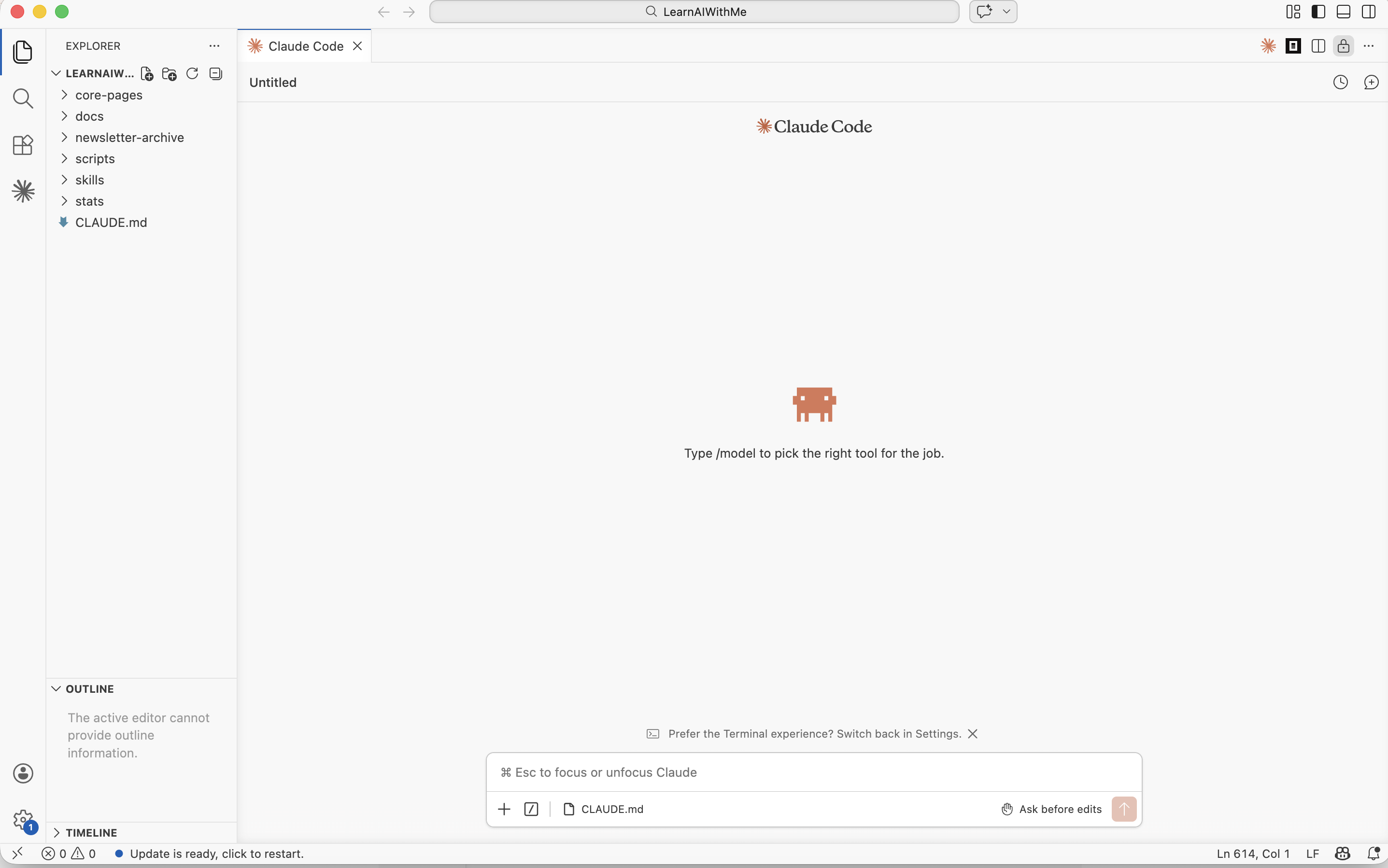
This is what my LearnAIWithMe project looks like.
1. Claude.MD
Now it is time to give your project a brain.
This will be your memory file.
Claude reads it at the start of every conversation inside that project.
Your own tone, rules, and preferences.
All in one place.
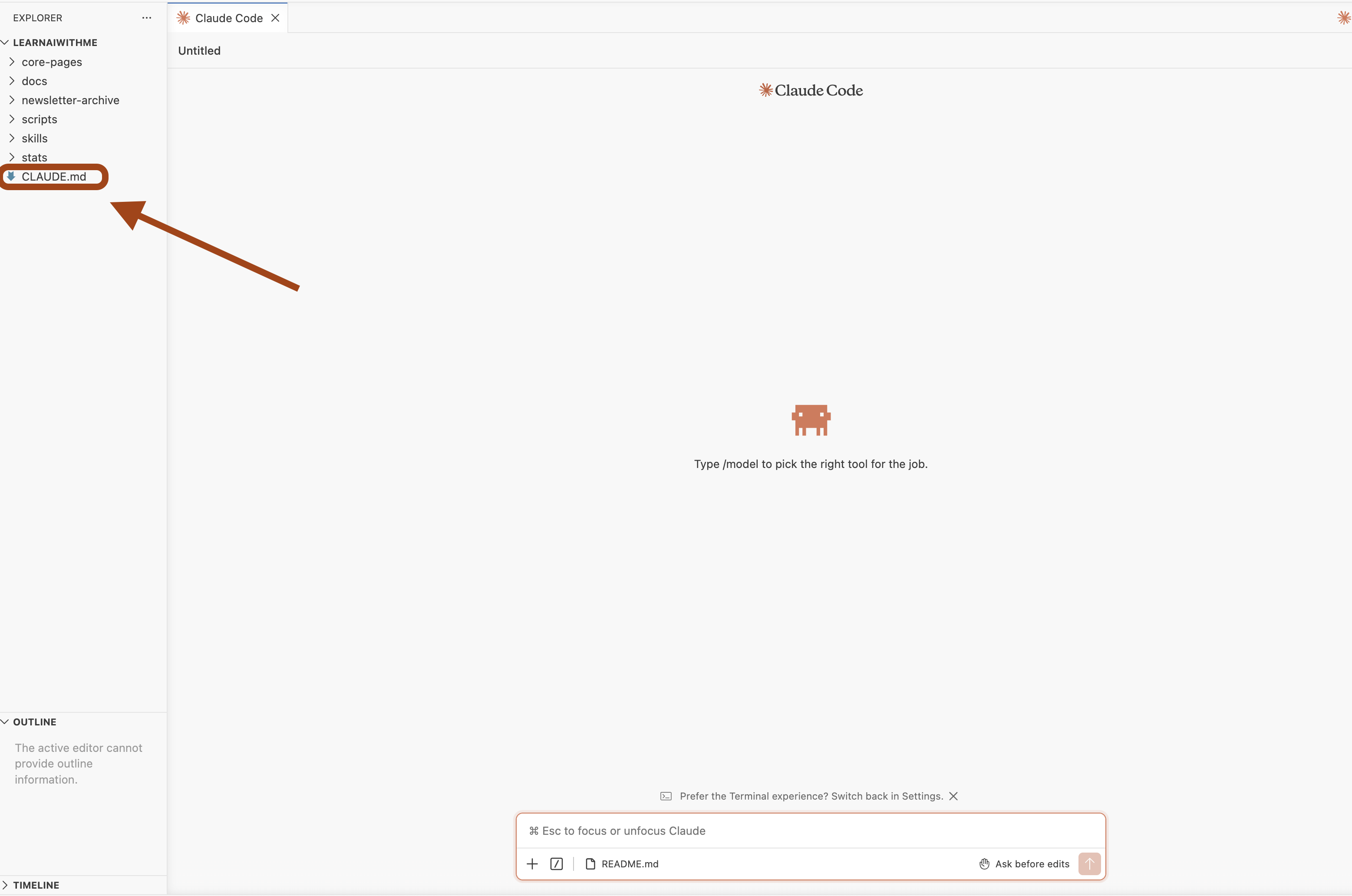
Here is my second brain location.
Here is how my MD files looks like.
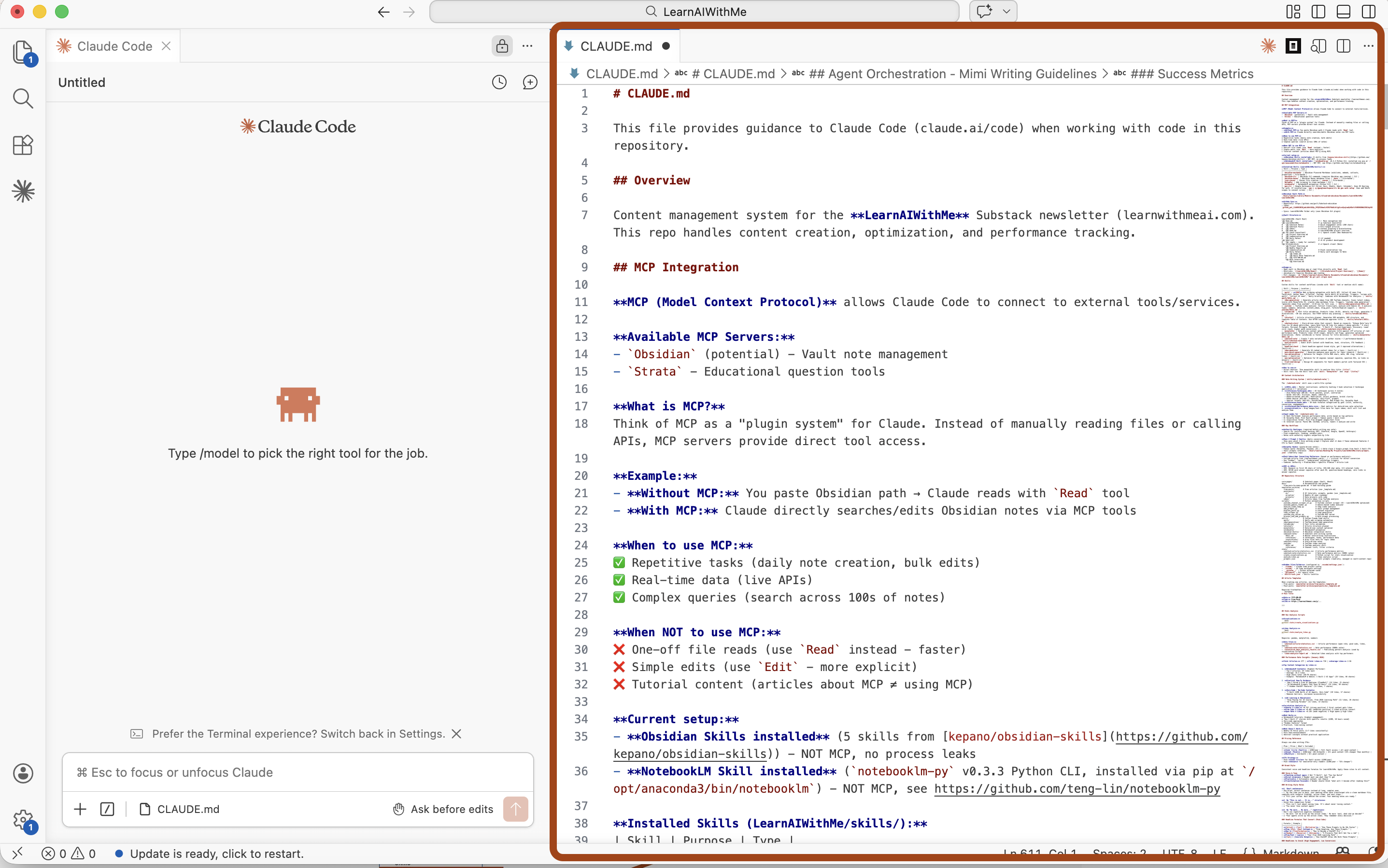
In your MD files, your skills, paths, and everything must be placed.
Do’s don’ts, your project structure, everything you don’t want to repeat yourself, needs to be here.
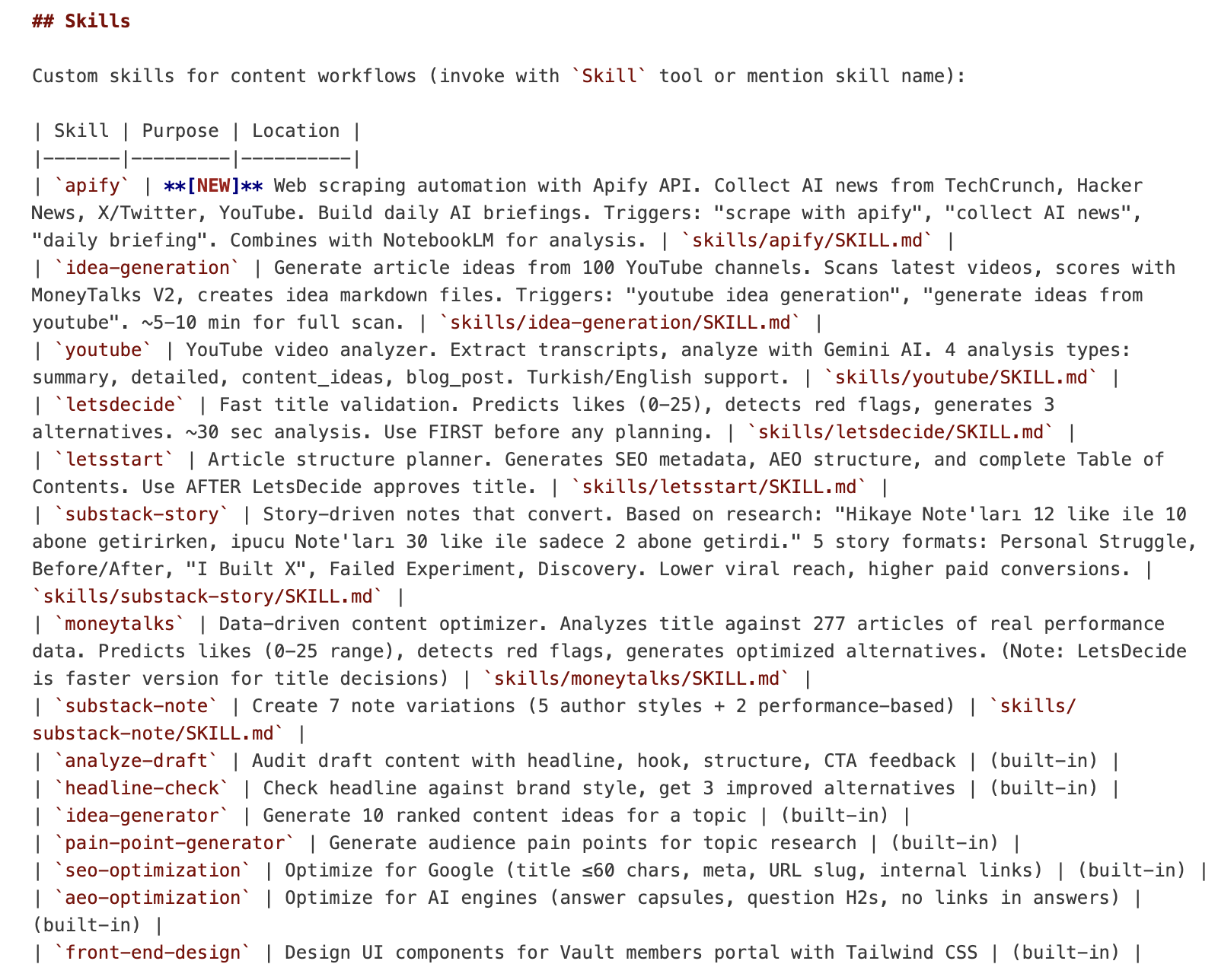
2. Skills
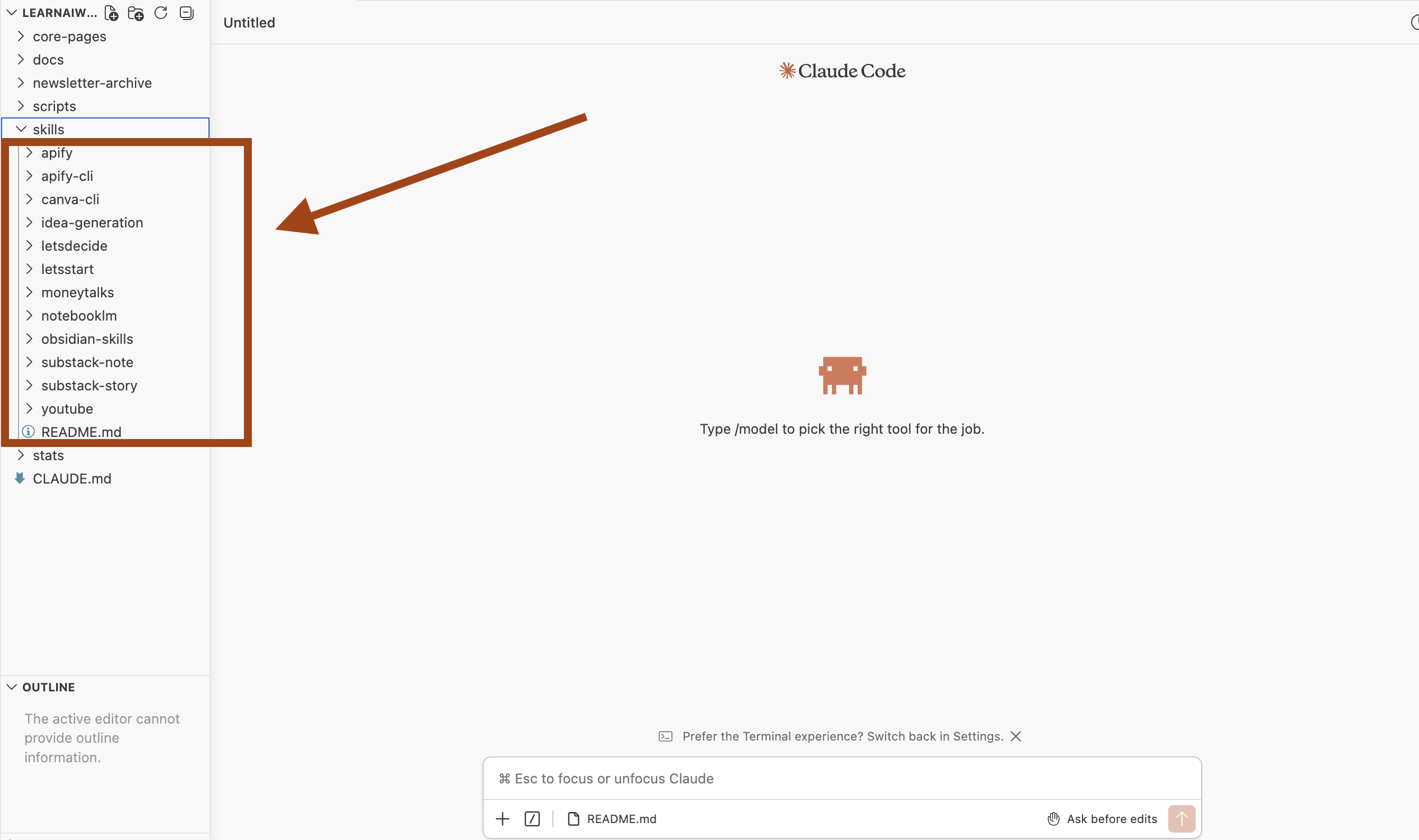
Here are my skills.
Using Apify, or its CLI, I can reach API’s.
Tips: Apify lets apps connect via APIs.
I can do 20,000 tasks with Apify. That’s how powerful it is.
My other skills;
- Idea Generation: Checks 10 YouTube channels, analyzes my stats(articles), and creates content ideas.
- Money Talks: Analyzes 300 Substack articles and suggests improvements.
- Substack Notes: Analyzes my Substack stats and generates top-performing notes.
- NotebookLM: Connects to NotebookLM and creates content like infographics.
- Obsidian CLI: Connects to my Obsidian vault, my second brain.
All my skills are listed in my Claude.MD file.
3. Real-World Connections
Now, it is time to connect your Claude Project with the real world.
There are three ways of doing this.
And I’ll show you each of them and how to do it.
CLIs
CLI lets you connect your apps from the terminal. Similar to how Claude Code works, as you know, it is terminal based agent.
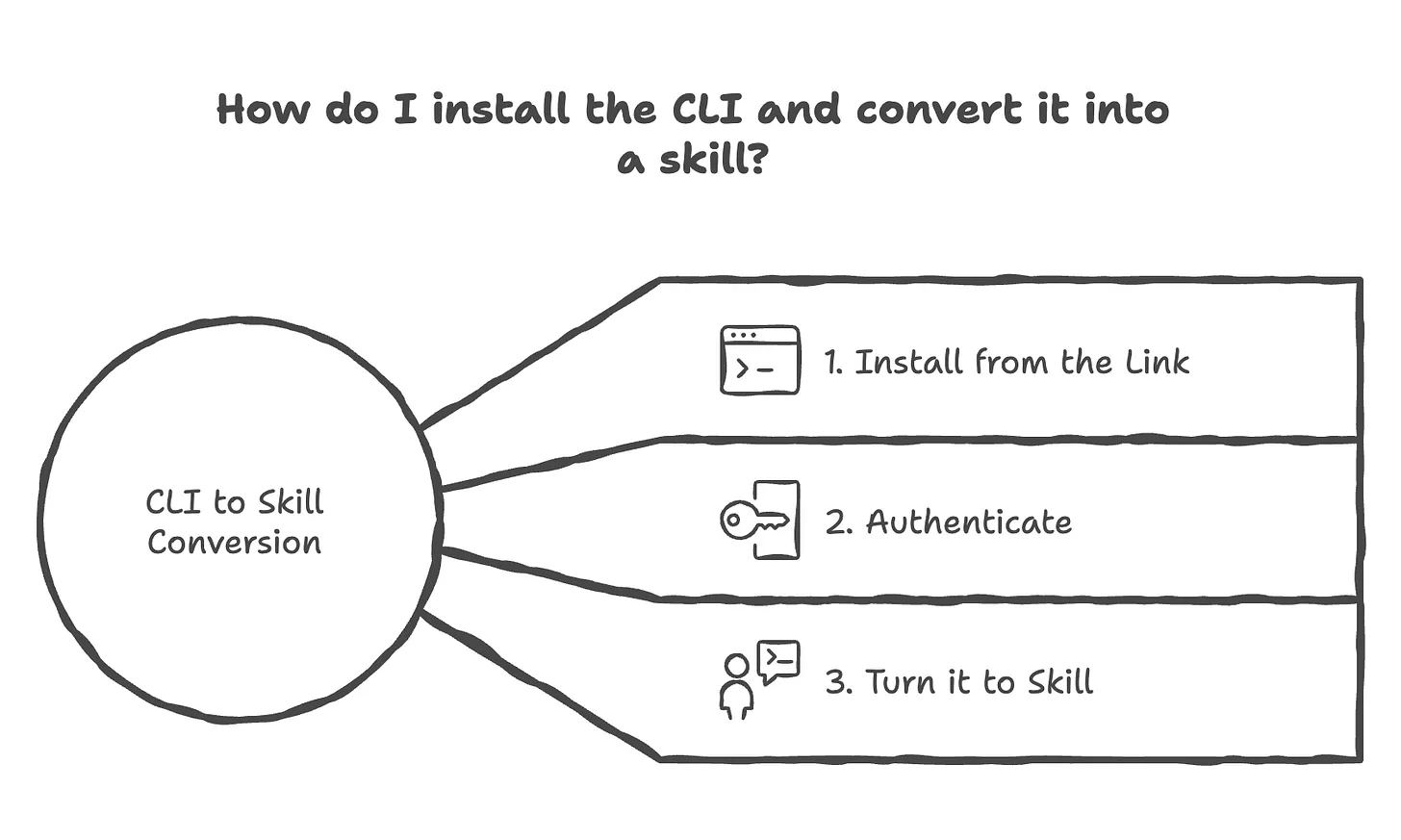
Here are my CLI’s and links to each of them so you can download and use them.
- Google Workspace: Access to all Google Workspace elements like Google Drive, Gmail, and Calendar, link.
- NotebookLM: Generate NotebookLMs, update them, and reach them via Claude Code, link.
- Apify: Use actors inside APIfy to reach more API’s. (20K+), link.
MCPs
MCP is a way to connect AI tools to external apps and data.
It helps them work together and share information easily.
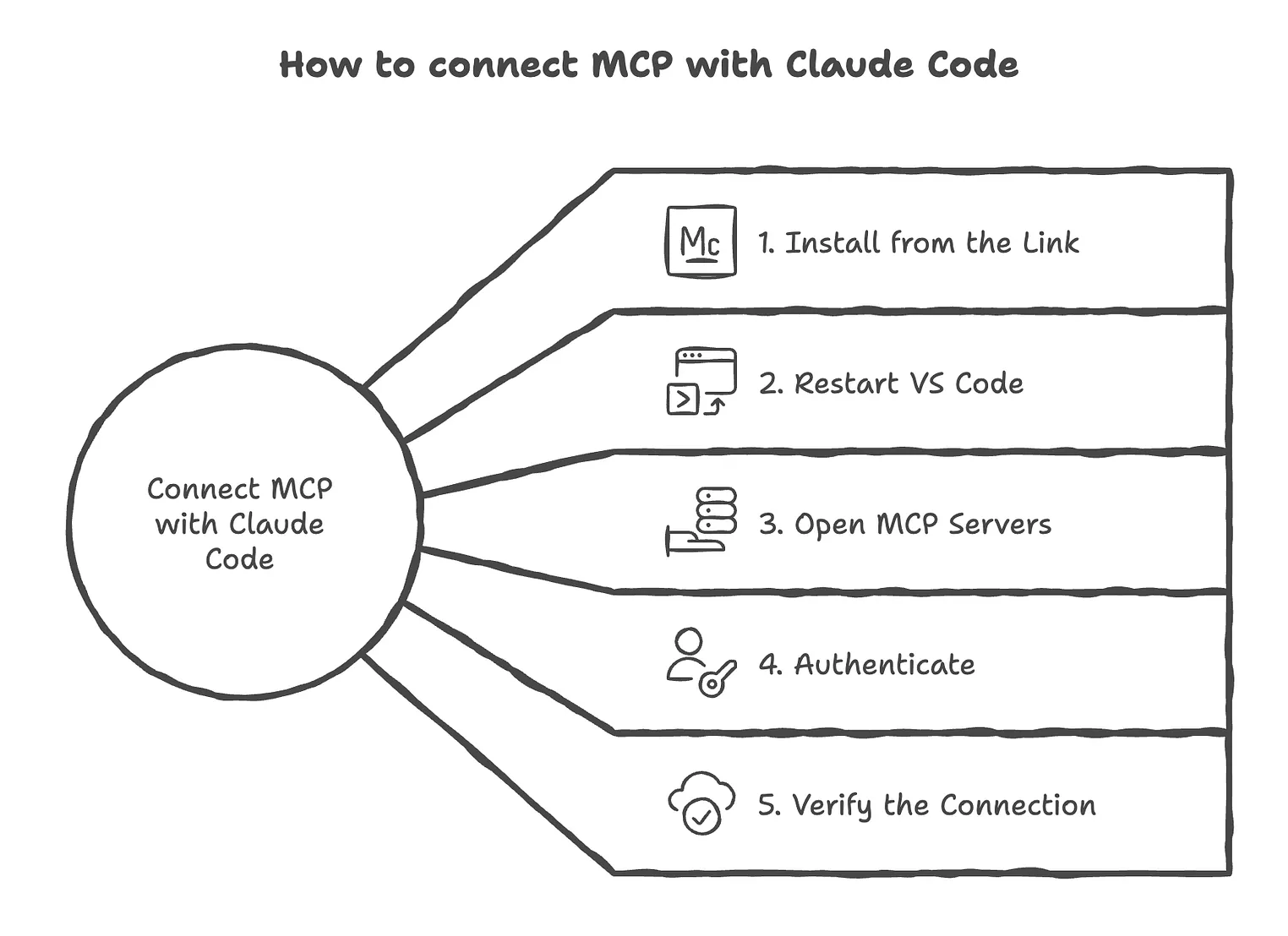
You can find thousands of MCP clicking here.
APIs
Sometimes you don’t need a CLI or MCP.
You just need a direct connection.
APIs are the rawest way to connect Claude to any service.
Here’s how it works:
- Get the API key from the service you want to connect.
- Store it in your environment variables or
.envfile. - Write a skill that calls that API directly.
That’s it. Claude sends a request. Gets a response. Does something with it.
Here are some APIs I use daily:
- YouTube API: Directly talking with YT to analyze the content
- Gemini API: Use Gemini models
- ChatGPT API: Generate images or use ChatGPT models inside Claude Code.
The difference between APIs and MCPs?
MCPs are plug-and-play. APIs are build-it-yourself.
MCPs are faster to set up. APIs give you full control.
I use both. Depends on the task.
Pro tip: Start with MCPs and CLIs. When you hit a wall, switch to APIs. You’ll know when you need them.
Final Thoughts
I run my business with 3 files.
The system breaks.
I debug. I improve. I add.
Every day. Sundays included.
Now I’m installing this for clients.
Your turn.