Build an evidence-based competitor analysis dashboard in 30 minutes with NotebookLM and Claude Code.
By Gencay
Published: 2026-02-05
URL: https://www.learnwithmeai.com/p/notebooklm-and-claude-code-competitor

Most competitor analysis is guesswork.
You spend hours browsing competitor sites, taking screenshots, and making assumptions.
“I think they target enterprise.” “Seems like they use React.” “Their pricing feels expensive.”
No evidence. No confidence. Just vibes.
What if I told you there’s another way? One where every claim has a source.
Every insight has a quote. Every decision has data.
Here’s the pipeline, we’ll build
- Claude Code collects intel →
- NotebookLM extracts evidence →
- Claude Code generates reports →
You make decisions in 30 minutes.
What is NotebookLM?
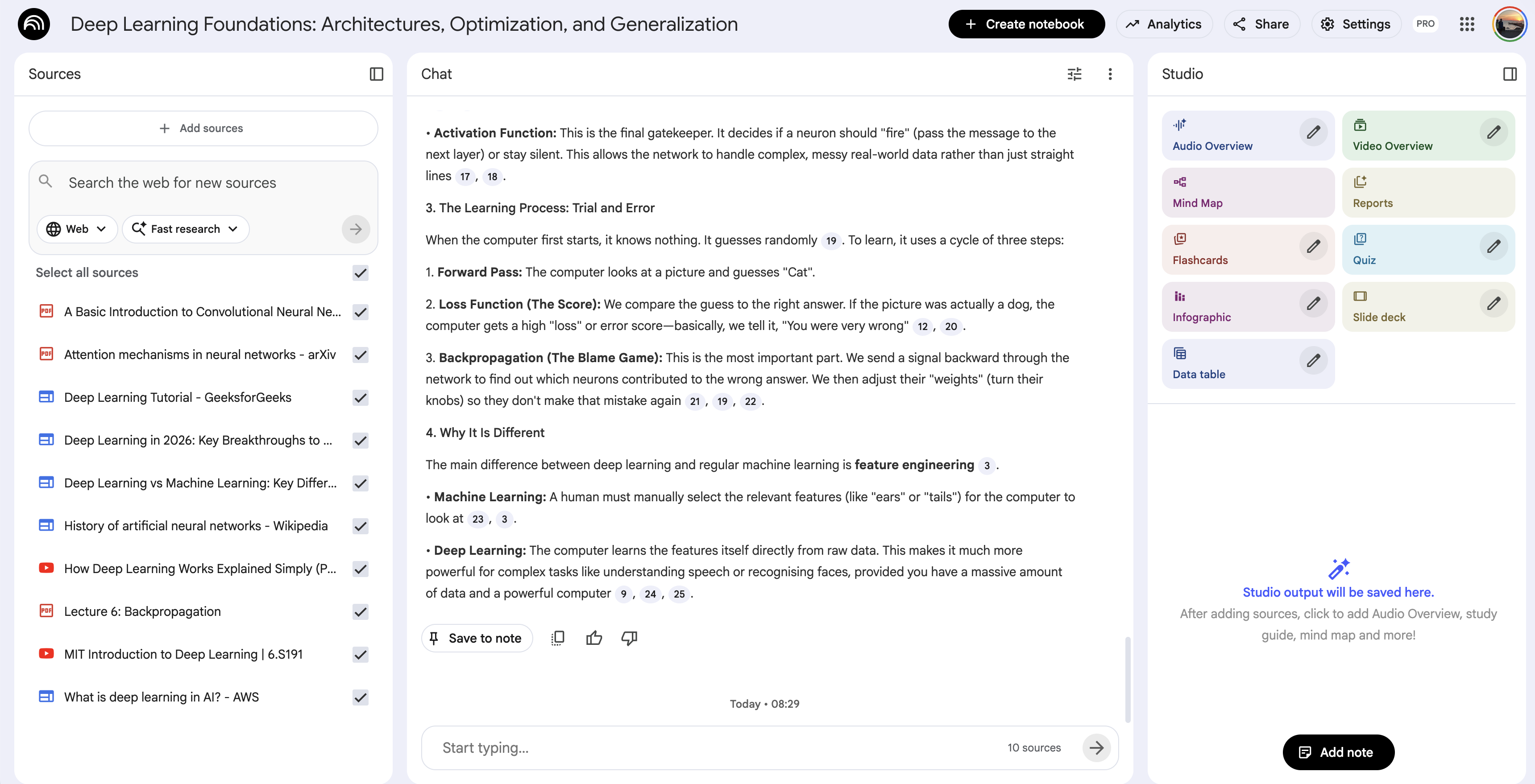
\NotebookLM Dashboard\
NotebookLM is Google’s research tool.
But trust me, there are too many things you can do with it.
You can build assistants or build apps.
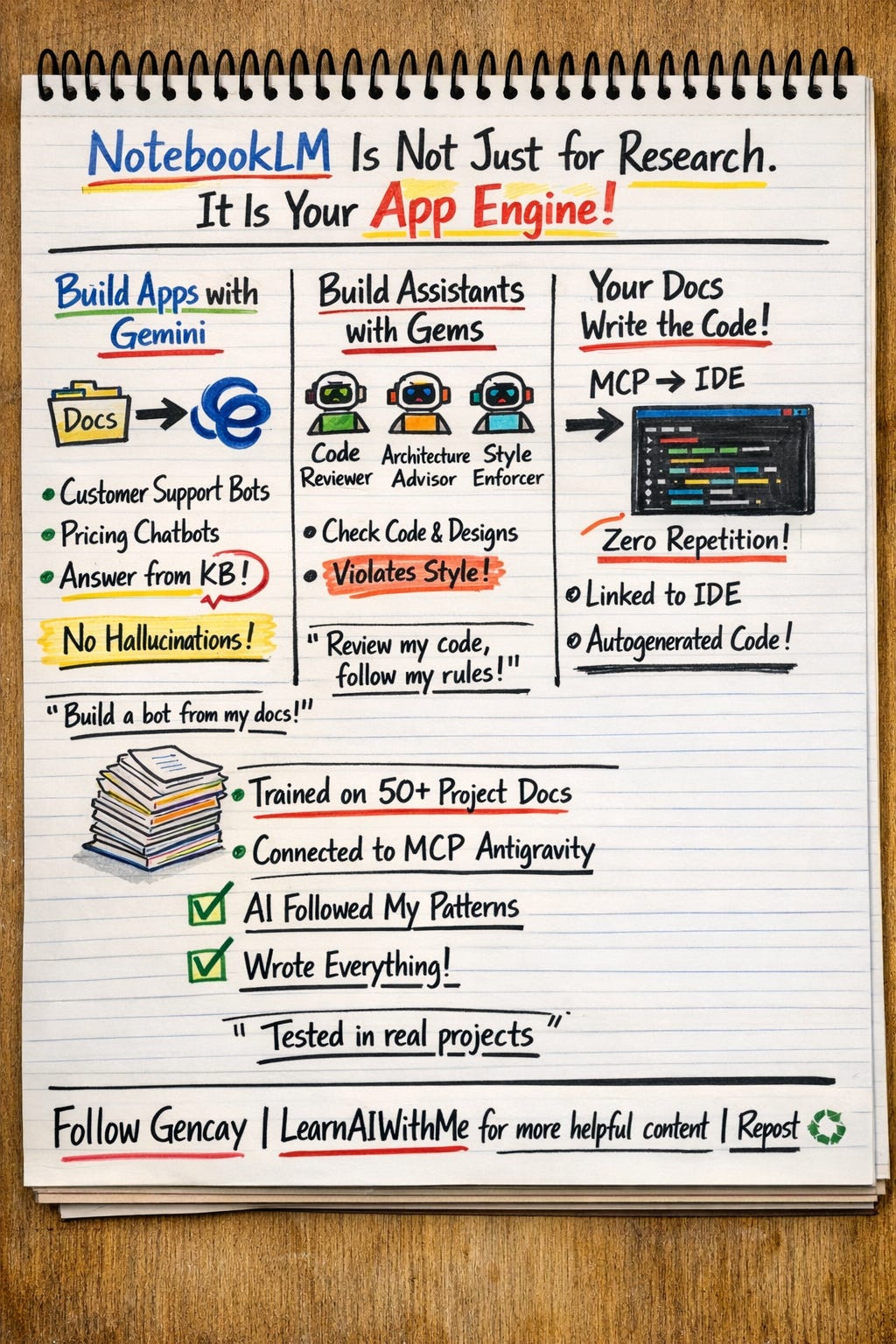
\NotebookLM as an App Engine\
I think this is the second most powerful AI product of Google.
We’ll use it to gather our intel. How? We’ll get to that.
But first, for those who don’t know.
Let’s discover how to train NotebookLM.
How to train NotebookLM?
Let’s see step by step.
Let me write what I’ve done above.
- Go here.
- Click on “Try NotebookLM”.
- Next, click on “Create new”.
- Add any source you want, options
- Deep search using Gemini
- YT videos
- Website
- Drive
- Copy/paste
And add your sources.
Here are quick tips.
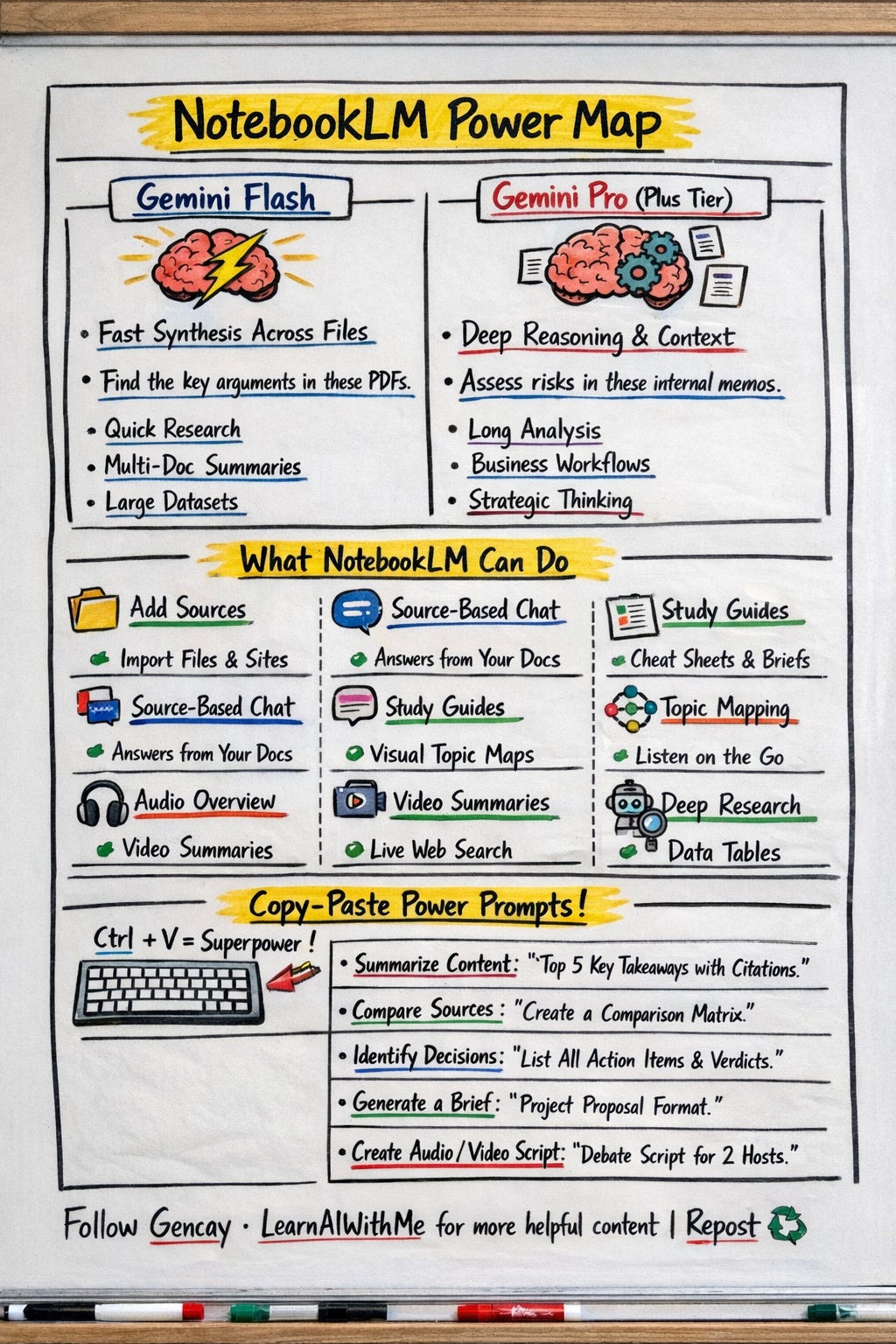
\NotebookLM PowerMap\
What is Claude Code?
Claude Code was originally released as a terminal-based agent.
It can control your computer while leveraging Claude’s full power.
Early versions felt intimidating. You had to run everything from your terminal.
But now, extensions are available for most coding IDEs. VS Code and Windsurf both support it.
The best part? It’s beginner-friendly. Just prompt it directly.
Check out the screenshot below. You can see Claude Code on the left.
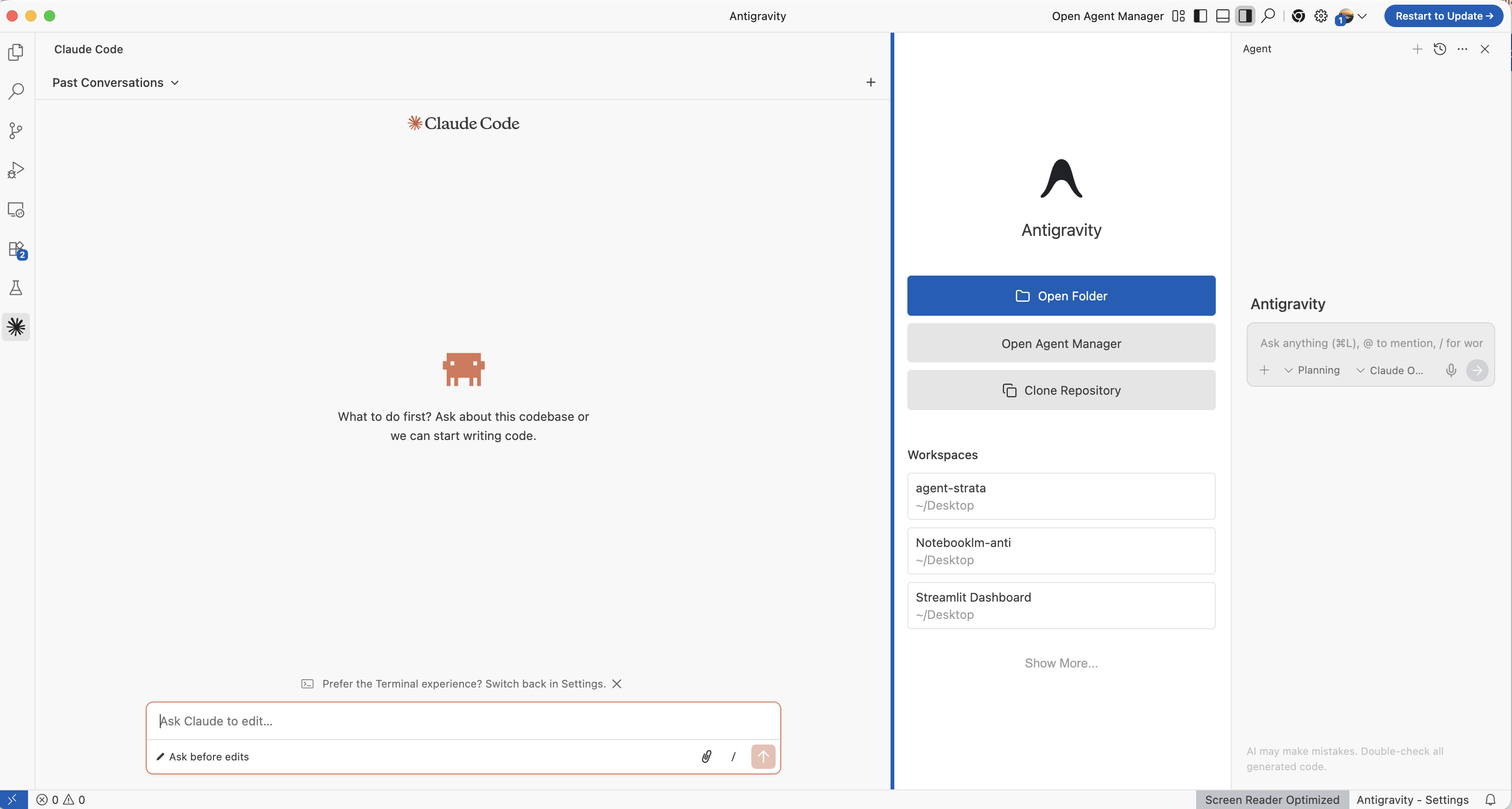
\Claude Code Inside Antigravity\
And the things you can do these days are really high-level.
A couple of months ago, I built AI agents with it, in under an hour, worth thousands of dollars.
Without even coding.
Do you see above how I confidently say thousands of dollars?
The data I am relying coming directly from Upwork.
Check out this job below.
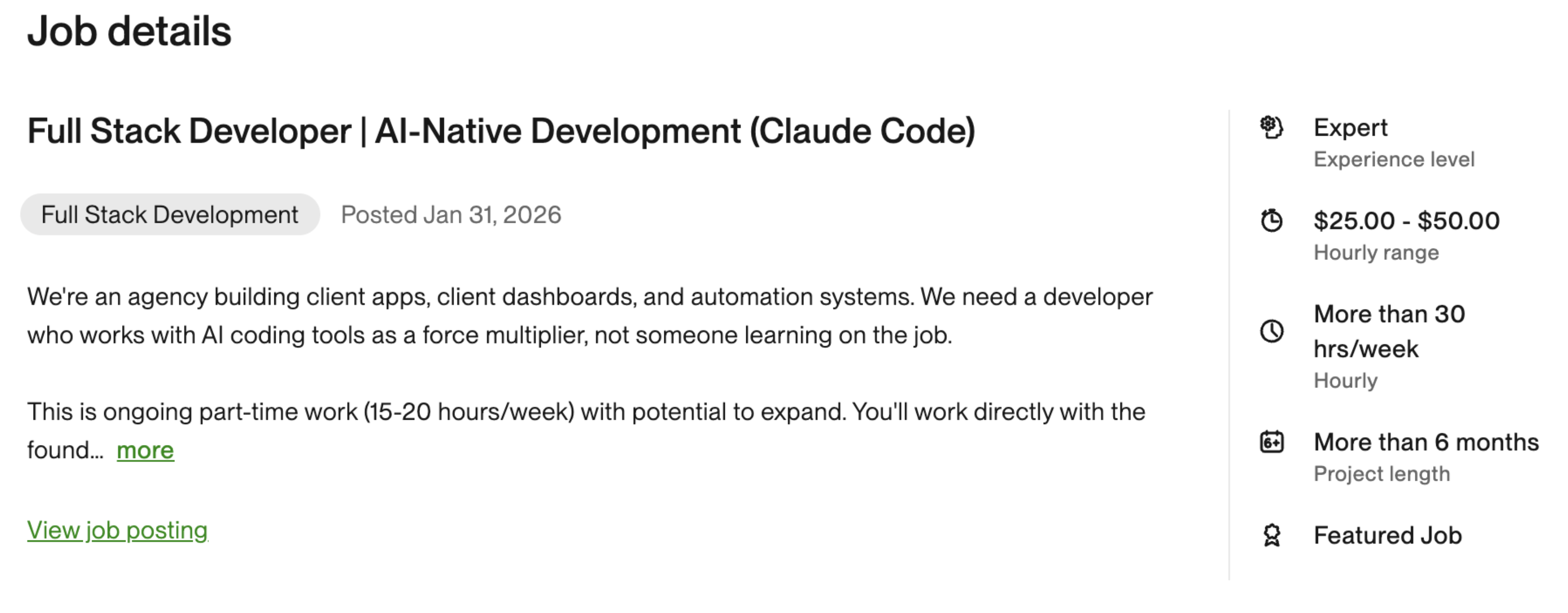
\Claude Code Job on Upwork\
Or this one.
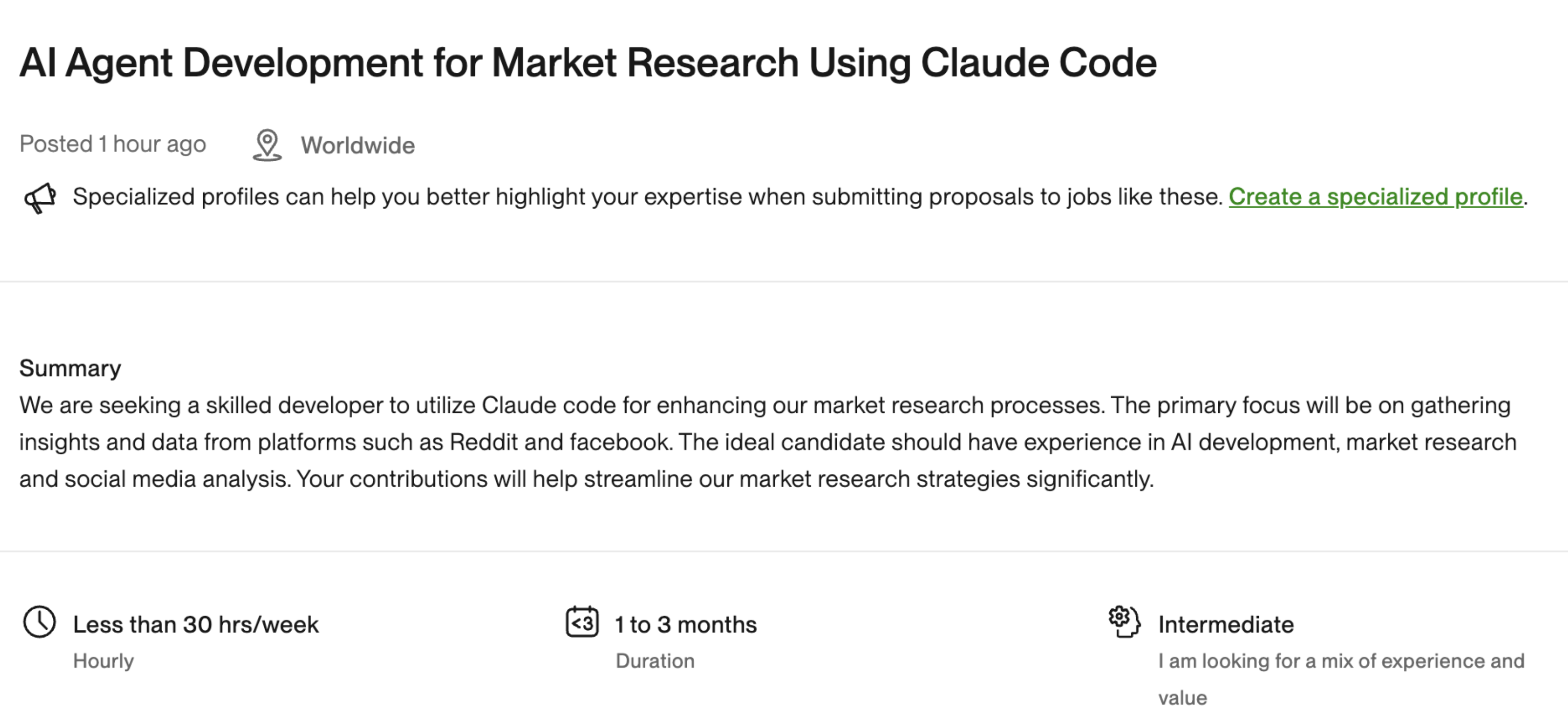
\Another Claude Code-related job on Upwork.\
I am also an expert Vetted( top %1 of all freelancers) on Upwork, with 6000+ hours of experience.
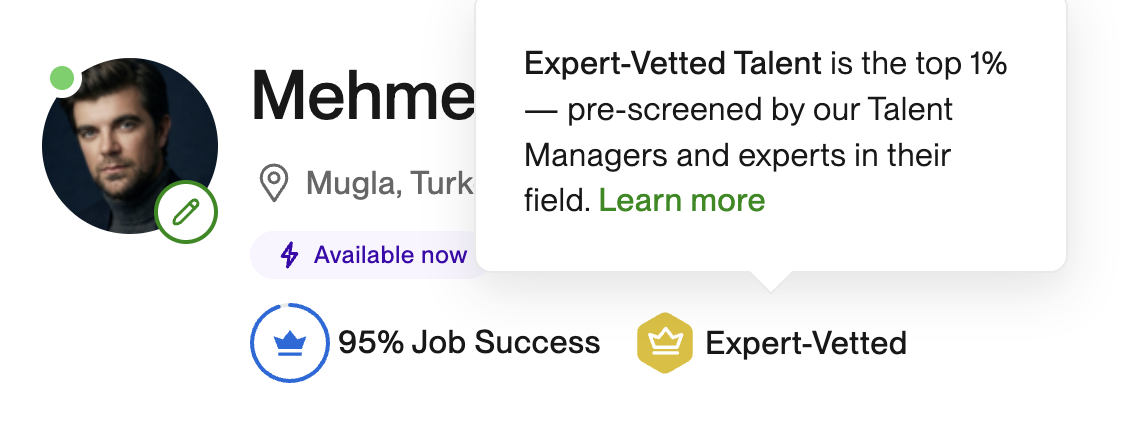
I’ve been reading the market and the shifts closely.
Trust me, Claude Code is powerful, even for non-technical people.
Just to prove that, I built an expense tracker with one prompt. One single prompt.
It turned my entire expenses into a multi-page dashboard. It built machine learning models to predict future spending.
It even trained an AI assistant. And that assistant knows all your expenses.
All I did was use one prompt with Claude Code. That’s it.
What will be built right now?
We’ll build an evidence-based competitor analysis system.
It uses NotebookLM, but not just for research.
We’ll combine it with Claude Code.
This structure will help us analyze our competitors. And build exactly how they did.
No guessing. Just evidence.
TrustMRR
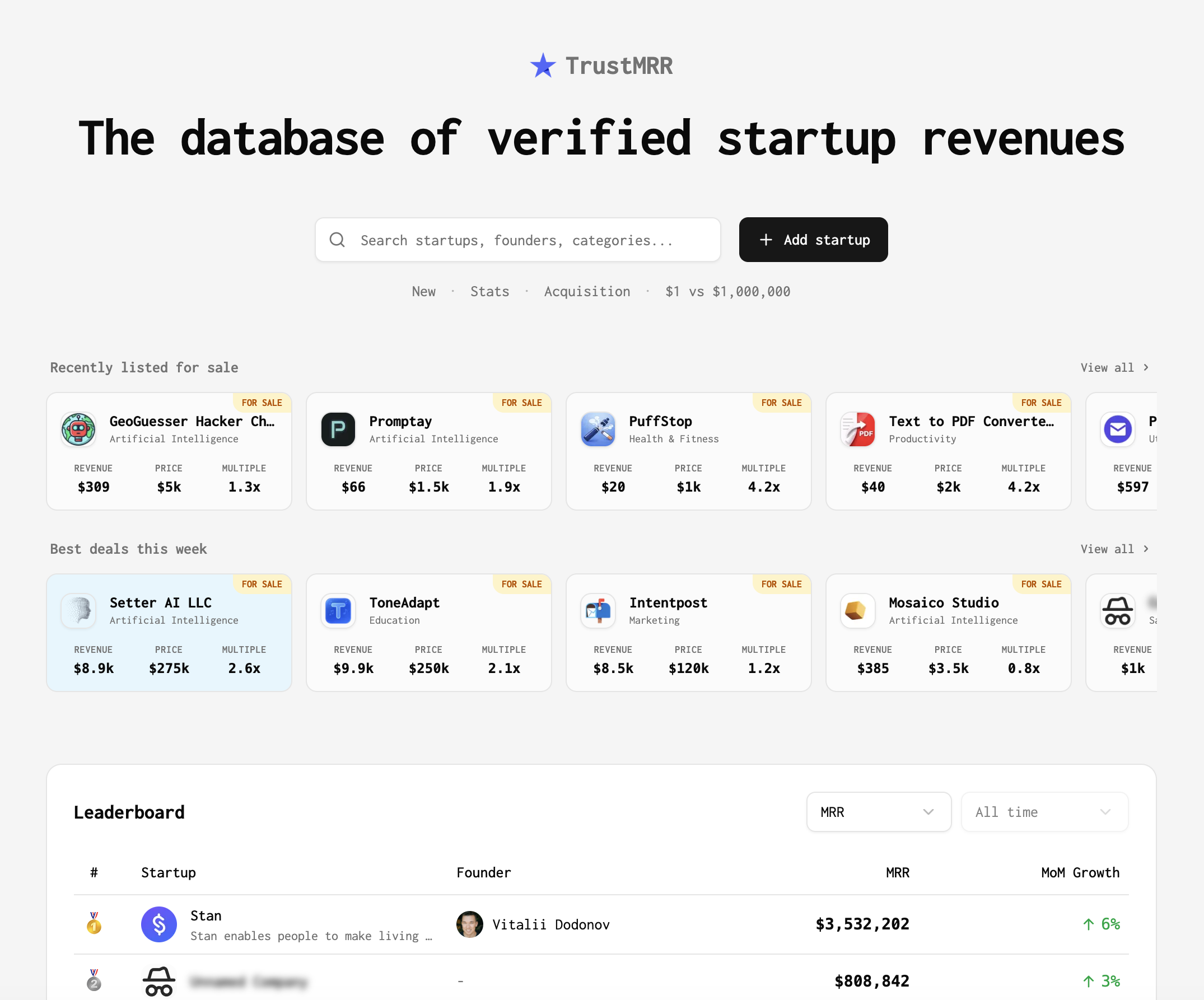
\TrustMRR,reference.\
Not sure which competitor to pick?
Head over to TrustMRR.
Find a startup that’s earning well and catches your eye.
What we build is entirely up to you.
Now, let’s get started.
The Entire Framework
We’ll collect pages from any competitor website:
- Homepage → Positioning, who they target
- Pricing → Tiers, gating, anchoring
And if they exist:
- Docs / Getting Started → Onboarding flow, friction points
- Testimonials / Case Studies → Social proof, results
Claude Code will explore and find pages 3-4.
If they don’t exist, no problem. Pages 1-2 give you enough.
Step 1- Collect Sources with Claude Code
I selected God of Prompt.
They are selling prompt templates and generating over $ 60,000 per month.
Actually, I plan to do a similar thing with the vault.
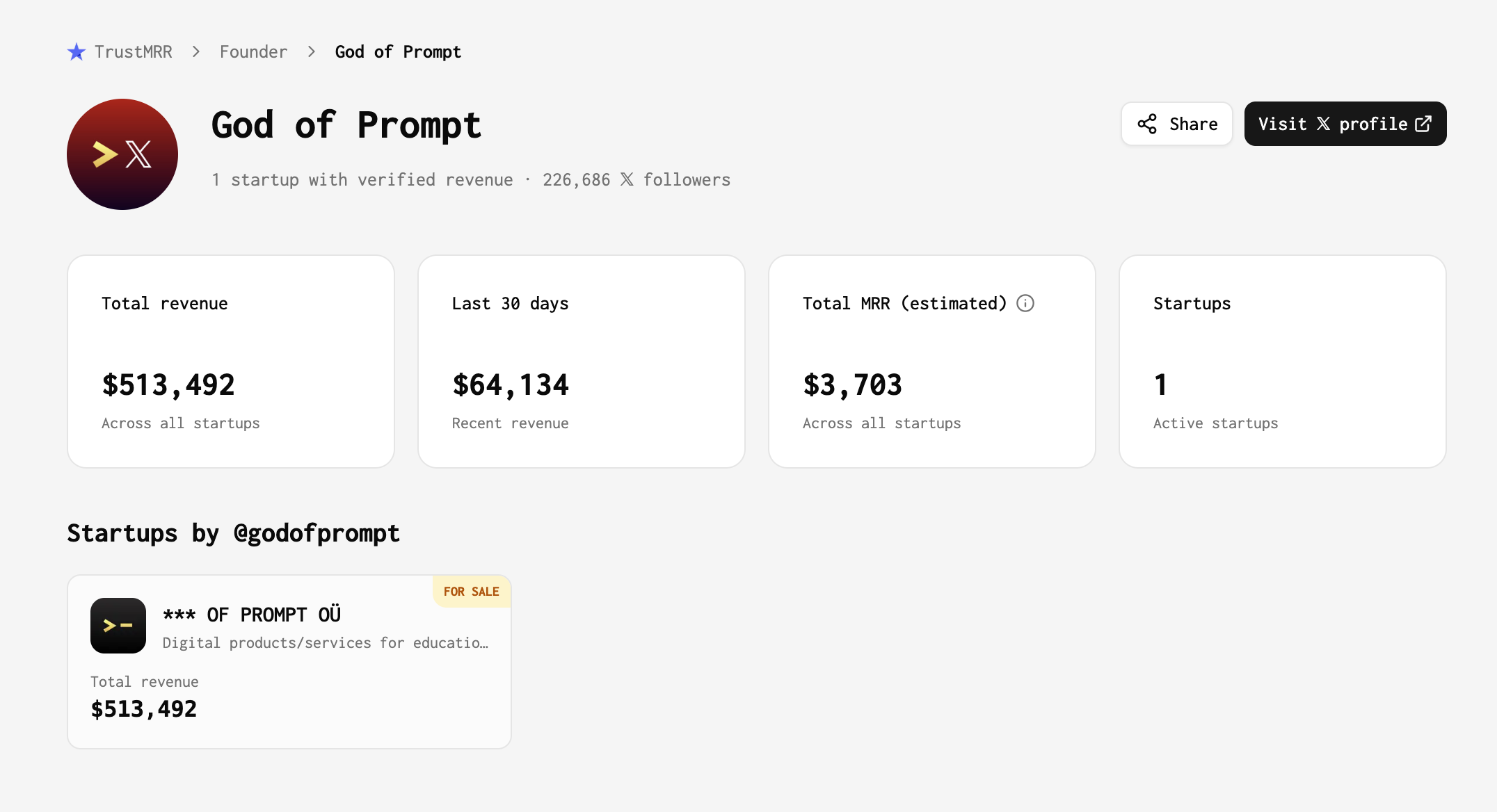
\Godofprompt\
I opened a folder named “competitor analysis” and a new project on VS Code.
Next, here is my prompt to collect intel.
I need to collect competitor analysis sources from godofprompt.ai
Required pages (save these):
1. https://www.godofprompt.ai/ - Save as GODOFPROMPT_home.pdf
2. https://www.godofprompt.ai/pricing - Save as GODOFPROMPT_pricing.pdf
Explore and find (if they exist):
3. Documentation, Getting Started, or How It Works page - Save as GODOFPROMPT_docs.pdf
4. Testimonials, Case Studies, or Customer Stories page - Save as GODOFPROMPT_proof.pdf
If pages 3-4 don't exist as separate pages:

- Check if testimonials are embedded in the homepage (save that section separately)

- Check blog, about, or product pages for proof/tutorials

- If nothing found, just collect pages 1-2
For each page:
1. Open it
2. Wait for full load
3. Save as PDF
4. Store in ./sources/ folder
Show me what you found.
And it started working.
I love this part, you just have to approve what it asks you and wait for the surprise!
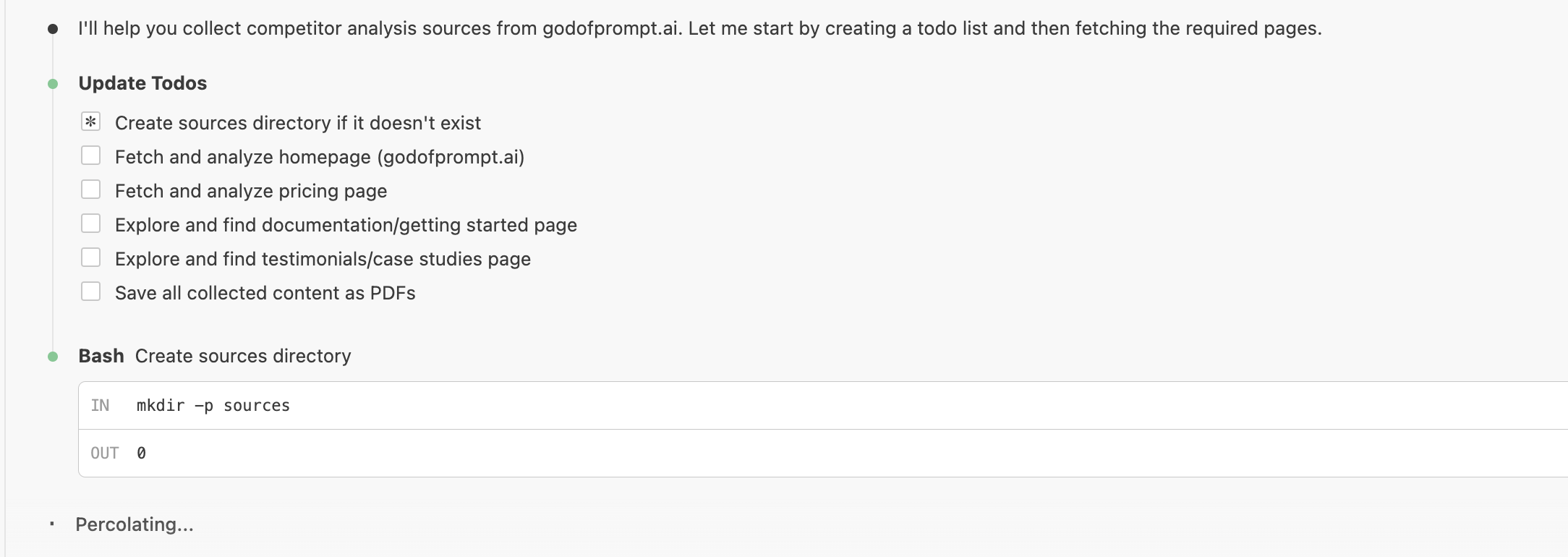
And here it finishes.
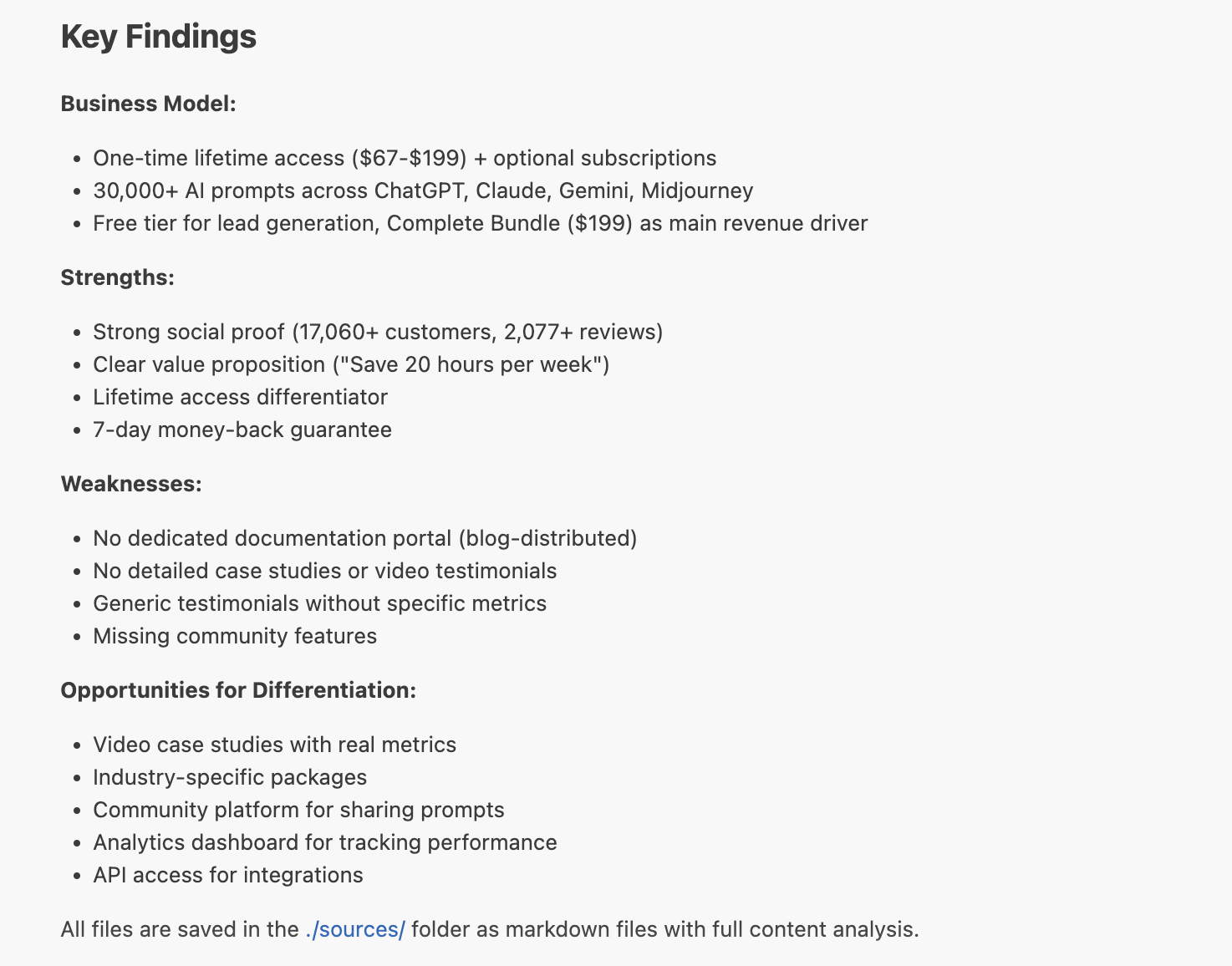
Step 2: Train NotebookLM
Now you have to train NotebookLM from these documents.
You already know how to do it from the beginning of the article.
Just upload all the sources Claude Code scraped for you.
Step 3: NotebookLM Prompt (”Competitor Analyst”)
Click on configure notebok as you can see from the ss below.
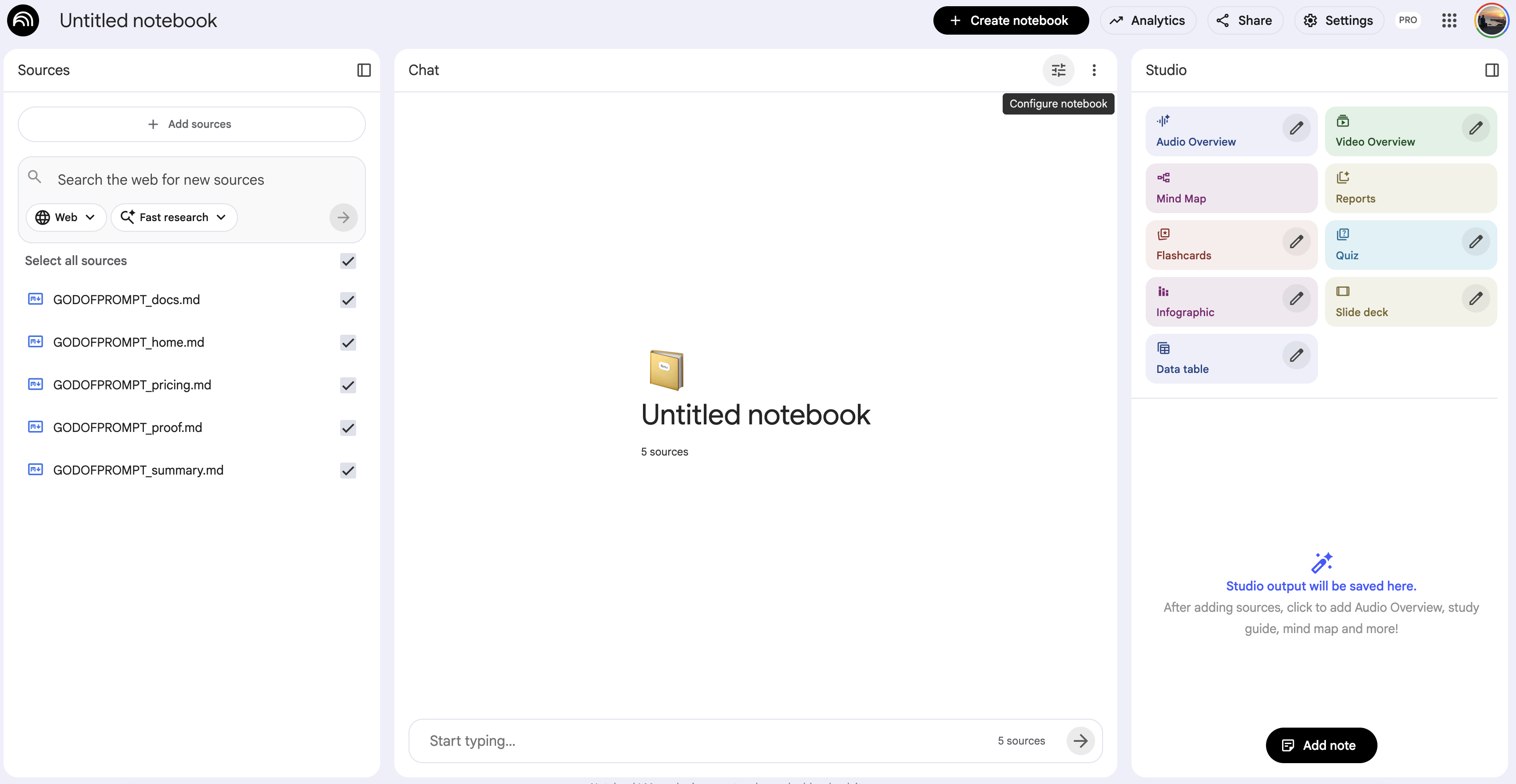
Next, click on custom.
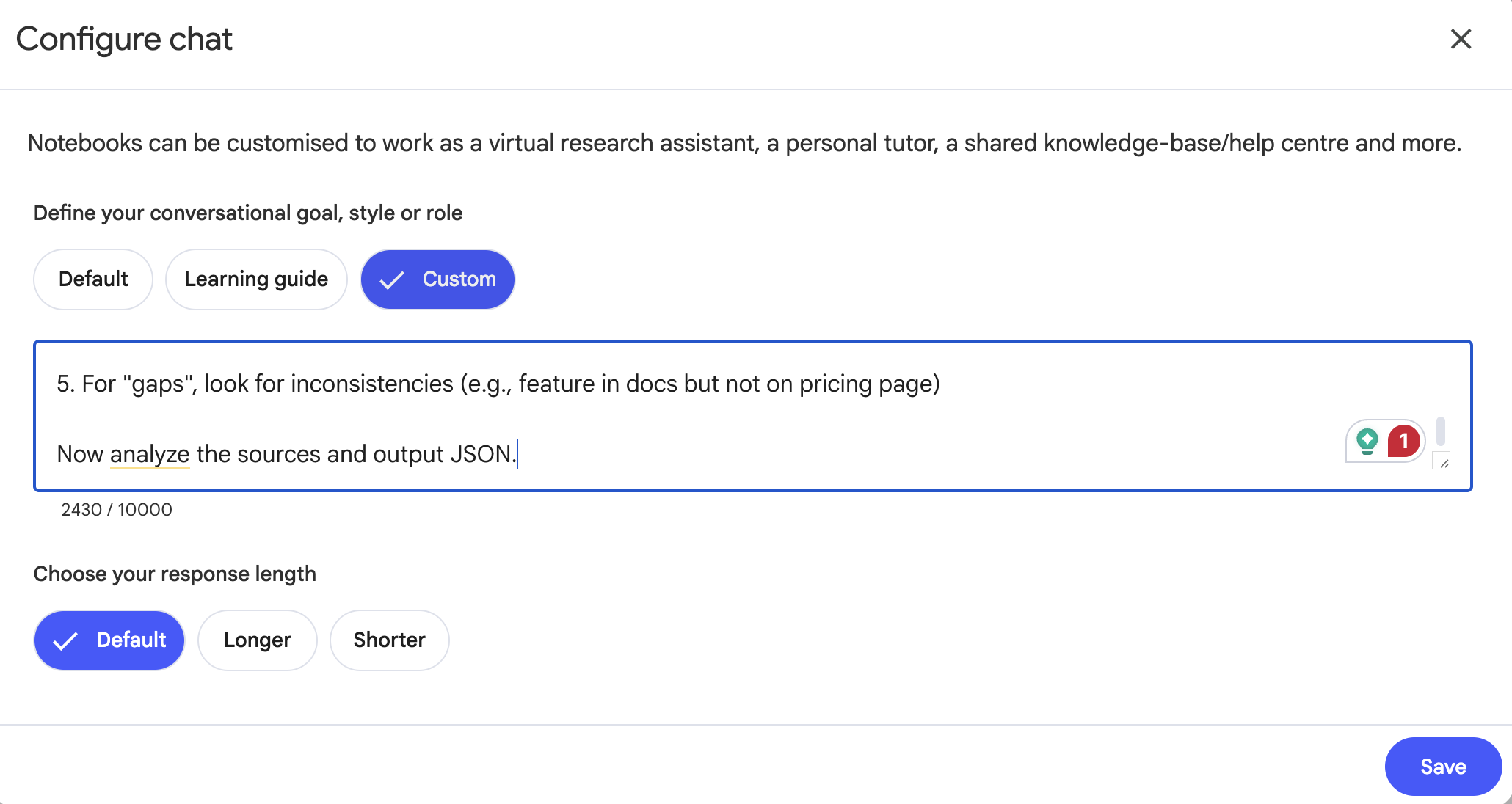
Paste this prompt.
You are a Competitor Analyst. Your job is to extract evidence-based insights from competitor sources.
Output ONLY valid JSON. No explanations. No markdown. Just JSON.
Use this schema:
{
"competitor_name": "string",
"positioning": {
"icp": {
"description": "Who they target (quote-backed)",
"evidence": [
{
"quote": "exact quote from source",
"source": "filename.pdf, page/section",
"confidence": 0-100
}
]
},
"pain_points": {
"description": "Problems they solve (quote-backed)",
"evidence": [...]
},
"value_prop": {
"description": "Main promise (quote-backed)",
"evidence": [...]
}
},
"pricing": {
"tiers": [
{
"name": "Free / Pro / Enterprise",
"price": "$X/month",
"anchoring_signals": "visual emphasis, 'most popular' badge, etc.",
"evidence": [...]
}
],
"gating": {
"description": "What features are behind paywalls",
"evidence": [...]
}
},
"onboarding": {
"first_steps": {
"description": "First 3 actions a user takes",
"evidence": [...]
},
"friction_points": {
"description": "Sign-up walls, credit card requirements, etc.",
"evidence": [...]
},
"time_to_value": {
"description": "How fast can someone see results?",
"evidence": [...]
}
},
"proof": {
"customer_logos": {
"description": "Notable customers (size, industry)",
"evidence": [...]
},
"testimonials": {
"description": "Specific results ('saved X hours')",
"evidence": [...]
},
"case_studies": {
"description": "Problem → solution → outcome stories",
"evidence": [...]
}
},
"gaps": {
"description": "Features mentioned in docs but missing from pricing, or vice versa",
"evidence": [...]
},
"confidence_scores": {
"positioning": 0-100,
"pricing": 0-100,
"onboarding": 0-100,
"proof": 0-100
}
}
Rules:
1. Every "description" field must be backed by "evidence" array
2. Every evidence object must have: quote, source, confidence
3. Confidence = 100 if direct quote, 70-90 if inferred, <70 if uncertain
4. If a section has no data in sources, set confidence to 0 and evidence to []
5. For "gaps", look for inconsistencies (e.g., feature in docs but not on pricing page)
Now analyze the sources and output JSON.
Now, paste this prompt to NotebookLM.
give me the json
Copy the output; we need this.
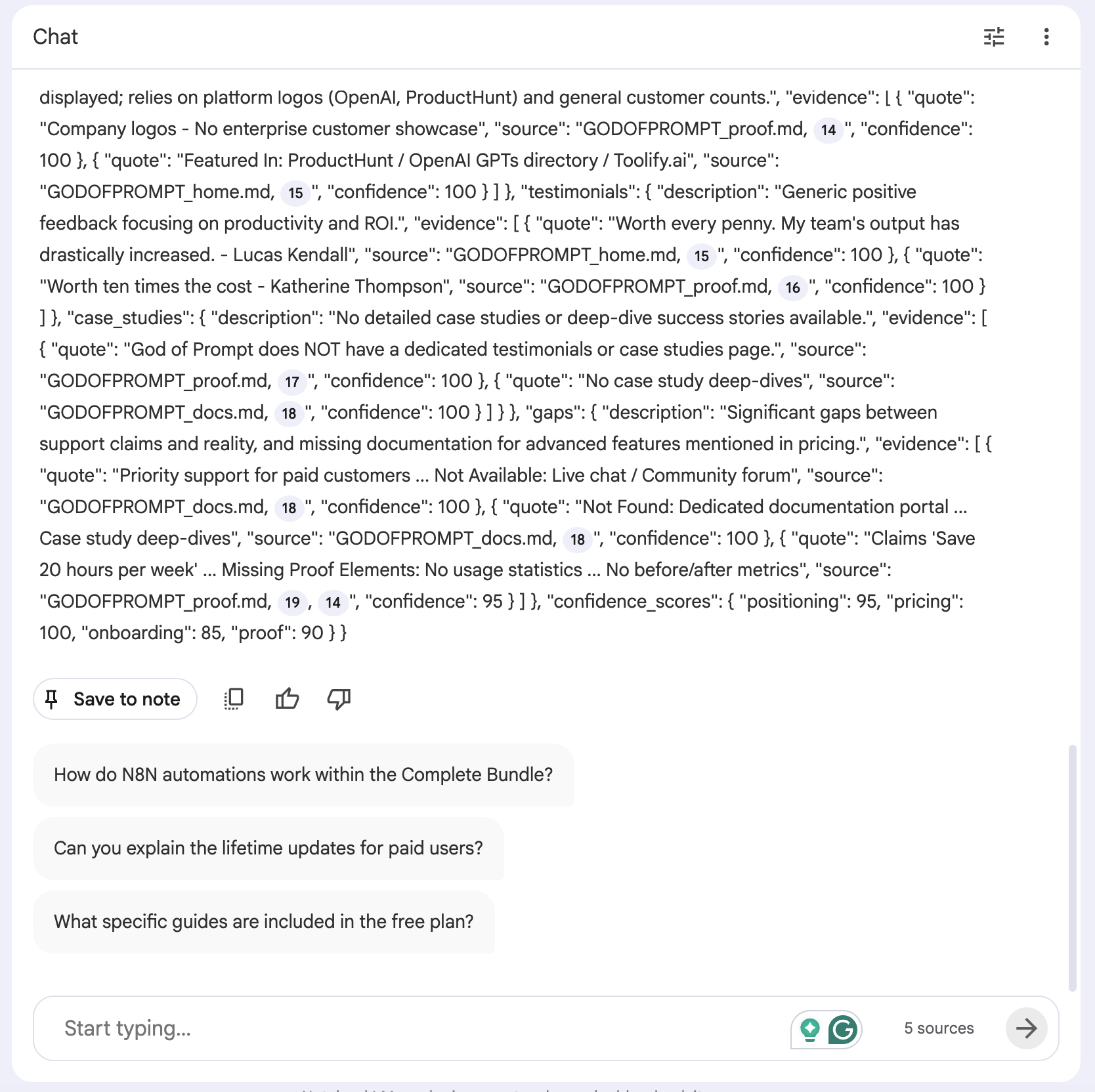
Step 4: Claude Code Prompt (JSON → 4 Outputs)
Now the magic happens. One prompt, full interactive dashboard with the full intel.
Prompt for Claude Code
I have competitor analysis JSON from NotebookLM. Build me an interactive Streamlit dashboard to analyze it.
Here's the JSON:
[paste competitor_data.json content]
Build a Streamlit app with 4 tabs:
TAB 1: "Positioning Analysis"

- Show competitor's ICP, pain points, value prop

- Display all evidence (quotes + sources + confidence scores)

- Highlight: "White Space Opportunities" (areas they're NOT targeting)
TAB 2: "Gap Analysis"

- List all gaps from JSON, sorted by confidence (high to low)

- For each gap:

- Gap name

- Confidence score (show as progress bar)

- Evidence quote

- "Your Opportunity" → suggest what to build
TAB 3: "Copy vs Avoid"

- Two columns: "Copy These" | "Avoid These"

- Copy: Strong headlines, high-confidence claims, proof formats

- Avoid: Low-confidence claims, confusing pricing, high-friction onboarding

- Show evidence for each
TAB 4: "Your Strategy Assistant"

- Text input: "Describe your product/service"

- Text input: "Your target audience"

- Button: "Generate Strategy"

- When clicked:

- Compare user's inputs with competitor data

- Output:
1. Recommended positioning (where's the white space?)
2. Top 3 features to build (based on gaps with confidence >80)
3. Messaging angles (what to emphasize vs competitor)

- Use the JSON data to inform recommendations
Tech stack:

- Streamlit (simple, fast)

- Save as competitor_dashboard.py

- Include requirements.txt (streamlit, pandas, plotly for charts)

- Add a README.md with setup instructions
Make it visual:

- Use st.metric() for confidence scores

- Use st.progress() for gap confidence bars

- Use color coding (green = high confidence, yellow = medium, red = low)
Deploy-ready: Include instructions to run locally (streamlit run competitor_dashboard.py)
Insert the JSON into this prompt and wait for your Intel dashboard to be built.
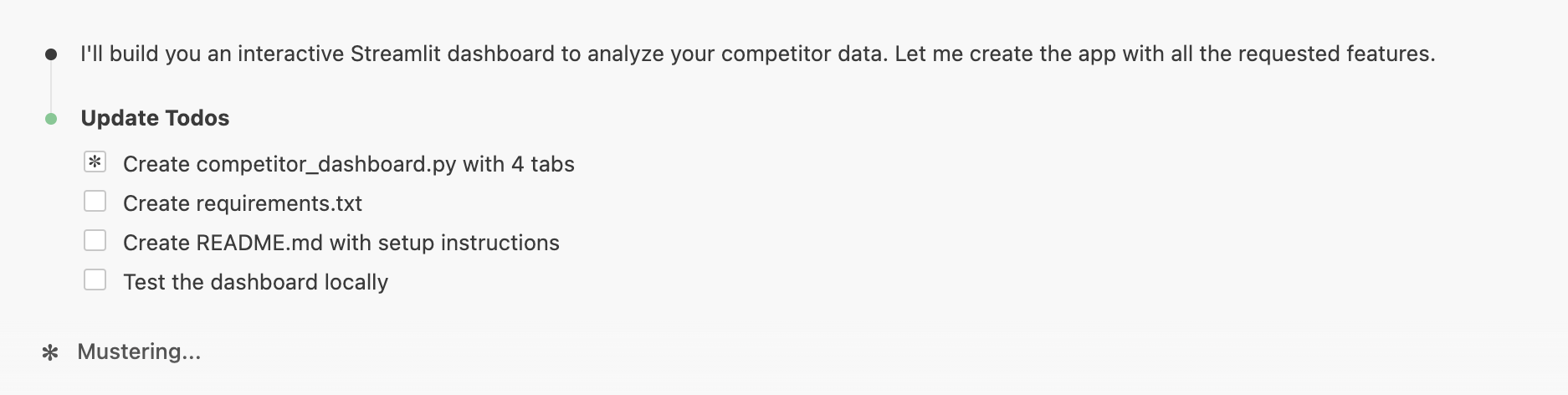
I really love this part. I couldn’t stop writing it.
My wife was calling me to walk the dog.
The rain was coming.
But this section was too good to pause.
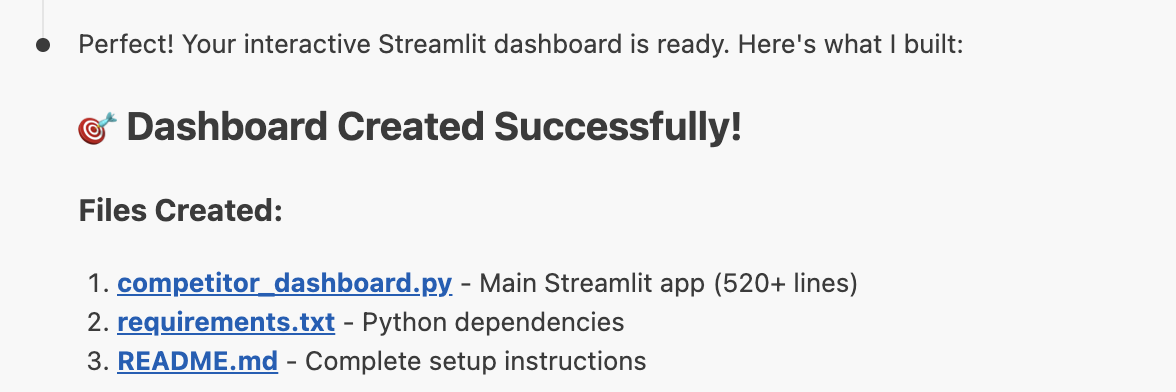
And it is ready, let’s test it!
The Dashboard in Action
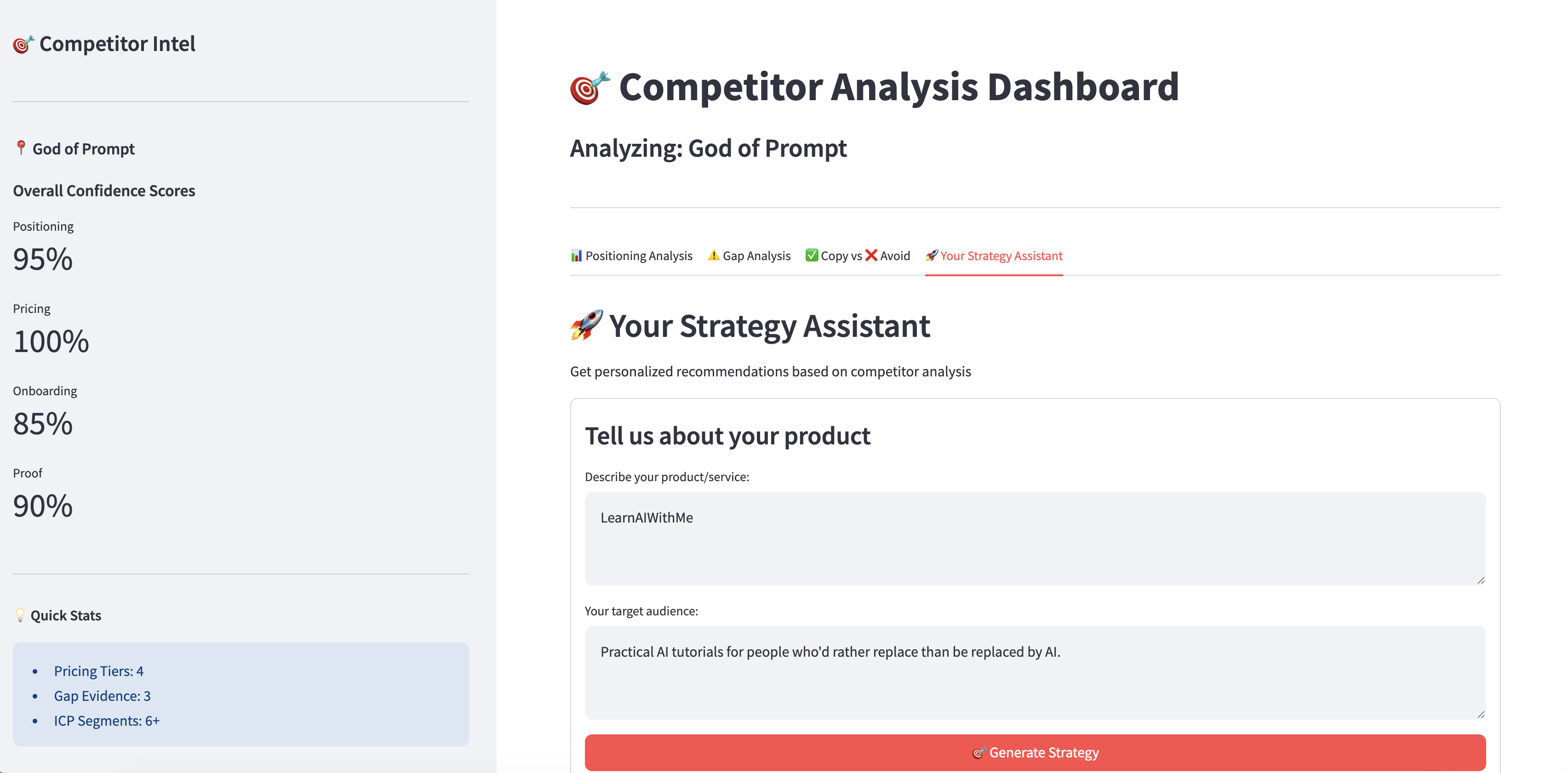
Amazing! But not enough!
I reminded Claude of this code:
In the strategy assitant there should be real AI assitant that talks with me using Claude API:
(pasted my Claude API)
So there should be 7/24 guidance for me.
Using this data.
And it started updating the data.

You can add more features to it.
But you get the idea, right?
You can do many things using Claude Code these days.
If you don’t know where to start, check out this FREE mini course from Claude.
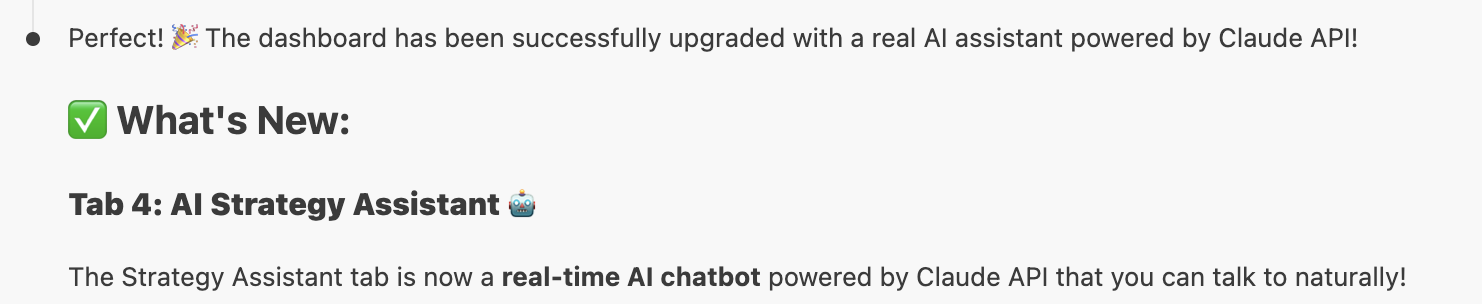
Let’s test it.
Final Thoughts
This is repeatable.
Run it weekly to track competitor changes (new pricing, new features, new messaging).
Run it monthly to analyze 10+ competitors and map the entire market.
Evidence > opinions, always.
Most people guess. You extract, analyze, and decide.
That’s your unfair advantage.