How I automated tracking AI News and Data analysis in 5 minutes using ChatGPT Atlas as my personal AI assistant
By Gencay
Published: 2025-10-28
URL: https://www.learnwithmeai.com/p/use-chatgpt-atlas-10x-with-these

OpenAI just released an AI-powered browser, ChatGPT Atlas, last week. I spent hours with Atlas this week and watched it do what used to take me hours:
- Writing Technical Documentation
- Editing Google Docs in real-time
- Analyzing datasets while I sipped my coffee.
If you’re a content creator, technical writer, or data analyst/scientist, the next 5 minutes will change how you work.
ChatGPT Atlas
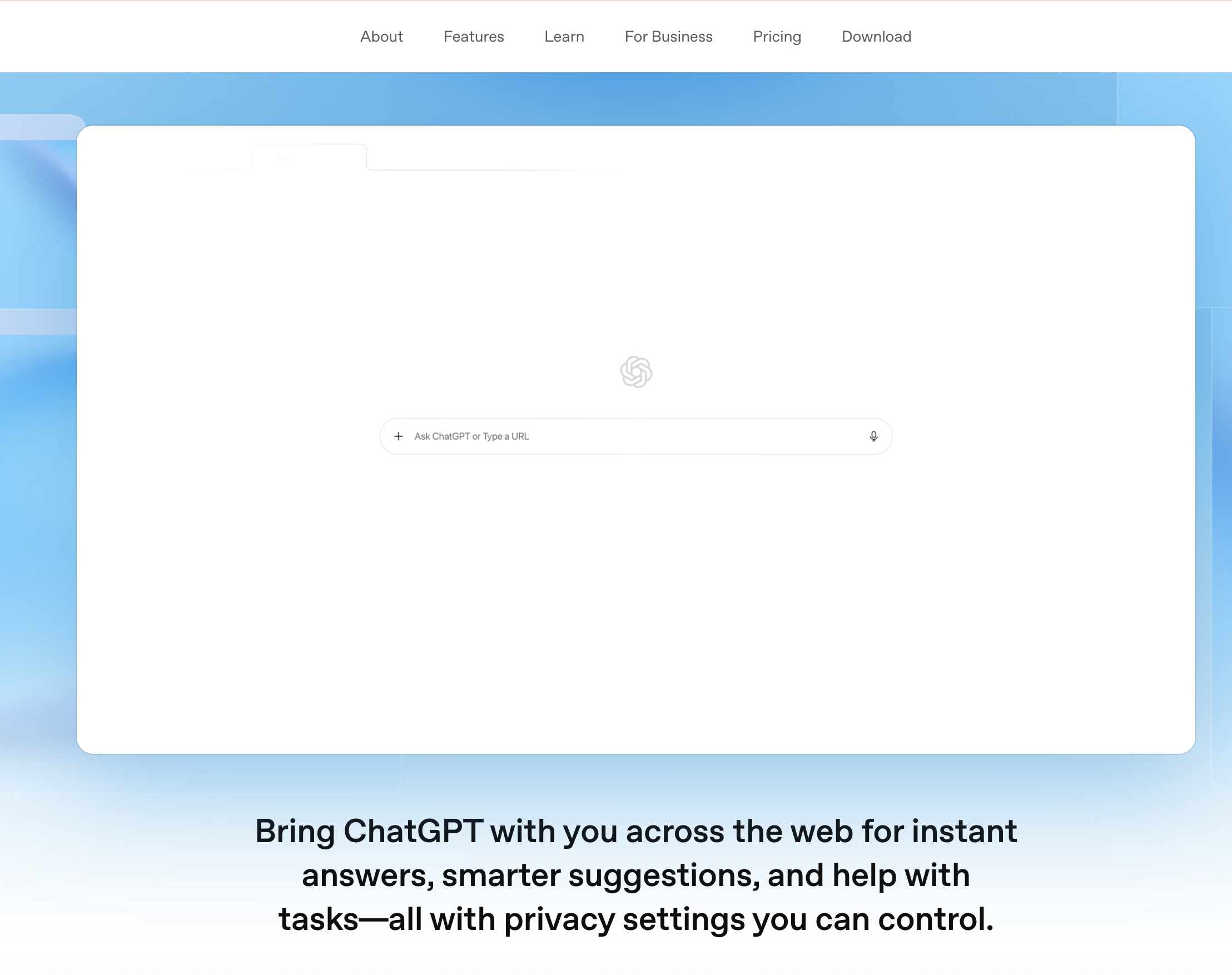
Visit here and download ChatGPT Atlas: https://chat.openai.com/atlas
Next, open your browser and sign in to your ChatGPT account. Next, select the Agent Mode.
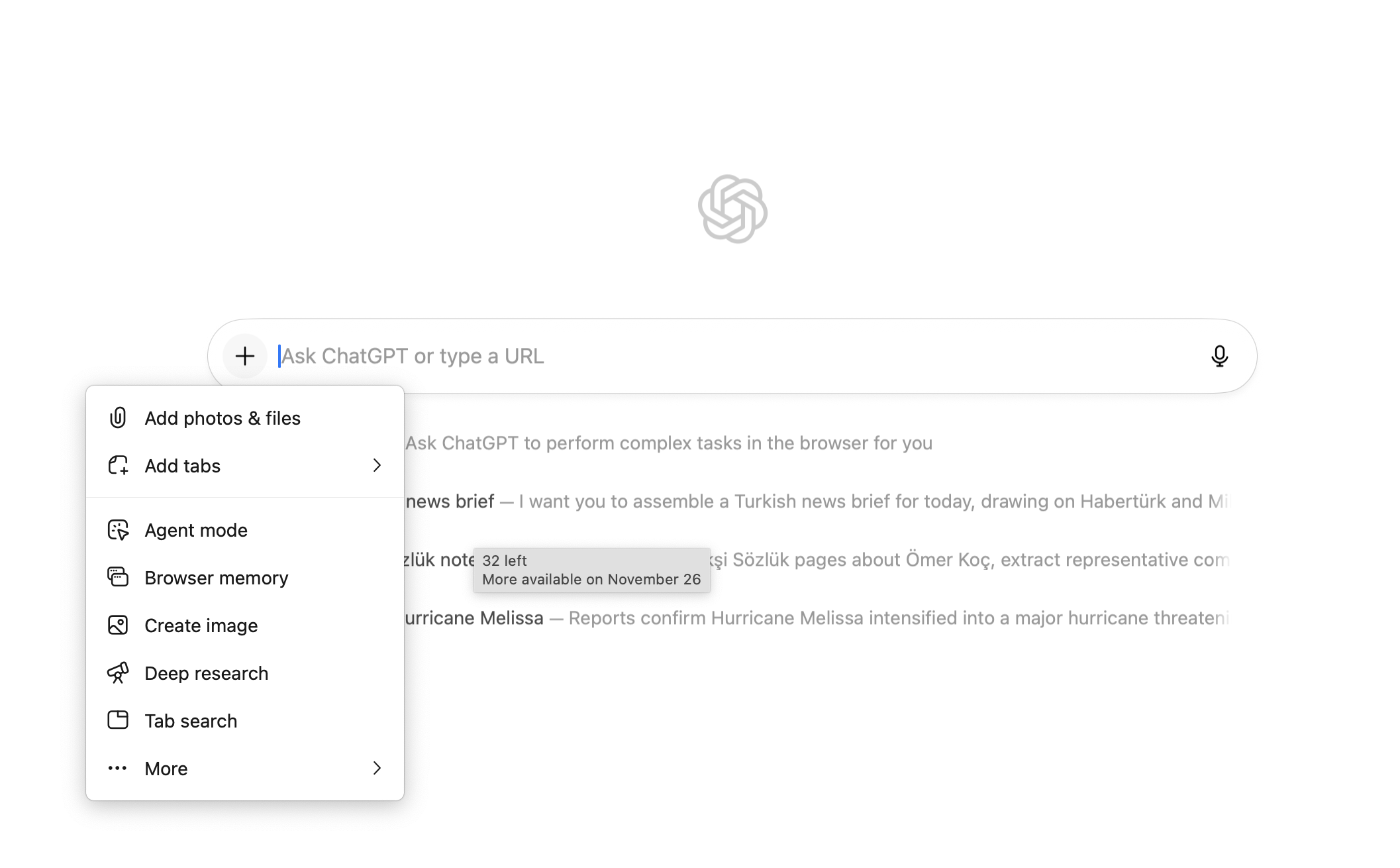
AI News of the Week - 20.10.2025: 27.10.2025
Let’s save the AI News of the Week in the Google document. Here is the prompt I’ll use:
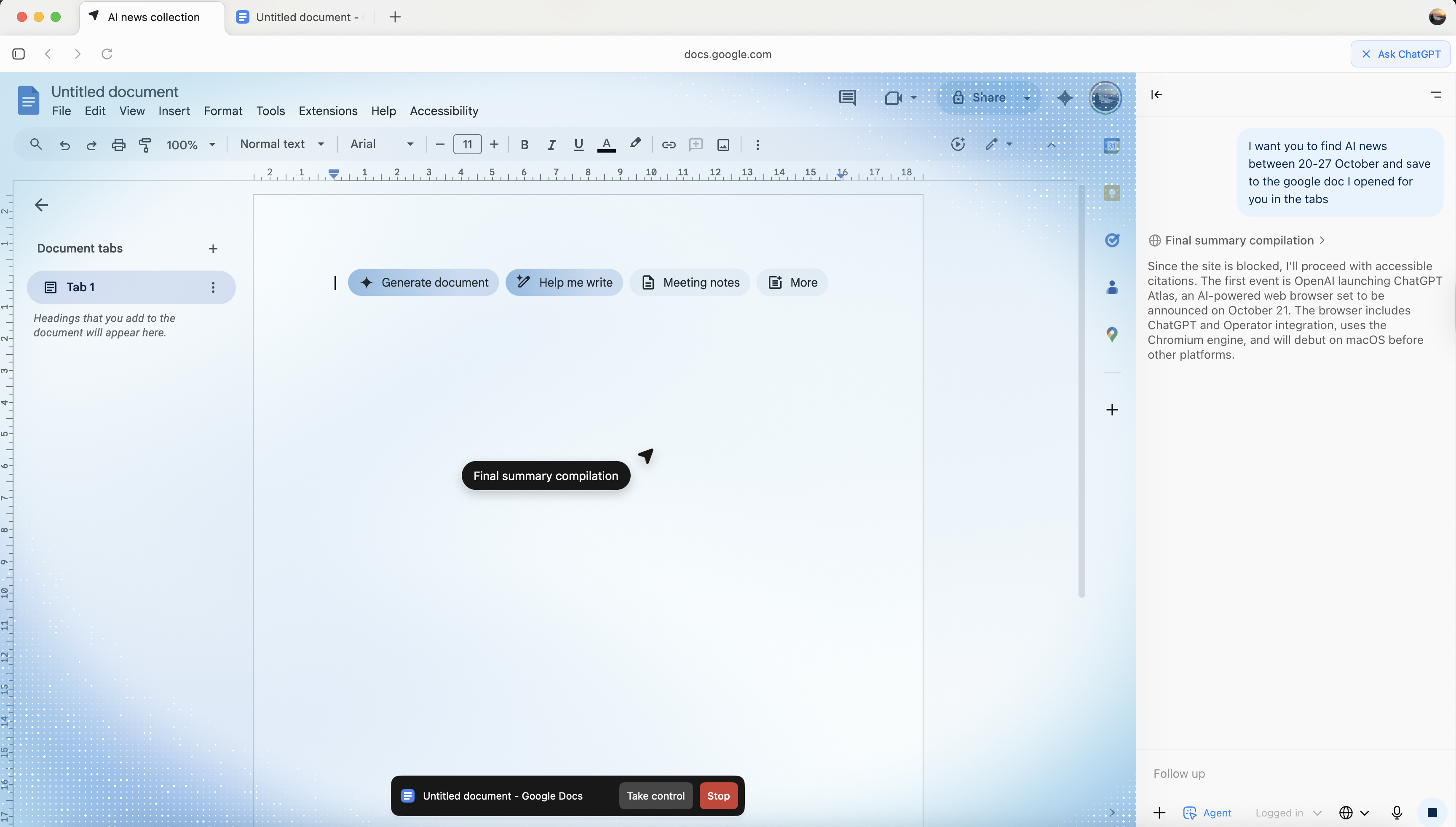
I want you to find AI news between 20-27 October and save to the google doc I opened for you in the tabs.
It started. On the left, as you can see, it is controlling my Google Docs.
And on the right, it’s working on my prompt
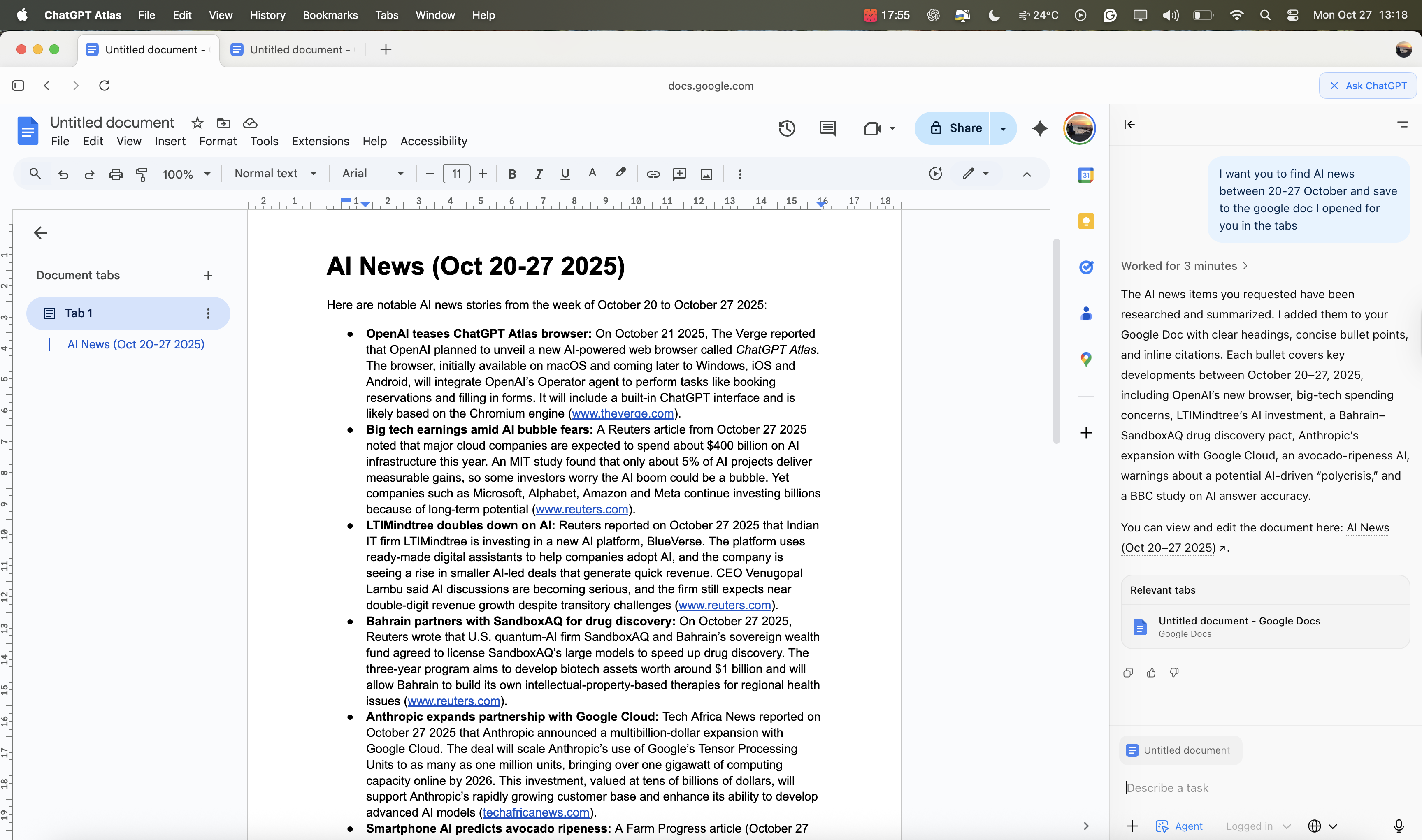
Here, it added the AI News of last week to this document.
Let’s see how much editing it can do instead of me. As a technical writer, I have great things on my mind. Here is the prompt
Good. Can you rename this folder:
AI News : 42nd–43rd Week of 2025
Also, I’d like you to make each news title an H2.
Add a TL;DR for each : summarize it in one short, high-level sentence.
At the end of each AI news item, include one future prediction sentence that explains what might come next and how it could impact the AI community.
Do not use AI Tone, be conversational, concise but explanatory and use bullet points if needed.
Let’s see how it’ll do. (It started.)
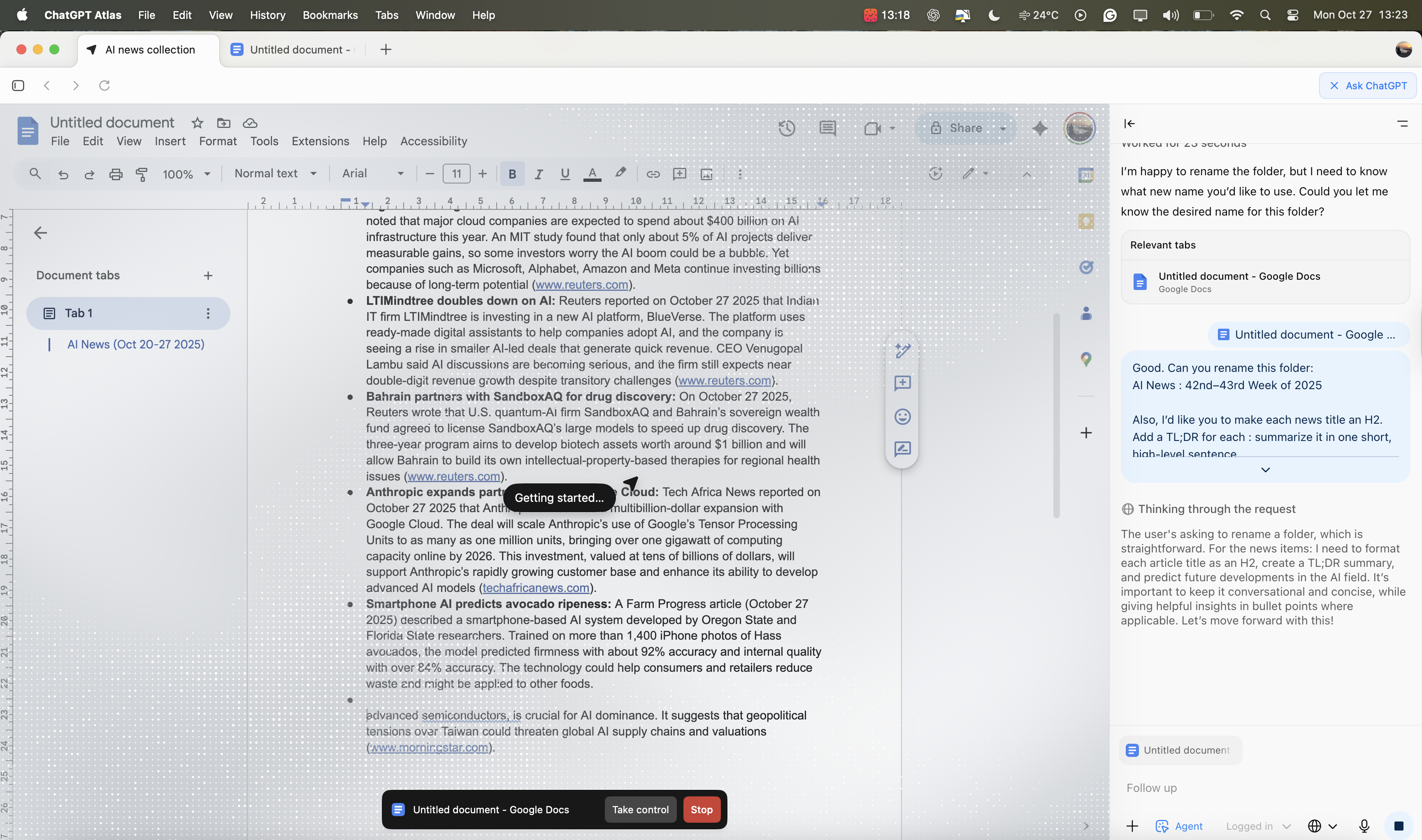
You can take control, as you can see, which is good. I feel like I am in control. Also, I like the background texture.
It is suggesting all the changes it made, which is fabulous.
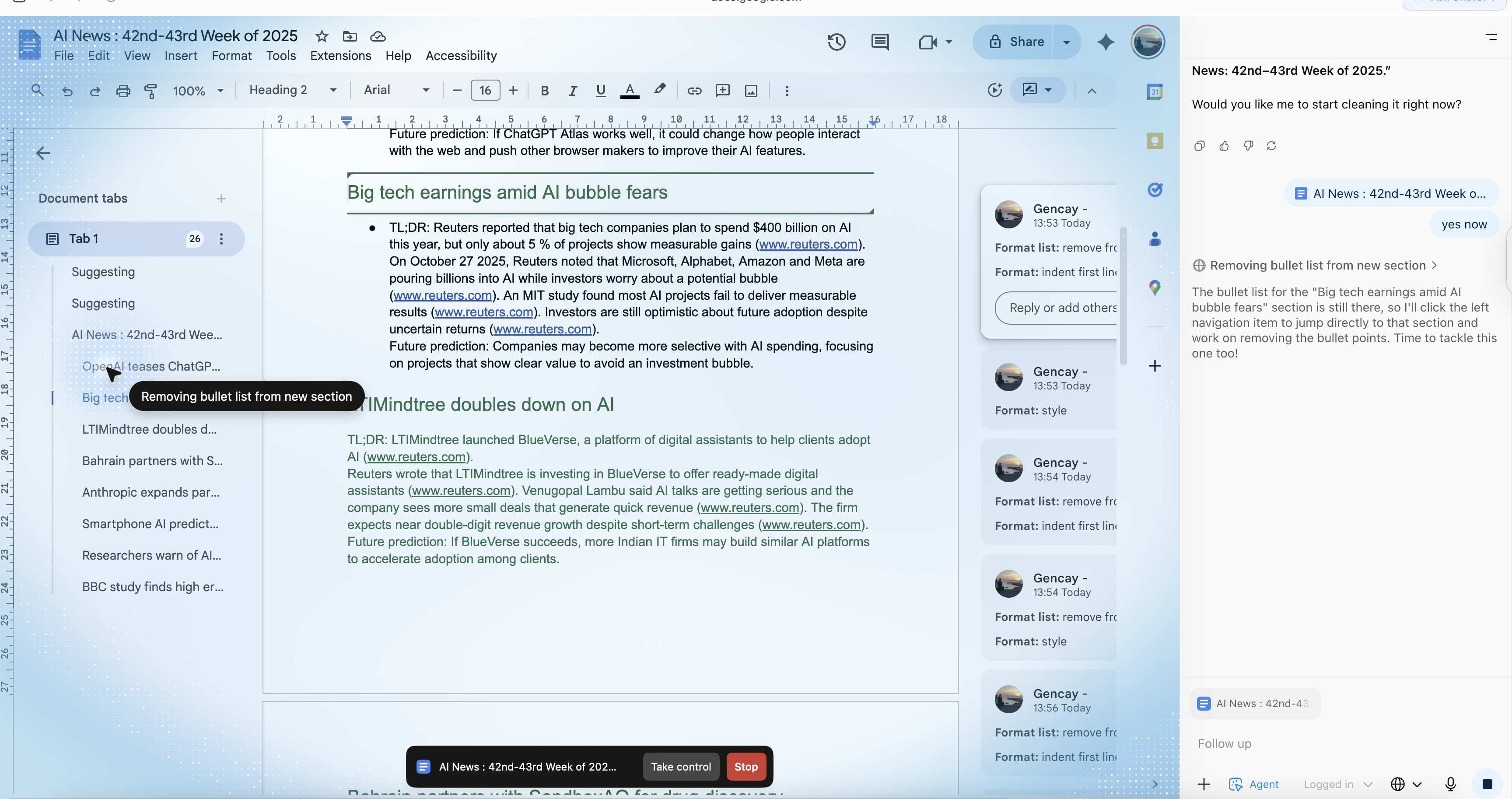
It even writes a formula to replace the links it added( which I want.)
Remove the links and bullet points.
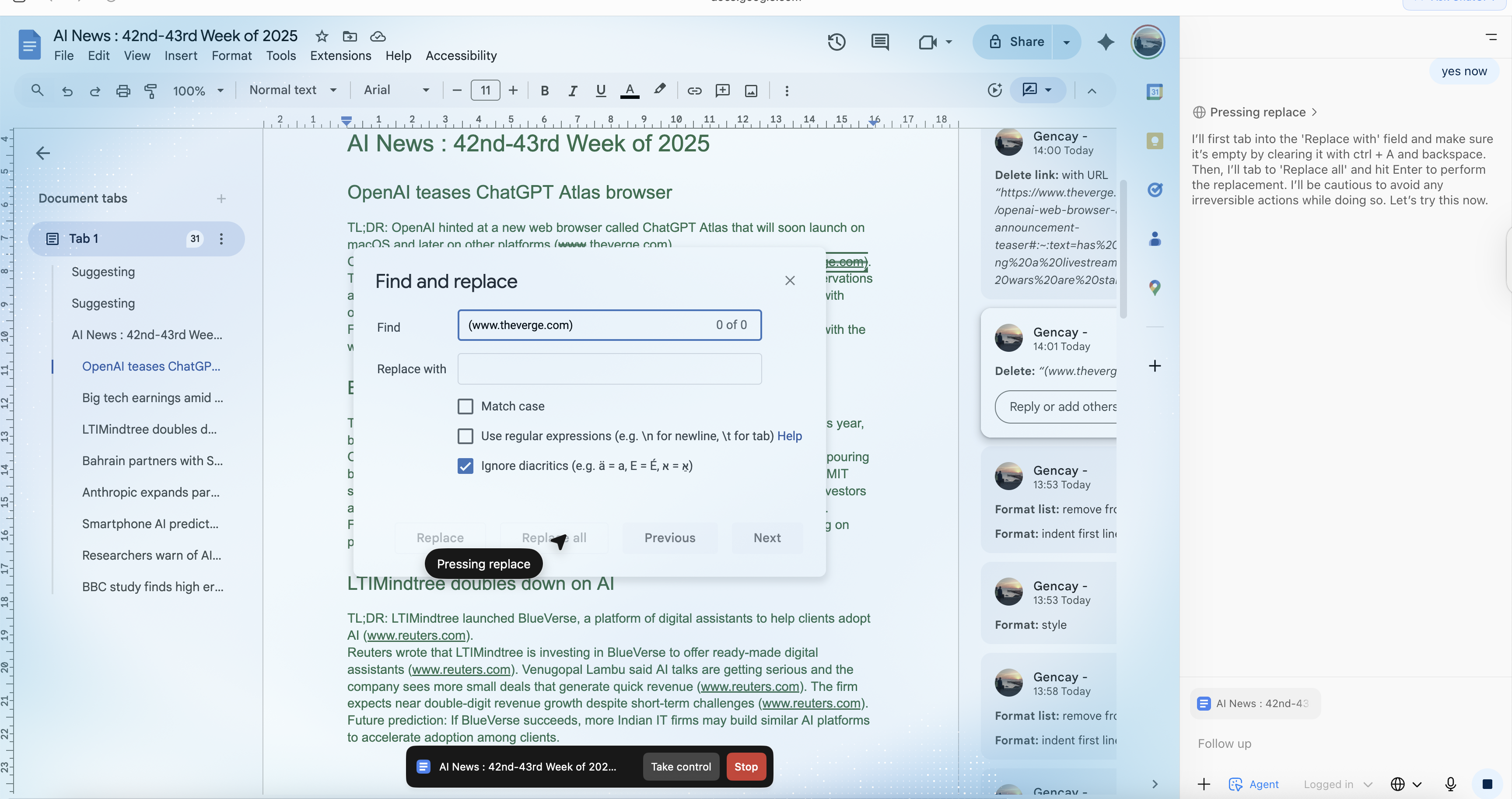
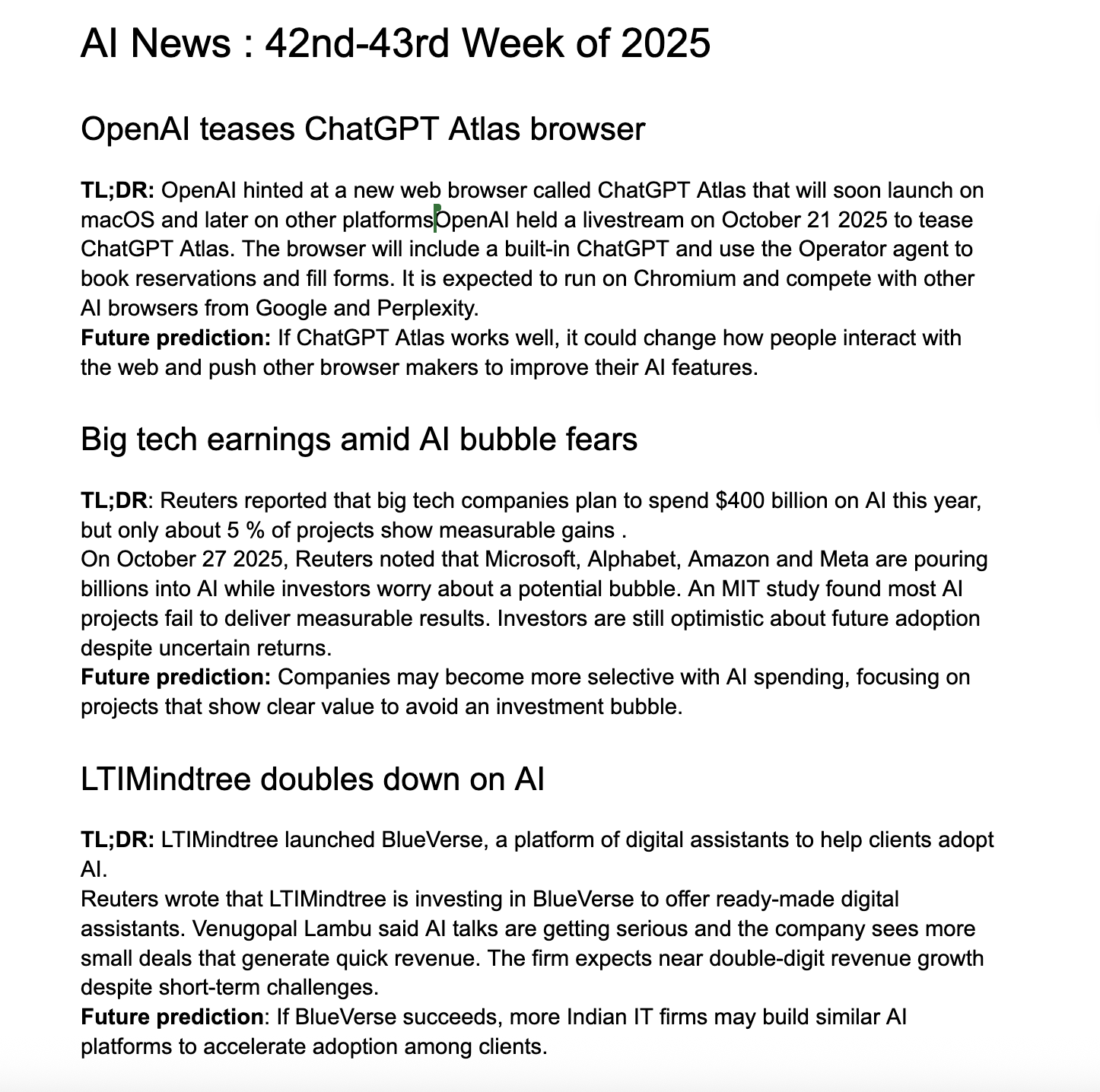
Here is the output.
Coding Through Browser - Jupyter Notebook
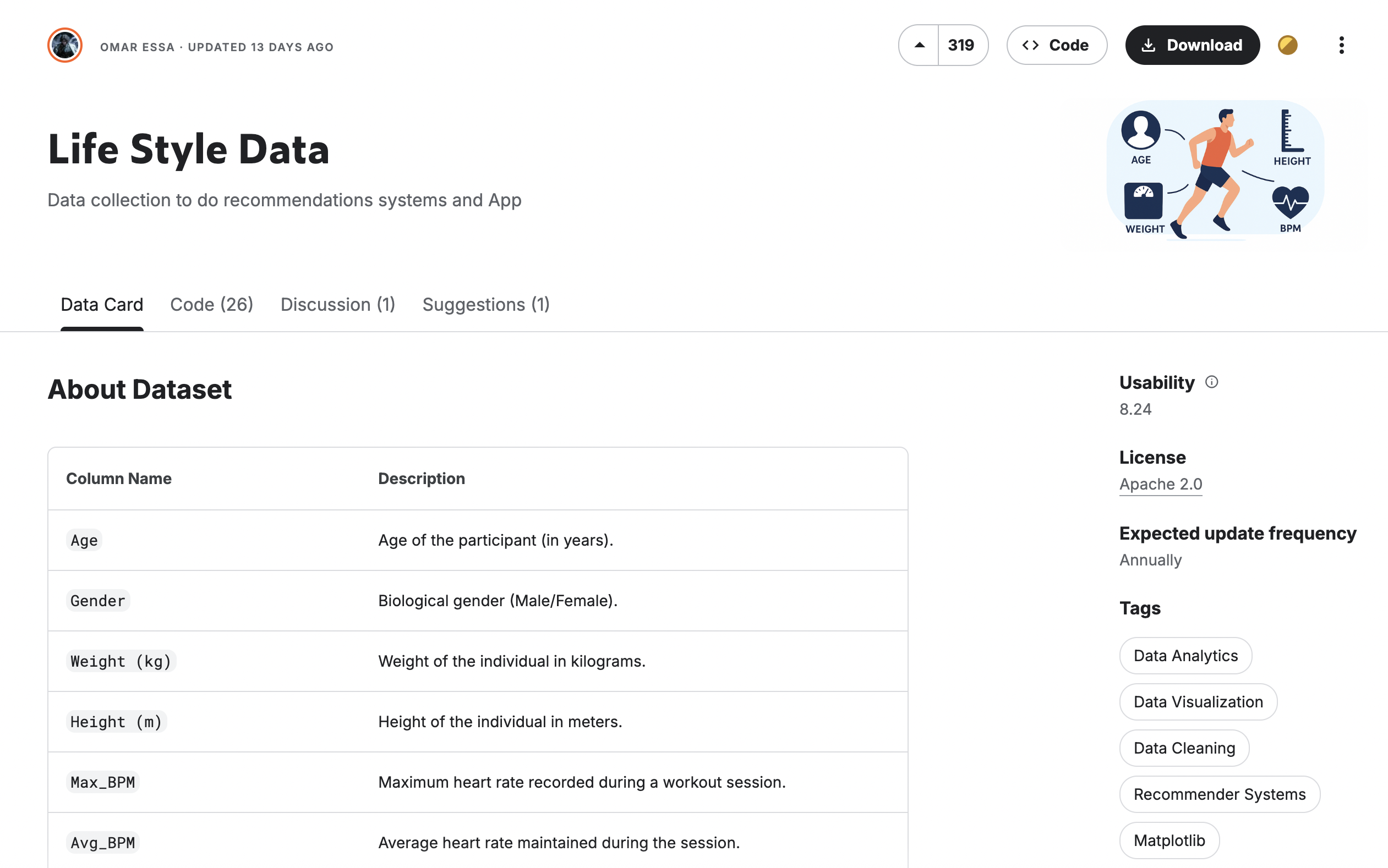
I’ll use this dataset. I downloaded the dataset, loaded it into a Jupyter notebook, and opened ChatGPT next to it.
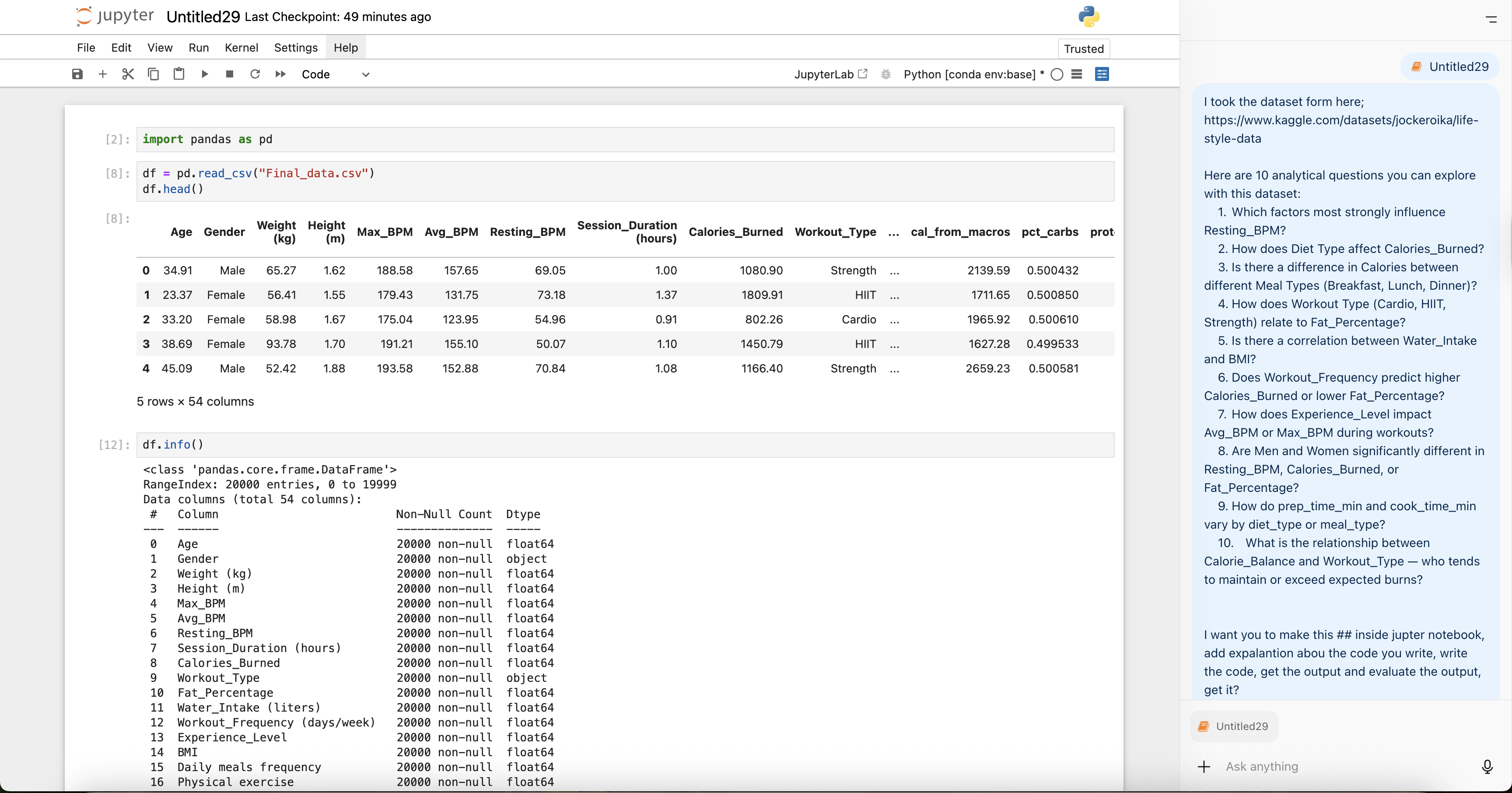
As you can see, I also sent 10 questions and asked ChatGPT to write code for me, but unfortunately, it couldn't write directly to the notebook, so I pasted the results into it.
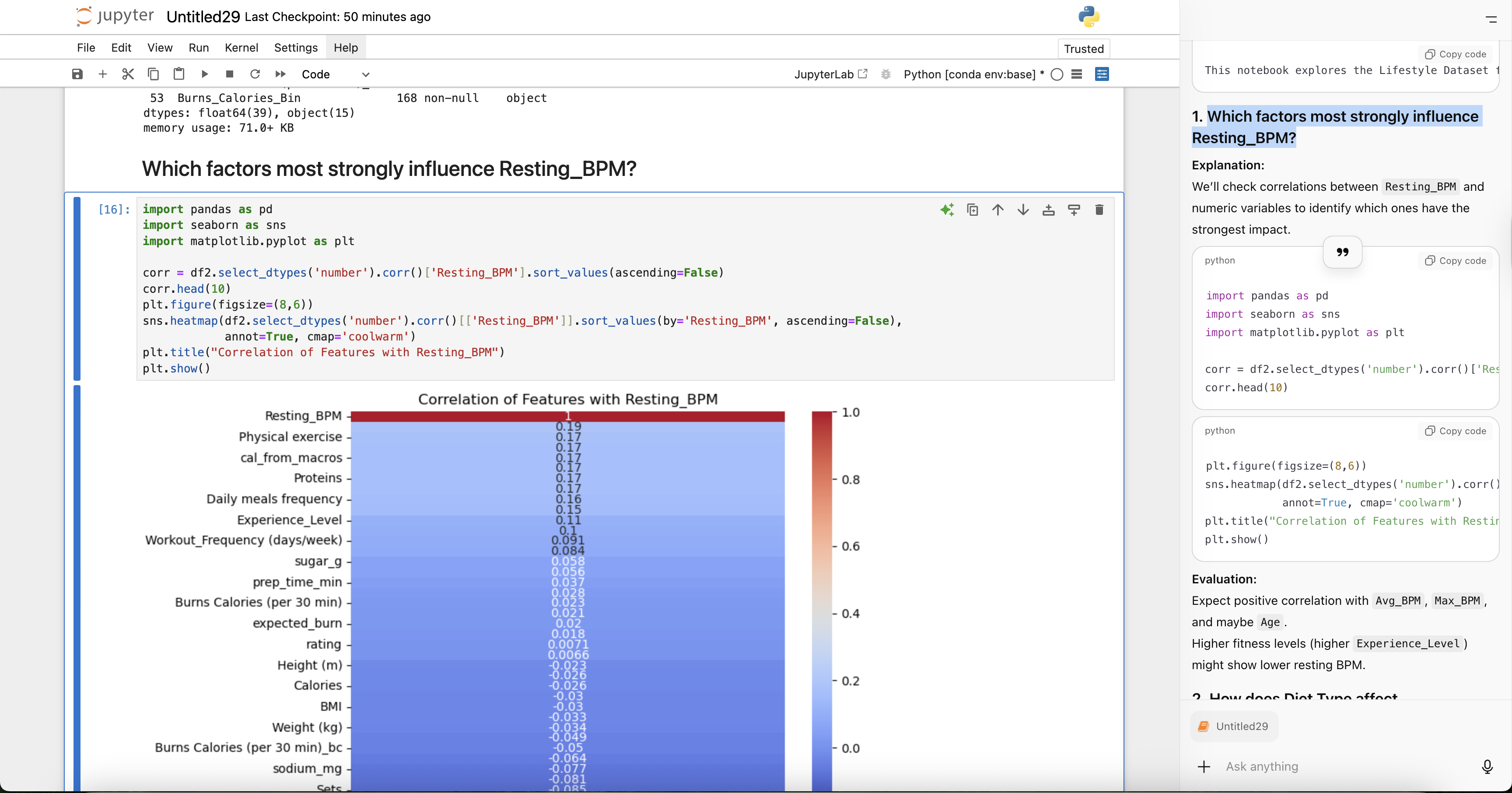
For instance, the question is this;
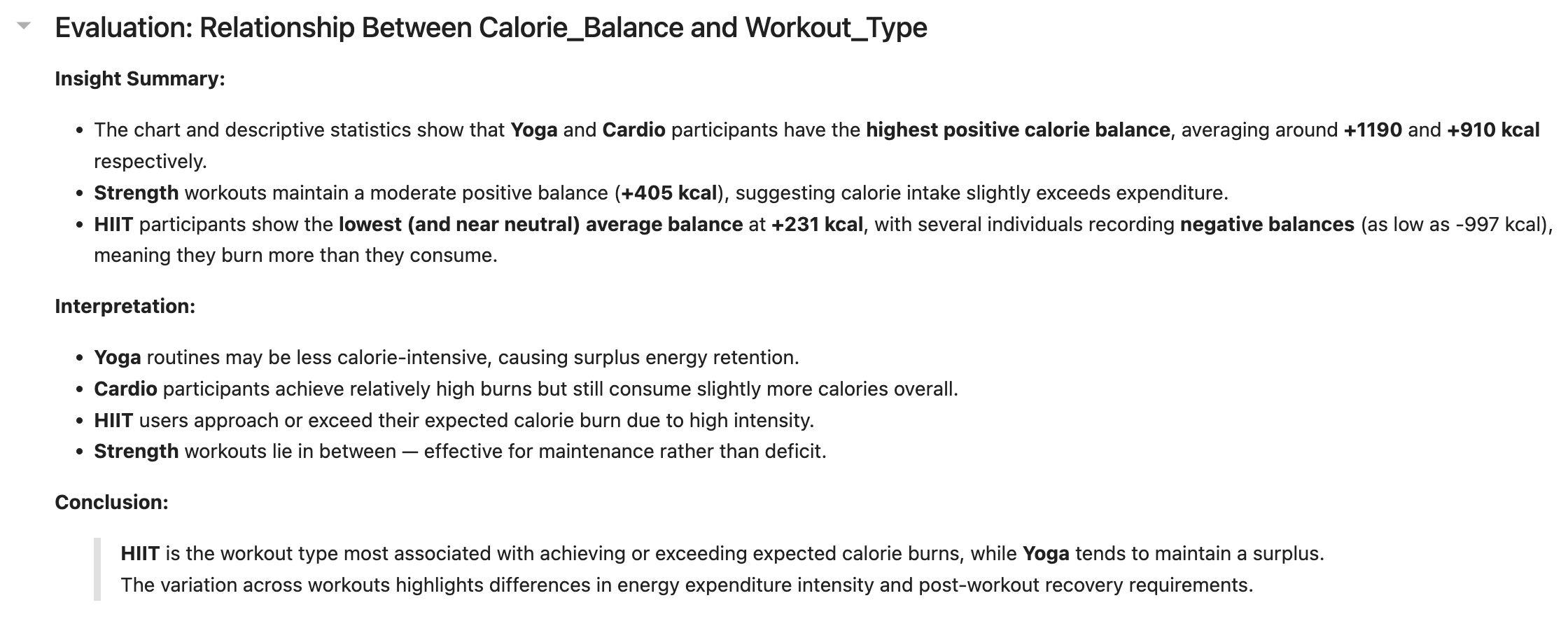
What is the relationship between Calorie\Balance and Workout\Type — who maintains or exceeds expected burns?
I pasted the code that ChatGPT provided me, and here is the result.
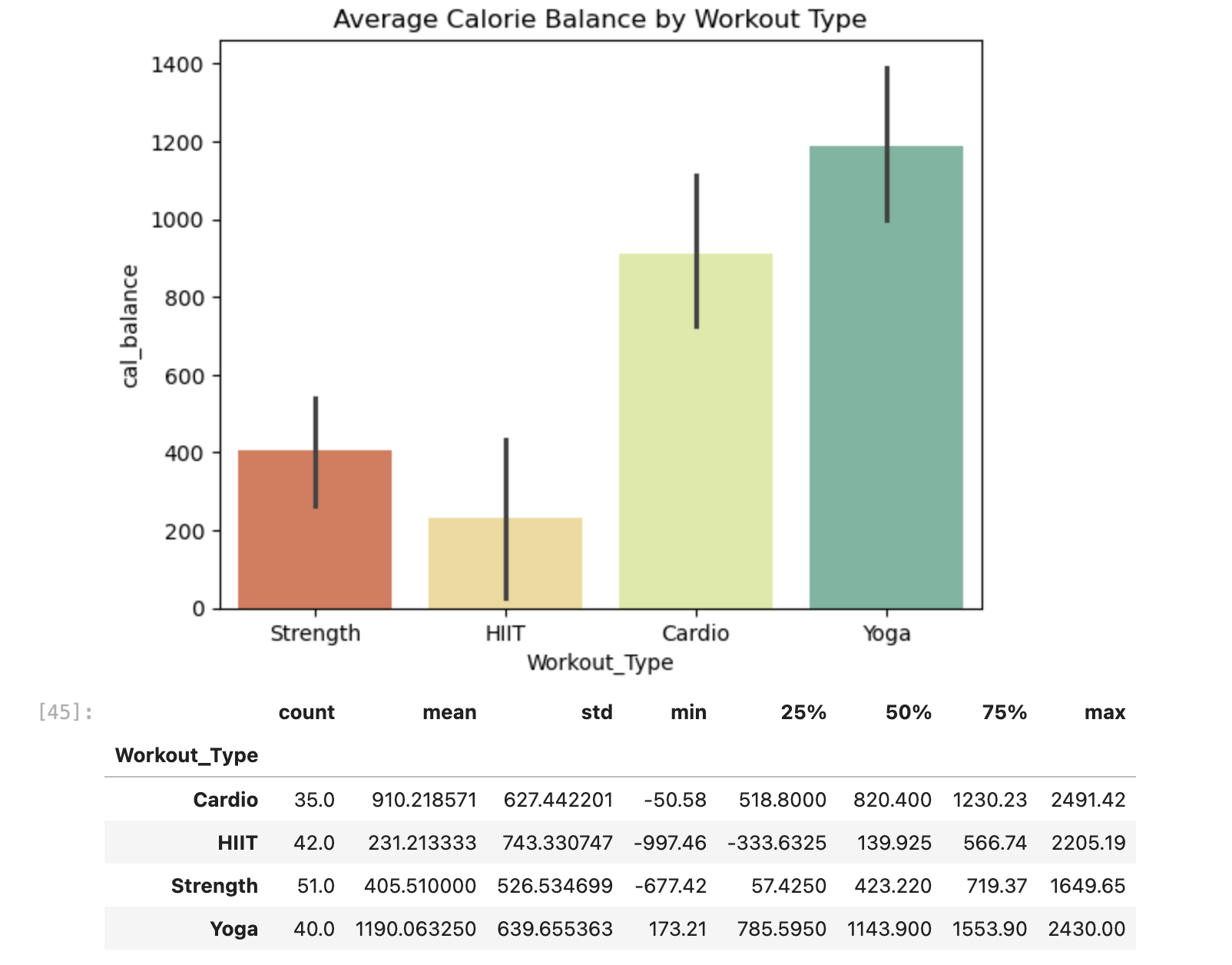
Next, I pasted this ChatGPT and asked it to do the analysis instead of me.
Final Thoughts
In just 5 minutes, I’ve used ChatGPT Atlas as an AI agent who can write/edit for me and code for me.
If you don’t like the results, tell the GPT the comment you want to add, and voila! Your writer and coder are here for you.