#Learnai.
By Gencay
Published: 2025-07-22
URL: https://www.learnwithmeai.com/p/stop-paying-for-ai-agents-build-yours

AI agents are popular right now. Most guides I’ve seen use over 500 lines of code.
But there’s a simpler way.
You can build one without writing any code. And yes, you can make money from it too.
In this article, I’ll show you how to use n8n to build your own AI agent and how this skill helps you get freelance jobs on Upwork.
Let’s get started by looking at this month’s job trends.
Upwork
Upwork is a platform where freelancers find work. You can earn by completing different tasks there.
In a previous post, I shared how I became Top Rated and Expert Vetted in a few years. I explained what helped me grow, so you can do the same.
Additionally, you can review the tasks I completed to earn them.
Now, let’s see how n8n jobs are rising this month, and we will solve one of these jobs in this one.
n8n Jobs on Upwork
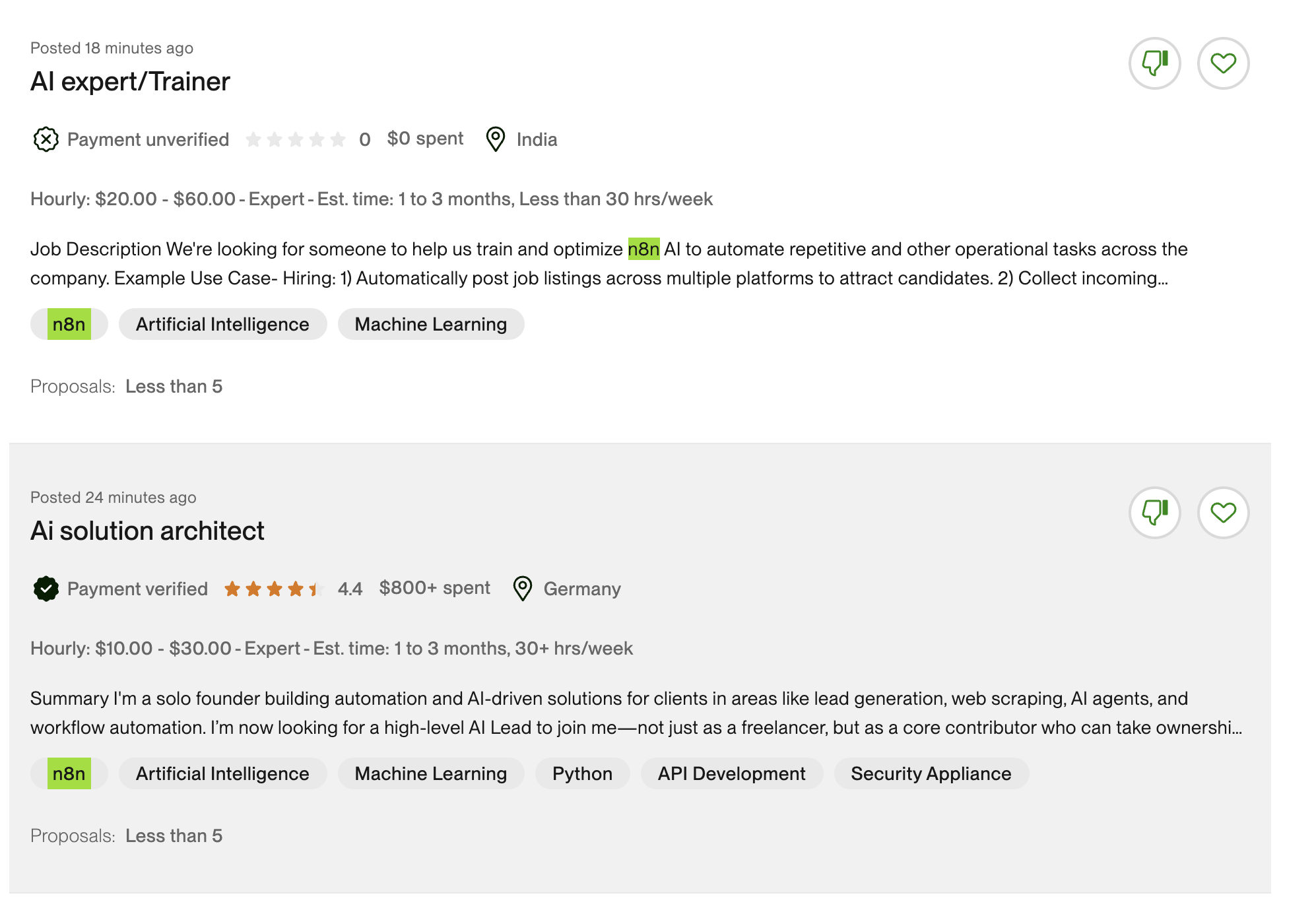
I've noticed an increase in n8n jobs on Upwork recently. To track the trend, I enabled job alerts in July, saved the data, and created a simple dashboard.
Did I do it all manually? Nope. I used Gemini CLI; it’s free and runs in your terminal.
Here’s what I did:
gemini
Next, I use this prompt;
Here is my CSV: [path].
I want to build a Streamlit app that shows the categories of the published jobs.
I also need a filter for the keyword ‘n8n’.
When I click on it, I should see the related job postings and the percentage of jobs about n8n.
Here, Gemini CLI creates the task list.

After this, it asks me for my approval when creating this dashboard a few times. After my approval, here is the streamlit dashboard.
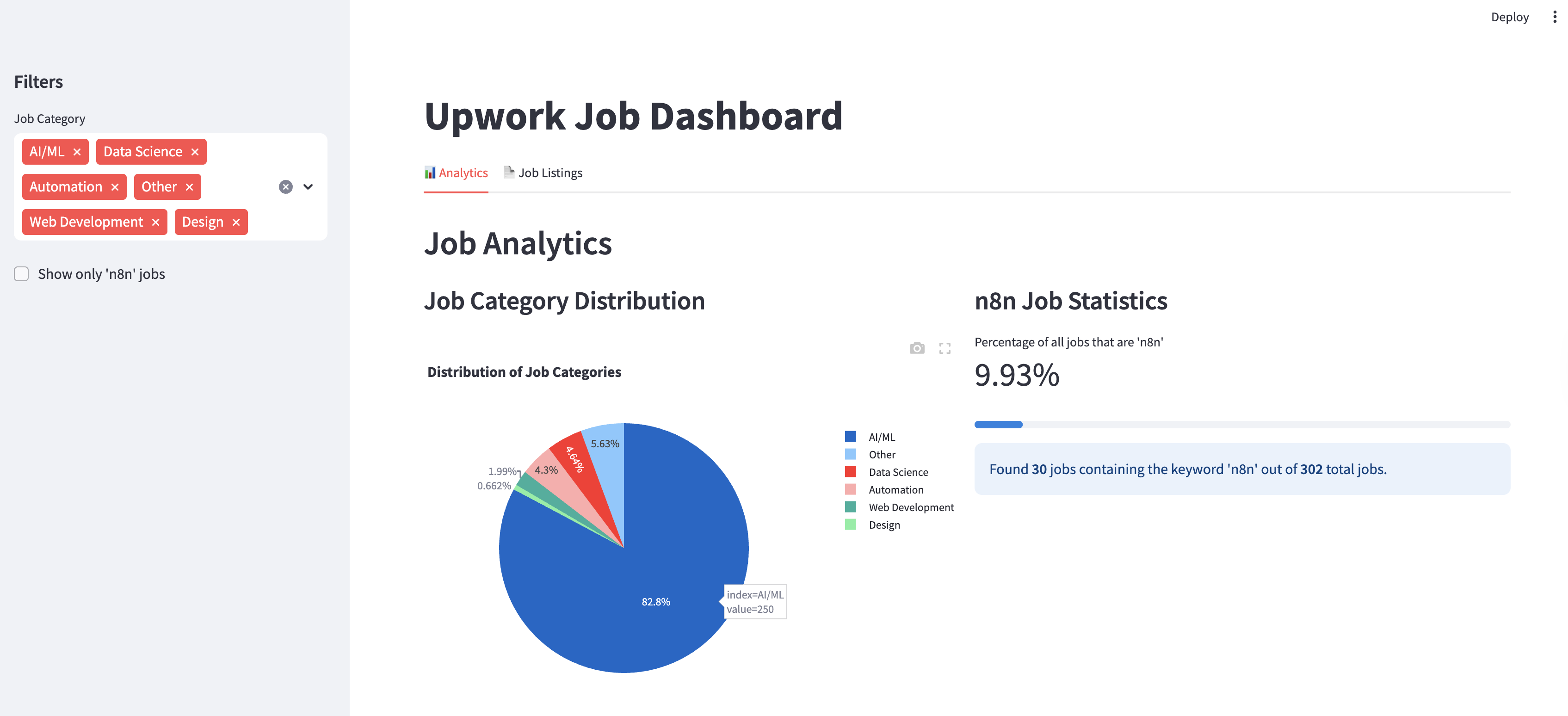
About 1 in 10 AI or Data Science jobs are now linked to n8n. That’s a clear sign that no-code tools for building AI agents are gaining traction fast.
Cracking n8n job on Upwork
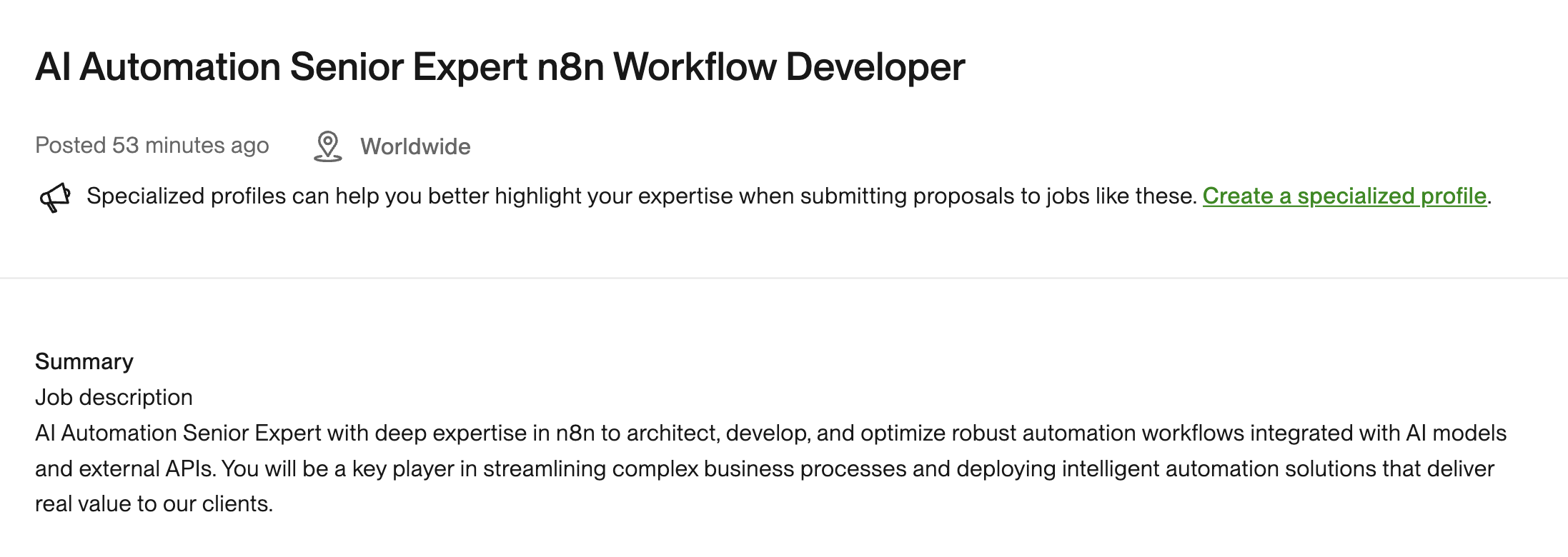
The job post says we need to work with external APIs, like OpenAI’s API.
First, sign up for a free n8n account (there’s a trial), and let’s start building the workflow.
Workflows
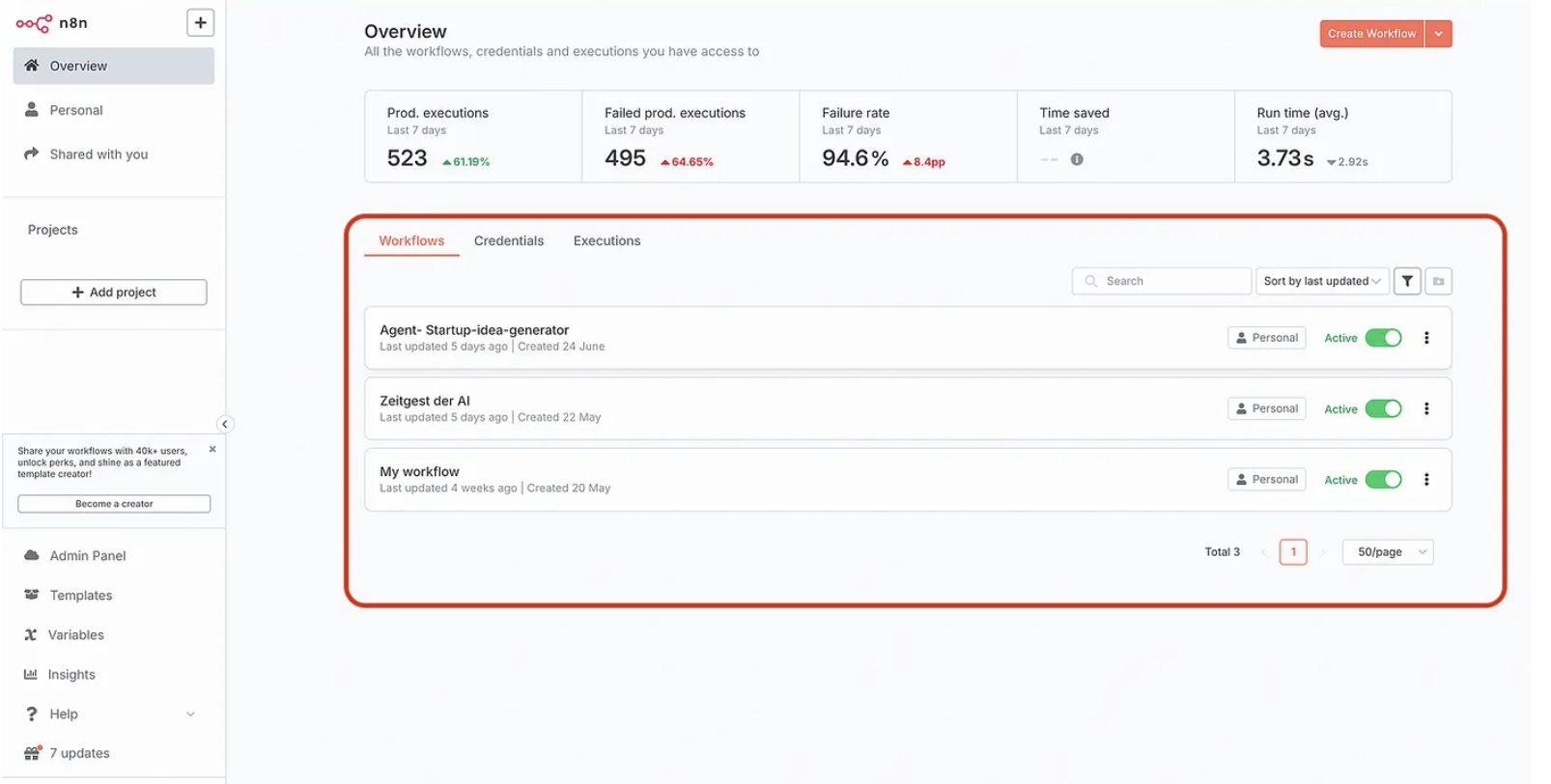
In n8n, workflows are where you build automations.
We’ll use one called Agent-Startup-idea-generator — It works like a chatbot. Here, you can test the agent; it is live. And please see the schema of this Chatbot in below.
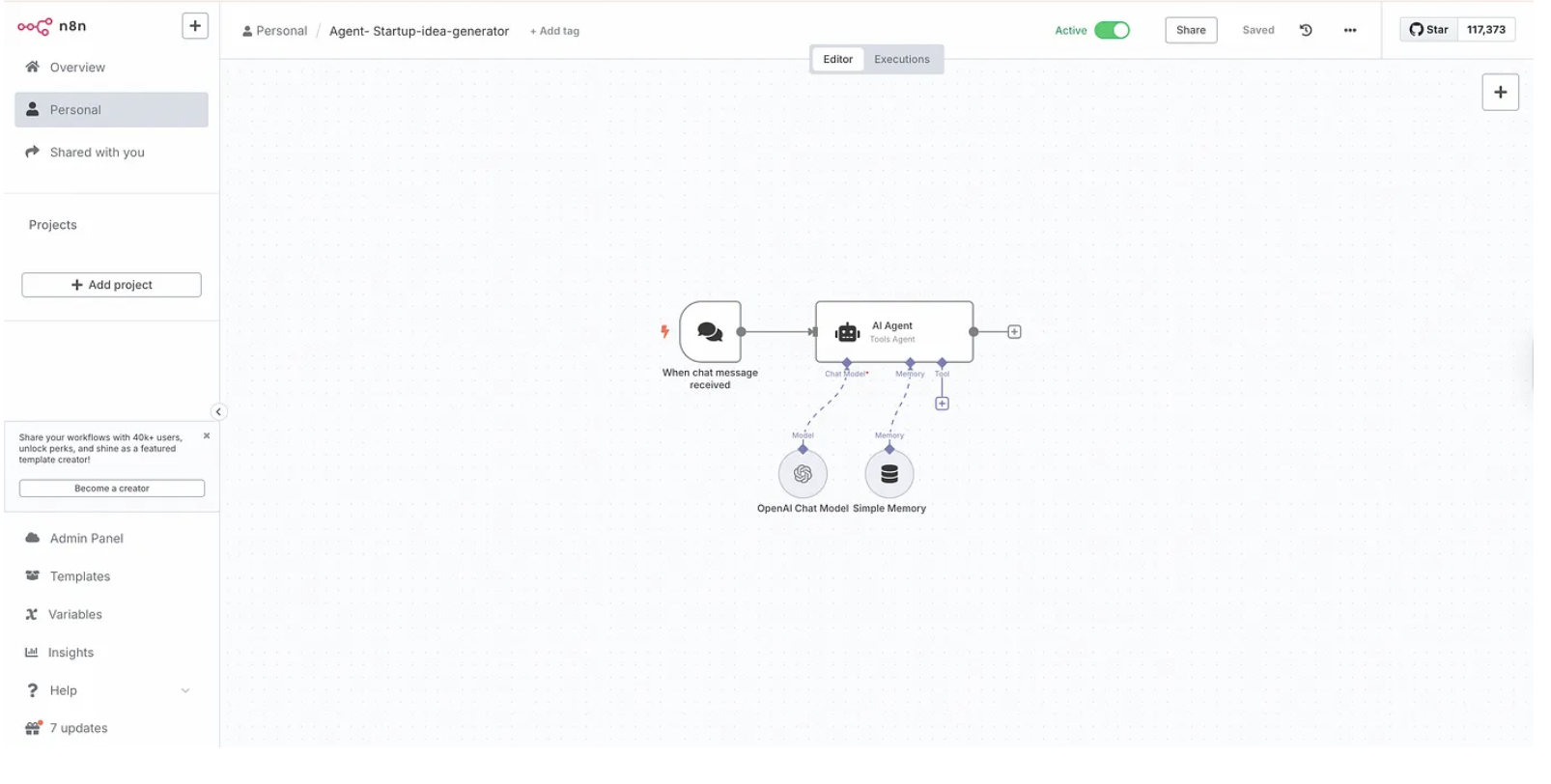
Triggers
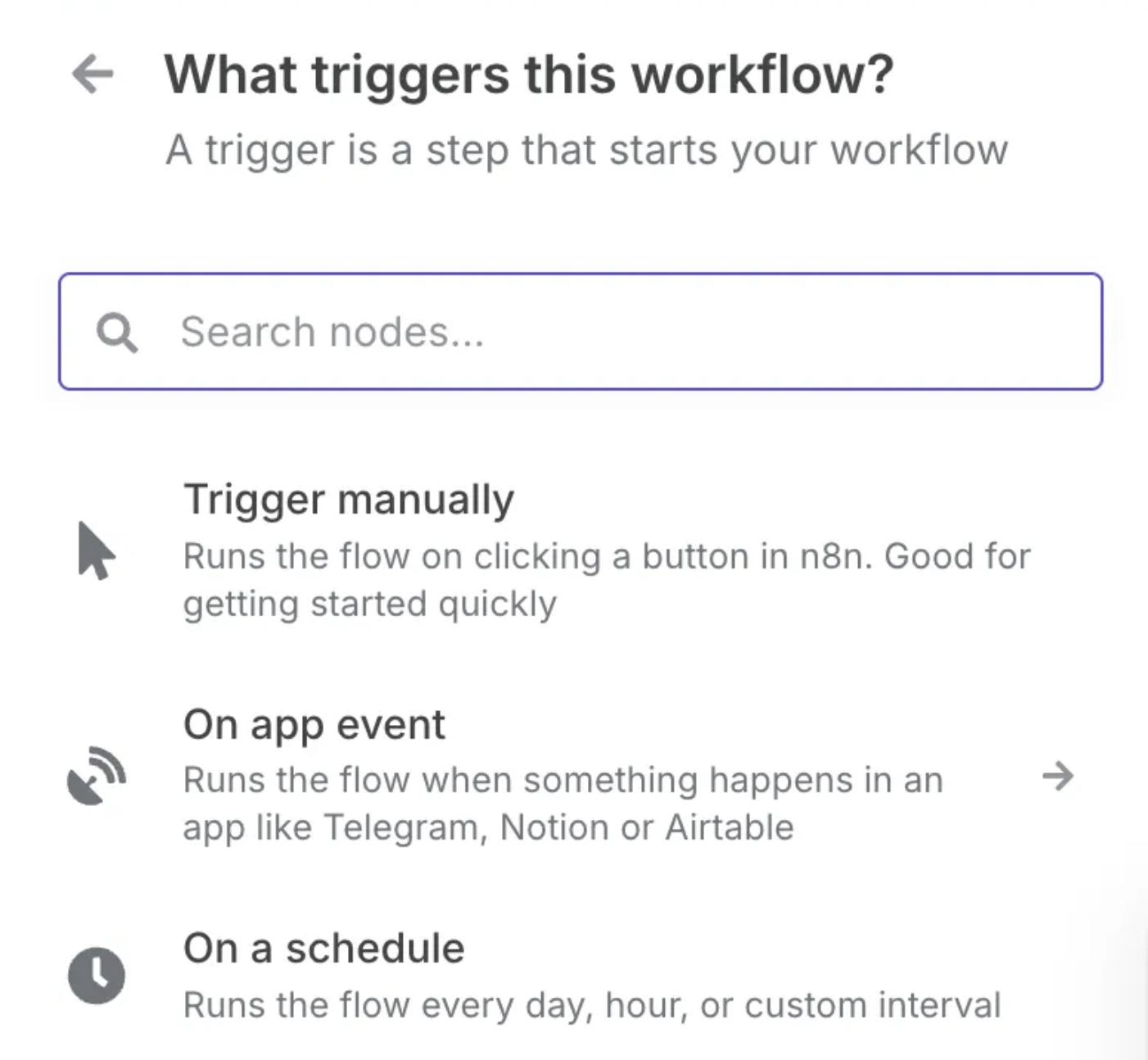
The first step is setting a trigger. For a chatbot, that’s usually a message.
But you can also choose webhooks, schedules, or manual triggers. It depends on your use case.
AI Agent
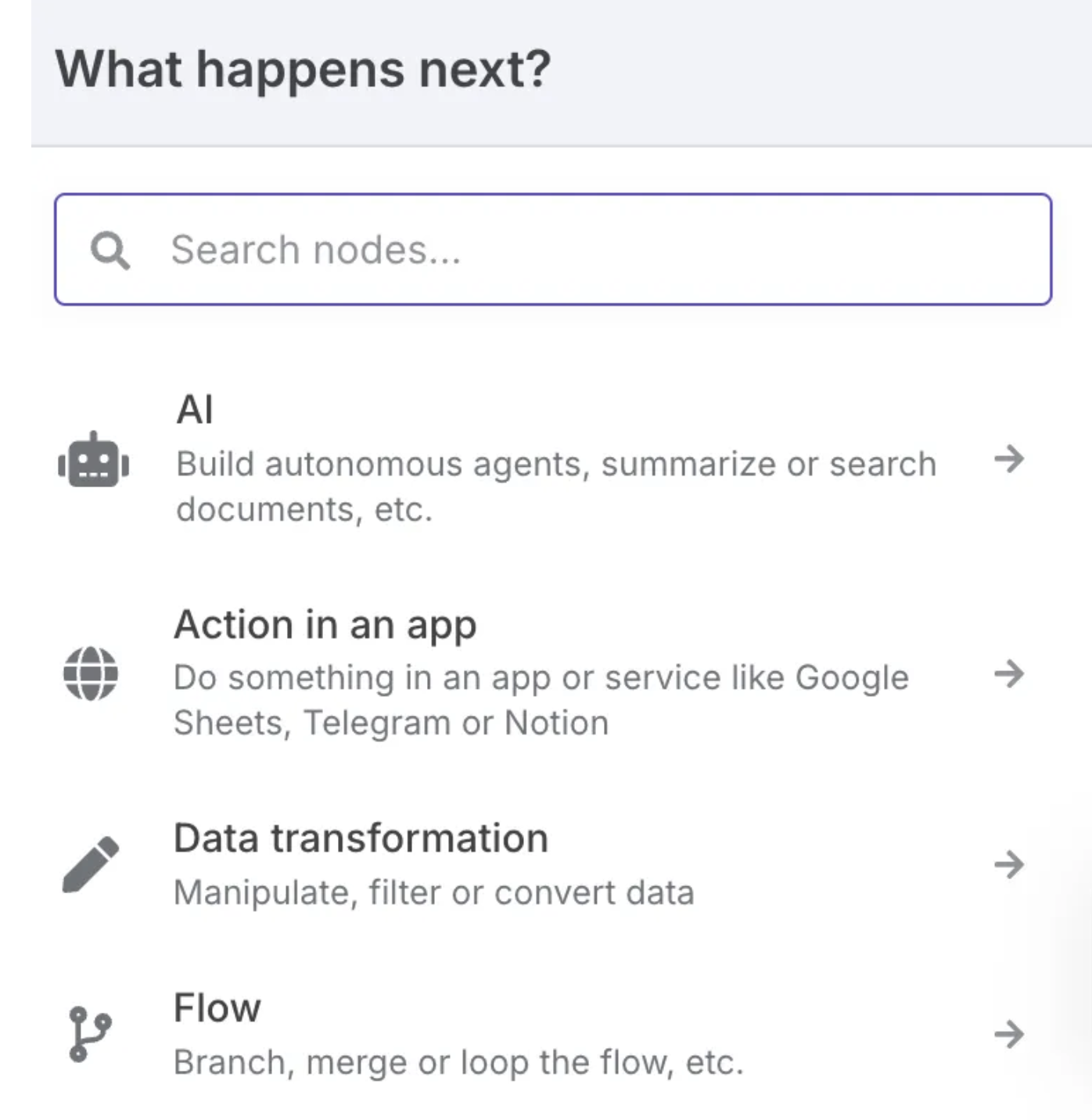
Next, click AI to open the AI Agent settings.
You’ll see three main parts:
- Chat Model
- Memory
- Tools
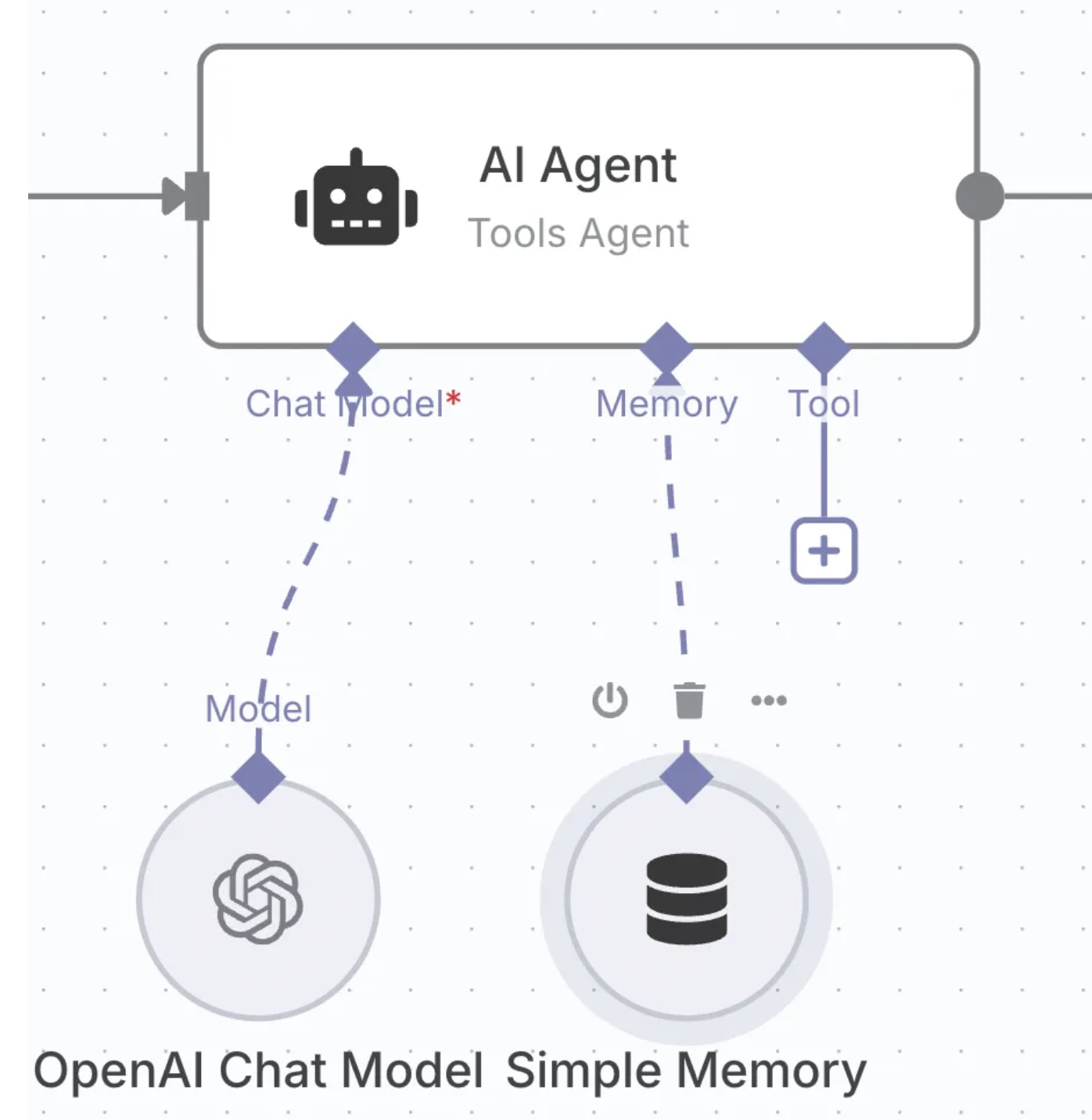
Memory
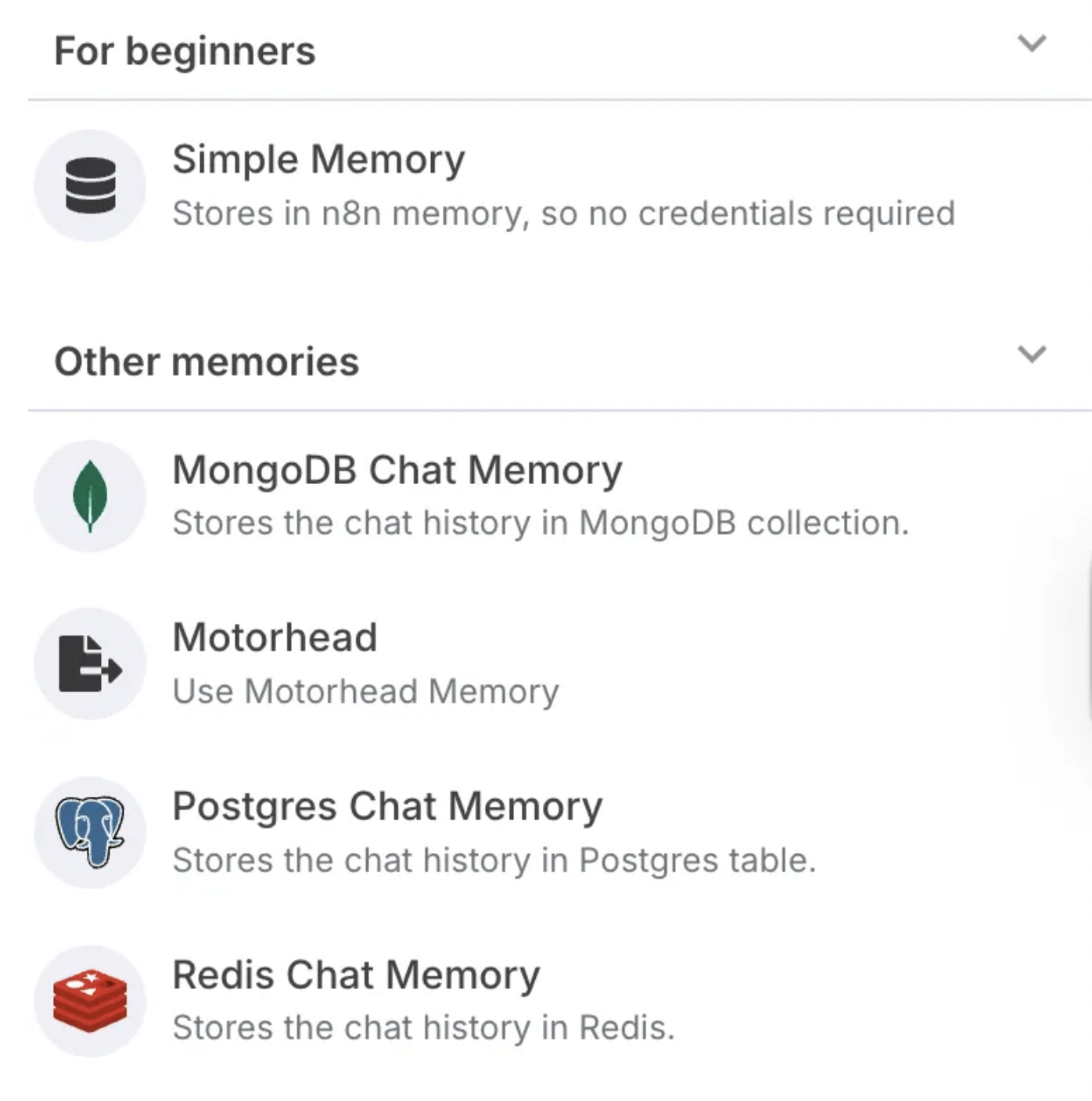
Start with Simple Memory. It’s free, works well for most use cases, and requires no setup. You can explore other memory types later.
Chatbot
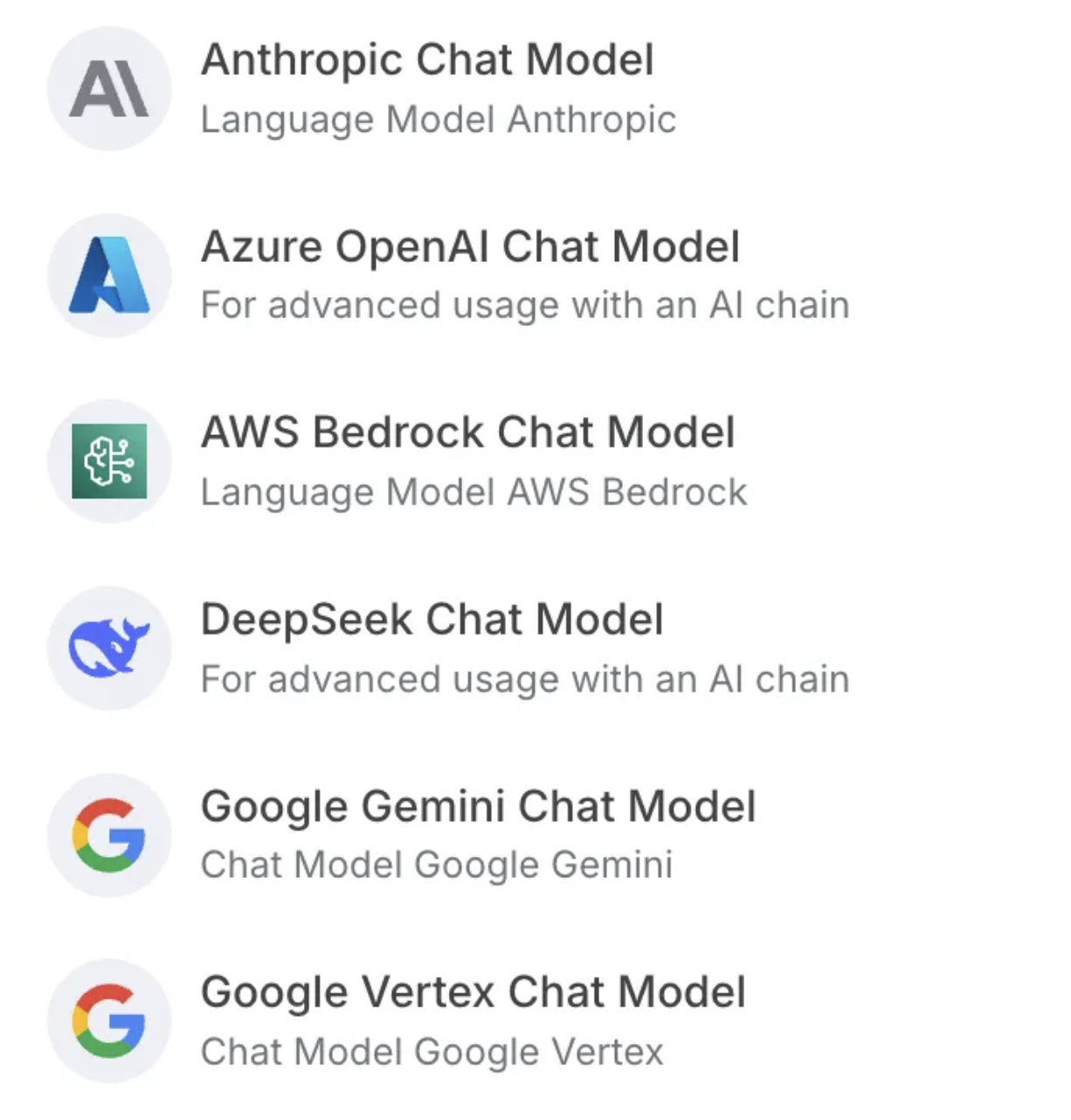
You can use any model like ChatGPT, Claude, Gemini, or Grok. Just add your API key, and select the one you prefer.
Tool
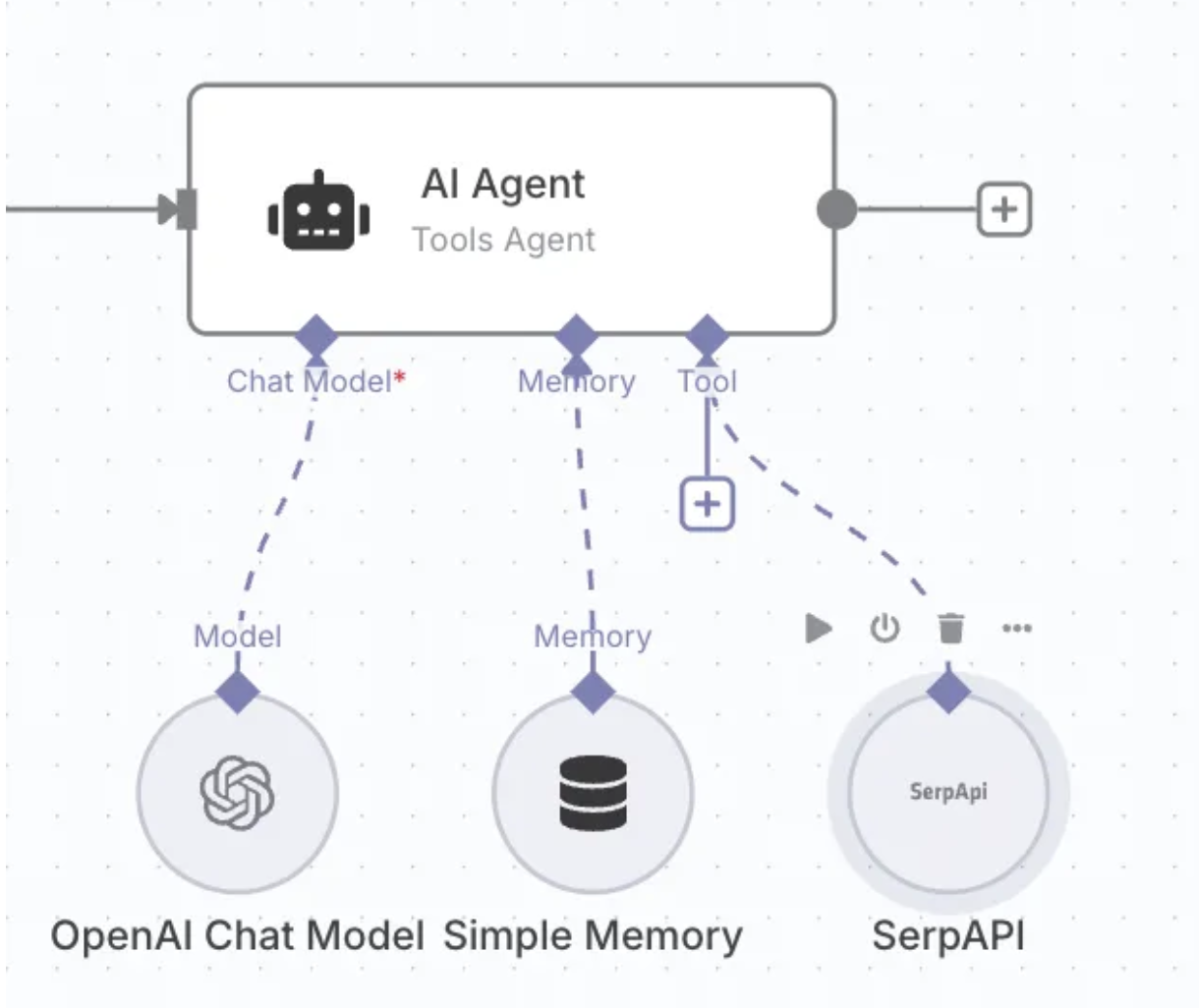
Now the fun part: tools. This is where you give your agent new abilities.
Let’s add a basic one, web browsing using SerpAPI.
AI News Agent
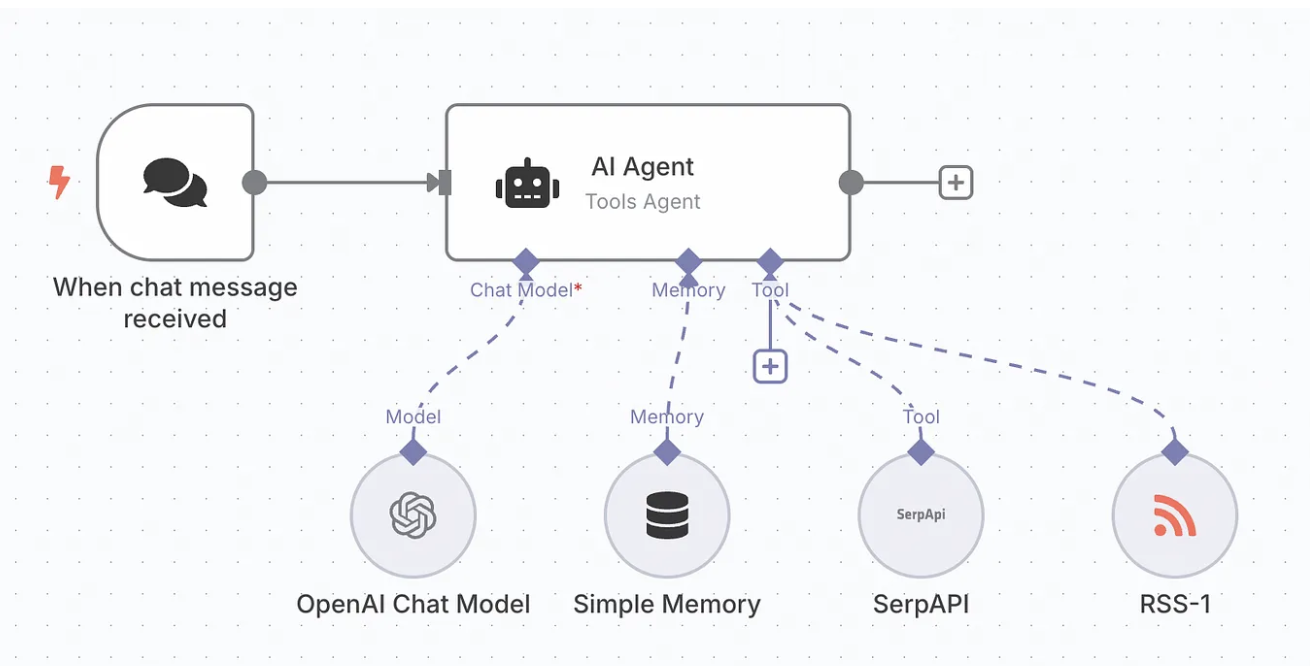
We’ll create an agent that fetches AI news. These task matches the upwork job description and are probably a little bit advanced.
Here’s what we’ll do:
- Set the trigger
- Add the AI Agent
- Connect a chatbot model
- Add memory
- Add tools, SerpAPI and RSS
To add RSS, click the "+" under Tools and choose RSS Read.
Now you know how to do Steps 1 to 4. Let’s see how to add RSS-1. Click on the “+” button under Tool and add the RSS read tool.
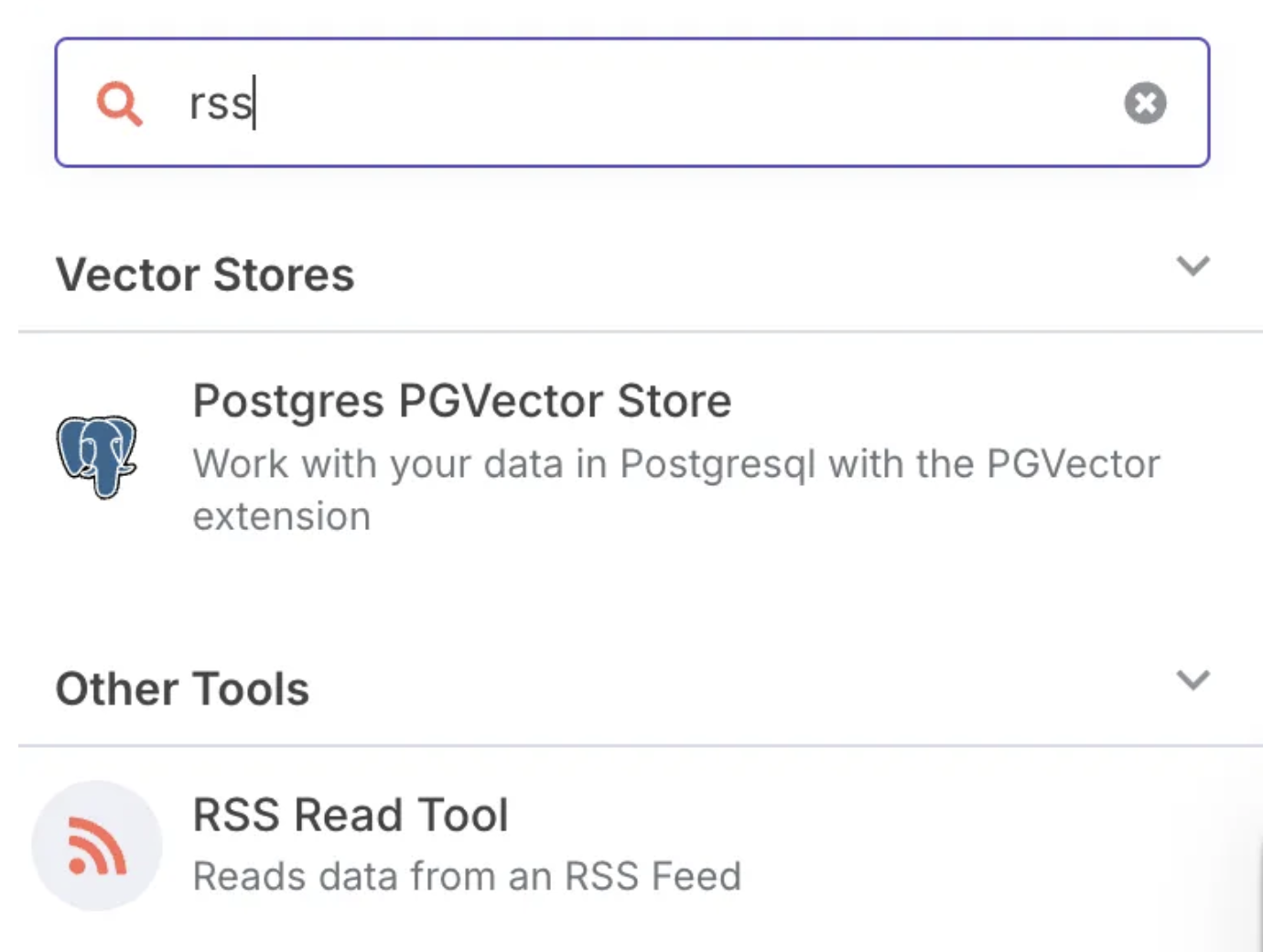
Go to Google Alerts, create one for "AI", and paste the RSS link into the tool.
Now, tweak the system prompt in the AI Agent
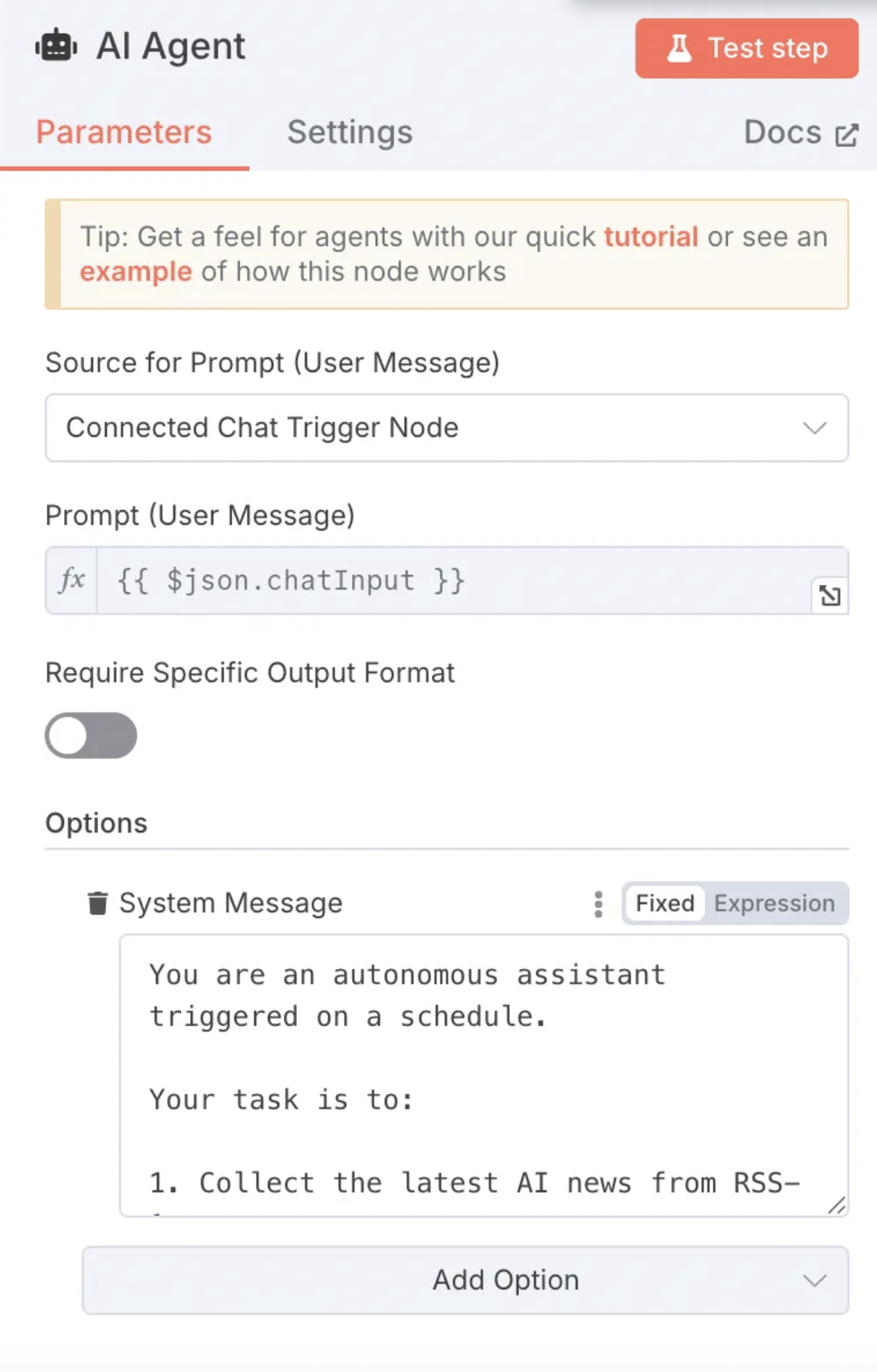
Here is the prompt.
You are an autonomous assistant triggered on a schedule.
Your task is to:
1. Collect the latest AI news from RSS-1.
2. Use browsing when needed.
Final Adjustments
Click the first node, “When chat message received”, and check “Make Chat Publicly Available”.
Then open your Chat URL. Make sure your workspace is running.
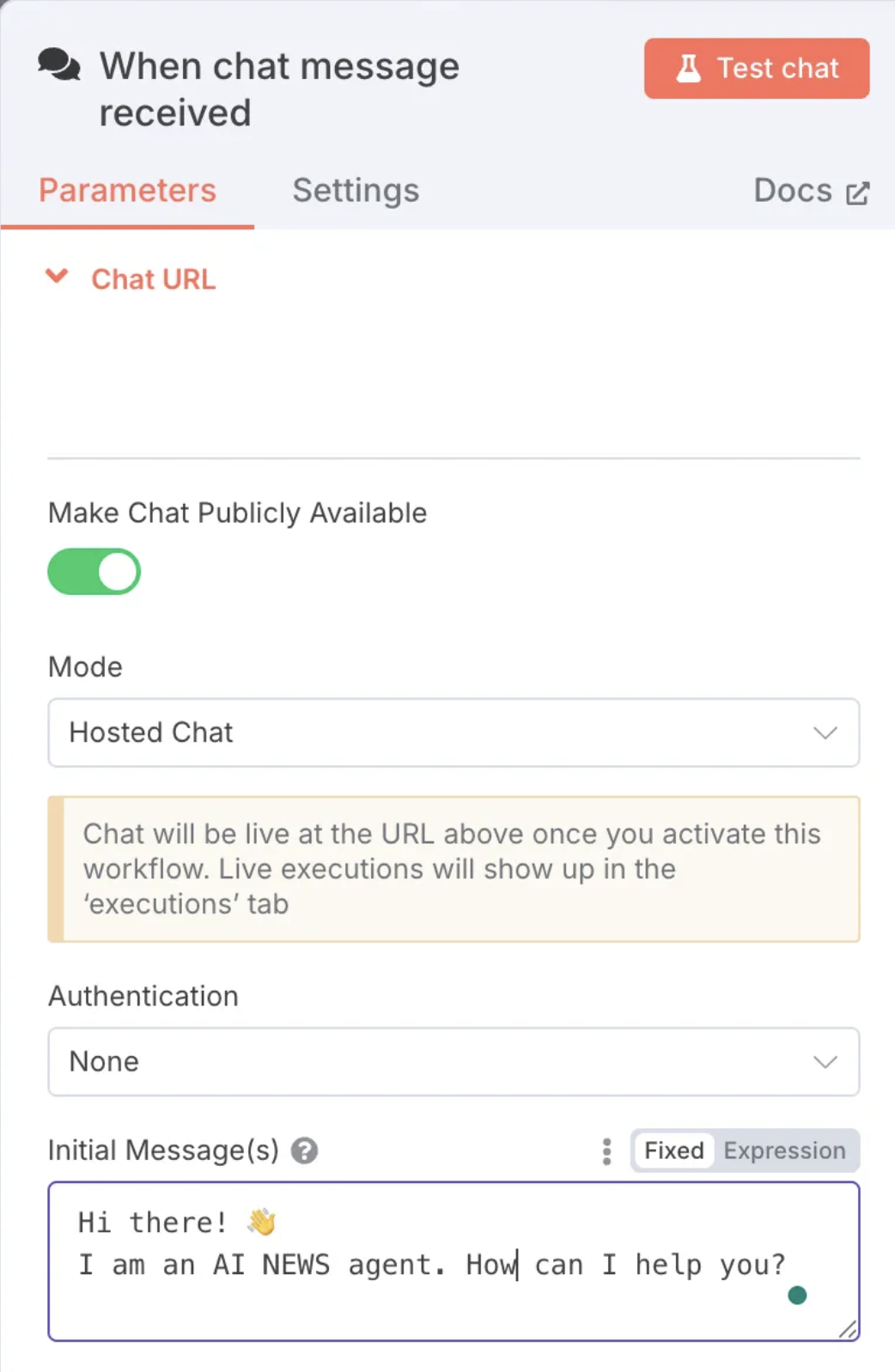
Good now, let’s visit the ChatURL. But before that, make sure your workspace is available.
Testing AI News Agent
Now try it out.

Final Thoughts
Hope this helped. Let me know if you build something cool!