3 Methods for Leveraging ChatGPT in Data Science
By Gencay
Published: 2024-03-11
URL: https://www.learnwithmeai.com/p/be-10x-smarter-using-chatgpt-and

\Created with Abidin Dino AI, to reach it, consider being a Paid subscriber to LearnAIWithMehere\
Data Scientists could revolutionize their workflow with ChatGPT, yet I see many barely scratch the surface.
I’ve discovered three creative ways to use ChatGPT’s capabilities, which will amaze you and be crafted after at least 1000 times of separate analysis.
In this article, we’ll explore these methods together to boost our data science skills and intelligence.
#1 Uncover the Secrets of EDA!
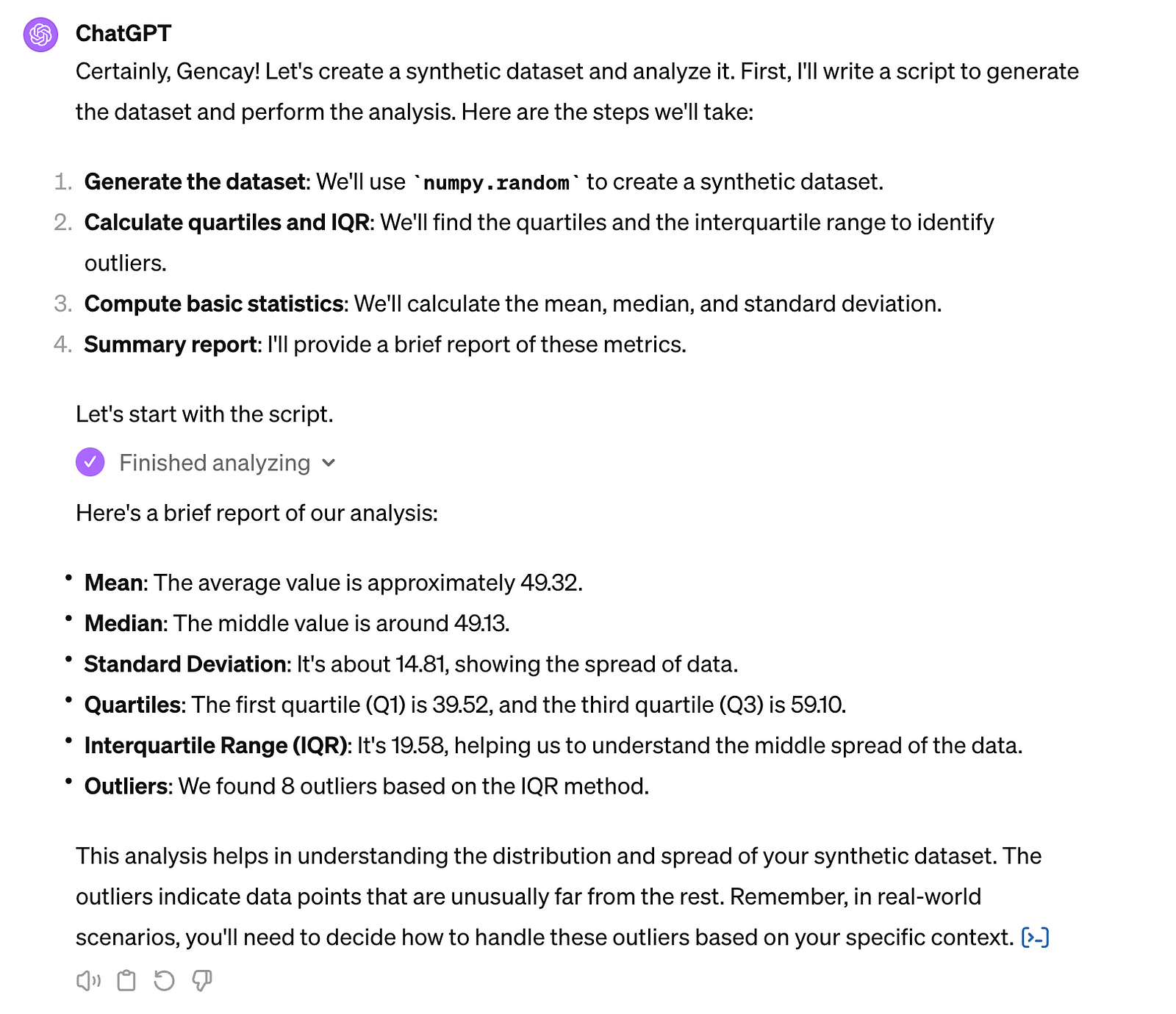
\Sample prompt : [Using Numpy in Python, write a script to create a synthetic dataset using numpy.random and perform an analysis to calculate quartiles and use the interquartile range to find outliers. Then, provide a summary report of basic statistical metrics including mean, median, and standard deviation] — SS of ChatGPT\
The first step in any project or data analysis should be exploratory or EDA. Since ChatGPT came into our lives, it has been used in many ways.
The first one is the easiest; anyone can use it to do Explanatory Data Analysis by following different directions. Take a look at this prompt:
Sample Prompt
"Using Numpy in Python, write a script to [Option for data source] and perform
an analysis to [Option for analysis task].
Then, provide [Option for output details].
Inside the first [Option for data source], you can put:
- ‘load a CSV file using numpy.genfromtxt’
- ‘create a synthetic dataset using numpy.random’
- ‘import data from a JSON file and convert it to a numpy array’
Inside the second [Option for analysis task], you can put:
- ‘identify outliers using the Z-score method’
- ‘determine outliers based on a specified number of standard deviations from the mean’
- ‘calculate quartiles and use the interquartile range to find outliers’
Inside the third [Option for output details], you can put:
- ‘a summary report of basic statistical metrics including mean, median, and standard deviation’
- ‘a detailed list of outlier values and their indices in the dataset’
- ‘visual representations of the data highlighting the identified outliers’
Now, you understand how you can do it with prompts. You can do the same thing if you have a ChatGPT Plus subscription. Here are custom GPTs that you can use for this:
Custom GPT’s for EDA
Now you are faster and more accurate!
# 2 Are You Missing Out on Data Preprocessing?”
You must face common issues as a Data Scientist while doing data projects or data analysis.
You will become familiar with them over time. But if you want to shorten your learning curve, let’s explore five common issues you might initially face.
Handling Missing Data
- In a big dataset, you might find some data is missing.
- You can fill these gaps (imputation), remove the data (deletion), or try other ways.
- Choose a method that keeps your data accurate and useful.
Dealing with Categorical Data
- This is about changing categories into a form that computers can learn from.
- Use one-hot encoding or label encoding.
- Pick the method based on your data type and model.
Scaling and Normalization
- This is about adjusting your data to make it easier for models to learn.
- Use methods like Min-Max Scaling or Z-score Normalization.
- Each method affects your model differently. Choose based on what your data needs.
Feature Engineering with Lambda Functions
- Lambda functions in Pandas help change or create new data features.
- They can make your model more accurate.
- Use the ‘apply’ method with lambda functions for this.
Detecting and Handling Outliers
- Outliers are unusual data points.
- Find and fix them using methods like trimming or capping.
- The way you handle outliers can change your data and results.
You can solve these problems by crafting prompts using the method I explained in the next section. However, if you plan to craft prompts for yourself, that’s okay, too. Let me show you a crafted prompt for number 5:
Write a Python script to detect outliers in a dataset.
Use three different methods to handle these outliers.
Include comments to explain each step of the process.
Again, you developed a script for data processing in minutes.
# 3 The Art of Prompt Crafting!
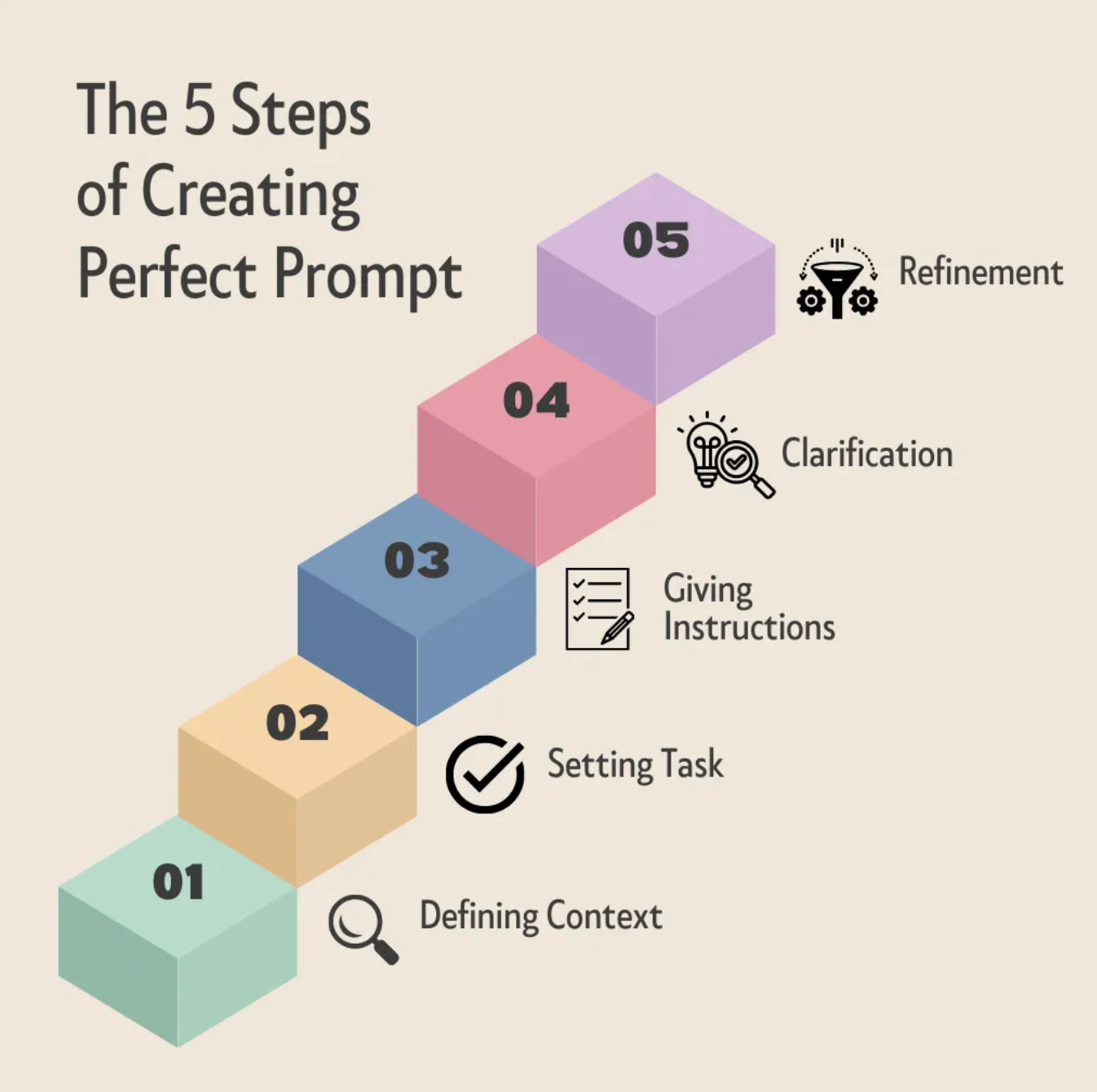
\Image by Author — Here you can read more details fromabove.\
After a bit, we have seen different prompts to craft a prompt. Interesting right? In the next section, we are going to use AI to use AI.
An entire article is dedicated to prompt crafting. Here is LearnAIWithME’s special GPT to perfect the prompt. Now, let’s say we’ll use this prompt inside this GPT.
I want to apply machine learning with python
\Prompt Perfecter, available for paid subscribers on substackhere\
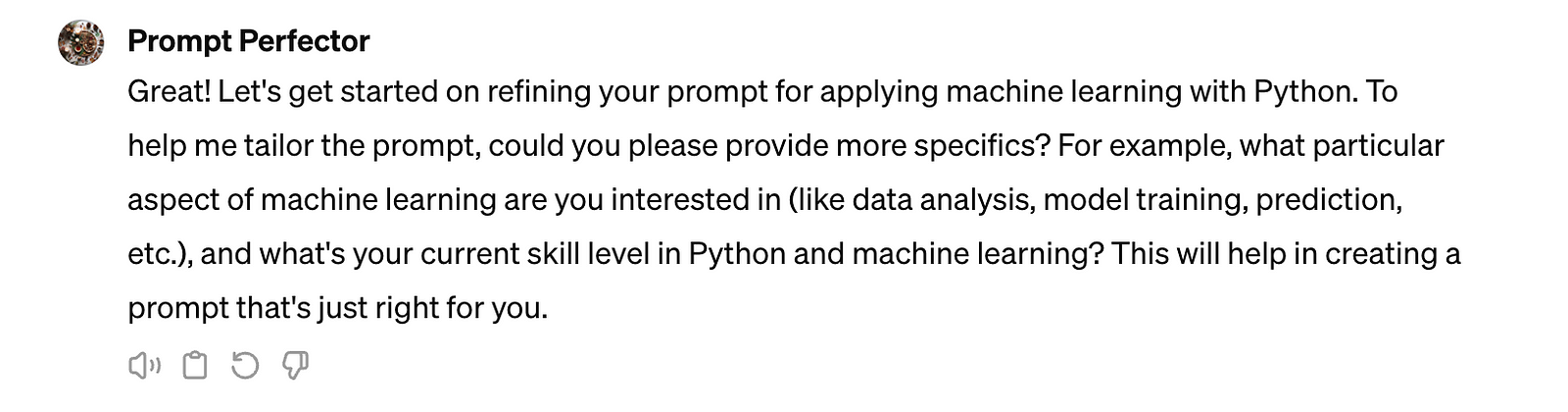
Here, prompt perfector leads you to answer different questions to create a perfect prompt. Let’s say you are working on a project where you need to create an algorithm to predict weather.
I want to build a machine learning algorithm with Python, to predict weather
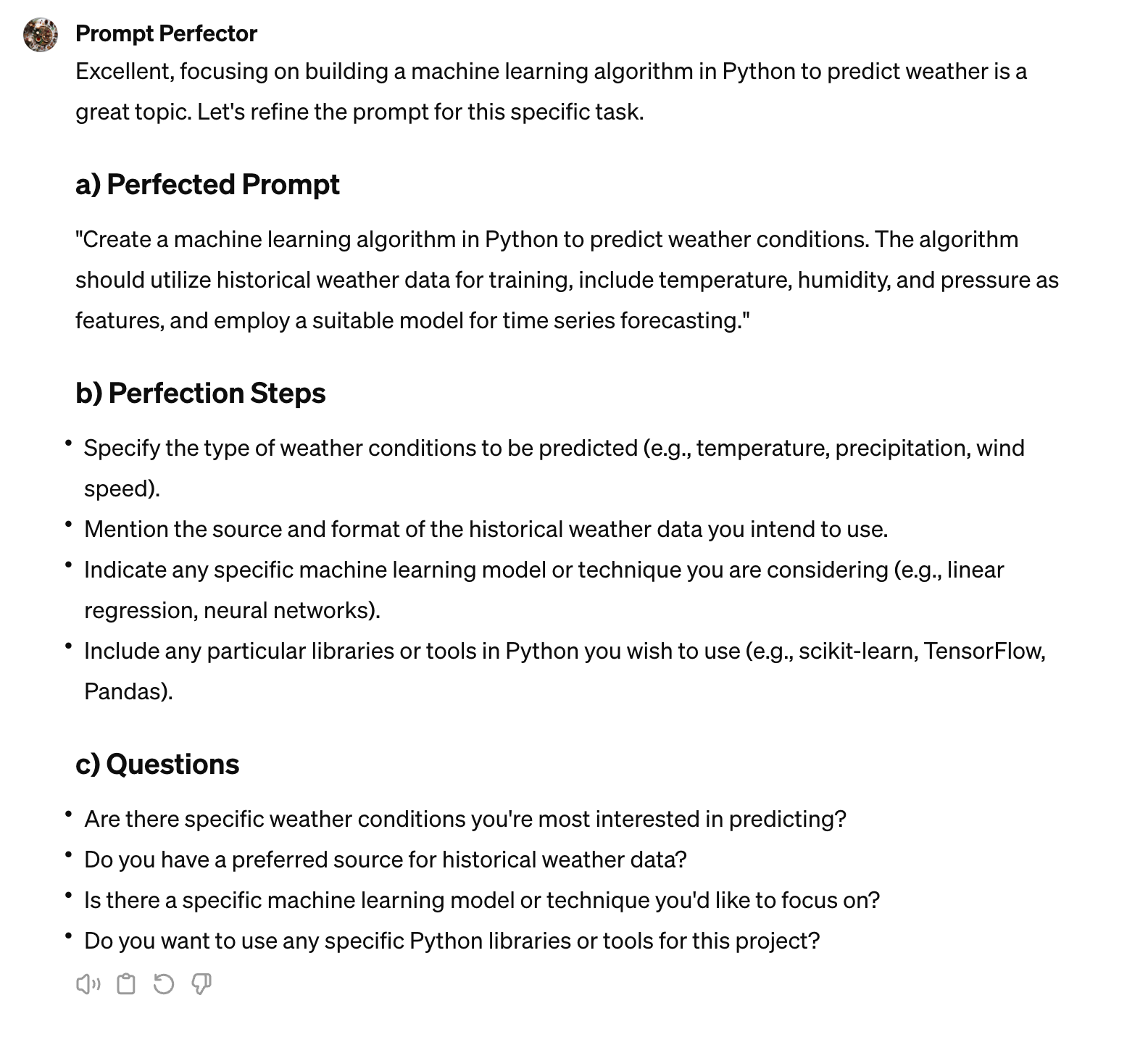
\Prompt Perfecter, available for paid subscribers on substackhere\
Your question is now clearer, as you can see. Your prompt will improve if you keep doing the perfect steps or answering the questions it gives you.
You hit from 0 to 100 in a matter of seconds again.
Final Thoughts
In this one, we have seen three methods that will make you 10 times smarter and surpass 99% of other data scientists. However, I beg to differ; it might even put you in the top 1 in 1000.
“Machine learning is the last invention that humanity will ever need to make.” Nick Bostrom