Unveiling the Best Custom GPTs for Programmers: Top 5 Reviewed
By Gencay
Published: 2024-03-07
URL: https://www.learnwithmeai.com/p/ive-tested-top-5-programming-custom

\Created with Abidin Dino AI, to reach it, consider being Paid subscriber to LearnAIWithMe,here\
“Programming is a skill best acquired by practice and example rather than from books.”
Alan Turing
Exploring the custom GPT’s for programming, reminds me the times, I just spend time on learning instead of practicing.
By using these tools, your ideas will turn into codes, and all you need to do is applying what you saw! In this one, we’ll together explore the top programming custom GPT’s in the marketplace!
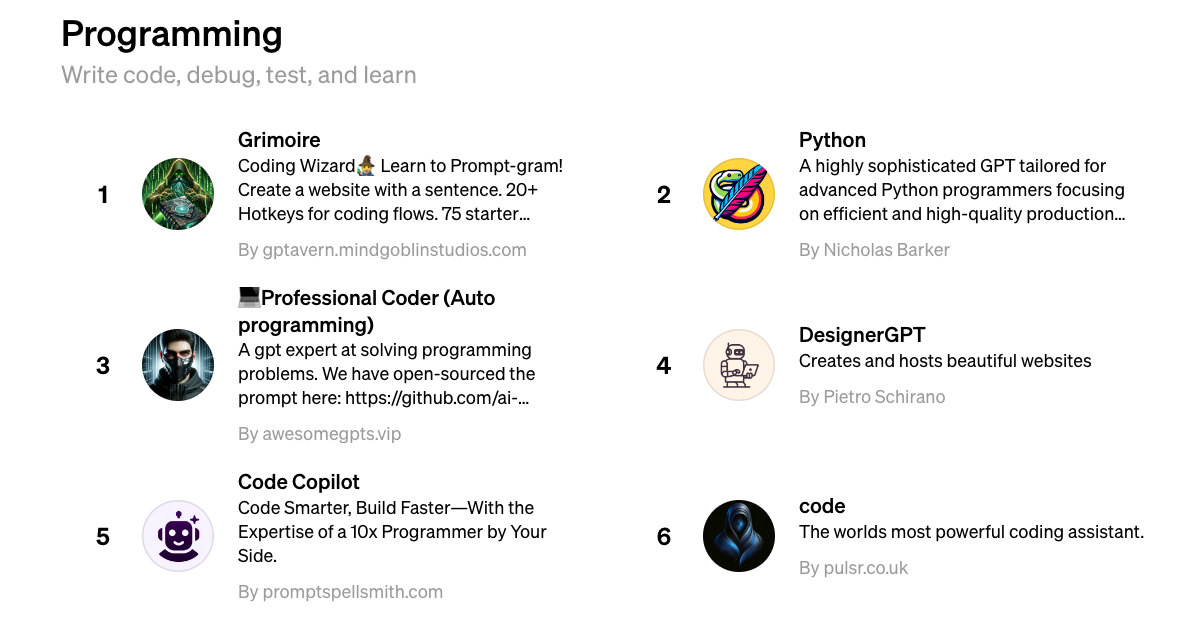
\Top CustomGPT’s in Programming ,here.\
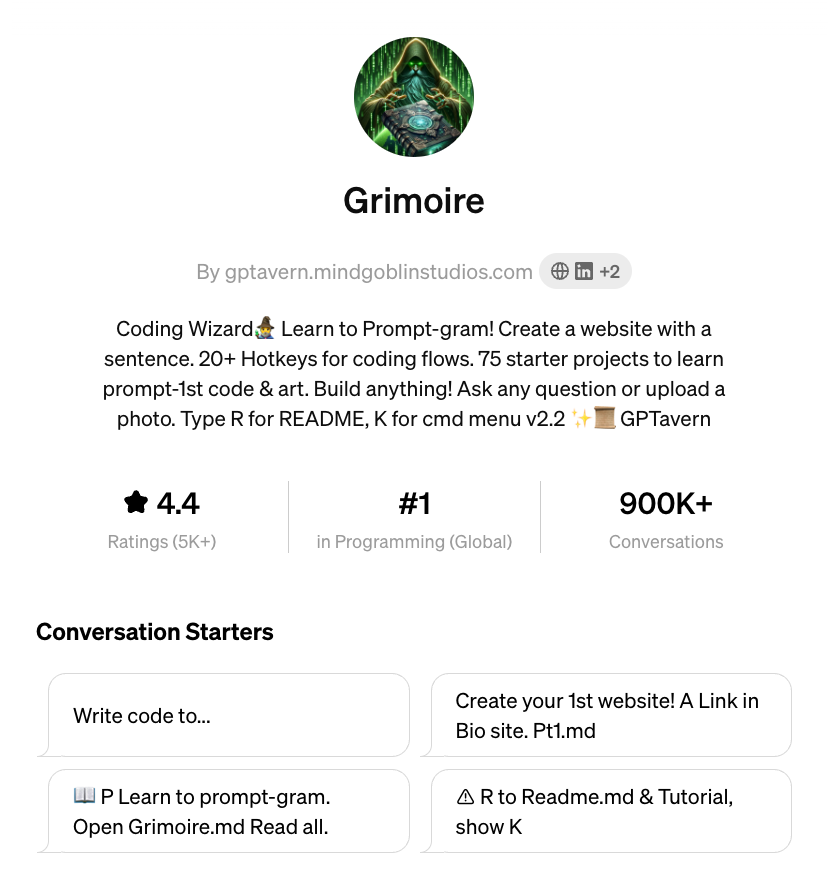
Grimoire
\Reference\
- Here you can reach to this custom GPT : <https://chat.openai.com/g/g-n7Rs0IK86-grimoire>
Let us now begin to use. I really enjoy this personalized GPT. When I was writing the code for this website, I didn’t know a lot about the front end.

\Reference\
I’ve improved this website with the help of Grimoire and my lovely wife, who always makes me smile. But how did I do that? Going over it step by step might get boring, so let me give you an example.
Next, I want to change how my blog view is structured. If you know Django, a separate file may show how your page’s view is structured.
Here is the structure I Want.
However, my website looks like the second image.
When I scroll out, the images on my website do not shrink.
I was developing it with Django. Here is my blog.html:
"My code"
I’ve now included both images here. The first is the one I desire, and the second is the one I currently own. My code has already been delivered to it. Let’s look at its response now;
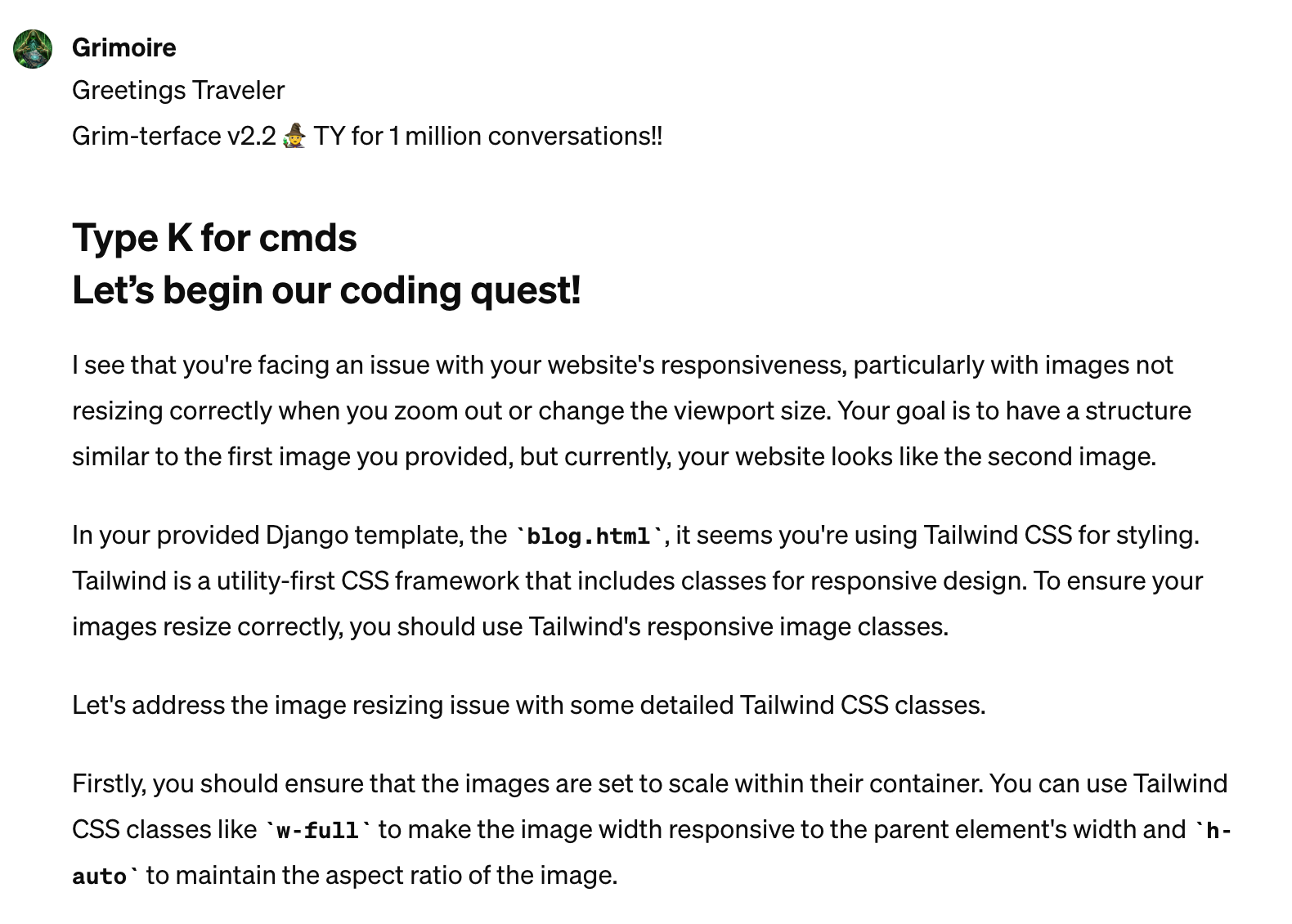
\Grimoire\
As you can see, it discovers the error here first. It seems like a typical error in Tailwind, but as I mentioned before, I’m not a front-end developer and am still learning, so Grimoire is like medicine. Let’s now examine the code it provided for me.
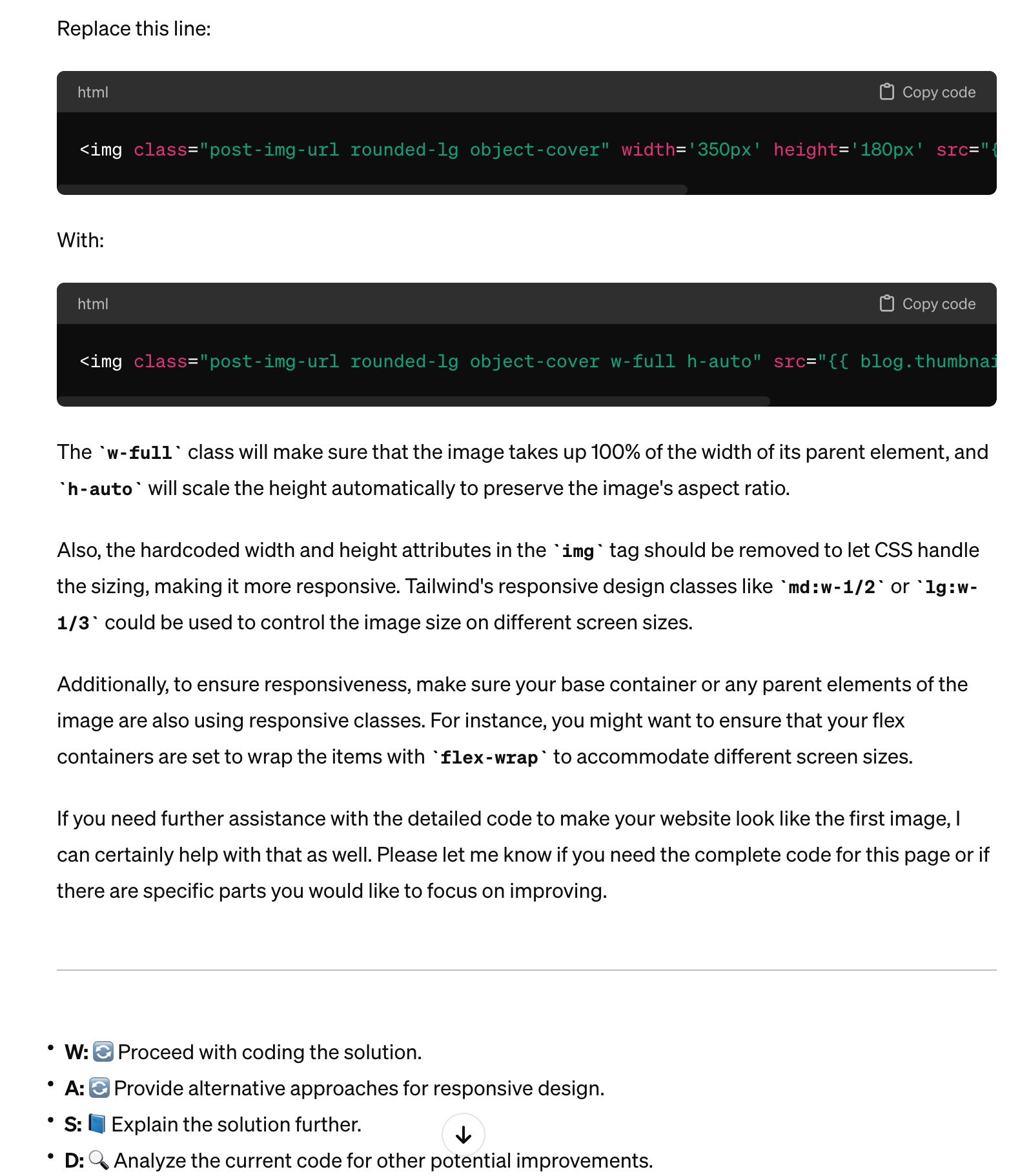
\Grimoire\
The most beautiful feature is that it generates hotkeys at the conclusion, allowing you to quickly alter or replace the output it has produced. This is incredibly useful and great.
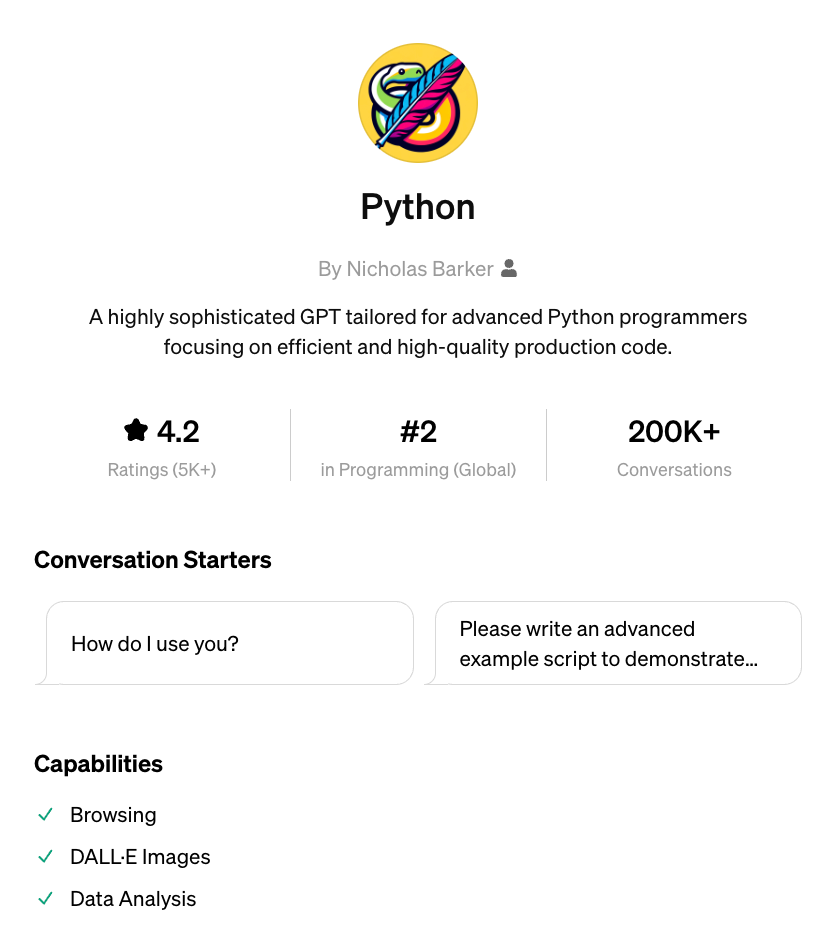
Python
\Reference\
Here you can reach to this Custom GPT : <https://chat.openai.com/g/g-cKXjWStaE-python>
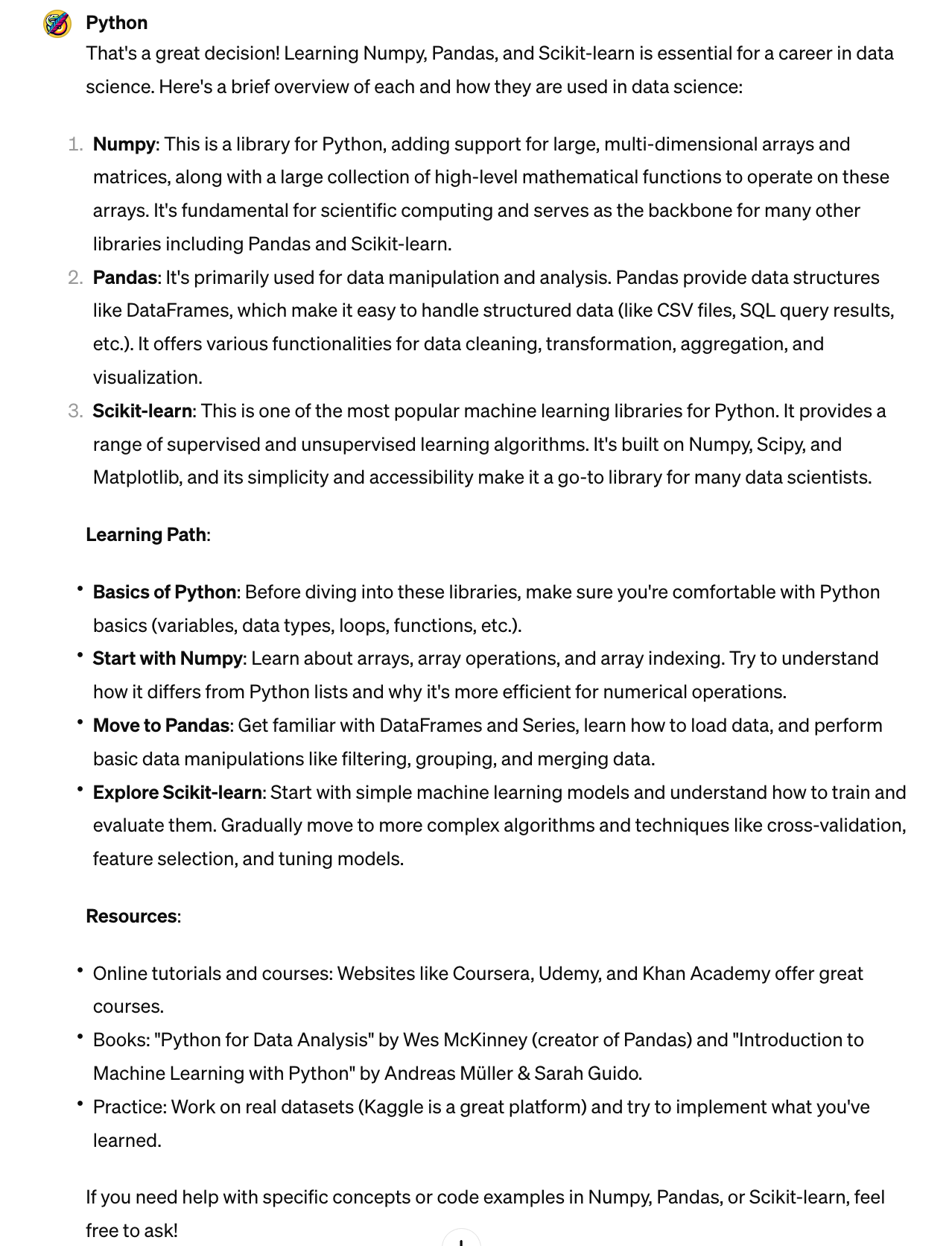
Now, this custom GPT is in #2 place in programming, according to the marketplace. As a data scientist, of course I aim to discover the way of learning it, so let’s use this prompt;
I want to learn Numpy Pandas and Sci-kit learn, because I want to be a data scientist
Here is the output.
\Python by Nicholas Berker\
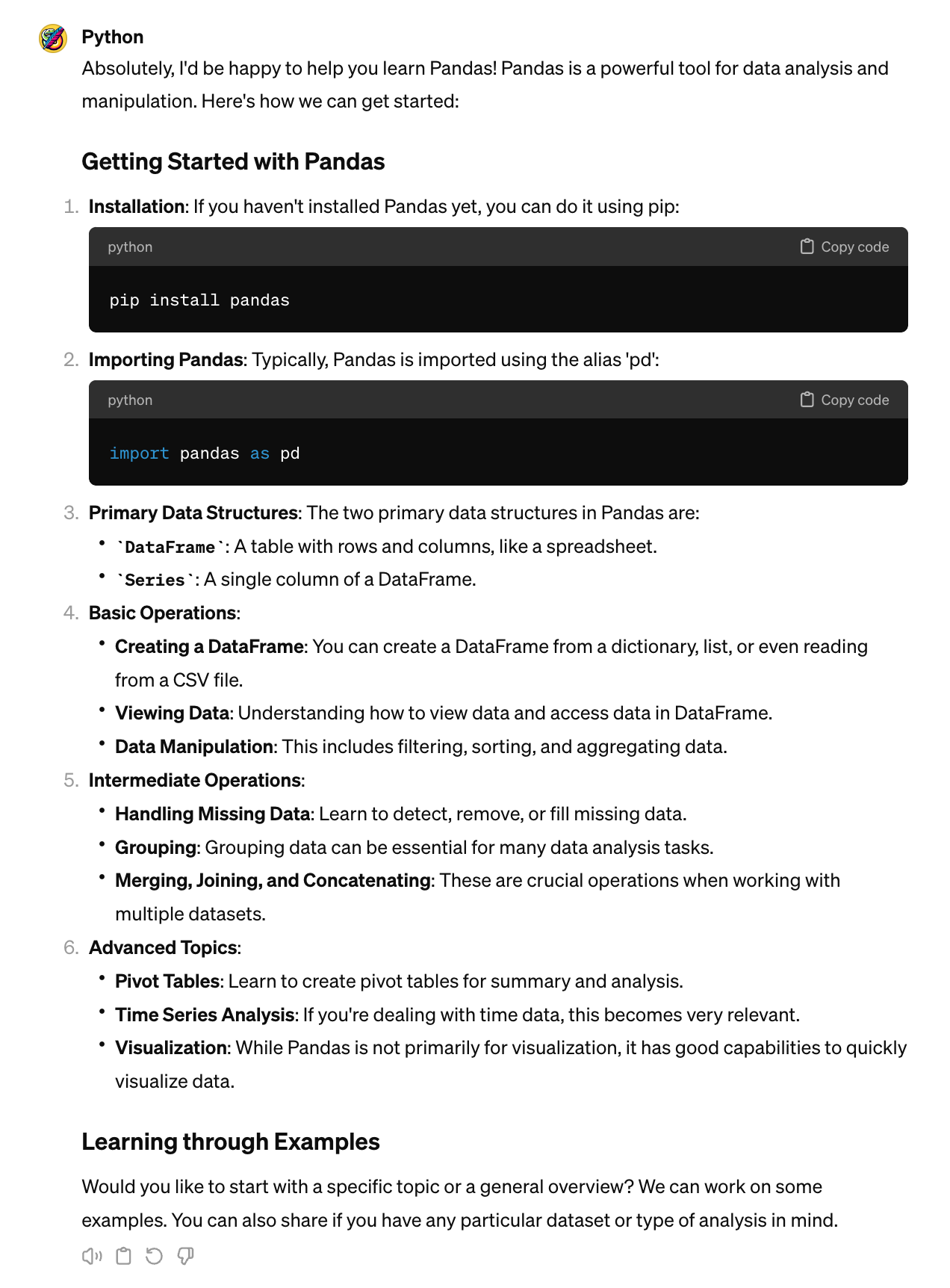
It provides good overall explanation. Let’s see, how it teaches let’s say, pandas.
let's learn pandas together
Here is the output;
\Python by Nicholas Berker\
It provides a great overview, but in general I think I prefer LearnAIWithMe GPT, which offers #LearnAI series to learn these libraries with the help of AI.
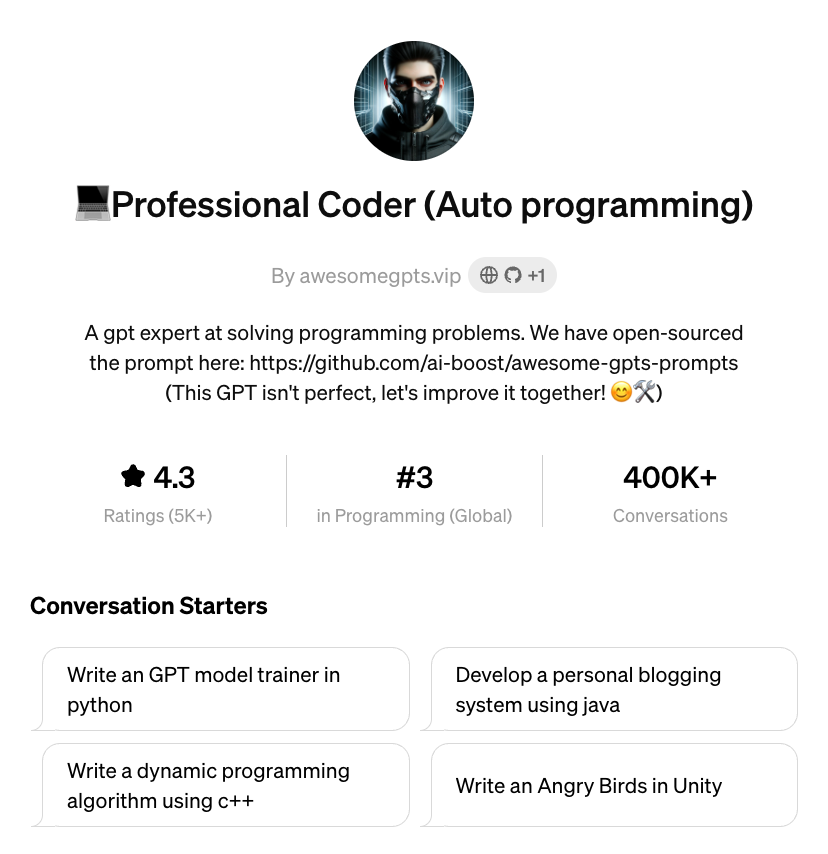
Professional Coder
\Ref\
Here is the link to this custom GPT : <https://chat.openai.com/g/g-HgZuFuuBK-professional-coder-auto-programming>
This one is in #3 place. Let’s test it!
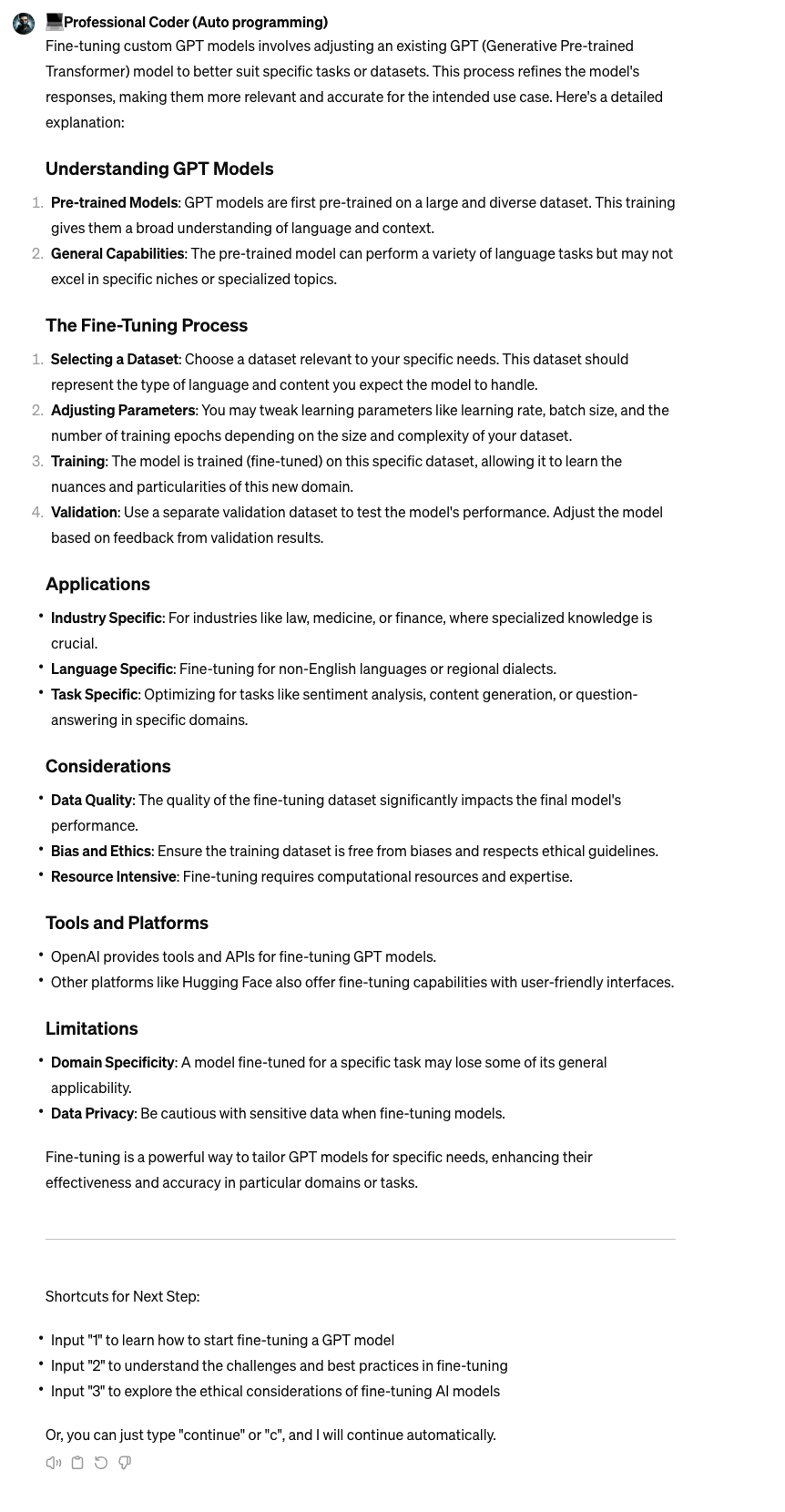
For a while, I’ve been researching about fine-tuning of GPT models. So let’s ask to Professional Coder to this. Here is the prompt that I’am using;
I want to know more about fine-tuning custom GPT
\Ref\
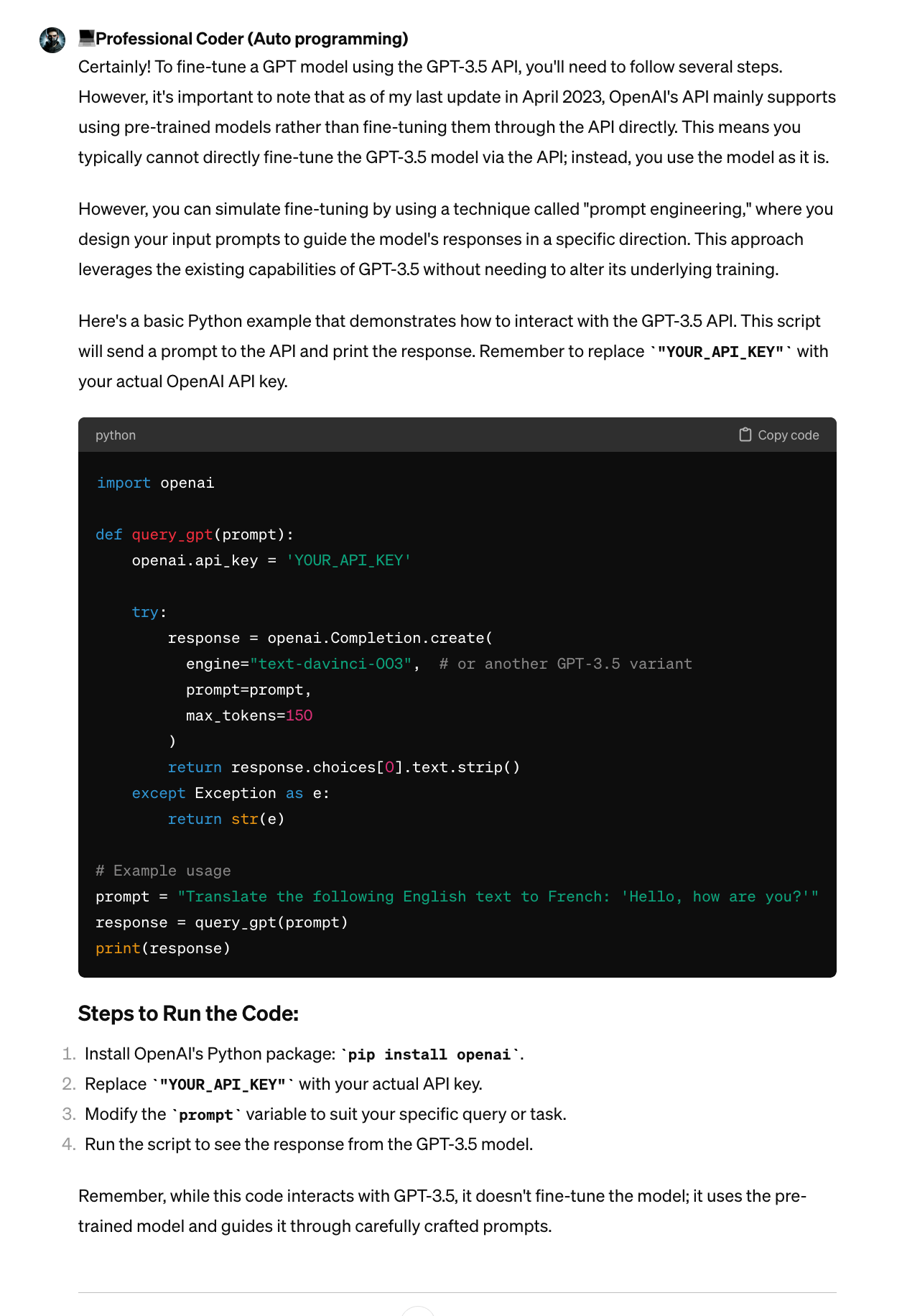
Good, I like the hotkeys, but I already know these, I Want to know, whether it can provide code of it too, so let’s test it.
Let's say I Have the files and instructions for my custom GPT,
and I want to train it using fine-tuning.
Can you provide the code which uses GPT 3.5 API?
\Ref\
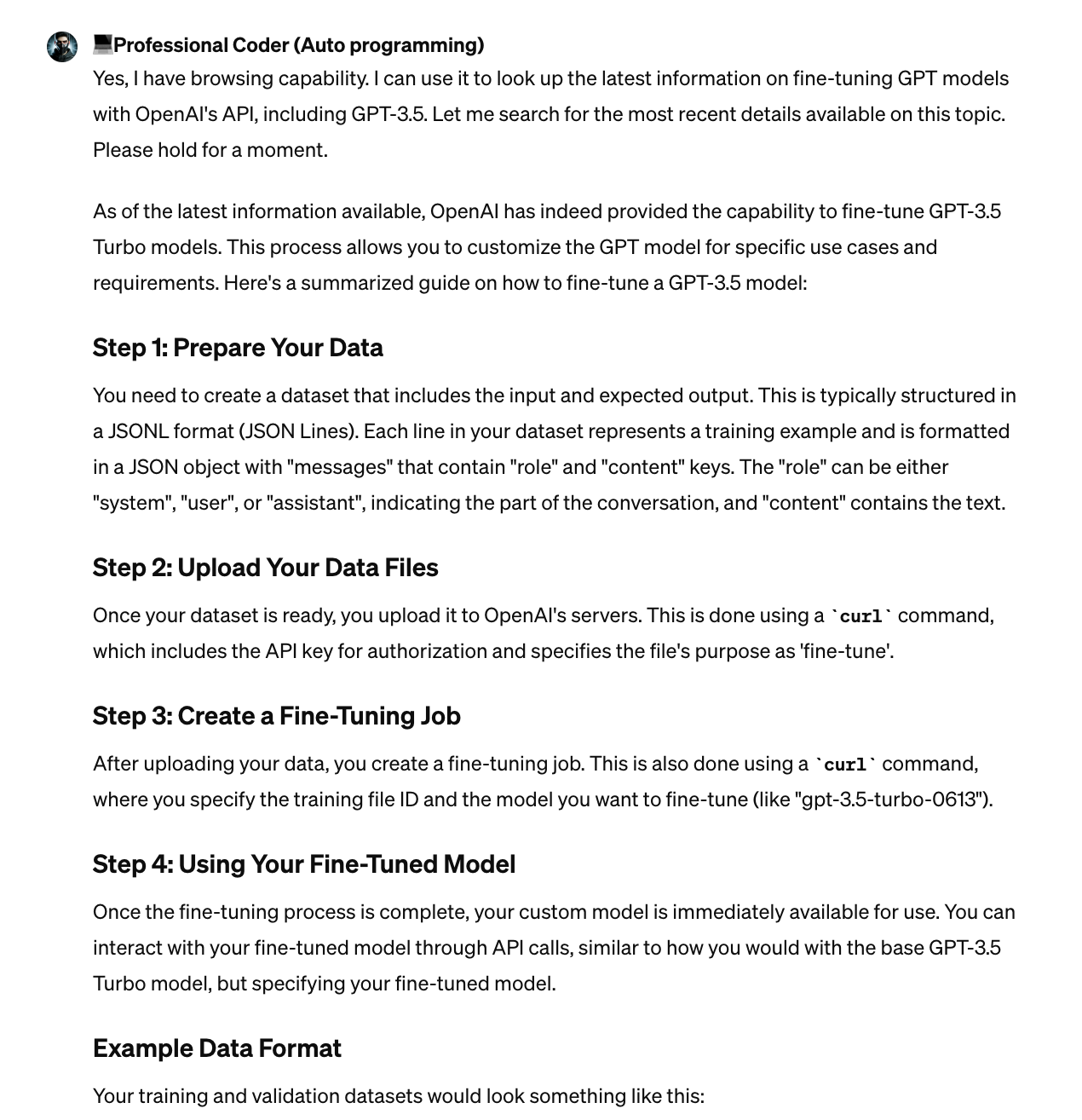
But unfortunately, since the GPT’s last update was in April 2023, it could not provide the code. However, if the author would use the web browsing capability, I think he’d overcome this issue, let’s force it to use web browsing.
dont you have browsing capability?
\Ref\
Voila! It outputs better answer.
Designer GPT

\Reference\
Here is the link to this custom GPT : <https://chat.openai.com/g/g-2Eo3NxuS7-designergpt>
This one is in the 4th place. Let’s start using it!
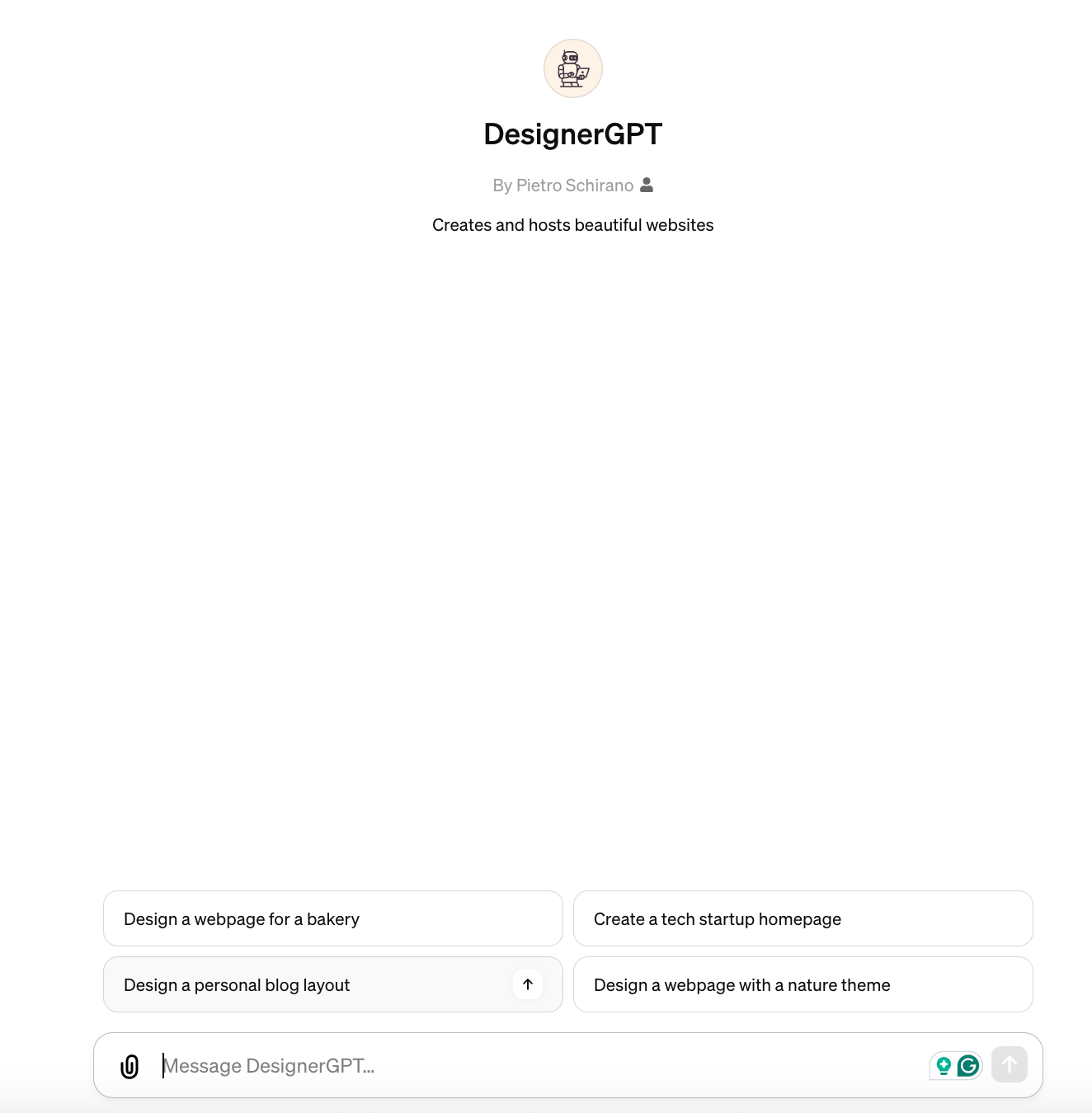
Now let’s use one of the conversation starter this time. I clicked on “Design a personal blog layout”. Here are all of the conversation starters below.
\DesignerGPT\
Let’s see the result.
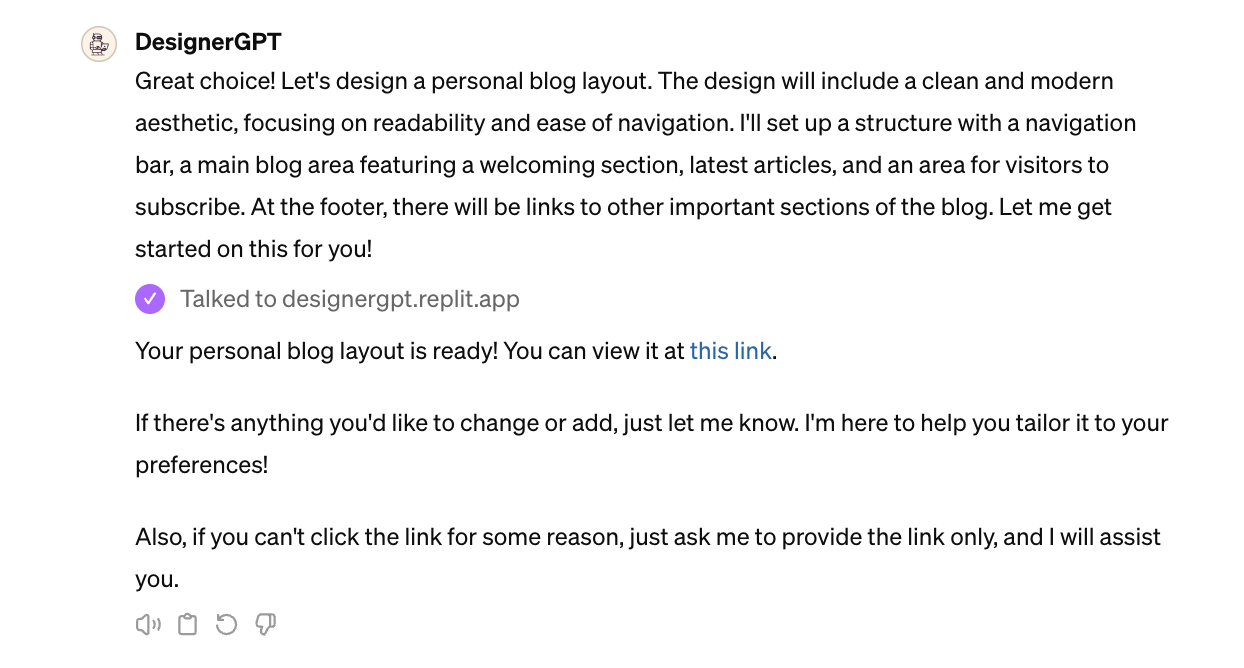
\DesignerGPT\
And it directs you to another website, where you can actually see the layout, here;

\SS of DesignerGPT’s output\
I love it, not just like it. In the end, though, I think they want you to pay them something. I should stop now, though, because they might turn me into a paid member!
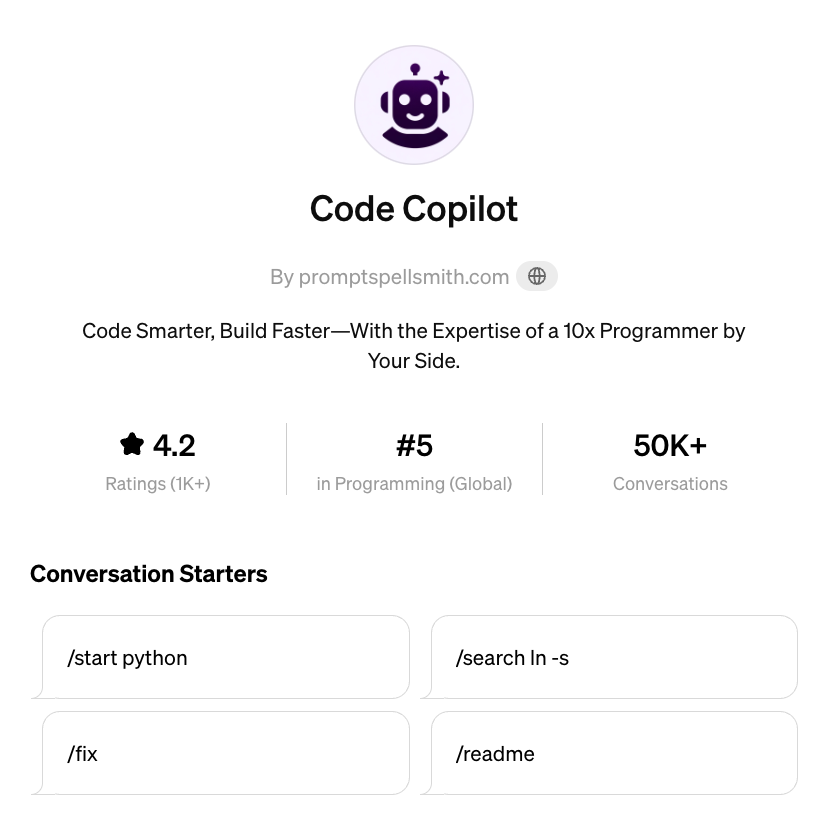
Code CoPilot
\Reference\
Here is the link : <https://chat.openai.com/g/g-2DQzU5UZl-code-copilot>
This one is in the 5th place. Let’s start using it!
I again want to ask it to know more about fine tuning, that’s why I am going to use the same prompts.
Let's say I Have the files and instructions for my custom GPT,
and I want to train it using fine-tuning.
Can you provide the code which uses GPT 3.5 API?
Let’s see the output’s first part.
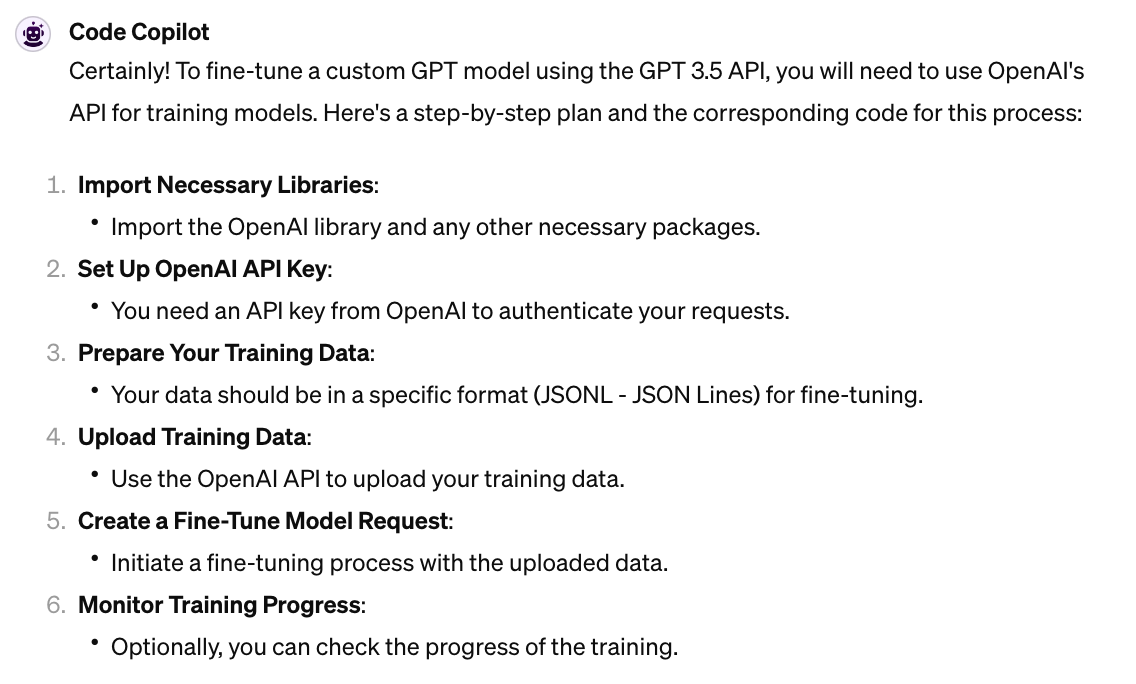
\Code Copilot\
As usual, first it splits to the steps. Now let’s see whether it provided the codes or not;
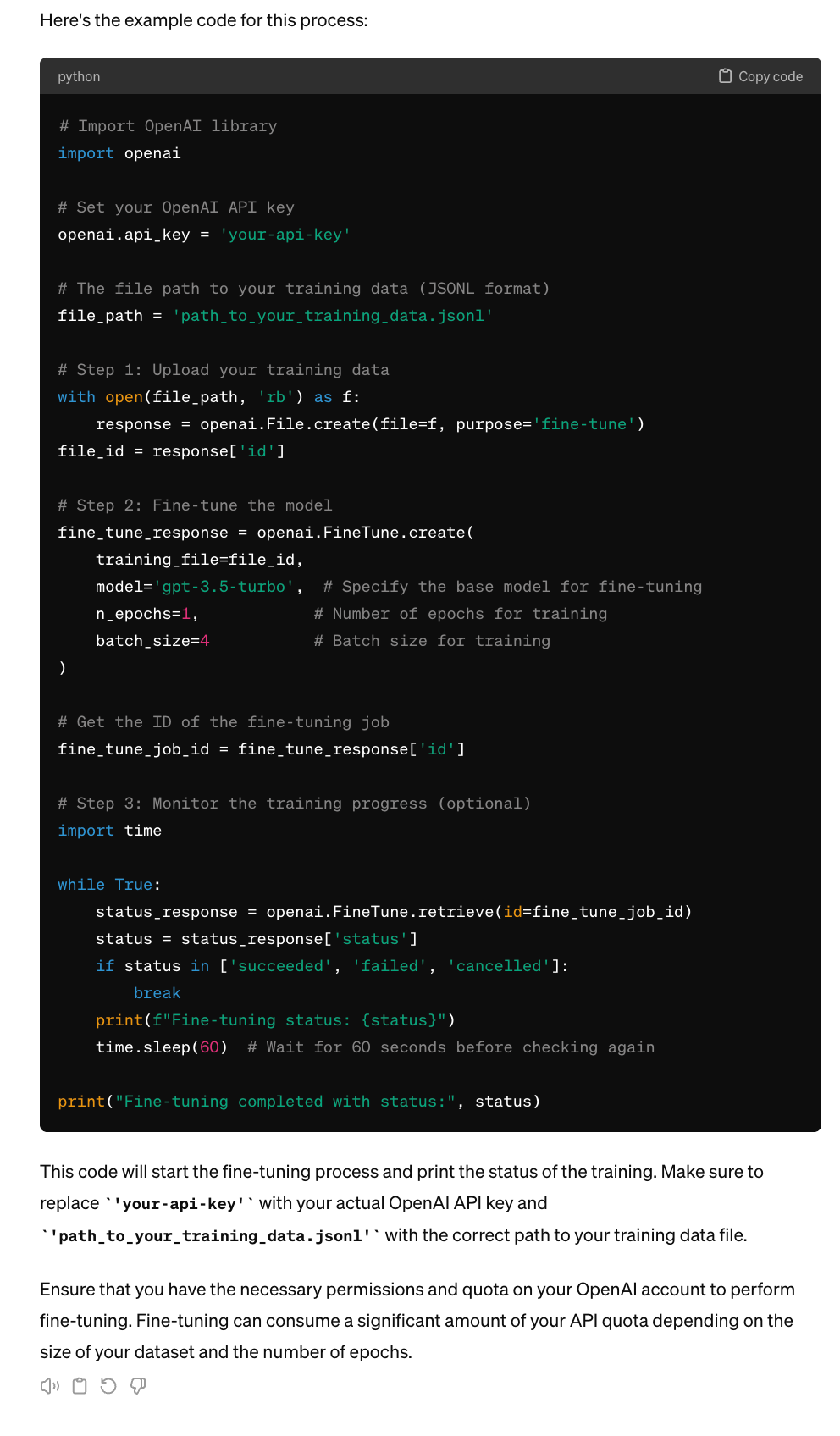
\Code Copilot\
I love this one!
Final Thoughts
In this one, we reviewed the Top 5 custom GPTs available in the marketplace. I wanted to know more about those, because I, too, am developing custom GPTs for both my substack subscribers and for my clients.
“Machine learning is the last invention that humanity will ever need to make.”
Nick Bostrom