Instantly save 1-2 hours per week
By Nicolas Cole
Published: 2026-04-29
URL: https://writewithai.substack.com/p/5-essential-claude-connectors-to

Write With AI is the leading paid newsletter for ChatGPT & Claude prompts, and how to turn AI platforms into your own personal Digital Writing Assistant. If you want to stay on the cutting-edge in the new AI Economy, then you’re in the right place. New posts every Wednesday & Sunday.
Claude is one of the most valuable tools in your tool stack.
But most writers are still using it like a vending machine.
- Punch in a prompt
- Grab the output
- Move on
That works fine for one-off tasks.
But the real unlock is connectors: direct lines from Claude to the tools where your writing already lives. Once they’re set up, Claude stops being a chatbot you visit and starts being the studio you work inside.
Here are 5 connectors to upgrade your writing workflow:
Connector #1: Google Drive
Every doc, swipe file, transcript, and old draft you’ve ever written becomes searchable from inside Claude.
The non-obvious use isn’t pulling old work—it’s finding what you haven’t written by asking Claude to give you a fresh take on an old piece of writing.
Try this prompt before your next newsletter:
Search my Drive for documents I’ve created in the last {NUMBER} months that mention {TOPIC}.
List the title, date, and a one-sentence summary of the specific take or claim each piece makes about the topic.
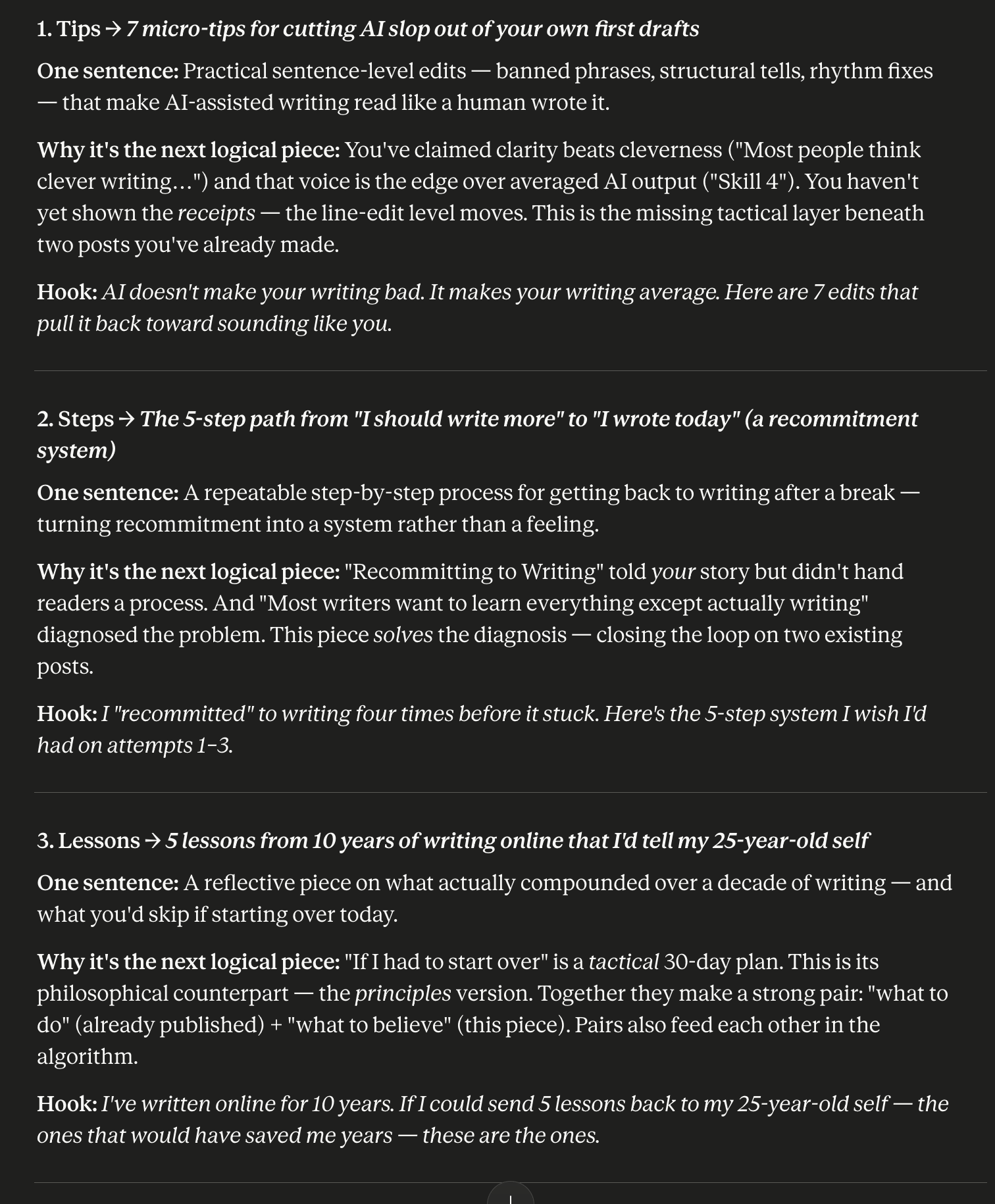
Then suggest 5 new angles:
- Tips
- Steps
- Lessons
- Reasons
- Mistakes
For each, tell me:
1. The angle in one sentence
2. Why it’s a logical next piece given what I’ve already written
3. One specific hook or opening line.
You’ll never sit down to a blank page on a topic you know well again.
Connector #2: Gmail
Your sent folder is the largest sample of your real voice that exists anywhere.
Because in your email sent folder, you weren’t trying to sound like a writer. You were just writing.
The Gmail connector lets Claude study that voice and then write in it.
Try this prompt:
Search my Gmail for emails I sent in the last 60 days that are between 100 and 500 words long.
Pick 20 of them at random.
Return three things:
1. Phrase Bank: 10 specific phrases or sentence openers that appear in 3+ of those emails.
2. Sentence Patterns: 5 patterns in how I structure sentences (e.g., ‘short fragment + longer expansion + one-line punchline’).
3. Openers & Closers: My 3 most common ways to open an email and 3 most common ways to close.
Give me a “real” quote for each.
Save the output.
Feed it back to Claude as a guide for every future writing prompt.
Connector #3: Canva
This one’s the time-saver.
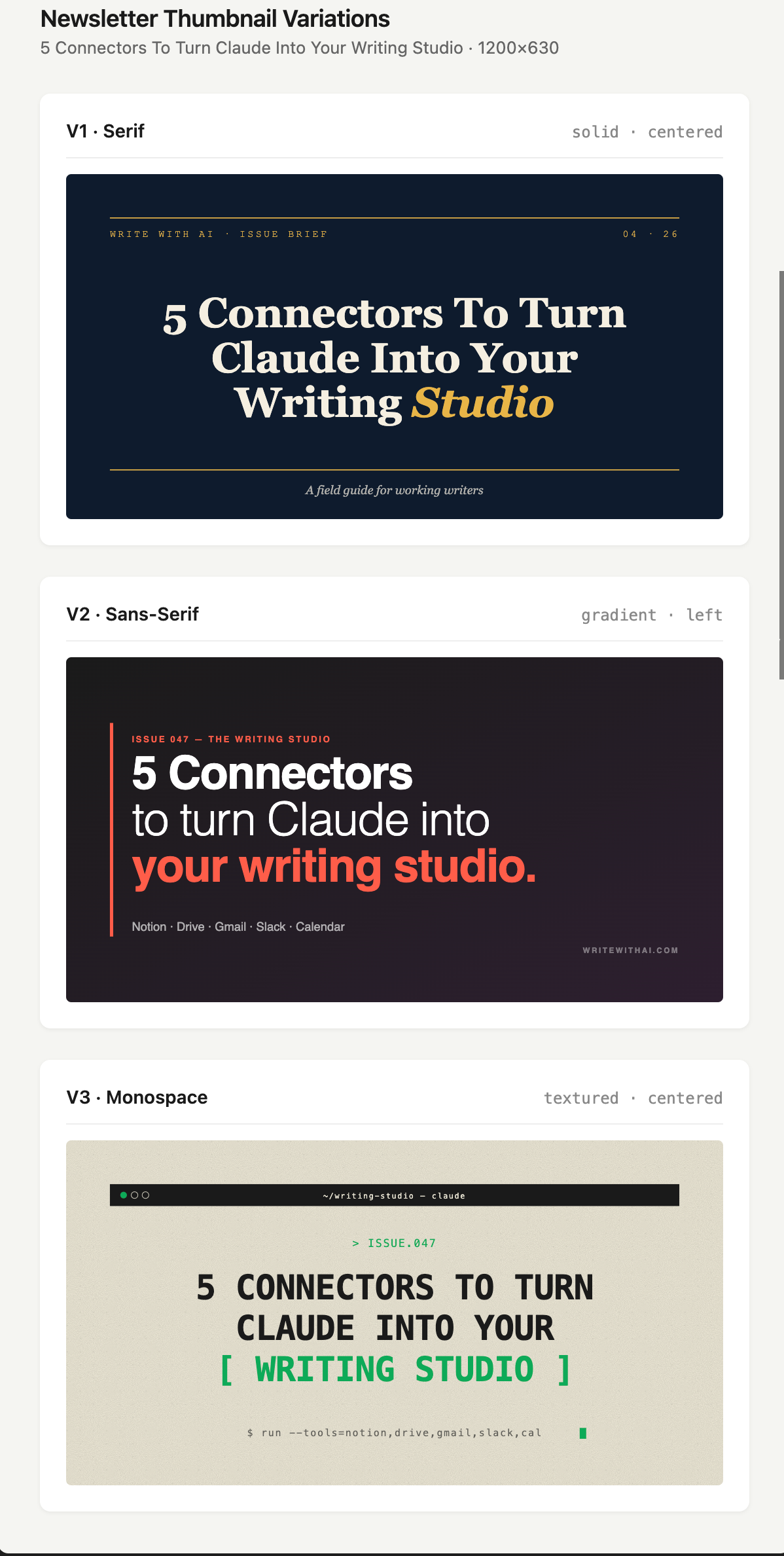
Newsletter thumbnails, social graphics, lead magnet covers — generated and previewed inside the chat where you wrote the copy.
Which means you never have to leave Claude.
All you have to do is write and then ask for a visual.
For writers who hate the design step, this is the connector that gives you back the most time per week.
Create 3 newsletter thumbnail variations for an issue titled “{HEADLINE}.”
Constraints for all 3:
- 1200x630px (newsletter / social share size)
- Headline text must be readable at thumbnail size (large, high contrast)
- One accent color, not multiple
- No stock-photo people or generic AI imagery
Vary them by: typography style (serif vs. sans-serif vs. monospace), background (solid color vs. textured vs. gradient), and layout (centered vs. left-aligned).
Connector #4: Notion
If your second brain lives in Notion, this connector turns it from a graveyard into a generator.
Most writers have hundreds of captured ideas they never write.
Use Claude + Notion to:
- Surface unwritten ideas tagged by theme
- Pull customer pain points out of research databases
- Find the half-finished outline you forgot about three months ago
- Spot patterns across notes you didn’t realize you’d been making
The trick is to ask Claude to find the connections, not just retrieve the data.
Try this prompt:
Search my Notion: {INSERT NOTION LINK}
Return a list of pages that meet ALL of these criteria:
- Last edited more than 30 days ago
- Body contains at least 100 words of notes
- Title or body contains {KEYWORDS}
For each page that qualifies, return: the title, the date last edited, the word count, and a one-sentence summary.
Rank them by word count, highest first.
The top of the list = my most-developed unwritten ideas.
Connector #5: Slack
Ask Claude to summarize the last 48 hours in your busiest channels.
Have it flag anything that genuinely needs a response from you. Draft those responses in your voice.
Try this prompt:
List my Slack channels by message volume in the last 48 hours, highest to lowest. Show me the top 5.
For each of those 5 channels, pull every message from the last 48 hours where:
- I’m tagged directly (@me), OR
- The message ends in a question mark, OR
- The message contains the words ‘help,’ ‘stuck,’ ‘question,’ or ‘anyone’
For each match, return: the channel, the sender, the message, and a 1-sentence draft response. Mark each response ‘urgent’ (needs reply today), ‘soon’ (this week), or ‘optional’ (would be nice but not required).
Skip messages I’ve already replied to.
That’s it!
Enjoy.
Dickie & Cole
Co-Founders of:
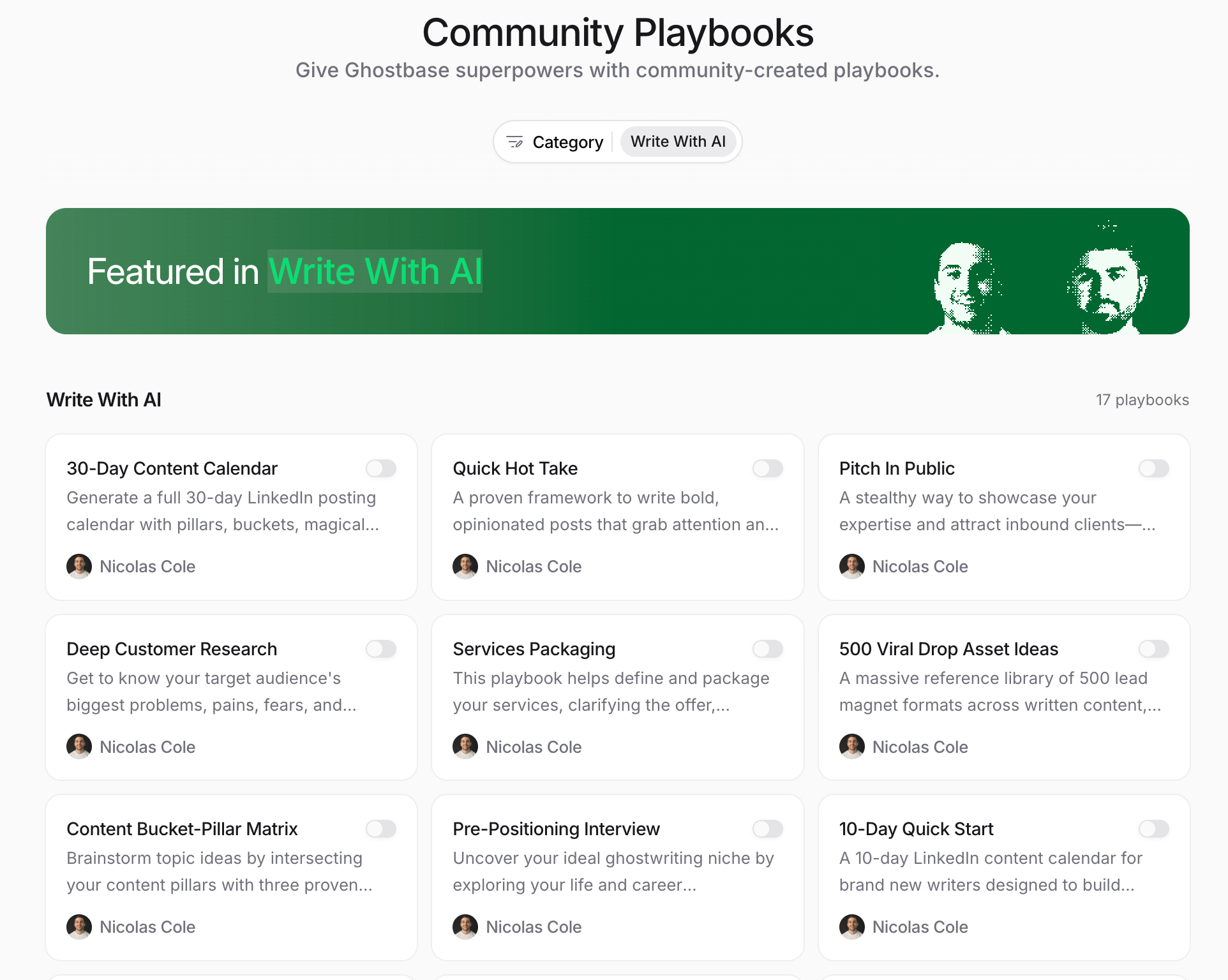
PS…We just distilled DECADES of writing knowledge into pre-installed Write With AI Playbooks inside Ghostbase…the world’s first Thought-Leadership Writing Engine
Ghostbase comes pre-loaded with our best AI prompts:
- How to write killer LinkedIn hooks
- How to write irresistible headlines
- How to write thought leadership articles
- How to write direct sales emails that convert
And more.
You can even create your own Playbooks and install community ones!
And these all integrate into Ghostbase's Memory system so you get amazing writing combined with an AI that knows EVERYTHING about you or your client.
Click here for a free 7-day trial of Ghostbase and take the playbooks for a spin.