1-hour masterclass
By Nicolas Cole
Published: 2026-04-26
URL: https://writewithai.substack.com/p/how-to-build-a-claude-skill-from

Write With AI is the leading paid newsletter for ChatGPT & Claude prompts, and how to turn AI platforms into your own personal Digital Writing Assistant. If you want to stay on the cutting-edge in the new AI Economy, then you’re in the right place. New posts every Wednesday & Sunday.
I’m building a really advanced Claude skill for our company right now.
More specifically, how to build digital products, using Claude Cowork and Notion.
And in the process, I’ve realized…
"Great prompts are education products copy-pasted into AI.”
The more education products I build, the more books I write, the more I’m starting to realize I am simultaneously building a product and a prompt for a human—and the same product or prompt for AI.
For example, I wrote a 5,000-word course module teaching writers how to generate digital product ideas.
That same module became a 5,000-word prompt with a one-line wrapper at the top. The only difference is the audience is a robot instead of a person.
And the output is incredible.
If you can get really good at explaining things to humans, you’re also building the skill of being able to articulate it to AI.
Think about it.
- What is a book?
- What is a video course?
- What is a digital product?
These are really just long-form prompts for human beings.
A human being reads a book, takes in new information, and (you would hope) that new information in some way changes their behavior. A prompt or a chain of prompts is the same idea. It’s just instead of explaining it to a human, you’re explaining it to a robot.
Which is why I’m such a big believer in continuing to practice the skill of writing even though AI can write things.
I still spend hours and hours every day practicing it.
Because with writing, you’re not really practicing the skill of writing. You’re practicing the skill of clarity of thought.
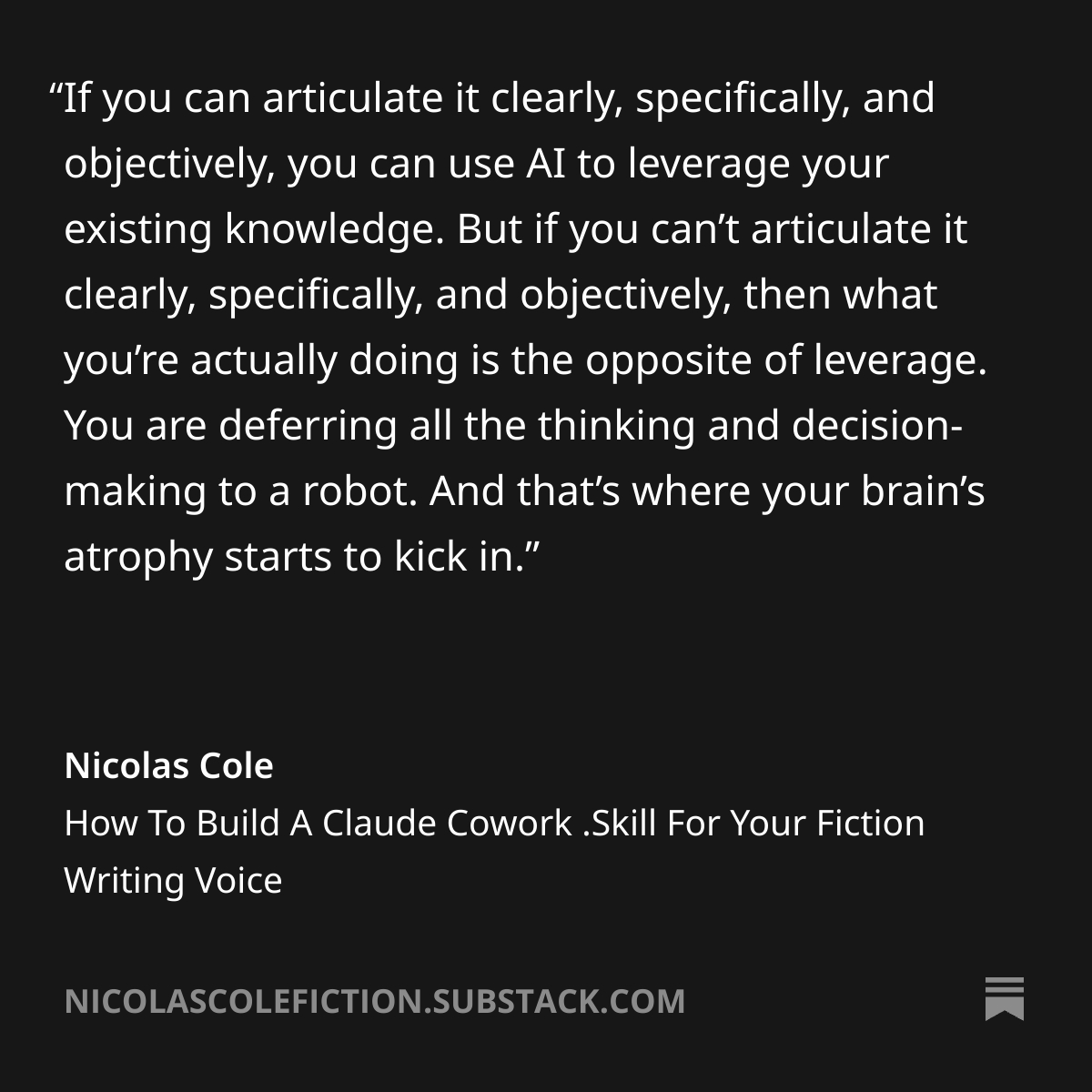
Unfortunately, the biggest temptation when you’re building with AI is to let AI take the wheel.
Claude says, “Here’s what I’d recommend...”
And you go, “Sure, sounds good.”
Then before you know it, Claude is making all the strategic decisions and you’re just nodding along.
Which is how you end up with mediocre skills and prompts.
So when AI is like, “Hey, I could handle this for you,” I go: No, no, no. I don’t want you to take the wheel.
I have the wheel.
Now, to help you grasp the concept I published a 1-hour masterclass to show you how this works using Claude Cowork and Notion.
60-Minute Masterclass: How To Build Your First Claude Skill From Scratch
The way to think about Cowork and Notion working together is sort of like an advanced Claude project.
The benefit of a Claude project is you can upload a bunch of context to the memory, which means every time you do something inside that project, you’re pulling from the same reference docs.
The benefit of doing it with Notion is you can start to chain prompts together in the form of skills—something you can’t really do inside Claude projects.
So if you use Cowork paired with Notion, the Notion hub ends up accomplishing the same thing a project does. But Notion is also like a word processor. Which means Cowork can not only read the documentation, it can also use Notion to start drafting things for you.
That’s where things get really powerful.
Let’s break it down.
Step 1: Verify you and Cowork are starting from the same place.
If you don’t level set your environment with Claude, you’ll spend the next two hours debugging why your output is weird because it’s secretly reading three other docs you forgot about.
Here’s how to start clean:
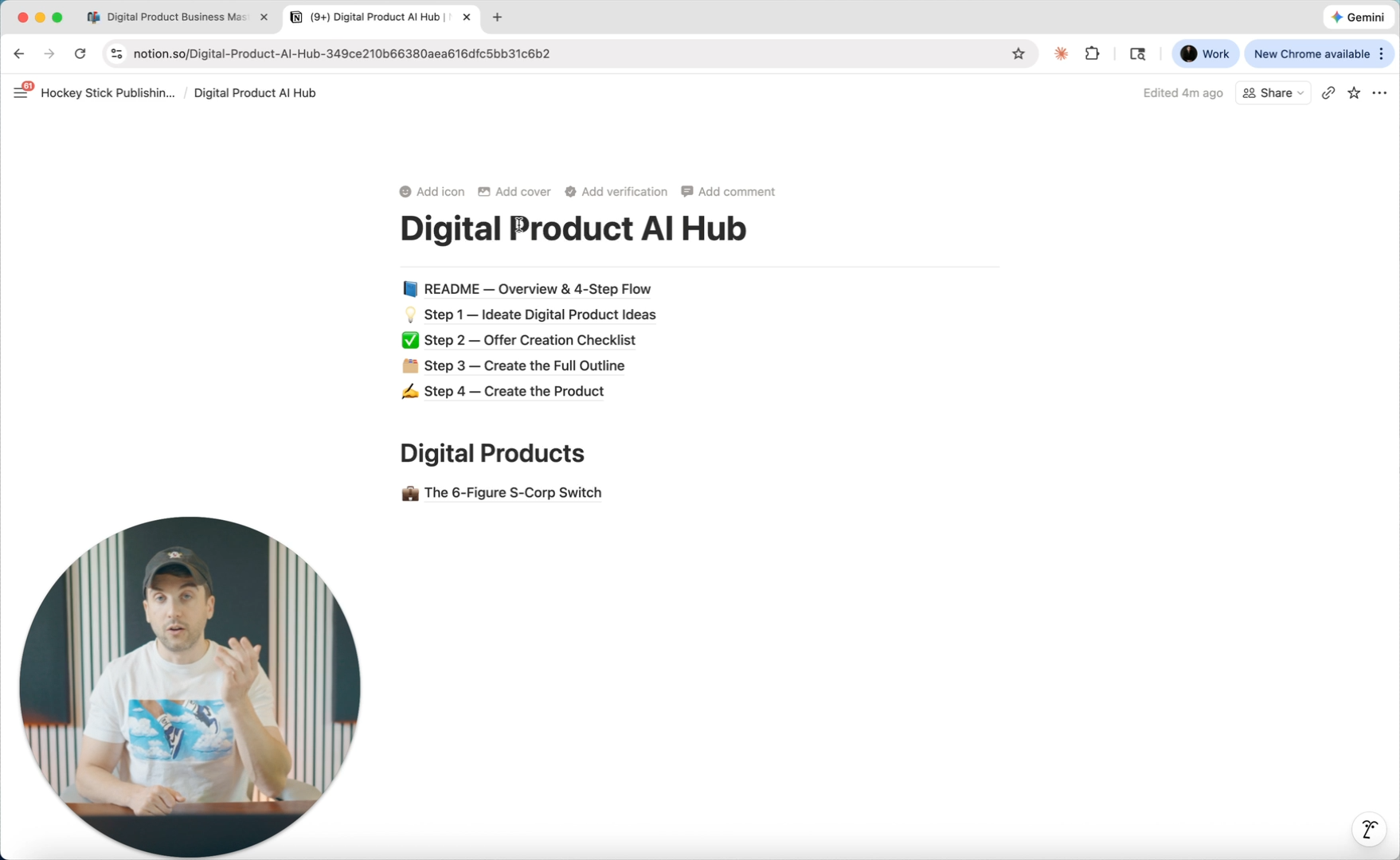
- Create a fresh page inside Notion. Title it something relevant (”Digital Product AI Hub” in my case).
- Tell Cowork you want to start a new project in Notion. Make sure it has access to your Notion first. To do this, all you have to do is add Notion as a connector inside Cowork.
- When Cowork asks if it should pull from existing Notion pages, say no. Tell it you want to build from scratch.
Now your environment is set.
But before you build anything you need to explain what you’re going to create.
Step 2: Tell Claude what the entire skill is going to do.
All the steps.
In order.
Mine looked like this:
- Step 1: Generate 10 digital product ideas in any niche
- Step 2: Run the chosen idea through my Offer Creation Checklist
- Step 3: Build the full product outline using my Bookends Framework
- Step 4: Write each module using my 7-Section Module Template
Step 3: Package your skill one step at a time until every step works the way you want it to
This is where most people screw up.
They build the whole thing at once, get a janky output, then spend three days figuring out where it broke. Don’t do that.
Instead, build step one. Test it with a real example. If the output is good, ship it to Notion and move on. If it’s bad, the problem isn’t Claude—it’s your documentation. Fix the input, test again.
Repeat until every step works.
Then package it up.
Bottom line:
Getting good output from AI has nothing to do with your knowledge of AI.
It has everything to do with your ability to articulate what you want to create.
In other words: writing well = using AI well.
The prompts that produce the highest quality outputs are the ones where you’ve already done the hard thinking—for a human reader.
So, if you’ve been struggling to get good outputs from AI, the answer isn’t more “prompt engineering tricks.”
The answer is to write more.
Write the long-form version of the thing you’re trying to teach. Write it for a human first. Write it the way you’d explain it to your smartest friend over coffee. Get every step on the page in excruciating detail.
Then take that writing and turn it into a prompt.
That’s the whole game.
The writers who figure this out are about to have a massive advantage. Not because they’re better at AI. Because they’re better at thinking.
Chat soon,
Dickie & Cole
Co-Founders of:
PS - Want to build your first (or next) digital product…in less than an hour using Claude Cowork?
Then come build with us inside Low-Ticket Launchpad LIVE (starts TOMORROW!)
It’s everything we’ve learned over the last 5 years about making 6 and 7-figure incomes from digital products all in one place—and for the first time, we’re walking you through it live.
We cover everything you need to:
- Choose a profitable idea and build a sellable digital product
- Package and price your product into a compelling offer
- Build the backend tech engine to keep your digital product humming
- Market your digital product (with all our “secret customer attraction strategies”)
- Sell your digital product so you can convert traffic into customers and create a profitable revenue stream that pays you dividends for years into the future
In the live bootcamp, you’ll move through the material at the same pace as everyone else, with homework between sessions and access to live Hot Seats where we’ll workshop student questions, product ideas, and landing pages in real time.
You get the playbook.
You have us holding you accountable.
And you’ll have your first product up for sale by the end of week one.
And if you’re curious about what’s inside, I recorded a quick video walking through exactly what you’d get: 👇