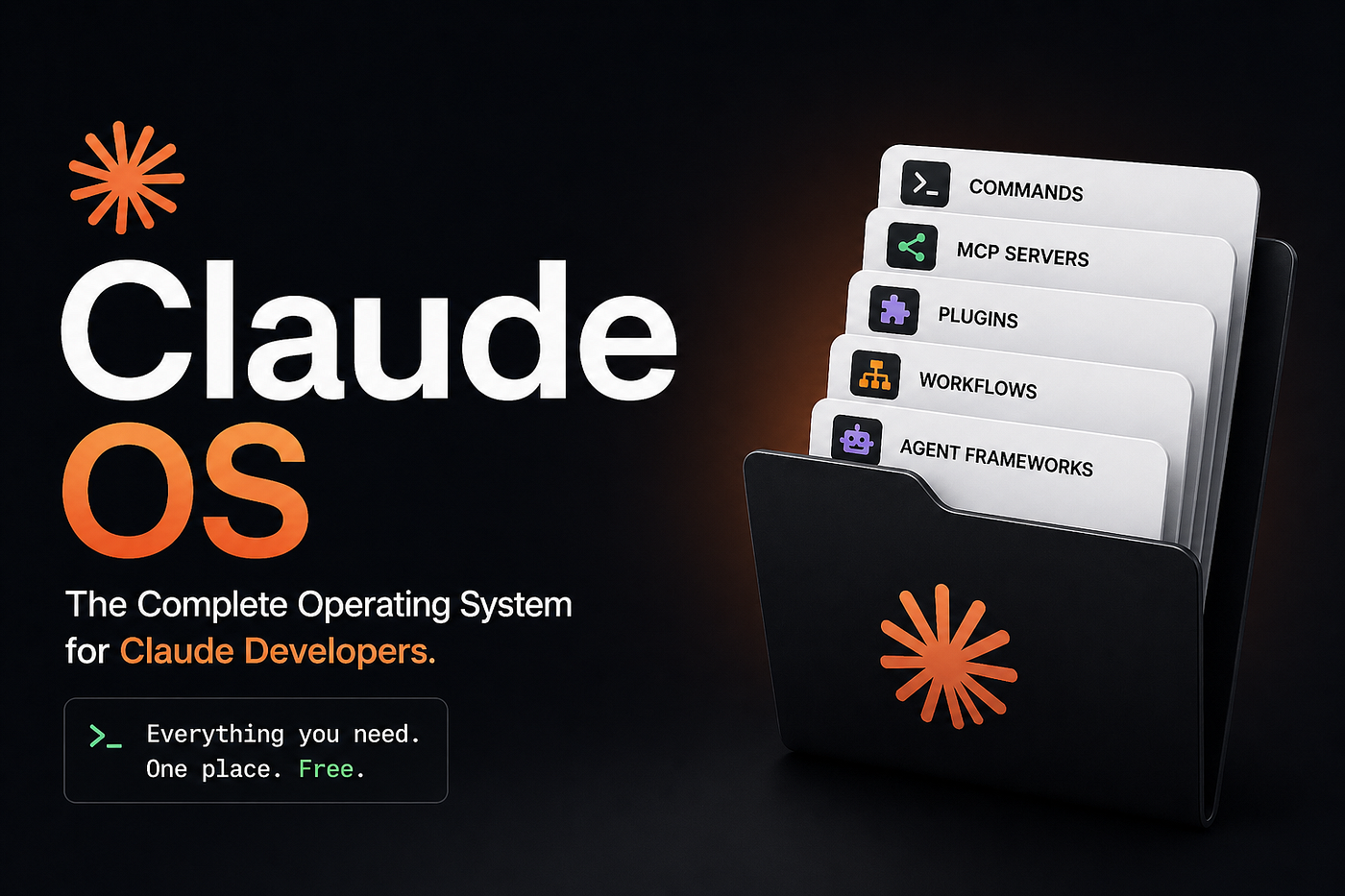
A GitHub repo with 100+ commands, MCP servers, plugins, workflows, and agent frameworks — all in one place.
By Mistry Rohan
Published: 2026-05-21
URL: https://todatabeyond.substack.com/p/i-built-claude-os-a-system-that-turns
Claude has a discoverability problem.
1,200+ MCP servers. 400+ plugins. 25+ agent frameworks. And most users don’t know any of it exists.
They’re using Claude like a chatbot. Prompt in. Answer out. Repeat.
Meanwhile, a small group of developers is shipping 3–4x faster. Same model. Completely different infrastructure.
I spent months cataloguing every layer of the Claude ecosystem. The result: six reference files. Everything verified as of April 2026. All free.
Scroll through. If this changes how you think about Claude, the repo at the end will change how you build.
Table of Contents:
- The Six Files
- Commands — The Ones Worth Knowing
- MCP Servers — Start Here
- Plugins — The Ones That Change Daily Work
- Tools — The Stack Decision That Matters
- Workflows — The Pattern Shift
- Agent Frameworks — The Benchmark Result Worth Knowing
Want to Learn Claude Cowork in a Practical Way?
I’m hosting a live 1.5-hour workshop: Hands-On Claude Cowork: From Prompts to Deliverables & Automated Workflows
We will cover how to use Claude Cowork to move from simple prompts to real deliverables, structured workflows, and practical automation.

The Six Files
commands.md— 100+ commands, CLI flags, keyboard shortcuts, hidden prompt codes
mcp-servers.md— 25 MCP servers + 10 memory systems, full install configs
claude-plugins.md— 40+ plugins across 6 tiers, role-based starter packs
tools.md— 25 frameworks, vector DBs, deployment platforms
workflows.md— 25 production workflows with step-by-step breakdowns
agent-frameworks.md— 25 frameworks with real 2026 benchmarks and a decision guide
Commands — The Ones Worth Knowing
Everyone knows /help and /clear. Here’s what actually matters.
Start with these:
/remote-control— Control your local Claude Code session from your phone via claude.ai
/fork— Branch your conversation without touching the main context. Try risky things safely
/usage-report— Full HTML analytics: sessions, token cost by project, most-used commands
/checkpoint— Save conversation state before a major change
/scope— Limit Claude to a specific directory or file set
/memory-dump— Export everything Claude knows about your project to a file
/explain-last— Claude explains the last output step-by-step
/replay— Re-run a previous prompt with the current context
/diff-review— Claude reviews the full git diff and annotates every change
/security-scan— Runs a vulnerability check on the current codebase
/perf-profile— Claude identifies performance bottlenecks and ranks them by impact
Prompt codes — type these at the start of any message:
These aren’t slash commands. Activation phrases. Community-discovered. Not in official docs. Consistent across sessions.
MEGAPROMPT → Claude expands your rough idea into a full spec before executing /autoprompt → Claude improves your prompt before running it /rolelock → Locks Claude into an expert role for the full session BEASTMODE → Full effort, no shortcuts, maximum output L99 XRAY → Maximum reasoning depth + root cause analysis ULTRATHINK → Extended reasoning before any response STEELMAN → Claude argues the strongest version of your idea first CRITIC MODE → Claude finds every flaw before proceeding SYSTEMS → Claude maps full system dependencies before touching code FIRSTPRINCIPLES → Breaks the problem to fundamentals before solving
→ 100+ more commands, shortcuts, and prompt codes waiting. Repo link at the end.
MCP Servers — Start Here
The one to install first: Memory MCP
Every session starts blank without it. You re-explain your stack, conventions, and decisions every single day.
{ “mcpServers”: { “memory”: { “command”: “npx”, “args”: [”-y”, “@modelcontextprotocol/server-memory”] } } }
Morning pattern: “Load project context for [name]. Retrieve: architecture decisions, coding standards, current sprint tasks.”
The rest — ranked by actual impact:
Tier 1 (Install these first)
Filesystem— Claude reads/writes your local files
GitHub— PRs, issues, commits, repo navigation
PostgreSQL— Direct DB queries from Claude
Memory— Persistent knowledge graph across sessions
Brave Search— Live internet access. Current docs, breaking changes, real-time data
Puppeteer— Claude controls a real Chrome instance. Forms, logins, JavaScript-rendered pages
Fetch— Pull any URL into context
SQLite— Local database access
Slack— Read/send messages, search channels
Notion— Read/write your workspace
Tier 2 (Enterprise)
Figma→ Paste a frame link, get working React components
Linear→ Claude manages your issues and sprint
Supabase→ Full Supabase access from Claude
Redis→ Cache and session data
Kubernetes→ Cluster management from Claude
Stripe→ Query payments, subscriptions, customers
Jira→ Ticket creation and sprint management
Vercel→ Deploy and inspect from Claude
MongoDB→ Document DB access
AWS→ S3, Lambda, EC2 from natural language
Tier 3
Gmail,Google Calendar,Discord,GitLab,Docker
10 memory systems also documented — from the official Memory MCP to mem0, OmniMem, and Memora (fully local, zero cloud).
→ Full install configs for all 25 servers + 10 memory systems. Repo link at the end.
Plugins — The Ones That Change Daily Work
Start with these three:
claude skills add juliusbrussee/caveman /plugin install superpowers@superpowers-marketplace /plugin install context7@claude-plugins-official
What they do:
- Caveman (27,900+ stars) — Makes Claude respond like a caveman. Cuts 65–75% of output tokens. Zero accuracy loss. Faster loops, lower cost.
- Superpowers (121,000+ stars) — Forces Claude to plan before building, test before shipping. First-attempt quality goes up noticeably.
- Context7 (53,864+ stars) — Pulls live, version-specific docs before Claude generates anything. Kills hallucinated APIs.
More worth installing:
- CaveKit — 16 slash commands. Spec → build plan → parallel execution → auto-backtrack on failure
- nano-banana — Google Gemini image generation inside Claude Code.
/genimagefrom terminal
- CodeReview+ — Automated multi-pass review with security, performance, and style layers
- DocGen — Generates full documentation from your codebase. JSDoc, README, API docs
- TestForge — Auto-generates unit tests for any function. Covers edge cases
- RefactorBot — Identifies code smells and refactors with explanation
- DependencyAudit — Flags outdated/vulnerable packages with upgrade paths
- TypeGuard — TypeScript strict mode enforcer and type inference assistant
- APIMocker — Generates mock API responses for frontend development
- DBSchema — Generates and validates database schemas from natural language
- AccessibilityLint — WCAG compliance checker for UI components
- EnvManager — Manages
.envfiles and secrets across environments
- GitBlame+ — Contextual git history with Claude explanations
- BundleAnalyzer — Webpack/Vite bundle analysis with optimization suggestions
Role-based starter packs in the repo:
- Developer Pack | Designer Pack | PM Pack | Security Pack | Data Pack | DevOps Pack
→ All 40+ plugins with install commands and role-based starter packs. Repo link at the end.
Tools — The Stack Decision That Matters
Most developers don’t need more tools. They need better defaults.
The most common mistake: using LangChain for everything.
Quick decision guide:
RAG-heavy application? → LlamaIndex Everything else? → LangChain Production memory? → Qdrant Local development? → Chroma (pip install, zero setup) Full backend in one place? → Supabase Free local AI for embeddings → Ollama
Ollama is the overlooked one. Run Llama 3, Mistral, and Qwen fully on your machine. No API key. No cost per token.
curl -fsSL https://ollama.com/install.sh | sh ollama pull llama3.2
Use Ollama for embeddings and simple tasks. Keep Claude for the reasoning that actually needs it. Claude API costs drop. Speed increases. Privacy improves.
→ All 25 tools with code examples and 5 ready-to-use stack combos. Repo link at the end.
Workflows — The Pattern Shift
If you’re still using Claude like prompt → response → repeat, you’re leaving 80% of its value on the table.
The developers shipping faster don’t use Claude differently. They use it with feedback loops.
The one workflow to start with: Builder-Validator
No framework needed. Two Claude calls. Opposing goals.
builder = claude.complete( system=”Senior developer. Write the best implementation.”, prompt=task ) validator = claude.complete( system=”Security auditor. Find every bug, edge case, vulnerability.”, prompt=f”Review:\n{builder.output}” )

# Loop until validator approves
Builder maximizes quality. Validator finds every flaw. Catches more bugs than any plugin because that’s the validator’s only job.
Other workflows documented:
- Memory Persistence (stop re-explaining your project every day)
- RAG Pipeline (production-grade document retrieval)
- Multi-agent Orchestration
- Automated Code Review Loop
- Spec-First Development
- Parallel Branch Testing
- Incident Investigation
- Database Migration
- API Documentation Generation
- Test Suite Generation
- Codebase Onboarding
- And 14 more
Real production numbers: Fountain — 50% faster delivery. Rakuten — 24 days per feature down to 5. Ramp — incident investigation cut by 80%.
→ All 25 workflows with step-by-step breakdowns and copy-paste patterns. Repo link at the end.
Agent Frameworks — The Benchmark Result Worth Knowing
Most developers compare LangGraph vs CrewAI. Here’s where they actually land:
- LangGraph — 87% task success. Complex production workflows. Used by Klarna, Replit, Uber, and LinkedIn.
- CrewAI — 82% task success. Fastest to a working demo. 44,600+ stars, 60M executions/month.
- AutoGen — #1 GAIA benchmark across all difficulty levels. Research and code-executing agents.
- Claude Agent SDK — Claude-only stacks, zero framework overhead.
- \\\\LlamaIndex Agents — Data-heavy retrieval workflows.
Quick decision:
Fastest to demo? → CrewAI Complex production workflow? → LangGraph Research / code-executing? → AutoGen Claude-only stack? → Claude Agent SDK Data-heavy retrieval? → LlamaIndex Agents
The rule senior engineers learn the hard way:
95% of agentic tasks don’t need multi-agent systems. A well-prompted single Claude instance with 3 tools will outperform a complex 5-agent setup that nobody understands.
Build simple. Add complexity only when a simple approach demonstrably fails.
→ All 25 frameworks with real benchmarks, working code, and decision guide. Repo link at the end.
Do These 3 Things Today — And You’ll Stop Using Claude Like a Chatbot
1. Install the three plugins that matter most:
claude skills add juliusbrussee/caveman /plugin install superpowers@superpowers-marketplace /plugin install context7@claude-plugins-official
2. Add the Memory MCP — 5 minutes. Claude stops starting from zero every session. You stop re-explaining your stack every morning.
3. Run /init in your project — Creates CLAUDE.md. Sets persistent memory. From this point, Claude knows your project the way a teammate does.
Three steps. The gap between you and developers shipping 3–4x faster closes today.
If you made it here, you already know this is different.
Everything above — every command, every server, every plugin, every workflow, every benchmark — is documented, verified, and ready to use. Not a newsletter. Not a course. A working toolkit you fork once and keep forever.
Six files. One fork. Free.
→ github.com/rohanmistry231/Claude-OS
Star it so you can find it again. Fork it so you own it. Then build something that makes people ask how you’re moving so fast.
Connect: LinkedIn | GitHub | AIWebStudio | Portfolio
Want to Learn Claude Cowork in a Practical Way?
I’m hosting a live 1.5-hour workshop: Hands-On Claude Cowork: From Prompts to Deliverables & Automated Workflows
We will cover how to use Claude Cowork to move from simple prompts to real deliverables, structured workflows, and practical automation.
Date: Thursday, 28th of May Time: 7:30 PM EEST Price: $30 You can book your seat here: