From AI coding assistants and autonomous agents to project rules, testing frameworks, and deployment platforms. A practical toolkit for turning ideas into working software.
By Alex Pawlowski
Published: 2026-10-25
URL: https://thestrategystack.substack.com/p/best-free-ai-coding-tools-2026

THE STRATEGY STACK · FIELD GUIDE · OCTOBER 2026
Writing software has historically required translating an idea into a precise sequence of technical instructions. The ability to make that translation increasingly belongs to both humans and machines.
A founder can describe a product and generate its first interface. A strategist can prototype an internal tool without assembling a development team. An experienced engineer can delegate implementation, debugging, and routine maintenance to coding agents operating directly inside a repository.
As the cost of producing code falls, other constraints become more important.
Generated applications still need coherent architecture. Their components must work together, dependencies need managing, tests must establish acceptable behavior, and security assumptions need to survive contact with real users.
AI coding makes these responsibilities more visible because working software can be produced long before its underlying decisions have been properly examined.
This collection is designed to help.
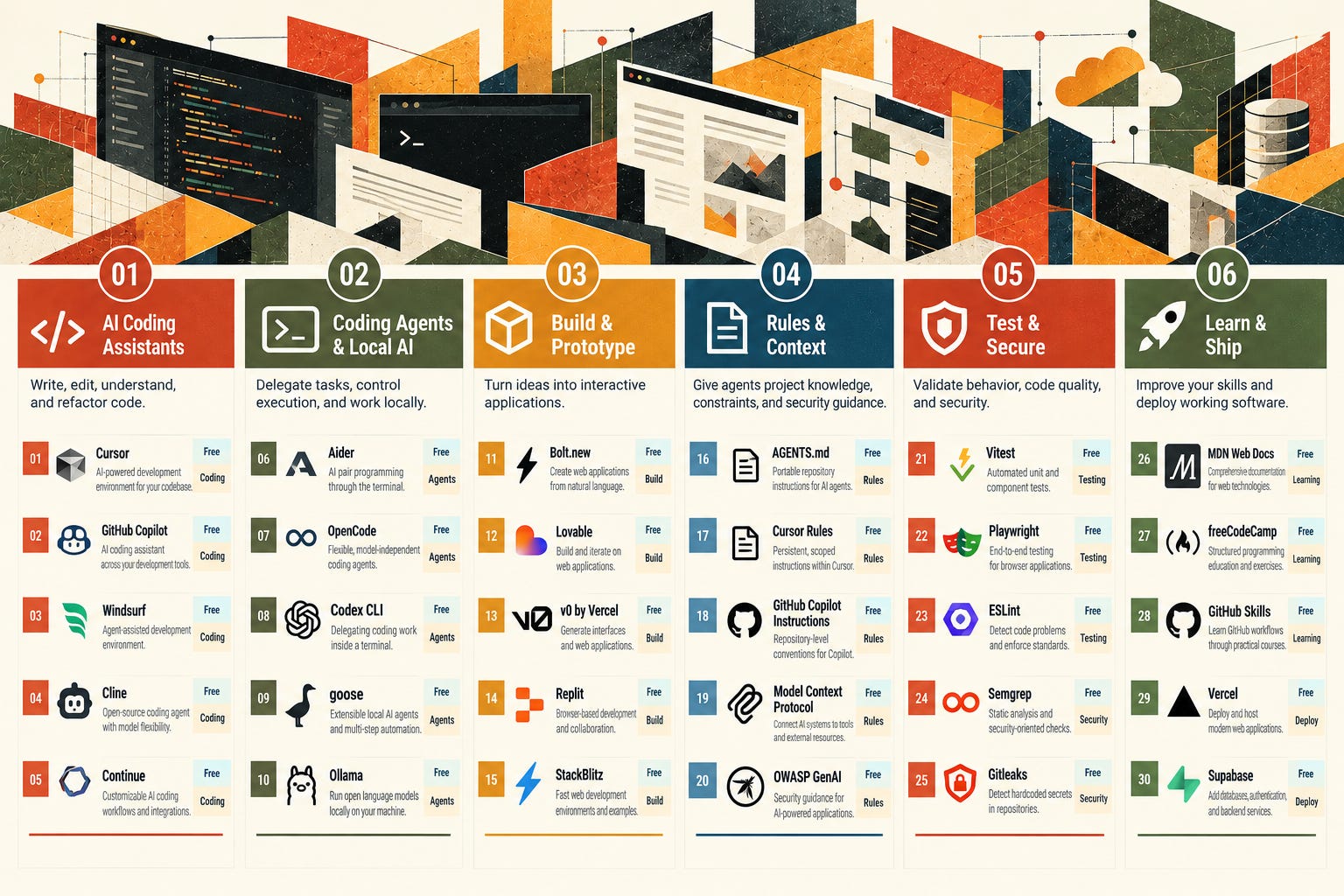
The AI Coding Stack brings together 30 free tools, open-source projects, reusable rules, and learning resources across six stages of software development.
It covers AI-powered editors, terminal agents, application builders, persistent project instructions, testing and security, and the infrastructure needed to ship.
Some resources are suitable for beginners. Others assume familiarity with Git, terminals, APIs, or software architecture. Where a tool is free but the models powering it can cost money, that distinction is made explicit.
You do not need all 30 resources. The objective is to understand how they fit together and choose the smallest reliable system for what you want to build.
The AI Coding Stack at a glance
These six layers form a practical development loop:
Specify → Generate → Constrain → Test → Deploy → Improve.
The tools become more useful when their responsibilities are clearly separated.
An application generator can create an initial product. A coding assistant can extend its functionality. Project rules preserve architectural constraints. Testing tools reveal failures. Deployment infrastructure makes the application available to real users.
The result is a development system that can be reused across projects.
01. AI coding assistants
Work directly with code, understand existing projects, and make changes inside a development environment.
01. Cursor
Best for: AI-assisted development across an existing codebase.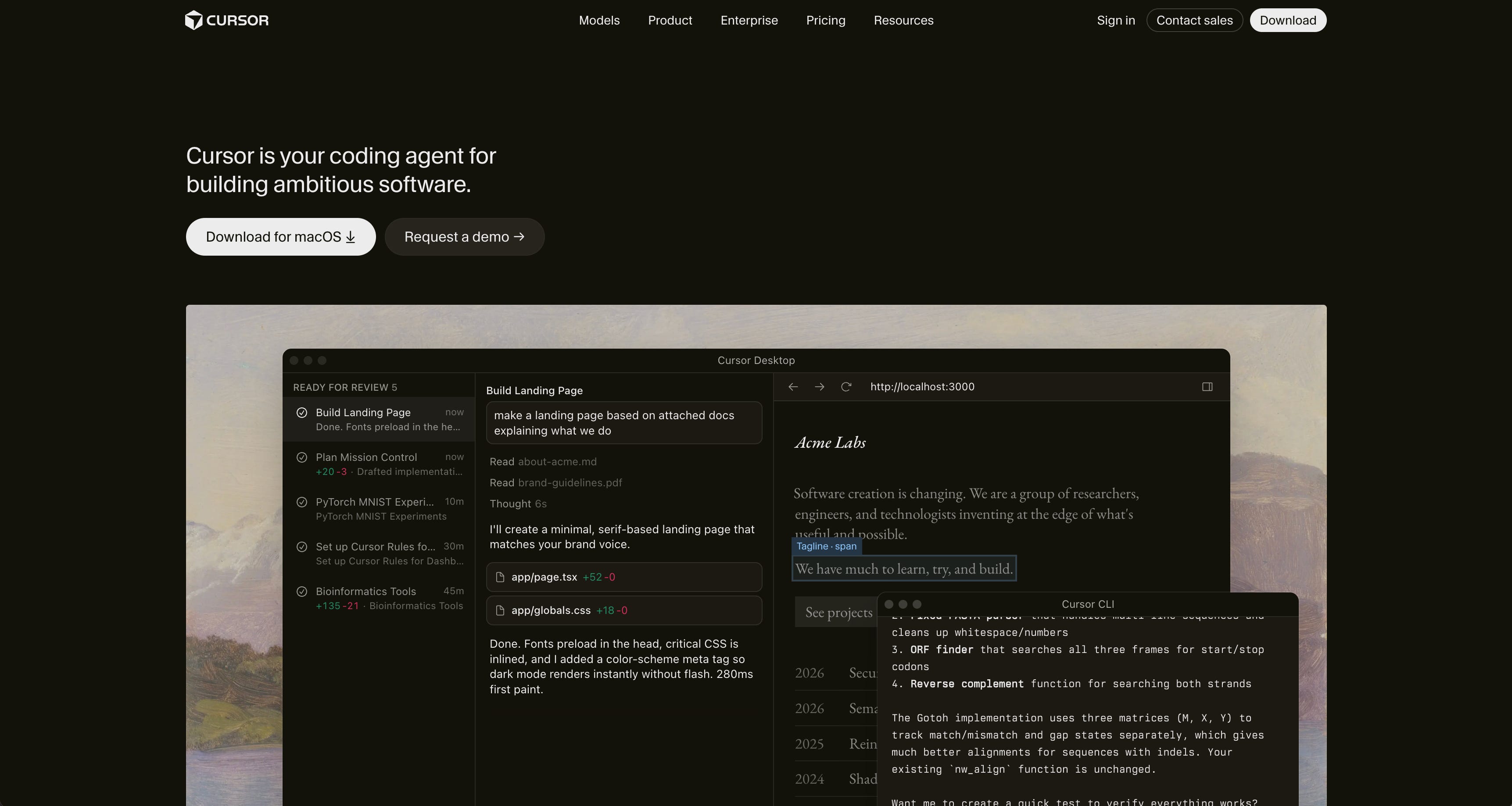
Cursor is an AI-powered development environment built around understanding and modifying software projects. Its coding capabilities extend beyond autocomplete to contextual editing, multi-file changes, debugging, and agent-assisted implementation.
Its value becomes more apparent as a project grows. A coding agent that understands the surrounding repository can make changes in relation to existing architecture rather than treating each instruction as an isolated task.
Try this: Ask Cursor to inspect an existing project, explain its component structure, and propose a minimal implementation plan for a new feature before writing code.
Access: Free tier with limited AI and agent usage.
02. GitHub Copilot
Best for: AI-assisted coding within familiar development tools.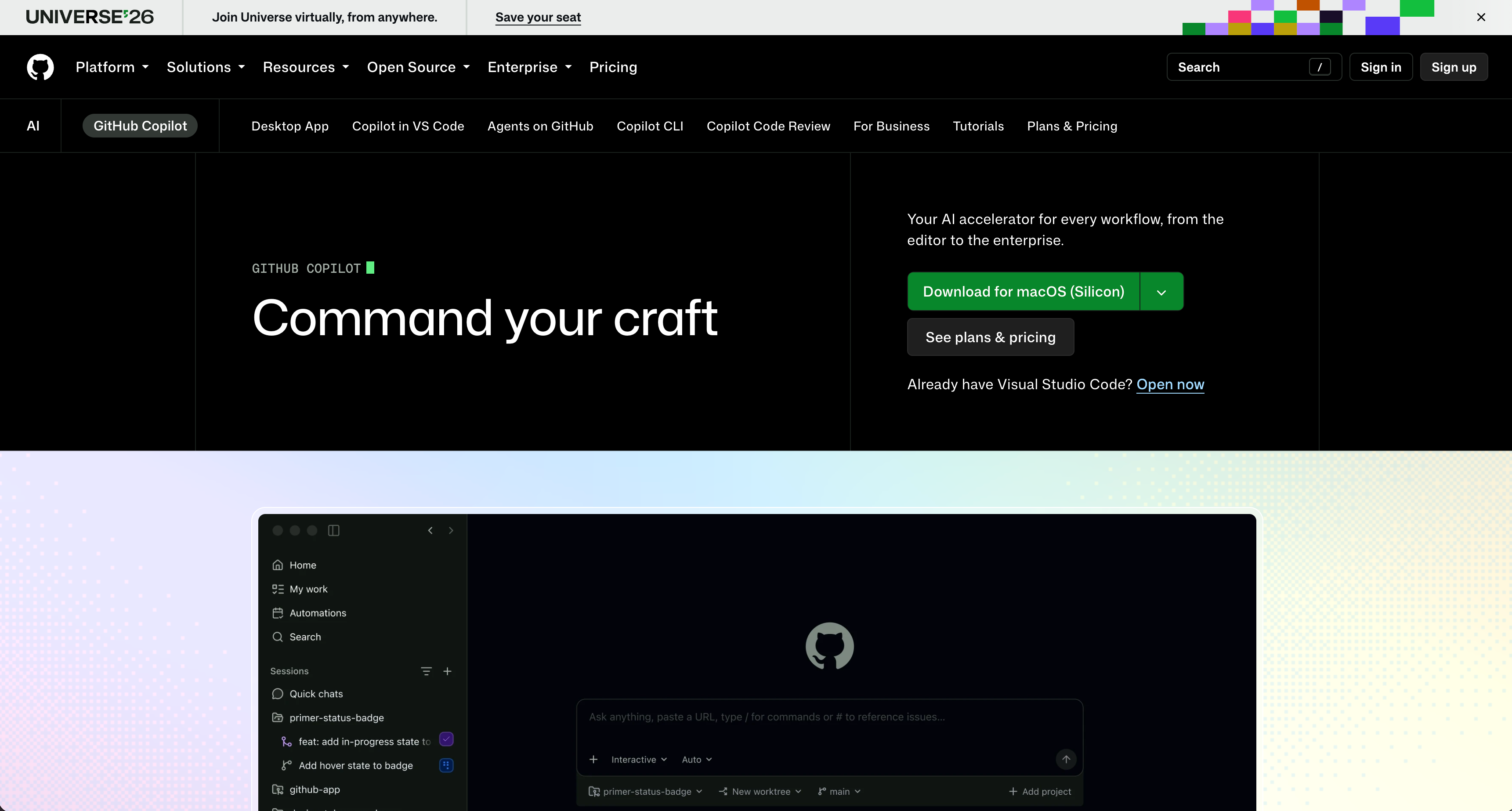
GitHub Copilot provides code suggestions, conversational assistance, and supported agent capabilities across GitHub and development environments.
Its integration with repositories and established developer workflows makes it useful for extending an existing engineering process without adopting an entirely new editor.
Try this: Ask Copilot to explain a legacy function, identify its dependencies, and suggest tests that would protect existing behavior during refactoring.
Access: Free plan with limited completions, chat, and other feature allowances.
03. Windsurf
Best for: Agent-assisted editing and implementation inside an AI-oriented IDE.
Windsurf provides a development environment with AI capabilities for working across code, understanding context, and implementing changes.
It is worth exploring if you want an integrated agent experience while retaining the familiar structure of an editor.
Try this: Provide a small feature request and evaluate whether the assistant identifies the correct files, dependencies, and validation steps.
Access: Free entry-level availability and paid tiers; verify current usage allowances before selecting a plan.
04. Cline
Best for: Open-source coding assistance with explicit control over models and execution.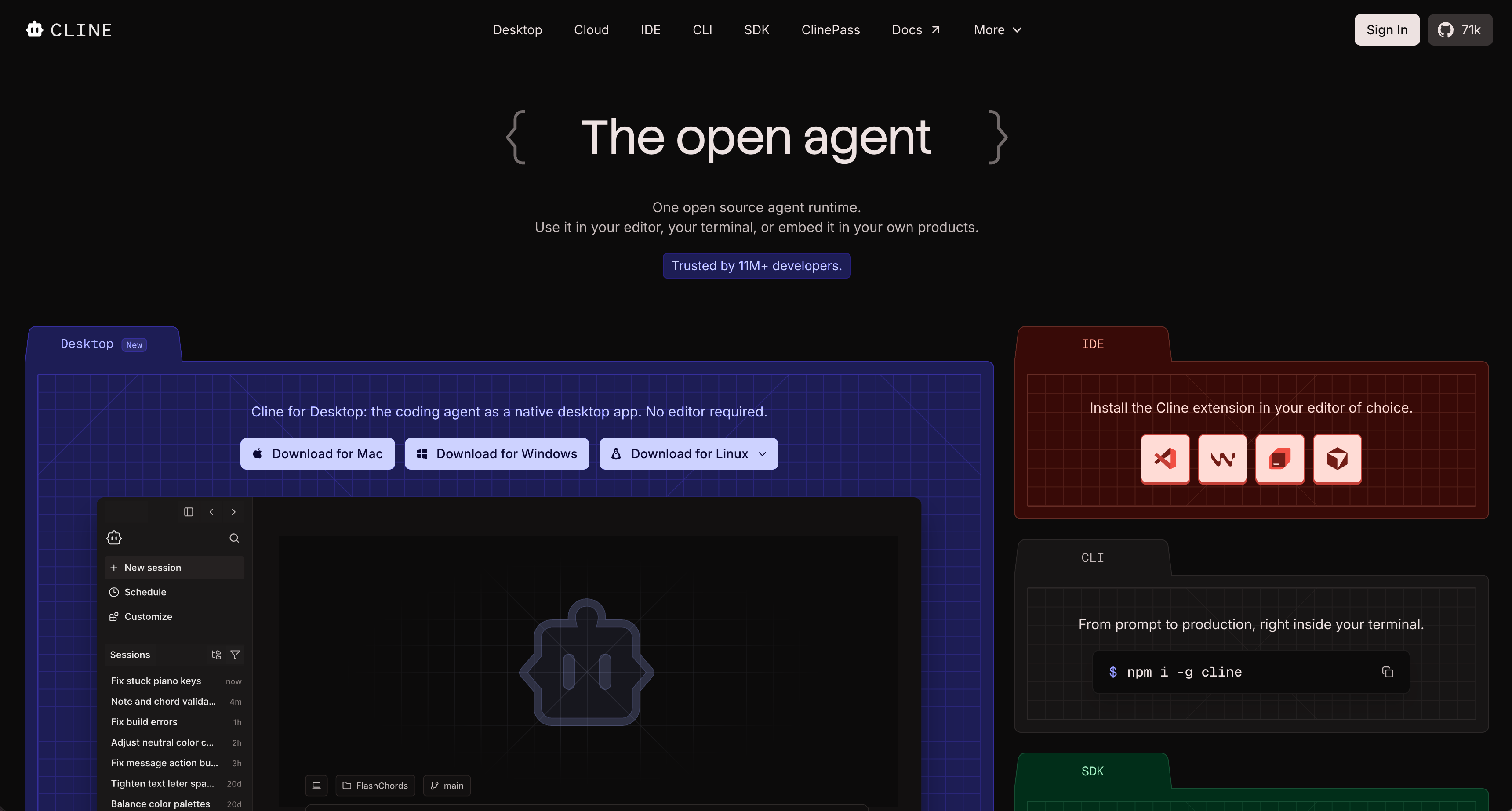
Cline is an open-source coding agent that can work inside a development environment and interact with files and terminal commands.
It provides flexibility in choosing model providers and controlling how actions are executed. That flexibility is especially relevant when developers want more transparency over the agent’s operations or model costs.
Try this: Give Cline a narrowly scoped bug report and require it to inspect the affected files, explain the proposed change, run relevant tests, and summarize the final diff.
Access: Free open-source agent; AI inference may incur separate charges. Local or free model options may be available.
05. Continue
Best for: Customizable AI coding workflows and model integration.
Continue is an open-source developer AI ecosystem that supports configurable coding assistance and development automation.
It is useful for developers who want to adapt their AI tooling to their preferred models, repository standards, and workflow rather than relying on one closed environment.
Try this: Configure a coding workflow around your repository’s conventions and evaluate its suggestions against an established code-review checklist.
Access: Open-source capabilities; hosted services and model providers may have separate pricing.
Builder’s principle: The best coding assistant is the one that can operate within your project’s existing architecture, conventions, and verification requirements.
Read next
Generating code is getting easier. Building software that remains reliable, maintainable, and secure requires a system. These are free to read:
-
The AI Learning Stack: 32 Resources Worth Bookmarking in 2026 — Free courses, guides, and learning paths for developing your AI capabilities.
-
The AI Research Stack: 30 Free Tools for Finding Better Answers — A practical toolkit for finding evidence, evaluating sources, and conducting more rigorous AI-assisted research.
-
Why AI Fails at Strategy — How to preserve context, assumptions, and decisions across AI-assisted workflows.
Put your ideas into practice
-
Operator Vault — 120+ PDFs, practical frameworks, kits, and installables for strategy, AI adoption, and execution.
-
Stack Atlas — Explore how AI capabilities, technology architectures, and operating models connect across The Strategy Stack.
Essays and curated resource collections remain free. Operator provides the working materials for turning knowledge into repeatable systems.
The full collection covers 30 AI coding tools, rules, and resources across six stages, from coding assistants and autonomous agents to project instructions, testing, and deployment. Subscribe free to The Strategy Stack to explore the remaining 25 resources, practical development workflows, and reusable AI coding frameworks.
02. Coding agents & local AI
Move from individual code suggestions toward delegated tasks, repository operations, and controlled execution.
06. Aider
Best for: AI pair programming through the terminal.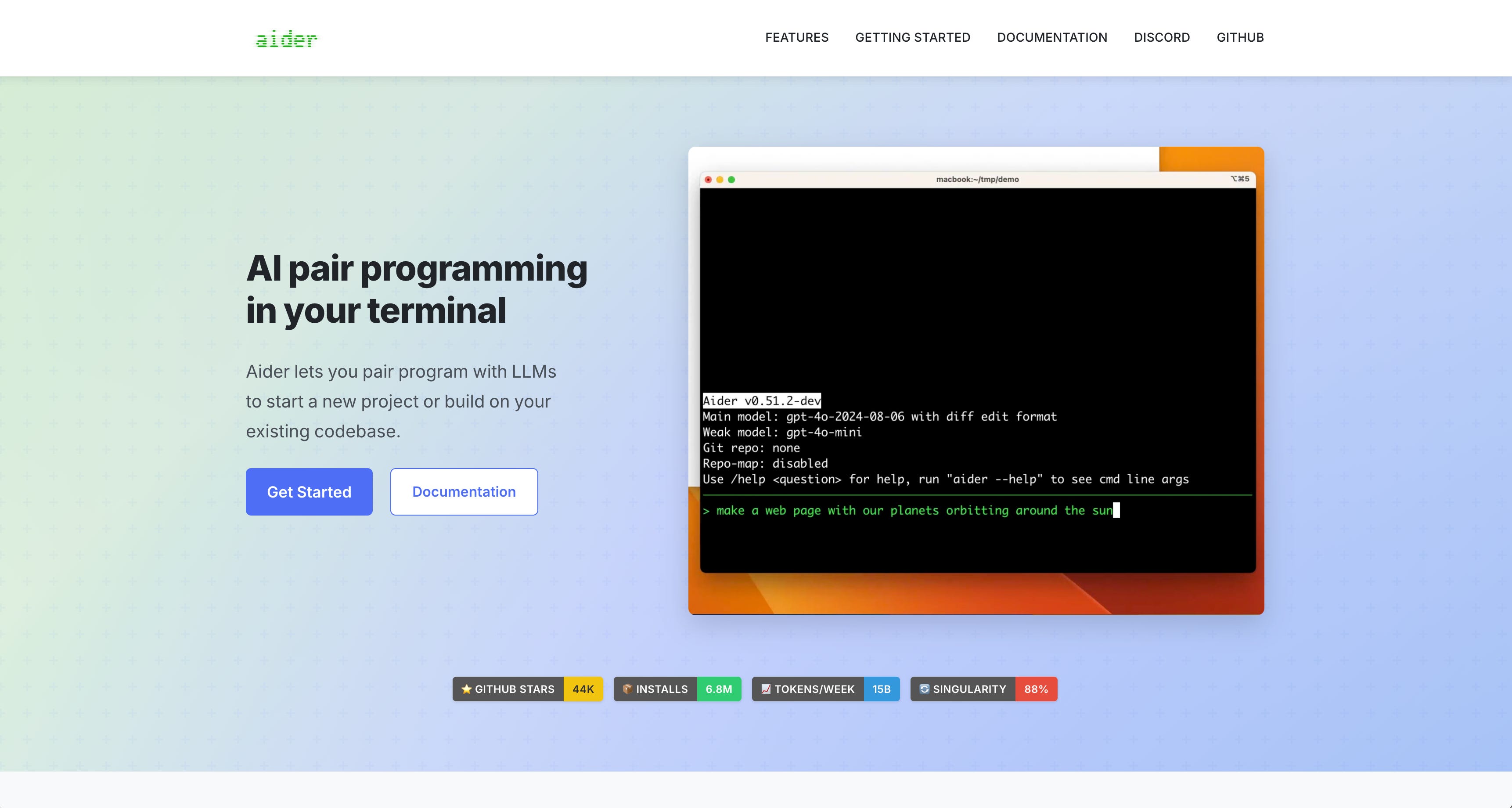
Aider works with existing code repositories and supports conversational code changes, repository context, and Git-based workflows.
Its terminal-oriented design suits developers who prefer to inspect changes directly and maintain a transparent relationship between instructions, file modifications, and commits.
Try this: Ask Aider to refactor a function while preserving its public interface. Review the diff and test results before committing.
Access: Free open-source software; model inference may cost money.
07. OpenCode
Best for: Flexible, model-independent coding agents.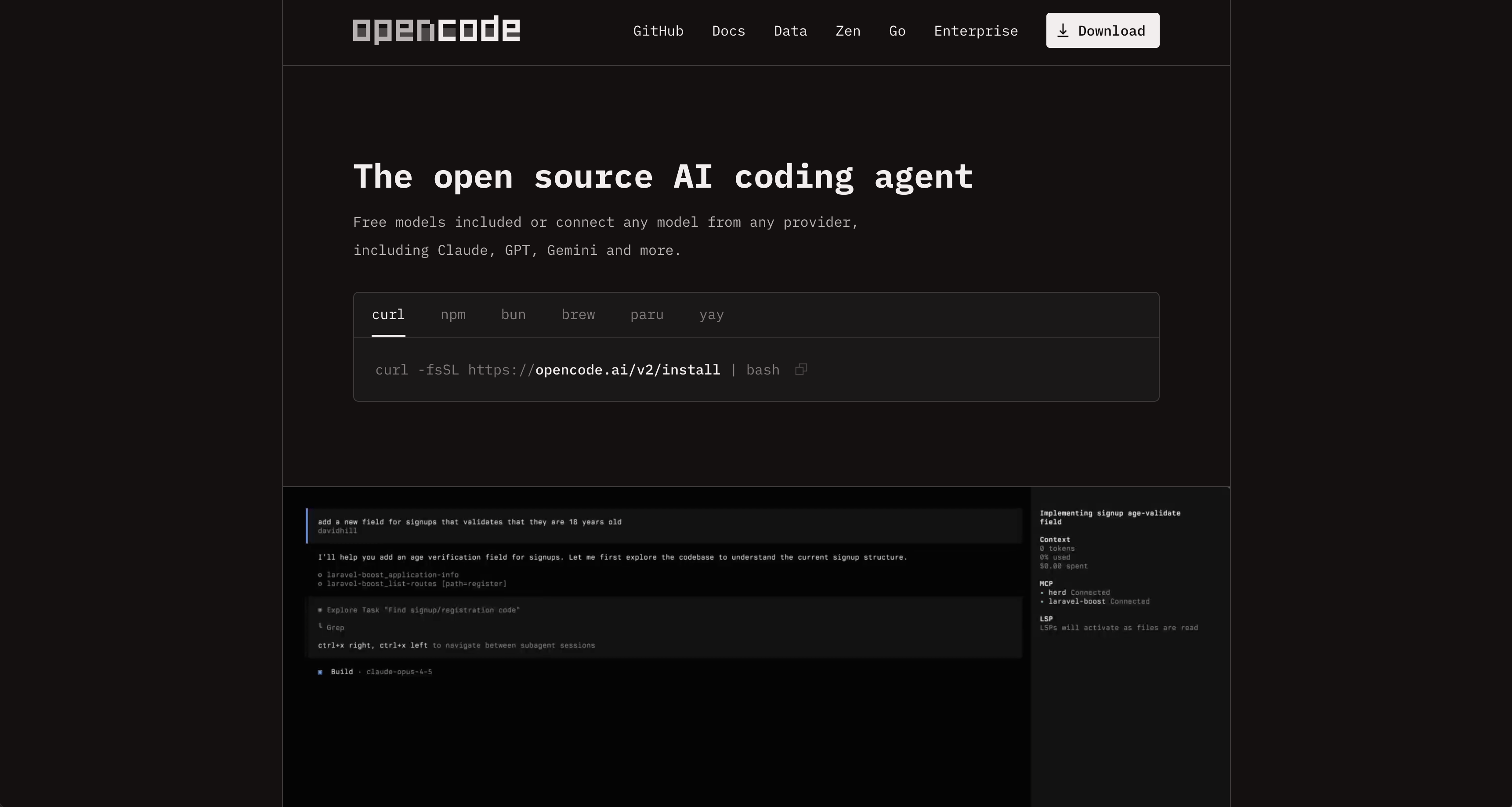
OpenCode provides an open-source coding agent accessible through terminal, desktop, and development environments.
It supports multiple model providers, including local and selected free-model options, making it relevant for developers experimenting with different combinations of models and execution environments.
Try this: Compare how two available models approach the same repository-level task using identical requirements and acceptance tests.
Access: Free open-source agent; included free models and optional paid model connections.
08. OpenAI Codex CLI
Best for: Delegating coding work inside a terminal.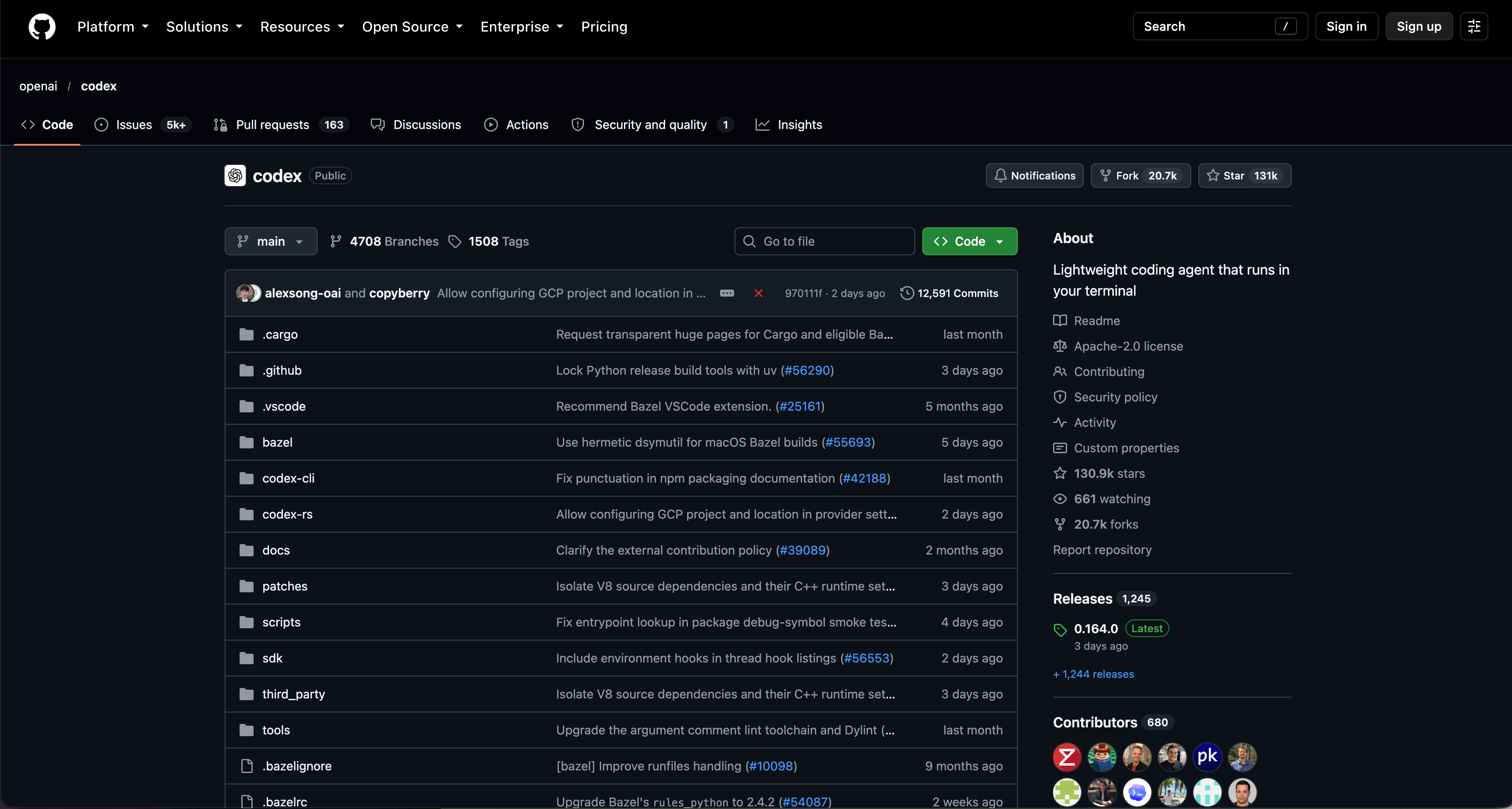
Codex CLI is an open-source coding interface that can inspect files, make changes, execute commands, and assist with implementation tasks in a local development environment.
It is particularly useful when the desired workflow involves explicit instructions, tool use, reviewable changes, and developer approval.
Try this: Ask Codex to investigate a failing test, identify the root cause, implement a narrowly scoped correction, and rerun the test suite.
Access: Open-source CLI; model access and eligible subscription or API usage are governed separately.
09. Goose
Best for: Extensible local AI agents and multi-step automation.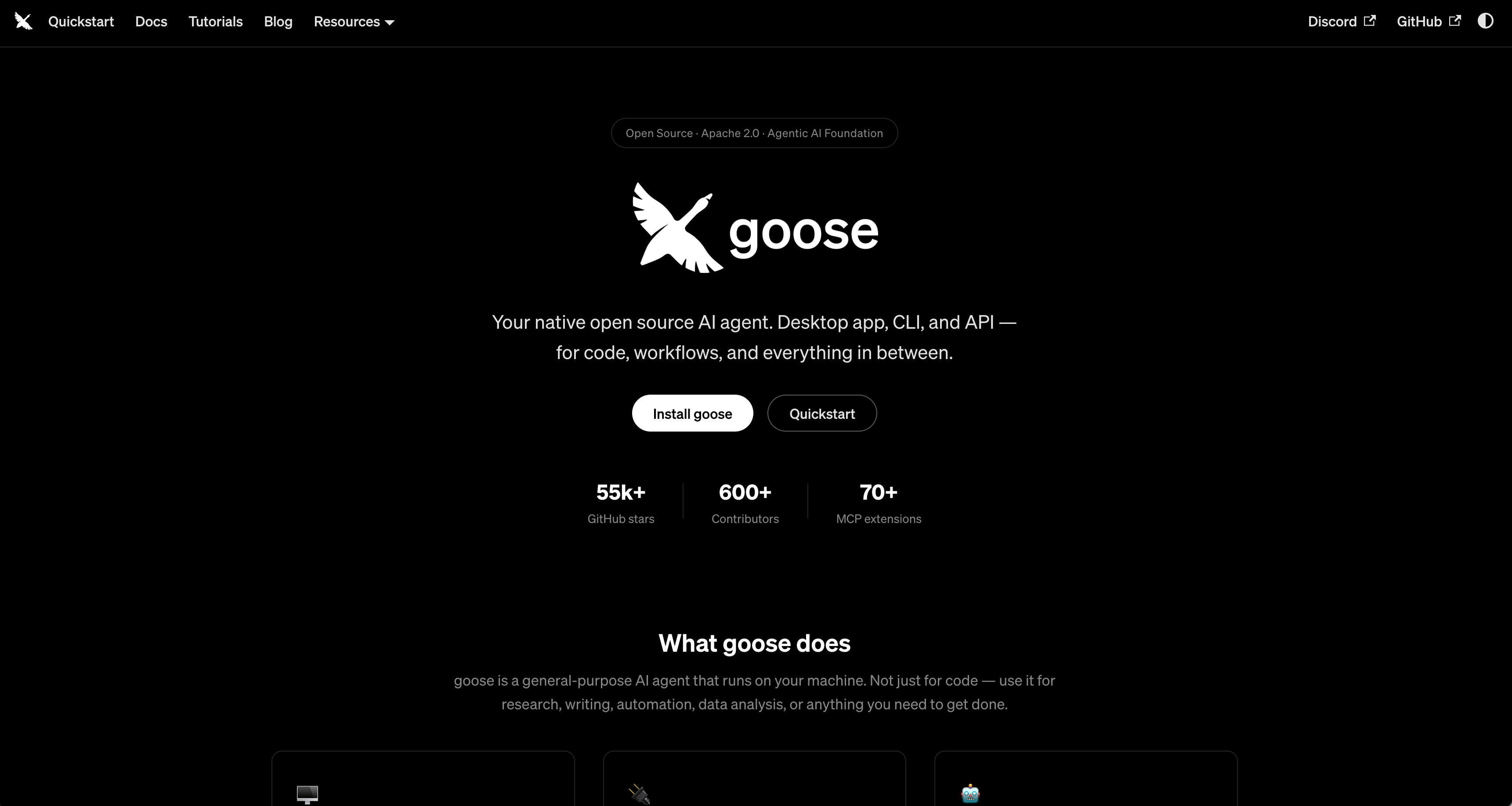
goose is an open-source agent that can operate on a local machine, connect to development tools, and execute workflows using model providers and extensions.
Its value comes from integrating tasks that span several tools or systems. This makes it useful for developers building reproducible workflows beyond editing individual files.
Try this: Create a repeatable process that reviews a repository, runs its tests, and generates a structured implementation report.
Access: Free open-source software; connected AI providers may charge for usage.
10. Ollama
Best for: Running AI models locally.
Ollama allows developers to download and operate supported language models on their own hardware.
For AI coding, local inference offers an additional option for experimentation, privacy-sensitive development, and controlling recurring API costs. Performance and output quality depend on the selected model and available hardware.
Try this: Run a coding-capable model locally and compare its ability to explain, refactor, or document a small program against a cloud-based assistant.
Access: Free local software and supported models; hardware and any optional cloud services are separate considerations.
Builder’s principle: Delegation works best when the agent’s authority is limited by the task. A precise instruction, constrained file access, and a reviewable change set make autonomous implementation easier to evaluate.
03. Build & prototype
Turn product ideas into working interfaces, interactive applications, and first implementations.
11. Bolt.new
Best for: Creating web application prototypes through natural-language instructions.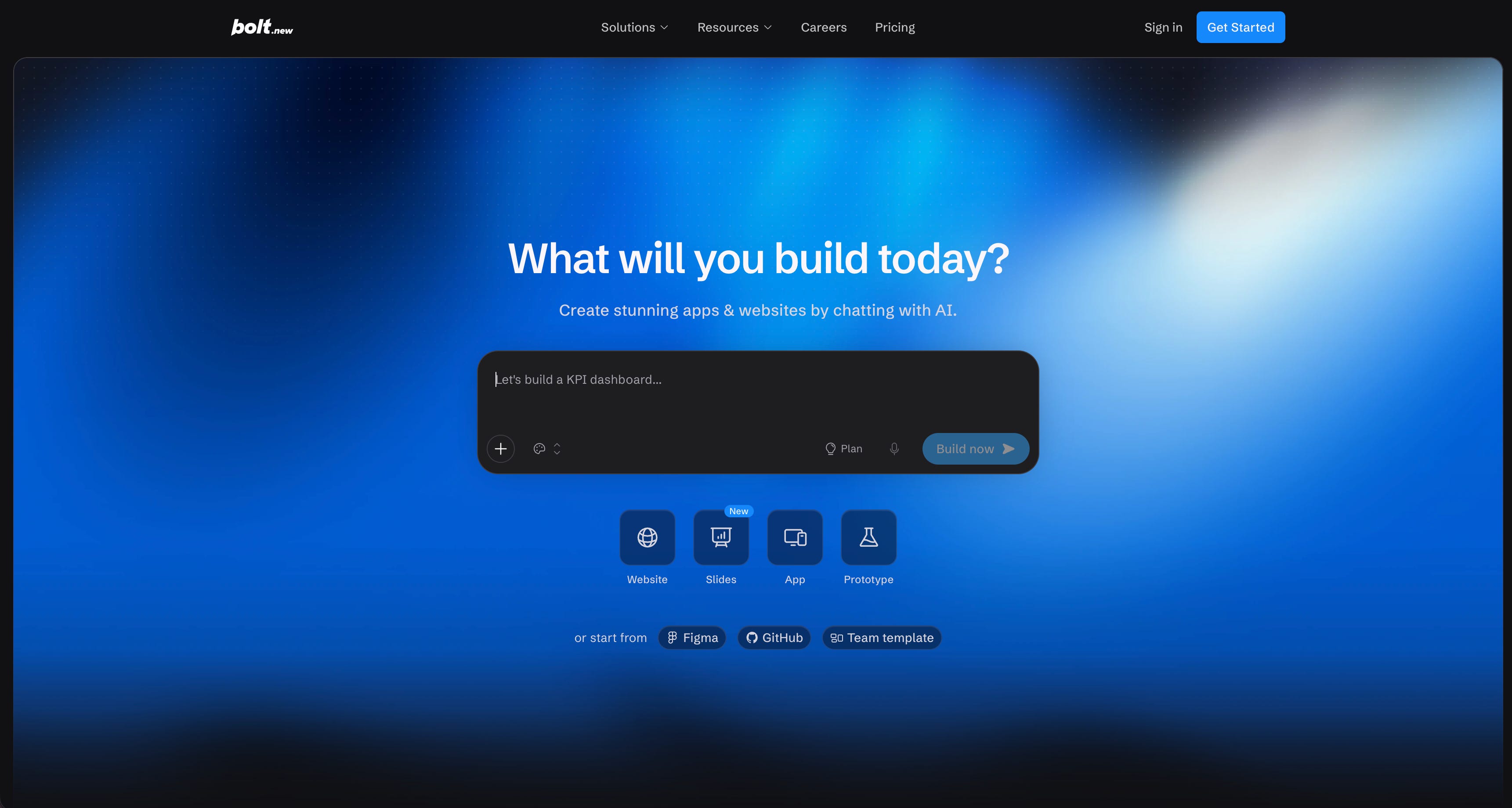
Bolt.new brings application generation and a browser-based development environment together.
It is useful for quickly transforming a product concept into a working prototype, especially when you need to explore functionality and interface decisions before investing in a more extensive implementation.
Try this: Describe a simple internal dashboard with three views, sample data, and clearly defined navigation. Test each interaction before requesting additional features.
Access: Free entry tier with usage limits; additional capacity is paid.
12. Lovable
Best for: Building and iterating on web applications conversationally.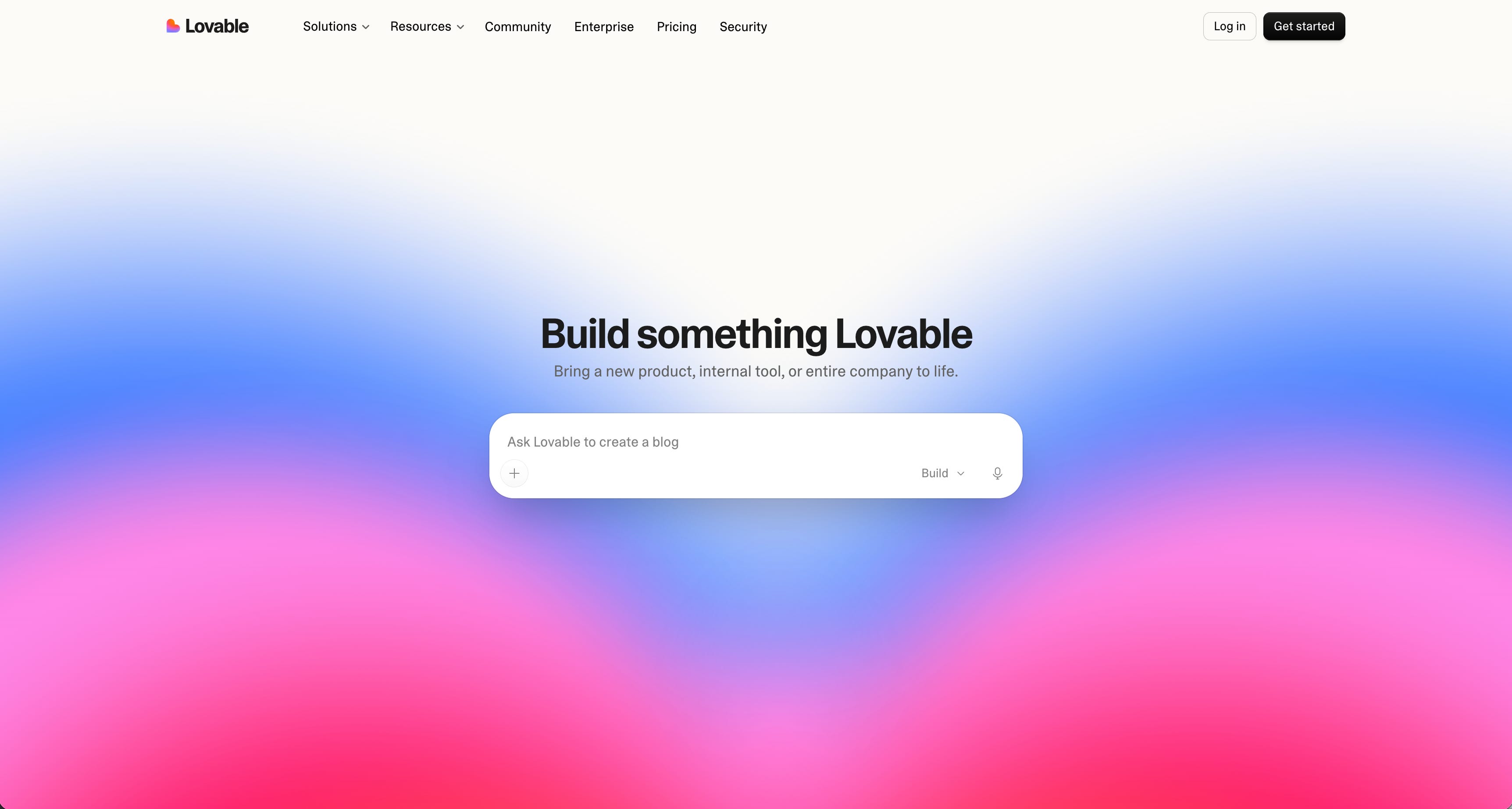
Lovable supports creating applications from natural-language specifications, with an emphasis on accelerating early product development.
It is particularly relevant for founders and independent builders testing product concepts, workflows, and interface ideas.
Try this: Build a minimal customer-feedback application with submission, categorization, and review screens, using fictional data for the initial prototype.
Access: Free plan with limited build credits and associated usage allowances.
13. v0 by Vercel
Best for: Generating interfaces and web applications from specifications.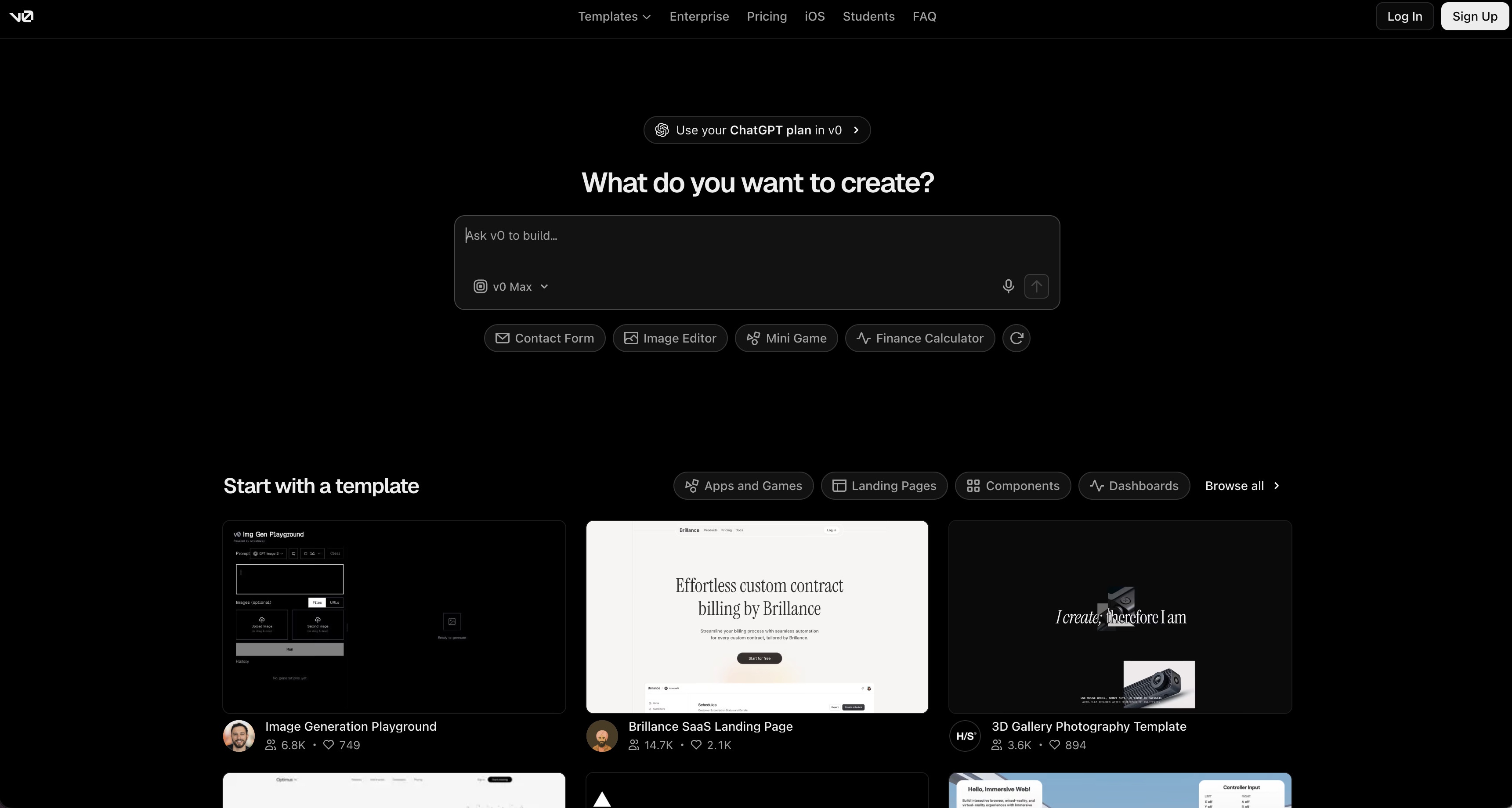
v0 supports natural-language application generation, visual iteration, code editing, and deployment-oriented workflows.
It is useful for exploring interface directions and translating design requirements into functional application components.
Try this: Generate a responsive analytics dashboard from a concise specification containing layout requirements, component hierarchy, and example states.
Access: Free tier with limited monthly credits and usage.
14. Replit
Best for: Browser-based development and collaborative experimentation.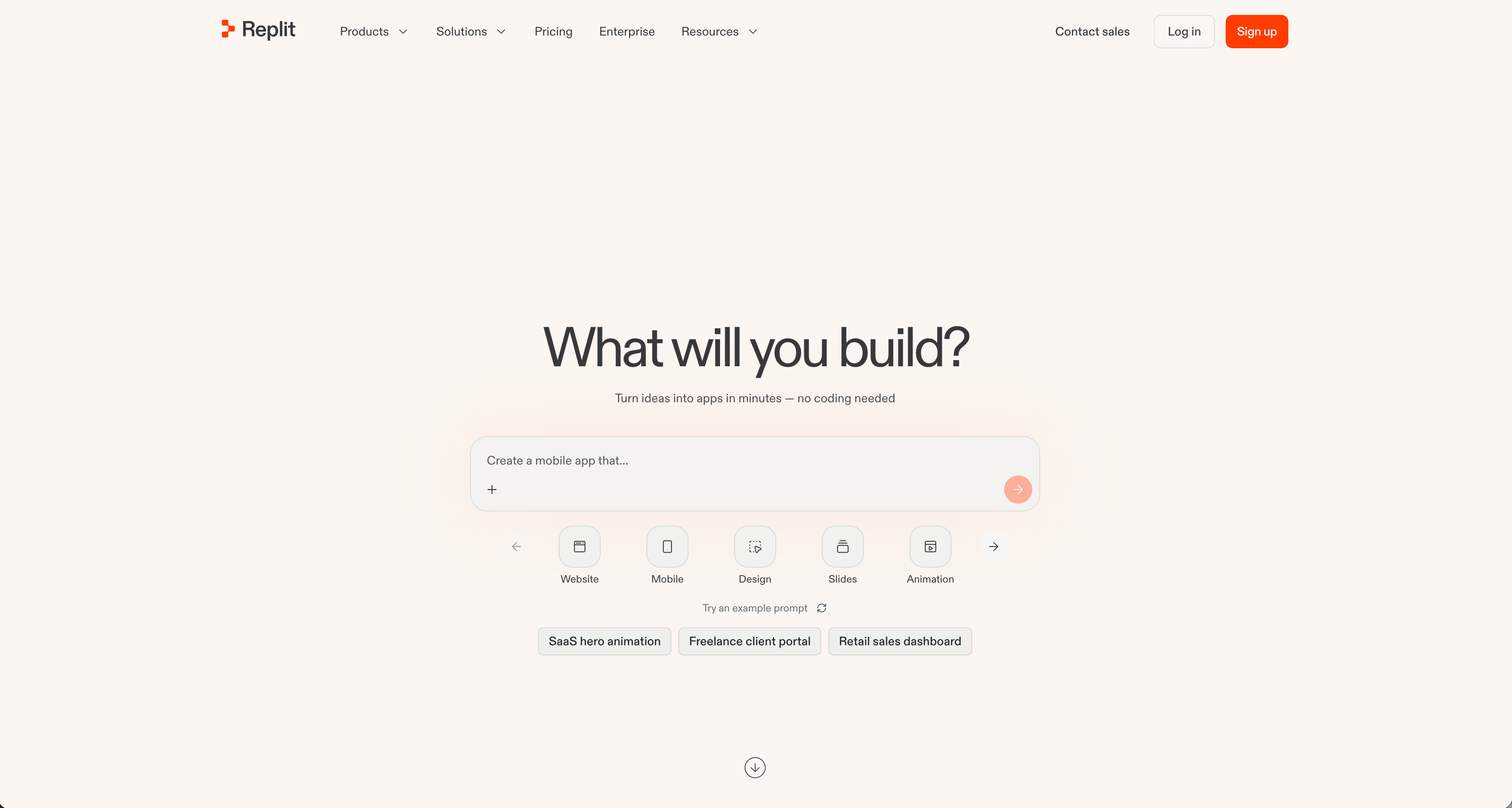
Replit combines an online development environment with tools for building, running, and sharing applications.
It can reduce the initial setup effort for people who want to experiment with software without configuring a full local development environment.
Try this: Build a small API-backed application in the browser, run it, and inspect how configuration, dependencies, and execution are managed.
Access: Free starter capabilities; AI features, compute, hosting, and collaboration limits vary by plan.
15. StackBlitz
Best for: Fast web development environments and runnable examples.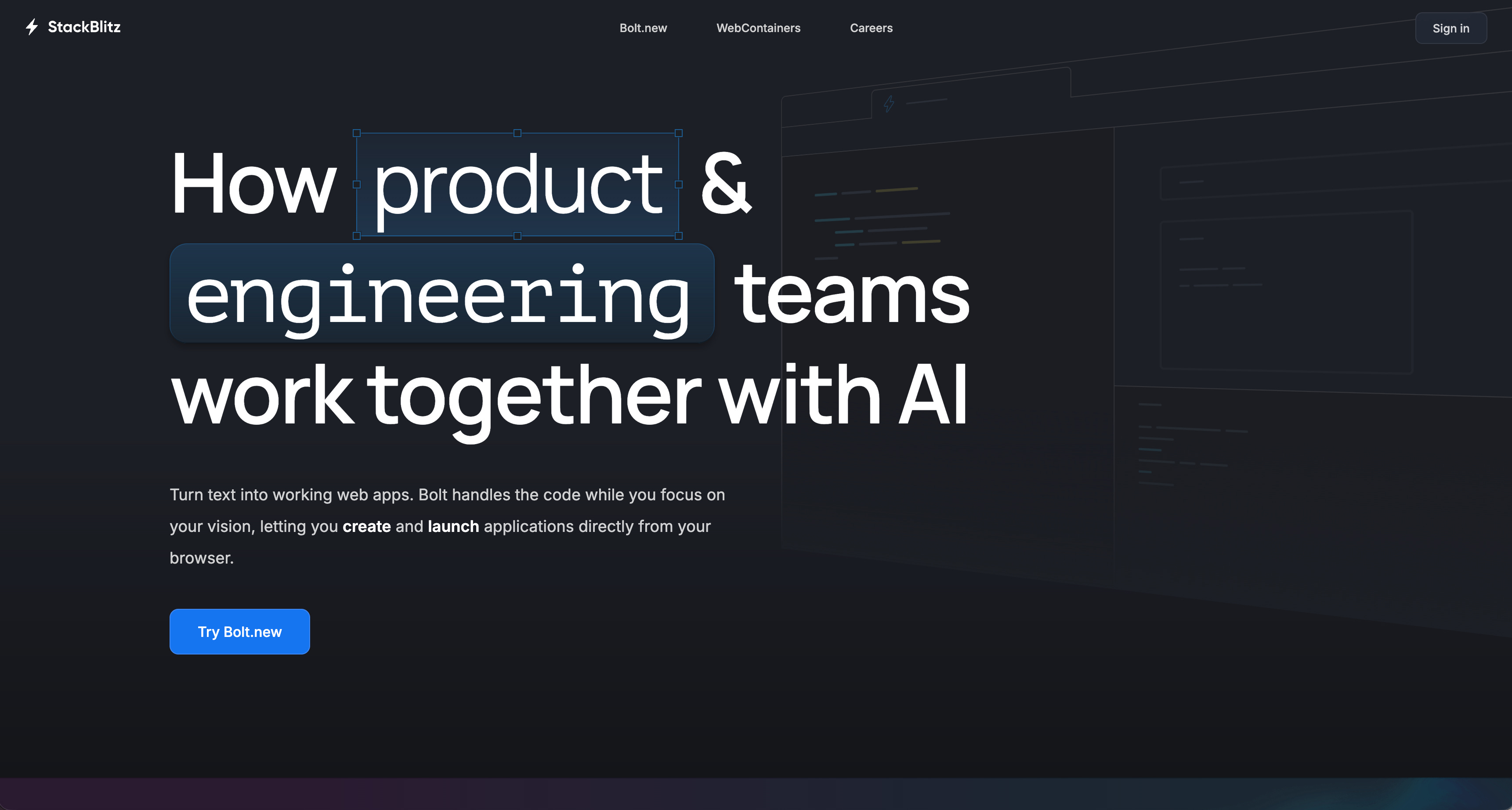
StackBlitz provides browser-based environments for working with web technologies, exploring examples, and prototyping applications.
It is valuable when you want to move quickly between a code example, a running application, and an editable implementation.
Try this: Open a framework starter, build a simple interactive component, and share a working demonstration for feedback.
Access: Free development capabilities with restrictions on private projects, advanced features, or usage.
Builder’s principle: A prototype should make an assumption testable. Before extending it, identify the user behavior, technical capability, or business hypothesis it is intended to validate.
04. Rules & context
Give AI coding agents the project knowledge, architectural boundaries, and operating instructions they need to produce consistent work.
Code generation has become easy enough that the same product feature can be implemented dozens of ways.
The challenge is maintaining consistency between them.
Persistent instructions help describe the software that already exists, the patterns that must be respected, and the actions an agent is permitted to take.
16. AGENTS.md
Best for: Portable repository instructions for coding agents.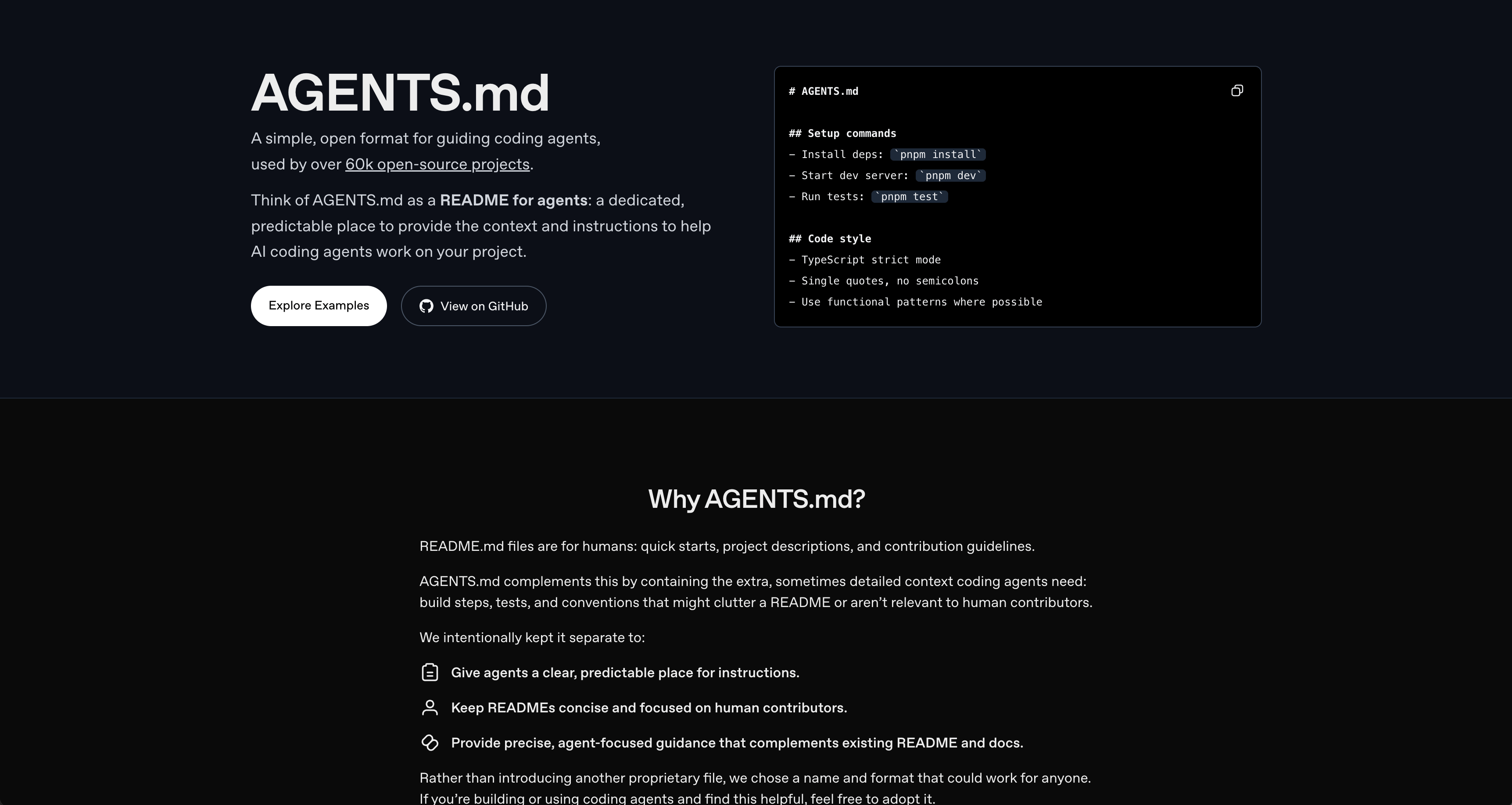
AGENTS.md is a Markdown-based convention for describing a project’s structure, commands, conventions, and expectations to compatible AI agents.
It is a practical starting point for maintaining instructions alongside the code they govern.
Try this: Create an AGENTS.md containing the project’s purpose, directory map, setup commands, testing commands, coding conventions, and prohibited operations.
Access: Free, open instruction-file convention.
17. Cursor Rules
Best for: Persistent, scoped instructions within Cursor.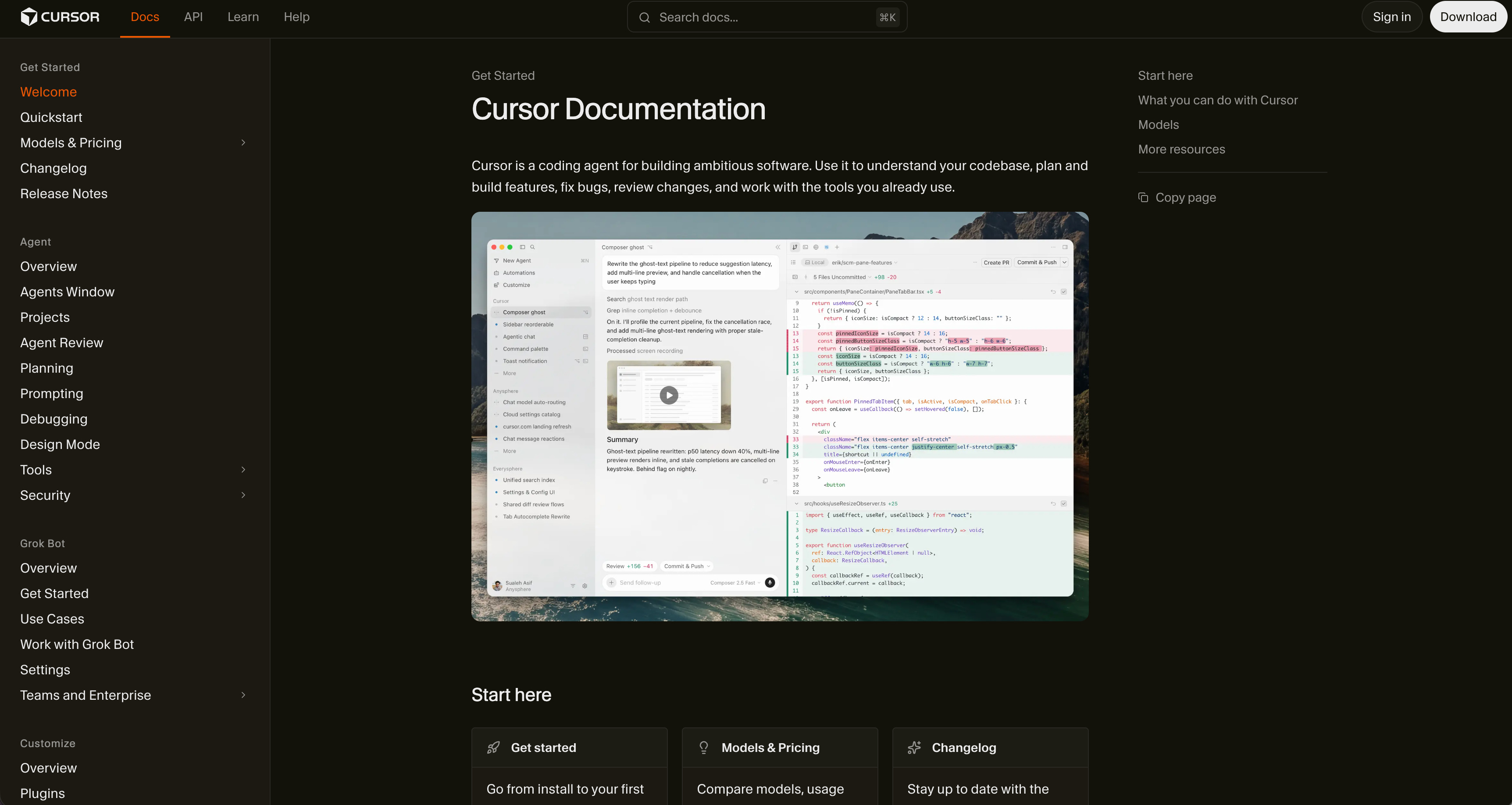
Cursor Rules allows developers to encode reusable instructions for architecture, coding patterns, workflows, and specific parts of a repository.
Instead of repeating the same context in every conversation, rules can be version-controlled alongside the application.
Try this: Create a rule requiring new API endpoints to use the existing validation, authentication, and error-handling patterns.
Access: Free documentation and project-rule format; executing rules with Cursor’s AI features remains subject to plan limits.
18. GitHub CoPilot Custom Instructions
Best for: Repository-level conventions across supported Copilot workflows.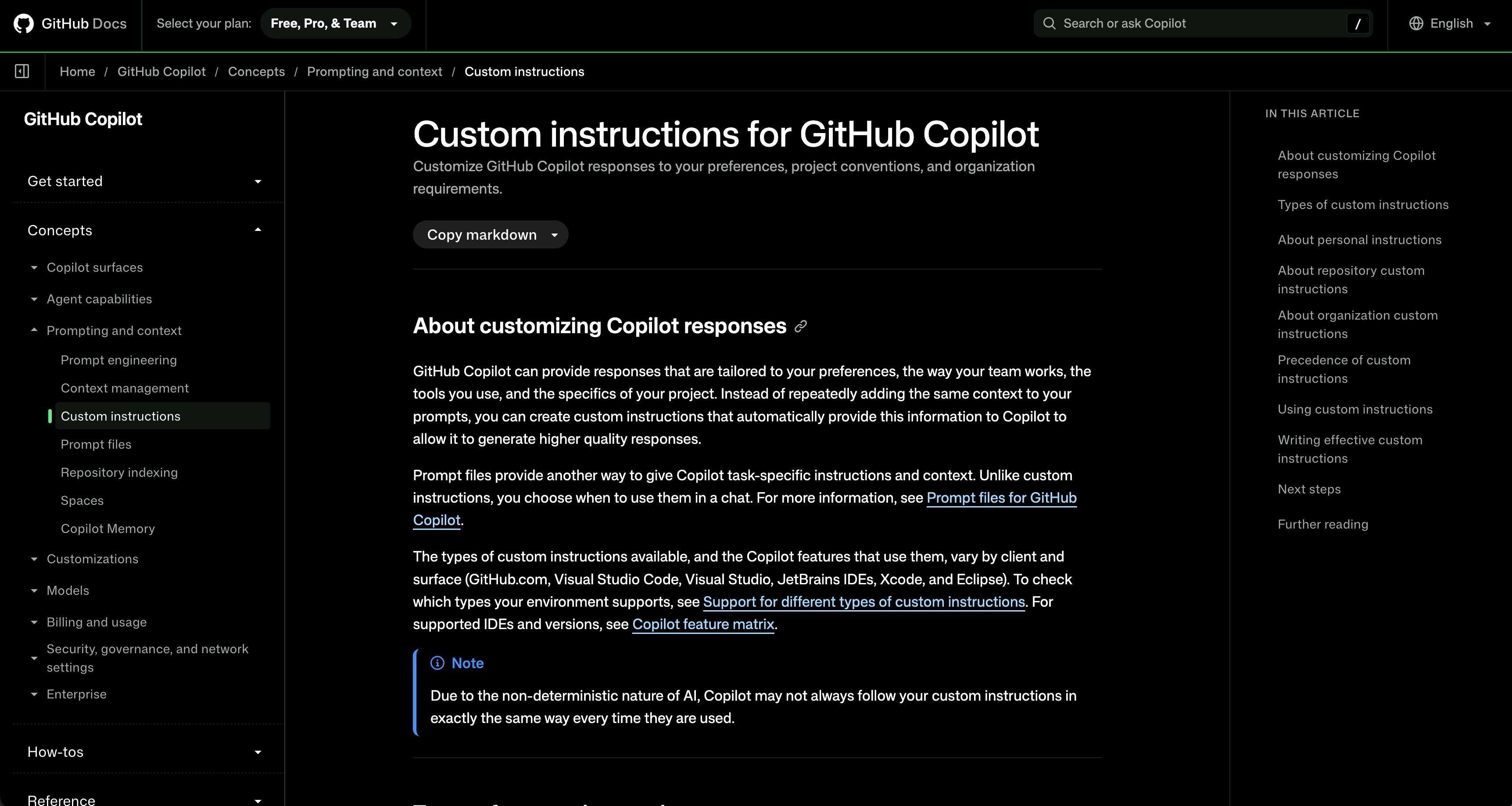
GitHub Copilot supports project instructions that help the assistant understand coding standards, architecture, testing expectations, and other recurring requirements.
These instructions can make AI-generated changes more consistent with an established repository.
Try this: Add .github/copilot-instructions.md with the project’s core design principles and validation requirements.
Access: Free documentation and configuration files; Copilot execution follows applicable usage limits.
19. Model Context Protocol
Best for: Connecting AI systems to tools, resources, and development environments.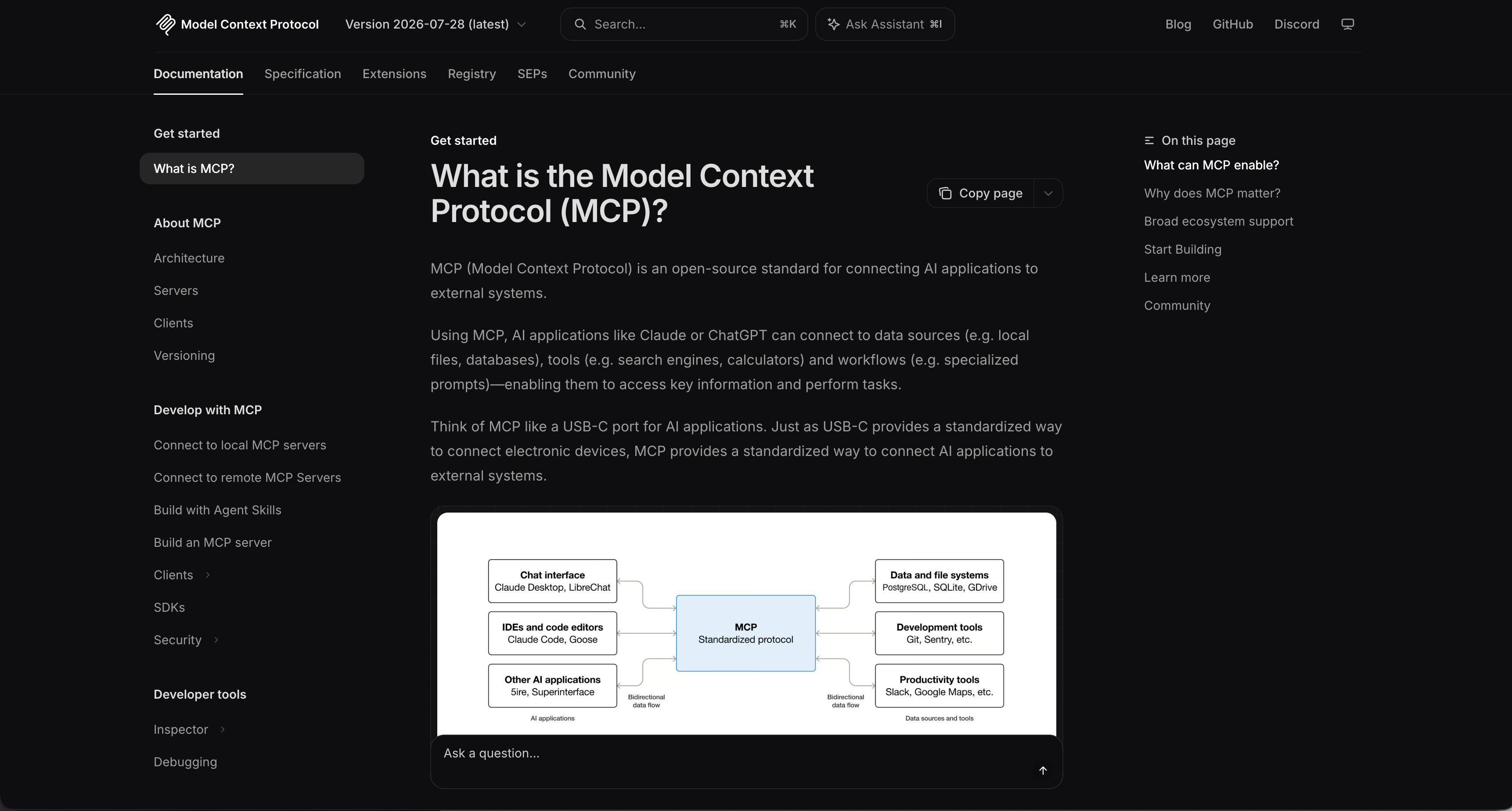
The Model Context Protocol (MCP) defines a way for compatible AI applications to communicate with external tools and sources of information.
In coding workflows, such connections may provide structured access to documentation, databases, repositories, or other supported services.
Try this: Explore an MCP integration that provides read-only access to relevant development documentation, then test which information the agent can retrieve.
Access: Open specification and free documentation; specific integrations may require paid services.
20. OWASP GenAI Security Guidance
Best for: Establishing security requirements for AI-powered software.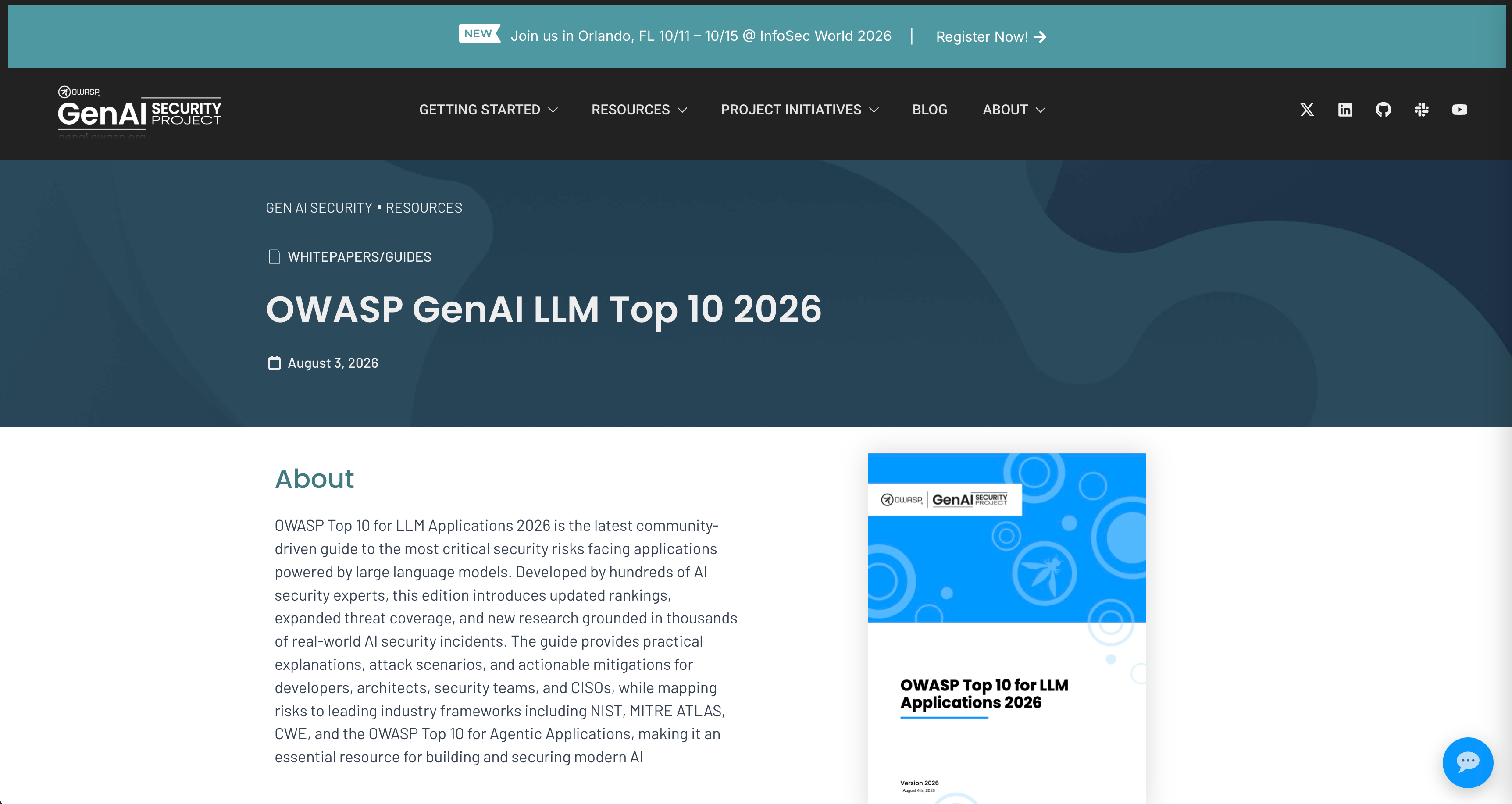
The OWASP Top 10 for LLM Applications 2026 documents important security risks affecting applications that integrate language models.
It helps developers reason about issues such as prompt injection, excessive permissions, sensitive information, and insecure interactions between models and external systems.
Try this: Review an AI application’s tool permissions, data flows, and handling of untrusted content against the relevant risks in the guidance.
Access: Free public security guidance.
Builder’s principle: Project instructions should define expected behavior, while security controls must enforce it. A written rule cannot substitute for permissions, validation, isolation, and testing.
05. Test & secure
Evaluate whether generated code behaves correctly, respects constraints, and introduces acceptable risk.
The ease of generating code creates a tempting shortcut: visually inspect the result, confirm that the application appears to work, and move on.
This becomes expensive when multiple features begin interacting.
A useful testing stack combines behavioral tests, browser-level verification, static analysis, and security checks.
21. Vitest
Best for: Automated unit and component tests in JavaScript and TypeScript projects.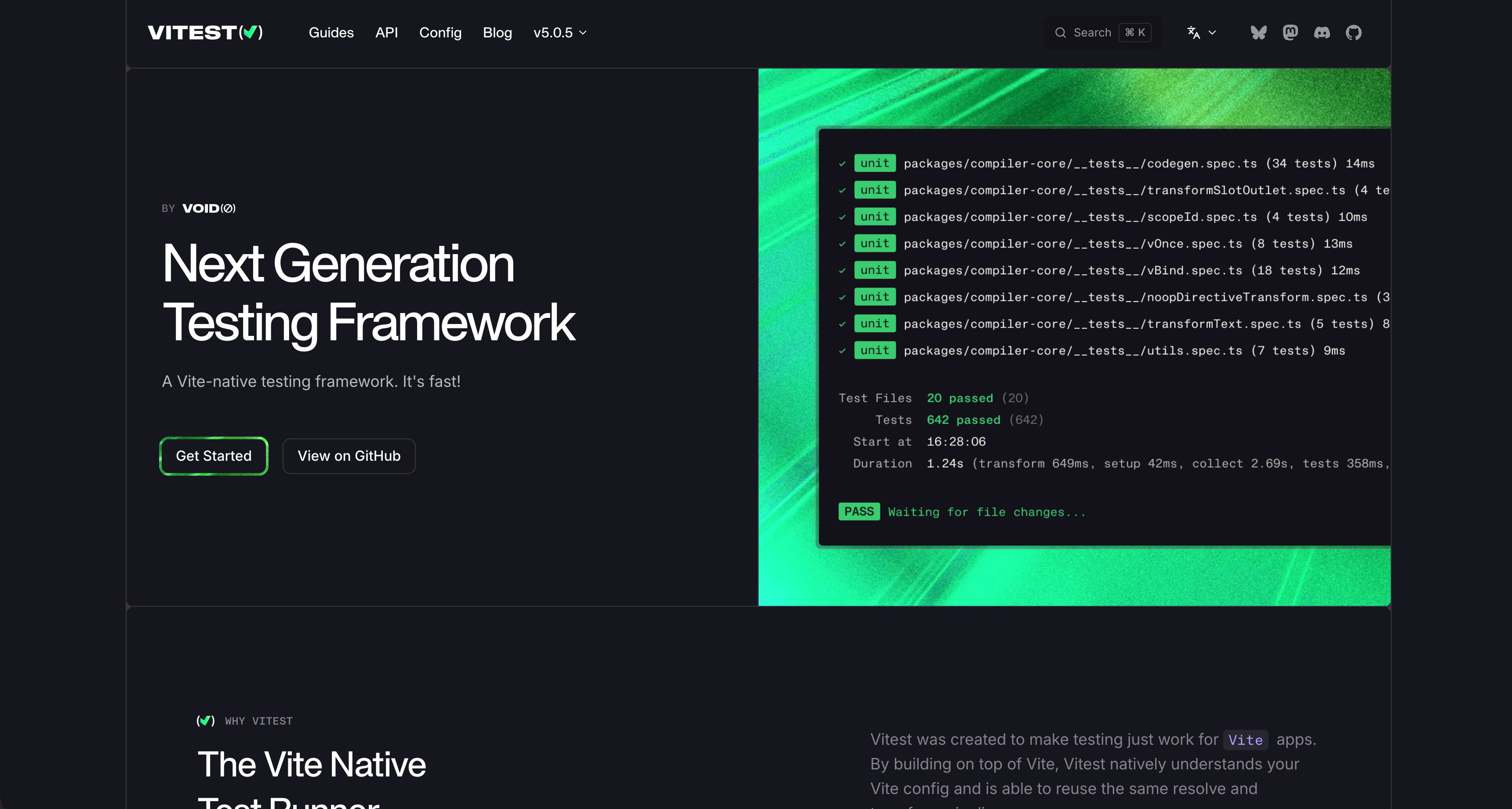
Vitest provides a modern testing framework for checking whether individual functions and components behave as expected.
It is well suited to projects that need fast, repeatable tests alongside an iterative development process.
Try this: Ask your coding assistant to write tests covering normal behavior, invalid inputs, and boundary conditions for a newly generated function.
Access: Free, open-source framework.
22. Playwright
Best for: End-to-end testing of browser applications.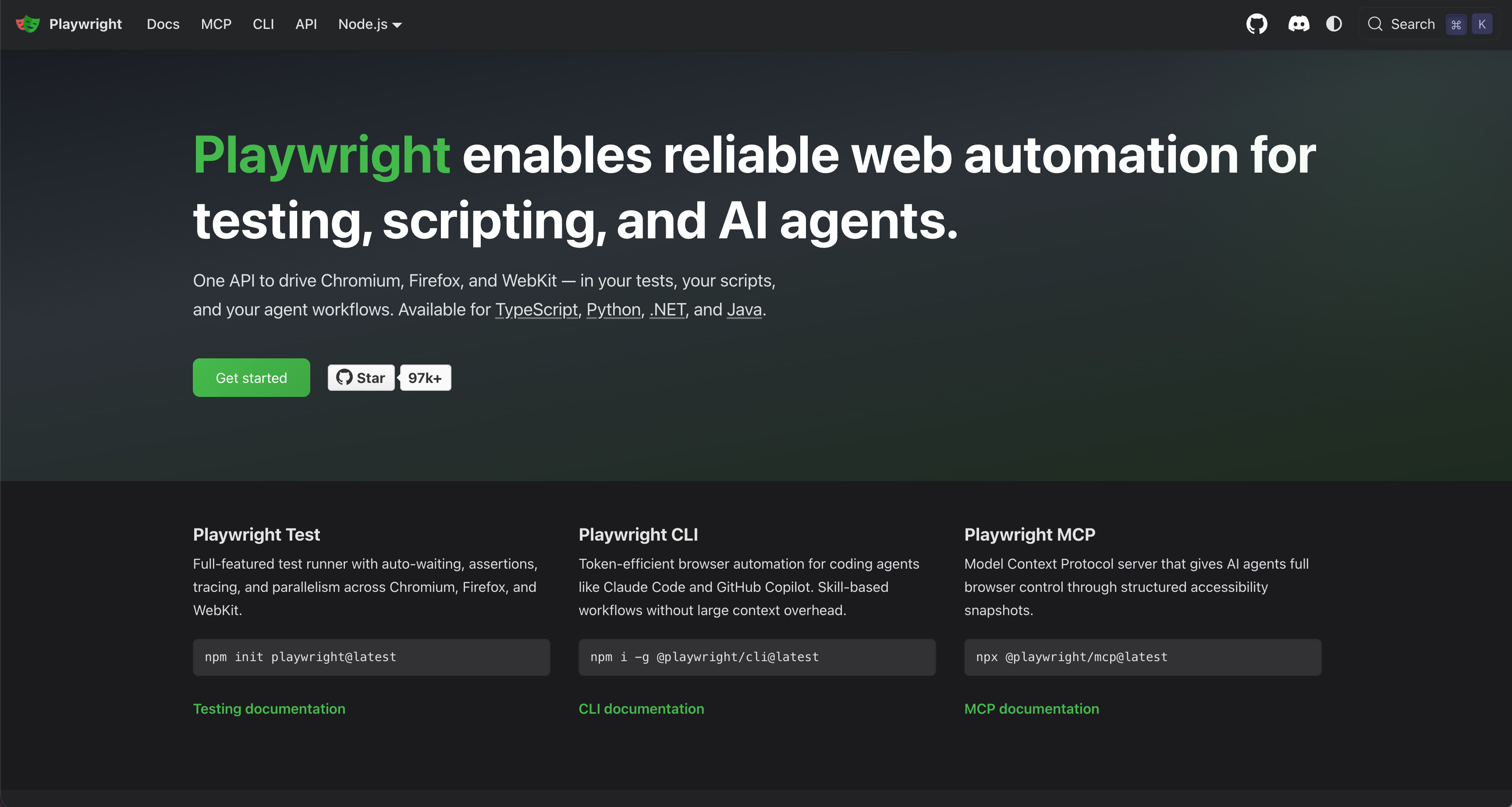
Playwright automates browser interactions, enabling developers to test complete user journeys instead of isolated functions.
It is especially valuable for applications produced through AI-assisted tools because seemingly correct components can still fail when connected.
Try this: Create a test that opens an application, completes a form, submits it, and verifies the resulting state.
Access: Free, open-source framework.
23. ESLint
Best for: Detecting JavaScript and TypeScript code problems.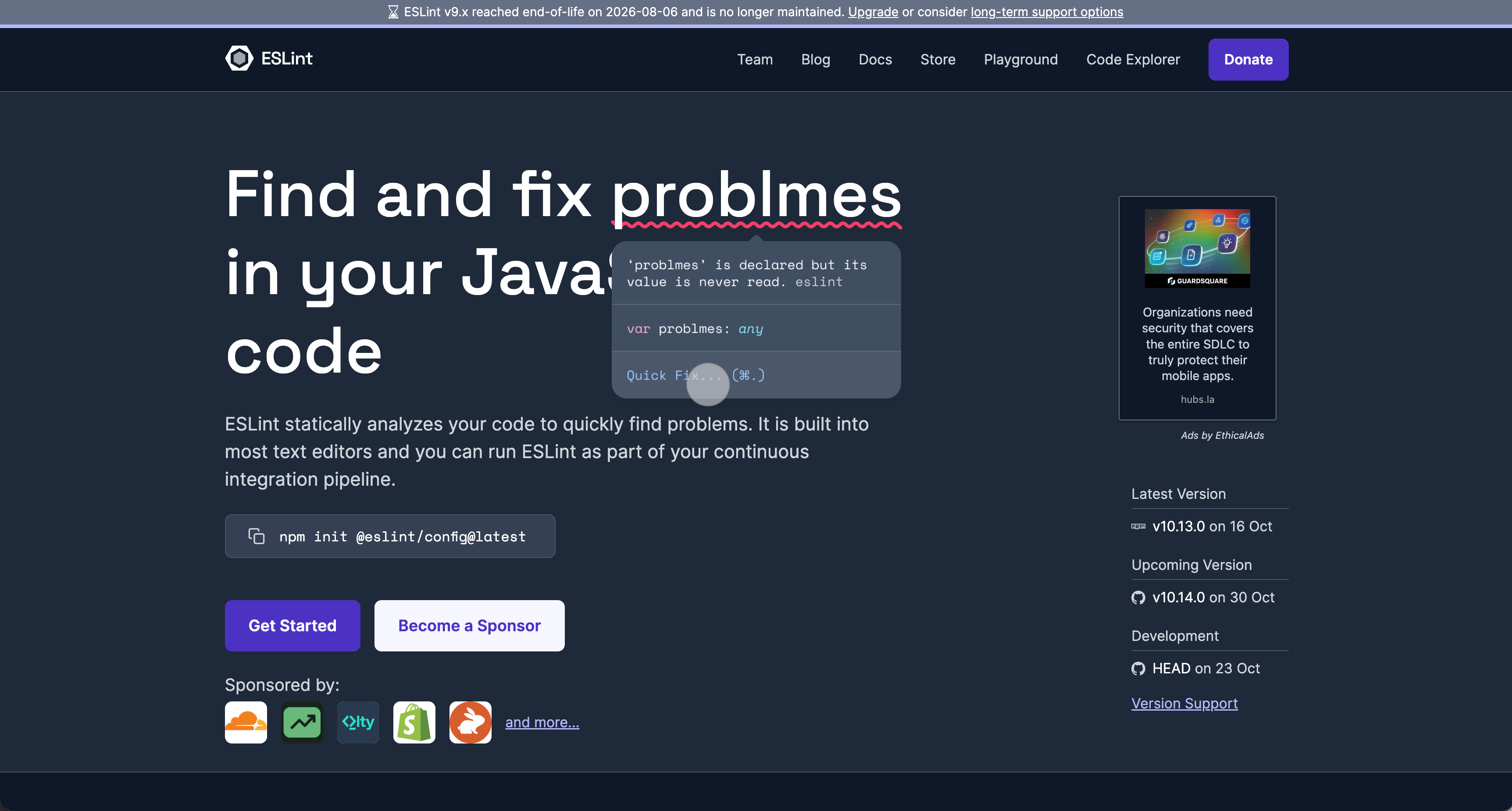
ESLint analyzes code against configurable rules, helping identify mistakes, inconsistencies, and potentially problematic patterns.
It is useful as a low-cost, automated quality check for AI-generated changes.
Try this: Configure a linting command and require the coding agent to run it after modifying supported source files.
Access: Free, open-source software.
24. Semgrep
Best for: Static code analysis and security-oriented checks.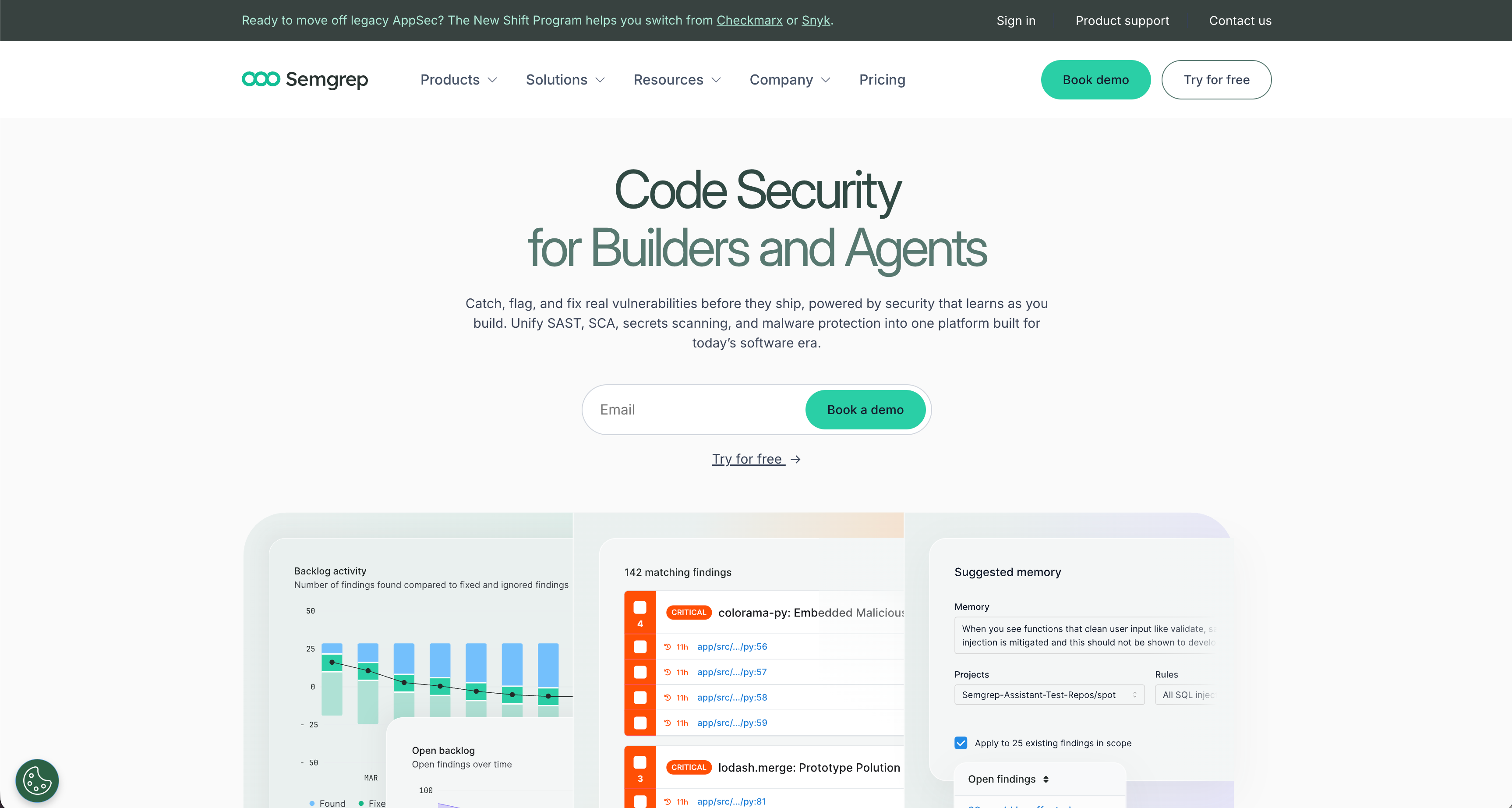
Semgrep supports rules that identify potentially unsafe or unwanted patterns in source code.
Its open-source scanning capabilities can strengthen code review, particularly for recurring classes of mistakes that are difficult to detect through casual inspection.
Try this: Scan a small application for insecure patterns, then manually evaluate the findings before asking an agent to propose fixes.
Access: Free Community Edition and open-source tooling; advanced commercial services are separate.
25. Gitleaks
Best for: Detecting hardcoded secrets in repositories.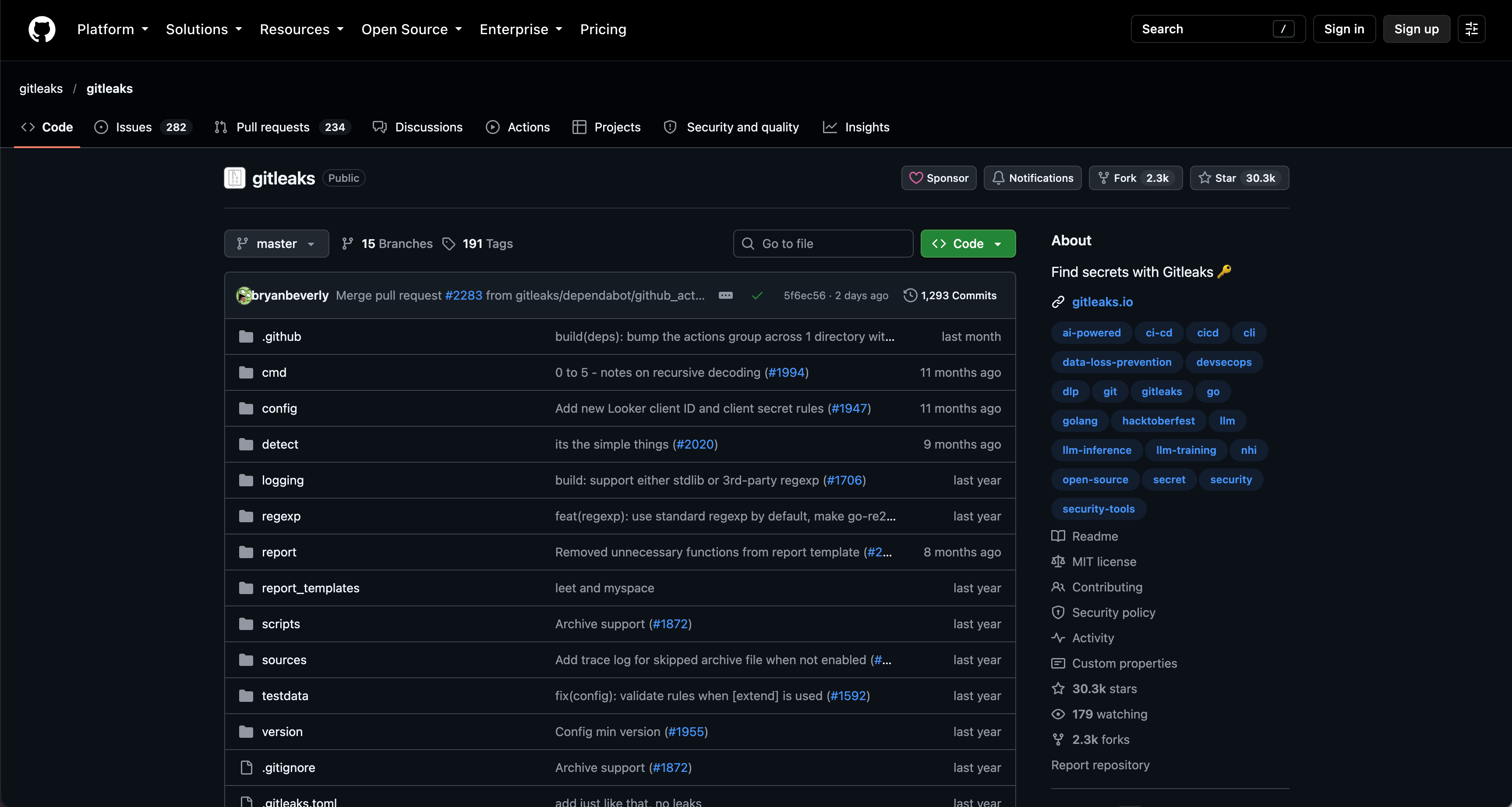
Gitleaks scans source code and Git history for credentials, tokens, and other sensitive strings.
It is particularly useful in rapid AI-assisted development, where generated examples and copied configurations can accidentally include secrets.
Try this: Run a secrets scan before pushing a repository or configuring a deployment pipeline.
Access: Free, open-source scanning software.
Builder’s principle: Every significant AI-generated change should produce evidence of correctness. Tests, linting, and security scans provide different forms of evidence, and none eliminates the need for human review.
06. Learn & ship
Develop the understanding required to maintain what you build, and move successful prototypes into usable environments.
26. MDN Web Docs
Best for: Understanding how web technologies actually work.
MDN provides documentation and educational material covering HTML, CSS, JavaScript, browser APIs, accessibility, and other web development subjects.
It is a useful reference when AI-generated code appears plausible but uses an unfamiliar language feature or browser capability.
Try this: Take a generated component and identify the browser APIs it relies on. Verify their behavior and compatibility using the documentation.
Access: Free public documentation.
27. freeCodeCamp
Best for: Structured programming education and practical coding exercises.
freeCodeCamp provides free educational resources covering programming, web development, databases, and related technical subjects.
It is relevant for people using AI to build software who want to gradually strengthen their independent ability to understand and maintain the results.
Try this: Complete a short JavaScript exercise without AI assistance, then compare your implementation with an AI-generated alternative.
Access: Free learning resources.
28. GitHub Skills
Best for: Learning GitHub workflows through practical exercises.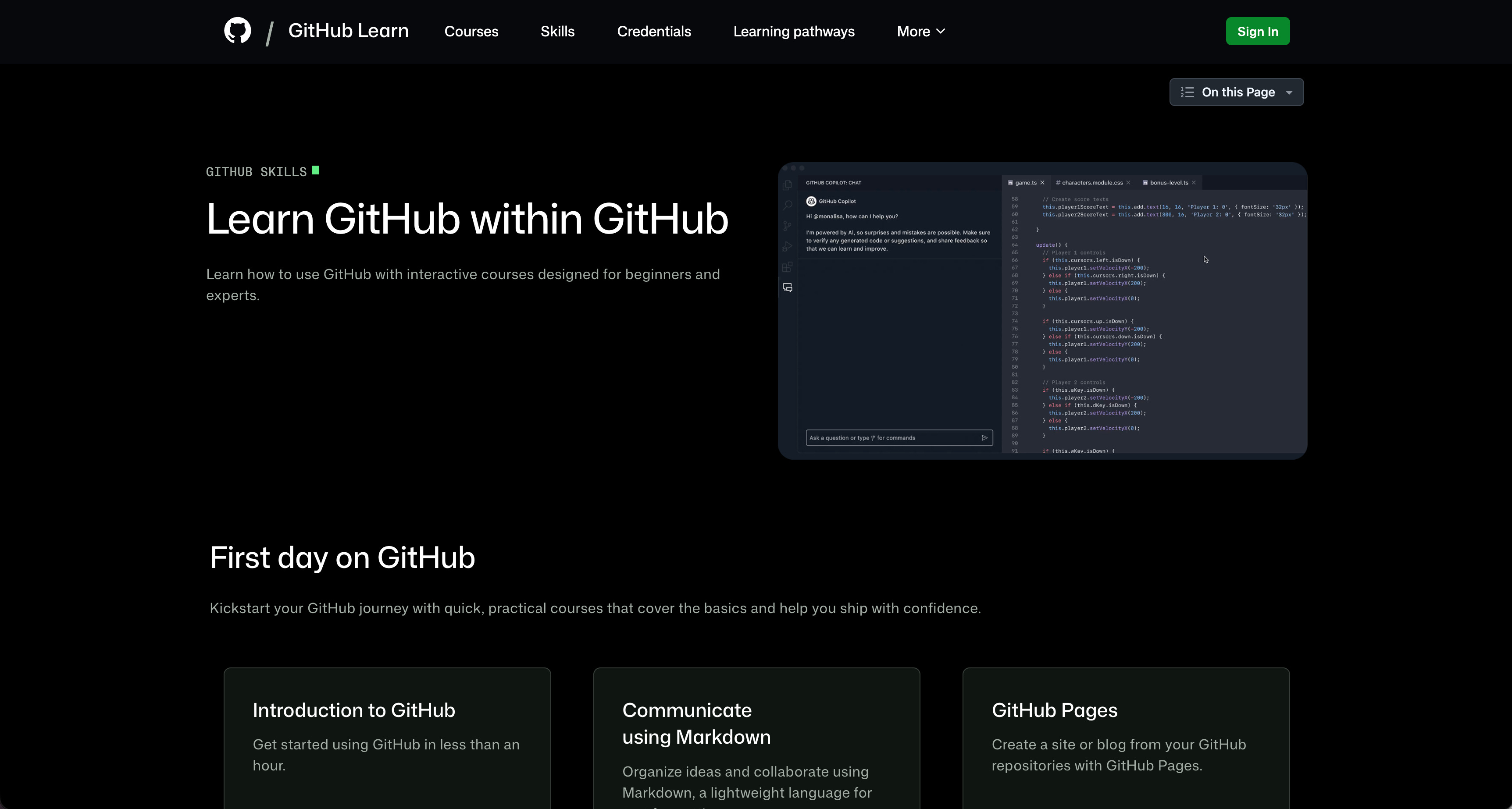
GitHub Skills offers guided learning experiences covering repositories, pull requests, collaboration, and automation.
These capabilities become increasingly important when AI coding agents create changes that need reviewing, testing, and integrating into an established project.
Try this: Complete a pull-request workflow and practice reviewing AI-generated code before merging it.
Access: Free learning courses; associated platform usage may have limits.
29. Vercel
Best for: Deploying and hosting modern web applications.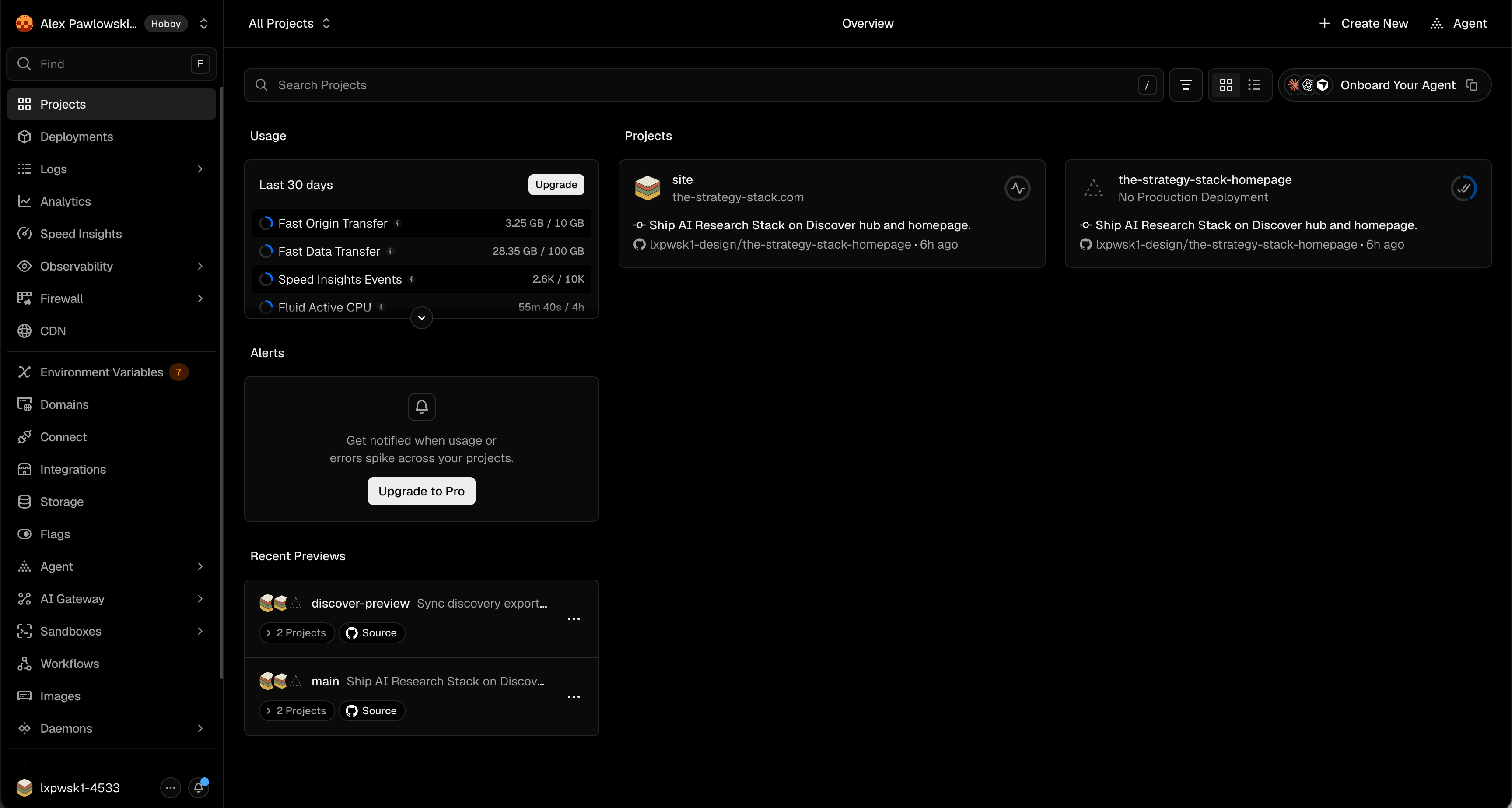
Vercel provides infrastructure for deploying web projects, creating previews, and connecting deployment workflows to source control.
It helps move a working local application into an accessible environment where real users can interact with it.
Try this: Deploy a small application from GitHub, verify its production build, and test its public URL from another device.
Access: Free Hobby tier with usage and eligibility restrictions; commercial use and higher resource requirements may require a paid plan.
30. Supabase
Best for: Adding databases, authentication, and backend services.
Supabase provides backend infrastructure built around PostgreSQL, alongside features such as authentication, storage, and supporting APIs.
It can reduce the infrastructure work required to build a functioning application that stores data and manages user access.
Try this: Add a simple database table and authentication flow to a prototype, then verify that users cannot retrieve one another’s private records.
Access: Free tier with resource and project limits.
Builder’s principle: Deployment creates an operating obligation. Once software is accessible to real users, monitoring, data protection, maintenance, and recovery become part of the product.
The minimum viable AI coding stack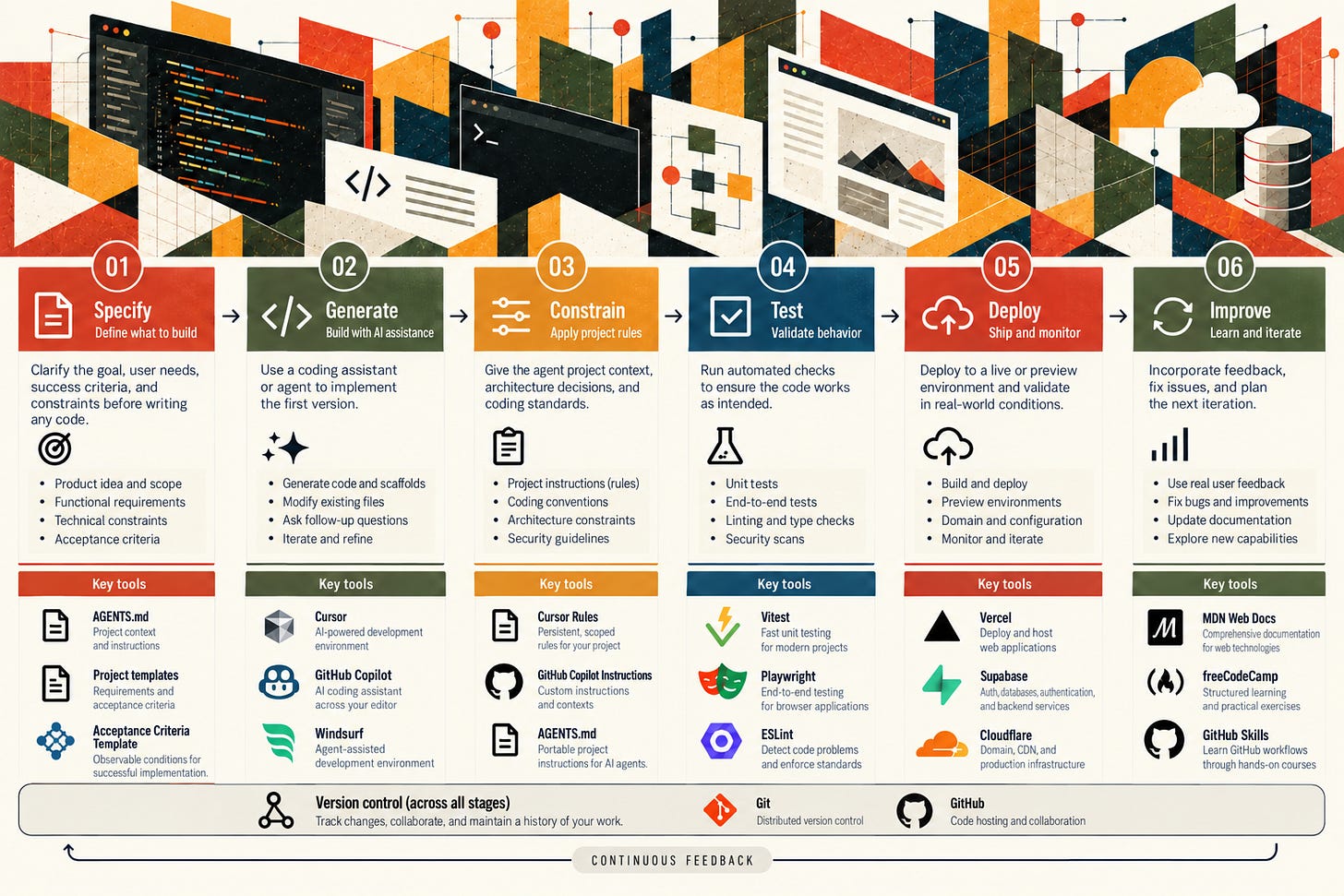
Git and GitHub are included as foundational infrastructure, although they are not counted separately among the 30 curated entries.
The critical design choice is assigning each component a specific responsibility.
An assistant produces changes. Project instructions constrain those changes. Version control makes them reviewable. Tests challenge the implementation. Deployment introduces operational feedback.
Adding more agents or more sophisticated models will not compensate for missing responsibilities elsewhere in the stack.
Five rules that make AI coding more reliable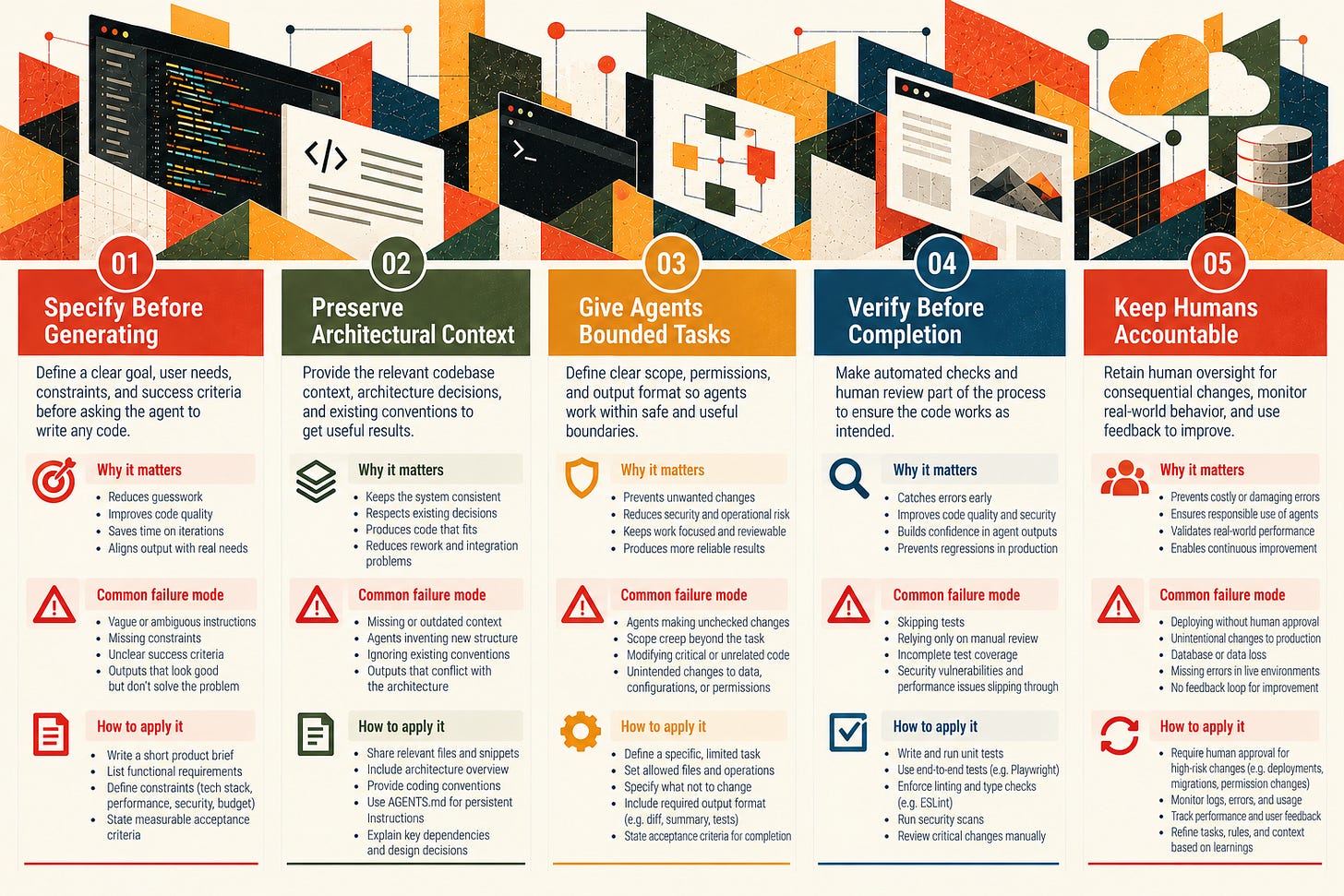
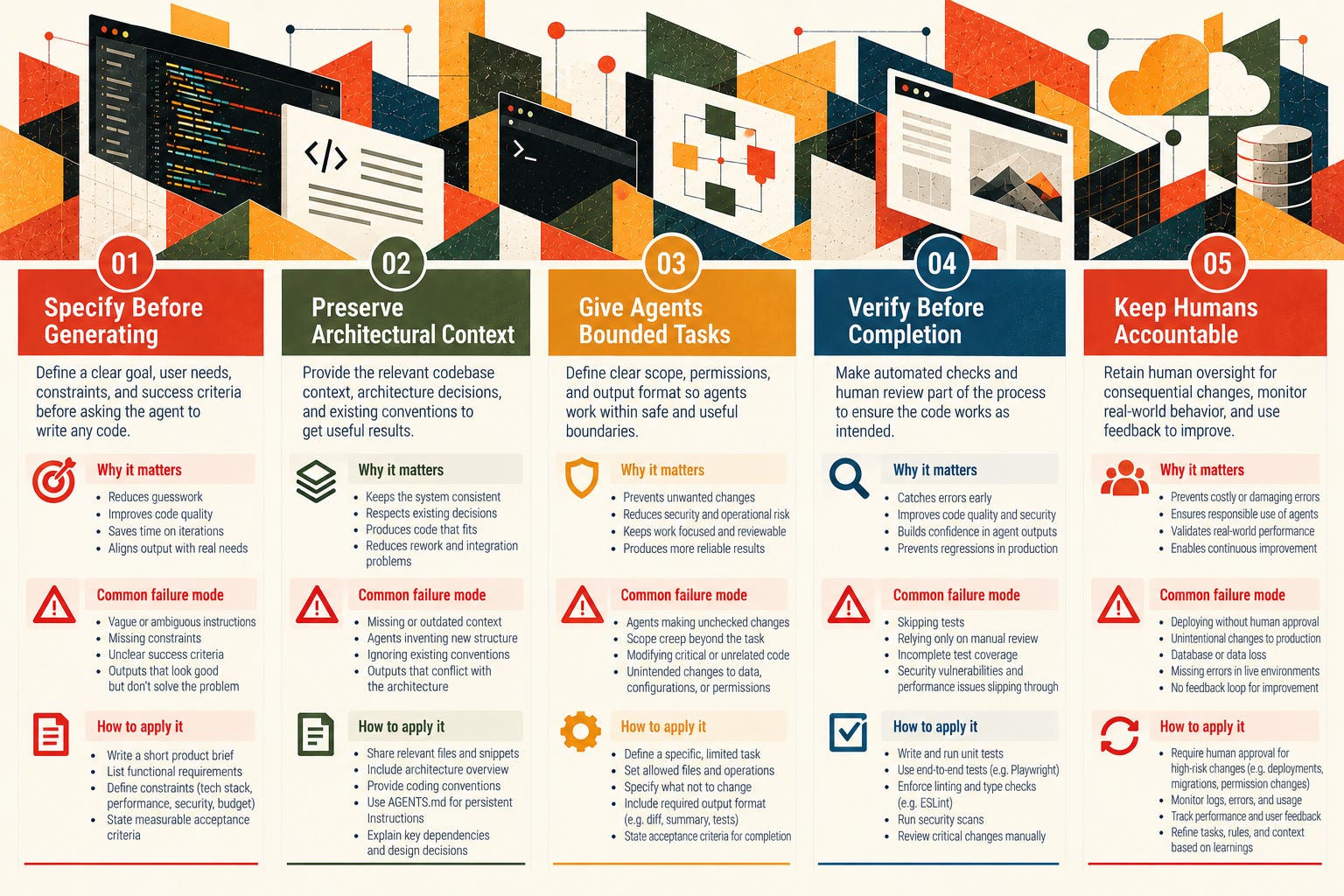
Rule 01 — Specify before generating
A useful coding request identifies the intended behavior, relevant constraints, and the conditions under which the work will be considered complete.
Before asking an agent to implement a feature, describe:
-
What the feature should accomplish.
-
Which users or systems interact with it.
-
Which files or components may be affected.
-
What must remain unchanged.
-
How successful behavior will be tested.
Ambiguity becomes expensive when an agent can execute quickly in several different directions.
Rule 02 — Preserve architectural decisions
A coding assistant should know why the existing system is structured as it is.
Capture core decisions in repository documents and agent-readable rules. Include the selected frameworks, component patterns, interfaces, dependency boundaries, and conventions that should remain stable.
Without this context, repeated agent sessions may introduce several competing implementations of the same responsibility.
Rule 03 — Give agents bounded tasks
A large instruction such as Improve the entire application gives the agent substantial freedom without a clear basis for evaluating the outcome.
Smaller, observable tasks create better control.
A bounded task should identify the expected deliverable, the files in scope, the operations permitted, and the tests required before completion.
Broader architectural changes should require explicit review before implementation.
Rule 04 — Make verification part of completion
Code that executes successfully has passed one test. It may still fail under unusual inputs, concurrent usage, integration conditions, or unauthorized access.
A useful definition of done includes relevant unit tests, integration or browser tests, static checks, a reviewed diff, and documentation updates where necessary.
Verification should be designed before implementation wherever possible.
Rule 05 — Keep humans accountable for consequential changes
Coding agents can inspect repositories, modify configuration, execute commands, and interact with external systems.
The level of autonomy granted to an agent should reflect the consequences of its possible actions.
Database migrations, credential handling, permission changes, production deployments, destructive commands, and financial operations deserve additional review and explicit authorization.
The appropriate amount of autonomy depends on reversibility, observability, and potential harm.
Three AI coding workflows worth trying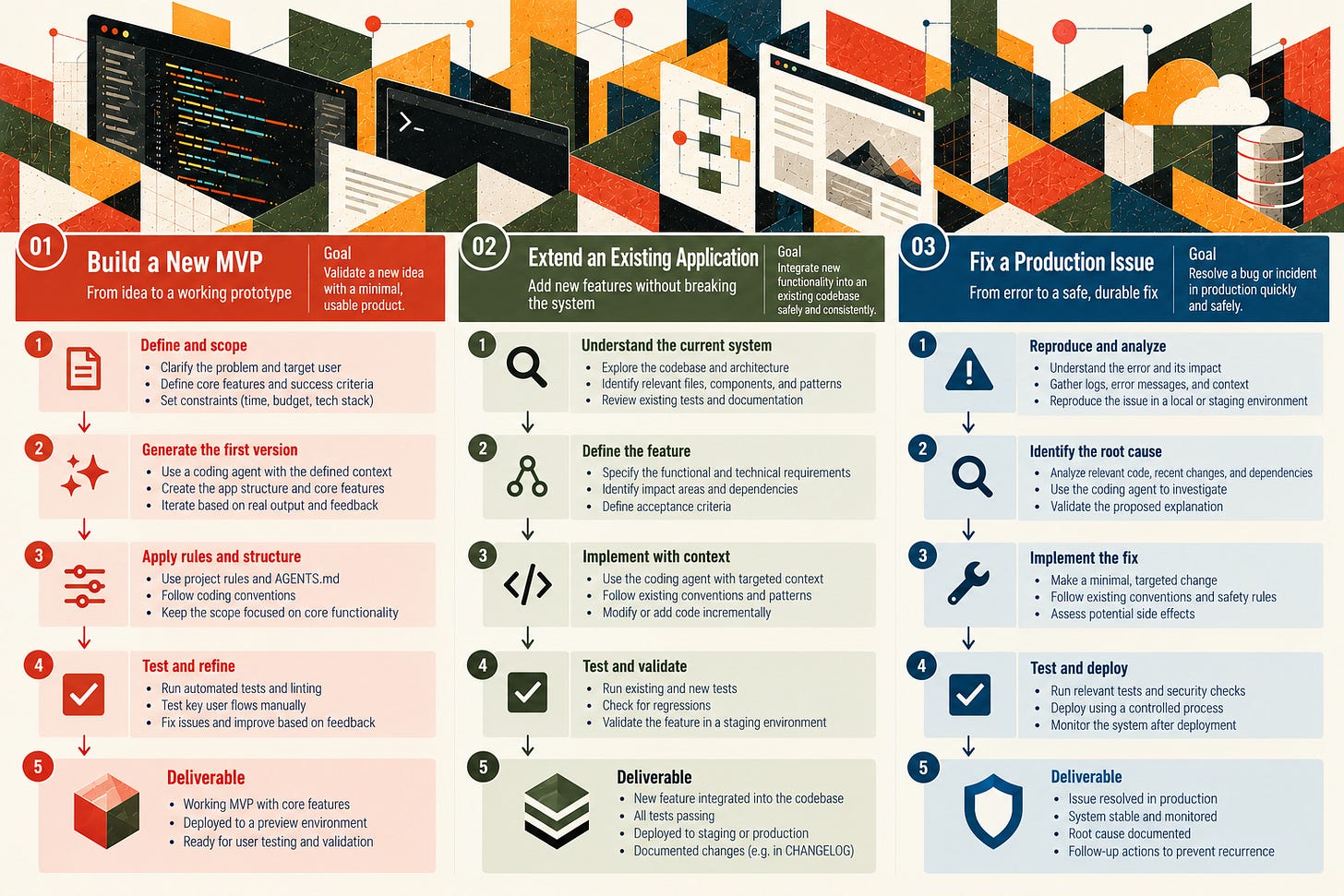
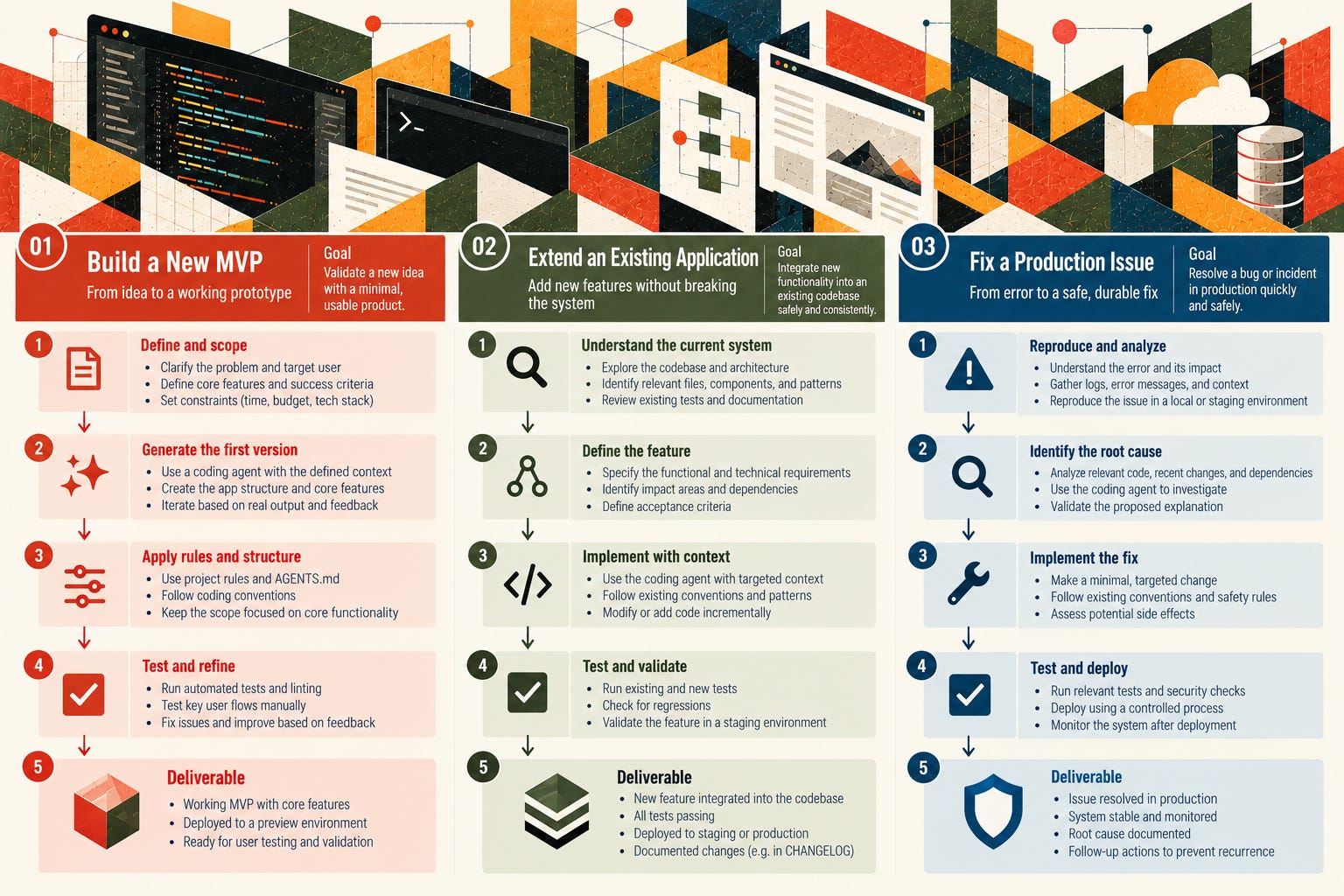
Workflow A: Build an MVP without a full development team
Objective: Turn an initial product concept into a testable application.
Start with Lovable, Bolt.new, or v0 to generate a basic interface. Focus on the smallest user journey that demonstrates the intended value.
Move the resulting code into version control and, when necessary, a suitable development environment for further implementation. Add persistent project instructions, define acceptance tests, and connect a backend only when the application needs stored data or user accounts.
Finally, deploy a test version and observe how real users interact with it.
Deliverable: A working MVP with a documented hypothesis, testable user journey, and clear next iteration.
Workflow B: Extend an existing application safely
Objective: Add functionality without compromising established behavior.
Begin by asking your coding assistant to map the relevant parts of the codebase and identify architectural constraints.
Write a small implementation plan, update the repository’s rules if necessary, and assign the task to an assistant or coding agent.
Require tests, static checks, and a reviewed diff before merging. Deploy first to a preview or staging environment where the change can be evaluated independently.
Deliverable: A tested feature delivered through a reviewable and reproducible change process.
Workflow C: Investigate and repair a production defect
Objective: Find the cause of an unexpected failure and reduce the risk of recurrence.
Start with the observable symptoms: error messages, logs, affected workflows, and conditions that reproduce the problem.
Use a coding agent to investigate plausible causes without immediately changing production code.
Once the cause is supported by evidence, reproduce the failure in a test, implement the smallest viable correction, and rerun relevant checks.
Document what happened, why the original system failed, and whether additional monitoring or safeguards are needed.
Deliverable: A validated fix accompanied by a regression test and a concise incident record.
A reusable AI coding agent prompt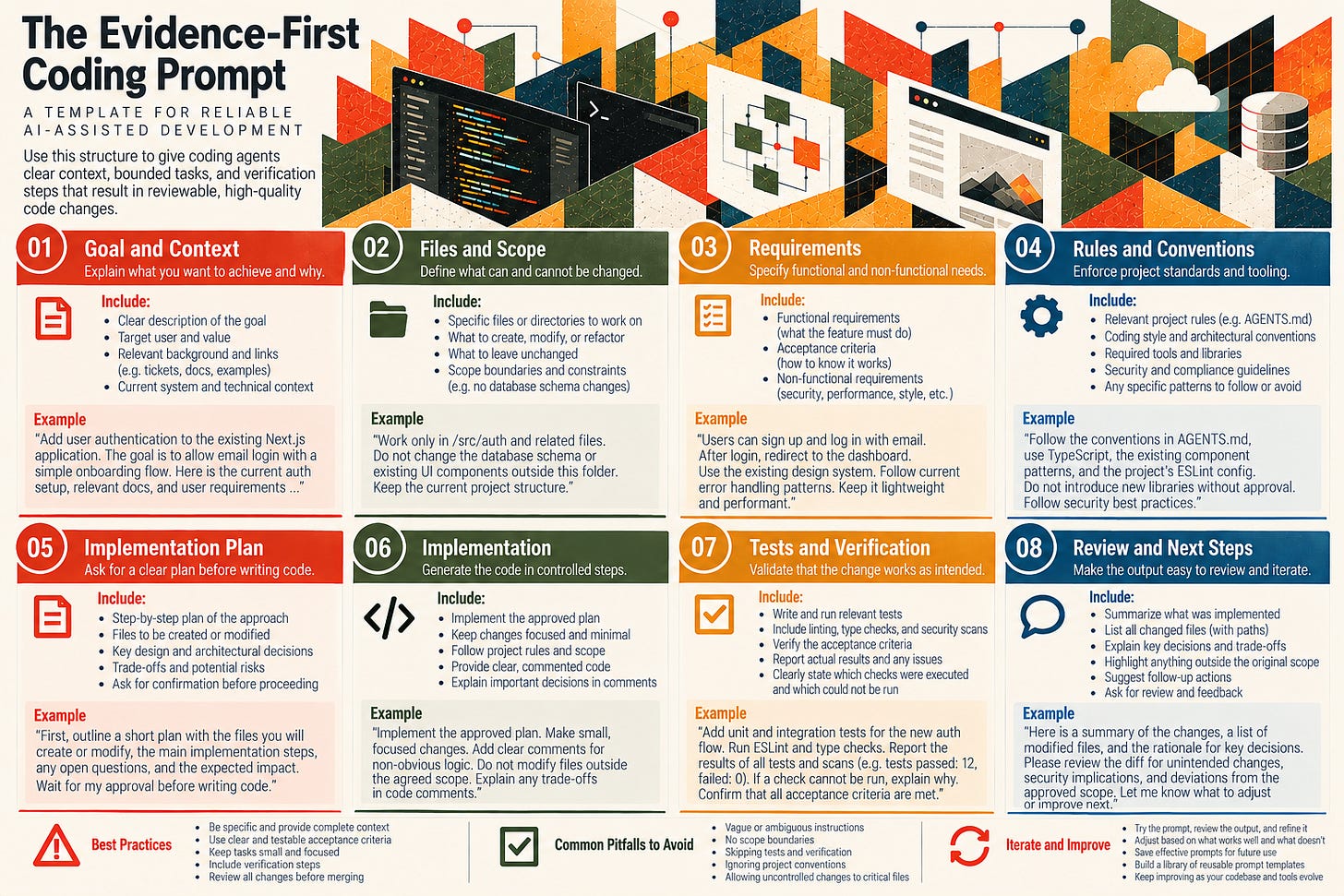
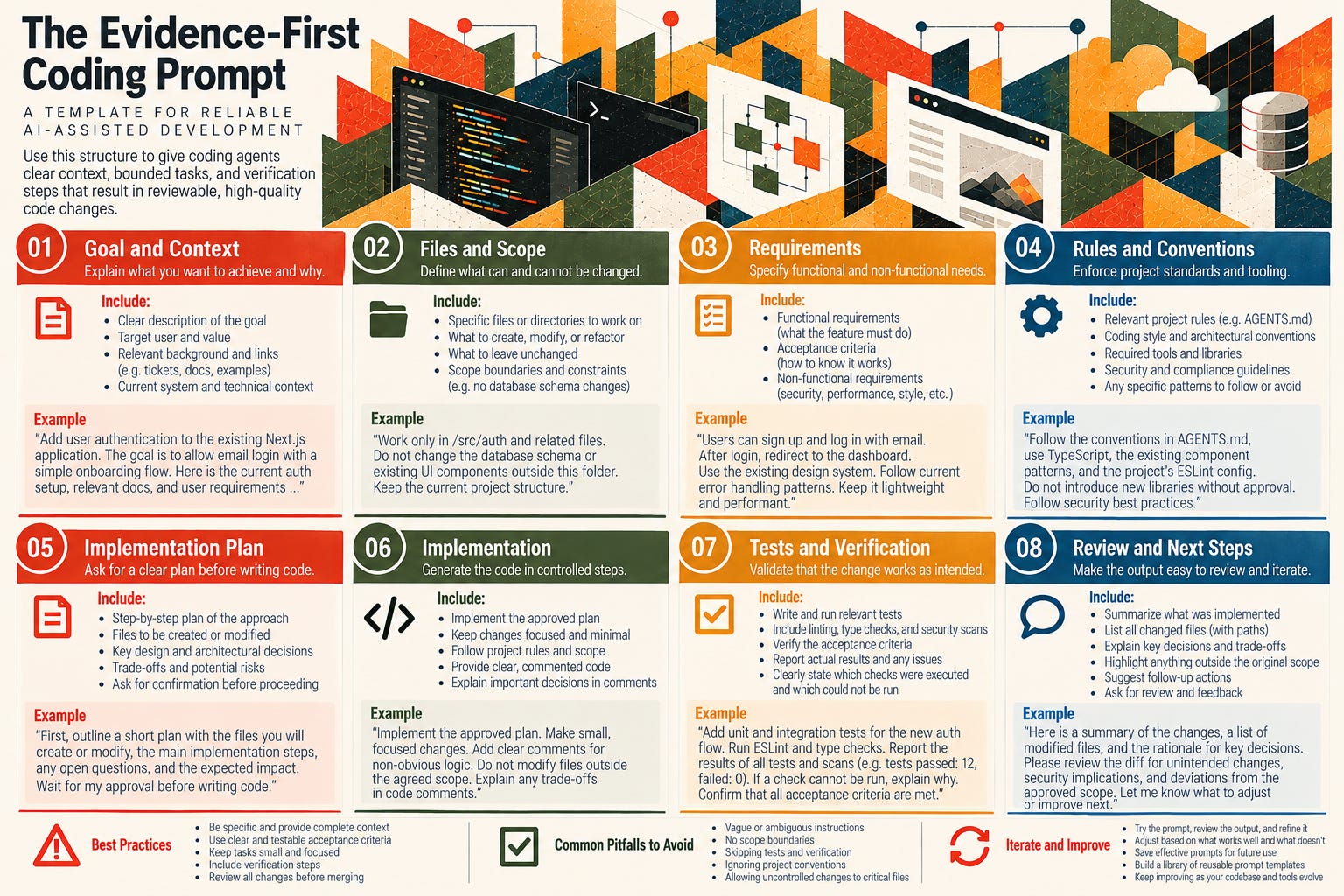
The following instruction template is designed for coding agents working within an existing repository.
It encourages investigation, planning, controlled implementation, and verification.
Copy-ready prompt
You are a software engineering agent working within an existing codebase.
Task: [DESCRIBE THE FEATURE, FIX, OR CHANGE]
Objective: Deliver a minimal, maintainable implementation that satisfies the specified requirements while preserving existing behavior.
Work through the following stages:
1. Understand the system
Inspect the relevant files, dependencies, project instructions, existing tests, and architectural conventions. Explain your understanding of the current implementation before making changes.
2. Define the scope
Identify the files likely to change, interfaces that must remain stable, assumptions requiring verification, and any security or data implications.
3. Propose a plan
Outline the smallest implementation that satisfies the task. Identify possible failure modes and the tests required to verify success.
4. Implement carefully
Follow repository instructions and established coding conventions. Prefer small, reviewable changes. Do not introduce new dependencies, alter permissions, or modify unrelated components without justification.
5. Validate behavior
Run relevant tests, linting, type checks, builds, and other available validations. Add appropriate tests for new behavior and regression risks.
6. Review the changes
Inspect the final diff for unintended modifications, duplicated logic, security issues, and deviations from existing architecture.
7. Report the outcome
Provide a concise summary containing:
-
Files changed and why.
-
Tests and checks performed.
-
Results and any remaining failures.
-
Assumptions that remain unverified.
-
Potential risks and recommended follow-up actions.
Operating constraints
Do not fabricate test results or claim that checks passed without executing them.
Do not expose secrets, bypass security controls, or perform destructive operations without explicit authorization.
If a requirement is ambiguous or a consequential decision is needed, explain the alternatives before proceeding.
Completion criterion: The change satisfies the requested behavior, passes the available relevant checks, and leaves a clear audit trail of what was modified and verified.
The AI coding quality test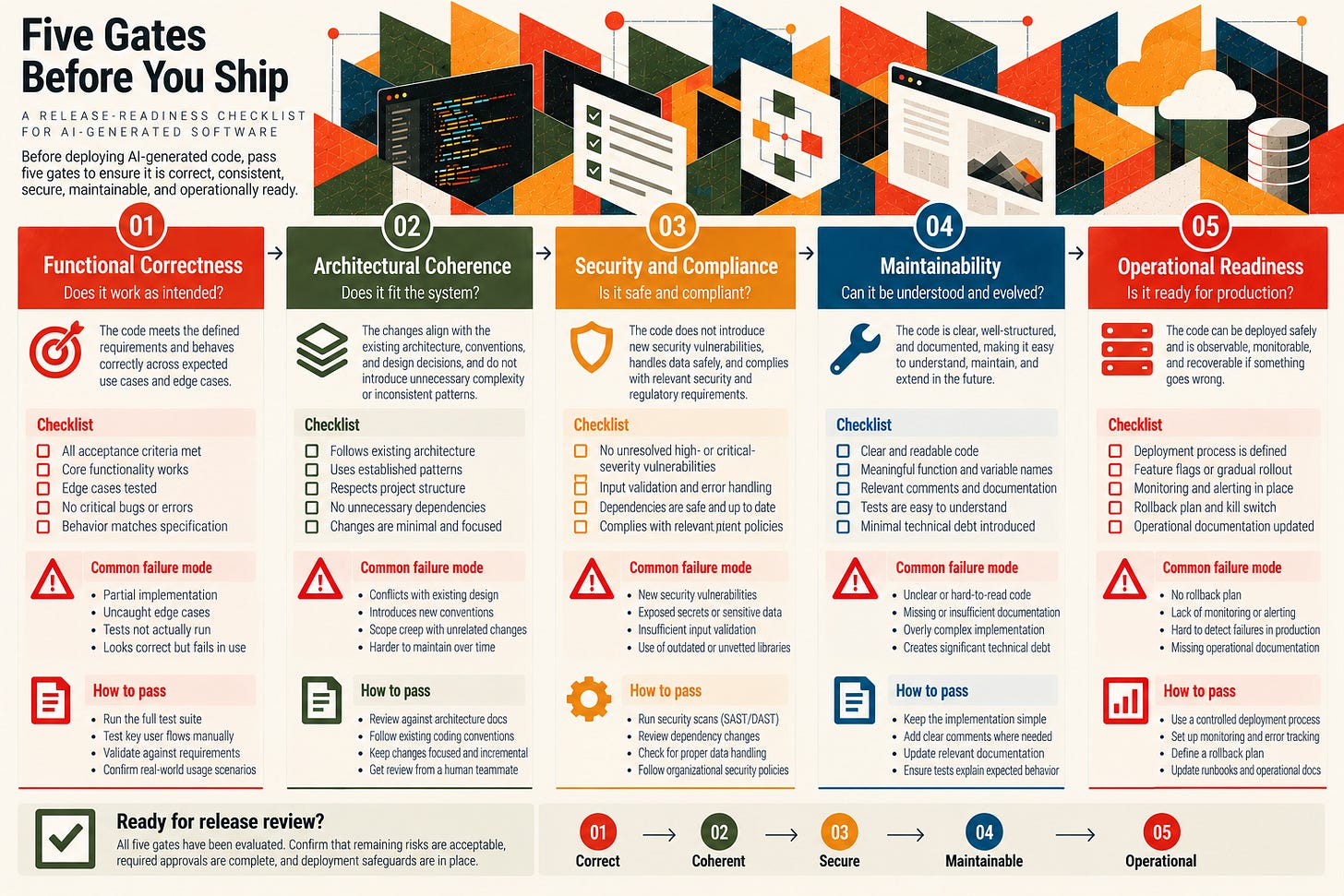
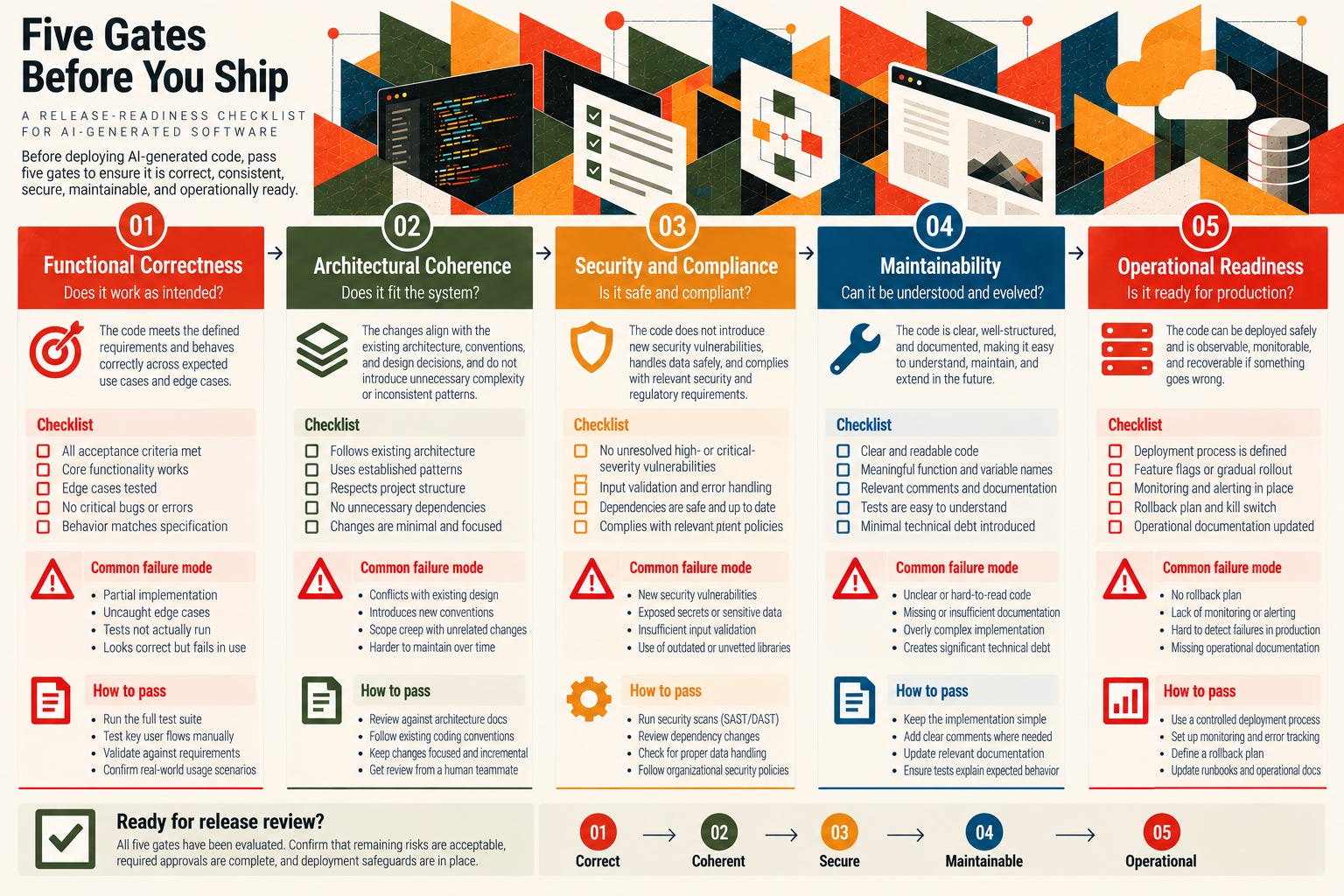
Before accepting AI-generated code, evaluate it through five gates.
A software artifact can pass the first gate while remaining unsuitable for production.
The significance of the remaining gates increases as the software acquires users, stores information, interacts with external services, or becomes important to an organization’s operations.
The appropriate quality threshold depends on the application’s consequences. A disposable prototype and a system processing sensitive business data should not share identical release criteria.
Which tools should you start with?
If you are a nontechnical founder or independent builder, begin with Lovable, Bolt.new, or v0. Use the first prototype to clarify the product and identify what you need to learn. Introduce version control, testing, and a more structured development environment as the project becomes consequential.
If you are a developer working on an existing repository, start with Cursor or GitHub Copilot, add repository instructions, and ensure your existing tests and review procedures remain central to the workflow.
If you want more control over models and execution, explore Cline, Aider, OpenCode, or goose. Pair open-source agents with appropriate model access and keep the resulting changes inspectable.
If you are learning programming through AI, combine an assistant with MDN, freeCodeCamp, and GitHub Skills. Understanding why generated code works improves your ability to evaluate and maintain it.
If you are building AI-powered applications, pay particular attention to MCP integration boundaries, security guidance, credentials, authorization, and the failure modes introduced when language models can invoke external tools.
The appropriate stack depends on the software being built, the skills available, and the consequences of failure.
The next frontier: software development as a governed system
AI coding changes the economics of implementation.
A larger share of software development can now be expressed as intent, context, and acceptance criteria, with coding agents responsible for translating those inputs into executable changes.
This creates a coordination problem.
Multiple agents may work on related features. Each may operate with incomplete context, interpret ambiguous requirements differently, or make locally reasonable decisions that conflict with the broader architecture.
As implementation accelerates, the quality of the development system increasingly depends on what remains stable between agent sessions: requirements, architectural decisions, rules, interfaces, tests, approval rights, and deployment controls.
These elements provide continuity when the underlying models, tools, and contributors change.
The practical opportunity is to build a development environment in which agents can act productively without creating architectural drift, hidden dependencies, or uncontrolled operational risk.
That requires treating specifications, project instructions, tests, and decision records as first-class development assets.
The most valuable AI coding stack is one that allows software to change quickly while keeping its behavior understandable, its decisions traceable, and its consequences under control.
About this collection
The AI Coding Stack is part of The Strategy Stack, a growing library of practical tools, frameworks, and resources for building with AI, designing better operating systems, and translating technology into business value.
Explore more guides and curated resources at The Strategy Stack.
Last reviewed: October 2026. Free plans, model access, usage limits, and product features may change. Open-source software is not necessarily free to operate when it depends on paid inference, cloud infrastructure, or external services.
Subscribe to The Strategy Stack for practical frameworks, curated resources, and operating systems for strategy, technology, and AI.