Turn Your Documents, Videos, and Research Into Knowledge You Can Actually Use
By Working Smarter with AI
Published: 2026-10-24
URL: https://thepromptshell.substack.com/p/the-complete-guide-to-google-notebook-6d4
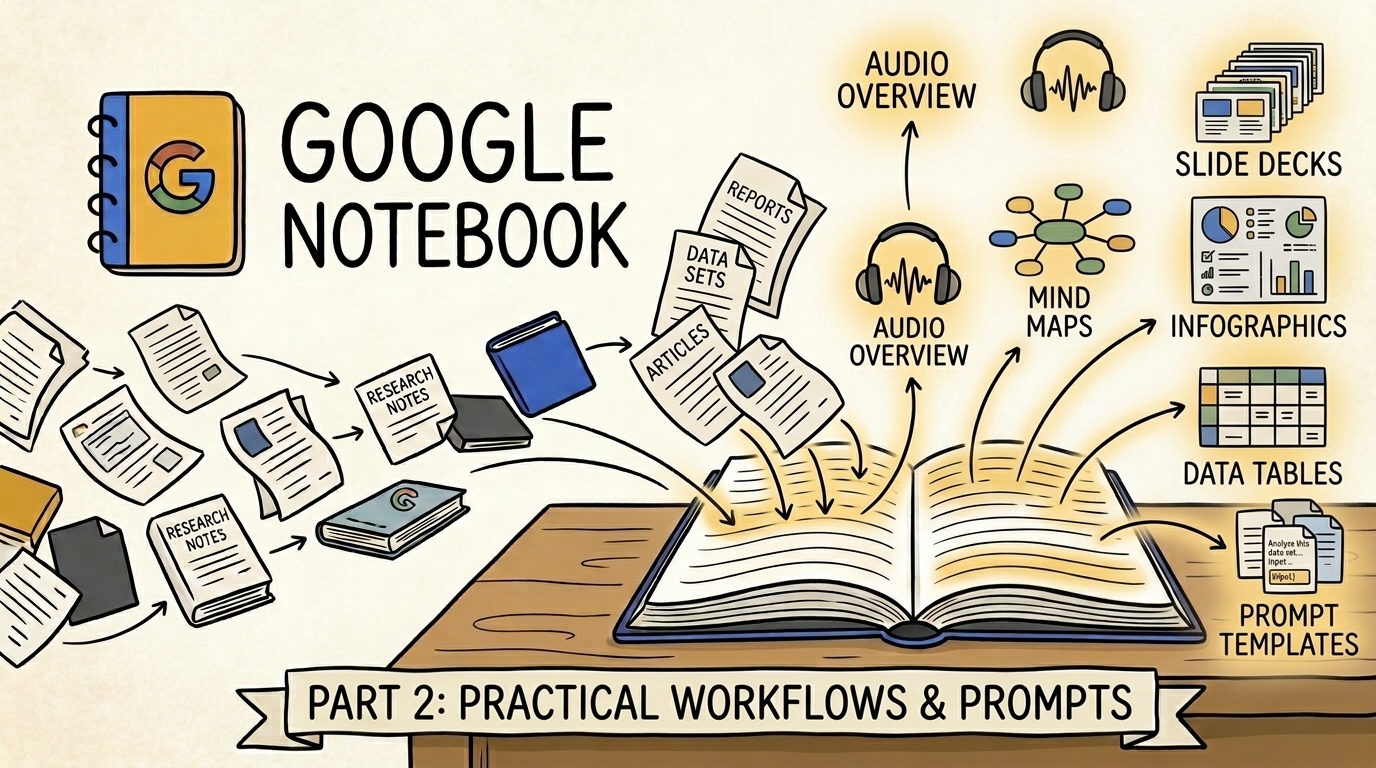
Last week I published Part 1 of my Google Notebook (previously called NotebookLM) user guide.
On part 1 we talked about the bases of Notebook, from creating the first Notebook, to load the different type of sources, managing the answers and type of outputs you can extract.
If you missed it you can find the link over here The Complete Guide to Google Notebook - Part 1.
Today I’m publishing Part 2 that includes a list of real examples that you can use in your day to day, limitations and mistakes to avoid, prompts worth saving and frequently asked questions that you help you clear some of your doubts.
This guide is designed to be saved and reused. You can read it from beginning to end if you’re new to Notebook, or jump directly to a particular feature when you need help.
By the end, you will know how to:
- Create and organize notebooks.
- Upload documents, websites, videos, audio, and other sources.
- Discover additional sources through AI research.
- Customize the length, style, focus, and structure of answers.
- Ask better questions and verify citations.
- Generate audio and video explanations.
- Create presentations, infographics, reports, and mind maps.
- Build flashcards and quizzes.
- Compare documents and extract structured information.
- Apply Notebook to work, studying, research, and everyday decisions.
Note: Google’s Notebook product has evolved from NotebookLM, and some screens still use the NotebookLM name. This guide refers to it as Notebook. Features, usage limits, and availability can differ by account, subscription, region, and device. The instructions focus on the desktop experience, which offers the broadest set of tools.
1. Practical Workflow - Prepare a business meeting
Let’s put several features together.
Imagine you’re preparing for a meeting about a delayed project.
You have a project plan, meeting minutes, a risk register, and status reports.
Step 1: Create the notebook
Name it Project Review Meeting and upload the relevant documents.
Step 2: Understand the current situation
Summarize the current project status, major achievements, missed milestones, unresolved issues, and decisions pending. Use the latest available information and identify the date of each relevant source.
Step 3: Identify inconsistencies
Compare the latest status report with the project plan and risk register. Identify inconsistencies, missing updates, and risks that may not be adequately reflected in the reported status.
Step 4: Prepare your questions
Generate 10 questions a project sponsor should ask during the review meeting. Prioritize questions that clarify delivery risks, accountability, dependencies, and recovery options.
Step 5: Generate meeting material
Create an executive briefing or slide deck from the findings.
You now have a structured preparation package based on the documents rather than a collection of disconnected notes.
2. Practical Workflow - Learn a new technical subject
Suppose you want to learn how AI agents work.
Step 1: Collect material
Create a notebook called AI Agents Learning.
Add introductory articles, official technical documentation, a tutorial, and a relevant research paper.
Step 2: Build a learning path
Create a learning plan for someone with basic AI knowledge who wants to understand and build AI agents. Organize the material into progressive stages and identify which sources support each stage.
Step 3: Learn the foundations
Explain the differences between an AI assistant, a workflow automation, and an autonomous AI agent. Include practical examples and identify where the terminology differs between sources.
Step 4: Visualize the concepts
Generate a mind map showing the relationships between models, tools, memory, orchestration, and human oversight.
Step 5: Listen to the explanation
Create an Audio Overview focused on the foundational concepts.
Step 6: Test yourself
Generate flashcards and quizzes.
Step 7: Move toward implementation
Based on the selected technical sources, propose a beginner-friendly practical exercise for building a simple AI agent. Identify prerequisites, implementation steps, expected results, and limitations. Clearly mark any steps not covered by the sources.
The result is a personalized learning environment built around the material you selected.
3. Practical Workflow - Compare products before buying
Notebook can also help with everyday decisions.
Imagine you’re choosing between three laptops.
Step 1: Collect sources
Add official specifications, product manuals, warranty information, and independent reviews.
Step 2: Define your priorities
Compare these laptops for office productivity, video meetings, light programming, battery life, portability, and long-term reliability. Use the available evidence and identify missing information.
Step 3: Separate facts from opinions
Separate objective specifications from subjective reviewer opinions. Identify where reviewers disagree and whether those disagreements appear related to different usage scenarios.
Step 4: Create a decision matrix
Create a weighted decision framework using these priorities: battery life 30%, performance 25%, portability 20%, price 15%, and warranty 10%. Show which scores are supported by evidence and which require my judgment. Do not invent benchmark results.
Notebook can help structure the decision, but the final choice remains yours.
4. Practical Workflow - Understand a contract or insurance policy
Long contracts are difficult to read, particularly when they contain unfamiliar terminology.
Notebook can help identify clauses and explain their meaning in simpler language.
Step 1: Upload the documents
Add the contract, applicable terms and conditions, and related policy documents.
Step 2: Summarize the obligations
Explain the main obligations, rights, payment conditions, deadlines, termination provisions, and exclusions described in these documents. Cite the relevant clauses.
Step 3: Identify areas requiring attention
Identify clauses that could create financial, operational, or legal exposure. Explain why each deserves attention, without making assumptions beyond the wording of the contract.
Step 4: Prepare questions for an expert
Create a list of questions I should clarify with a qualified legal professional before signing. Prioritize ambiguous terms, liability, termination, renewal, and dispute resolution.
Notebook can help you understand the material and prepare for a professional conversation. It should not be treated as a substitute for qualified legal advice.
5. Practical Workflow - Turn research into content
If you write articles, newsletters, training material, or educational content, Notebook can help organize your research.
Imagine you’re preparing an article about AI automation for small businesses.
Step 1: Create a research notebook
Add credible articles, official documentation, case studies, and your own notes.
Step 2: Find useful angles
Identify the recurring problems small businesses face when introducing AI automation. Group them by business function and distinguish problems supported by evidence from opinions or predictions.
Step 3: Identify practical solutions
For each problem, identify practical solutions described in the sources. Explain implementation requirements, expected benefits, limitations, and risks.
Step 4: Build an outline
Create a detailed article outline for readers who want to automate one repetitive business task. Focus on practical implementation rather than general AI trends. Include a clear example, sequential instructions, and common mistakes.
Step 5: Check the evidence
Review the outline and identify claims that require stronger evidence, additional sources, or clarification before publication.
The advantage is that your article can be built from a traceable collection of research rather than relying entirely on generic AI-generated explanations.
Your own judgment, examples, and perspective should still shape the final article.