This week’s three articles explore how non-technical knowledge workers can use Codex to turn files, ideas, and accumulated knowledge into a workspace they can actually understand and use.
By The Agentic Teacher
Published: 2026-06-13
URL: https://theagenticteacher.substack.com/p/what-non-technical-knowledge-workers
For years, I tried to keep the structure of my work in my head.
I knew how the ideas connected. I remembered why certain decisions had been made. I could usually tell which documents mattered, where a project was headed, and what standards I wanted the work to meet.
But those connections were not always visible in the files themselves.
The materials were spread across folders, documents, notes, drafts, and unfinished systems. Each piece made sense to me individually, but the larger structure depended too heavily on my memory.
That is what has made working with Codex so exciting.
Codex is not merely helping me generate better context. It is helping me make the hidden structure of my work visible. Once I set up the Architecture and structure, I can ask it to inspect files, identify relationships, find inconsistencies, create clear instructions, and turn decisions I have been carrying mentally into something legible and reusable.
For the first time ever, I am not the only thing holding the system together.
No more remembering what file landing pages were in.
No more remembering how offers fit with the product ladder.
No more needing to remember the updates I made mentally and then having to change them across different aspects of the business.
It frees me to focus on other things.
I knew I was doing a lot of work without being spoken to. But giving Codex directions put all of it out front and into a structure, showing the load I had been carrying.
That experience led me to a larger question:
What could Codex do for teachers and other non-technical knowledge workers who are also carrying too much of their work in their heads?
You do not need to learn how to code to explore that question. You need to understand how to direct Codex inside a workspace containing your lessons, research, drafts, examples, client materials, and accumulated knowledge.
This week’s three articles move from that possibility to a small workflow you can try.
1. Your Old Files May Be More Valuable Than Another AI Prompt
Many knowledge workers have years of useful material spread across folders, drives, and old projects.
The problem is not always creating something new. It is finding what you already created, knowing which version is current, and understanding how it connects to your present work.
I have lived that problem with articles, frameworks, research, instructions, product ideas, and decisions spread across different projects.
Codex helped me see those files as working knowledge rather than stored material. It could inspect them, identify useful relationships, and show me where the structure in my head was missing from the workspace.
The important shift is this:
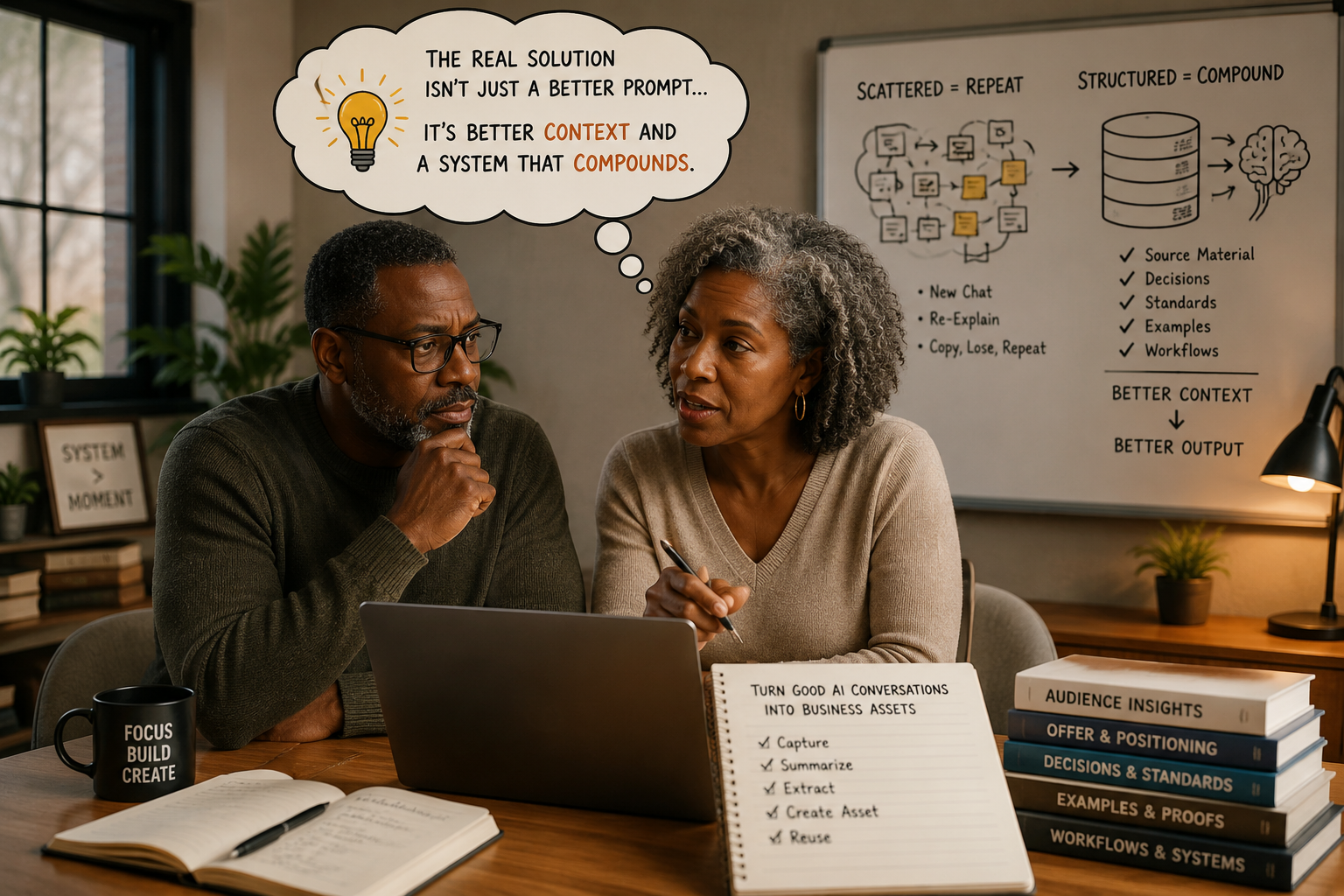
The future of useful AI work is not only better prompts. It is better workspaces.
2. Clear Direction Matters More Than Technical Language
Using Codex has shown me that the most important skill is not learning technical commands. It is making your expectations clear.
Codex needs to know what to read, what to protect, what standard to follow, and when to wait for you.
You can provide that direction with five plain-English instructions:
- Read these files first.
- Do not change the originals.
- Show me what you found.
- Use this example as the quality reference.
- Wait for my approval before continuing.
These are the same kinds of directions teachers, managers, consultants, and business owners already give when assigning important work.
The deeper skill is not prompting. It is directing AI while keeping your judgment in charge.
3. Begin With One Folder and One Decision
How Non-Coders Can Use Codex to Audit One Folder Without Changing the Files
It is easy to imagine a complete AI system before testing one small part of it. A better starting point is one folder connected to a real project.
Ask Codex to inspect the folder without changing anything and report:
- What is in the folder?
- What appears reusable?
- What may be duplicated or outdated?
- What seems to be missing?
Require it to cite the relevant filenames and stop before making changes.
Then review the evidence and make one decision. You might recover a useful resource, identify the current version of a document, or investigate a possible duplicate.
This is where Codex began to feel different for me. It was helping me examine the actual work and produce something I could verify.
The goal is not to reorganize everything. It is to recover one useful piece of knowledge and make one better-informed decision.
The Lesson From This Week
Non-technical knowledge workers do not need to begin by building complicated AI systems.
Start With Something You Can See
Non-technical knowledge workers do not need to begin with a complicated AI system.
Start with one folder. Give Codex clear boundaries. Ask it to inspect what you already have. Require evidence before allowing changes.
That small exercise introduces the foundations of working with AI inside a real workspace:
Context. Scope. Safeguards. Evidence. Human approval.
I am still discovering what becomes possible when the structure of my work no longer has to live only in my head.
But I already know that Codex is helping me work with years of accumulated knowledge without having to remember and reconnect every piece myself.
That is why I believe non-technical knowledge workers should begin exploring it now.
Set Up Your First Codex Workspace
If you are ready to try Codex but unsure how to begin, I created a simple setup page to walk you through it.
You will learn how to open your first project folder, give Codex clear boundaries, and prepare a safe workspace without designing the system yourself.
At the end of the page, you can continue with the complete step-by-step setup.
Next Week: Build Better Context Before You Prompt
Next week, we will look at why reusable context matters more than constantly improving prompts, the four things to check before rewriting a prompt, and how to build a better output packet before asking AI to draft again.
This Substack is reader-supported. To receive new posts and support my work, consider becoming a free or paid subscriber.