From Photoshop and Premiere to Firefly, Adobe is giving AI agents real creative work to do. Here's what they handle and what's available today.
By TechTiff
Published: 2026-11-10
URL: https://techtiff.substack.com/p/adobe-max-2026
Adobe spent the MAX keynote in Miami handing AI agents jobs across Creative Cloud. Creative Cloud MCP lets the agent you already use work inside Photoshop, Illustrator, Premiere and After Effects.
Adobe introduced its own Creative Agent to handle multi-step work across its apps, and Firefly got an entire AI creative studio.
Here’s what each agent handles, what you can use today and what’s still in development.
The Short Version
- Creative Cloud MCP (preview) lets AI agents in ChatGPT, Claude and other assistants work inside Photoshop, Illustrator, Premiere and After Effects while your files stay editable.
- Adobe’s Creative Agent handles multi-step creative work through AI Assistants in Firefly and Creative Cloud apps.
- Premiere, After Effects, Photoshop and Illustrator got new AI tools for editing, animation, lighting and design.
- Firefly is an AI creative studio with Firefly Design, Builder and Graph.
- Always-on agents (preview) in Firefly run recurring jobs and wait for your approval.
Your Agent Gets Access to Creative Cloud
Creative Cloud MCP connects AI agents to Adobe's creative tools, so the AI agent you work with in ChatGPT, Claude or another assistant goes to work inside Photoshop, Illustrator, Premiere and After Effects.
It runs locally on your actual project files. Your Photoshop files, Illustrator vectors, Premiere sequences and After Effects compositions all stay editable, so you hand the work to your agent and keep control of the project the whole time.
The keynote demos put it on production work. The agent adapted a design for different platforms, prepared artwork for screen printing and turned a long podcast episode into social clips, all inside the apps where that work lives.
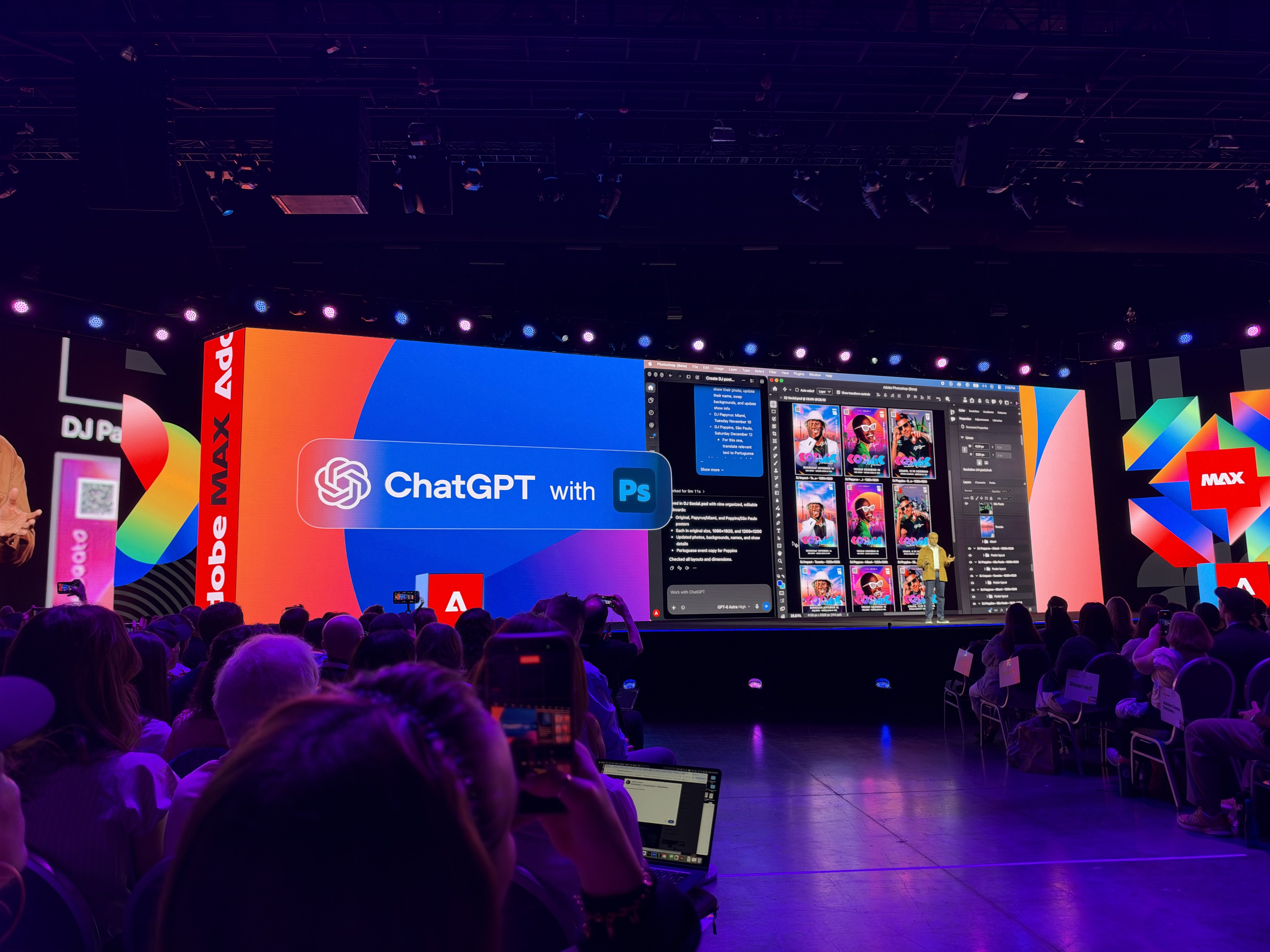
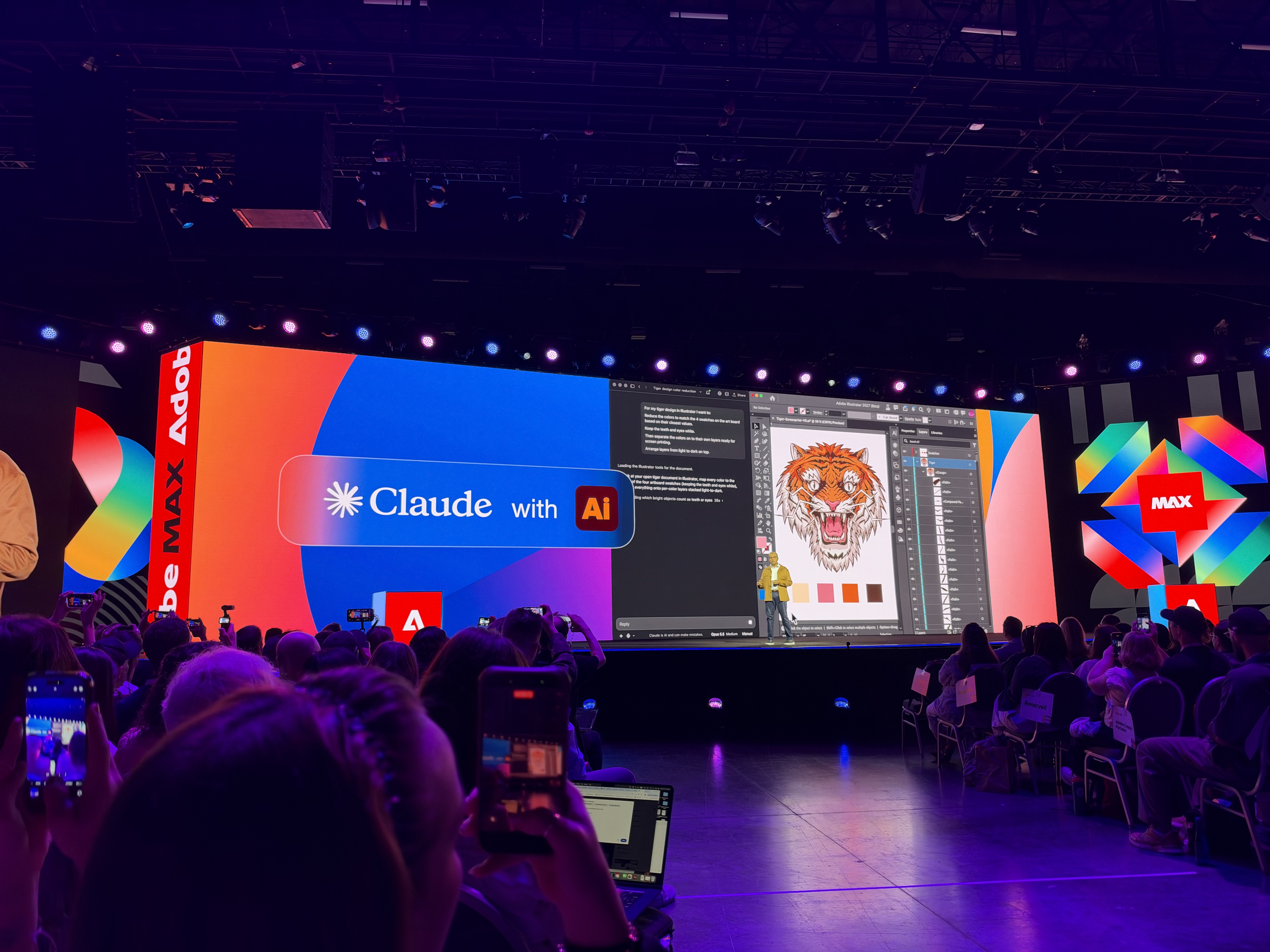
Creative Cloud MCP is in preview, with a private beta coming in early 2027.
And Adobe also built its own agent for this work.
The Adobe Creative Agent Gets a Job
The Adobe Creative Agent is Adobe’s own agent, built for creative work. Give it a creative goal and assign the multi-step work, and it uses Adobe’s tools to get the job done. It runs Firefly AI Assistant and the AI Assistant inside Premiere, Illustrator, InDesign, After Effects and Frame.io, so you work with it inside whichever app you’re in.
Adobe’s Creators’ Toolkit Report, based on a Harris Poll survey of more than 2,000 US creators in October, found that 59% of creators who've used agents for creative work say they save time overall. Another 36% say agents helped them finish projects that were previously too complex for them.
Read more:
What the Agent Handles in Each App
Each Creative Cloud app gave the agent its own set of tasks. Here's what the agent handles across Creative Cloud.
Premiere got the Generative Media Tool, which extends clips, improves audio and adds music or sound effects right in your timeline.
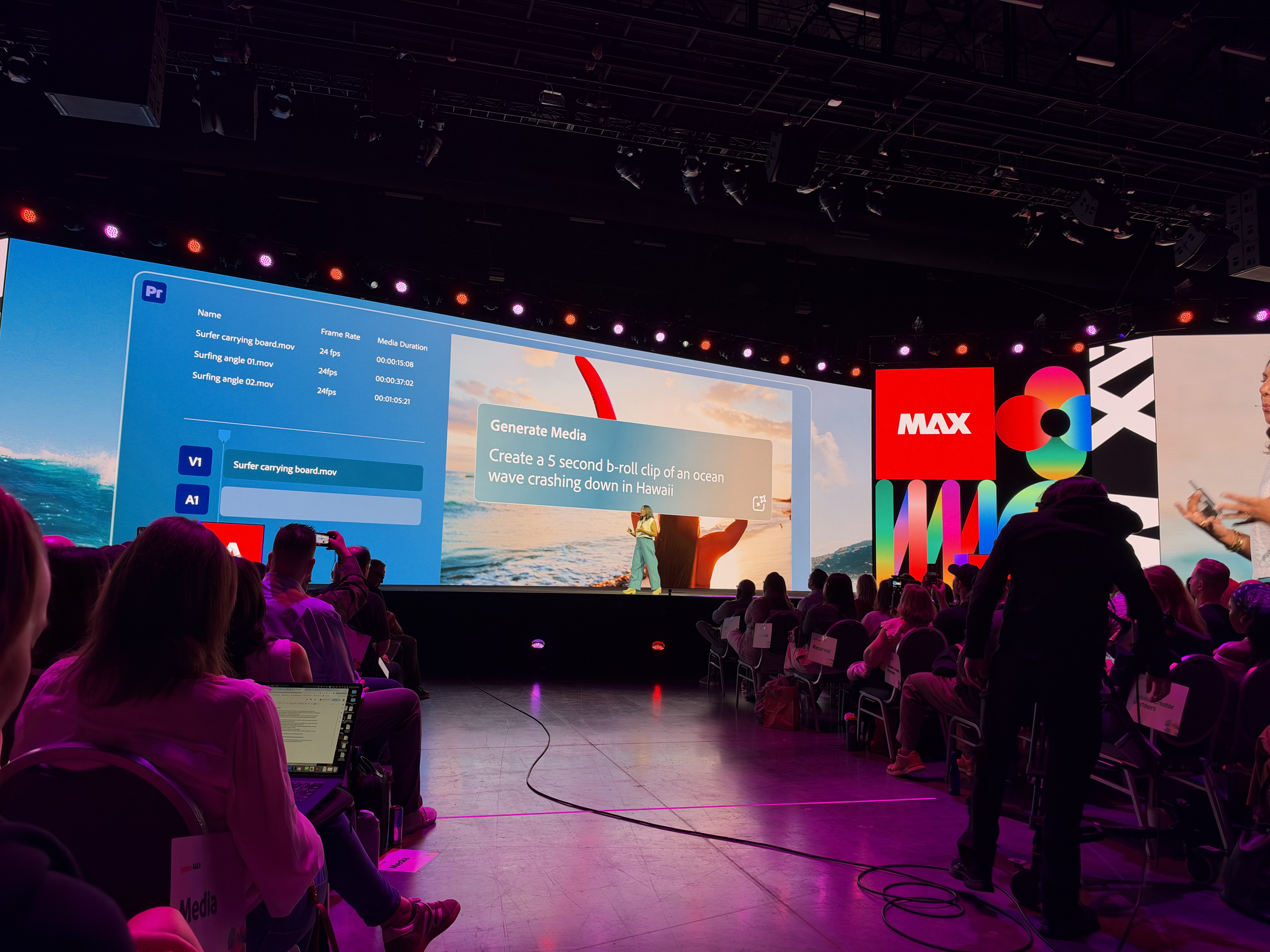
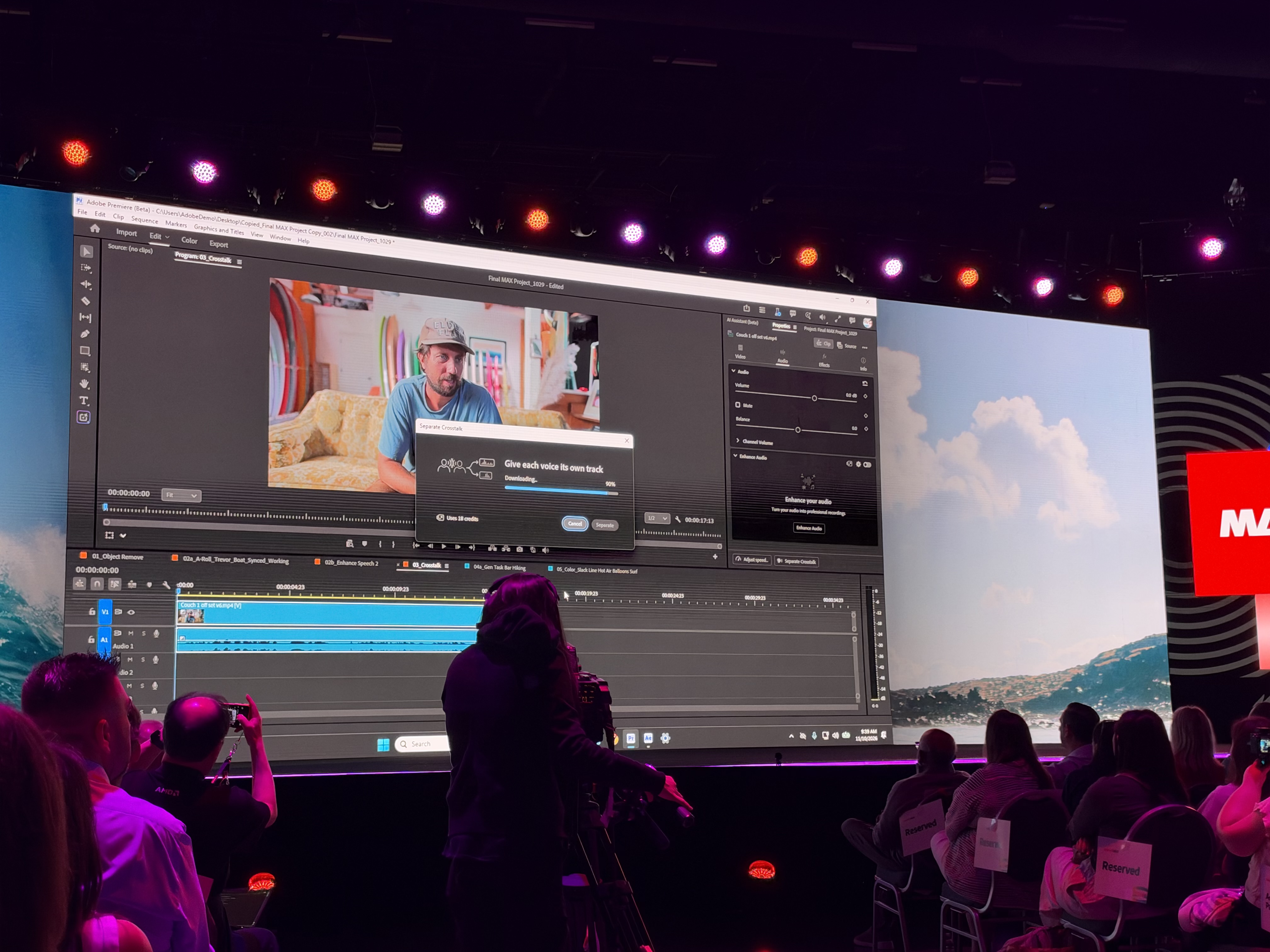
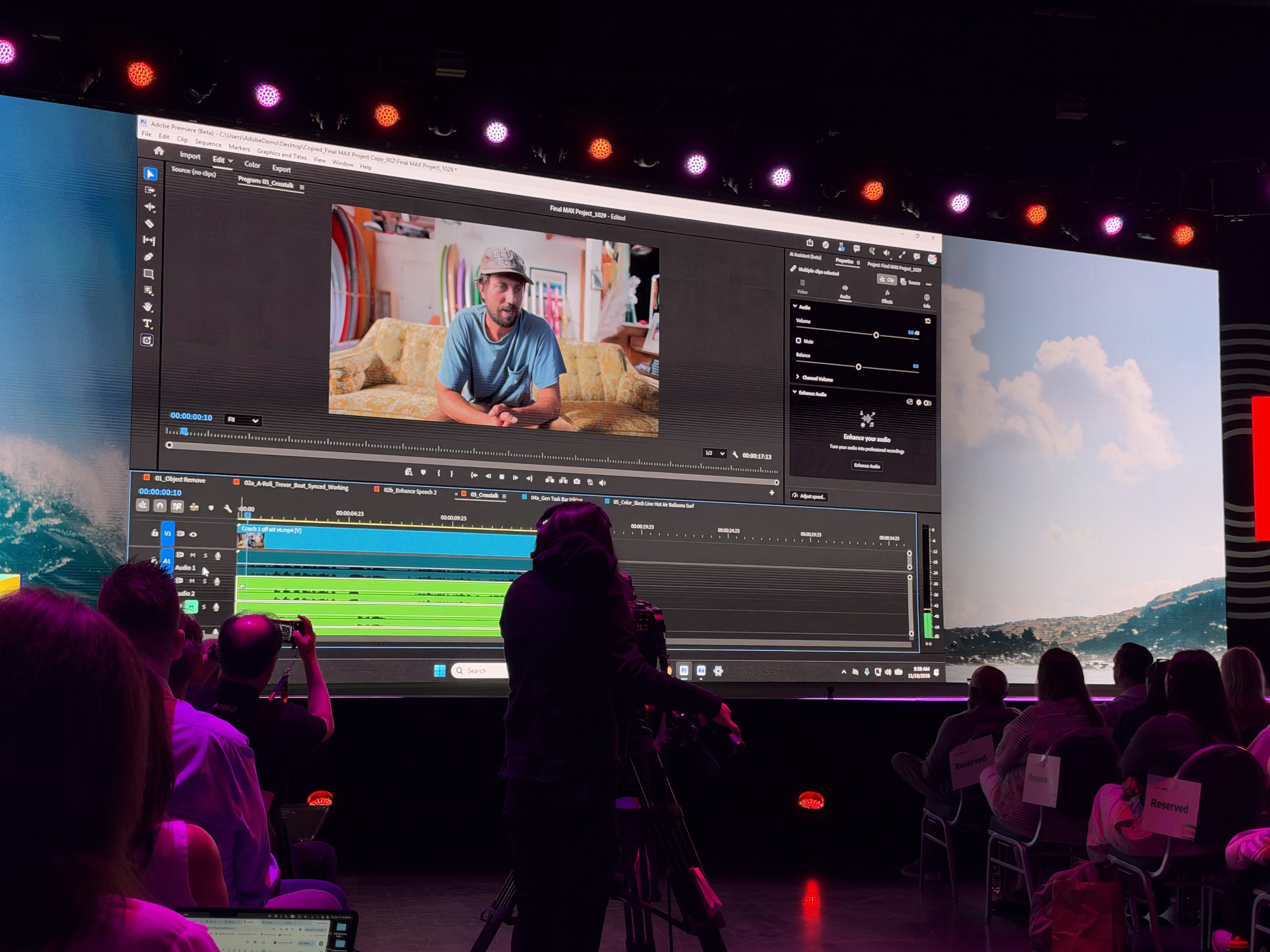
Enhanced Speech separates dialogue, music and background sounds into their own tracks, and Separate Crosstalk splits overlapping voices so you edit each speaker on their own. The Creative Agent powers Premiere’s AI Assistant, in beta, for repetitive editing. It identifies interview questions, organizes clips on your timeline, applies effects across a sequence, tracks masked subjects frame by frame and adjusts color and exposure across clips. Premiere mobile, in private beta, takes a description of what you want and hands back an editable first draft.
In After Effects, the live demo had the agent build animations, keyframes, camera setups and custom controls from conversational instructions. Everything it made stays editable in After Effects, so you keep refining by hand.
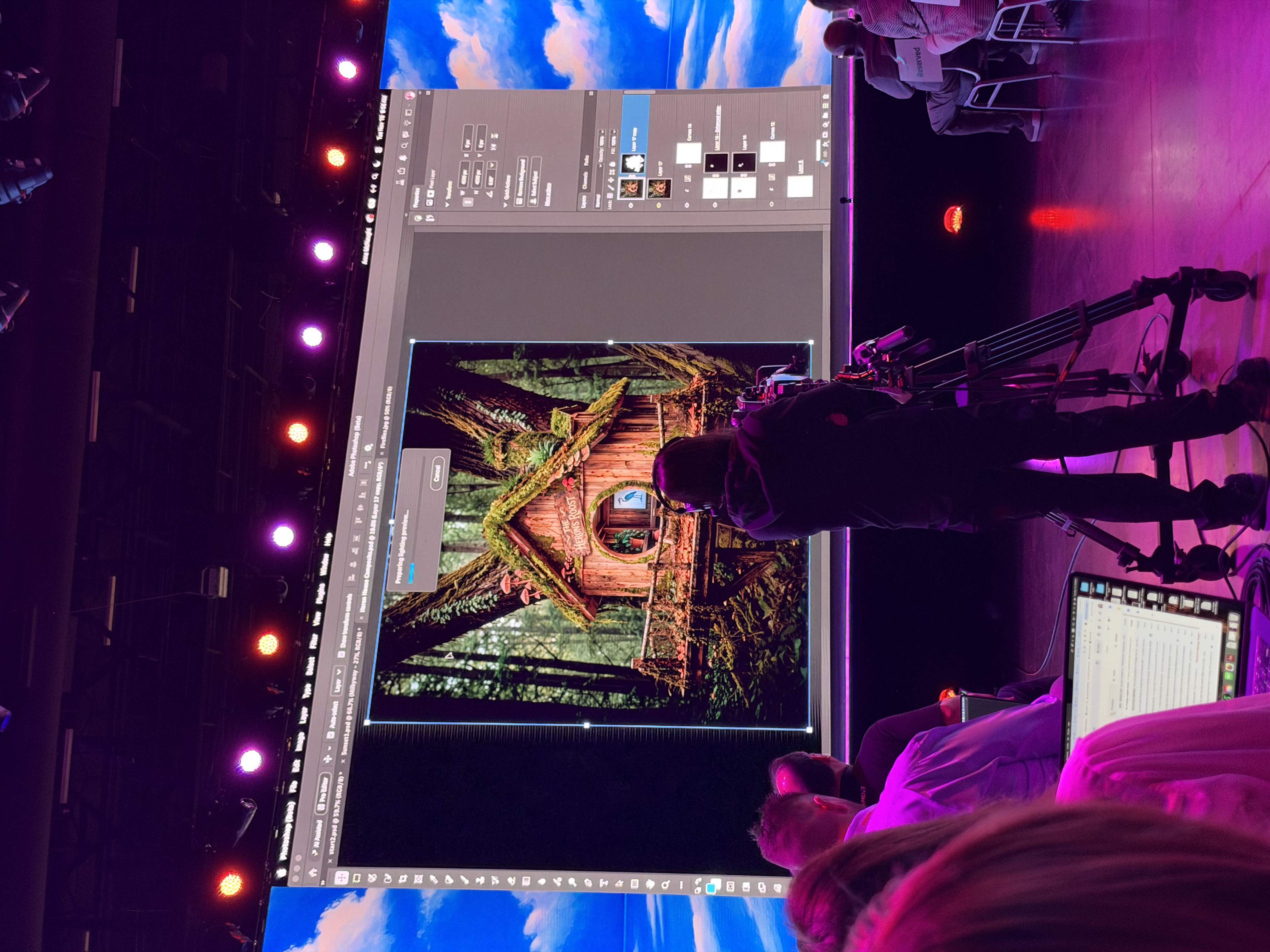
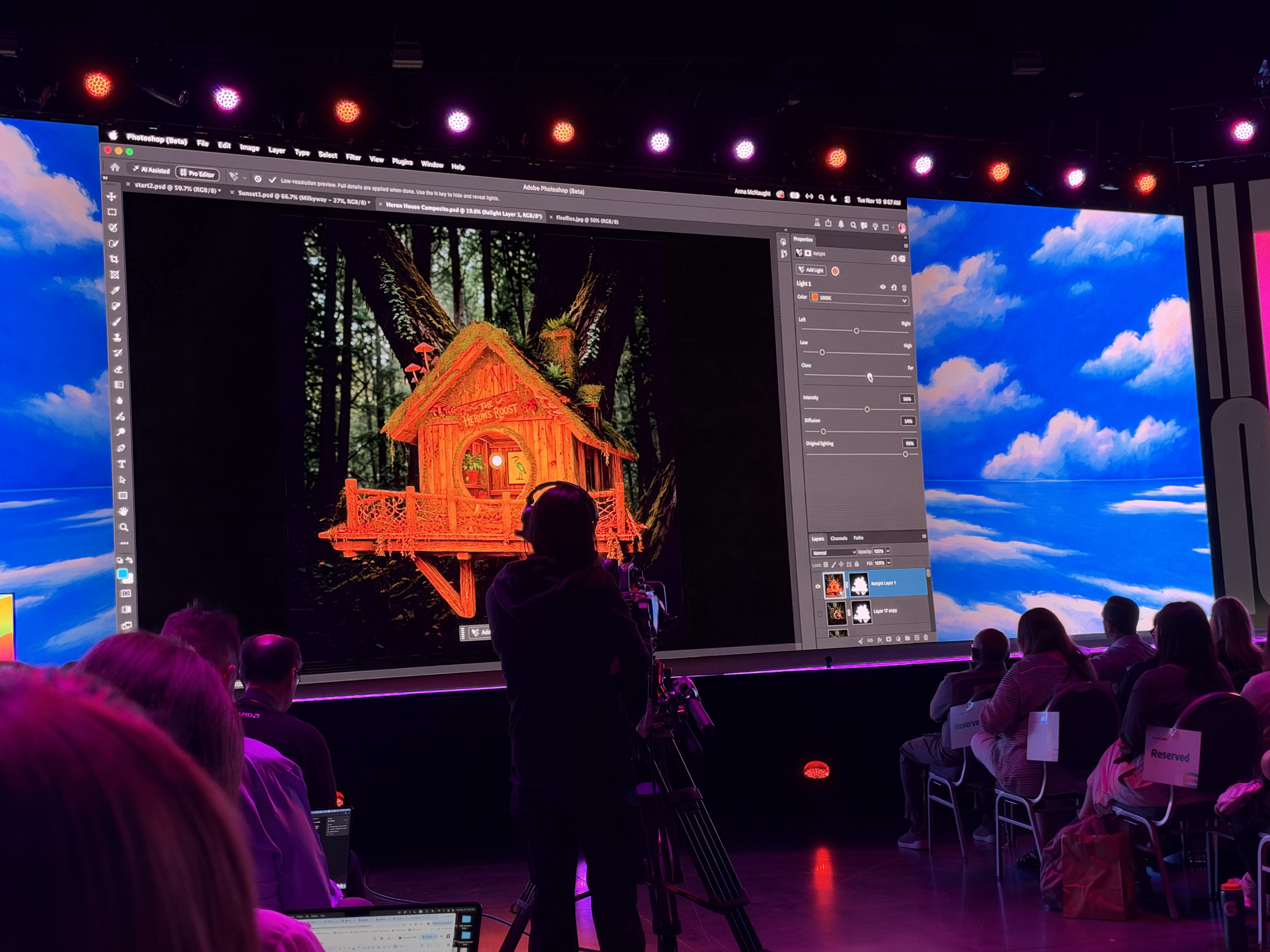
Photoshop got Relight, which repositions light sources and adjusts how they light your image. Rotate Object changes an object’s viewing angle, so the angle you need comes from the photo you already have. Generative Restyle gives you a slider that blends your original image with an AI-generated variation.
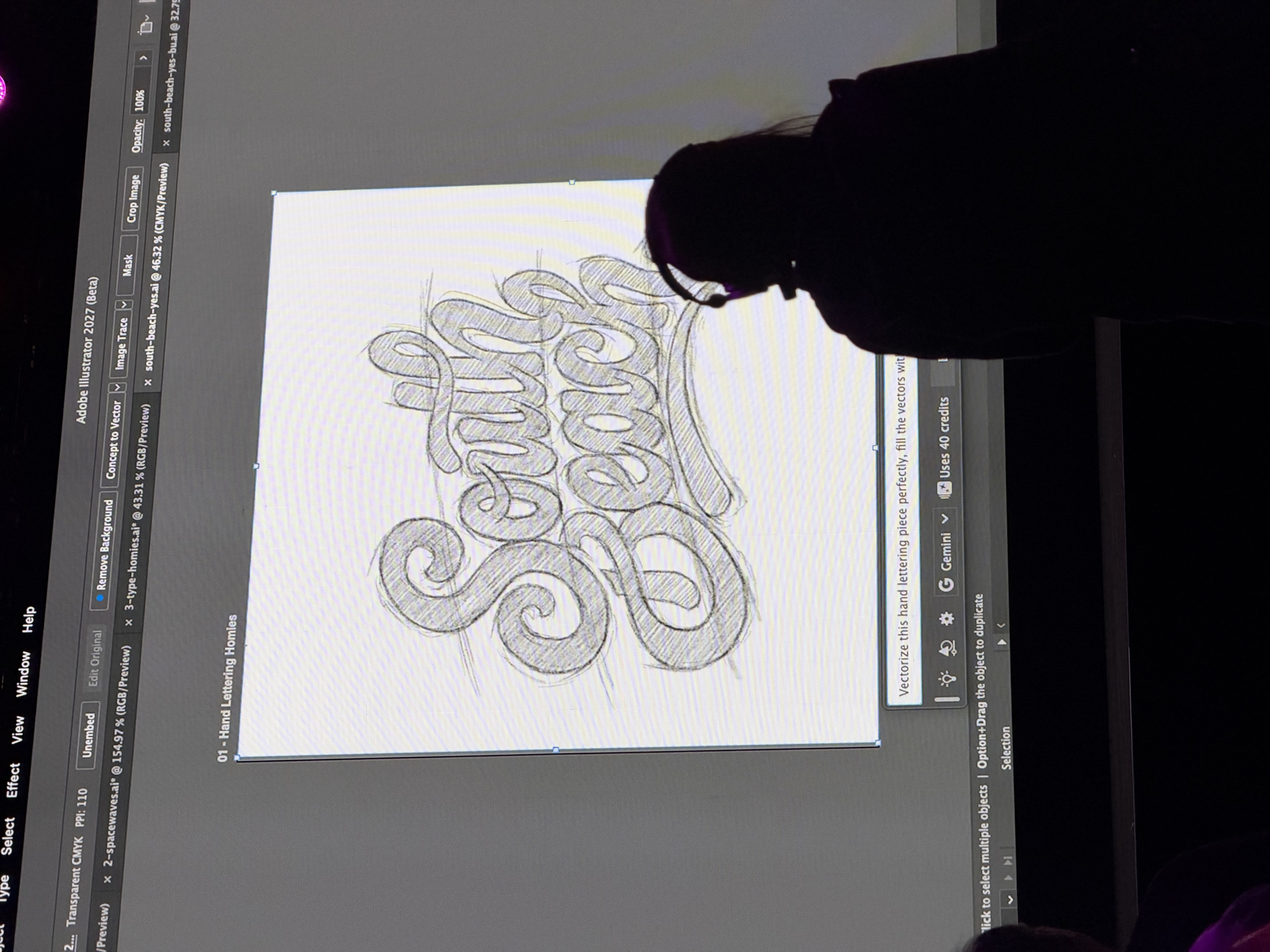
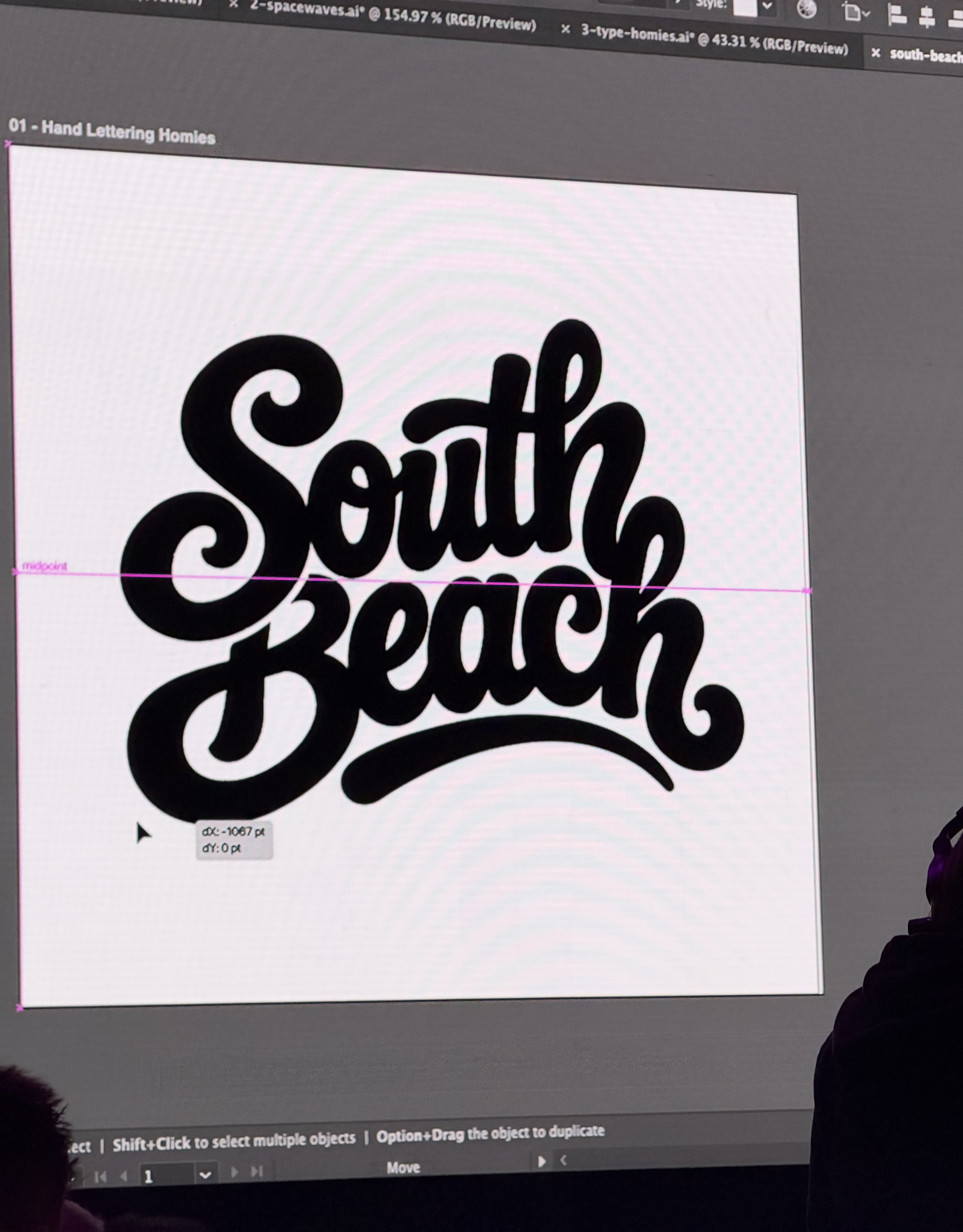
Illustrator got an AI assistant for repetitive design work. Describe the changes and it works across your existing artwork. In the demo, the assistant handled the selecting and applied gradients to dozens of strokes. Gemini, integrated into Illustrator, turned a hand-drawn lettering sketch into editable vector artwork.
All of this comes together in Firefly.
Firefly Opened Its Own AI Creative Studio
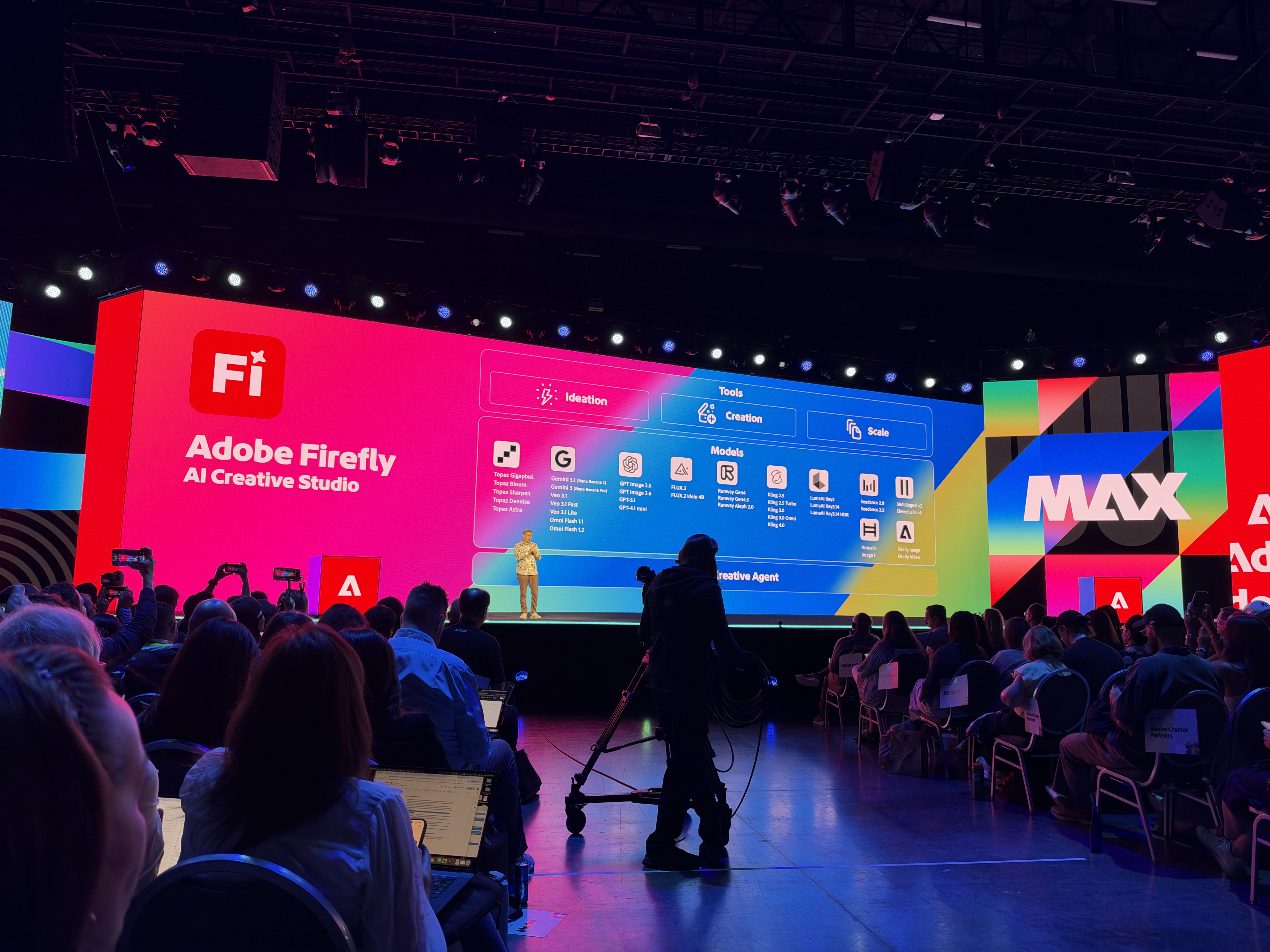
Firefly puts Adobe’s tools, first- and third-party models and the Creative Agent in one workspace.
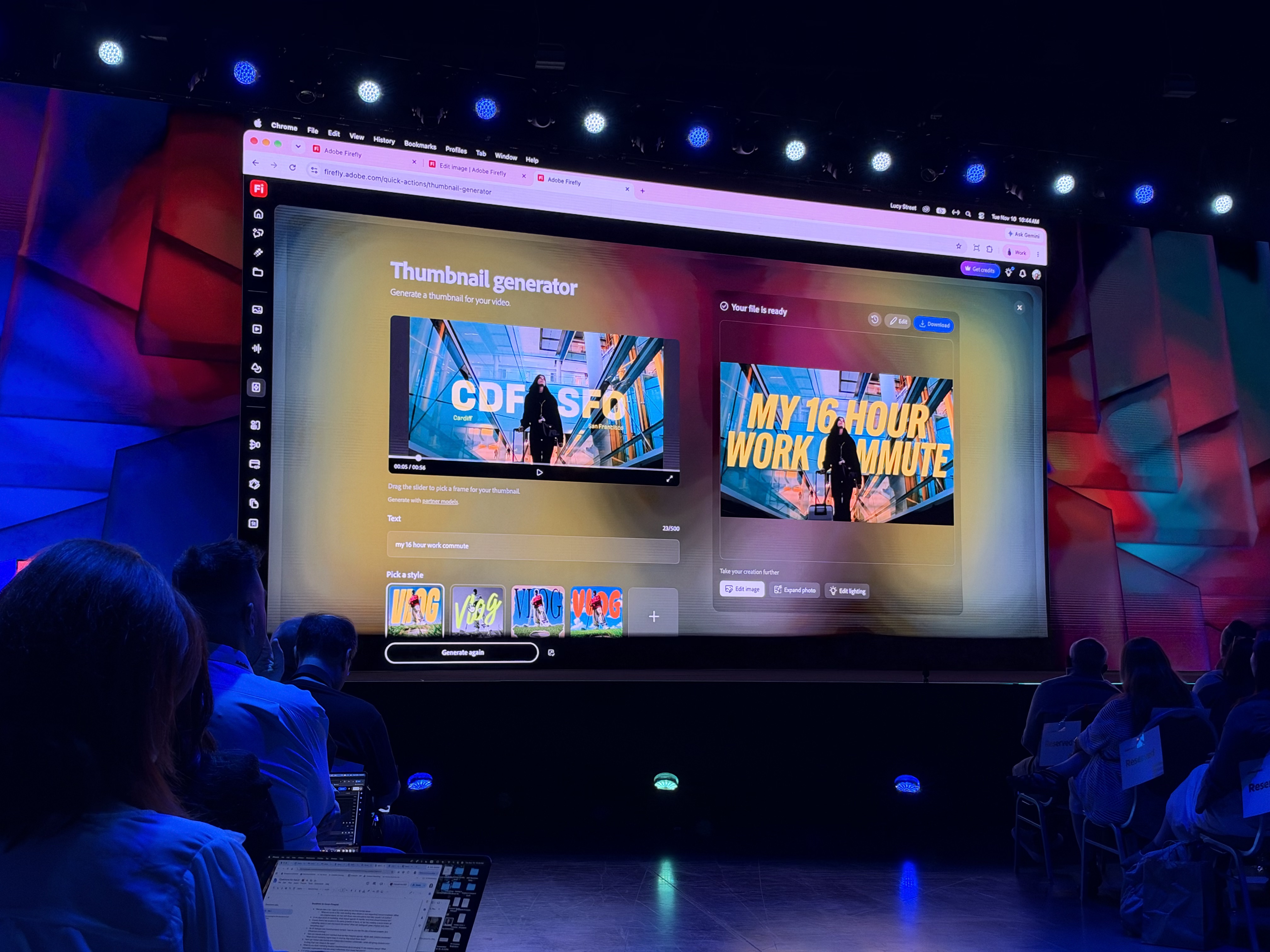
In the video demo, the Creative Agent suggested improvements, generated alternative camera angles and helped create new footage and transitions, while Firefly fixed the audio, animated the captions and handled timeline editing. Thumbnail Generator made a YouTube thumbnail from a frame of the video, custom text and a style picked from a set of options.
For a brand campaign, the agent took a pitch deck, created the characters and locations, planned the shots and generated the videos. When the creator changed an outfit, a single request updated every scene and the rest of the campaign stayed intact.
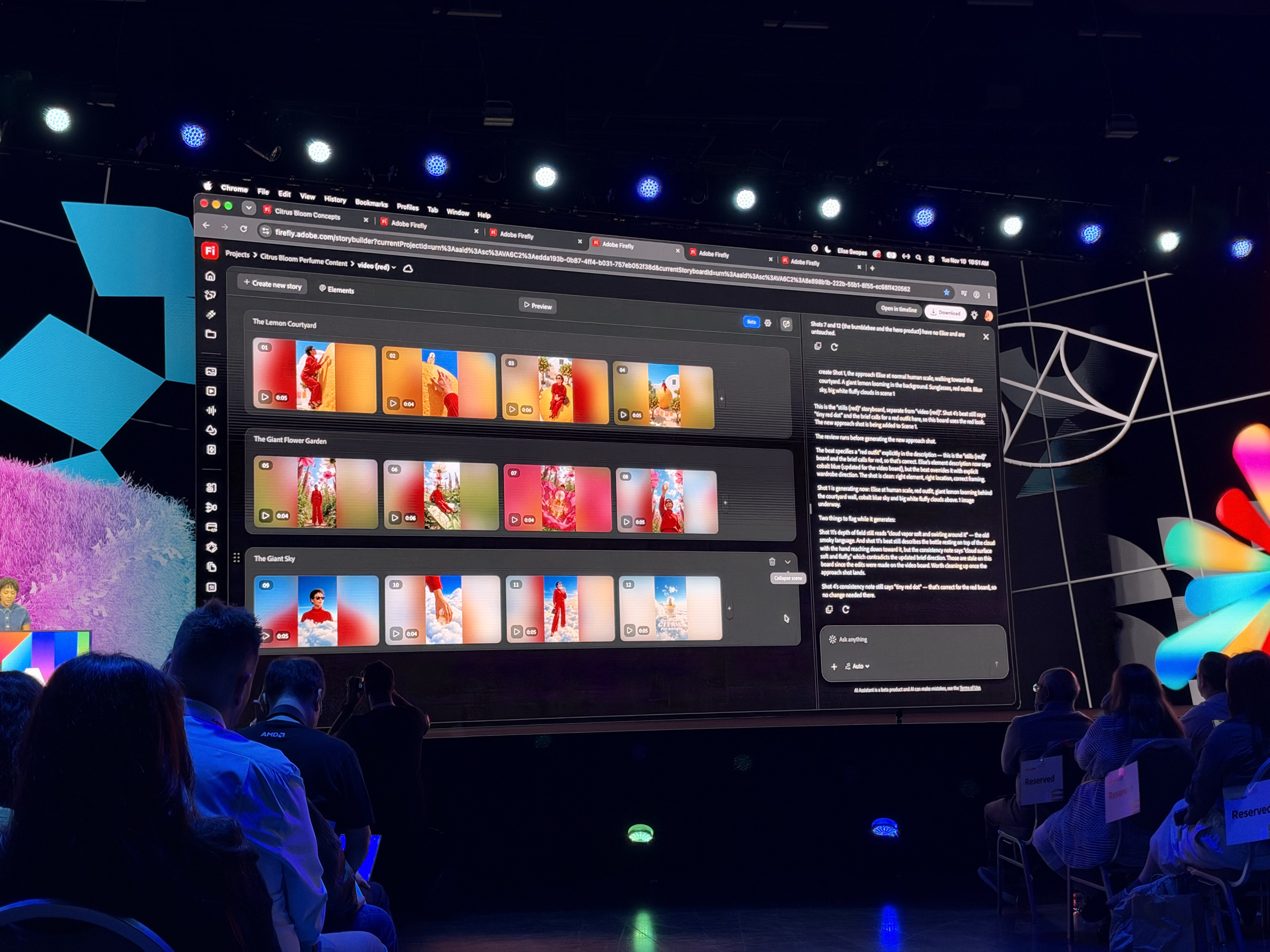
Firefly Design puts the agent on production tasks. It created assets from brand guidelines, checked the results for consistency and caught a design using the wrong brand assets, while the designer kept editing vectors, adding effects and animating.
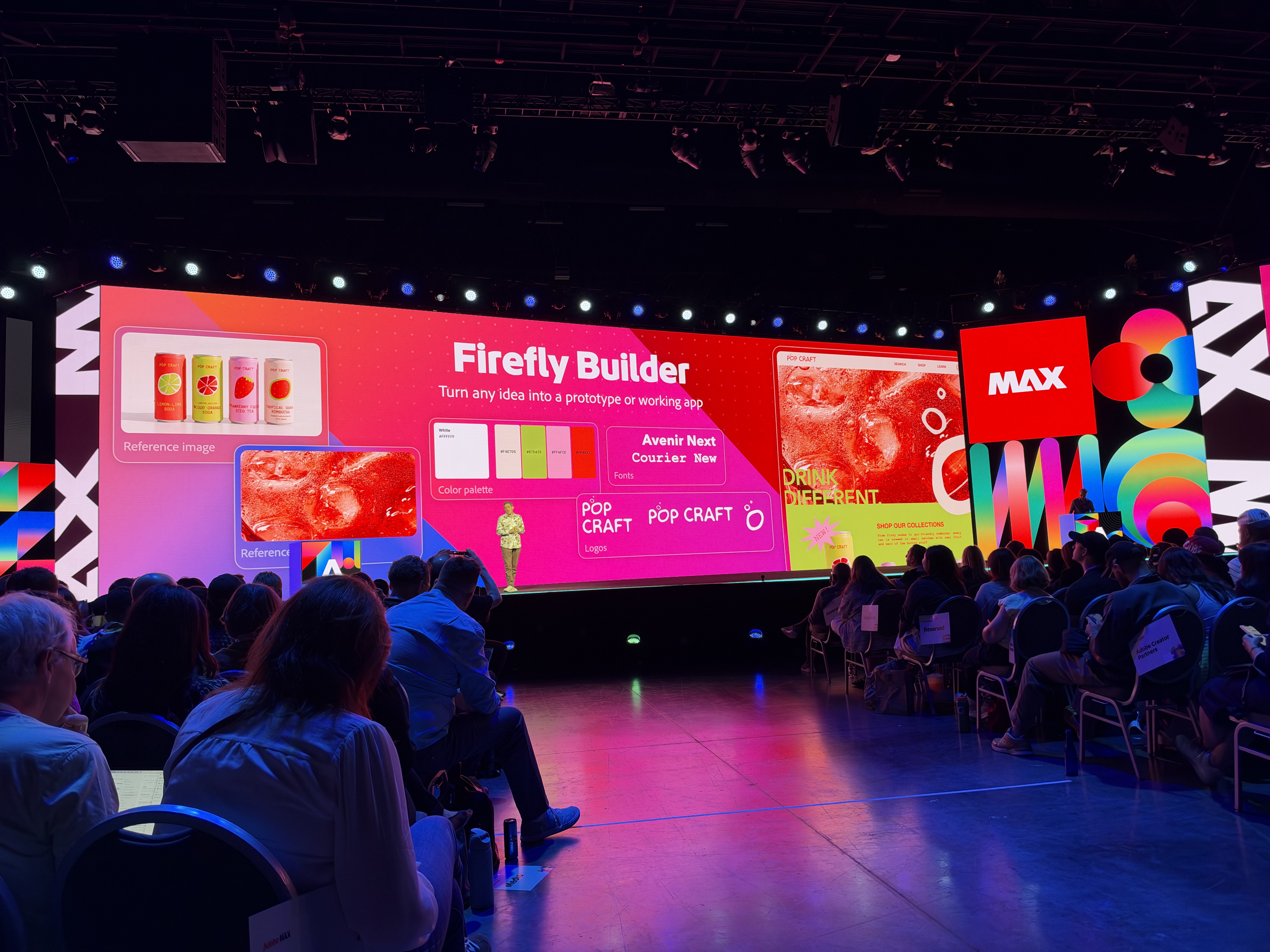
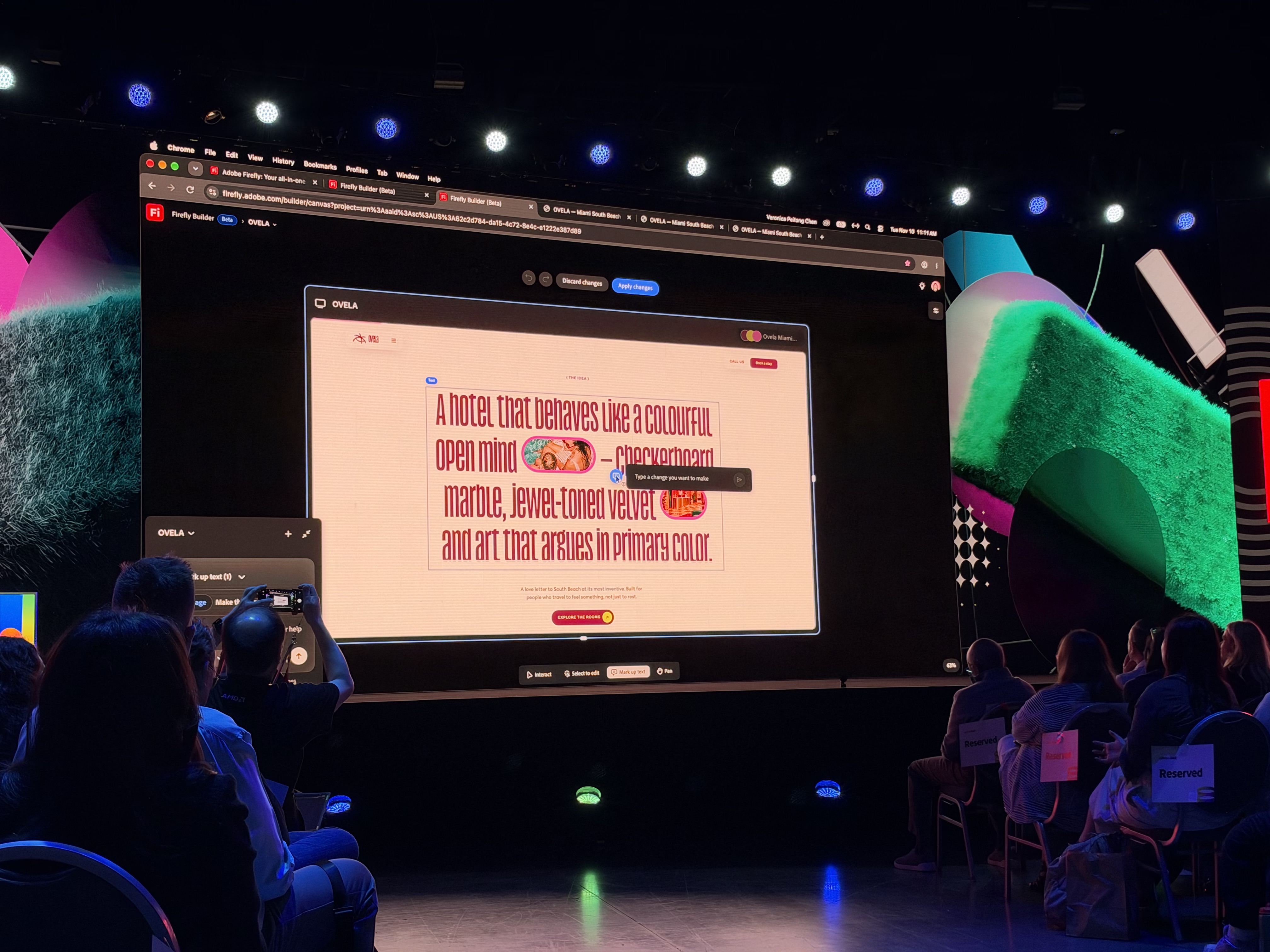
Firefly Builder turns your designs and brand guidelines into a working, responsive website with real code. Select an element, describe the change, and the agent edits it. The demo went from a design reference to a multi-page hotel website in minutes.
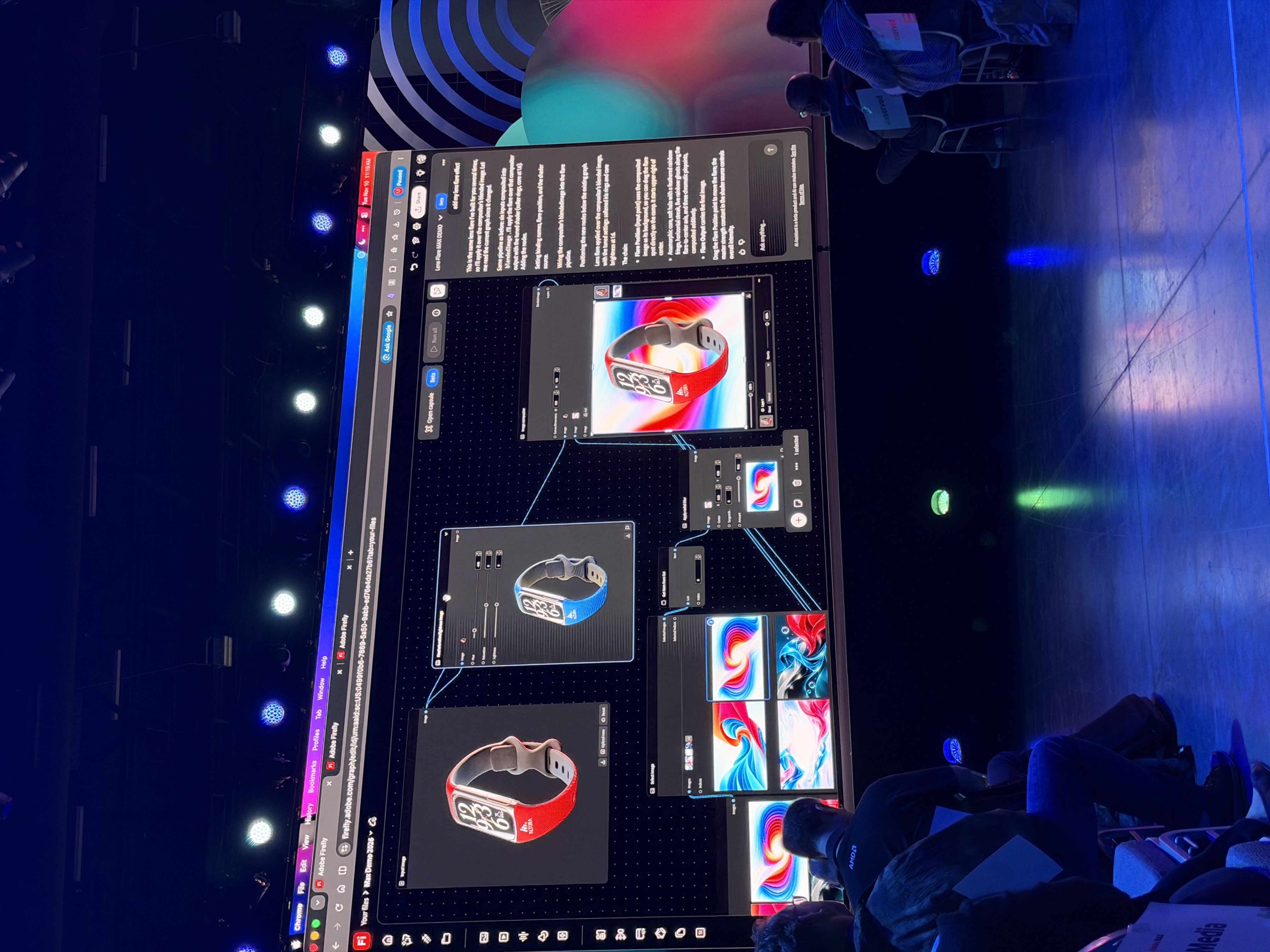
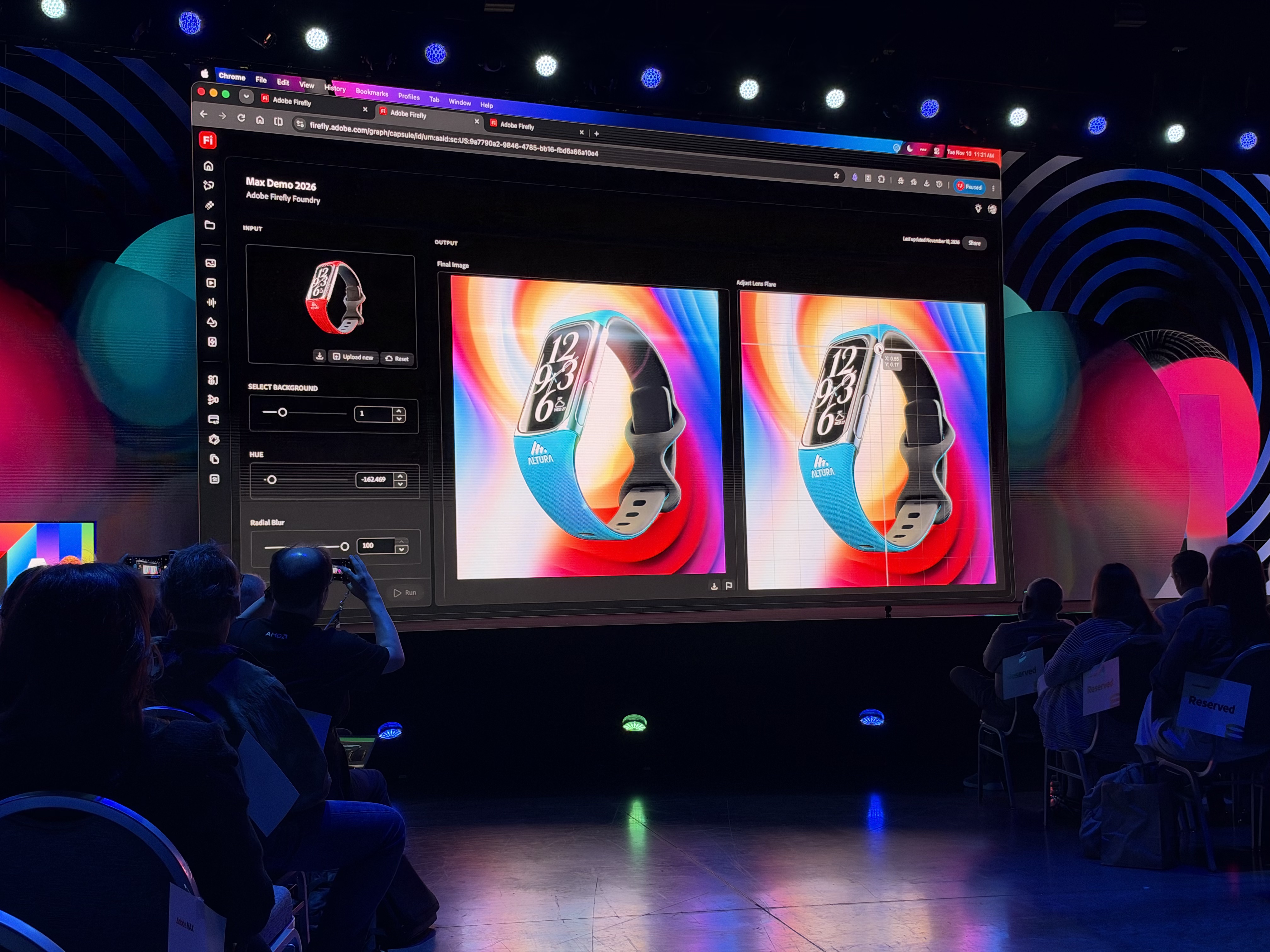
Firefly Graph connects editing tools into reusable workflows. In the demo, the AI Assistant wrote the code for a custom lens flare effect. Package a workflow as a Capsule and it turns into a mini app other people run as-is.
Adobe also handed agents work that keeps running after you step away.
Always-On Agents Take the Recurring Jobs
Always-on agents in Firefly handle recurring creative work like organizing assets, checking quality and preparing content for different platforms. Assign the job and the agent works through it while a dashboard shows its progress. It adjusts future work with your approval. Adobe confirmed in my briefing that these agents are proactive. Adobe previewed them as prototypes at MAX.
Adobe’s Tools Inside the Assistants You Already Use
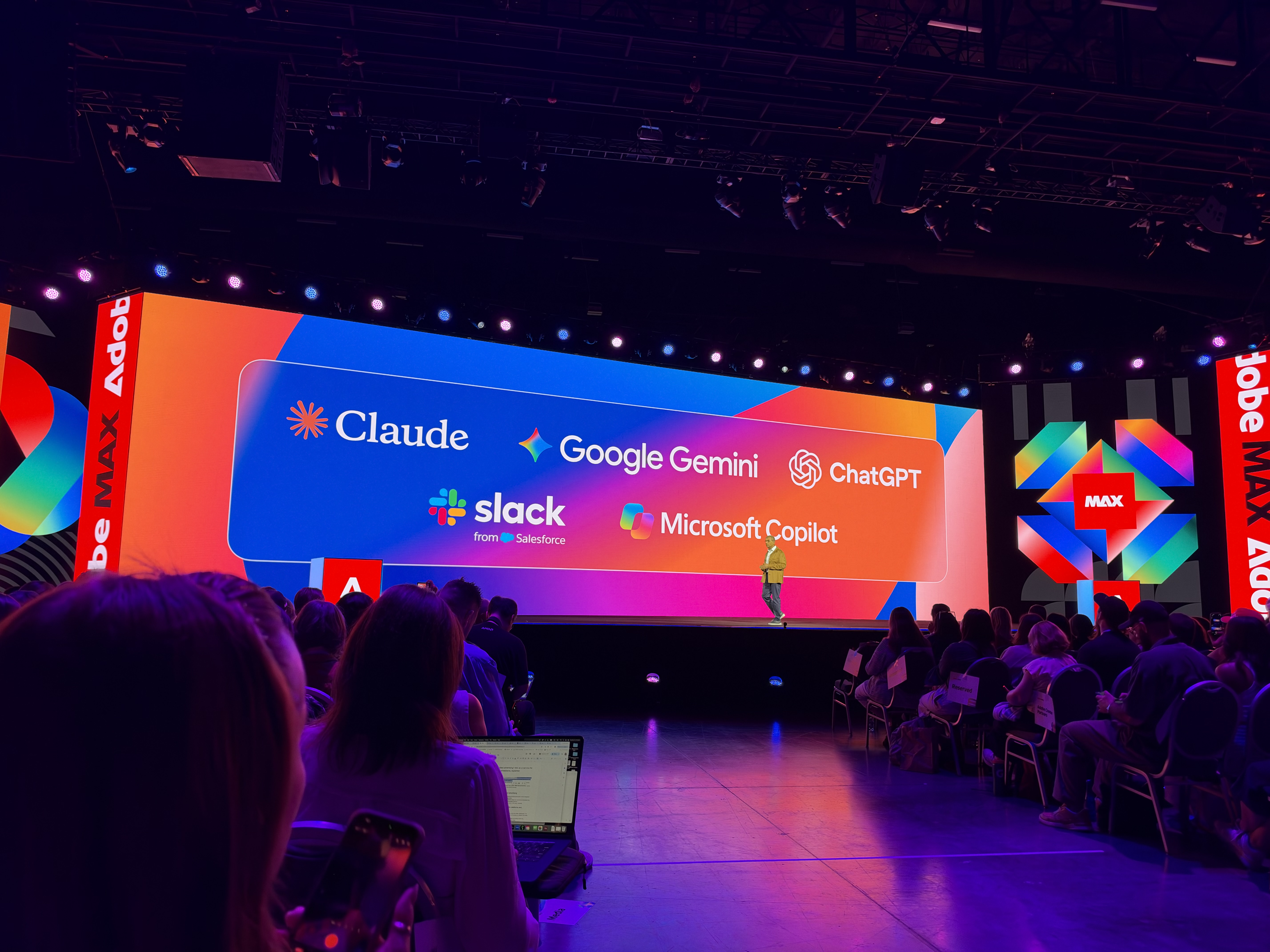
Adobe also introduced connectors that bring its tools into ChatGPT, Claude, Gemini, Microsoft Copilot and Slack. This gives you another way to assign creative work from the assistants you’re already using, alongside Adobe’s own AI Assistants inside Creative Cloud.
What’s Available and What’s Still in Development
Relight, Generative Restyle, the Generative Media Tool, Enhance Audio and Separate Crosstalk are available today in Photoshop and Premiere. Thumbnail Generator, Relight and the other Quick Actions are available today at firefly.adobe.com.
- The AI Assistants powered by the Creative Agent are in beta in Premiere, Illustrator, InDesign, After Effects and Frame.io, and in the Photoshop beta app.
- Firefly Design and Firefly Graph are in beta.
- Firefly Builder is in private beta, with a waitlist.
- Always-on agents are in preview.
- Creative Cloud MCP is in preview, with a private beta coming in early 2027.
- Premiere mobile is in private beta.
Check out the keynote streams at <https://max.adobe.com/>.
Adobe's giving AI agents more responsibility across the creative process, from planning a campaign to editing footage and preparing finished assets. The creative work stays editable, and you decide what to change, approve and publish. As these tools become available, you'll have more opportunities to give your agent a project and let it handle the production work across your apps.
Put Firefly to Work Today
Head to firefly.adobe.com to put Thumbnail Generator, Relight and the other Quick Actions to work today, and open Premiere, Illustrator or After Effects to try the AI Assistant in beta. For Creative Cloud MCP, watch for the private beta in early 2027.
Subscribe to The AI Creator Drop and get the announcements I test in your inbox.
If you’re putting your own agent to work inside Creative Cloud, AI Flow Club is where I share the agent workflows and AI tools I build: flow-club.techtiff.ai