Use Gemini Spark to turn notes about a recurring task into a one-page guide.
By Phillip Alcock
Published: 2026-10-01
URL: https://phillipalcock.substack.com/p/gemini-spark-is-helping-me-remember
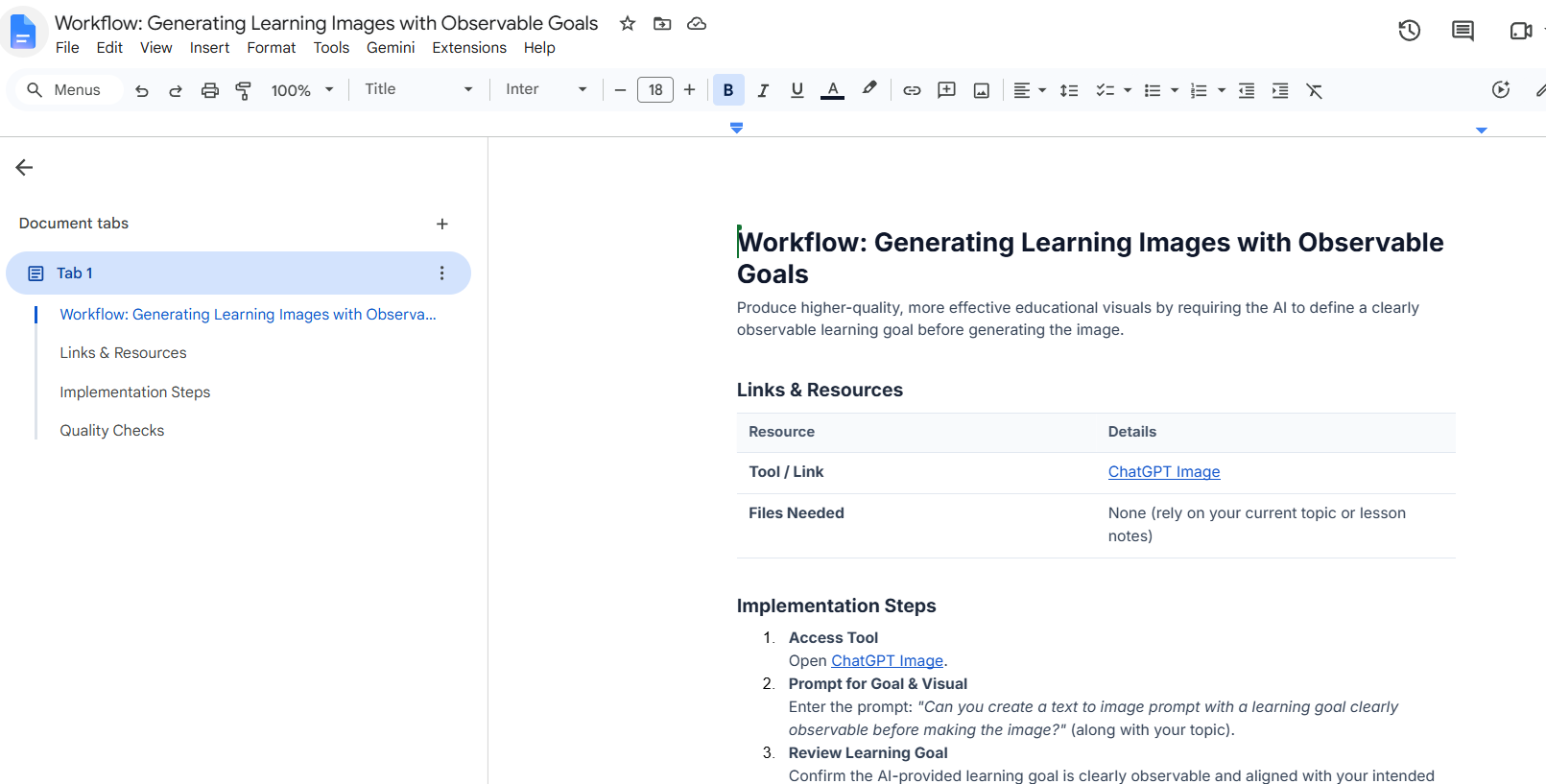
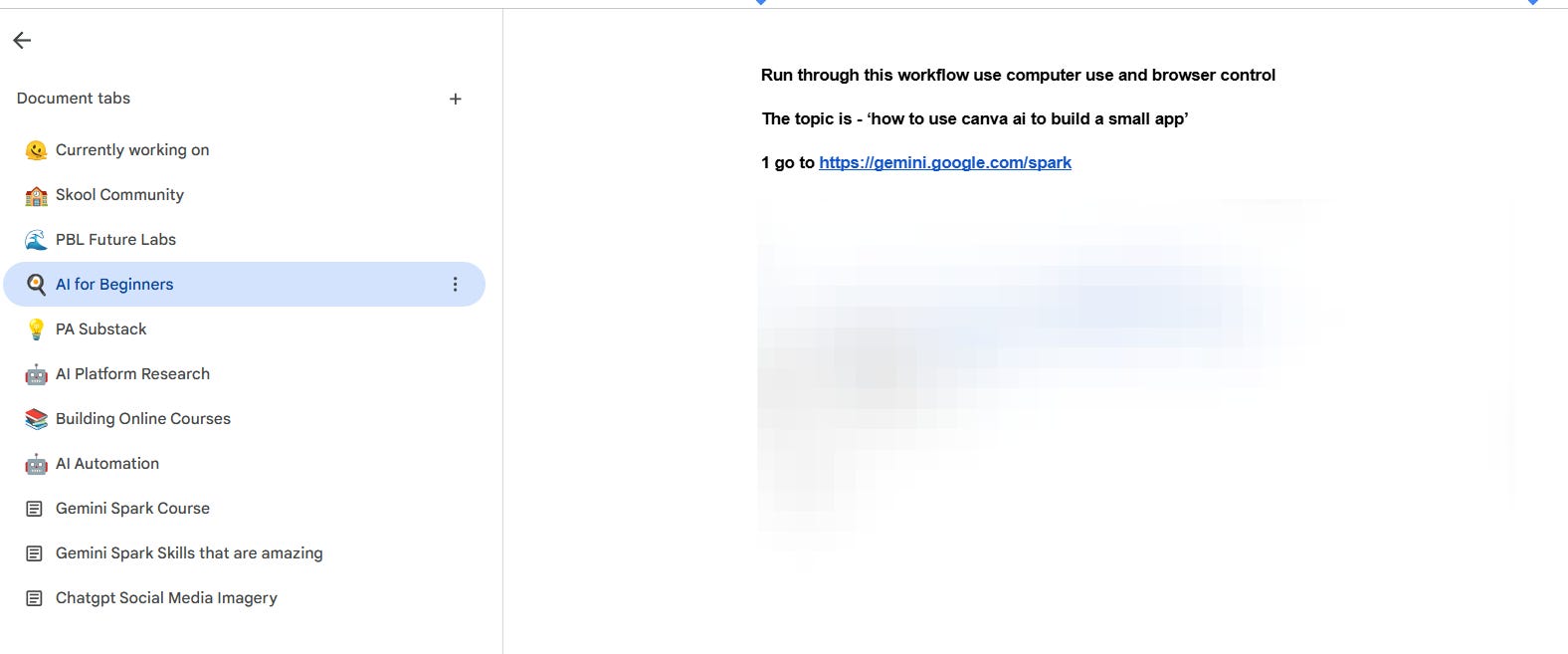 I have a one pager with multiple tabs on what I am building at the moment
I am using Gemini Spark to turn notes about a recurring task into a one-page guide. The guide contains the steps, required files or links, checks, current progress and next action. It’s often rushed as I do it, but I have been going back to it to fill in more details.
I use this approach because I have ADHD and find it difficult to remember workflows I have already worked out, and I am generally jumping around like over excited chihuaha, forgetting what I did three days ago. Instructions may be spread across chats and files, google docs, emails to myself, endless scribbled notes on notebooks, sticky notes, keep notes, trello boards, and I can lose track of where I stopped. I do a lot of things! Having one page to return to reduces the effort of reconstructing the process and makes the work feel more manageable.
This approach includes manual progress updates and review. Automatic maintenance is not established here yet, but I am trying to set schedules that link with my one pagers, so that it becomes maintained and adjusted.
When to use this approach
A one-page guide may help when you:
-
Reconstruct the same process because you cannot find its instructions.
-
Work across several tools, files or chats.
-
Need to resume a task after an interruption.
-
Want to spend less effort remembering the sequence.
It may offer little benefit if your existing system is already easy to find and follow. For example, I listen to various radio shows to discover music, it’s enjoyable, and fun. Asking AI to work that side out is crazy difficult. It also requires you to check changes and record progress. Keep the guide simple; turning each note into a complicated dashboard can make it harder to use.
Create the guide
1. Select a recurring task in the form of a workflow and provide your thoughts and notes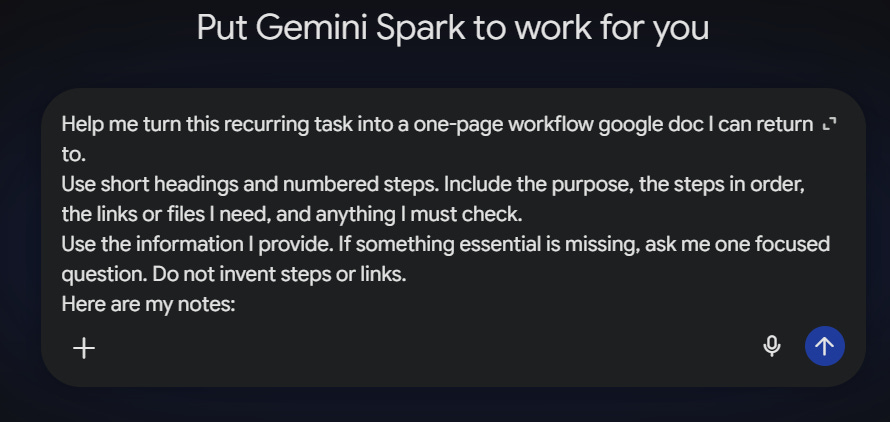
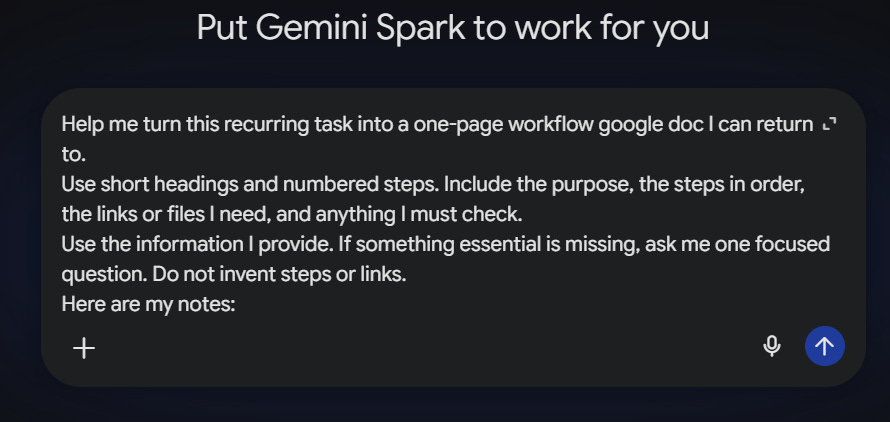
Choose a manageable task, such as preparing a lesson, publishing a post, organising a project or following up after a meeting.
Give Spark the material you already have. This can include rough notes, instructions, links or a description of your process. You do not need to organise it first.
Use this prompt:
Help me turn this recurring task into a one-page workflow google doc I can return to.
Use short headings and numbered steps. Include the purpose, the steps in order, the links or files I need, and anything I must check.
Use the information I provide. If something essential is missing, ask me one focused question. Do not invent steps or links.
Here are my notes:
[Paste your notes.]
The result should be a first draft of the task’s instructions. Start with one workflow; add others later.
I just wrote:
if i ask ai to provide the learning goal for the image before i create it, it creates better learning images
It provides: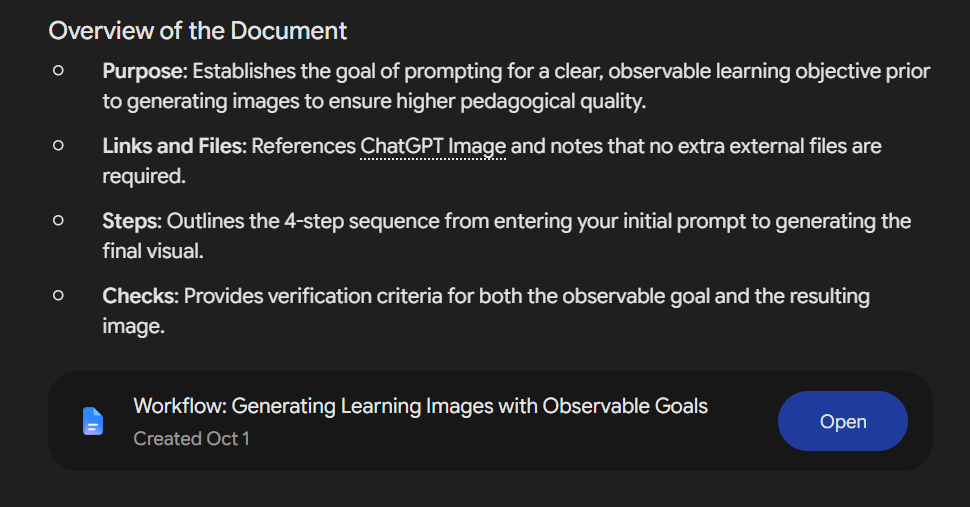
2. Make the guide usable after an interruption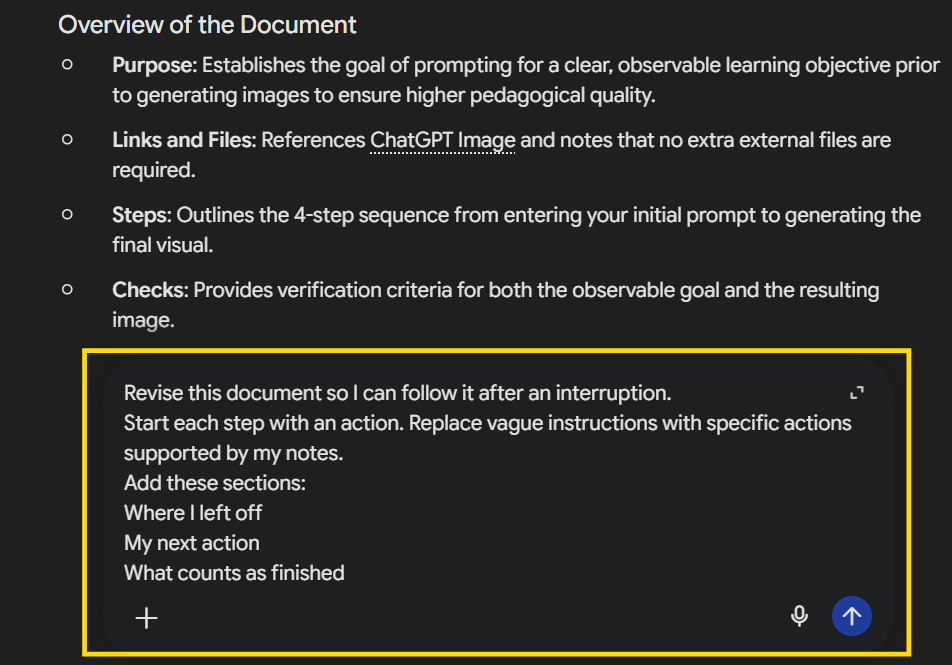 Put it in the same chat window.
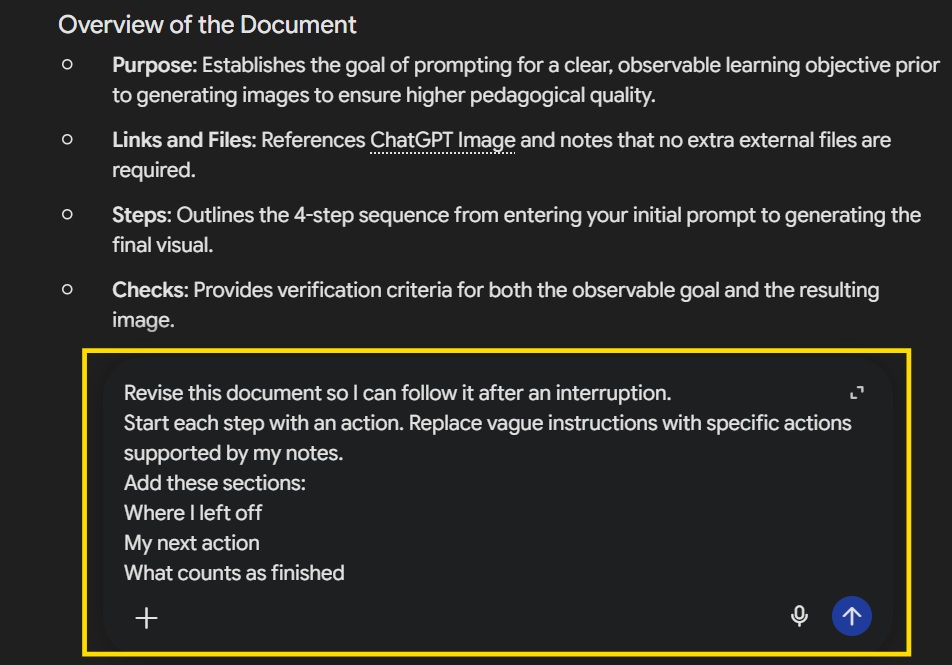
Each step needs enough detail to act on, and it will help you remember the workflow if it is more detailed. For example, “Prepare the resources” does not identify which resources to use, where to find them or what to do with them.
Use this prompt to make the guide more specific:
Revise this document so I can follow it after an interruption.
Start each step with an action. Replace vague instructions with specific actions supported by my notes.
Add these sections:
Where I left off
My next action
What counts as finished
Keep it easy to scan. Flag anything you cannot make specific from the information available.
Follow the guide once to check whether it works. Add information wherever you have to search another chat, and correct any steps that are out of order.
You can have a look at it here - https://docs.google.com/document/d/1xHRxMIBXCxlZYGnPRE9AmoXXsHijpzjWxGK6ITU48FM/edit?usp=sharing
Keep the guide current
Update instructions when the workflow changes
Revise the guide when a link moves, a method changes or a step becomes unnecessary. Provide Spark with both the existing guide and the new information.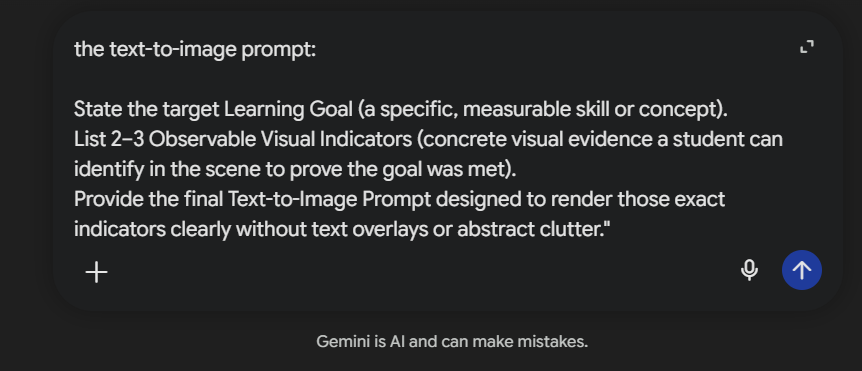 I updated the prompt
Use this prompt:
Update this one-page workflow using the changes below.
Keep the useful instructions. Replace anything these changes make outdated. Briefly show me what you changed so I can review it.
Flag any conflicts or missing information.
Existing guide:
[Paste the guide link.]
Changes:
[Describe what changed.]
Review the changes before relying on the revised guide. Add a last checked date after confirming that the instructions work. This date records verification, rather than simply when the page was edited.
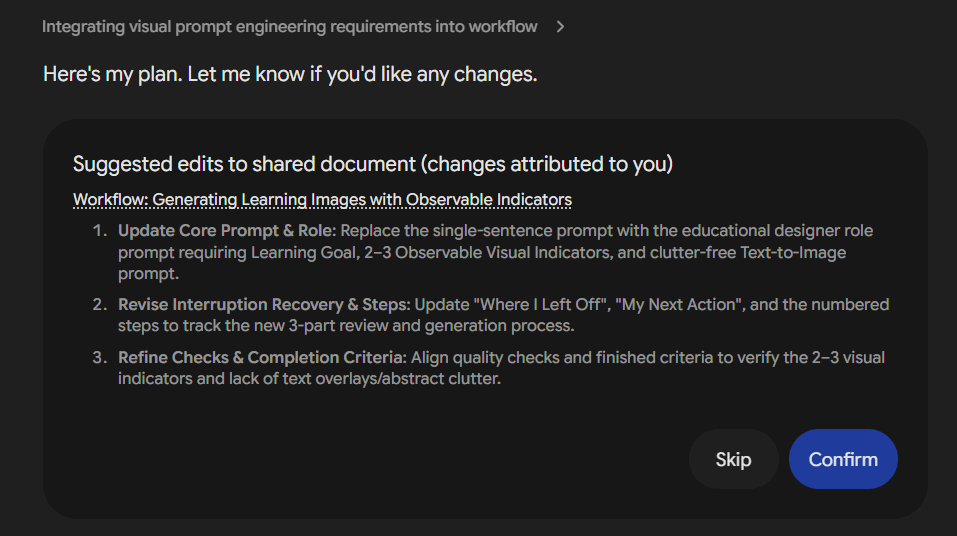 It allows you to see the update before confirming.
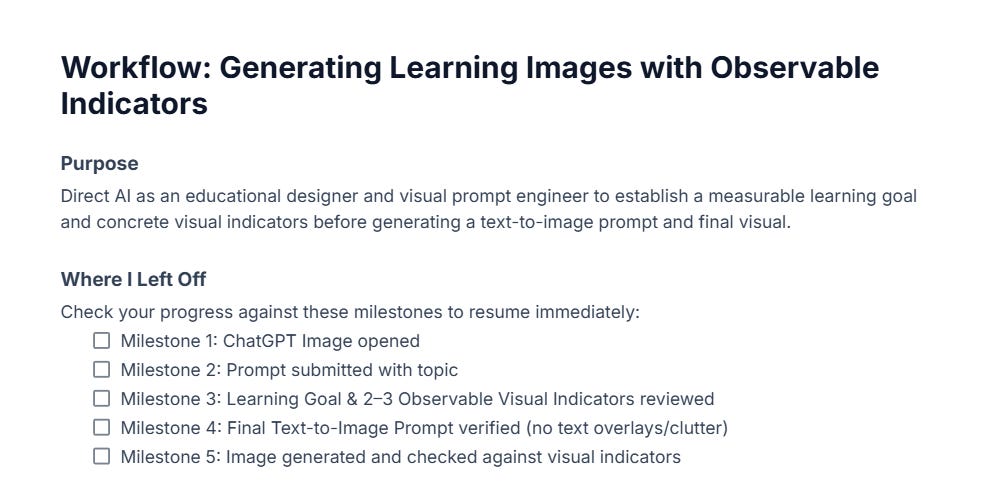 The workflow continues to build!

AI for Teachers membership
AI for Teachers provides resources and community support for teachers who want to use AI in classroom planning and recurring workflows.
Membership resources
Members receive:
-
Gemini Spark Classroom Playbook: A six-part course on automating recurring lesson preparation.
-
Plug-and-play SKILL.md vault: Prompts for differentiated reading, rubrics and project-based learning units. The source describes these as tested and privacy-safe.
Join the community
Visit skool.com/aiforteachers-5181.
Annual Substack subscriber access
Annual paid subscribers to this Substack receive 12 months of full premium access at no additional charge. This as a $490 value. After upgrading, subscribers should allow up to 24 hours for account activation.
Want to explore AI in your teaching alongside other educators and access my future courses?
Join AI for Teachers on Skool to connect with teachers, share ideas, and learn together about using AI in education.
Come join the community: https://www.skool.com/aiforteachers-5181