A simple workflow to help create student portfolios for Micro PBL
By Phillip Alcock
Published: 2026-09-25
URL: https://phillipalcock.substack.com/p/gemini-spark-for-pbl-future-labs
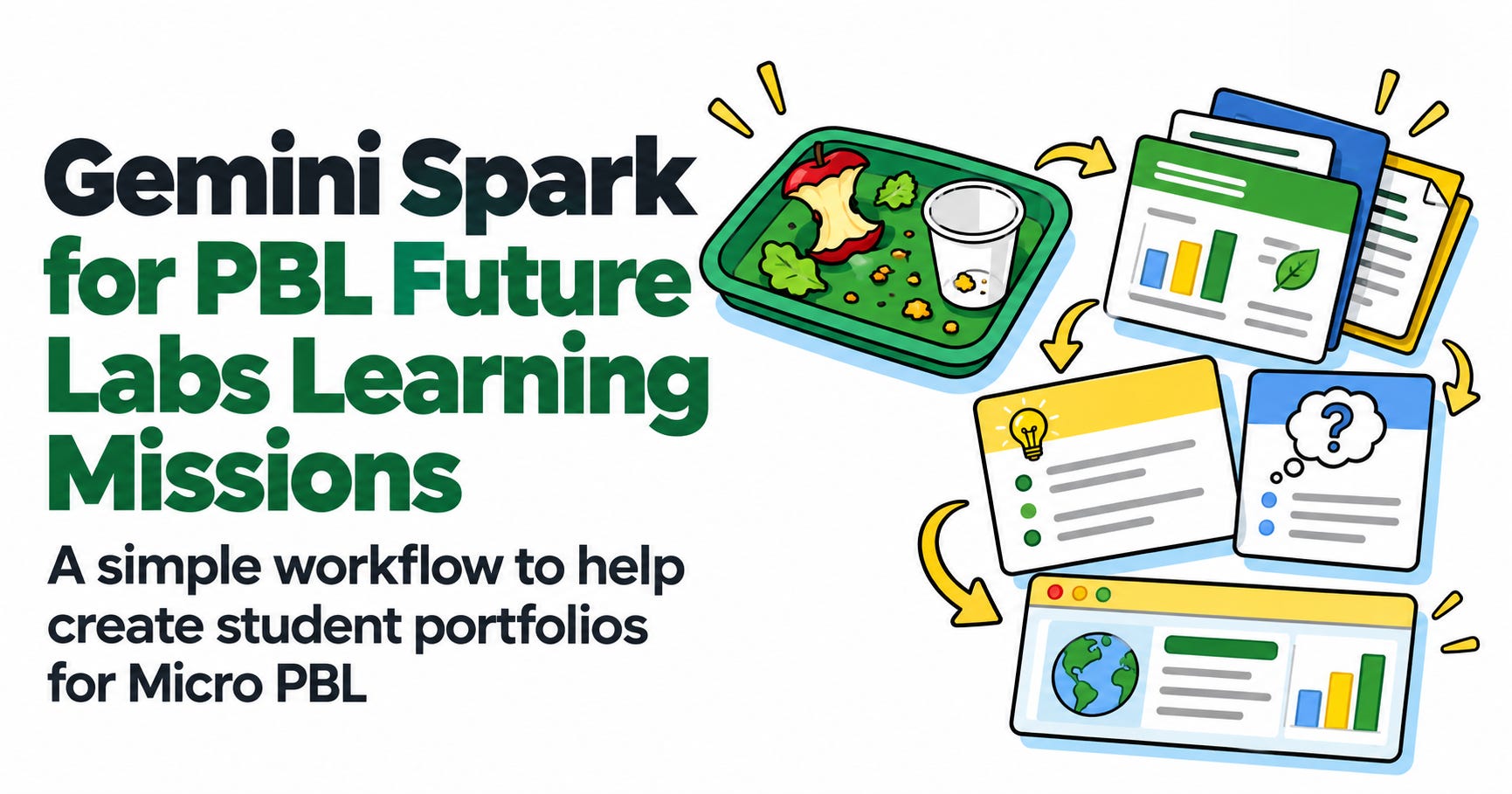
I had a great session today with Fairfax County District, so I decided to make a free workflow about Gemini Spark, it can make everything you need in a few prompts. I can’t imagine when it connects with Notebook and Classroom!
I truly believe Gemini Spark may hold the key to personalised and supported work.
Gemini Spark could help teachers research and plan a complete learning mission, prepare classroom materials and organise evidence of student learning within a few steps. The teacher provides the class context and checks Gemini Spark’s research, sources and materials before using them.
This example uses a Grade 5 mission:
How could our school reduce food waste at lunchtime?
Students investigate the question, recommend an action and present their proposal to the school community. Common Core ELA standards W.5.7–W.5.9 offer a starting point for research, note-taking and using evidence from texts. (Common Core ELA standards, W.5.7–W.5.9)
Gemini Spark can work with connected Google apps such as Drive, Docs, Sheets and Slides. It also supports reusable Skills and scheduled tasks. App connections are off by default, and availability depends on the user’s plan and location. Teachers should review Spark’s research, lesson plans and materials before using them. (Gemini Spark overview)
Prompt 1: Research and design the mission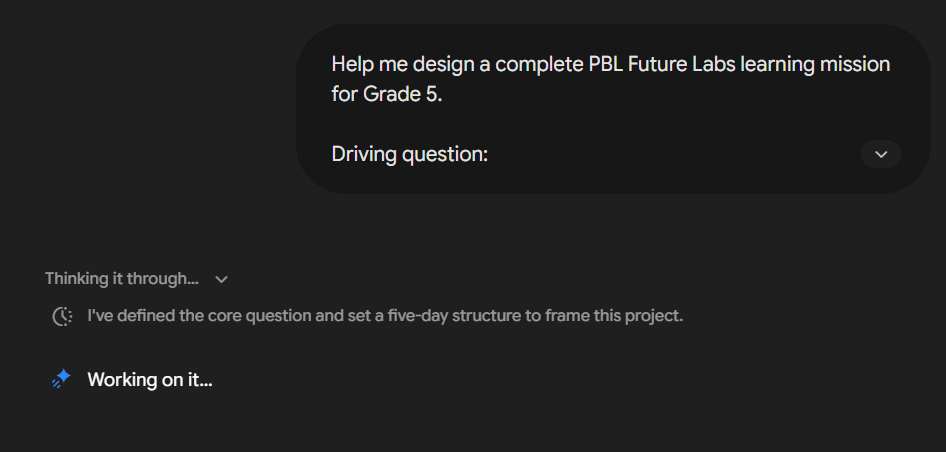
Help me design a complete PBL Future Labs learning mission for Grade 5.

Driving question:
How could our school reduce food waste at lunchtime?

Duration:
Five days, 60 minutes per day.

Final audience:
The school community.

Use the EPIC sequence:
Explore, Prototype, Inspire, Conclude.

Use Common Core ELA standards W.5.7–W.5.9 as a starting point. Research the topic using reliable sources. Provide links and explain what each source supports. Do not invent sources, quotations, statistics or curriculum requirements. Flag claims that need checking.

Create:
- a learning goal and student-friendly success criteria;
- a five-day learning sequence with activities and timings;
- student choices, collaboration and milestones;
- a final product for a real audience;
- teacher preparation notes and required materials.

Keep students responsible for the investigation, decisions and final work. Do not write the students’ research or final products for them.

List any questions I need to answer before using the plan. Wait for my approval before creating or changing files.
Prompt 2: Create the student portfolio
Make any changes to the plan, and then add the prompt below: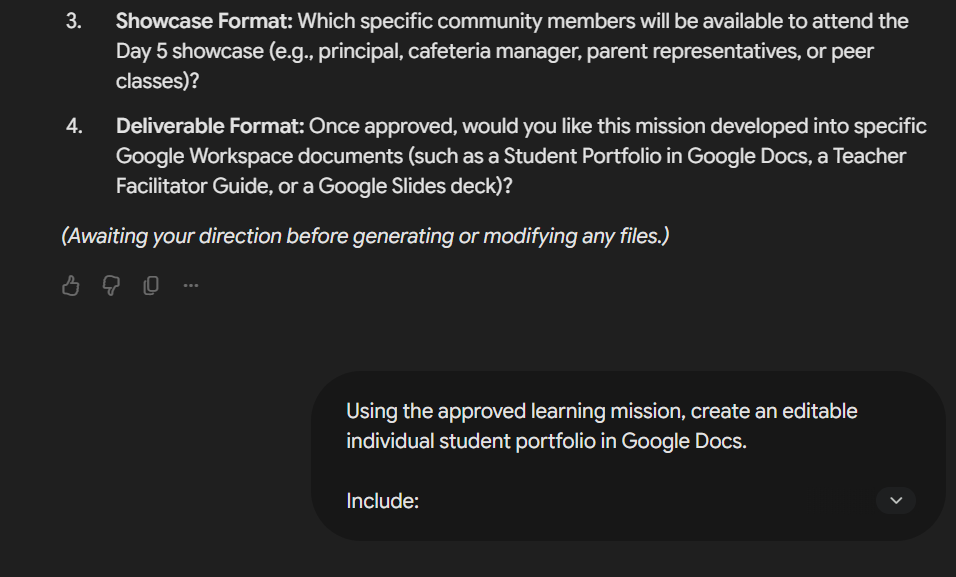
Using the approved learning mission, create an editable individual student portfolio in Google Docs.

Include:
- a mission question and research question;
- research cards for recording source details, paraphrased information, evidence, relevance and follow-up questions;
- a source-check card;
- visible thinking routines that help students show how their ideas develop;
- a decision card for comparing options and explaining a choice;
- a draft and feedback record;
- an individual explanation of how evidence shaped the group recommendation;
- a final reflection.

Use these visible thinking routines where they fit:
- See–Think–Wonder;
- Connect–Extend–Challenge;
- Claim–Support–Question;
- I Used to Think… Now I Think…

Make the portfolio clear for Grade 5 students. Keep the group product separate from each student’s individual evidence of learning. Do not invent student responses.
Student Portfolio is here - https://docs.google.com/document/d/1eeE2NdjcFW3083_pdIKBkDjfBr1egPOAsDn-UZJJRZ4/edit?usp=sharing
Prompt 3: Prepare a few lesson slides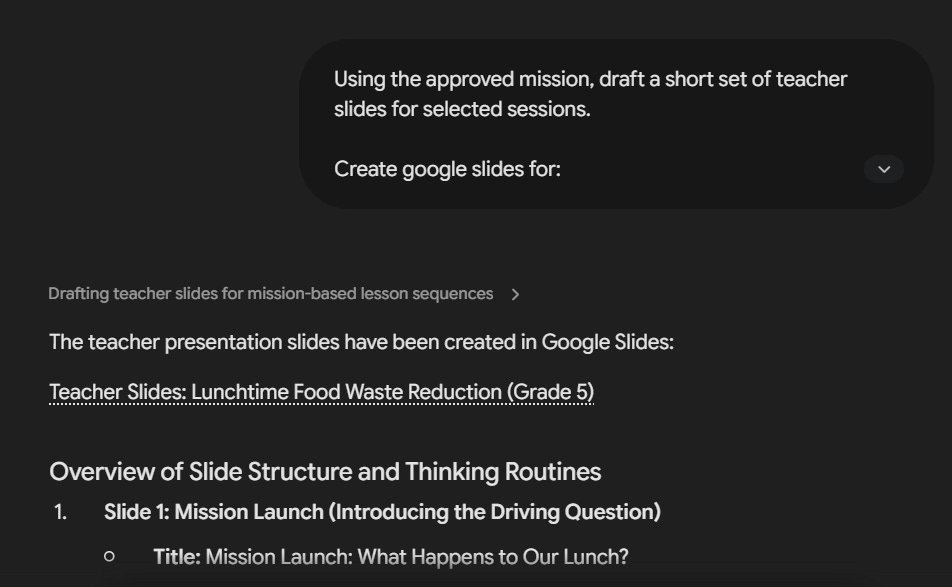
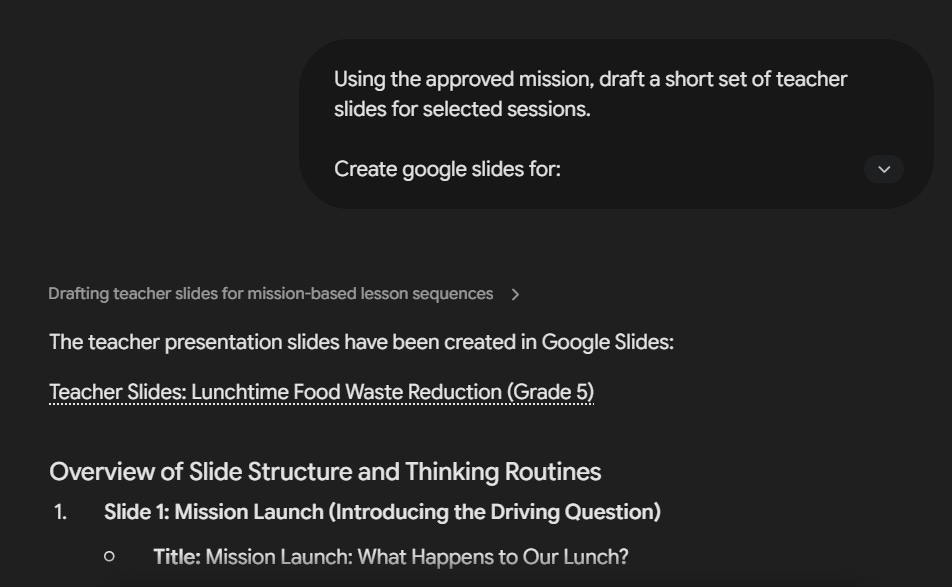
Using the approved mission, draft a short set of teacher slides for selected sessions.

Create google slides for:
1. Introducing the driving question with See–Think–Wonder.
2. Researching with approved sources and recording information on a research card.
3. Comparing possible actions with Claim–Support–Question.
4. Getting feedback and revising the recommendation.
5. Presenting the recommendation and reflecting on learning.

For each slide, provide:
- a short title;
- concise student-facing instructions;
- the visible thinking prompt;
- any source link or material needed.

Keep slides focused on what students will do and think. Do not fill them with long explanations or write students’ answers.
Slides - https://docs.google.com/presentation/d/1HCJ-e-AfczXk8Z9uJgGvgl-lvY0vJxeB9nY1SzNuWdo/edit?usp=sharing
If this workflow helped you, please consider buying me a coffee! I appreciate it. Click here
https://buymeacoffee.com/phillipalcock
Subscribe to support this blog!
Please consider joining a paid membership to help this blog grow!
The support from paid subscriptions has helped this blog have over 130 free human in the loop AI workflows, all inspired from real life projects with .
Paid subscribers get early access to workflows, and soon free access to some visible thinking and curriculum design courses.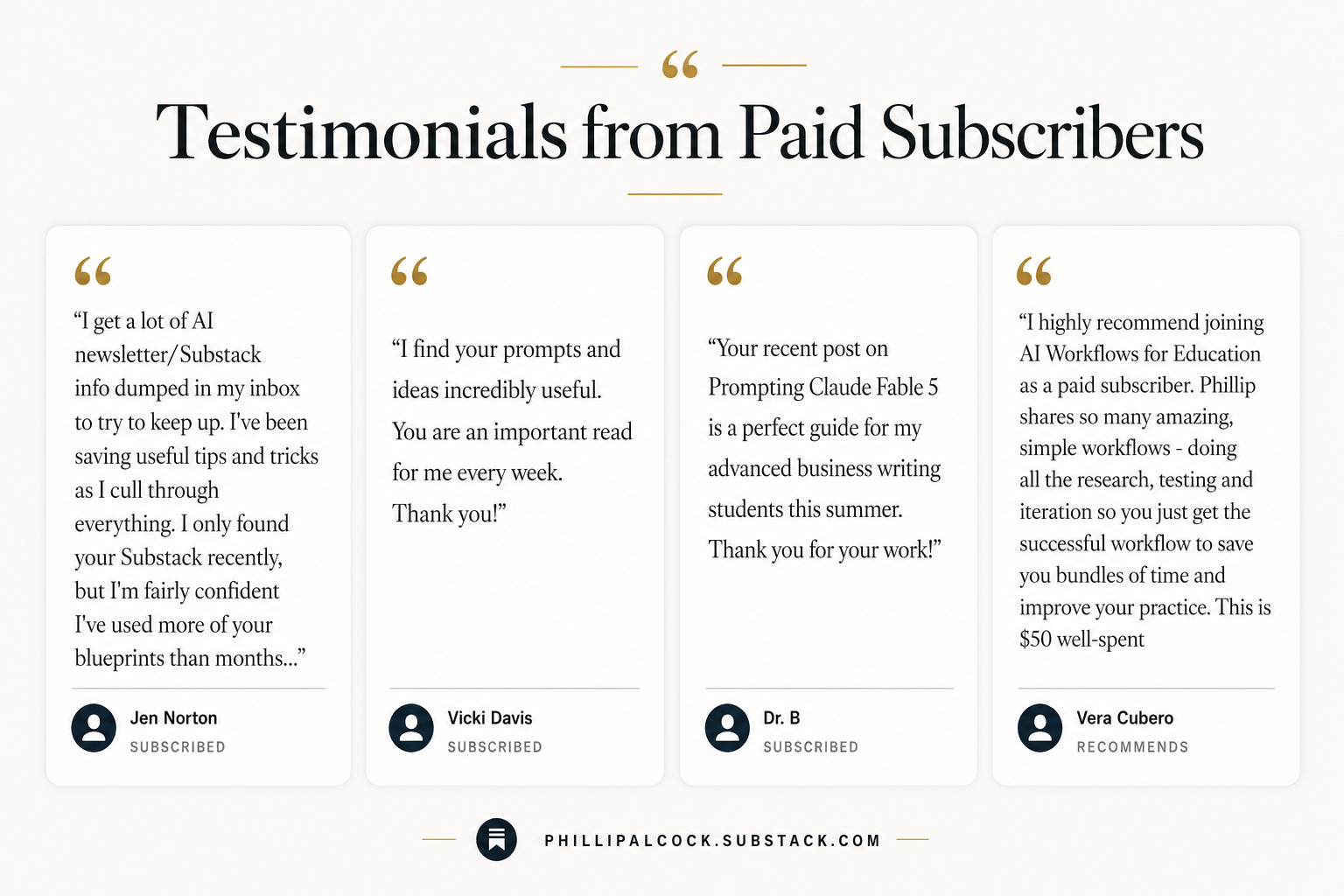
AI & Innovation for Teachers is a reader-supported publication. To receive new posts and support my work, consider becoming a free or paid subscriber.
Phil