A 10,000-word system prompt leak reveals a new 80-20 rule for prompting and challenges us to be specific (and defensive) in how we prompt! I dig into the specific tactics and how to apply them here
By Nate
Published: 2025-05-29
URL: https://natesnewsletter.substack.com/p/surfing-the-guardrails-7-production
The alleged system prompt leak from Claude 4 teaches us something profound: Professional prompting is defensive programming, not creative writing.
So to be very clear, I have very mixed feelings about writing about this at all. I do not think it’s a great idea to leak system prompts all over the internet. There’s no way to prove or know that this is valid to begin with. But that ship has sailed. Every major release of every major model maker has alleged system prompts leaked within 48 hours or so. Like clockwork.
Now interestingly Anthropic has made the creative argument recently that it has some evidence that asking Claude 4 specifically to extract this prompt is harmful to (at least) Claude 4’s internal sense of well-being. Whether this holds weight depends on whether you believe the model has a sense of well-being in the first place (internal Anthropic estimates reportedly range from 0.15% likely to 15% likely, and we don’t know why that internal estimate variance is so wide).
Regardless, though, extracting a model prompt is gray hat territory for sure, and the reason I cover it here is simply because I think that the prompt structure is so useful that we can learn a ton from it as a prompt, regardless of questions about how we got to see it. In other words, the toothpaste is out of the tube. The prompt is in the world, however it got there. And we might as well learn something useful.
And this is useful stuff! These 7 tactics are very rarely seen in the wild. I think calling them out and naming them is a really big deal. As an example: this is the first place I’ve seen a really clearly laid out example of how to bound uncertainty and ambiguity in an LLM prompt. It’s phenomenal. We almost never see it. And there like six other tactics like that to sift through. I’m still processing it all, but I wanted to share my learnings here, and you can (of course) find the full prompt as well so you can do your own analysis (all 10,000 words).
Subscribers get all these AI pieces!
The Mindset Shift That Changes Everything
A document claiming to be Claude's system prompt recently surfaced online. We can't verify its authenticity, but that's not what matters. What matters is that it reads like production code—full of error handling, edge cases, and failsafes.
This is radically different from how most people approach prompting. The alleged prompt is ~10% about what Claude should do and ~90% about what it shouldn't do. That's not paranoia—that's production readiness.
Whether real or fabricated, this document reveals what professional prompt engineering actually looks like: It's not about finding magic words. It's about building policies that prevent failure modes.
Think of these seven tactics as design patterns from production-grade AI systems. Each one solves a specific reliability problem that emerges when AI moves from demo to deployment.
Important context: This article isn't about exploiting AI systems or glorifying unauthorized access. It's about extracting legitimate engineering principles that you can apply ethically in your own work. We're studying the architecture, not stealing the blueprints.
1. Identity & Invariants Up Front
What it is: Start prompts with concrete facts—model identity, current date, user location, core capabilities. These become anchors that later instructions can reference.
Why it works: When you establish facts early, you prevent scope drift. The model has clear reference points throughout the conversation. It's like giving someone your business card before a meeting—context first, requests second.
Example snippet:
You are an analytics assistant. Today is [DATE]. The user is working with retail sales data from Q4 2024.
The deeper principle: Cognitive load theory suggests that establishing context reduces working memory burden. This isn't a "hack"—it's good instructional design.
2. Trigger → Template Refusals
What it is: Explicit "if X then Y" conditional blocks for handling edge cases. Instead of vague guidelines, you specify exact triggers and exact responses.
Why it works: Ambiguity breeds inconsistency. When you spell out edge cases explicitly, you get predictable behavior. The alleged prompt shows this with copyright rules: specific word counts, specific response templates.
Example pattern:
If asked for song lyrics: "I can't reproduce copyrighted lyrics, but I can discuss the song's themes or help you find legal sources."
Context note: This isn't about being restrictive—it's about being clear. Your use case might need different boundaries, but the principle of explicit conditionals remains powerful.
3. Three-Tier Uncertainty Routing
What it is: A decision tree for handling queries based on information stability:
- Timeless info → answer directly
- Slow-changing info → answer + offer to verify
- Live/volatile info → search immediately
Why it works: This prevents both hallucination (by searching when needed) and inefficiency (by not searching when unnecessary). It's a smart heuristic for tool use.
Your implementation:
For [DOMAIN] questions:

- Fundamental concepts: respond from knowledge

- Statistics/metrics: provide known data, offer to verify current

- Real-time data: always use [YOUR TOOL] first
The lesson: Good prompts include decision criteria, not just commands. Help the model determine WHEN to act, not just HOW.
4. Locked Tool Grammar
What it is: Providing both correct AND incorrect API syntax examples. The alleged prompt shows valid function call formats, then explicitly shows what NOT to do.
Why it works: Negative examples are powerful. By showing wrong syntax, you create stronger boundaries than positive examples alone. It's like teaching someone to ride a bike by also showing common ways people fall.
Pattern to steal:
CORRECT: <function>analyze_data(file="sales.csv")</function>
NEVER USE: [analyze: sales.csv] or analyze_data{"file": "sales.csv"}
Critical context: This only matters if you're using tools/functions. But the principle—showing both right and wrong—applies broadly.
5. Binary Style Rules
What it is: Hard on/off directives instead of subjective guidelines. "Never start with flattery" vs "Be concise." One is binary, one is interpretable.
Why it works: Models (like humans) handle absolute rules better than relative ones. "No bullets unless requested" is clearer than "minimize formatting."
Examples from the wild:
- "Skip opening pleasantries" (not "be direct")
- "Use metric units only" (not "prefer metric")
Your approach: Audit your prompts for wishy-washy adjectives. Replace with binary switches where possible.
6. Positional Reinforcement
What it is: Repeating critical instructions at strategic positions—not just the beginning. The alleged prompt apparently repeats key constraints multiple times.
Why it works: Attention degrades over long contexts. Reinforcement at ~300-500 token intervals maintains focus on critical rules. It's like speed limit signs—one at the city entrance isn't enough.
Implementation:
[Main instructions at start]
[... intervening content ...]
Remember: Never use customer PII in examples.
[... more content ...]
Critical reminder: All PII must be anonymized.
Not manipulation: This is standard instructional design. Repetition aids retention, whether for humans or models.
7. Post-Tool Reflection Slot
What it is: A built-in thinking pause after tool use. The alleged prompt includes instructions to "strongly consider outputting a thinking block" after function results.
Why it works: Tool outputs often need interpretation. A reflection step improves accuracy by forcing consideration before response. It's like a doctor reading test results before diagnosis.
Your addition:
After receiving search/API results, briefly assess:

- Does this fully answer the user's question?

- Any contradictions to resolve?

- What's the key takeaway?
The principle: Build in cognitive checkpoints. Don't just relay tool output—process it.
The Minimal Scaffold
So I wanted to challenge myself to go a bit farther. Take the principles and apply them. Here's a 12-line template incorporating all seven tactics:
You are a [ROLE]. Current date: [DATE]. User location: [LOCATION].
Core capability: [MAIN FUNCTION]
Never: [BINARY RESTRICTION 1]
Always: [BINARY RESTRICTION 2]
If asked about [EDGE CASE]: [TEMPLATE RESPONSE]
For information requests:

- [DOMAIN] fundamentals: answer directly

- [DOMAIN] statistics: answer with caveat, offer verification

- [DOMAIN] current events: search first
Critical: [REPEAT KEY RESTRICTION]
After tool use: Briefly assess if results fully address the query before responding.
The Real Lesson
Whether this "leak" is real or not misses the point. These seven patterns represent solid instructional design that works because it's based on defensive programming principles, not platform secrets.
The shift from "prompting" to "prompt engineering" means:
- Stop optimizing for the happy path—start engineering for reliability
- Stop thinking "How do I ask for what I want?"—start thinking "What policies prevent failure?"
- Stop looking for magic phrases—start building systematic guardrails
Great prompting is boring. It's not clever, it's comprehensive. It assumes everything might go wrong and plans accordingly.
Use these techniques to build better, more reliable AI interactions. That's the only "secret" worth stealing.
Connecting to The Prompt Spellbook: What's New Here?
For readers of my previous article on advanced prompting techniques, you might wonder: how do these seven tactics relate to the four pillars I've already covered? Here's what analyzing this alleged system prompt teaches us that goes beyond—or reinforces—what we already knew.
What Reinforces Our Existing Framework
Several tactics here map directly to techniques from The Prompt Spellbook:
Self-Review & Iteration (Pillar 1) → Post-Tool Reflection (Tactic 7)
- We already knew about meta-prompting and self-reflection
- The system prompt shows this happening automatically after tool use
- Key insight: Build reflection triggers into specific moments, not just at the end
Logic & Precision (Pillar 3) → Locked Tool Grammar (Tactic 4)
- Our "Advanced Output Formatting" covered positive examples
- The system prompt adds explicit negative examples
- Key insight: Showing what NOT to do is as powerful as showing what TO do
Multi-Stage & Collaboration (Pillar 2) → Three-Tier Uncertainty Routing (Tactic 3)
- Similar to our "Dynamic Prompt Chaining" but with automatic triggers
- Key insight: Decision trees can be embedded upfront, not just managed turn-by-turn
What's Genuinely New
Three tactics represent approaches we didn't explicitly cover:
1. Identity & Invariants Up Front (Tactic 1)
- We focused on roles and personas, but not establishing immutable facts
- Why it matters: Creating "anchor points" that later instructions reference prevents drift in ways role-playing doesn't
2. Trigger → Template Refusals (Tactic 2)
- We covered conditional logic, but not pre-scripted edge case responses
- Why it matters: Predictable handling of sensitive cases reduces variability
3. Positional Reinforcement (Tactic 6)
- We talked about iteration but not strategic repetition within a single prompt
- Why it matters: Long contexts need refreshers—it's not just about starting strong
The Meta-Learning
What's most interesting to me isn't any individual tactic, but the overall philosophy this alleged prompt reveals:
From "Spellbook" to "Operating System": My previous article treated prompts (a bit tongue in cheek) as spells—powerful incantations you cast. This system prompt reads more like an OS configuration file. It's not about magic words but systematic policies.
Defensive Programming: Many tactics here are about preventing failure modes (hallucination, copyright issues, harmful content) rather than just enabling capabilities. Production prompts need guardrails, not just features, and I think most of us under-prompt here.
Declarative Over Imperative: Instead of step-by-step instructions ("first do X, then Y"), this prompt establishes policies ("if X, always Y"). It's more like CSS than JavaScript.
What This Means for Your Prompting
If you've been following the four-pillar approach, here's how to level up:
- Add an initialization block: Before any complex prompt, establish facts, date, context
- Write edge case policies: Don't just plan the happy path—explicitly handle failures
- Use negative examples: For any critical format or behavior, show what's wrong too
- Plan for attention decay: Repeat critical constraints at ~500 token intervals
- Think in systems: Move from "prompt as command" to "prompt as configuration"
The biggest takeaway? Professional prompt engineering isn't about finding the perfect incantation. It's about building robust, maintainable instruction sets that work reliably at scale. Whether this leak is real or not, studying it pushes us from prompt artistry toward prompt engineering. It pushes the State of the Art, which I’m grateful for.
For more on AI, subscribe and share!
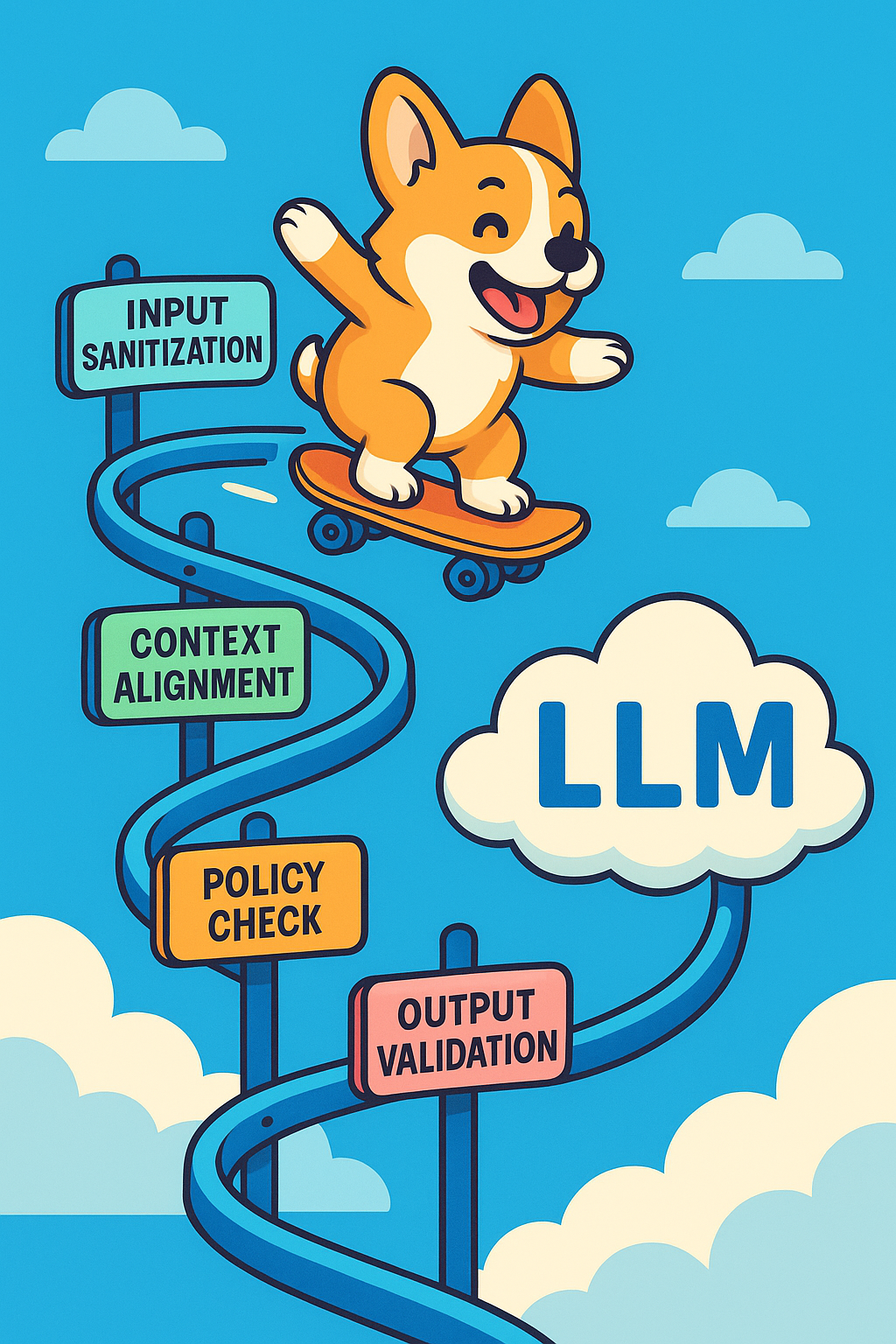
\A little corgi is having fun figuring out prompting here!\