You get $10 in cash, they get $10 in AI credits (and the pleasure of using Zo)
By 0thernet
Published: 2026-03-31
URL: https://zocomputer.substack.com/p/earn-cash-for-everyone-you-subscribe
Many of you love Zo so much that you’ve been telling everyone about it. We noticed! Word of mouth has been our number one growth channel since day one – and we’re leaning into that.
Today we’re launching our brand new referral program that gives you cold, hard cash: $10 for anyone who signs up for Zo using your link & subscribes to a paid Zo plan.
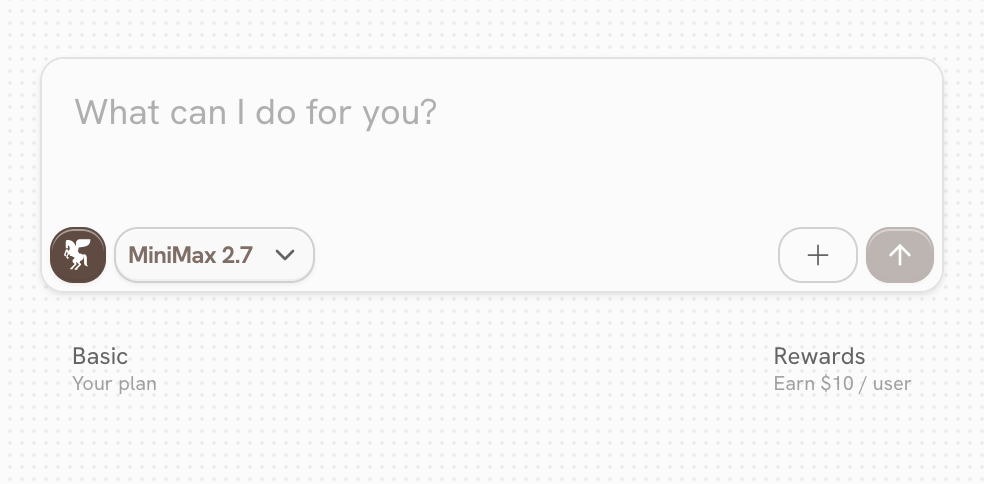 \Paid users can access the referral link in their Zo homepage\
Become a Zo Ambassador
We’ve been overwhelmed with applications to our Ambassador program, but we’re finally giving the program some TLC, led by our latest addition to the Zo team, Joanna. Joanna started off as a Zo Ambassador, but we were so inspired by her hustle that we brought her onto the team full-time. Today, we’re rolling out:
- Revenue sharing: In addition to the $10 per subscriber incentive (available to every paid user), we’re enabling revenue sharing for select ambassadors who can drive significant signups. If you’re interested, apply to become an Ambassador and ping Joanna (gadgetgrlnyc in Discord).
- More support for ambassador-run events: If you want to host a local meetup, run a workshop, or do a live build session, we can support you with co-branding and promotion. Just drop your request here, and we’ll be in touch ASAP.
- Ambassador-hosted webinars: We’re handing the mic to our ambassadors to share how they use Zo. Want tohost a Zo Webinar with support from us? Just fill out this quick form.
What’s new in Zo
We publish product updates regularly on this page (access it from the Zo sidebar: Resources > Product Updates). Some recent highlights:
- Use Codex or Gemini CLI as AI providers inside Zo. We saw how much people like to use Claude Code inside their Zo – so we added all the popular agent CLIs, right inside Zo. Simply log into the CLI in the Zo Terminal, and then enable the provider in Settings > AI > Providers.
- Zo Spaces are simpler, more robust, and more customizable. Spaces are a great way to get started with vibe coding – you can create different pages for your personal website, interactive dashboards, APIs, and more. If you want even more control (like a custom domain), go to the Hosting tab to create a Site. Zo is your own personal cloud, and we make it easy to host practically anything.
- So much more. Chat with Zo in Telegram. Connect Zo to Microsoft Outlook. AI model upgrades. We want Zo to be available wherever you are, easy to connect to every tool you use, and always up-to-date with the latest AI releases. We’ve got a ton of cool stuff brewing – but one of the features we’re most excited about is making the Zo experience multiplayer.
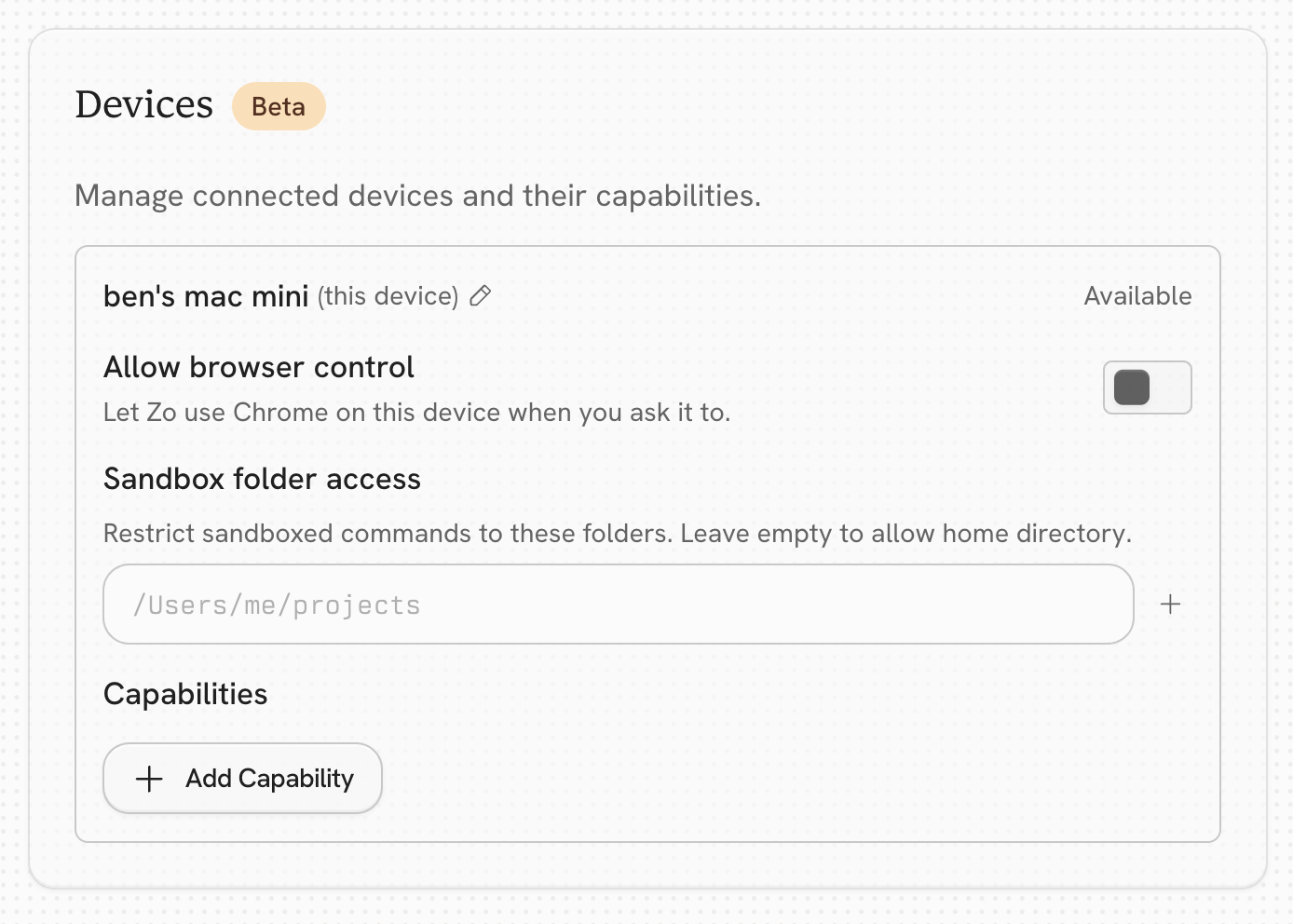
- [Beta] In Settings > Advanced, connect your other devices to Zo. Let Zo access your laptop, or your Mac Mini at home. You can even let Zo control your browser.
Join the Zo Community
- Discord – discord.gg/zocomputer - Share your builds, get help, and hang out with the Zo team and users
- Events – lu.ma/zocomputer - Subscribe to learn about upcoming virtual & in-person Zo events. Join us this Wednesday for a live build session with Zo Ambassador, Bree.
X fka Twitter | Instagram | TikTok | LinkedIn | YouTube | Substack | Bluesky