Escape the "AI look" by picking from a buffet of options.
By Daniel Nest
Published: 2026-10-29
URL: https://www.whytryai.com/p/ai-design-mockup-prompt
TL;DR
AI gravitates toward a default visual style, but you can teach it your preferences by asking for multiple alternatives to pick from.
The friction
If you ask an AI chatbot or agent to create anything visual, you may soon notice it tends to stick to a certain aesthetic.
AI can certainly create different styles, yet it has little reason to unless you ask for it directly.
At the same time, many of us can’t put a finger on exactly what we like or describe the look we’re after.
Fortunately, there’s an easy fix that I like to call “Design Buffet.”
The fix
Instead of letting AI run with the task right away, tell it to mock up a few designs first.
You want to force a range of different styles and layouts to pick from.
To do that, you can use a prompt like this:
I want to design [what you’re making].
Help me find a look I like:
1. Show me 10 quick mockups with the same content but in wildly different visual styles and layouts.
2. Ask me which ones I love and which I hate.
3. Based on my choices, describe my taste in plain words and ask if I agree.
4. If I confirm, show me 5 brand-new mockups building on my taste.
5. Repeat steps 2-4 until I pick the final design, then build that design.
Let’s try this in ChatGPT with a to-do list app: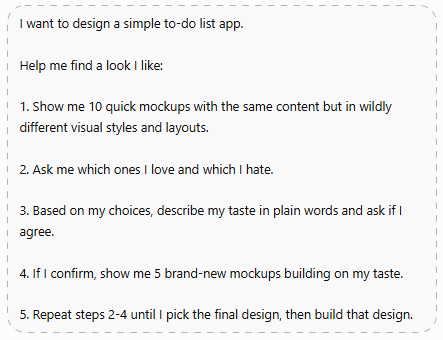
Right away, ChatGPT mocks up a bunch of possible visual directions for me to grade: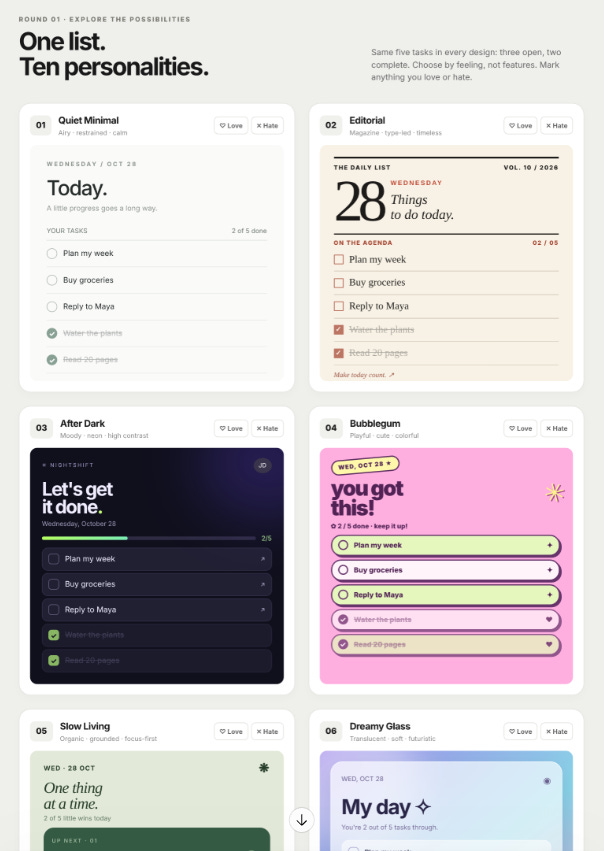
Based on my picks, ChatGPT tells me what it thinks about my preferences: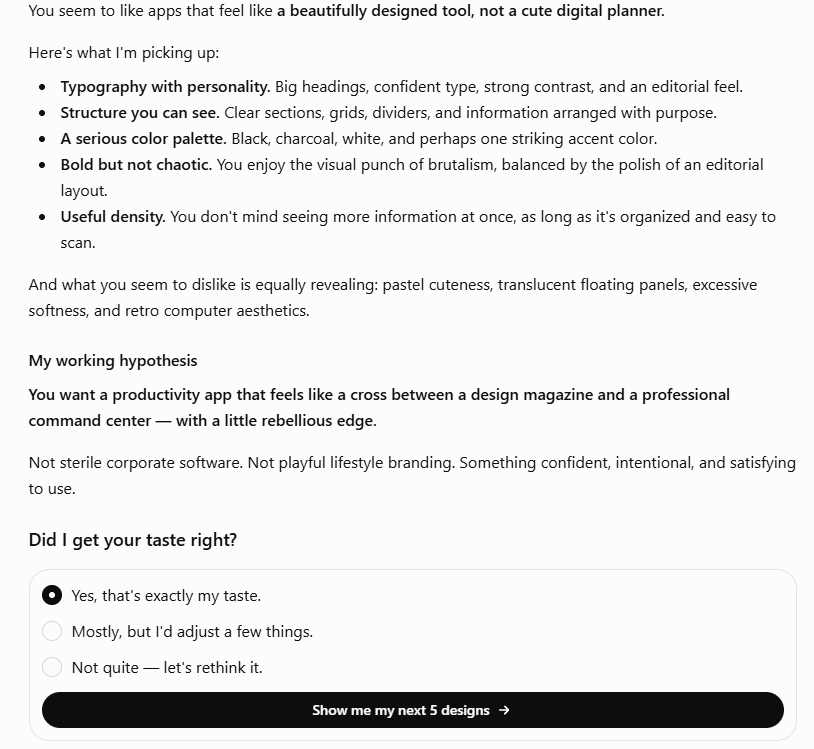
Once I confirm, ChatGPT zeroes in on a narrower range of choices tailored to my taste: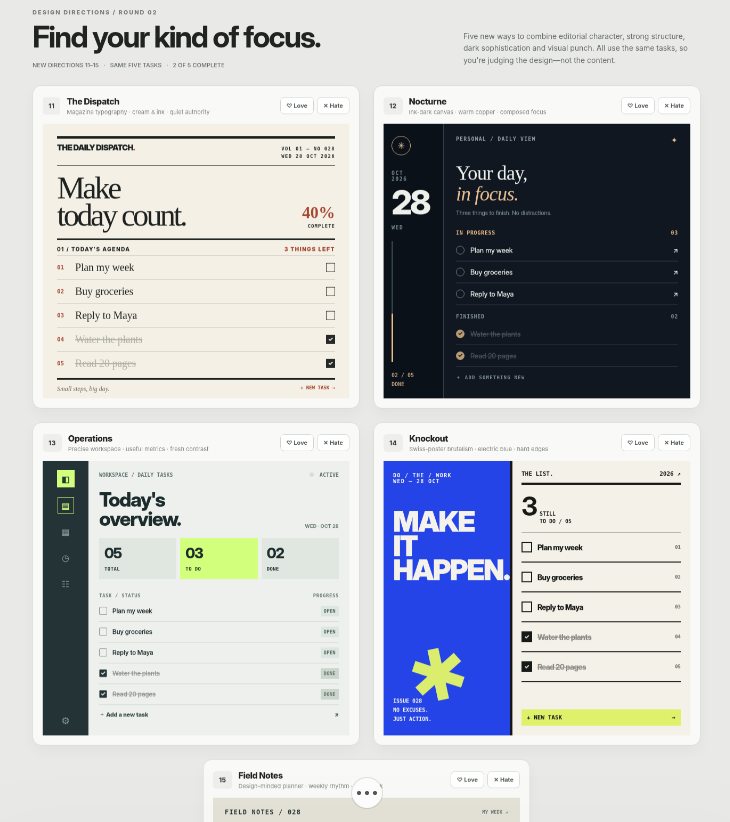
I can keep going or lock in a design I like right away: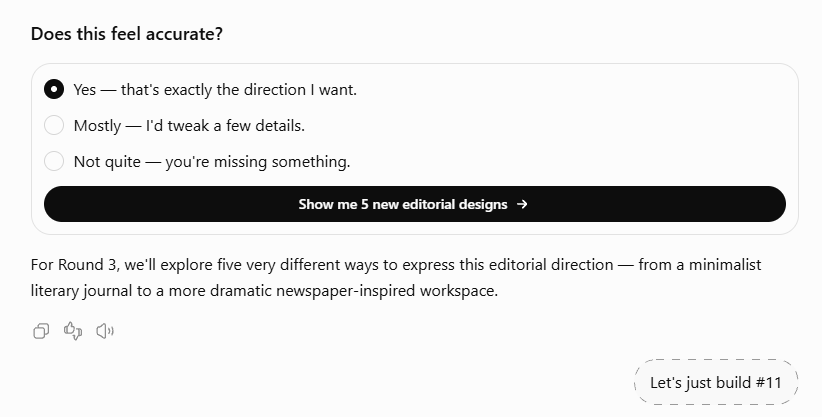
This approach lets you iterate quickly, avoids wasting time and tokens on a look you’ll have to change later, and uncovers your taste profile so you can bring it to new design tasks.
Do this now
-
Find an old AI design you weren’t too fond of (or pick a new one to build)
-
Request a new version using the “design buffet” prompt
-
Iterate until you’re happy with the look and feel
-
Save your resulting taste profile so that you can bring it to your future designs.
Know someone who could use this? Share it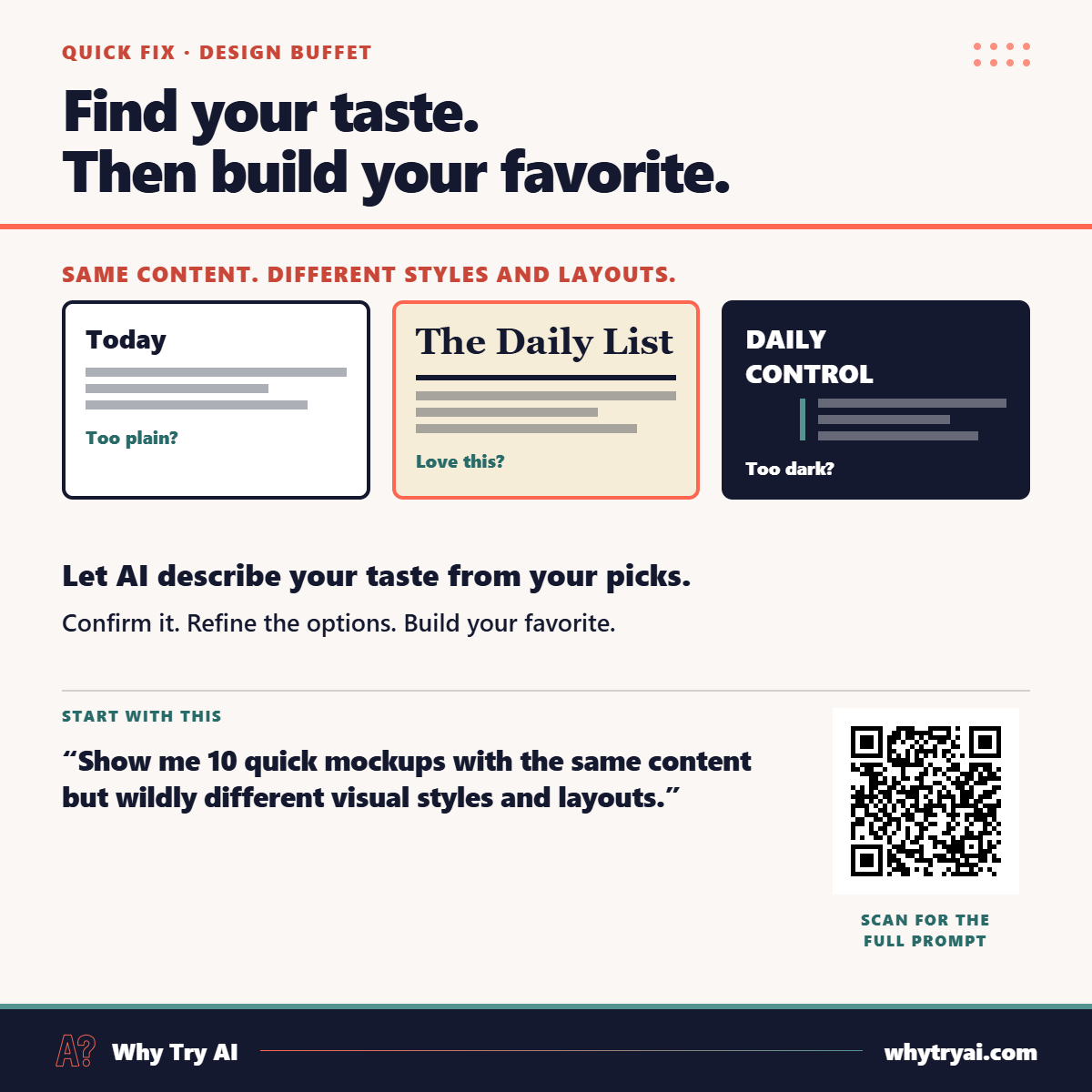 https://substackcdn.com/image/fetch/$s!EEnR!,fauto,qauto:good,flprogressive:steep/https%3A%2F%2Fsubstack-post-media.s3.amazonaws.com%2Fpublic%2Fimages%2F1a10b7b1-d6bd-4dda-8715-dd537e1cd4f0_1200x1200.png)
Dig deeper
I converted the one-off instruction into a self-installing “Design Buffet” skill for AI agents.
The skill also adds extra functionality, including maintaining a constantly updated profile of your taste that evolves as you work on different designs: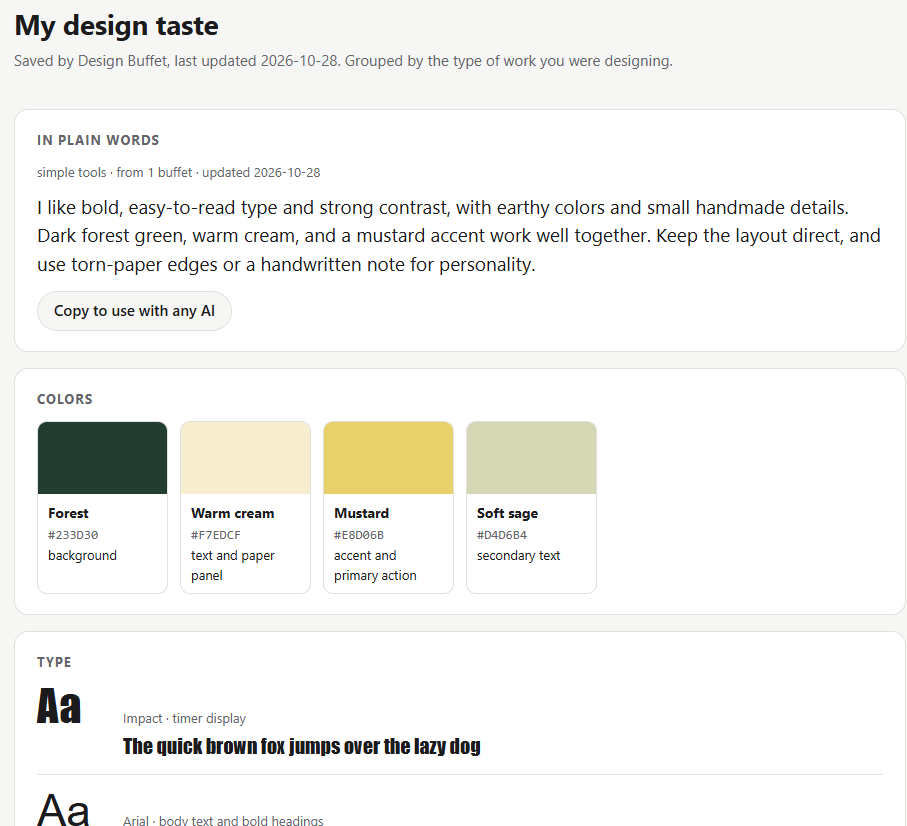
Paid subscribers can grab the skill below (and via the AI Agent Hub, which also includes a copy-paste instruction version for chatbots):
Thanks for reading!
If you enjoy my work, here’s how you can help:
-
❤️Like this post if it resonates with you.
-
🔄Share it to help others discover this newsletter.
-
🗣️Comment below. I love hearing from my readers.
-
🔓Support me and unlock cool perks by going paid: