One Claude skill turns a data source into a spreadsheet, a plan, a live dashboard and one decision a month.
By Gencay
Published: 2026-11-18
URL: https://www.learnwithmeai.com/p/claude-fractional-cfo
Claude just released Sheets, Whiteboards, and Data.
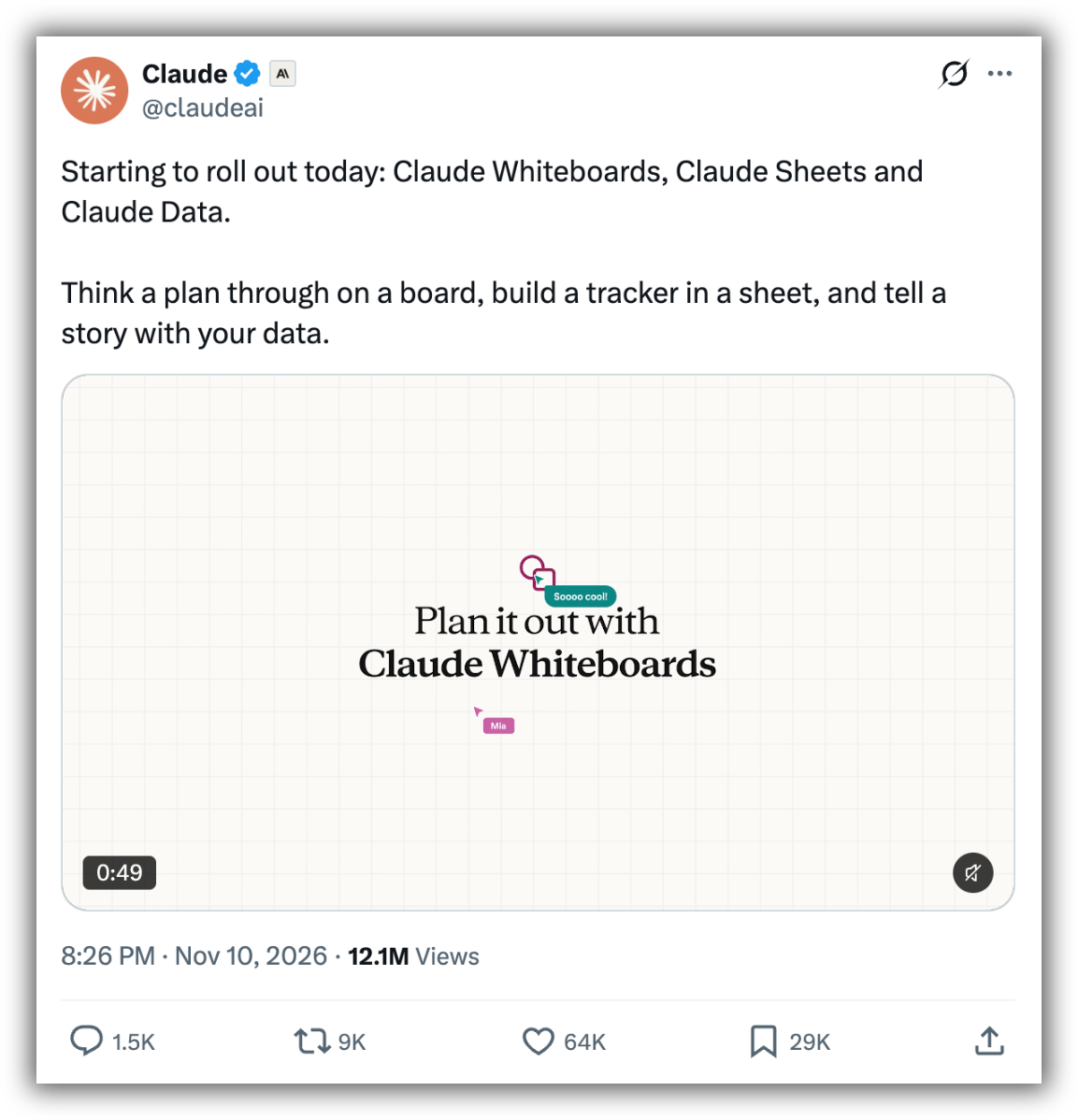
\Claude Sheets and Whiteboards are in beta, and Claude Data is out on every paid plan.\
I read the launch post twice, and the second time it looked like a job description.
A fractional CFO does three things for a small business.
- They keep the numbers in a spreadsheet, turn them into a plan, and report on them every month.
Futureproof’s 2026 rate guide puts the most cited retainer at $5,000 to $8,000 a month.
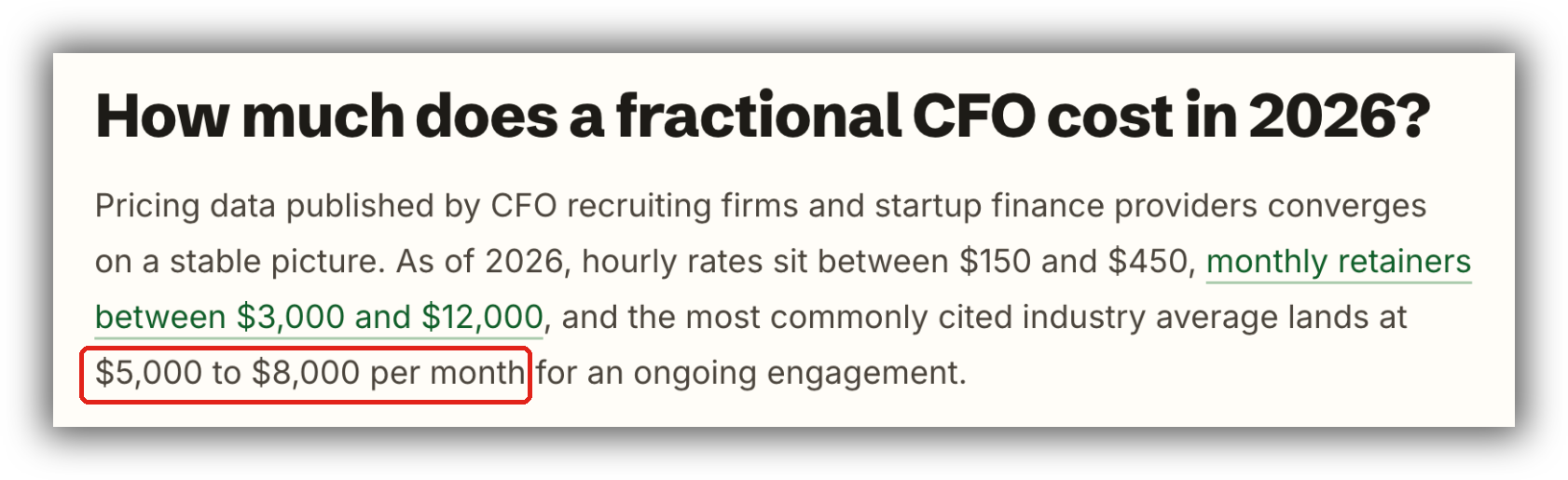
\The most cited fractional CFO retainer is $5,000 to $8,000 a month.\
I run LearnAIWithMe by myself, but I don’t have that much money to spend on my business yet.
So I built my own fractional CFO.
- Sheets keeps the numbers.
- Whiteboards turn them into a plan.
- Data reports on them every month.
You can run it on your own business and keep the $60,000.
Or you can run it for a client who needs a CFO and has no room for the retainer.
The Fractional CFO Board
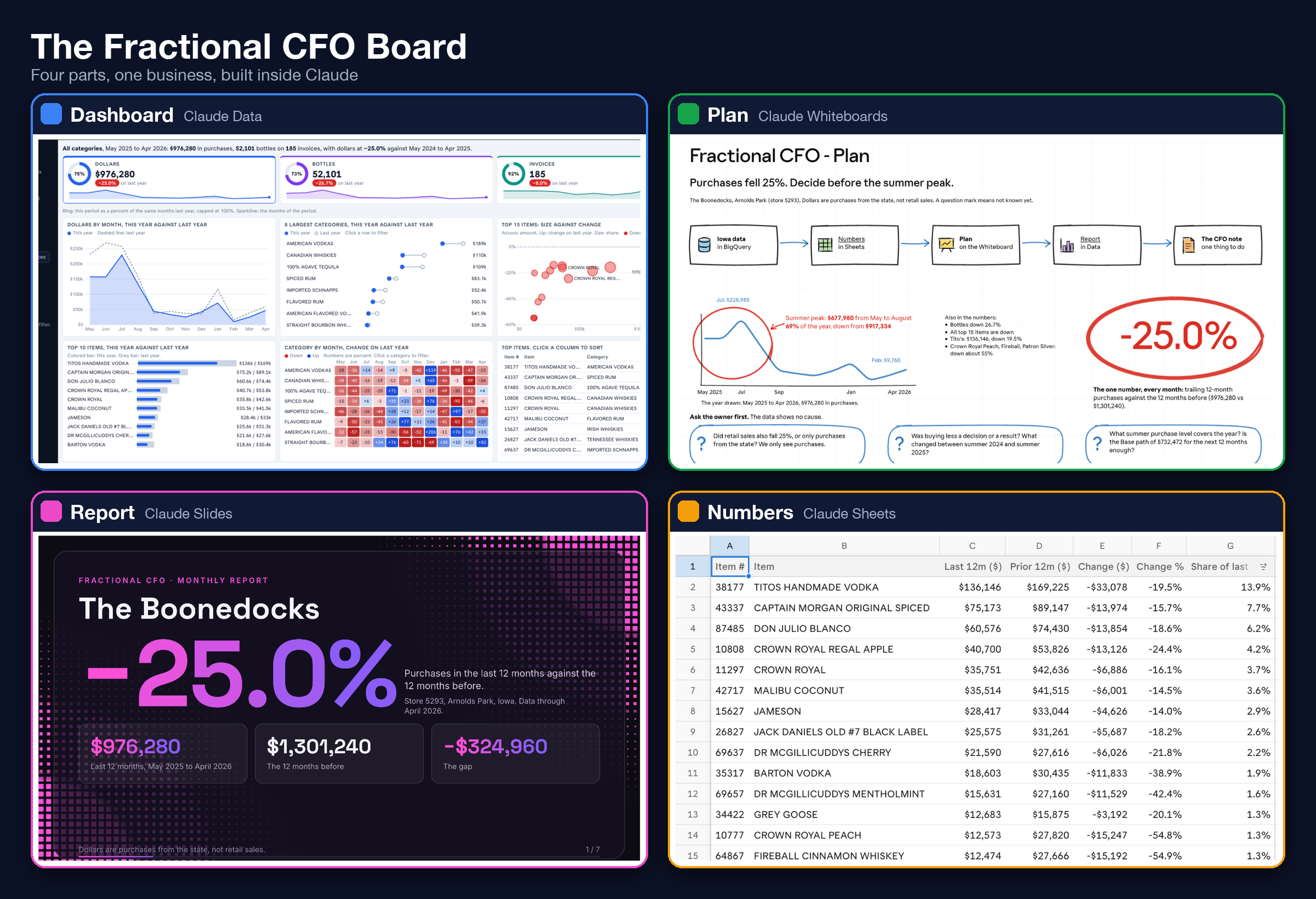
\The Fractional CFO Board. Four parts, one business, all built inside Claude.\
Our board has four parts.
- Dashboard: A live page in Claude Data that answers any question about the numbers.
- Plan: A hand-drawn board in Claude Whiteboards with the questions, dates, and owners.
- Report: A seven-slide deck in Claude Slides for the monthly meeting.
- Numbers: A Claude Sheet with 40 months of history and a forecast, the grown version of my expense tracker.
1. A dashboard you can question
Here is how you make one.
- Open Artifacts in the left sidebar and press Data under "Make something new".
- Pick "Use a connector" for live numbers, or "Import a file" for a CSV, and keep the Dashboard format.
- Tell Claude in the chat box what you want to see.
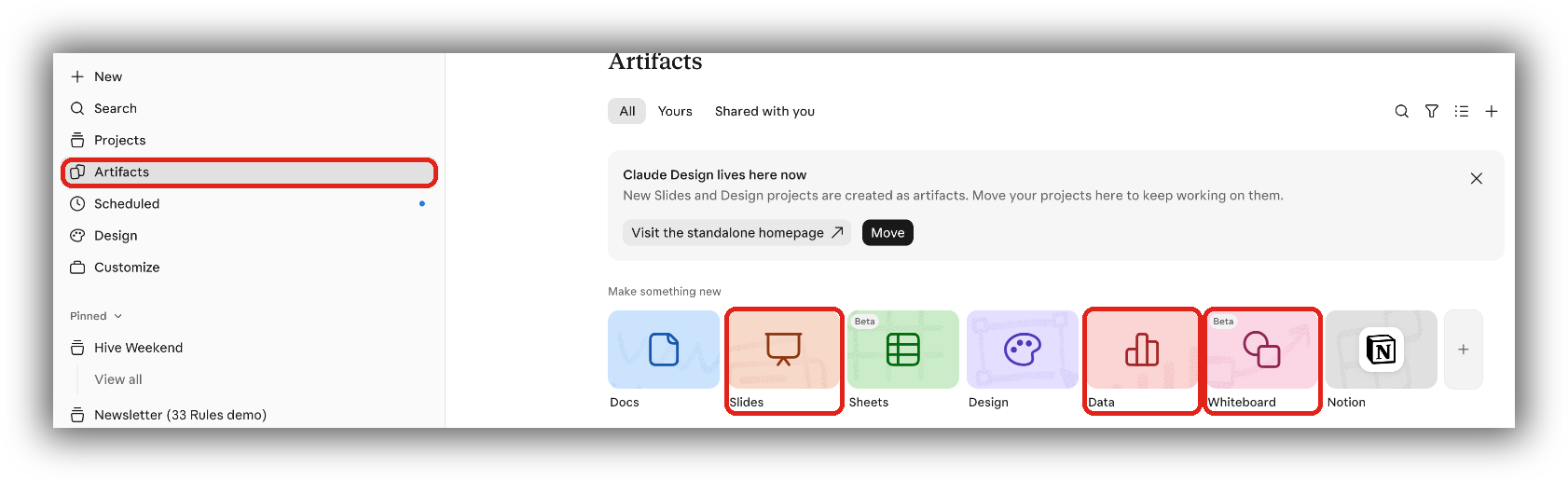
\Artifacts, then Make something new. Data, Whiteboard, and Slides all start here.\
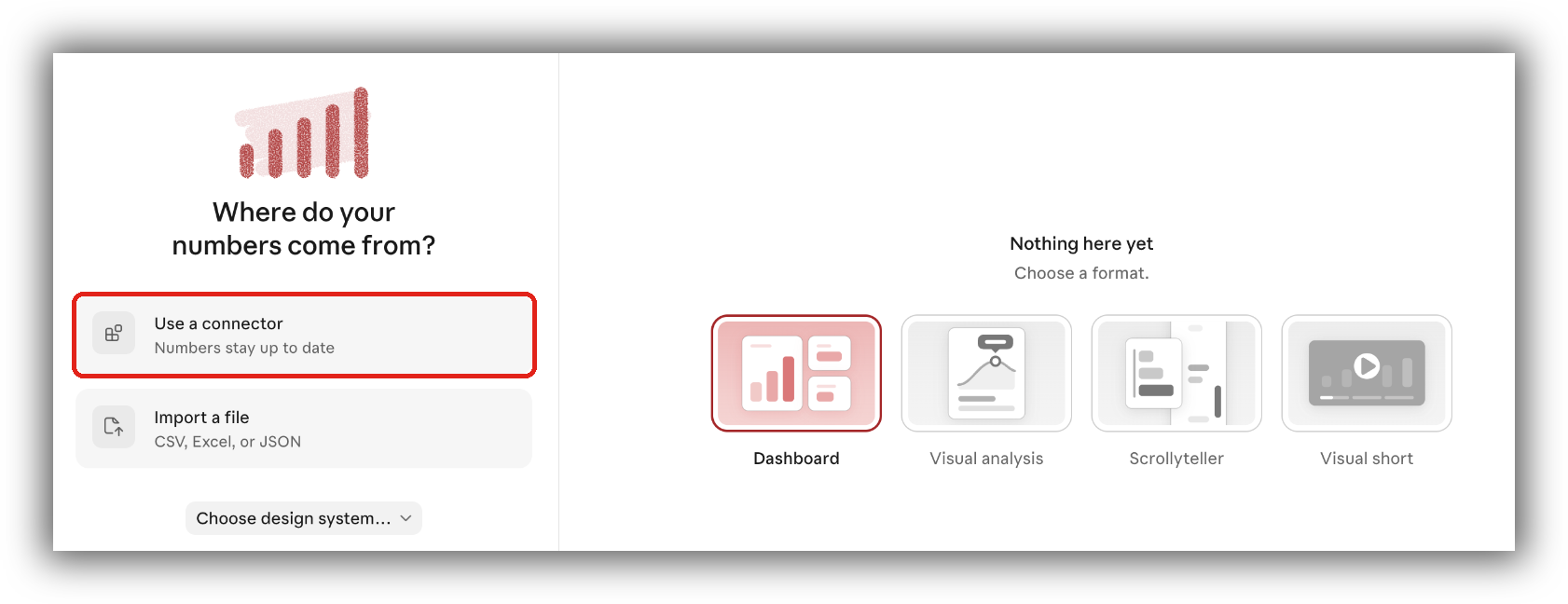
\Claude asks where your numbers come from before it builds anything.\
(You can skip the clicks and ask for a dashboard in any chat. That is how I built mine.)
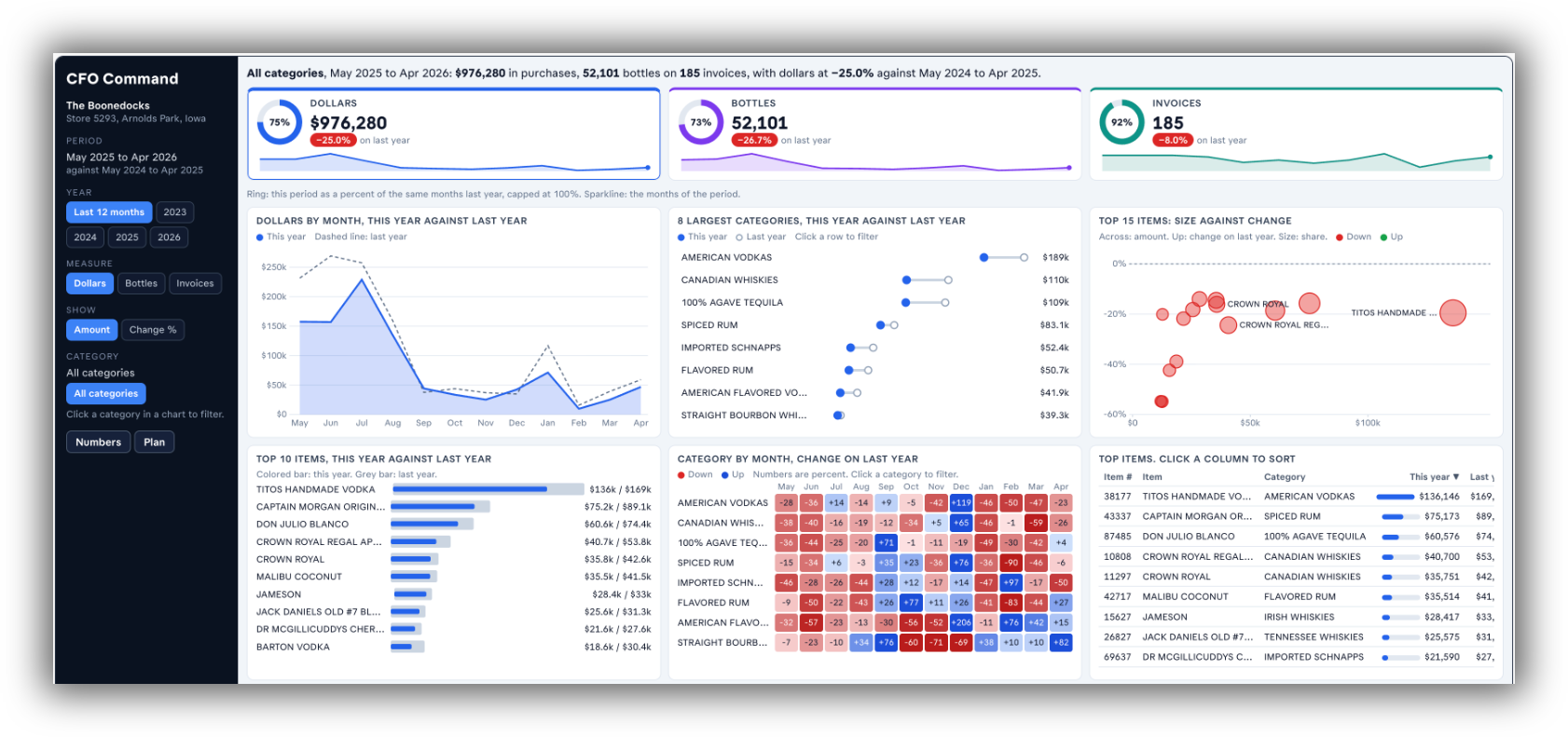
\The dashboard. One real liquor store, $976,280 of purchases in 12 months, down 25%.\
The left panel is the control room.
Pick a year, switch from dollars to bottles or invoices, and every chart follows.
Click a category and the whole page narrows to it.
(My older competitor dashboard took NotebookLM, Claude Code and 30 minutes.)
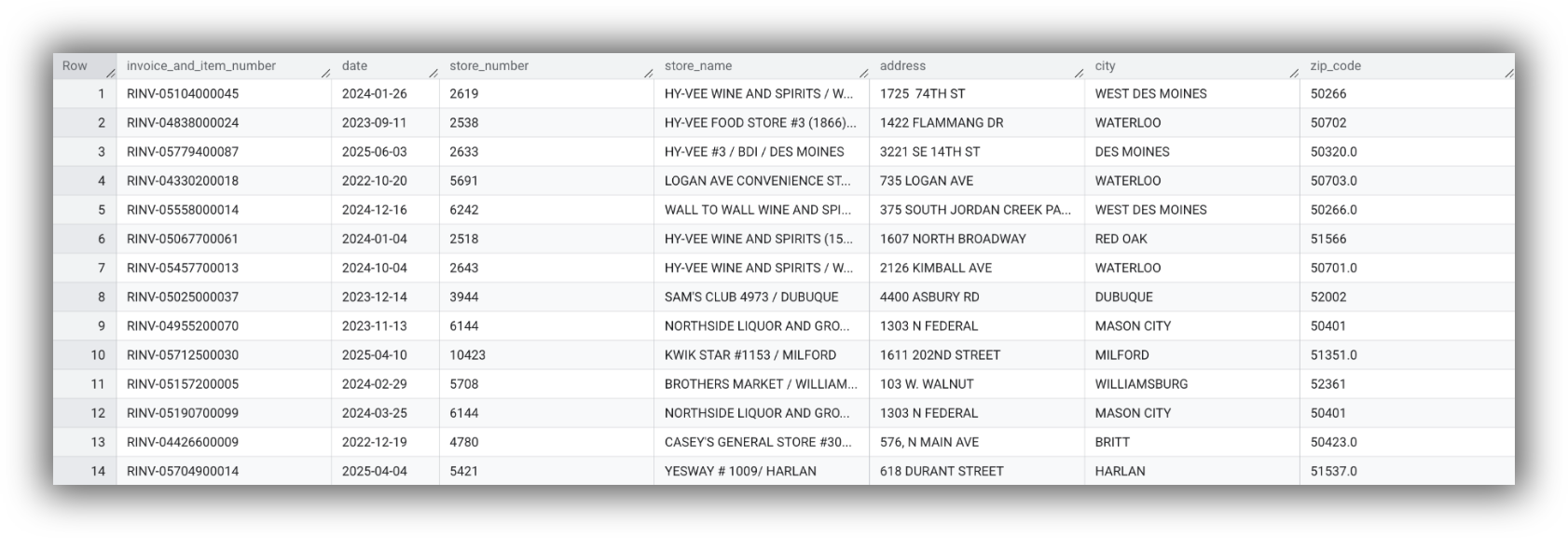
\The data under it. One row for every purchase a store made.\
2. A whiteboard that draws the plan
Here is how you make one.
- Open Artifacts and press Whiteboard under "Make something new".
- A blank canvas opens. Press Ask Claude in the bottom bar.
- Describe the board you want, and Claude draws it.
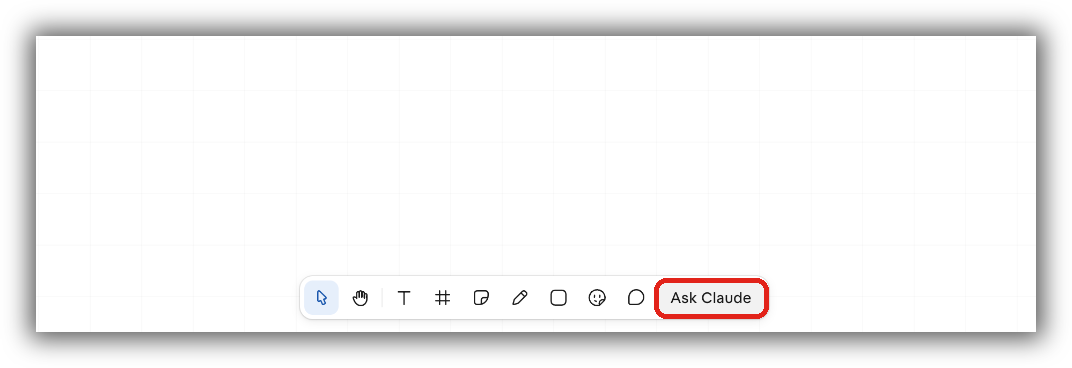
\An empty whiteboard. Ask Claude sits at the end of the bottom bar.\
I asked for a hand-drawn sketch and got one.
The boxes, arrows, bubbles, and circles are pen strokes.
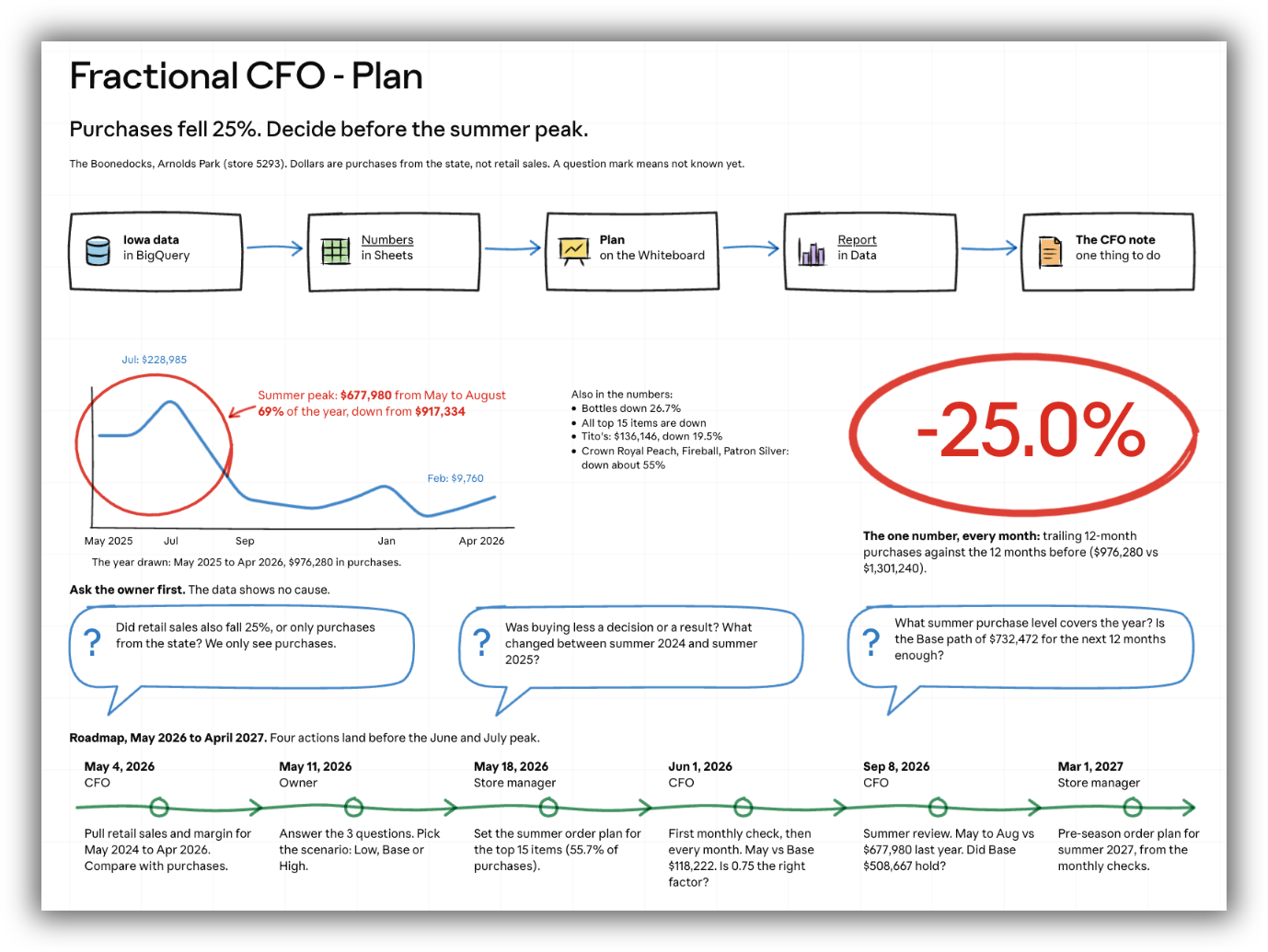
\The plan, drawn by Claude Whiteboards. The flow on top, the year as a curve, three questions and a dated roadmap.\
(One limit. The whiteboard draws shapes by hand and types the words. Claude told me it has no handwriting font.)
3. Slides for the monthly meeting
Here is how you make one.
- Open Artifacts and press Slides under "Make something new".
- Paste your notes in the chat box, or press "Start from a file".
- Claude adds the slides. You change any of them with a comment.
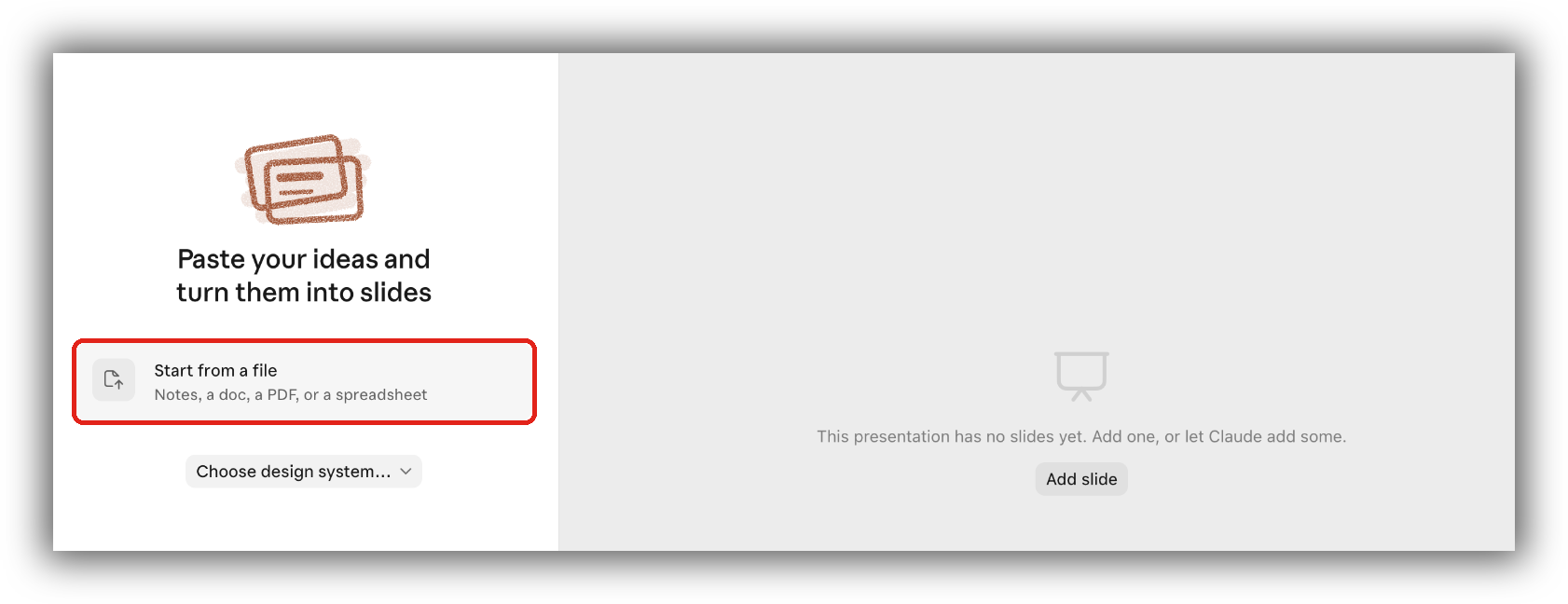
\A new deck starts from your notes or from a file.\
Claude turned the plan into a seven-slide deck.
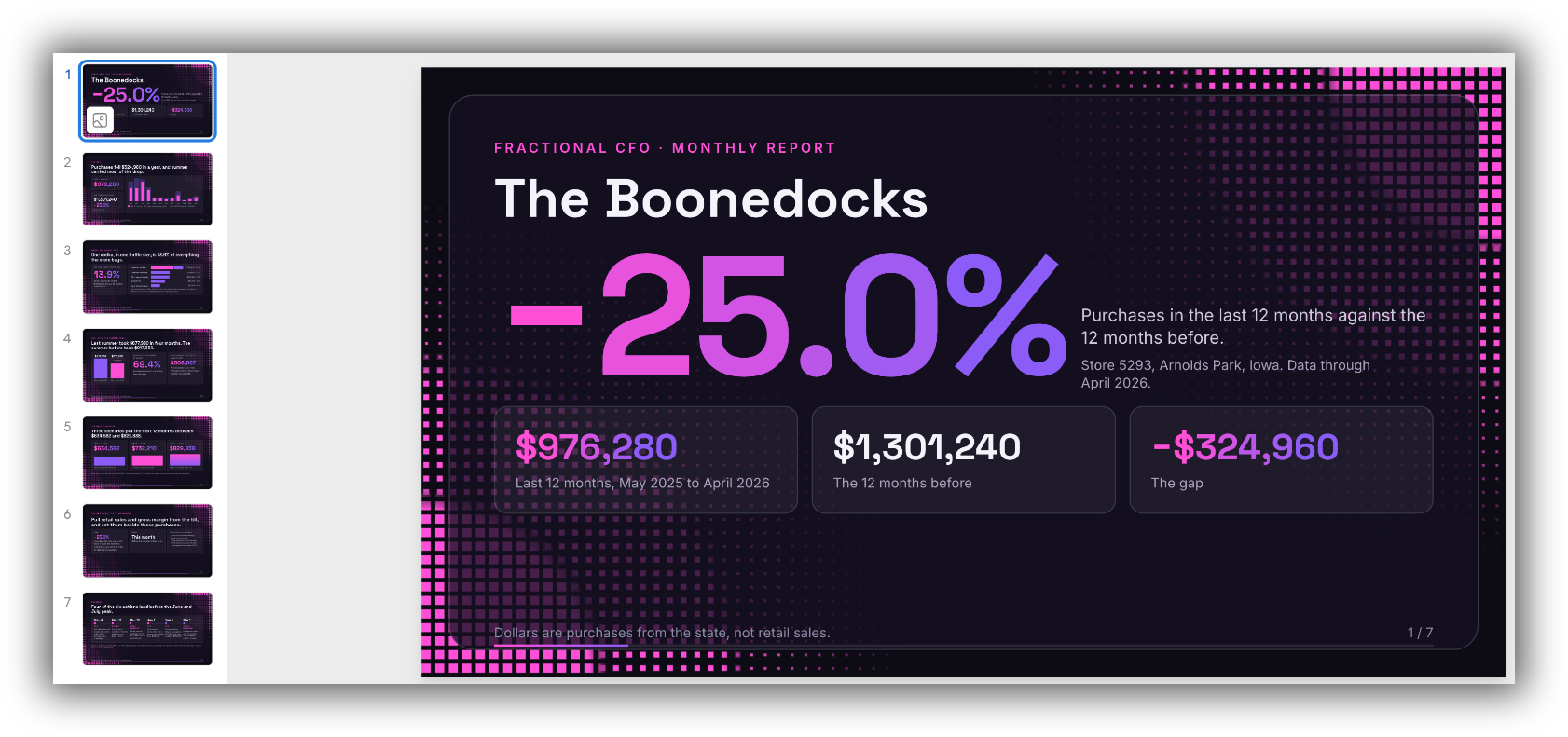
\Seven slides, built by Claude Slides from the numbers on the board.\
(There is no button that turns a whiteboard into slides. Claude rebuilt the deck from the board, the sheet, and the dashboard.)
The first version looked flat, so I picked a style.
Amir Mušić shared five free deck templates. I liked the product launch one, described its look to Claude in one prompt, and the deck came back in it. You can pick your own style there.
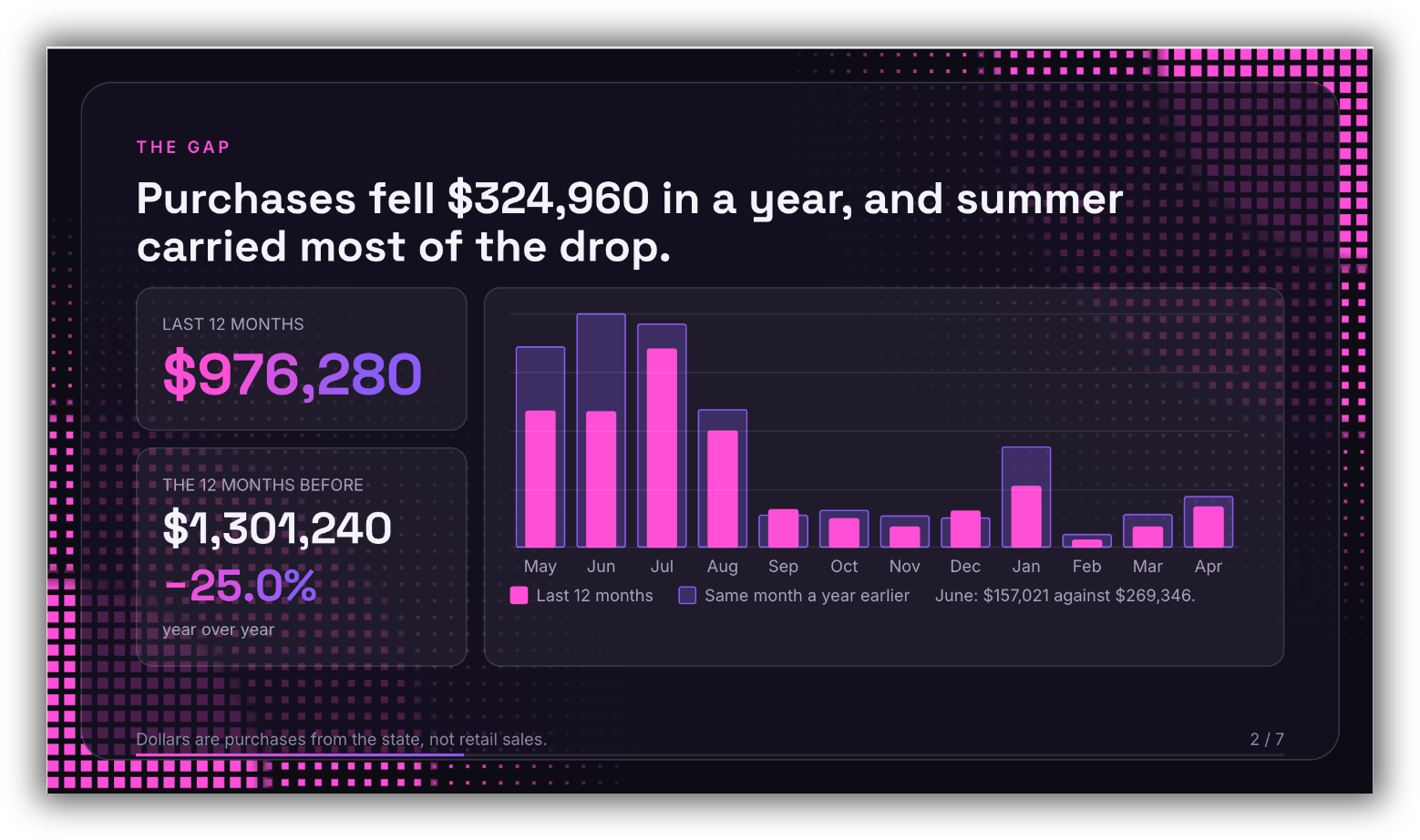
\The gap slide. Pink bars are the last 12 months, the ghost bars behind them are the year before.\
You edit the deck the way you mark up a draft.
- Comment on any slide to update it. Press the comment icon, click the thing you want changed, and type it. Leave "Send to Claude" ticked.
- Invite people. Press Share and type an email in "Invite people by email".
- Export it. The Share window has an Export tab.
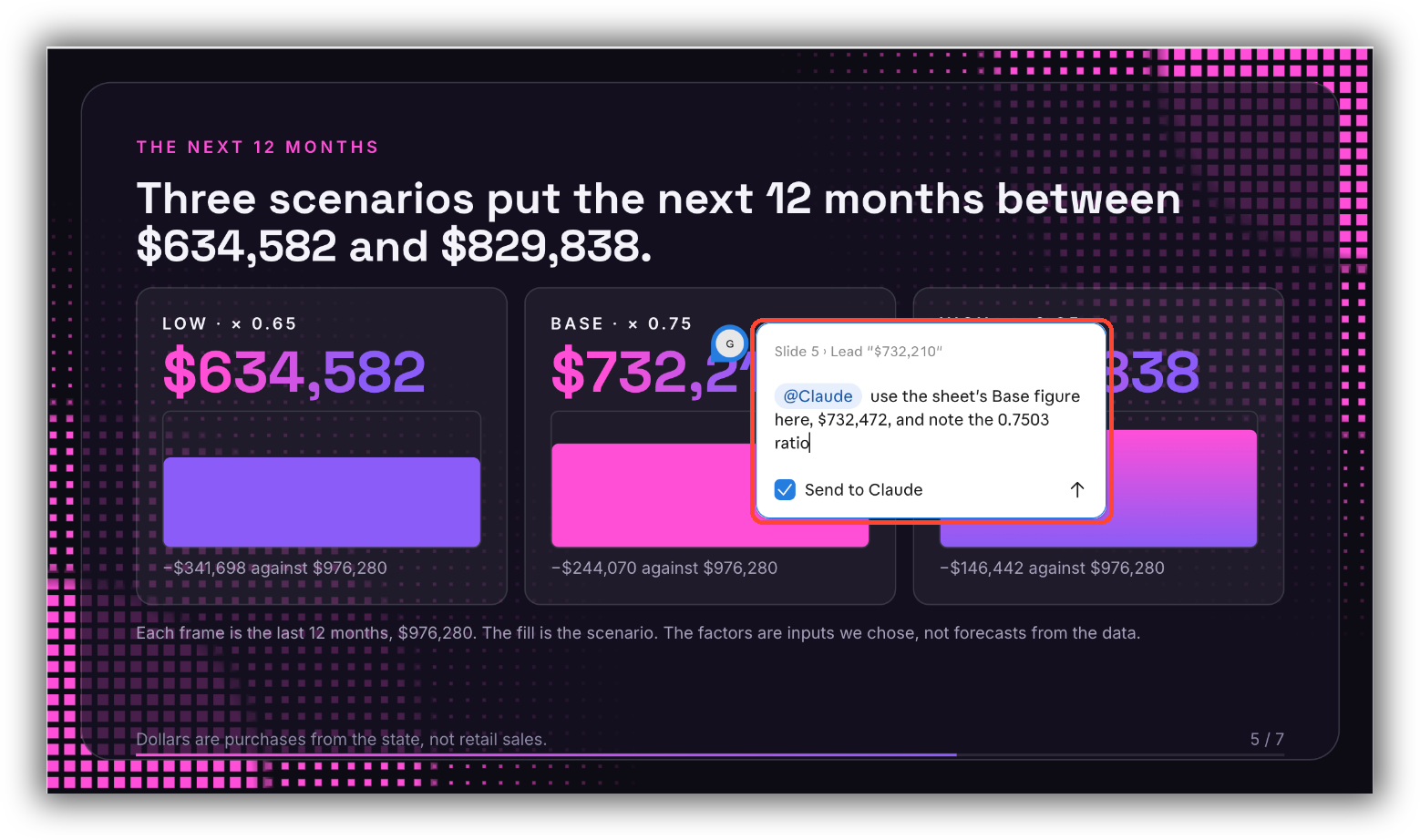
\A comment on the Base number. I asked Claude for the figure from the sheet.\
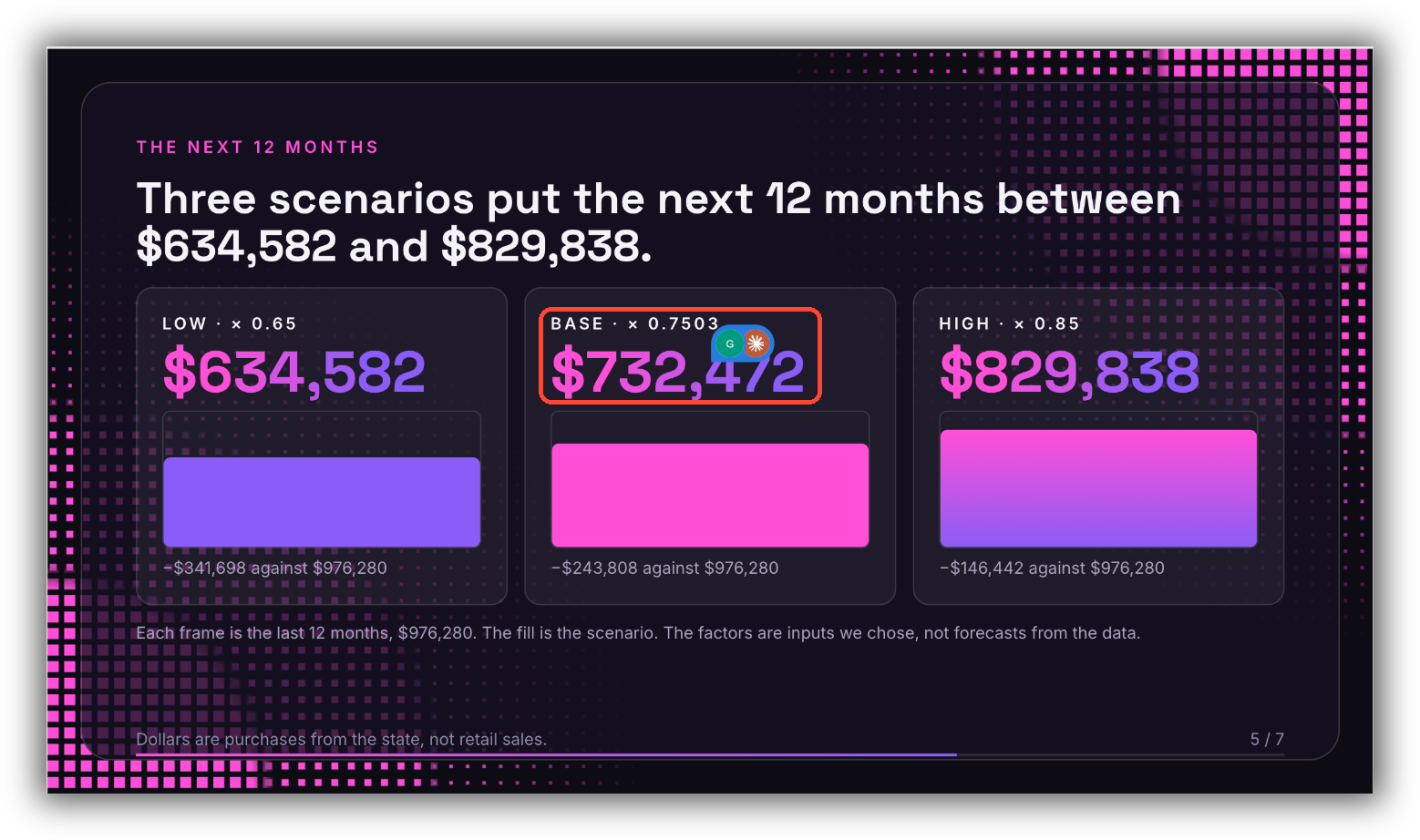
\About a minute later the slide reads $732,472.\
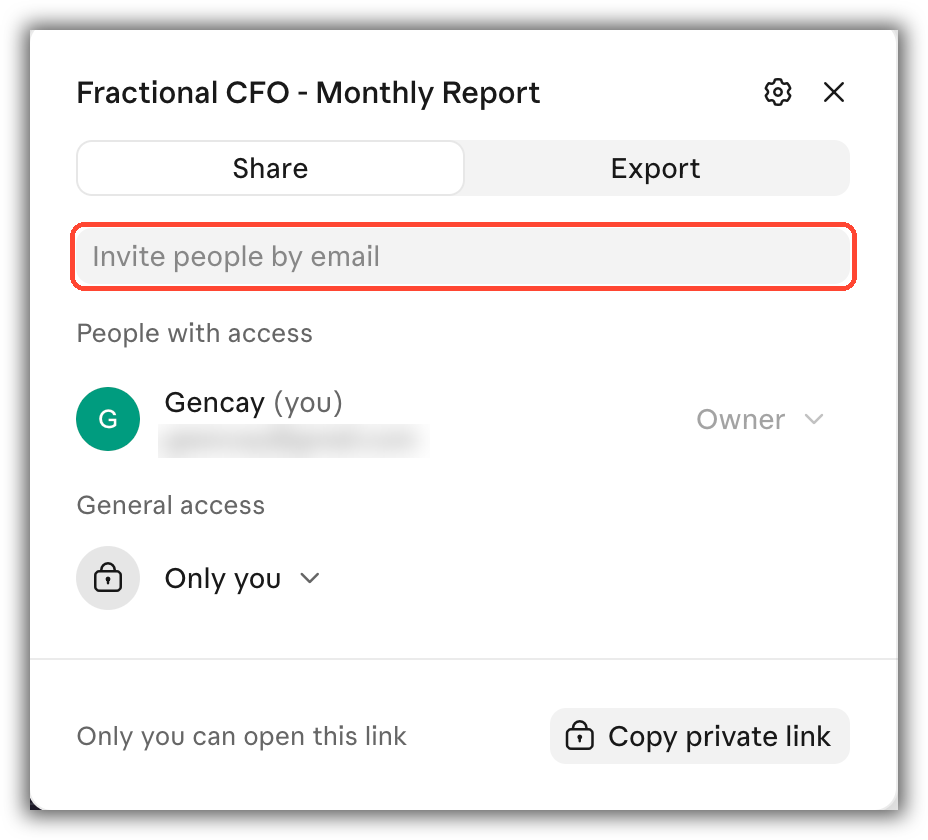
\The deck is private until you invite someone.\
What Did the CFO Tell Me to Do?
This is the part the retainer pays for.
(I have replaced a paid seat like this before. Bloomberg charges $32K a year for a screen, and I built mine with Claude.)
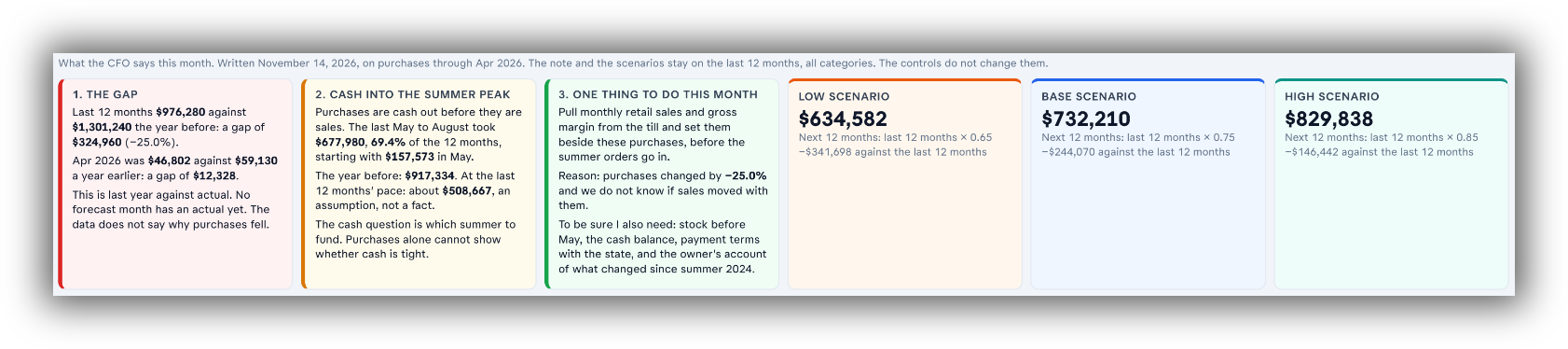
\The CFO note at the bottom of the board. Red is the gap, amber is cash, green is the one thing to do.\
The CFO note sits at the bottom of the board, in three cards.
Red shows the gap against last year, amber shows what the busy season does to cash, and green names one thing to do this month.
Next to them, three more cards put the next 12 months at Low, Base, and High.
I have built a critic like this before. My red team skill found 17 flaws.
The Fractional CFO Skill
The first board took five prompts and more than a dozen approvals.
So I packed it into a Claude skill.
One message goes in, and the whole board comes out.
It is the same move as my $ 300-an-hour consultant skill.
I had built 48 Claude skills before this one.
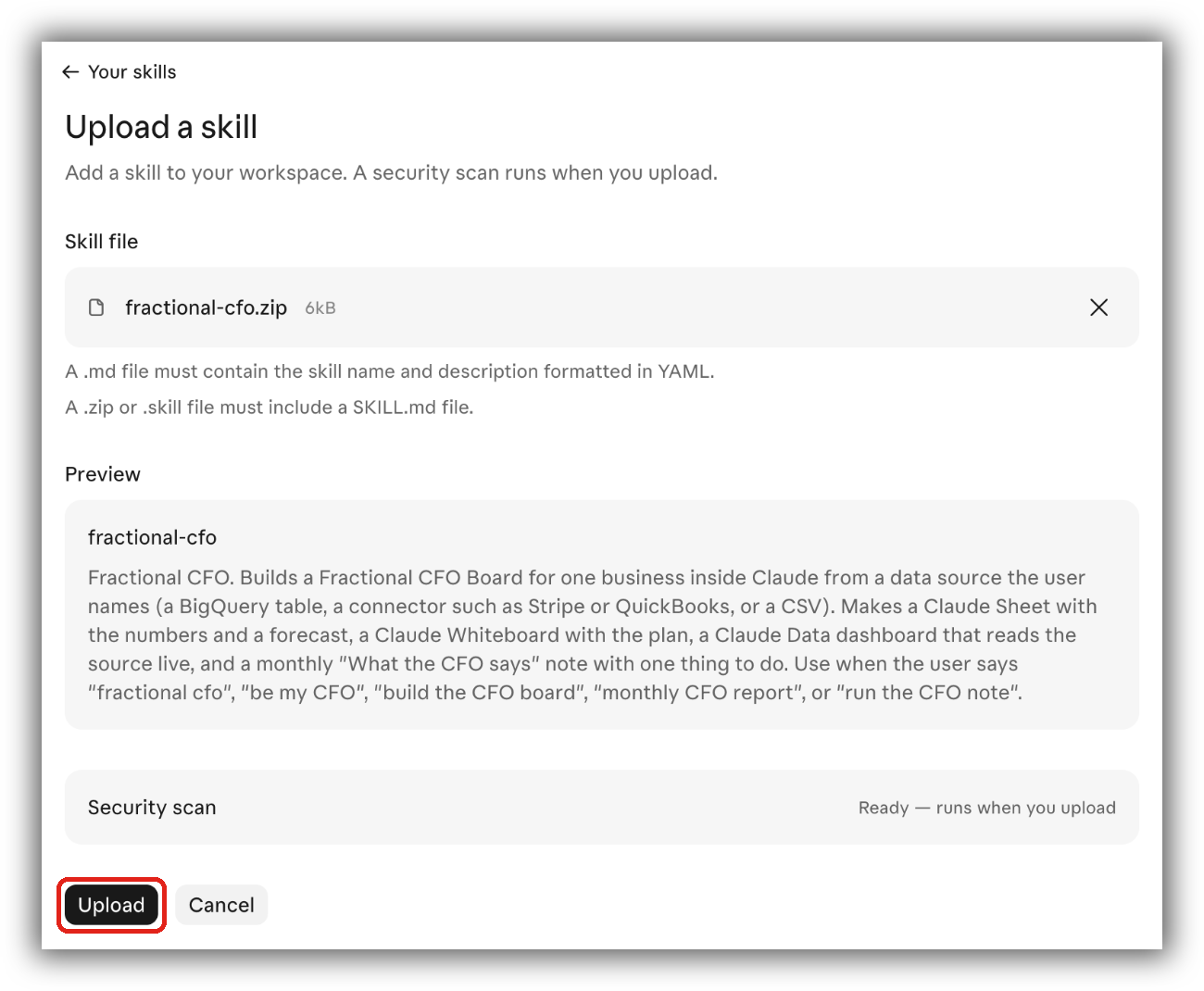
\The skill uploads as one file in Customize, then Skills.\
The skill asks three things.
Where the data lives, which rows are your business, and what a dollar in that data means.
Btw, if skills are new to you, start with the 5 Claude skills that put you ahead of 99% of Claude users.
This Skill carries the rules from the first run.
Say what the dollars are. Never invent a cause. Report what every query scanned.
Then I tested it on a second store, with one message.
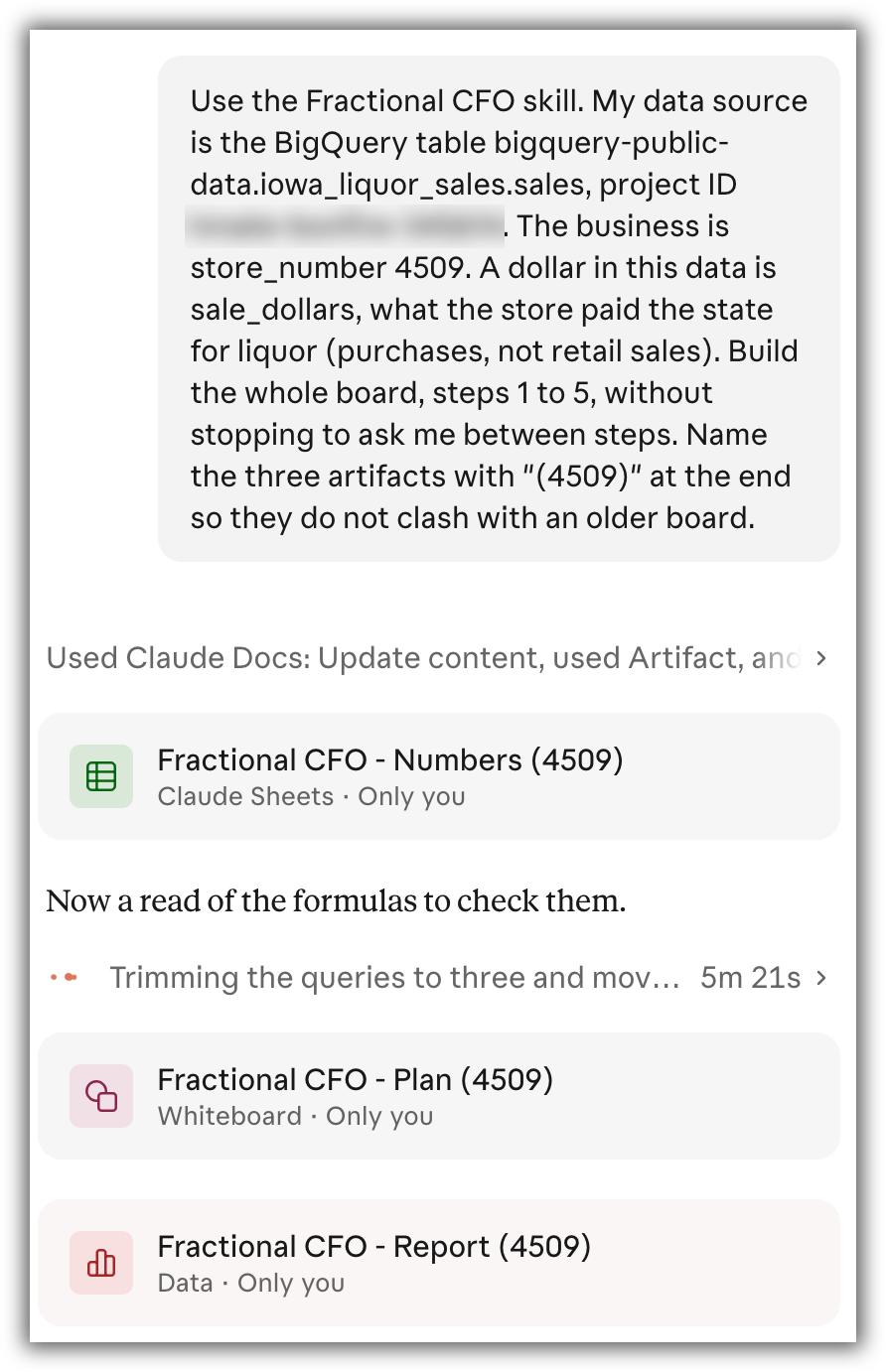
\One message to the skill. A sheet, a board and a dashboard came back.\
About 12 minutes later, the whole board was up.
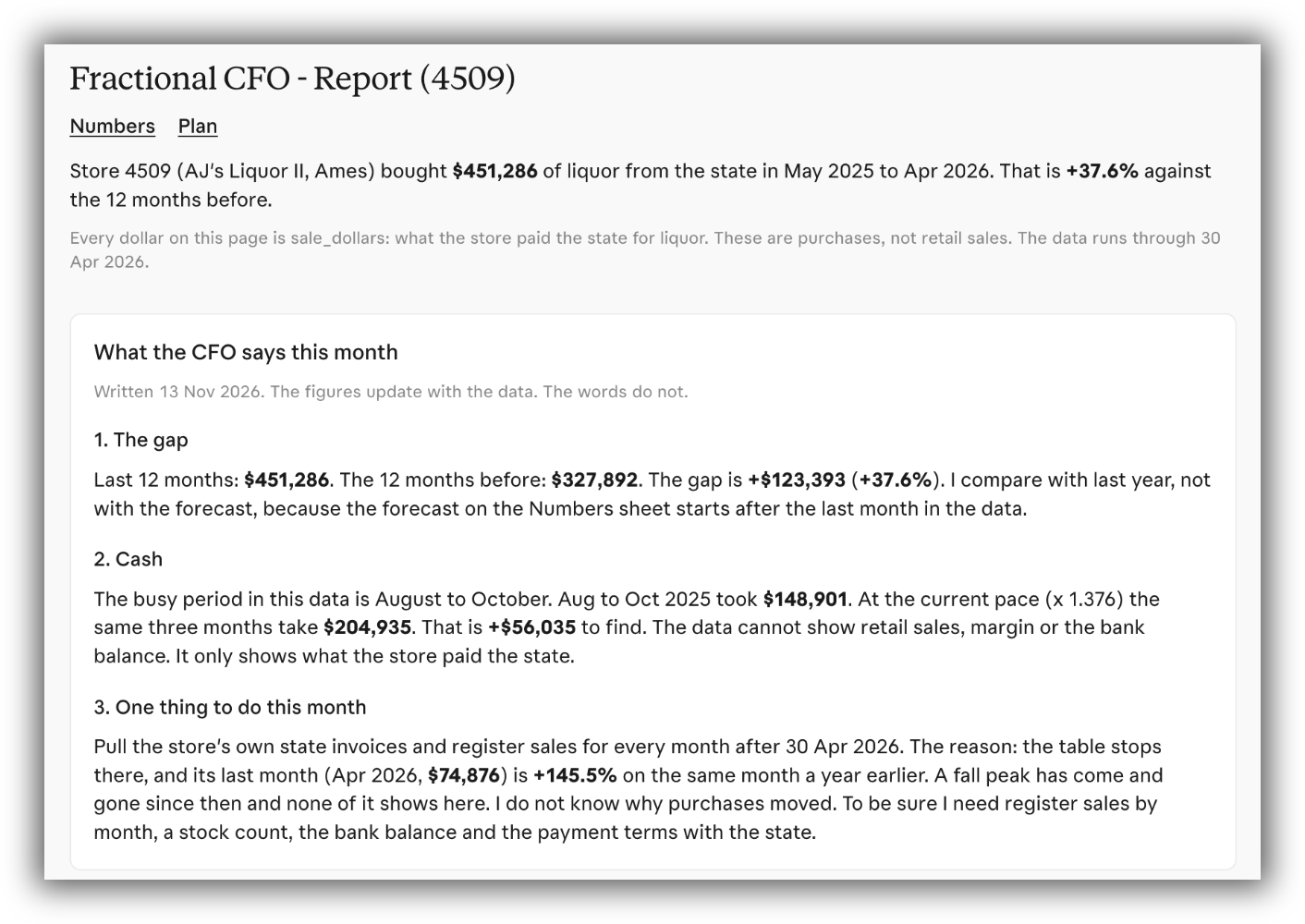
\The second board, built by the skill alone. Another store, another busy season, another piece of advice.\
The skill found this store's own busy season, August to October, and gave it different advice.
Who’s this Skill for?
- Shop and restaurant owners: You have the sales data and nobody to read it every month.
- Freelancers and agencies: You run the board for a client who needs a CFO and has no room for one.
- Bookkeepers and accountants: You hold the numbers for your clients and want a plan and a deck on top of them.
- Founders of a small SaaS or a newsletter: You track revenue in a spreadsheet and want one page that tells you what to do next.
After the paywall, you get the Fractional CFO skill as one file you upload to Claude.
You get the 8 prompts that built this board, copy-paste ready, from the first query to the deck.
You get the setup, step by step, with the first message to send.
And you get how to turn the board into a monthly service for a client.
Here is the file.
Next month you’ll pay 50% more
The early black friday discount is the biggest discount I’ve offered.
Next month, you’ll pay 50% more.
- Annual Subscription: $100/year ($150 after Black Friday).
- Inner Circle Subscription: $200/year ($300 after Black Friday).