An Upwork client pays $1,000 for one SaaS launch video. I read 331 viral Opus 5.5 posts, found the 10 styles that get the views, and turned all 10 into one Claude skill.
By Gencay
Published: 2026-10-19
URL: https://www.learnwithmeai.com/p/claude-motion-studio-10-styles
Motion generation with Claude went viral.
People realized its power after the Opus 5.5 release.
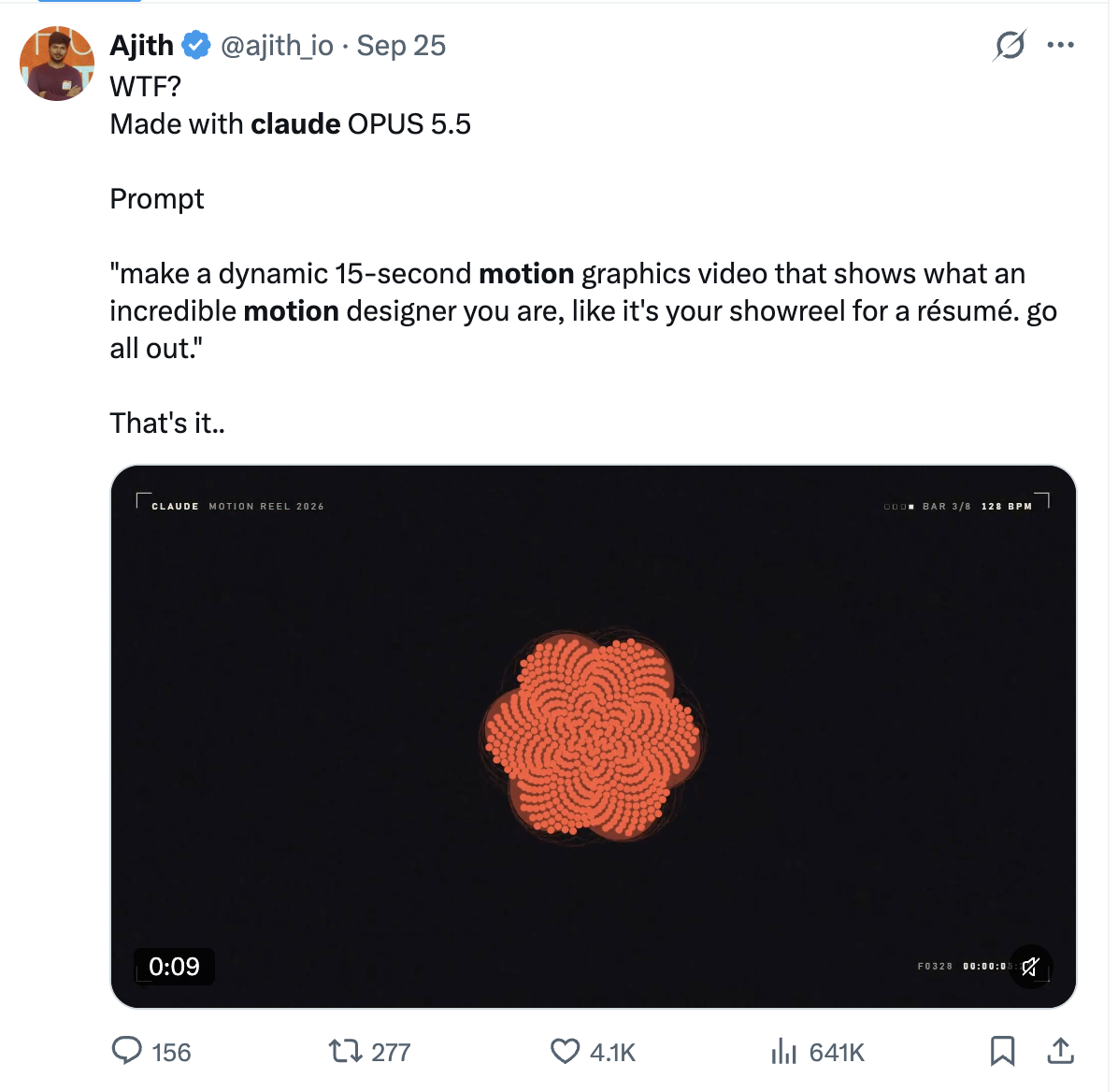
\Ajith's one-line prompt. 641K views.\
Everyone is generating motion videos now.
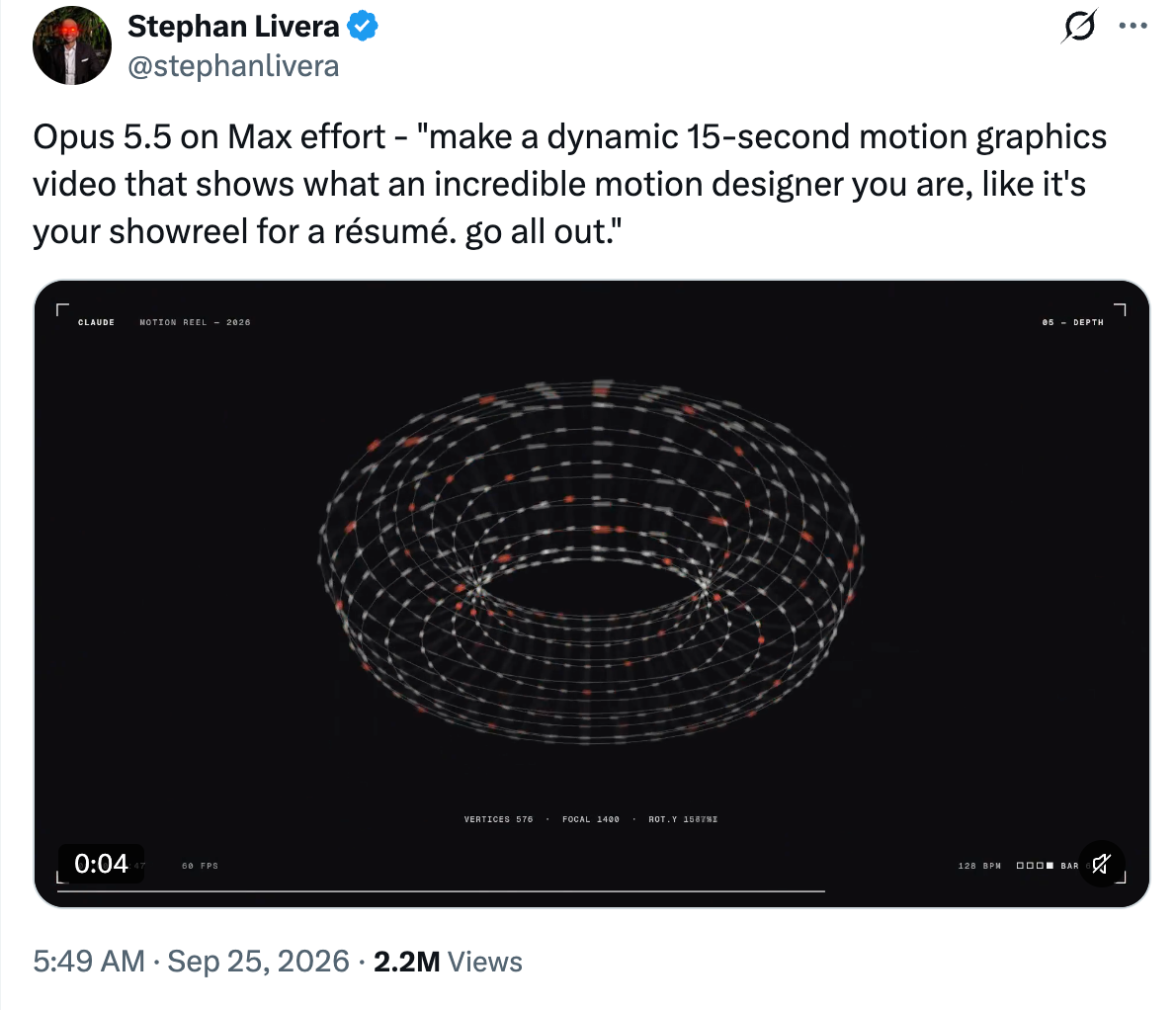
\Opus 5.5 on Max effort. 2.2M views.\
And I searched my money signal on Upwork, and it approves.
First, a legal AI company pays $1,000 fixed for one product launch video.
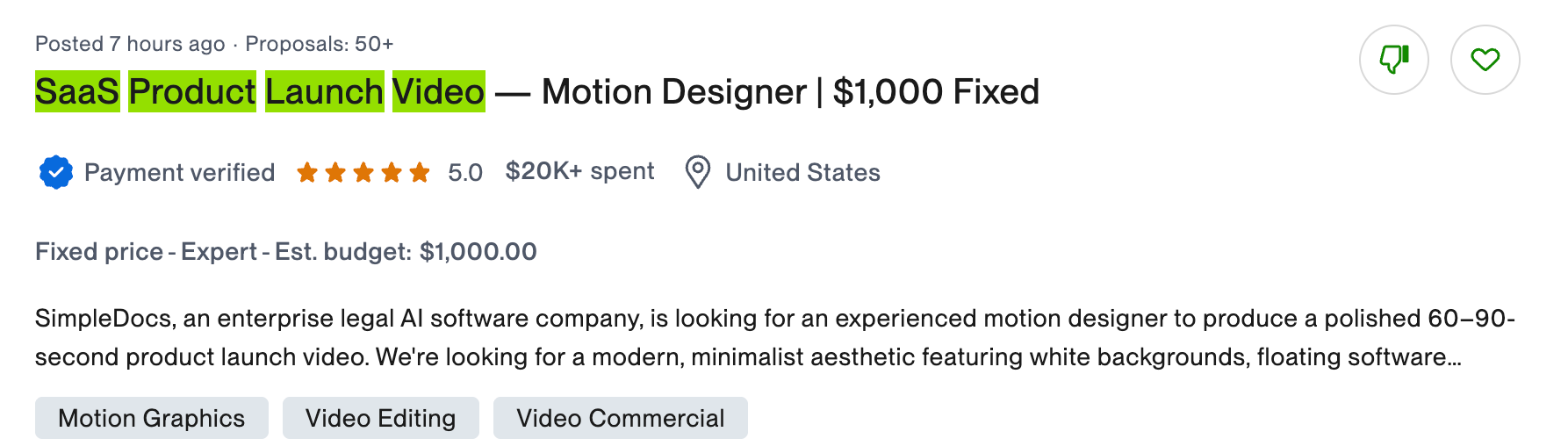
\Posted 7 hours ago. $1,000 fixed for one SaaS launch video.\
Another client wants a “Claude Code Video Editor” for performance ads, $15 to $50 an hour, 30+ hours a week.
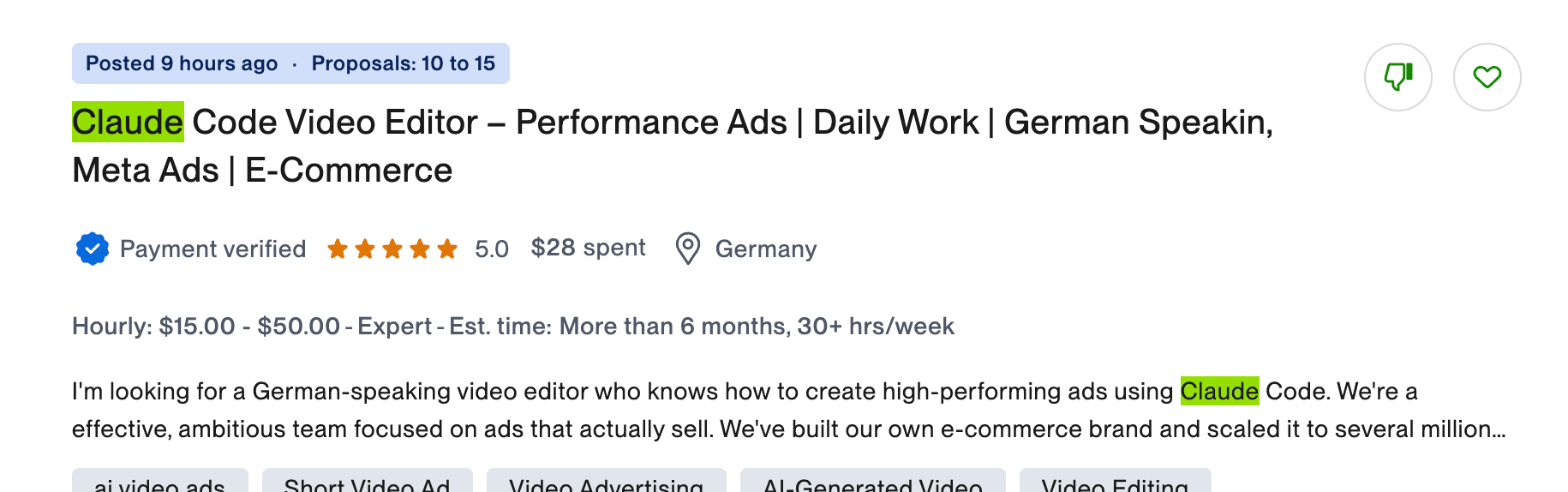
\The job title starts with Claude Code. Six months, 30+ hours a week.\
And another one.
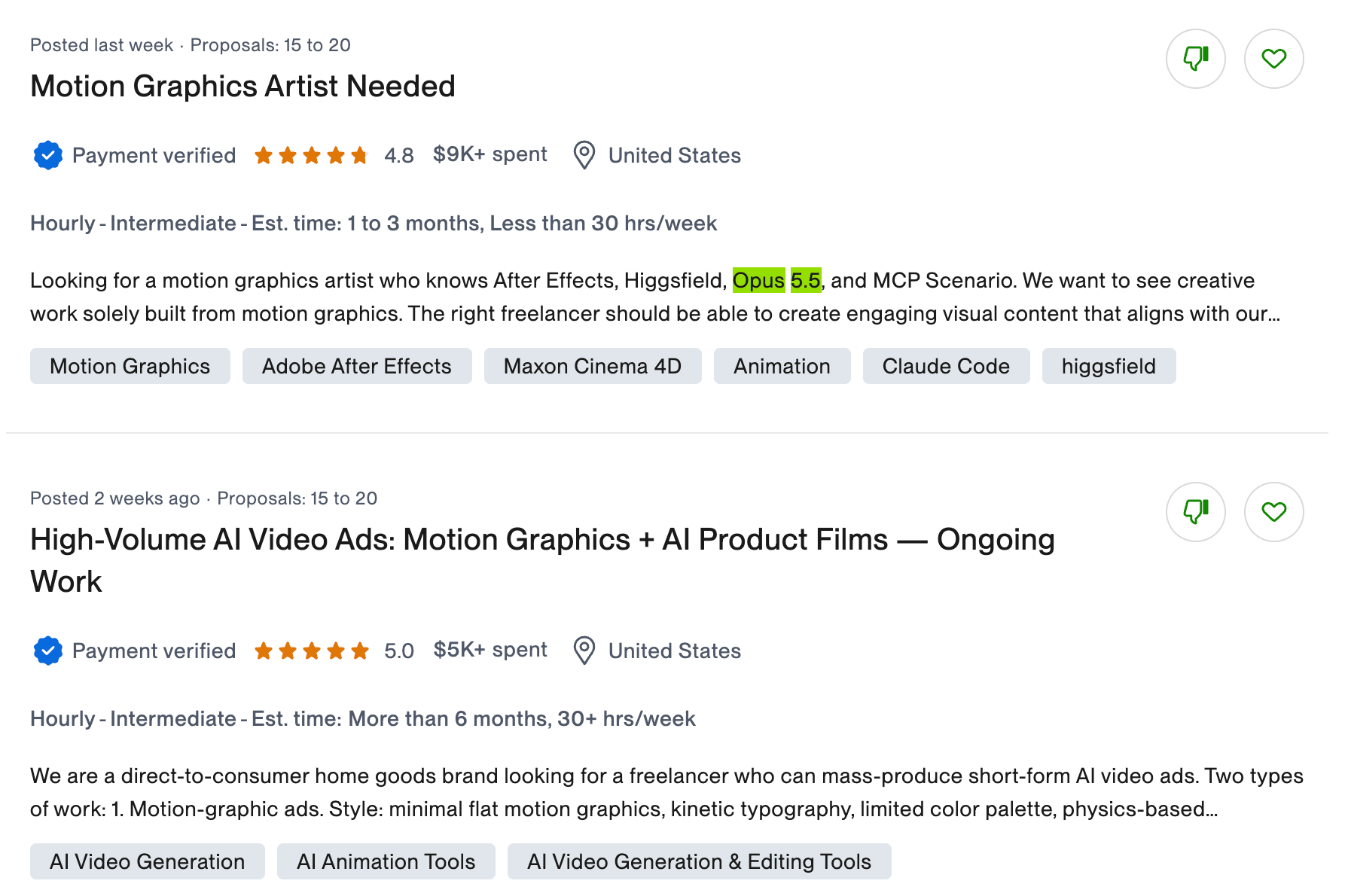
\Search Upwork for Opus 5.5 and these come up.\
So this makes money. That's why I am in.
Next, I read 331 viral motion posts, sorted them by views, tested the styles behind them, and collected the 10 that carry the views.
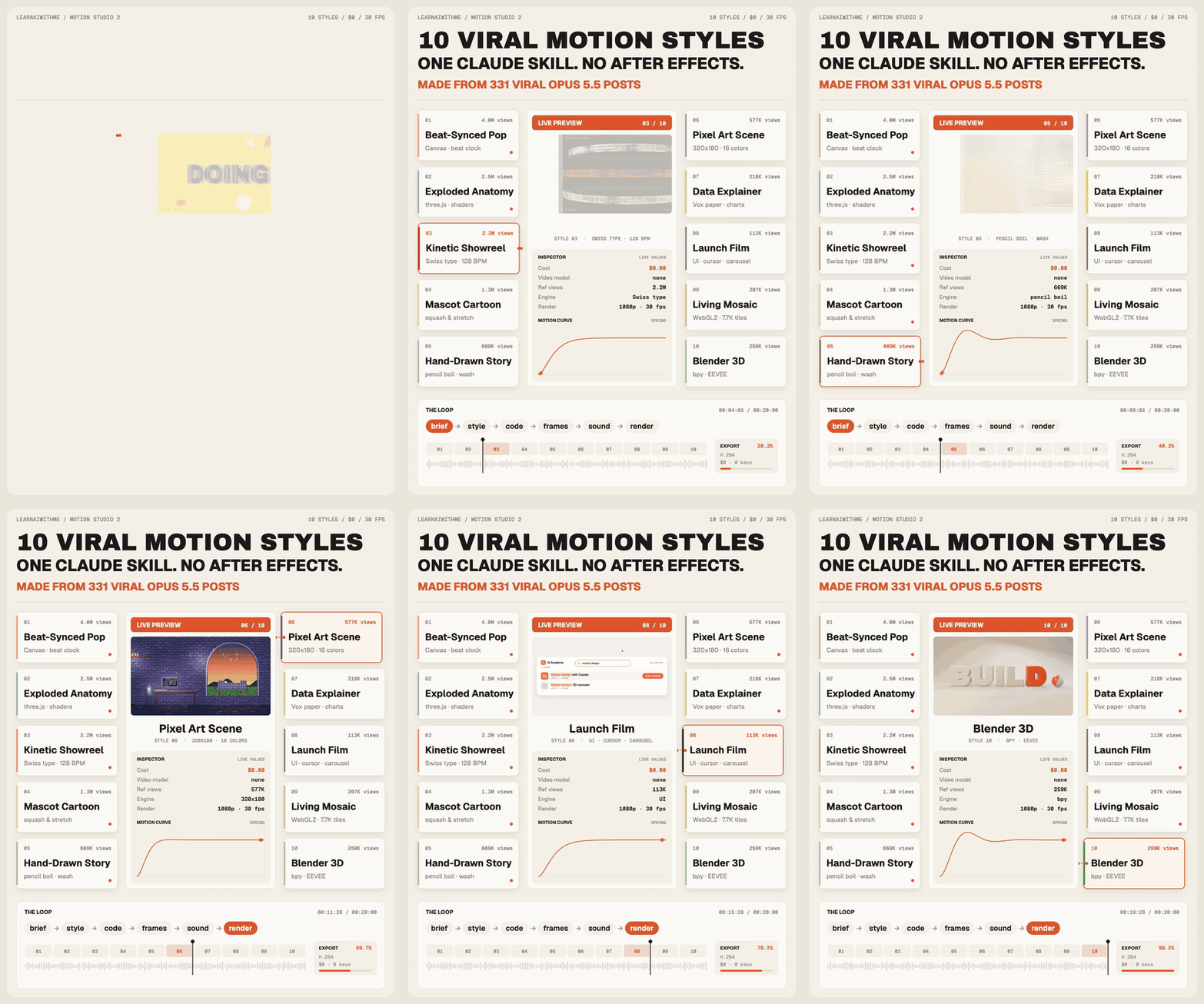
\All 10 styles in one frame. The skill made this board too.\
Here are some of them.
- A Swiss showreel, a new technique every bar.
- A hand-drawn story that turns a pile of tutorials into a flock of paper birds.
- And a 3D scene rendered in Blender, every move written by Claude.
As always, I turned it into a Claude skill. Motion Studio 2 makes all 10 styles, and every video costs $0.
My first motion skill made 3 videos.
This one makes 10, and a client always wants the style you do not have yet.
How does the Motion Studio work?
Every style is a film written in code.
Claude writes one HTML file, a browser draws every frame from the timestamp, and the skill renders those frames into an MP4. No video model touches it, so a render costs $0.
Sound works the same way. The skill reads every cut and hit from the film and synthesizes the music and the sound effects on that exact frame.
Before the full render, Claude takes stills, puts them on one contact sheet, and fixes what a motion designer would wince at.
Setting it up takes one prompt. You download the skill, open Claude Code, and paste the one-prompt file. Claude installs the engine, renders a test video, and opens it for you.
Then all 10 styles live in one skill. Together, the posts behind them got more than 12M views on X.
After the paywall, I’ll give you the skill files and one copy-paste prompt for each of the 10 styles.
Here is the Google Drive link.
<https://drive.google.com/drive/folders/1Y8N21AINgoigiTQd_ob85lysDgHlkBvx>
Now let me show you the setup, the 10 prompts, and the tips I learned the hard way.
Setup in 3 steps
- Download the “Motion Studio 2” folder from the link above.
- Open Claude Code in an empty folder.
- Open “one-prompt.md”, copy everything under the line, and paste it into Claude Code.
Claude installs the engine, renders a test video and opens it for you. There are no API keys, and nothing costs money. Blender is optional, and only the Blender style needs it.
The 10 prompts
Every style folder has a full PROMPT.md with every field you can change. These short versions are enough to start. Paste one, change the brackets, and Claude asks you for the rest.
1. Beat-synced pop video
Use this prompt.
Use the motion-studio-2 skill, style "beat-pop". Make a 16-second beat-synced pop video for [MY BRAND].
The lyric lines are [LINE 1 / LINE 2 / LINE 3]. Every word slams on a kick, the palette flips every bar.
Show me the contact sheet before the final render.
2. Exploded anatomy 3D
Use this prompt.
Use the motion-studio-2 skill, style "anatomy". Explode [MY PRODUCT OR IDEA] into 5 labelled parts:
[PART 1, PART 2, PART 3, PART 4, PART 5]. Turntable first, then each part lifts out with a typed label,
then it reassembles with the title [TITLE]. Show me the contact sheet before the final render.
3. Kinetic showreel
Use this prompt.
Use the motion-studio-2 skill, style "showreel". Make a 15-second Swiss showreel for [MY NAME / BRAND],
a new technique every bar. My motto is [MOTTO]. Accent colour [HEX]. Show me the contact sheet first.
4. Mascot cartoon
Use this prompt.
Use the motion-studio-2 skill, style "mascot". My mascot is [DESCRIBE IT IN ONE LINE]. It runs, jumps
[AN OBSTACLE] in slow motion, lands like a pancake, pops back up and [DOES MY BRAND'S ACTION].
End title [TITLE]. Check the run cycle and the landing on a dense still strip before the final render.
5. Hand-drawn story
Use this prompt.
Use the motion-studio-2 skill, style "storybook". Tell this story in 4 shots with one caption each:
[SHOT 1 + CAPTION] [SHOT 2 + CAPTION] [SHOT 3 + CAPTION] [SHOT 4 + CAPTION].
Pencil lines on twos, watercolor washes, paper texture. Show me the contact sheet first.
6. Pixel art scene
Use this prompt.
Use the motion-studio-2 skill, style "pixel". A pixel [CHARACTER] in [PLACE] does [ACTION] and builds
[THING] block by block while day turns to night. Final line in the pixel font [LINE]. 320x180, 16 colours.
7. Data explainer
Use this prompt.
Use the motion-studio-2 skill, style "explainer". Turn this data into a 16-second Vox-style explainer:
[PASTE YOUR NUMBERS + SOURCE]. Question card [QUESTION], one chart, one red annotation, one quote card,
end card [ANSWER]. Put the source on screen. Use only my numbers.
8. Launch film
Use this prompt.
Use the motion-studio-2 skill, style "launch". Make a 16-second launch film for [PRODUCT]: hook words
[HOOK], the UI shows [3 UI MOMENTS], the cursor clicks [BUTTON], then a card carousel, 3 big stats
[STAT 1, STAT 2, STAT 3] and the logo. One accent colour [HEX].
9. Living mosaic
Use this prompt.
Use the motion-studio-2 skill, style "mosaic". A glass and gold-leaf tile mosaic, square, 14 seconds.
The picture changes from [IMAGE 1] to [IMAGE 2] to the words [MAX 2 SHORT LINES] in waves of flipping tiles.
10. Blender 3D
Use this prompt.
Use the motion-studio-2 skill, style "blender". Drop the letters [MY WORD, MAX 6 LETTERS] one by one onto
a studio floor, one letter in [ACCENT COLOUR], a ball rolls in and taps the last letter, the camera dollies to
the hero angle. Caption [CAPTION]. Test 4 frames before the full render.
Tips I learned the hard way
- Render one style at a time. I ran 10 renders at once and the load went to 80. The 3D styles draw WebGL on the CPU in a headless browser, so the mosaic went from 16,384 tiles to 7,744 to finish in 6 minutes.
- Motion blur doubles sharp text. Blending 2 or 4 sub-frames makes a fast pan of bold words read as a double image, so the pixel, explainer and mosaic styles render with one sub-frame.
- Keep camera pans under about 1,500 pixels a second. The explainer style ships a small speed checker for this.
- Check a long run of frames, not single stills. A beat-pop render had ghost letters only in the full sequence, and the fix was to draw each word into an image once and reuse it.
- Tie a character’s feet to the distance it travels. Feet stop sliding, and every footstep sound lands on its frame.
How does the money actually start?
Pick one client type and match it to one style. SaaS companies want the launch film. A data or finance brand wants the explainer. A hardware product wants the exploded anatomy. A kids or consumer brand wants the mascot.
Make one spec video for a real company you like, label it as a self-initiated concept, and put it in your portfolio. Then answer the briefs. The $1,000 SaaS launch brief above asks for white backgrounds and floating software UI, and that is the launch style with one colour change.
AI Academy
If you get stuck, join the Inner Circle and the AI Academy, where we build these together.