Jev scores your article for SEO, AEO and GEO, Qwen writes the fixes in your voice, and ChatGPT, Claude, Gemini and Perplexity show who they cite today.
By Gencay
Published: 2026-09-30
URL: https://www.learnwithmeai.com/p/jev-seo-aeo-tool
TL;DR: The model, Jev, was released a couple of days ago and went viral. The price: Up to 400x cheaper and 200x faster, so I built an SEO and AEO tool.
Diogo, co-inventor of ChatGPT, released a new AI 10 days ago.
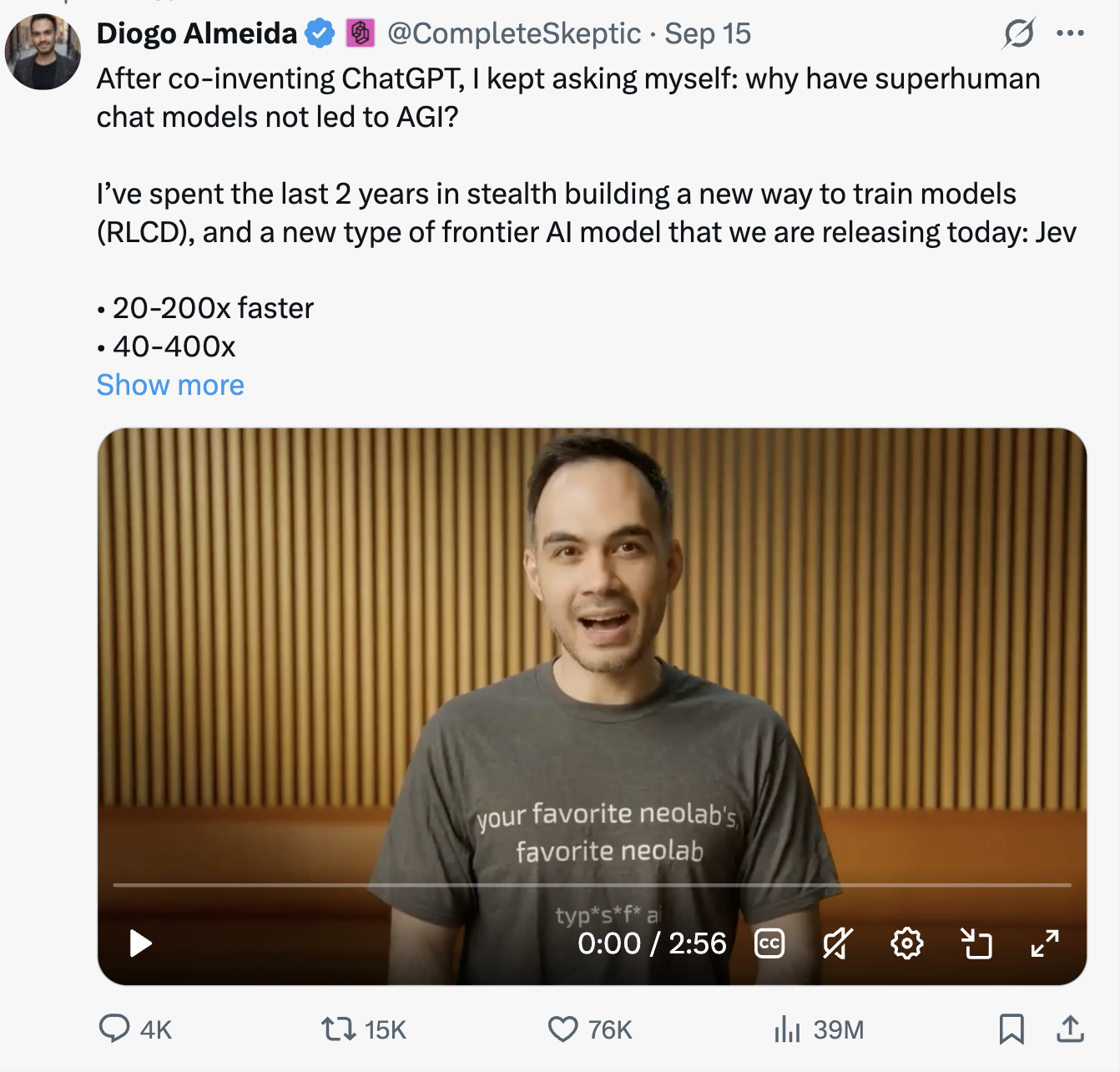
\Diogo Almeida announces Jev, a new AI model that is 20-200x faster than chat models.\
How does Jev work?
But this AI model is different from others; it doesn't produce text.
It only produces the possibilities for the options you described.
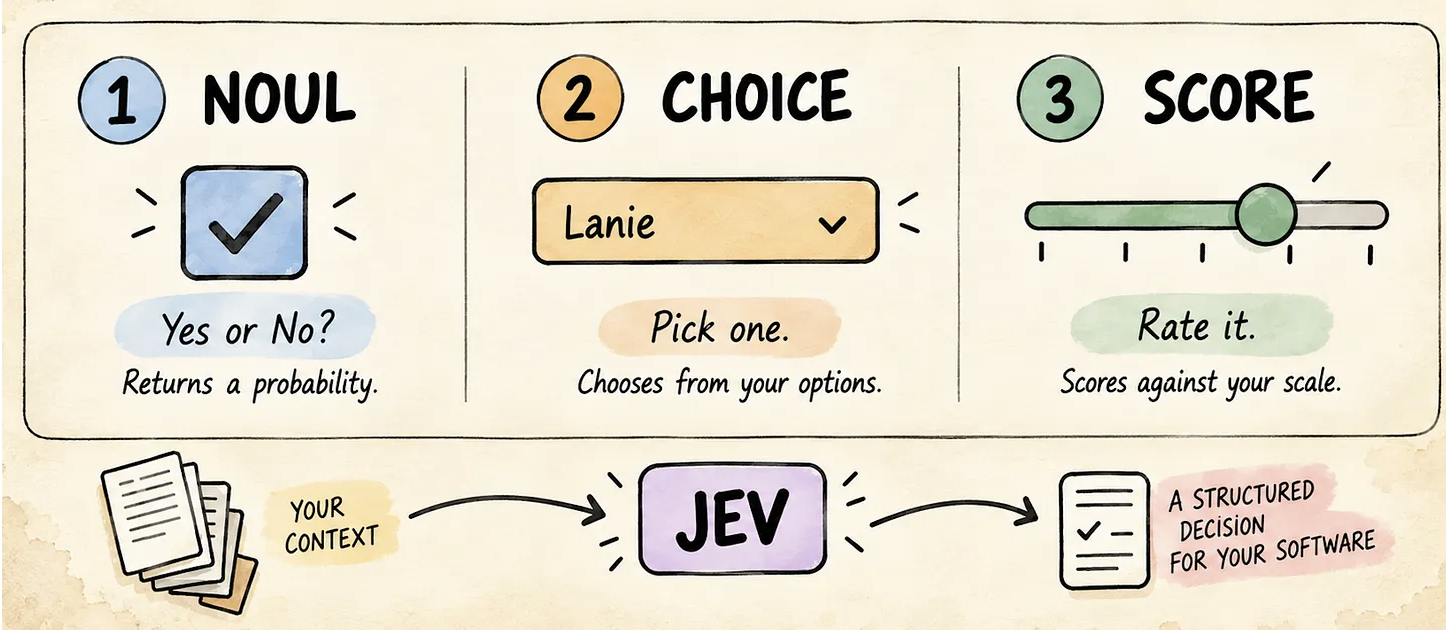
\How Jev works: it returns a yes/no probability, picks from your options, or scores against your scale.\
Watch this; it is only 46 seconds.
So it is fast.
It is cheap.
It can classify a huge amount of data in a split second, but what can we do with it?
Last week, I built Jev bot trades.
This week, I need another practical thing, since I remember how I changed my SEO using Claude Skill before.
On 18 March 2026, my site was getting 250 Google clicks in a 28-day window.

\March 2026: 250 Google Search clicks in 28 days.\
On 15 May 2026, the same window showed 1,500 clicks.
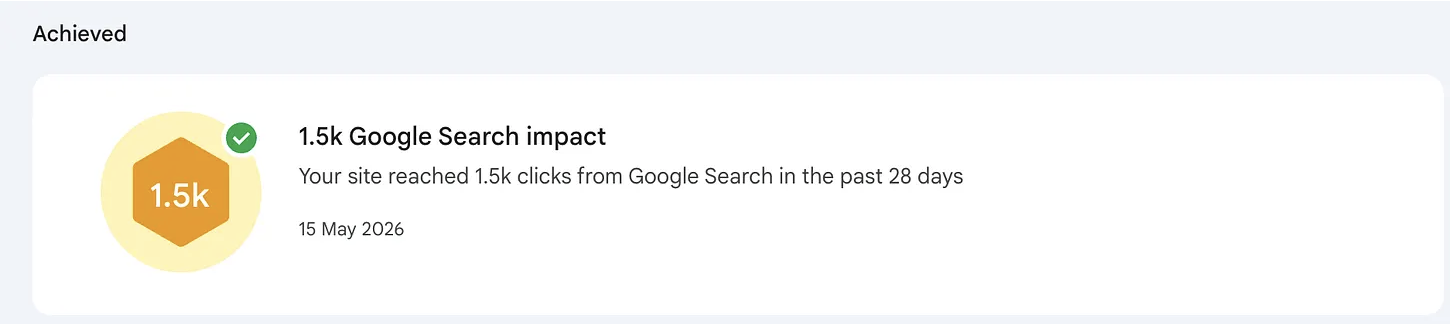
\May 2026: 1,500 Google Search clicks in the same 28-day window.\
Now it's stuck between 2.5K and 3K each month.
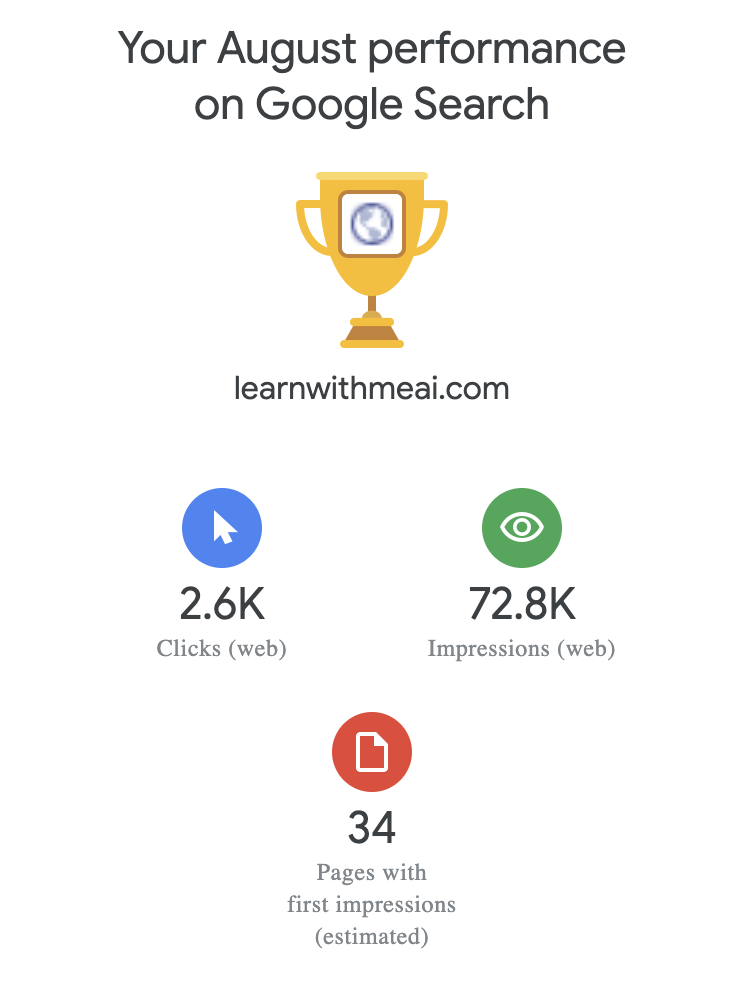
\August on Google Search: 2.6K clicks and 72.8K impressions for learnwithmeai.com.\
As an AI guy, I also need to think about GEO, Generative Engine Optimization, and AEO, Answer Engine Optimization. But what do those actually mean?
Let’s say you Google “What is AEO?” Check out the AI-generated explanation at the top. It also includes a link to the source.
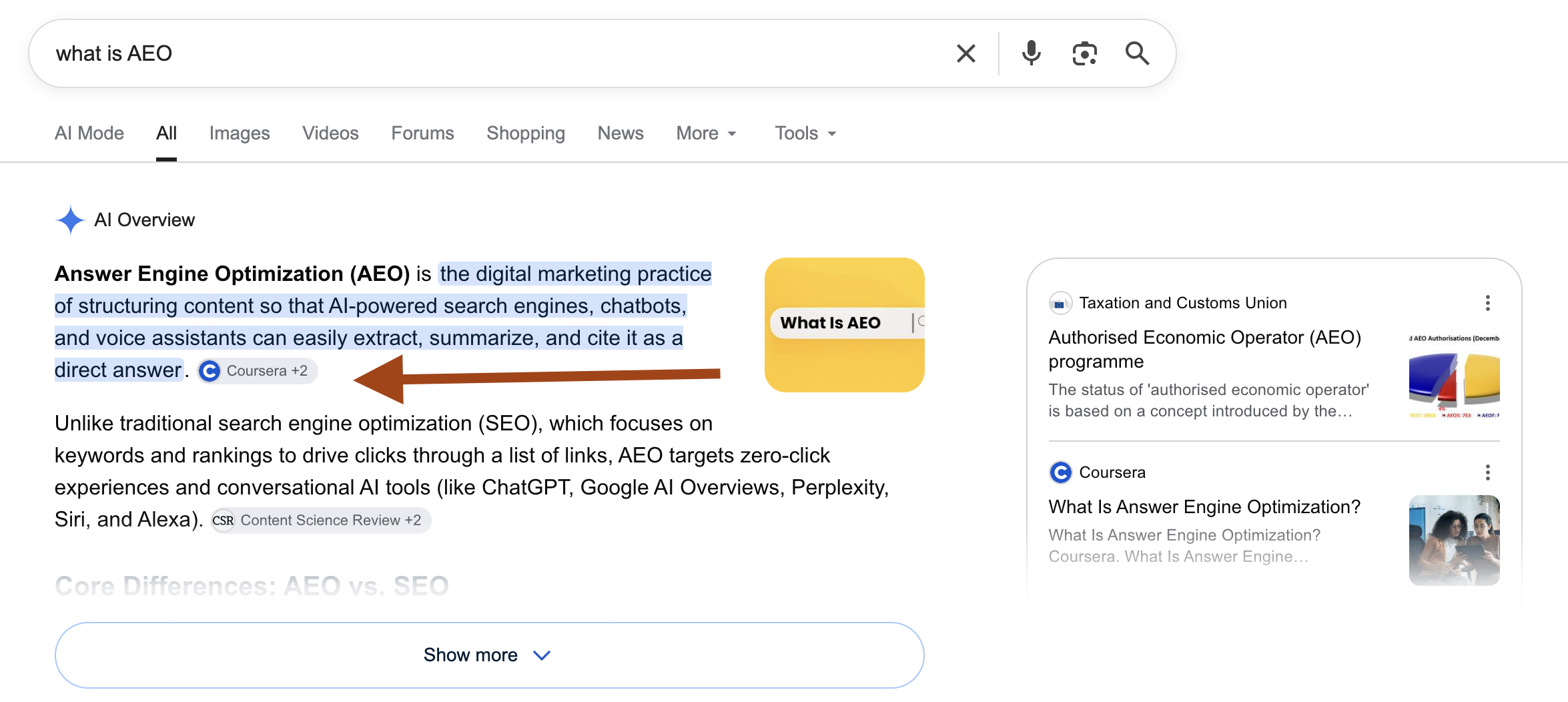
\Google's AI Overview answers "What is AEO?" and cites Coursera as the source.\
Well, this page was suggested to you by AI.
Or let’s say you ask the same question in ChatGPT. Look at what it suggests: Ahrefs.
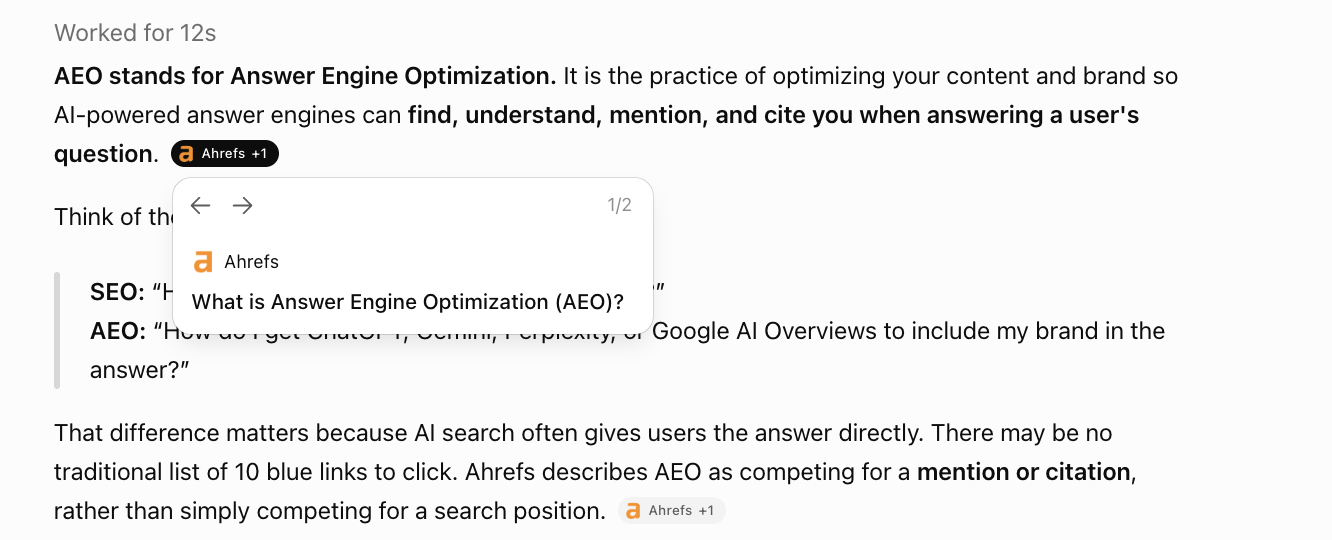
\ChatGPT answers the same question and cites Ahrefs. That citation is the whole AEO game.\
Both Coursera in the first example and Ahrefs are suggested by AI.
So, if your website or web page gets recommended by AI, you can get a lot more traffic, especially now that so many people use AI for research.
That’s why I built an SEO, GEO, and AEO optimizer using Jev.
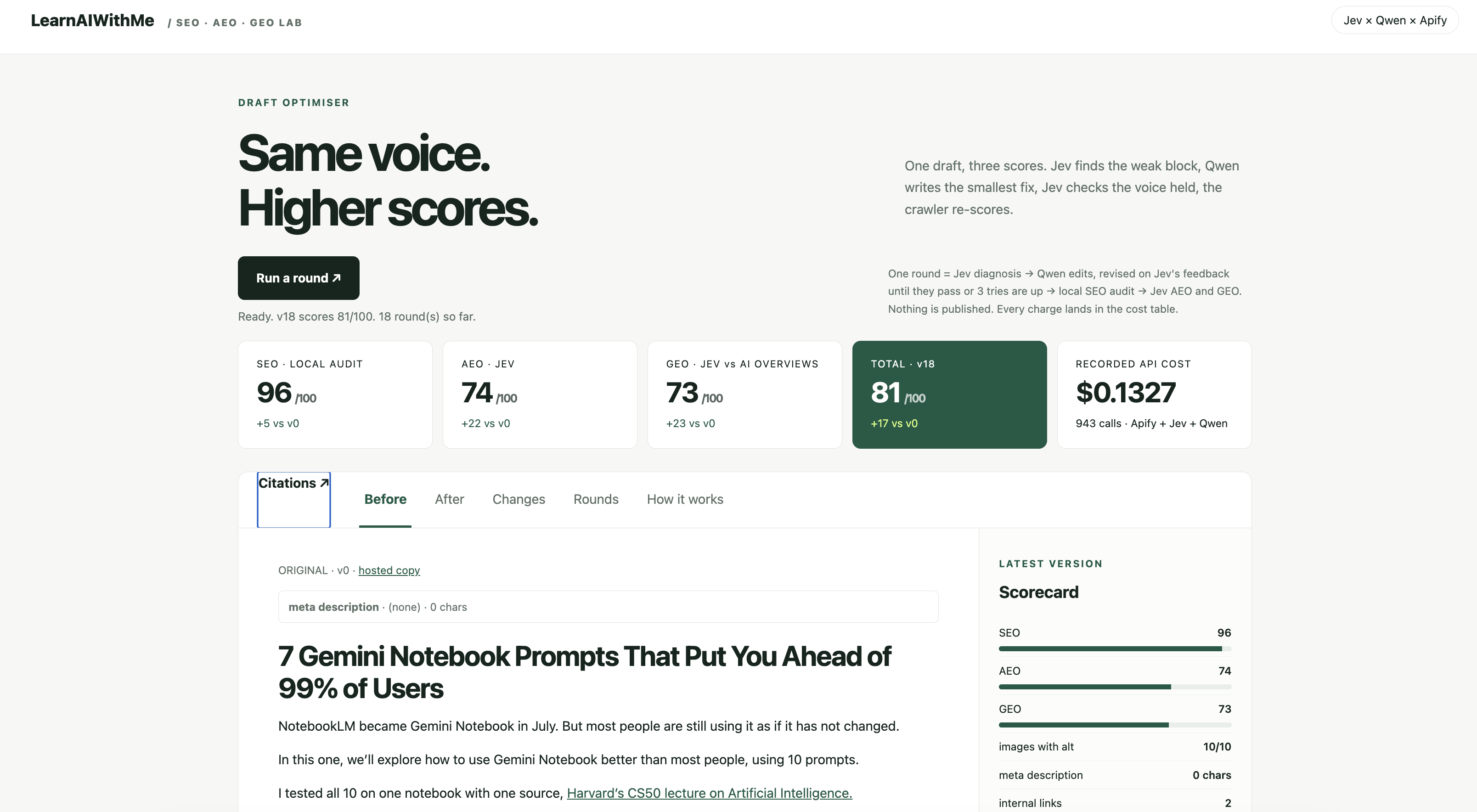
\The SEO, AEO and GEO lab: one draft, three scores, 81/100 for $0.13 in API cost.\
But how?
How can Jev be used to optimize SEO or GEO?
Let me show you first by using a video like the one above.
Note: I made this video with Opus 5.5. I simply gave it the video above as a reference, and it figured out how my workflow works.
Do you see the difference?
Normally, an LLM (ChatGPT, Claude) rewrites your article in 13.8s while optimizing SEO or GEO.
But Jev analyzed it in just 0.7s.
You still need to combine it with AI, but the classification did most of the work for you.
How do SEO and AEO optimization work?
Here is the web page this skill creates. It runs on your own computer and never publishes anything.
First, click “Upload a draft.”
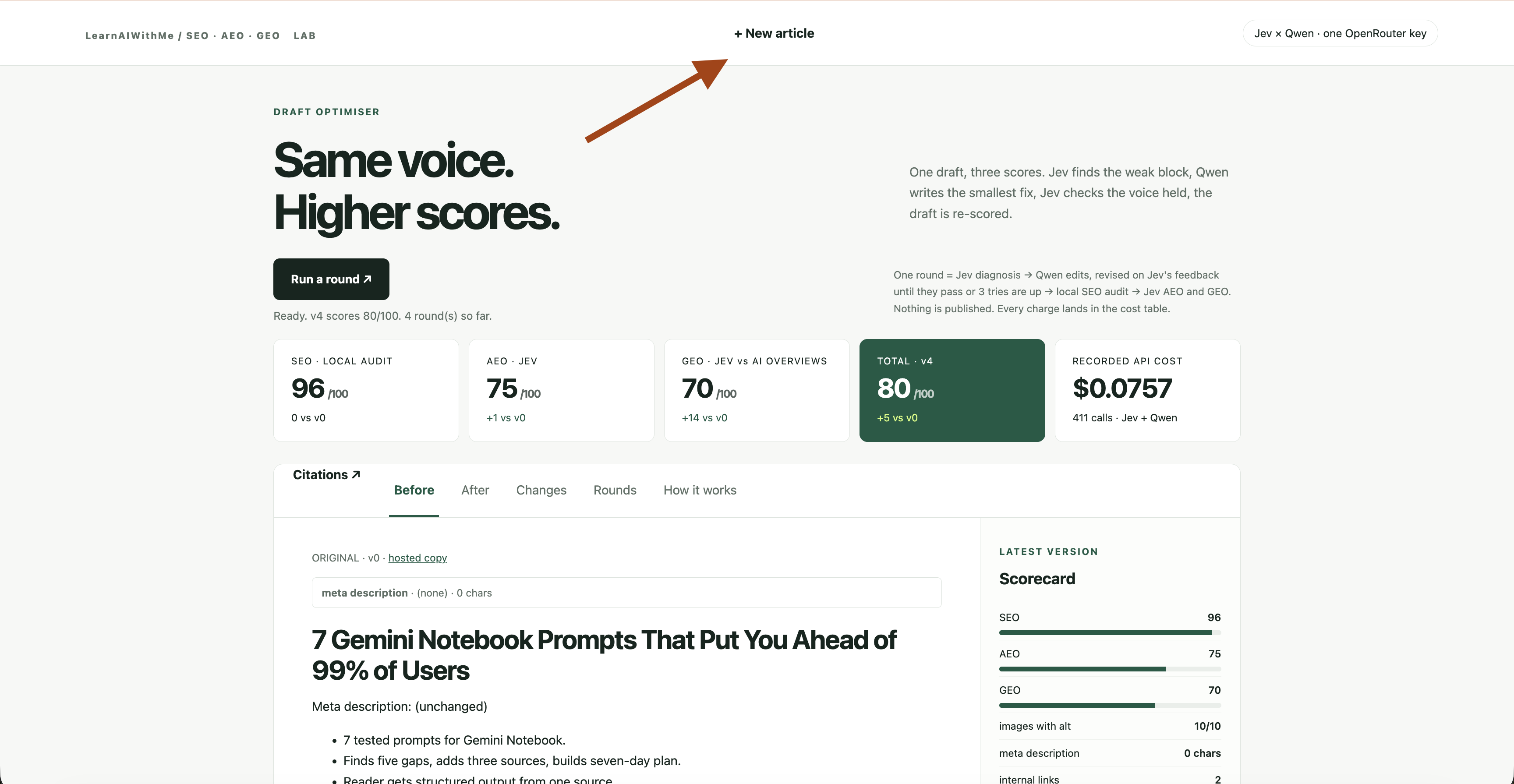
\Click "New article" to upload a draft by link, text, or file.\
You can paste a link, paste your text, or drop in a file. Add your site name and a few paragraphs of your own writing so the new sentences sound like you.
After uploading, it starts running rounds to raise your article’s score. Mine went from 75 to 81 for about 13 cents.
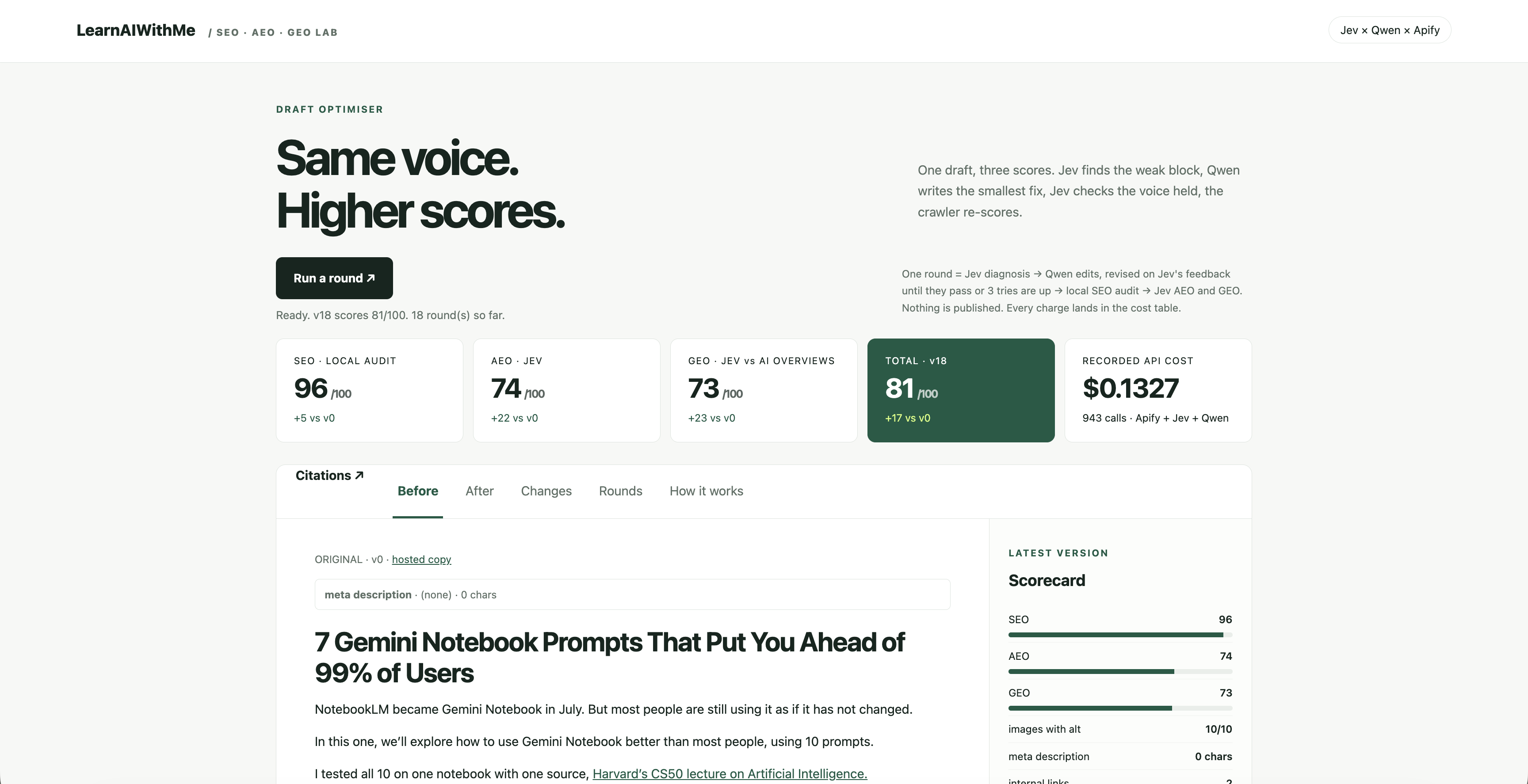
\After 18 rounds, the total score climbs from 64 to 81 (SEO 96, AEO 74, GEO 73).\
This page shows the before and after, every change it made, and each round. I always check the changes first so I can read every new sentence before I keep it.
Click Citations, and it asks ChatGPT, Claude, Gemini, and Perplexity the same questions your readers ask. You see who they recommend today, and it usually isn’t you yet.
Click “Optimize everything,” and it fills every gap in your draft in one go. Then download the new version and paste it into your editor.
(Optional: here I am using the Apify API, which gives $5/month in free credit each month, so you can do 15-16 articles each month for free.)
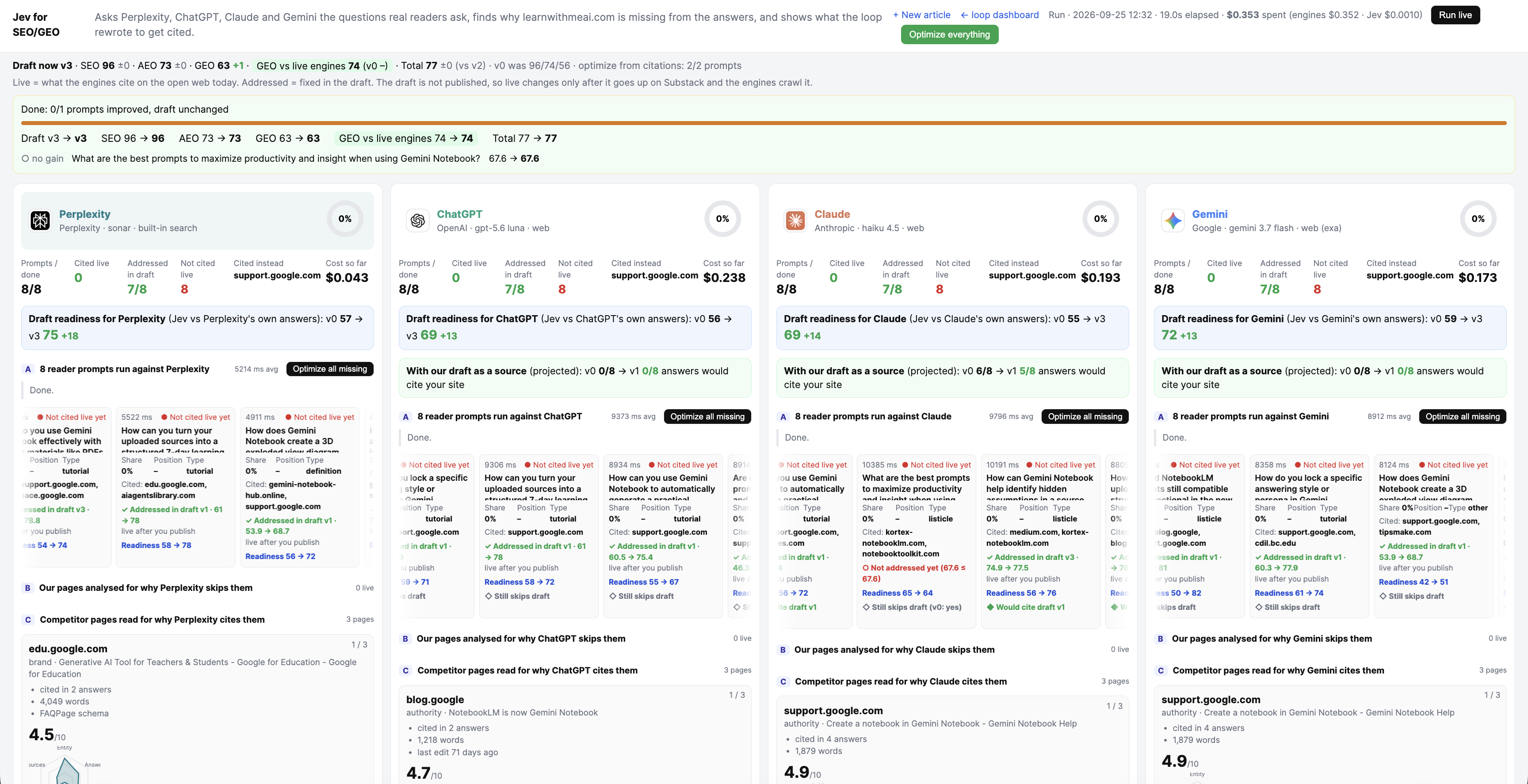
\The Citations page asks Perplexity, ChatGPT, Claude and Gemini 8 reader questions and shows who they cite today\
After the paywall, you get the whole thing. The skill, the one prompt that installs it in Claude Code, and the exact setup I use.
You paste one link, and 2 minutes later you see your own article scored against ChatGPT, Claude, Gemini, and Perplexity.
What do you need to run it?
You need two things.
- Claude Code. It installs the skill and runs everything for you. You can also run it from the terminal without Claude Code.
- An OpenRouter key. One key covers Jev, Qwen, and the four answer engines. Get it at openrouter.ai, then set a spend limit on the key. I use $5.
One thing is optional.
An Apify token pulls Google’s real AI Overview for each question.
Without it, Perplexity’s answers stand in for Google, and the app still works.
(Apify gave $5/month free credit.)
What does it cost?
Reading your article and scoring it costs about 5 cents.
A full optimize run costs 10- 15 cents by default.
But in Apify, you can use the $5 quote for free, so you can do 15 articles each month using its quota.
When it hits the limit, the app stops and tells you.
Download the skill
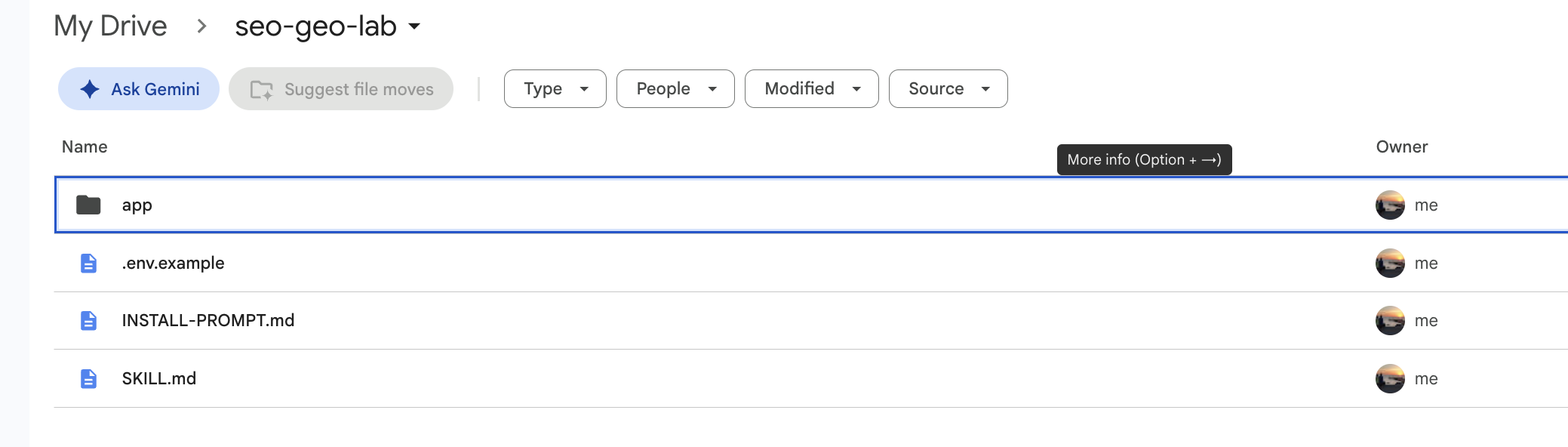
\The seo-geo-lab folder: the app, SKILL.md, INSTALL-PROMPT.md, and .env.example.\
https://drive.google.com/drive/folders/1sw6OeI9sdBPrGID-luwj188afdRcroWS?usp=sharing
Download the folder, upload it to Claude or Codex, and paste the INSTALL prompt. Install it with one prompt
Open Claude Code and paste this prompt.
Change the three lines in brackets first.
I downloaded the seo-geo-lab skill to ~/Downloads/seo-geo-lab.
1. Move the folder to ~/.claude/skills/seo-geo-lab
2. Copy .env.example to .env in that folder, then ask me for my OpenRouter key and put it in .env. Never print the key.
3. Run the lab on my article:
python3 app/lab.py new "[link to my article or path to the file]" --domain [mysite.com] --site "[My Newsletter]"
4. Open the dashboard at http://127.0.0.1:8766/ and tell me my SEO, AEO and GEO scores.
It asks for your key once, reads your article, picks the 8 questions your readers ask, and opens the page you saw above.
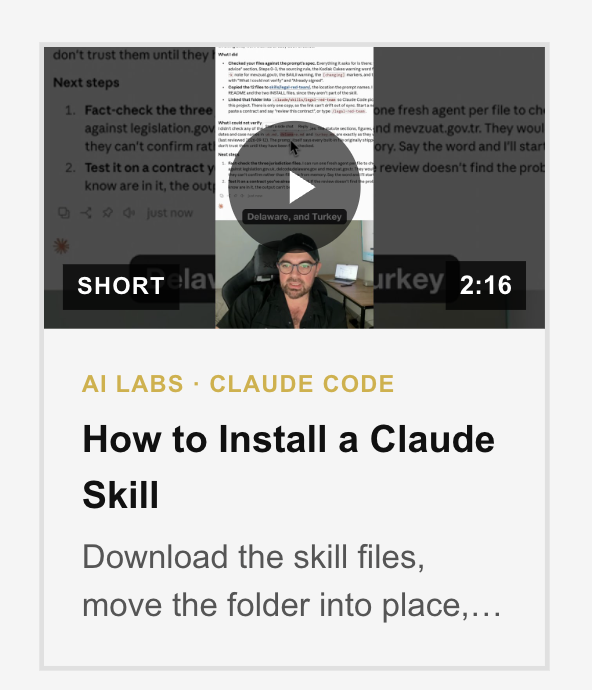
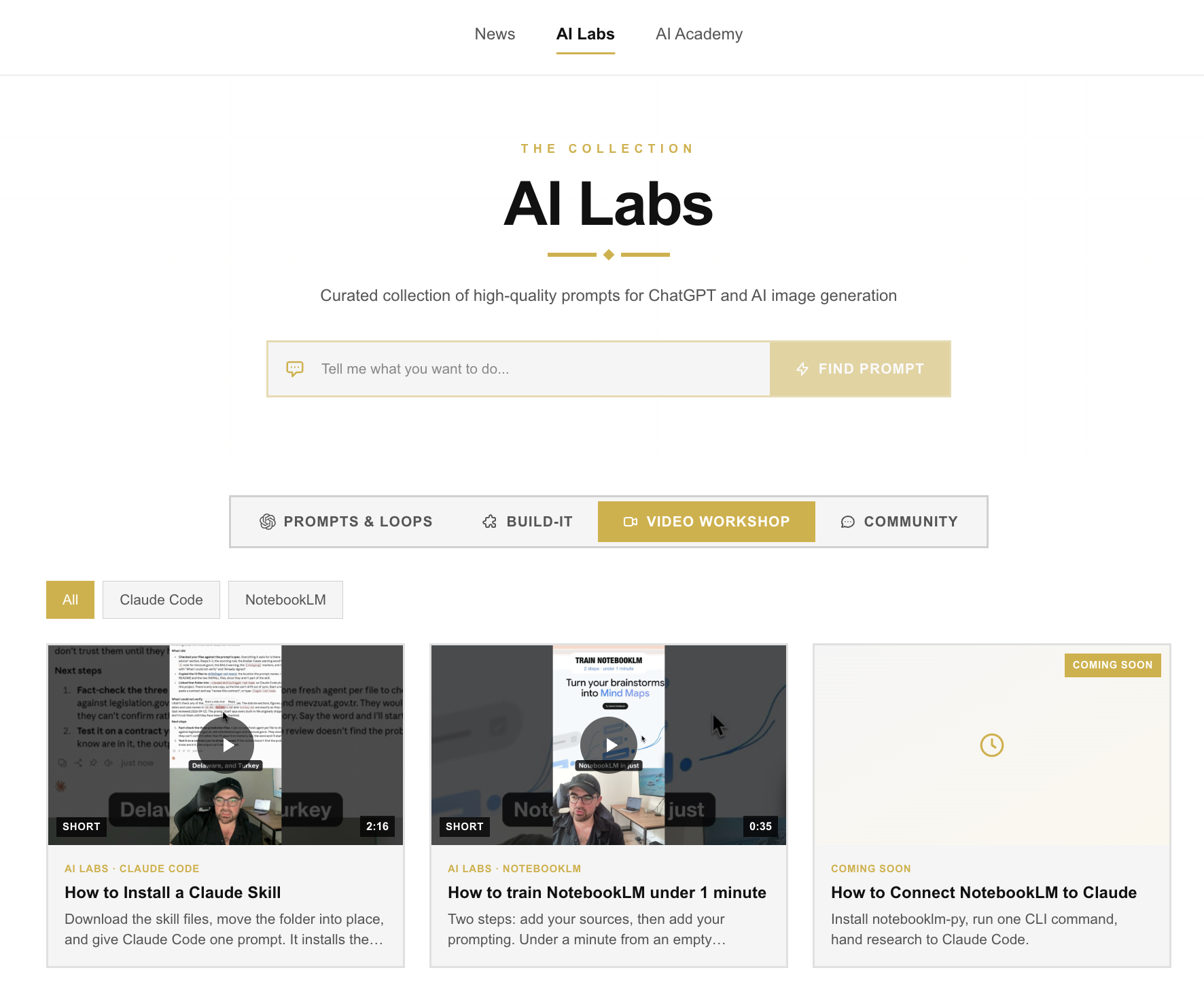
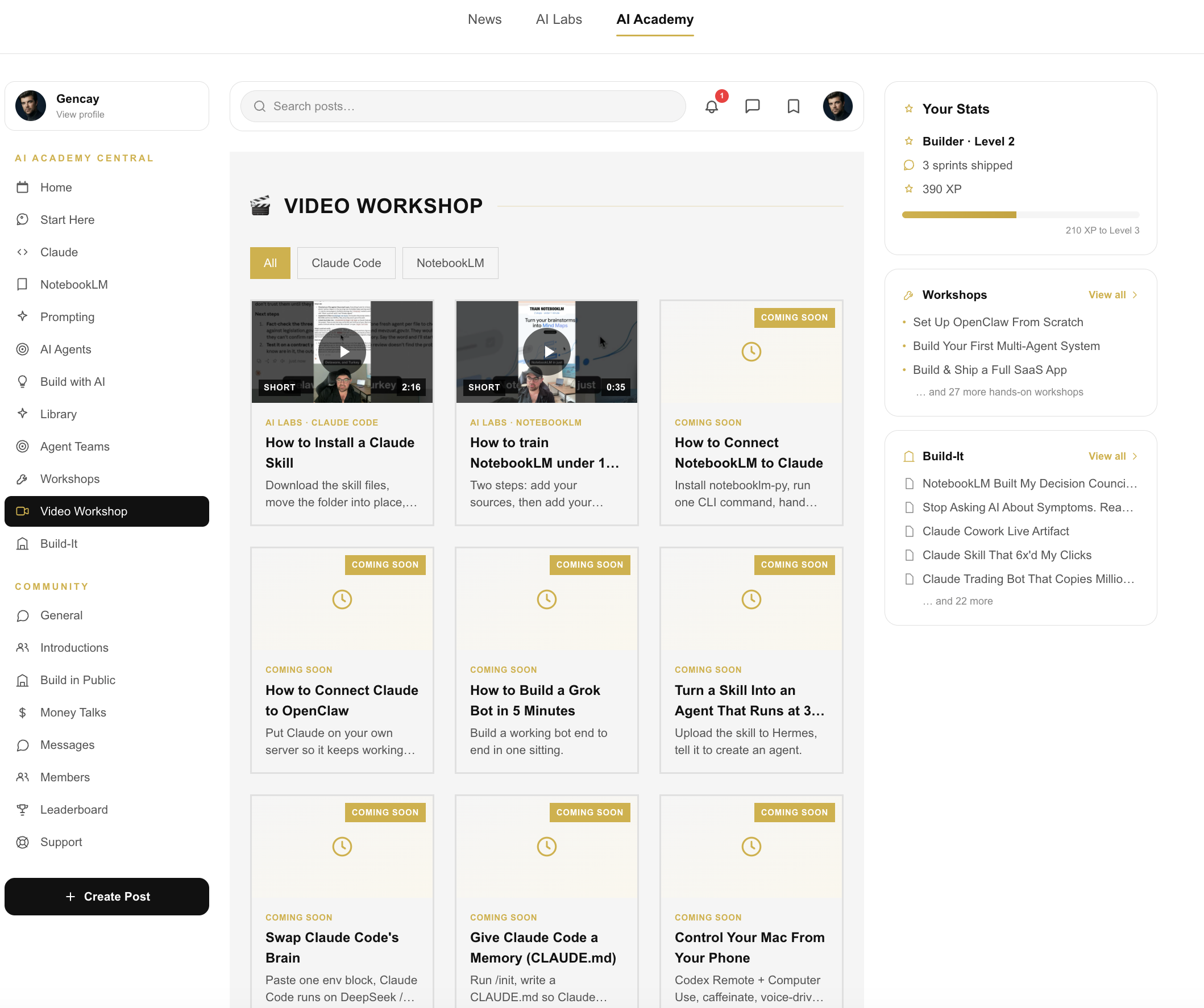
Note: If you are on the annual plan or Inner Circle, go to video workshops and watch this to understand how to install this skill.
How do you use it after that?
You don’t need the long prompt again.
One line in Claude Code is enough.
Optimize this post for SEO and GEO: [link or file]
The skill opens the app and loads your article. Then you click Optimize everything on the Citations page. When it finishes, click Download optimized draft, read it once, and paste it into your editor.
Publish it, wait a week, and run the full citation check again. That is when you find out whether the engines picked you.
AI Labs
If you plan to upgrade annually, this price will increase to $150 tomorrow.
3 things you can reach by upgrading annually;
1- Video Workflows
2- Ask questions about articles and get answers from my agents
3- Reach premium skills.
AI Academy
I recently added video workshops to AI Academy.
Only Inner Circle members can access them. If you join Inner Circle, you’ll get access to both AI Academy and AI Labs.
Thanks for reading!