I run Claude Code and a local NotebookLM on a Mac Mini, fully offline. Both run on open source models, and nobody can pull them.
By Gencay
Published: 2026-06-26
URL: https://www.learnwithmeai.com/p/claude-code-notebooklm-offline
Claude Fable 5 was the best model I had ever used. It lasted four days.
Then the government pulled it, and it is still gone.
That left everyone with the same thought.
What if the model we build our work on, sometimes our living, gets taken the same way?
A government can pull it, a vendor can shut it down, or the price triples overnight.
Everyone agrees we need a plan B. Mine started with a Mac Mini.
I bought it to run my Hermes agent in an isolated environment, so I asked a simple question.
What if the agent needed no frontier model at all?
I have two favorite tools, Claude Code and NotebookLM. If I could run both of them on open source models, on my own machine, the cloud could not touch them.
So I built the system. Now they cannot take my AI away.
What will we build?
I run two favorite tools on my own machine, and neither one needs a frontier model behind it.
Claude Code pointed at a local model instead of the cloud. It still writes code and builds apps, it just runs on my desk now.
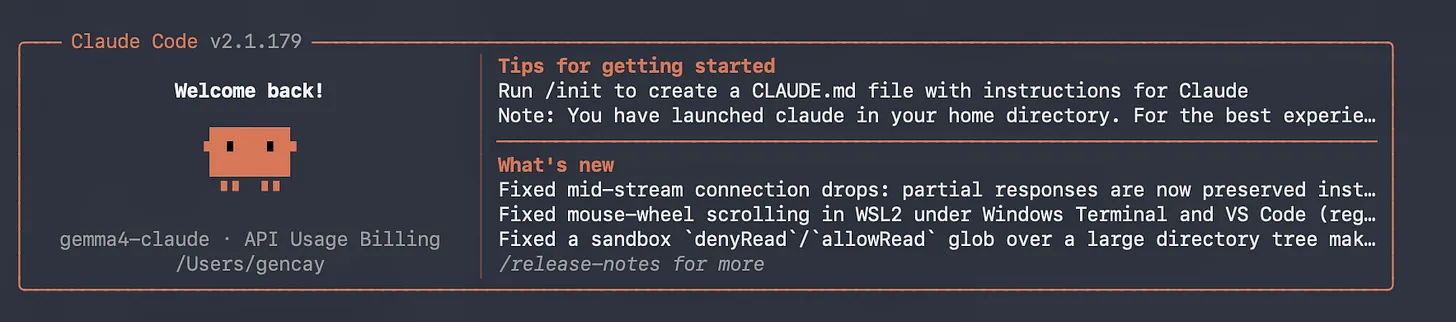
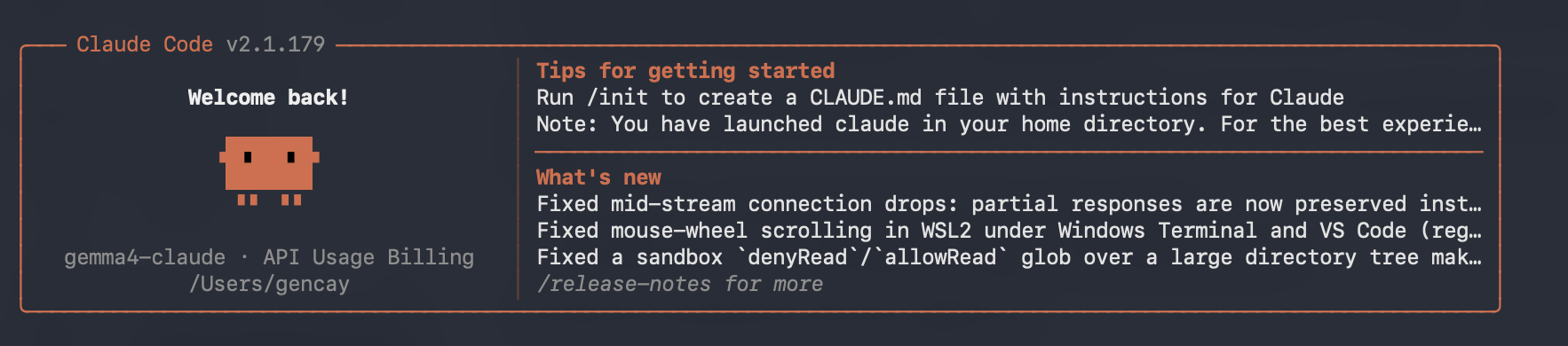
\Claude Code launched on Gemma 4 through Ollama, billed at $0, the start of running Claude Code and NotebookLM fully offline.\
And I even created a website, using it, for $0.
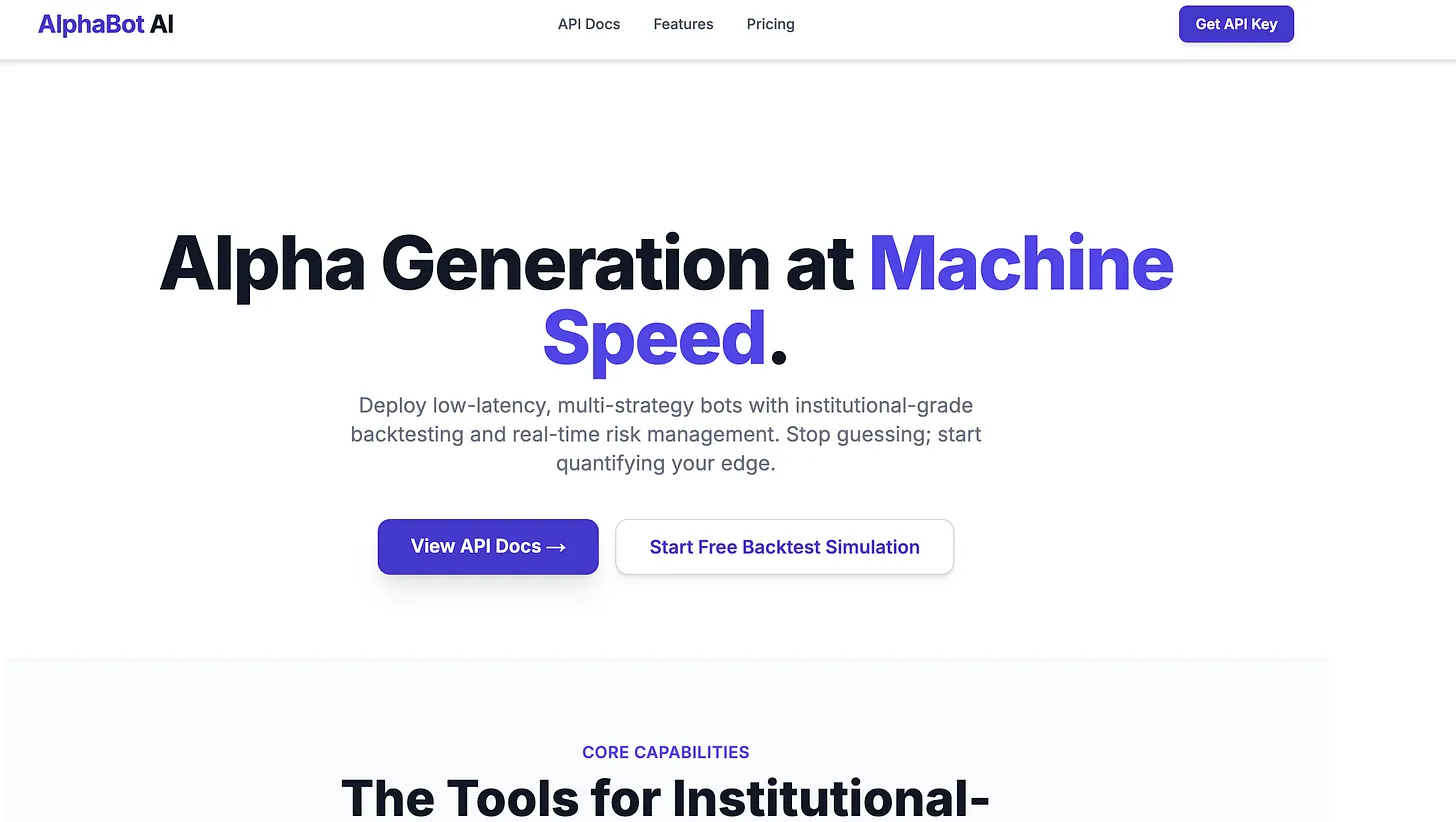
\A full landing page, Claude Code built on a local model, for $0.\
NotebookLM was swapped for a local open source version. It turns my sources into a podcast and answers my questions, all offline, and my data stays safe.
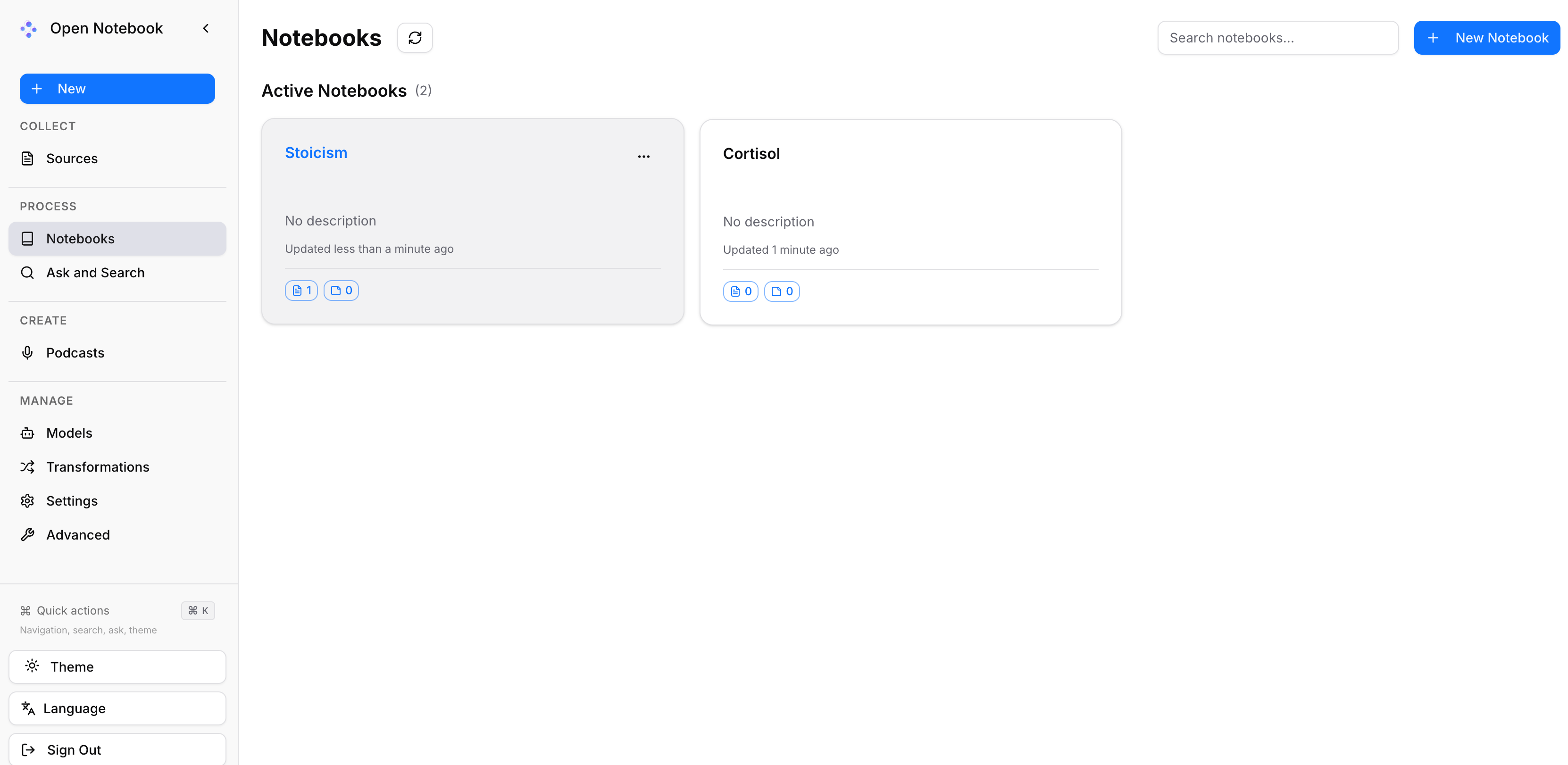
I even created two different notebooks about Stoic philosophy and cortisol, the stress hormone.
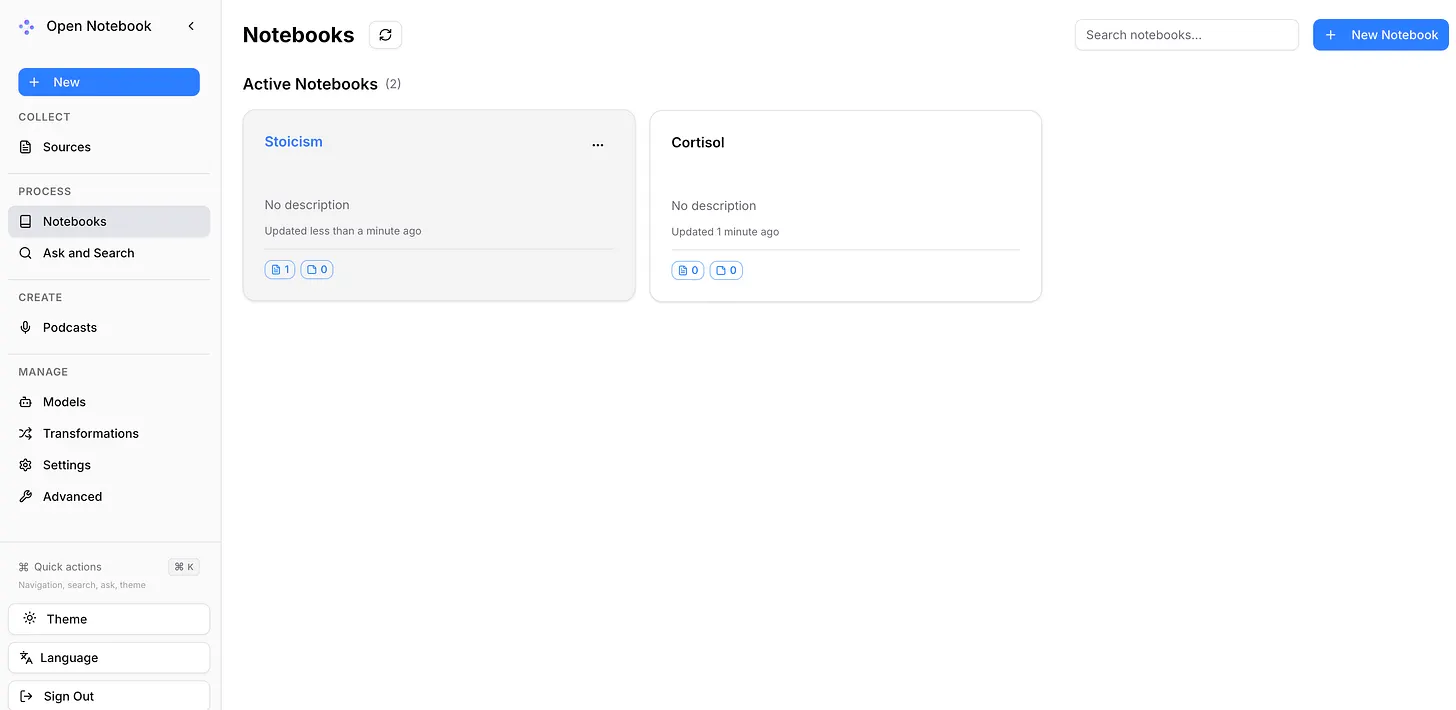
\Two notebooks in Open Notebook, the local NotebookLM alternative.\
Underneath both sits one engine, Ollama, running Gemma 4 on a Mac Mini with 16 GB. It can run millions of tokens, and it still costs me $0.
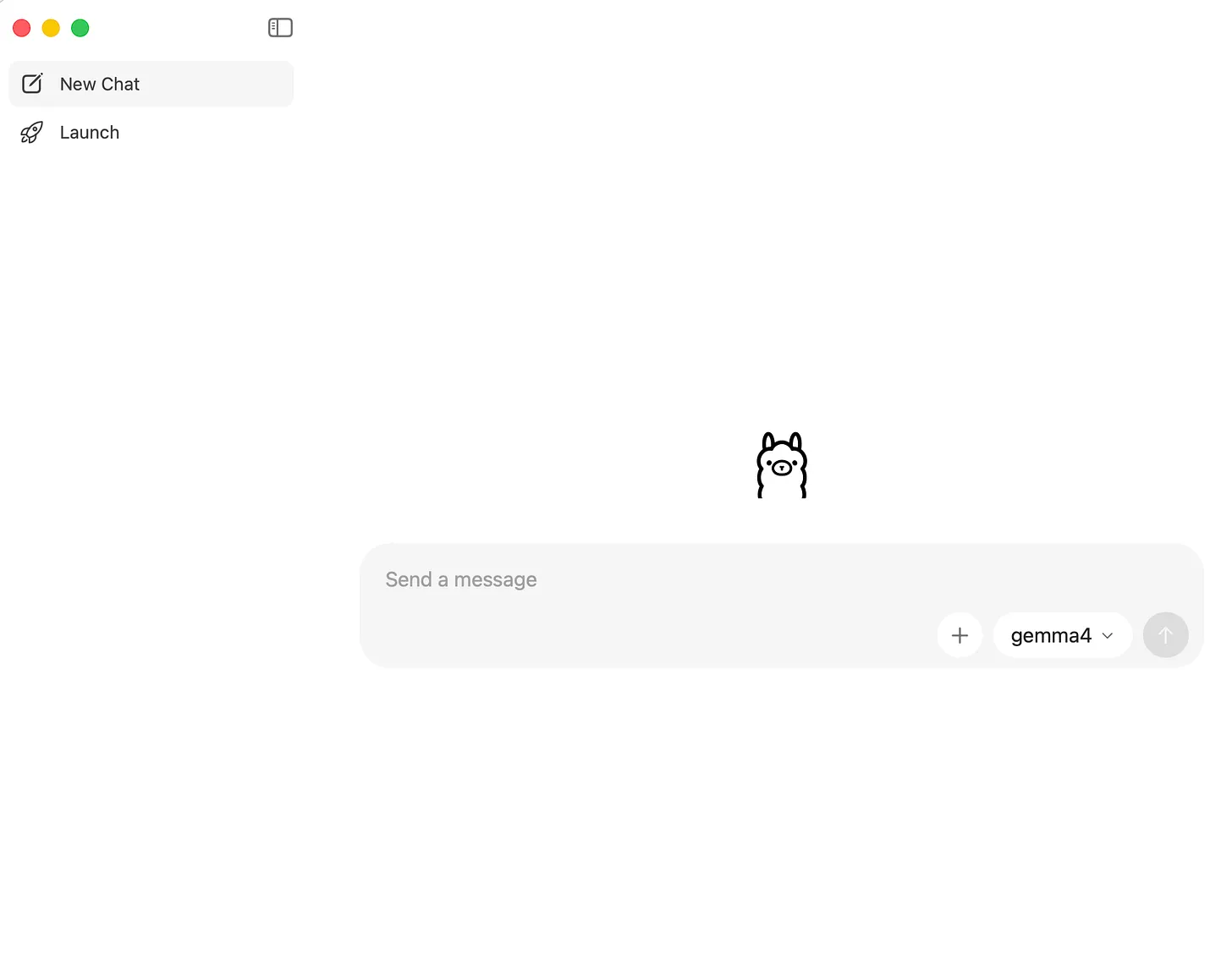
\Ollama is the engine that runs Gemma 4 on the Mac Mini.\
That is the whole stack: a small box, an open model, and two tools that owe nothing to a subscription.
Optional
To go fully off-grid, I connected it to my EcoFlow, a solar-powered battery station, making the whole system completely independent.
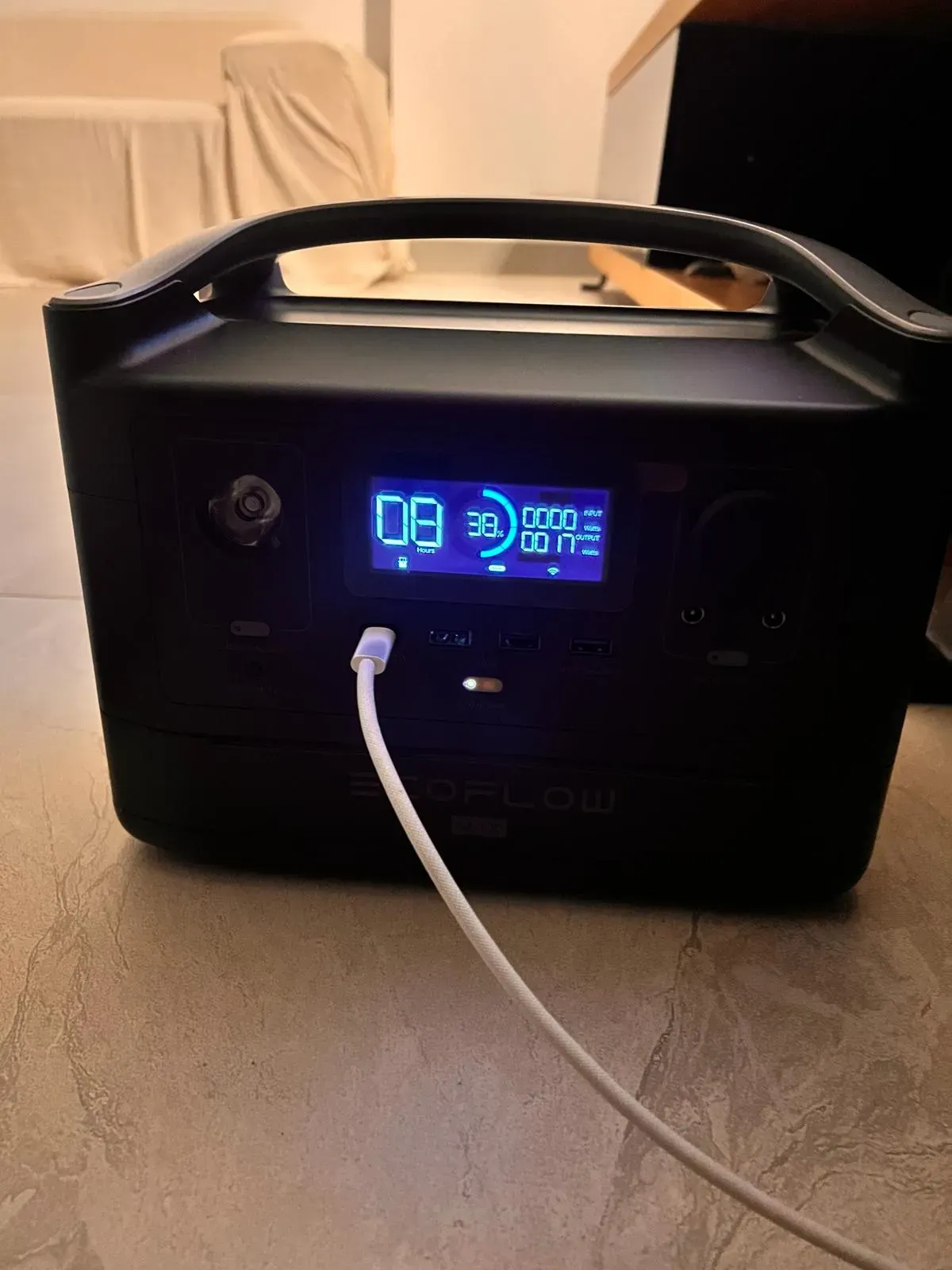
\The Mac Mini on solar, fully off-grid.\
The trick that keeps it yours
Months ago, I bought a Mac Mini and quietly moved my work onto local models, while renting my whole stack from one company started to feel like a bad bet.
Then Fable 5 died in ninety minutes, and everyone felt that the bet went bad at once.
Now the hardware is drying up. The 512 GB Mac Studio that runs a serious model is gone; only the 96 GB versions are left.
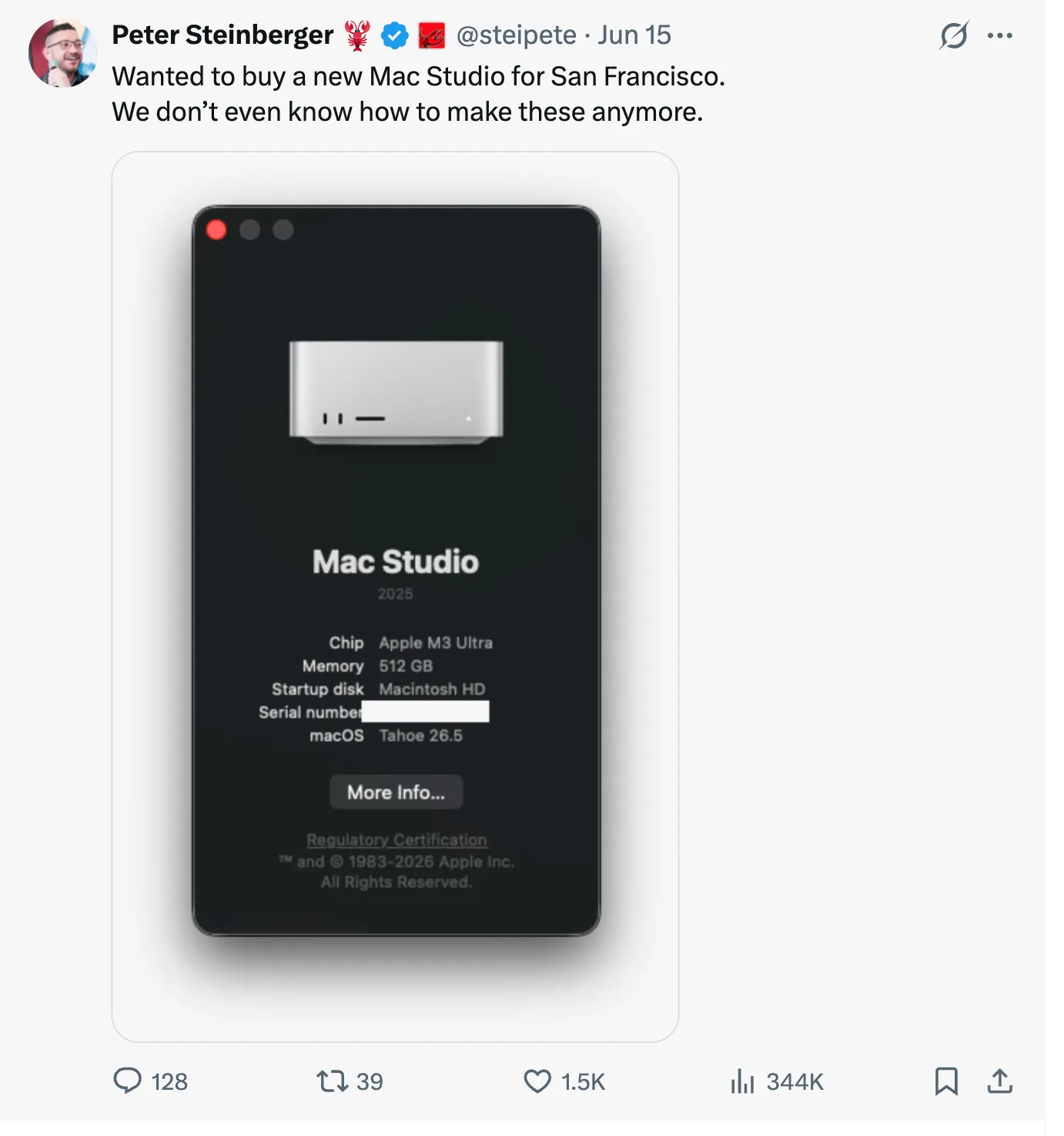
\Steinberger, creator of OpenClaw, on the Mac Studio shortage.\
When the person who builds OpenClaw says they cannot make these anymore, you listen.
The people who waited are buying scarce machines at a markup, learning this under pressure.
I am not in that line. My agent already runs on my desk, and I will show you exactly how I did it.
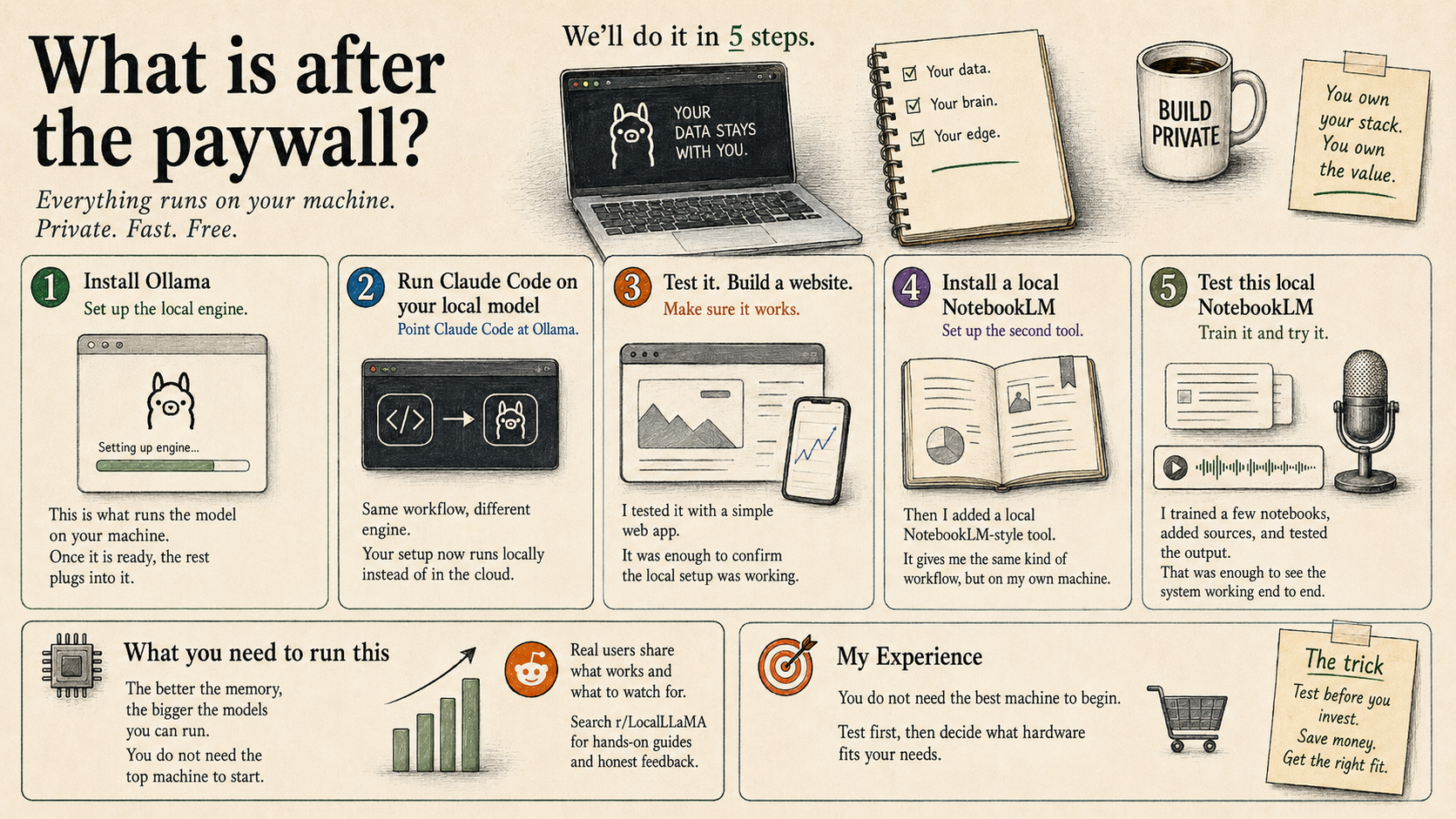
\What is after the paywall?\
We’ll do it in 5 steps.
In five steps, you’ll install Ollama, the engine that runs your local model, configure it in Claude Code, install a NotebookLM alternative, and test everything to make sure it works.
Step 1: Install Ollama
Before the tools, you need the thing that runs them. That is Ollama.
Ollama is a free app that runs open source models on your own machine.
You download it once, pull a model, and it serves that model locally.
Your tools talk to it instead of the cloud.
Think of it as the engine, and the two tools as the cars.
Download it from ollama.com, open the app, select Gemma-4 as a model, and just send one message to it to initiate model download.
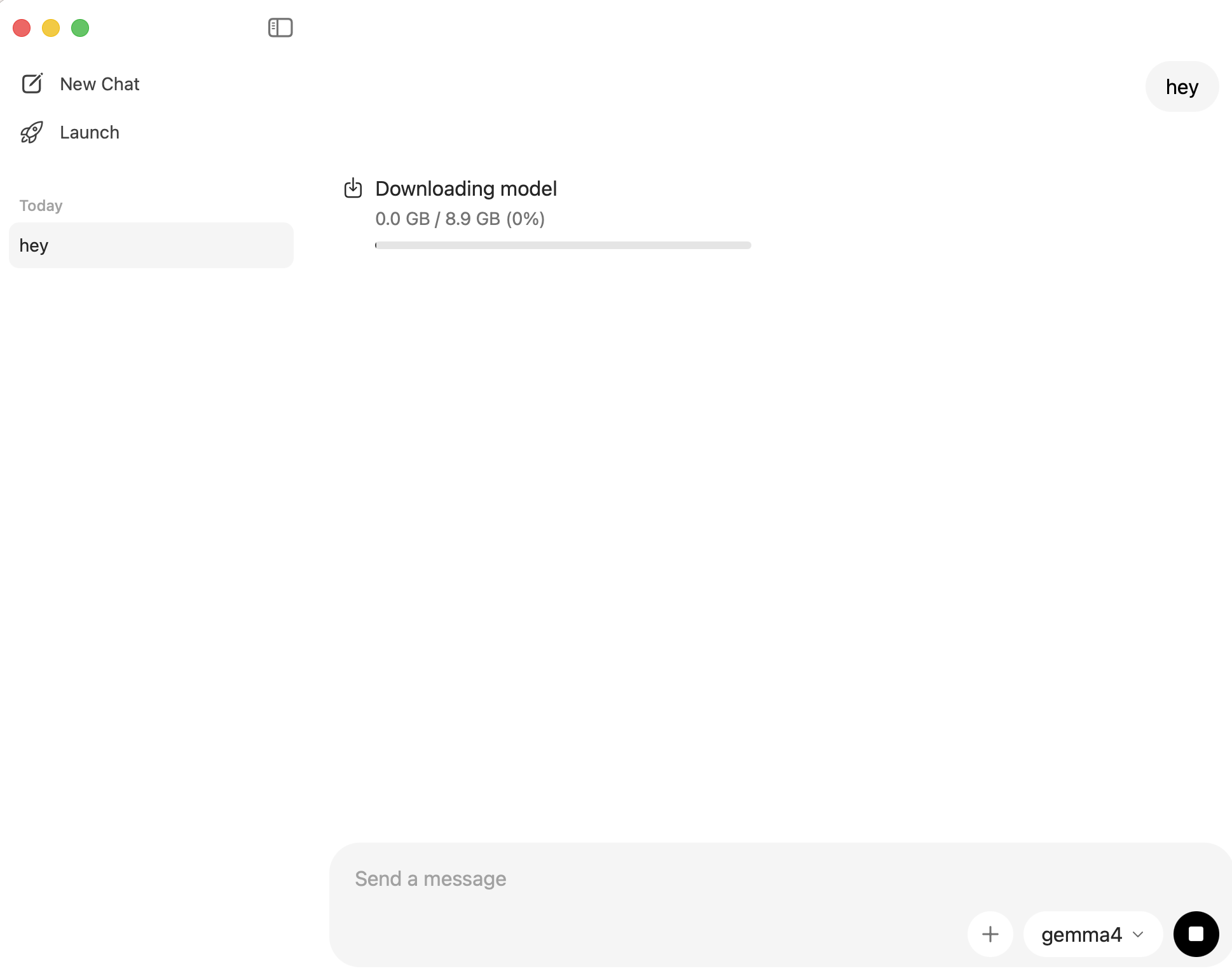
That’s it. Once the model is downloaded, it’ll salute you back.
Step 2: Run Claude Code on your local model
Claude Code looks for Anthropic’s cloud by default. You point it at Ollama instead with three lines.
export ANTHROPIC_BASE_URL=http://localhost:11434
export ANTHROPIC_AUTH_TOKEN=ollama
export ANTHROPIC_API_KEY=""
claude --model gemma4
Claude Code opens with the same interface you know. The difference is the billing line. It now reads Gemma4, running on your desk.
Step 3: Test it. Build a website.
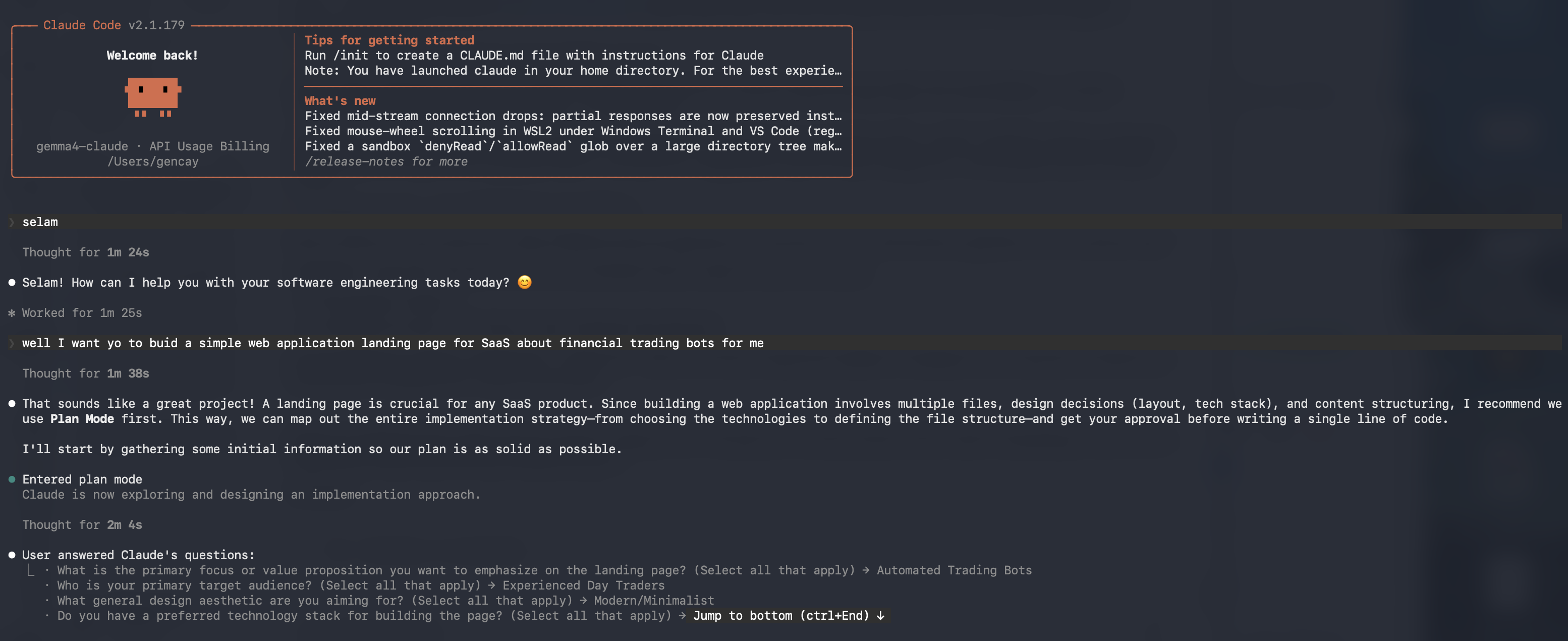
I want to test it, so I used this prompt:
Build a single web application landing page for SaaS about finance trading bots
It started working.
After 15 minutes, the website is ready.
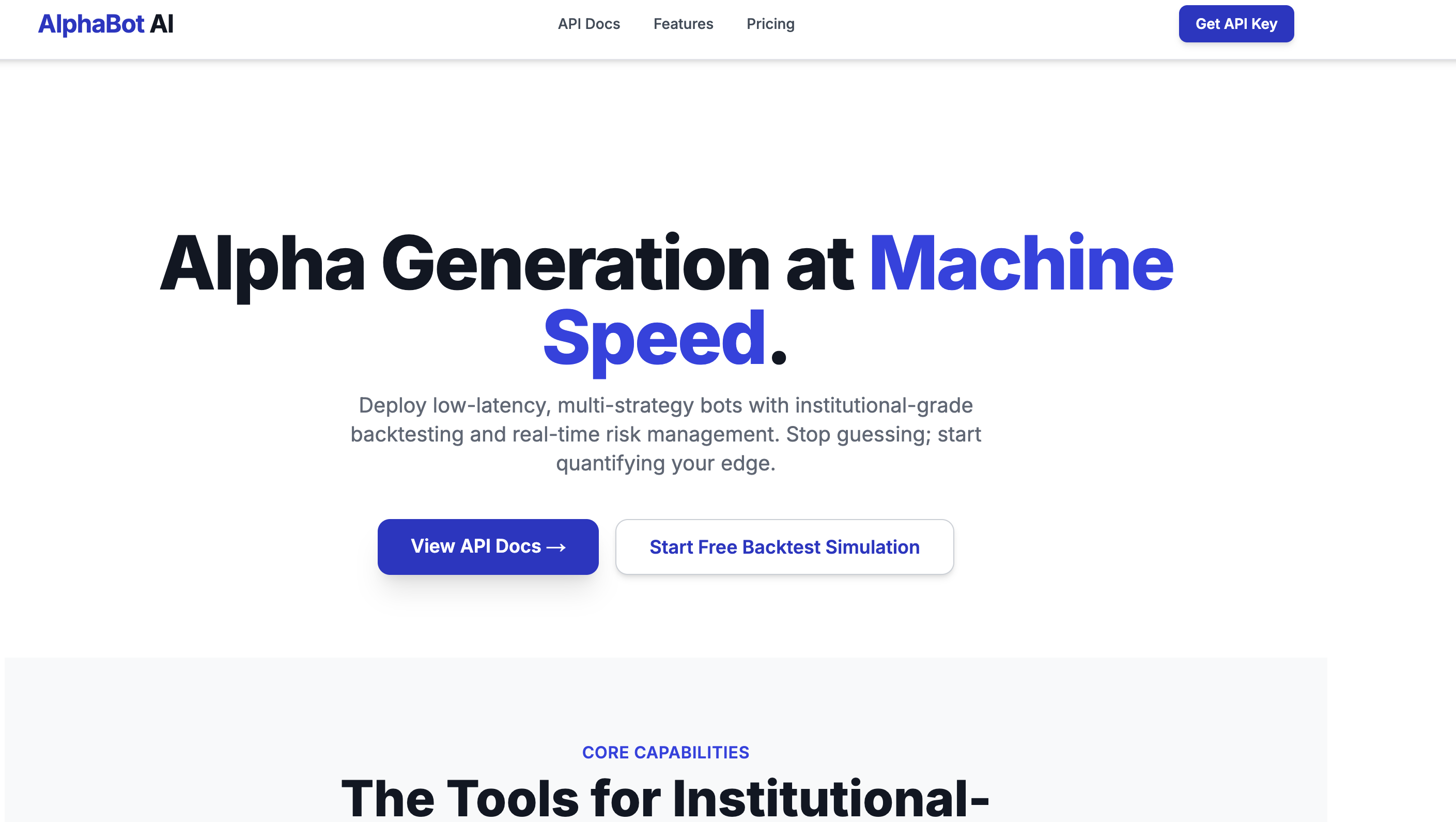
And it is not that bad.
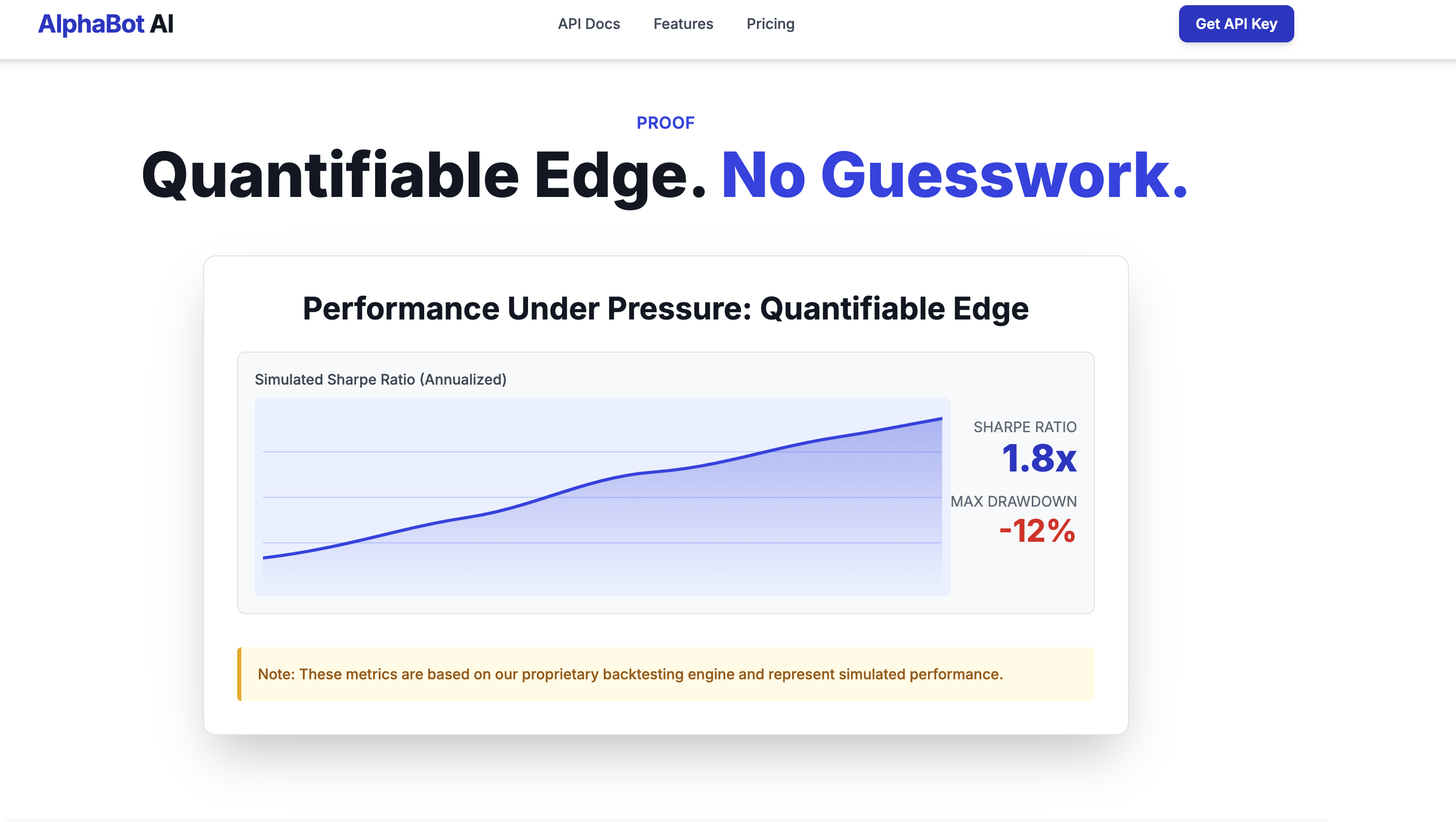
The most important part is that this is free.
Step 4: Install a local NotebookLM
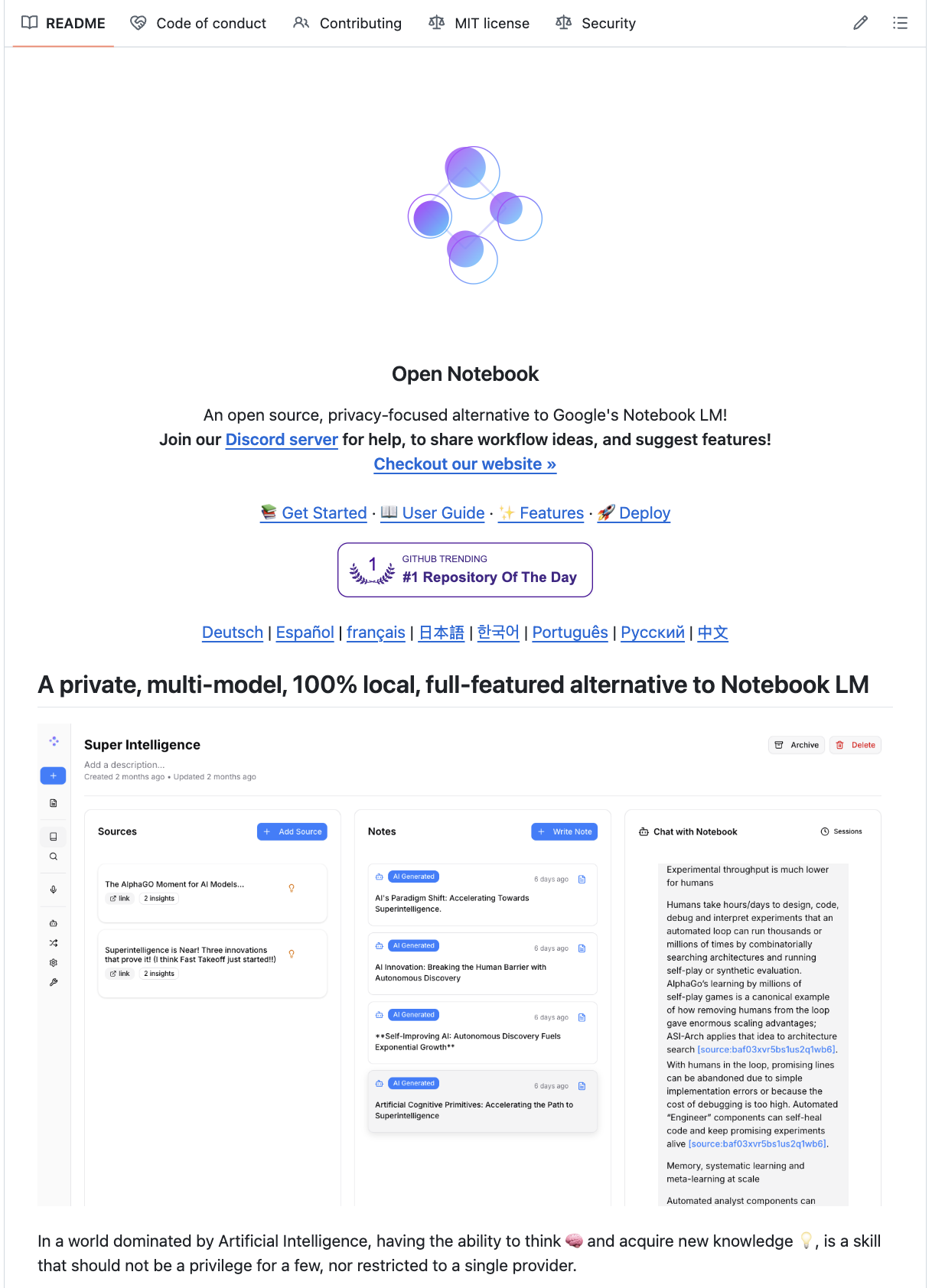
NotebookLM is a Google product, so there is no offline version of it.
There is something better for this, an open source tool called Open Notebook that does the same job on your machine.
Clone it and start it with Docker.
Open your terminal and paste this.
git clone https://github.com/lfnovo/open-notebook
Now, my suggestion is to open Claude Code and let it install this for you with this prompt.
Hey Claude,
Install: https://github.com/lfnovo/open-notebook for me.
It only asked me to install Docker. I told it to do it, and it downloaded the installer. Then I just clicked Yes, Yes, Yes.
Step 5: Test this local NotebookLM
Next, I instantly trained 2 different notebooks for the 2 topics I like.
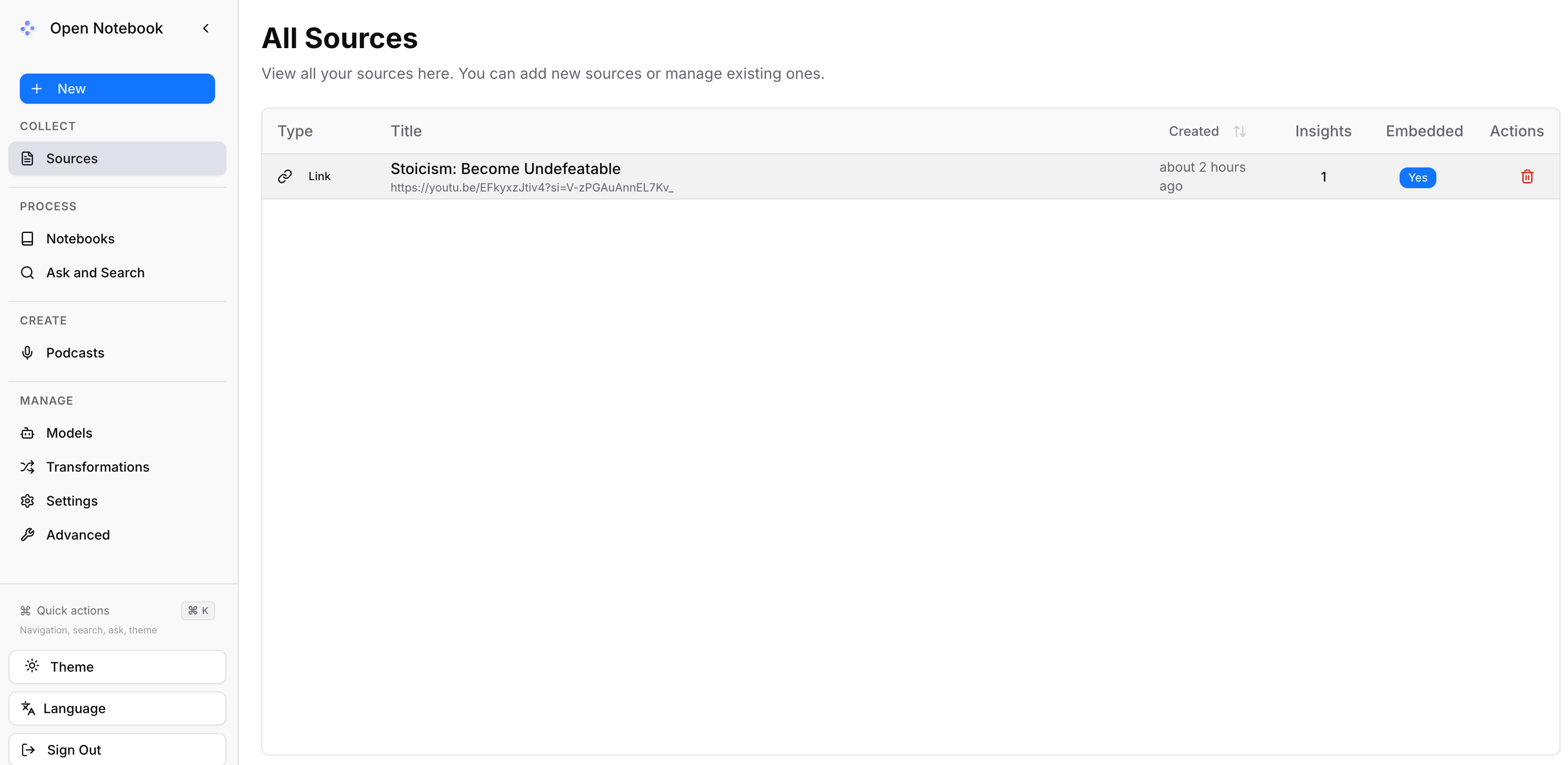
You can add sources from YouTube.
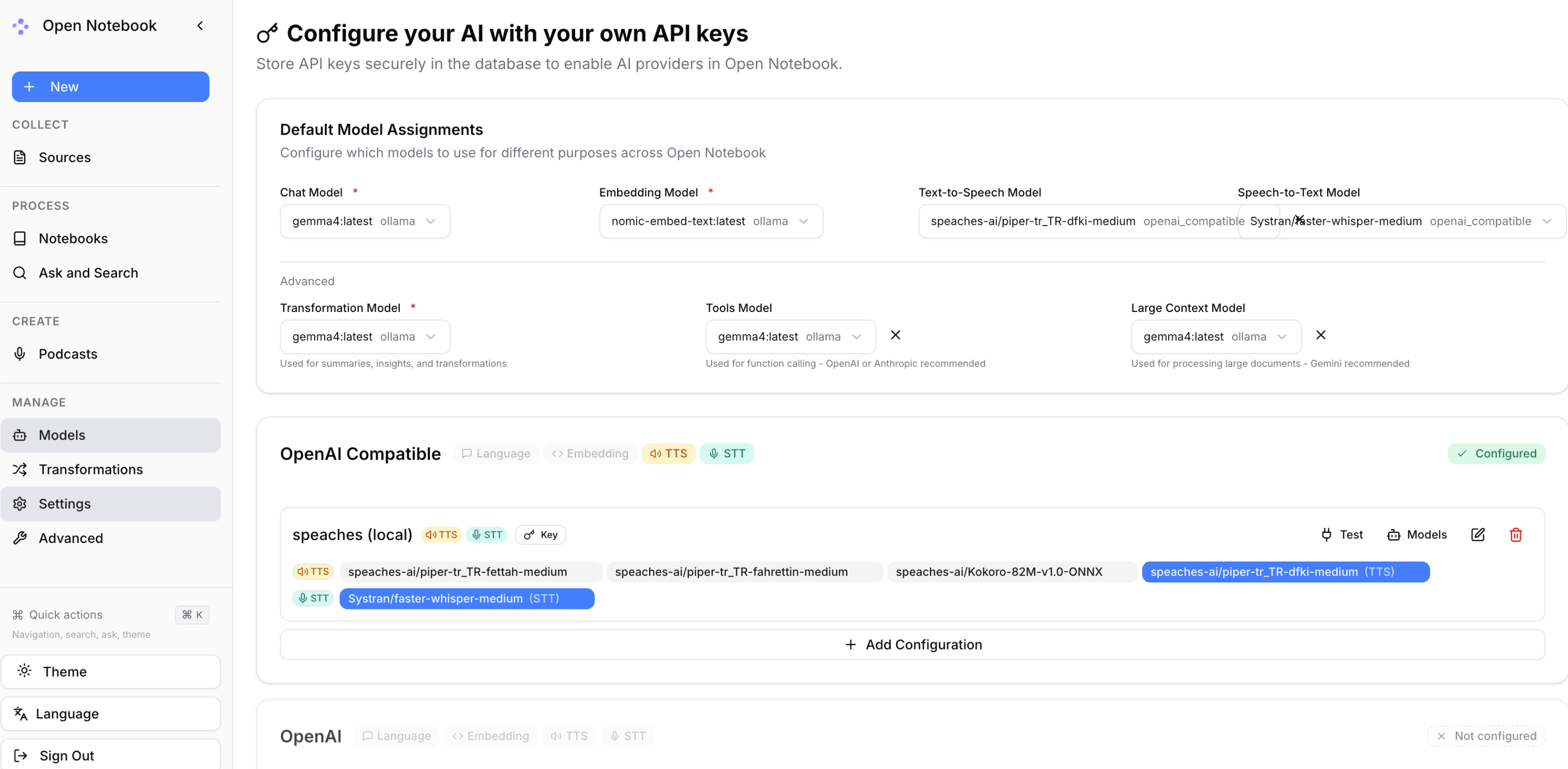
It returned an error at first, but I fixed it using Claude Code.
For the podcast, I used Apple’s built-in voices, so there was no need for an external TTS API.
Here is the podcast it generated.
What you need to run this
Let’s talk about the machine. The model you can run comes down to one number, the memory.
My Mac Mini has 16 GB, and it cost $799. That runs a small Gemma 4, around 70 percent of Claude, for my daily work. Enough for most of what I do.
The ceiling is much higher, and that is where the hardware story gets interesting.
The best open model right now is GLM 5.2, as smart as Opus 4.8.
To run it you need around 260 GB of memory.
Remember, the 512 GB Mac Studios are almost impossible to buy these days.
Only the 96 GB ones are left, and even those are not enough for the very top models.
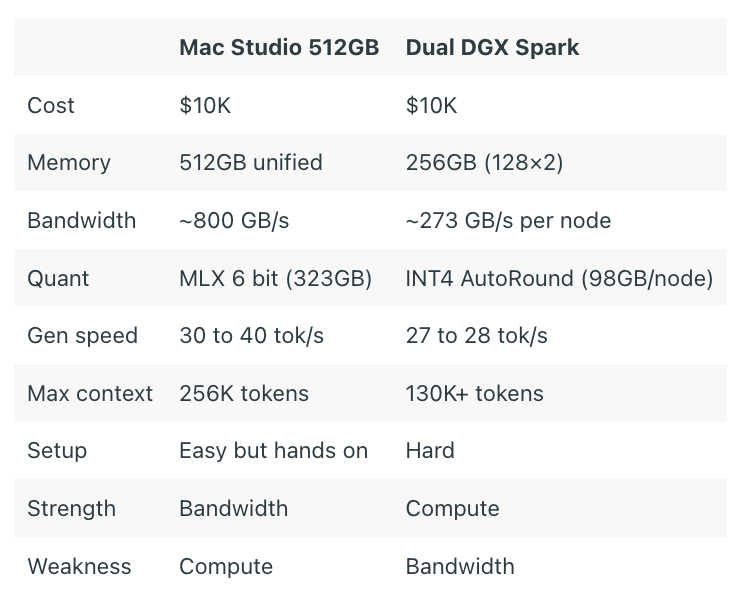
While researching, I came across this reddit post.
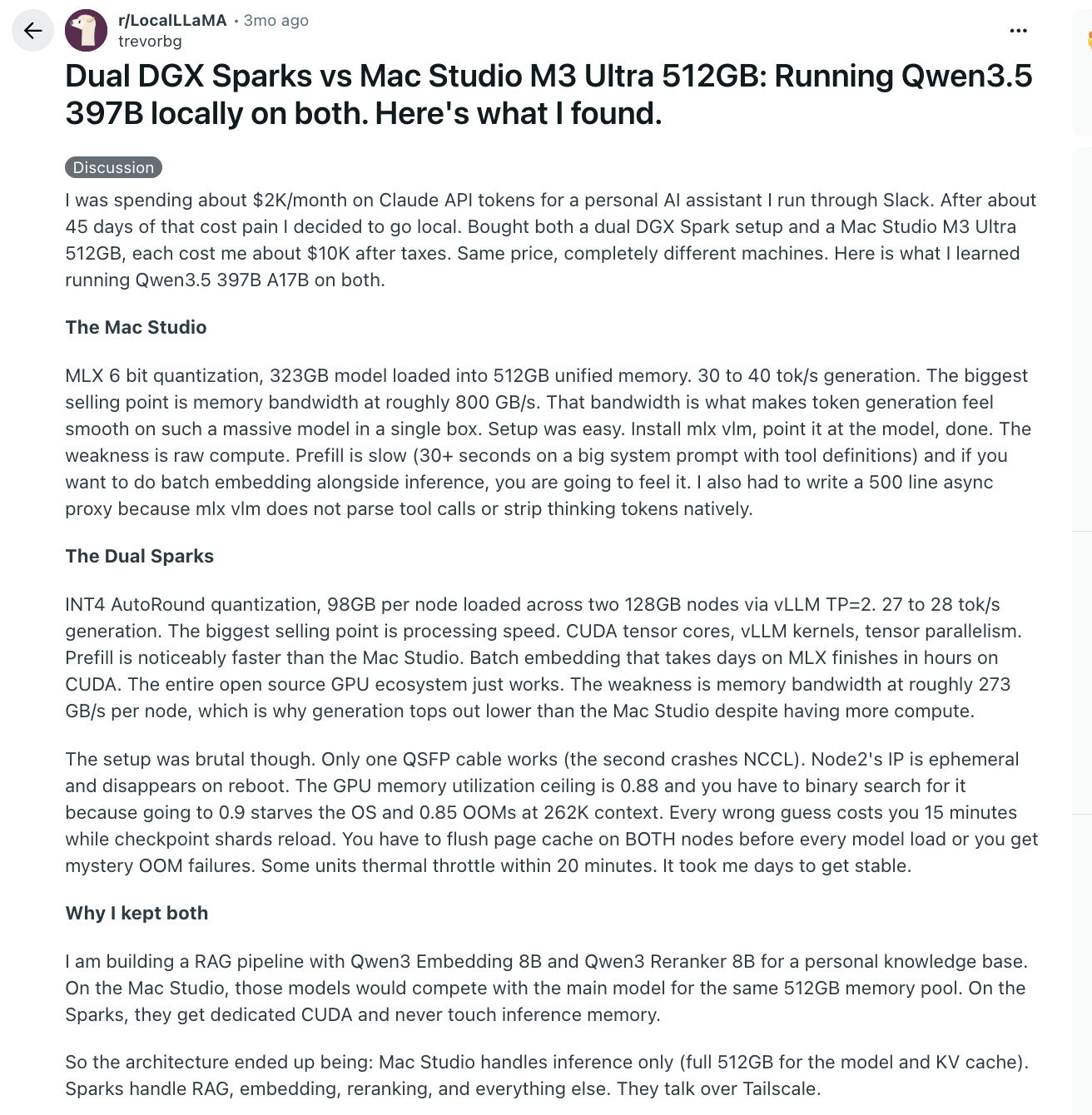
Feel free to read it if you have these questions in mind. The author even compares two mini PCs and shares their hands-on experience.
My Experience
You do not need the top of the ladder to start.
But it is very important to test the models you plan to download with Ollama.
Here is the trick.
Before buying a Mac mini, get free API access to the model you want to install by using the Ollama Cloud API.
I explained how to do that in this one.
Once you confirm that the model meets your needs, you are good to go.
Need this in your business?
You just read how I moved my whole stack off the cloud so nobody can pull it.
I build these resilient setups for clients too, systems that keep running when a model gets retired or a price triples overnight.
I built a production interview agent for a data platform used by 500K+ people.
I built 20+ AI agents for companies across finance, construction, marketing, even liquor brands.
I’m Top 1% on Upwork, Expert-Vetted, 7,000+ hours logged with international clients.
DM me, and we’ll talk.