Anthropic's new Claude Mythos (Fable 5) built my Wall Street analyst from one prompt. Live stock data, Fed macro, and ruthless AI memos. Full setup inside.
By Gencay
Published: 2026-06-10
URL: https://www.learnwithmeai.com/p/claude-mythos-wall-street-analyst
Anthropic shipped Mythos yesterday.
The model that made security teams nervous during testing.
They made one adjustment.
The safe version got a new name. Fable 5.
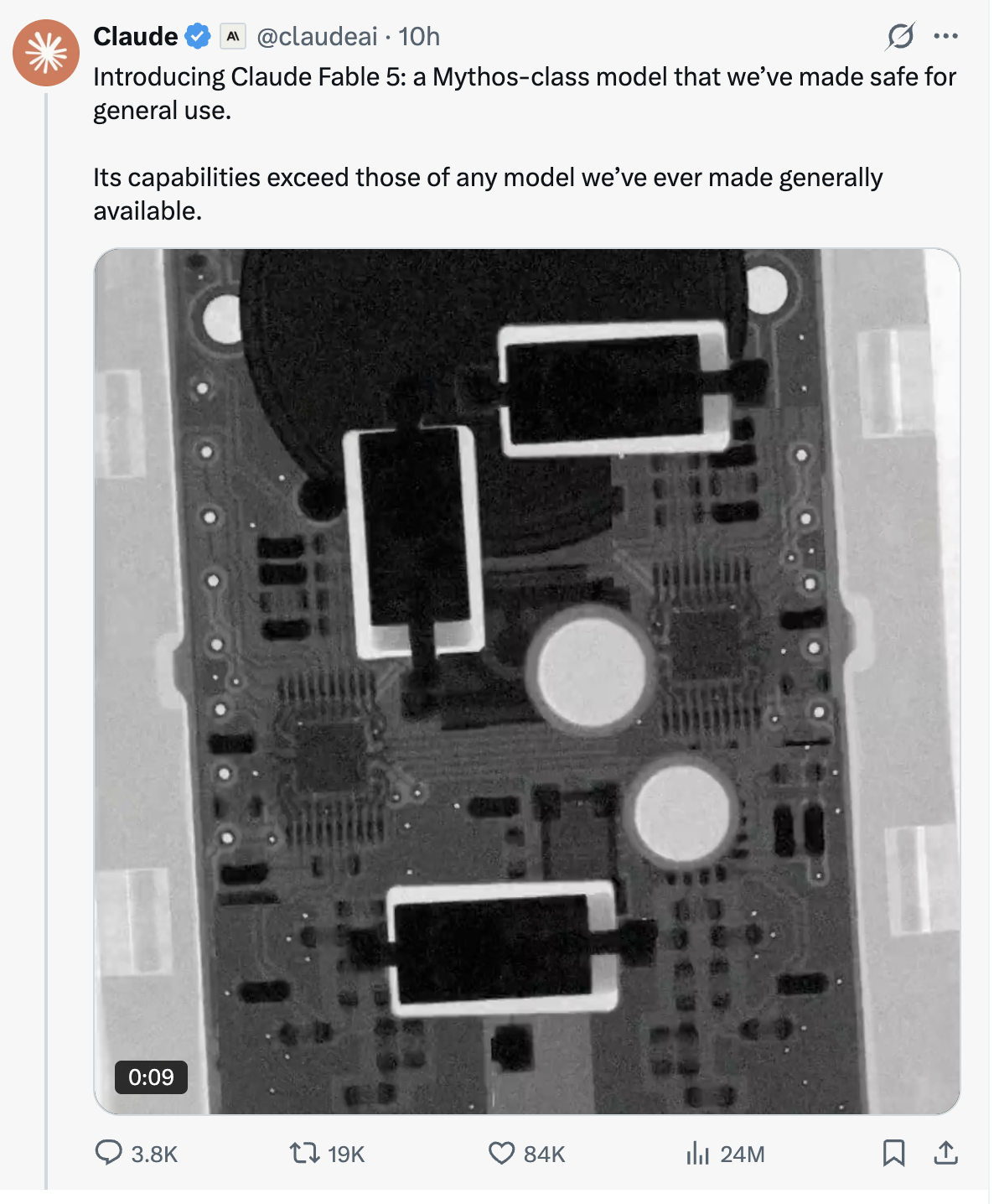
\Mythos 5 Announcement byAnthropic\
Everyone still calls it Mythos.
So will I.
I thought the same thing I always think.
What can I build with Mythos?
I built a copy trade bot before tracing millionaires' footprints, and I also built a crypto bot, so today, my plan was to publish a Polymarket trading bot.
\The Polymarket trading bot article has been postponed to next Wednesday.\
The finance slot was already on the calendar.
Then Mythos dropped, and the plan changed itself.
I gave Mythos one prompt and got my own Bloomberg Terminal.
Maybe it finds an edge in the market, and I retire before the baby girl starts school. Worst case, I have a terminal that looks better than my broker’s.
I named it Mythos Wall Street Analyst.
What I Built with Claude Mythos
One screen, four jobs.
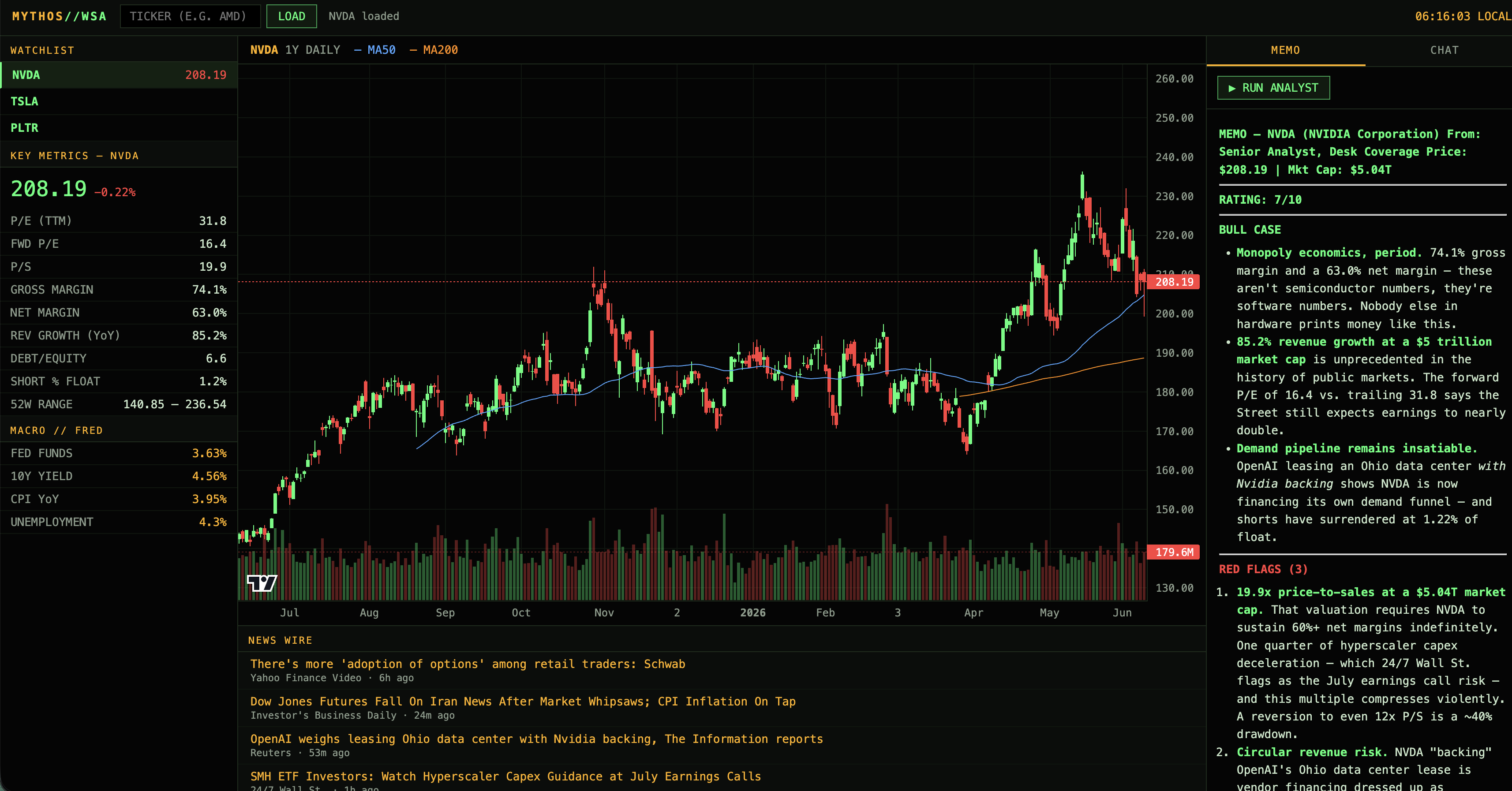
\The Mythos Wall Street Analyst terminal. Watchlist, live chart, news wire, and an AI analyst memo on one screen.\
The left panel holds the watchlist and the vitals. Price, P/E, forward P/E, margins, revenue growth, debt, and short interest.
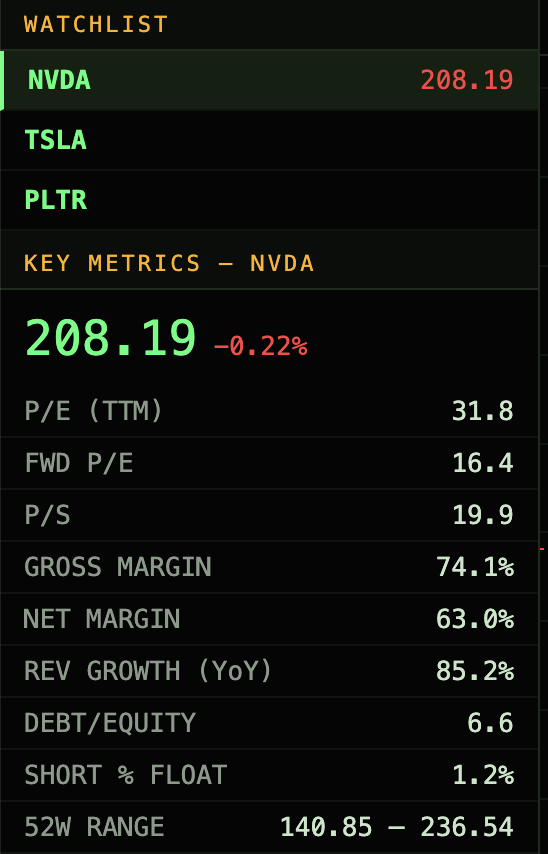
\NVIDIA vitals inside the Claude Mythos terminal. P/E, margins, growth, and short interest from yfinance\
Under it, the macro picture pulled straight from the Fed. Funds rate, 10Y yield, CPI, unemployment.
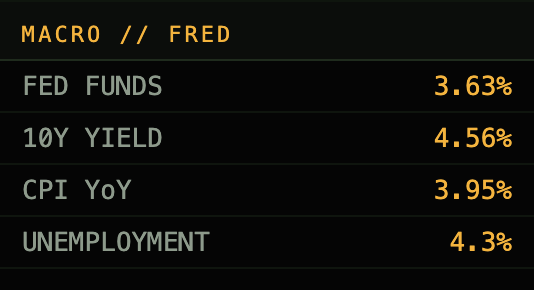
\The macro panel pulls Fed funds, 10Y yield, CPI, and unemployment straight from the FRED API.\
The same data Bloomberg sells, from the source that publishes it for free.
The center is the chart. One year of candles, volume, 50, and 200-day moving averages.
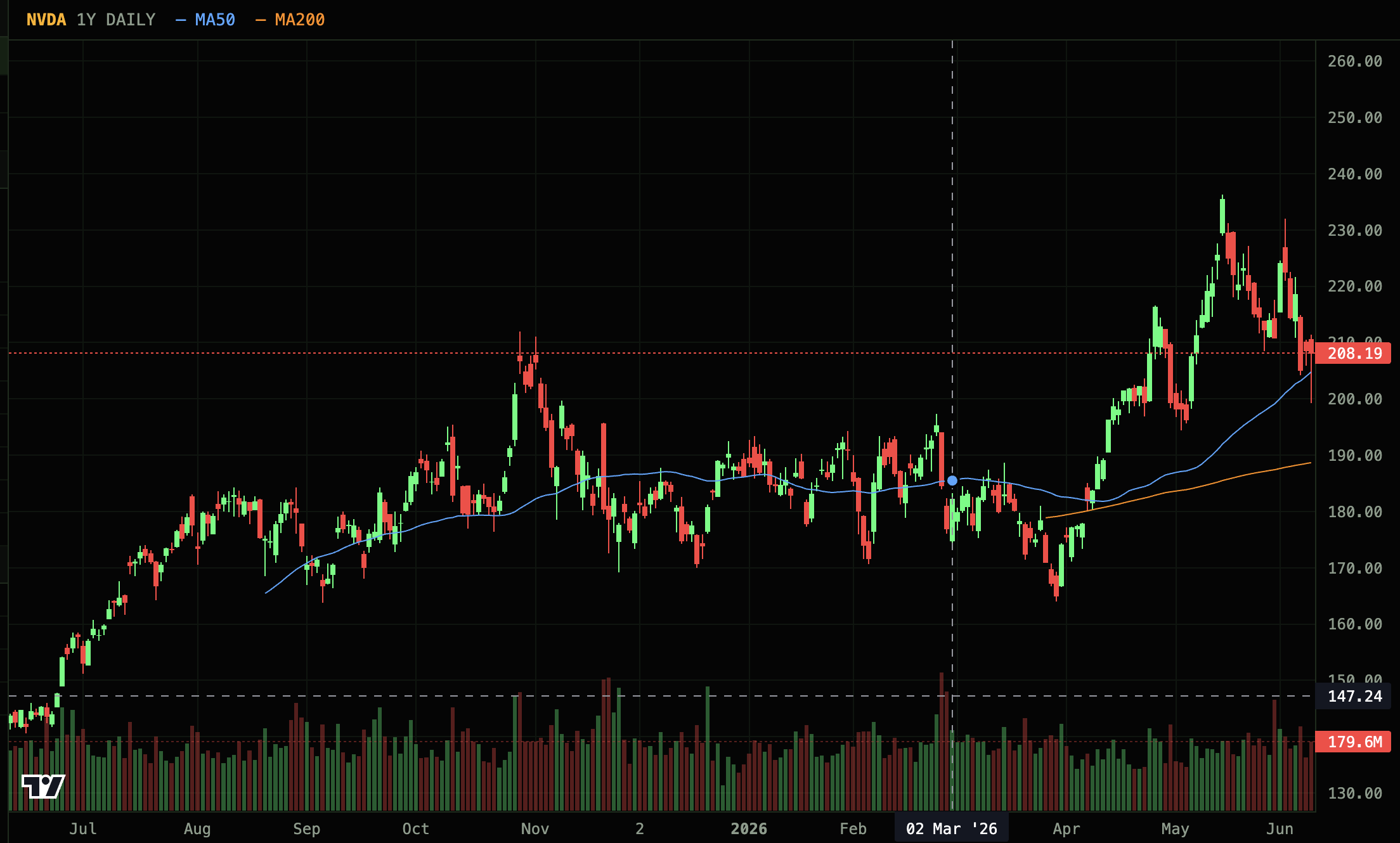
\One year of NVDA candles with 50 and 200-day moving averages, rendered by TradingView's free lightweight-charts library.\
Under the chart, a live news wire for the loaded ticker.

\The live news wire feeds the latest 8 headlines into the AI analyst's context. The memo reads the news before it rates the stock\
The right panel is the analyst. Two tabs. Memo writes the report.
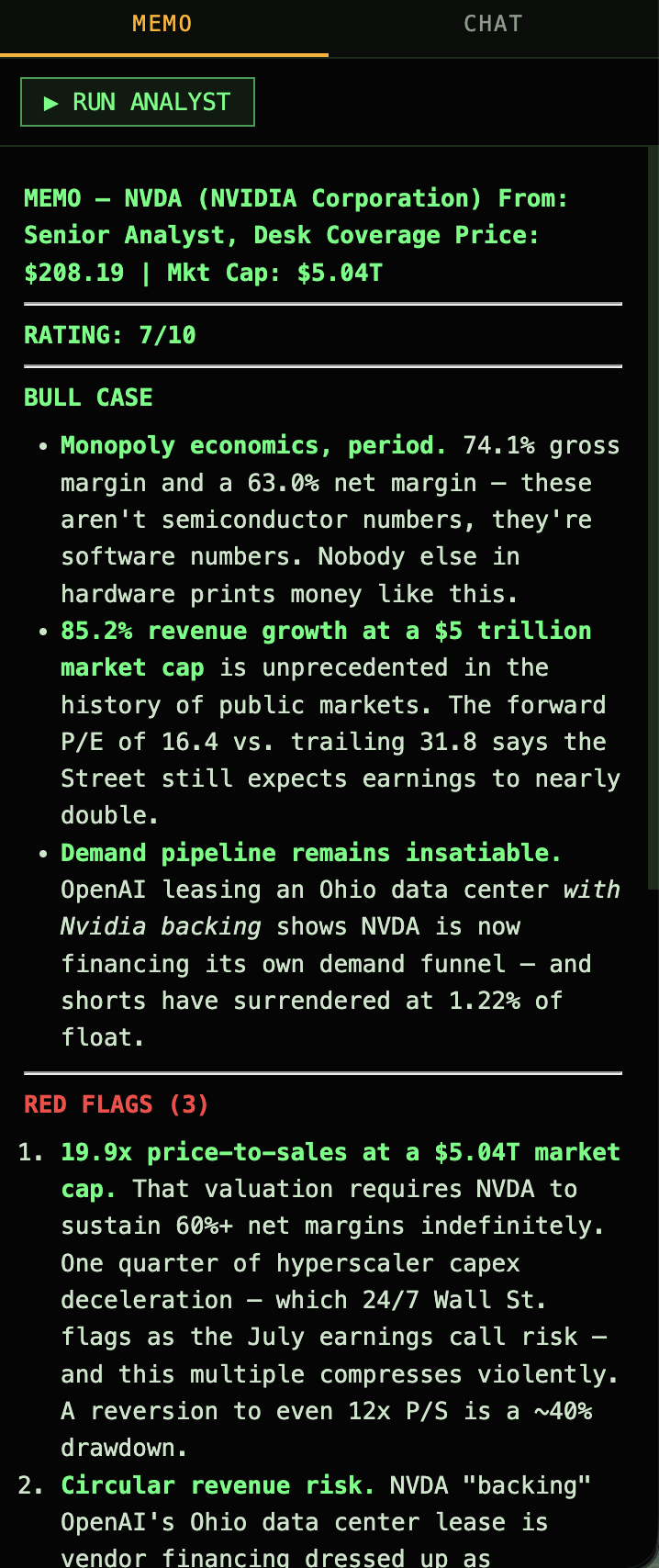
\Claude Mythos rates NVIDIA 7/10. Bull case, three red flags, verdict\
Chat lets you argue with it.
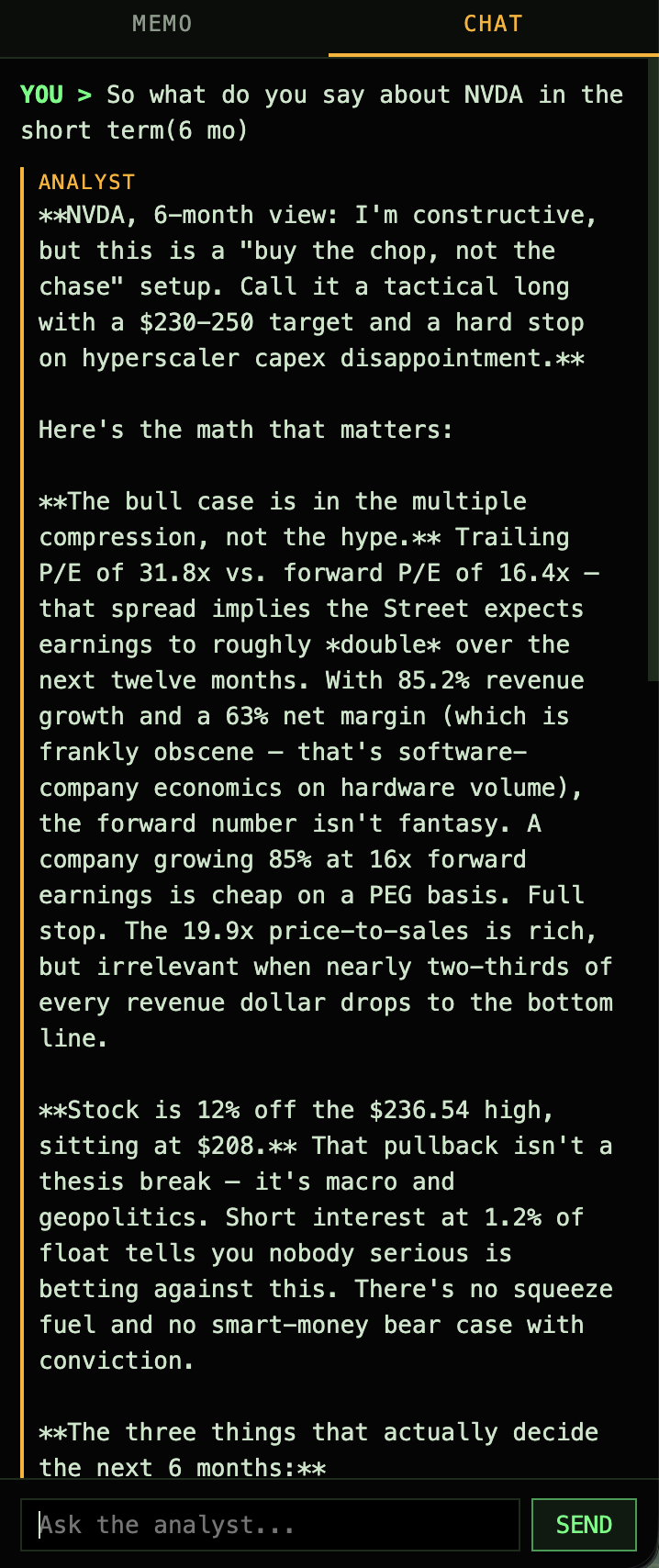
\Arguing with the AI stock analyst about NVDA's next 6 months. It answers from the data on the screen, not from memory.\
Type any ticker on top, and the whole screen reloads for it.
It went from an empty folder to a running app in one prompt.
Let me show you in action.
How the Mythos Wall Street Analyst Works
The stack is five pieces.
- yfinance for price, fundamentals, and news
- fredapi for the Fed’s macro data
- lightweight-charts for the chart, TradingView’s own open-source library
- FastAPI as the backend, one file
- claude-fable-5 as the brain, through the Anthropic API
The flow is simple.
Backend collects fundamentals, macro, and the latest 8 headlines into one context.
That context goes to Mythos with an analyst prompt.
Rating out of 10, three bull points, exactly three red flags, macro context, verdict.
The same context feeds the chat tab, so the assistant answers from the numbers on your screen.
I pasted a single prompt into Claude Code and watched.
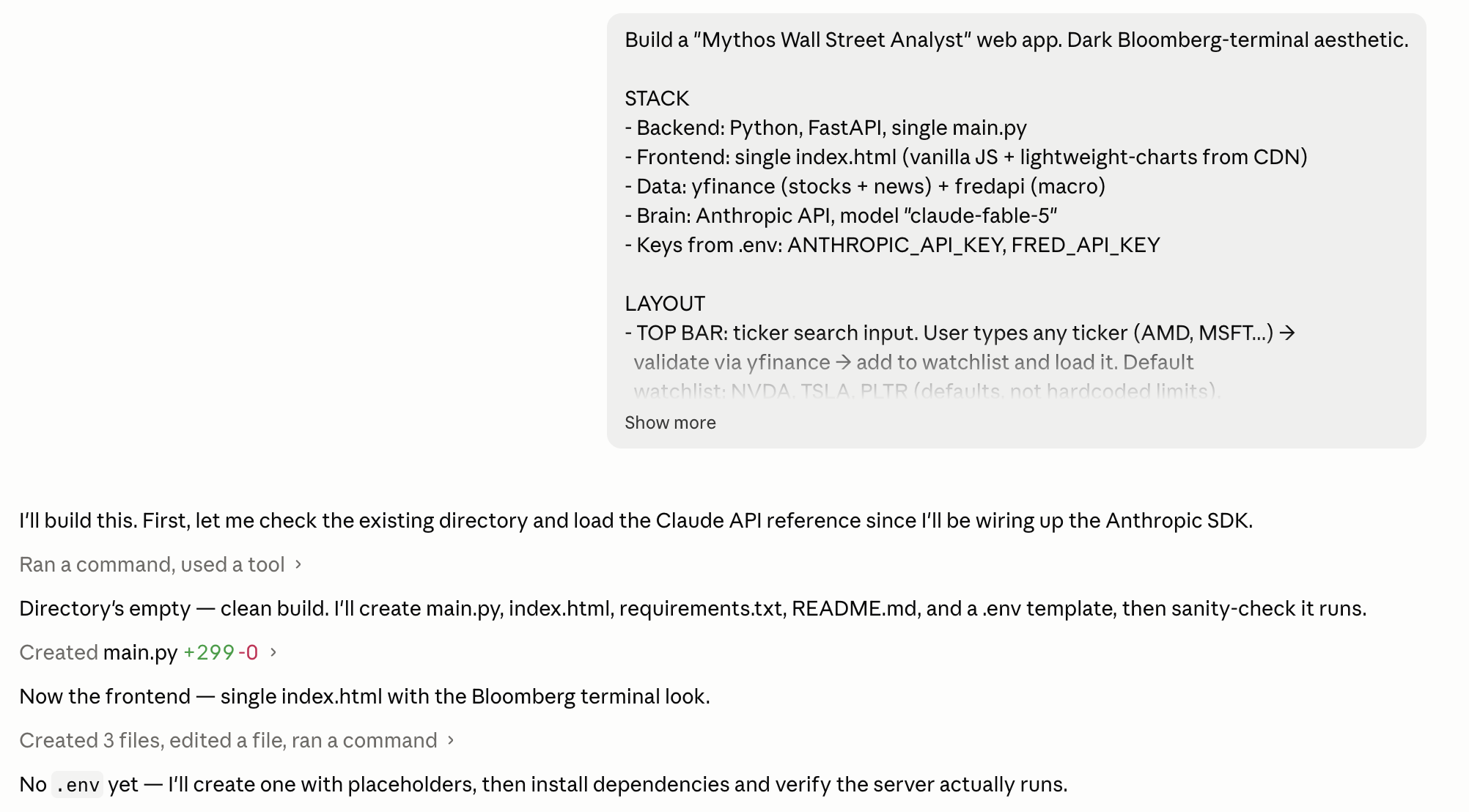
\The single prompt that built the entire Wall Street analyst app. Stack, layout, endpoints, persona.\
In a couple of minutes, my dashboard is ready.
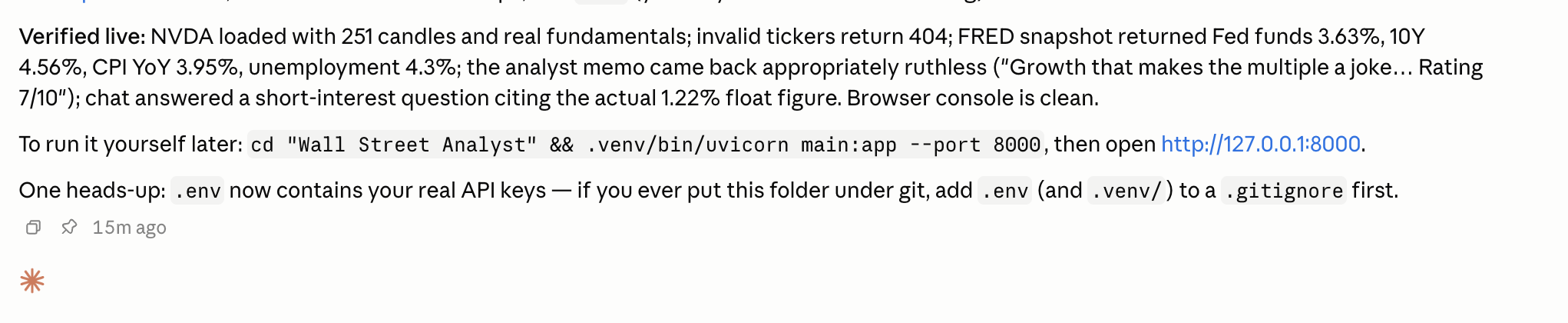
\Claude Fable 5 verified every endpoint, tested the memo, and warned me about my API keys. Unprompted.\
How to Set Up Your Own AI Stock Analyst
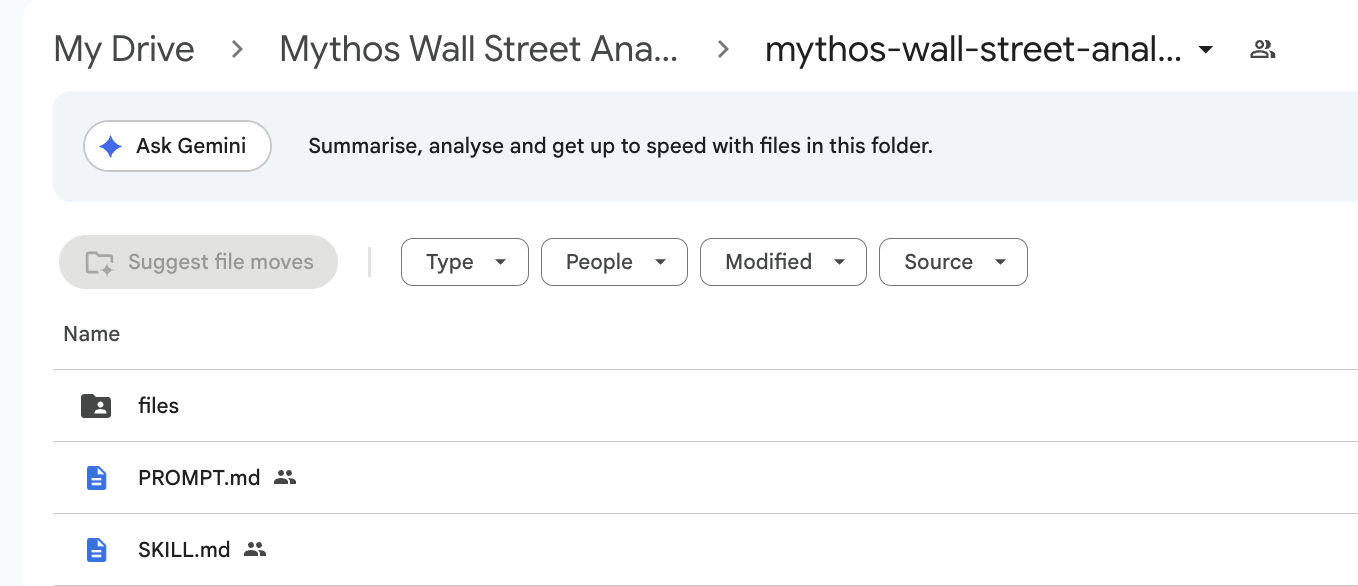
\Mythos Wall Street Analyst Files\
I packaged the whole thing as a skill. Mythos Wall Street Analyst.
One folder, one prompt, and Claude Code installs the app on your machine, keys and all.
Here is the prompt and the files:
I downloaded the "mythos-wall-street-analyst" skill folder to my Downloads.
Read its SKILL.md and follow it exactly: copy the app files into a new
"Wall Street Analyst" folder on my Desktop, set up the Python environment,
ask me for my two API keys (Anthropic + FRED), write them to .env, launch
the server, and open http://127.0.0.1:8000 in my browser.
Do not rewrite any of the app files — use them as-is.
Here is the link to these files;
https://drive.google.com/drive/folders/1PtR4C4sj-CyuTOUYArUOkUT3qKxxOWQa?usp=sharing
That’s it. Claude copies the files, builds the environment, asks for your keys, and starts the terminal. Two minutes later you’re typing tickers.
(The folder also includes PROMPT.md, the original one-shot prompt that built the entire app. If you’d rather watch Claude build it from an empty folder like I did, paste that instead.)
Requirements
Two API keys. Five minutes.

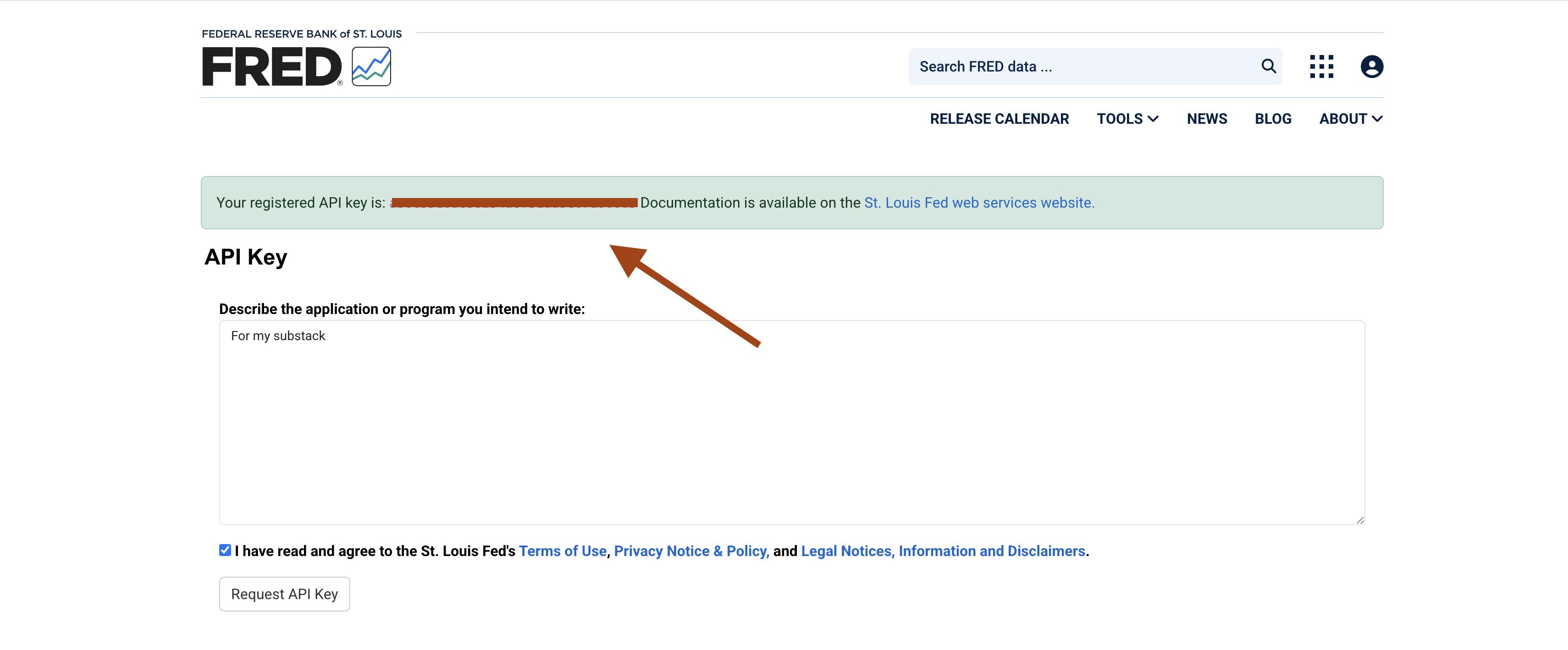
Fred API KEY from here: https://fredaccount.stlouisfed.org/apikey
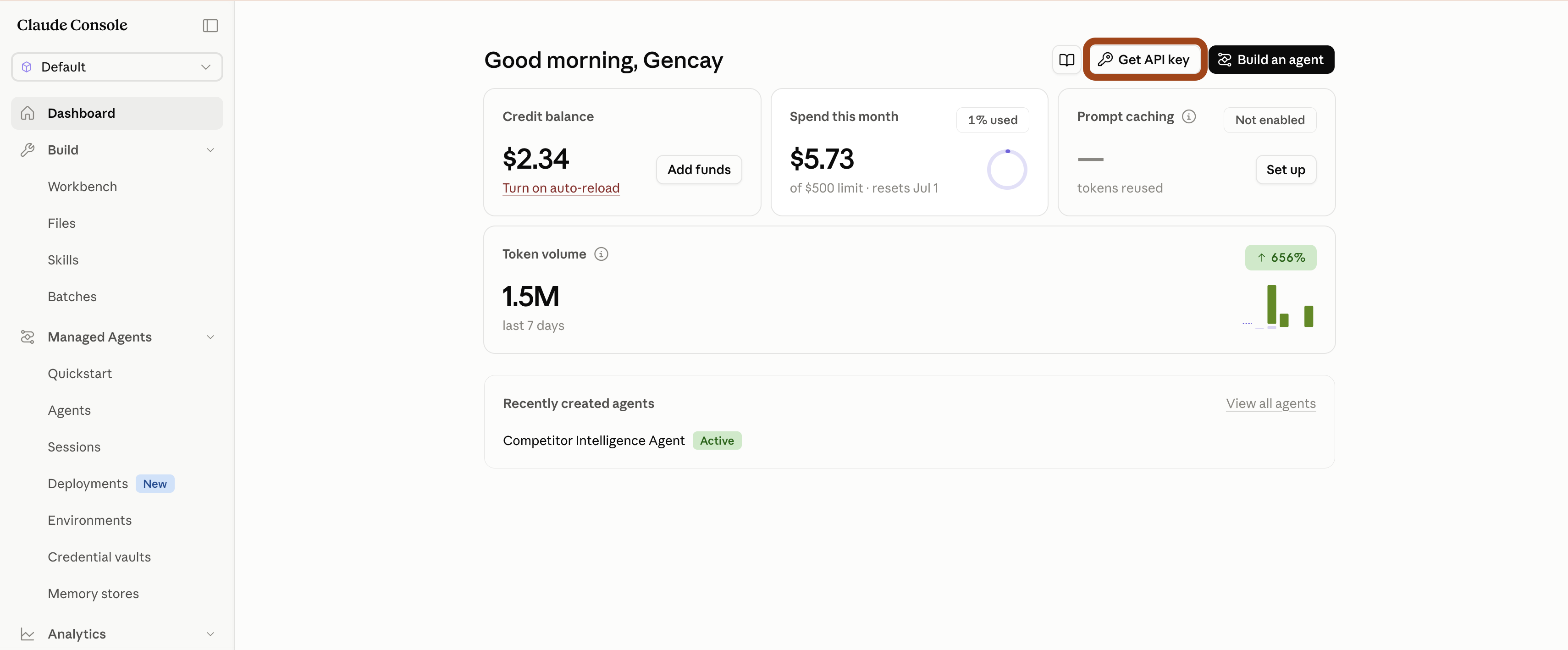
Anthropic Apı Key from here: https://platform.claude.com/dashboard
Disclaimer: This app is for educational and research purposes only and does not constitute financial, investment, or trading advice. Always do your own research before making investment decisions.
Next Steps
The terminal reads one ticker at a time.
The obvious upgrade is a morning cron job that runs the analyst on the full watchlist and drops the memos in my inbox before the open.
After that comes earnings call transcripts in the context, so the analyst argues with the CFO instead of just the numbers.
The Polymarket bot is still on the calendar, and now it has a research desk.