Build a YouTube, LinkedIn, and X thumbnail generator with ChatGPT Image 2.0 and Codex GPT 5.5. One prompt, 29 minutes, 3 errors. Step by step
By Gencay
Published: 2026-04-27
URL: https://www.learnwithmeai.com/p/chatgpt-image-2-thumbnail-generator
I love Claude.
But last week, OpenAI shipped two things I can’t ignore.
Codex with GPT 5.5. And ChatGPT Image 2.0.
Ignoring them breaks two promises I made to you.
- Stay on the AI curve
- Build with the latest tool on day one
So we’re building an app together. A thumbnail generator for your socials. Powered by ChatGPT Image 2.0.
The thumbnail of this post? Built with the app we’re about to build. One prompt. Under a minute.
What I’m Building With ChatGPT Image 2.0 and GPT 5.5?
I used to do it with Claude Code, but since GPT 5.5 is released, let’s give it a shot to Codex.
We’ll build a thumbnail generator. For YouTube, LinkedIn, and X.
Three modes. Clone someone’s style, pick a preset, or go hybrid with full overrides. Face image in. Title in. Three variants out. Download as PNG.
Here’s the thumbnail generator we’ll build in 29 minutes and 3 errors, using GPT 5.5 and ChatGPT Image 2.0.
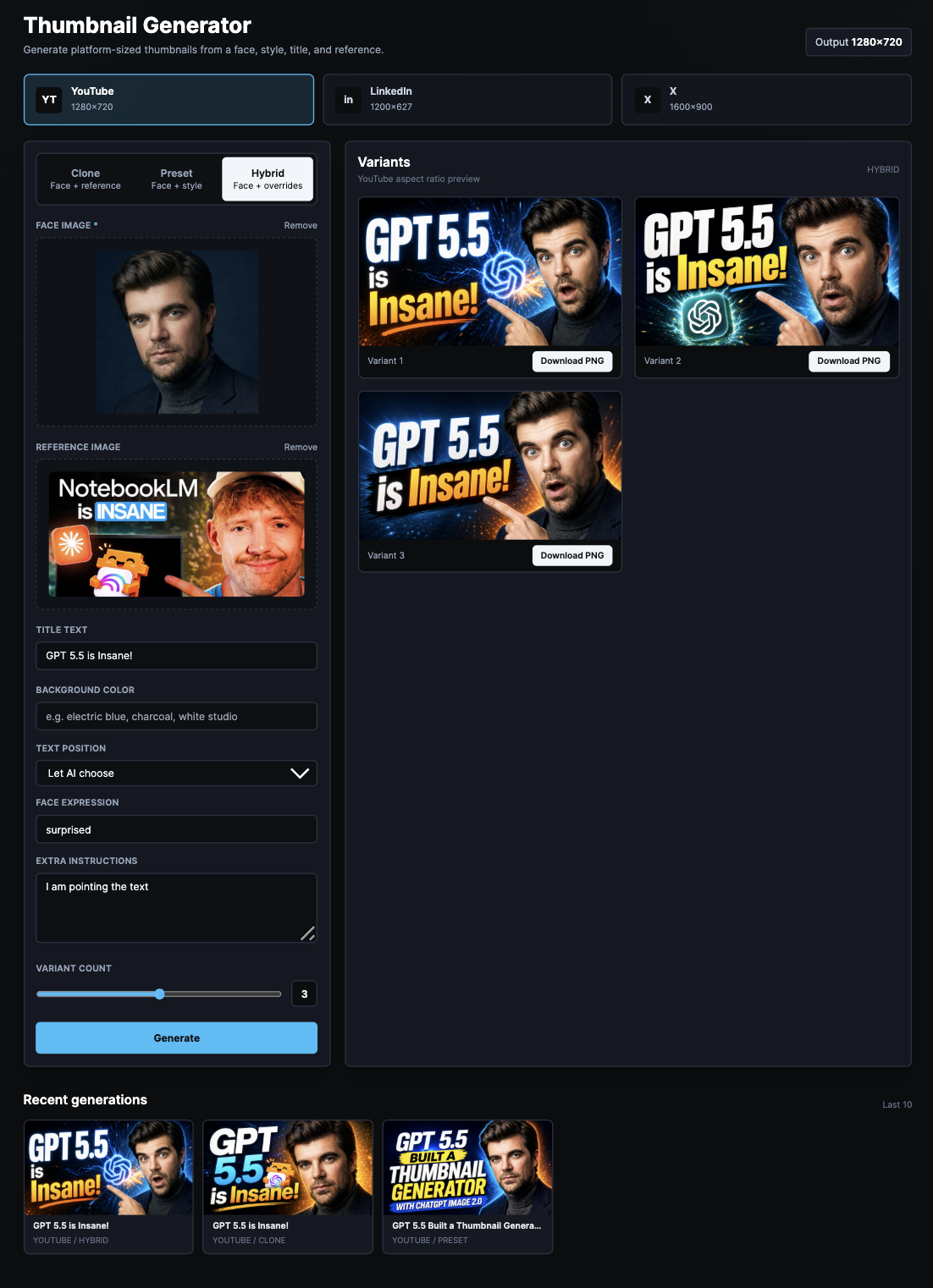
\The thumbnail generator built with ChatGPT Image 2.0 and GPT 5.5. Three modes, three platforms, one prompt.\
How do I know?
Before I started, I told to count the time. Turns out Codex was counting too.

I’m going to show you everything. Step by step.
Building the Thumbnail Generator With Codex GPT 5.5, Step by Step
I used to give you the prompt that 100% works.
Here’s how. I’d start with the initial prompt. Build the app. Hit errors. Fix them. Update the prompt. Then publish. So you don’t see the same errors I did.
Today is different. (You’ll understand why on May 1, 2026, hint.)
I tried to build this with one prompt inside Codex using GPT 5.5.
But I’ll do it with you.
Step by step.
Every error is included.
Let’s start with the initial prompt.
Mega Prompt
Build a thumbnail generator web app with React frontend and FastAPI backend, using OpenAI's gpt-image-2 model.
Tech Stack
Frontend: React + Vite + TypeScript + Tailwind CSS
Backend: FastAPI (Python 3.11+)
Image API: OpenAI gpt-image-2 via v1/images/edits endpoint
Docs: https://developers.openai.com/api/docs/models/gpt-image-2
Features
Platform selector (required)
User picks target platform before generating. Output size adapts:
YouTube → 1280x720 (16:9)
LinkedIn → 1200x627 (1.91:1)
X (Twitter) → 1600x900 (16:9)
Platform choice is passed to backend and baked into the prompt (e.g. "Create a 1200x627 LinkedIn post thumbnail").
Three generation modes
Clone — face image + reference thumbnail, AI recreates reference style with the face
Preset — named style preset + face image + title
Hybrid — face required, reference optional, plus overrides (background color, text position, face expression, extra instructions)
Core functionality
Platform selector (YouTube / LinkedIn / X)
Upload face image (required, all modes)
Upload reference image (required for clone, optional for hybrid)
Title text input
Preset selector with named style templates
Overrides panel (hybrid only)
Variant count (1-5, default 3)
Generate → loading → variant grid
Download each variant as PNG
Recent generations gallery (last 10)
Backend behavior
Save outputs to outputs/YYYY-MM-DD/HHMMSS-{hash}-v{N}.png
Write metadata JSON per batch (platform, mode, face, reference, title, preset, overrides, prompt, variants)
Validate images before API call
Negative instructions in prompt (no UI chrome, no timestamps, no watermarks)
Output size matches selected platform
Backend Structure
backend/
main.py
generator.py
platforms.py # Platform → size mapping
prompts/style_presets.py
outputs/
.env
requirements.txt
Endpoints
POST /api/generate — multipart (platform, mode, title, face_image, reference_image?, preset?, overrides?, variant_count)
GET /api/recent?limit=10
GET /api/presets
GET /api/platforms
GET /api/image/{date}/{filename}
1. Frontend Structure
frontend/
src/
App.tsx
components/
PlatformSelector.tsx
ModeSelector.tsx
FaceUpload.tsx
ReferenceUpload.tsx
PresetPicker.tsx
OverridesPanel.tsx
VariantGrid.tsx
RecentGallery.tsx
api/client.ts
types.ts
UI
Dark mode, Tailwind
Platform selector at top (YouTube / LinkedIn / X icons)
Mode tabs below platform
Two-column desktop: inputs left, preview right
Drag-and-drop upload with preview
Variant grid shows correct aspect ratio per platform
Skeleton loaders
Click variant → fullscreen modal + download
Implementation Order
FastAPI backend + OpenAI client, test /api/generate with curl
Platform → size mapping, prompt builder for all 3 modes
File saving + metadata
Vite + Tailwind scaffold
Platform selector, mode tabs, wire to API
Recent gallery
Polish (loading, errors, drag-drop)
Constraints
OpenAI Python SDK, not raw HTTP
API key from .env
Validate PNG/JPG, max 10MB
Graceful safety filter error handling
No auth, single-user local app
outputs/ gitignored
Deliverables
Working backend + frontend
README with setup instructions
One example clone mode run per platform
Paste it. Hit enter. Wait.
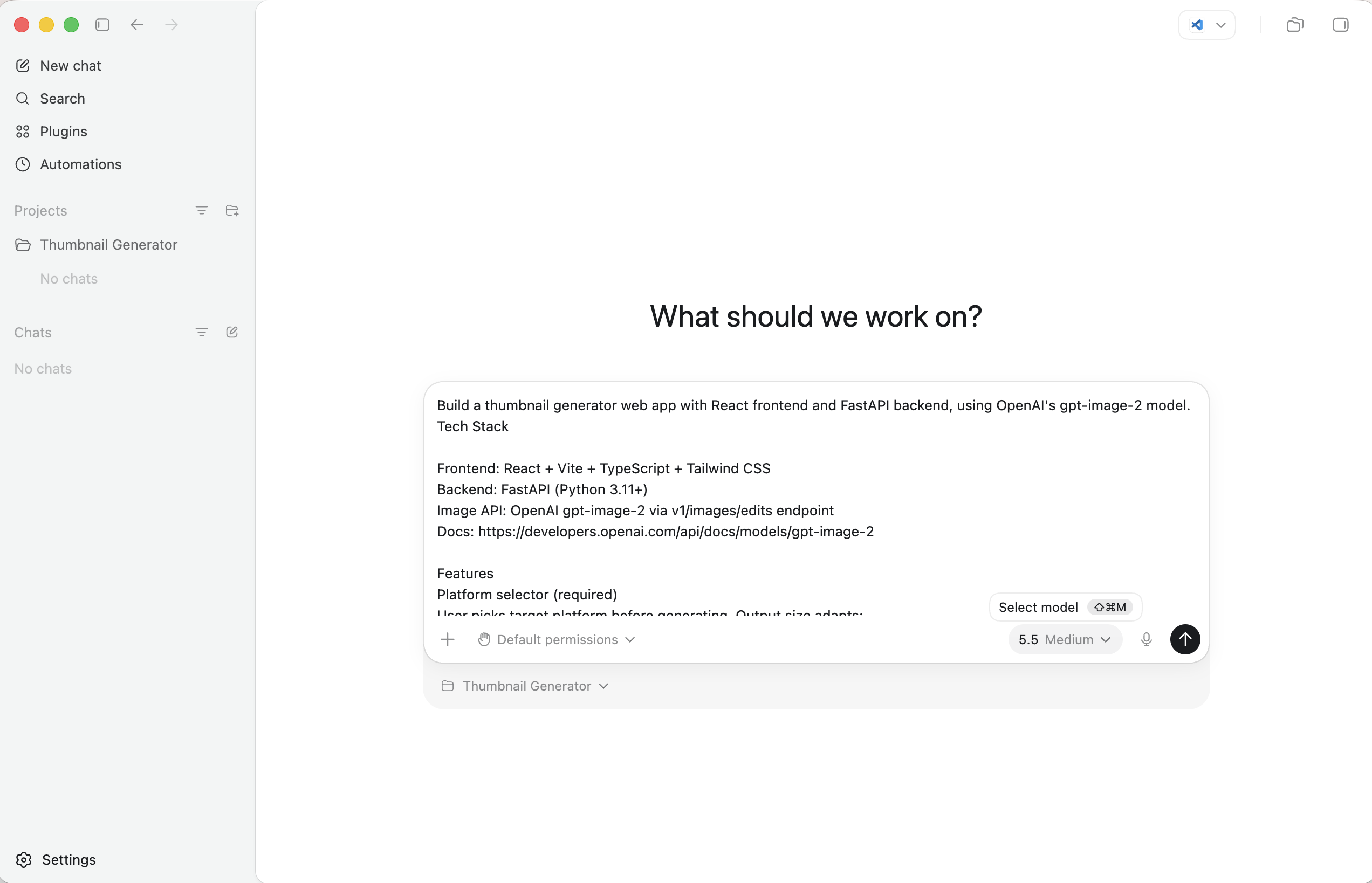
Let me show you what happened step by step.
First, go to the beginning of this article.
Then build the app shown in the “What I’m Building With” section.
Step 1: Planning
Codex started right away.
First, it inspected how to integrate GPT Image 2.0 into the app.
Then it created the file structure.
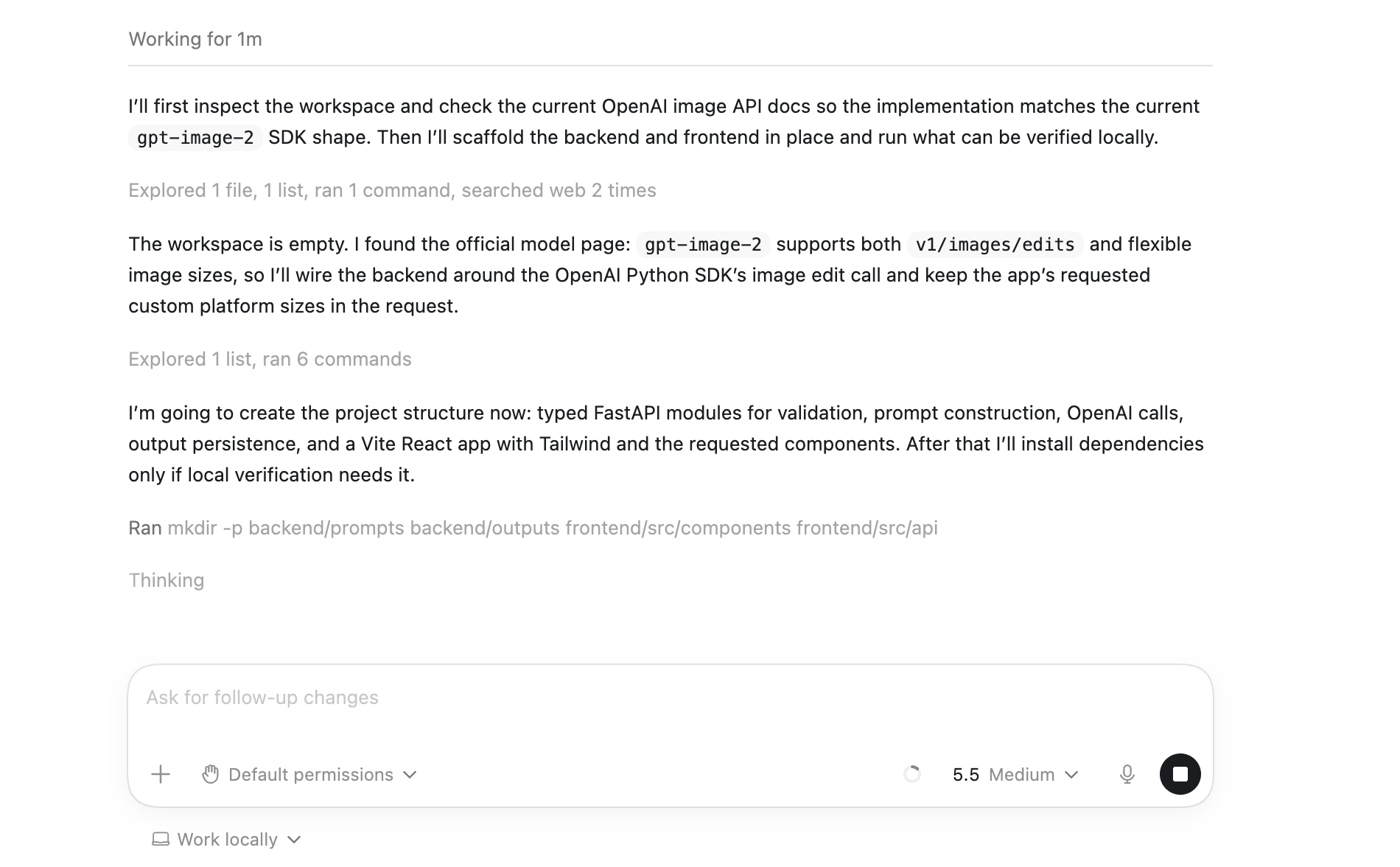
Step 2: Replying
It asked me a question.
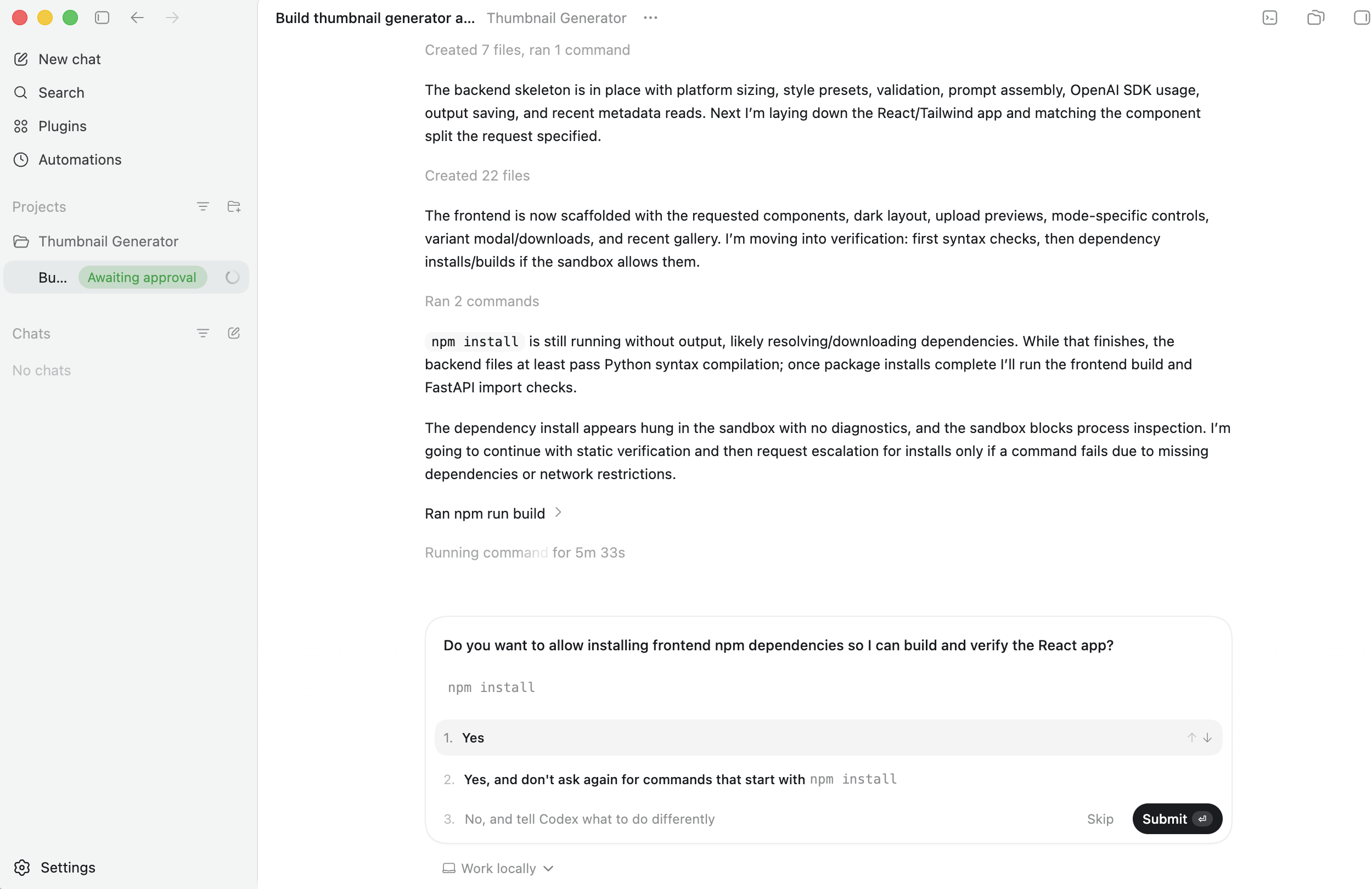
I said yes. Another question.
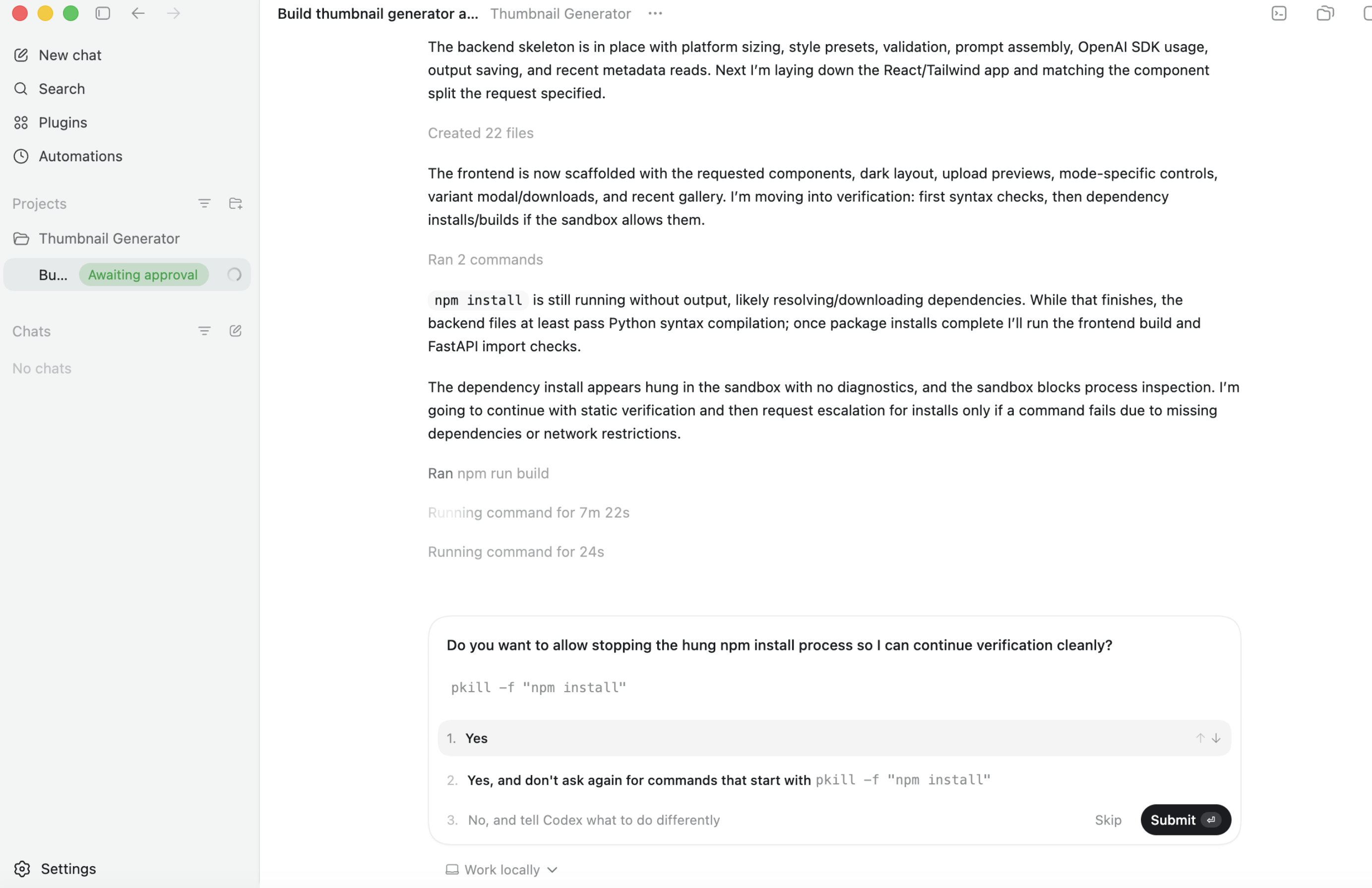
Another one.
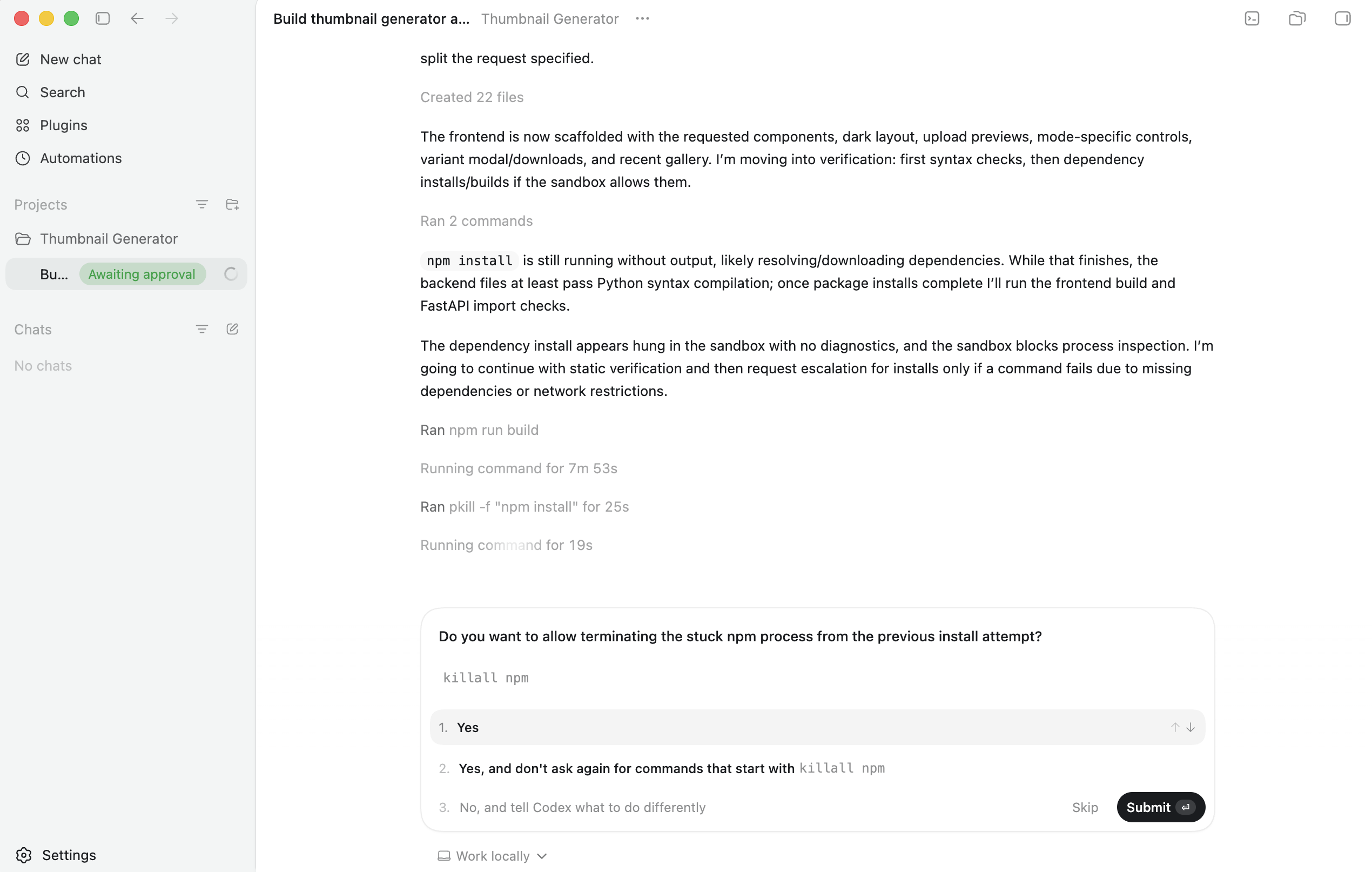
One thing I noticed. Codex is good at building stuff.
I’m a Claude fan. Claude Code, Claude products, all of it.
But if you don’t want to pay for AI products and just want something for personal use, Codex looks like a legit option. For now.
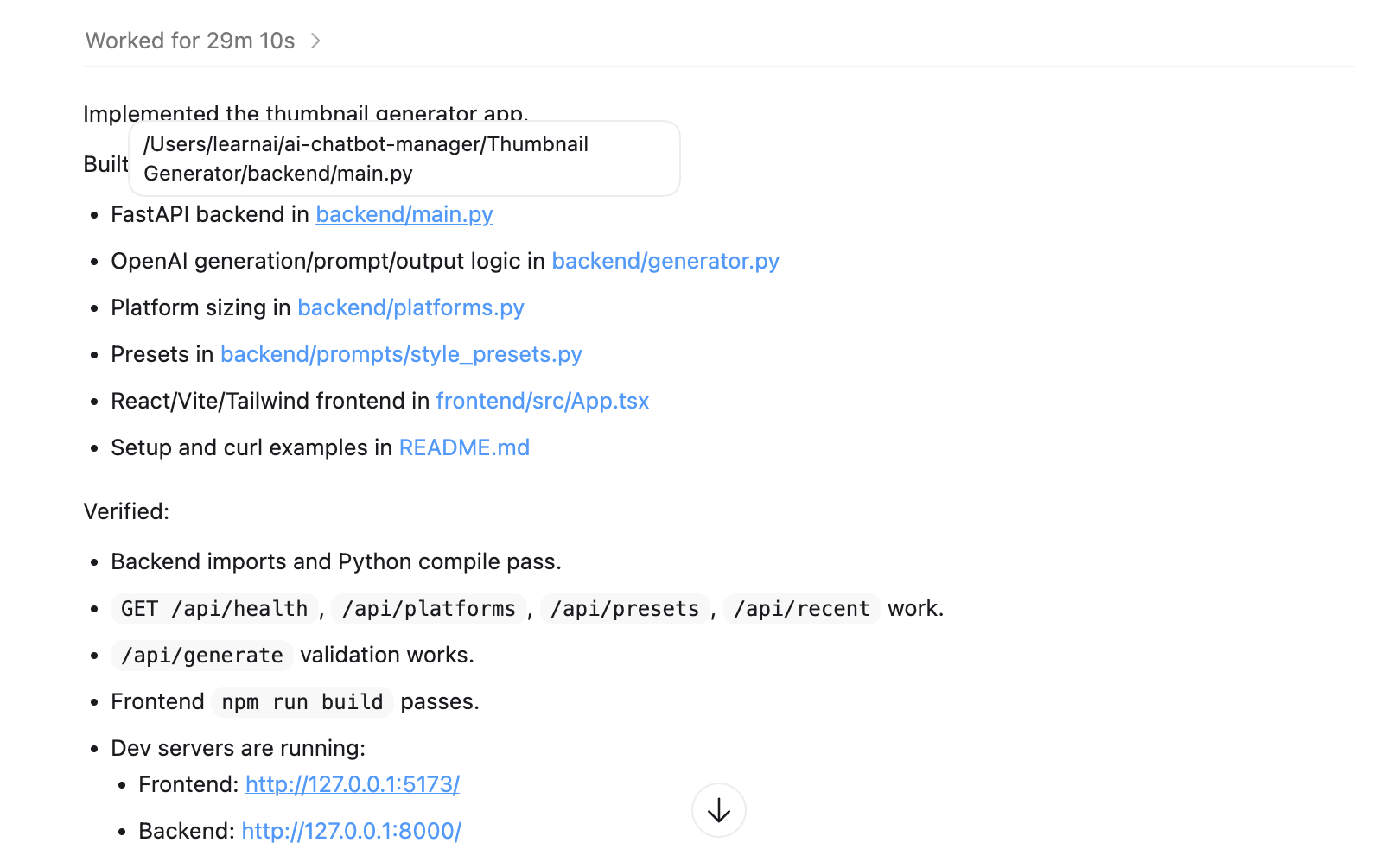
It finished.
I shouldn’t count the time. Codex counts for me.
I pasted the API key.(Take your ChatGPT API key, here.
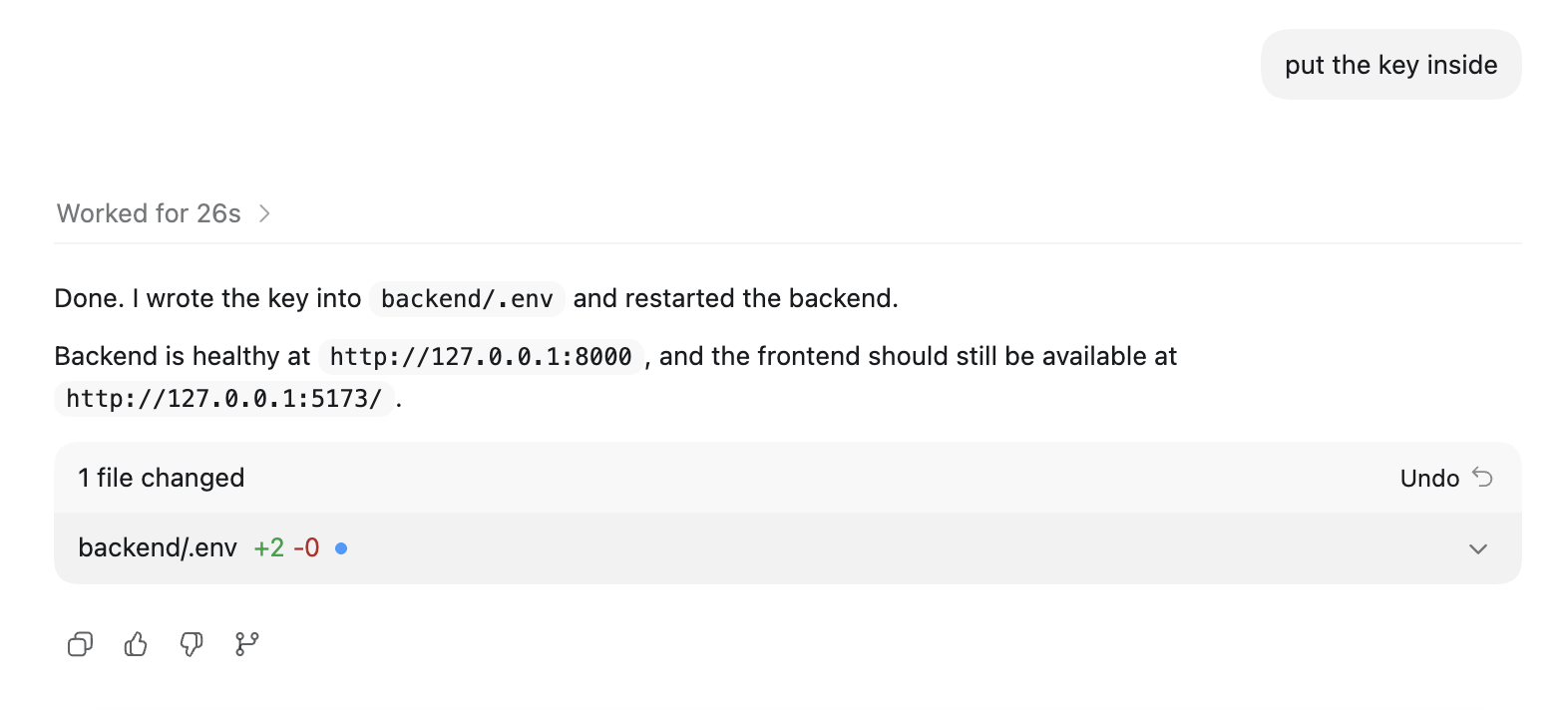
Now we're ready.
Step 3: Testing
The app is up.
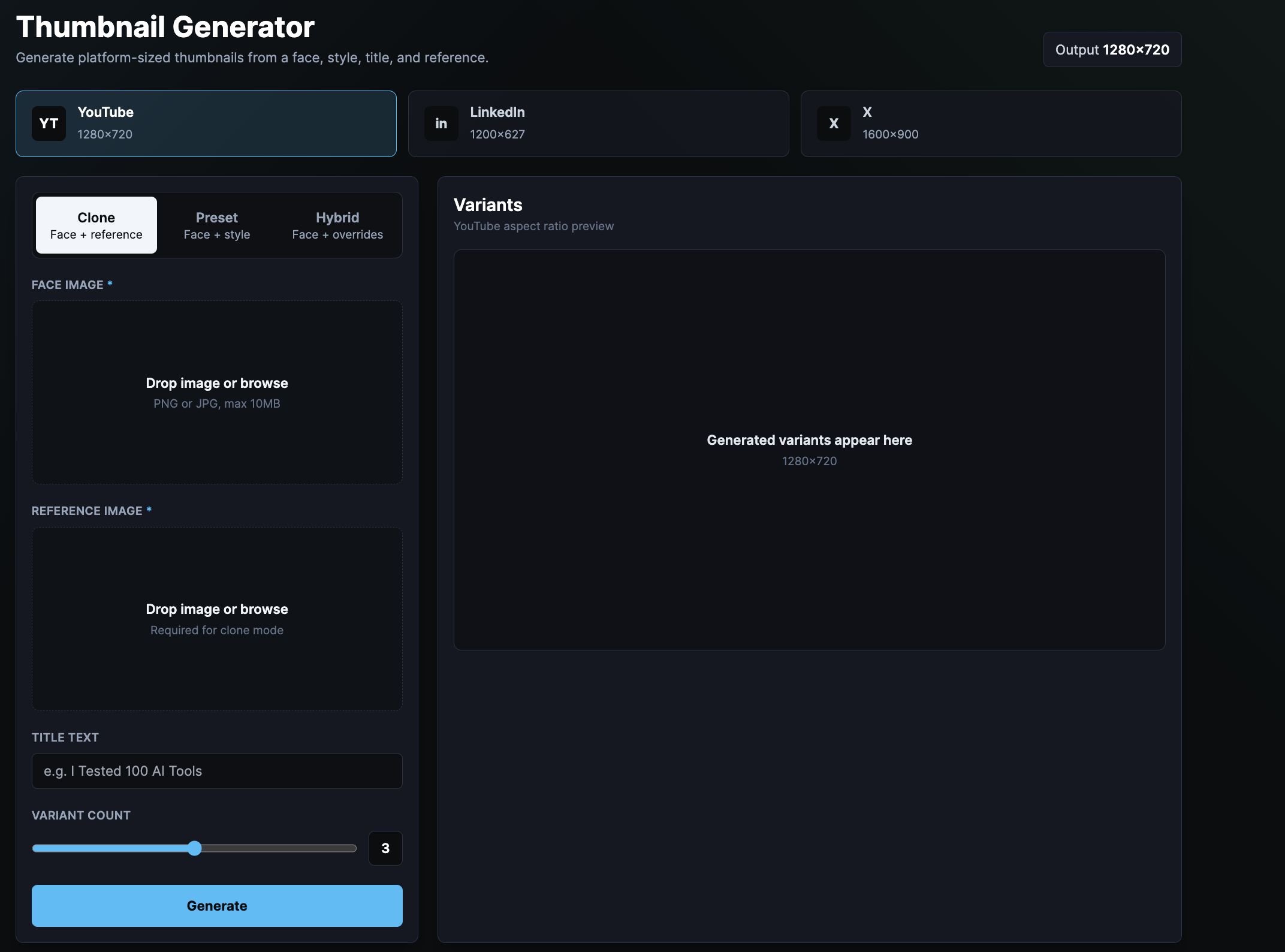
I uploaded my face image and the title of this article.
Error 1
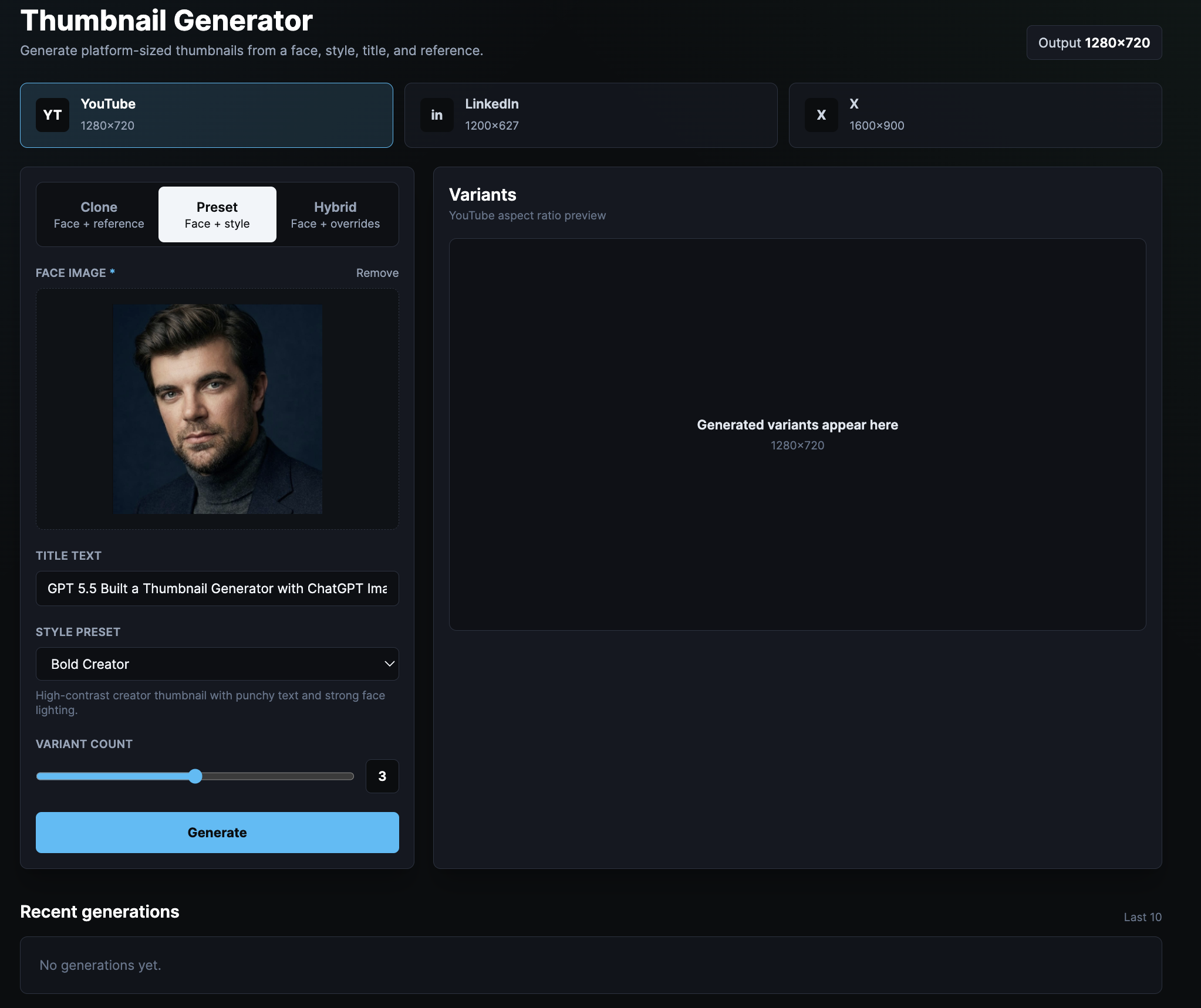
But I got this error :
OpenAI image generation failed:
Error code: 404 - {’error’: ‘path “/v1/images/edits” not found’}
Here it is.
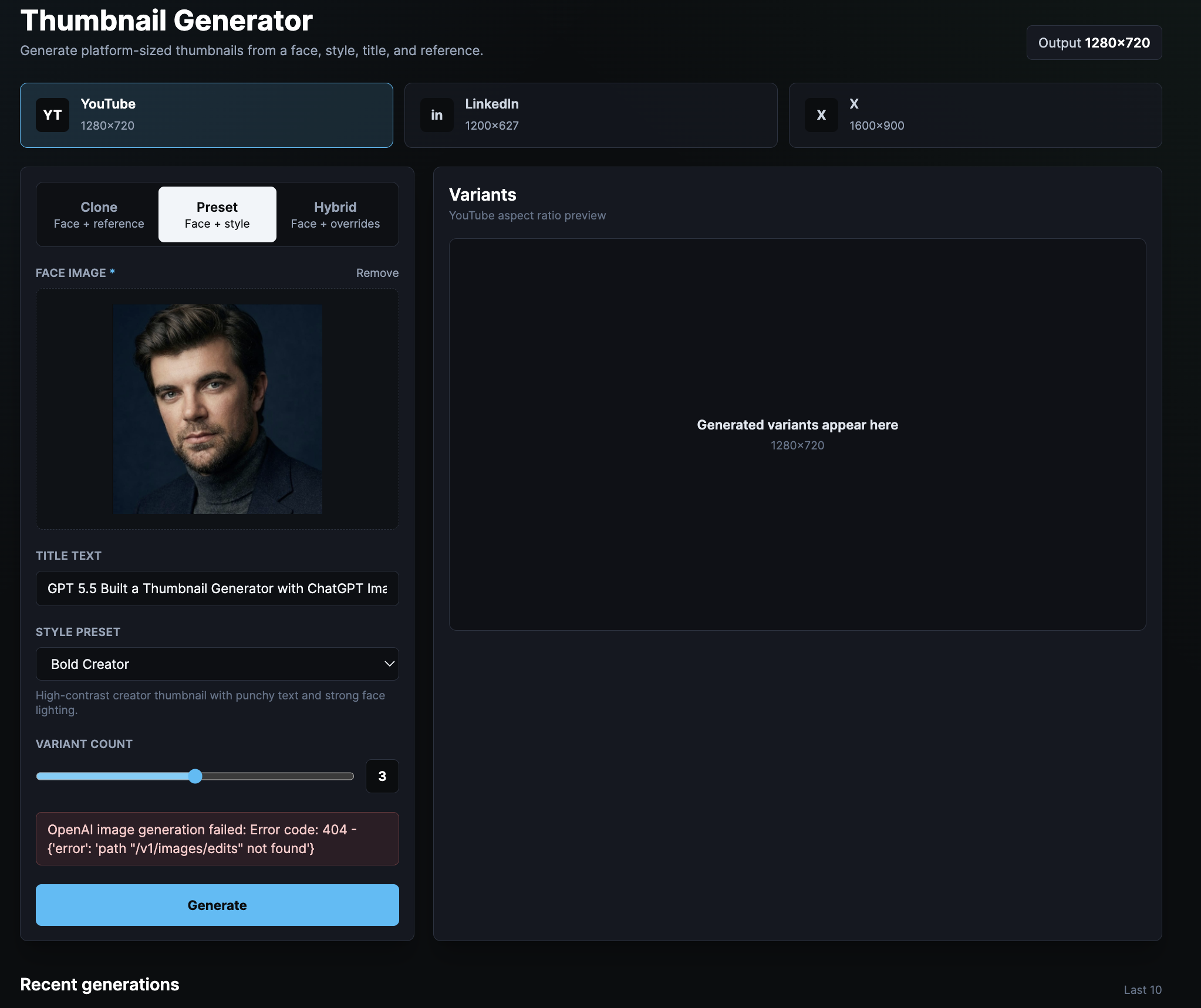
I pasted the error to Codex.
Error 2
New error right after.
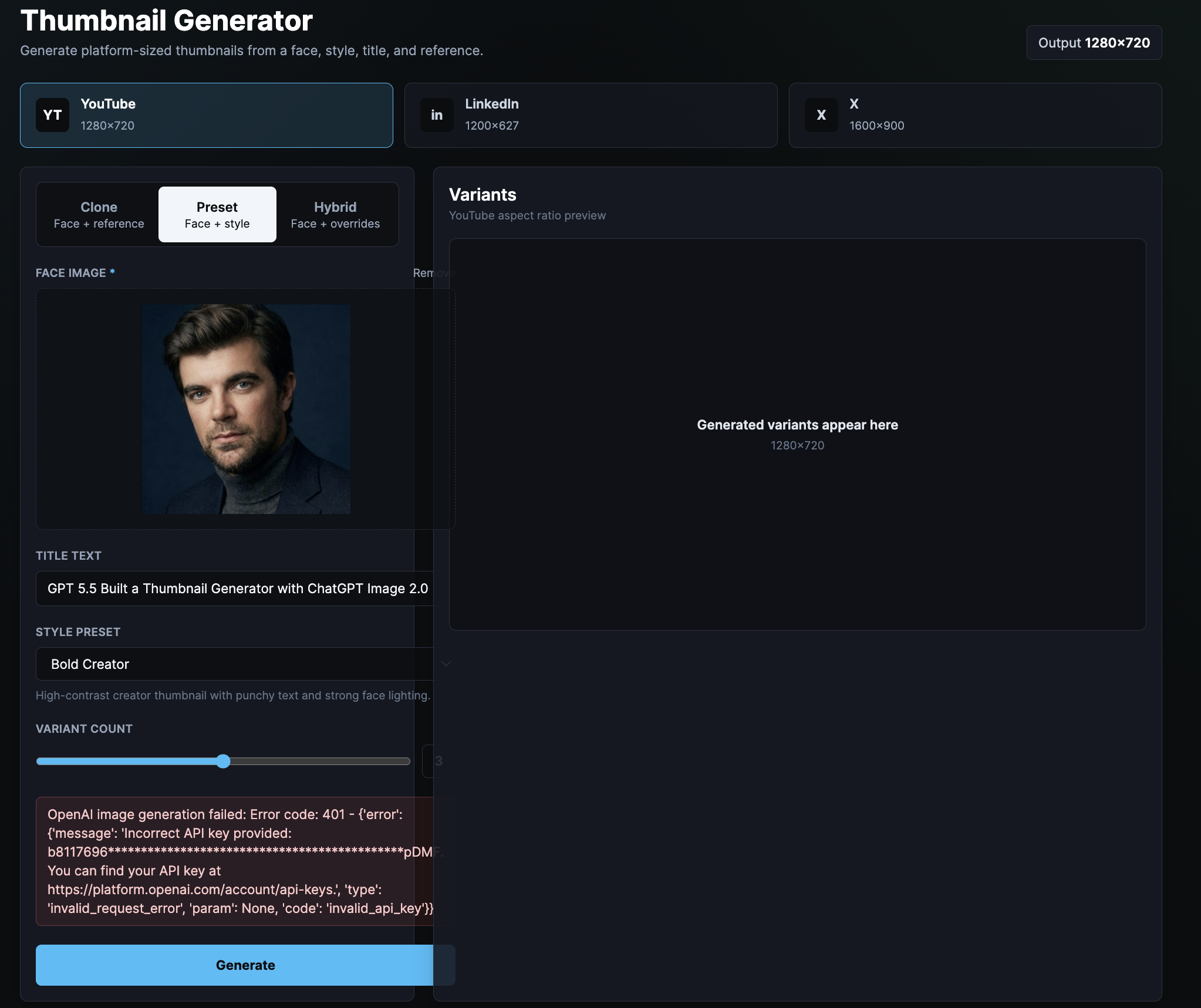
I pasted the official documentation.
To avoid errors in the api, read it : https://developers.openai.com/api/docs/models/gpt-image-2
So Codex can fix it. New model. Errors are expected.
Error 3
Same flow. I pasted the error again.
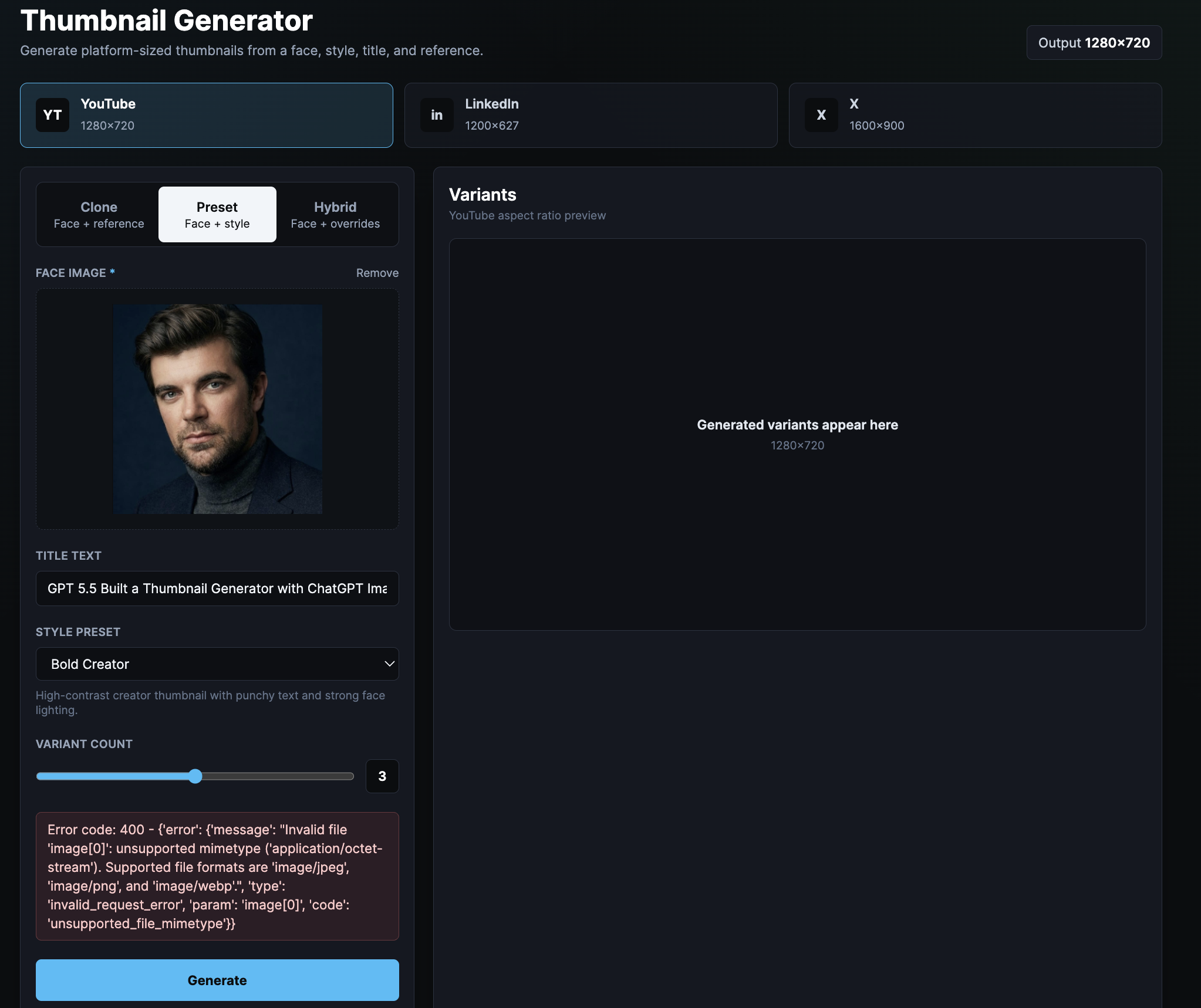
This is normal.
Vibe coding requires patience.
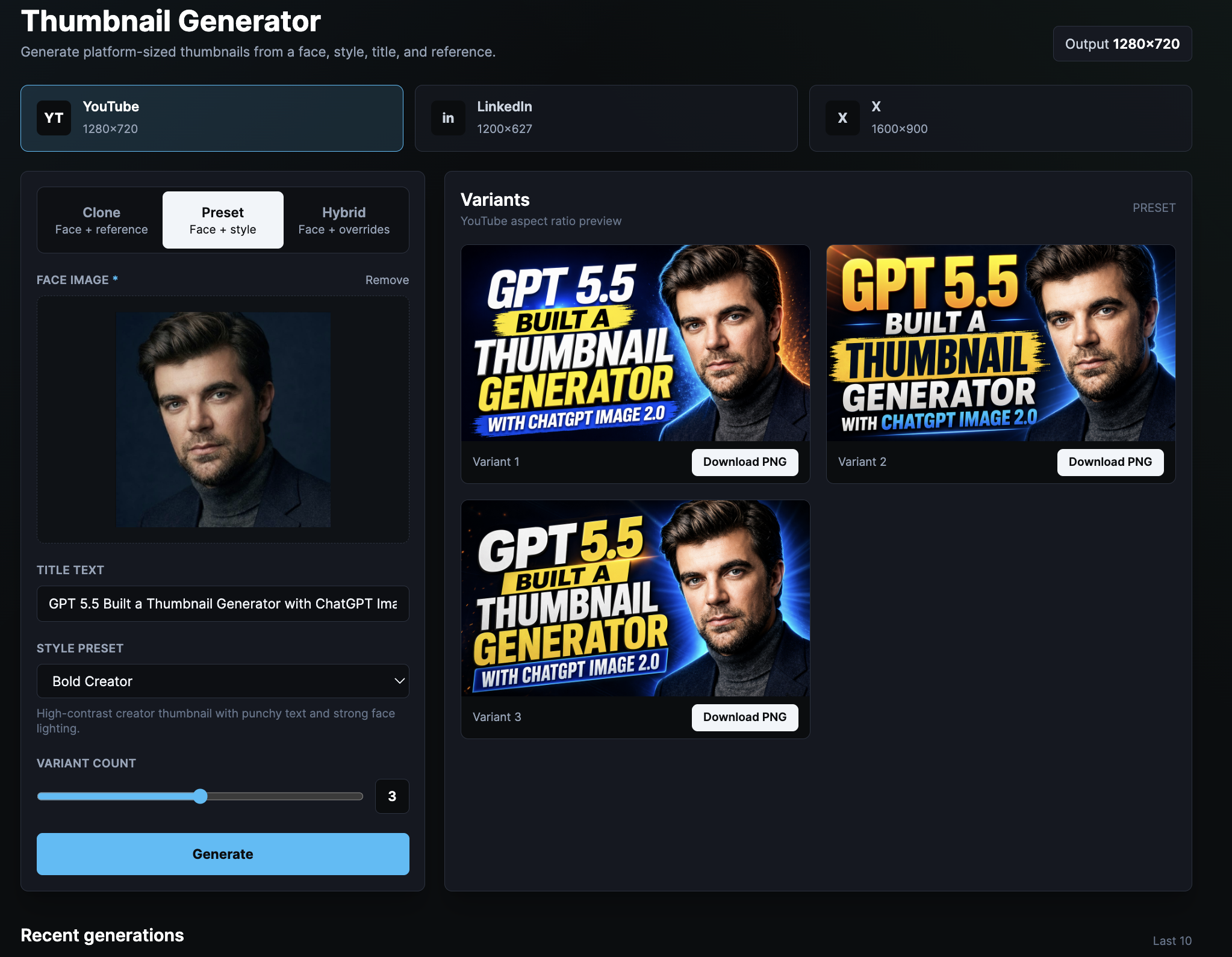
Let’s test the three features.
1. Preset
Worked.
Preset allows you to add “Title text” and the “Style”.
You can also customize the “variable count” and the platform you plan to publish on, so the image specifications will adjust accordingly.
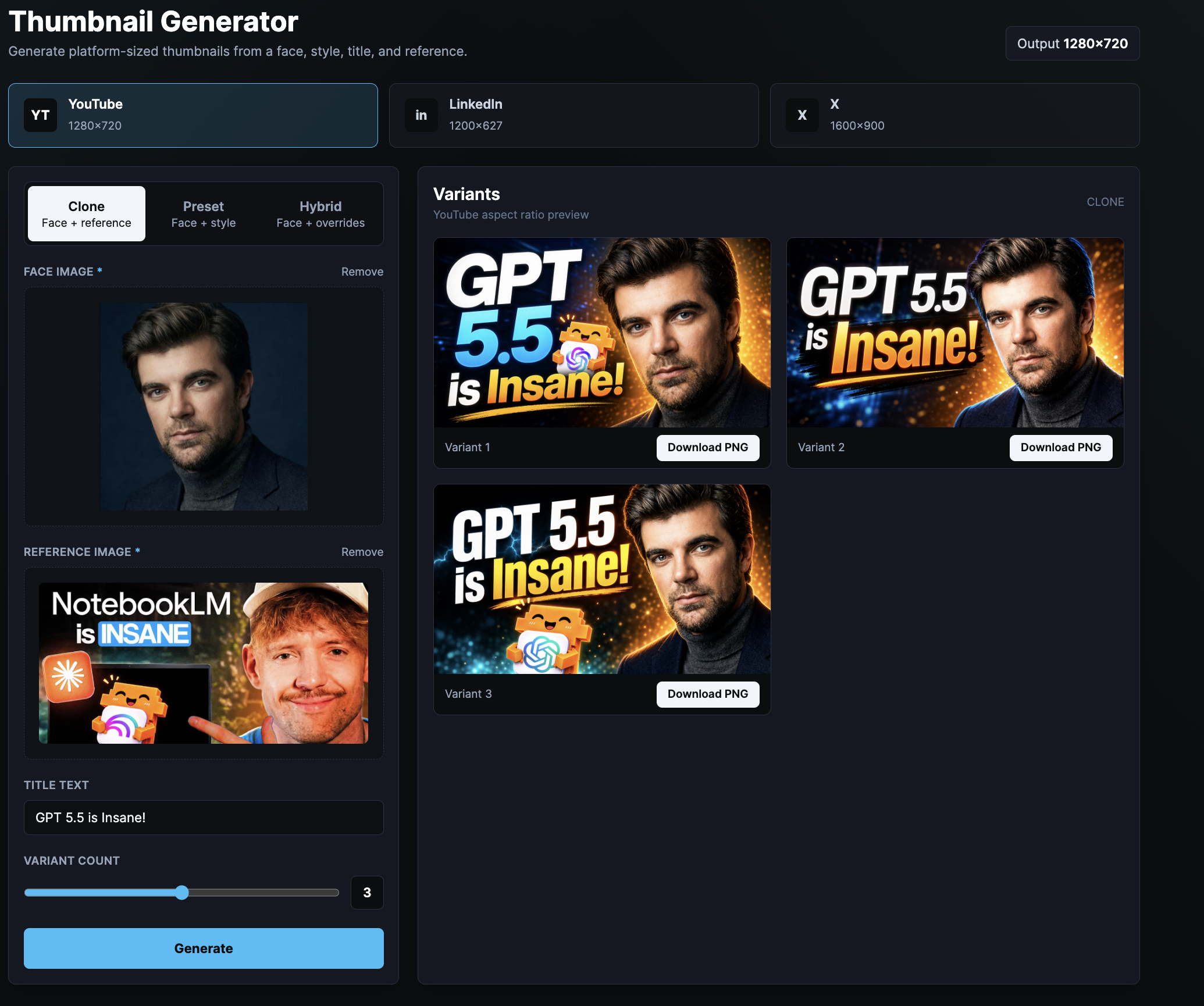
2. Clone
Let’s test the Clone feature.
I picked a thumbnail I liked from YouTube, this exact video.
3. Hybrid
The most customized version. Pick text position. Pick face expression. Add extra instructions.
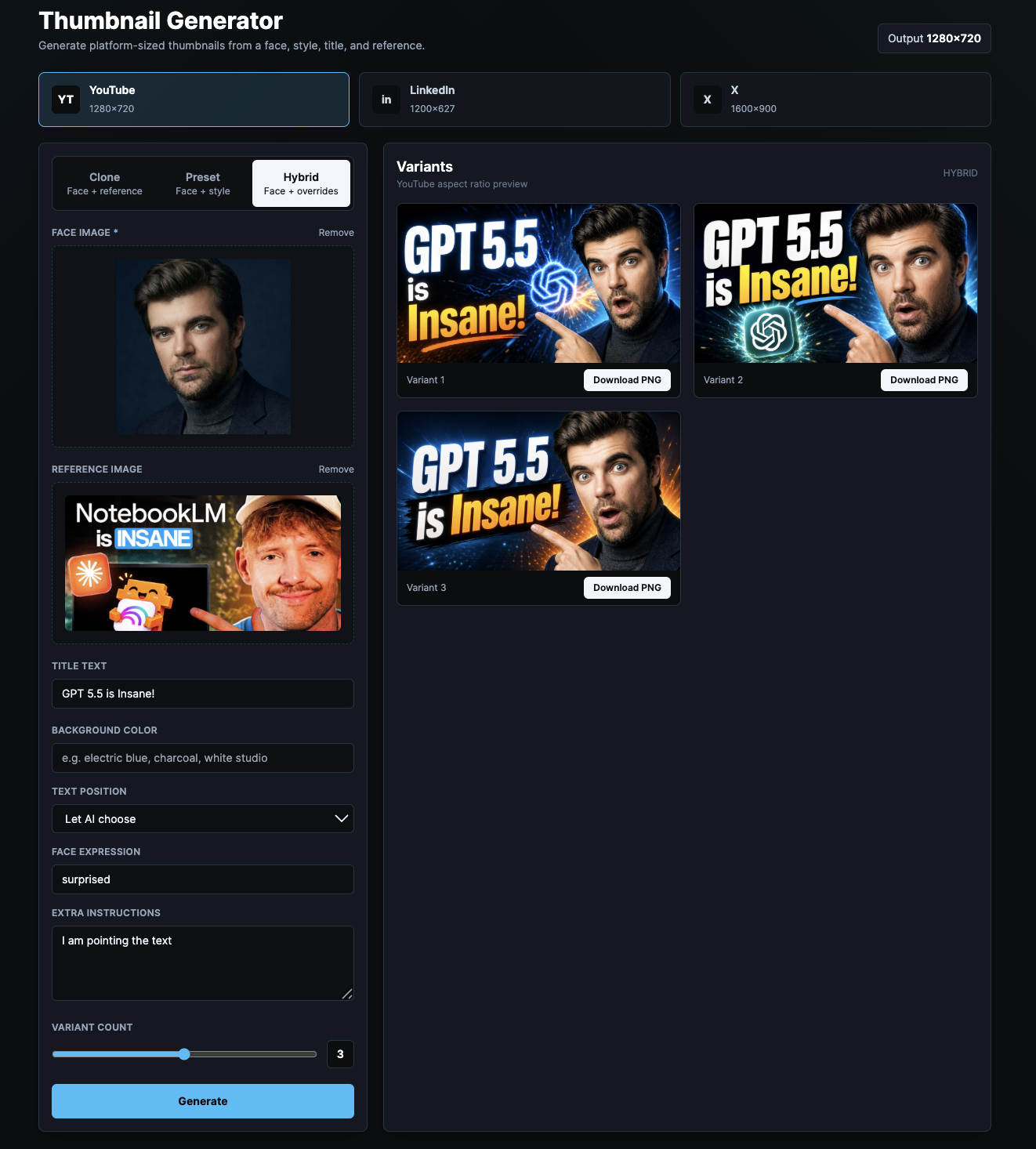
Here is the cheesy one, which I chose as a thumbnail.

Final Thoughts
29 minutes. 3 errors. One working app.
GPT 5.5 is fast. Codex is good at building. ChatGPT Image 2.0 handles face + reference + title in one shot.
I still pick Claude for serious work.
Claude Code is where I live.
But Codex is a legit option for personal projects when you don’t want to spend Claude money.
OpenAI shipped two things in one week. I built both in one afternoon.
That’s the deal. Stay on the curve. Build on day one. Ship the receipts.
Your turn.