Copy, paste, get better outputs. No theory, just prompts.
By Gencay
Published: 2026-01-20
URL: https://www.learnwithmeai.com/p/5-prompting-methods-that-will-put

I love quick snacks.
And let’s be honest, a 10,000+ prompting guide isn’t what you need right now.
So I’ve curated 5 methods for you.
5 that will put you ahead of AT LEAST 99 percent.
Just copy/paste.
1. XML Prompting
Your prompts aren’t working.
Not because you’re bad at prompting.
Because you’re writing plain text for a system(AI) trained on structured data.
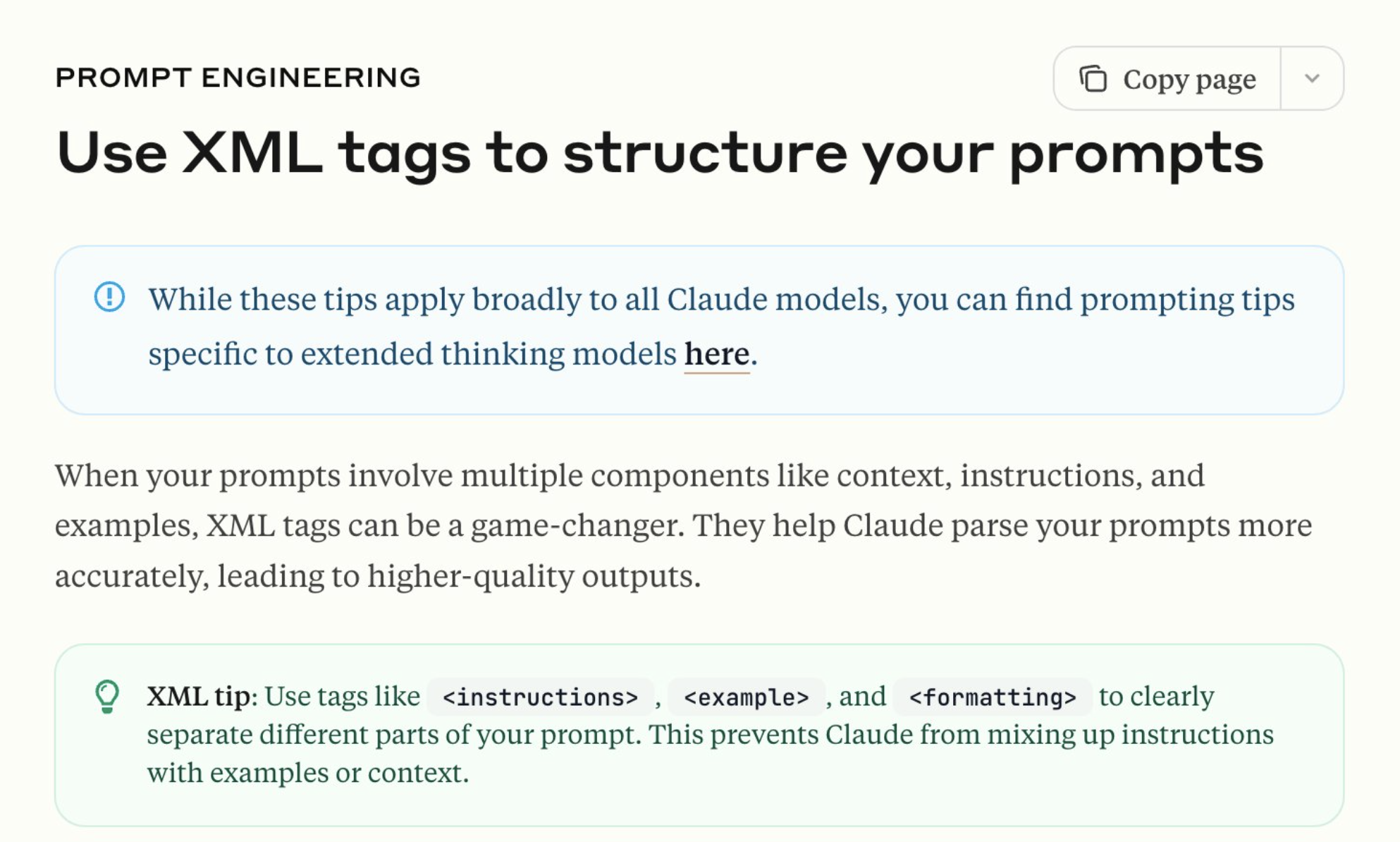
\From Claude’s prompt Engineering course.\
XML matches the native format.
Bad prompt:
Build me a SaaS dashboard with charts and authentication
Good prompt:
<role>Senior full-stack developer</role>
<context>Modern SaaS dashboard for business metrics</context>
<task>

- User authentication (email + OAuth)

- KPI cards (MRR, users, churn)

- Interactive charts

- Dark/light mode
</task>
<output>

- File structure

- TypeScript components

- Database schema

- API routes
</output>
The first one gives you a mess.
The second one gives you architecture.
I’ve tested this hundreds of times while building the Vault.
The difference isn’t marginal. It’s categorical.
2. Hallucination Removal Through Validation
LLMs lie.
Confidently.
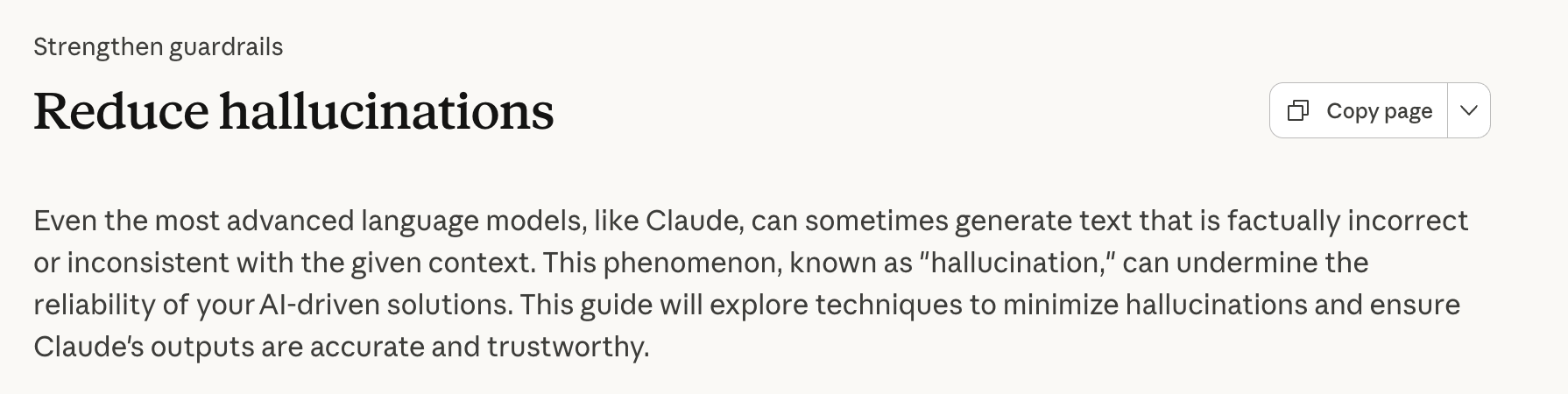
I lost hours last year debugging code that writes for entire different use case.
Just sounded plausible.
The fix is simple.
Add validation to your prompt:
<constraints>

- If uncertain, say "I'm not certain"

- Do not invent URLs, papers, or statistics

- Cross-reference facts with sources

- For code: handle edge cases explicitly
</constraints>
Won’t eliminate hallucinations.
Will reduce them dramatically.
3. RAG, Retrieval Augmented Generation
LLMs generate.
They don’t verify.
You ask a question. AI answers confidently. But is it true? The model doesn’t know. It doesn’t check.
RAG changes this.
The idea:
Before you trust an AI output, retrieve relevant sources from the web. Compare. Does the output match reality?
You are a fact-checking assistant.
I will give you a statement. Your job:
1. Search the web for relevant sources on this topic
2. Compare the statement against what you find
3. Report: VERIFIED, PARTIALLY TRUE, or FALSE
4. Cite your sources with URLs
Statement to verify:
{paste AI output here}
Example:
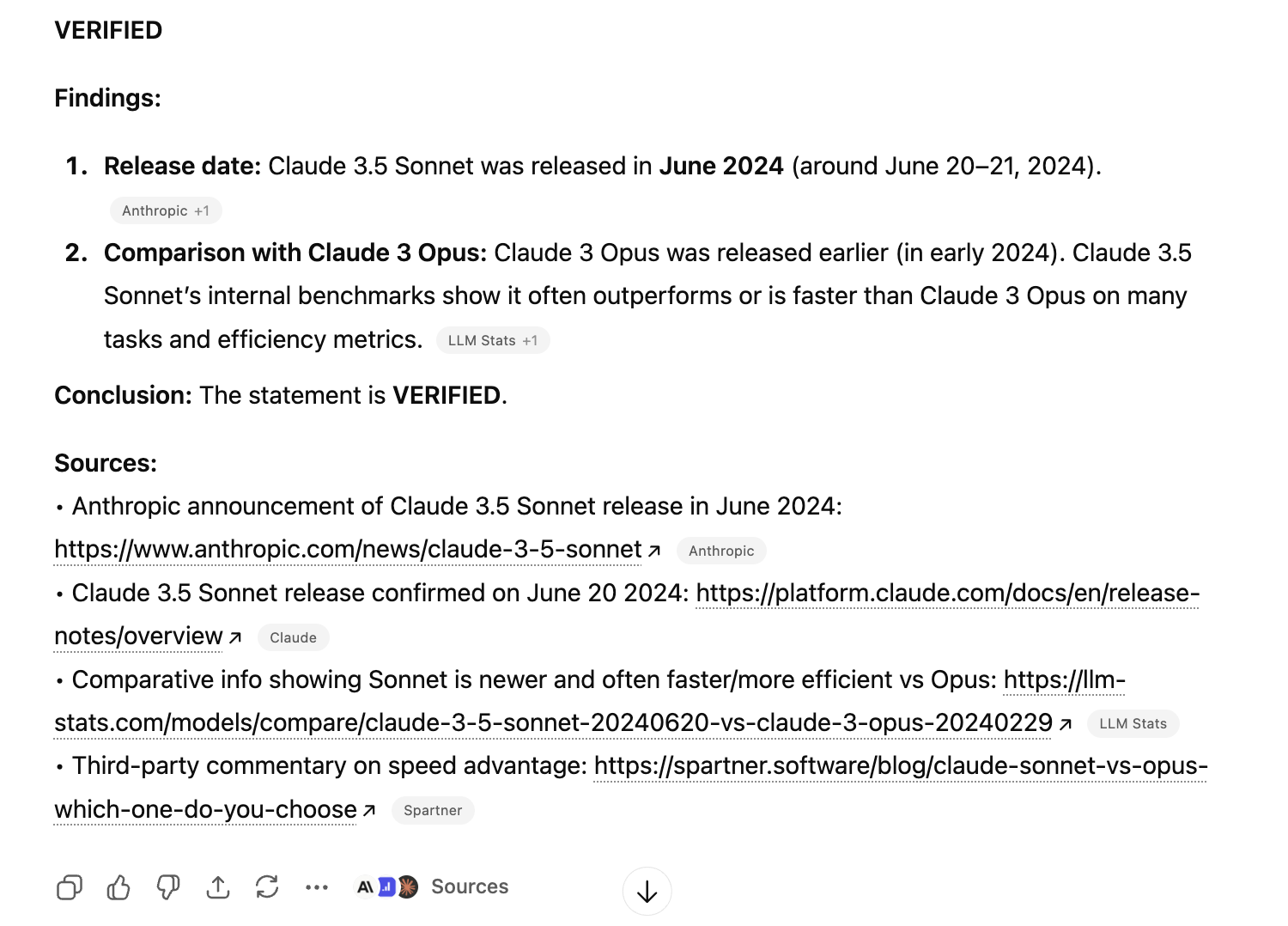
Statement: “Claude 3.5 Sonnet was released in June 2024 and is faster than Claude 3 Opus.”
Output.
4. Context Engineering
Without context window optimization, your prompts can output five pages long.
While you are ready for a couple of words.
Large context ≠ unlimited attention.
Models still prioritize:
- Beginning of prompt (high attention)
- End of prompt (high attention)
- Middle (attention drops)
This is called the “lost in the middle” problem. Documented. Measured. Real.
How to fix it:
Structure matters more than size.
<critical>
Put your most important instructions here.
At the top. Always.
</critical>
<context>
Supporting information goes here.
Reference material. Background.
</context>
<task>
Specific task at the end.
This gets high attention too.
</task>
I process 50+ page documents regularly.
Never dump everything.
Always structure. Always prioritize.
5. Iterative Refinement
One-shot prompting is amateur hour.
Nobody writes perfect code in one go.
Nobody writes perfect prose in one draft.
Why expect perfect AI output in one prompt?
The loop:
- First prompt: Get the structure
- Review: What’s missing? What’s wrong?
- Second prompt: Fix specific issues
- Review again
- Third prompt: Polish
The refinement prompt I use constantly:
Review your output.
What's missing?
What could be clearer?
What edge cases aren't handled?
Improve it.
Do it 3 times and show me results in one sentence for each #also context engineering.
Simple. Works every time.
Final Thoughts
These five methods aren’t additive.
They’re multiplicative.
Try them and let me know if they improve your output.