How I used Google's Vibe Code to turn an idea into a working app in less than 2 minutes
By Gencay
Published: 2025-11-04
URL: https://www.learnwithmeai.com/p/google-vibe-code-built-tested-done

Remember when building an app meant weeks of planning? Hours lost in Stack Overflow? Getting buried in code libraries? You needed solid coding skills, time, and patience.
Then the AI summer arrived. Everything got easier. But today?
Today I’m genuinely shocked. Google AI Studio just let me build a fully working app in 83 seconds. Not hours. Not tens of minutes. 83 seconds.
You don’t need to know how to code anymore. You need one good idea. Let me show you how I built an X Post Generator in less time than it takes to make coffee.
LearnAIWithMe is now The Last Human Engineer. The content stays the same.
What do we offer to the paid subscribers?
Paid subscribers get more than articles; projects with code, custom GPTs, and prompts designed after thousands of hours of experience.
Last week’s project:Data Project 10: Why Your Generation Can’t Afford What Your Grandparents Could
Last week’s topic: Use ChatGPT Atlas 10x With These Prompts
Last week’s AI Pulse: Weekly AI Pulse #114, Layoffs, Deepfakes, and the Rise of the AI Prankster
To access all the content above +
- Prompts
- 10 Projects (currently publishing one per week)
- CustomGPTs to transform your business, consider becoming a paid subscriber.
The Starting Point: One Idea, Zero Code
Here is the link to the place where we built this app: https://aistudio.google.com/apps
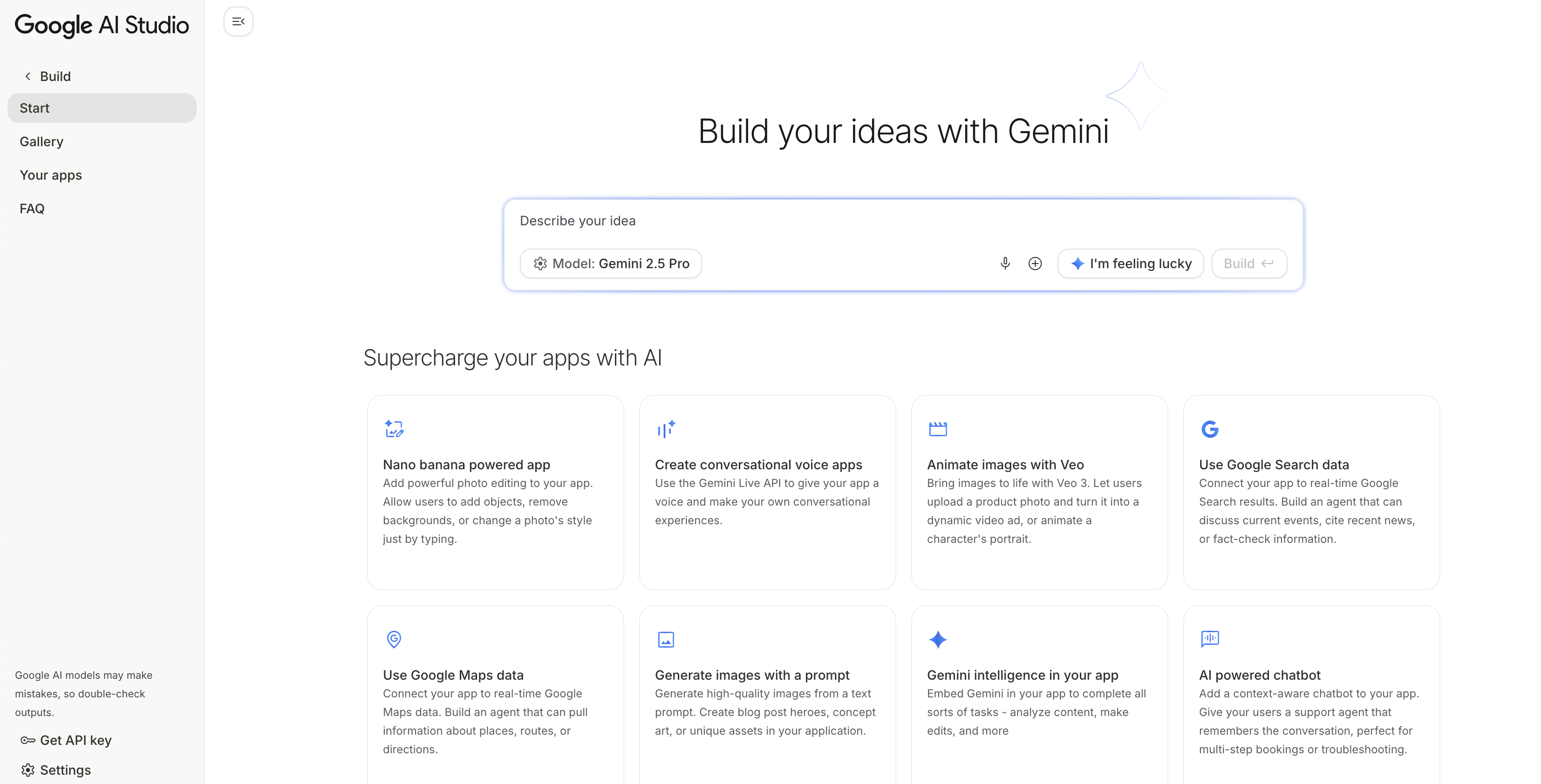
If you don’t have an idea, click on “I’m feeling lucky”, it generates solid ideas. But I have something on my mind.
The Prompt: X Post Generator
Being popular in X is really hard. So let’s create an app that helps you generate tweets based on the topic on your mind.
Here is the prompt I am using.
The app helps users create high-performing X posts through conversation.
It starts by asking the user questions to fully understand their idea, audience, and goal.
Then the user selects a tone: professional, witty, bold, or urgent.
Once the idea is clear, the app generates:
1. A short tweet under 280 characters using either
• a hook → pleasure → insight structure, or
• a problem → solution format.
2. A longer thread (3–5 tweets) expanding the story.
3. A viral-style post based on trending formats like “Hot take:” or “Nobody talks about…”.
Make the app minimalist.
I pasted it and clicked on the “Build”, here.
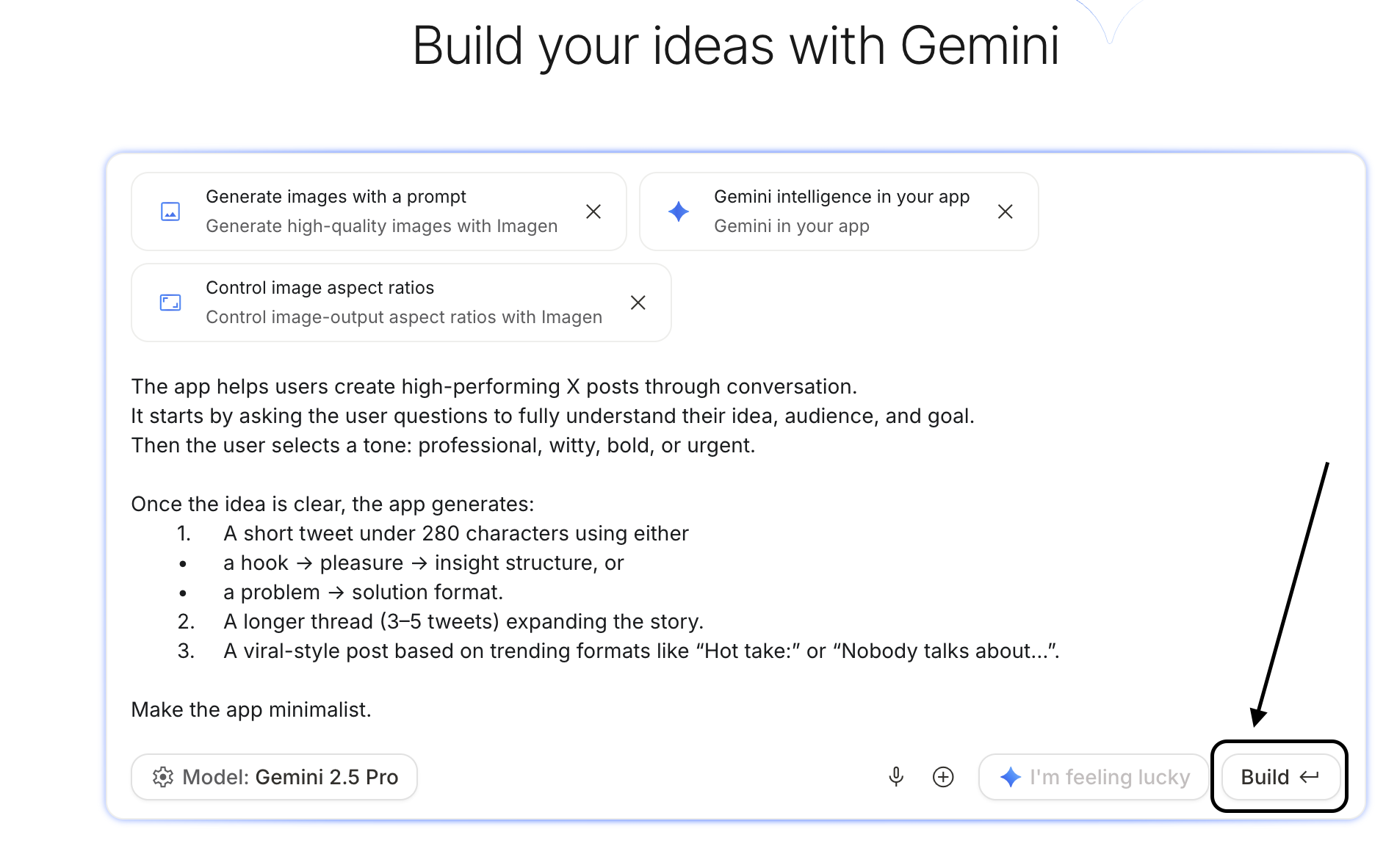
Let’s see.
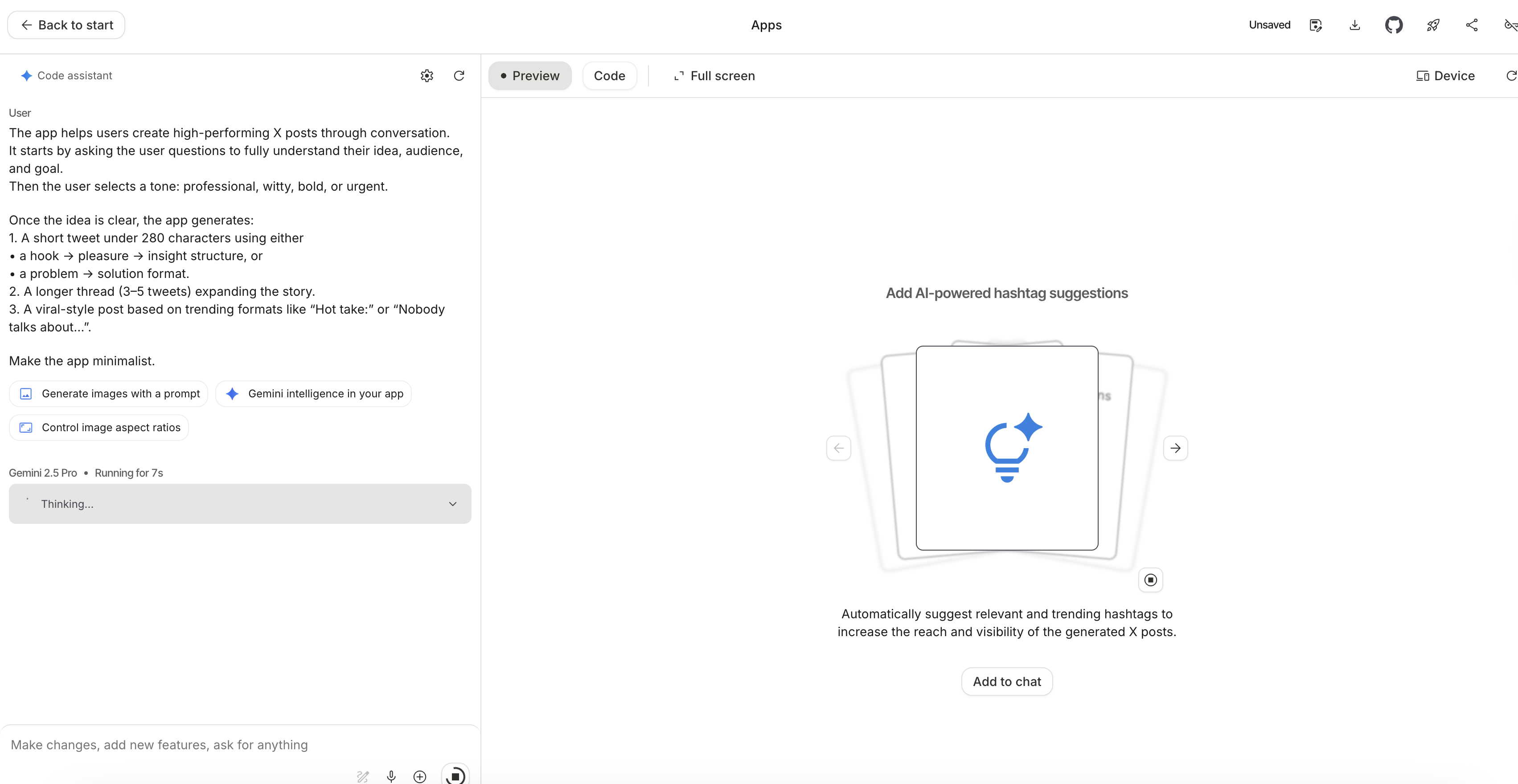
It directly opens up the preview and starts thinking. Let’s wait a little bit.
What Happens Next? Everything.
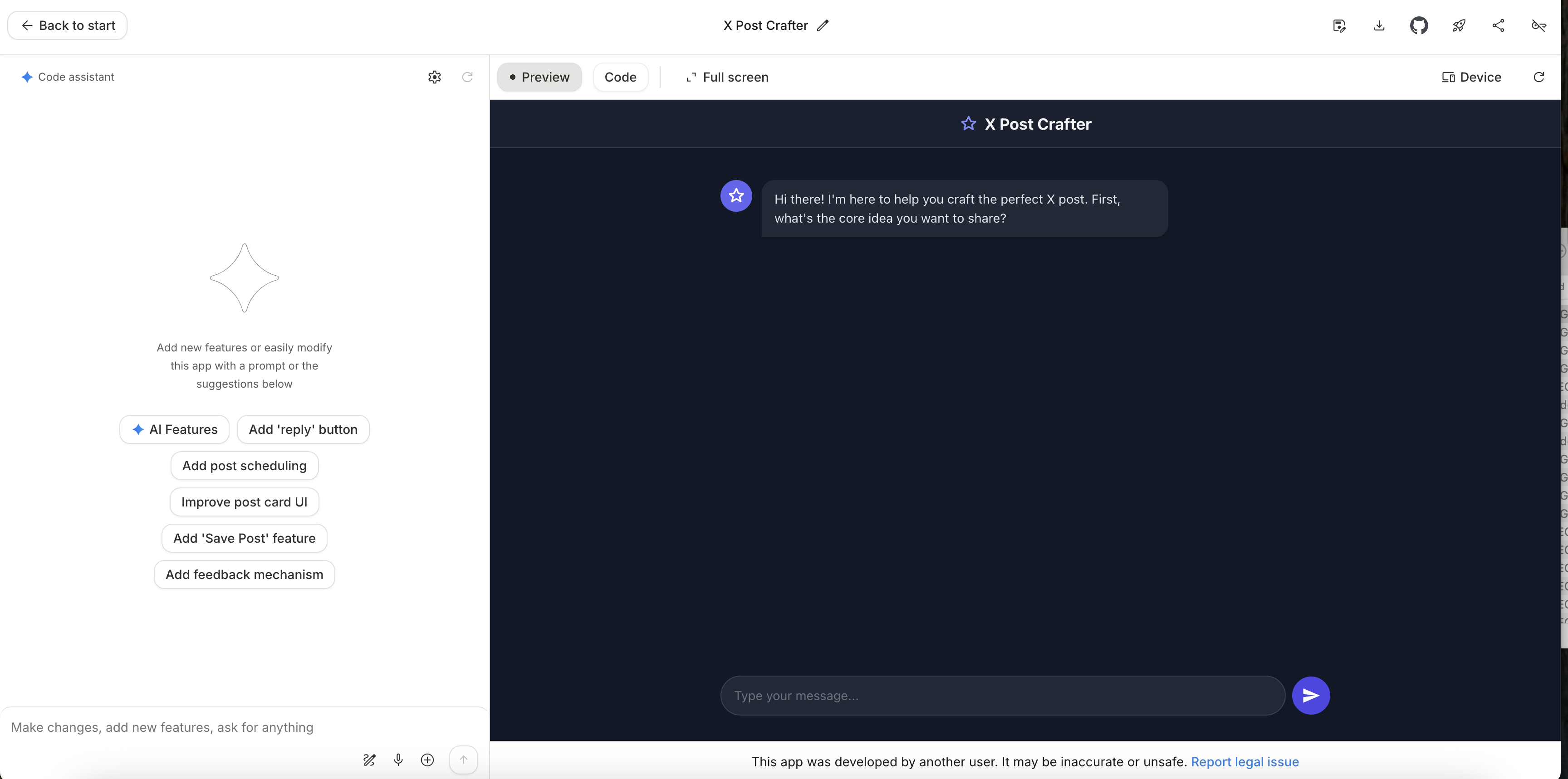
After 83 seconds, not 2 minutes, 83 seconds, the app is ready. Let’s give it a try.
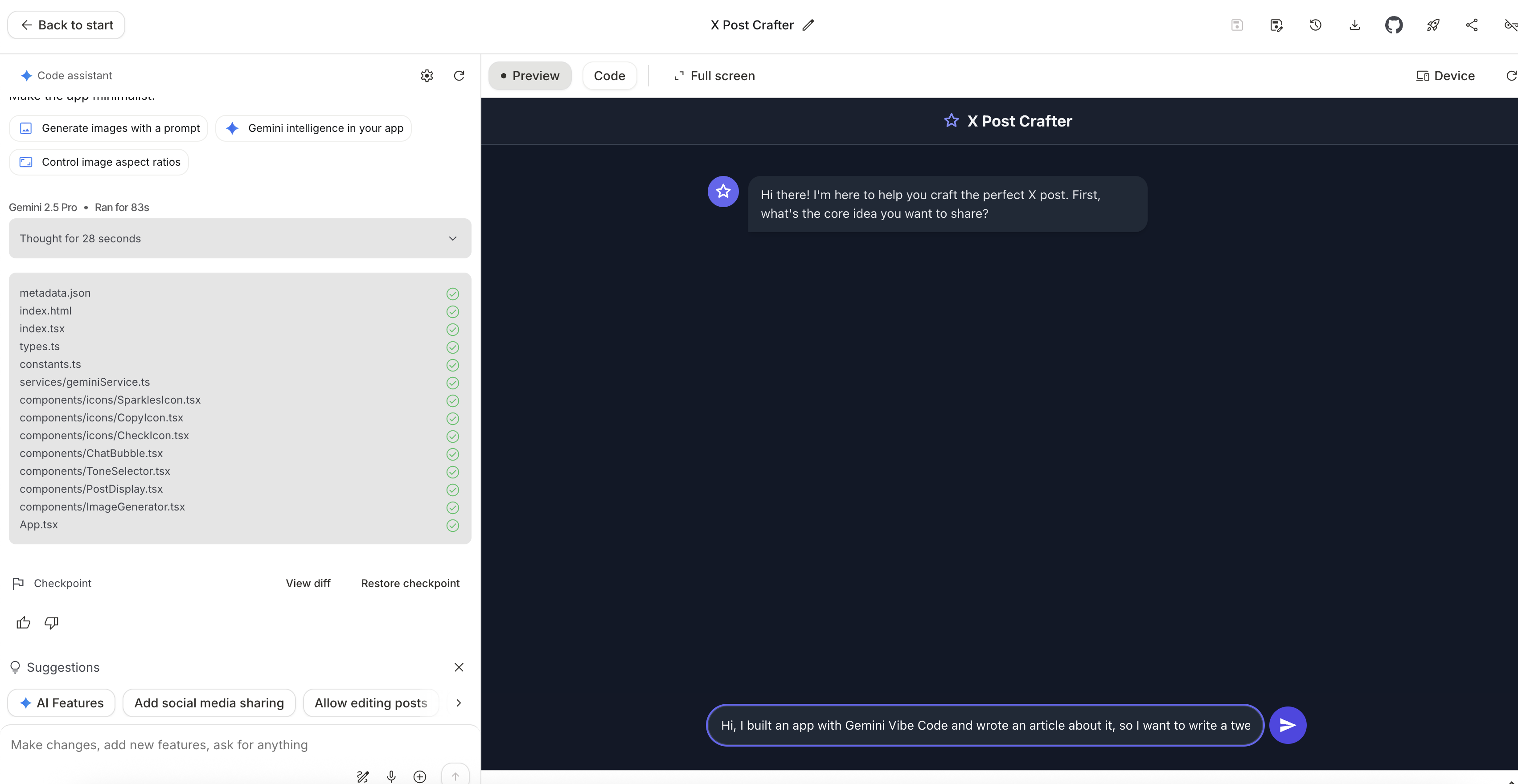
It asked me about my audience, check it out.
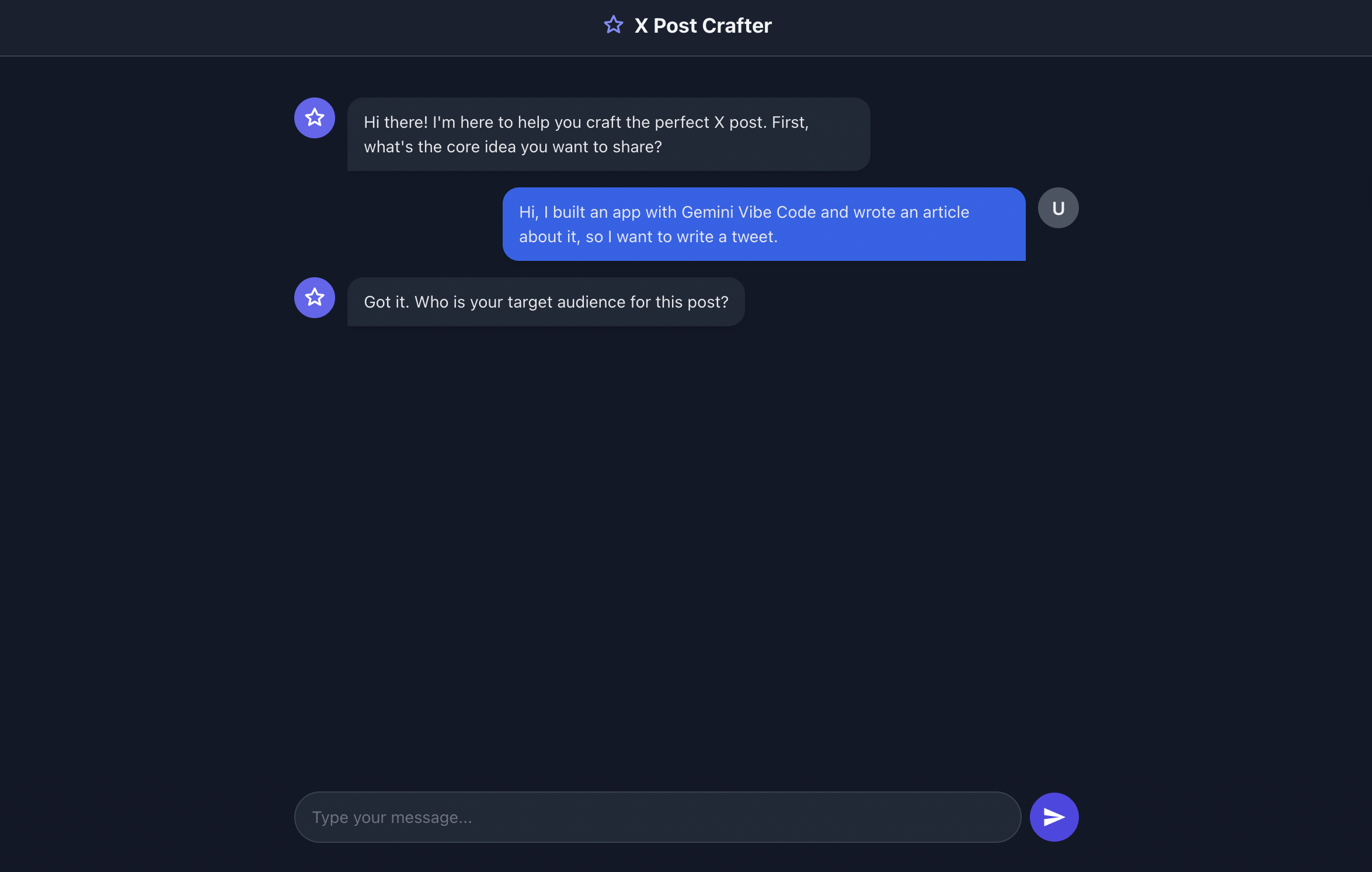
It looks like it is working. Let me finish the questions to see the tweet example. I have to share this, you can select the tone by just clicking, amazing and user-friendly.
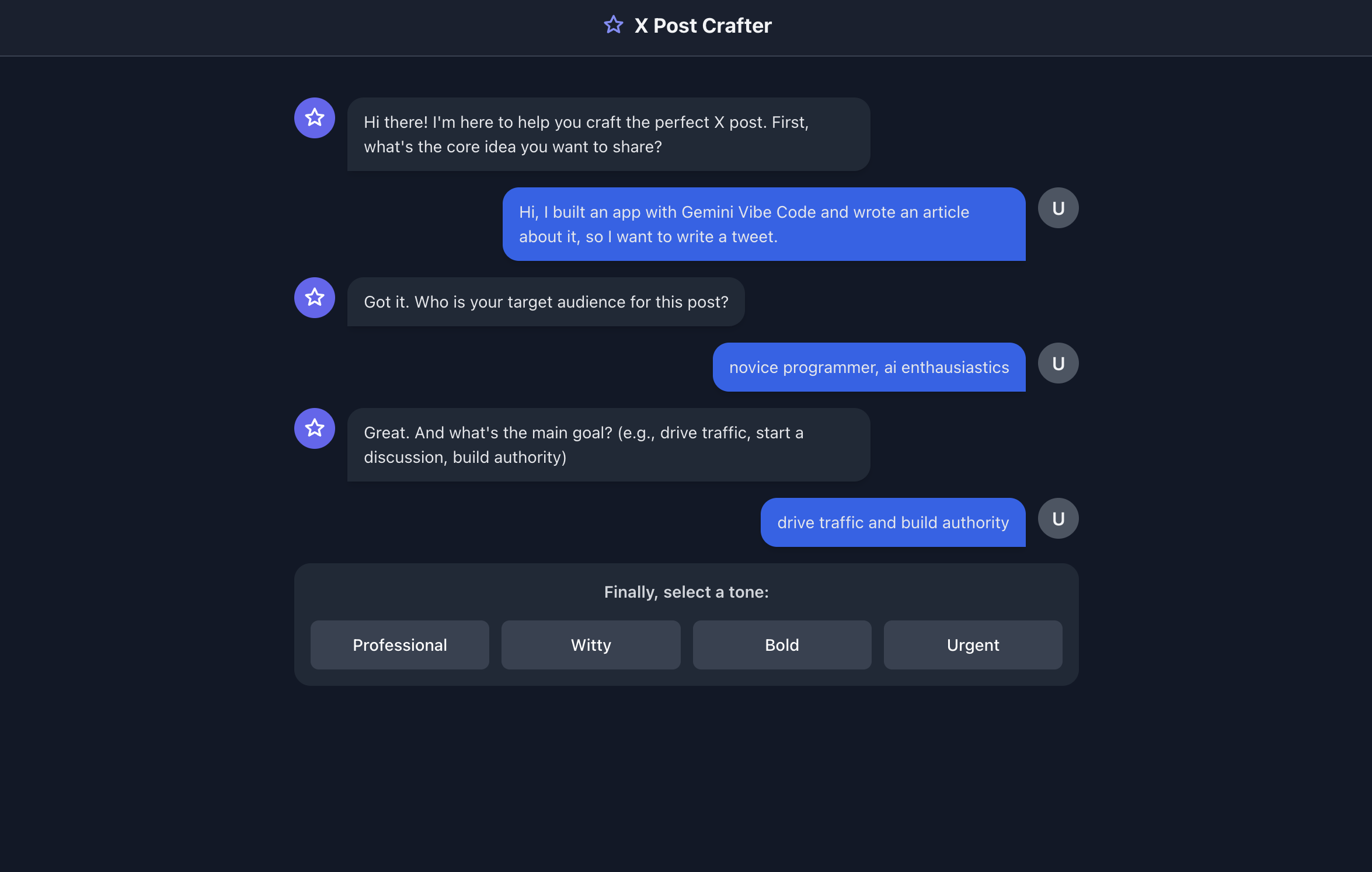
I selected bold, and it is now crafting my tweet.
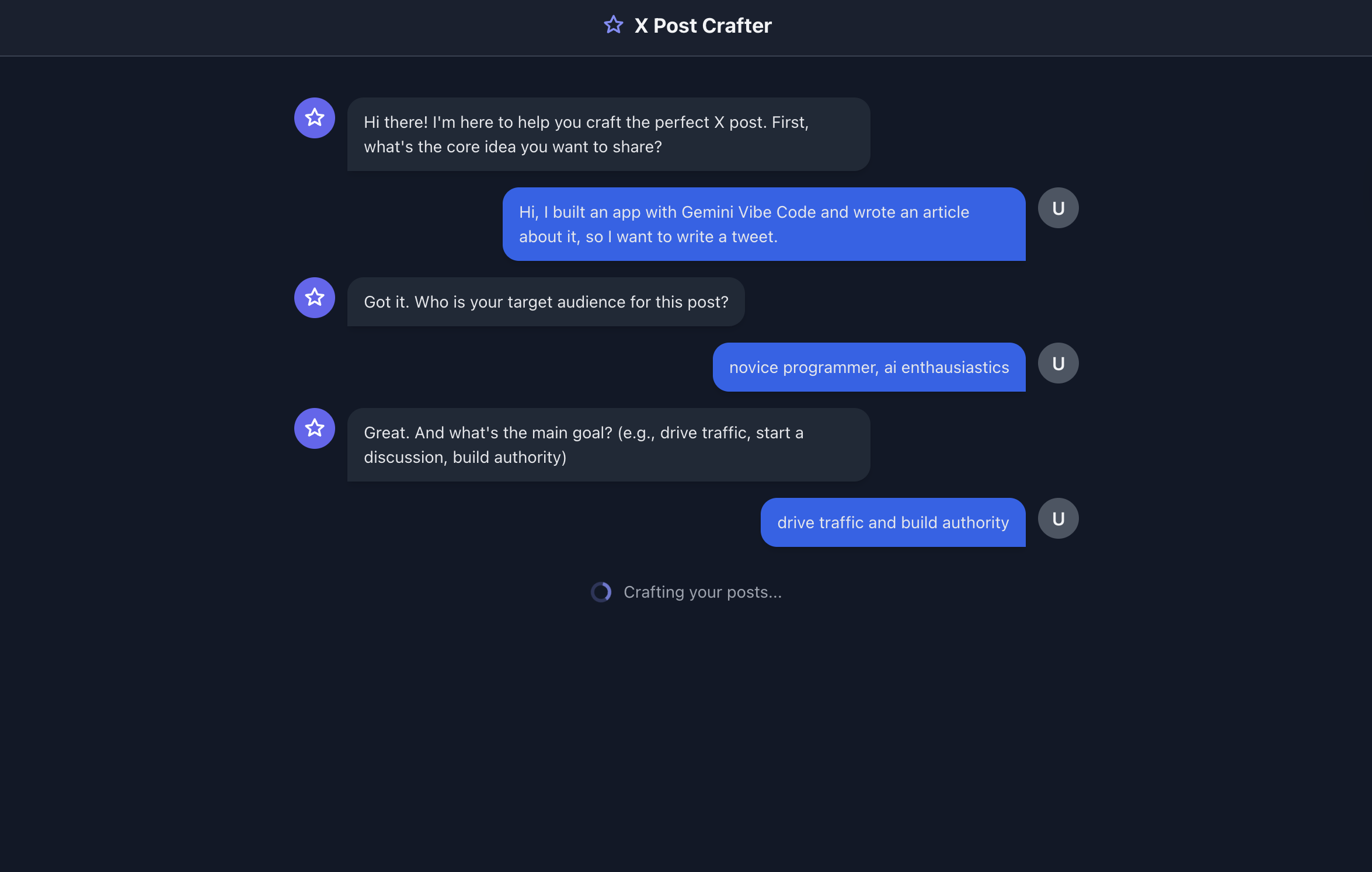
Here it is.
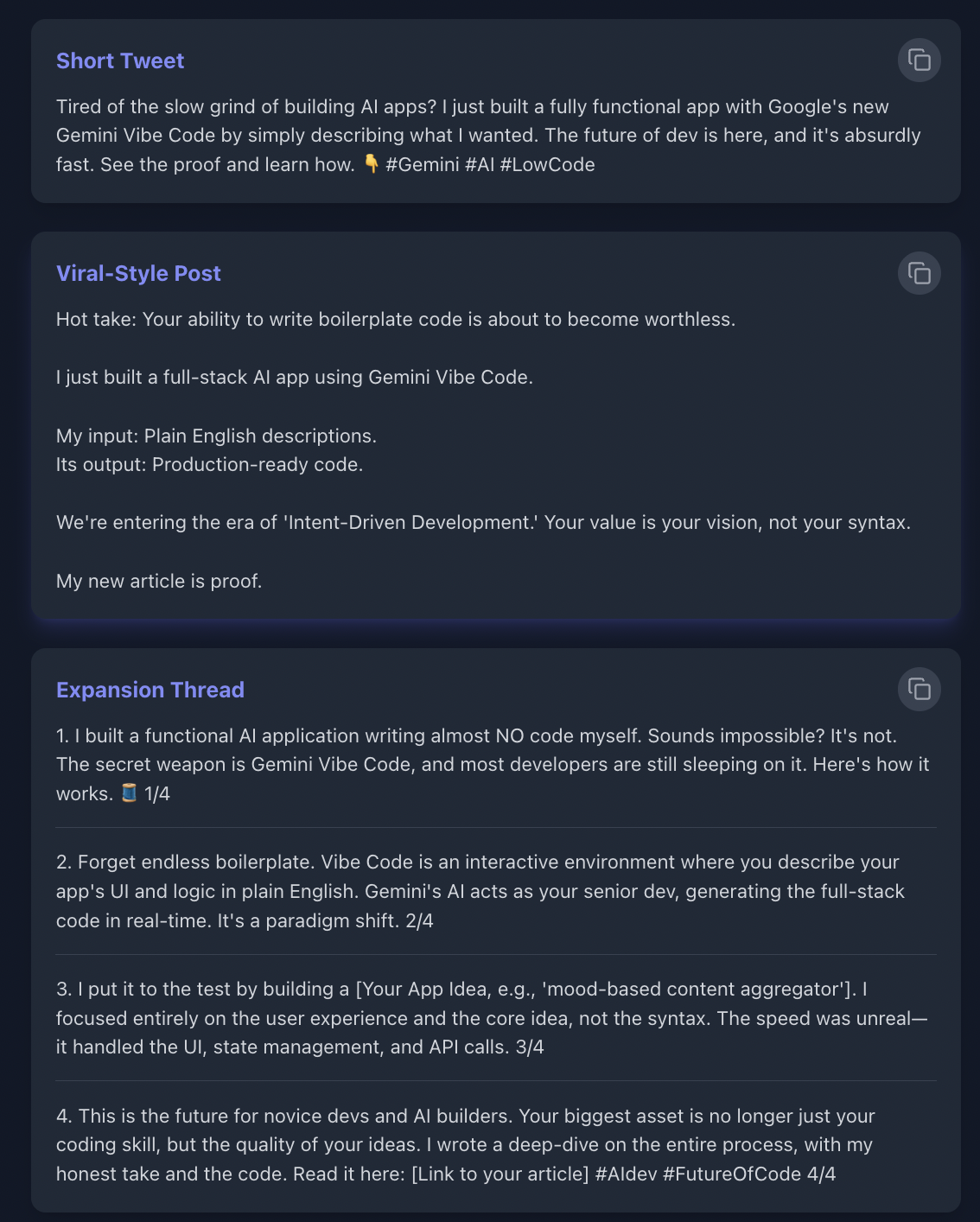
Short tweet, viral-style post, and thread. But also one more thing.
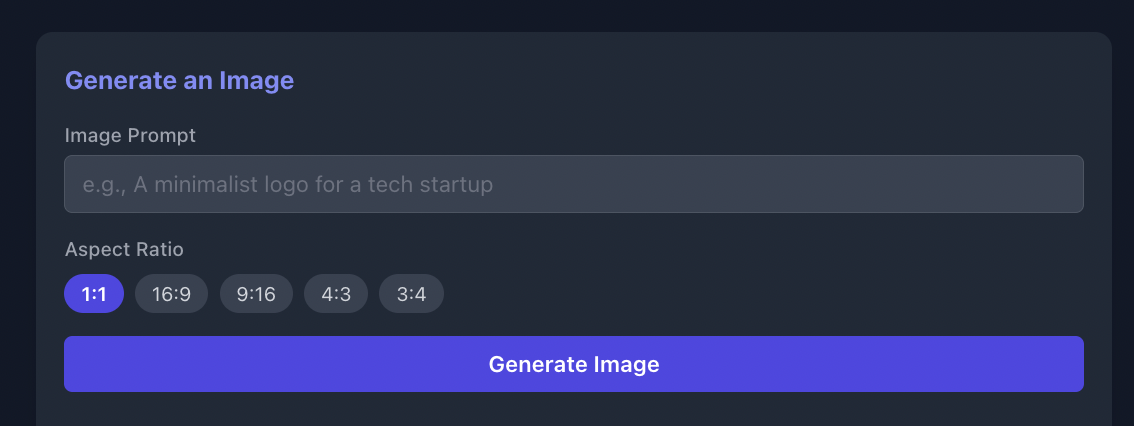
It also gives me an option to generate an image. I wrote this prompt.
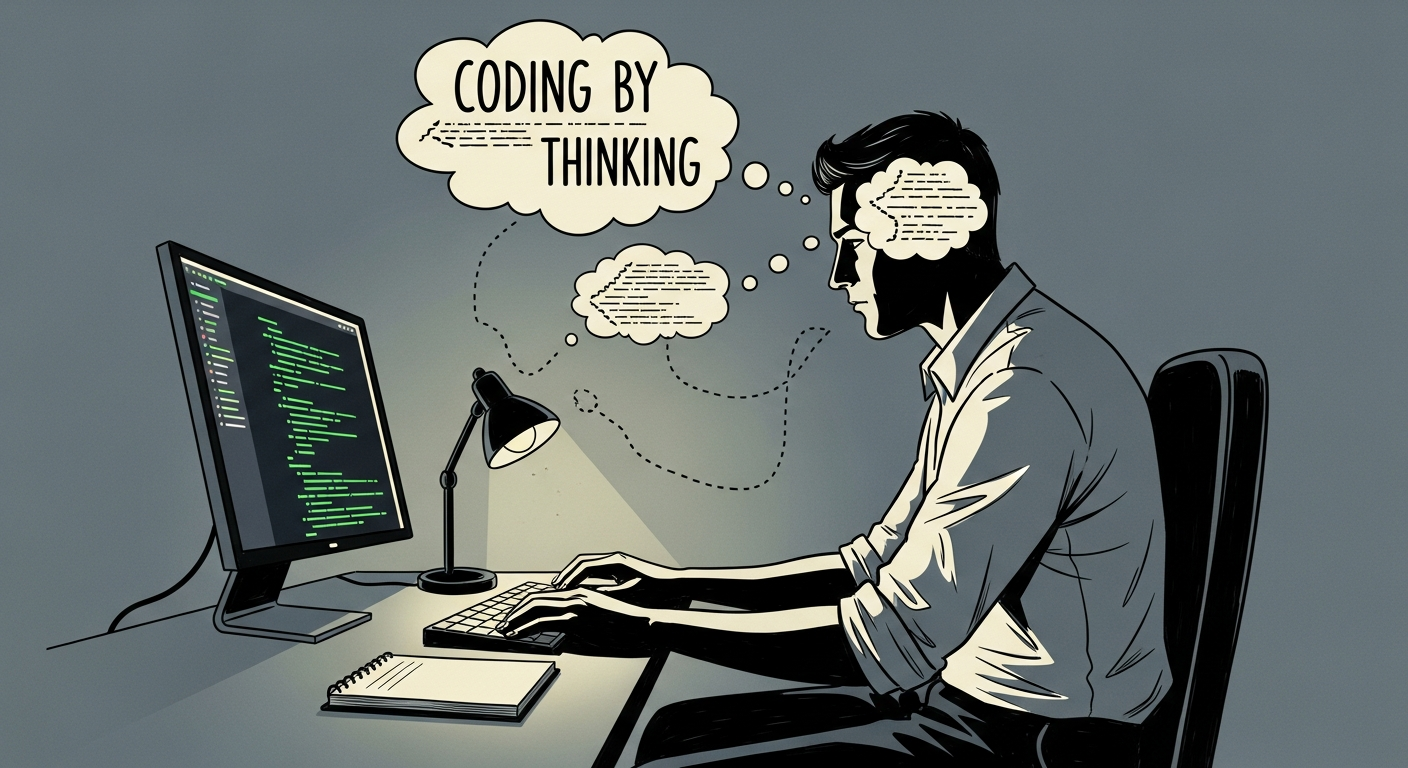
a man sitting at a computer, coding by thinking, minimalist, hand-drawn, storybook noir style.
It started generating my image. Here is the image.
Next Step
Now our app is ready. What is the next step?
- Deploying
- Downloading
- Copy to GitHub
- Share
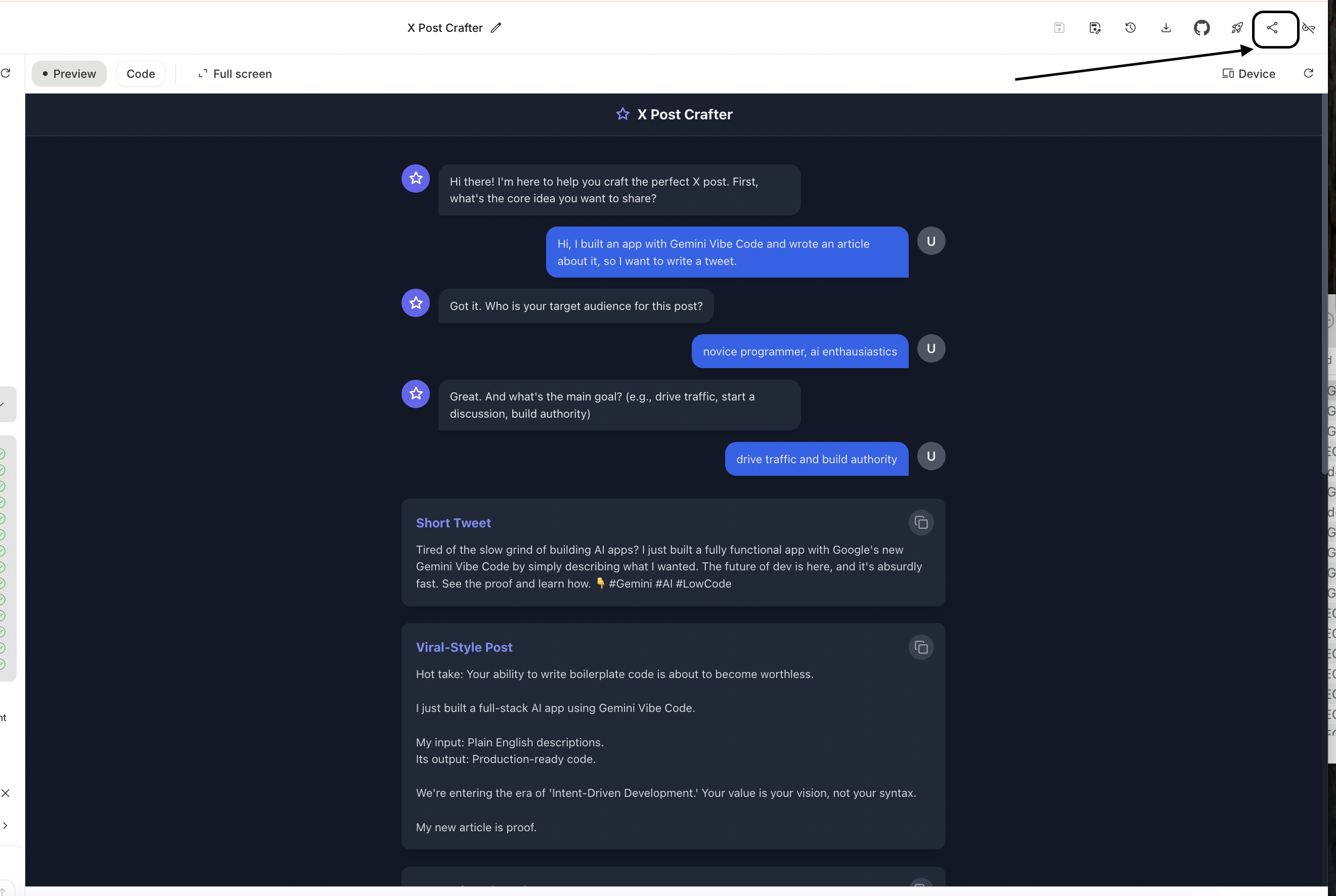
You have too many options, and you can do all of them by just clicking. Let’s click on the “Share” from here.
After clicking on the “Share”, here is the screen.
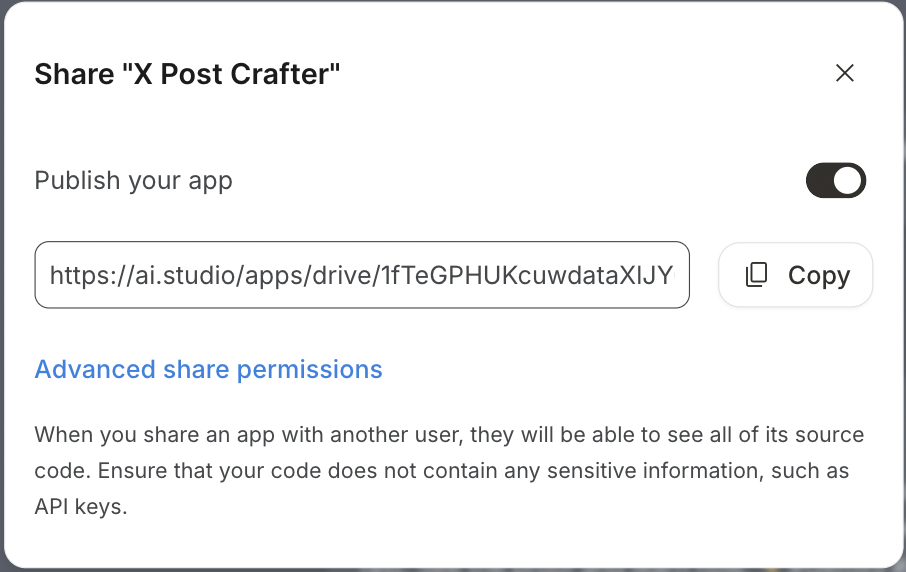
As you can see, publishing your app is now easier than ever. When you share this link with your friends, they can also change this app too. Here is the screen.
Final Thoughts
You don’t need to know coding now. One idea can turn into products in minutes, so what are you waiting for?