Here’s How I Made 10K on the Side with AI.
By Gencay
Published: 2024-08-27
URL: https://www.learnwithmeai.com/p/what-if-ai-could-replace-your-9-5

When I started this series (#JobHuntAI), my initial plan was to share tips on building a solid profile on Upwork.
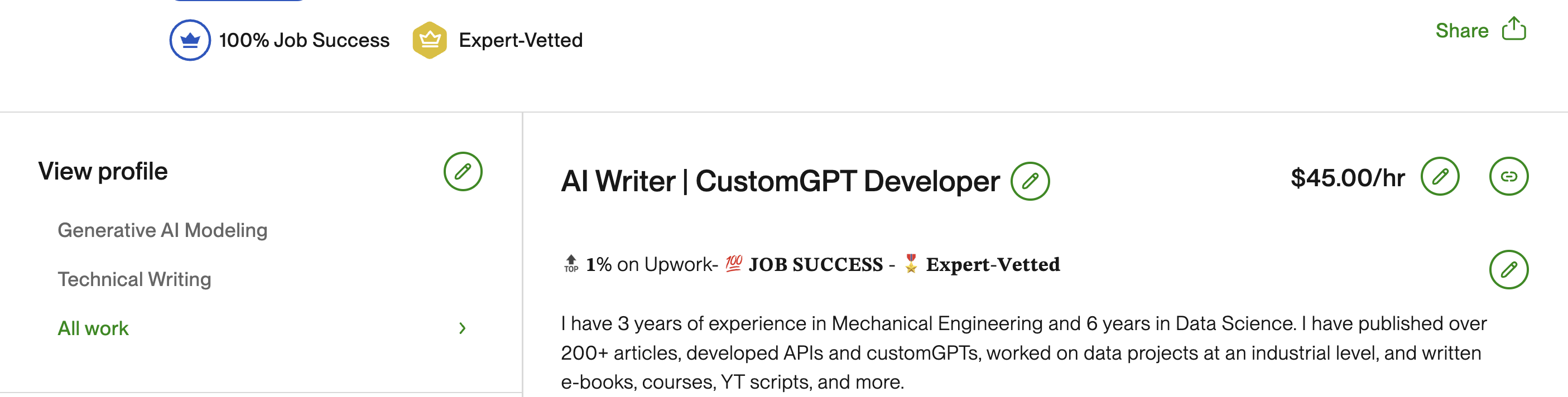
As you might recall, I have a 100% job success score and earned the Expert-Vetted badge, placing me in the top 1% of freelancers on Upwork.
At the time, I didn’t consider sharing my steps to achieve this. In our initial three articles on Job Hunt AI, I shared details about submitting a proposal or creating a great profile on Upwork.
While the significant boost in my earnings started with the release of ChatGPT, there’s another crucial factor worth exploring in more detail.
CustomGPT’s
After OpenAI announced custom GPTs, developers quickly jumped on it because these can replace traditional chatbots.
Why?
Building a chatbot requires complex NLP techniques, lots of data, and specialized tools. However, creating a custom GPT is much easier and cheaper and can be done in 2 to 3 days.
Because of this, many companies started using them. I first developed a custom GPT for my subscribers here. Here are the links to them;
- Staying Updated With Daily AI News- <https://chat.openai.com/g/g-35enG4y1L-ai-news>
- Staying Updated With ChatGPT News — <https://chat.openai.com/g/g-VQMLTd4SE-gpt-news>
- To write articles, <https://chat.openai.com/g/g-GJdH0BxMk-phoneixink>
- To correct your article vocabulary, <https://chat.openai.com/g/g-KddNRhCNe-vocabulary-correcter>
However, I saw too many job proposals at Upwork and decided to apply for a few. Then everything has changed.
Note: My middle name is Mehmet.


Build Your GPT Model in 5 Minutes, No Coding Required: A Step-by-Step Guide
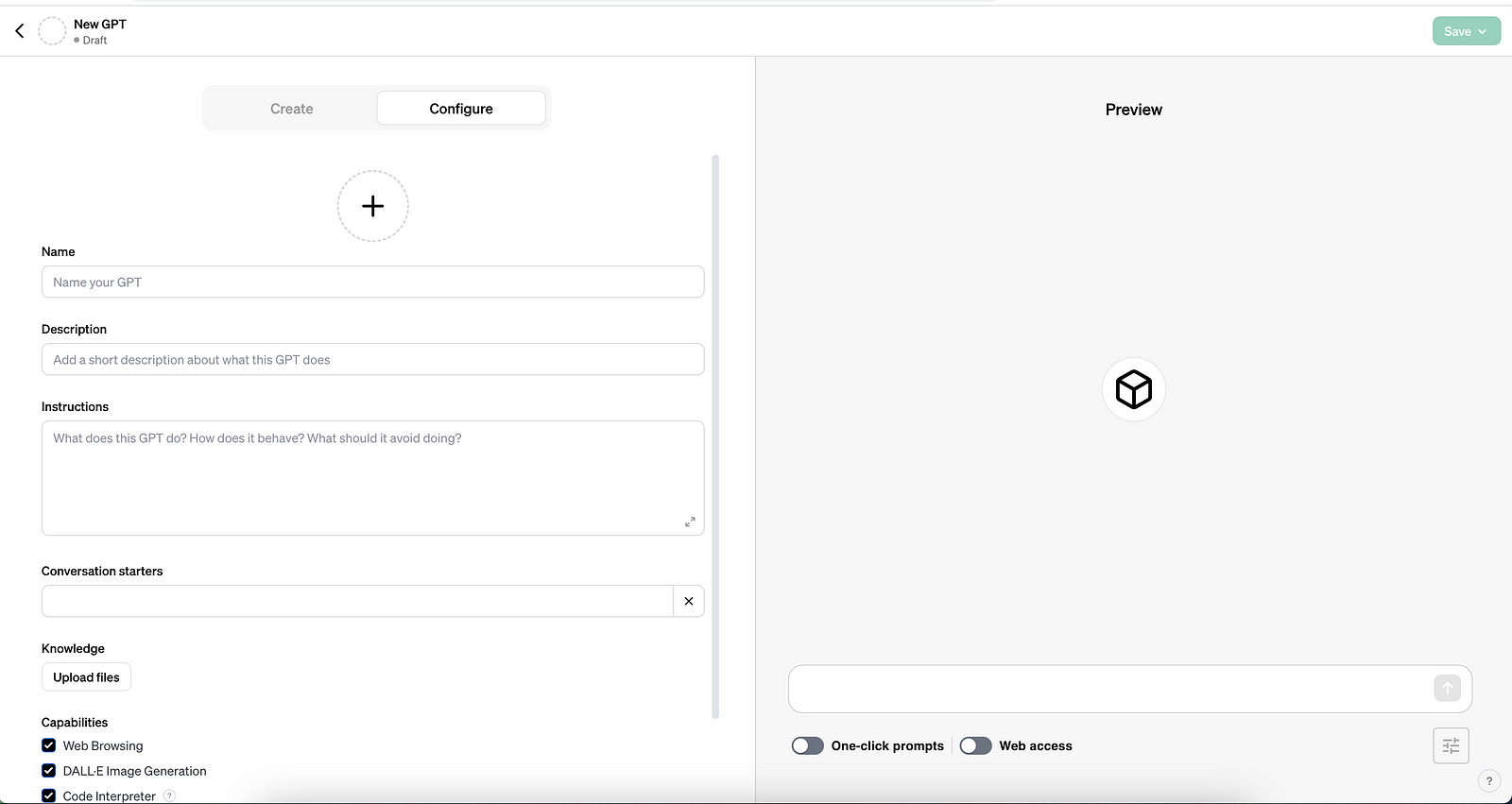
\SS of ChatGPT\
But creating a simple customGPT will not guarantee you a ticket to earning 10K+ in just three months. It is a great way to start, though.
Here are the steps you must follow as a beginner to create compelling and industry-ready custom GPTs.
5 Steps You Must Follow
If you have started developing your custom GPT, you are probably aware of the importance of Instructions, which are a set of prompts that your GPT will follow.
Now, let’s start by creating a simple GPT for this one. in 5 steps.
# Step 1. Defining Personality — “Act Like This”
First, you should define personality to your GPT. Here, we will correct vocabulary, so we can use something like this :
"Act as a vocabulary teacher and review the following text."
# Step 2- Set the Instructions — “Follow This Instructions in Order”
Here, you should set the instructions that your GPT must follow. Like you are training your employee. Let’s see.
Feel free to rephrase sentences or make changes to enhance clarity ,
but maintain the overall tone and style of the original.
# Step 3 — Setting the Output Style—” Response Like This”
Here you should set the output style. After defining this, your GPT will respond like this:
In your response, show all changes in bold so I can see what has been updated.
Afterward, explain what was wrong and why you have changed it.
At the end, provide a grammatical report
# Step 4 — Knowledge Base -” Based on the attached Document”
Now, you will address the document you used like this:
Follow the grammatical_rules.txt
# Step 5 — Conversation Starters — “Special Rules for Buttons”
Now, you will adjust the buttons, which were called “conversation starters” inside the panel. You can adapt like this:
If user clicks on simplify this text button, simplify this text, and correct the grammar
Testing Time
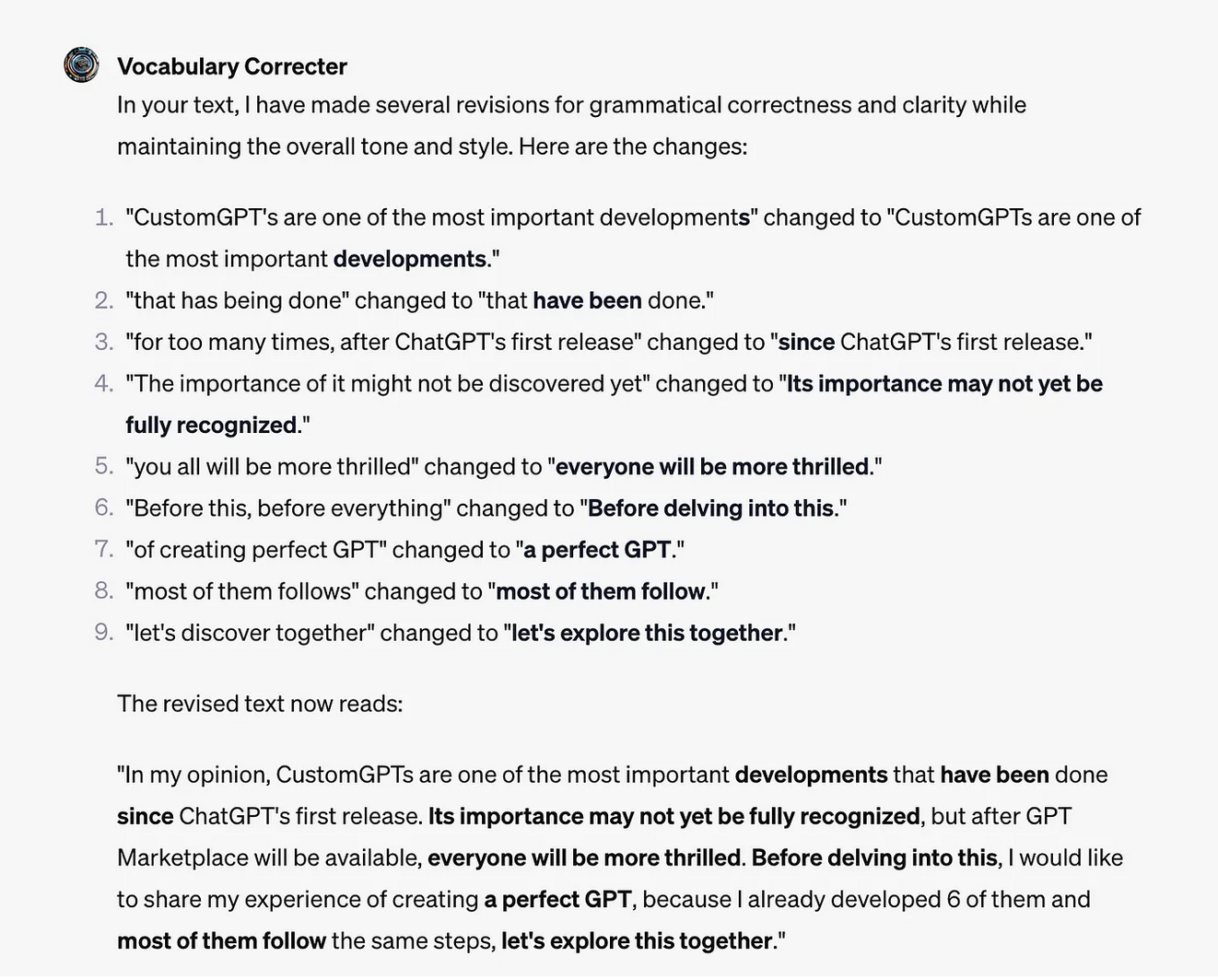
Now, let’s test it. If you noticed, when you started reading this article, in the introduction, you saw some words in bold. Now you will understand why; here is my original introduction:
In my opinion, CustomGPT's are one of the most important development that has being done for too many times, after ChatGPT's first release.
The importance of it might not be discovered yet, but after GPT Marketplace will be available you all will be more thrilled.
Before this, before everything, I would like to share my experience of creating perfect GPT, because I already developed 6 of them and most of them follows the same steps, let's discover together.
After pasting this to the Vocabulary Checker GPT we designed, here is the first part of the output.
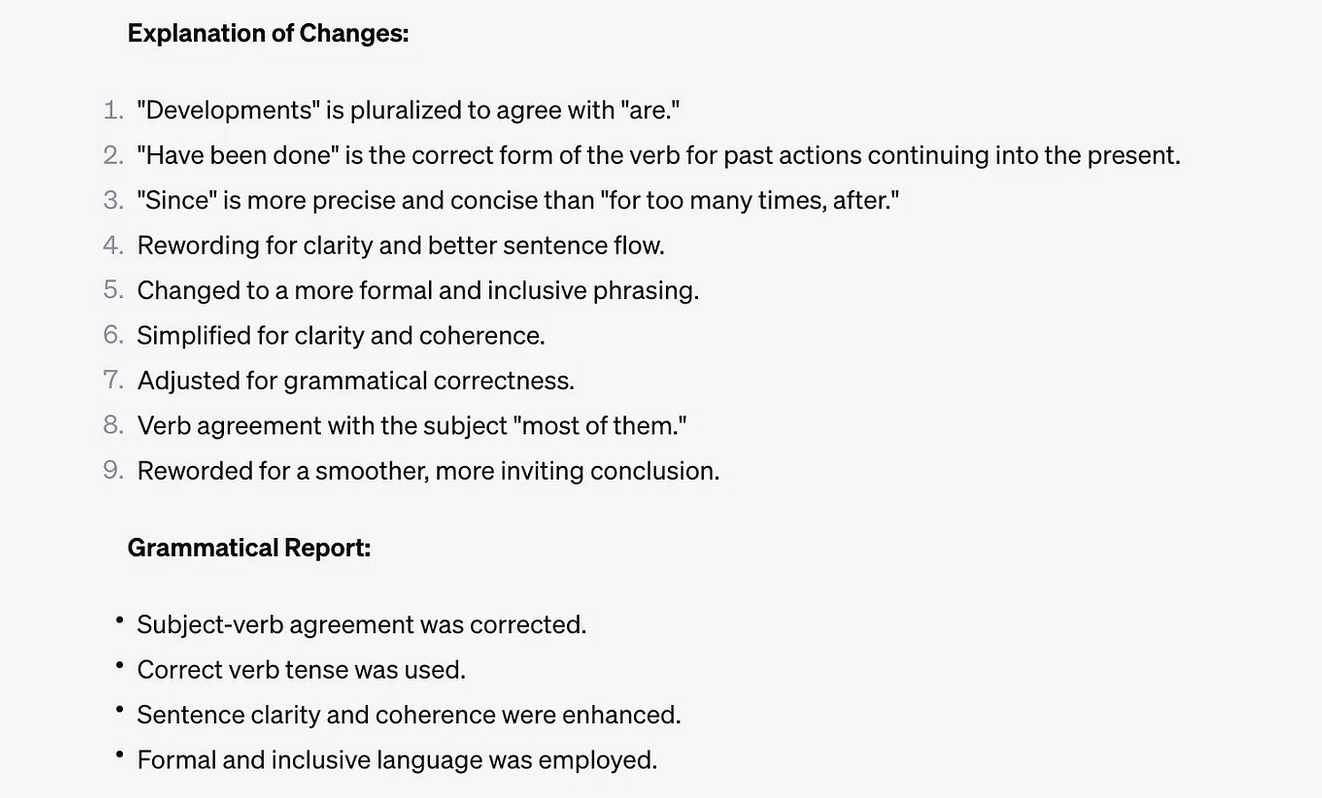
Here is the second part of this.
If you want to test this GPT, it is available here:<https://chat.openai.com/g/g-KddNRhCNe-vocabulary-correcter>.
Final Thoughts
Now, this was an easy but effective GPT. Next week, we’ll create an advanced GPT that will do multiple tasks in a conversational tone. Before making this one, do your practice and prepare to make your advanced GPTs.
See you next week!