Let's Discover Everything You Should Know About IT!
By Gencay
Published: 2024-07-05
URL: https://www.learnwithmeai.com/p/claude-35s-sonnet-will-over-throne

\Generated with Leonardo.AI\
Last week, a new player entered the field, Claude 3.5 Sonnet, the biggest rival to ChatGPT. Claude's previous models were strong, but this one is a game-changer, surpassing all GPTs I have experienced.
And trust me, I’ve tested all of them. This one is similar to Agents because it offers Project and Artifact features similar to Customs, but trust me; these features are more powerful!
In this one, we'll explore Claude 3.5's features, and you'll soon hear more about it because it's fantastic! With these new, little-known features, let's dive in and stay ahead of our colleagues or rivals.
ChatGPT & Claude 3.5 Sonnet & Gemini & Llama
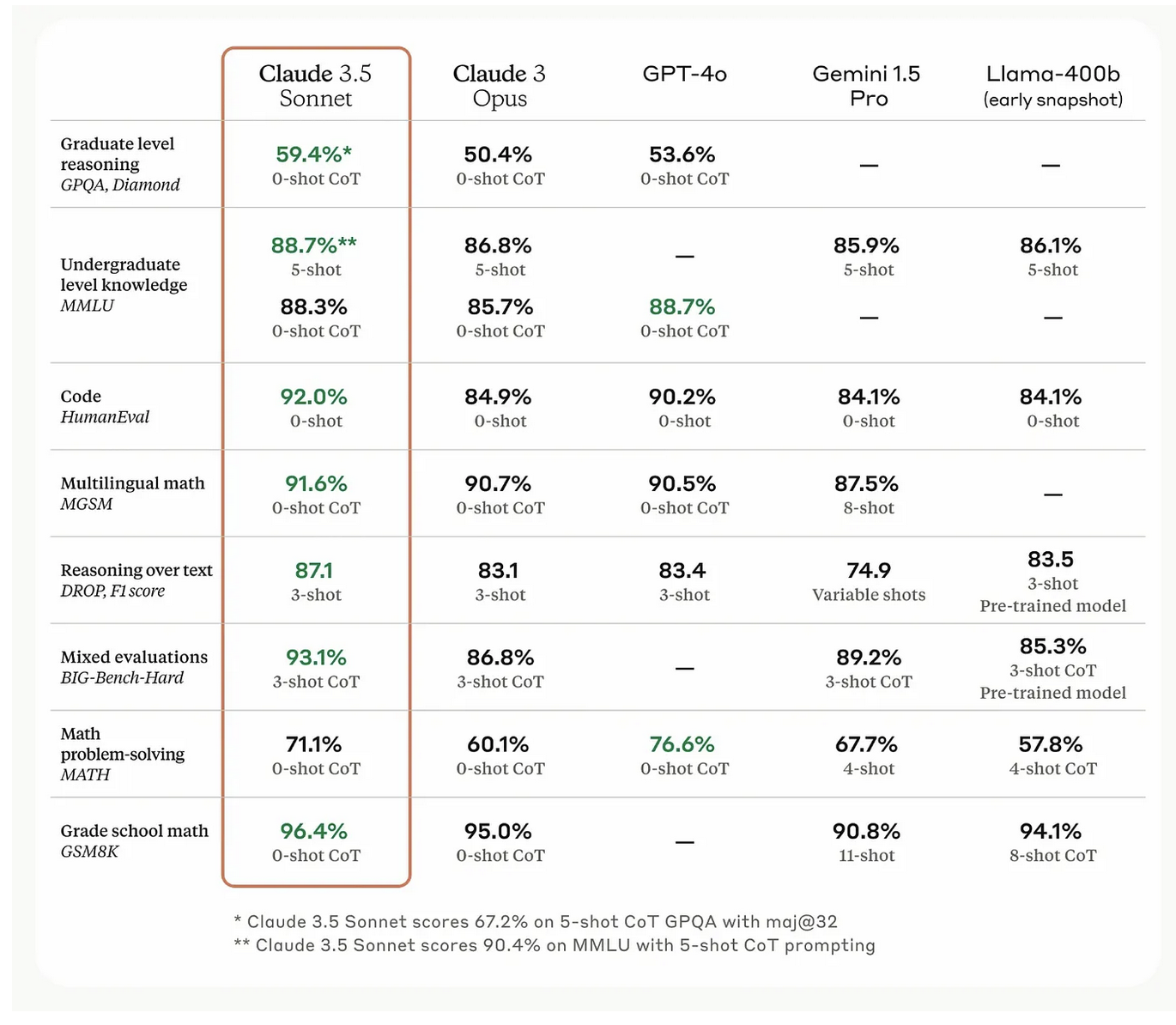
As shown in the chart above, Claude 3.5 Sonnet is the best model from the Anthropic team and the most powerful LLM released.
It outperforms GPT-4 in all scores except undergraduate-level knowledge (MMLU), making it worth exploring. Before diving into its use cases, let's examine its distinctive features: Artifacts & Projects.
Feature 1: Artifacts
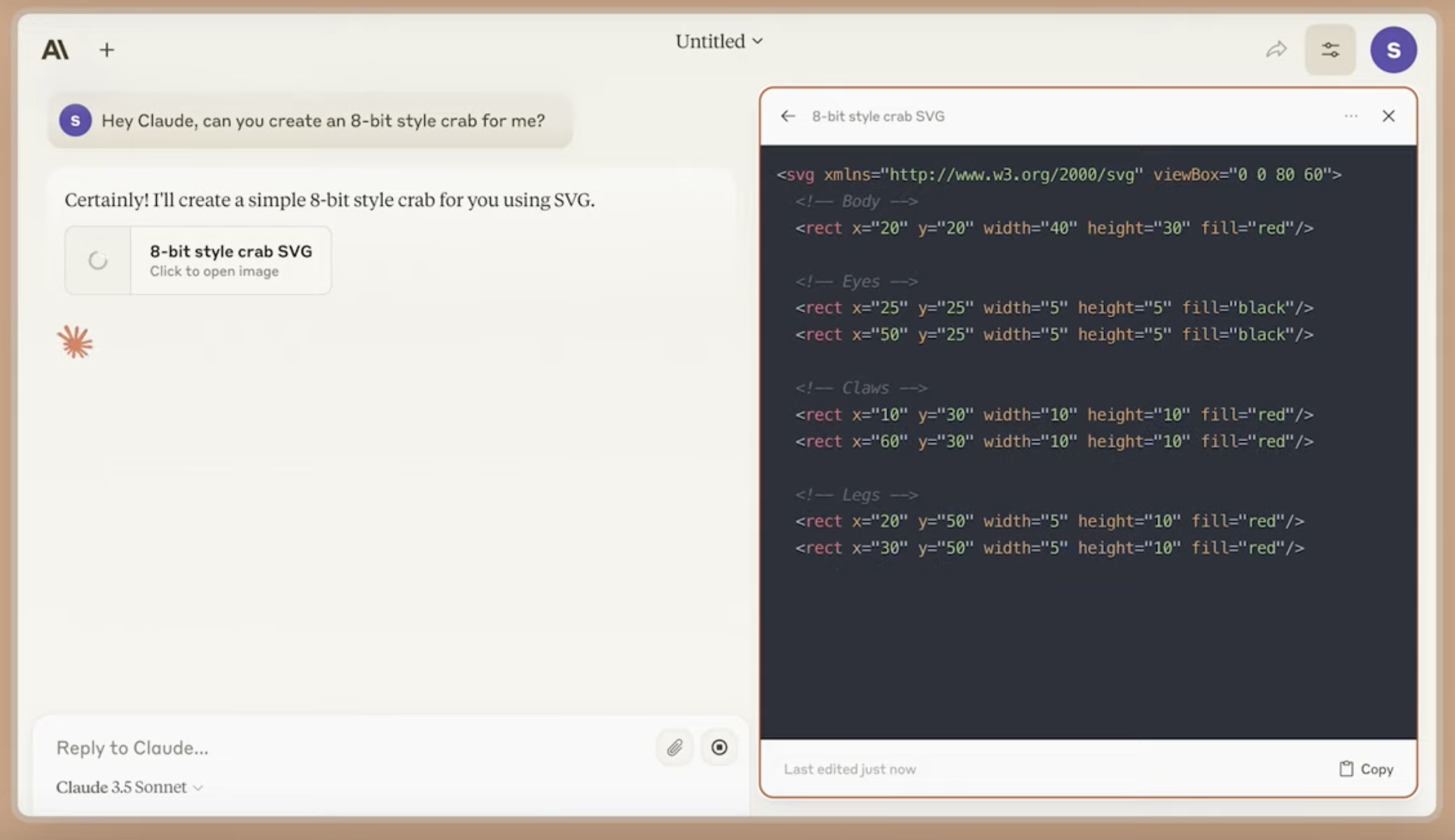
This feature is amazing; if you want to see how to open an artifact inside Claude, check out this link.
Now, after you open the artifact, you can see the output of your codes directly! And not just for Python; you can see the output of Javascript and React, too.
In the following example of mine, I ask Claude 3.5 Sonnet to create a Tiered Pricing example; here is what it looks like;
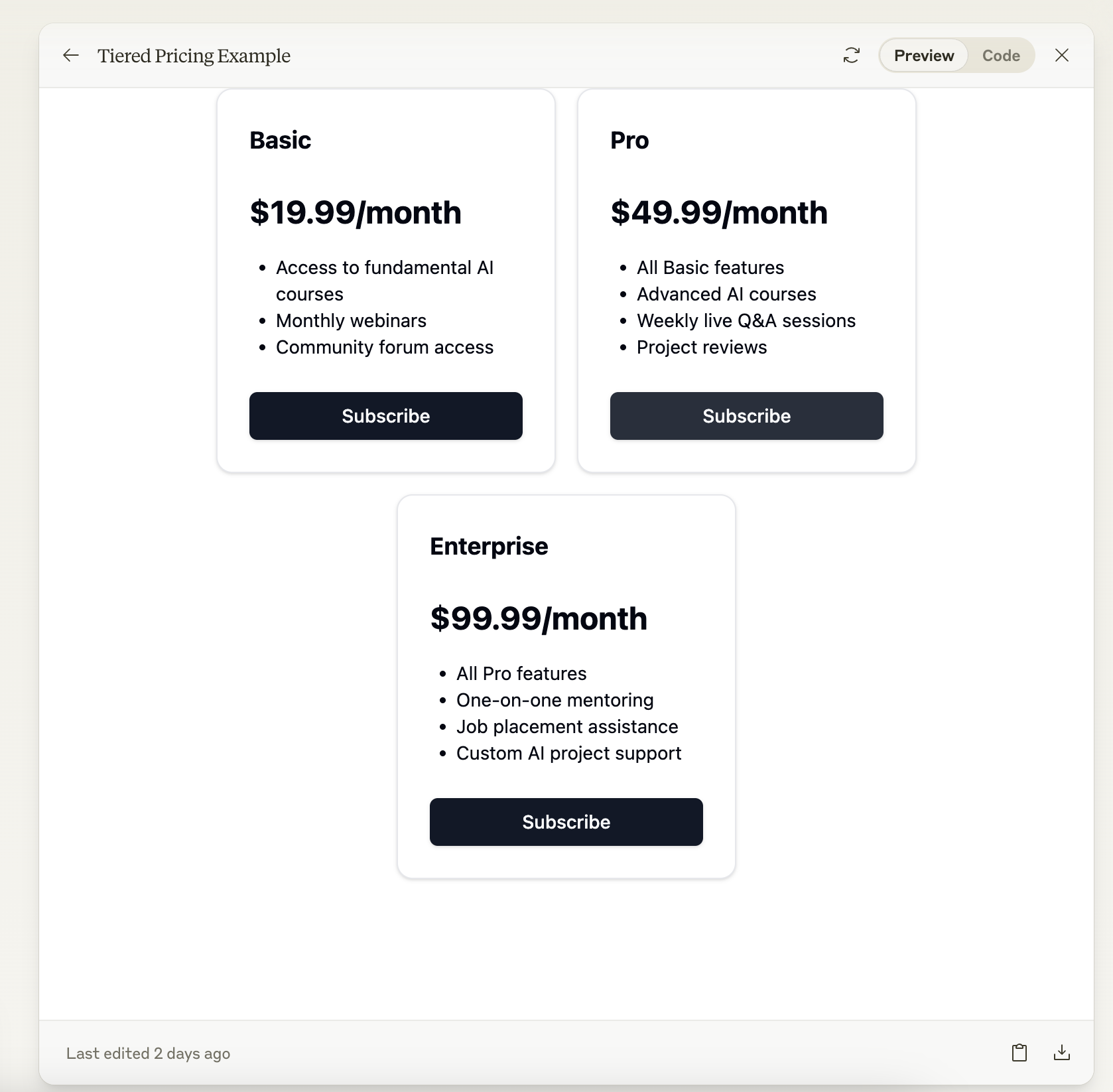
From the buttons at the right end, you can copy the code or download it too. You can see the code output from the preview and the code from the buttons on the top right if you click on the code. Here is the code;
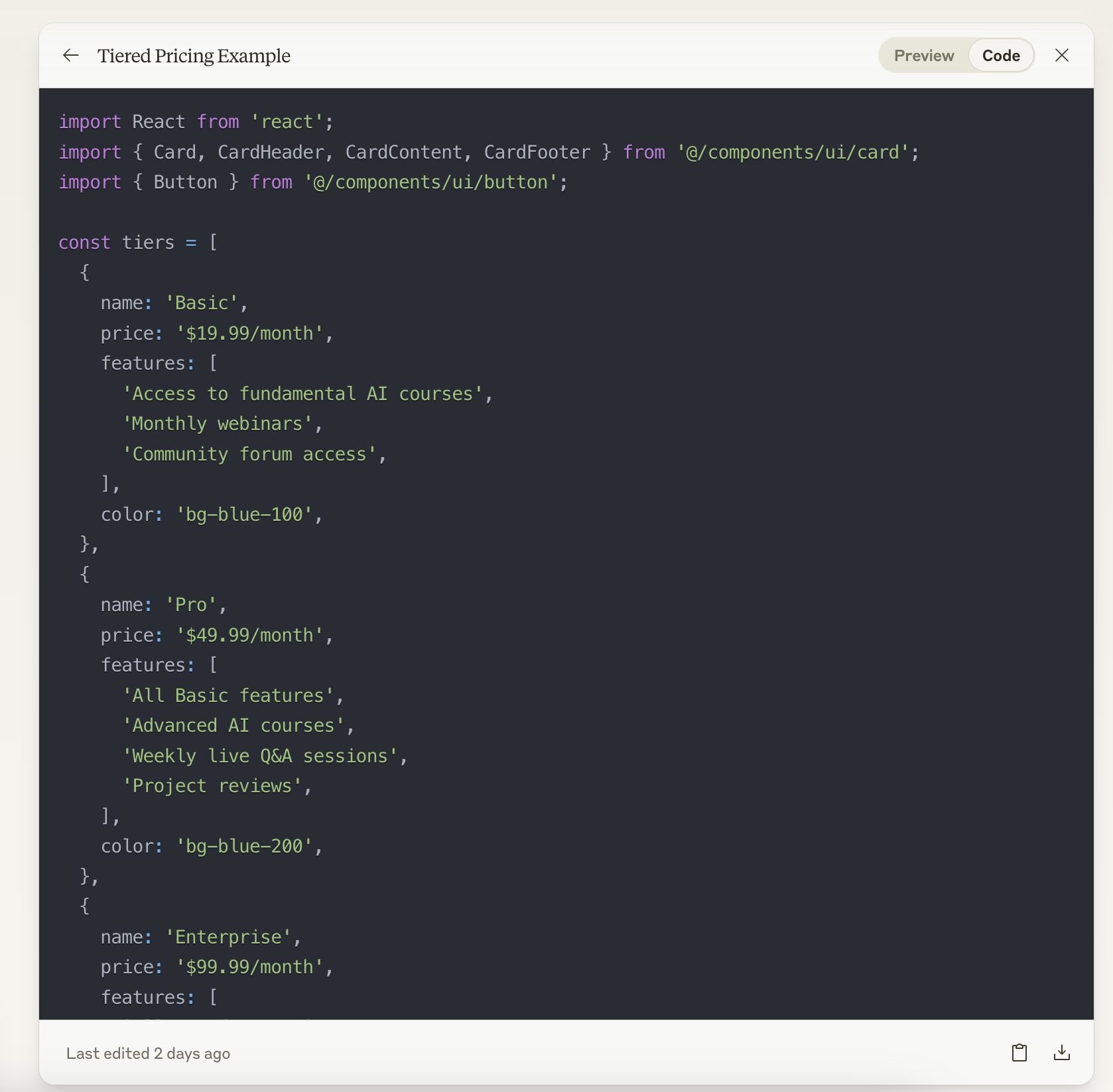
Amazing right? But there is a lot to discover! Let’s implement the snake game with it!
Here is the prompt;
Create a snake game in Python
Now, it gives the code on the right and instructions on how to implement it on the left.
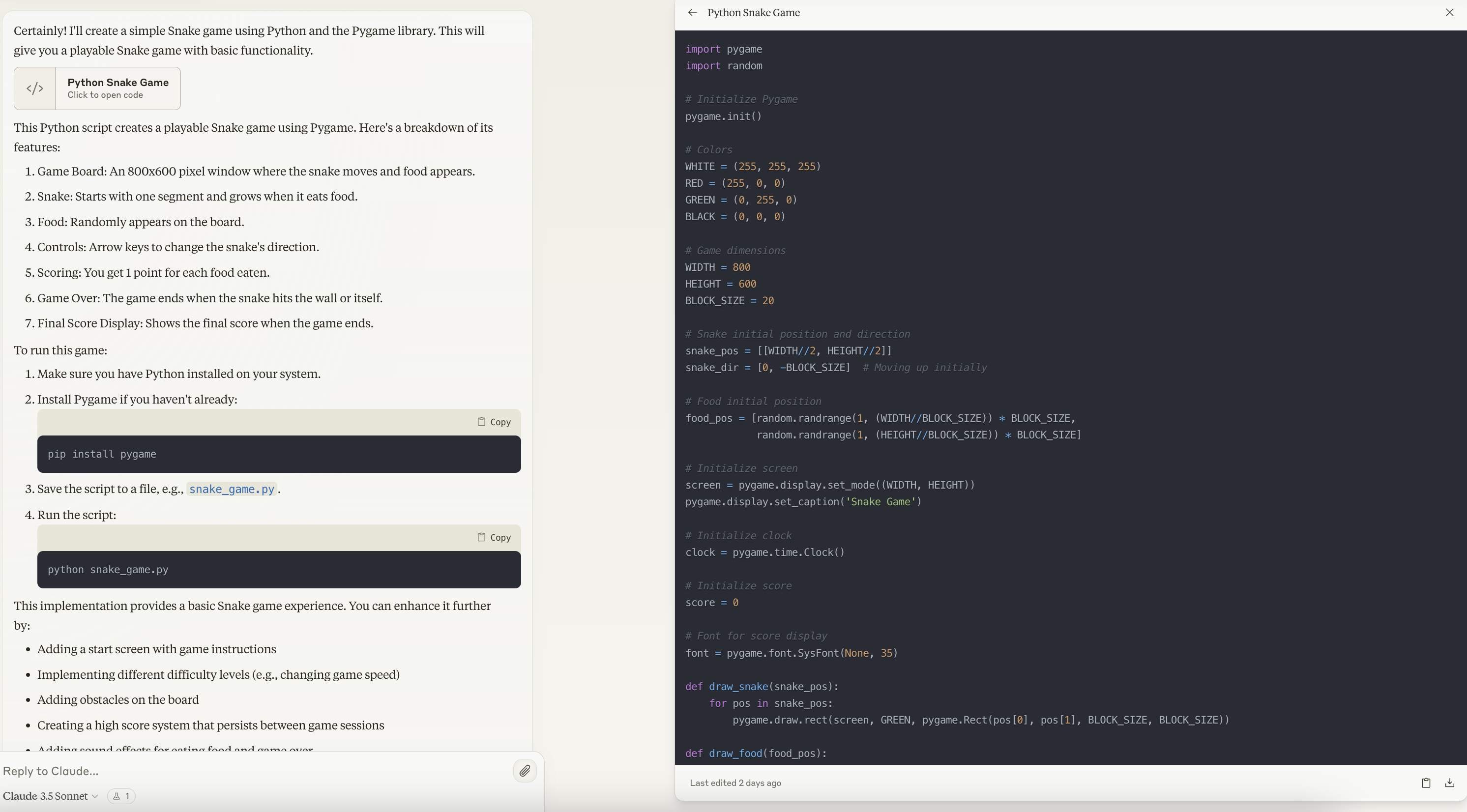
Next, open your Python interpreter, mine is PyCharm, and run this code with the following line after going into your project file inside the terminal;
python snake_game.py
And voila!
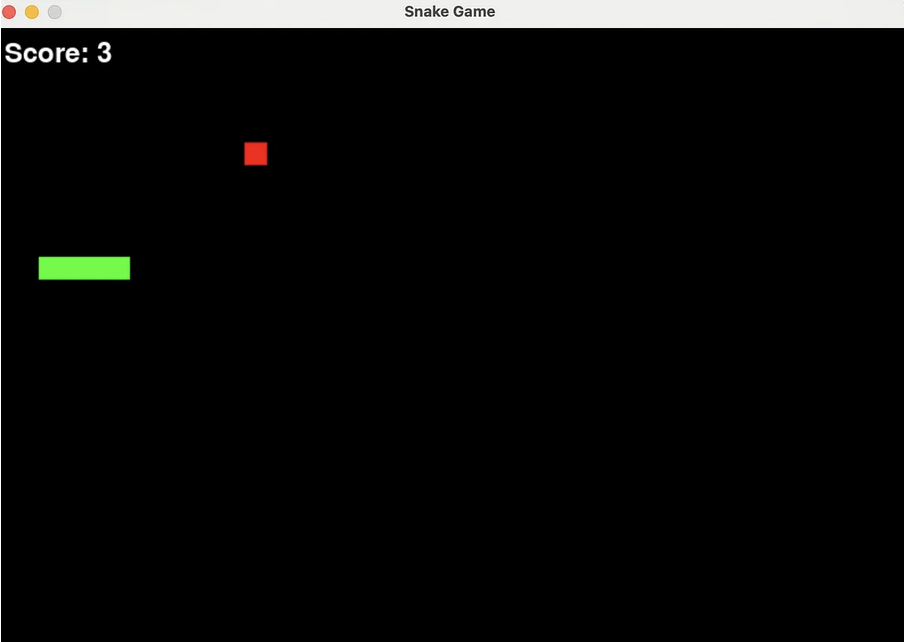
Amazing, right?
Feature 2: Projects
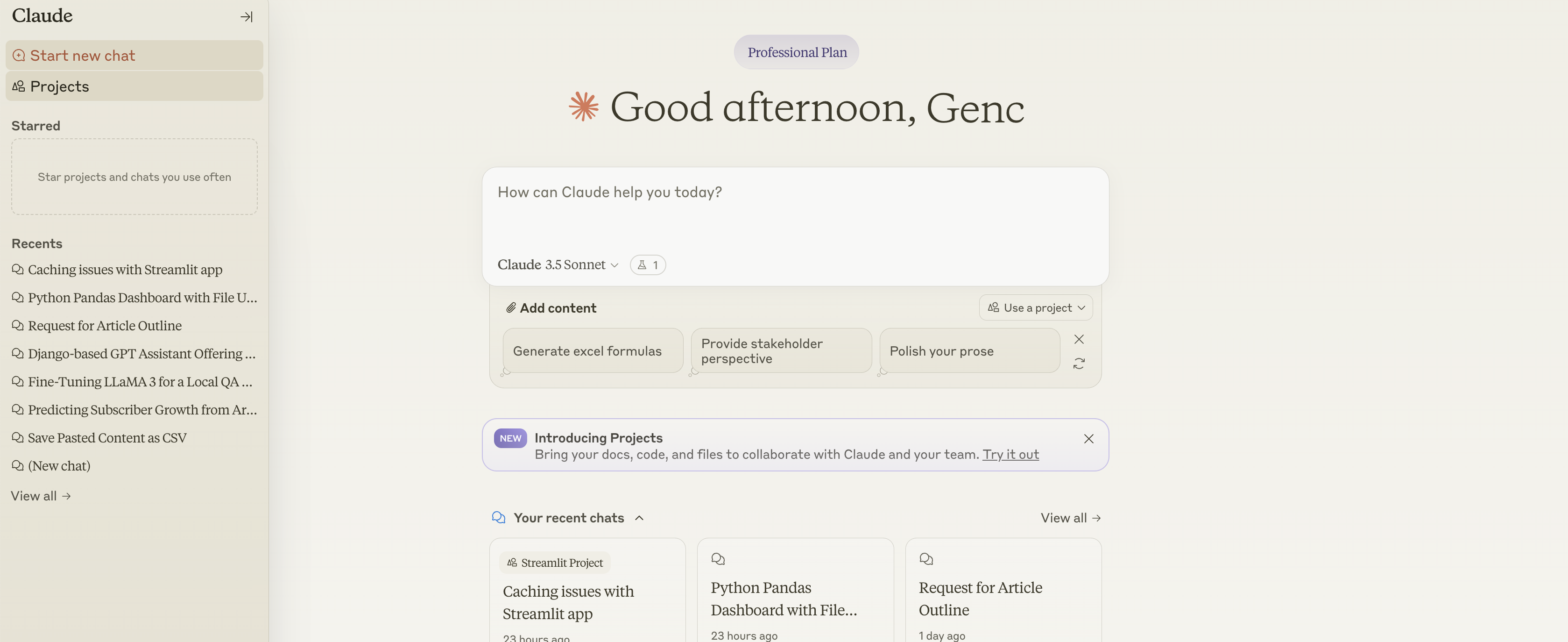
Now, let’s discover projects! You can see projects under “start a new chat.” After clicking on this link below, you will see the screen above!
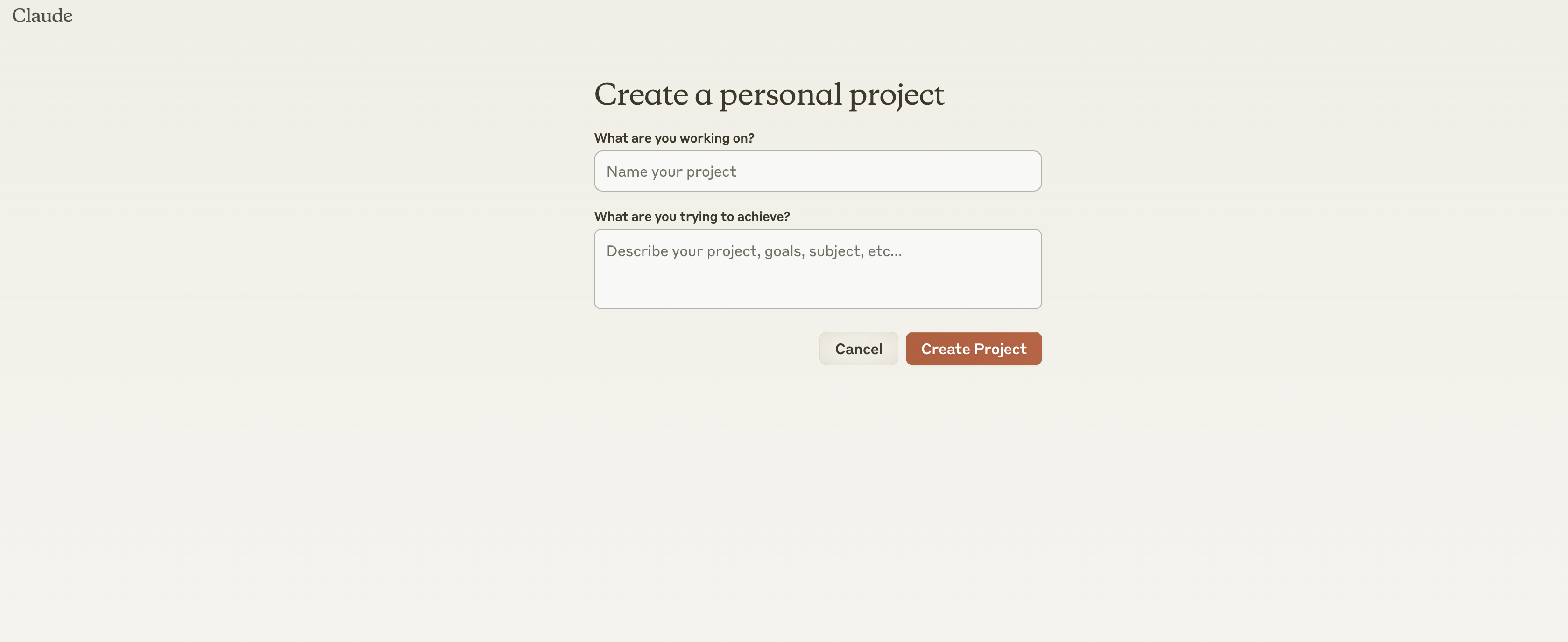
At this stage, could you please add a description to your project? Next, you can add knowledge files to it. This part is similar to the customGPT’s in ChatGPT.
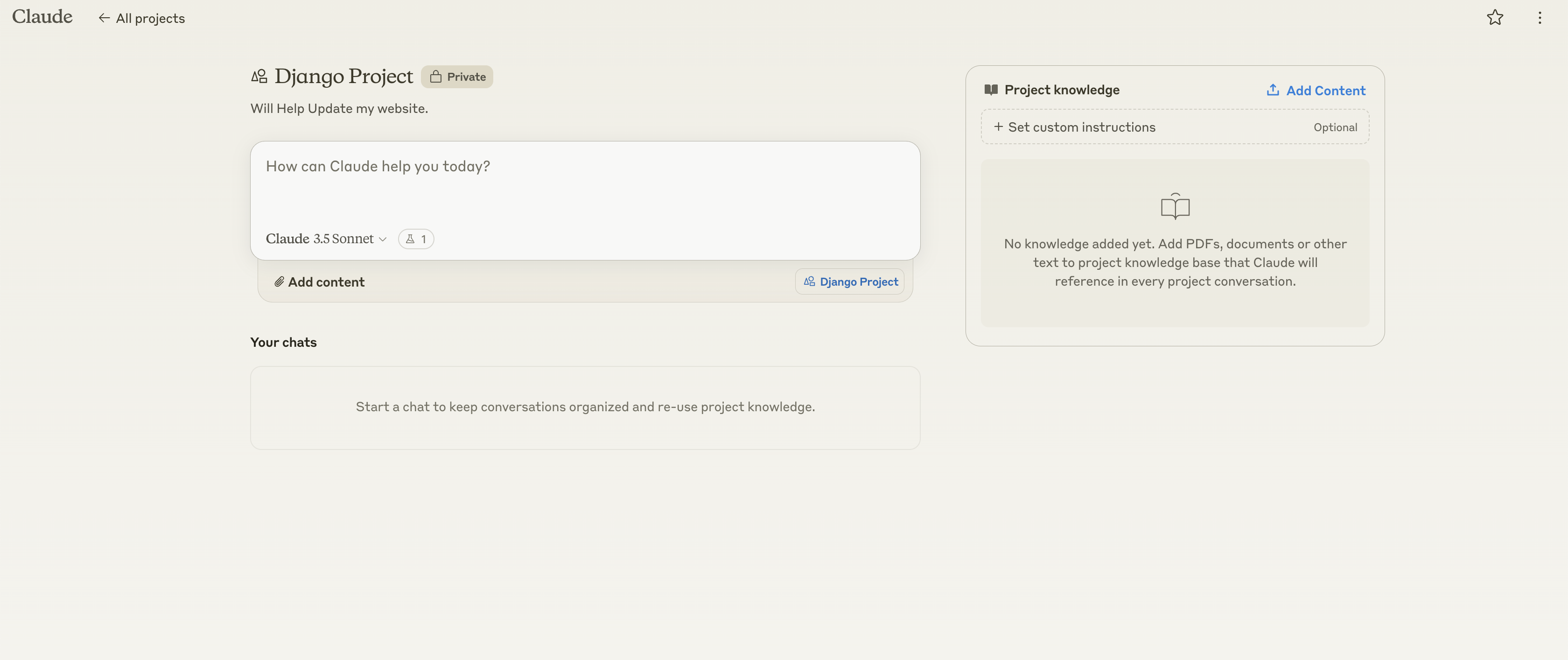
Check more about projects from here.
Building Dashboards
With the new Artifact feature of Claude 3.5 Sonnet, we can build a dashboard just by prompting. I want this dashboard to include an adjustment area for ML model parameters.
Here's the dataset I'll use, consisting of 2023-2024 NBA player stats. After loading this dataset, I'll use the following prompt:
Can you create a dashboard that allows me to change model parameters?
Let’s see the output.
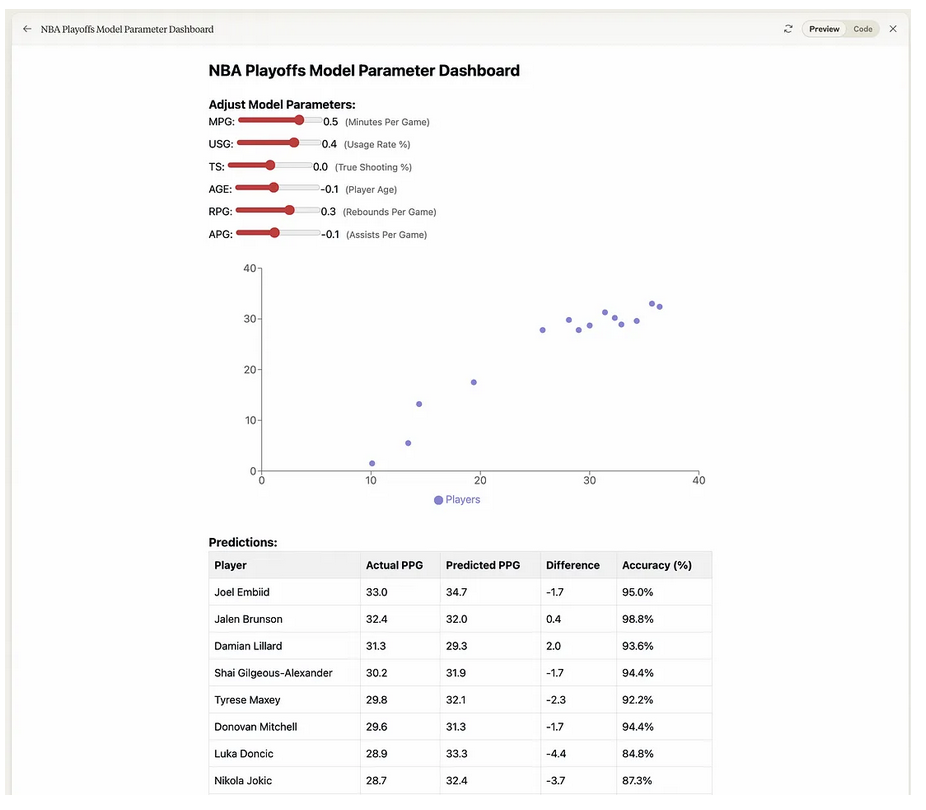
As you can see, it is good at building dashboards!
Final Thoughts
As you can see, it is an advanced version of LLM. Of course, there are many things to improve, but I believe coding has changed!
In the next one, we’ll discover the use cases of Claude's 3.5 Sonnet!
See you!