Mastering AI with ChatGPT: Top 5 Prompts for 2024
By Gencay
Published: 2023-12-18
URL: https://www.learnwithmeai.com/p/5-chatgpt-prompts-to-learn-build

\Created with Abidin Dino AI\
If I had an hour to solve a problem I’d spend 55 minutes thinking about the problem and 5 minutes thinking about solutions.
Albert Einstein
Learning AI can not be the hard as you think. But you should do your plan properly, I know because I did this plan, sometimes daily.
For over two years, I have been both learning AI by tracking news daily, start studying for a master’s degree in Artificial Intelligence and working with various companies to teach it, while also writing on Medium and here.
In this one, we will start with the basic concepts to learn them, then we will build them, and in the end, you will see how much easier deploying an AI model is than you think. Let’s get started!
Basic Concepts
Starting with AI means learning key ideas:
- Machine Learning: This is where computers learn from data. It’s like teaching a computer to find patterns and make decisions.
- Neural Networks: They work like the human brain. They connect lots of small parts to solve hard problems, which is the next step after neural networks.
- Natural Language Processing (NLP): This lets machines understand and use human language. It’s how computers can read, write, and talk like us, a famous example is ChatGPT.
But even before starting machine learning, you should know some concepts, but let’s start with this prompt:
Explain the fundamental concepts of artificial intelligence,
including machine learning, neural networks, and natural language processing.
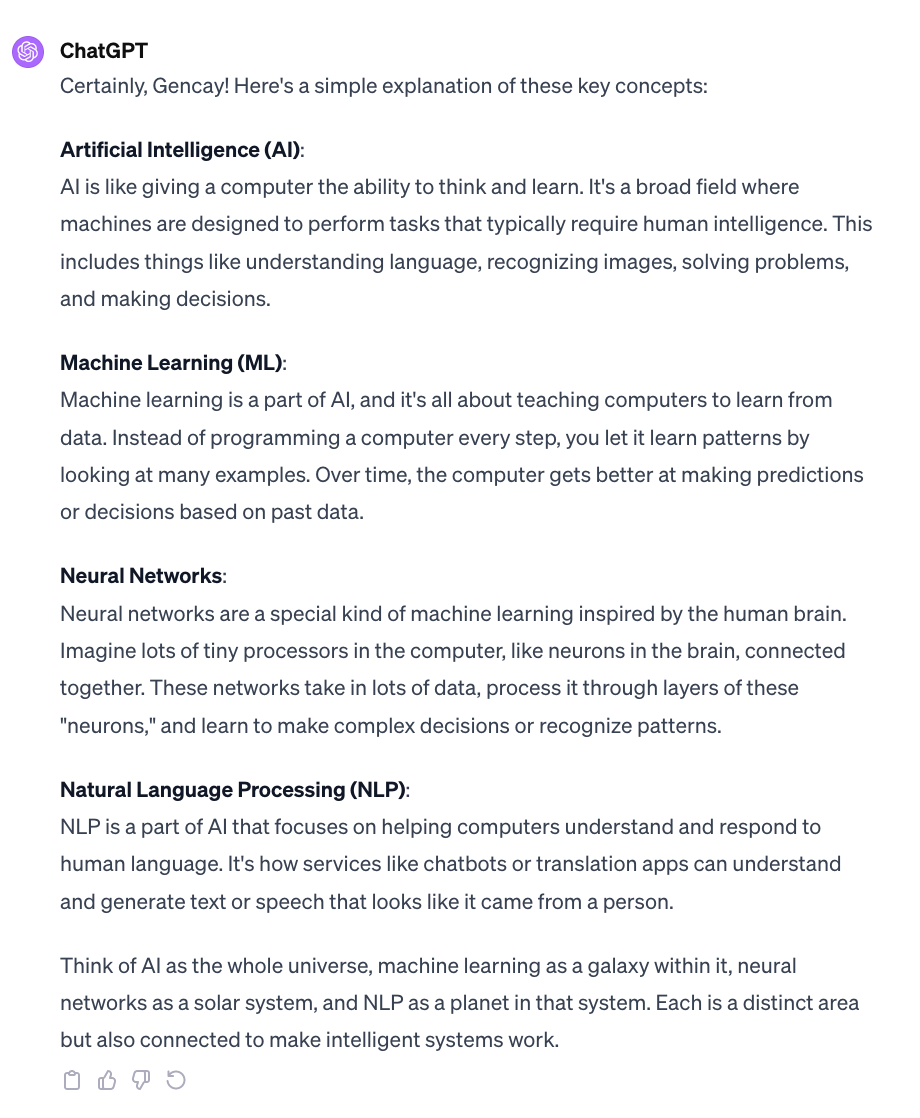
\SS of ChatGPT\
Learning AI
Here you can start with this prompt, you can use.
how can I learn AI, can you build study plan?
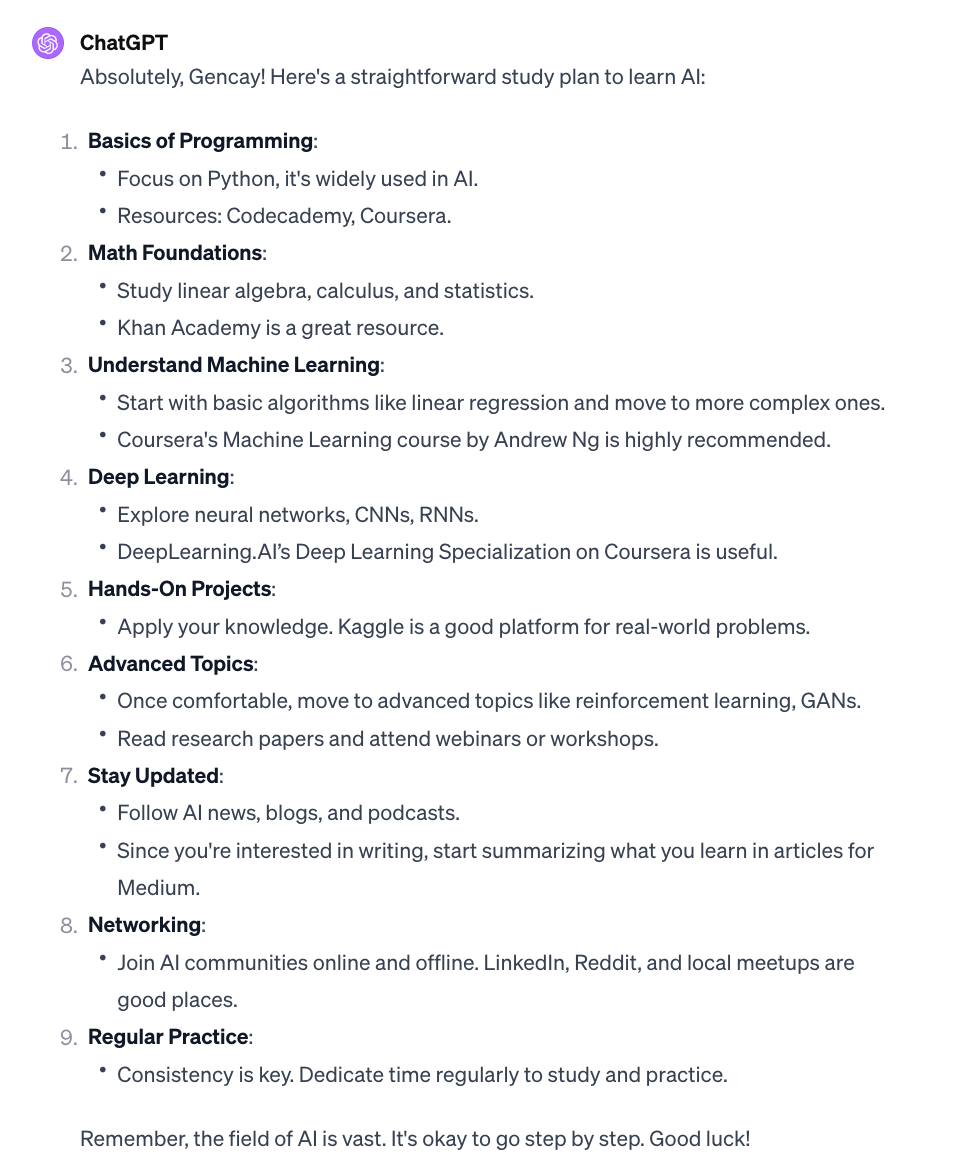
However, if you are one of my paid subscribers on Substack and can reach Learn AI With Me GPT, all you should do is push one of the conversation starters and here your answer will be :

\SS Of ChatGPT\
And under all of these subsections, study plans were already defined by doing lots and lots of research. Here, let me show you what your study plan will be if you want to start with Python.
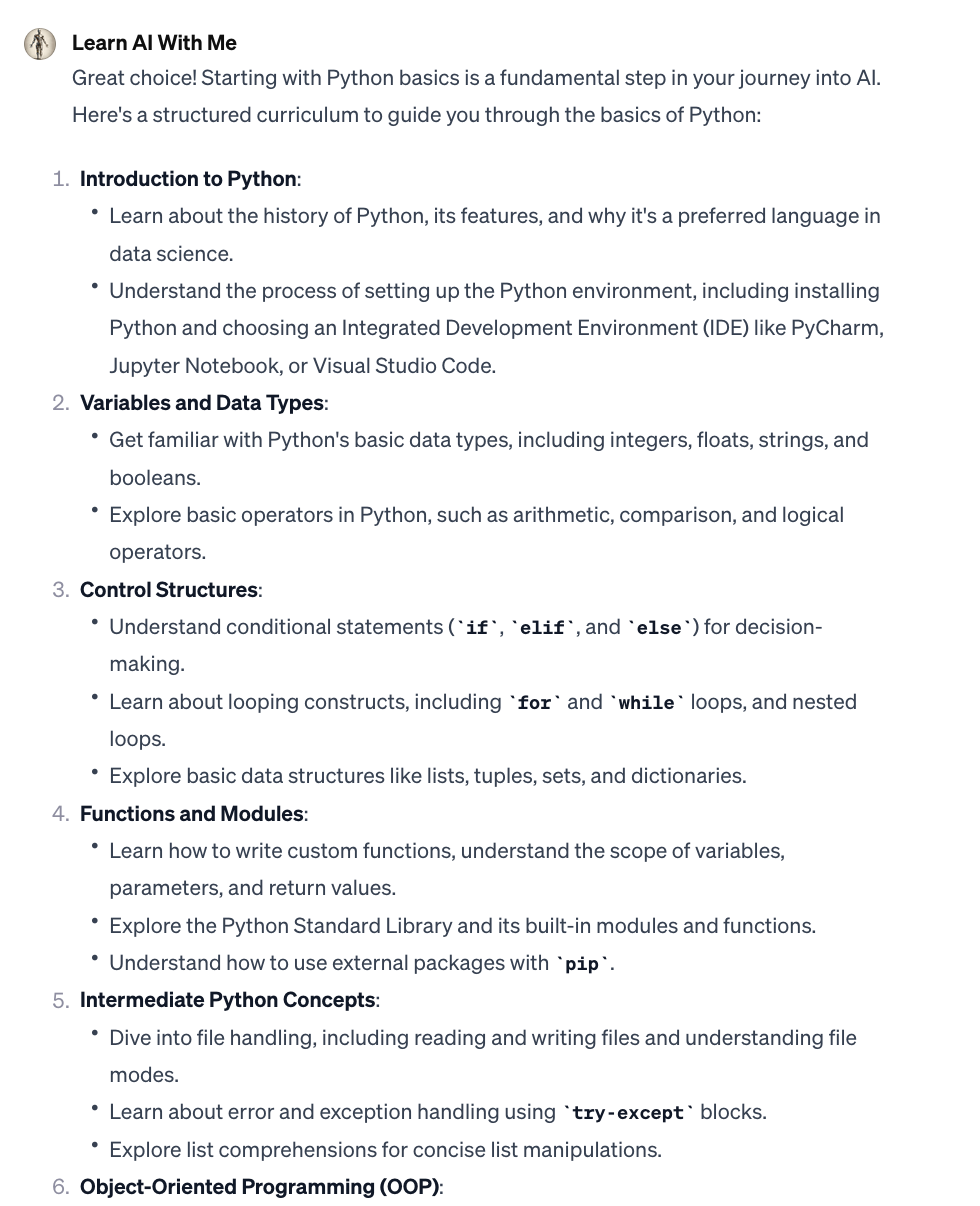
The list will continue.
AI in Real Life
AI’s real uses can really catch your interest. It’s cool to see how AI helps in everyday life. For example:
- Smart Assistants: These AI tools control things in our homes, like lights and thermostats.
- Online Experience: AI algorithms pick what we see online, like ads and news.
You can use the following prompt to spark your curiosity even more:
How is AI integrated into everyday technologies and services we use,
can you tell me 5 different AI examples in Real Life?
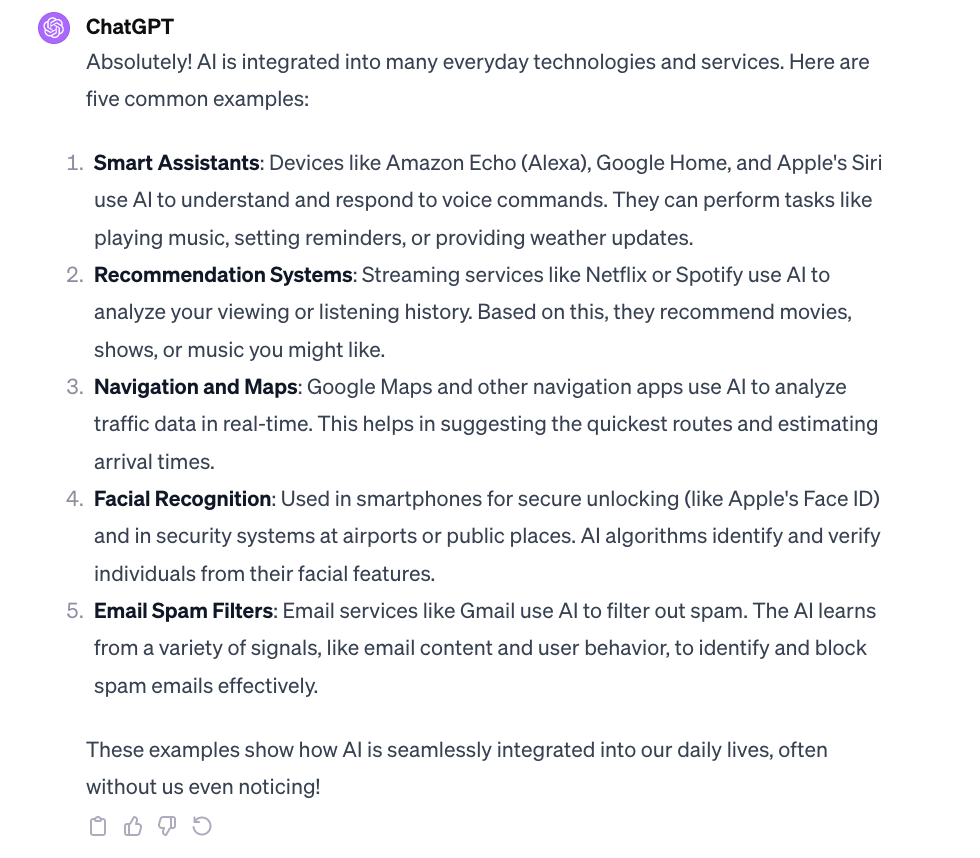
\SS of ChatGPT\
Building an AI Model
Now you have ideas. Making an AI model might sound hard, but it’s doable, even for starters. Here’s how to do it:
- Choose a Problem: Pick something you want the AI to solve or predict.
- Gather Data: Collect data related to your problem.
- Prepare the Data: Clean and organize your data.
- Build the Model: Use a tool or programming to make your AI model.
- Train the Model: Teach the AI with your data.
- Test the Model: Check if the AI works well.
- Upload Your Model to Cloud: Use easier solutions at first.
- Improve: Make changes based on the test results.
These steps help you understand AI better.
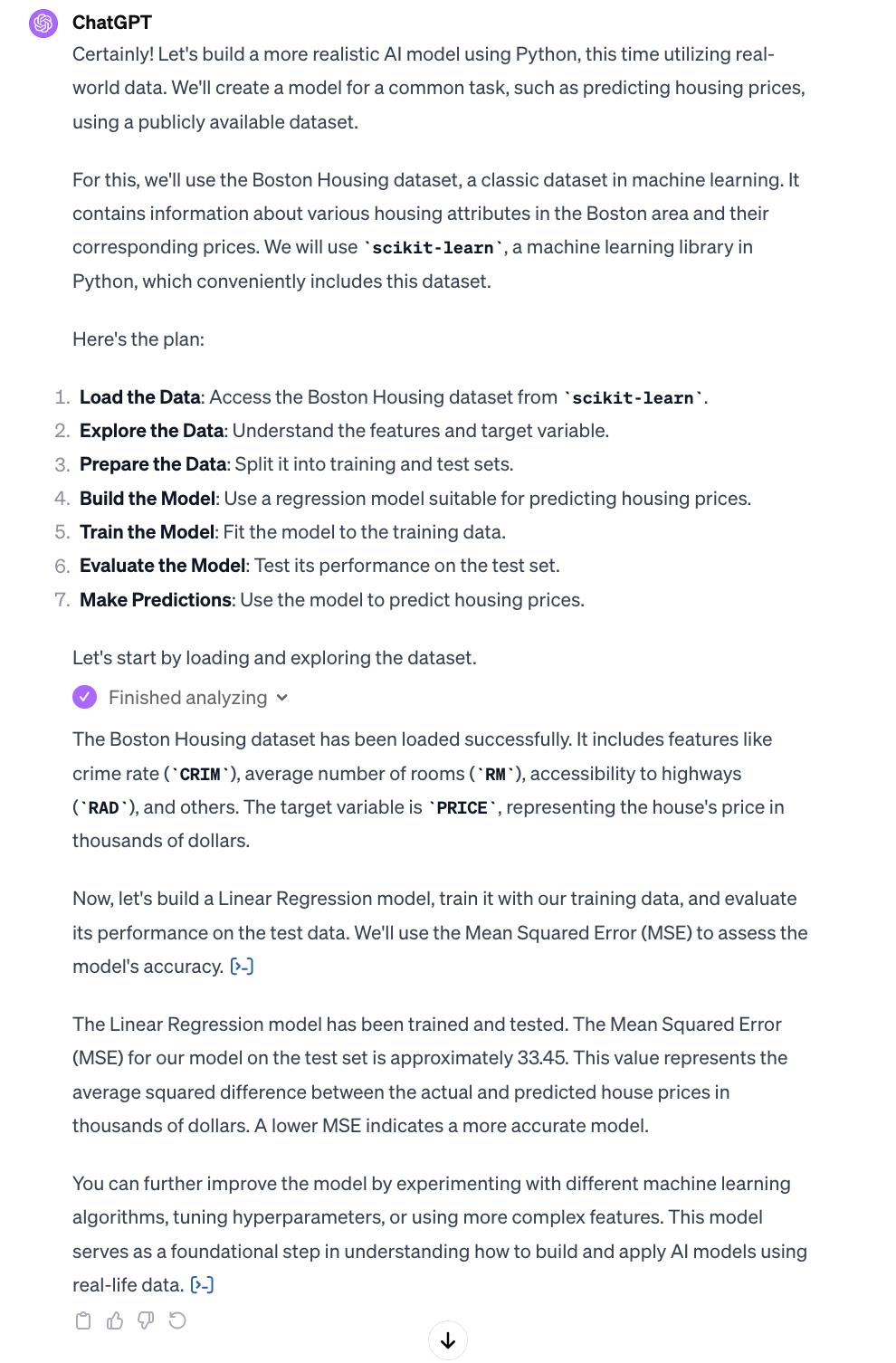
It turns ideas into real AI solutions/ products. This is a big step from just knowing about AI to actually using it. Let’s see the prompt, if you don’t have data available at first.
Can you bild me an applicable ai model with Python?
Use real life data from the web please.
\SS of ChatGPT\
Uploading an AI Model To Production
Moving your AI model from making to using it online is a big step. You can use sites like pythonanywhere.com to put your model on the web. Here’s what it means:
- Go Live: Your AI moves from your computer to the internet.
- Share Your Work: People everywhere can see and use your AI.
- Get Feedback: You learn how others feel about your AI.
- See Real Impact: You find out how your AI helps in real life.
This isn’t just about tech skills. It’s about showing your AI to the world, learning from others, and seeing how your AI can make a difference.
\SS of\
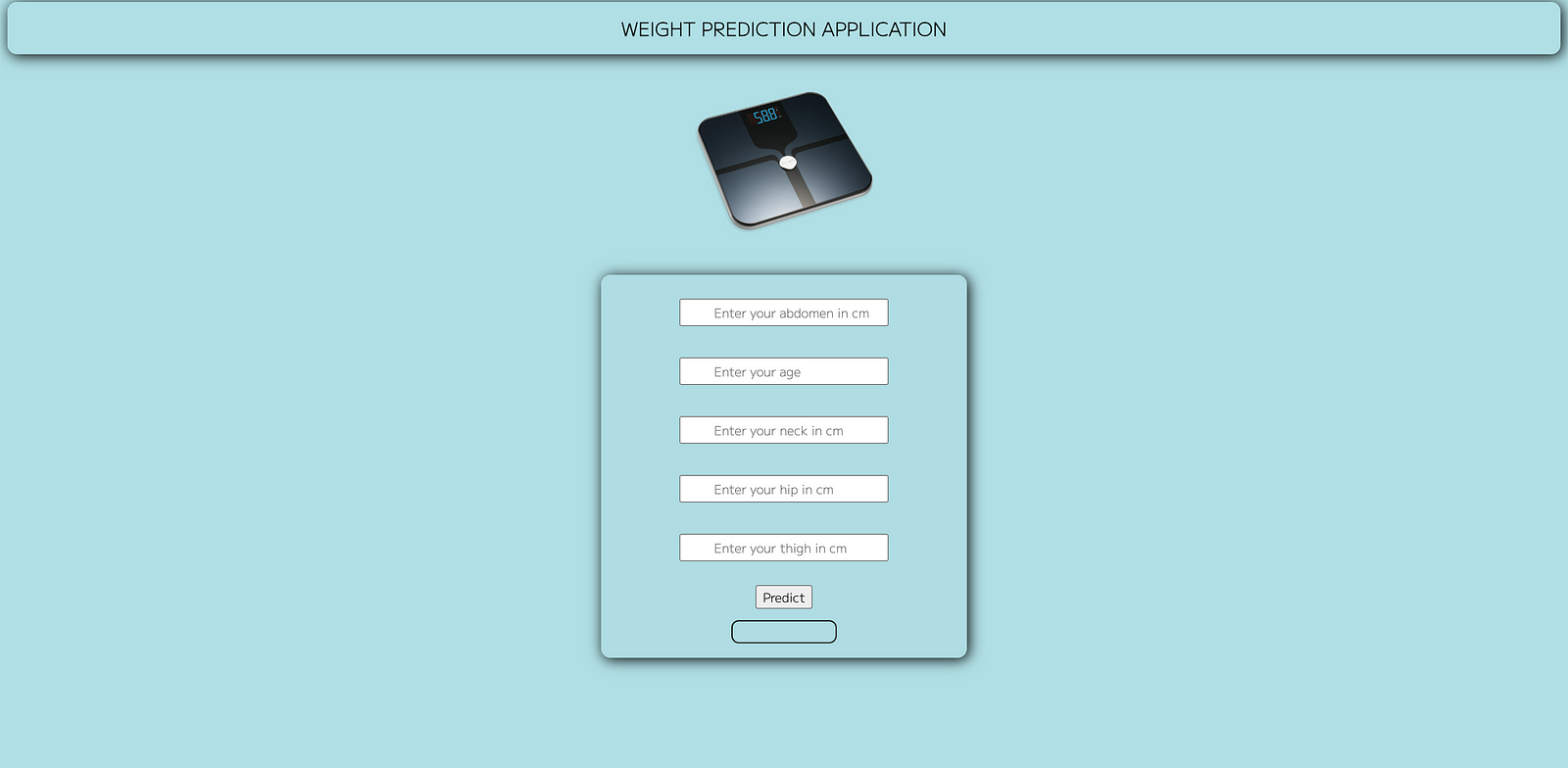
https://gencay.pythonanywhere.com/
I built the website above two years ago using Flask. Since then, I have been running it on the web through pythonanywhere.com. The only difference from the model we used to predict house prices is that I allow users to make predictions.
I understand you might think it’s easy for me, but not for you. Okay, let’s do it. Attach a screenshot of gencay.pythonanywhere.com to ChatGPT and use this prompt:
Convert this code into a Flask web app, to create an application like in
the provided screenshot.
I want users to be able to predict house prices using variables
from the dataset.
Also the model is not loaded, think like you will continue from the previous
step.
(Model Building)
Here is ChatGPT’s output.
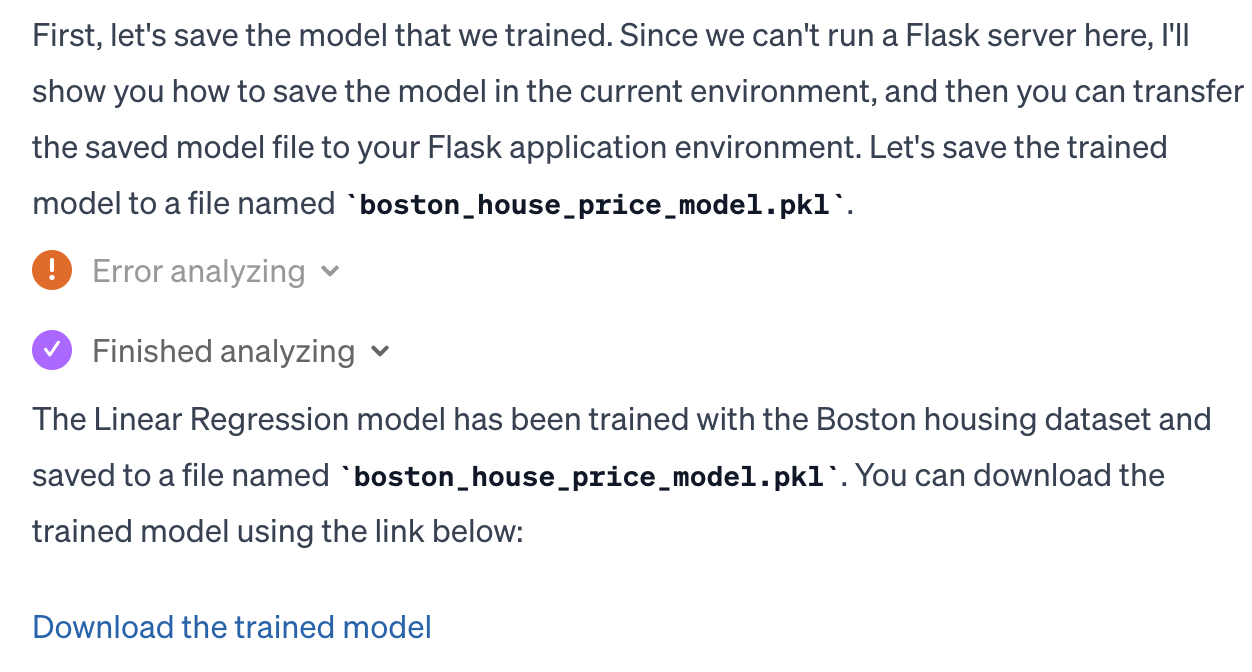
\SS of ChatGPT\
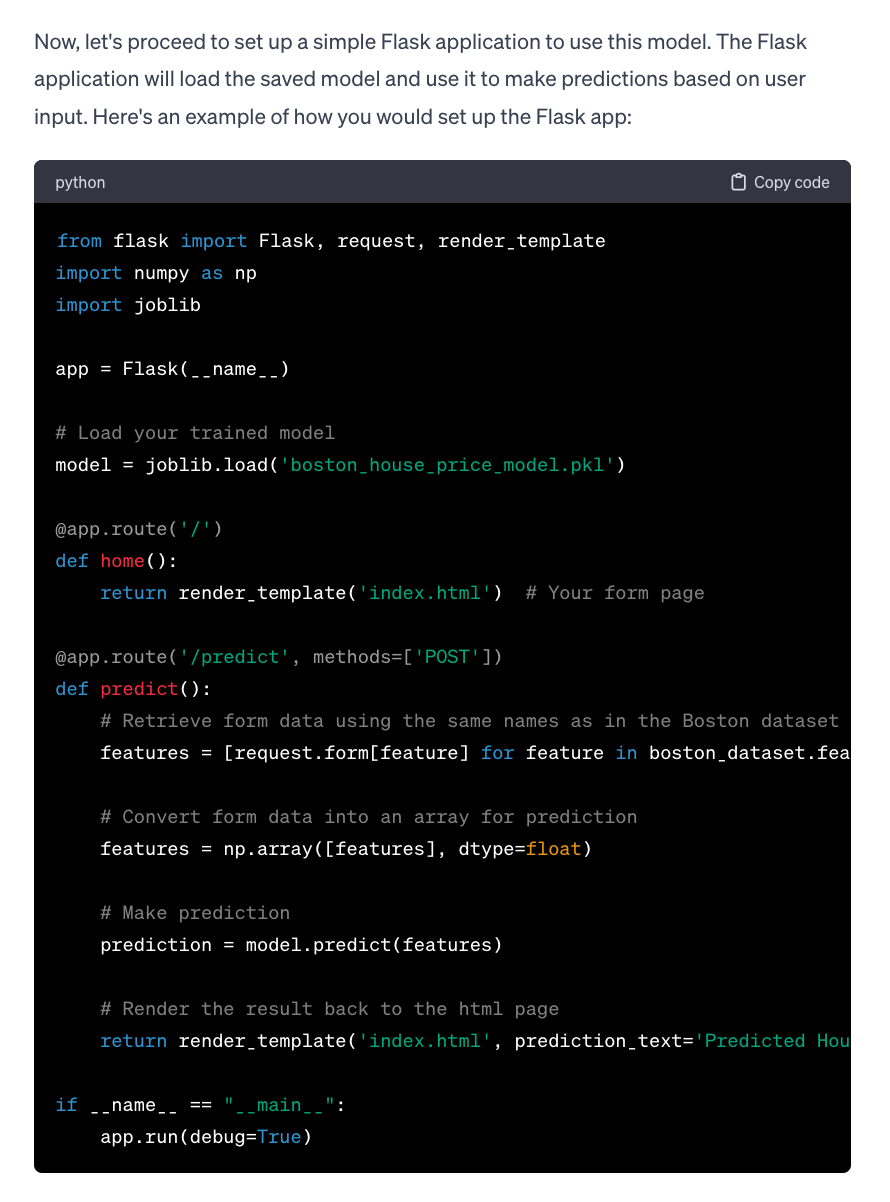
\SS of ChatGPT\
After that, you can ask it how to implement this in your own environment, such as PyCharm or Spyder — Python editors.
Additionally, you can request an HTML file to make your app similar to mine or customize it as you wish.
Following the code creation, you can ask how to upload it to pythonanywhere.com. If you encounter any issues, simply take a screenshot, upload it to ChatGPT, and ask for help.
Final Thoughts
In this article, we went through how you can learn, apply and deploy AI.
Thanks for reading!