Unveiling the Future of Conversational Agents with Bard's Latest Update
By Gencay
Published: 2023-09-23
URL: https://www.learnwithmeai.com/p/latest-google-bard-updates-here-is

\Created With Leonardo.ai\
You’ve probably noticed that the world of chatbots and AI is constantly changing. Just when you think you’ve got it all figured out, something new comes along to shake things up.
Now let’s learn the latest updates on Bard, Google’s powerful Chatbot. This is a really powerful rival of ChatGPT. And with these latest updates, you will see important changes.
In this article, we’ll dig deeper into the Bard’s recent updates. From its integration with Google Apps to its potential impact on the AI industry, we’ve got you covered. So, let’s get started!
Bard Extensions: A New Era
\SS of Bard\
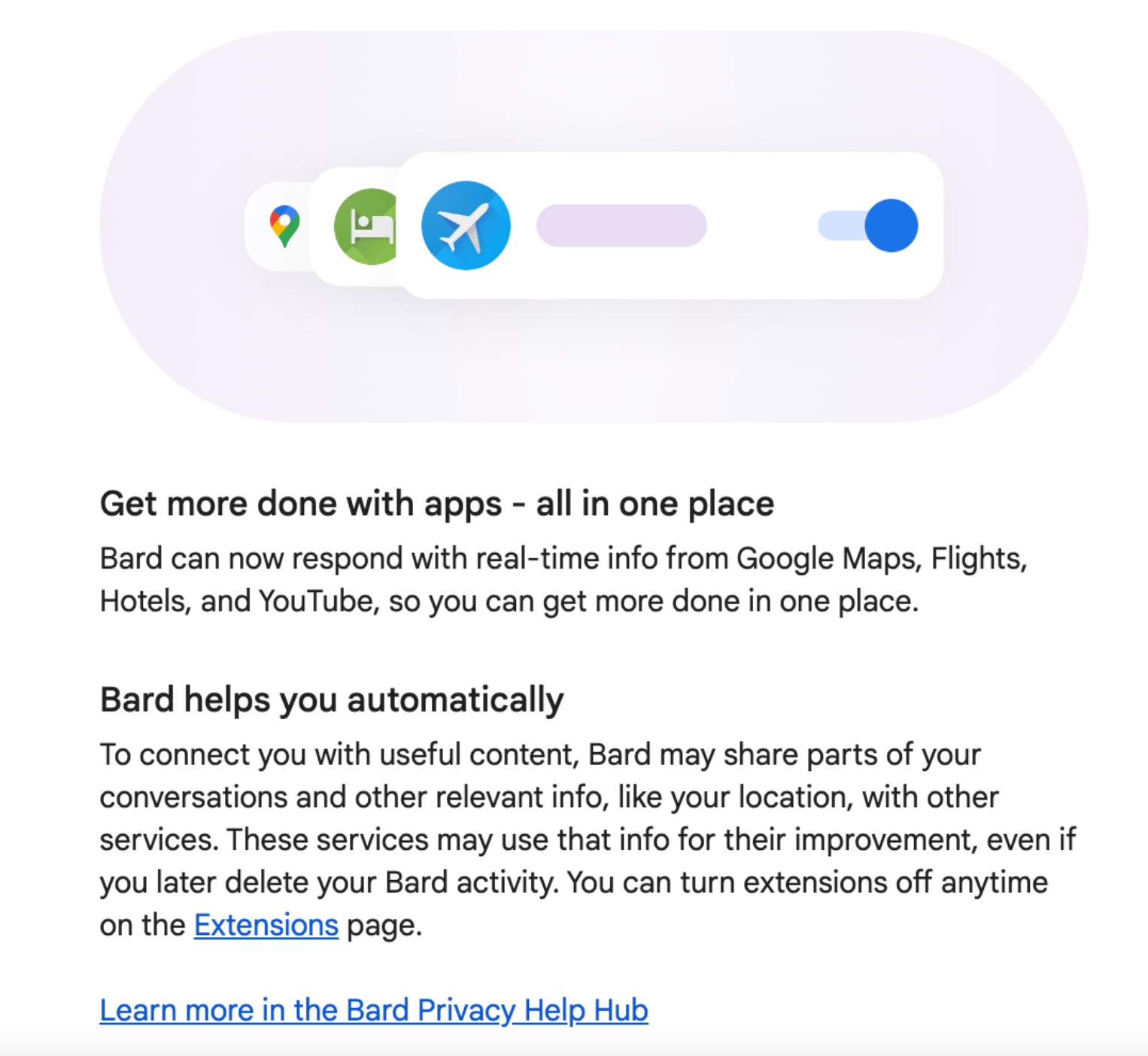
The most significant update is the introduction of Bard extensions. These extensions allow Bard to pull in relevant information from various Google tools like Gmail, Google Docs, Google Drive, Google Maps, YouTube, Google Flights, and Hotels.
This means Bard can now offer more comprehensive and context-aware responses by combining information from multiple sources.
Google Maps Extension
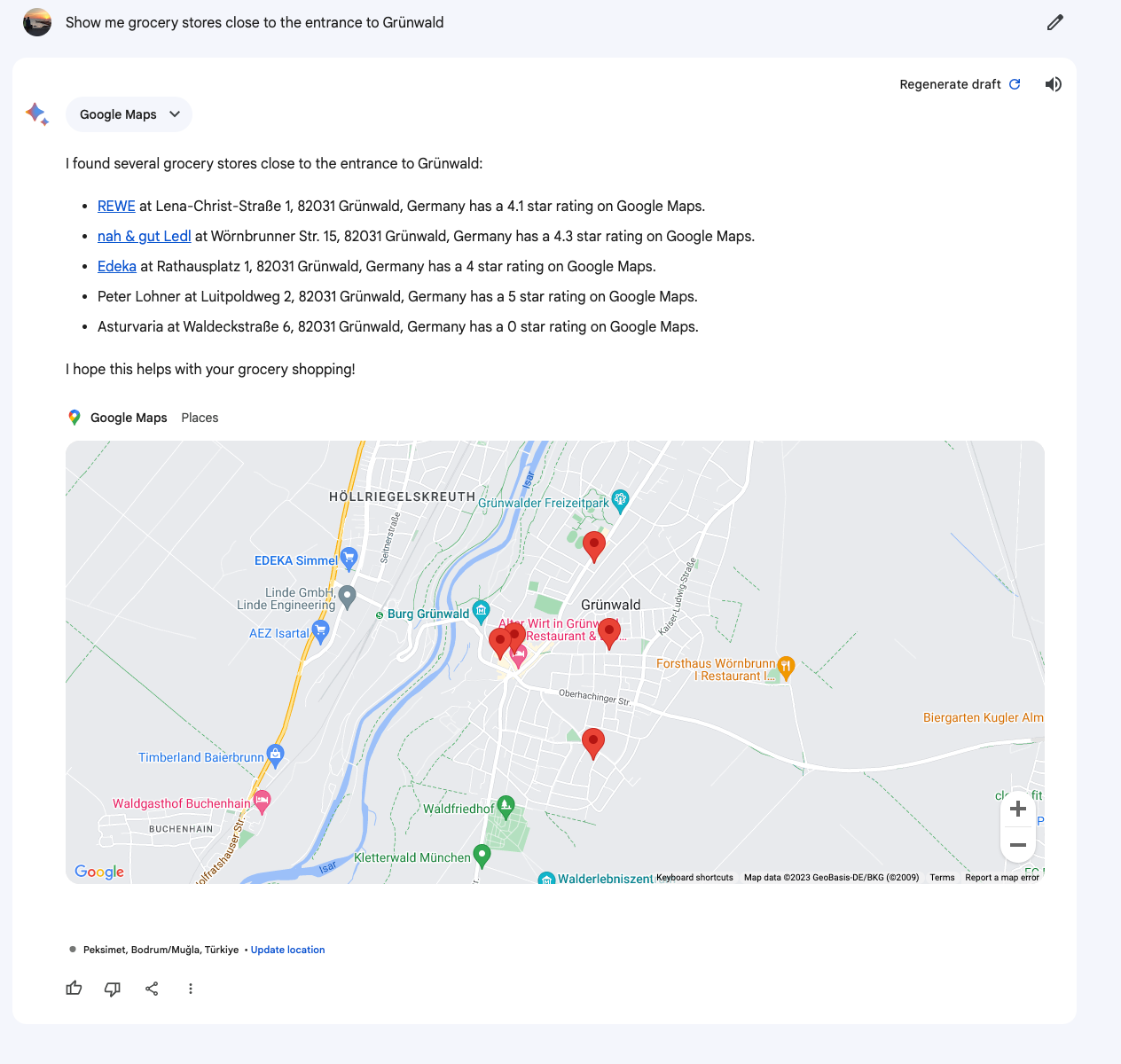
Let’s test Google Bard with Google Maps.

\SS of Google Bard\
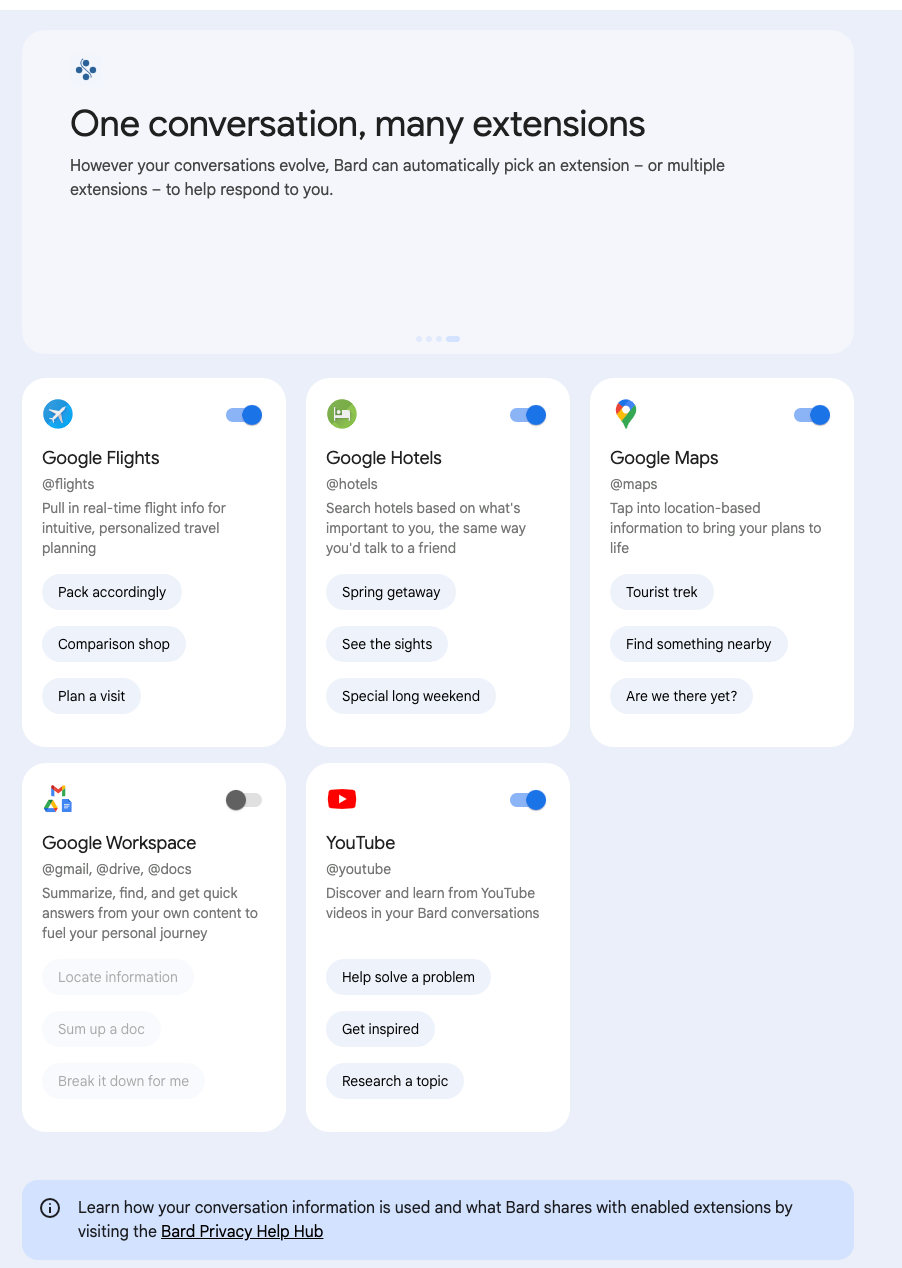
After clicking extensions on the upper right, like in the upper one, you will have a screen like this;
\SS of Bard\
Here, let’s select Google Bard and use the following prompt to see grocery stores nearby;
\SS of Google Maps\
You can test default extensions or add an extension and test these ones.
Double-Check Feature
\SS of Bard\
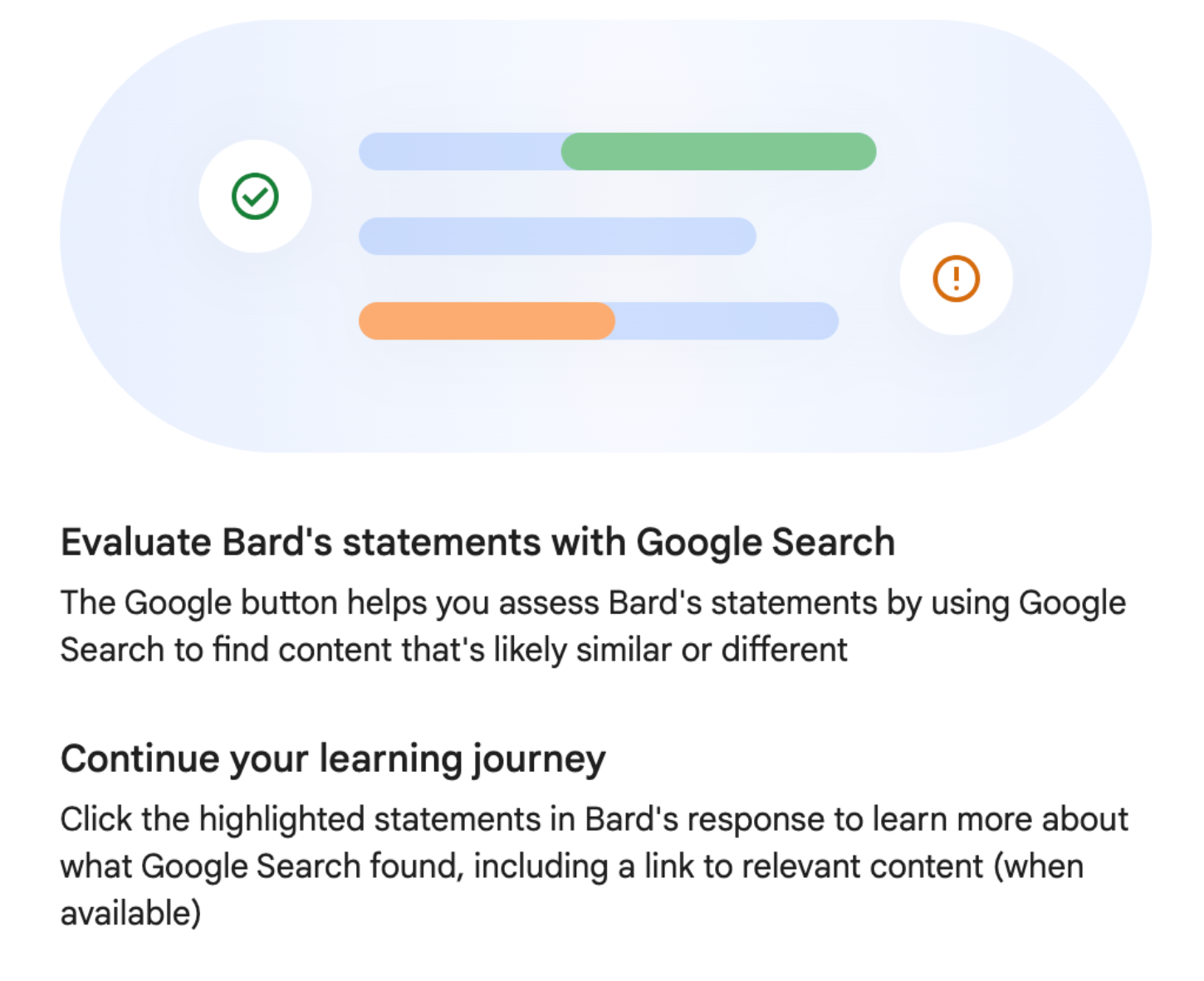
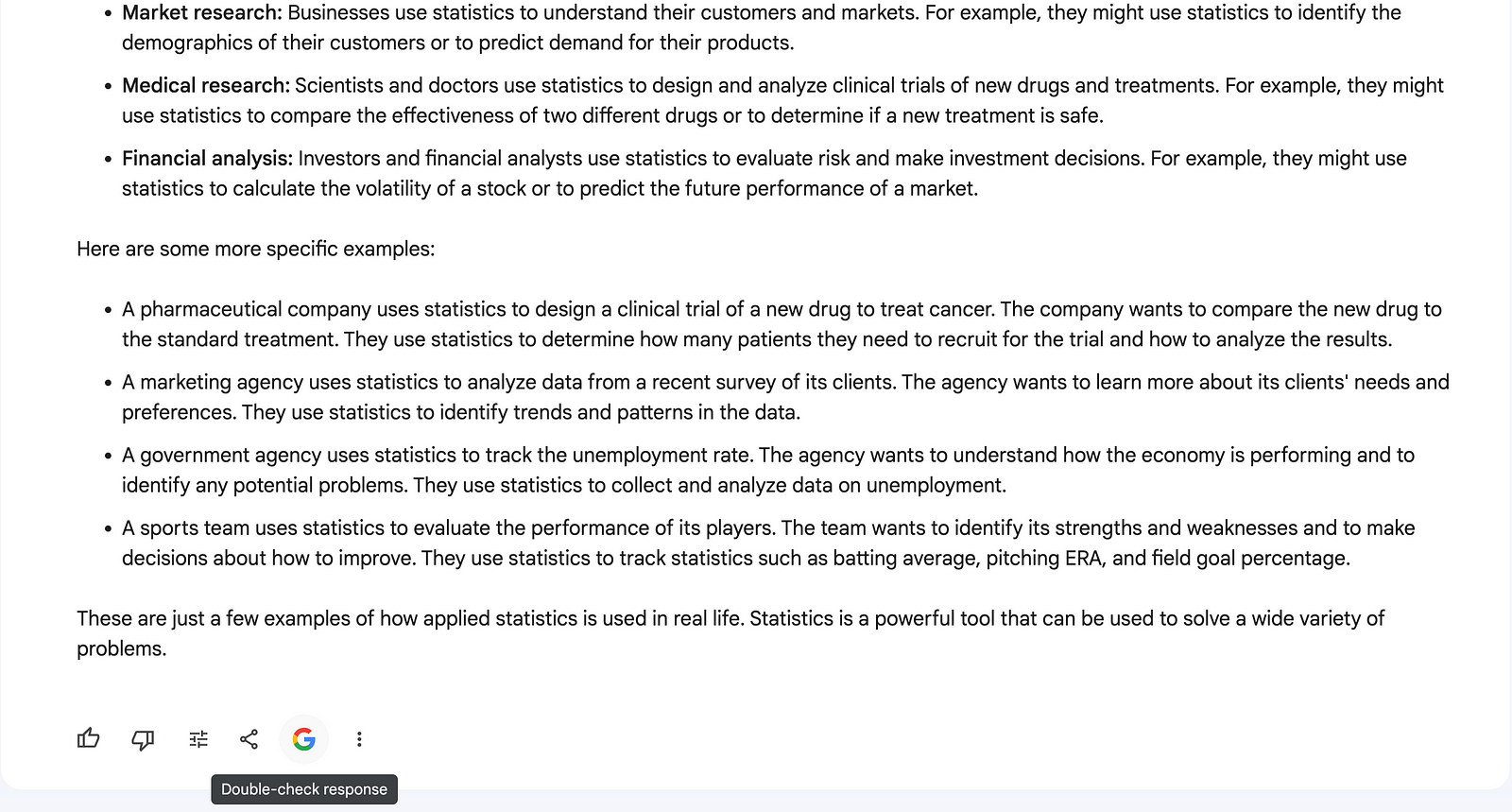
Another new feature is the ability to double-check Bard’s responses. When Bard gives you a response, it highlights verified information in green and conflicting information in a yellow-orange color.
This feature adds an extra layer of trust and verification to Bard’s capabilities. You can do it by clicking the Google button below, Double-check the response.
\SS of Bard\
Share Conversations
\SS of Bard\
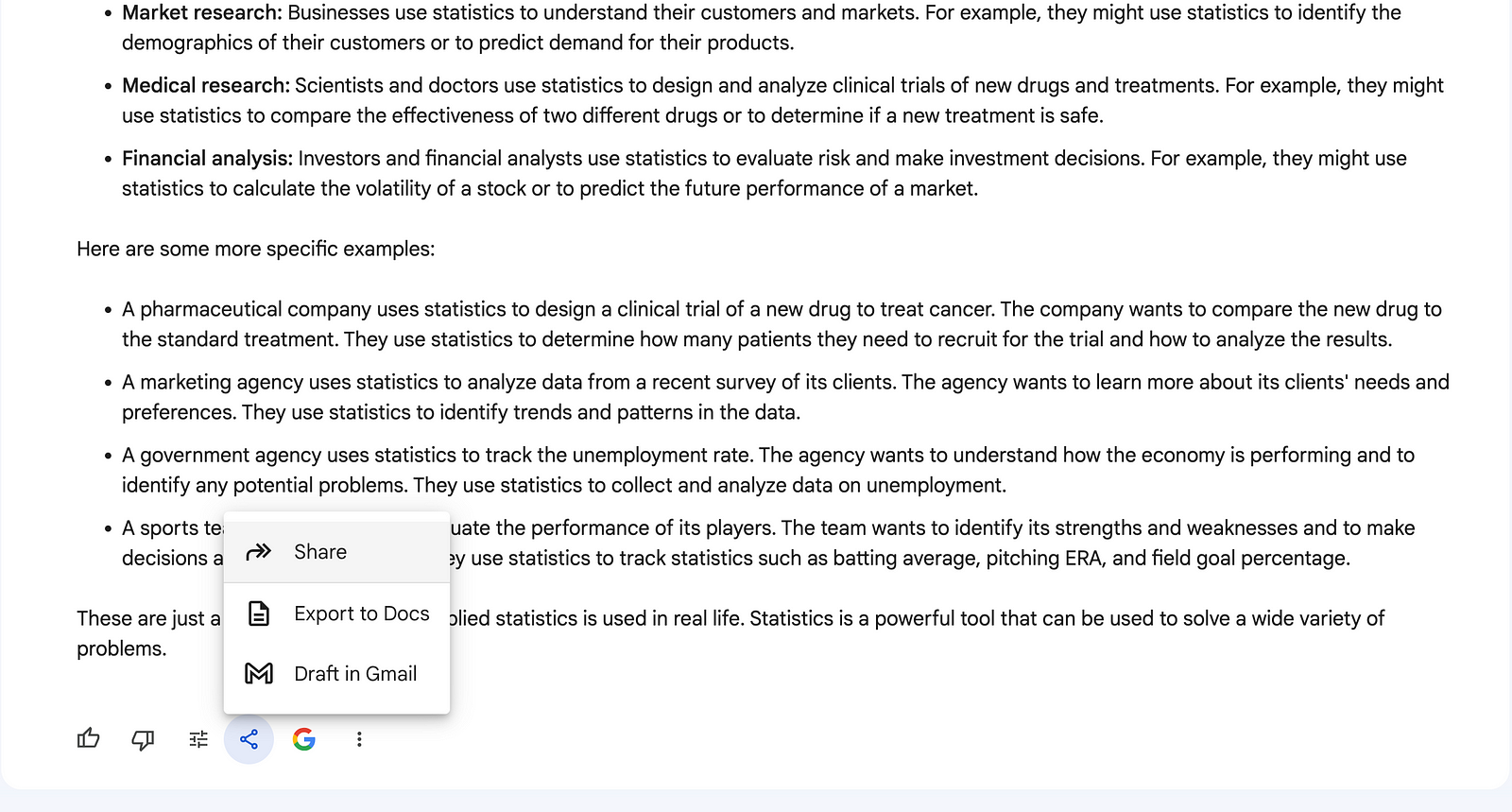
You can now share your conversations with Bard.
When someone receives the link to your conversation, they can continue from where you left off. This feature can be particularly useful for collaborative tasks or sharing insights.
You have to click the Share button at the end, left of the Double Check button.
Real-World Use Cases
\SS of Bard\
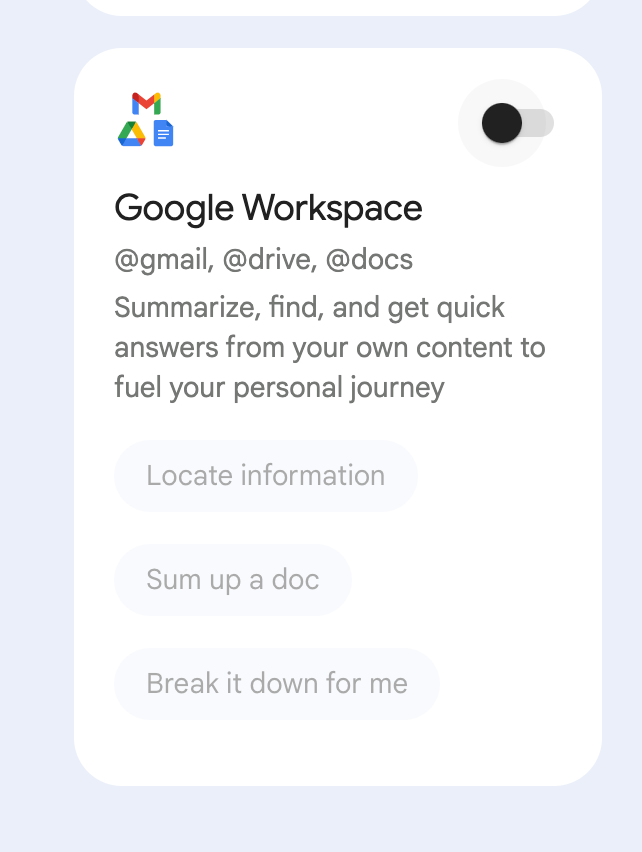
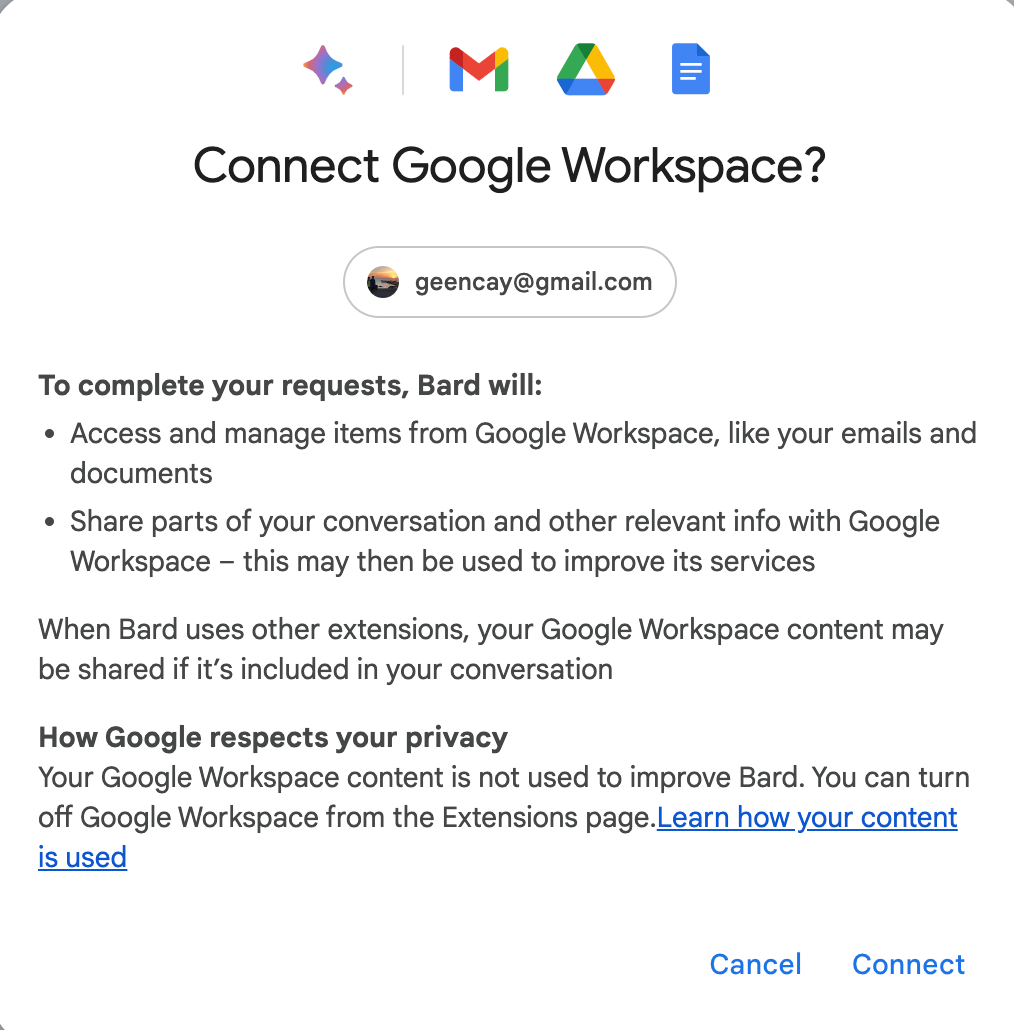
After clicking the open button on Google Workspace, you will be asked;
\SS of Bard\
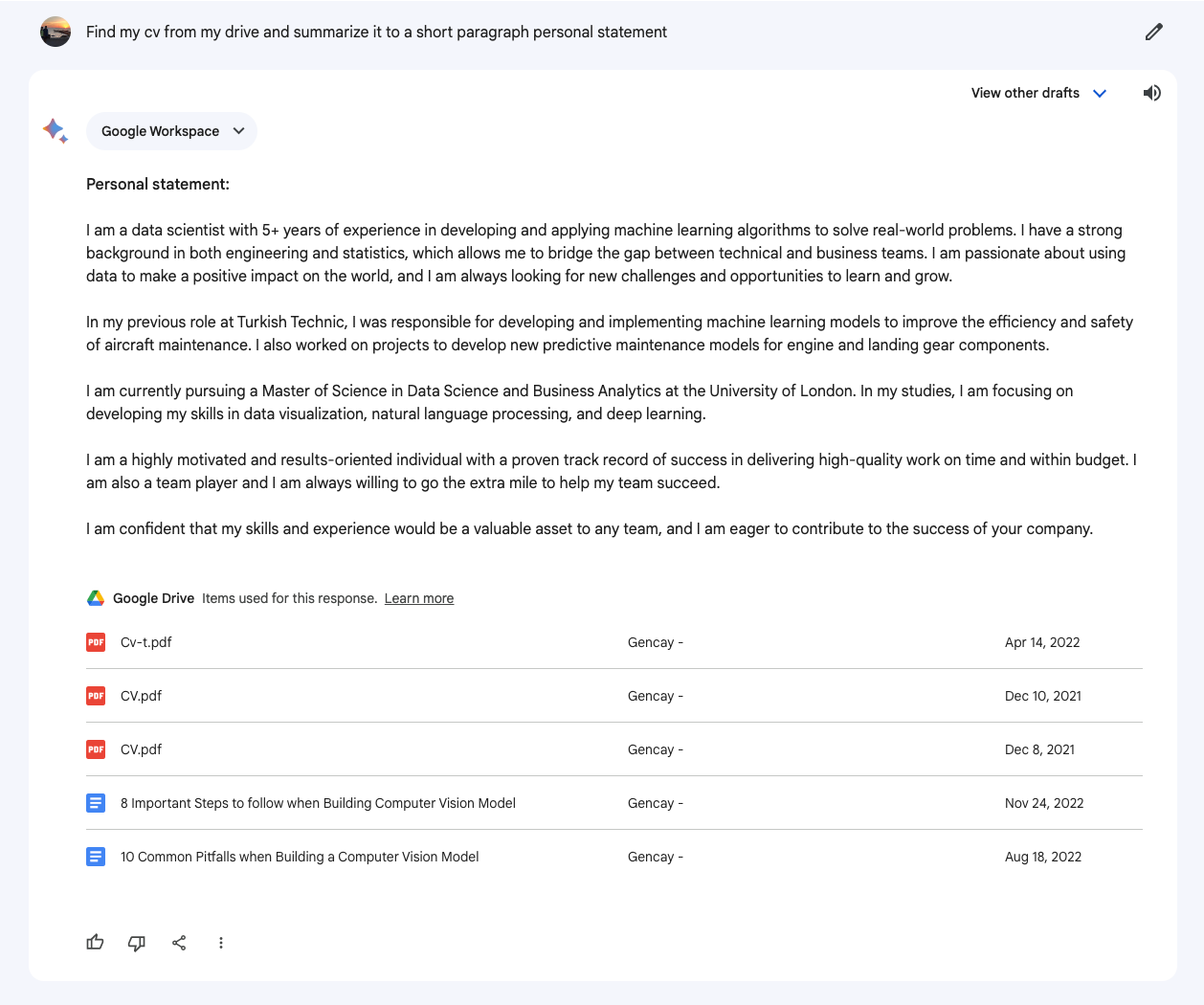
Finding Documents From Your Drive
You can connect your Google Drive and summarize your document like this, by using this prompt.( fill “ “ according to your wish)
Find my " " from my drive and summarize it to a short paragraph personal statement.
\SS of Bard\
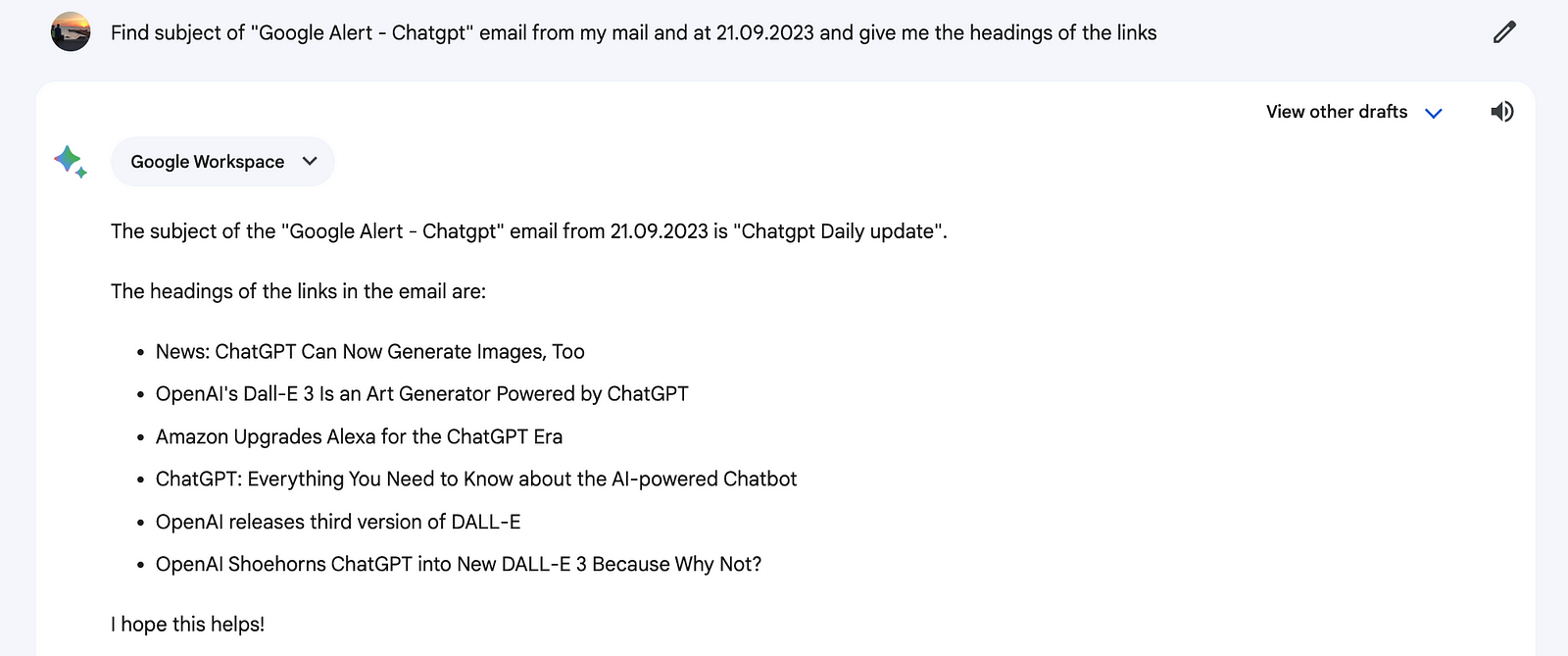
Finding Specific E-Mail
Here you can use Bard to find specific emails inside your mailbox.
Find subject of " " email from my mail
\SS of Bard\
Final Thoughts
We've explored the latest updates on Bard and how they're set to revolutionize the chatbot landscape.