You can now search the UX Jobs board from inside Claude, ChatGPT, Grok, Cursor and VS Code — by just asking.
By UX Jobs
Published: 2026-09-21
URL: https://uxjobs.substack.com/p/ask-your-ai-for-ux-jobs
Job hunting has a boring part that eats your evenings: opening ten tabs, typing the same search into each one, and scrolling past roles that closed two weeks ago.
So we built something that removes a chunk of that.
UX Jobs now plugs straight into the AI assistant you already use. Connect it once, then ask in plain words:
-
“Find me senior product design roles in London that post a salary.”
-
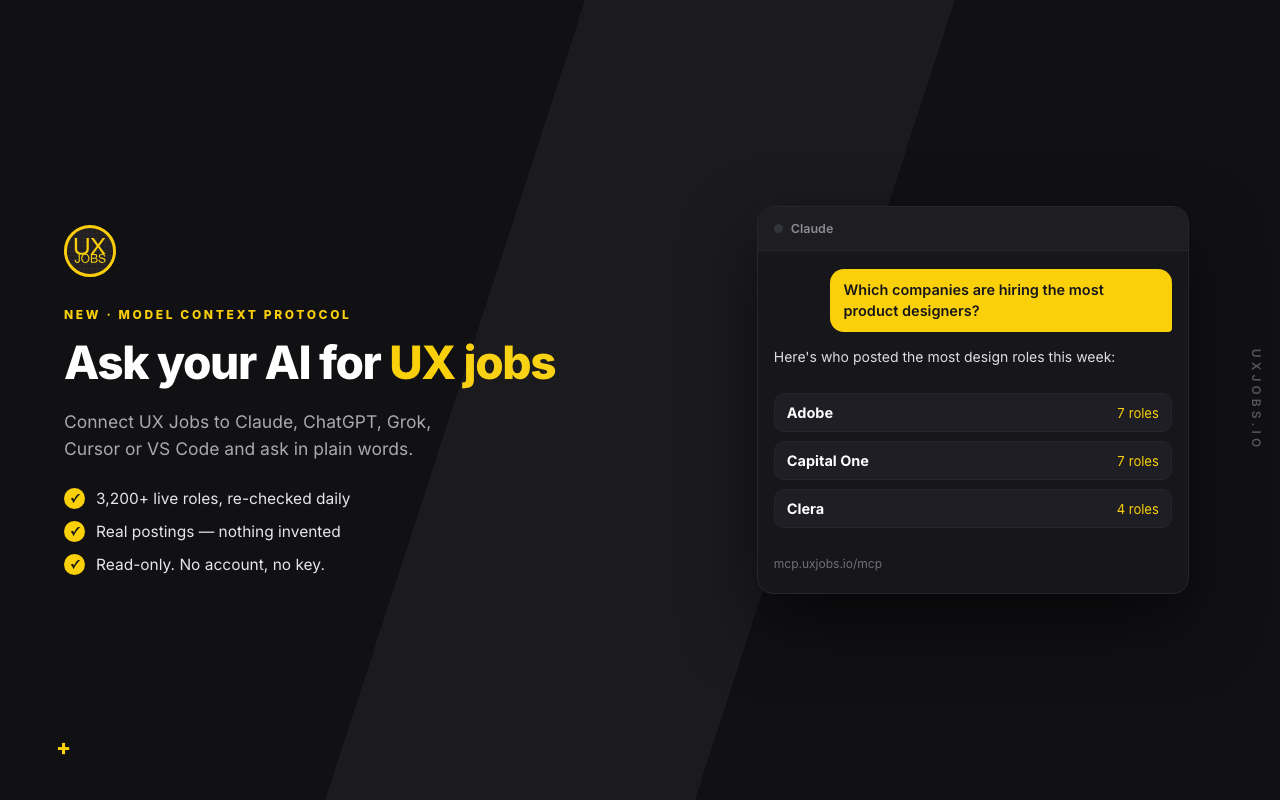
“Which companies hired the most UX researchers this week?”
-
“What’s the median pay for a staff designer right now?”
-
“Show me remote content design jobs posted in the last three days.”
Your assistant answers from 3,200+ live roles on jobs.uxjobs.io — the same listings as the board, checked against each employer three times a day.
Why this is different from asking ChatGPT for jobs
Ask any assistant for “UX jobs in Berlin” on its own and you’ll get a confident list of roles that may not exist, may be years old, or may be invented outright. Models are good at sounding right.
This isn’t that. Your assistant is reading our live board, so:
-
Every role is real and was pulled from the employer’s own careers system.
-
Closed roles are gone. We re-check them and drop the dead ones, so you’re not applying into a void.
-
Every answer links out to the job on the board and to the employer’s original posting.
-
Nothing is generated about the job itself — the title, pay and location are what the employer published.
What you can actually ask for
The connection gives your assistant seven abilities, but you don’t need to know their names. In practice you can ask for:
-
Roles by anything that matters — discipline, seniority, city, country, remote, salary floor, employment type, how recently it was posted.
-
A single job in full, including the description and the apply link.
-
Who’s hiring — the companies with the most open design roles, filtered by place if you like.
-
Salary reality — median and quartile pay by seniority, from roles that actually publish a range.
-
A market snapshot — how many roles are open, how many landed this week, the remote share, the busiest cities and countries.
It’s read-only. It can look things up. It can’t apply for you, change anything, or see anything about you.
How to connect it (about a minute)
The address is:
https://mcp.uxjobs.io/mcp-
Claude — Settings → Connectors → Add custom connector → paste the address.
-
ChatGPT — Settings → Connectors → add it as a custom connector (developer mode).
-
Grok — Connectors → New connector → Custom → paste the address.
-
Cursor / VS Code — one-click install buttons on the board.
The easiest route: open jobs.uxjobs.io, click the sparkle icon in the right-hand rail, and pick your assistant. It gives you the exact steps and a prompt you can paste straight in.
No account, no sign-in, no key. You’re connecting to a public, read-only service.
Who this is for
-
If you’re job hunting, it turns a nightly tab-crawl into one question, and you can ask follow-ups: narrow to remote, filter by pay, compare two cities.
-
If you’re researching the market — writing about design hiring, planning a salary negotiation, or deciding where to look next — the snapshot and salary tools answer in seconds what used to mean a spreadsheet.
-
If you hire designers, it’s a quick read on what everyone else is posting and paying.
A note on what this is
“MCP” stands for Model Context Protocol — an open standard for letting an AI assistant talk to a real service instead of guessing. It’s the same plumbing behind assistant connections to GitHub, Notion and the rest.
UX Jobs is listed in the official MCP registry as io.uxjobs/jobs, so it works with any client that speaks the standard, not just the ones above.
Try it
-
Connect https://mcp.uxjobs.io/mcp in your assistant.
-
Ask: “Which companies are hiring the most product designers right now?”
-
Then ask it to narrow to your city, or to remote, or to roles that publish pay.
If something doesn’t work, or you want it to answer a question it currently can’t, reply to this email — that feedback shapes what we build next.
Browse the board: jobs.uxjobs.io Docs and the full list of what it can do: mcp.uxjobs.io