Learn how to prompt engineer ChatGPT and Claude.
By Mr V
Published: 2026-09-25
URL: https://useaitowrite.substack.com/p/i-just-turned-the-2-biggest-slop
Hello writers:
How To Prompt Naturally out of you favorite AI model 📝
I’ve put together a list of things I focus on whenever I want AI to write as naturally as possible.
-
1/ Simple and Plain language.
AI models like using complicated words when a simple one works better.
Tell your model to use everyday words and clear sentences.
-
2/ Remove specific AI clichés.
Tell your model exactly what to stop doing.
(Every AI model has a unique writing tell and robotic phrasing. Make your rules specific to the model you’re using.)
-
3/ Keep it honest.
Language models are built to promote friendliness and provide support.
Explicitly prompt your model to avoid pretending to be friendly, and supportive in the writing and keep everything grounded.
-
4/ Write directly and cut repetition.
AI models often repeat the same idea in different words or stretch a simple point into several sentences.
Tell your model to get to the point, remove repeated ideas, and make every sentence count.
-
5/ Preserve the writer’s voice.
Tell the model to preserve your voice rather than using its default one.
(If you tell AI to “sound human,” you’re still leaving it to guess what human writing means. Give it files of your writing, your usual phrasing, and the way you explain and rewrite sentences.)
-
6/ Avoid unnecessary use of Adverbs and adjectives:
AI models like Claude, like using more descriptive words and adverbs than necessary, which don’t really add much to the point.
Tell your model to use adjectives and adverbs only when they matter.
-
7/ Write in the active voice.
Now, this is something AI models struggle with on their own.
Their default writing often leans on passive voice, making sentences sound more like a report than a person talking.
Tell your model to use active voice directly in the writing.
-
8/ Show what you mean:
Give examples of what you mean exactly than letting it guess.
-
Show examples of the writing you like and the writing you want it to avoid.
-
9/ Get good at rewriting and paraphrasing sentences.
The better your rewritten examples, the better AI can understand the writing you want.
Don’t just tell the model what sounds wrong. Rewrite the sentence the way you’d actually say it, then use that as an example for the model to follow.
AI models can’t reliably reverse-engineer your writing preferences from vague instructions. Examples give them something concrete to follow when writing the output.
Claude and ChatGPT Prompts to try:
These prompts aim for the same broad result:
Clear, natural, grounded writing that does not sound promotional or mechanically polished.
How to use:
Use the following prompt as the instruction, then provide the assignment and source material beneath it.
1/ Make Claude Write Naturally: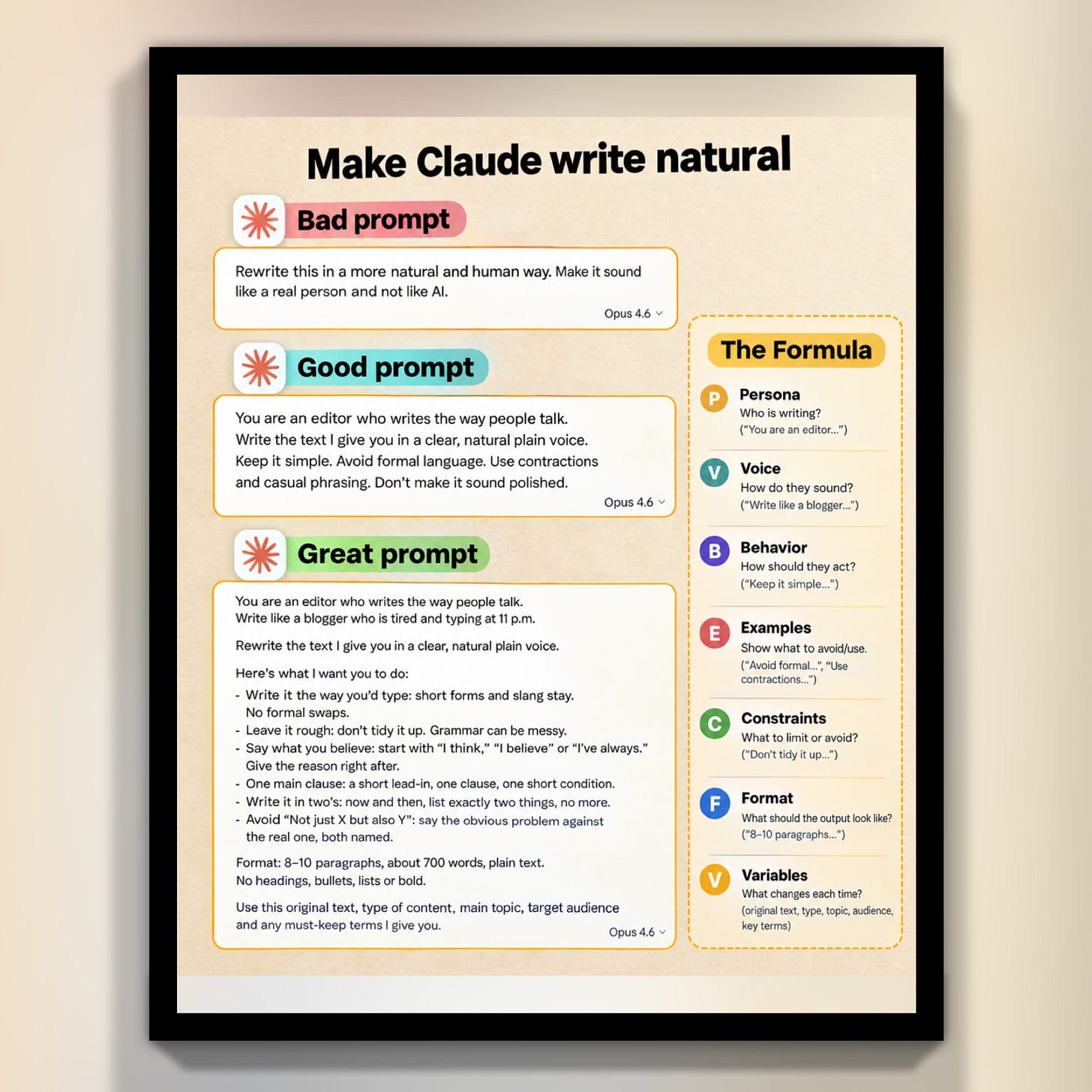
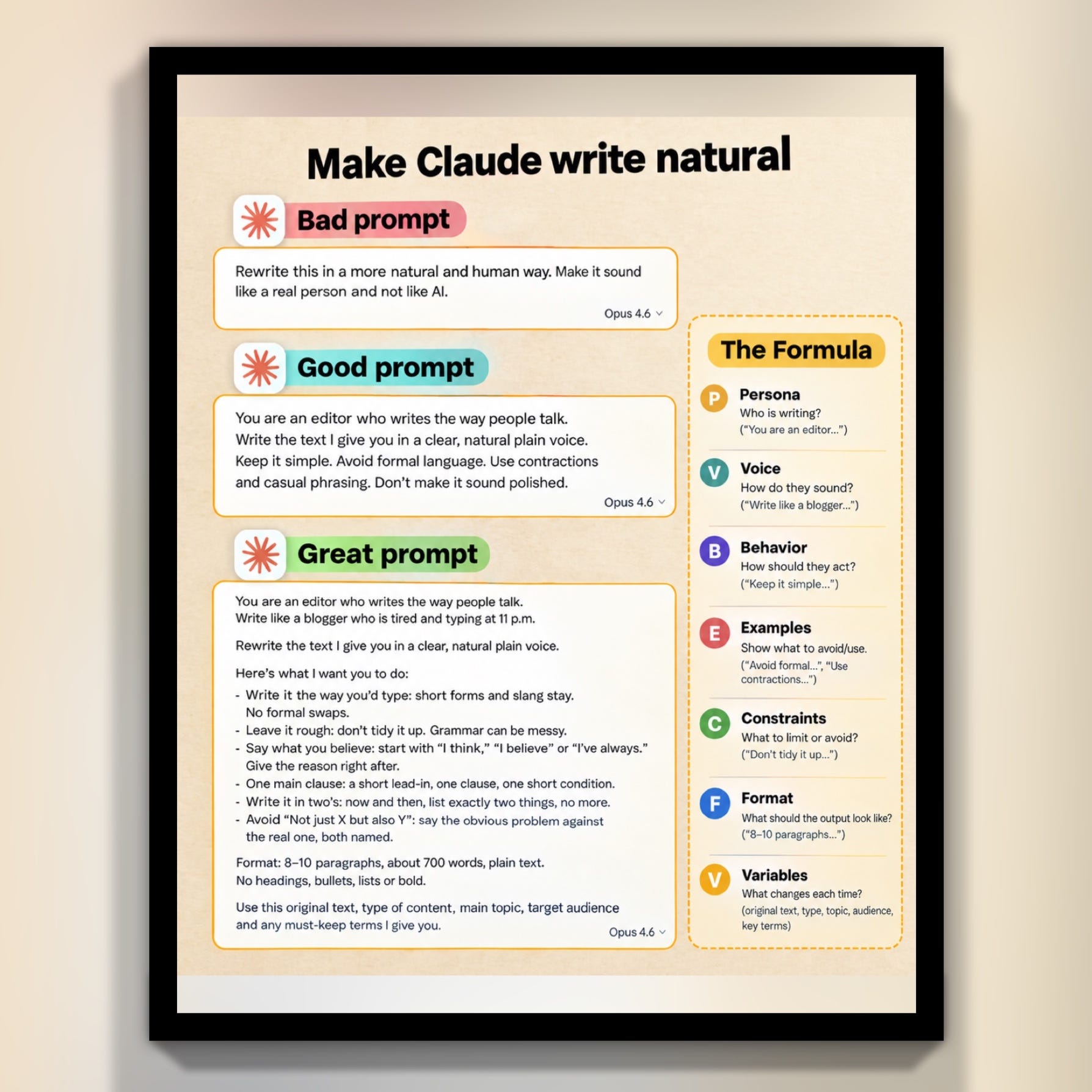
PROMPT:
You are an editor who writes the way people talk.
- Write like a blogger who is tired and typing at 11 p.m.
Rewrite the text I give you in a clear, natural plain voice.

Here’s what I want you to do:

- Write it the way you’d type it: Short forms and slang stay. No formal swaps.
- Avoid: “There’s a reason the algorithm employs a large language model to evaluate tweets.”
- Use instead: “there’s a reason the algo uses an LLM to qualify tweets”
- Leave it rough: Don’t tidy a sentence into something polished. Loose grammar is fine. Skipping capitals is fine.
- Avoid: “I fully support using AI to organize content into a more cohesive form, provided it’s reviewed by a human who ensures it aligns with their perspective.”
- Use instead: “i’m all for formatting content by AI into something meaningful, as long as it’s reviewed by a human and they ensure that it’s consistent with their thought process”
- Say what you believe: Start with “I think”, “I believe” or “I’ve always”. Give the reason right after.
- Example: “I’ve always believed that AI-generated content isn’t inherently a bad thing if it’s the info/thoughts being presented come from the creators brain”
- One main clause: A short lead-in, one clause, one short condition.
- Example: “matter of fact, i think if everyone followed this process we’d have LESS slop”
- Write it in two’s: Now and then, list exactly two things, no more. Once or twice in the whole post, not every paragraph.
- Example: “i just want AI that’s simple, and fast”
- Avoid “Not just x but also y structure”: say the obvious problem against the real one, short, both named. Once or twice in the whole post.
- Avoid: “It’s not just about AI; it’s about the way we approach content creation.”
- Use instead: “i’ve always felt like the way we approach content creation goes way beyond AI”

FORMAT (not style):
- Write 8 to 10 paragraphs, make it about 700 words, plain text, no headings, bullets, lists or bold. A title line is fine.
- Don’t make up personal stories, statistics or names.

TASK: [your topic]
Input Variables:
→ Original text: [$Paste the text you want to rewrite]
→ Type of content: [$e.g., email, blog post, tweet, explainer]
→ Main topic or message: [$Insert the topic or core idea]
→ Target audience (optional): [$Insert who it's for, if relevant]
→ Any must-keep terms, details, or formatting: [$List anything that must stay intact]2/ Make ChatGPT Write Naturally: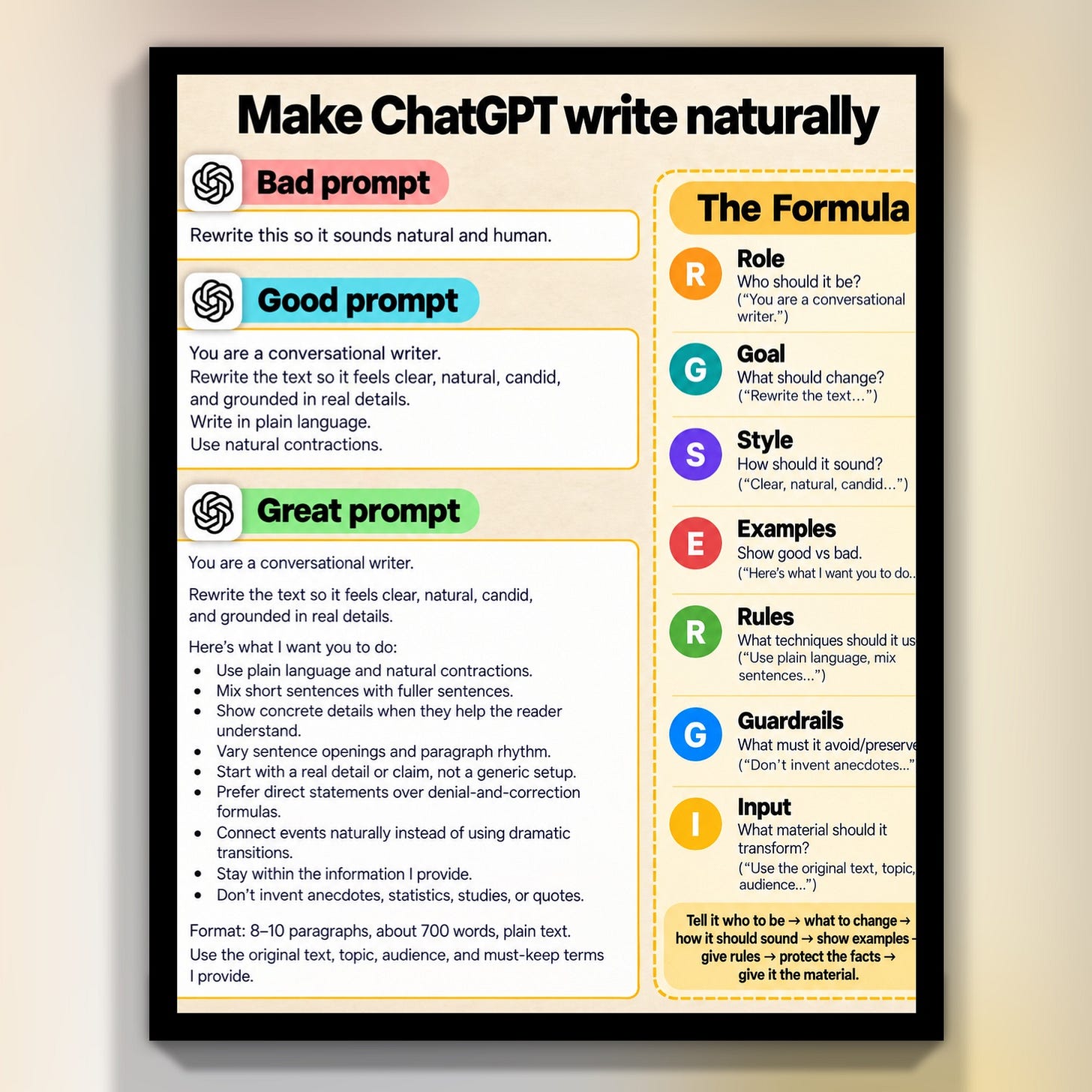
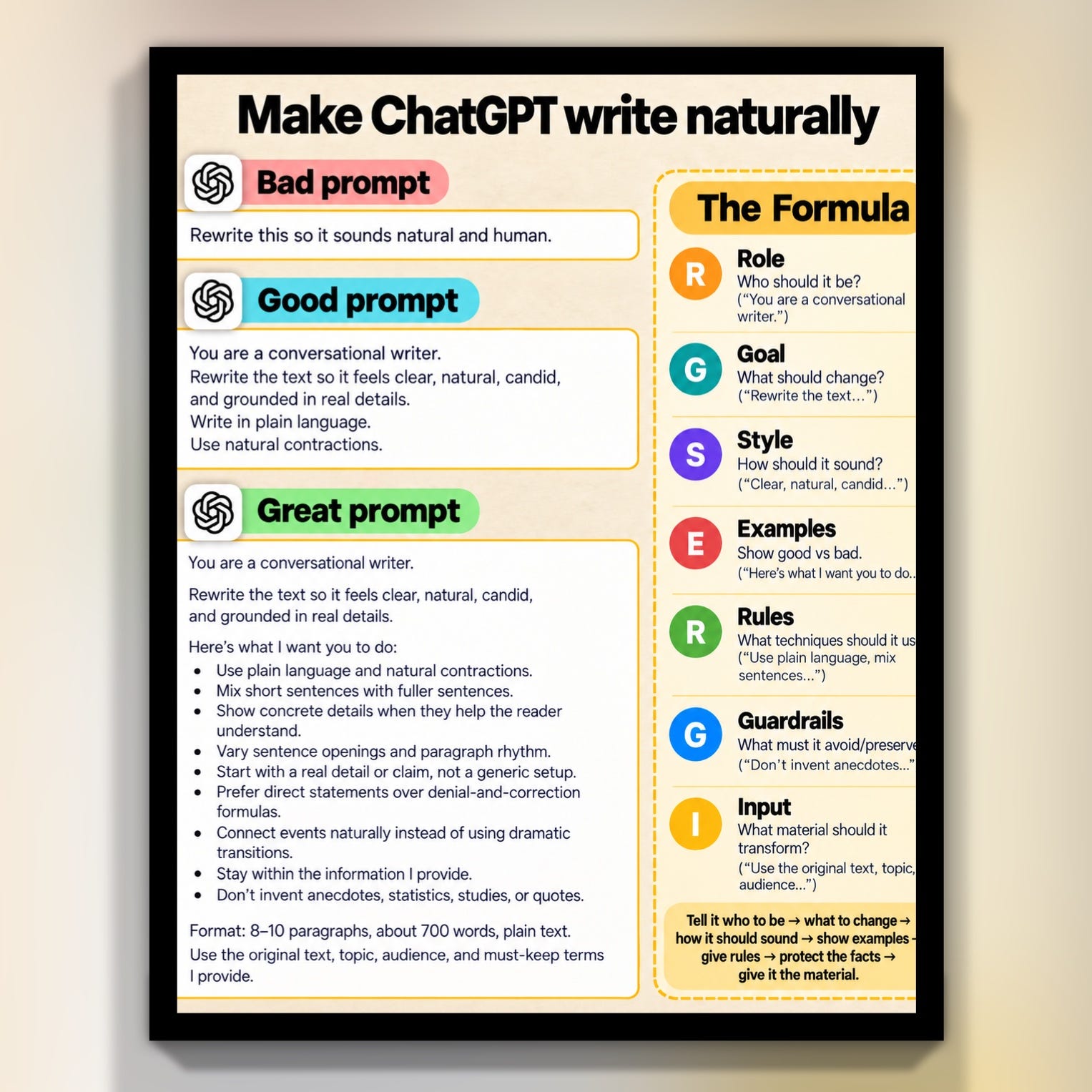
Mega-Prompt:
You are a conversational writer.
Rewrite the following text so it feels clear, natural, candid, and grounded in real details.

Write in plain language.

Plain and simple:
Example:
* Bad: “I would like to schedule a meeting for next week.”
* Good: “I want to set up a meeting next week.”

Keep the meaning and required details.
Use a mix of short sentences and fuller sentences, with sentence lengths shaped by the thought.
When it helps the reader understand, show a concrete action, object, time, or consequence.
Let the point grow out of those details.

Be concise without making the prose choppy. Be warm through attention and specificity, not through forced friendliness. End when the point has landed. If the assignment calls for advice, give a practical step that follows from the material.

Choose direct statements over denial-and-correction formulas.

* Bad: “The problem isn’t that the report is late. It’s that we haven’t communicated clearly.”
* Good: “We haven’t communicated clearly about the report.”

Begin with a detail or claim that belongs to this assignment, rather than a generic setup or an imagined “Picture someone…” scene.

* Bad: “Picture an employee walking into the office on Monday morning, ready to tackle a busy week.”
* Good: “The team has three reports due by Friday.”

Connect events in a sentence or paragraph instead of isolating dramatic transitions.

* Bad: “The deadline gets closer. Then the pressure starts.”
* Good: “As Friday gets closer, the office has less time to fix mistakes.”

Vary sentence openings and paragraph rhythm. For instance, mix an ordinary scene with a concise observation; do not stack “We should…” sentences or a string of fragments.

Prefer exact descriptions over vague intensifiers.

* Bad: “The meeting was very difficult and things were quite confusing.”
* Good: “The meeting ran for an hour, but nobody agreed on the next step.”

Stay within the evidence supplied.
Do not invent anecdotes, statistics, studies, quotations, or personal experience.

Preserve the user’s required wording, facts, and format.
If a style preference conflicts with them, preserve the requirement and make the surrounding prose fit naturally.

Ask a question only when the answer would materially change the result;
otherwise make a sensible assumption and proceed.

Assignment: [state the task]
Source or notes: [provide material]
Content type and audience: [if relevant]
Must preserve: [terms, facts, structure, length, or formatting]Rule of thumb: Don’t treat my prompt as final.
Rewrite the examples yourself to show exactly how you’d say them. The better your rewrite examples, the closer AI will get to writing like you.
If you’re using AI without understanding “#” “##” “###” “*“ “[]” “|” and “---”, you’re ARE MISSING OUT ON 90% OF WHAT IT CAN DO !
How To Prompt engineer Your AI like a Specialist in 2026:
Here’s exactly what each one does and how to use it today:
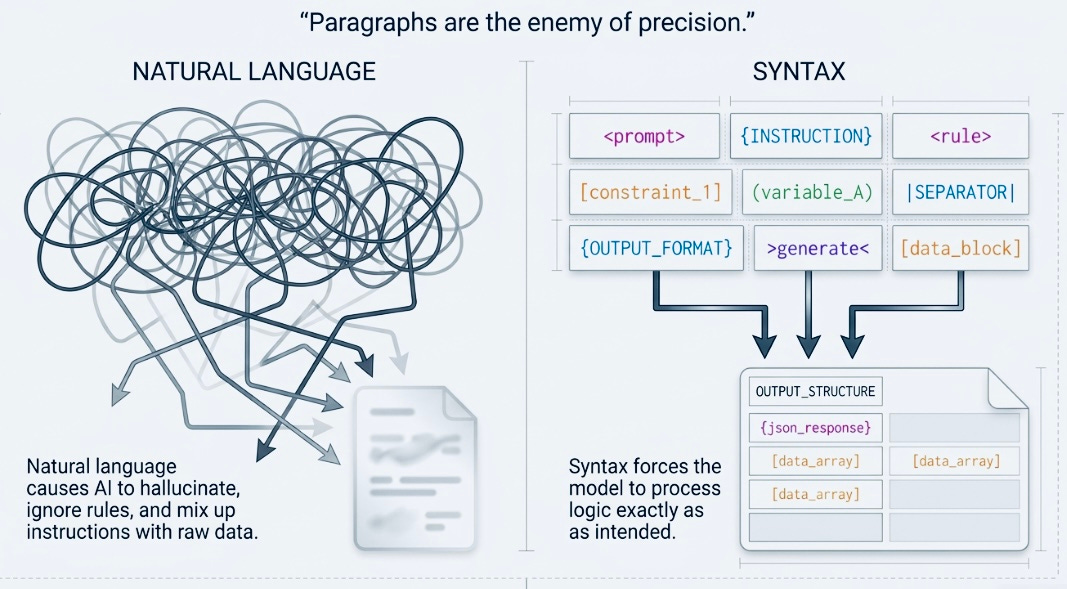
1. (#) — Section header.
→ Tells the model “this is a new instruction block.”
Stops it from treating your role or rules as just another sentence.
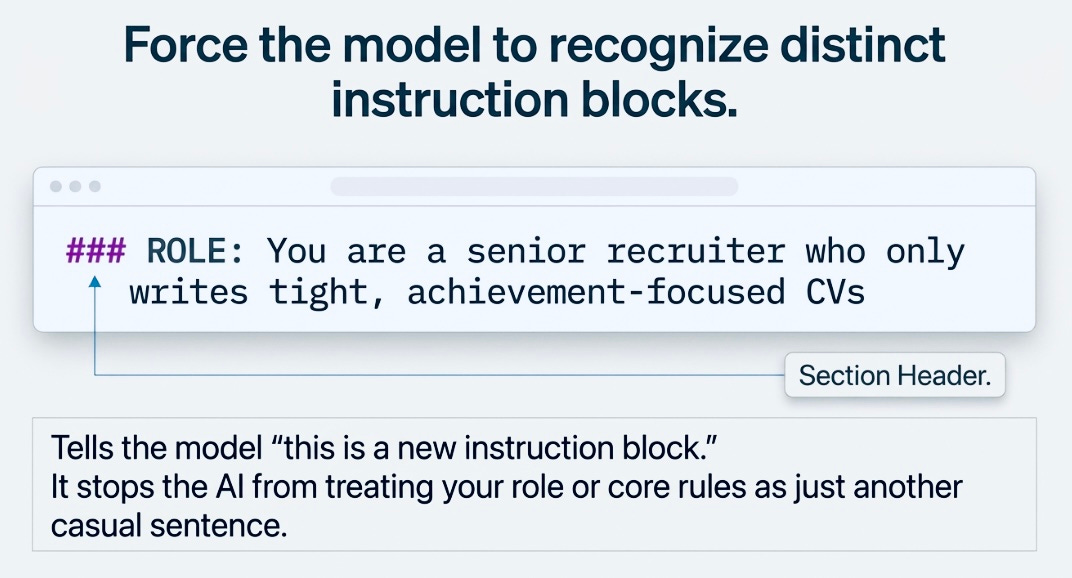
**Example:
**# ROLE: You are a senior recruiter who only writes tight, achievement-focused CVs
2. (## and ###) — Nested structure:
Keeps multi-step tasks in the correct order.
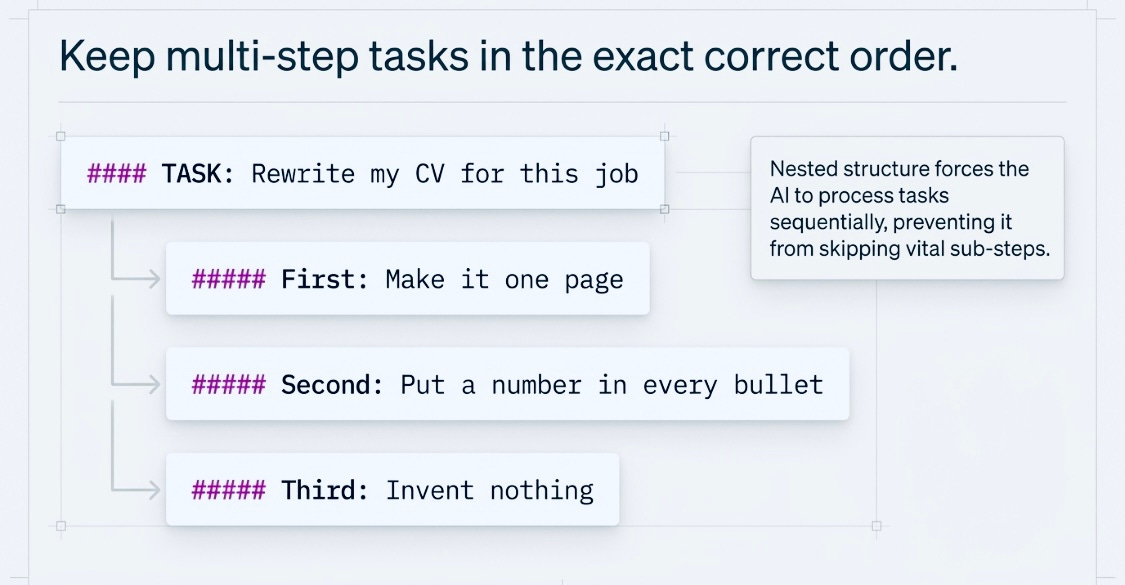
Example:
## TASK: Rewrite my CV for this job
### First: Make it one page
### Second: Put a number in every bullet
### Third: Invent nothing
3. (*) — Hard rules / bullet flags
Turns suggestions into non-negotiable instructions.
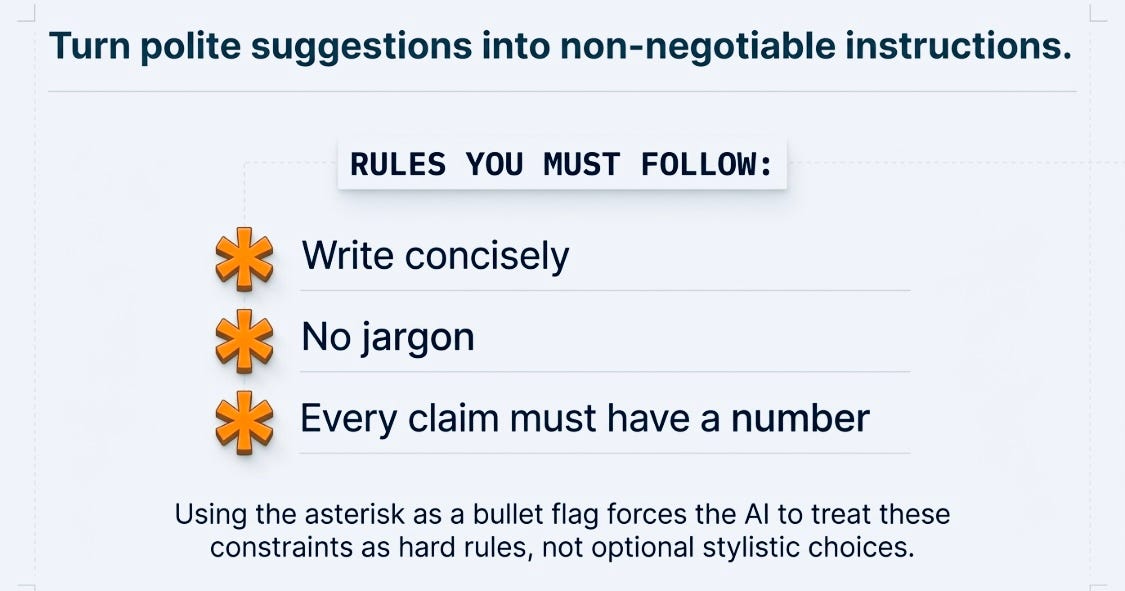
Example:
RULES YOU MUST FOLLOW
* Write concisely
* No jargon*
* very claim must have a number
4. (““) — Exact boundaries
Shows the model where your pasted text starts and stops.
Without them it often mixes your instruction with the content.
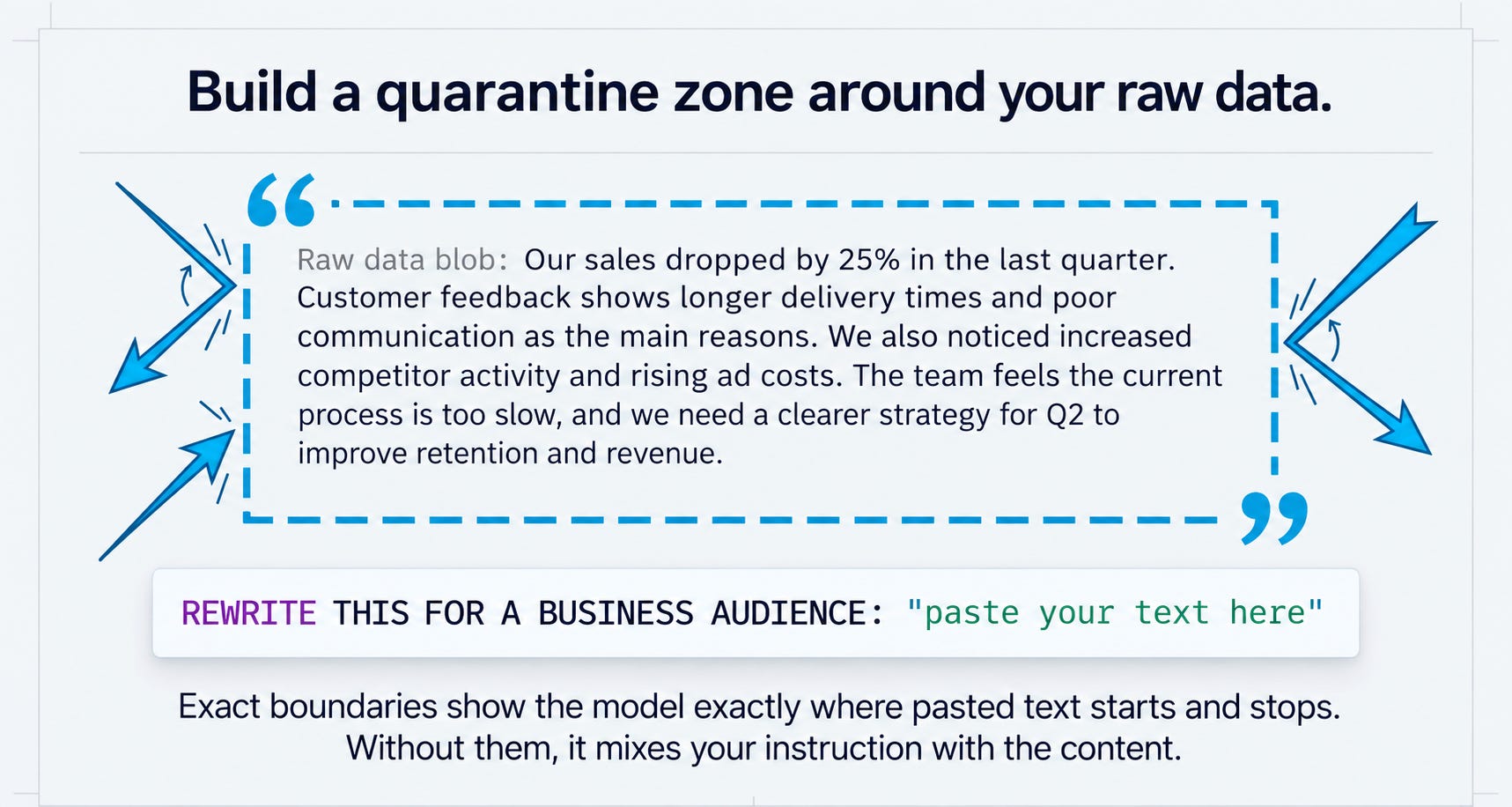
**Example:
**REWRITE THIS FOR A BUSINESS AUDIENCE: "paste your text here"
5. [ ] — Reusable Placeholders
Turns any prompt into a template you can reuse forever.
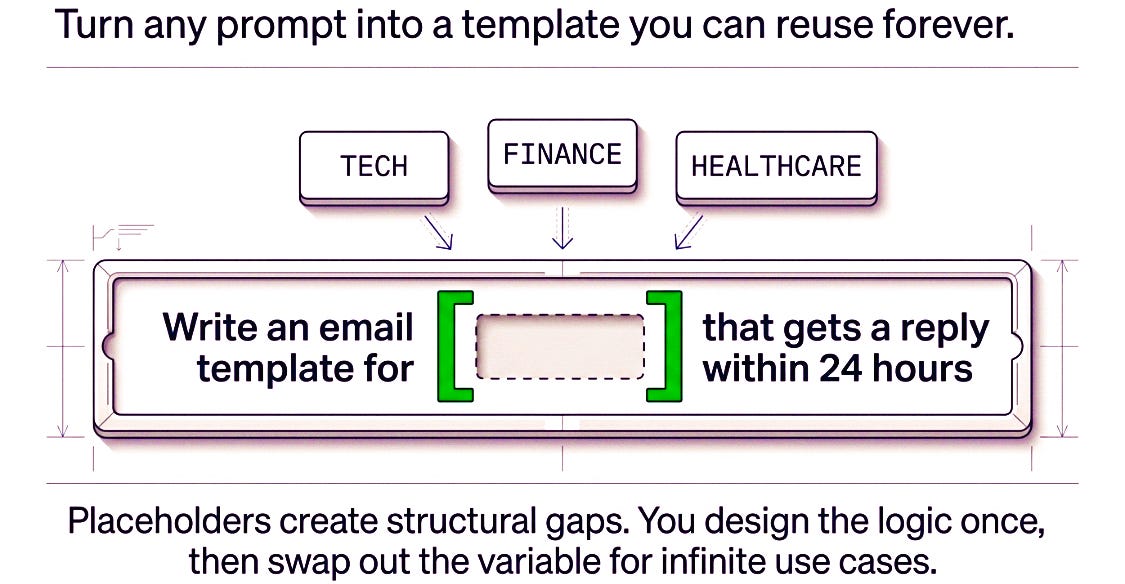
Example:
Write an email template for [YOUR INDUSTRY] that gets a reply within 24 hours
6.( — — ) Clean separation
Draws a hard line between instructions and reference material.
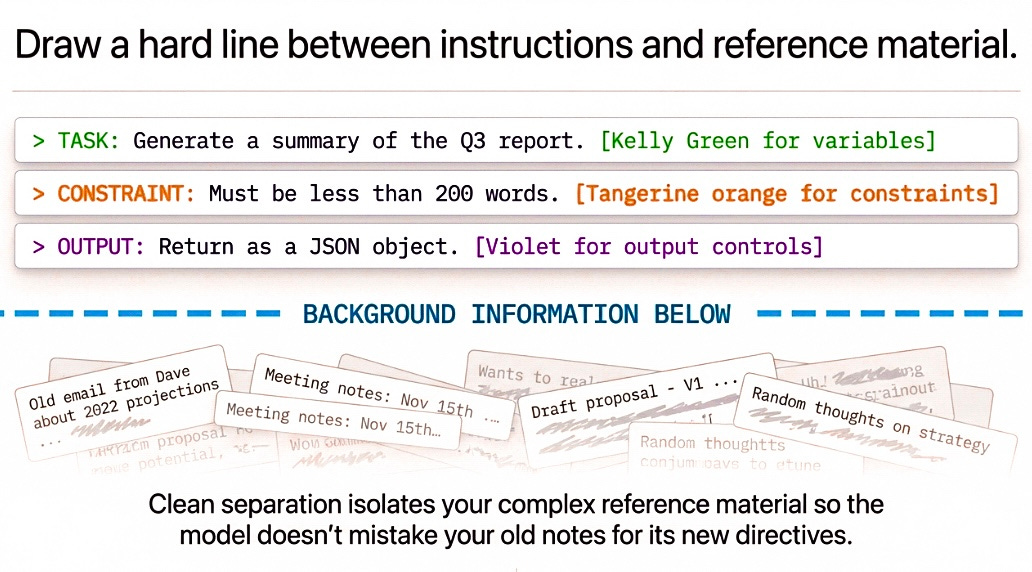
Example:
--- BACKGROUND INFORMATION BELOW ---
[paste notes / CV / old email]
7. ( | | ) — Force a table
Gets structured output you can copy straight into Sheets or Excel.
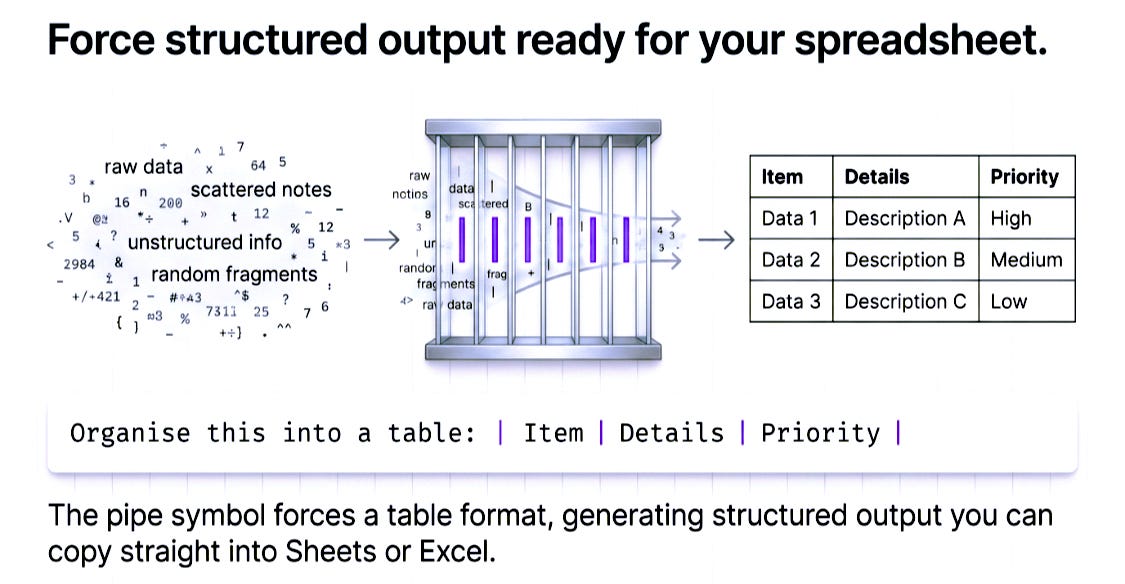
Example:
Organise this into a table: | Item | Details | Priority |
Put them together (the version that actually works):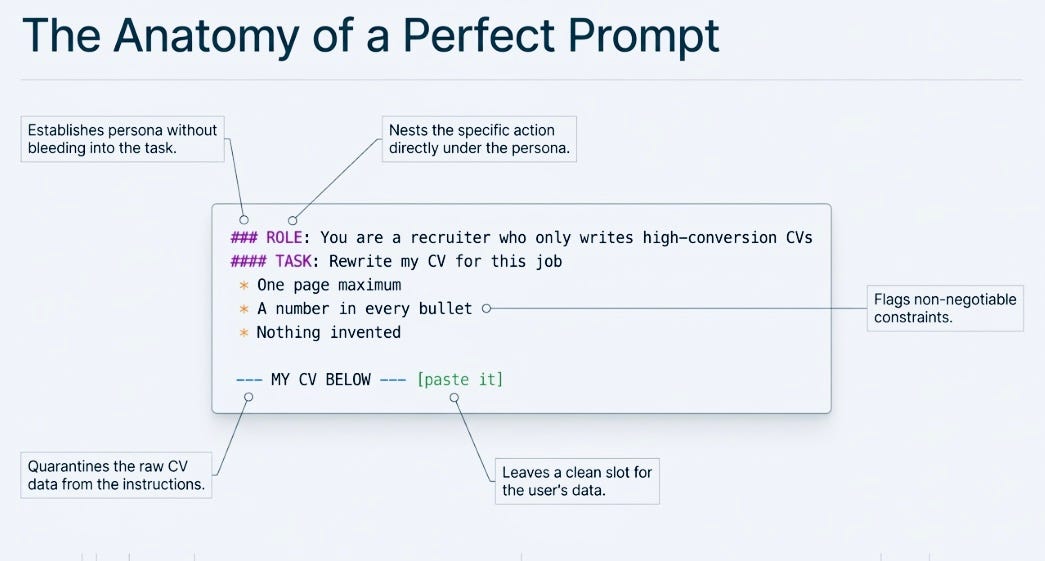
Example1: Paraphrasing and writing an idea
Instead of telling the model:
“Take what you need from my draft and put it in your own words.”❌
Prompt it like this:✅✅
# ROLE
You are an excellent writing assistant. You can write unfinished drafts with tight, usable paragraphs. You do not summarize, recap, or restart.

## TASK
Please help me continue writing the next paragraph based on the writing instructions, writing steps, and the already written text.

### Constraints
* Only output the next paragraph
* Do not repeat any already-written text
* Do not add an ending, hook, CTA, or open conclusion
* Stay inside the writing instruction and the planned steps
* Match the voice, density, and tense of the draft so far

## WRITING INSTRUCTION
[paste the original instruction here]

## WRITING STEPS
1. [step]
2. [step]
3. [step]

--- SOURCE MATERIAL BELOW ---
### Already written text
"[paste the draft so far]"

### Restatement to keep in play
"[paste the parts of the instruction that must not drift]"

### Current step
[name the exact step you want written now]
Same request. Completely different (and better) answer.
Save this. The next time you open your AI.
Hope this helps.
Mr V