My Client Had Zero Coding Knowledge. Two Days Later, Launched writing tool on the App Store.
By Mr V
Published: 2026-06-05
URL: https://useaitowrite.substack.com/p/building-your-own-app-isnt-as-hard
Hey everyone:

I have a client who has never written a line of code.
- → Two days later his writing tool was live on the App Store. ✅
- → $119 total. 4 prompts. (Anyone with a computer can repeat this. ✅)
Most people think they can’t build an app because they don’t know how to code.
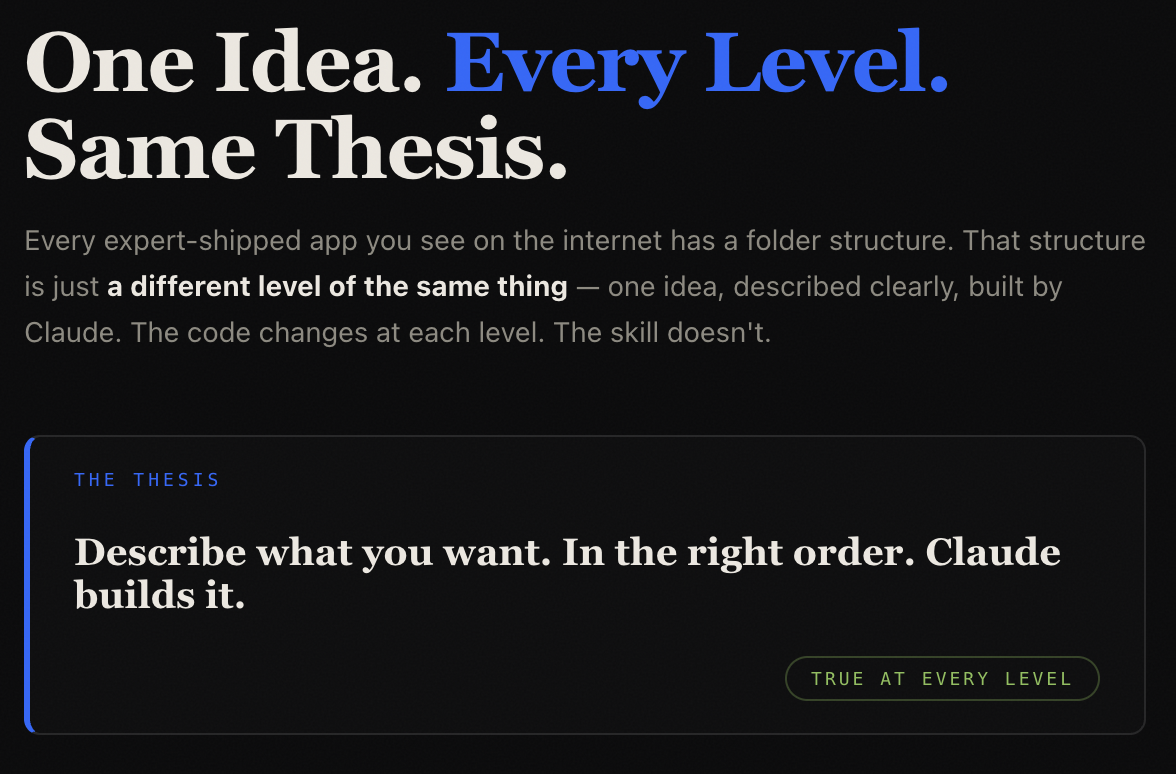
The real skill here isn’t writing code. It’s describing what you want, in the right order, with the right priorities.
Claude handles the rest. Once you understand that, it stops being a programming problem and becomes a clarity problem.
Here’s the full breakdown. Every step. Every prompt. Every thing Apple will ask for before they approve you.
Step 0: Sharpen the idea before you open Claude Code:
Before Claude Code is involved at all, you need one sentence.
One mechanic. One sentence to explain it.
EXAMPLE 1:
→ ✅ Good: “A social app where people can only post one photo per day.”
→ ❌ Bad: "An AI-powered social platform with photo sharing, stories, messaging, groups, creator tools, livestreams, recommendations, analytics, and monetization features."
At the idea stage, clarity matters more than completeness. Claude Code performs best when it is given a single, well-defined mechanic to implement.
EXAMPLE 2: (My client’s app)
→ ✅ Good: “A writing tool that turns rough notes into organized first drafts.”
→ ❌ Bad: “An AI-powered writing platform with brainstorming, outlining, drafting, editing, fact-checking, collaboration, publishing, analytics, and content repurposing.”
Note: The more features, edge cases, and additional ideas you bundle into the initial specification, the more ambiguity you will introduce.
> Define the core behavior first. Build the wishlist later.
Why this matters: → Claude builds exactly what you describe. If your description is vague, the build is vague (more mess up and more fixing).
What to do: → Spend a few hours sharpening the idea in regular Claude chat (browser version) before you switch to Claude Code.
Refining a concept in chat costs nothing. ✅
> Refining it in code wastes tokens and time. 👎
Rule of thumb: if you can’t explain what the app does in one sentence, you’re not ready to build yet.
NOTE 📝: What you’re about to read is the simplest level of how apps get built with Claude Code, a real writing tool from a client.
Most people ask Claude to “build me an app” and get a mess.
Then they assume AI can’t do this. It can. The sequence is wrong.
The skill that matters here isn’t writing code. It’s describing what you want, in the right order, with the right priorities.
The Real Problem:
Claude Code can build anything. It can’t read your mind about what “done” means.
App builds break when:
- 1/ No end goal in the first prompt; → Claude builds a demo. You wanted an App Store submission. ❌👎
- 2/ Design without a system; → You describe colors and hope. Claude guesses. You iterate for hours. ❌👎
- 3/ Missing Apple requirements; → You submit. Apple bounces it. You lose 3 days. ❌👎
- 4/ Wrong build-up sequence; → You design before the logic works. You build before you test on your phone. Every rework doubles the cost. ❌👎
The S.H.I.P. system solves all four. One prompt per phase. In order. No gaps.
❶ S — SPEC THE BUILD 🏗️
This is the only prompt where context is everything.
Most people write “build me an app.” That’s an instruction with no destination. Tell Claude where this ends up (eg., App Store, Google Play Store) . The output changes completely.
Send this Mini-prompt:
“I’m building an iPhone app, and I want it on the App Store. The idea: [your one-sentence idea here eg. A social app where people can only post one photo per day.] I’ve never built a mobile app and I’ve never used Claude Code before. I’ll be working from [Windows/Mac], with React Native. Please create all the files and folders I’ll need for this.”
Three things that prompt needs — and why each one matters:
- → End goal (App Store, not just “make me an app”) — tells Claude to build production infrastructure from the start, otherwise it will think you want a demo.
- → Your skill level — tells Claude to include setup steps it would otherwise skip.
- → Your OS — Claude configures the environment differently on Windows vs Mac.
Pro Secrets from this:
→ Claude will ask 3–4 quick questions (Your app name, folder location, Node installed, TypeScript.)
Answer them. After that don’t type anything for 20 minutes. Just wait and watch.
→ In 20 minutes you will have your first version of the app. All that's left are the next three prompts.
When it’s done, a QR code appears. Point your iPhone camera at it. Tap the banner.
> Your app is live on your phone. ✅
NOTE:
One prompt doesn’t give you a one-screen prototype.
> His came out as a full skeleton first:
Here's what his first build produced:
src/ ├── types.ts ├── theme.ts ├── writing/ │ ├── parser.ts # process notes │ └── draftBuilder.ts # create first draft ├── components/ │ ├── NotesInput.tsx │ ├── DraftView.tsx │ └── GenerateButton.tsx ├── screens/ │ ├── HomeScreen.tsx │ └── DraftScreen.tsx App.tsx app.json eas.json
#Why It’s a Game-Changer.
→ Before: You ask Claude to “build an app.” You get a single screen with no logic. (You don’t know where to go next.)
→ After: One prompt produces a full file skeleton — notes space, outline, and first draft generated in one pass. Everything left is polishing and simple iteration.
# Common Mistakes to Avoid:
Leaving out your OS and skill level.
> Claude needs both to set up the right environment for you. “I’ve never built a mobile app” isn’t fluff → it tells Claude to include setup steps it would otherwise skip.
❷ H — HAND OFF DESIGN 🎨
Don’t write the design prompt yourself.
→ Ask Claude to write it for you, then paste it into a design tool.
One brief to Claude. Eight minutes in a design tool. Full app design, every screen.
Mini-Prompt: The Design Brief Generator
“I need a design for every screen of this app. Write me a detailed prompt I can paste into an AI design tool. The brief: [colors, icons, vibe, style you want]. Make it specific enough that the output requires zero edits.”
The Hack: Use any free AI tool that generates app designs.
→ Screenshot every screen it produces. Drop the screenshots into a folder inside your project. Then run this:
Mini-Prompt: The Design Match
“The design I want is in this folder: [folder path]. Match it exactly in our app.”
Pro Secrets:
You don’t need a Figma subscription for the handoff. Screenshots work. Claude reads them and replicates the design directly.
> Five minutes after you run the second prompt, the app looks like the design tool output.
#Why It’s a Game-Changer.
Before: You describe your design in words. Claude interprets it differently than you imagined.
- → You spend an hour on back-and-forth corrections. ❌👎
After: You show Claude a picture of what you want. It copies it.
The gap between what you imagined and what ships closes completely. ✅
#Advanced Tips ➠
→ After the design drops, ask Claude:
“What sounds or animations does this app need? List the events that should trigger audio and where to source free files.”
> Most of the details my client ended up loving weren’t on the original spec. Claude surfaced them during the build.
❸ I — INSTALL WHAT APPLE REQUIRES ✅
Apple doesn’t reject bad apps. It rejects incomplete ones.
There’s a baseline every submission needs or it gets bounced automatically.
Most first-time builders don’t know the list exists until they’re staring at a rejection email.
Mini-Prompt: The Compliance Build:
“My app is almost ready to submit to the App Store. Before I build the production file, I need everything Apple requires for approval: a hosted privacy policy and contact page, a first-launch onboarding tutorial, a settings screen, and a loading screen. Use Netlify for the hosted pages. Build all of it.”
Pro Secrets:
Claude will write the privacy policy text, build the contact page, and deploy both. You’ll have two live URLs
> → Paste them directly into App Store Connect later.
#Why It’s a Game-Changer
Before:
- You submit. ❌👎
- Three days later Apple emails you a rejection listing 4 missing requirements. ❌👎
- You fix them one at a time. You lose a week. ❌👎
After:
Everything is in before you submit. The review focuses on your app, not a checklist of missing pages. ✅
# Common Mistakes to Avoid:
Skipping the privacy policy because your app collects no data.
> Apple requires the URL regardless. No data collected is still a privacy policy. No URL = automatic rejection, no exceptions.
❹ P — PUSH TO PRODUCTION 🚀
You don’t build the App Store version of the app on your own computer.
One prompt. Claude handles the rest.
> First run this in your project terminal:
eas login
The Production Push Mini-Prompt:
“Run the production iOS build through EAS and submit it to App Store Connect.”
That’s the whole prompt.
Pro Secrets:
- Register a free Expo account at expo.dev before you run this.
- Claude will prompt you twice — once for your Apple ID credentials (to generate certificates) and once to confirm EAS manages credentials. Say yes to both.
#Why It’s a Game-Changer 🔥
Before: You try to compile locally, hit certificate errors, spend four hours in Apple developer documentation, give up.
After: One prompt. 35-minute wait. Build appears in App Store Connect automatically.
#Advanced Tips ➠
→ When Apple emails asking for clarification (common on first submissions from new accounts, it isn’t not a rejection), reply inside App Store Connect’s Resolution Center with numbered answers matching their numbered questions. Short. No fluff.
Then re-submit. The reply alone doesn’t push you back into the review queue — you have to press Submit again.
RECAP: Here’s the entire system that makes it work.
Step ❶ — Sharpen the idea before you open Claude Code.
- → One mechanic without fluff. One sentence. That’s your spec.
- → Use regular Claude in the browser first (refining in chat is free. Refining in code costs tokens.)
- → Rule of thumb: if you can’t explain what the app does in one sentence, you’re not ready to build.
Step ❷ — Set up your workspace.
- → Claude Code from claude.com/claude-code (runs on your computer)
- → Expo Go on your iPhone from the App Store (free)
- → Open Claude Code in an empty folder.
Step ❸ — Run the 4 prompts above in order.
Don’t skip ahead. Each prompt builds on what the previous one created. This sequence is the whole game.
Step ❹ — Create the production build and send it to App Store Connect.
P.S. If you’re ready to turn an idea into a real app, let’s work together.
Hope this helps 😄
Mr. V