By Gao Dalie (高達烈)
Published: 2026-05-14
URL: https://todatabeyond.substack.com/p/deepseek-v4-turbovec-rag-better-ocr
It was about two weeks ago that the AI industry was shaken to its core. While Silicon Valley giants competed with the logic of “more GPUs, more power, more investment,” China’s DeepSeek showed a completely different path.
With a limited budget of several million dollars, they achieved performance on par with competing models built with hundreds of billions of dollars.
To Data & Beyond is a reader-supported publication. To receive new posts and support my work, consider becoming a free or paid subscriber.
This was not simply cost reduction; it was a historic turning point that shifted the paradigm of AI development itself from “quantity” to “intelligence.”
DeepSeek unveiled its new model, DeepSeek V4 Preview. The official message was “Cost-effective 1M context length.” In other words, it makes it possible to handle long contexts of up to 1 million tokens at a practical cost. Two versions were released: DeepSeek-V4-Pro and DeepSeek-V4-Flash.
The Pro version has 1.6 trillion total parameters and 49B active parameters, while the Flash version has 284B total parameters and 13B active parameters, both supporting contexts of 1 million tokens.
However, simply dismissing V4 as a “new high-performance LLM” is rather misguided. The true significance of V4 lies in its combination of four elements: long context, low cost, open weighting, and Huawei Ascend compatibility.
In the last video, we covered TurboQuant, but I couldn’t show how we implemented it. In this story, I will walk you through the implementation step by step.
Turbovec is a fast vector indexing library written in Rust, based on the TurboQuant algorithm developed by Google Research. It also provides Python bindings and can be easily installed using pip.
At the core of this tool is a faithful implementation of the quantization method proposed in the paper. If you want a more detailed explanation, please check out my last video.
So, let me give you a quick demo of the live chatbot to show you how everything works.
I will upload an image that includes assets and liabilities, and you can upload it in any format. Images are displayed directly.
If you look at how the agent generates output, you’ll see that the agent uses a method PdfReader to extract raw text from every page and merge it into one long string. Then I split this text into smaller chunks of about 500 characters so the content is easier to search and retrieve later.
After that, I send all chunks to the embedding model running on Ollama, which converts each chunk into a numerical vector representing its meaning.
These vectors are stored in a TurboVec index, allowing them to be searched quickly by similarity rather than keywords.
Then the agent converts the query into a vector using the same embedding model, so it stays in the same semantic space as the document chunks. Then it searches the TurboVec index and retrieves the top-matching chunks based on semantic similarity.
These retrieved chunks are mapped back to the original text, cleaned, and combined into a single context string. I then send this context along with the user question to the language model through Ollama.
The prompt is designed so that the model uses only the provided context and avoids guessing based on its training data. Finally, the model generates the answer.
This code will be available on my Patreon because it took me a lot of time and effort. If you enjoy what I create and want to see more projects like this, supporting me on Patreon helps me keep making high-quality content. I would truly appreciate your support.
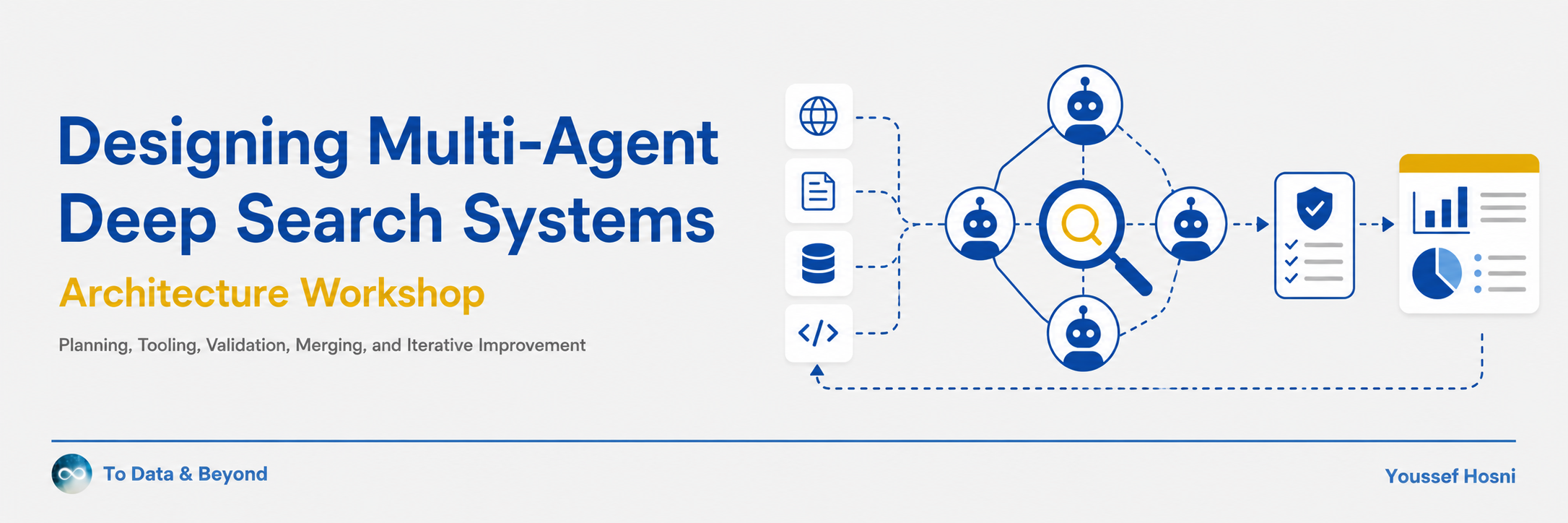
Want to go deeper into multi-agent deep search systems?
I’m hosting a live architecture workshop: Designing Multi-Agent Deep Search Systems.
In this 1.5–2 hour session, we’ll break down how to design agents that plan, search, validate sources, handle contradictions, merge evidence, manage context, and improve across iterations.
What makes DeepSeek V4 Unique?
The most notable feature of “DeepSeek-V4” is its architectural improvements that enable long-text processing at a practical cost.
The Hugging Face model card explains that V4 employs a hybrid attention mechanism combining Compressed Sparse Attention and Heavily Compressed Attention.
On the other hand, the DeepSeek V4 official announcement also uses the expression Token-wise compression Plus DeepSeek Sparse Attention.
In short, it’s about reducing the computational complexity and KV cache when dealing with long contexts, and processing inputs of around one million tokens at a more realistic cost.
According to the model card, “DeepSeek-V4-Pro” reduces FLOPs by 27% and KV cache by 10% during single-token reasoning compared to “DeepSeek-V3.2” in a 1M context configuration.
Up until now, the ability to handle long contexts and to operate cheaply and quickly has been difficult to achieve simultaneously. Even if a model exists that can read 1 million tokens, cost, latency, and memory consumption become problems in actual operation. DeepSeek-V4 can be said to be a model that directly addresses these issues.
What differences between Pro and Flash?
The “ DeepSeek-V4-Pro “ is the flagship model of the series. It is designed for high performance in global knowledge, mathematics, STEM, coding, and agent-based tasks, and has shown very high performance among open models in official benchmarks.
“ DeepSeek-V4-Flash “ is a lightweight, high-speed, and low-cost version. With a total of 284 bytes of parameters and 13 bytes of active parameters, it is a significantly smaller model than the Pro version. Despite being smaller than the Pro, Flash is said to be close to the Pro in terms of reasoning performance and to perform similarly to the Pro in simple agent tasks.
Let’s Start Coding :
1. query.py
I started by loading the bge-m3 embedding model using Ollama to convert text into vectors. Then I load the saved TurboVec index from index.tq, which I created earlier from my documents.
When a query comes in, I convert it into a vector using the same model. This keeps everything in the same vector space. Then I search the index to find the top 3 most similar chunks based on meaning, not just keywords.
Next, I map those results back to the original lines in data.txt, clean them, remove duplicates, and keep the order. Then I join them into one context string.
Finally, I sent this context to the model using Ollama’s chat with a strict prompt. I force it to only use the given context and say “Not found in context” if the answer isn’t there.
This helps avoid hallucination. The final answer is printed to the terminal.
from turbovec import TurboQuantIndex from langchain_ollama import OllamaEmbeddings from ollama import chat embedder = OllamaEmbeddings(model=”bge-m3:latest”) index = TurboQuantIndex.load(”index.tq”) query = “What are the company’s total assets as of December 31, 2018?” q_vec = [embedder.embed_query(query)] scores, indices = index.search(q_vec, k=3) with open(”data.txt”) as f: texts = f.readlines() retrieved = [texts[i].strip() for i in indices[0]] retrieved = list(dict.fromkeys(retrieved)) context = “\n”.join(retrieved) print(”\n🔍 Retrieved Context:\n”) for i, chunk in enumerate(retrieved, 1): print(f”{i}. {chunk}”) response = chat( model=’deepseek-v4-flash:cloud’, messages=[ { “role”: “system”, “content”: “”“You are a strict assistant.

Rules:

1. ONLY use the provided context.

2. DO NOT use prior knowledge.

3. If the answer is not fully in the context, say exactly: “Not found in context”.

“”“ }, { “role”: “user”, “content”: f”Context:\n{context}\n\nQuestion: {query}\n\nAnswer:” } ] ) print(”\n💡 Answer:\n”) print(response[’message’][’content’])
2. indexer.py
I started by setting up the bge-m3 embedding model using Ollama. I use this model to turn text into vectors.
Next, I read the file data/docs.txt. I clean the text by removing extra spaces and empty lines, so I only keep useful content.
Then, I pass all the text chunks into embed\_documents. This sends the text to the model and gives me back vectors—one vector for each line.
After that, I detect the size of the vectors using the first one. Based on that, I create a TurboVec index with 4-bit quantization.
I chose this because it makes the vectors smaller, saves memory, and keeps the search fast without losing much accuracy.
Then I add all the vectors to the index in one go.
Finally, I save the index to index/index.tq. This file is important because I load it later when I run queries. So I only need to run this script once — unless my documents change.
from turbovec import TurboQuantIndex from langchain_ollama import OllamaEmbeddings embedder = OllamaEmbeddings(model=”bge-m3:latest”) with open(”data/docs.txt”) as f: texts = [line.strip() for line in f.readlines() if line.strip()] vectors = embedder.embed_documents(texts) index = TurboQuantIndex(dim=len(vectors[0]), bit_width=4) index.add(vectors) index.write(”index/index.tq”) print(”✅ Index built successfully!”)
3. rag.py
I designed the script to load the BGE-M3 embedding model once using Ollama, so it doesn’t reload every time.
In build\indexI take text chunks and turn them into vectors with embed\documents. Then I convert them into a NumPy float32 array, since TurboVec requires that format. I detect the vector size automatically, create the index with 4-bit quantization, and add all vectors at once.
In ask function I take a query and convert it into a vector using embed\_query. I wrap it in a NumPy array and search the index for the top k similar chunks. Then I map those results back to the original text and combine them into one context.
Finally, I sent this context to the model using Ollama’s chat with a strict prompt, so it only uses the given data. I return both the answer and the retrieved chunks.
from turbovec import TurboQuantIndex from langchain_ollama import OllamaEmbeddings from ollama import chat import numpy as np embedder = OllamaEmbeddings(model=”bge-m3:latest”) def build_index(texts): vectors = embedder.embed_documents(texts) vectors = np.array(vectors, dtype=np.float32) # add this index = TurboQuantIndex(dim=vectors.shape[1], bit_width=4) index.add(vectors) return index def ask(query, index, texts, k=3, model=”deepseek-v4-flash”): q_vec = np.array([embedder.embed_query(query)], dtype=np.float32) scores, indices = index.search(q_vec, k=k) retrieved = [texts[i] for i in indices[0]] context = “\n”.join(retrieved) response = chat( model=model, messages=[ { “role”: “system”, “content”: “”“STRICT MODE:

- Answer ONLY from context

- No external knowledge

- If missing: say ‘Not found in context’

“”“ }, { “role”: “user”, “content”: f”Context:\n{context}\n\nQuestion: {query}” } ] ) return response[’message’][’content’], retrieved
Concsluion
DeepSeek V4 is no longer a passive responder. It evolves into an active intelligence that autonomously understands complex repositories, tackles mathematically challenging problems while self-correcting, and derives logic from images of the physical world.
The “intelligence barrier” that Silicon Valley has built is being shaken more violently than ever before by the “algorithmic elegance” unleashed by DeepSeek.
“DeepSeek-V4” is not just a model update; it may be a major turning point towards an era of “long text, agent-based, low-cost, and open-weighted” solutions.
Turbovec is an excellent open-source implementation that embodies Google’s innovative TurboQuant theory as a fast vector index that anyone can use immediately.
It boasts four key features: data independence, no training required, extreme compression, and high-speed search, delivering performance that surpasses traditional FAISS in local environments.
🧙♂️ I am an AI Generative expert! If you want to collaborate on a project, drop an inquiry here or book a 1-on-1 Consulting Call With Me.
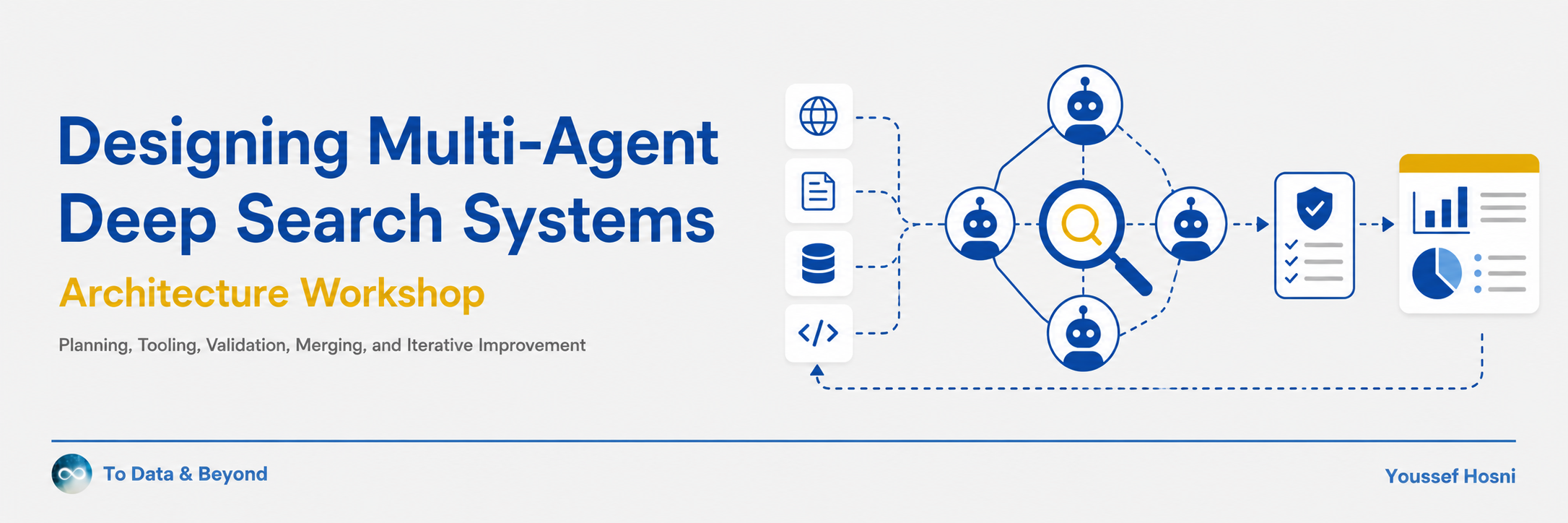
Join my upcoming live workshop: Designing Multi-Agent Deep Search Systems
If you want to understand how to architect deep search agents beyond simple retrieval and basic tool calling, I’m running a live technical workshop on this topic.
We’ll cover the full architecture: planner agents, executor agents, tool design, MCPs, source reliability scoring, contradiction handling, temporal reasoning, memory management, merging, and evaluation.
You’ll also get the recording, slide deck, technical handbook, architecture blueprint, source scoring template, and evaluation checklist.
To Data & Beyond is a reader-supported publication. To receive new posts and support my work, consider becoming a free or paid subscriber.