🎬 Elvis Presley's song owners are suing Anthropic...
By The AI Pixel
Published: 2026-10-26
URL: https://theaipixel.substack.com/p/canva-just-built-its-own-ai-image
🚀 Be featured in our next issue. 👉 work with us here
Happy Monday, everyone 👋 Rui and Luis here.
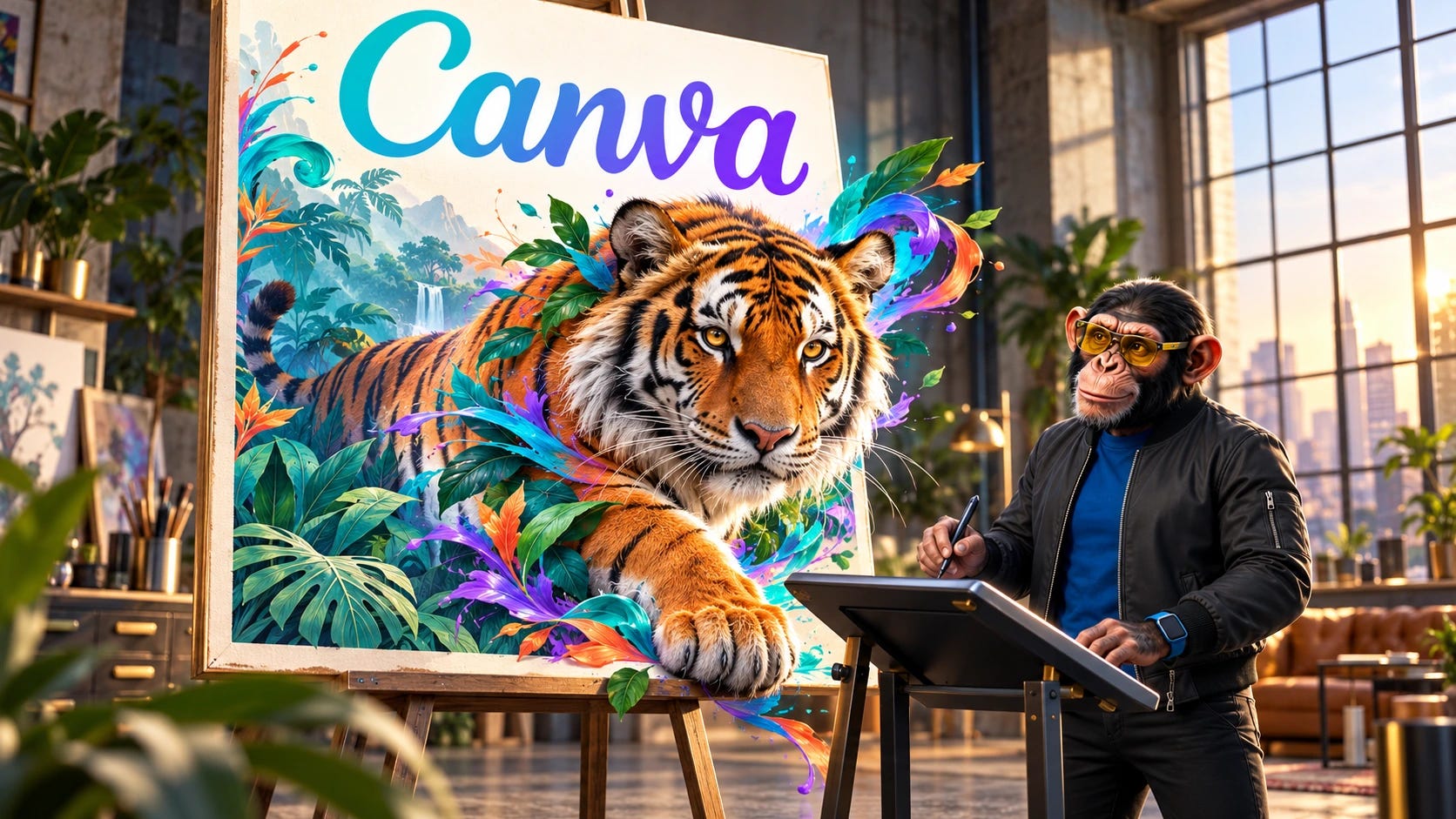
Canva released Canva Craft, its first in-house image model, trained on real designs instead of photos so it plans the layout and gets the text right.
Plus, CapCut is coming to ChatGPT, the owners of Elvis Presley‘s songs are suing Anthropic, and Grok released the first 7 minutes of its AI Odyssey.
(Read time - 5 minutes)
⭐ Big Story → Canva Releases Craft, Its First Image Generation Model
Canva released Canva Craft, the first image generation model built by its own research team, to compete with the other big image models.
🔍 Highlights:
-
🧠 It plans before it paints: Craft works in two stages. First it maps out the spatial relationships between elements, their relative scale, the visual hierarchy and the text, then it generates the image.
-
📐 Sized for every platform: images go up to 2K resolution in 30 different aspect ratios.
-
✏️ Edit without starting over: you can make precise edits without changing the rest of the image, and Craft images can be turned into layered, editable designs with Canva Magic, Canva’s image-to-design tool.
-
🔌 Beyond Canva: the model is also coming to the Canva API, Canva plans to bring its image generation to ChatGPT and Gemini through its MCP.
⚙️ AI Tools
🎬 Hiroska: A browser AI video studio that generates video, images, music and voiceover with 80+ models, then lets you cut it all on a multi-lane timeline.
🧩 Wireflow: A shared board, so you can chain models like Veo 3.1, Kling, Seedance 2.5 and Nano Banana Pro from a first image all the way to a finished image or video.
🎵 Veena: A free AI music studio in your browser with a built-in CoProducer that composes, produces and mixes your track layer by layer.
✂️ MirrorCut: An AI video editor that turns raw recordings into ads, Shorts and Reels.
📚 Tutorials library
🤖 10 Boring Tasks to Hand to Claude Cowork (or ChatGPT Work) This Week
🔍 Why ChatGPT Isn’t Recommending Your Business (10 Quick Fixes)
📅 Plan 30 Days of Content With One Claude Skill
✍ Replace Your ~1,500/month Copywriter With a Short-Form Script Claude Skill
📝 Build a Homework Coach Skill (Helps Your Kids Understand, Never Just Gives the Answer)
🔥 Quick Hits
📹 CapCut announced a ChatGPT plugin: type an idea or a script into ChatGPT, turn on the plugin to make a draft video right in the chat. (continue reading)
🎵 The owners of 274 Elvis Presley songs, sued Anthropic on Friday, saying Claude was trained on them without permission. (continue reading)
🖼 Ideogram released its first vector model, which turns a text prompt or any image into a scalable, editable SVG for logos, print designs and illustrations. (continue reading)
🎬 Three months after Elon Musk promised, Grok released seven minutes, now called “Episode 1 of our Odyssey series,” made with Grok Imagine. (continue reading)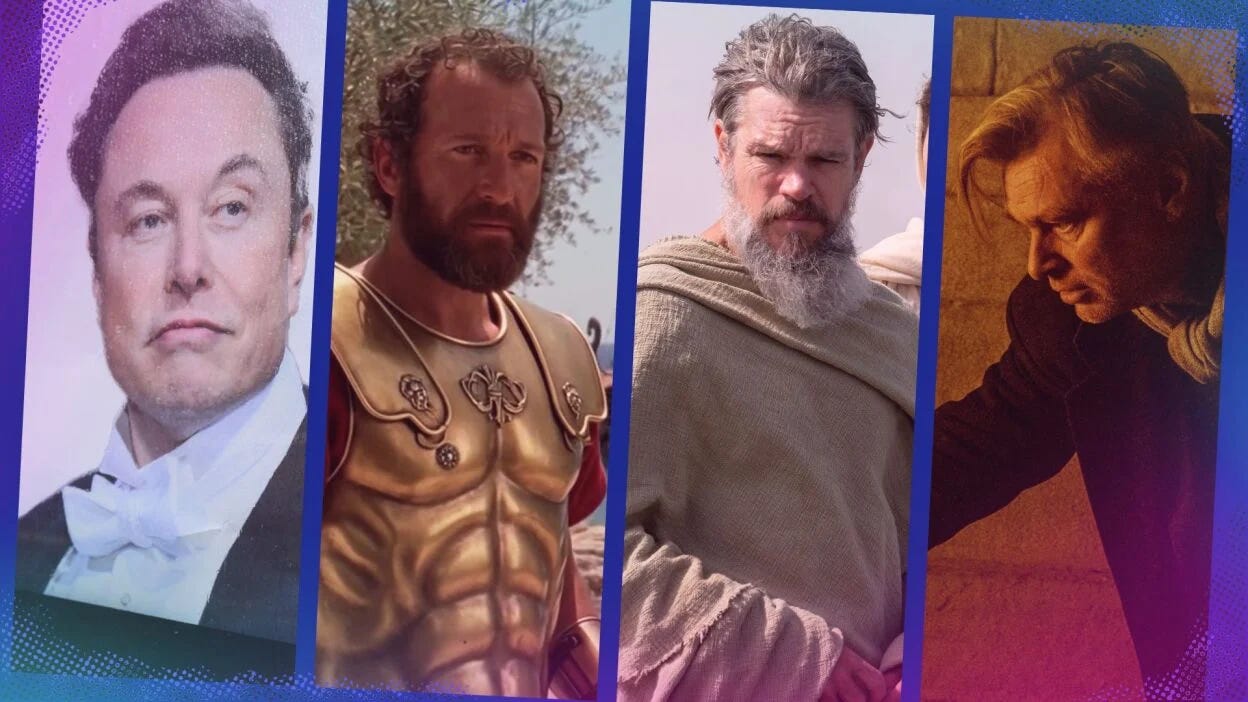
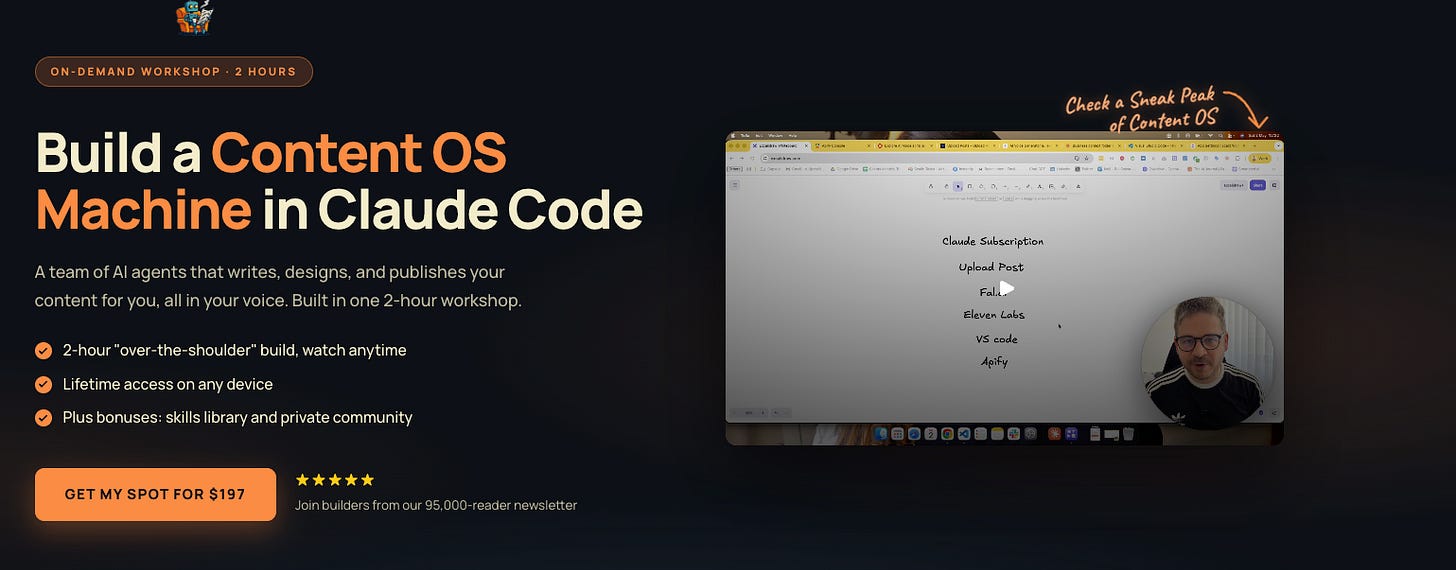
🤖 Create Your First AI Content Agent
It’s called the Content OS System, and inside you get:
🧠 Step-by-step workshop
📂 Our ready-to-use Claude Code folder
🛠️ 21 plug-and-play Claude skills for research, writing, posts, videos, threads, and more
📅 Auto-scheduling for Instagram, Twitter, LinkedIn, YouTube, and TikTok
💬 Private Telegram support to help you set up your first AI content agent
🎯 Creator Spotlight
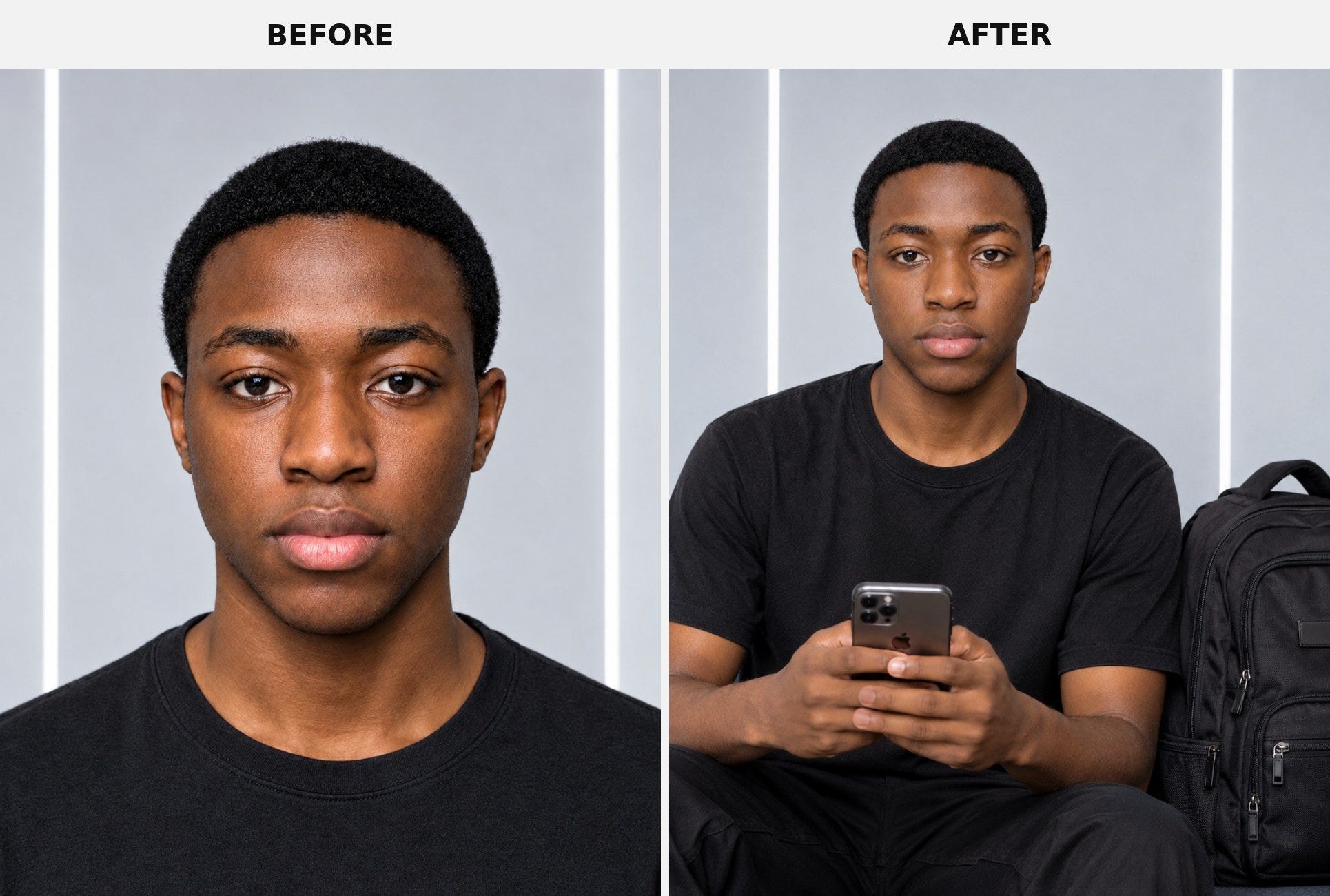
Add a Realistic Object to Any Photo without losing quality. Credits to @abs_crea8or
Prompt:
Using the uploaded photo as the original reference, add a realistic iPhone in the person's hands and a black backpack beside them.
Preserve the person's exact identity, facial features, skin tone, hairstyle, clothing, body proportions, pose, and expression. Keep the original background, environment, and composition unchanged.
Make the added objects look as though they were naturally present when the original photo was taken. Match the lighting, shadows, perspective, scale, colors, reflections, and textures of the original image. Ensure the person's hands interact naturally with the camera and that the backpack rests firmly on the ground with realistic contact shadows.
Maintain the original photo's quality and photorealistic appearance. Do not alter the person's face, replace the background, or introduce unnecessary elements. Avoid floating objects, distorted hands, incorrect proportions, artificial edges, or visible AI artifacts.
Final result: The same original photo, enhanced with seamlessly integrated, ultra-realistic objects that look completely natural.
📚 Expand Your AI Skills with The AI Break
Our sister newsletter The AI Break delivers actionable AI tutorials twice a week. Here are some recent favorites:
🎨 ChatGPT Image Cheat Codes (Type One Word, Get a Stunning Image)
📹 Build a YouTube Buyer Journey (12 Videos That Turn Viewers Into Customers)
📅 Turn What You Already Do at Work Into 30 Days of Content
✍ Make ChatGPT Write Like a Human (And Get Past AI Detectors)
→ Subscribe to The AI Break (free)
🎬 Video of the Week
👋 See you all on Thursday
Stay creative,
Luis & Rui
PS: Follow us on X 👉 @sousa_brothers for daily AI updates.
PPS: If you enjoyed this issue, share it with a creative friend. Every share helps us bring you better tools, stories, and inspiration.
PPPS: Our pixels are ✨ creatively grateful for every share