Computer-use AI is creating a new era of business automation where non-technical professionals can delegate software tasks without building complicated integrations.
By Sherif Saad
Published: 2026-11-15
URL: https://theaioperators.substack.com/p/i-stopped-connecting-my-business
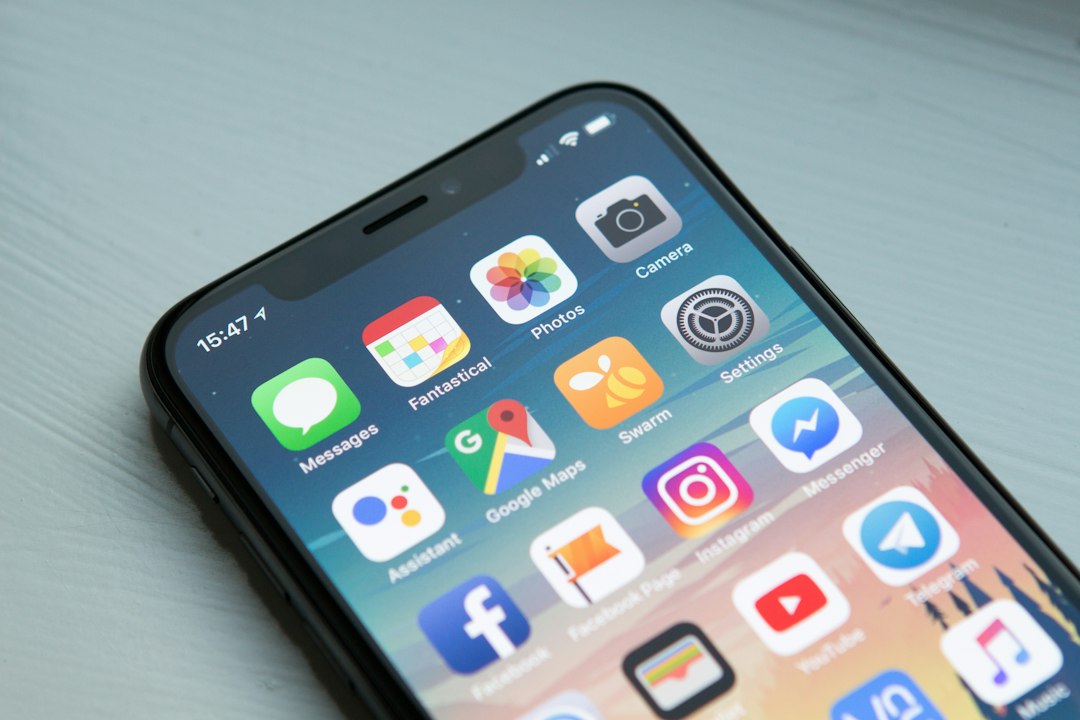
\Photo byWilliam HookonUnsplash\
For years, I thought automation meant connecting everything.
CRM to email.
Email to spreadsheet.
Spreadsheet to accounting.
Accounting to reporting.
Website to database.
Database to dashboard.
If two systems didn’t connect, I assumed the answer was simple:
Find someone who can build the integration.
Then something changed.
AI started learning how to use software the way a person does.
It could look at a screen.
Recognize a button.
Read a form.
Navigate a website.
Enter information.
Move between pages.
And, under controlled conditions, complete a sequence of actions.
That sounds like a small technological improvement.
It isn’t.
Because suddenly I began looking at all the software my business uses differently.
I stopped asking:
“Does this app have an API?”
And started asking:
“Can AI use this app?”
That is a very different question.
🖥️ The Problem Was Never the Number of Apps
The problem was what happened between them.
Every business has software that doesn’t quite talk to other software.
The old supplier portal.
The government website.
The accounting system with limited integrations.
The CRM that exports CSV files.
The membership platform nobody wants to replace.
The website dashboard that requires ten clicks to accomplish something simple.
The internal tool created years ago.
The application that technically has an API—but only on an expensive enterprise plan.
These systems create what I think of as digital islands.
Information can enter.
Information can leave.
But someone has to carry it across the bridge.
Usually, that someone is a human.
And humans are remarkably expensive bridges.
😮 Then I Watched AI Use a Website
The first time I seriously considered computer-use AI, I wasn’t impressed by the idea of another chatbot.
I was impressed by something much more ordinary.
A screen.
A browser.
A form.
And an AI system that could interact with them.
It felt almost strangely human.
Instead of telling me what button to click, the system could potentially click it.
Instead of explaining how to complete a form, it could potentially fill it.
Instead of giving me instructions for moving information from one website to another, it could potentially perform the repetitive sequence itself.
That distinction is enormous.
Traditional AI often gives you:
the answer.
Computer-use AI moves toward:
the action.
🔄 I Realized How Much of Business Is Just Clicking
This was uncomfortable to admit.
A surprising amount of administrative work isn’t difficult.
It’s repetitive.
Open this.
Copy that.
Paste here.
Select this dropdown.
Download the file.
Rename it.
Upload it.
Check the status.
Send the email.
Update the CRM.
Open the next record.
Repeat.
Nobody goes home thinking:
“Today I performed 137 brilliant strategic decisions.”
They think:
“I spent four hours updating systems.”
That’s the opportunity.
The value of computer-use AI isn’t necessarily that it can perform something intellectually extraordinary.
It’s that it can potentially remove the repetitive interface work surrounding meaningful decisions.

\Photo byRahul ChakrabortyonUnsplash\
🧠 The New Automation Stack Looks Different
The old model was something like:
Application A → API → Automation → API → Application B
It works beautifully when APIs exist.
But businesses don’t live in perfect software diagrams.
The newer possibility is:
AI sees interface → understands context → acts → verifies result
That means the screen itself becomes an interface for automation.
A business owner doesn’t necessarily need to rebuild the technology stack.
The AI can potentially work with what is already there.
Current 2026 industry coverage describes computer-use agents as systems that operate browsers and applications through interfaces, making them particularly relevant to legacy software and workflows without clean APIs.
That could be a major shift for smaller businesses.
📋 Imagine Your Monday Morning
Imagine opening your business on Monday.
You have:
37 new emails.
12 customer requests.
8 supplier messages.
5 invoices.
3 appointments to confirm.
2 reports to download.
1 spreadsheet to update.
And a dozen little things you promised yourself you’d remember.
Normally, you become the operating system.
You read.
Interpret.
Copy.
Paste.
Click.
Check.
Forward.
Update.
Repeat.
Now imagine describing the workflow in ordinary language:
“Review new customer requests, identify the ones requiring follow-up, update the appropriate records, prepare responses, and leave anything unusual for me.”
That’s not programming.
It’s a business instruction.
The AI handles the interface work.
You handle the exceptions.
That distinction could redefine what “automation” means for non-technical professionals.
🏪 The Small Business Owner Suddenly Has a Different Option
Let’s say you own a small online store.
Your order information arrives through one platform.
Your inventory lives somewhere else.
Your shipping provider uses another website.
Your accounting software is separate.
Your customer support system is separate.
Your supplier portal is completely separate.
You could spend months trying to connect everything.
Or you could identify one repetitive workflow.
For example:
New order → check inventory → update shipping system → record information → notify customer
If some of those systems lack convenient integrations, computer-use AI could potentially interact with their interfaces directly.
It doesn’t mean you should give an AI unlimited access.
Quite the opposite.
You define exactly what it can access.
Exactly what it can do.
Exactly what requires approval.
And exactly what happens when something doesn’t look right.
👀 The Most Important Word Is “Verify”
This is where the excitement around AI needs a little discipline.
An AI agent clicking buttons is not automatically useful.
If it clicks the wrong button very quickly, you’ve simply created a faster problem.
Computer-use agents still have limitations involving reliability, changing interfaces, security, prompt injection, and unexpected page behavior.
Current 2026 guidance emphasizes constrained workflows, monitoring, testing, and human approval for sensitive actions rather than unrestricted autonomy.
So I wouldn’t tell AI:
“Run my business.”
I’d tell it:
“Perform this narrow workflow. Check your work. Stop when something unexpected happens.”
That is much more powerful.
And much more realistic.